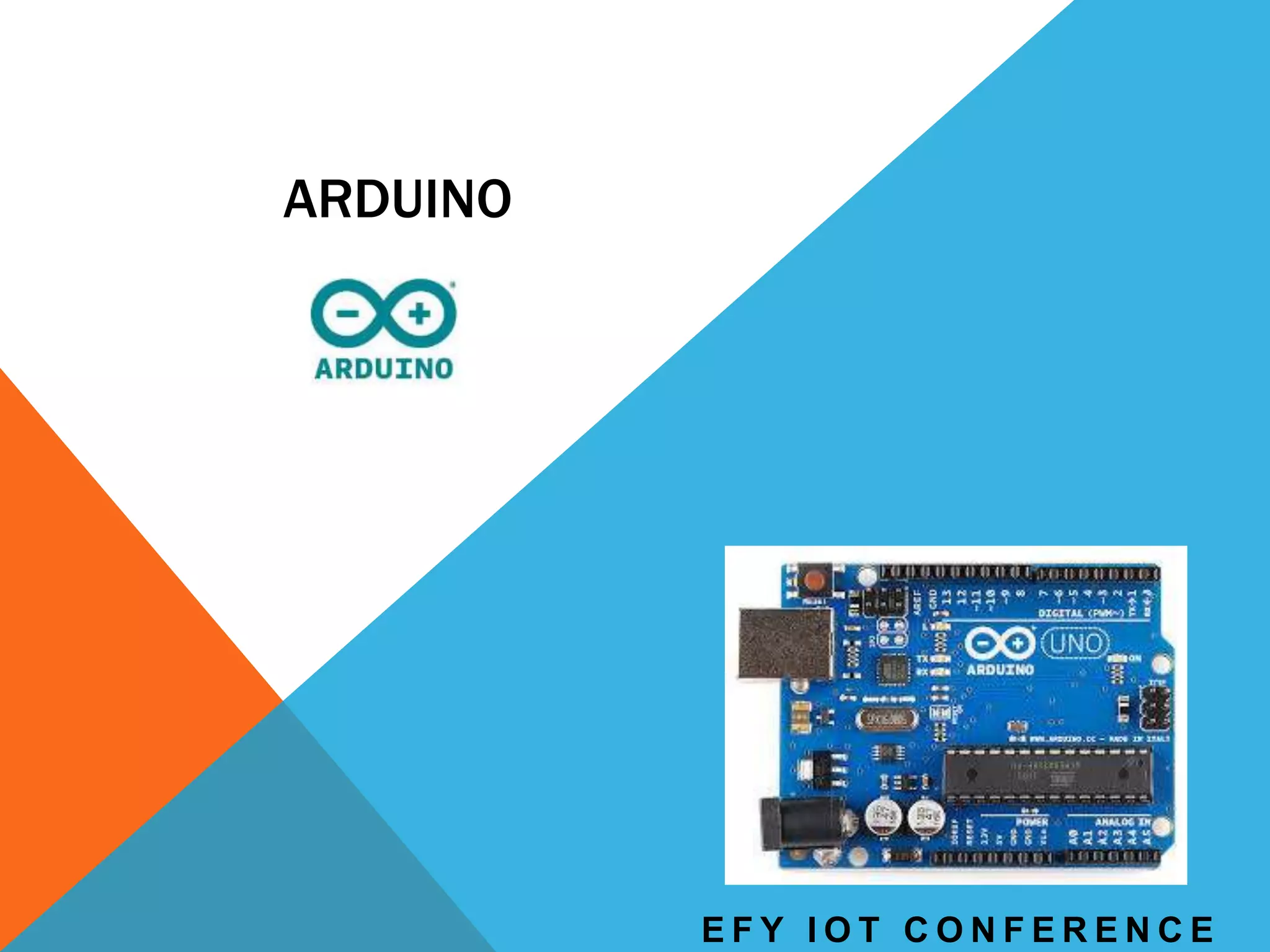
ARDUINO
E F Y I O T C O N F E R E N C E
2
ARDUINO
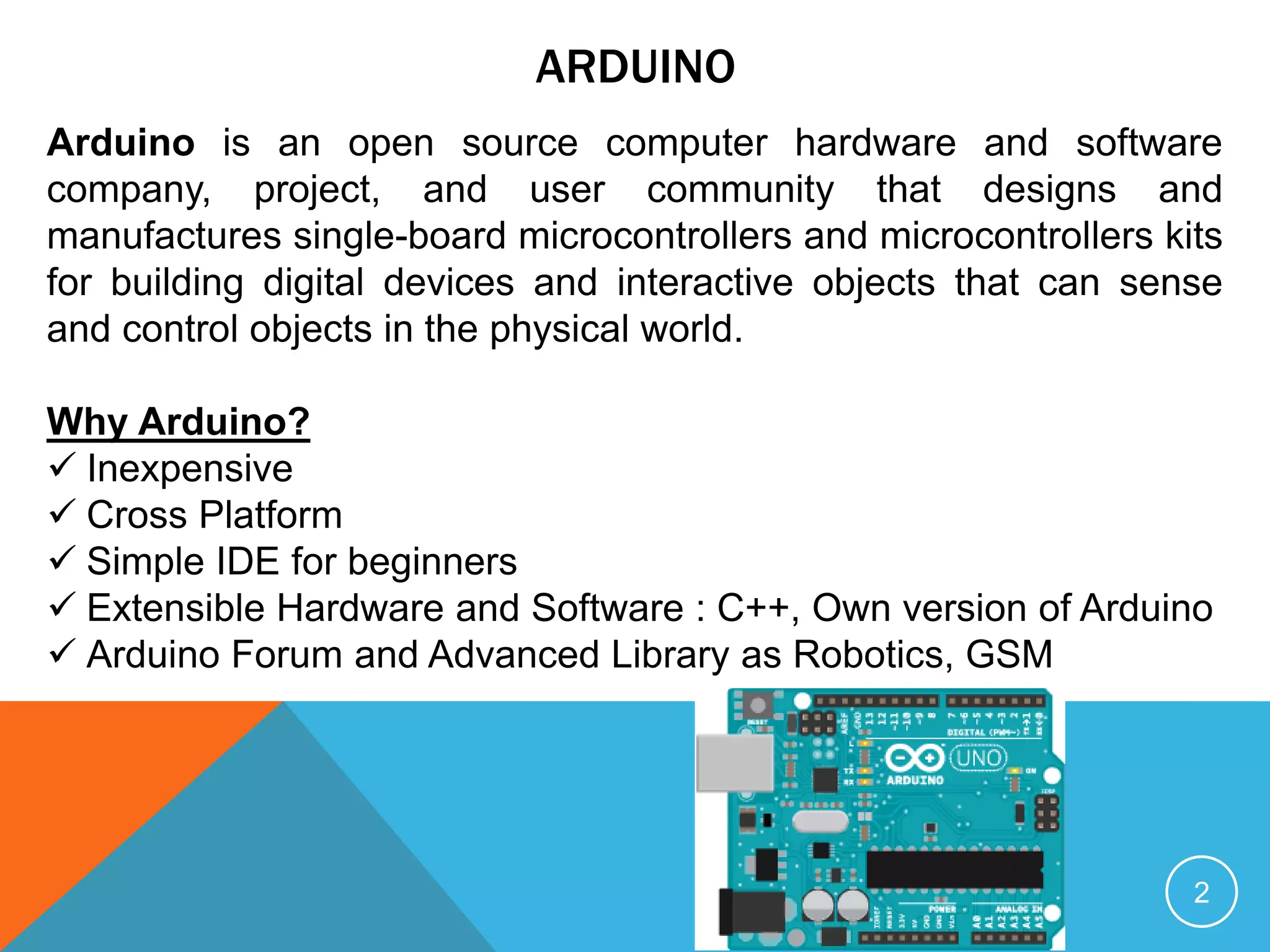
Arduino is an open source computer hardware and software
company, project, and user community that designs and
manufactures single-board microcontrollers and microcontrollers kits
for building digital devices and interactive objects that can sense
and control objects in the physical world.
Why Arduino?
 Inexpensive
 Cross Platform
 Simple IDE for beginners
 Extensible Hardware and Software : C++, Own version of Arduino
 Arduino Forum and Advanced Library as Robotics, GSM
ARDUINO WEB EDITOR
3
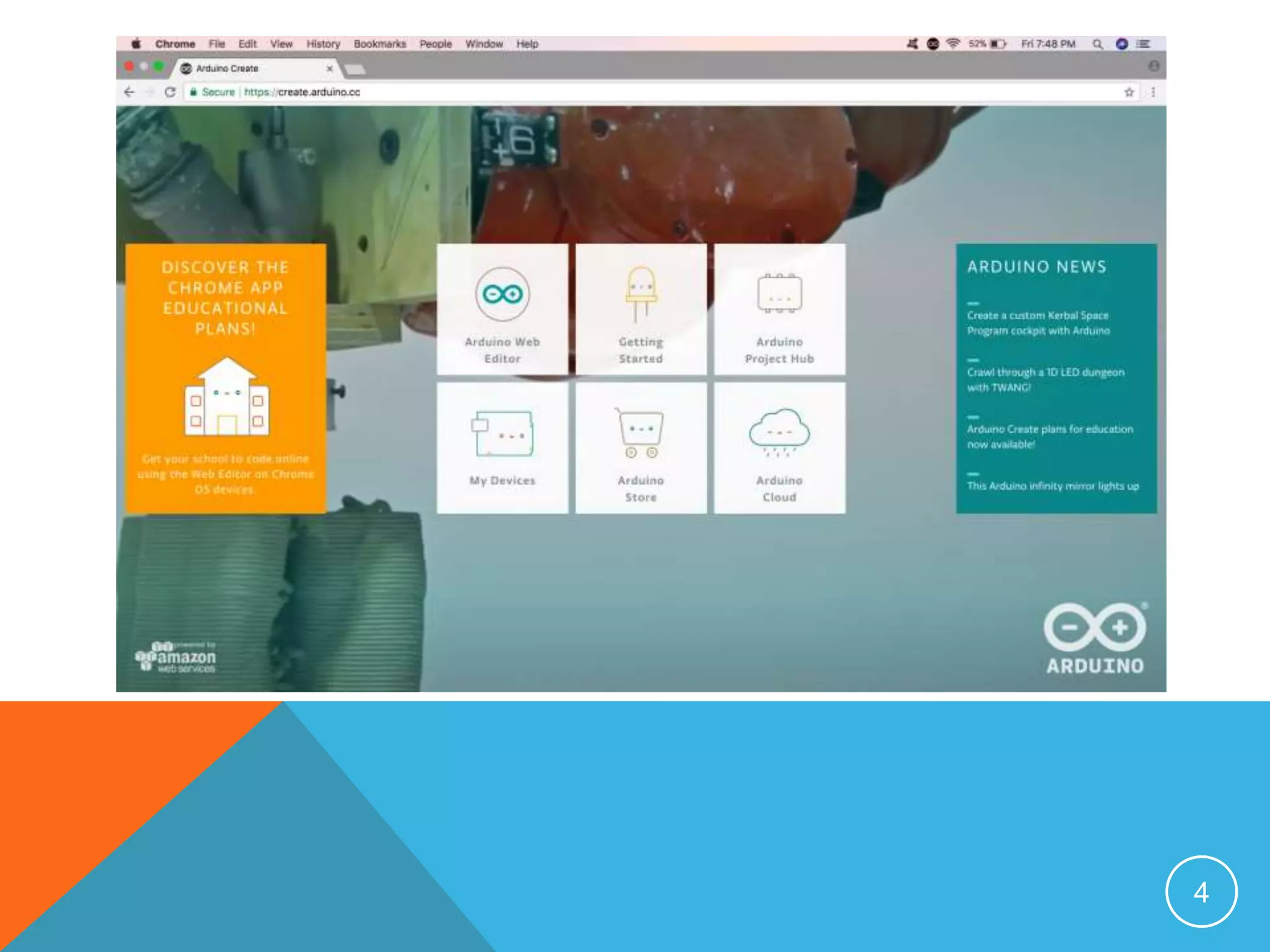
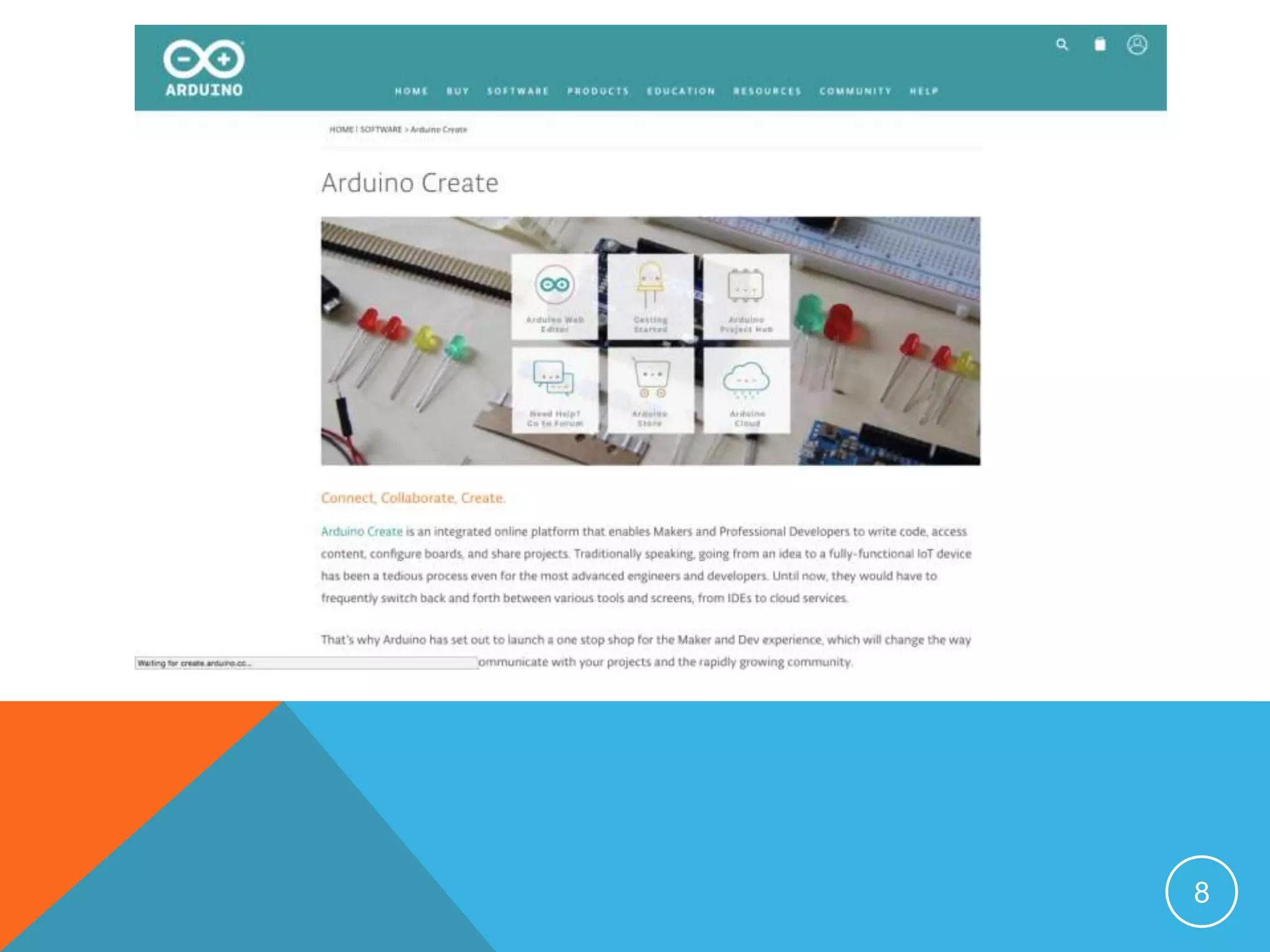
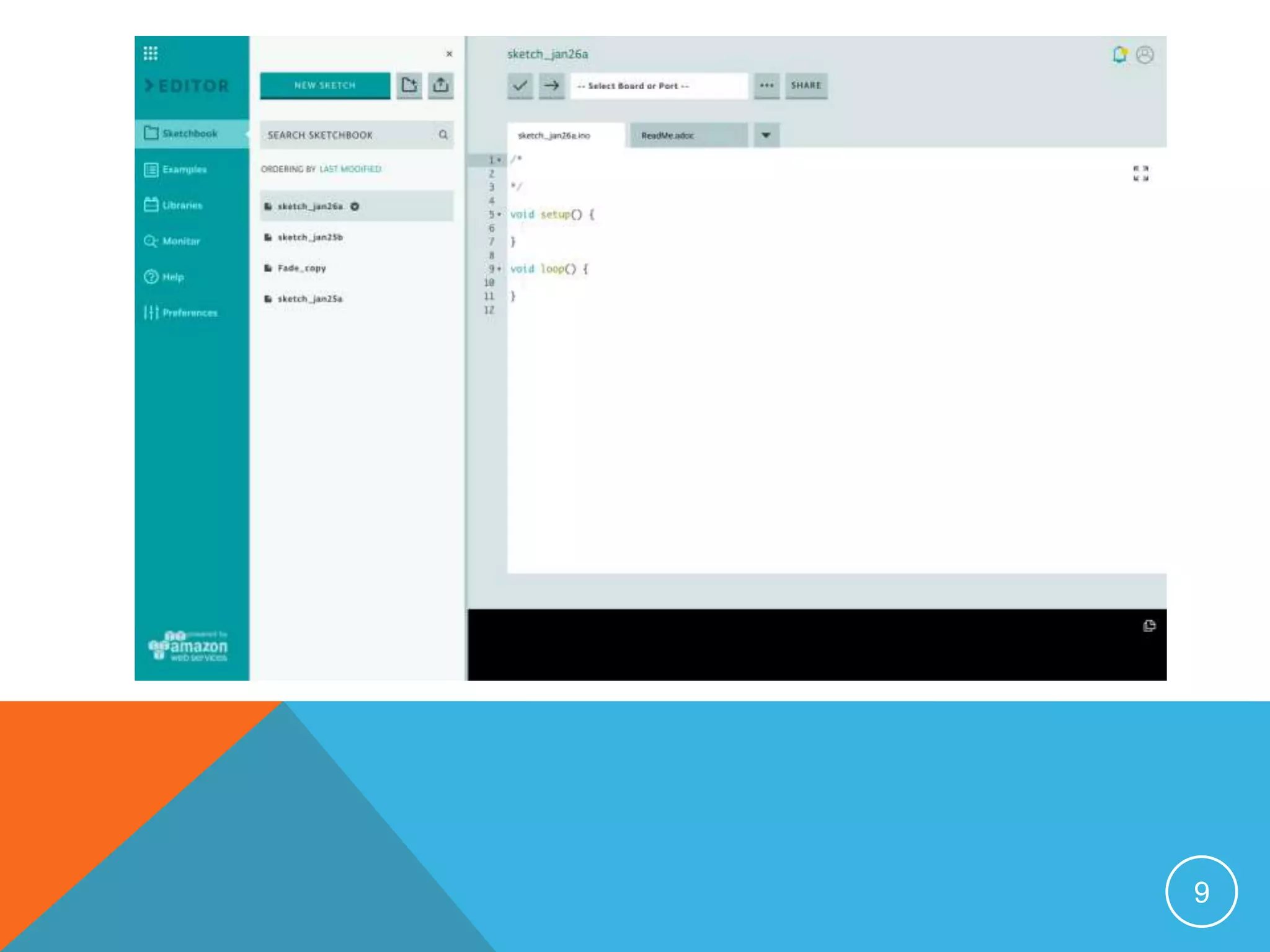
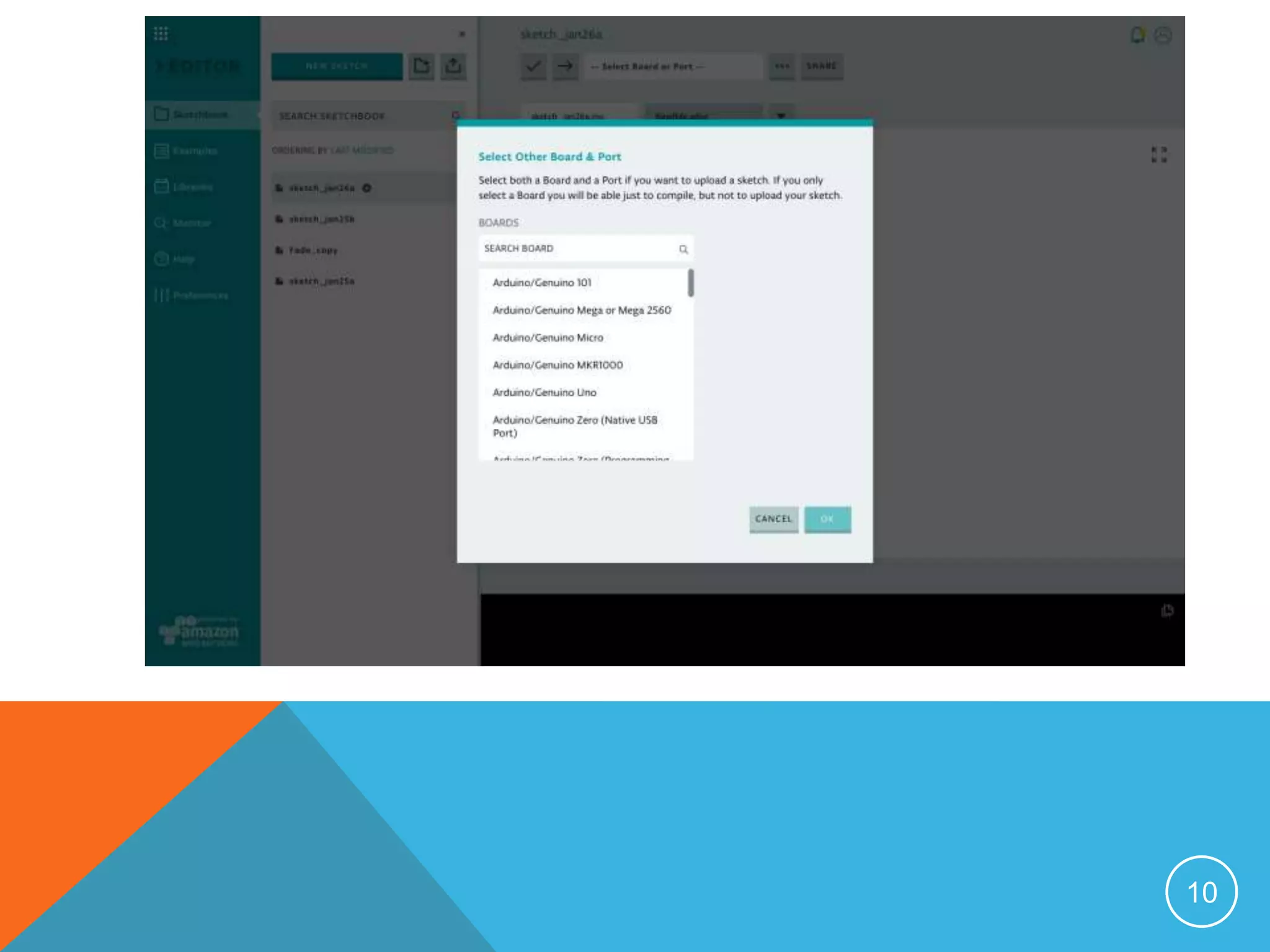
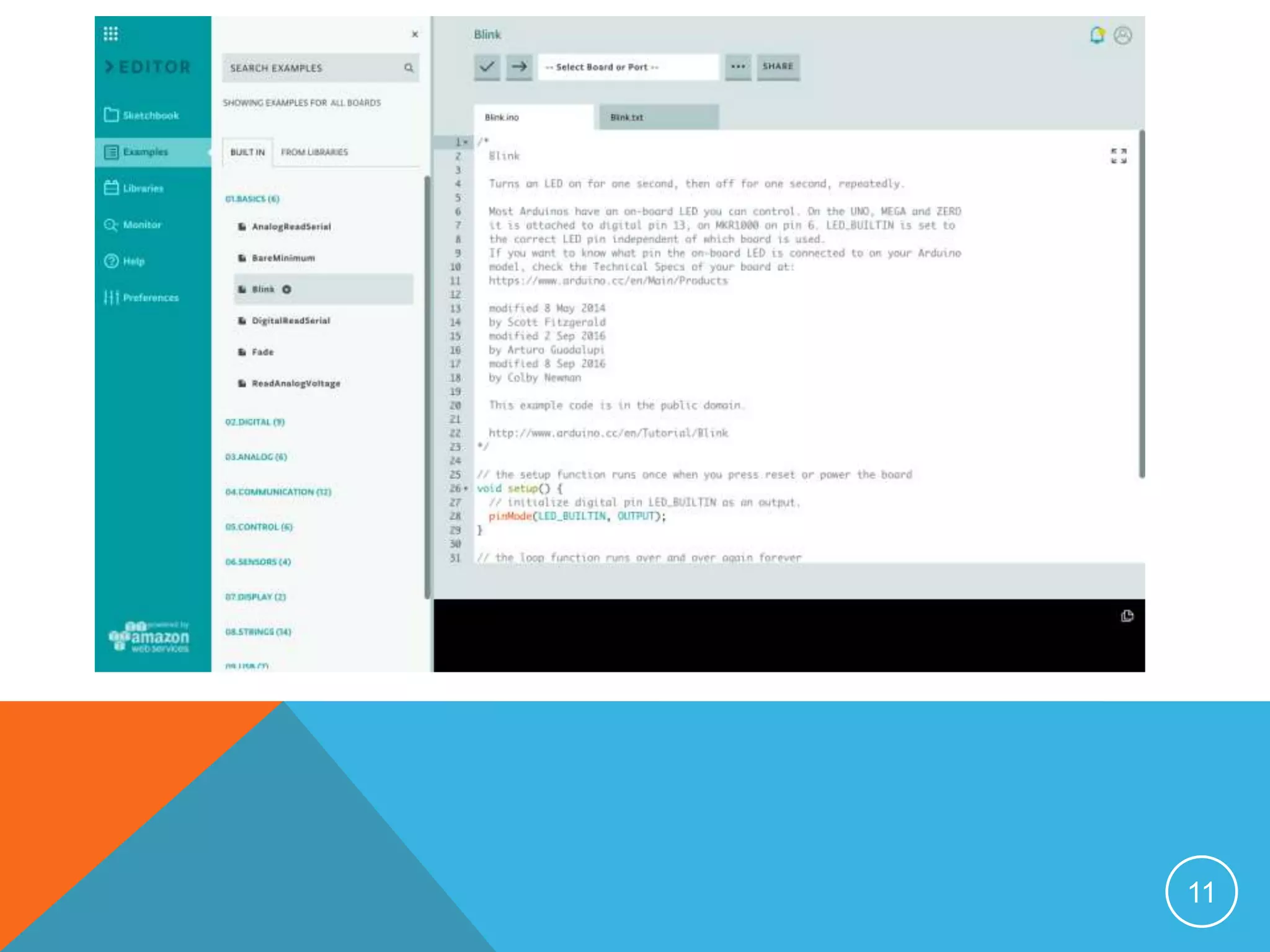
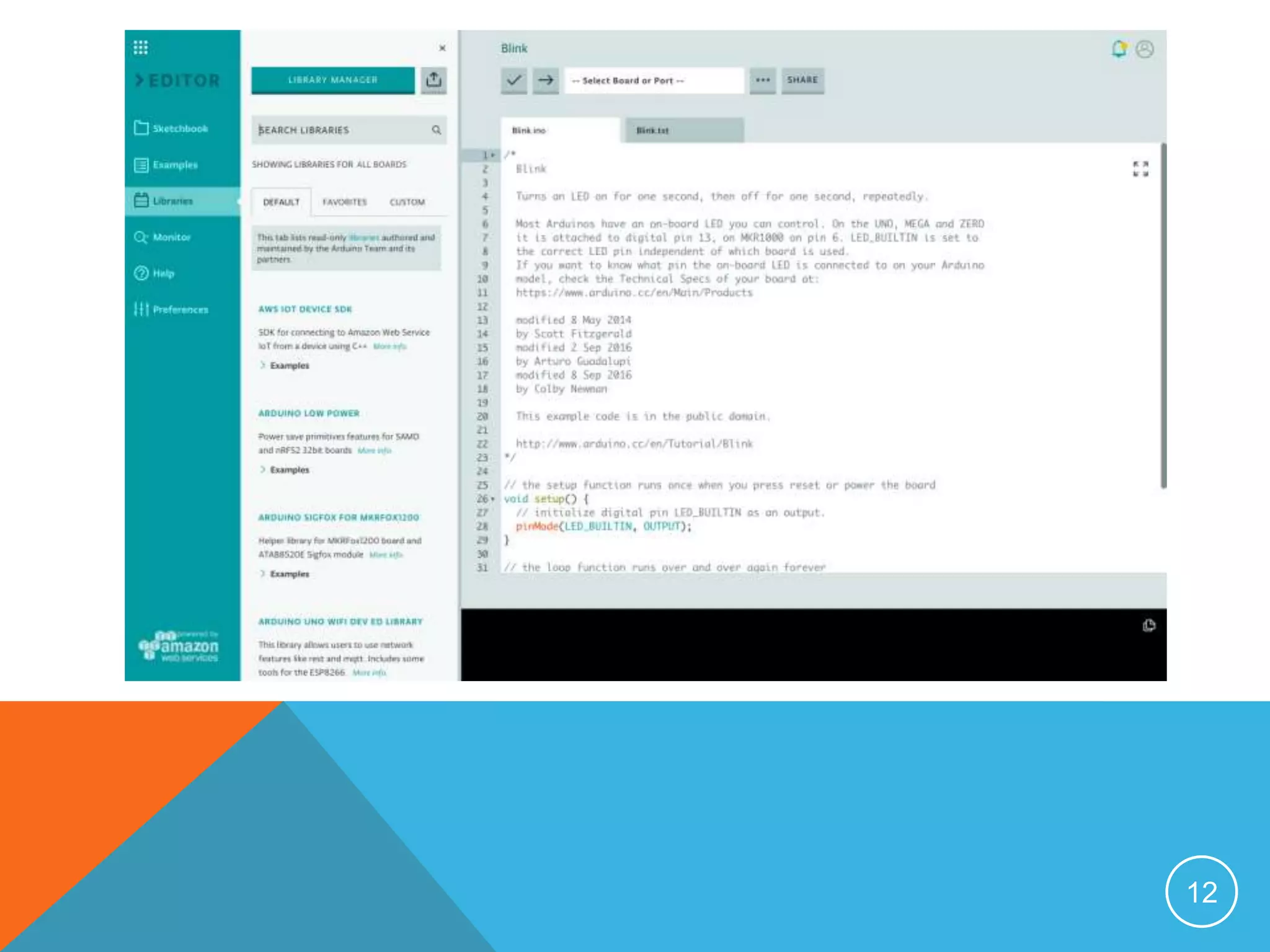
 Arduino Web Editor allows you to write code and upload
sketches to any Arduino & Genuino board directly from the
browser (Chrome, Firefox, Safari and Edge) after installing a
plugin. IDE lets write the code and save it to Cloud. It works
with any official Arduino & Genuino board.
 Arduino Web Editor is hosted online. Therefore, it will always
be up-to-date with the latest features and support for new
boards.
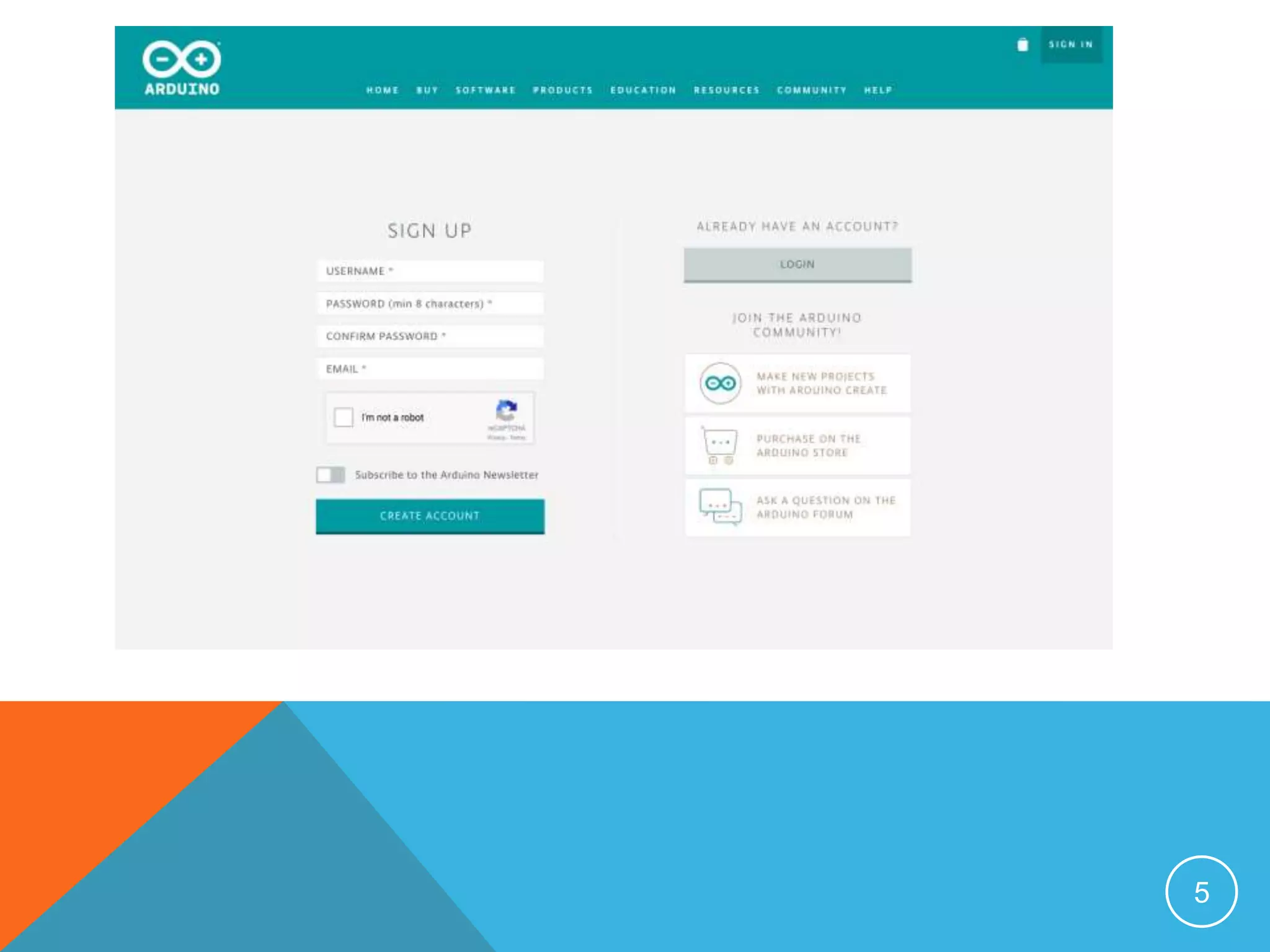
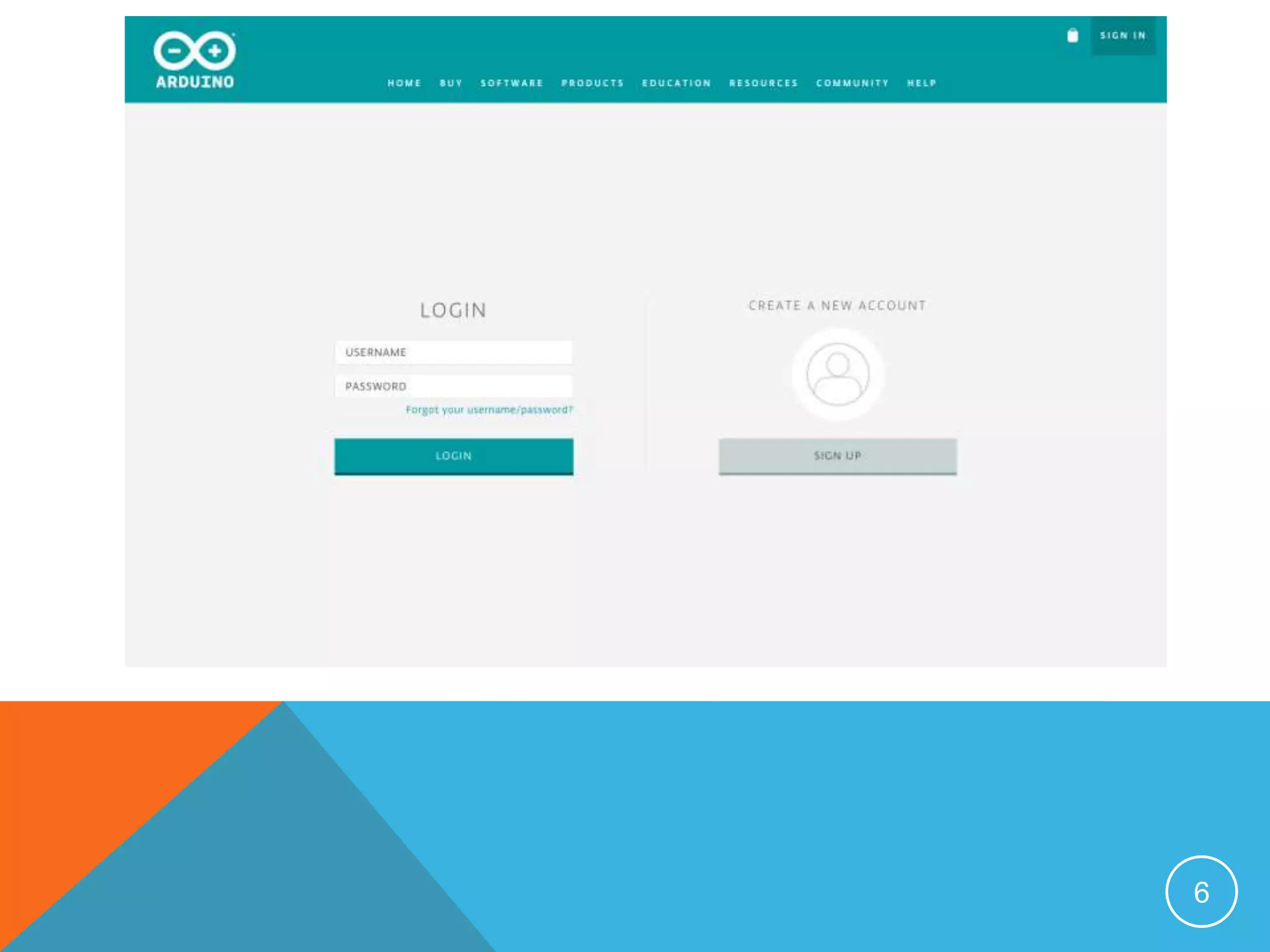
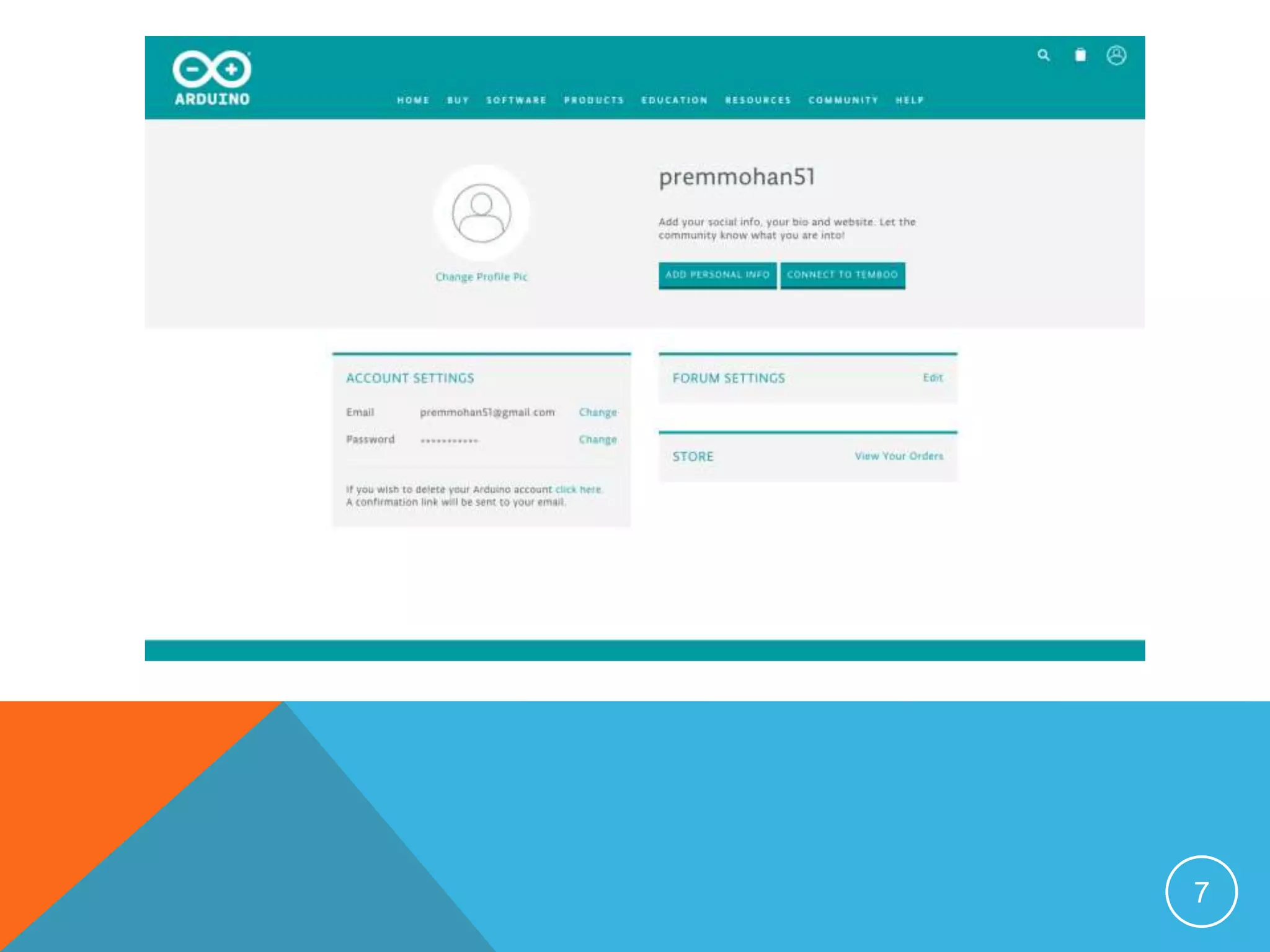
 An Arduino account is all that needs to get started.
https://create.arduino.cc/
4
5
6
7
8
9
10
11
12
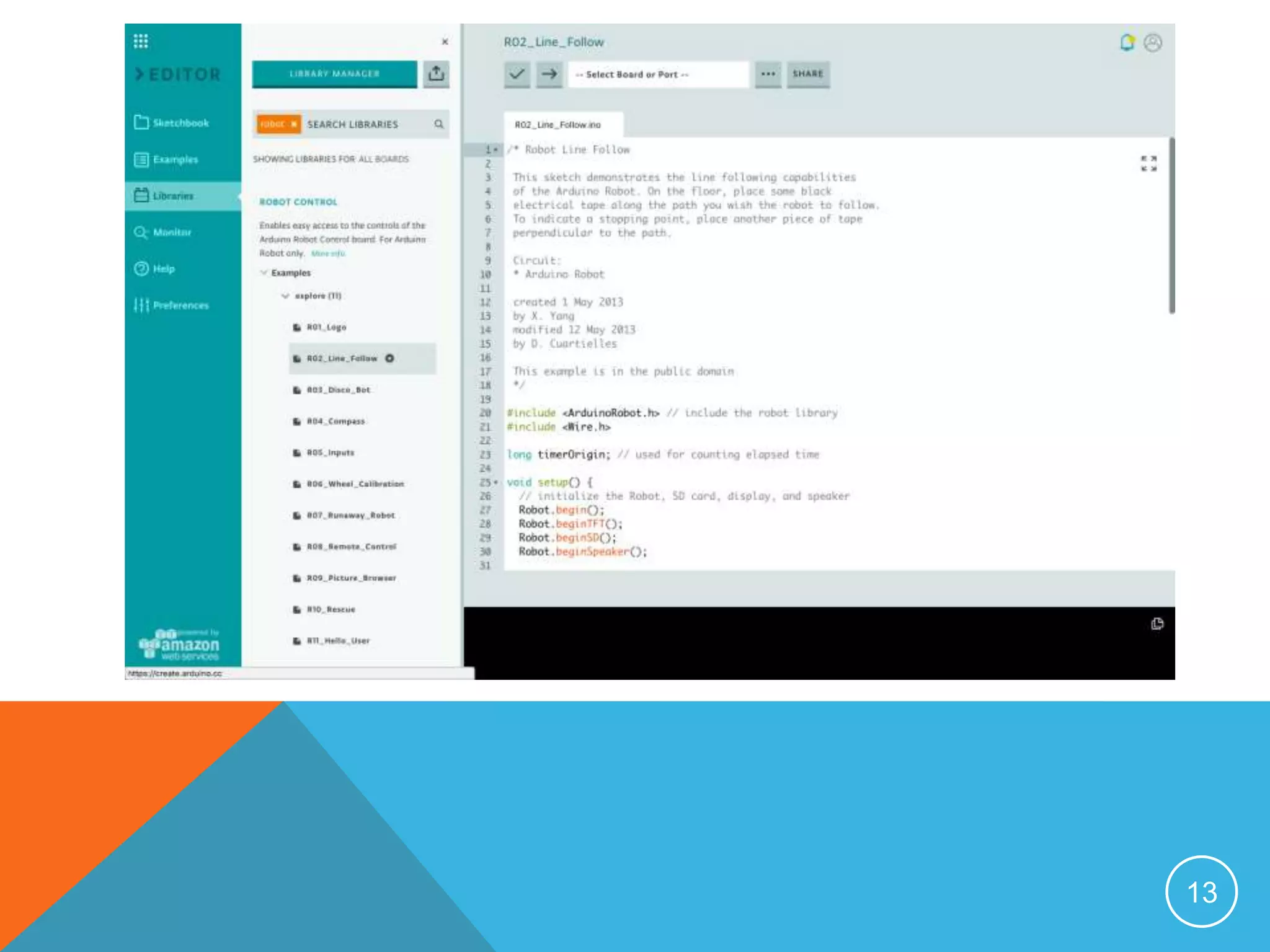
13
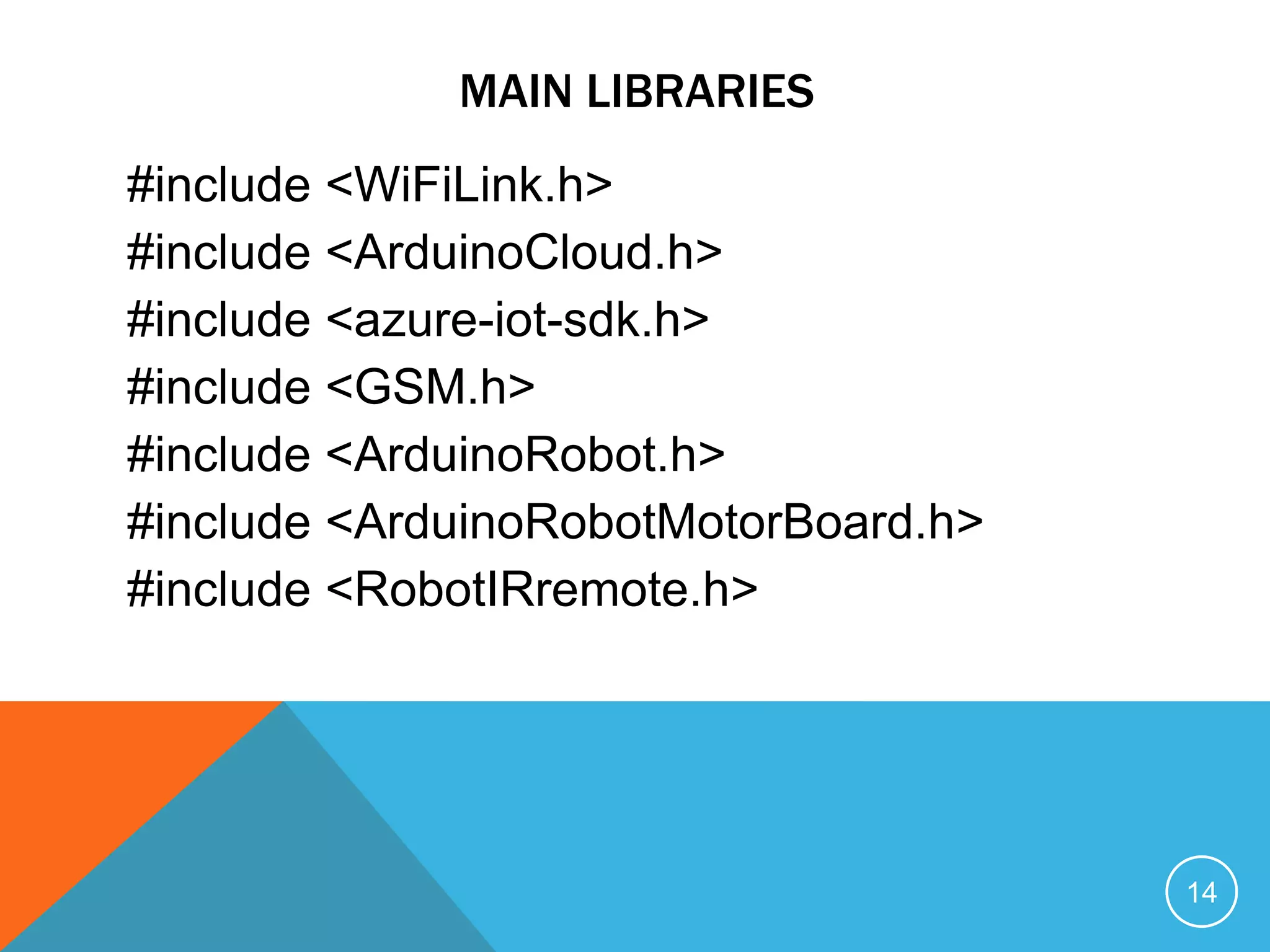
MAIN LIBRARIES
#include <WiFiLink.h>
#include <ArduinoCloud.h>
#include <azure-iot-sdk.h>
#include <GSM.h>
#include <ArduinoRobot.h>
#include <ArduinoRobotMotorBoard.h>
#include <RobotIRremote.h>
14
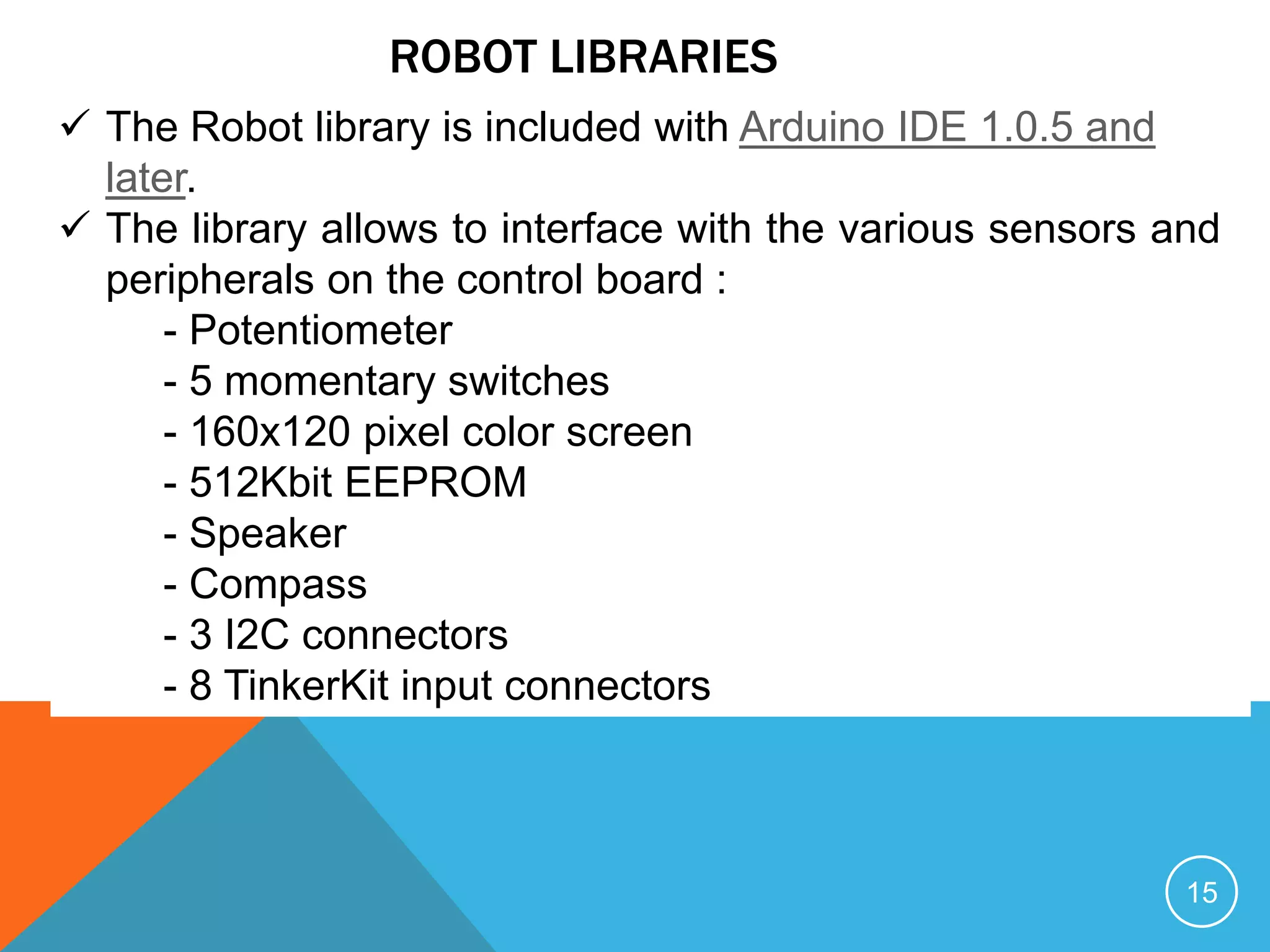
ROBOT LIBRARIES
 The Robot library is included with Arduino IDE 1.0.5 and
later.
 The library allows to interface with the various sensors and
peripherals on the control board :
- Potentiometer
- 5 momentary switches
- 160x120 pixel color screen
- 512Kbit EEPROM
- Speaker
- Compass
- 3 I2C connectors
- 8 TinkerKit input connectors
15
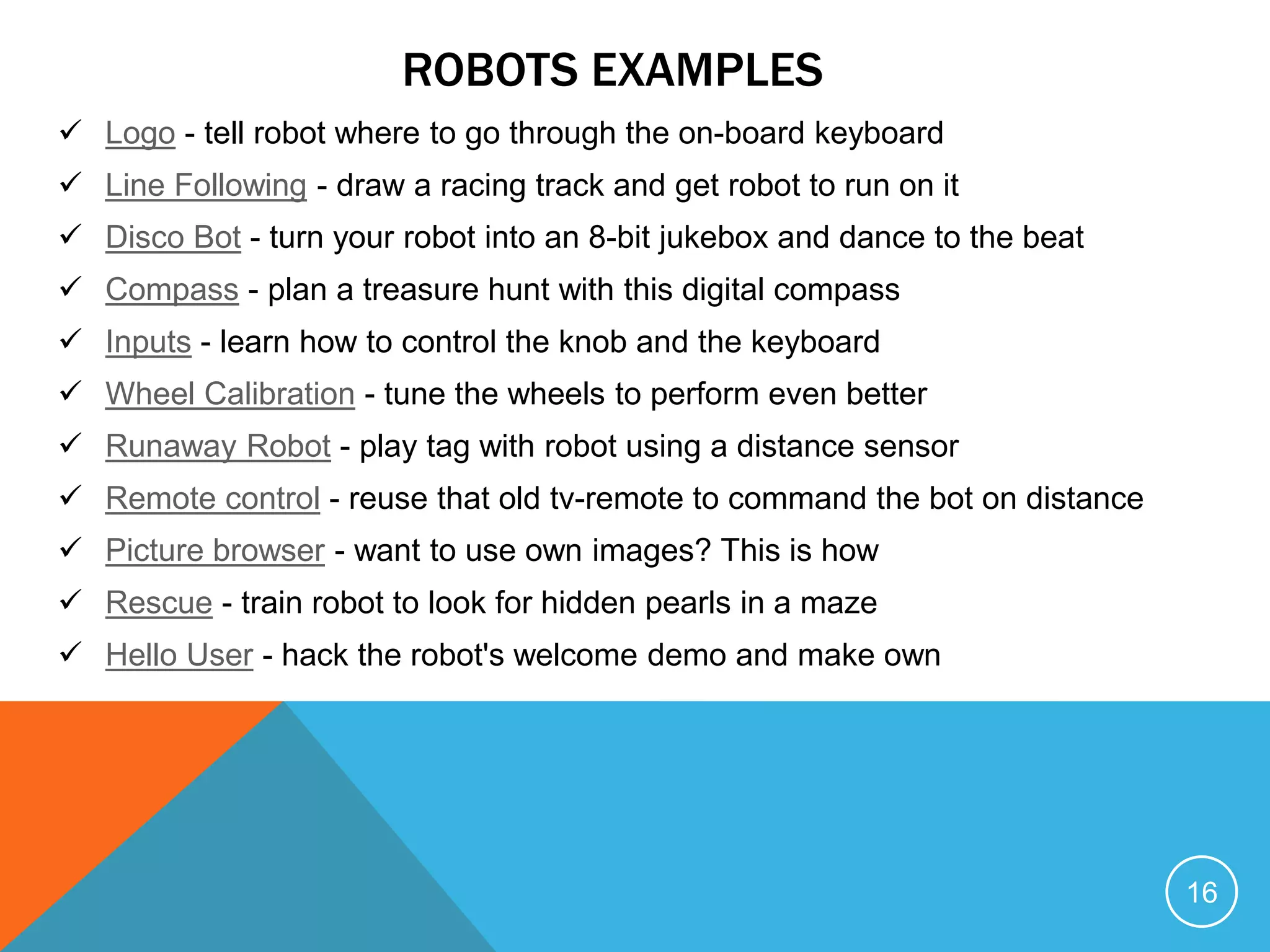
ROBOTS EXAMPLES
 Logo - tell robot where to go through the on-board keyboard
 Line Following - draw a racing track and get robot to run on it
 Disco Bot - turn your robot into an 8-bit jukebox and dance to the beat
 Compass - plan a treasure hunt with this digital compass
 Inputs - learn how to control the knob and the keyboard
 Wheel Calibration - tune the wheels to perform even better
 Runaway Robot - play tag with robot using a distance sensor
 Remote control - reuse that old tv-remote to command the bot on distance
 Picture browser - want to use own images? This is how
 Rescue - train robot to look for hidden pearls in a maze
 Hello User - hack the robot's welcome demo and make own
16
CONTACTS
https://www.linkedin.com/in/prem-mohan
https://twitter.com/impremmohan
premmohan51@gmail.com
www.premmohan.com
17

Arduino

  • 1.
    ARDUINO E F YI O T C O N F E R E N C E
  • 2.
    2 ARDUINO Arduino is anopen source computer hardware and software company, project, and user community that designs and manufactures single-board microcontrollers and microcontrollers kits for building digital devices and interactive objects that can sense and control objects in the physical world. Why Arduino?  Inexpensive  Cross Platform  Simple IDE for beginners  Extensible Hardware and Software : C++, Own version of Arduino  Arduino Forum and Advanced Library as Robotics, GSM
  • 3.
    ARDUINO WEB EDITOR 3 Arduino Web Editor allows you to write code and upload sketches to any Arduino & Genuino board directly from the browser (Chrome, Firefox, Safari and Edge) after installing a plugin. IDE lets write the code and save it to Cloud. It works with any official Arduino & Genuino board.  Arduino Web Editor is hosted online. Therefore, it will always be up-to-date with the latest features and support for new boards.  An Arduino account is all that needs to get started. https://create.arduino.cc/
  • 4.
  • 5.
  • 6.
  • 7.
  • 8.
  • 9.
  • 10.
  • 11.
  • 12.
  • 13.
  • 14.
    MAIN LIBRARIES #include <WiFiLink.h> #include<ArduinoCloud.h> #include <azure-iot-sdk.h> #include <GSM.h> #include <ArduinoRobot.h> #include <ArduinoRobotMotorBoard.h> #include <RobotIRremote.h> 14
  • 15.
    ROBOT LIBRARIES  TheRobot library is included with Arduino IDE 1.0.5 and later.  The library allows to interface with the various sensors and peripherals on the control board : - Potentiometer - 5 momentary switches - 160x120 pixel color screen - 512Kbit EEPROM - Speaker - Compass - 3 I2C connectors - 8 TinkerKit input connectors 15
  • 16.
    ROBOTS EXAMPLES  Logo- tell robot where to go through the on-board keyboard  Line Following - draw a racing track and get robot to run on it  Disco Bot - turn your robot into an 8-bit jukebox and dance to the beat  Compass - plan a treasure hunt with this digital compass  Inputs - learn how to control the knob and the keyboard  Wheel Calibration - tune the wheels to perform even better  Runaway Robot - play tag with robot using a distance sensor  Remote control - reuse that old tv-remote to command the bot on distance  Picture browser - want to use own images? This is how  Rescue - train robot to look for hidden pearls in a maze  Hello User - hack the robot's welcome demo and make own 16
  • 17.