Architectural Design
Pattern
MVC, MVP & MVVM
What & Why
Design Pattern
What is Design Pattern
In software engineering, a design pattern is a general repeatable solution to a commonly
occurring problem in software design. A design pattern isn't a finished design that can be
transformed directly into code. It is a description or template for how to solve a problem that can
be used in many different situations.
Need of Design Pattern?
1. To solve a recurring problem in software development
1. To represent a relationships between classes and objects with defined
responsibilities to carry out the solution in a concrete way
1. To develop highly cohesive modules with minimal coupling
Requirement &
Implementation
Design Pattern
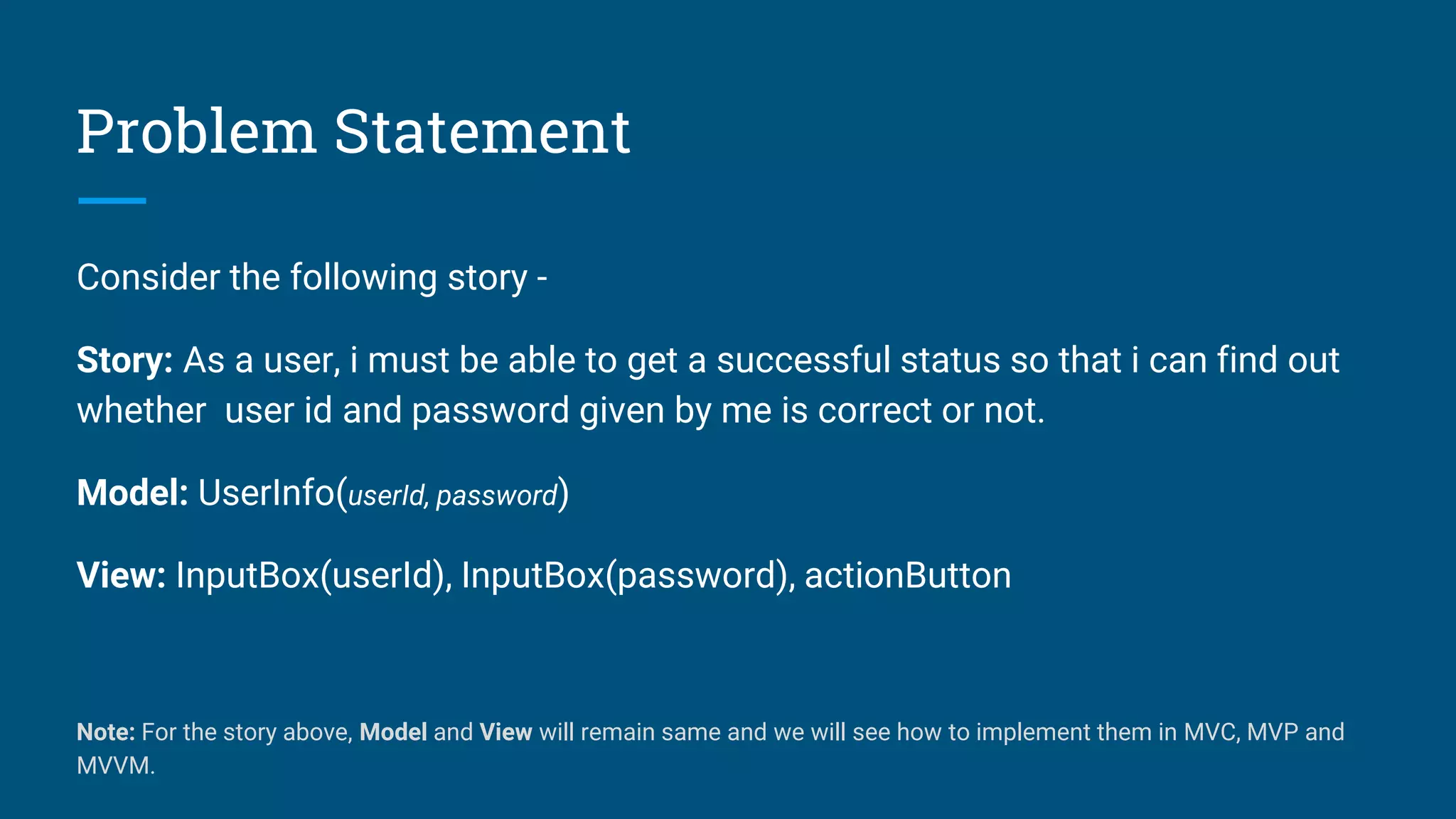
Problem Statement
Consider the following story -
Story: As a user, i must be able to get a successful status so that i can find out
whether user id and password given by me is correct or not.
Model: UserInfo(userId, password)
View: InputBox(userId), InputBox(password), actionButton
Note: For the story above, Model and View will remain same and we will see how to implement them in MVC, MVP and
MVVM.
Solution
Design Pattern: MVC
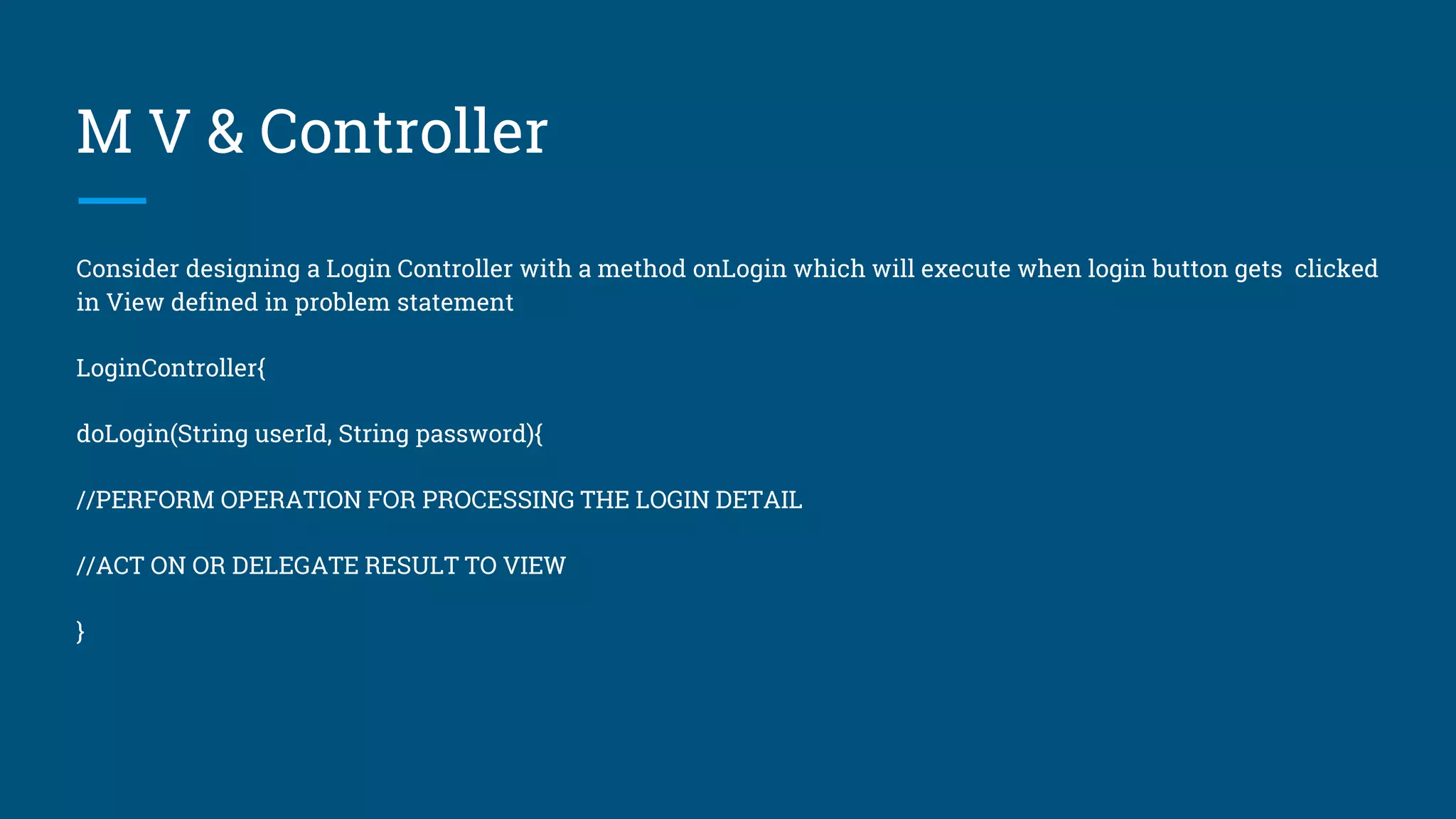
M V & Controller
Consider designing a Login Controller with a method onLogin which will execute when login button gets clicked
in View defined in problem statement
LoginController{
doLogin(String userId, String password){
//PERFORM OPERATION FOR PROCESSING THE LOGIN DETAIL
//ACT ON OR DELEGATE RESULT TO VIEW
}
M V & Controller
Now, during the integration of LoginController with View, there is no mandatory rule to delegate result to View
by using Java Interface and there may be chance that the result gets processed inline in View itself and we
found this being an average case of development.
//VIEW
onLogin(String userId, String password){
loginController.doLogin(userId, password){
dataManager.verifyLogin(userId, password){
onSuccess(){ // INLINE CODE TO SHOW SUCCESS }
onFailure(){ // INLINE CODE TO SHOW FAILURE }
} } }
M V & Controller
And so following being a rule in MVC for to solve the problem statement
Action in the View(Activity/Fragment)
-> Call to Controller
-> Controller Logic
-> Controller returns the View.
-where in last step, there is no restriction to let the View handle the result.
-Also the controllers are not restricted to be used for single view and can be shared among
multiple views
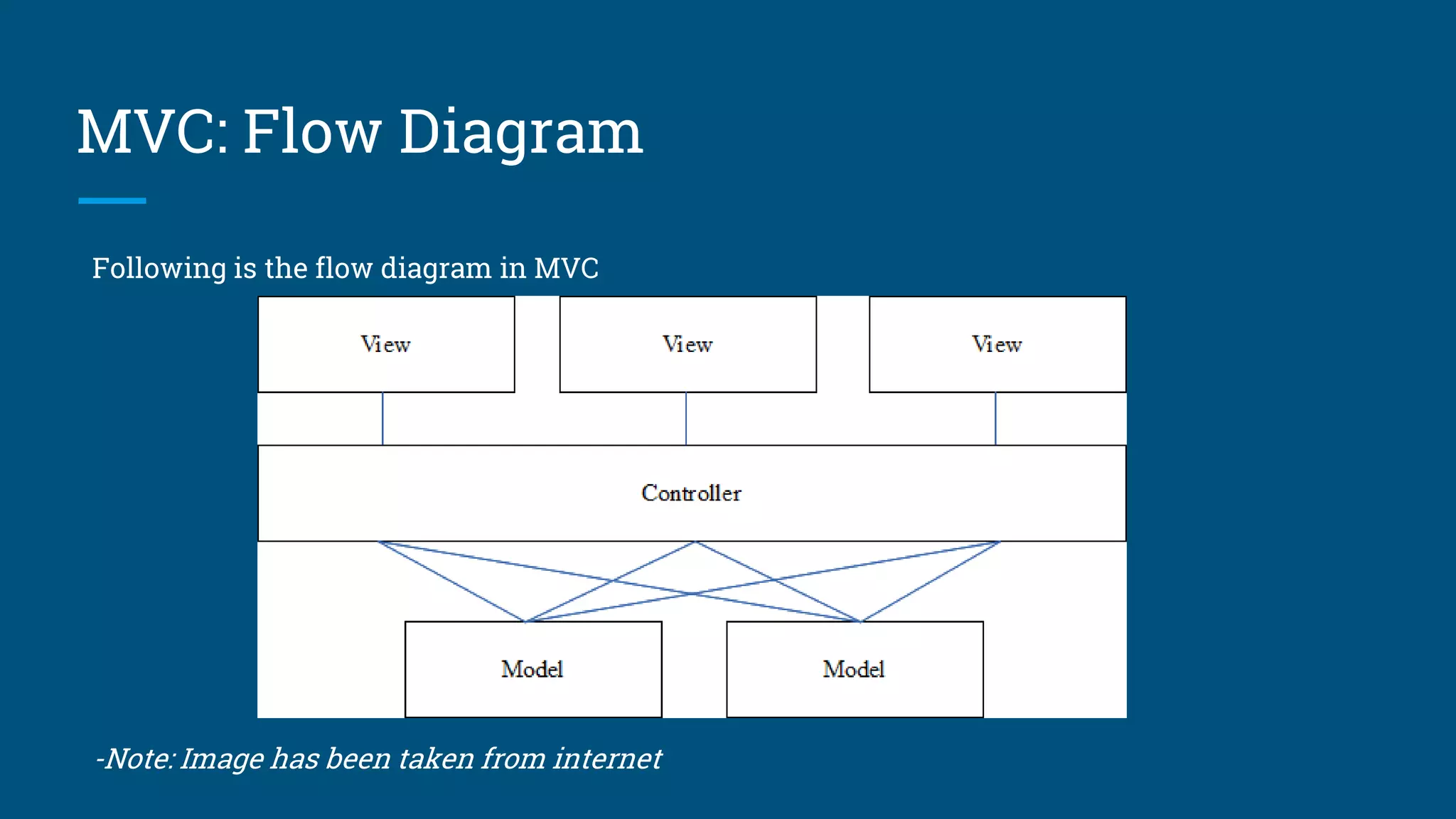
MVC: Flow Diagram
Following is the flow diagram in MVC
-Note: Image has been taken from internet
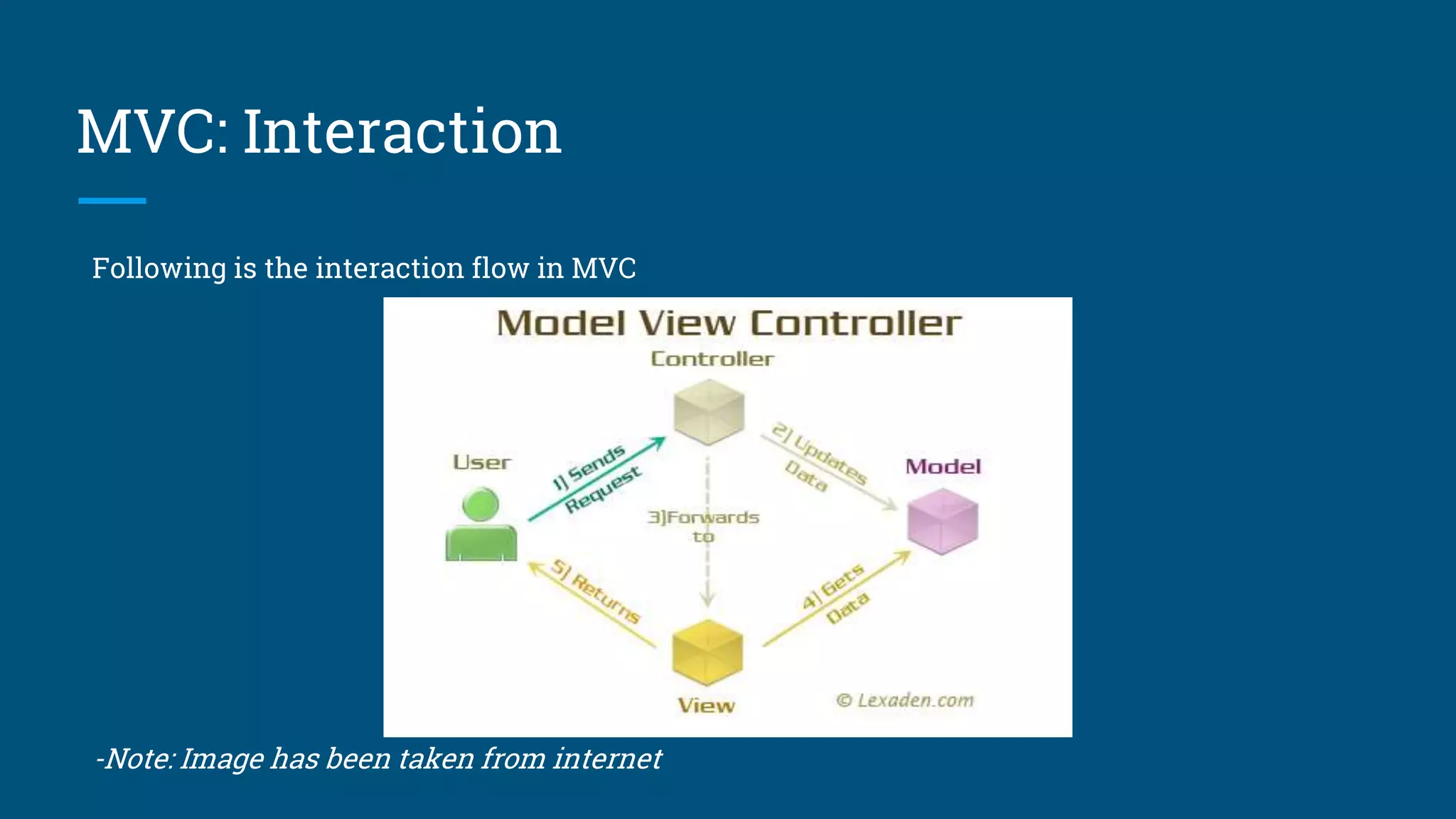
MVC: Interaction
Following is the interaction flow in MVC
-Note: Image has been taken from internet
Solution
Design Pattern: MVP
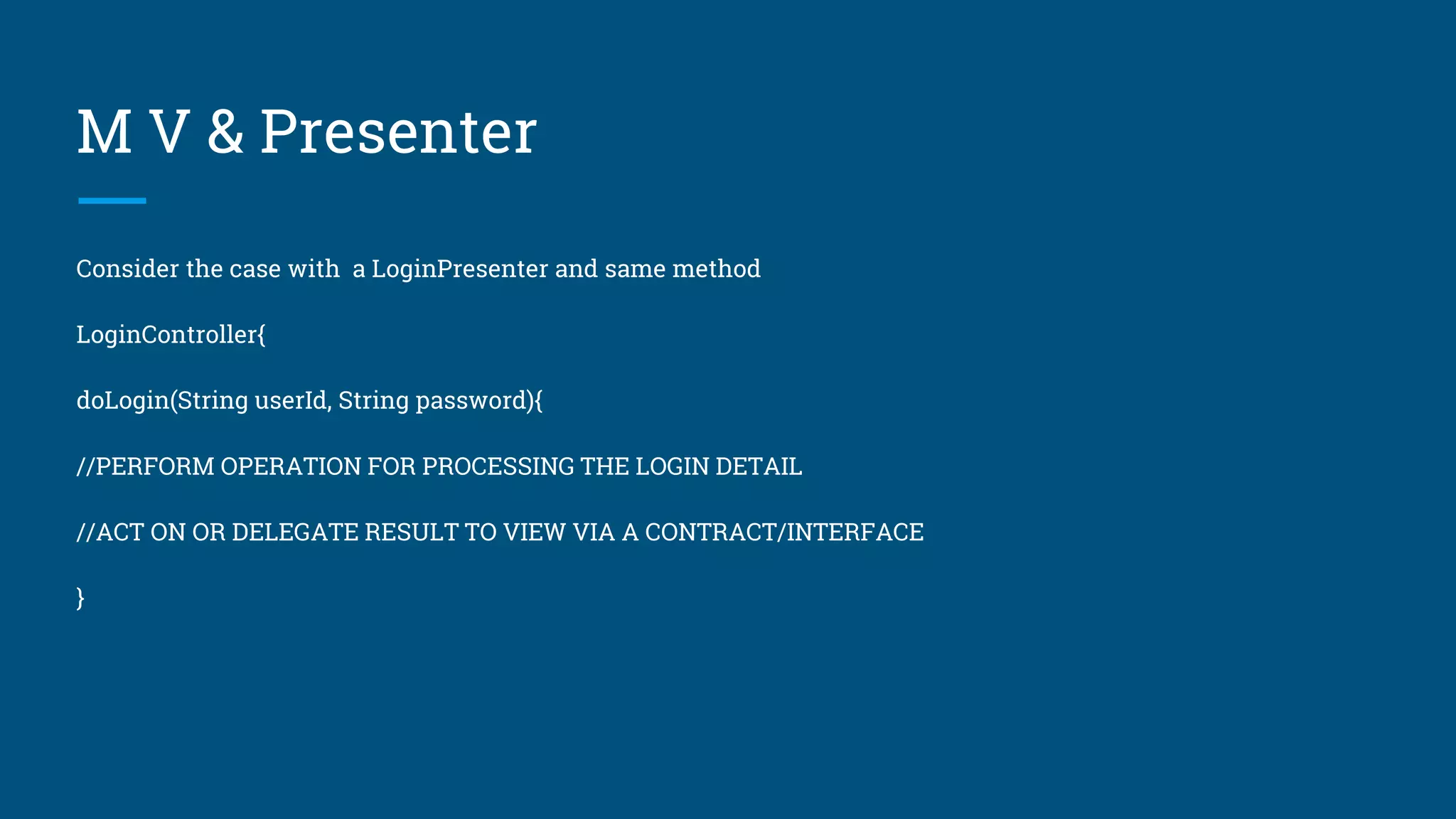
M V & Presenter
Consider the case with a LoginPresenter and same method
LoginController{
doLogin(String userId, String password){
//PERFORM OPERATION FOR PROCESSING THE LOGIN DETAIL
//ACT ON OR DELEGATE RESULT TO VIEW VIA A CONTRACT/INTERFACE
}
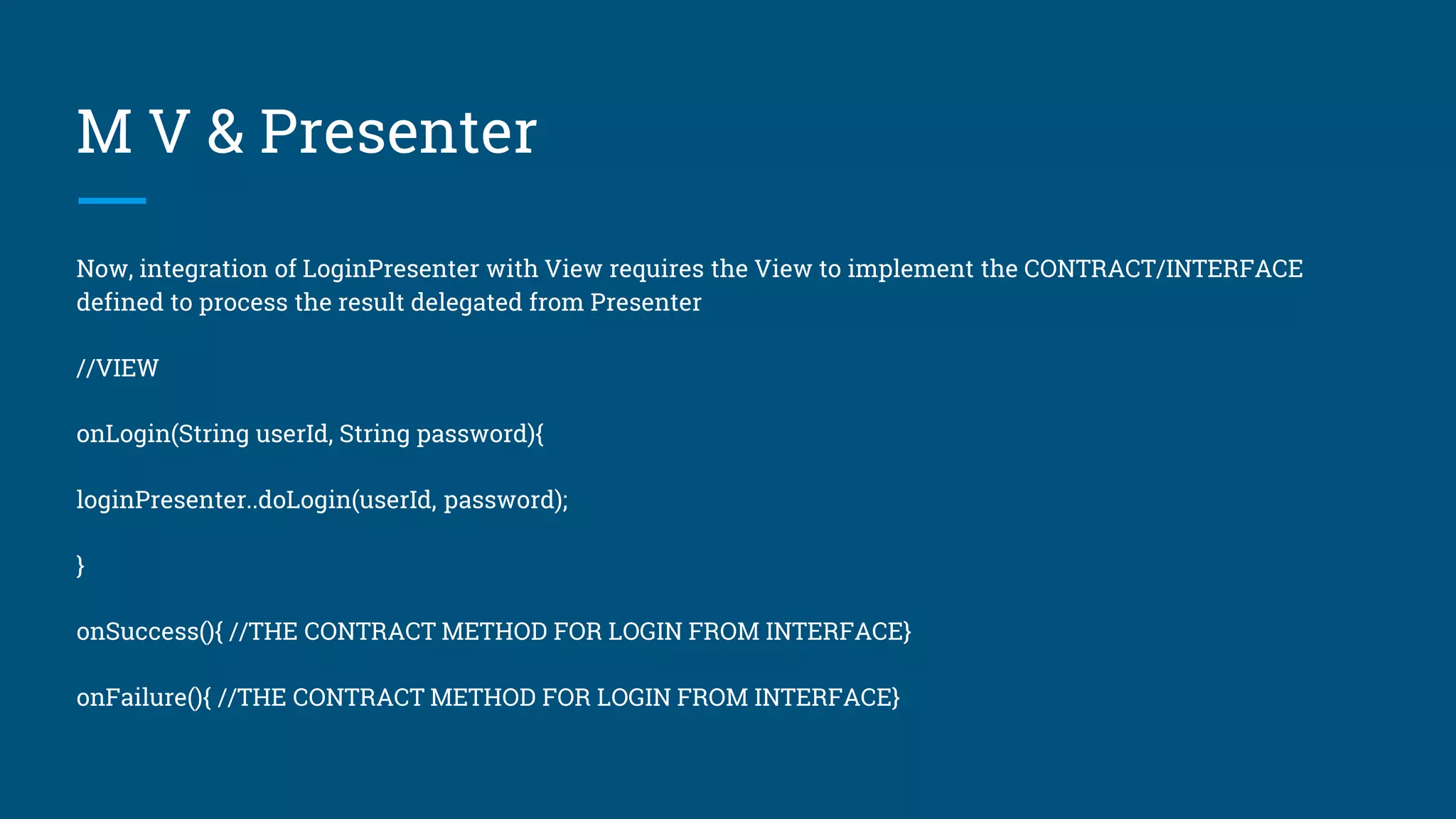
M V & Presenter
Now, integration of LoginPresenter with View requires the View to implement the CONTRACT/INTERFACE
defined to process the result delegated from Presenter
//VIEW
onLogin(String userId, String password){
loginPresenter..doLogin(userId, password);
}
onSuccess(){ //THE CONTRACT METHOD FOR LOGIN FROM INTERFACE}
onFailure(){ //THE CONTRACT METHOD FOR LOGIN FROM INTERFACE}
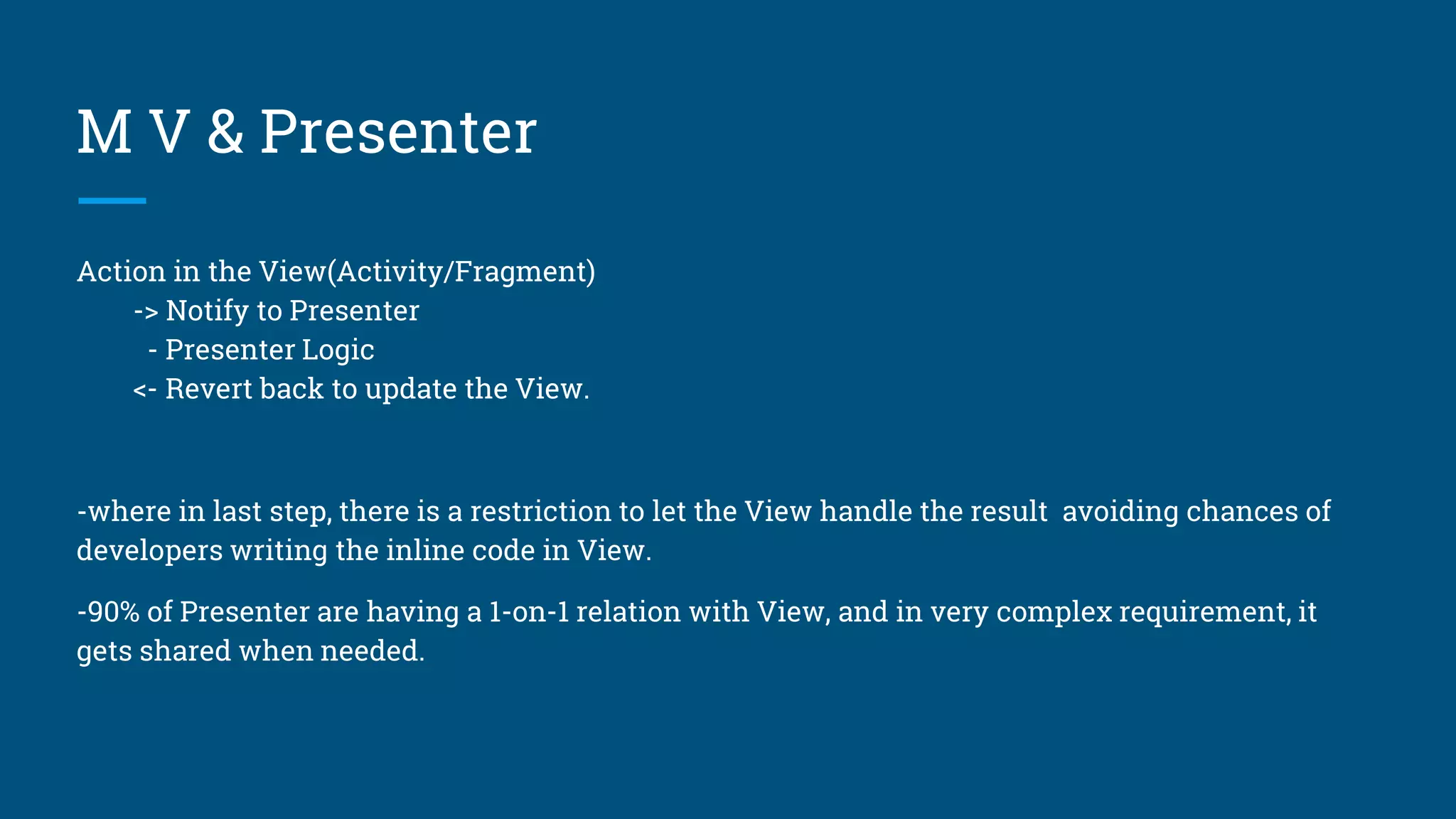
M V & Presenter
Action in the View(Activity/Fragment)
-> Notify to Presenter
- Presenter Logic
<- Revert back to update the View.
-where in last step, there is a restriction to let the View handle the result avoiding chances of
developers writing the inline code in View.
-90% of Presenter are having a 1-on-1 relation with View, and in very complex requirement, it
gets shared when needed.
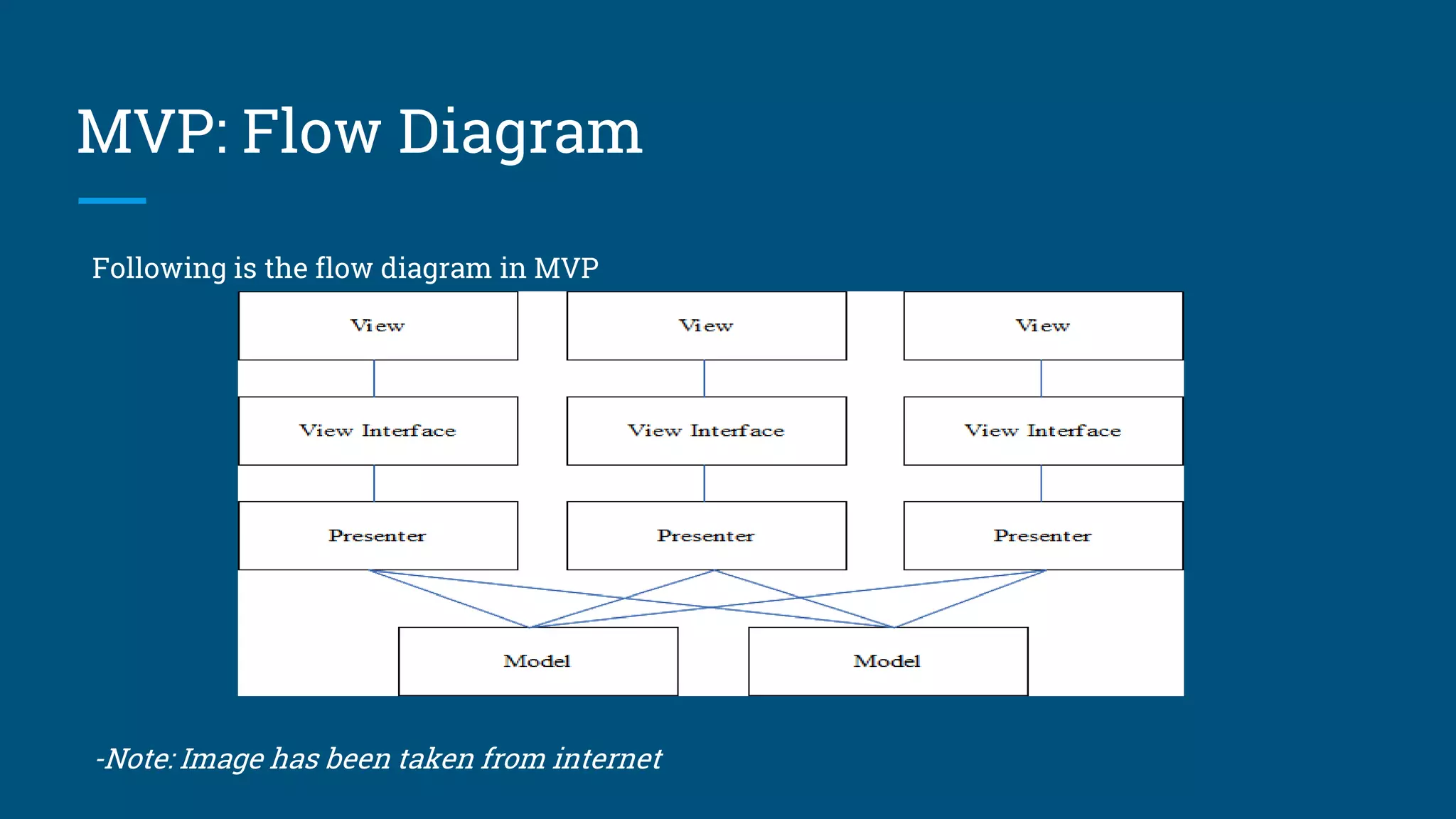
MVP: Flow Diagram
Following is the flow diagram in MVP
-Note: Image has been taken from internet
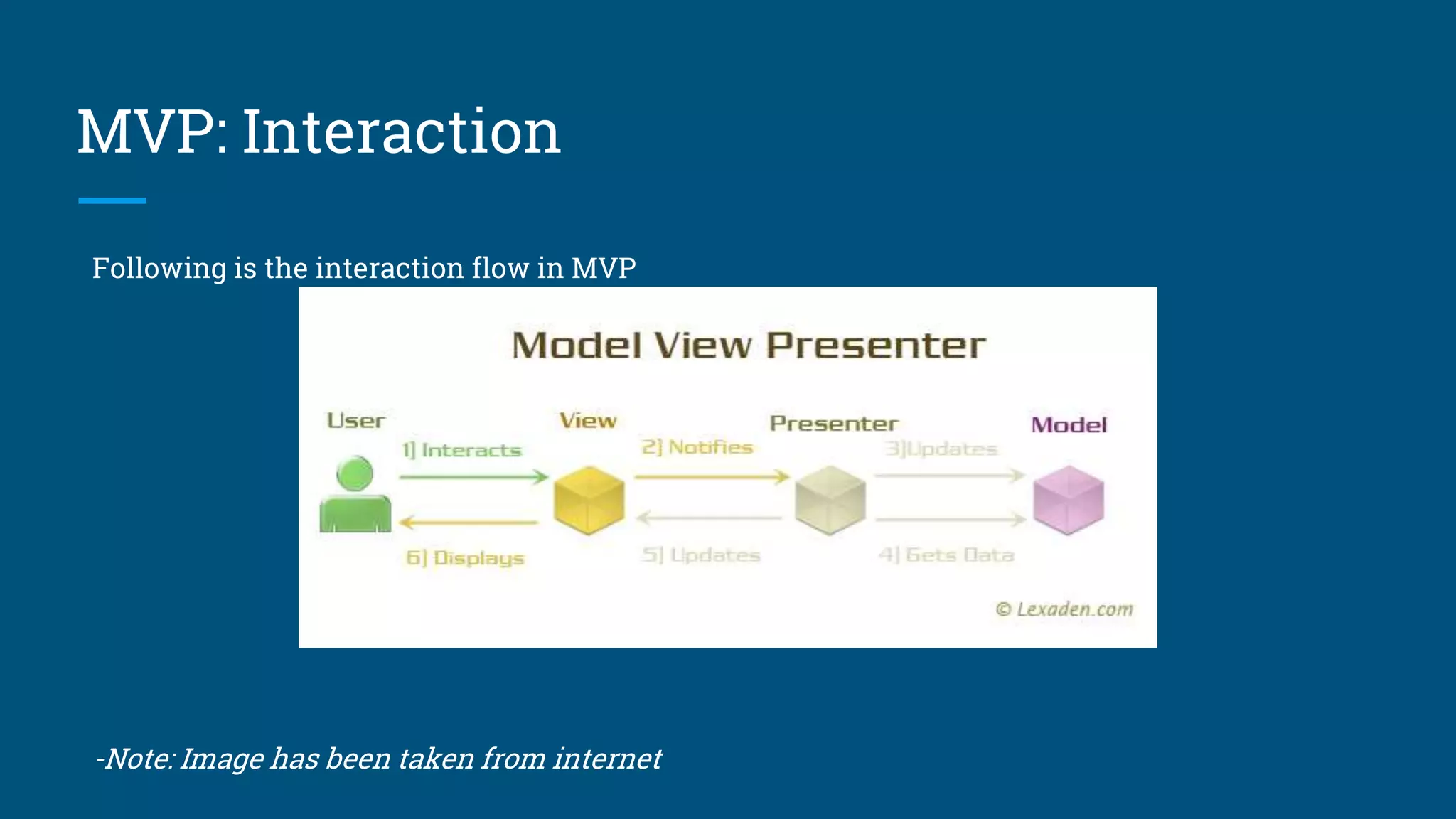
MVP: Interaction
Following is the interaction flow in MVP
-Note: Image has been taken from internet
Solution
Design Pattern: MVVM
M V & ViewModel
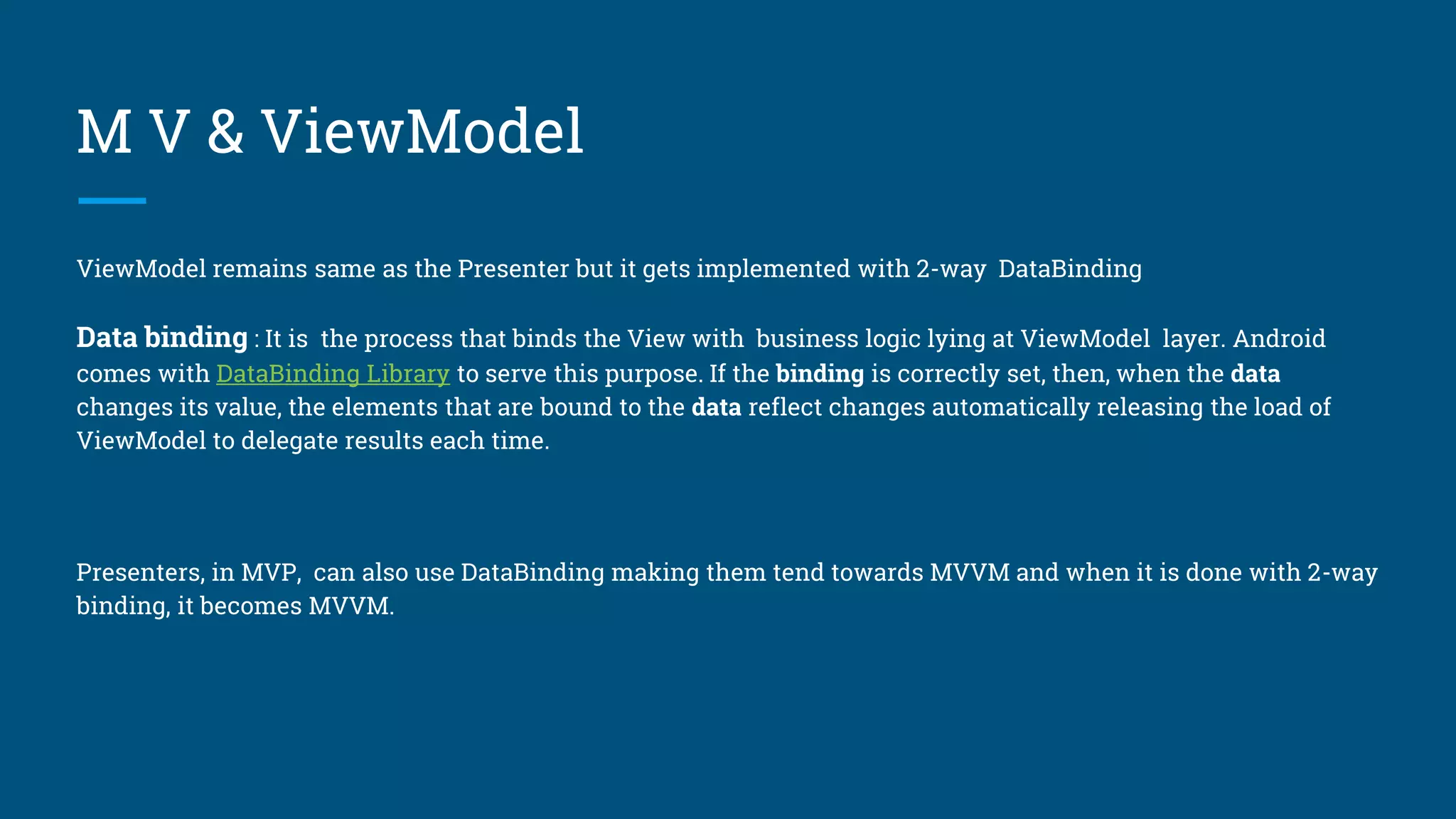
ViewModel remains same as the Presenter but it gets implemented with 2-way DataBinding
Data binding : It is the process that binds the View with business logic lying at ViewModel layer. Android
comes with DataBinding Library to serve this purpose. If the binding is correctly set, then, when the data
changes its value, the elements that are bound to the data reflect changes automatically releasing the load of
ViewModel to delegate results each time.
Presenters, in MVP, can also use DataBinding making them tend towards MVVM and when it is done with 2-way
binding, it becomes MVVM.
M V & ViewModel
Following being a rule in MVVM
Action in the View(Activity/Fragment)
- Bound with ViewModel
- ViewModel Logic
- Revert back to notify the View, if required
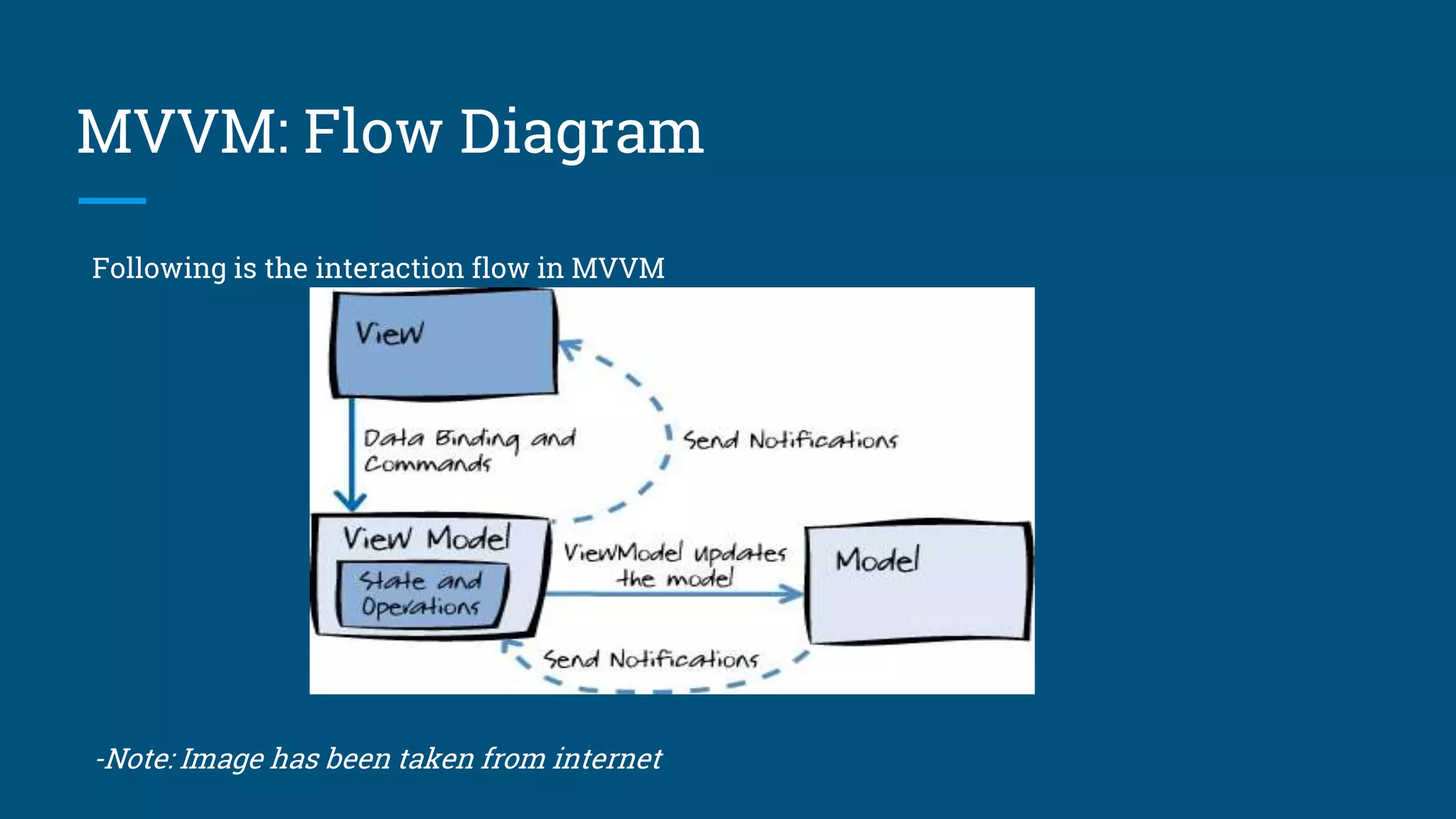
MVVM: Flow Diagram
Following is the interaction flow in MVVM
-Note: Image has been taken from internet
Which one is better?
There is no wrong in using any of the patterns, but to reduce code and restrict your developer
making mistakes, i would personally recommend to go for MVP with binding, somewhere 1-way
ans/or 2-way.
It depends on how best you can follow the rules and guidelines and how much your development
is vulnerable to violate the rules & guidelines
References
StarterKit-MVP This is a first version of mvp based baseline project. This is designed to create as a starter-kit
project for Android platform based on MVP, making it easier to develop project features/modules on top of it.
StarterKit-MVVM: This is a first version of mvvm based baseline project. This is designed to create as a starter-
kit project for Android platform based on MVVM, making it easier to develop project features/modules on top of
it.
Both Starter-Kit uses a network library wrapped on top of Retrofit named Networx.
Starter-Kit: This project contains mainly MVP and MVVM design pattern using Retrofit.It also has MVVM using
RxNetwork. The purpose of Starter-Kit is to create a baseline project based on making it easier to develop project
features/modules on top of it.
These are first version of baseline projects and feedback are invited for improving it further.
Thank You
Share your feedback to-
Email: inbox.jkumar@gmail.com
Twitter: twitbox_jkumar
LinkedIn: https://www.linkedin.com/in/connect2jkumar/

Architectural Design Pattern: Android

  • 1.
  • 2.
  • 3.
    What is DesignPattern In software engineering, a design pattern is a general repeatable solution to a commonly occurring problem in software design. A design pattern isn't a finished design that can be transformed directly into code. It is a description or template for how to solve a problem that can be used in many different situations.
  • 4.
    Need of DesignPattern? 1. To solve a recurring problem in software development 1. To represent a relationships between classes and objects with defined responsibilities to carry out the solution in a concrete way 1. To develop highly cohesive modules with minimal coupling
  • 5.
  • 6.
    Problem Statement Consider thefollowing story - Story: As a user, i must be able to get a successful status so that i can find out whether user id and password given by me is correct or not. Model: UserInfo(userId, password) View: InputBox(userId), InputBox(password), actionButton Note: For the story above, Model and View will remain same and we will see how to implement them in MVC, MVP and MVVM.
  • 7.
  • 8.
    M V &Controller Consider designing a Login Controller with a method onLogin which will execute when login button gets clicked in View defined in problem statement LoginController{ doLogin(String userId, String password){ //PERFORM OPERATION FOR PROCESSING THE LOGIN DETAIL //ACT ON OR DELEGATE RESULT TO VIEW }
  • 9.
    M V &Controller Now, during the integration of LoginController with View, there is no mandatory rule to delegate result to View by using Java Interface and there may be chance that the result gets processed inline in View itself and we found this being an average case of development. //VIEW onLogin(String userId, String password){ loginController.doLogin(userId, password){ dataManager.verifyLogin(userId, password){ onSuccess(){ // INLINE CODE TO SHOW SUCCESS } onFailure(){ // INLINE CODE TO SHOW FAILURE } } } }
  • 10.
    M V &Controller And so following being a rule in MVC for to solve the problem statement Action in the View(Activity/Fragment) -> Call to Controller -> Controller Logic -> Controller returns the View. -where in last step, there is no restriction to let the View handle the result. -Also the controllers are not restricted to be used for single view and can be shared among multiple views
  • 11.
    MVC: Flow Diagram Followingis the flow diagram in MVC -Note: Image has been taken from internet
  • 12.
    MVC: Interaction Following isthe interaction flow in MVC -Note: Image has been taken from internet
  • 13.
  • 14.
    M V &Presenter Consider the case with a LoginPresenter and same method LoginController{ doLogin(String userId, String password){ //PERFORM OPERATION FOR PROCESSING THE LOGIN DETAIL //ACT ON OR DELEGATE RESULT TO VIEW VIA A CONTRACT/INTERFACE }
  • 15.
    M V &Presenter Now, integration of LoginPresenter with View requires the View to implement the CONTRACT/INTERFACE defined to process the result delegated from Presenter //VIEW onLogin(String userId, String password){ loginPresenter..doLogin(userId, password); } onSuccess(){ //THE CONTRACT METHOD FOR LOGIN FROM INTERFACE} onFailure(){ //THE CONTRACT METHOD FOR LOGIN FROM INTERFACE}
  • 16.
    M V &Presenter Action in the View(Activity/Fragment) -> Notify to Presenter - Presenter Logic <- Revert back to update the View. -where in last step, there is a restriction to let the View handle the result avoiding chances of developers writing the inline code in View. -90% of Presenter are having a 1-on-1 relation with View, and in very complex requirement, it gets shared when needed.
  • 17.
    MVP: Flow Diagram Followingis the flow diagram in MVP -Note: Image has been taken from internet
  • 18.
    MVP: Interaction Following isthe interaction flow in MVP -Note: Image has been taken from internet
  • 19.
  • 20.
    M V &ViewModel ViewModel remains same as the Presenter but it gets implemented with 2-way DataBinding Data binding : It is the process that binds the View with business logic lying at ViewModel layer. Android comes with DataBinding Library to serve this purpose. If the binding is correctly set, then, when the data changes its value, the elements that are bound to the data reflect changes automatically releasing the load of ViewModel to delegate results each time. Presenters, in MVP, can also use DataBinding making them tend towards MVVM and when it is done with 2-way binding, it becomes MVVM.
  • 21.
    M V &ViewModel Following being a rule in MVVM Action in the View(Activity/Fragment) - Bound with ViewModel - ViewModel Logic - Revert back to notify the View, if required
  • 22.
    MVVM: Flow Diagram Followingis the interaction flow in MVVM -Note: Image has been taken from internet
  • 23.
    Which one isbetter? There is no wrong in using any of the patterns, but to reduce code and restrict your developer making mistakes, i would personally recommend to go for MVP with binding, somewhere 1-way ans/or 2-way. It depends on how best you can follow the rules and guidelines and how much your development is vulnerable to violate the rules & guidelines
  • 24.
    References StarterKit-MVP This isa first version of mvp based baseline project. This is designed to create as a starter-kit project for Android platform based on MVP, making it easier to develop project features/modules on top of it. StarterKit-MVVM: This is a first version of mvvm based baseline project. This is designed to create as a starter- kit project for Android platform based on MVVM, making it easier to develop project features/modules on top of it. Both Starter-Kit uses a network library wrapped on top of Retrofit named Networx. Starter-Kit: This project contains mainly MVP and MVVM design pattern using Retrofit.It also has MVVM using RxNetwork. The purpose of Starter-Kit is to create a baseline project based on making it easier to develop project features/modules on top of it. These are first version of baseline projects and feedback are invited for improving it further.
  • 25.
    Thank You Share yourfeedback to- Email: inbox.jkumar@gmail.com Twitter: twitbox_jkumar LinkedIn: https://www.linkedin.com/in/connect2jkumar/