Android App Development
 using HTML5 Technology
                     APPMAZINC
          Mobile Apps Camp 2012
Summary
   Intro Android Development
   Android SDK Installation
   Intro HTML5
   Intro jQuery Mobile
   Intro Webservice (XML, JSON)
   PhoneGap (Apache Cordova)
   Make RSS Reader App with PhoneGap
Intro Android Development
   Android Development
       Java
       HTML5
       Native (C/C++)
       Adobe AIR
       Python
       Unity
   Develop on Mac, Windows, Linux and even on Android it
    self (AIDE: Android Java IDE)
Android SDK Installation
   Java SDK
   Eclipse
   Android SDK
   ADT Plug-in

   HTML5
       PhoneGap
       jQueryMobile
HTML5
   Markup language for structuring and presenting content
    for the WWW, and is a core technology of the Internet
       HTML created in 1990, HTML4 1997
       HTML5 is intended to subsume not only HTML4, but XHTML
        1 and DOM LEVEL 2 HTML
   HTML5 adds many new syntactic features
       Canvas, Drag-and-Drop, Web Storage, …
       Geolocation, Web SQL db, File API, …
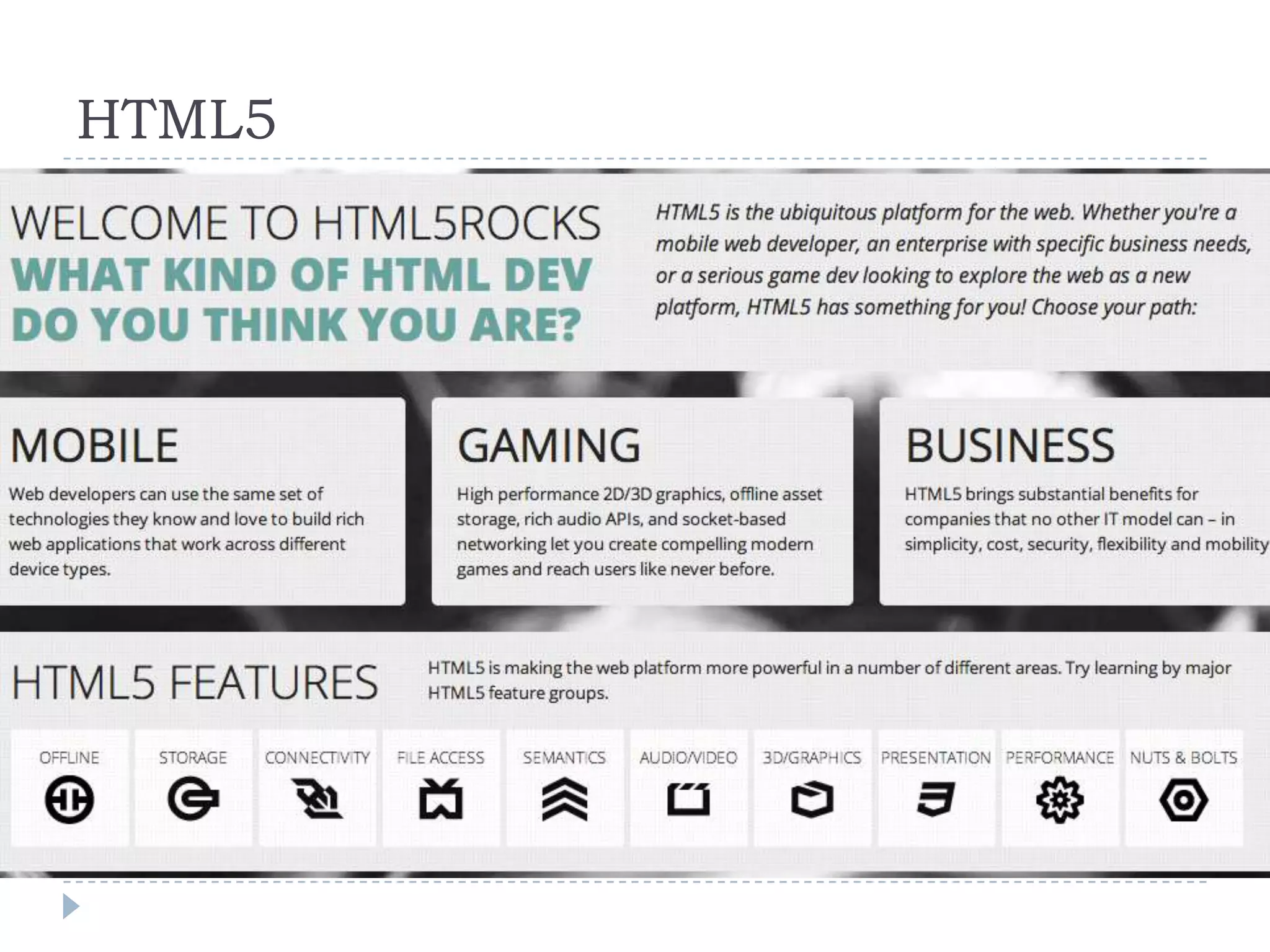
HTML5
HTML5 for Mobile
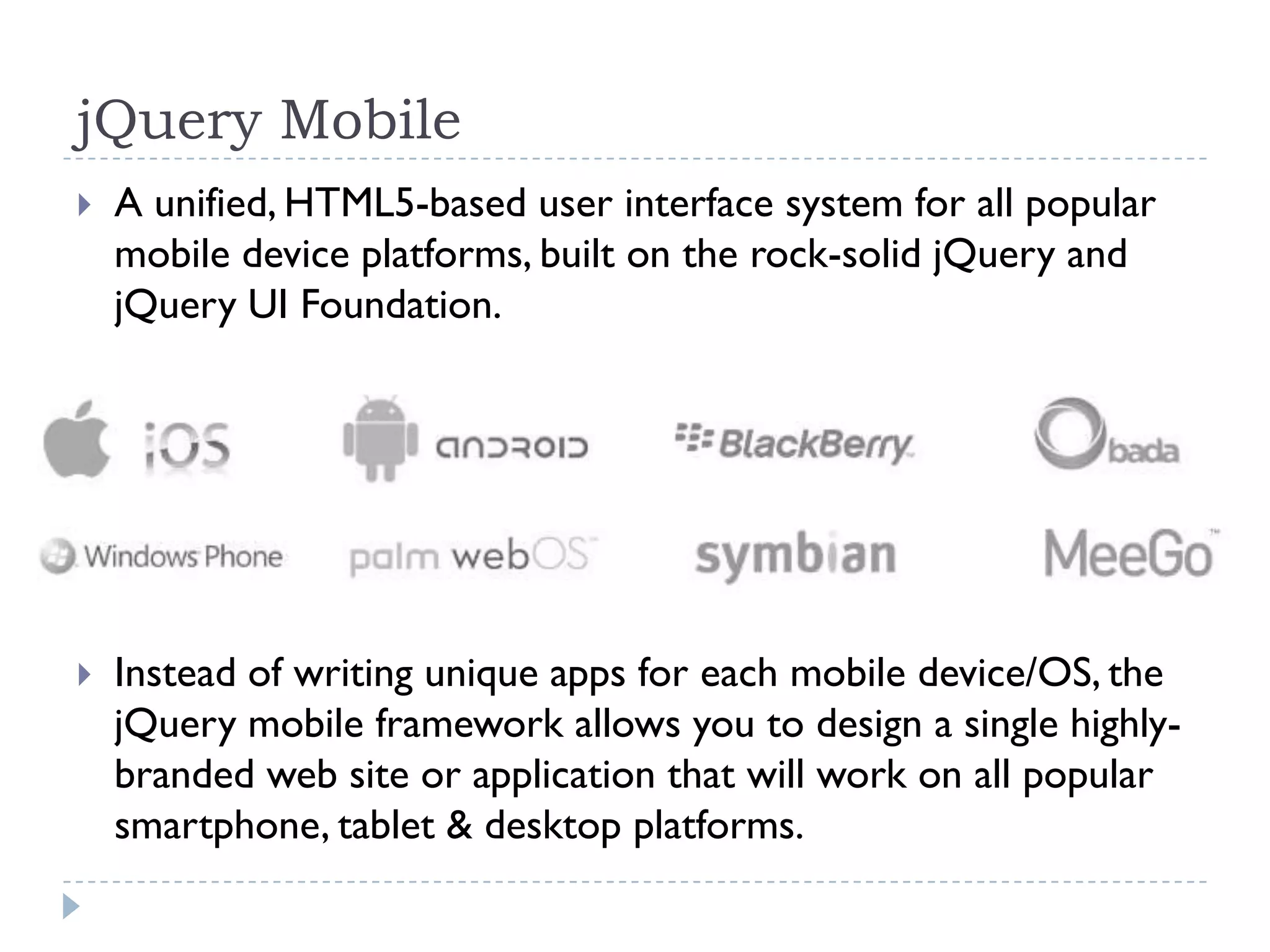
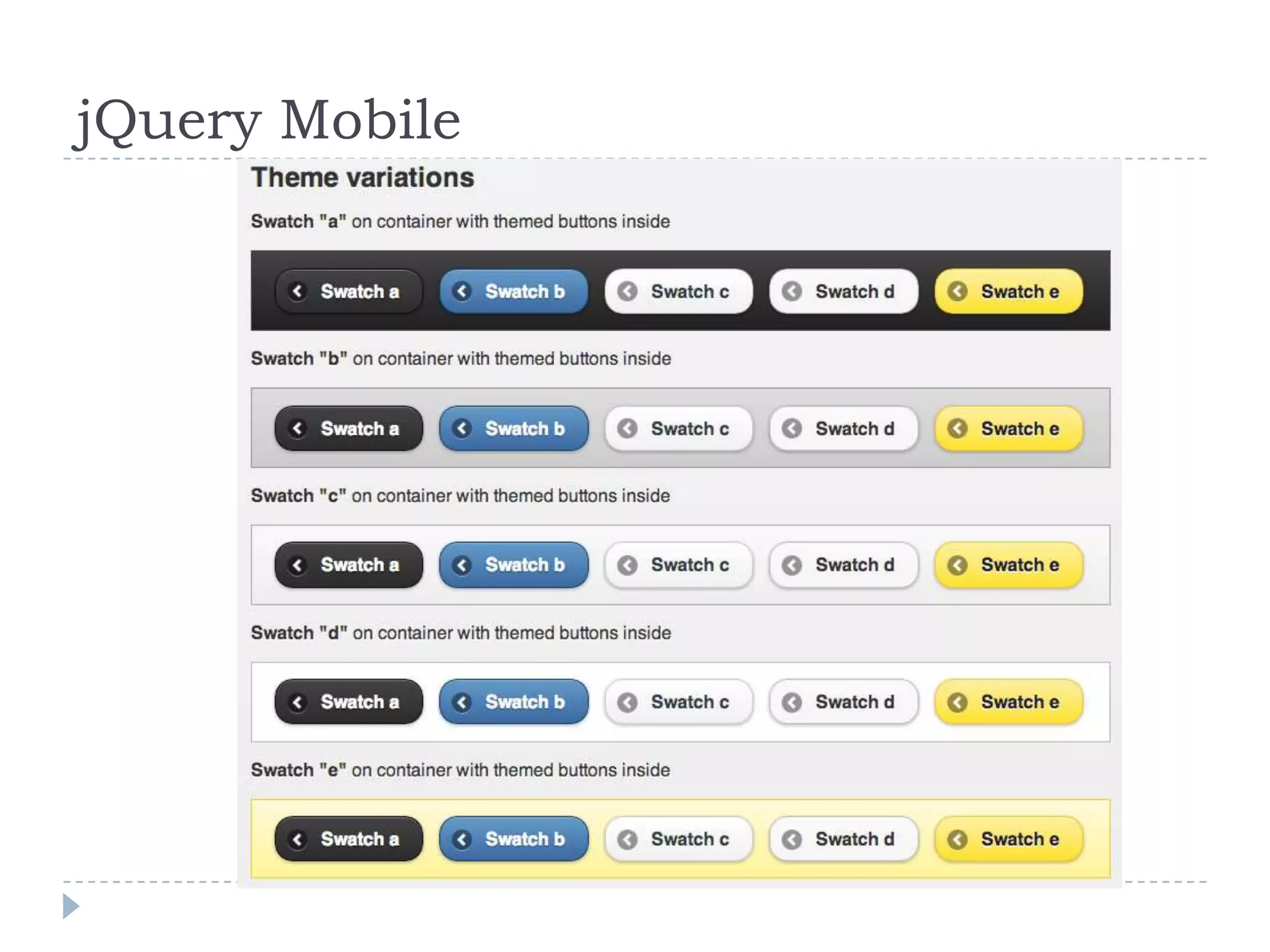
jQuery Mobile
   A unified, HTML5-based user interface system for all popular
    mobile device platforms, built on the rock-solid jQuery and
    jQuery UI Foundation.


   Instead of writing unique apps for each mobile device/OS, the
    jQuery mobile framework allows you to design a single highly-
    branded web site or application that will work on all popular
    smartphone, tablet & desktop platforms.
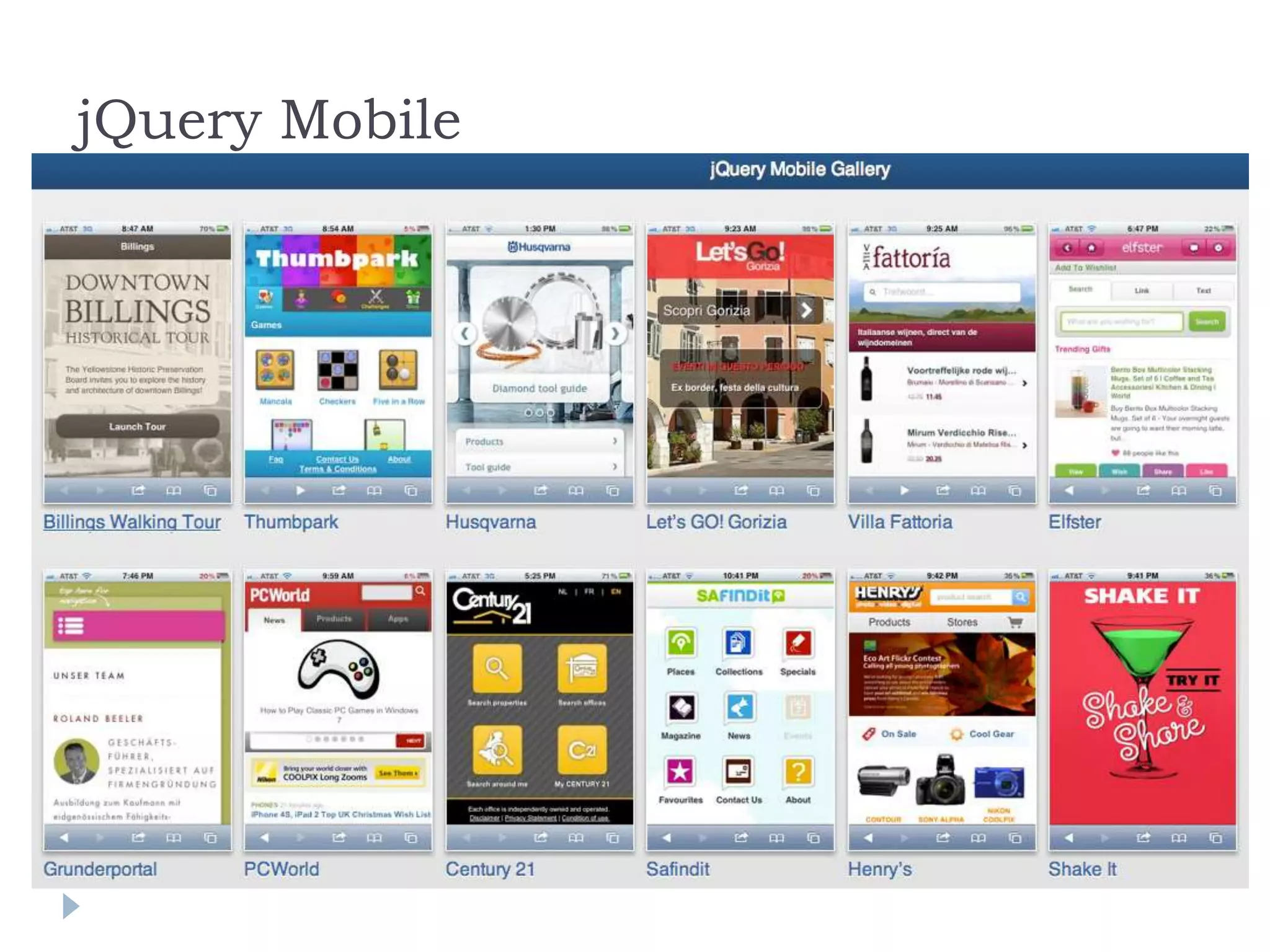
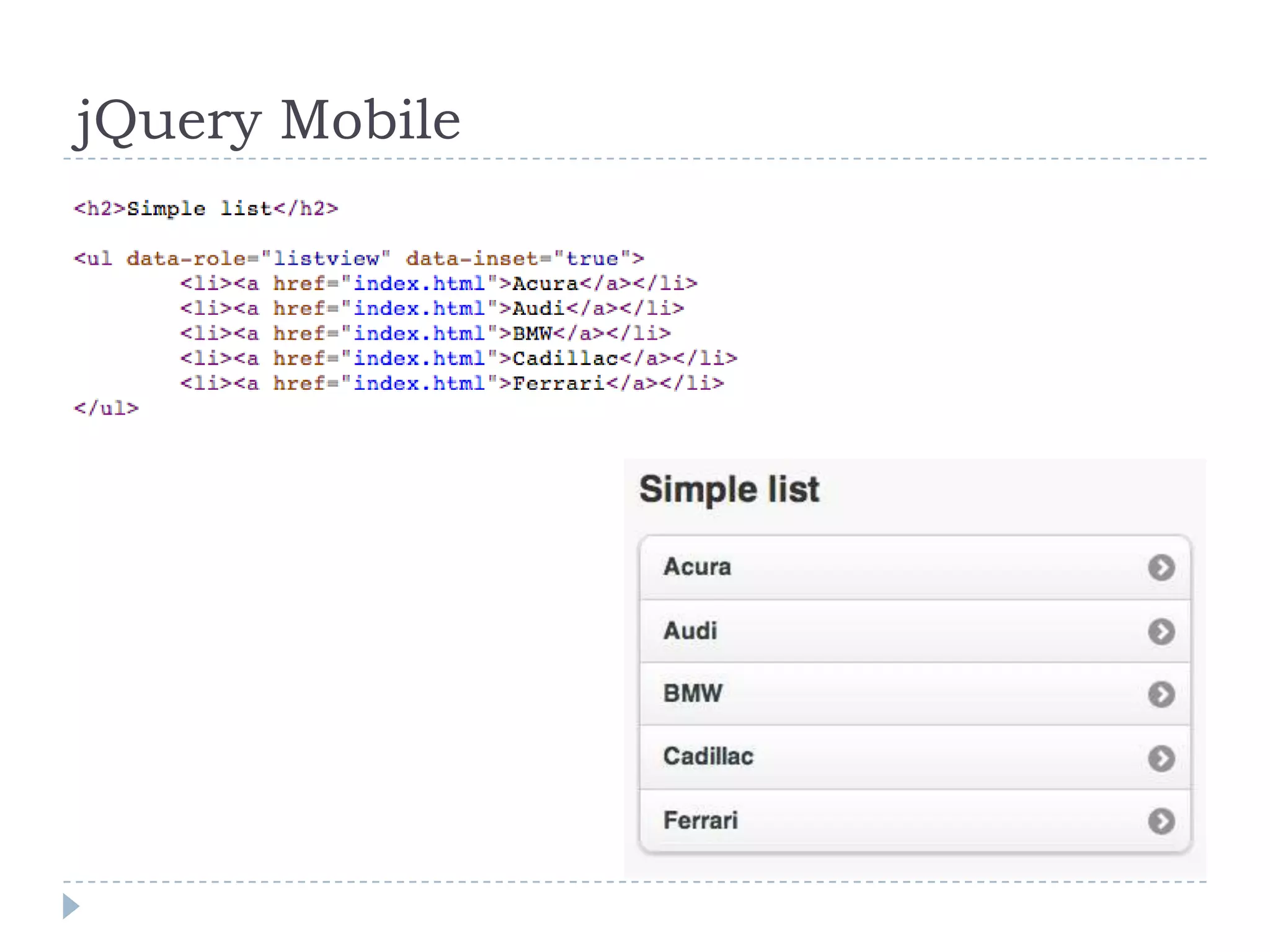
jQuery Mobile
jQuery Mobile Docs
jQuery Mobile
jQuery Mobile
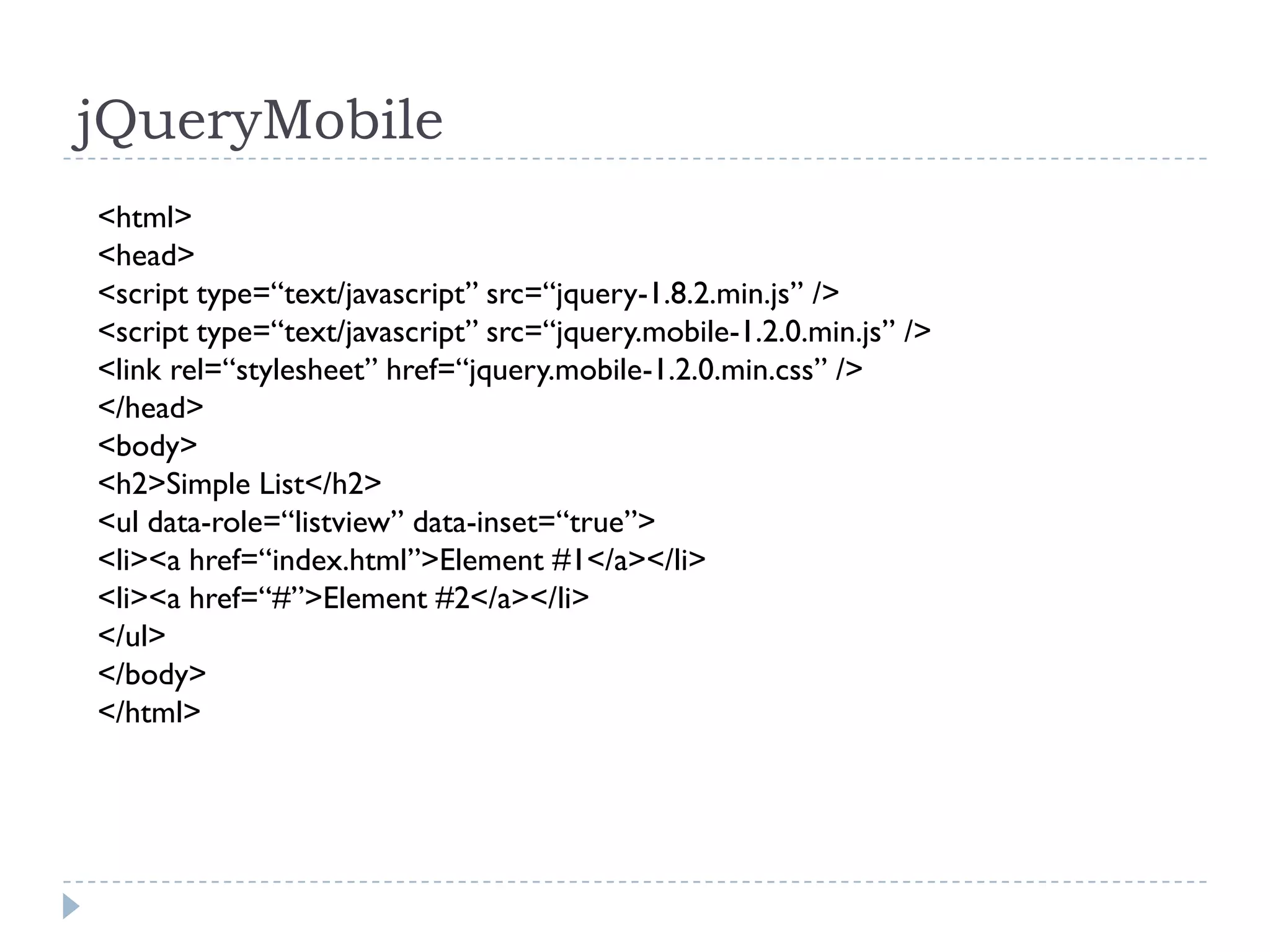
jQueryMobile
<html>
<head>
<script type=“text/javascript” src=“jquery-1.8.2.min.js” />
<script type=“text/javascript” src=“jquery.mobile-1.2.0.min.js” />
<link rel=“stylesheet” href=“jquery.mobile-1.2.0.min.css” />
</head>
<body>
<h2>Simple List</h2>
<ul data-role=“listview” data-inset=“true”>
<li><a href=“index.html”>Element #1</a></li>
<li><a href=“#”>Element #2</a></li>
</ul>
</body>
</html>
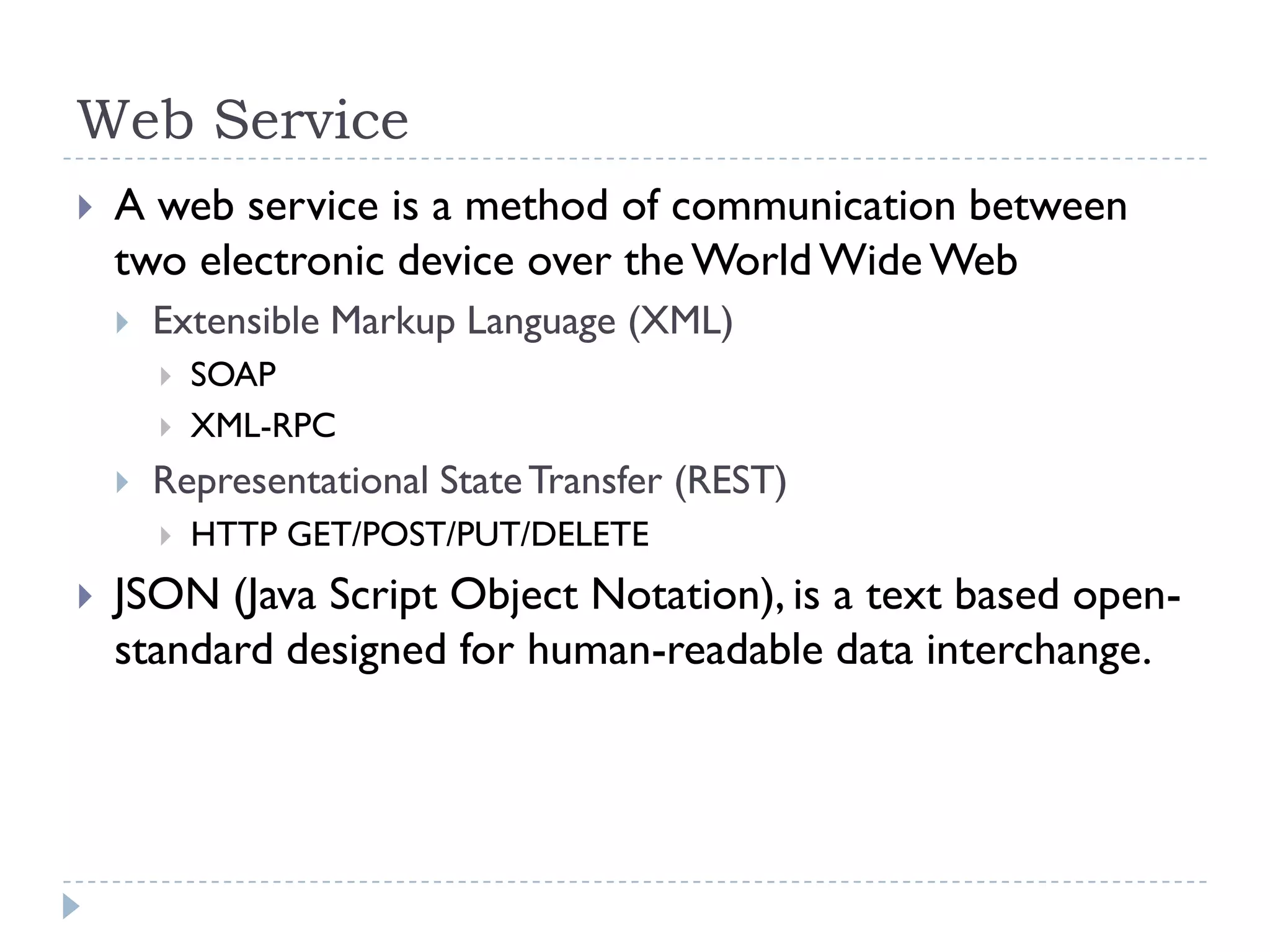
Web Service
   A web service is a method of communication between
    two electronic device over the World Wide Web
       Extensible Markup Language (XML)
           SOAP
           XML-RPC
       Representational State Transfer (REST)
           HTTP GET/POST/PUT/DELETE
   JSON (Java Script Object Notation), is a text based open-
    standard designed for human-readable data interchange.
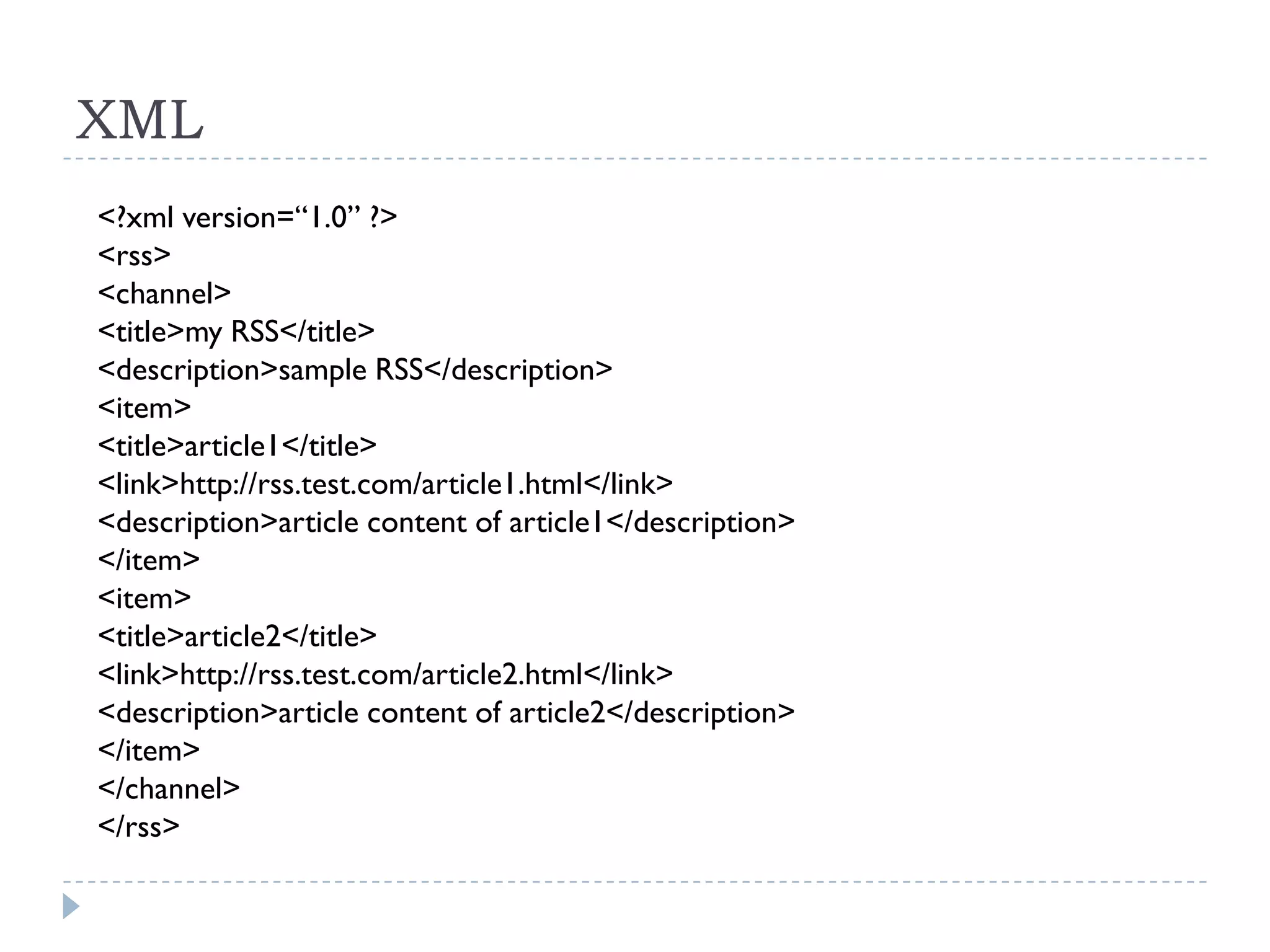
XML
<?xml version=“1.0” ?>
<rss>
<channel>
<title>my RSS</title>
<description>sample RSS</description>
<item>
<title>article1</title>
<link>http://rss.test.com/article1.html</link>
<description>article content of article1</description>
</item>
<item>
<title>article2</title>
<link>http://rss.test.com/article2.html</link>
<description>article content of article2</description>
</item>
</channel>
</rss>
JSON
 {
      "rss": {
         "channel": {
             "title": "my RSS",
             "description": "sample RSS",
             "item": [
 {
                 "title": "article1",
                 "link": "http://rss.test.com/article1.html",
                 "description": "article content of article1"
 },
 {
                 "title": "article2",
                 "link": "http://rss.test.com/article2.html",
                 "description": "article content of article2"
 }
 ]
          }
      }
 }
PhoneGap (Apache Cordova)
   Open source framework for quickly building cross-
    platform mobile apps using HTML5, JavaScript, CSS.
   PhoneGap code was contributed to Apache Software
    Foundation(ASF) under the name Apache Cordova.
PhoneGap
PhoneGap
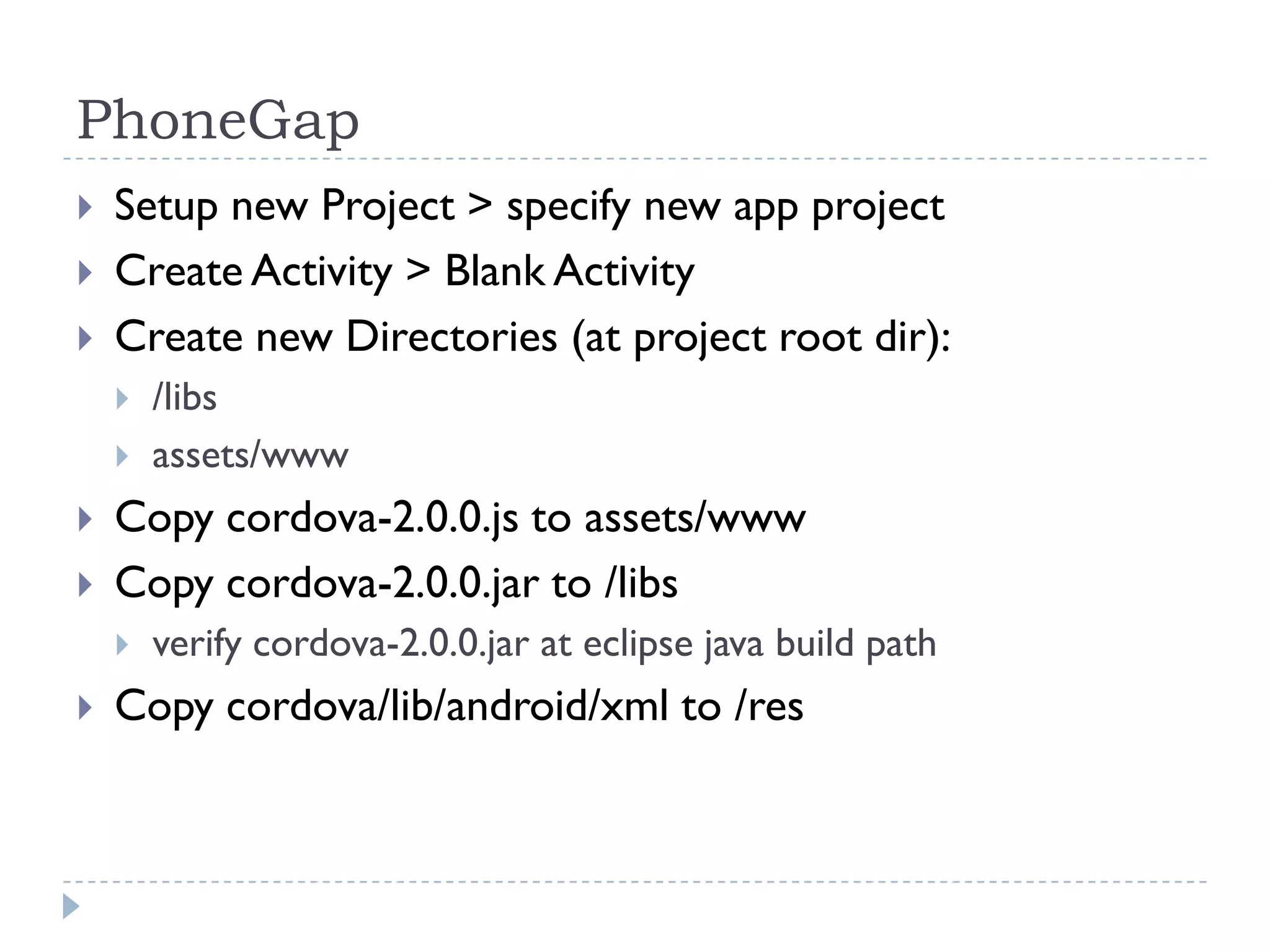
   Setup new Project > specify new app project
   Create Activity > Blank Activity
   Create new Directories (at project root dir):
       /libs
       assets/www
   Copy cordova-2.0.0.js to assets/www
   Copy cordova-2.0.0.jar to /libs
       verify cordova-2.0.0.jar at eclipse java build path
   Copy cordova/lib/android/xml to /res
PhoneGap
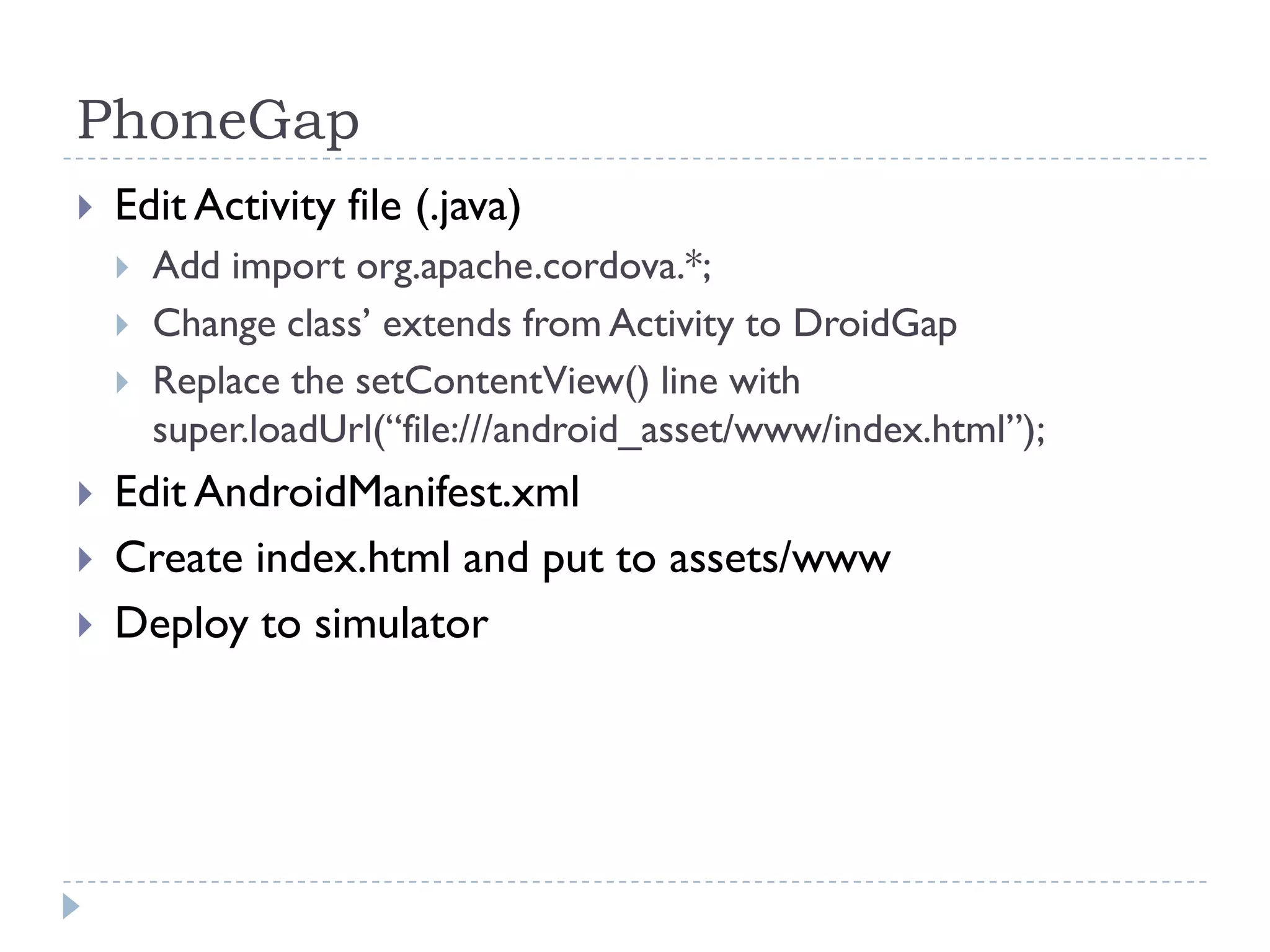
   Edit Activity file (.java)
       Add import org.apache.cordova.*;
       Change class’ extends from Activity to DroidGap
       Replace the setContentView() line with
        super.loadUrl(“file:///android_asset/www/index.html”);
   Edit AndroidManifest.xml
   Create index.html and put to assets/www
   Deploy to simulator
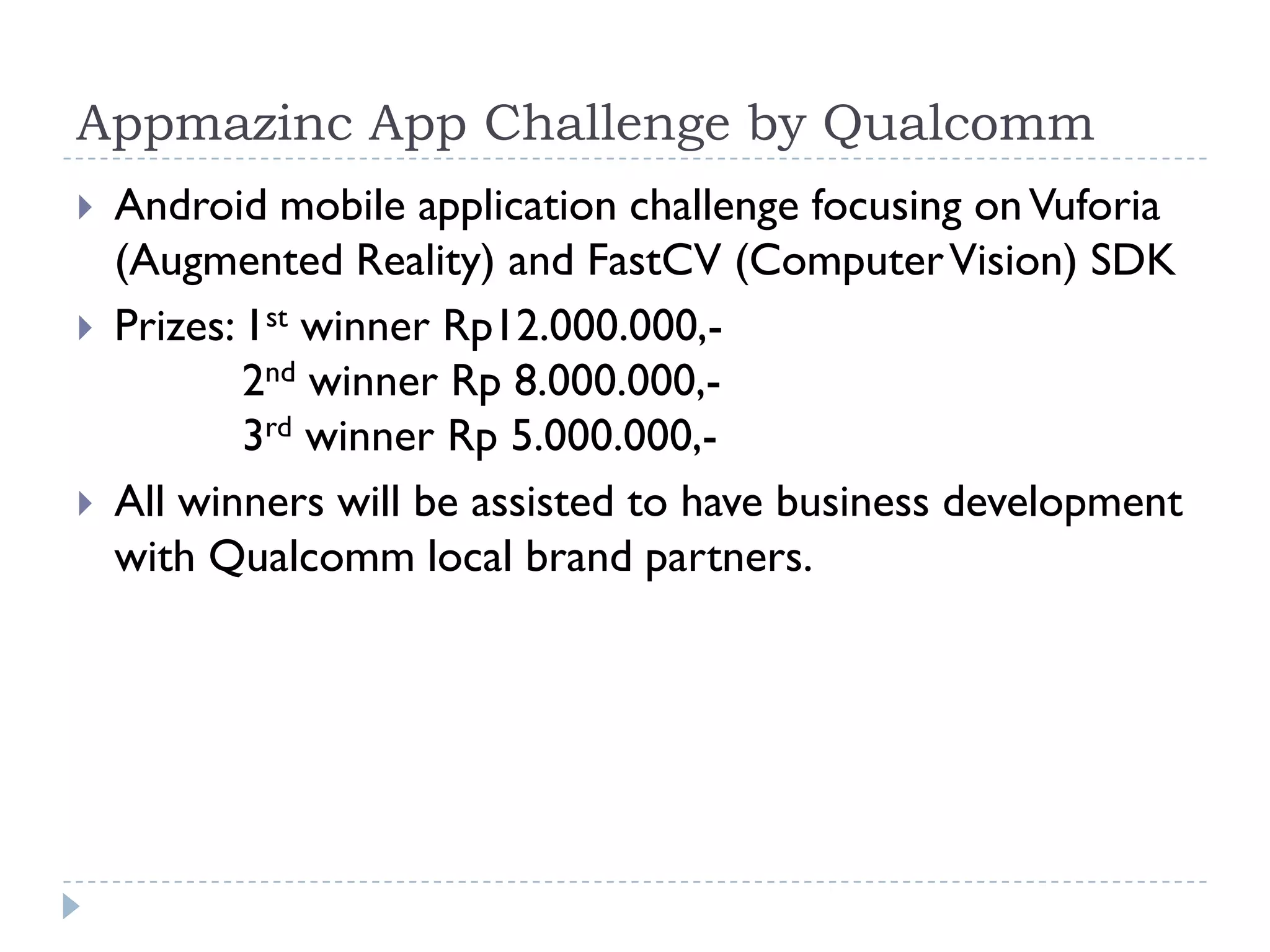
Appmazinc App Challenge by Qualcomm
   Android mobile application challenge focusing on Vuforia
    (Augmented Reality) and FastCV (Computer Vision) SDK
   Prizes: 1st winner Rp12.000.000,-
            2nd winner Rp 8.000.000,-
            3rd winner Rp 5.000.000,-
   All winners will be assisted to have business development
    with Qualcomm local brand partners.
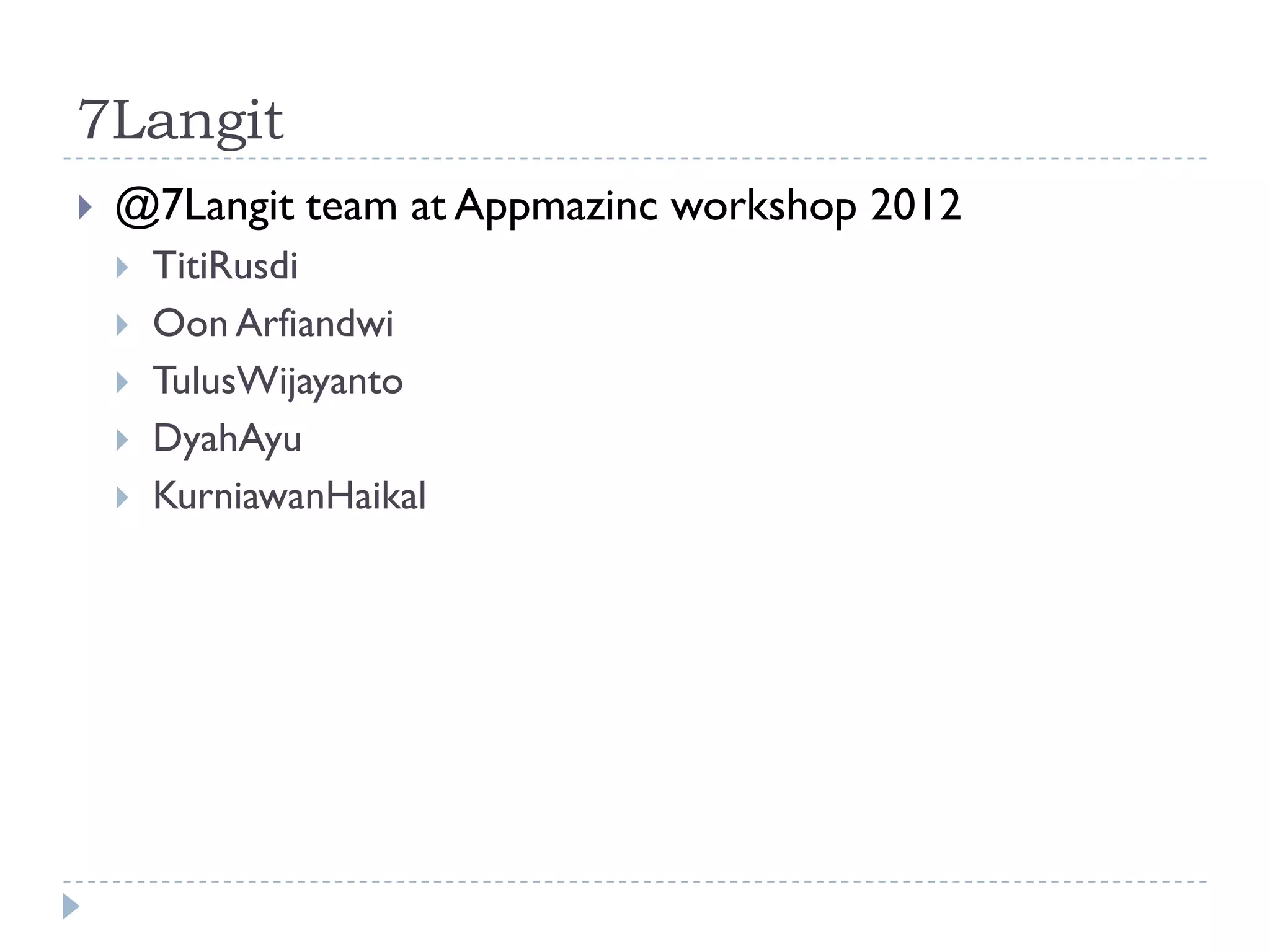
7Langit
   @7Langit team at Appmazinc workshop 2012
       TitiRusdi
       Oon Arfiandwi
       TulusWijayanto
       DyahAyu
       KurniawanHaikal

Android App Development using HTML5 Technology

  • 1.
    Android App Development using HTML5 Technology APPMAZINC Mobile Apps Camp 2012
  • 2.
    Summary  Intro Android Development  Android SDK Installation  Intro HTML5  Intro jQuery Mobile  Intro Webservice (XML, JSON)  PhoneGap (Apache Cordova)  Make RSS Reader App with PhoneGap
  • 3.
    Intro Android Development  Android Development  Java  HTML5  Native (C/C++)  Adobe AIR  Python  Unity  Develop on Mac, Windows, Linux and even on Android it self (AIDE: Android Java IDE)
  • 4.
    Android SDK Installation  Java SDK  Eclipse  Android SDK  ADT Plug-in  HTML5  PhoneGap  jQueryMobile
  • 5.
    HTML5  Markup language for structuring and presenting content for the WWW, and is a core technology of the Internet  HTML created in 1990, HTML4 1997  HTML5 is intended to subsume not only HTML4, but XHTML 1 and DOM LEVEL 2 HTML  HTML5 adds many new syntactic features  Canvas, Drag-and-Drop, Web Storage, …  Geolocation, Web SQL db, File API, …
  • 6.
  • 7.
  • 8.
    jQuery Mobile  A unified, HTML5-based user interface system for all popular mobile device platforms, built on the rock-solid jQuery and jQuery UI Foundation.  Instead of writing unique apps for each mobile device/OS, the jQuery mobile framework allows you to design a single highly- branded web site or application that will work on all popular smartphone, tablet & desktop platforms.
  • 9.
  • 10.
  • 11.
  • 12.
  • 13.
    jQueryMobile <html> <head> <script type=“text/javascript” src=“jquery-1.8.2.min.js”/> <script type=“text/javascript” src=“jquery.mobile-1.2.0.min.js” /> <link rel=“stylesheet” href=“jquery.mobile-1.2.0.min.css” /> </head> <body> <h2>Simple List</h2> <ul data-role=“listview” data-inset=“true”> <li><a href=“index.html”>Element #1</a></li> <li><a href=“#”>Element #2</a></li> </ul> </body> </html>
  • 14.
    Web Service  A web service is a method of communication between two electronic device over the World Wide Web  Extensible Markup Language (XML)  SOAP  XML-RPC  Representational State Transfer (REST)  HTTP GET/POST/PUT/DELETE  JSON (Java Script Object Notation), is a text based open- standard designed for human-readable data interchange.
  • 15.
    XML <?xml version=“1.0” ?> <rss> <channel> <title>myRSS</title> <description>sample RSS</description> <item> <title>article1</title> <link>http://rss.test.com/article1.html</link> <description>article content of article1</description> </item> <item> <title>article2</title> <link>http://rss.test.com/article2.html</link> <description>article content of article2</description> </item> </channel> </rss>
  • 16.
    JSON { "rss": { "channel": { "title": "my RSS", "description": "sample RSS", "item": [ { "title": "article1", "link": "http://rss.test.com/article1.html", "description": "article content of article1" }, { "title": "article2", "link": "http://rss.test.com/article2.html", "description": "article content of article2" } ] } } }
  • 17.
    PhoneGap (Apache Cordova)  Open source framework for quickly building cross- platform mobile apps using HTML5, JavaScript, CSS.  PhoneGap code was contributed to Apache Software Foundation(ASF) under the name Apache Cordova.
  • 18.
  • 19.
    PhoneGap  Setup new Project > specify new app project  Create Activity > Blank Activity  Create new Directories (at project root dir):  /libs  assets/www  Copy cordova-2.0.0.js to assets/www  Copy cordova-2.0.0.jar to /libs  verify cordova-2.0.0.jar at eclipse java build path  Copy cordova/lib/android/xml to /res
  • 20.
    PhoneGap  Edit Activity file (.java)  Add import org.apache.cordova.*;  Change class’ extends from Activity to DroidGap  Replace the setContentView() line with super.loadUrl(“file:///android_asset/www/index.html”);  Edit AndroidManifest.xml  Create index.html and put to assets/www  Deploy to simulator
  • 21.
    Appmazinc App Challengeby Qualcomm  Android mobile application challenge focusing on Vuforia (Augmented Reality) and FastCV (Computer Vision) SDK  Prizes: 1st winner Rp12.000.000,- 2nd winner Rp 8.000.000,- 3rd winner Rp 5.000.000,-  All winners will be assisted to have business development with Qualcomm local brand partners.
  • 22.
    7Langit  @7Langit team at Appmazinc workshop 2012  TitiRusdi  Oon Arfiandwi  TulusWijayanto  DyahAyu  KurniawanHaikal