Computer Networks
          By
     Angela Moore
• What a computer
 network is.

• What is needed to set
 up a computer network.

• How to set-up a
 computer network.
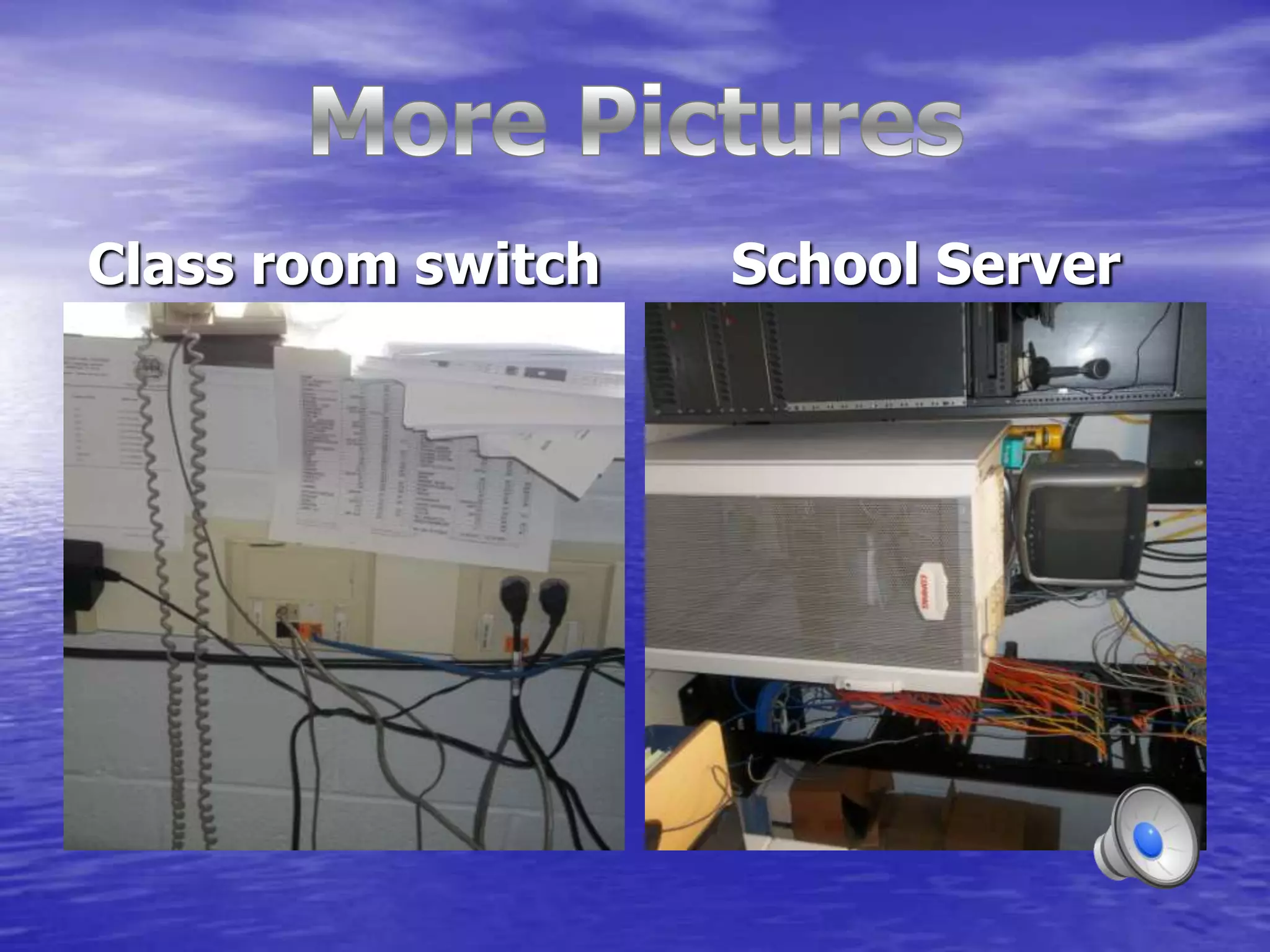
Class room switch   School Server
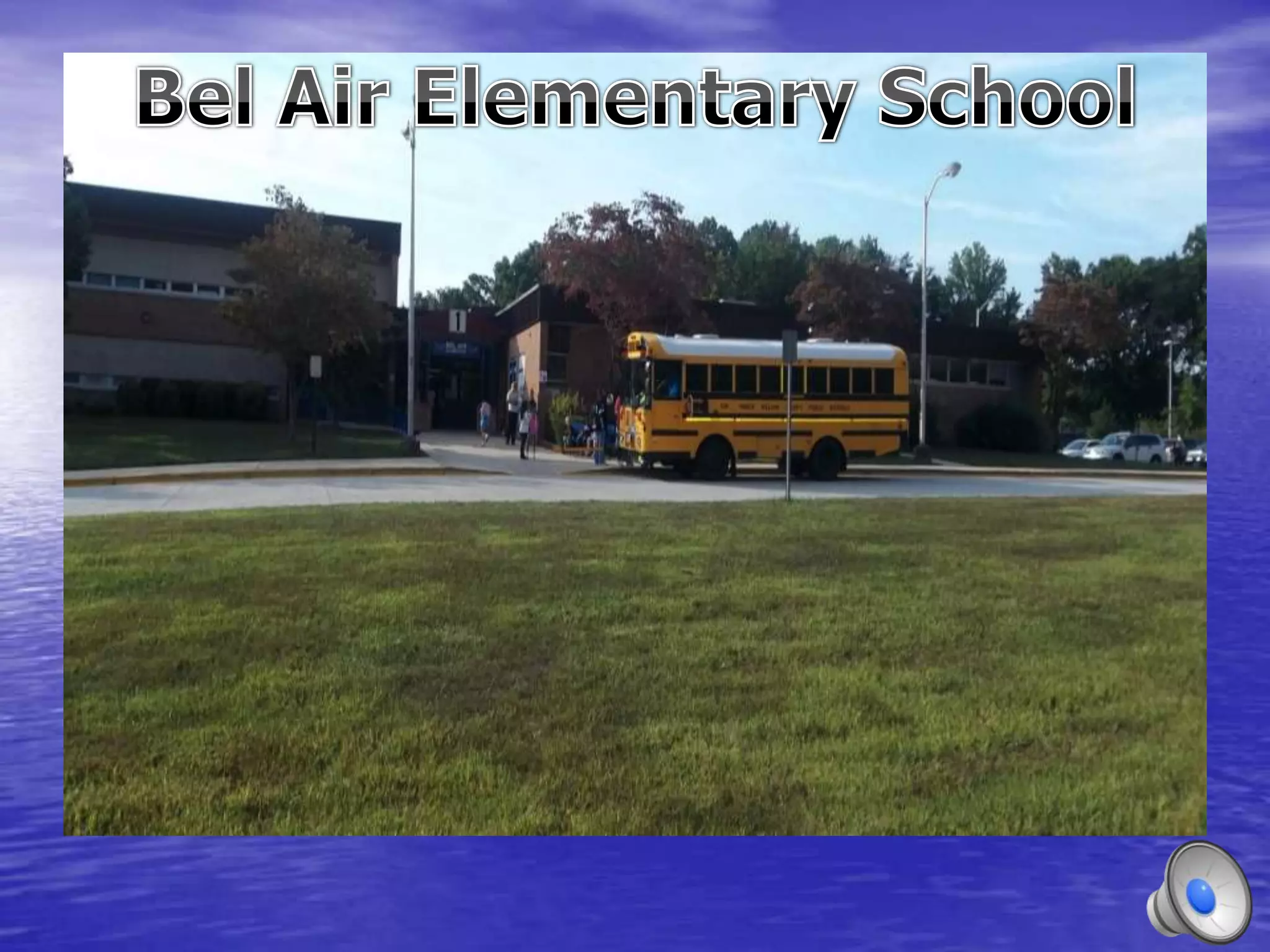
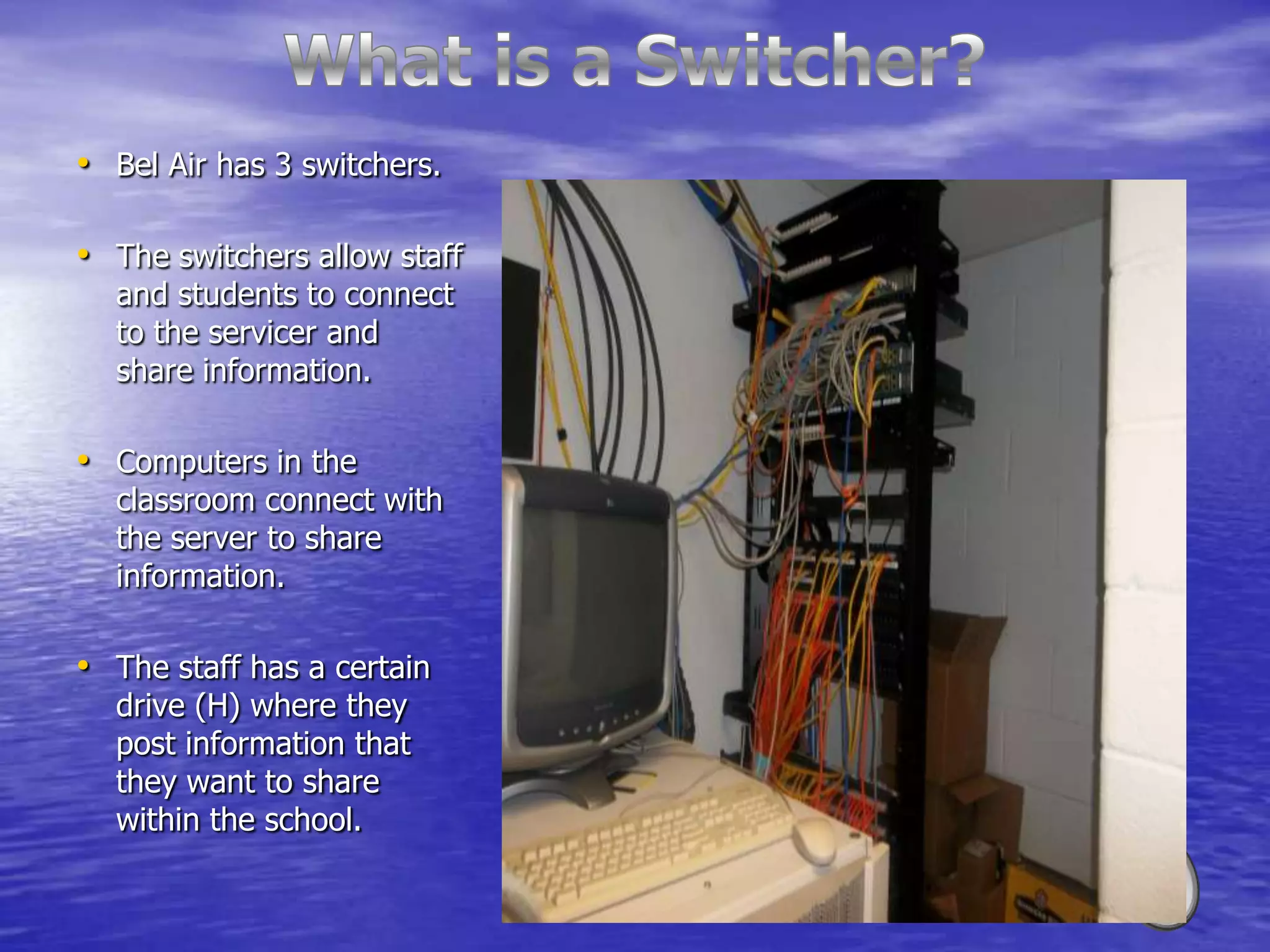
• Bel Air has 3 switchers.

• The switchers allow staff
  and students to connect
  to the servicer and
  share information.

• Computers in the
  classroom connect with
  the server to share
  information.

• The staff has a certain
  drive (H) where they
  post information that
  they want to share
  within the school.
Types of Networks
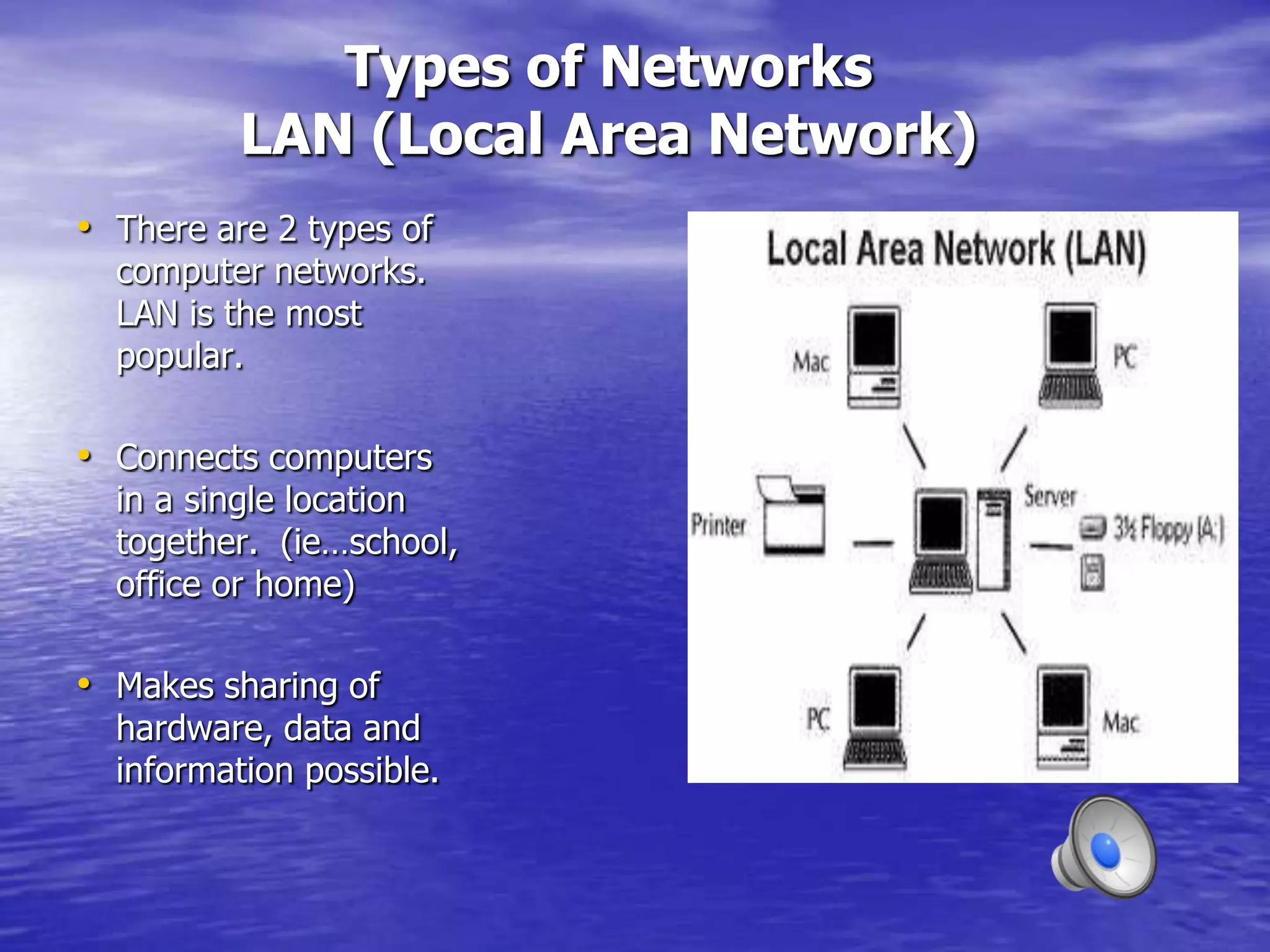
          LAN (Local Area Network)
• There are 2 types of
  computer networks.
  LAN is the most
  popular.

• Connects computers
  in a single location
  together. (ie…school,
  office or home)

• Makes sharing of
  hardware, data and
  information possible.
WAN
              Wide Area Network
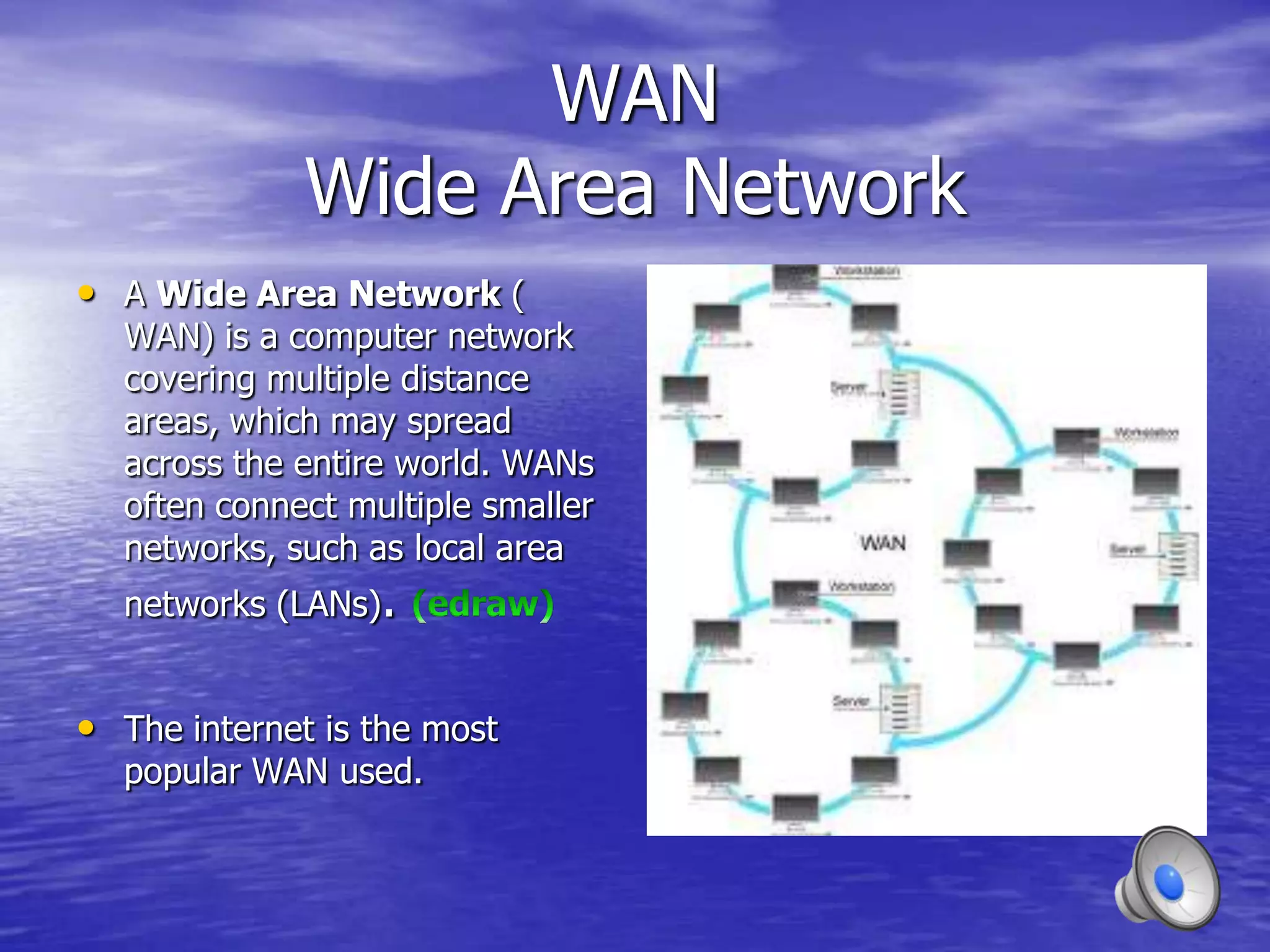
• A Wide Area Network (
  WAN) is a computer network
  covering multiple distance
  areas, which may spread
  across the entire world. WANs
  often connect multiple smaller
  networks, such as local area
  networks (LANs).


• The internet is the most
  popular WAN used.
Building a Network
                               Choices
       Peer-to-Peer                        Client/Server
• Uses two or more computers        • Many clients, one server
  sharing information.
                                    • The server request and
• Operate off of the same              receives information over the
  network and share the same
  software.                            network.


• Computers are usually             • The server stores files and
  physically close together.           databases. Processes much
                                       quicker.
• Used mostly in homes, schools
  and small business and offices.   • Most clients are PCs.
How to Create a Peer-to-Peer
           Network
• http://www.youtube.com/watch?v=Imro42nukw0
  &feature=fvwrel

http://www.youtube.com/watch?v=k09TUF9_LW8

• Visuals always work better for me, so click the link
  and you will see how to create a peer-to-peer
  network with your Mac computer or PC.
Knowledge
Knowledge
The End

Angela's Computer Network Project

  • 1.
    Computer Networks By Angela Moore
  • 5.
    • What acomputer network is. • What is needed to set up a computer network. • How to set-up a computer network.
  • 8.
    Class room switch School Server
  • 10.
    • Bel Airhas 3 switchers. • The switchers allow staff and students to connect to the servicer and share information. • Computers in the classroom connect with the server to share information. • The staff has a certain drive (H) where they post information that they want to share within the school.
  • 11.
    Types of Networks LAN (Local Area Network) • There are 2 types of computer networks. LAN is the most popular. • Connects computers in a single location together. (ie…school, office or home) • Makes sharing of hardware, data and information possible.
  • 12.
    WAN Wide Area Network • A Wide Area Network ( WAN) is a computer network covering multiple distance areas, which may spread across the entire world. WANs often connect multiple smaller networks, such as local area networks (LANs). • The internet is the most popular WAN used.
  • 13.
    Building a Network Choices Peer-to-Peer Client/Server • Uses two or more computers • Many clients, one server sharing information. • The server request and • Operate off of the same receives information over the network and share the same software. network. • Computers are usually • The server stores files and physically close together. databases. Processes much quicker. • Used mostly in homes, schools and small business and offices. • Most clients are PCs.
  • 14.
    How to Createa Peer-to-Peer Network • http://www.youtube.com/watch?v=Imro42nukw0 &feature=fvwrel http://www.youtube.com/watch?v=k09TUF9_LW8 • Visuals always work better for me, so click the link and you will see how to create a peer-to-peer network with your Mac computer or PC.
  • 15.
  • 16.
  • 17.