
“Talk is cheap. Show me the code.”
― Linus Torvalds
Who am i
S. Mahbub-Uz-Zaman
http://www.linkedin.com/in/mahbubzaman
Send SMS
FIRST
Receive SMS
SECOND
Messaging in Android
THIRD
Tips and Tricks
FIRST Send SMS
Send SMS using the built-in Messaging application
public void sendSMSUsingIntent() {
Intent i = new Intent(android.content.Intent.ACTION_VIEW);
i.putExtra("address", "01923962820");
i.putExtra("sms_body", "Hello i love recursion!");
i.setType("vnd.android-dir/mms-sms");
startActivity(i);
}
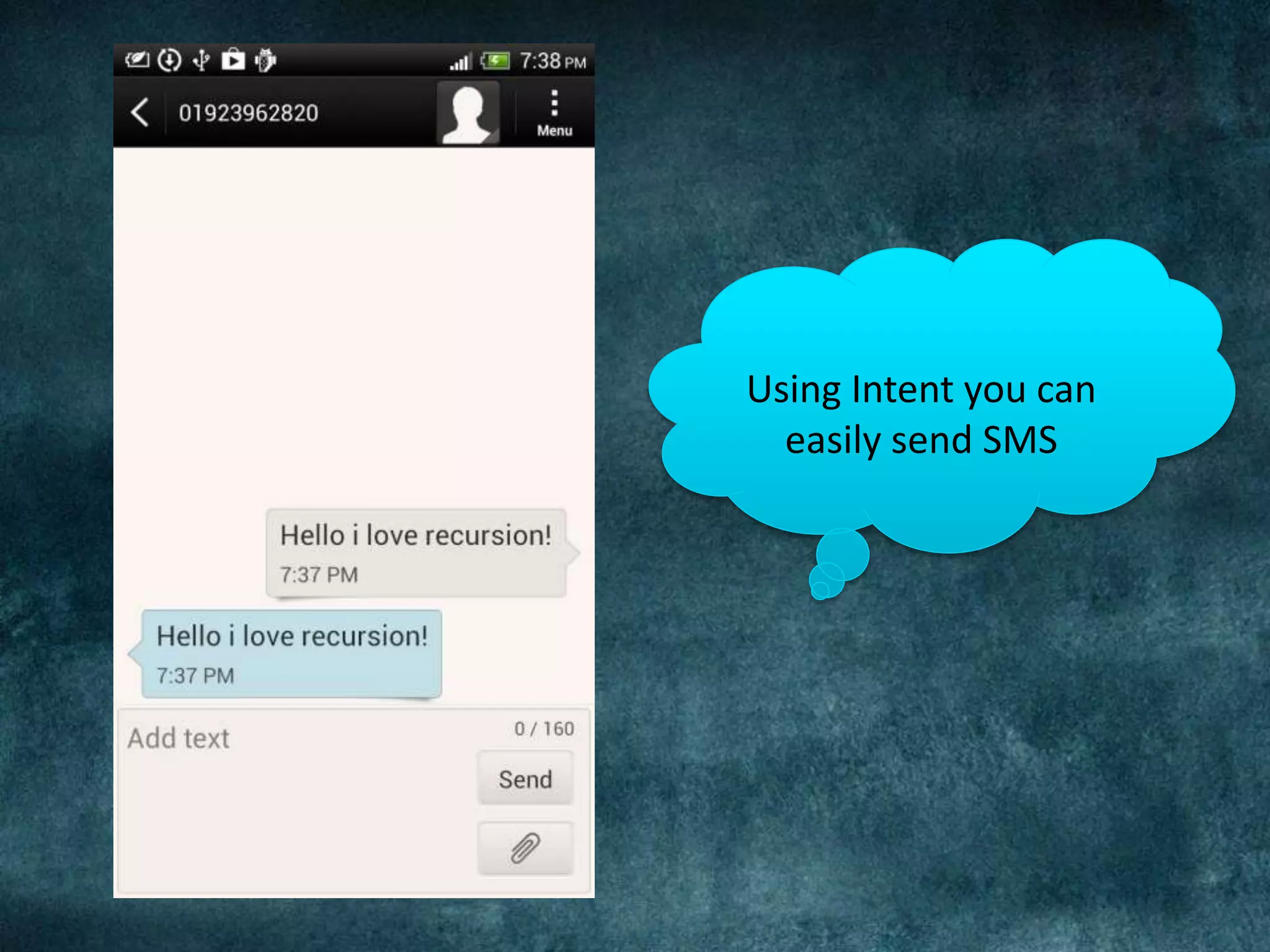
Using Intent you can
easily send SMS
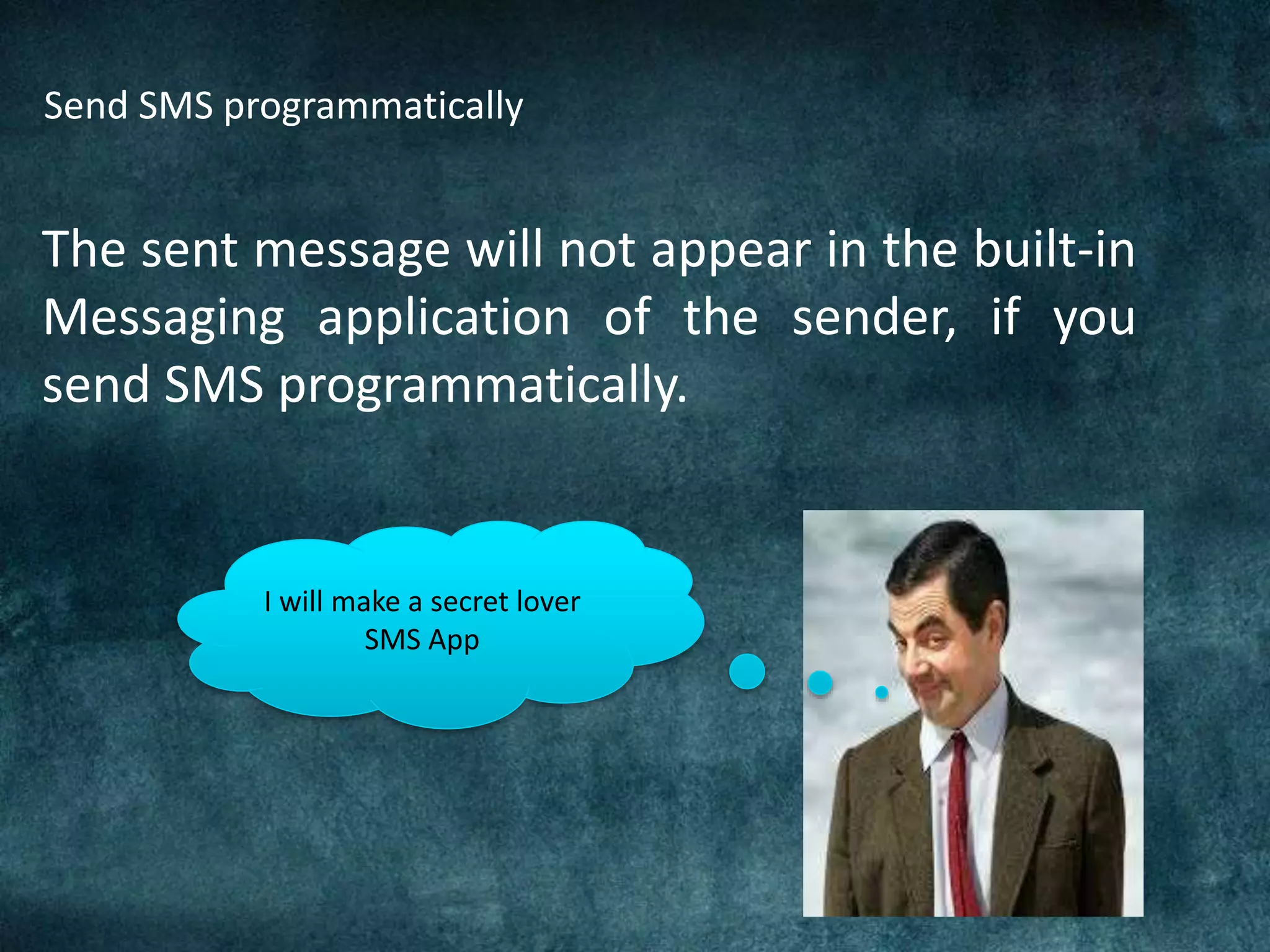
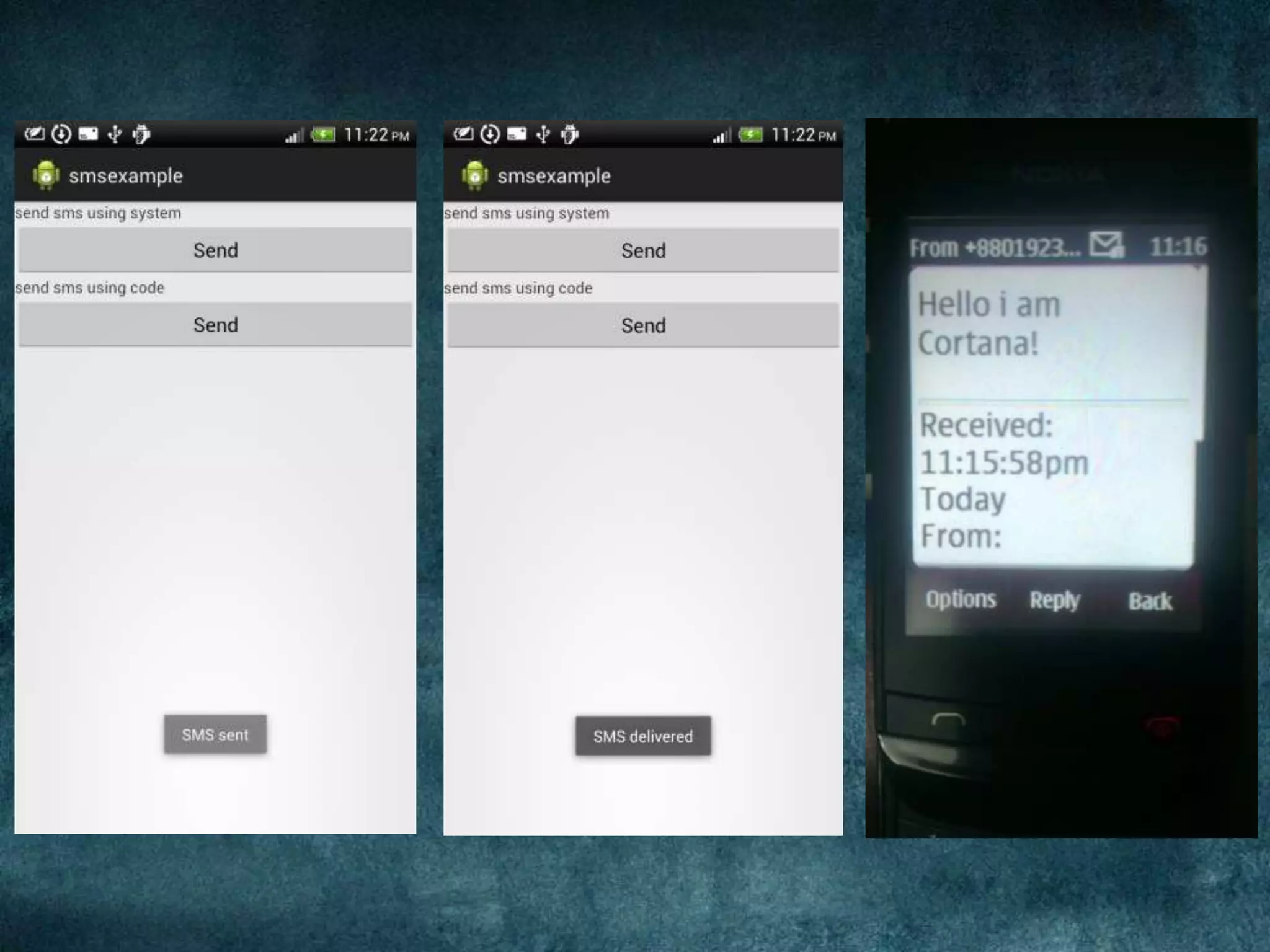
Send SMS programmatically
The sent message will not appear in the built-in
Messaging application of the sender, if you
send SMS programmatically.
I will make a secret lover
SMS App
Receive SMSSECOND
# write a BroadcastReceiver class
# send SMS using Broadcast Intent
# register for BroadcastReceiver
# show message
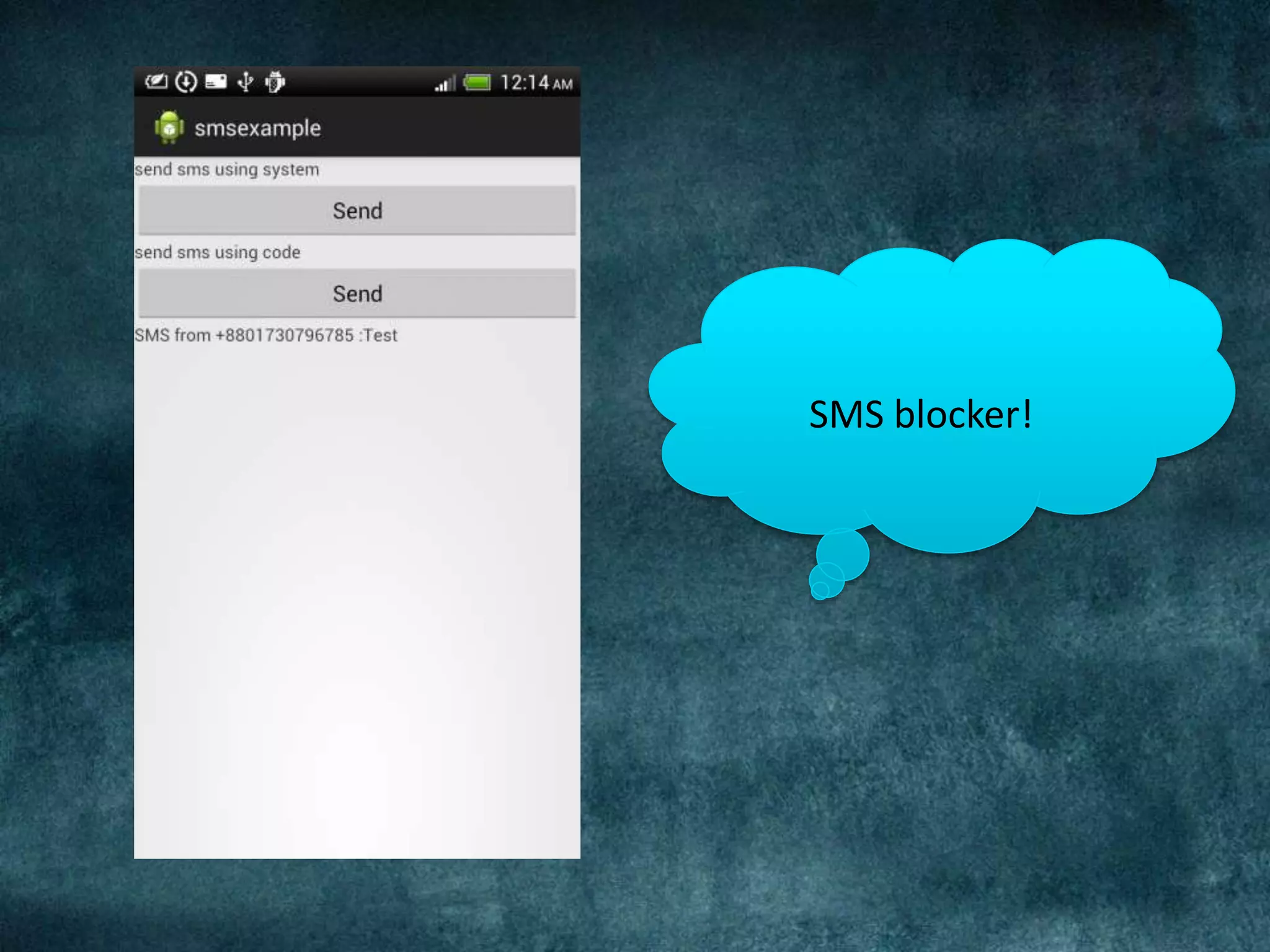
SMS blocker!
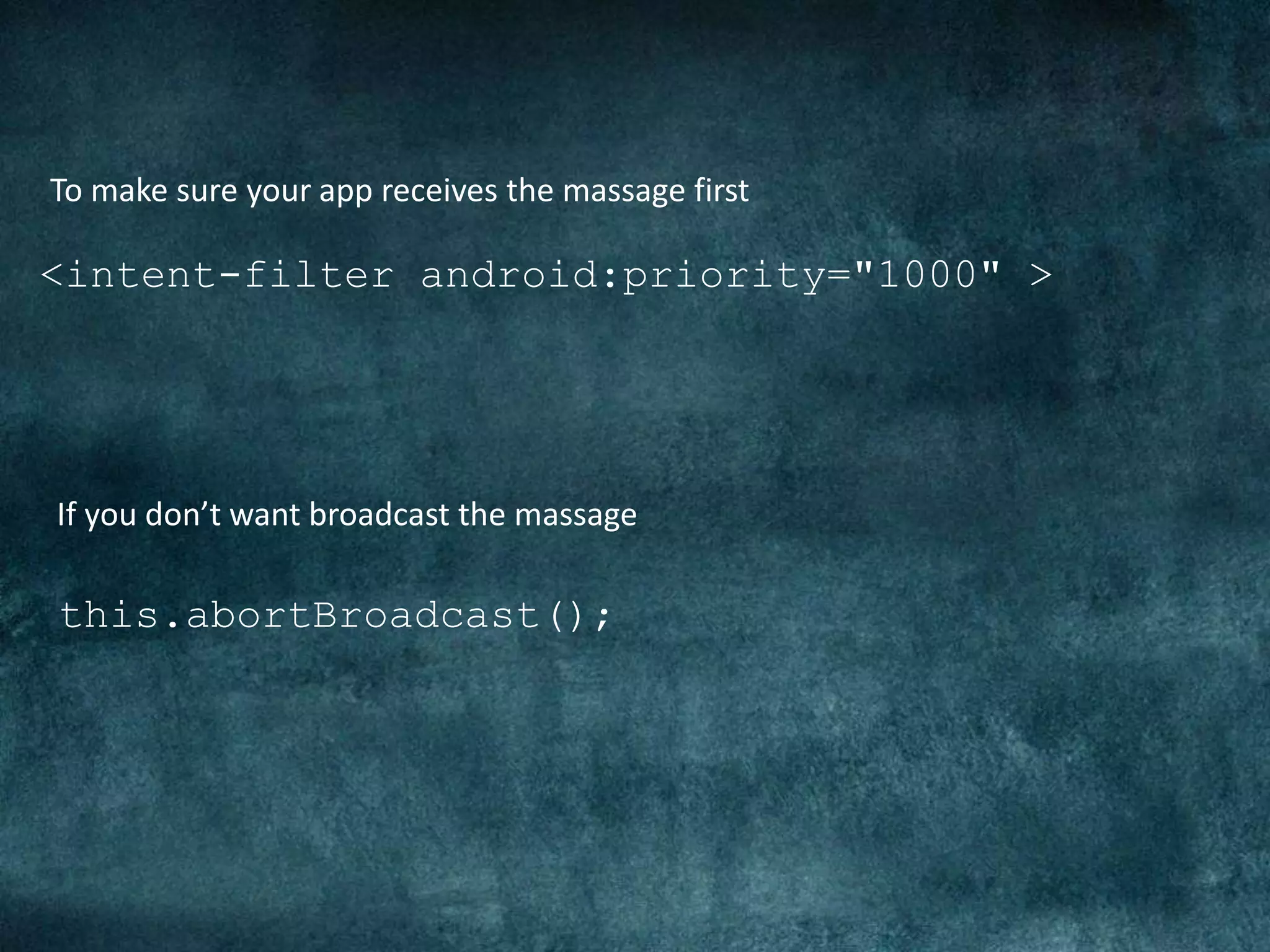
<intent-filter android:priority="1000" >
To make sure your app receives the massage first
If you don’t want broadcast the massage
this.abortBroadcast();
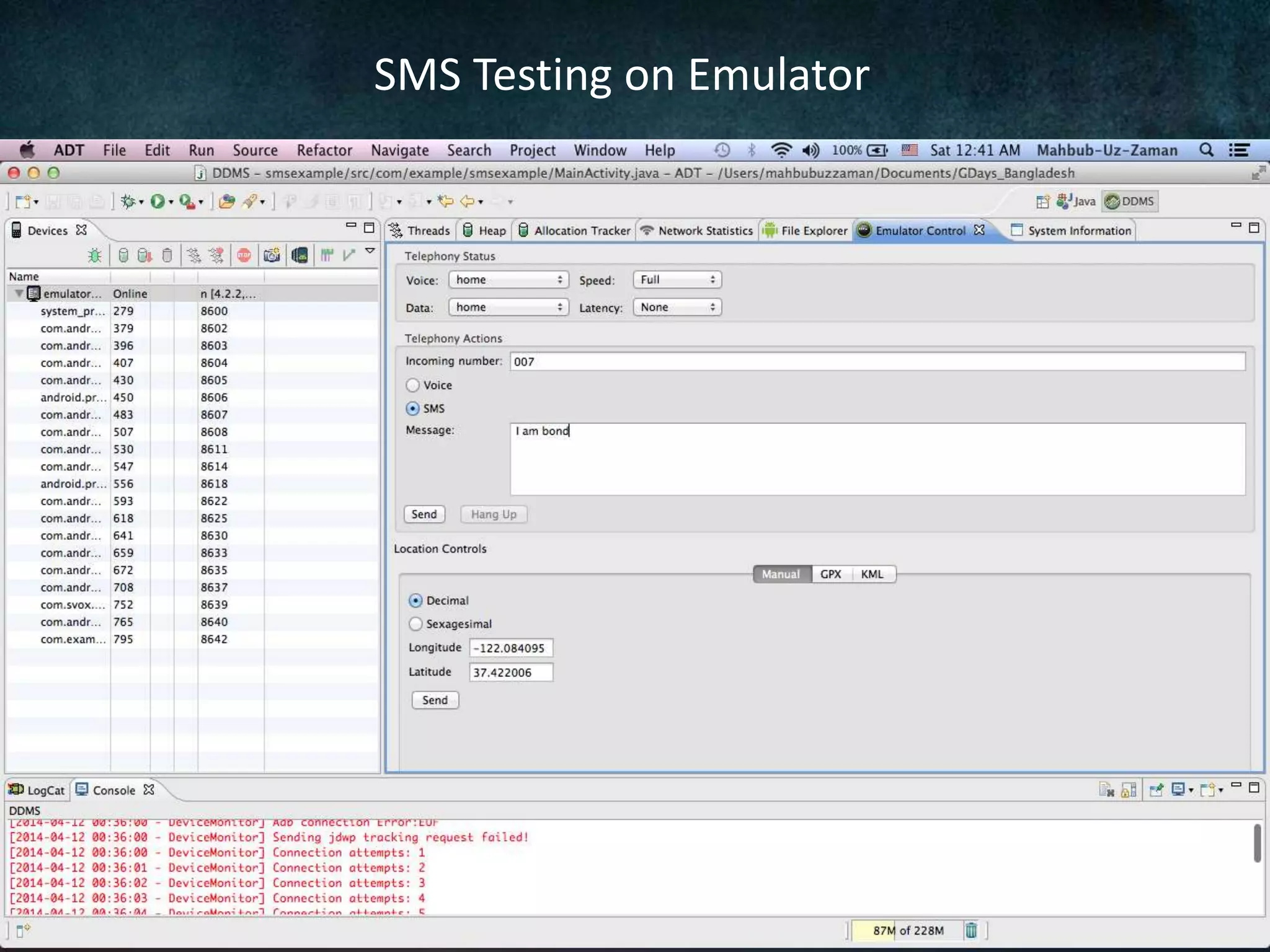
SMS Testing on Emulator
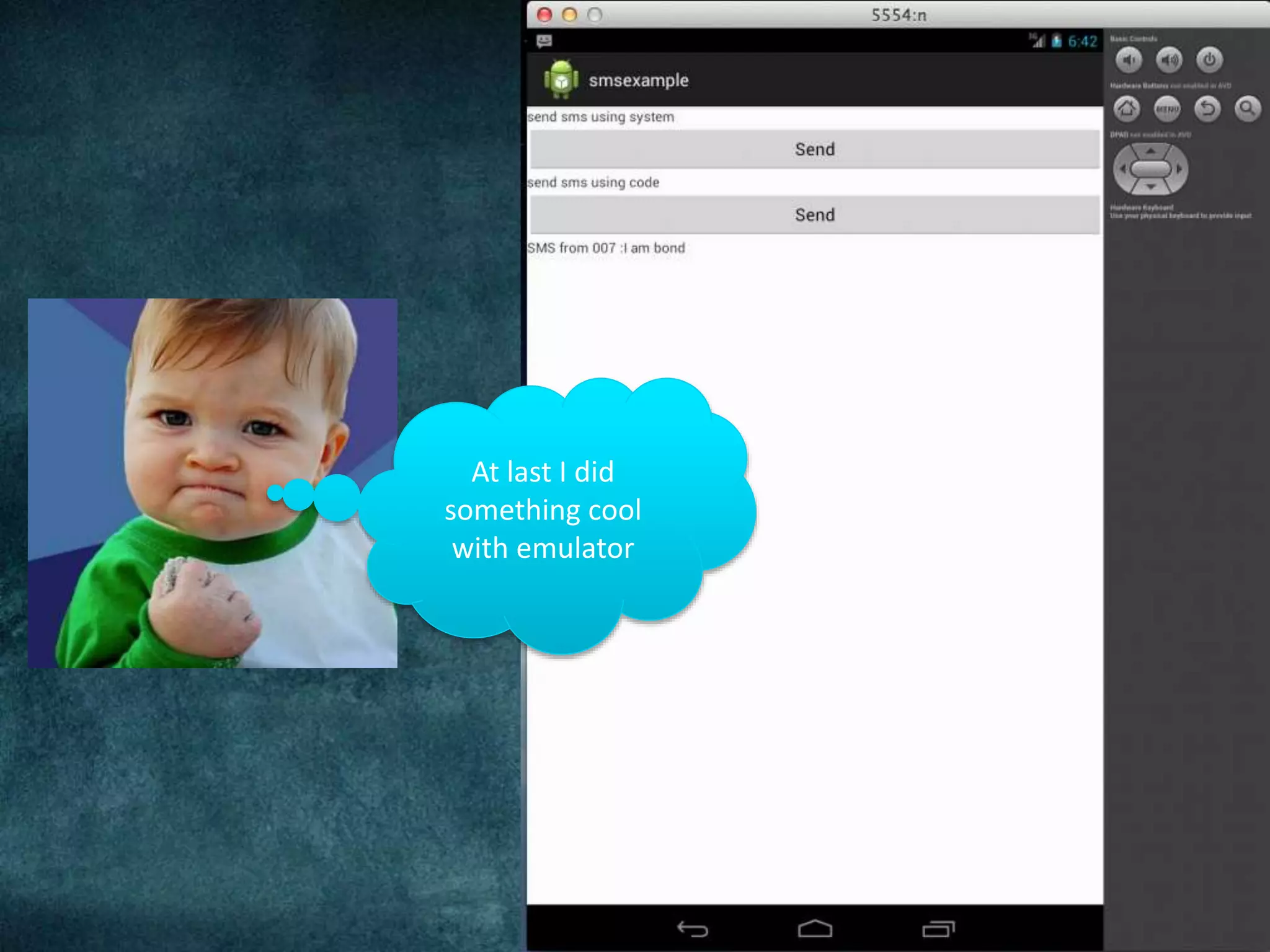
At last I did
something cool
with emulator
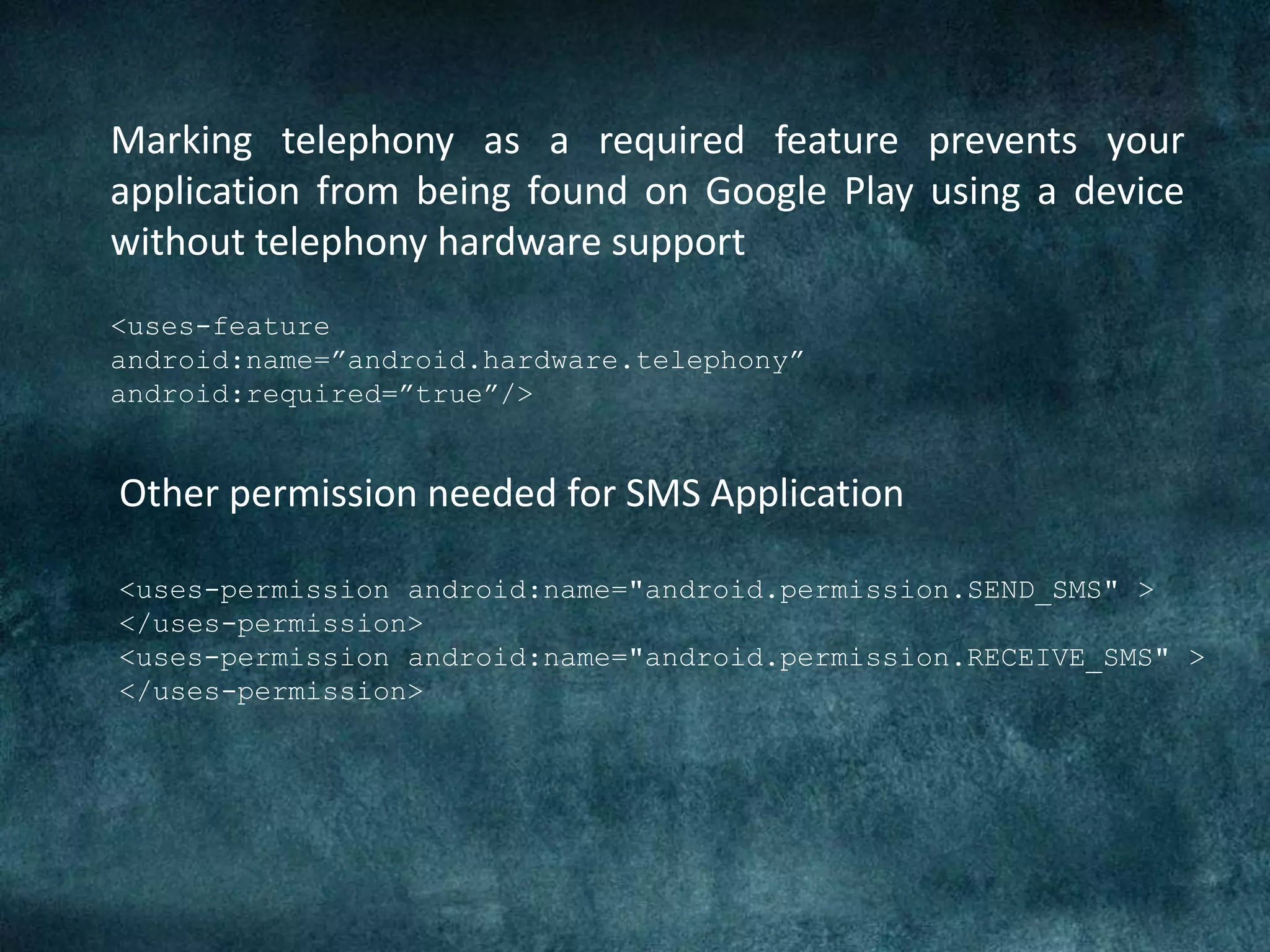
<uses-feature
android:name=”android.hardware.telephony”
android:required=”true”/>
Marking telephony as a required feature prevents your
application from being found on Google Play using a device
without telephony hardware support
Other permission needed for SMS Application
<uses-permission android:name="android.permission.SEND_SMS" >
</uses-permission>
<uses-permission android:name="android.permission.RECEIVE_SMS" >
</uses-permission>
For More Cool Tutorials Visit: http://mahbubzaman.wordpress.com
Installation error: INSTALL_FAILED_DEXOPT
Please check logcat output for more details.
Launch canceled!
Thank You

Android SMS (GDayX, Dhaka, Bangladesh)