Download as PDF, PPTX
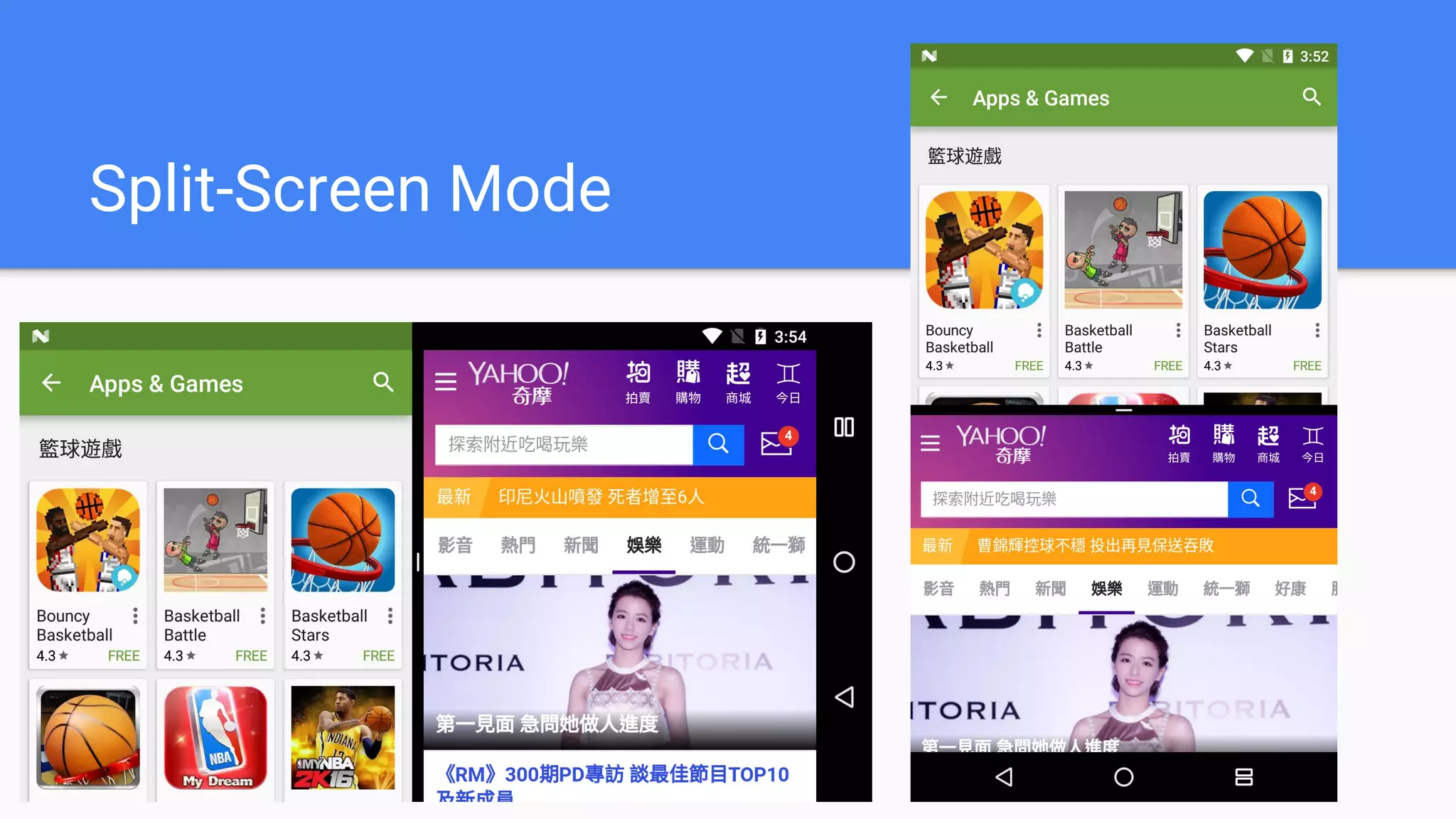
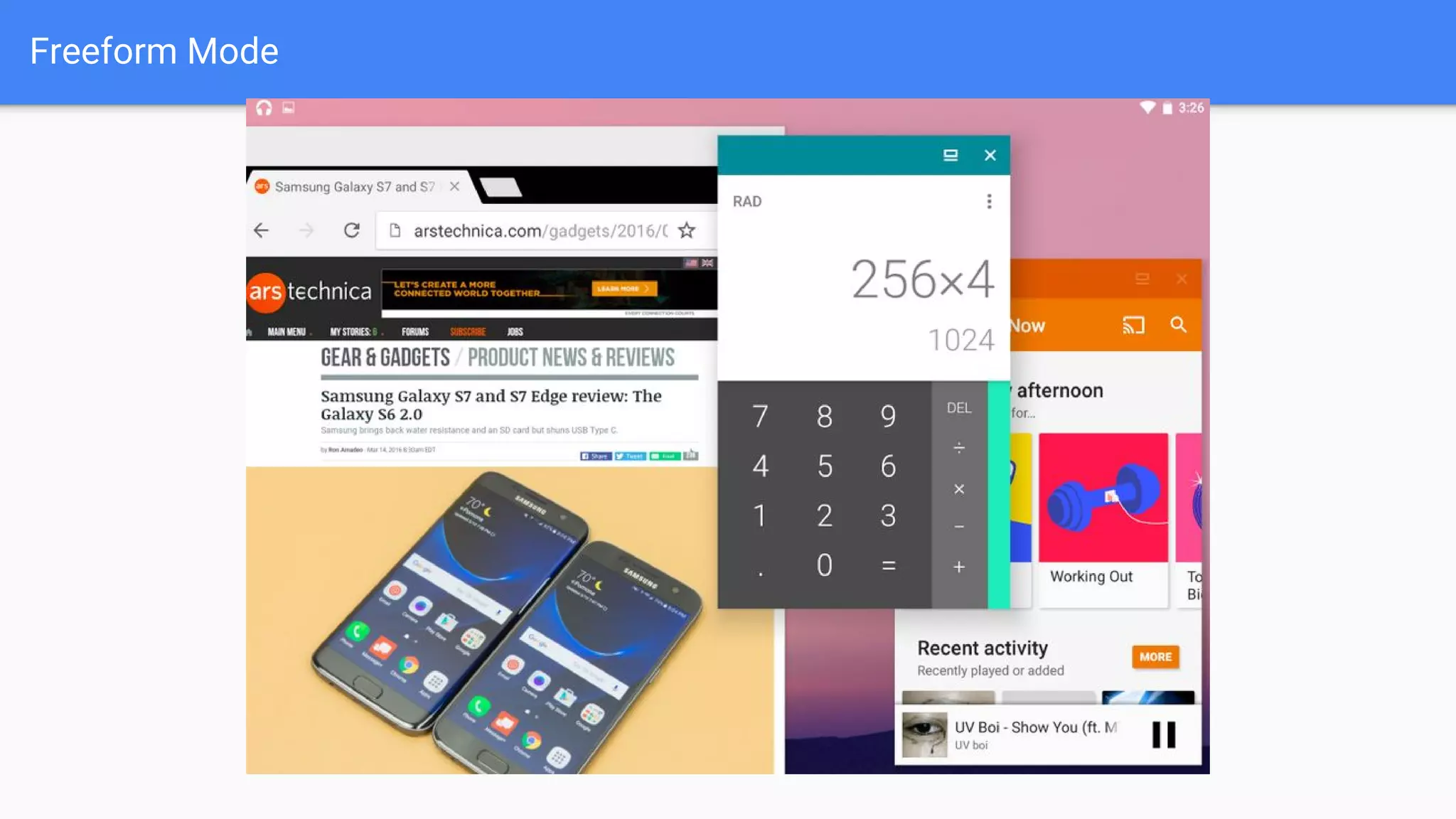
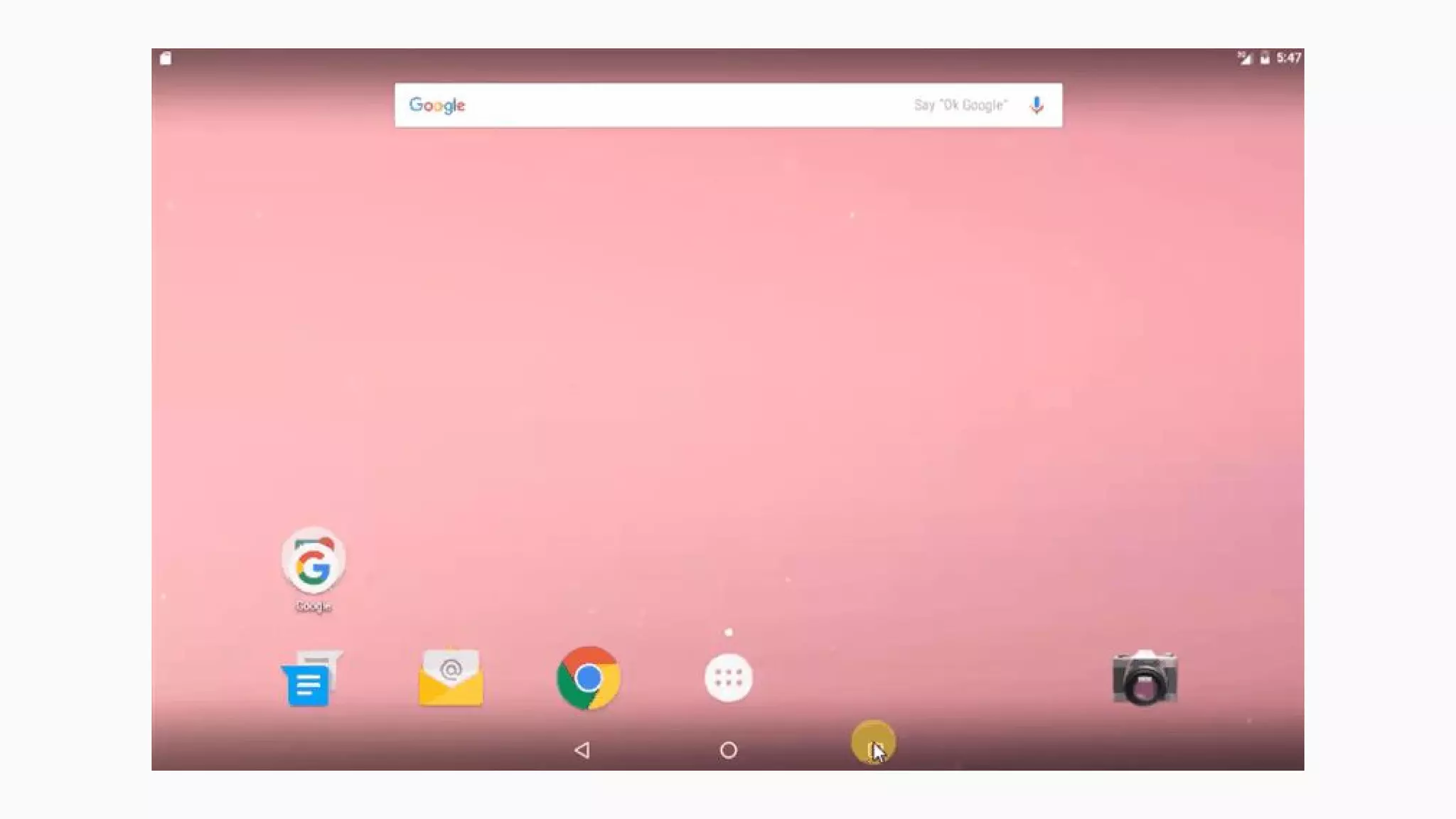
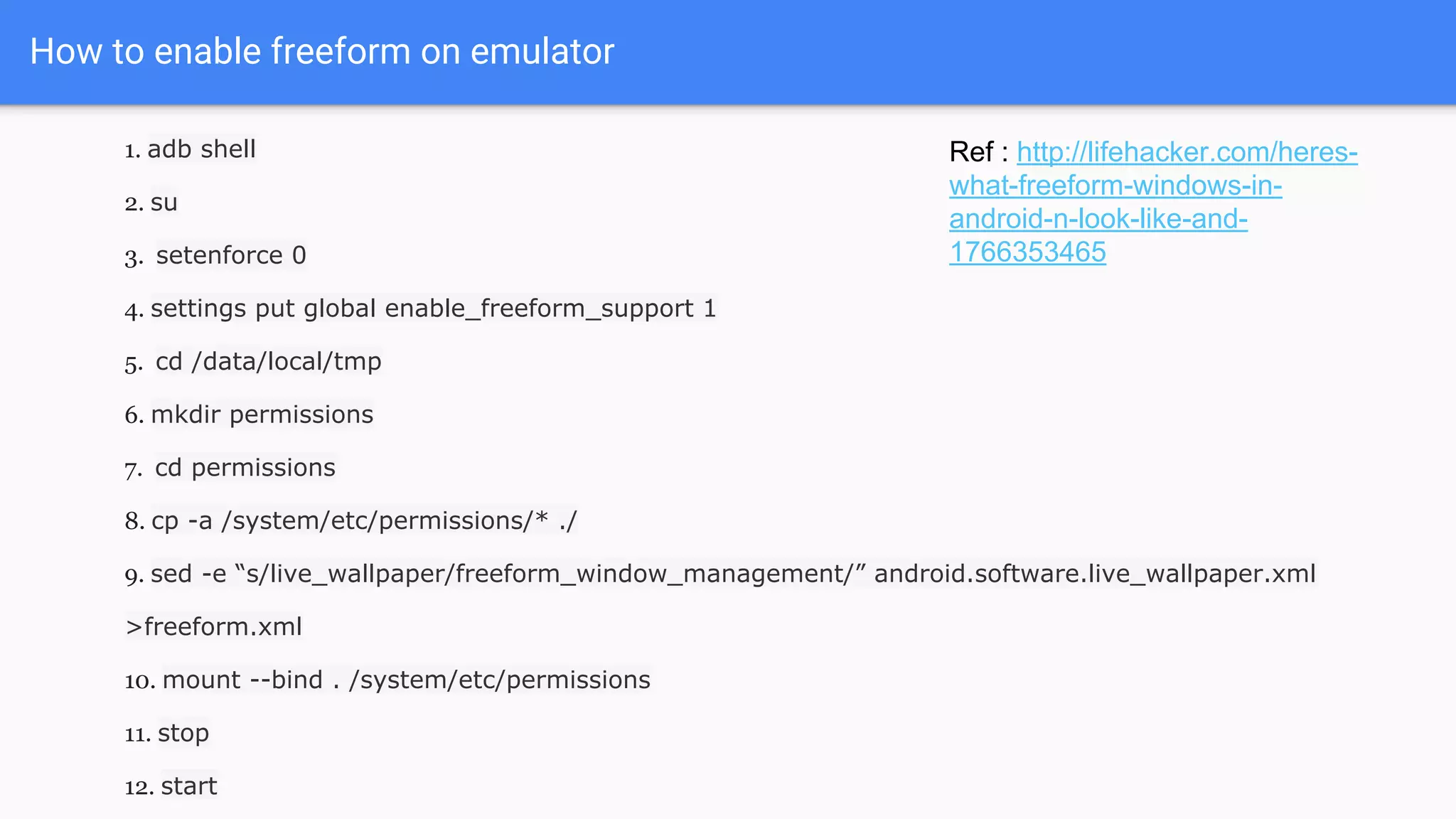
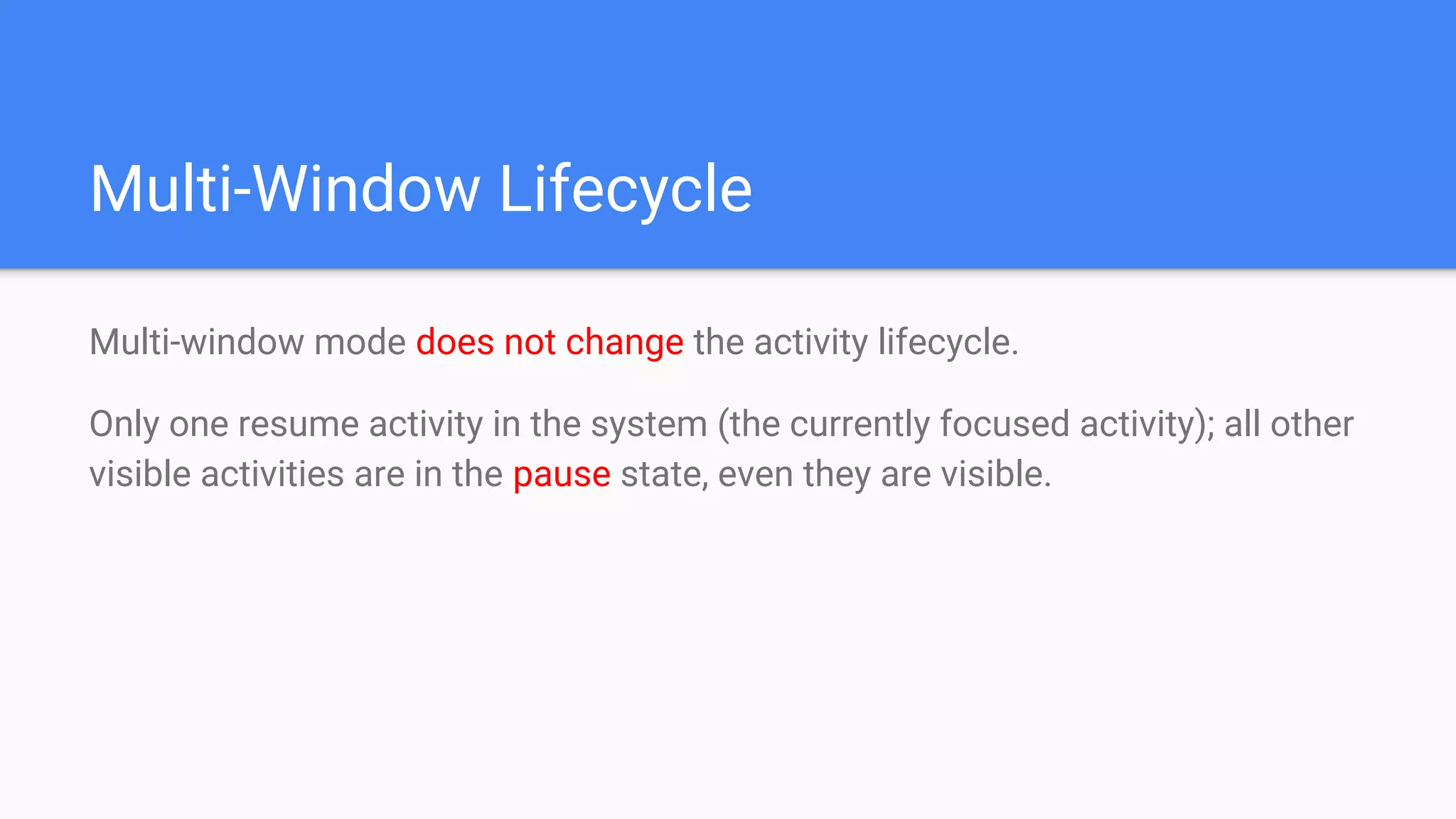
![Configuring App for Multi-Window Mode
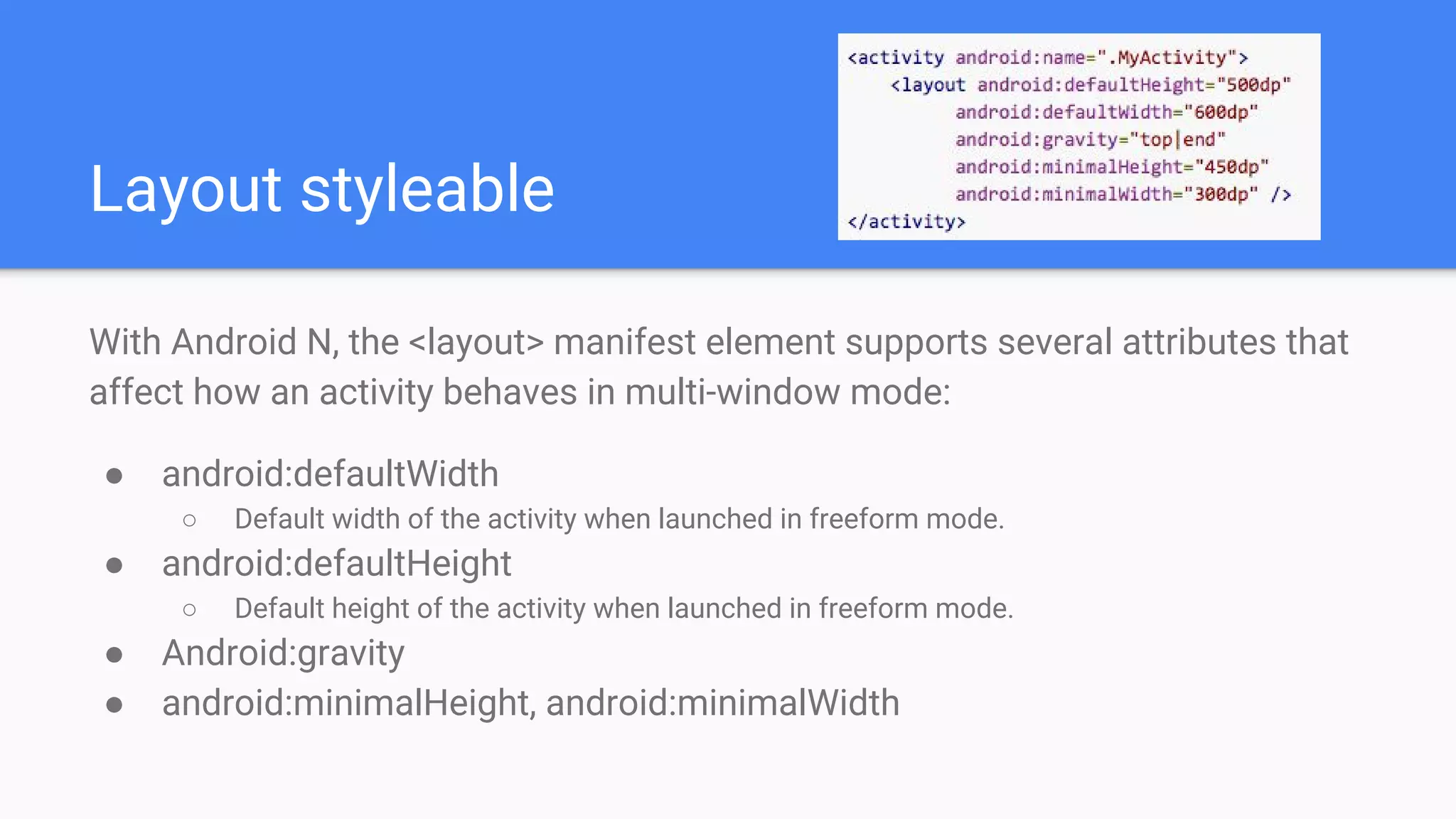
android:resizeableActivity=["true" | "false"]
If this attribute is set to true, the activity can be launched in split-screen and
freeform modes.
If the attribute is set to false, the activity does not support multi-window mode.
If this value is false, and the user attempts to launch the activity in multi-
window mode, the activity takes over the full screen.
If your app targets Android N, but you do not specify a value for this attribute,
the attribute's value defaults to true.](https://image.slidesharecdn.com/androidn-multi-window-2-160528060345/75/Android-N-multi-window-16-2048.jpg)
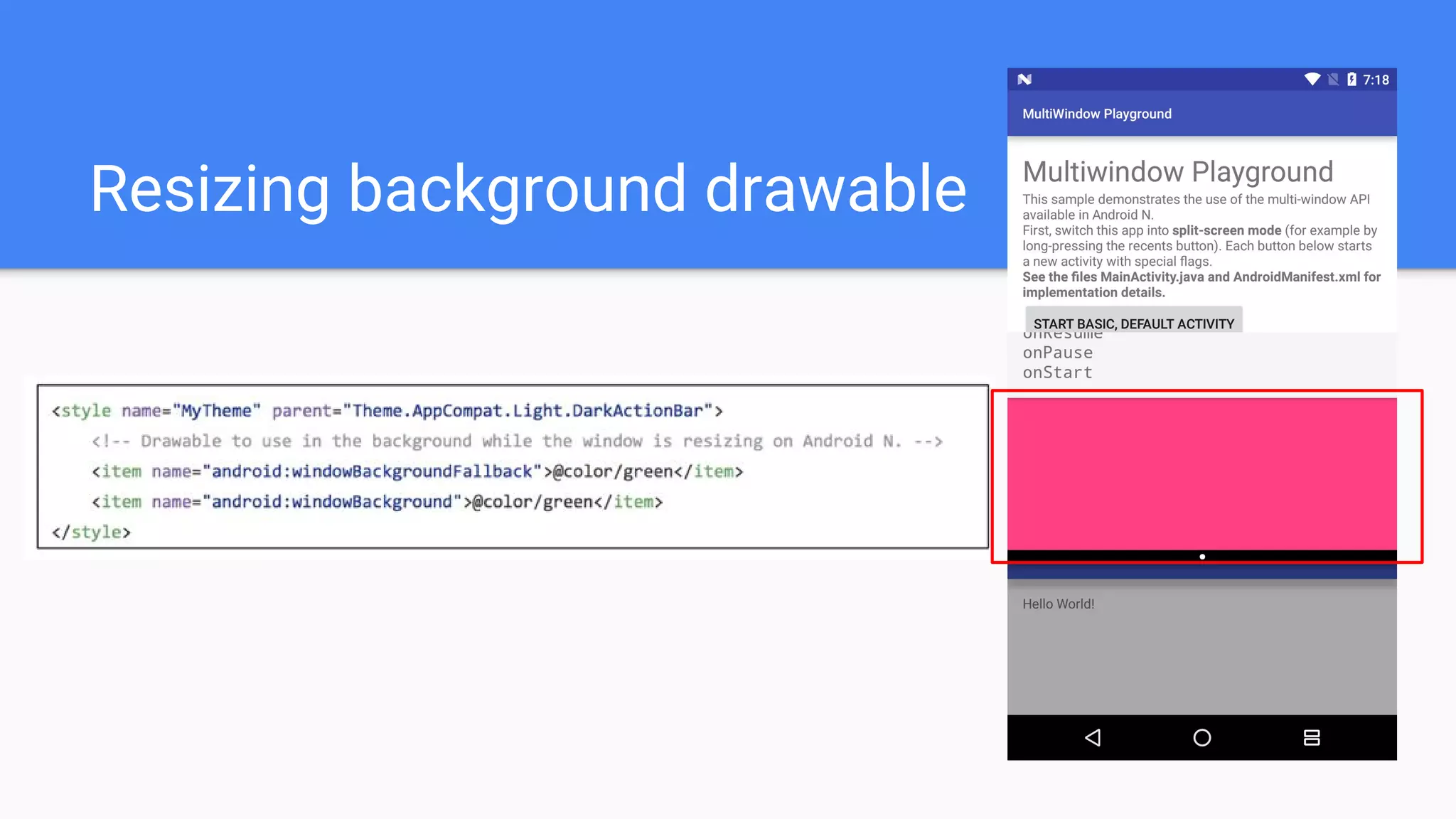
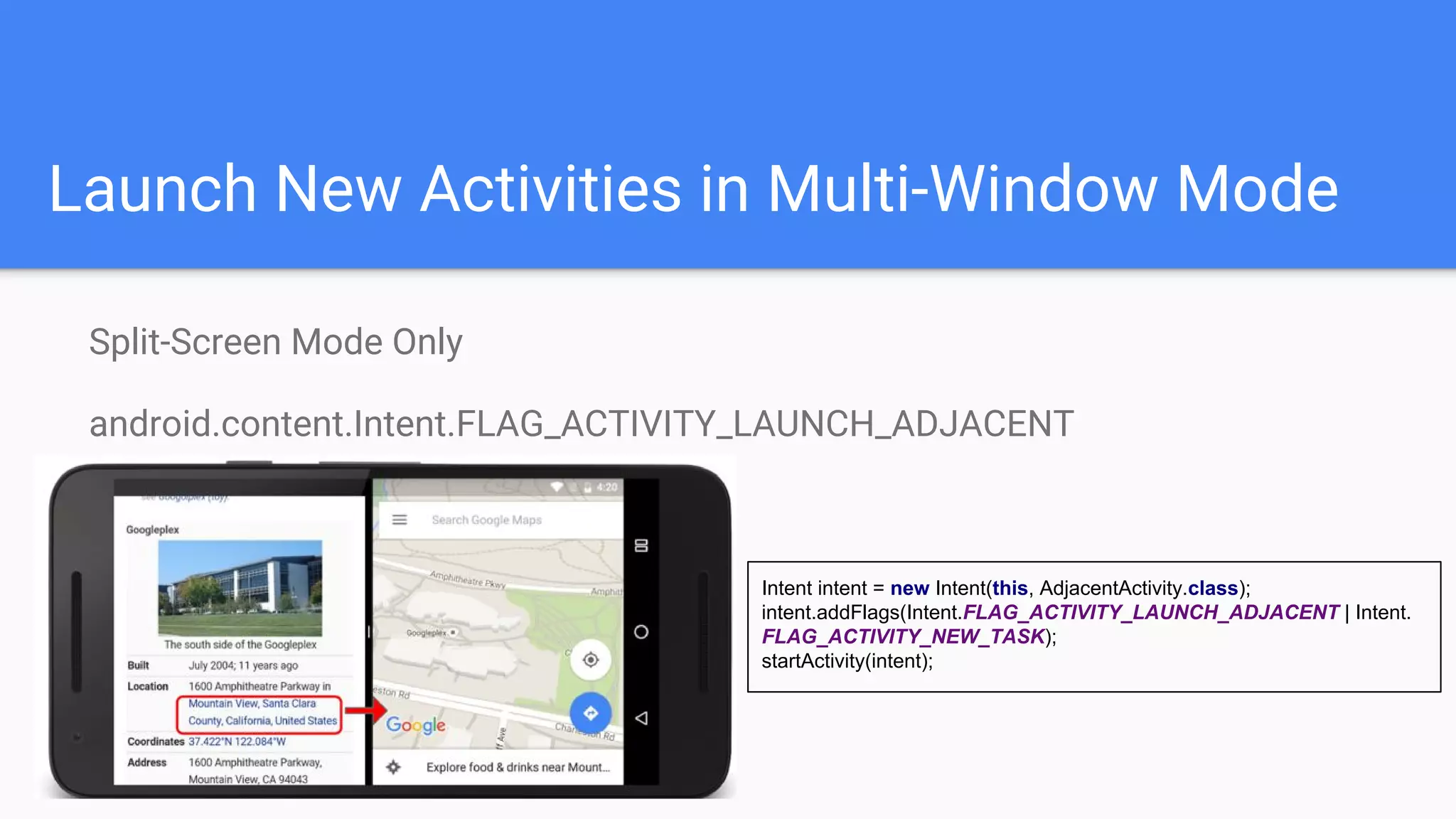
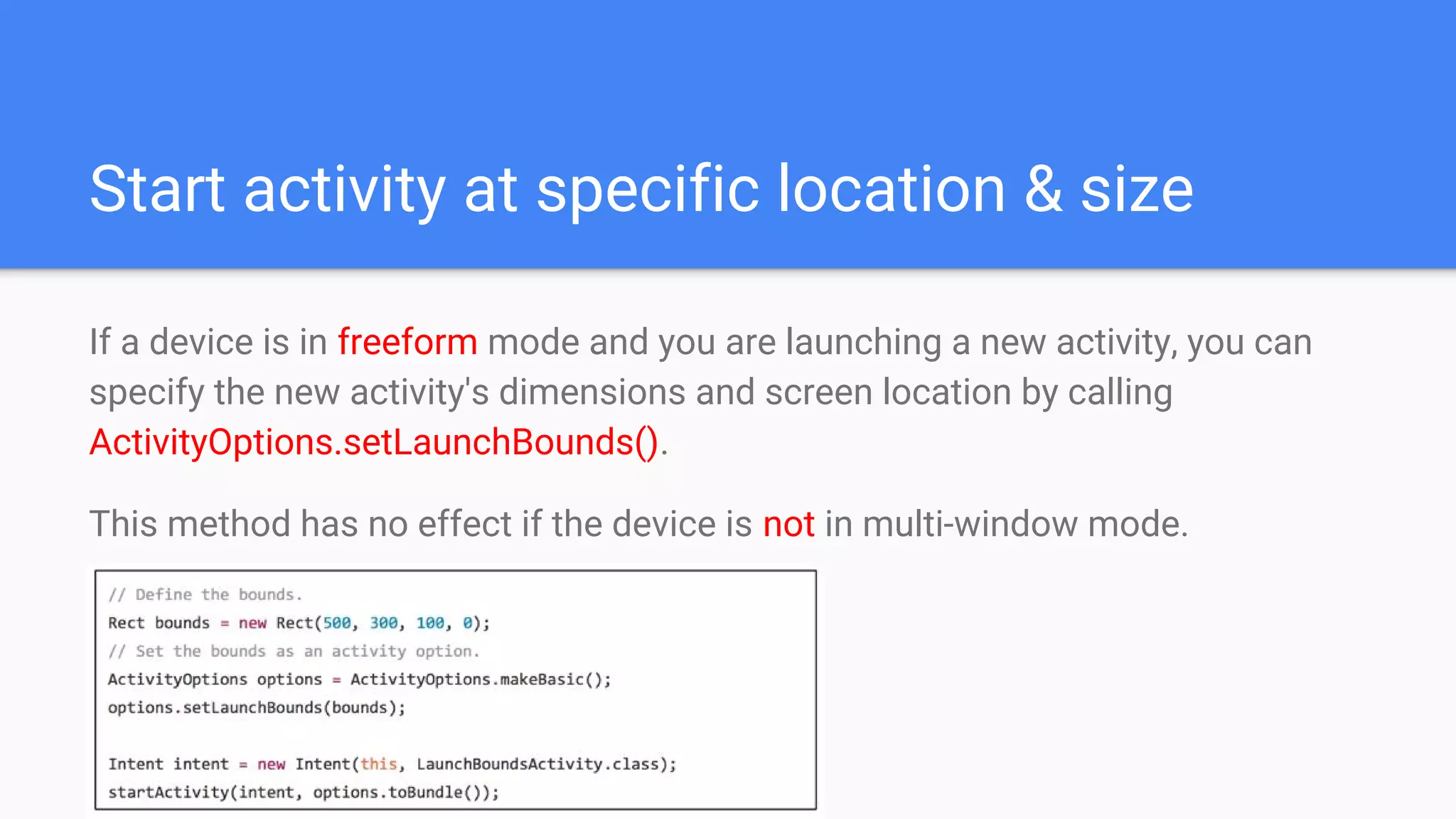
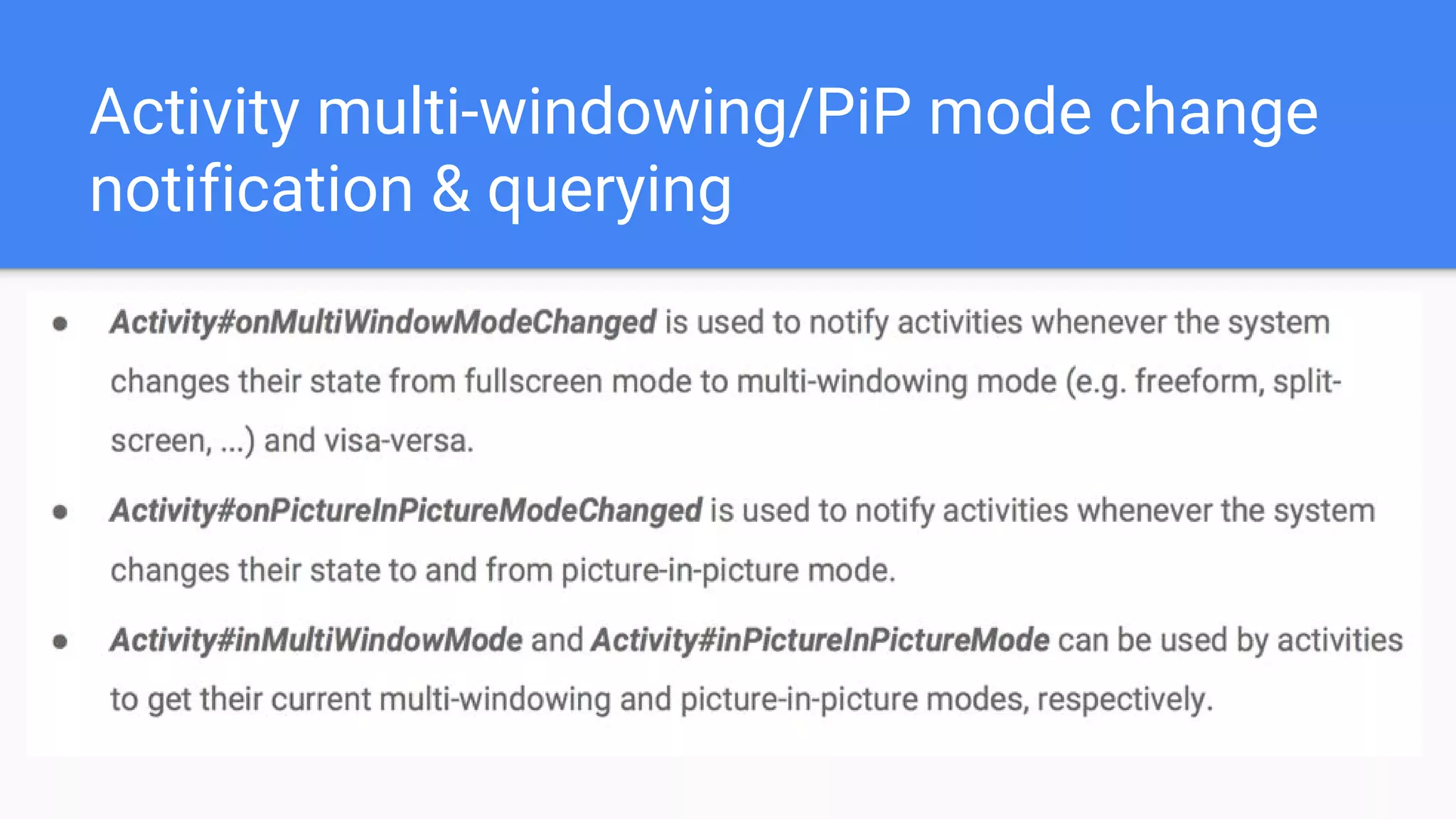
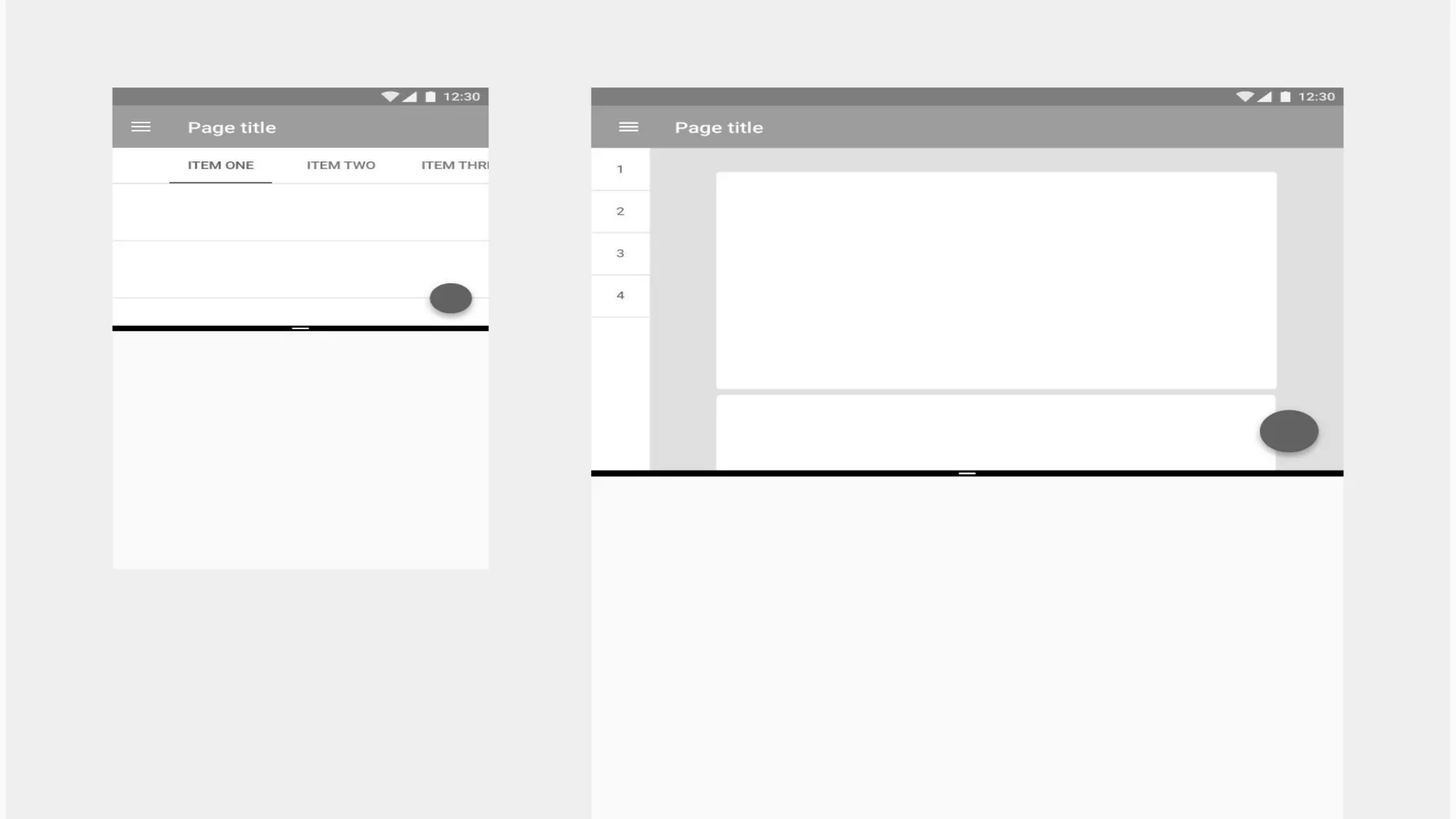


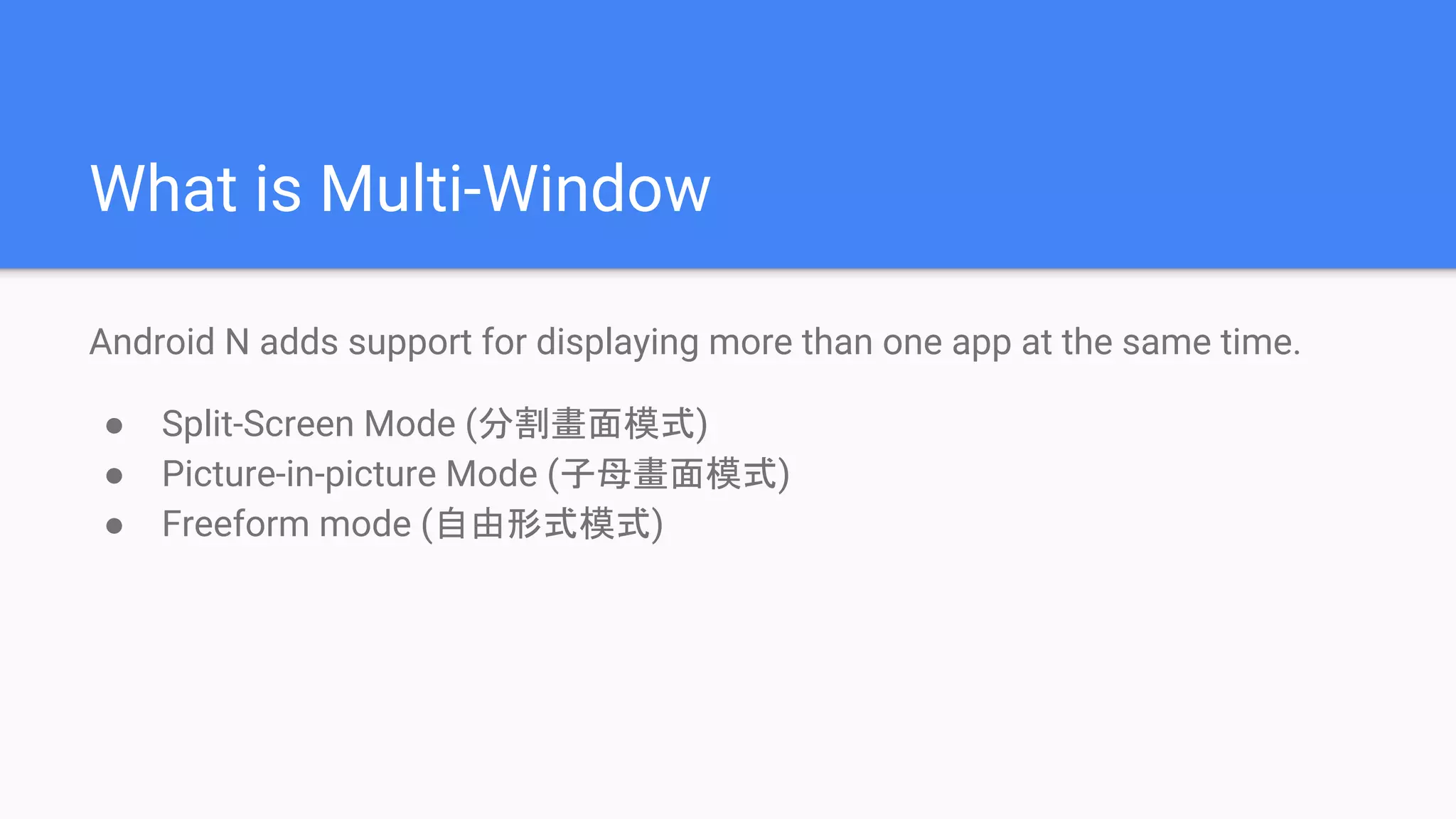
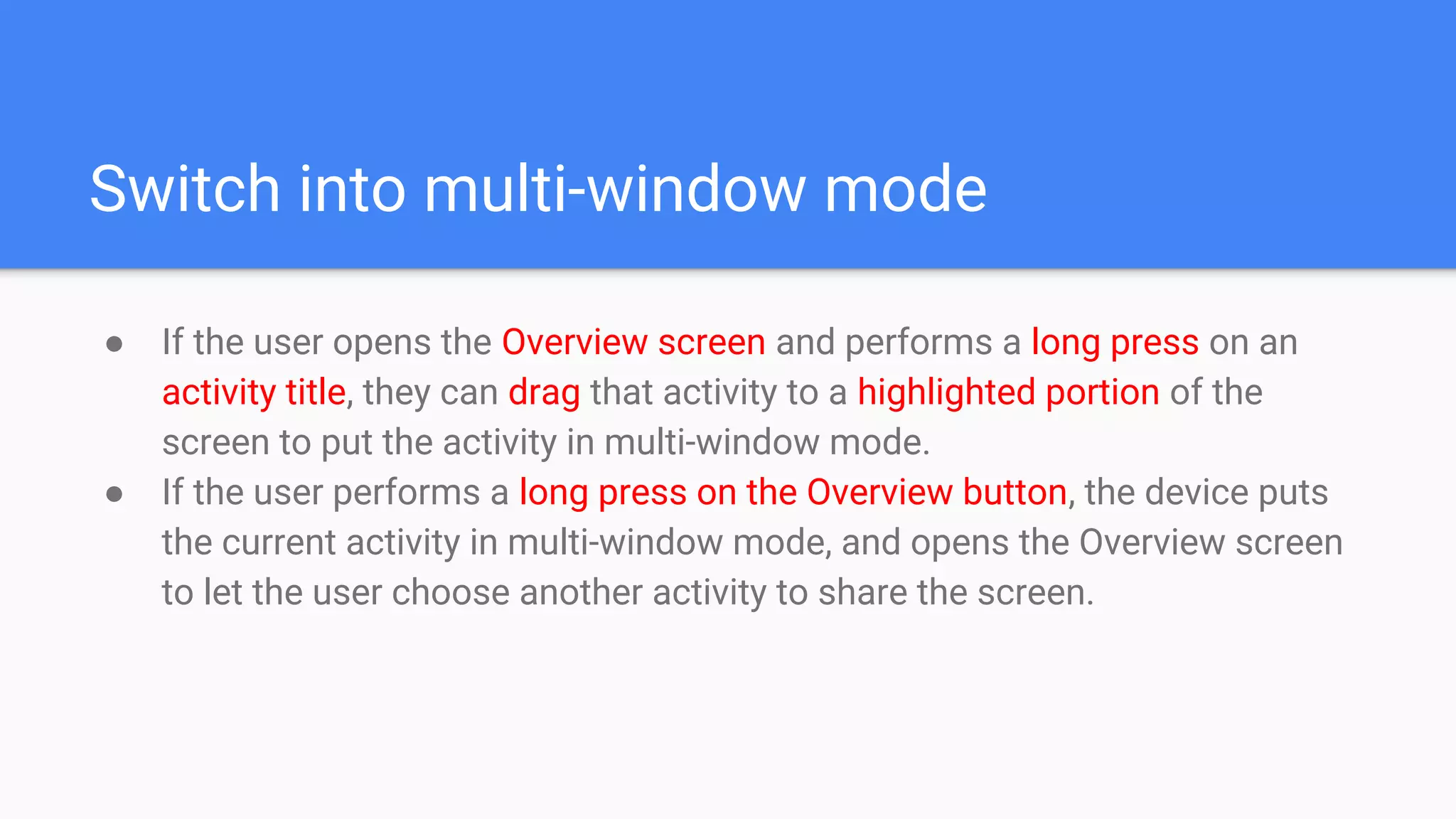
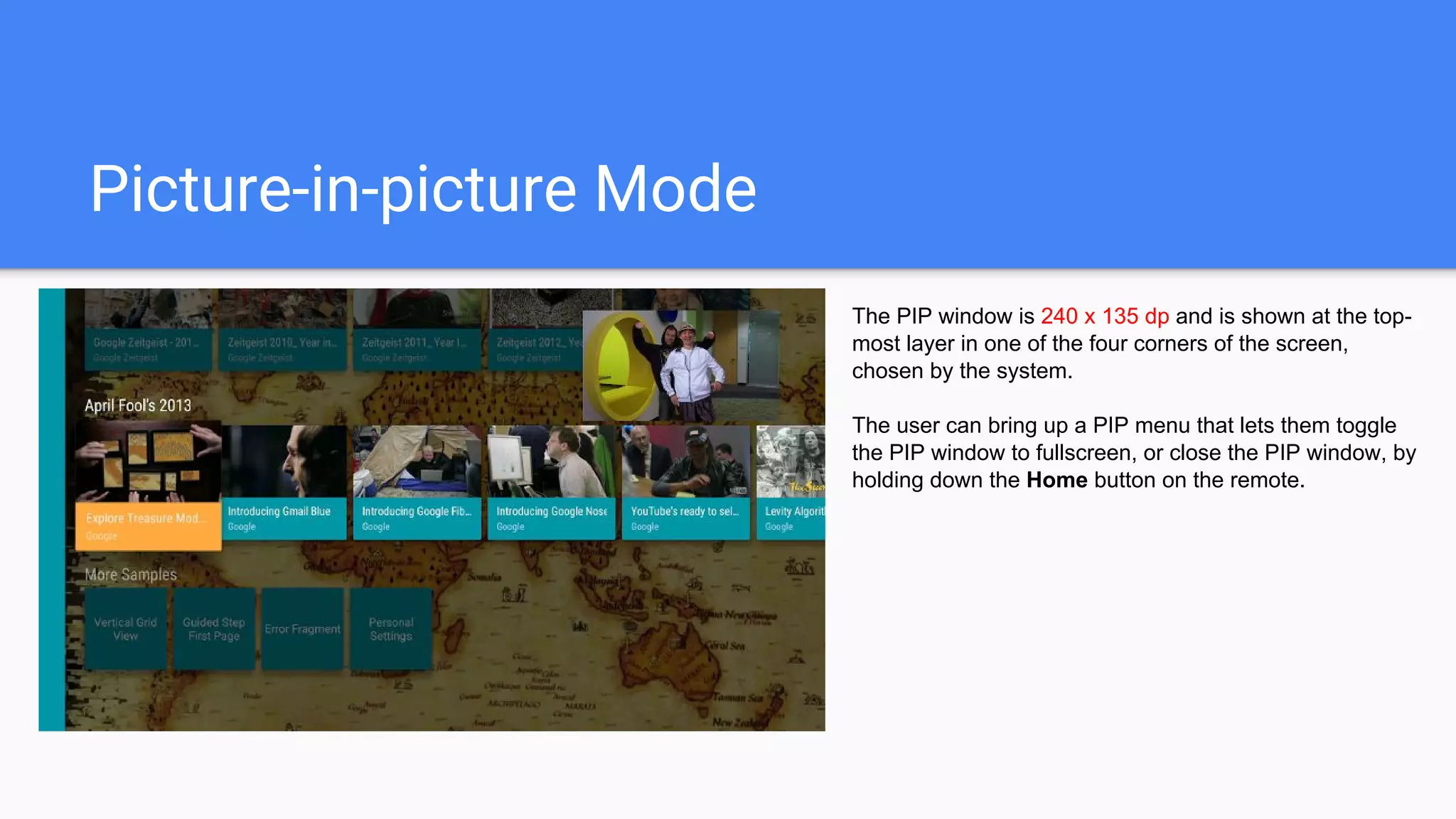
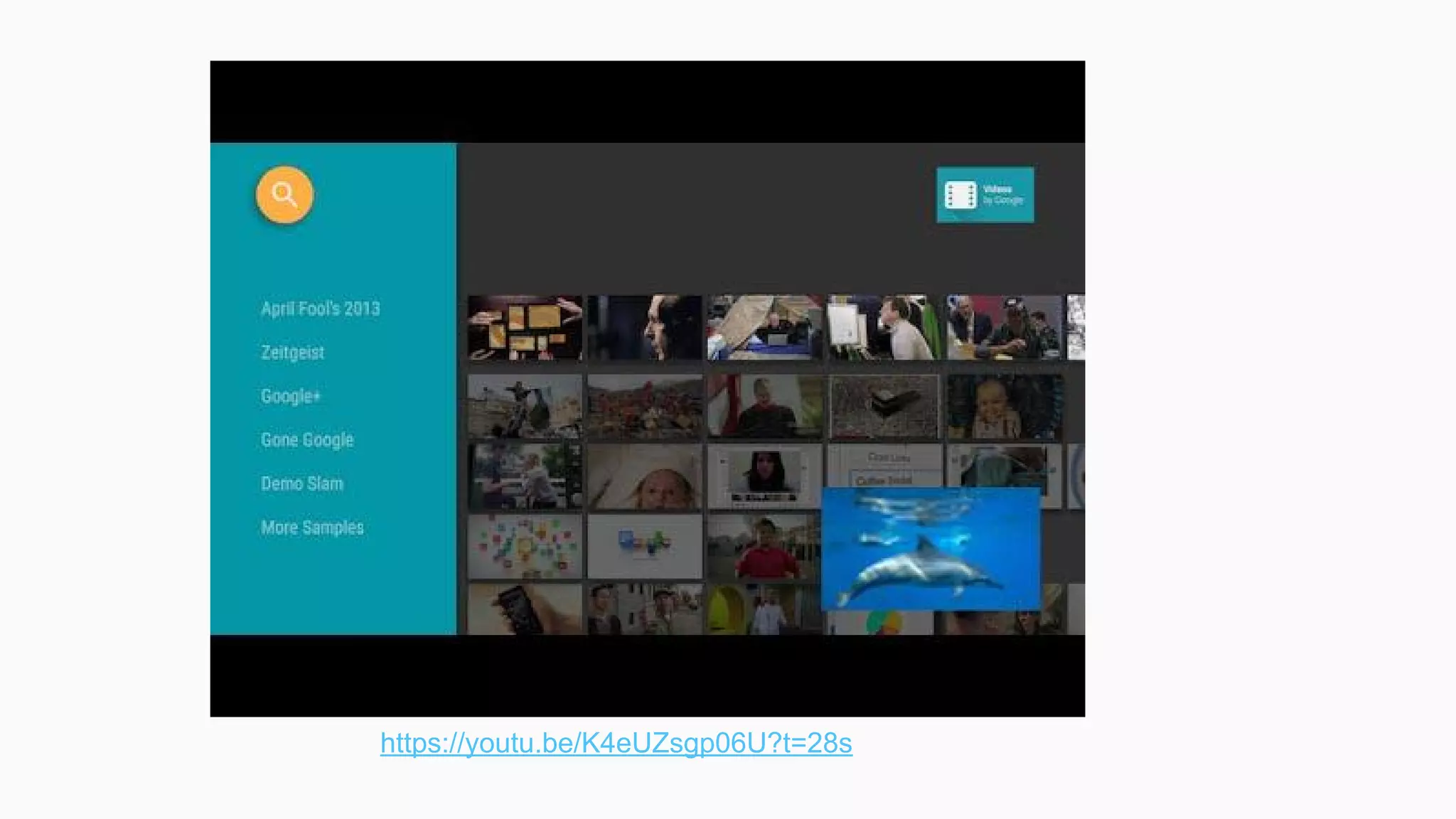
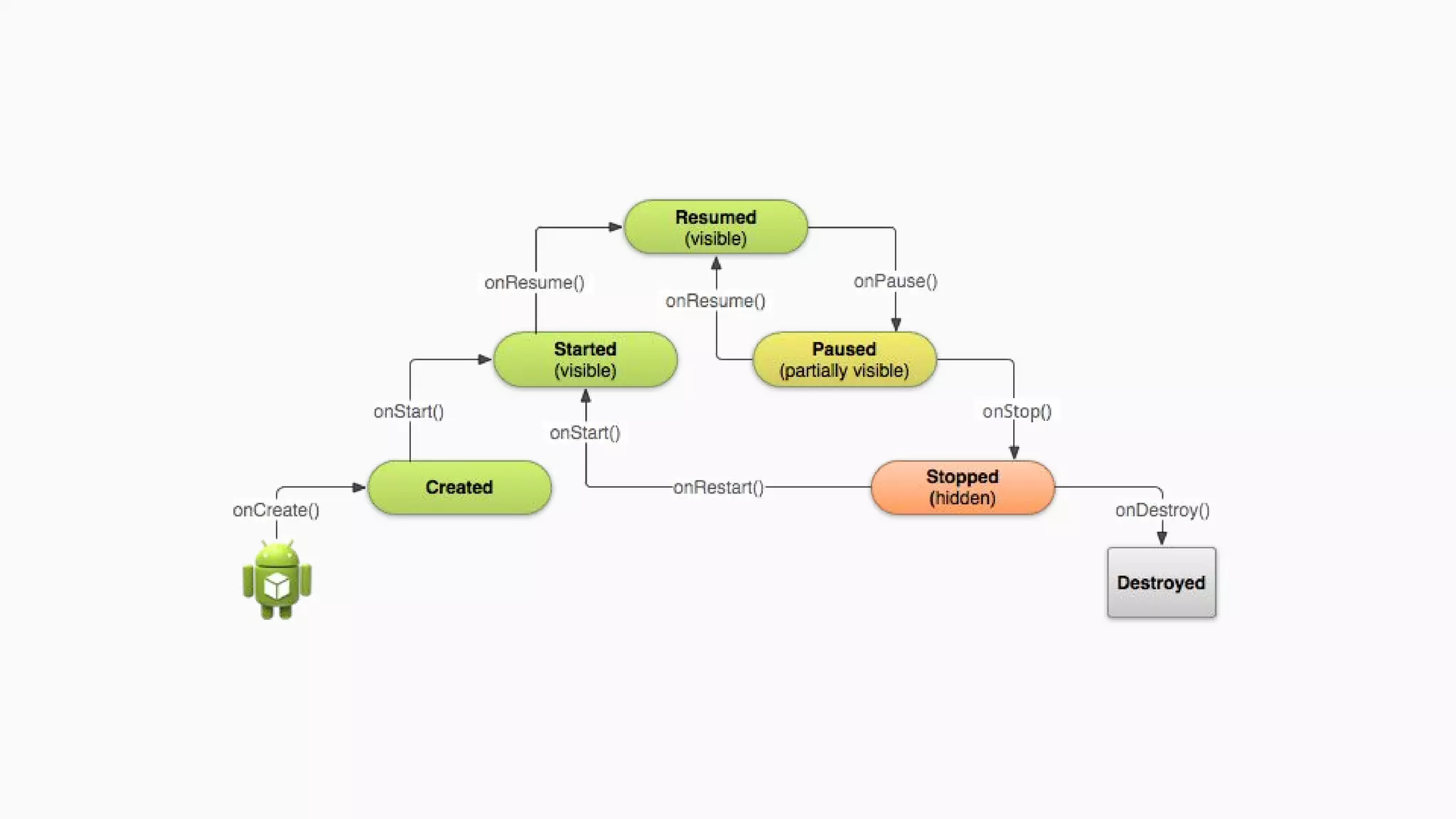
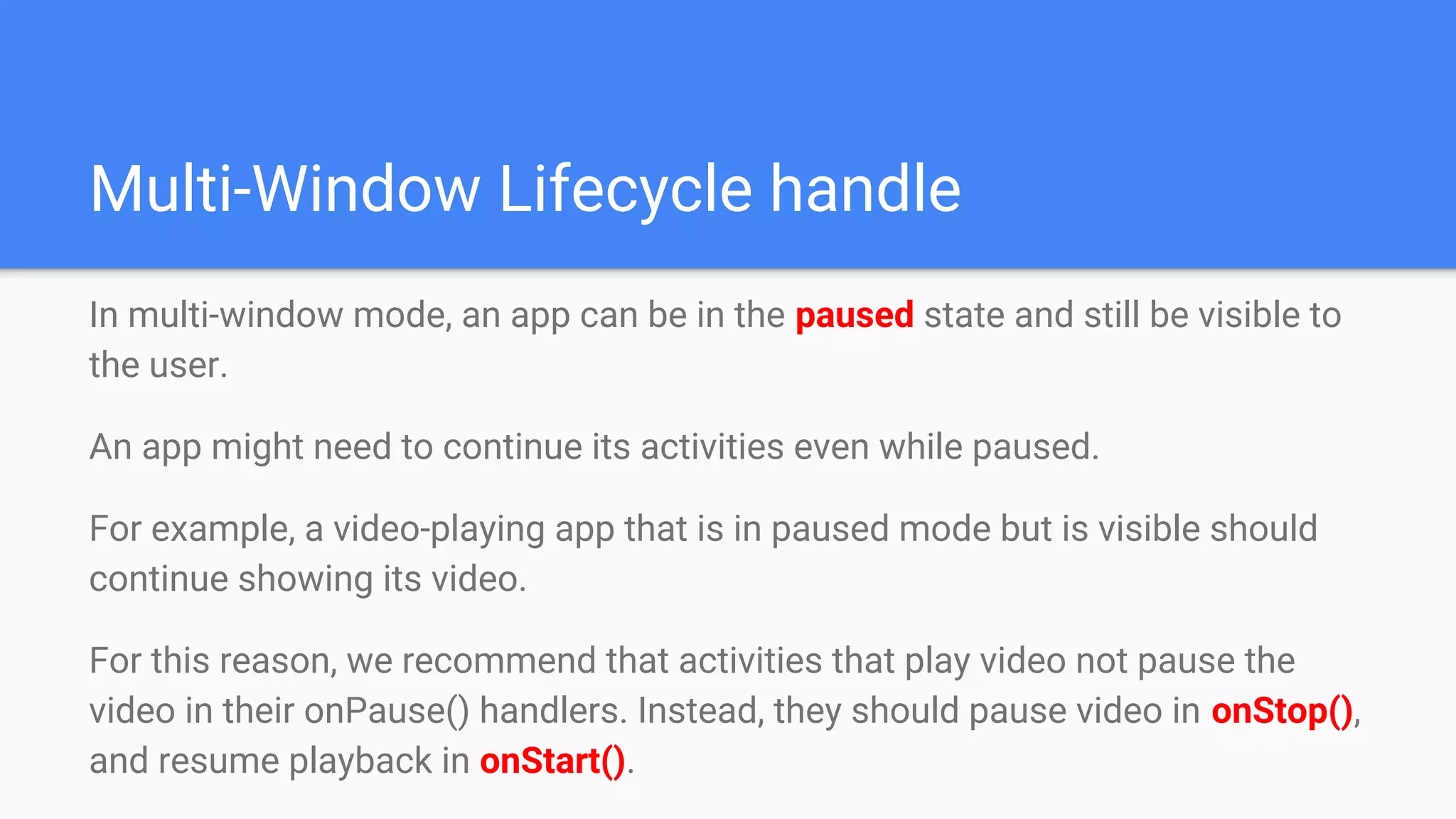
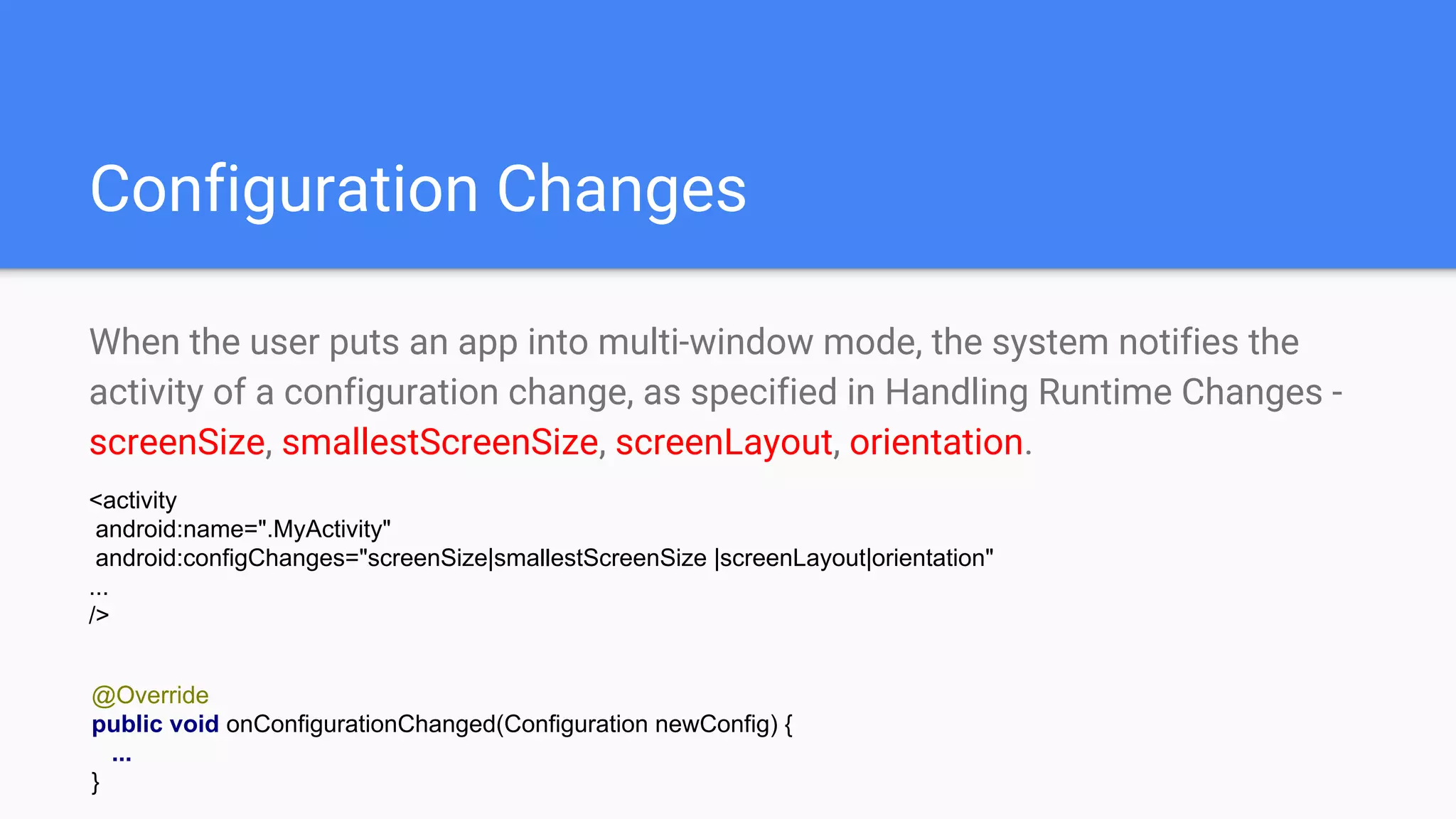
1. Android N introduces multi-window mode which allows users to use multiple apps simultaneously by displaying them in split-screen or picture-in-picture modes. 2. Developers can configure their apps to support multi-window mode through settings like android:resizeableActivity and by handling configuration changes and lifecycle methods appropriately when an app is in a paused state but still visible. 3. Best practices for multi-window include designing first for the smallest screen size, handling all orientations, and ensuring activities work properly when launched by other apps in multi-window mode.


![What’s new in aNdroid [Google I/O Extended Bangkok 2016]](https://cdn.slidesharecdn.com/ss_thumbnails/whatsnewinandroid-160626055038-thumbnail.jpg?width=640&height=640&fit=bounds)


