An Introduction to
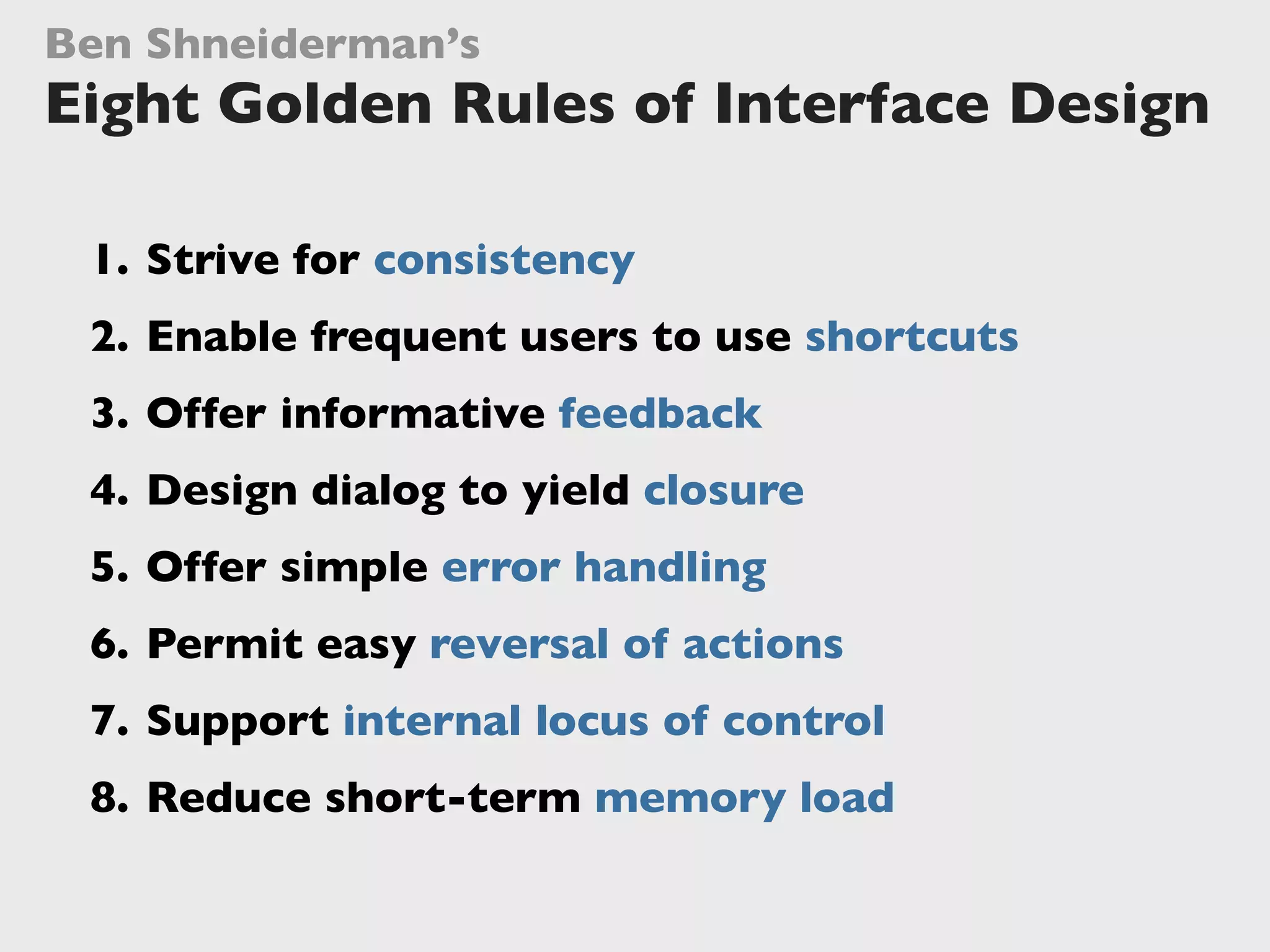
Ben Shneiderman’s
Eight Golden Rules
of Interface Design
Jochen Wolters
@jochenwolters
They hate poorly
designed ones!
Users don’t love
great user interfaces.
Users don’t love
great user interfaces.
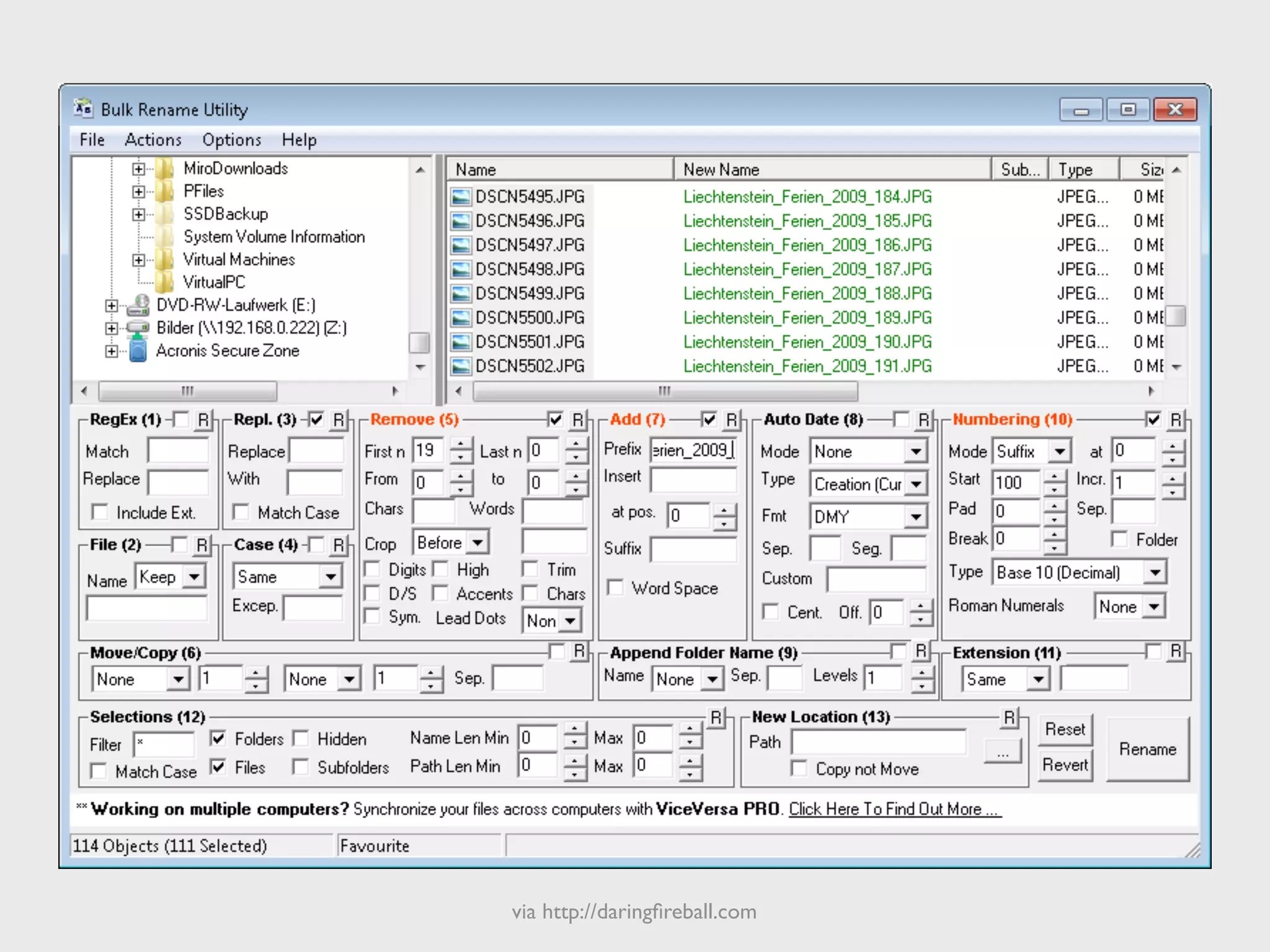
via http://daringfireball.com
Design
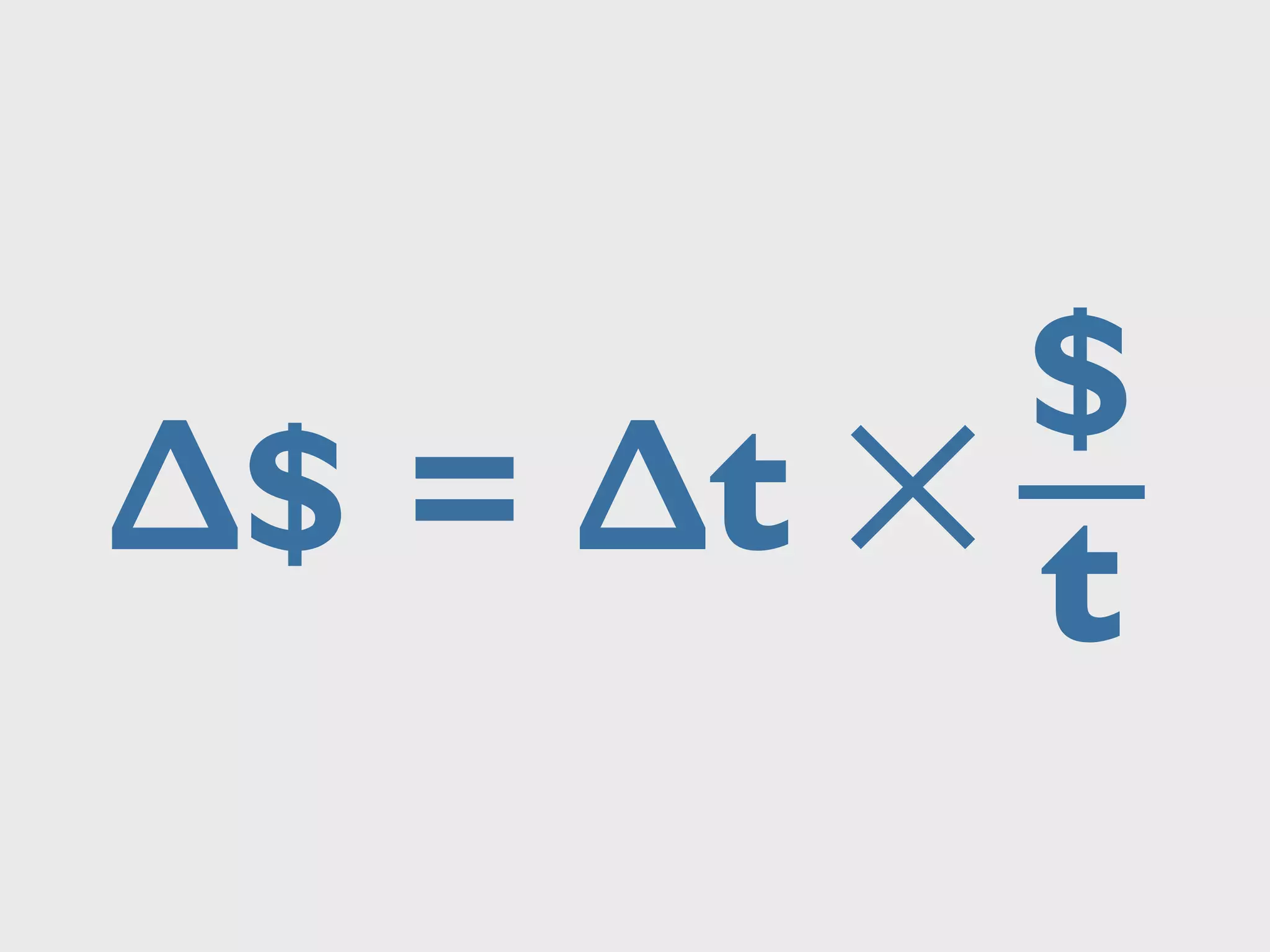
ROI ?
∆$ = ∆t ✕
$
t
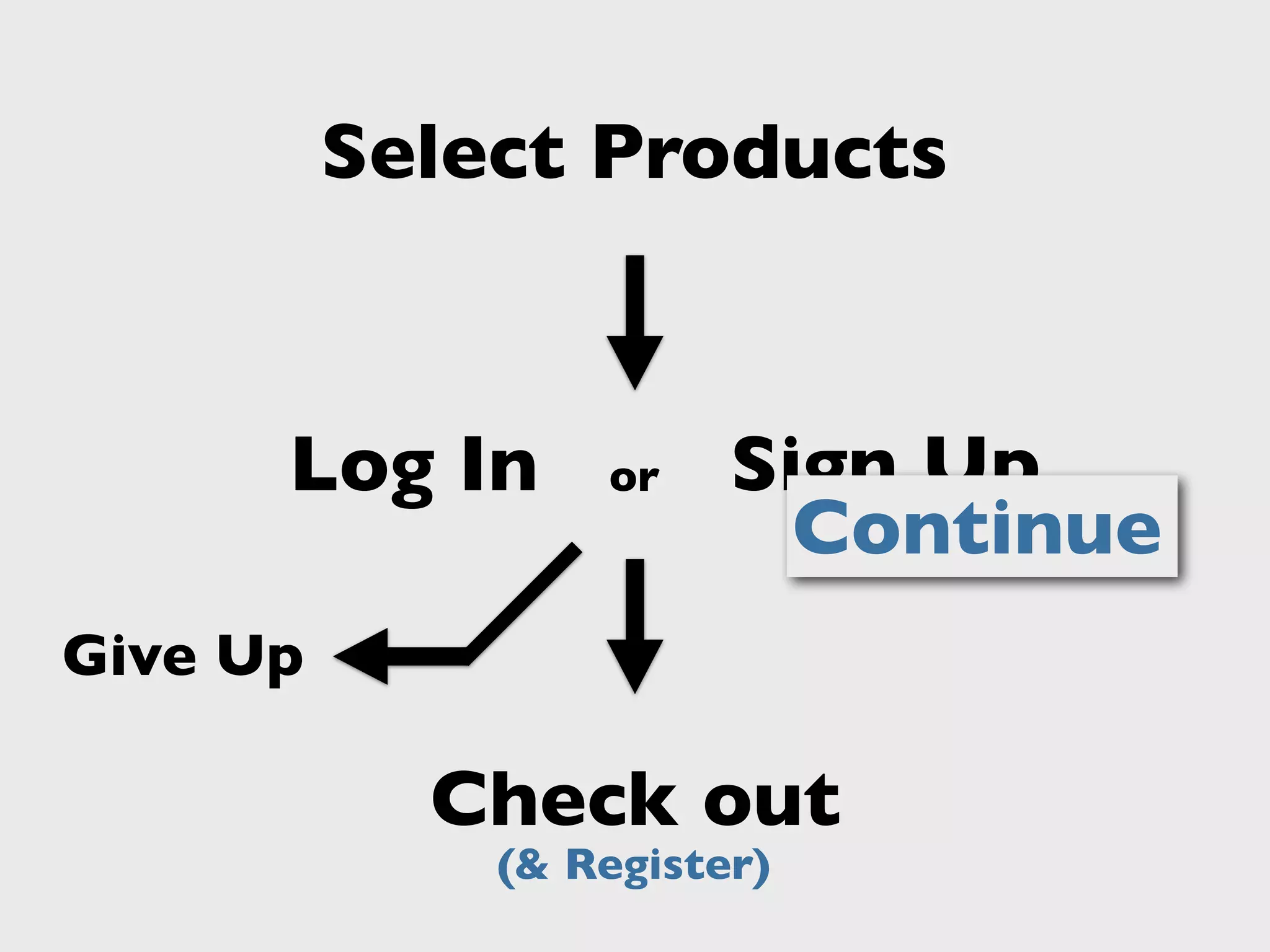
Give Up
Select Products
Check out
(& Register)
Sign UpLog In or
Continue
Give Up
$ ?$300MThe $300 Million Button
source: http://www.uie.com/articles/three_hund_million_button/
Additional revenue in first year at $25B retailer
Design
ROI ?!!
Ben Shneiderman’s
Eight Golden Rules of Interface Design
From:
“	

Designing the User Interface:
	

 Strategies for Effective Human-Computer Interaction.”
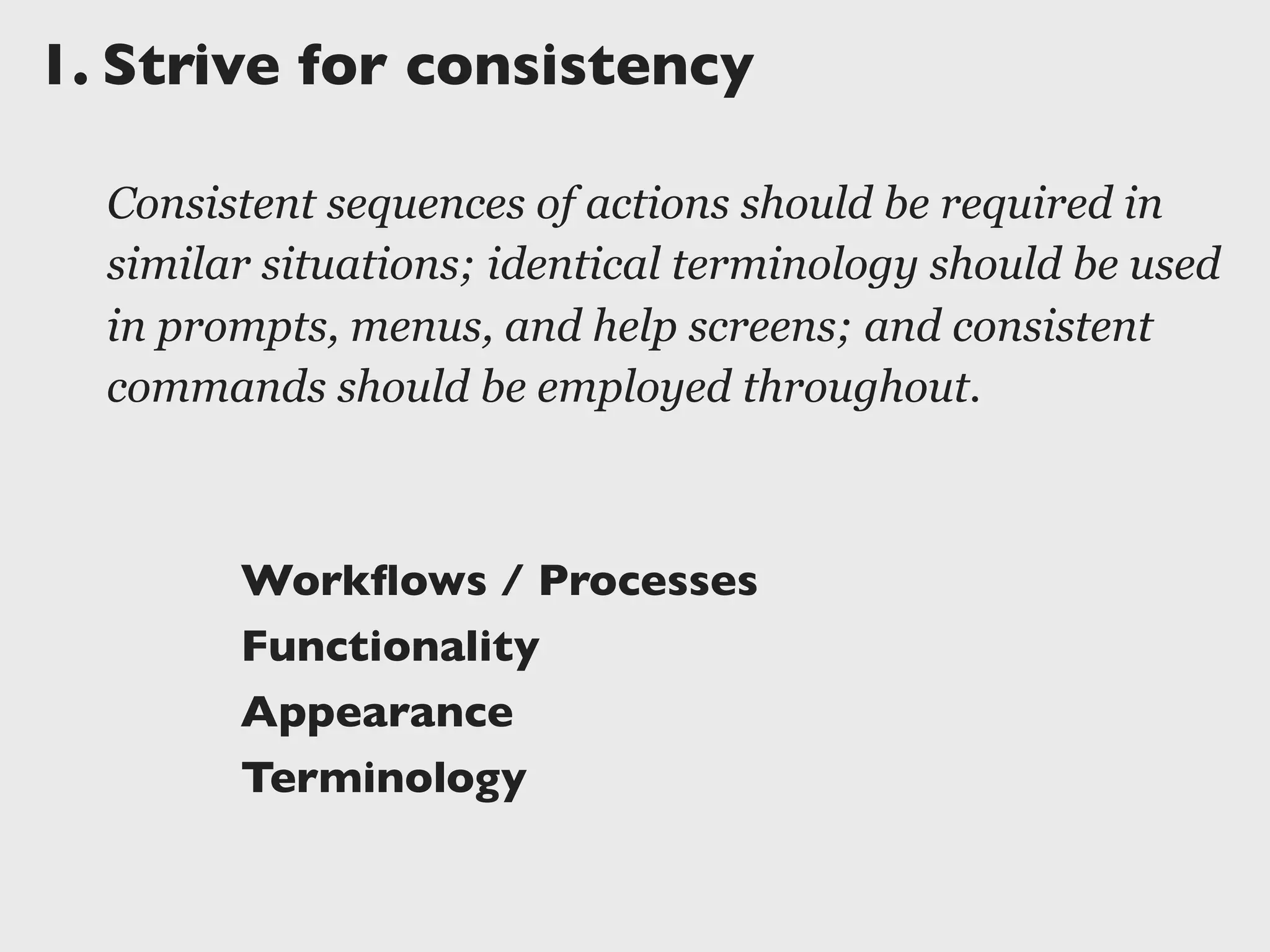
1.	

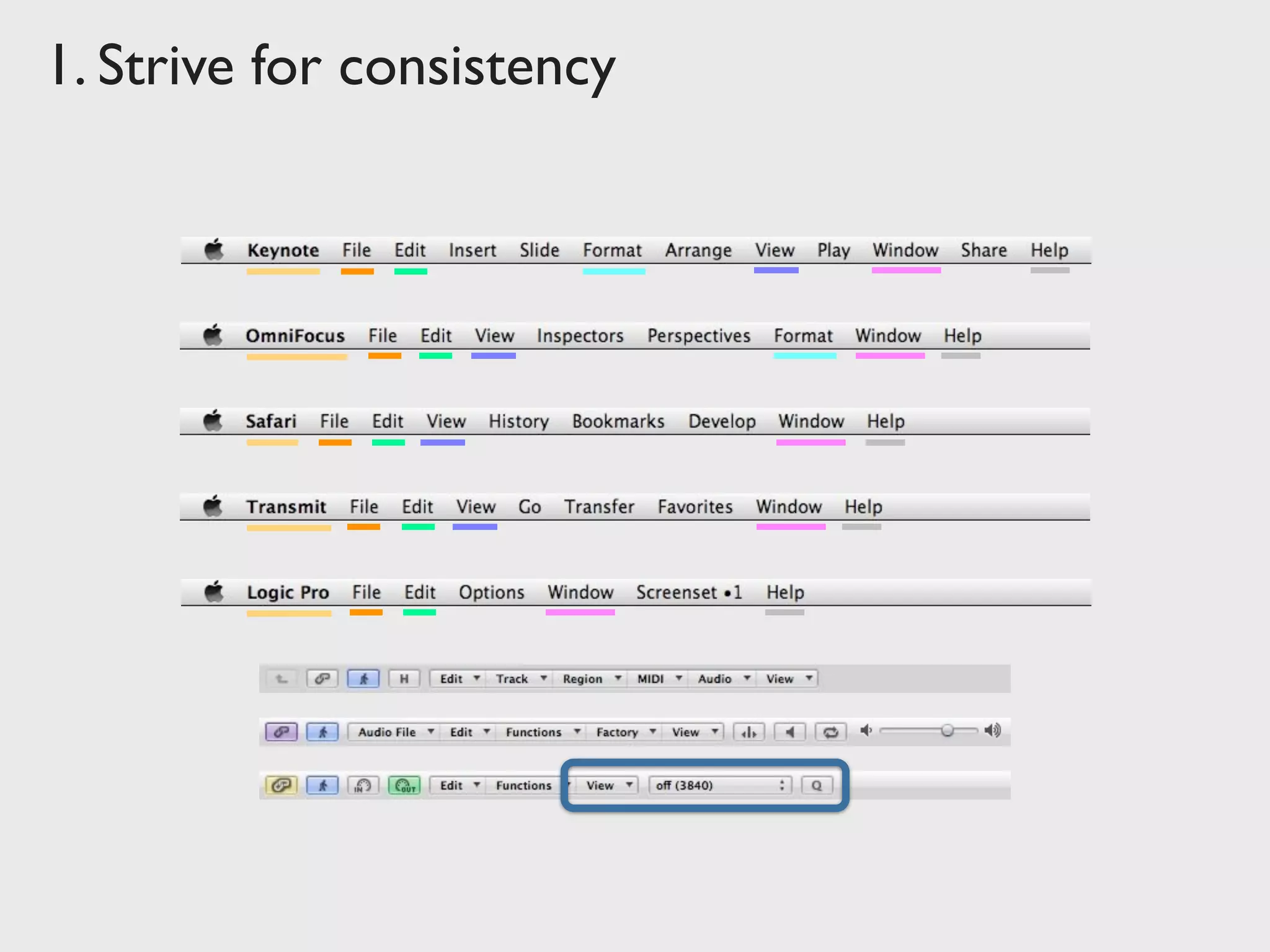
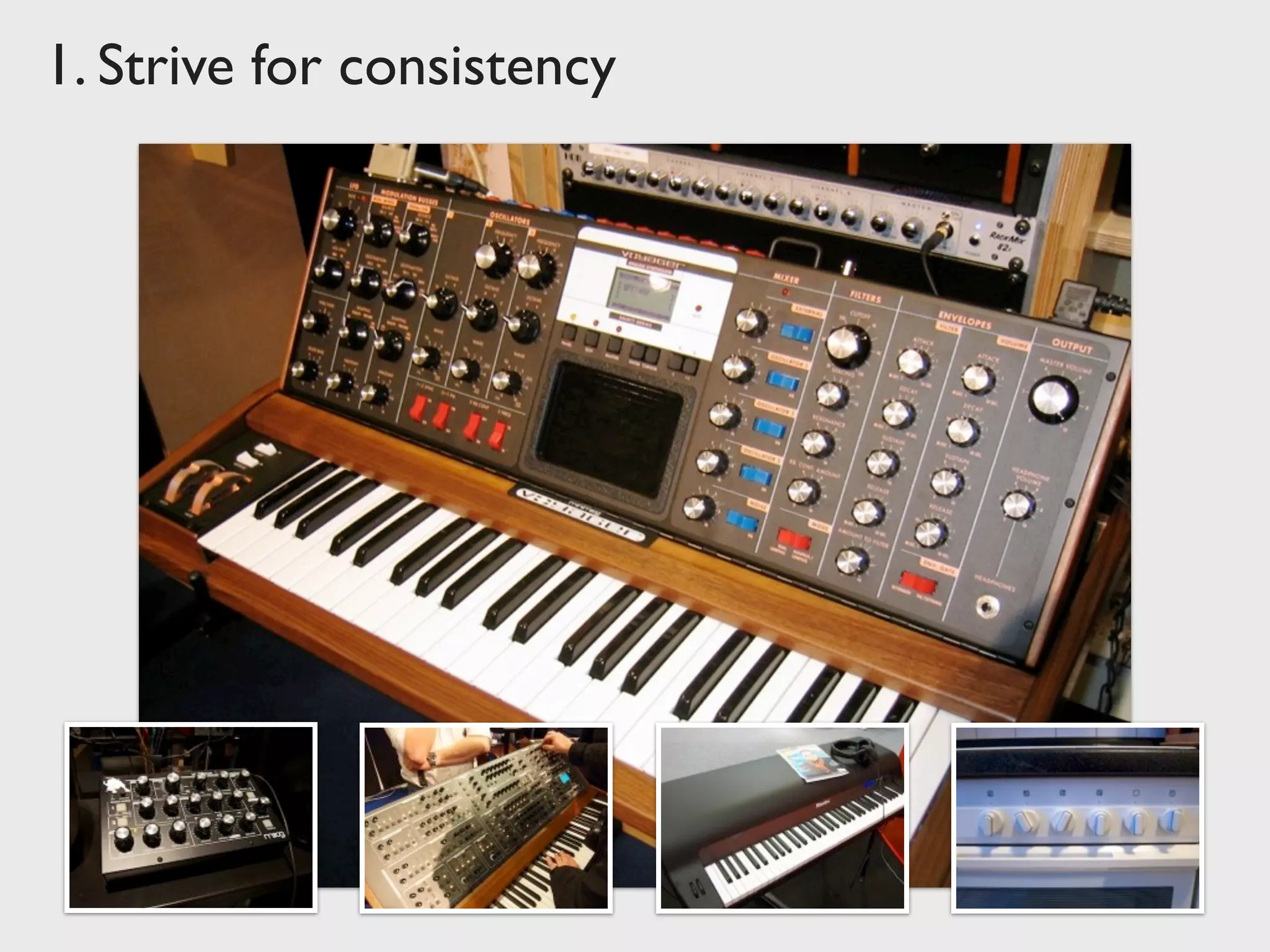
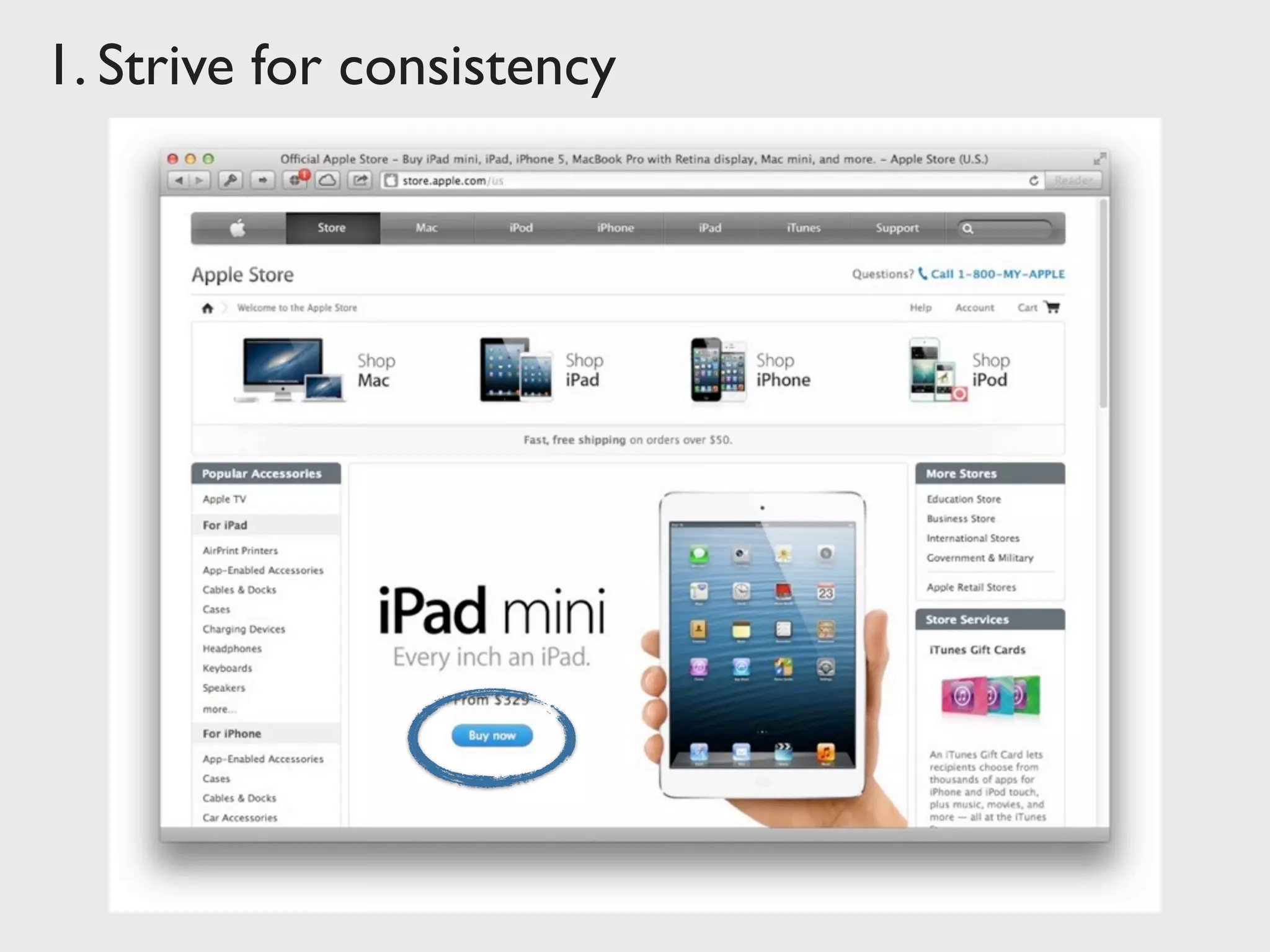
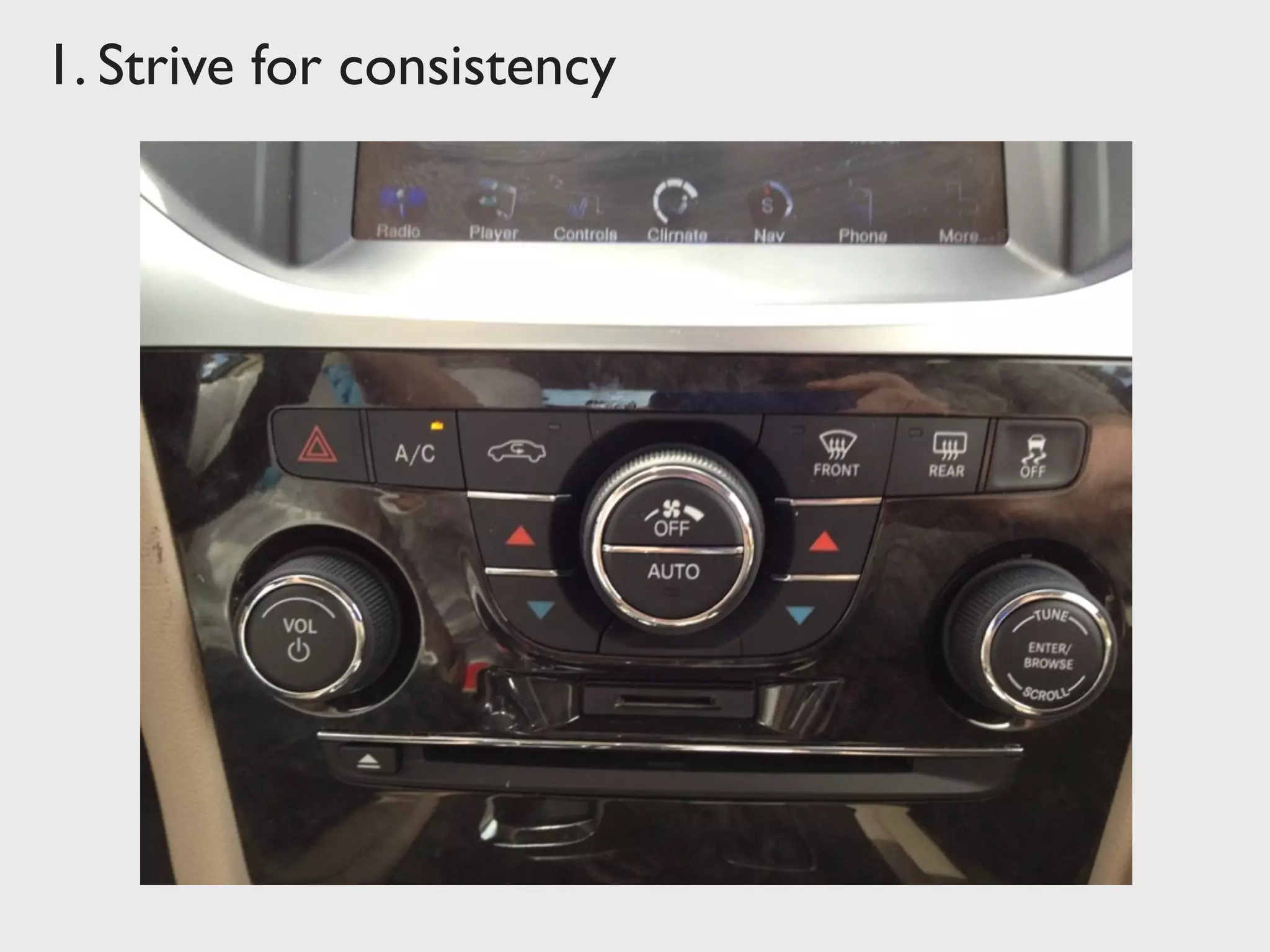
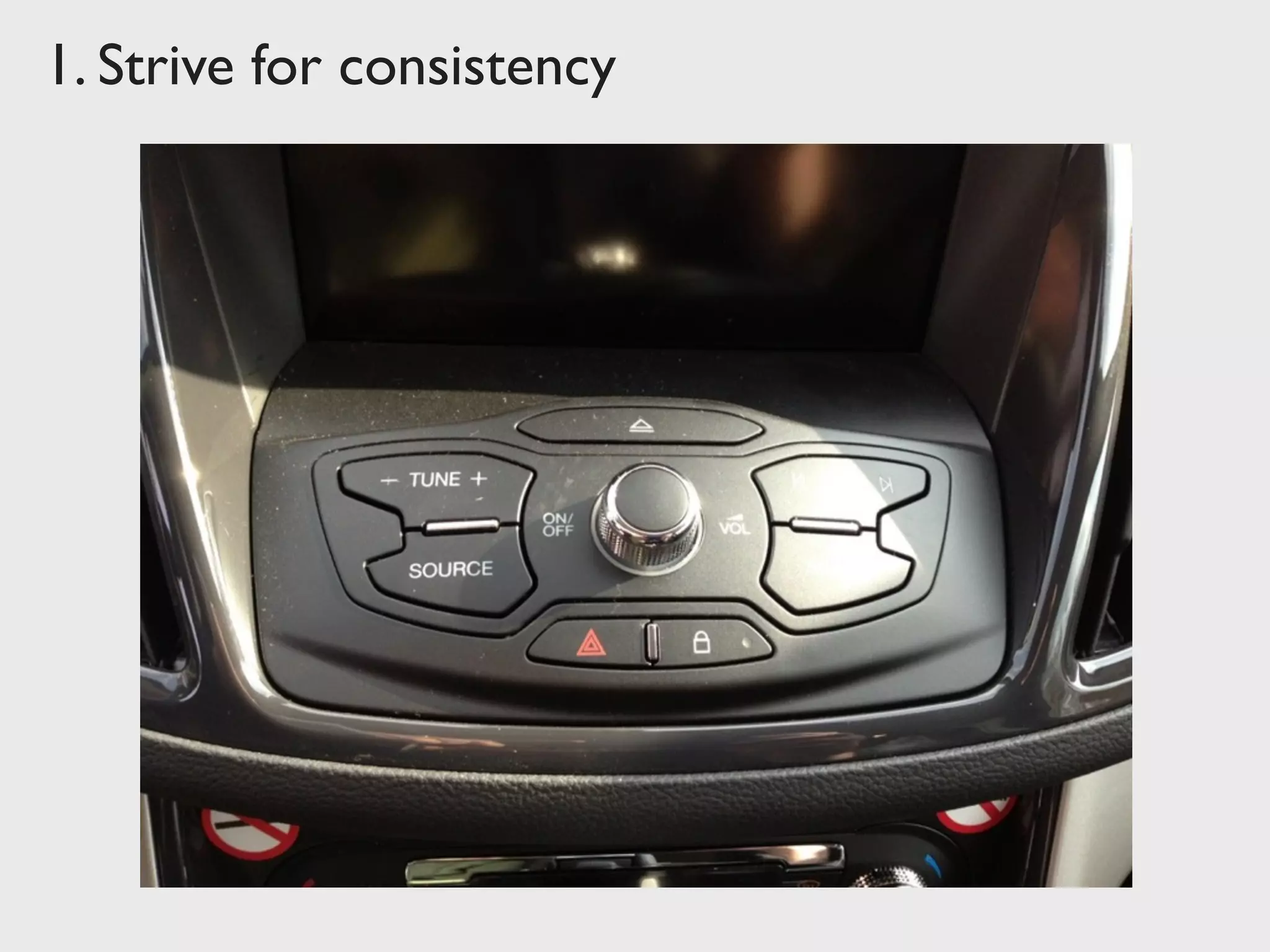
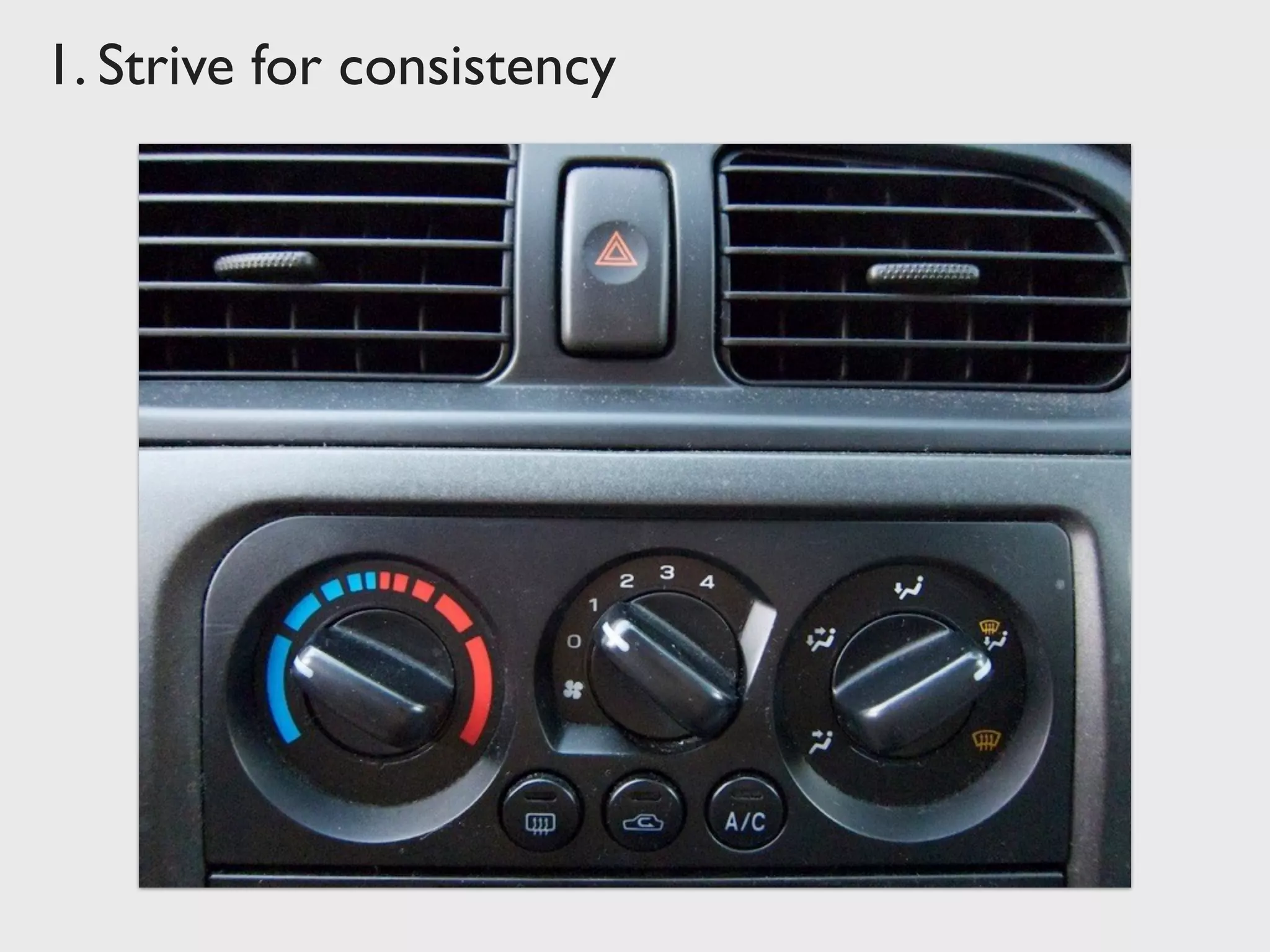
Strive for consistency
Consistent sequences of actions should be required in
similar situations; identical terminology should be used
in prompts, menus, and help screens; and consistent
commands should be employed throughout.
Workflows / Processes
Functionality
Appearance
Terminology
1. Strive for consistency
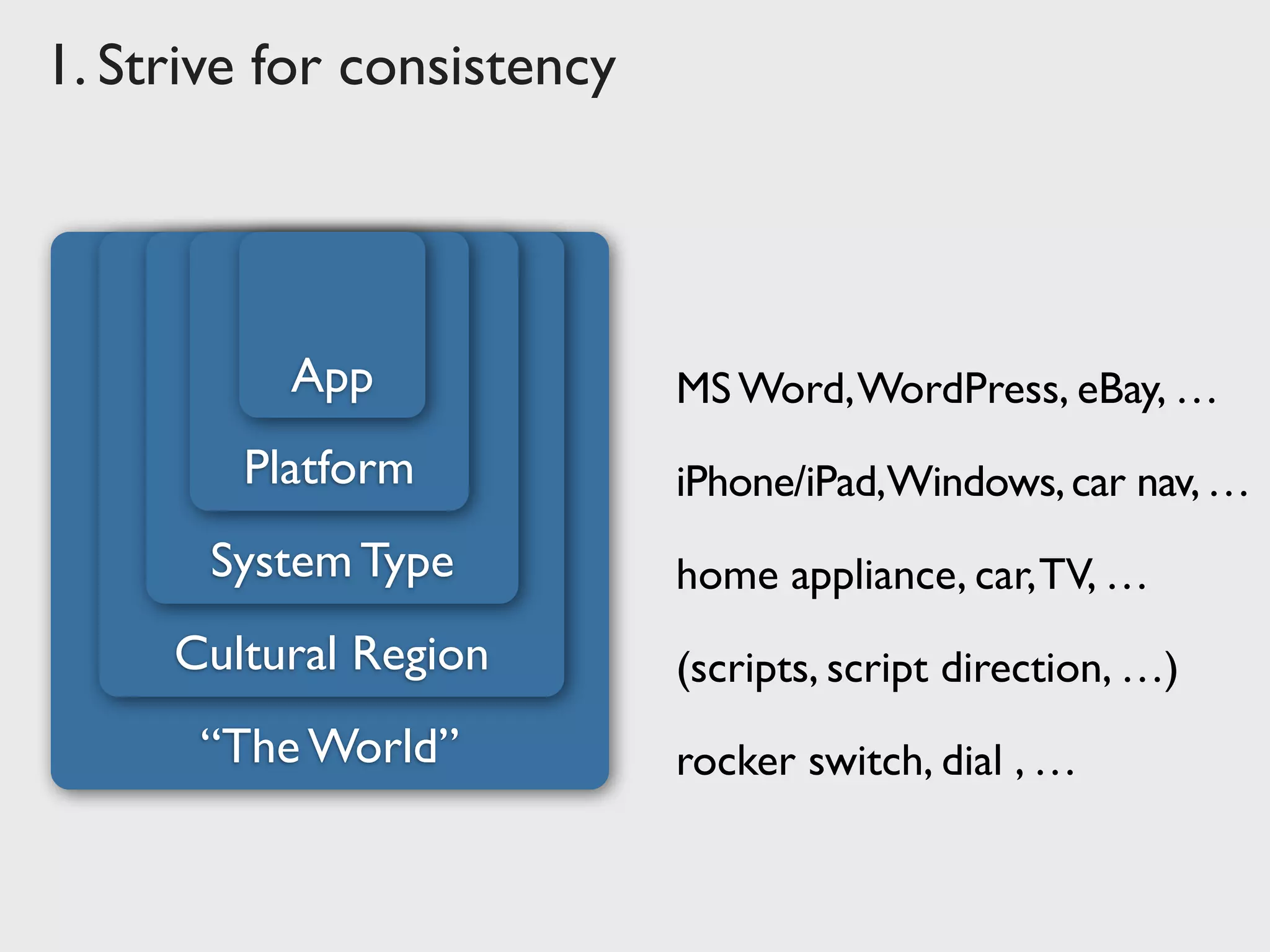
“The World” rocker switch, dial , …
1. Strive for consistency
(scripts, script direction, …)Cultural Region
home appliance, car,TV, …System Type
iPhone/iPad,Windows,car nav,…Platform
MS Word,WordPress, eBay, …App
1. Strive for consistency
✔
➜
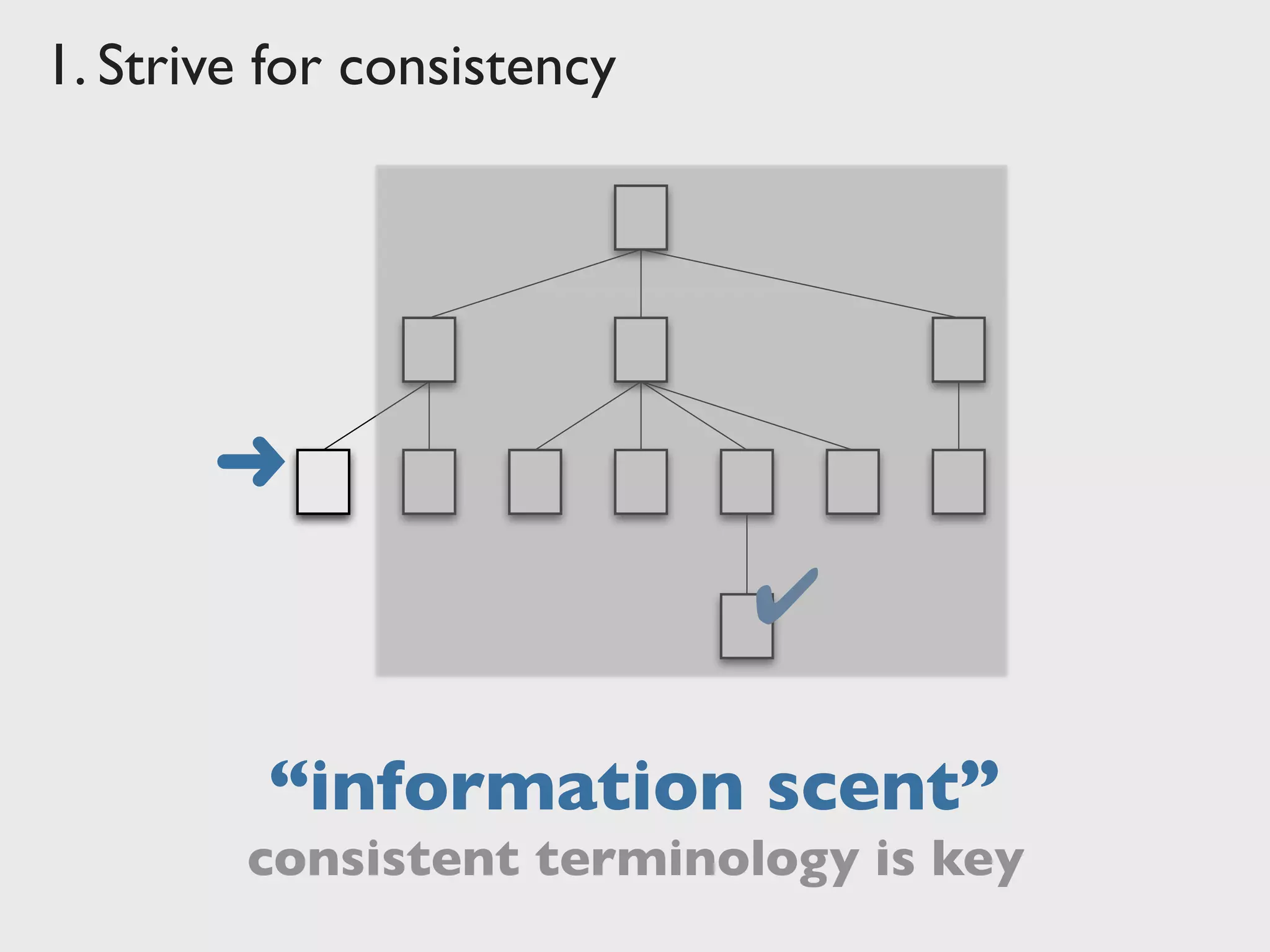
“information scent”
consistent terminology is key
1. Strive for consistency
2.	

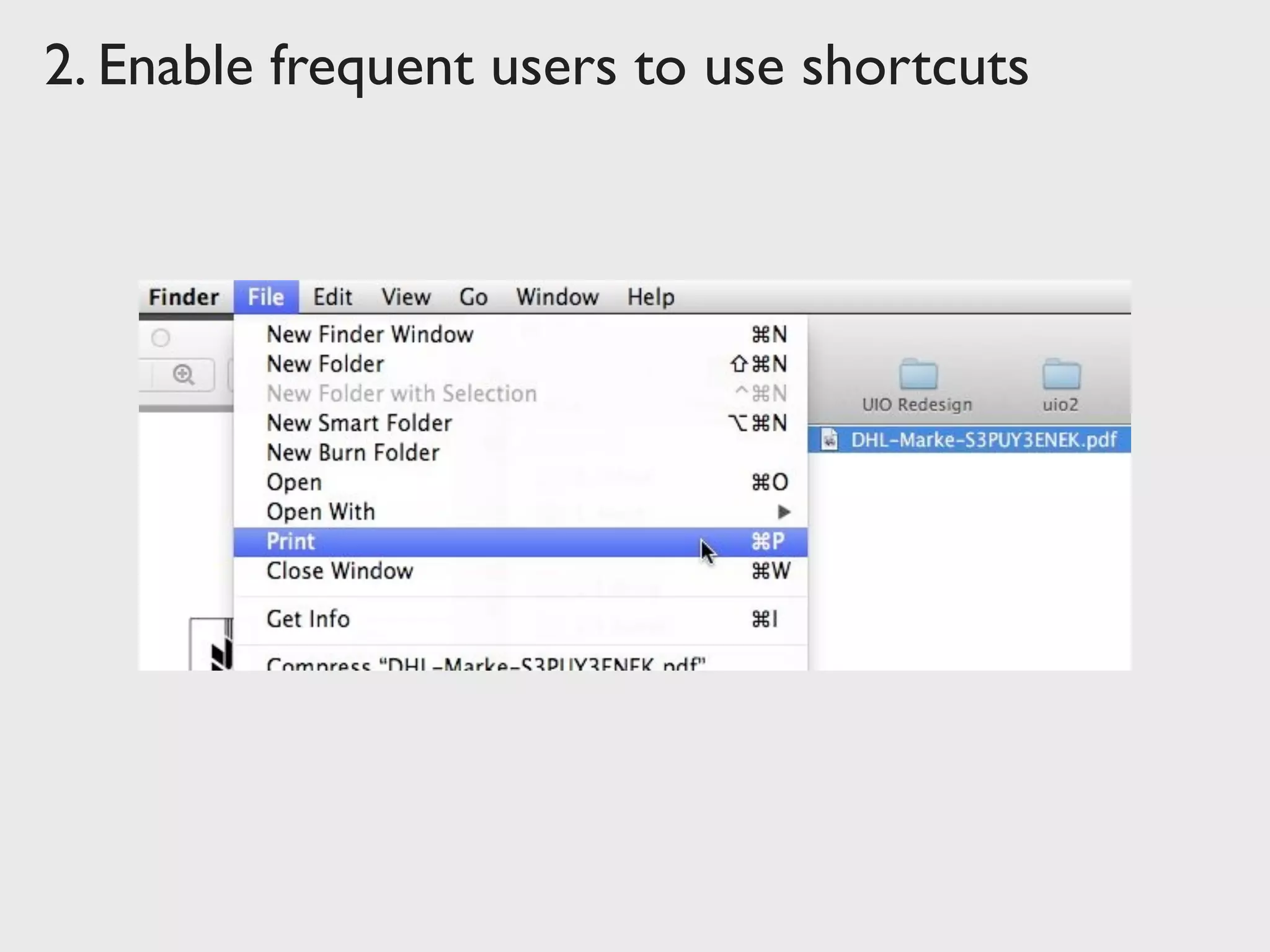
Enable frequent users to use shortcuts
As the frequency of use increases, so do the user's
desires to reduce the number of interactions and to
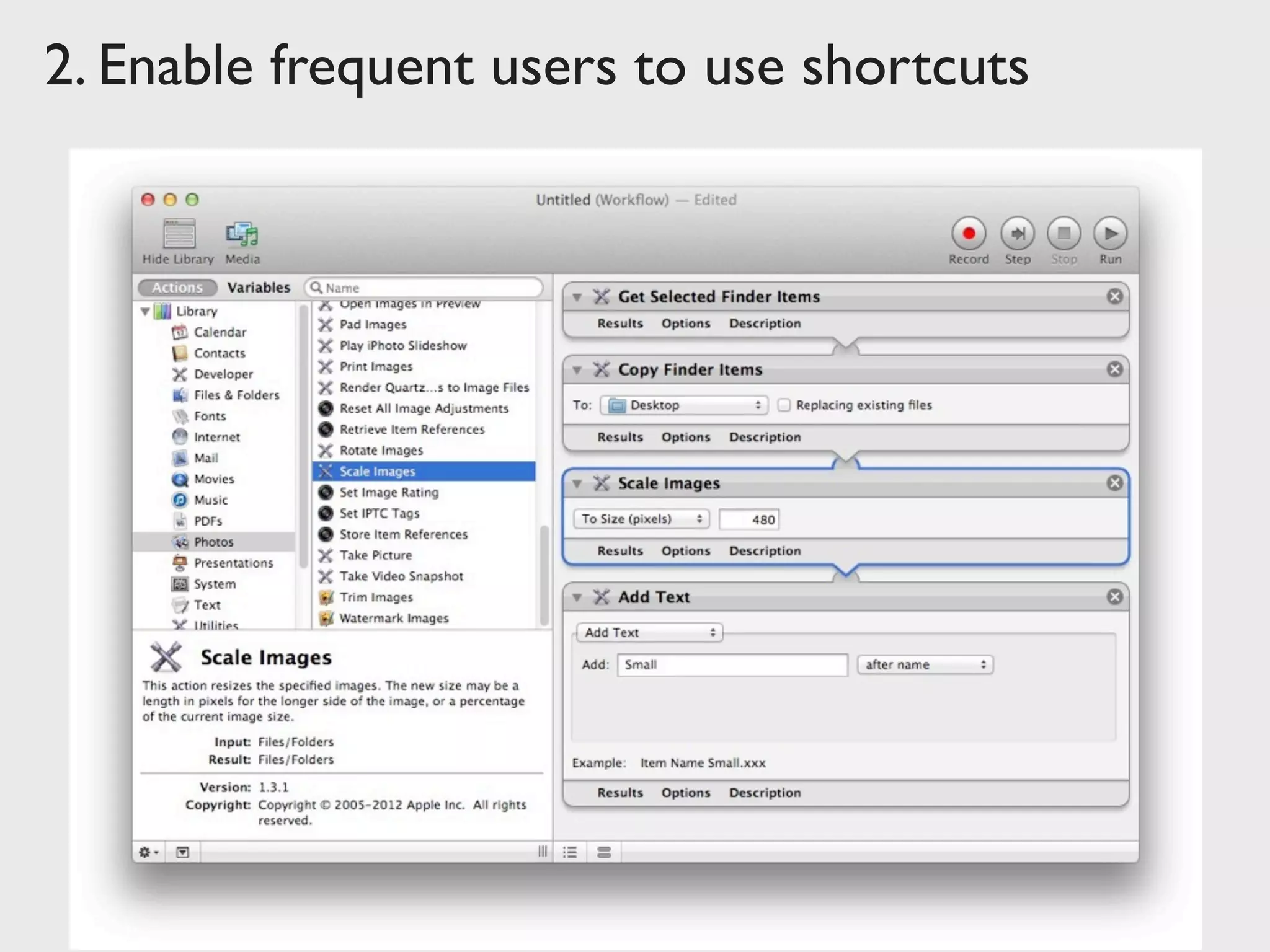
increase the pace of interaction. Abbreviations, function
keys, hidden commands, and macro facilities are very
helpful to an expert user.
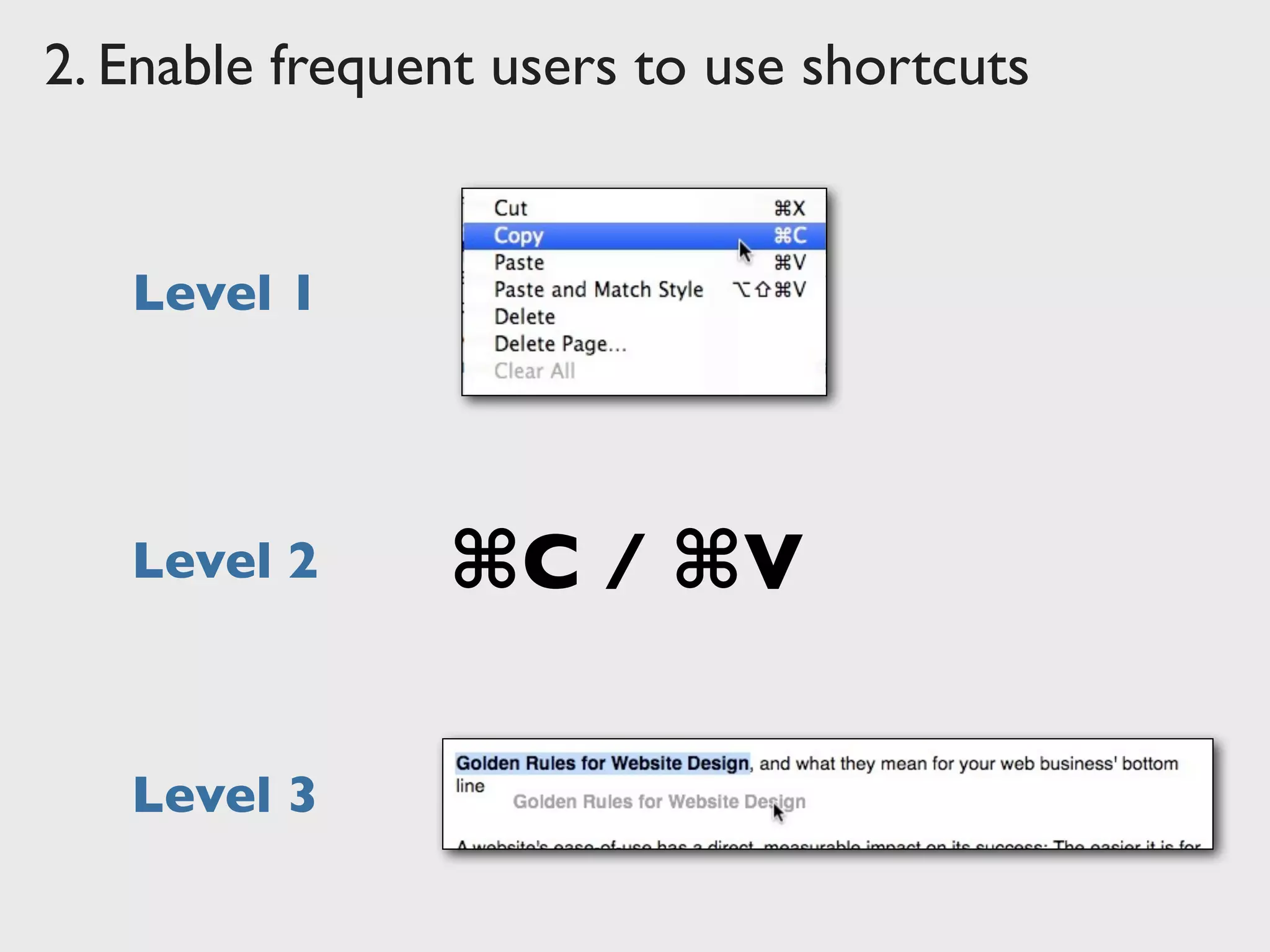
Keyboard shortcuts
Hidden “Power User” features
Automation
2. Enable frequent users to use shortcuts
Level 1
⌘C / ⌘VLevel 2
Level 3
2. Enable frequent users to use shortcuts
3.	

Offer informative feedback
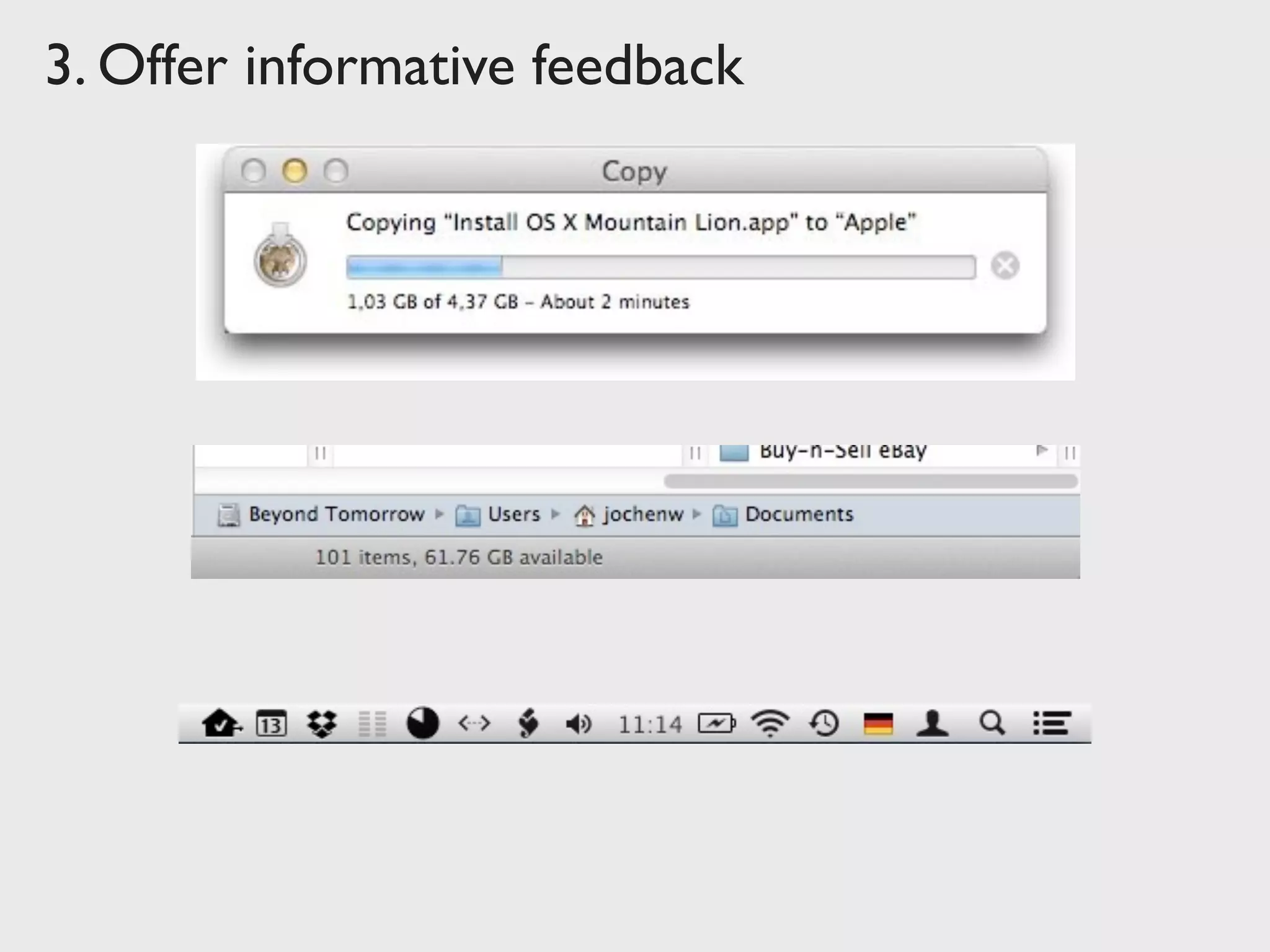
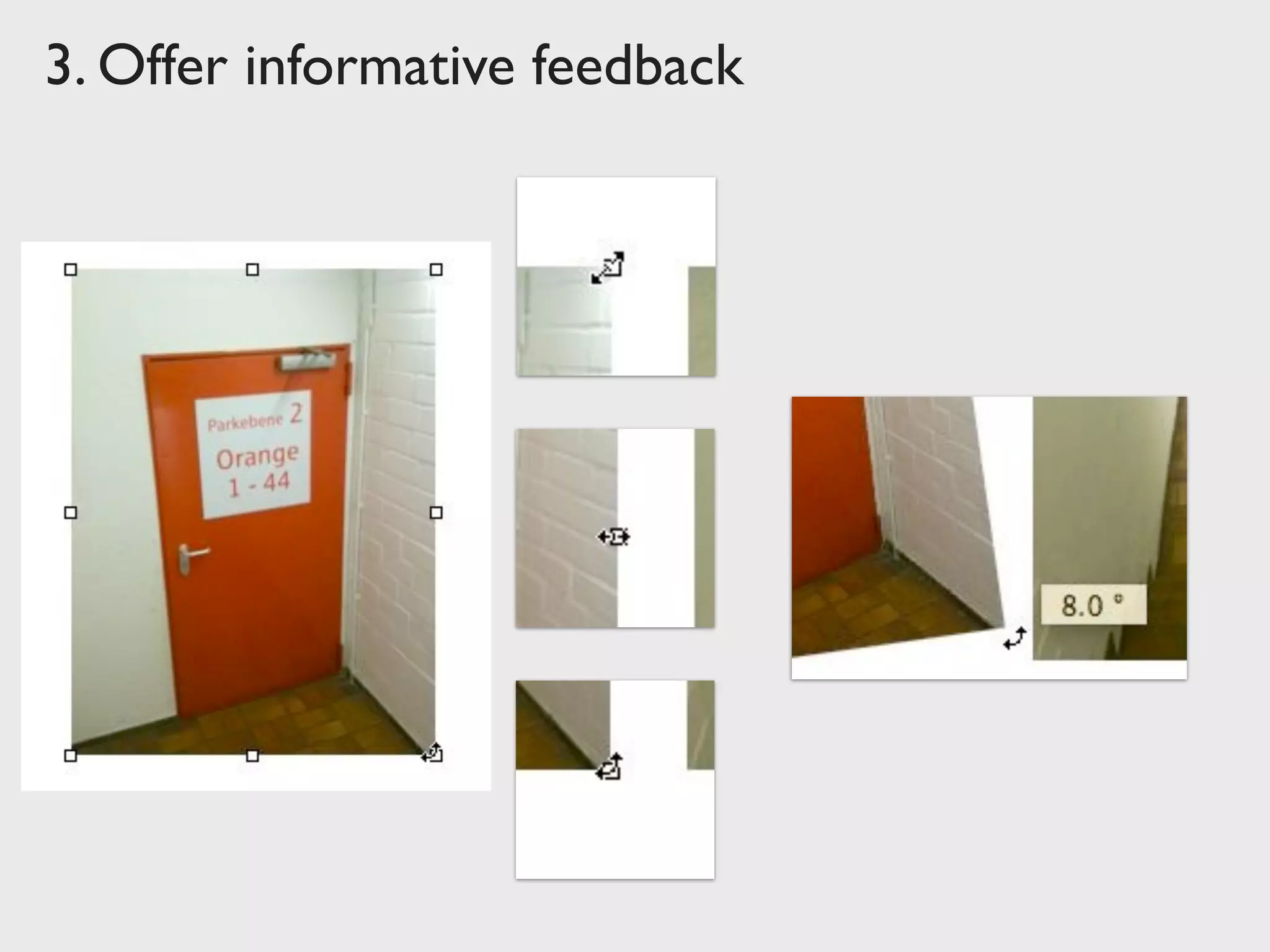
For every operator action, there should be some system
feedback. For frequent and minor actions, the response
can be modest, while for infrequent and major actions,
the response should be more substantial.
Relevant
Fits importance and urgency
Comprehensible and meaningful
Within appropriate context (time & place)
3. Offer informative feedback
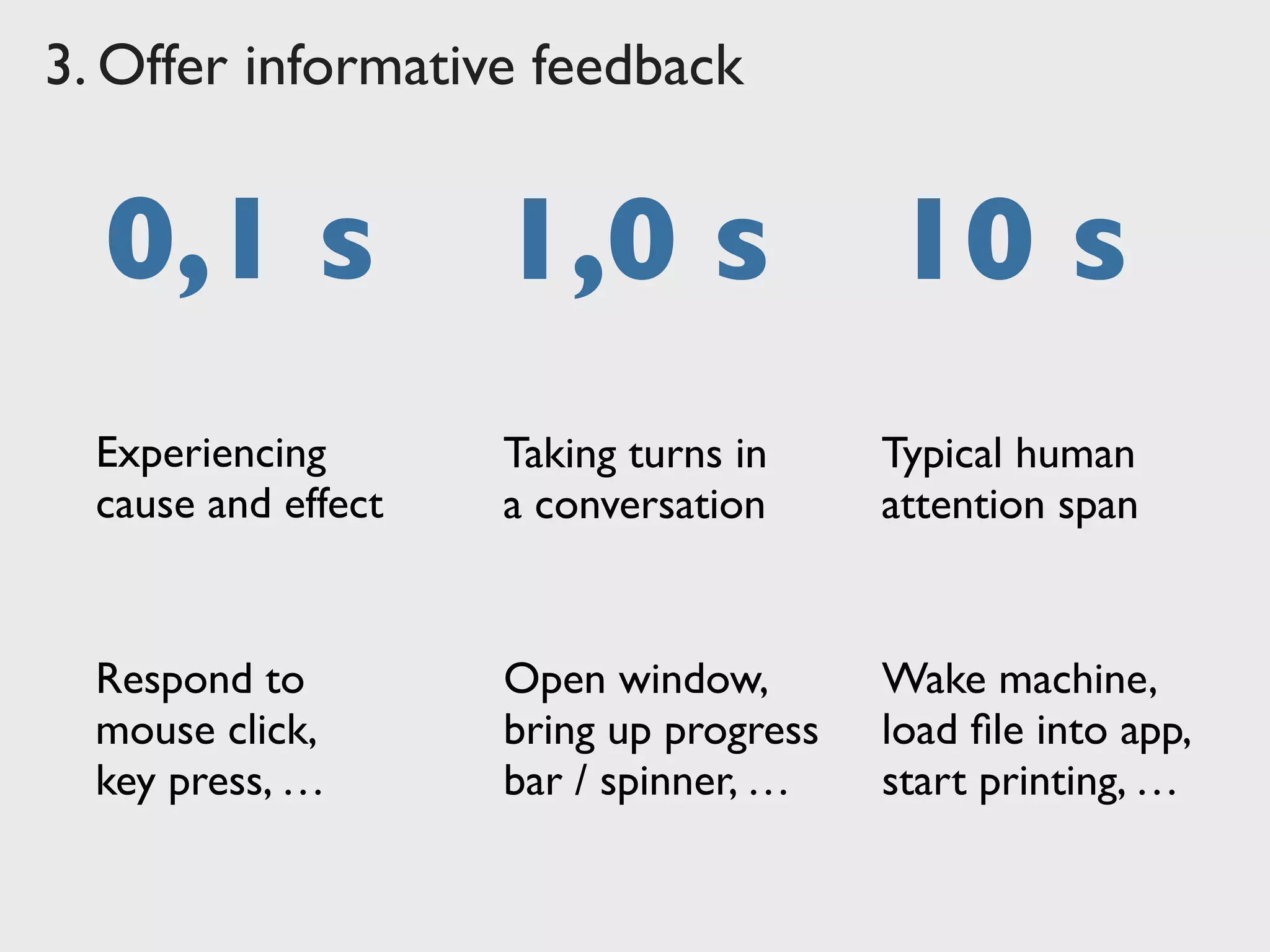
0,1 s 1,0 s 10 s
Experiencing
cause and effect
Taking turns in
a conversation
Typical human
attention span
Respond to
mouse click,
key press, …
Open window,
bring up progress
bar / spinner, …
Wake machine,
load file into app,
start printing, …
3. Offer informative feedback
4.	

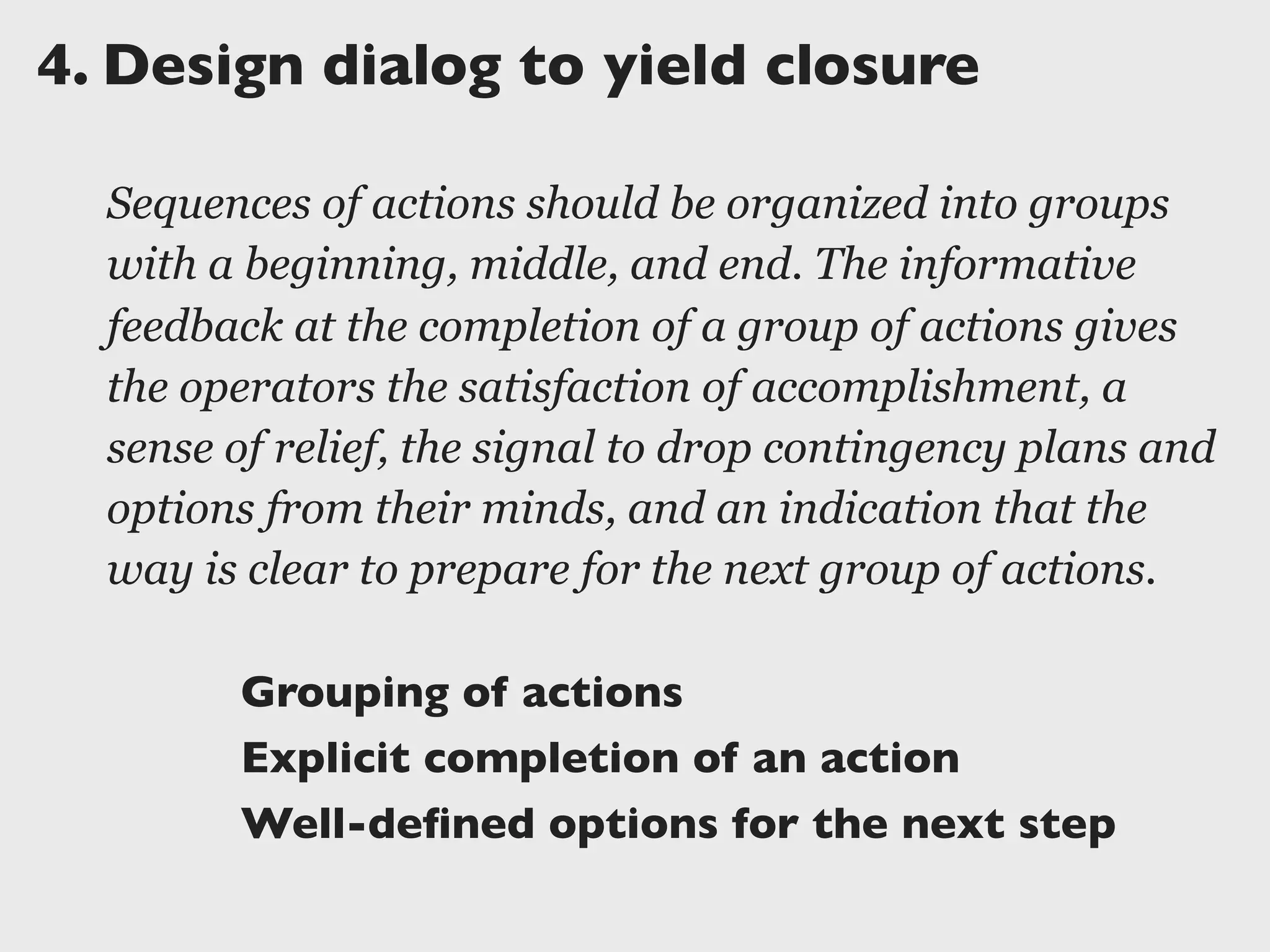
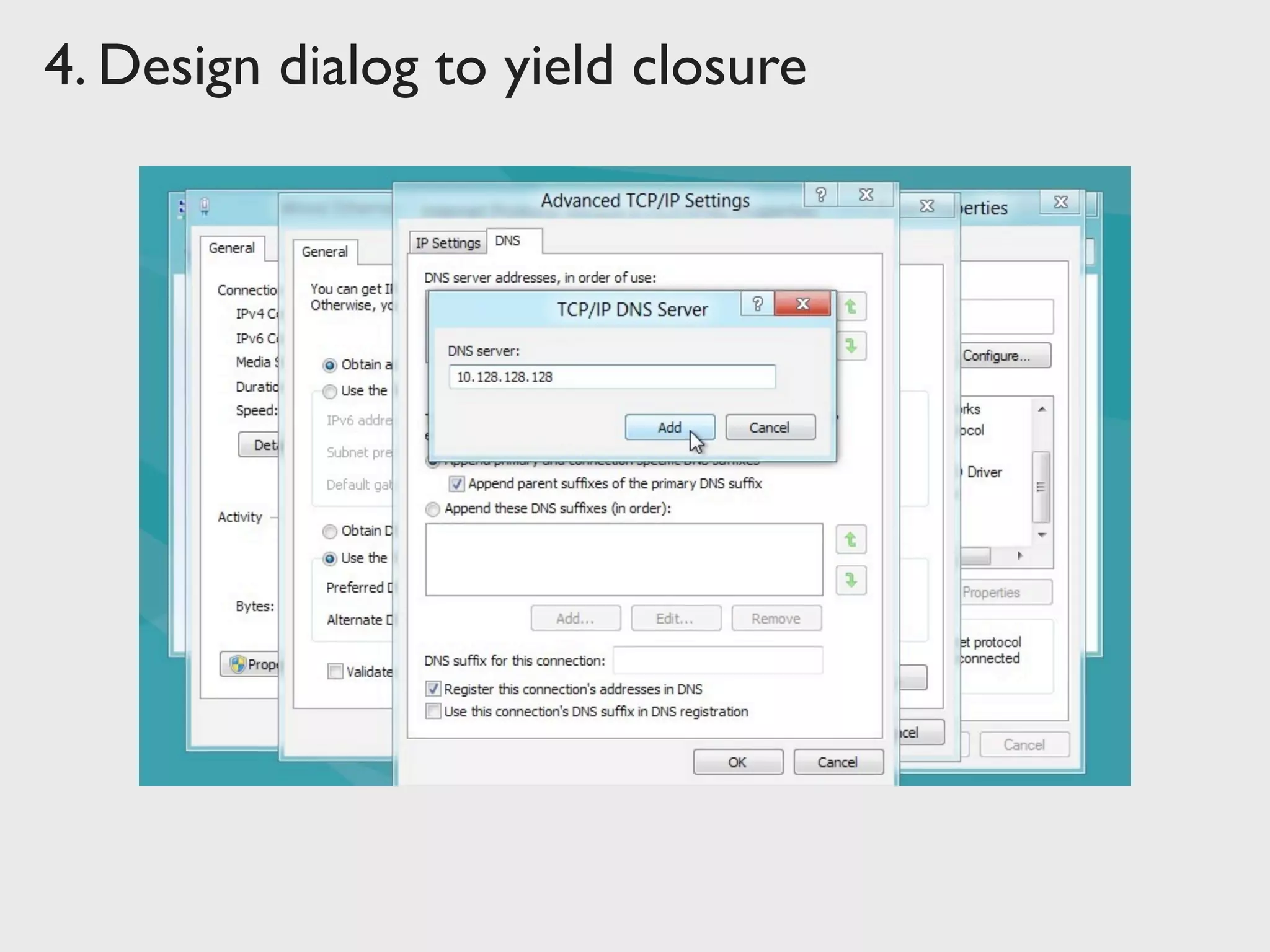
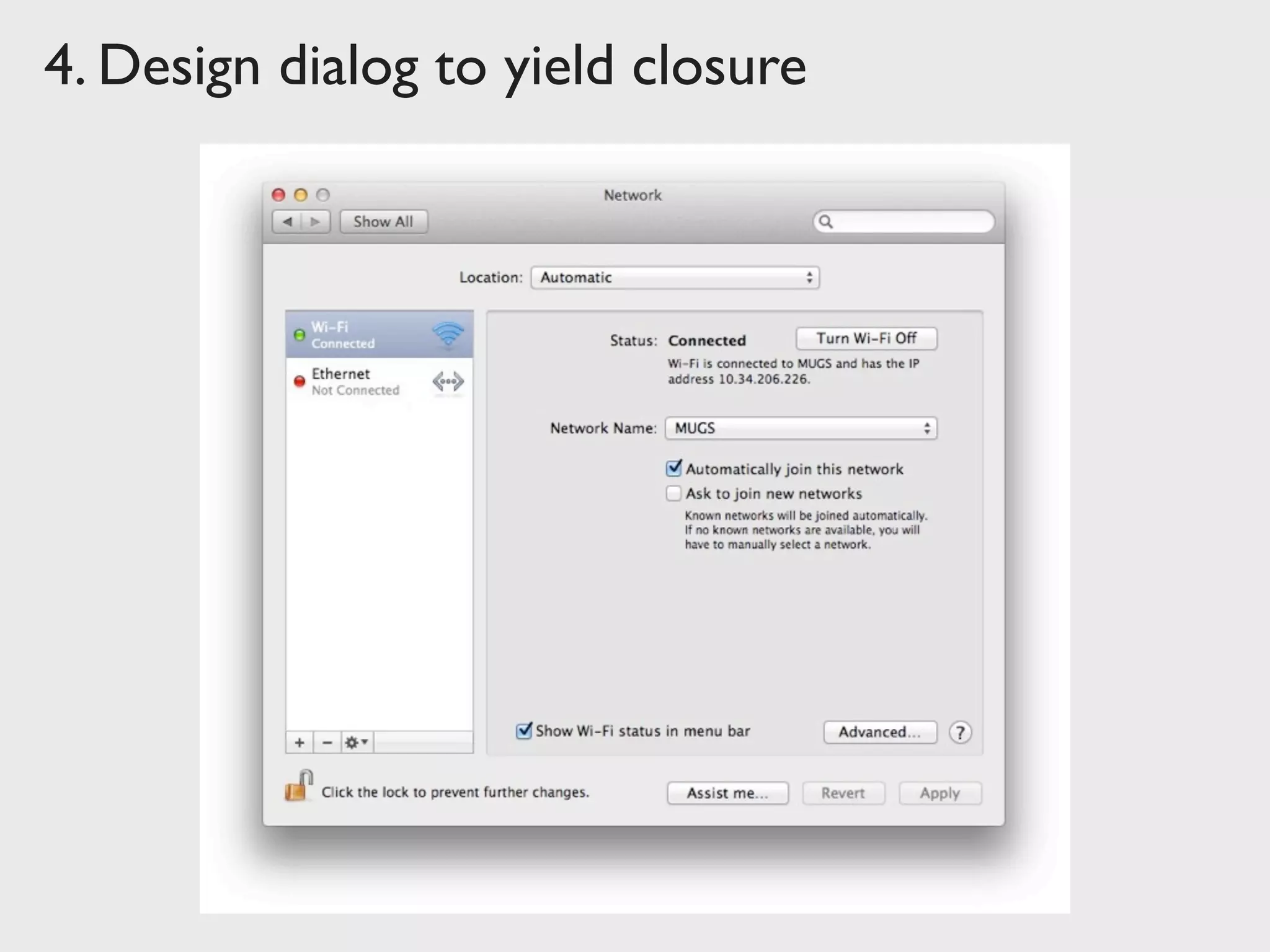
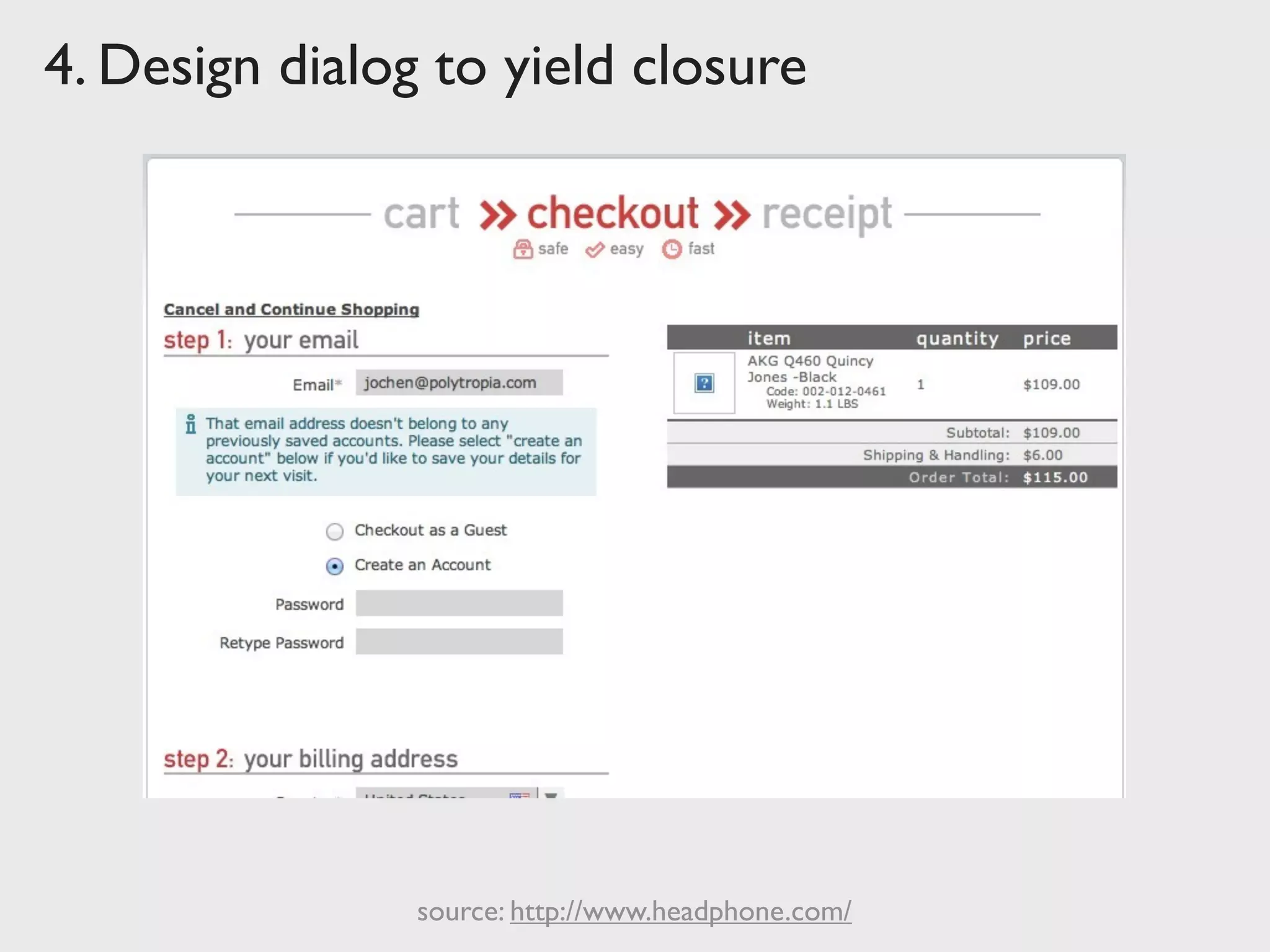
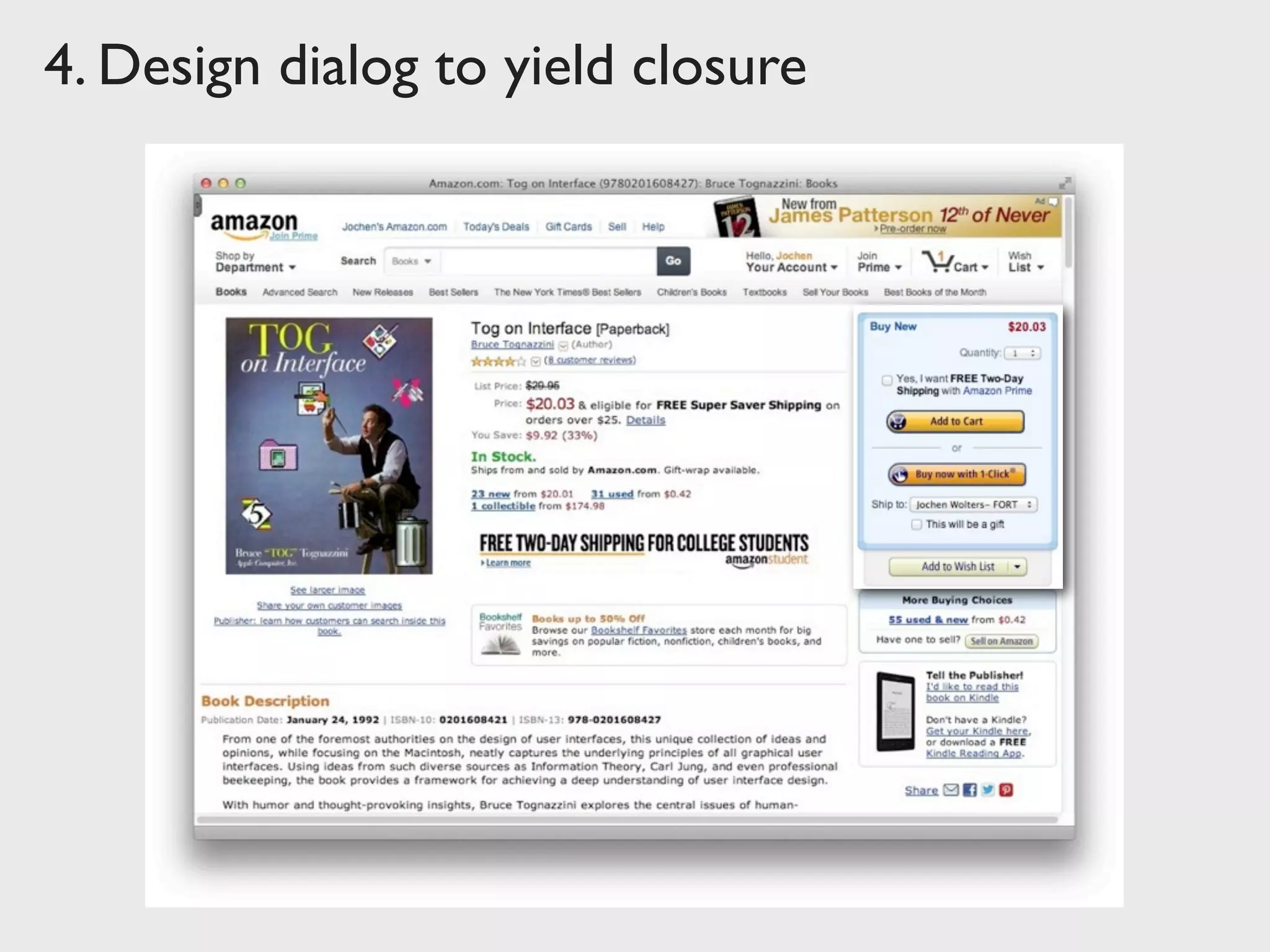
Design dialog to yield closure
Sequences of actions should be organized into groups
with a beginning, middle, and end. The informative
feedback at the completion of a group of actions gives
the operators the satisfaction of accomplishment, a
sense of relief, the signal to drop contingency plans and
options from their minds, and an indication that the
way is clear to prepare for the next group of actions.
Grouping of actions
Explicit completion of an action
Well-defined options for the next step
4. Design dialog to yield closure
source: http://www.headphone.com/
4. Design dialog to yield closure
5.	

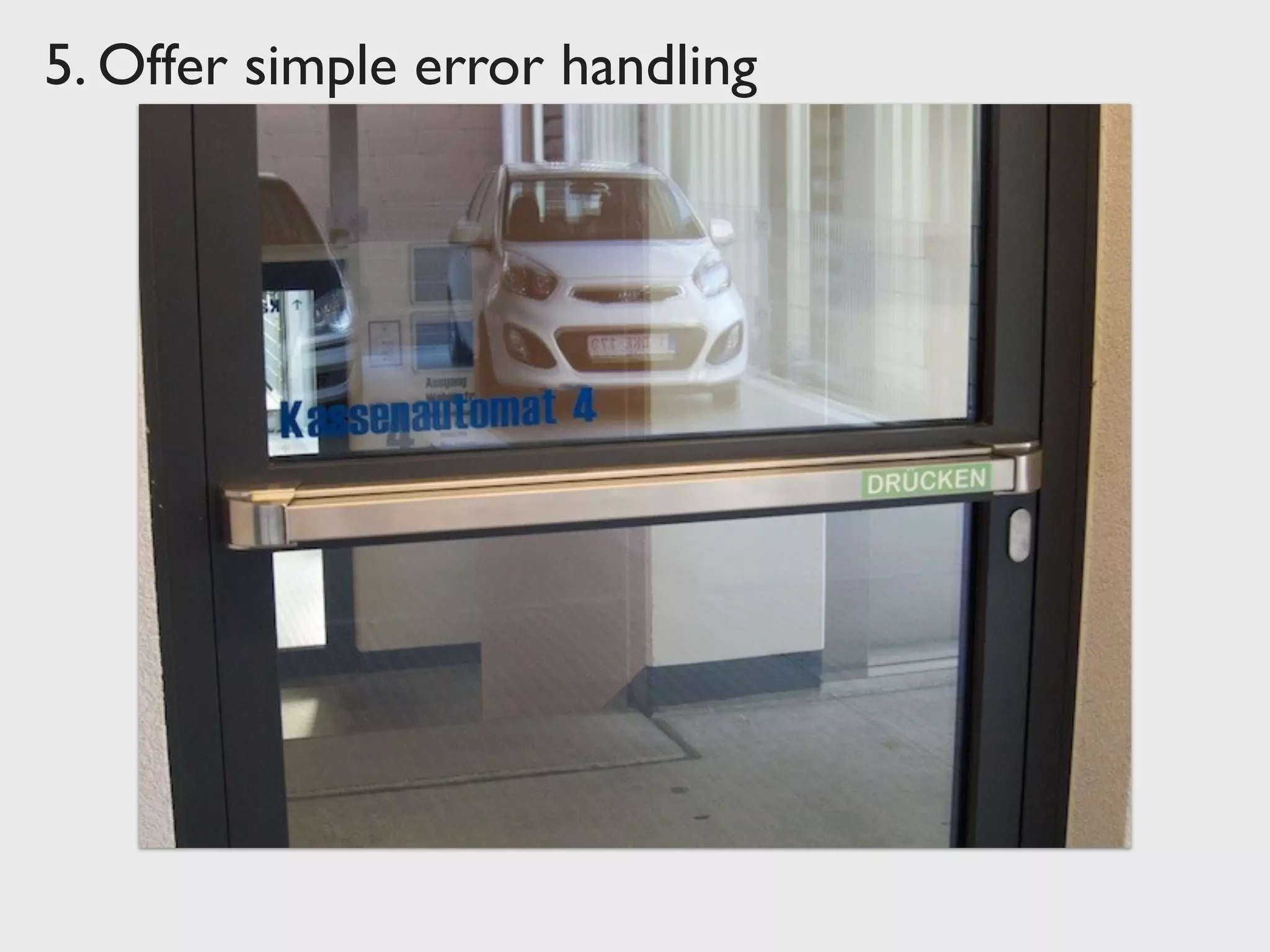
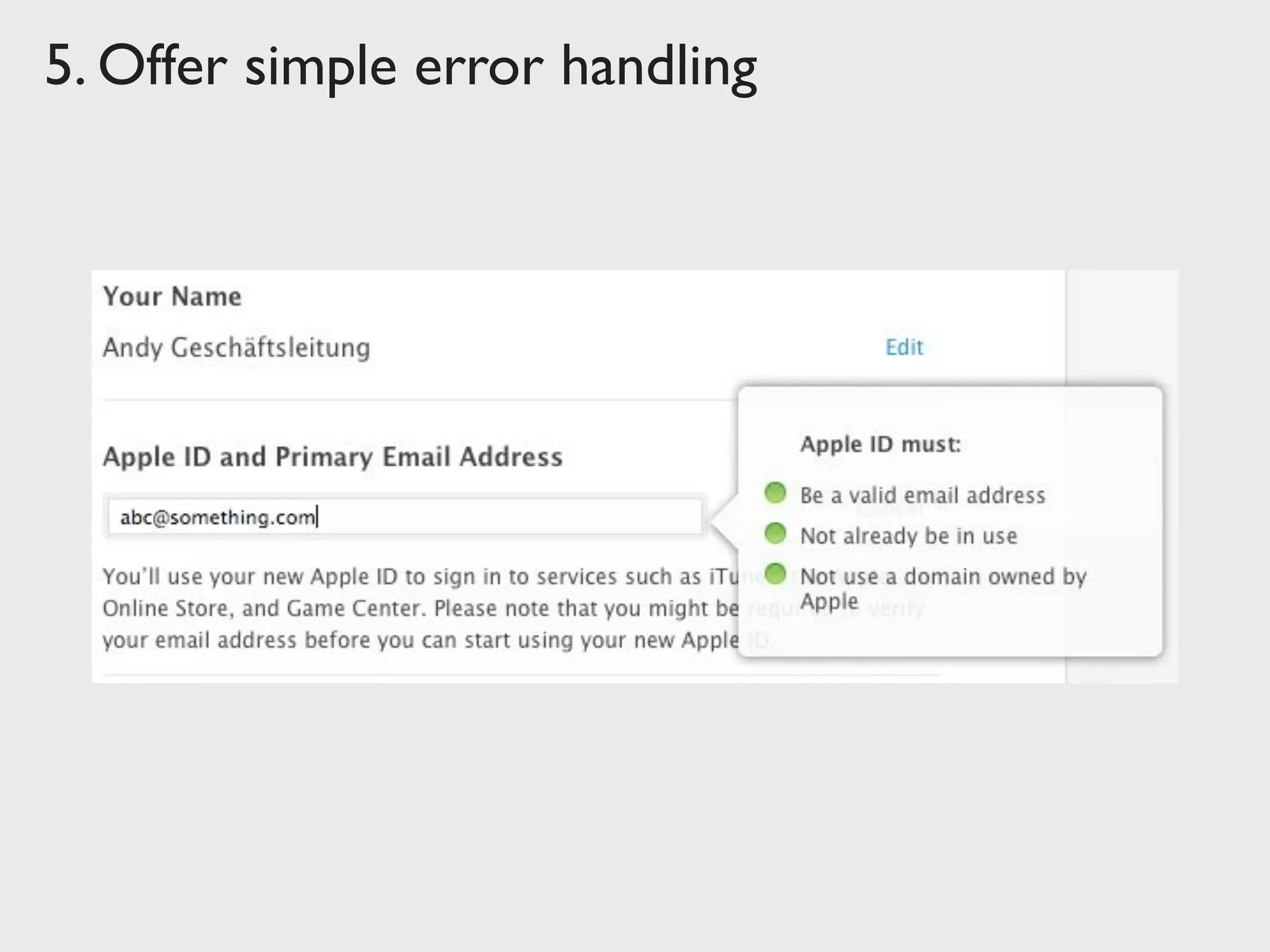
Offer simple error handling
As much as possible, design the system so the user
cannot make a serious error. If an error is made, the
system should be able to detect the error and offer
simple, comprehensible mechanisms for handling the
error.
Error prevention over error correction
Automatic detection of errors
Clear error notifications
Hints for solving the problem
3. Offer simple error handling
5. Offer simple error handling
6.	

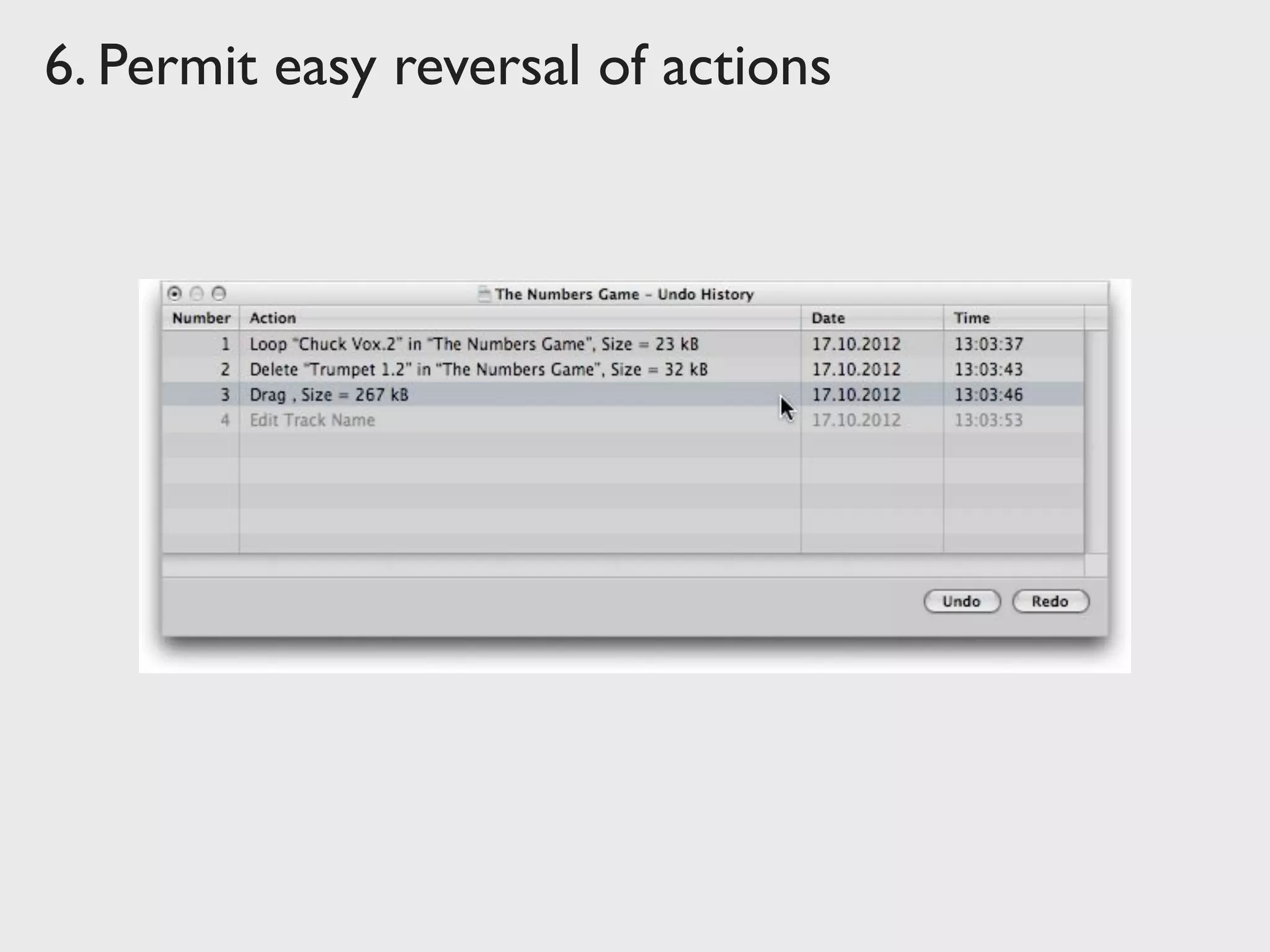
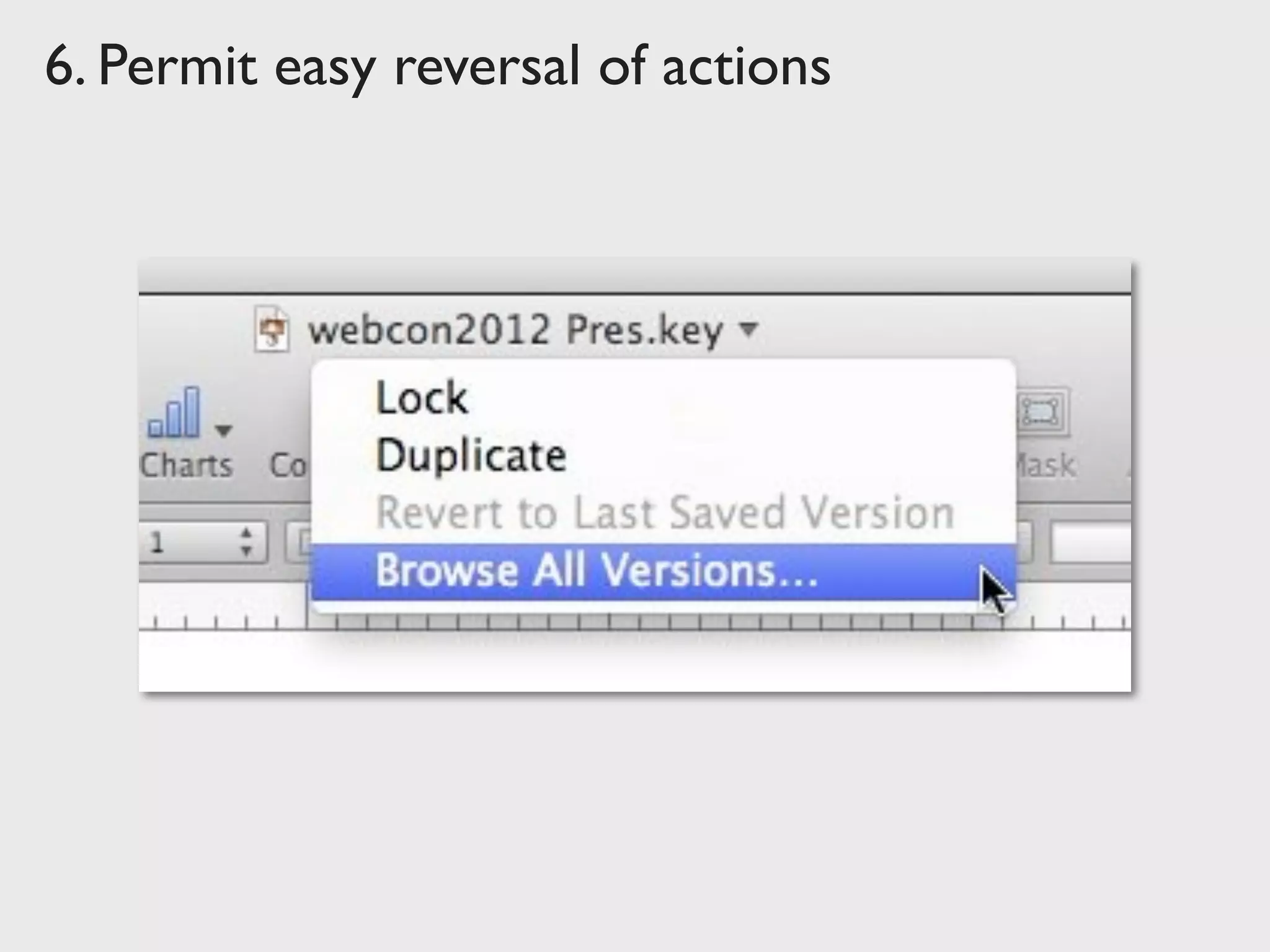
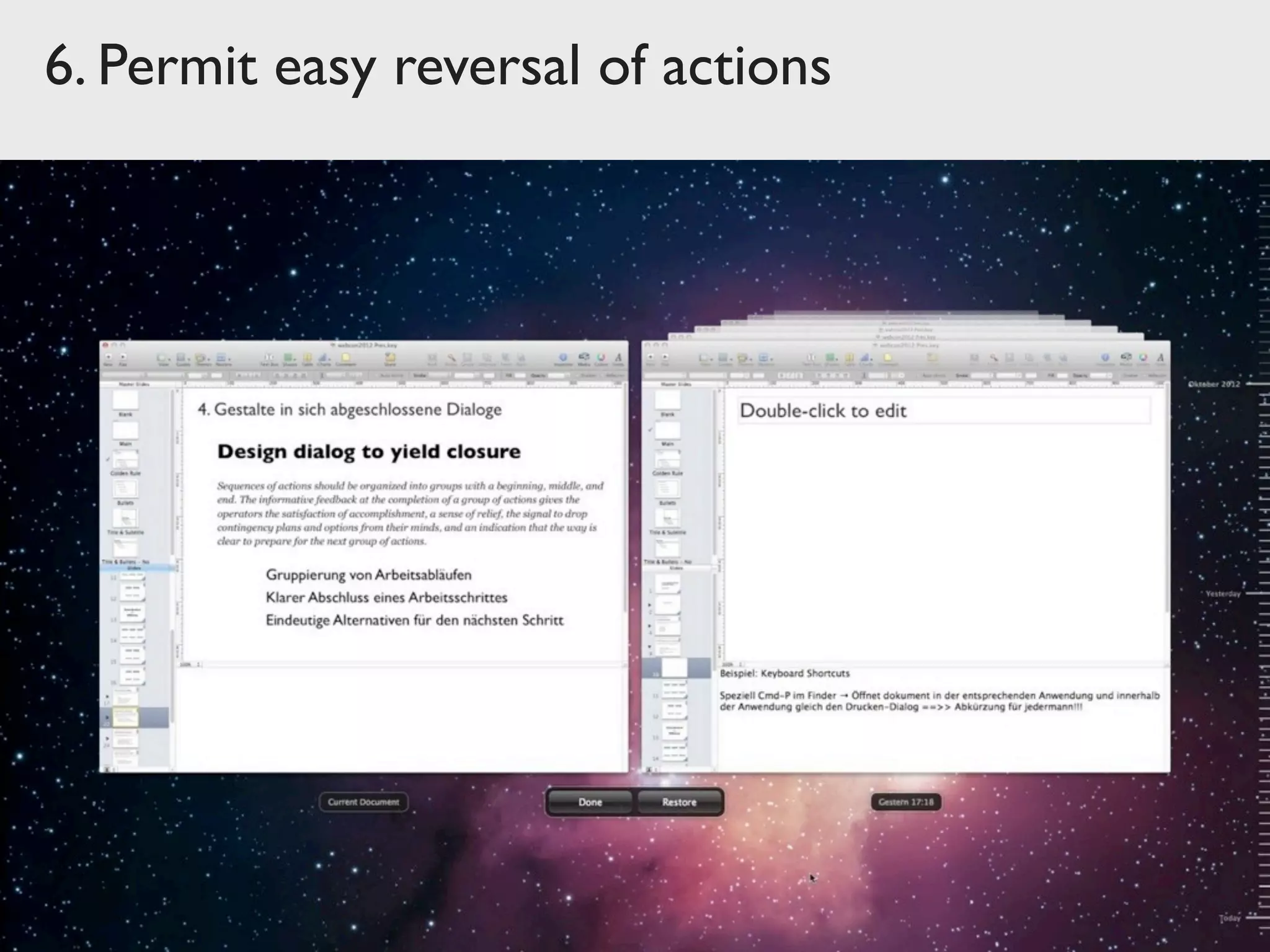
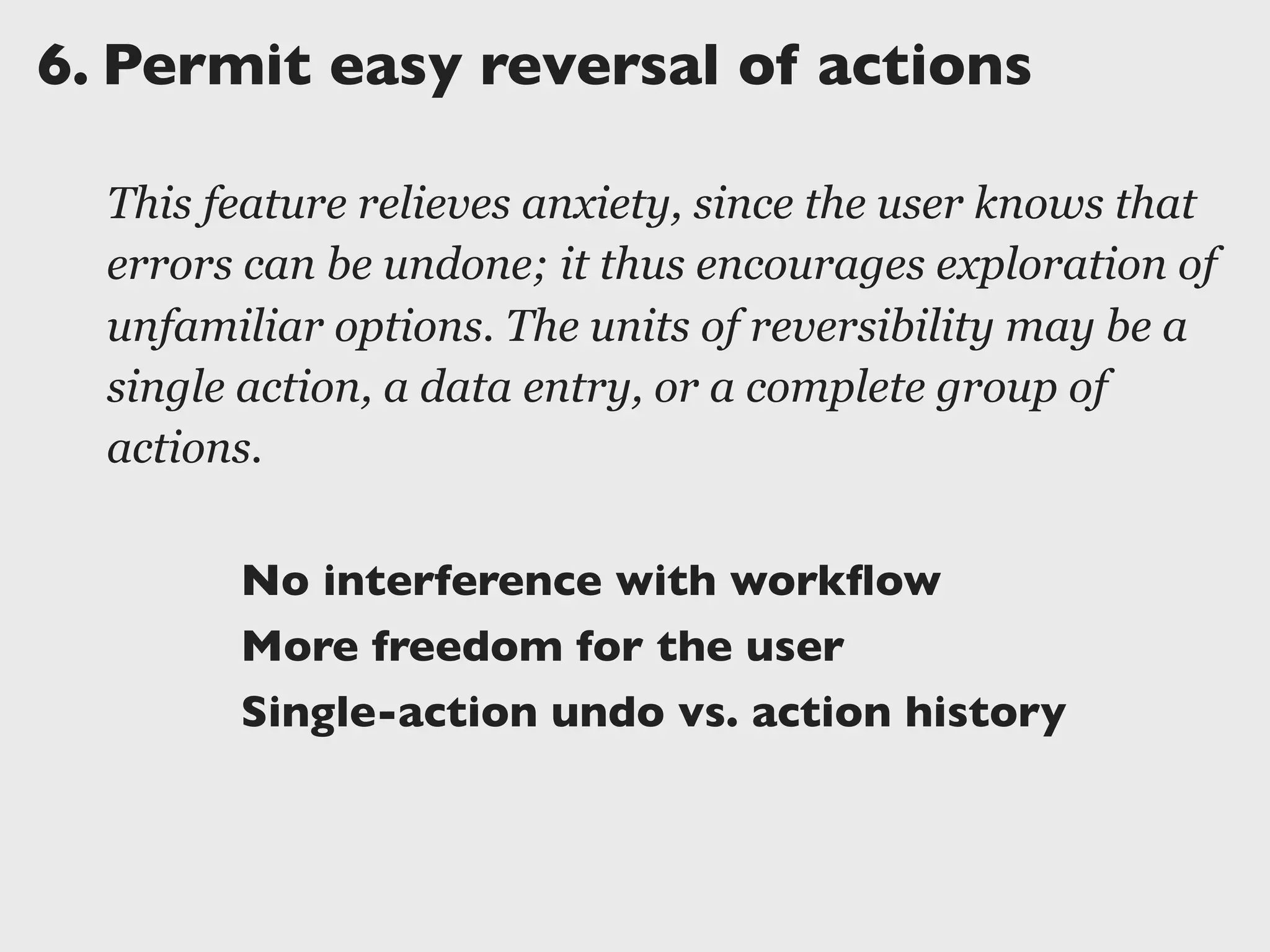
Permit easy reversal of actions
This feature relieves anxiety, since the user knows that
errors can be undone; it thus encourages exploration of
unfamiliar options. The units of reversibility may be a
single action, a data entry, or a complete group of
actions.
No interference with workflow
More freedom for the user
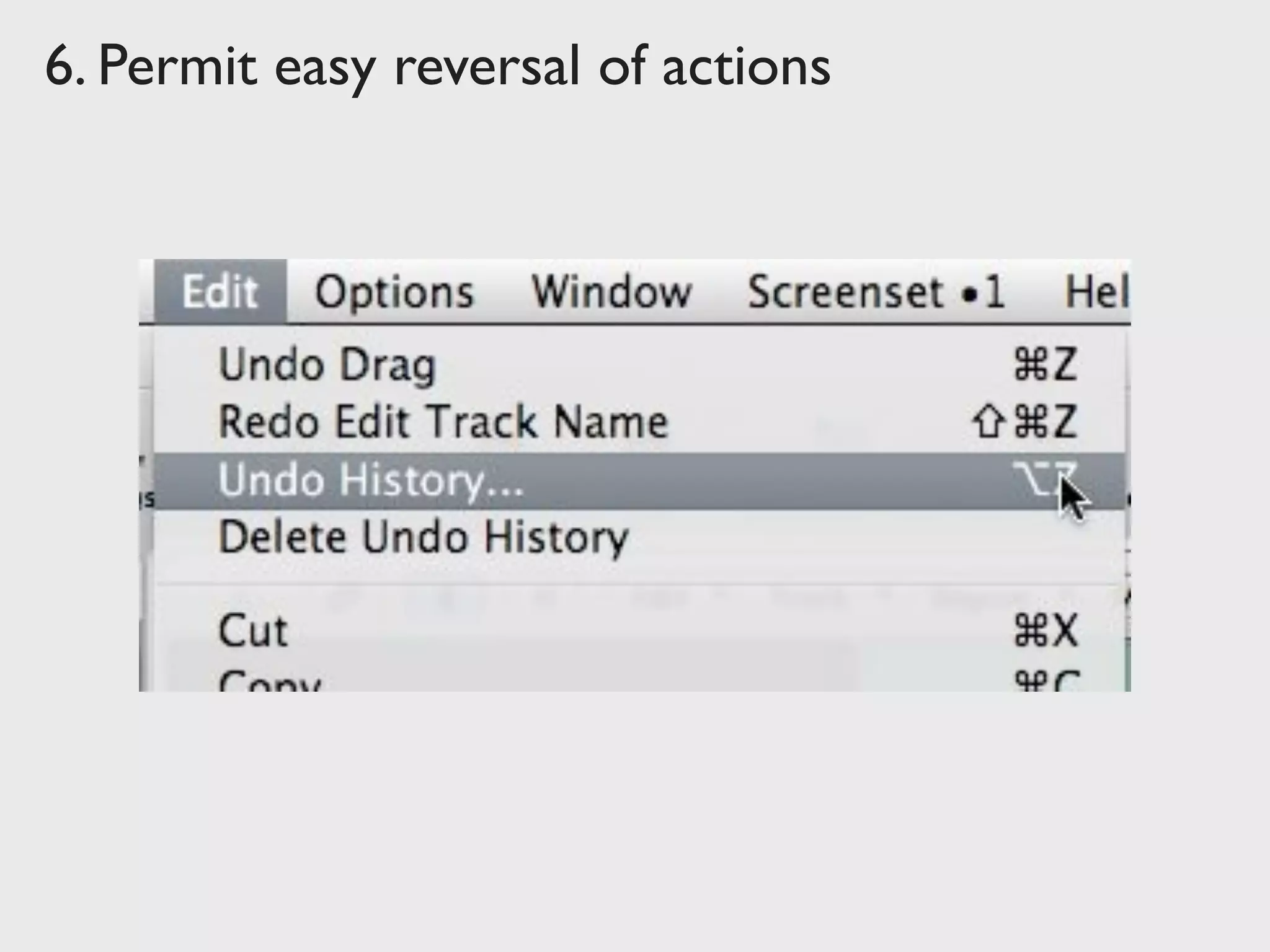
Single-action undo vs. action history
6. Permit easy reversal of actions
7.	

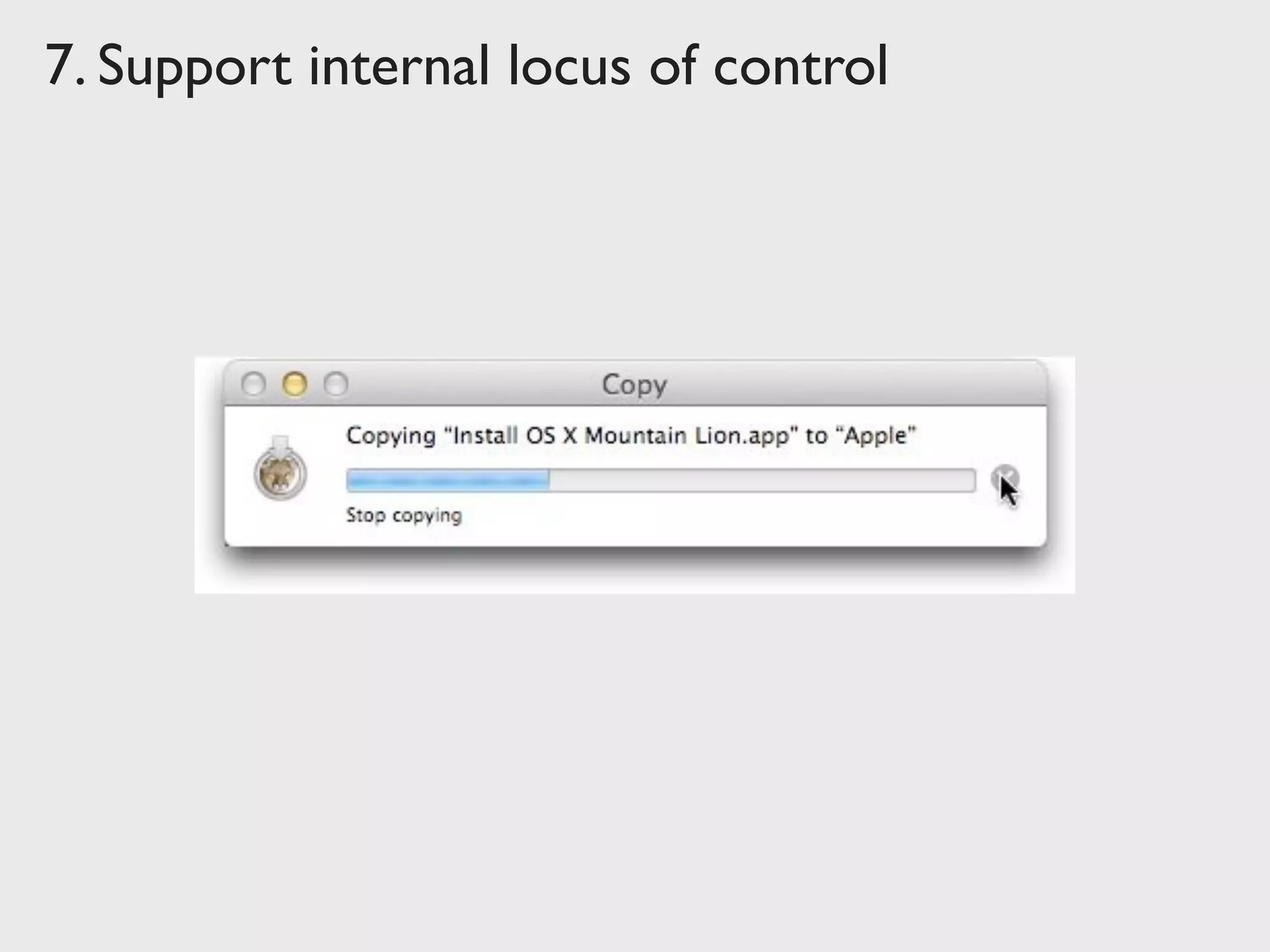
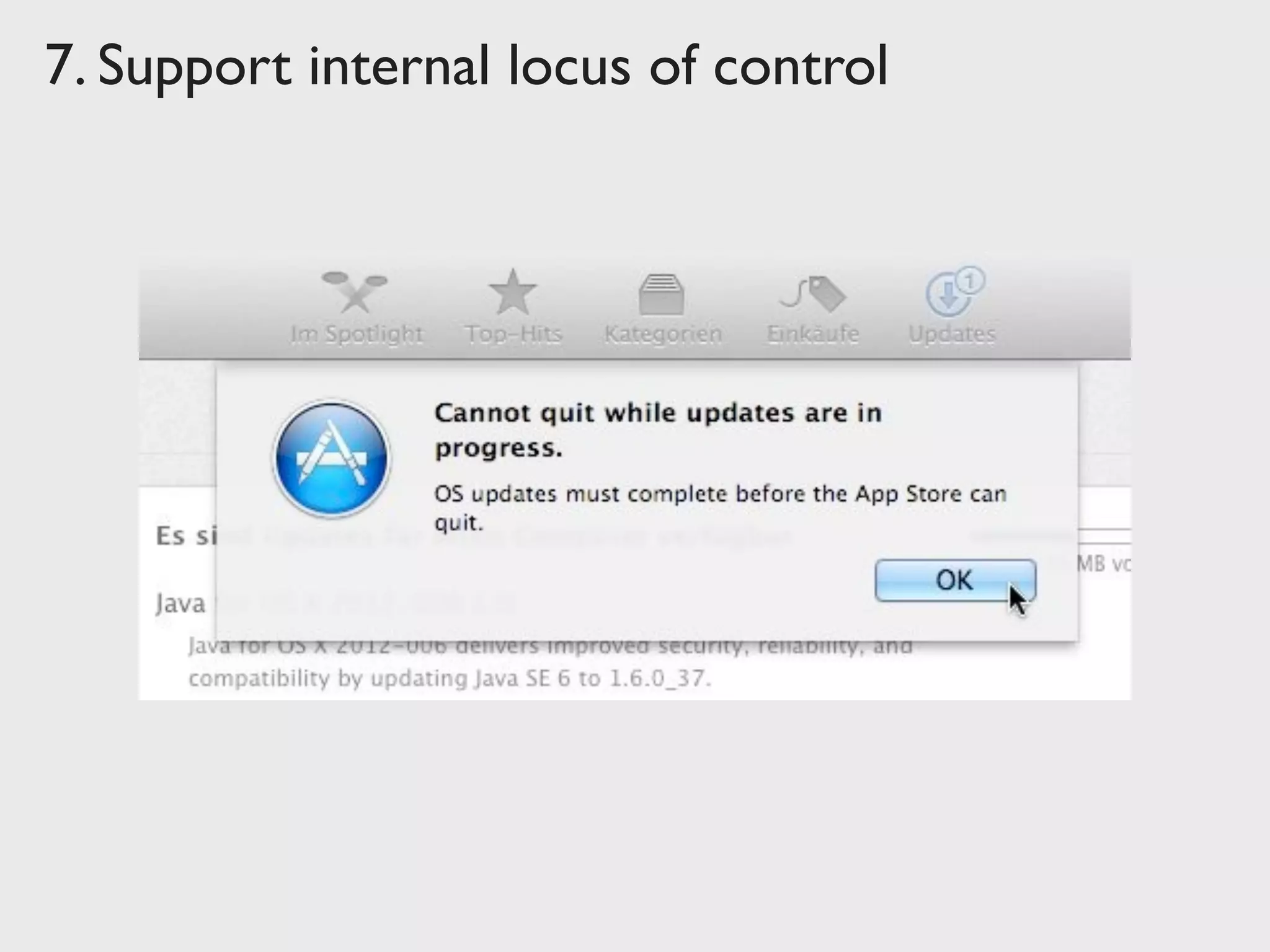
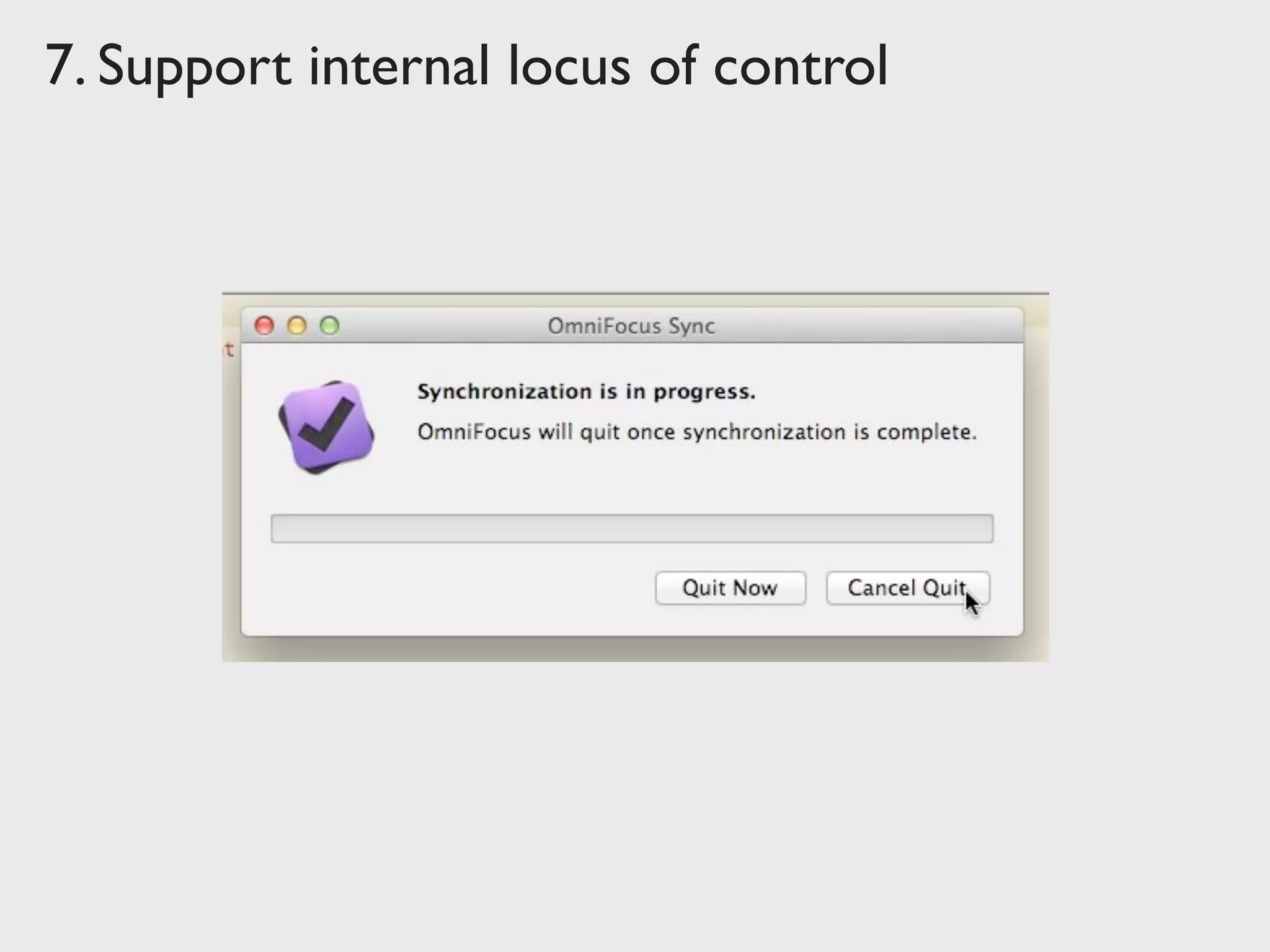
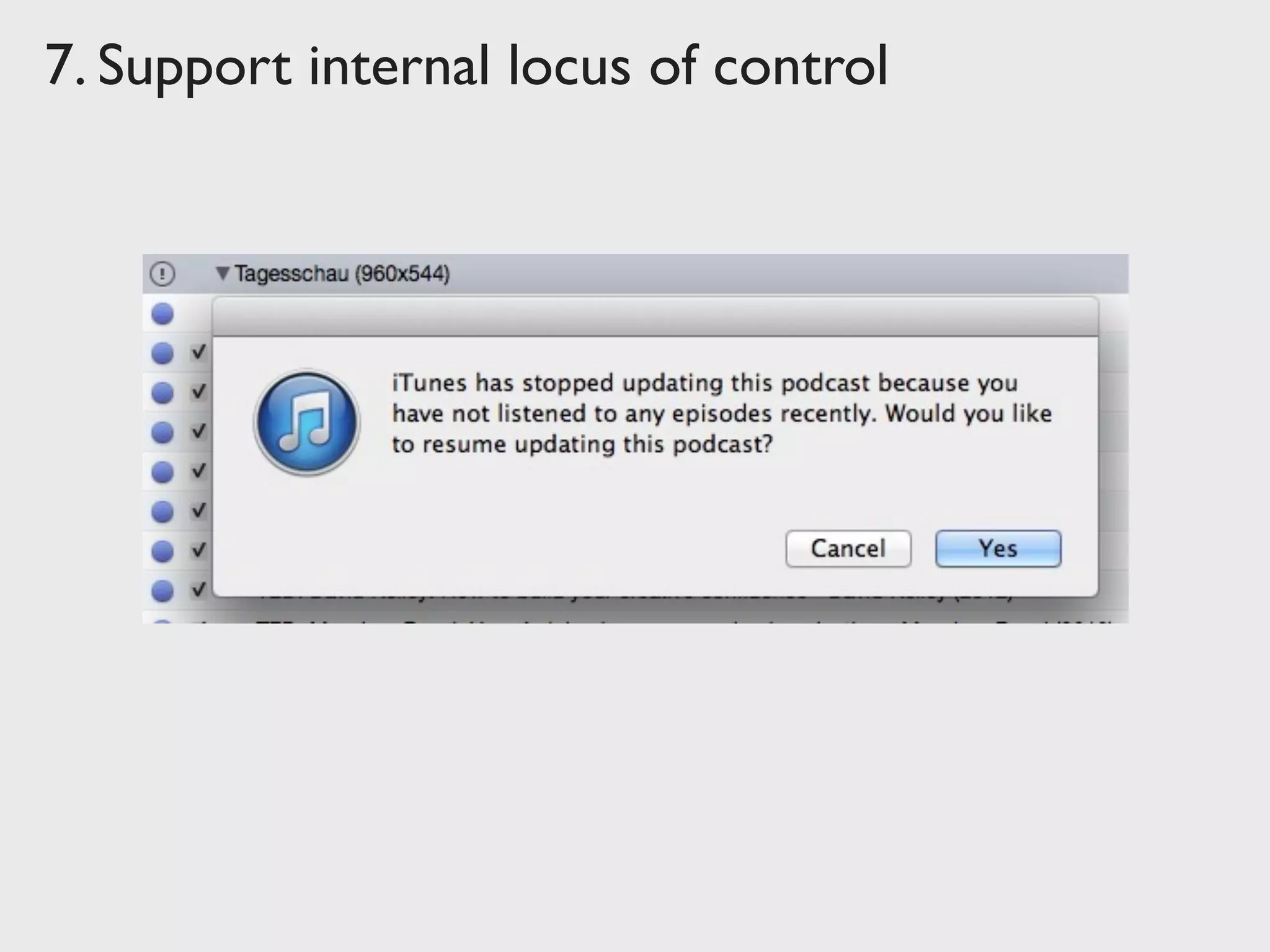
Support internal locus of control
Experienced operators strongly desire the sense that
they are in charge of the system and that the system
responds to their actions. Design the system to make
users the initiators of actions rather than the
responders.
The user commands, the system obeys
Strongly relies on Informative Feedback
“The Principle of Least Surprise”
7. Support internal locus of control
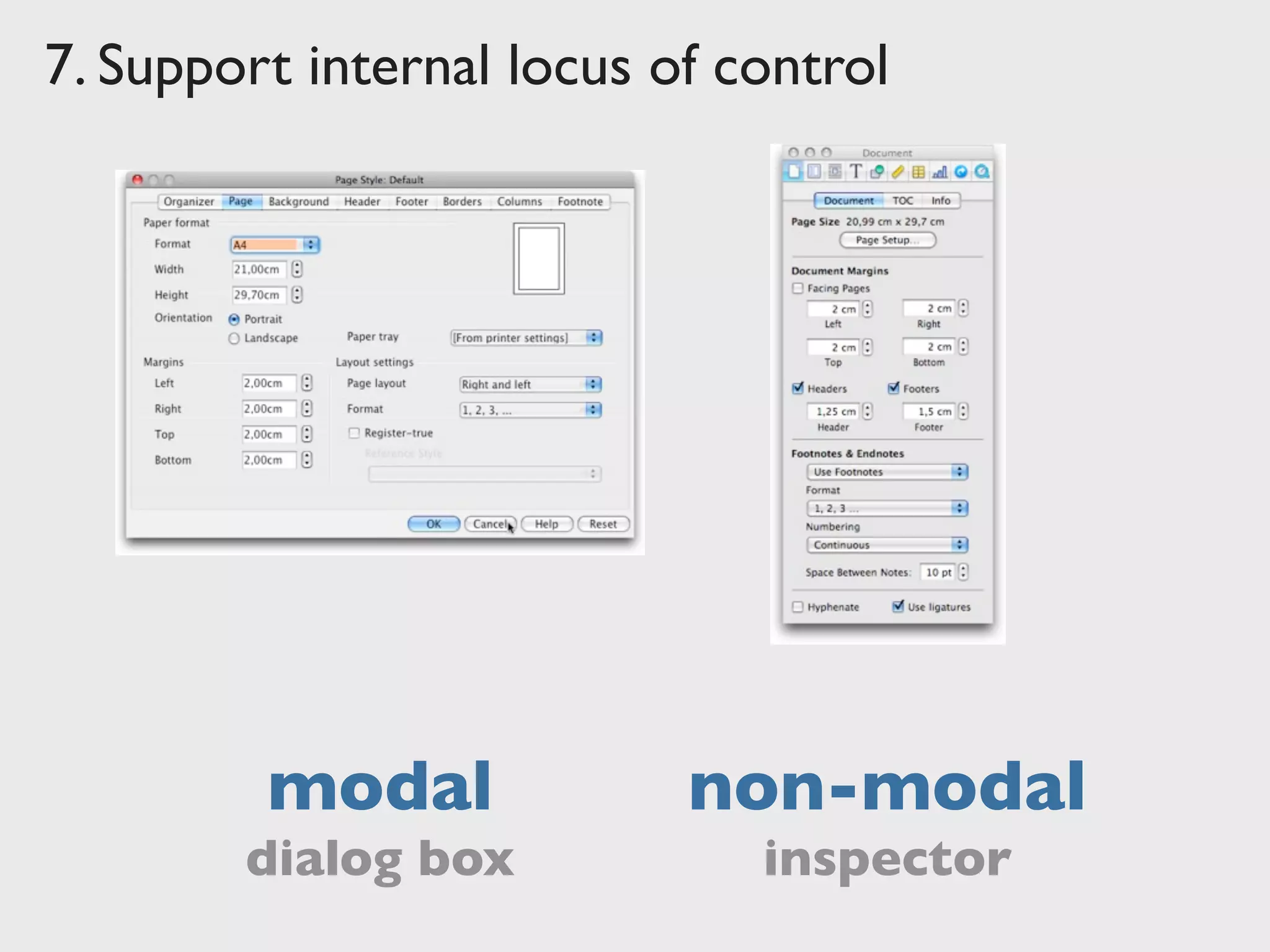
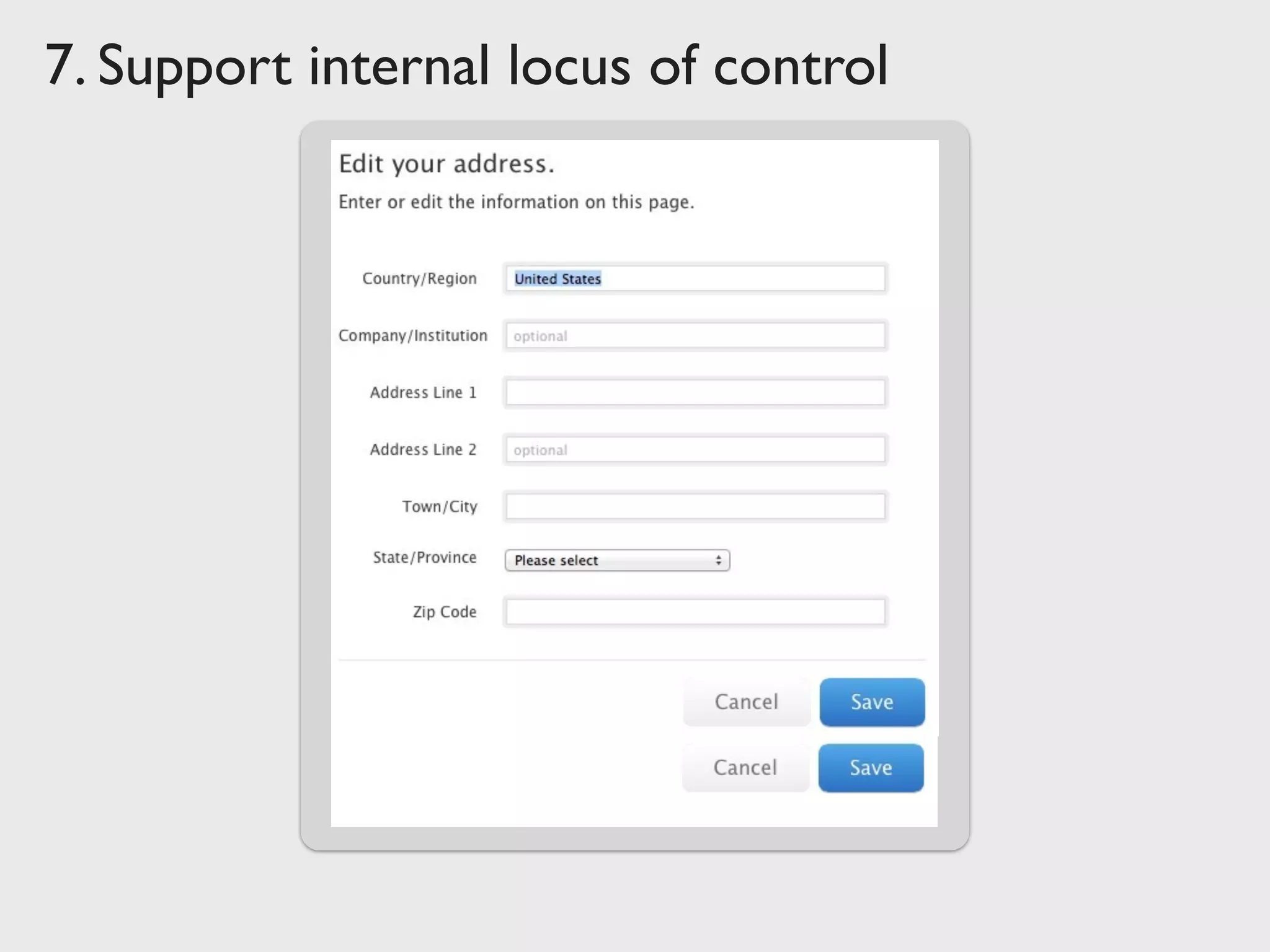
modal non-modal
inspectordialog box
7. Support internal locus of control
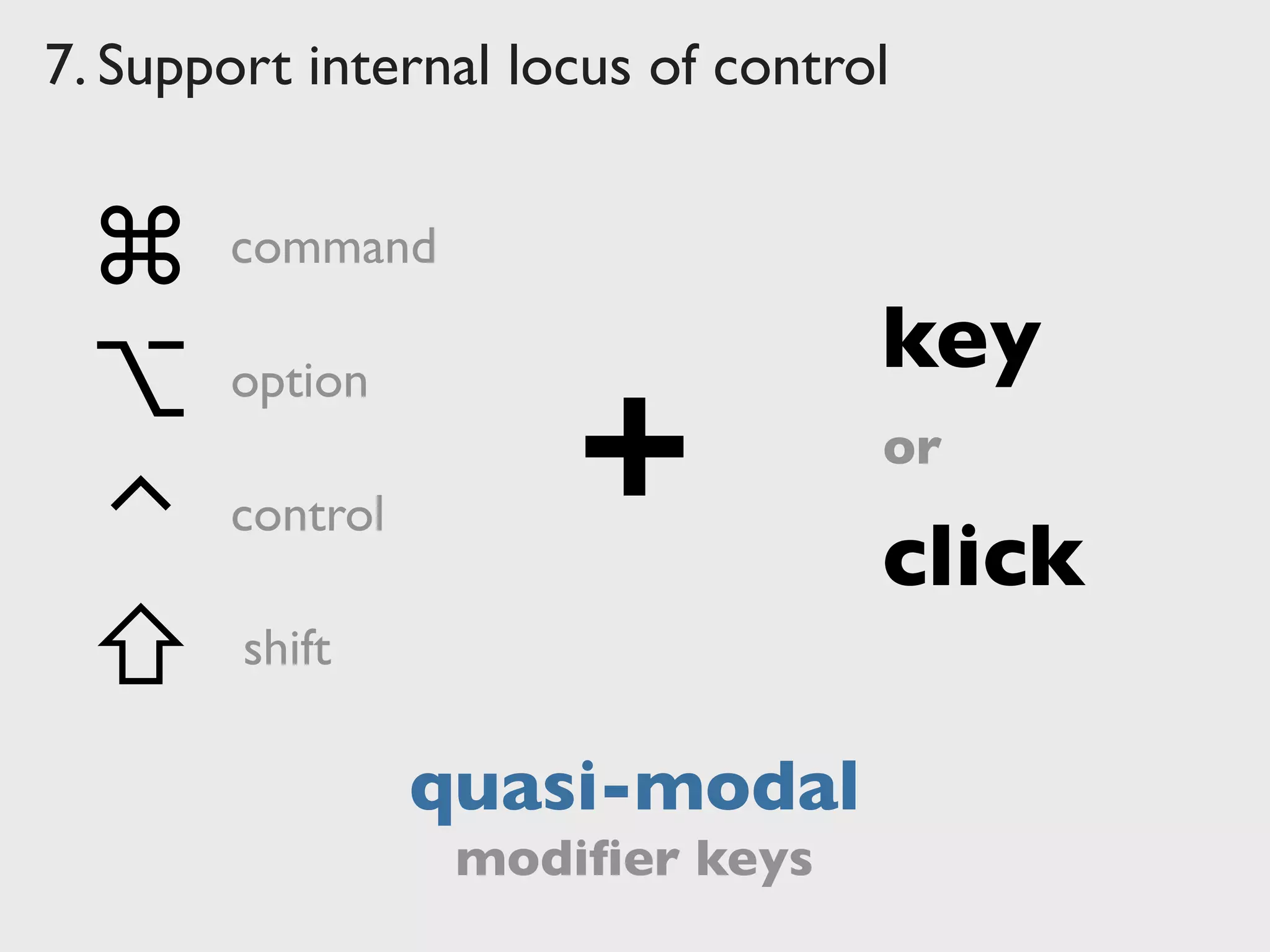
quasi-modal
⇧
command
⌃
⌥
⌘
control
option
shift
+
key
click
or
modifier keys
7. Support internal locus of control
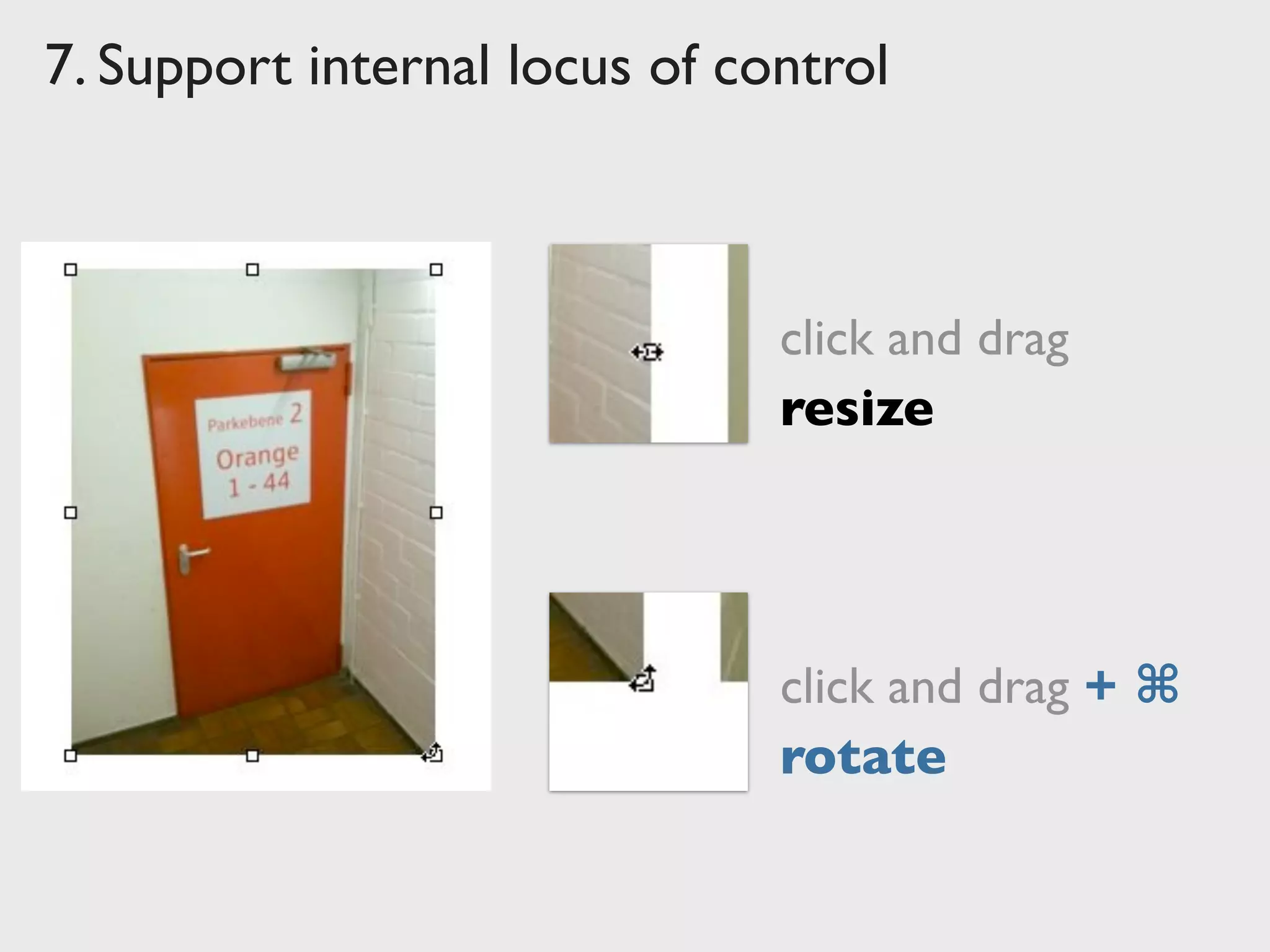
click and drag
click and drag + ⌘
resize
rotate
7. Support internal locus of control
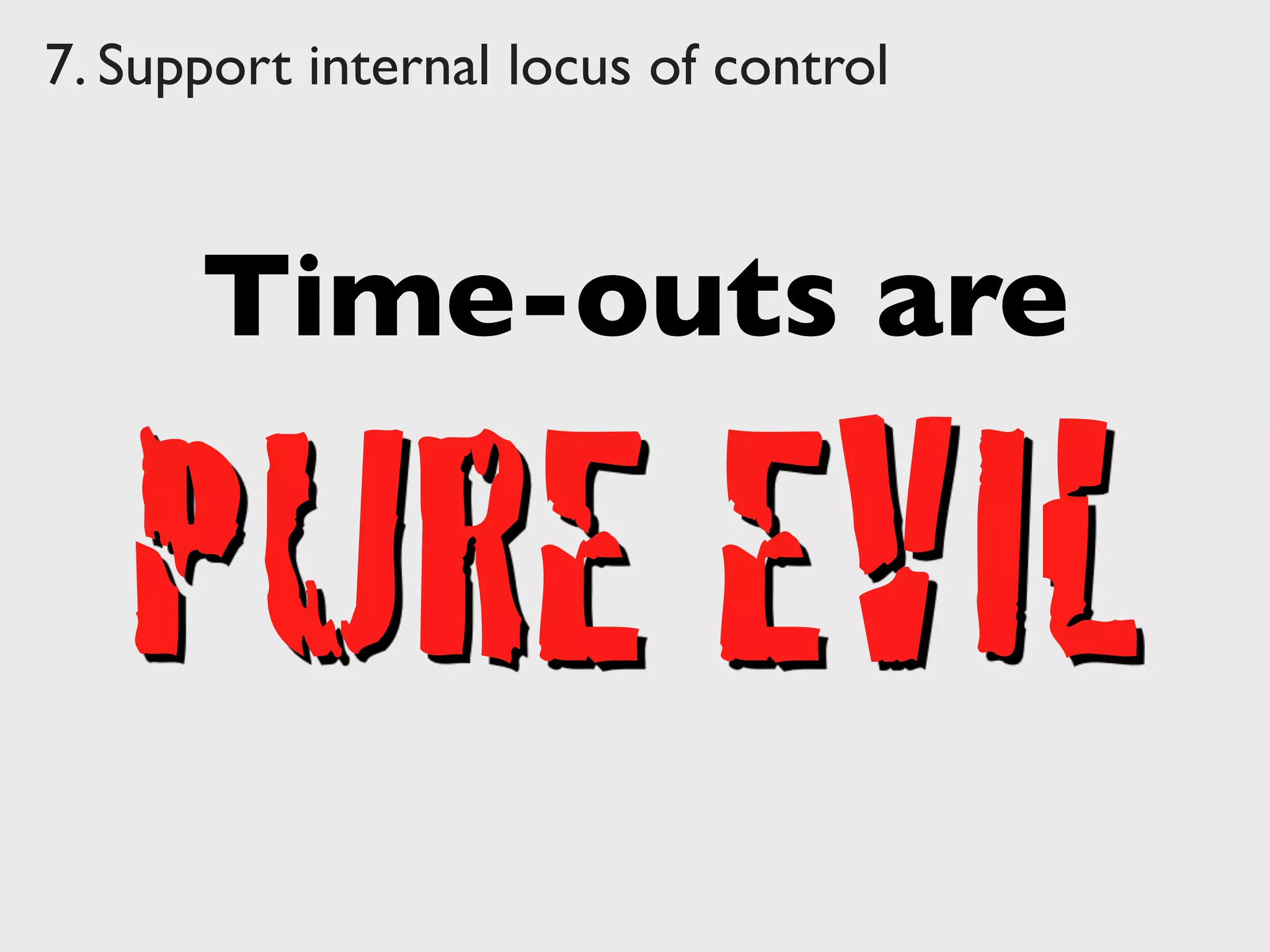
Time-outs are
PURE EVIL
Hotel
Alarm
Clocks
Hotel
Alarm
Clocks
7. Support internal locus of control
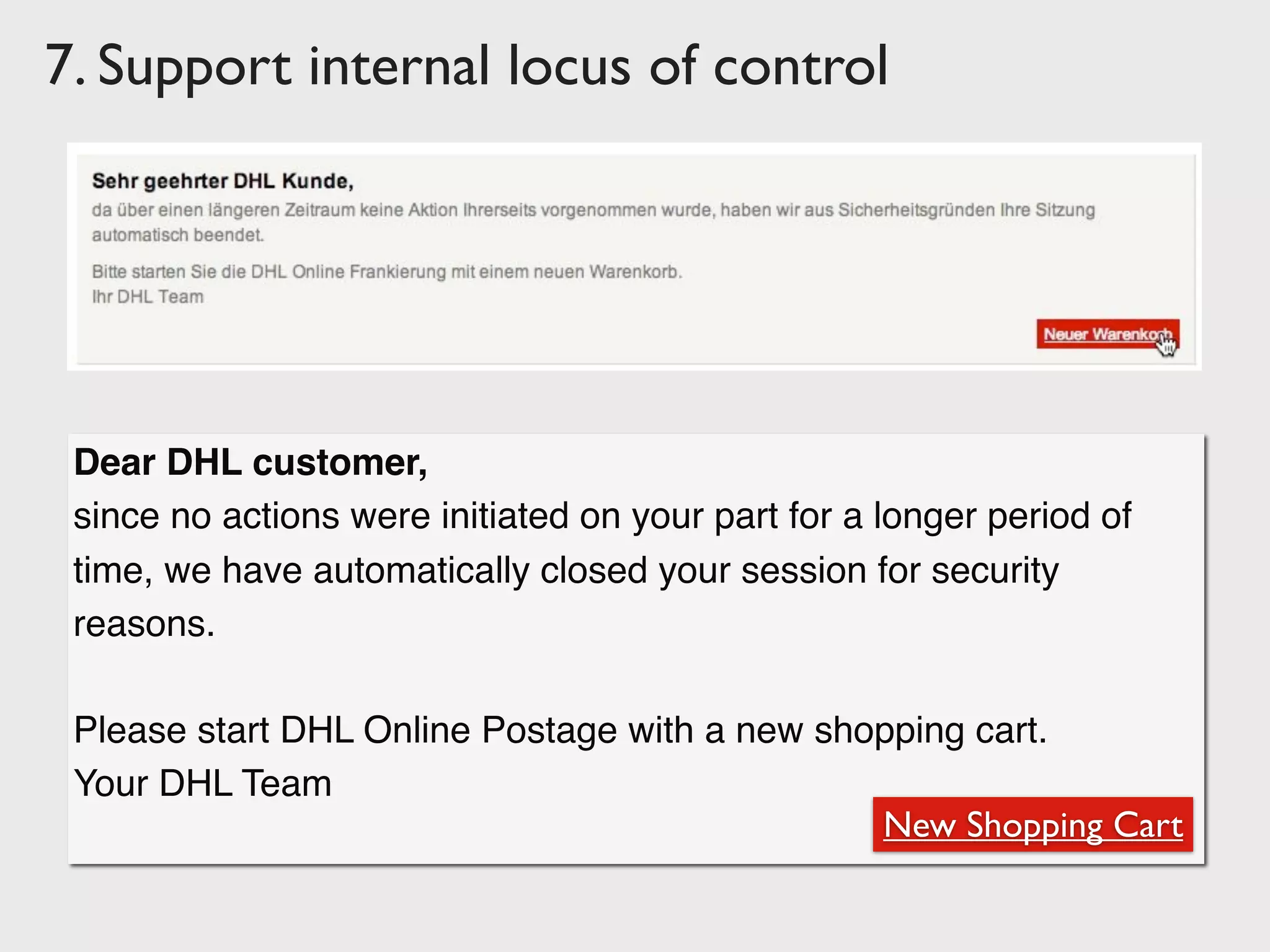
Dear DHL customer,
since no actions were initiated on your part for a longer period of
time, we have automatically closed your session for security
reasons.
Please start DHL Online Postage with a new shopping cart.
Your DHL Team
New Shopping Cart
7. Support internal locus of control
8.	

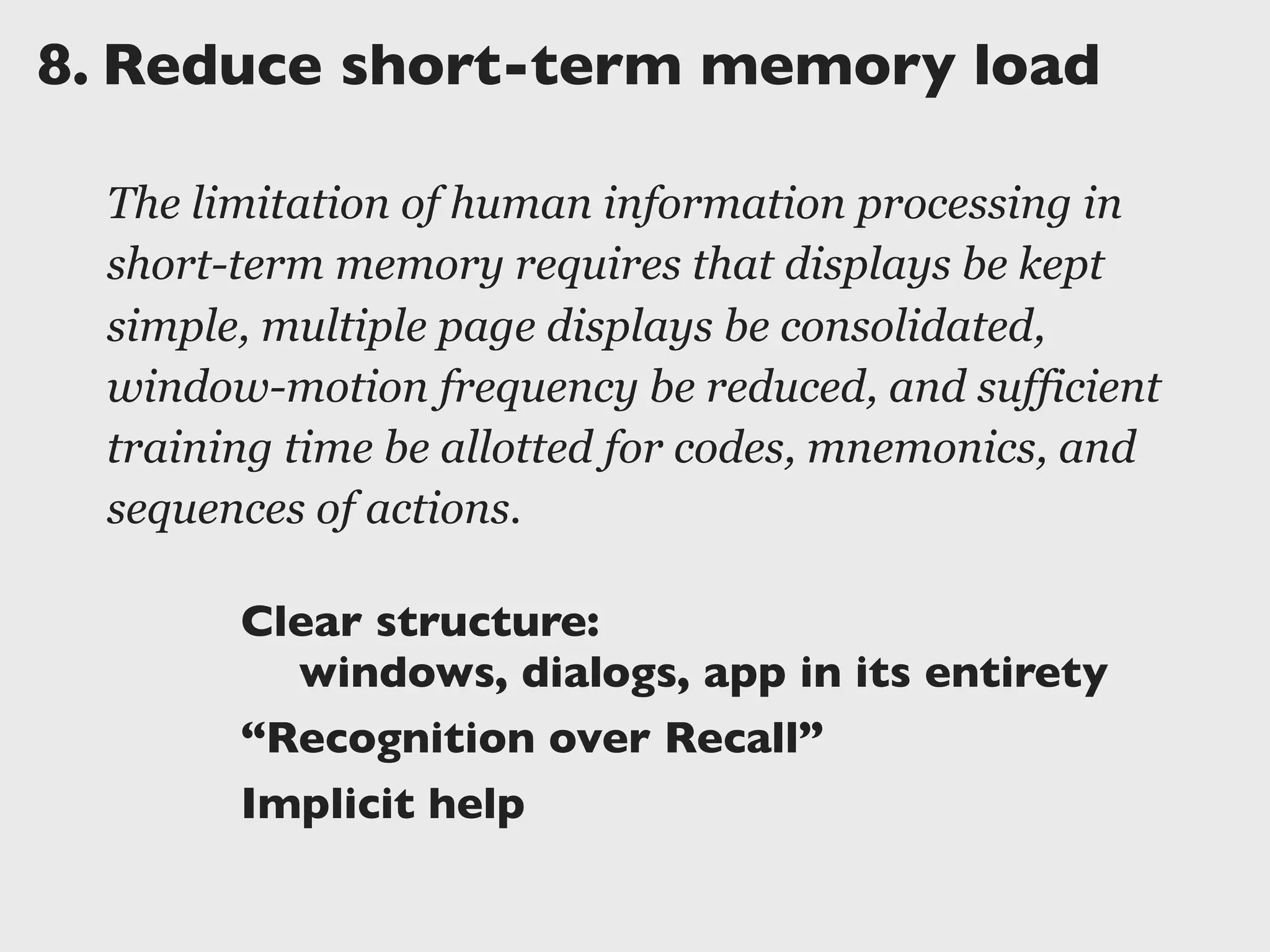
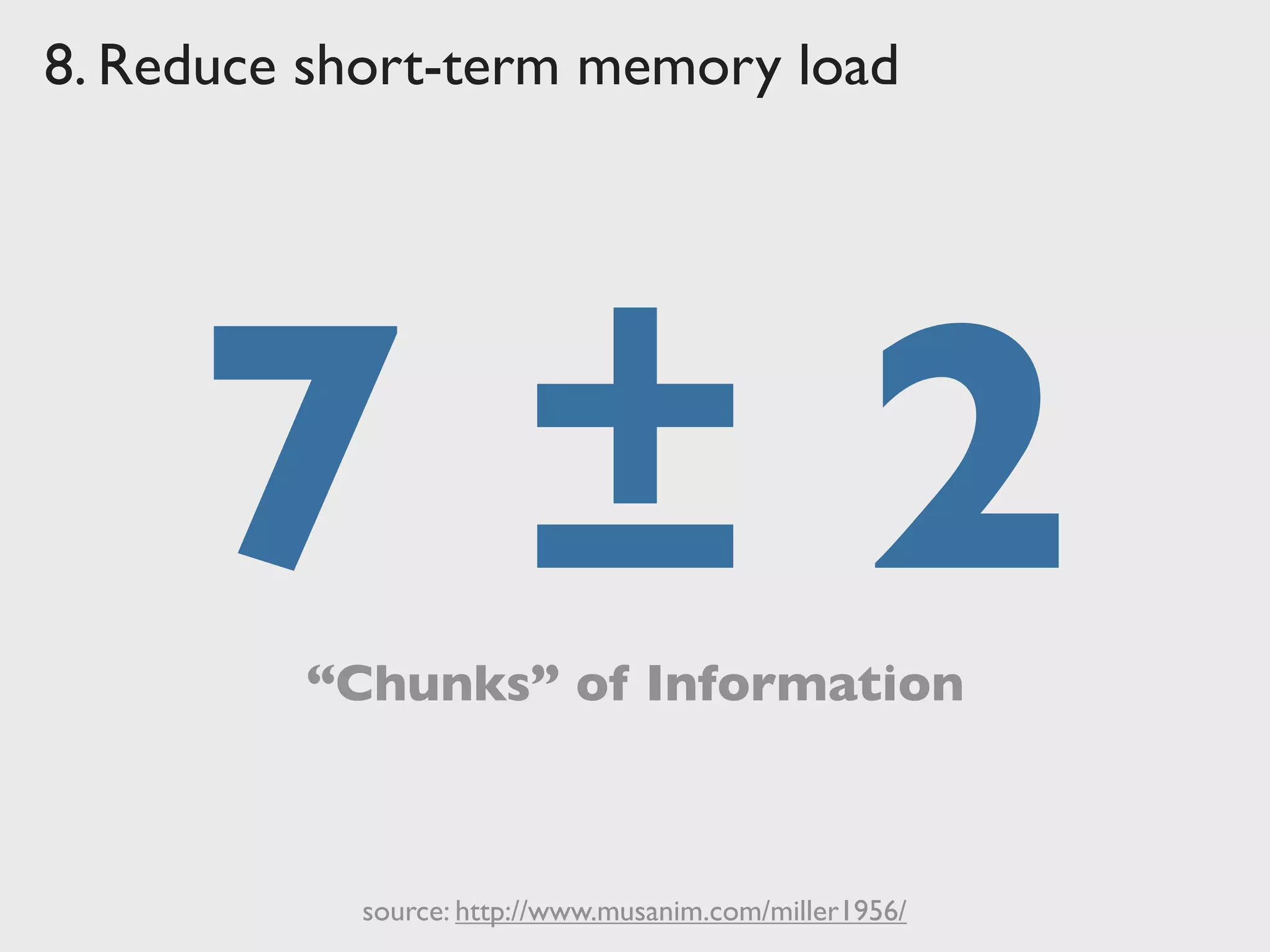
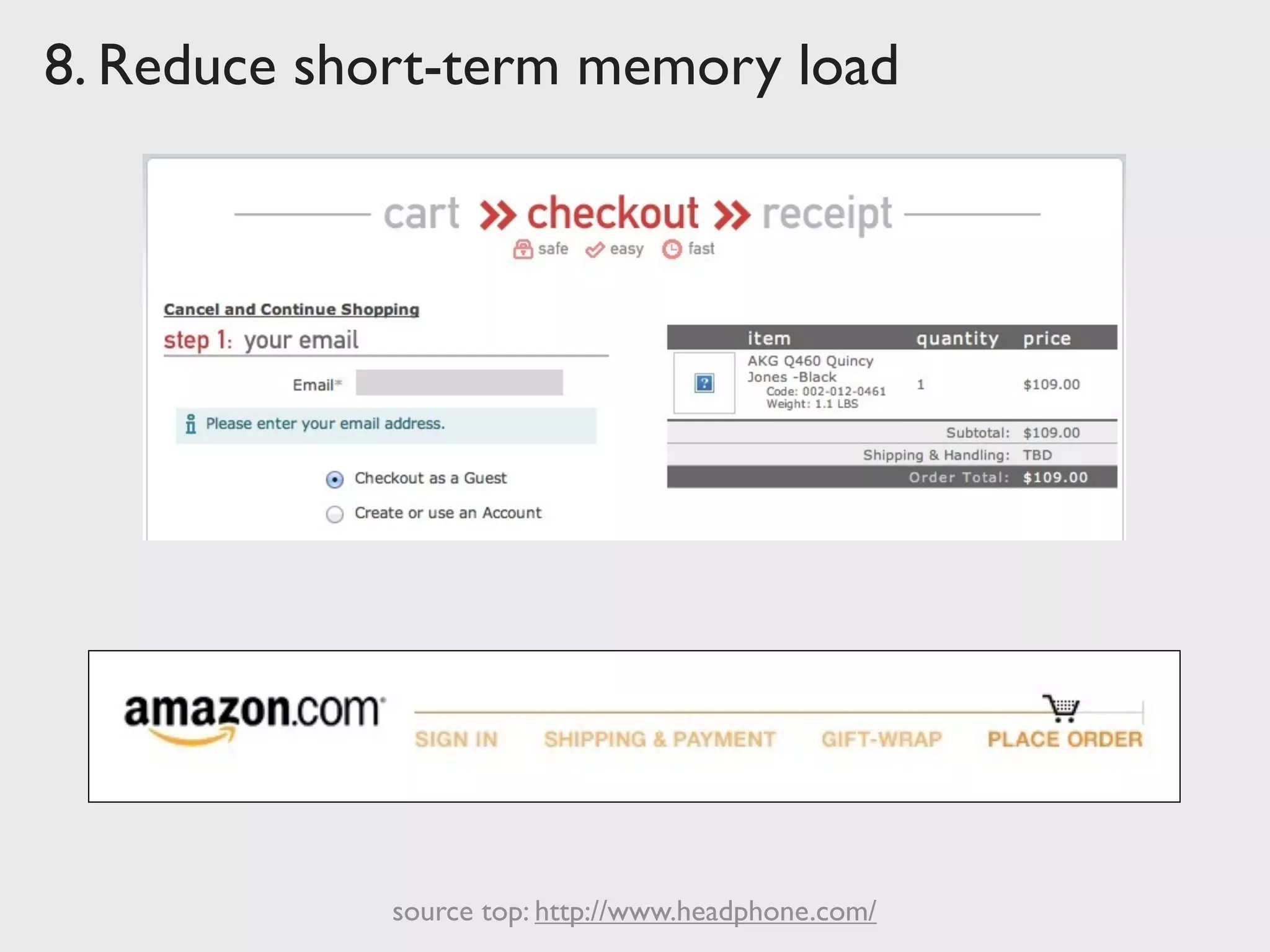
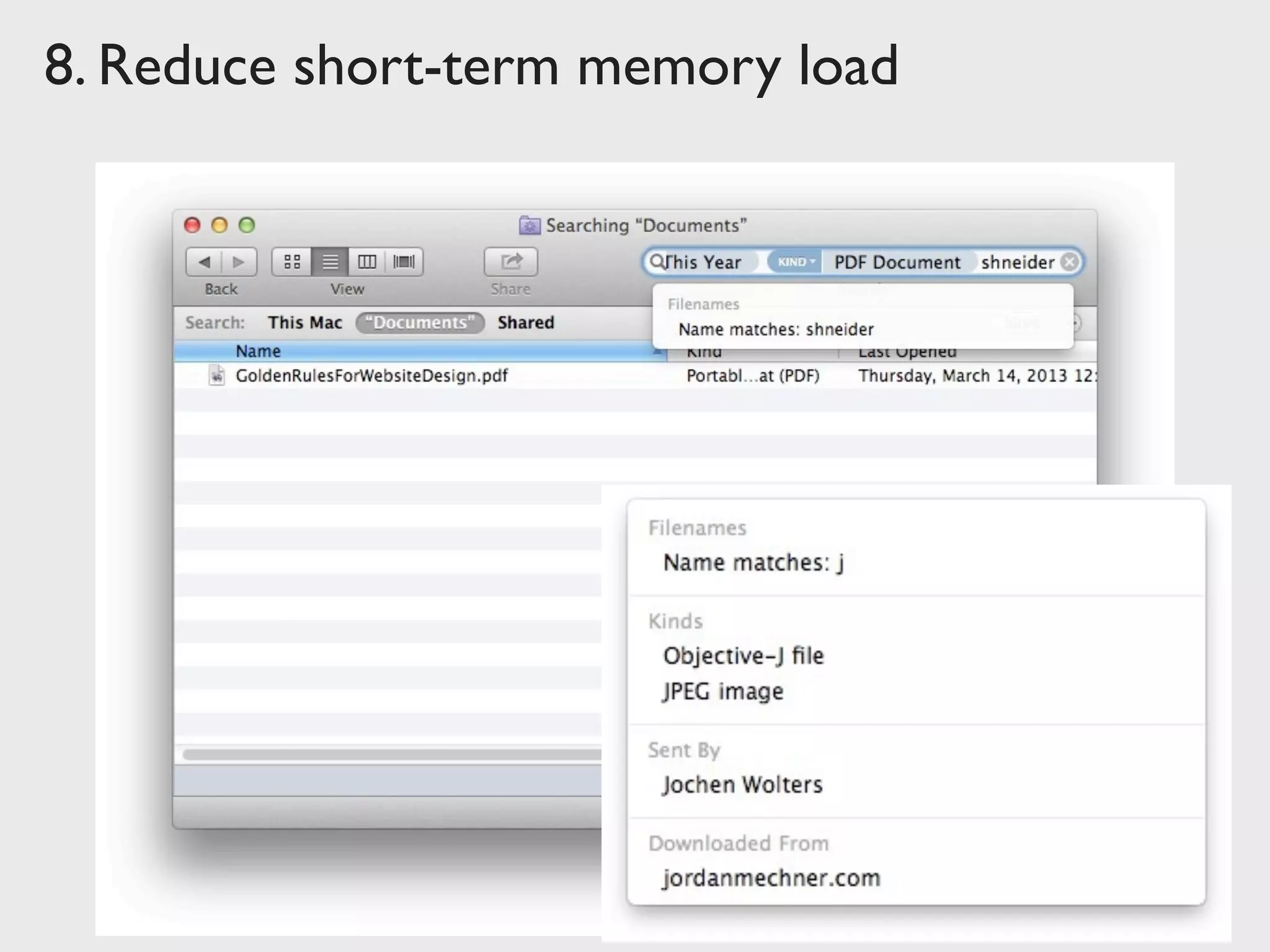
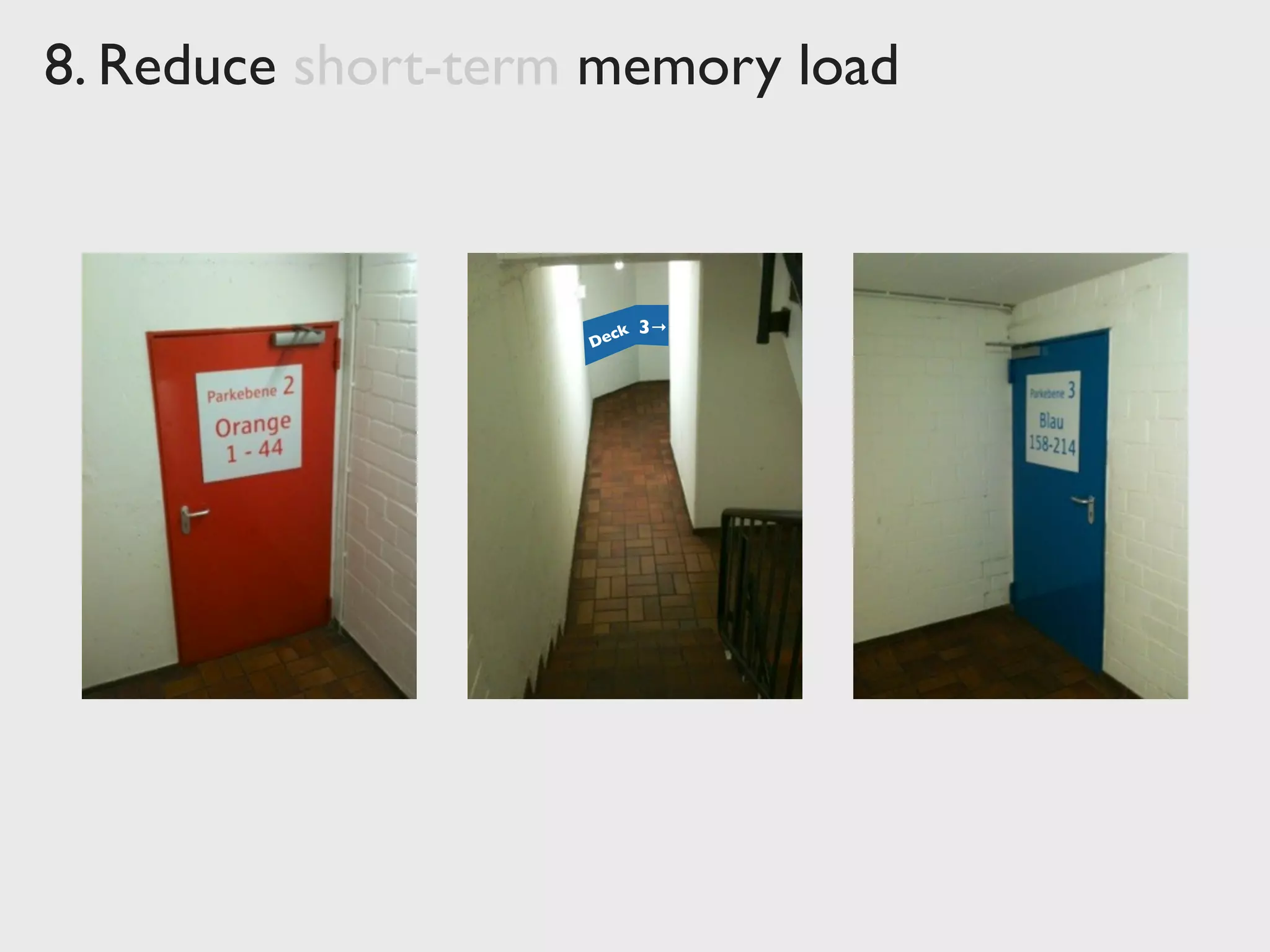
Reduce short-term memory load
The limitation of human information processing in
short-term memory requires that displays be kept
simple, multiple page displays be consolidated,
window-motion frequency be reduced, and sufficient
training time be allotted for codes, mnemonics, and
sequences of actions.
Clear structure:
	

 windows, dialogs, app in its entirety
“Recognition over Recall”
Implicit help
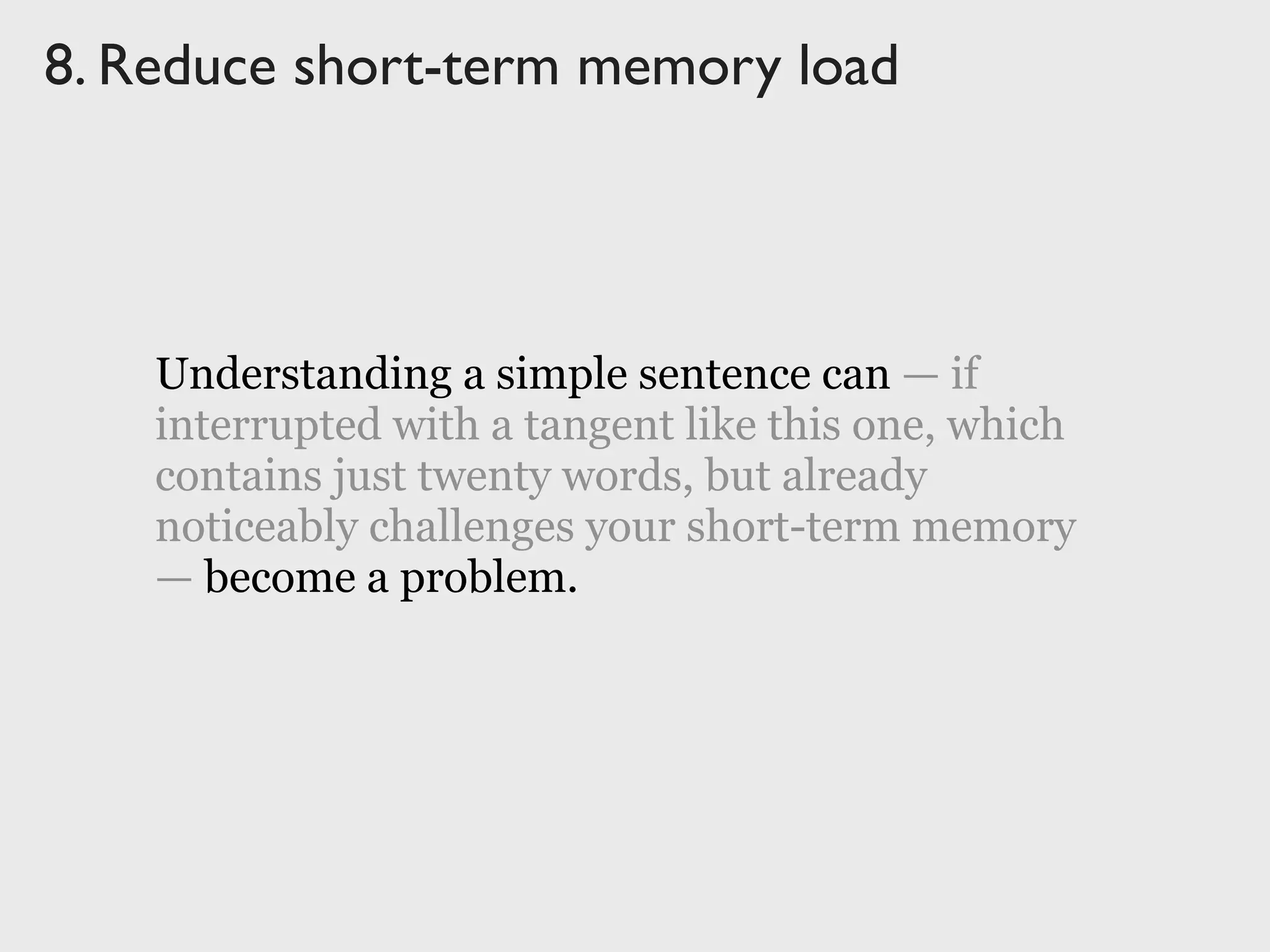
Understanding a simple sentence can — if
interrupted with a tangent like this one, which
contains just twenty words, but already
noticeably challenges your short-term memory
— become a problem.
8. Reduce short-term memory load
Understanding a simple sentence can — if
interrupted with a tangent like this one, which
contains just twenty words, but already
noticeably challenges your short-term memory
— become a problem.
8. Reduce short-term memory load
7 ± 2“Chunks” of Information
source: http://www.musanim.com/miller1956/
8. Reduce short-term memory load
source top: http://www.headphone.com/
8. Reduce short-term memory load
Deck 3→
1. Strive for consistency
2. Enable frequent users to use shortcuts
3. Offer informative feedback
4. Design dialog to yield closure
5. Offer simple error handling
6. Permit easy reversal of actions
7. Support internal locus of control
8. Reduce short-term memory load
Ben Shneiderman’s
Eight Golden Rules of Interface Design
Ben Shneiderman’s
Eight Golden Rules of Interface Design
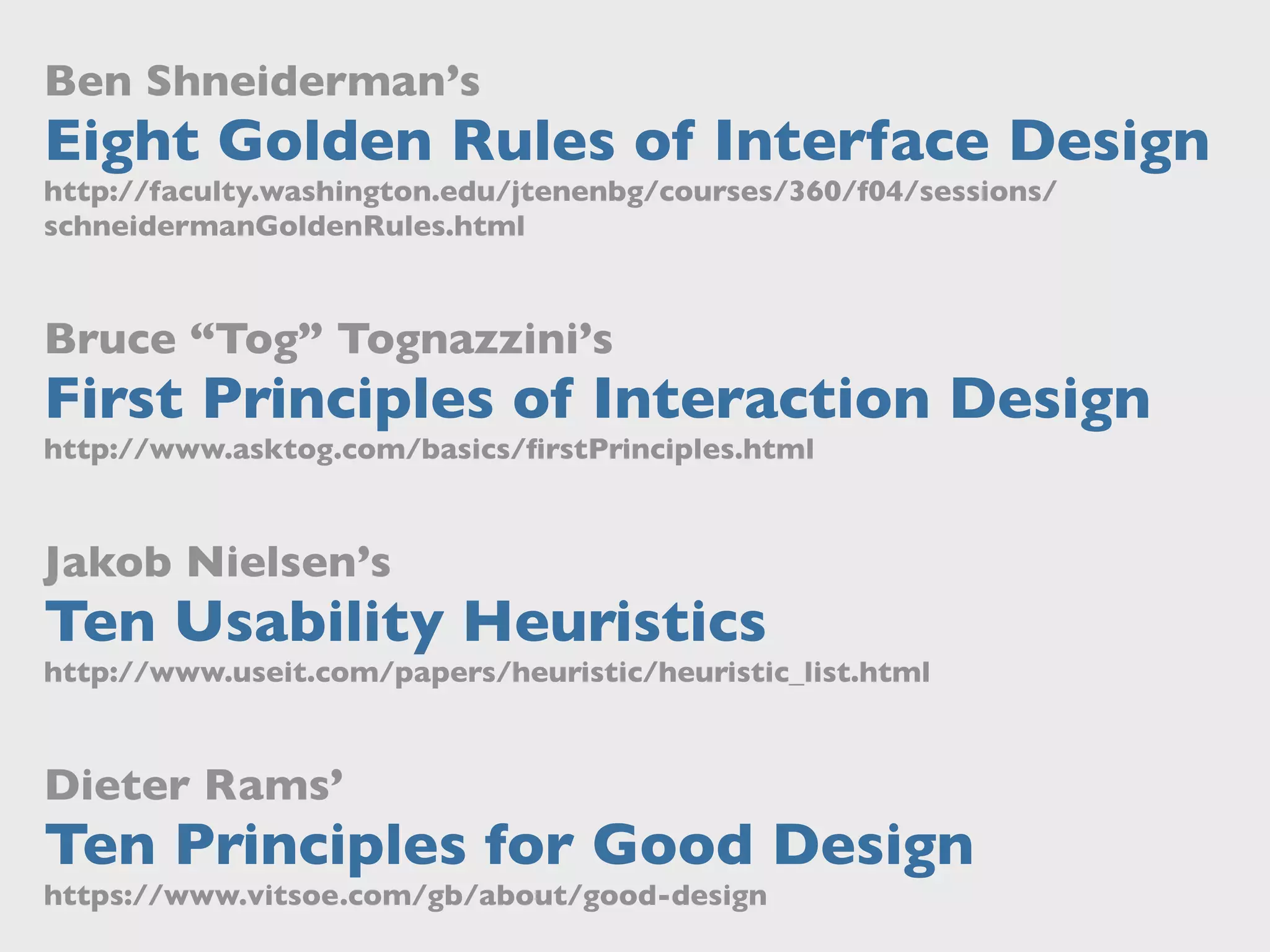
http://faculty.washington.edu/jtenenbg/courses/360/f04/sessions/
schneidermanGoldenRules.html
Bruce “Tog” Tognazzini’s
First Principles of Interaction Design
http://www.asktog.com/basics/firstPrinciples.html
Jakob Nielsen’s
Ten Usability Heuristics
http://www.useit.com/papers/heuristic/heuristic_list.html
Dieter Rams’
Ten Principles for Good Design
https://www.vitsoe.com/gb/about/good-design
Donald Norman
The
Design of
Everyday
Things
http://www.slideshare.net/jochen_wolters
Thanks a lot
for interfacing
with me today!
Find these slides at:
An Introduction to
Ben Shneiderman’s
Eight Golden Rules
of Interface Design
Jochen Wolters
@jochenwolters | http://uiobservatory.com

An Introduction to Ben Shneiderman's Eight Golden Rules of Interface Design

  • 1.
    An Introduction to BenShneiderman’s Eight Golden Rules of Interface Design Jochen Wolters @jochenwolters
  • 2.
    They hate poorly designedones! Users don’t love great user interfaces. Users don’t love great user interfaces.
  • 4.
  • 5.
  • 6.
    ∆$ = ∆t✕ $ t
  • 7.
    Give Up Select Products Checkout (& Register) Sign UpLog In or Continue Give Up
  • 8.
    $ ?$300MThe $300Million Button source: http://www.uie.com/articles/three_hund_million_button/ Additional revenue in first year at $25B retailer
  • 9.
  • 10.
    Ben Shneiderman’s Eight GoldenRules of Interface Design From: “ Designing the User Interface: Strategies for Effective Human-Computer Interaction.”
  • 11.
    1. Strive for consistency Consistentsequences of actions should be required in similar situations; identical terminology should be used in prompts, menus, and help screens; and consistent commands should be employed throughout. Workflows / Processes Functionality Appearance Terminology
  • 12.
    1. Strive forconsistency
  • 13.
    “The World” rockerswitch, dial , … 1. Strive for consistency (scripts, script direction, …)Cultural Region home appliance, car,TV, …System Type iPhone/iPad,Windows,car nav,…Platform MS Word,WordPress, eBay, …App
  • 14.
    1. Strive forconsistency
  • 15.
    1. Strive forconsistency ✔ ➜ “information scent” consistent terminology is key
  • 16.
    1. Strive forconsistency
  • 17.
    1. Strive forconsistency
  • 18.
    1. Strive forconsistency
  • 19.
    1. Strive forconsistency
  • 20.
    2. Enable frequent usersto use shortcuts As the frequency of use increases, so do the user's desires to reduce the number of interactions and to increase the pace of interaction. Abbreviations, function keys, hidden commands, and macro facilities are very helpful to an expert user. Keyboard shortcuts Hidden “Power User” features Automation
  • 21.
    2. Enable frequentusers to use shortcuts
  • 22.
    2. Enable frequentusers to use shortcuts Level 1 ⌘C / ⌘VLevel 2 Level 3
  • 23.
    2. Enable frequentusers to use shortcuts
  • 24.
    3. Offer informative feedback Forevery operator action, there should be some system feedback. For frequent and minor actions, the response can be modest, while for infrequent and major actions, the response should be more substantial. Relevant Fits importance and urgency Comprehensible and meaningful Within appropriate context (time & place)
  • 25.
    3. Offer informativefeedback 0,1 s 1,0 s 10 s Experiencing cause and effect Taking turns in a conversation Typical human attention span Respond to mouse click, key press, … Open window, bring up progress bar / spinner, … Wake machine, load file into app, start printing, …
  • 26.
  • 27.
  • 28.
    4. Design dialog toyield closure Sequences of actions should be organized into groups with a beginning, middle, and end. The informative feedback at the completion of a group of actions gives the operators the satisfaction of accomplishment, a sense of relief, the signal to drop contingency plans and options from their minds, and an indication that the way is clear to prepare for the next group of actions. Grouping of actions Explicit completion of an action Well-defined options for the next step
  • 29.
    4. Design dialogto yield closure
  • 30.
    4. Design dialogto yield closure
  • 31.
    4. Design dialogto yield closure source: http://www.headphone.com/
  • 32.
    4. Design dialogto yield closure
  • 33.
    5. Offer simple errorhandling As much as possible, design the system so the user cannot make a serious error. If an error is made, the system should be able to detect the error and offer simple, comprehensible mechanisms for handling the error. Error prevention over error correction Automatic detection of errors Clear error notifications Hints for solving the problem
  • 34.
    3. Offer simpleerror handling
  • 35.
    3. Offer simpleerror handling
  • 36.
    5. Offer simpleerror handling
  • 37.
    5. Offer simpleerror handling
  • 38.
    6. Permit easy reversalof actions This feature relieves anxiety, since the user knows that errors can be undone; it thus encourages exploration of unfamiliar options. The units of reversibility may be a single action, a data entry, or a complete group of actions. No interference with workflow More freedom for the user Single-action undo vs. action history
  • 39.
    6. Permit easyreversal of actions
  • 40.
    6. Permit easyreversal of actions
  • 41.
    6. Permit easyreversal of actions
  • 42.
    6. Permit easyreversal of actions
  • 43.
    7. Support internal locusof control Experienced operators strongly desire the sense that they are in charge of the system and that the system responds to their actions. Design the system to make users the initiators of actions rather than the responders. The user commands, the system obeys Strongly relies on Informative Feedback “The Principle of Least Surprise”
  • 44.
    7. Support internallocus of control
  • 45.
    7. Support internallocus of control
  • 46.
    7. Support internallocus of control
  • 47.
    7. Support internallocus of control modal non-modal inspectordialog box
  • 48.
    7. Support internallocus of control quasi-modal ⇧ command ⌃ ⌥ ⌘ control option shift + key click or modifier keys
  • 49.
    7. Support internallocus of control click and drag click and drag + ⌘ resize rotate
  • 50.
    7. Support internallocus of control
  • 51.
    7. Support internallocus of control Time-outs are PURE EVIL
  • 52.
  • 53.
    7. Support internallocus of control Dear DHL customer, since no actions were initiated on your part for a longer period of time, we have automatically closed your session for security reasons. Please start DHL Online Postage with a new shopping cart. Your DHL Team New Shopping Cart
  • 54.
    7. Support internallocus of control
  • 55.
    8. Reduce short-term memoryload The limitation of human information processing in short-term memory requires that displays be kept simple, multiple page displays be consolidated, window-motion frequency be reduced, and sufficient training time be allotted for codes, mnemonics, and sequences of actions. Clear structure: windows, dialogs, app in its entirety “Recognition over Recall” Implicit help
  • 56.
    Understanding a simplesentence can — if interrupted with a tangent like this one, which contains just twenty words, but already noticeably challenges your short-term memory — become a problem. 8. Reduce short-term memory load Understanding a simple sentence can — if interrupted with a tangent like this one, which contains just twenty words, but already noticeably challenges your short-term memory — become a problem.
  • 57.
    8. Reduce short-termmemory load 7 ± 2“Chunks” of Information source: http://www.musanim.com/miller1956/
  • 58.
    8. Reduce short-termmemory load source top: http://www.headphone.com/
  • 59.
  • 60.
    8. Reduce short-termmemory load Deck 3→
  • 61.
    1. Strive forconsistency 2. Enable frequent users to use shortcuts 3. Offer informative feedback 4. Design dialog to yield closure 5. Offer simple error handling 6. Permit easy reversal of actions 7. Support internal locus of control 8. Reduce short-term memory load Ben Shneiderman’s Eight Golden Rules of Interface Design
  • 62.
    Ben Shneiderman’s Eight GoldenRules of Interface Design http://faculty.washington.edu/jtenenbg/courses/360/f04/sessions/ schneidermanGoldenRules.html Bruce “Tog” Tognazzini’s First Principles of Interaction Design http://www.asktog.com/basics/firstPrinciples.html Jakob Nielsen’s Ten Usability Heuristics http://www.useit.com/papers/heuristic/heuristic_list.html Dieter Rams’ Ten Principles for Good Design https://www.vitsoe.com/gb/about/good-design
  • 63.
  • 64.
    http://www.slideshare.net/jochen_wolters Thanks a lot forinterfacing with me today! Find these slides at: An Introduction to Ben Shneiderman’s Eight Golden Rules of Interface Design Jochen Wolters @jochenwolters | http://uiobservatory.com