LCSC Technology Conference
Jeanne Reed & Don Clausen
3/16/10
 Program started three years ago with six
high school teachers via a competitive grant
program.
 Teachers received an initial 32 hours of
staff development training over the course
of a year.
 The program has expanded in four phases
to 44 teachers in grades seven through 12.
 Upon completion of first 16 hours of
training, teachers received their equipment.
 Rationale (Urgency)
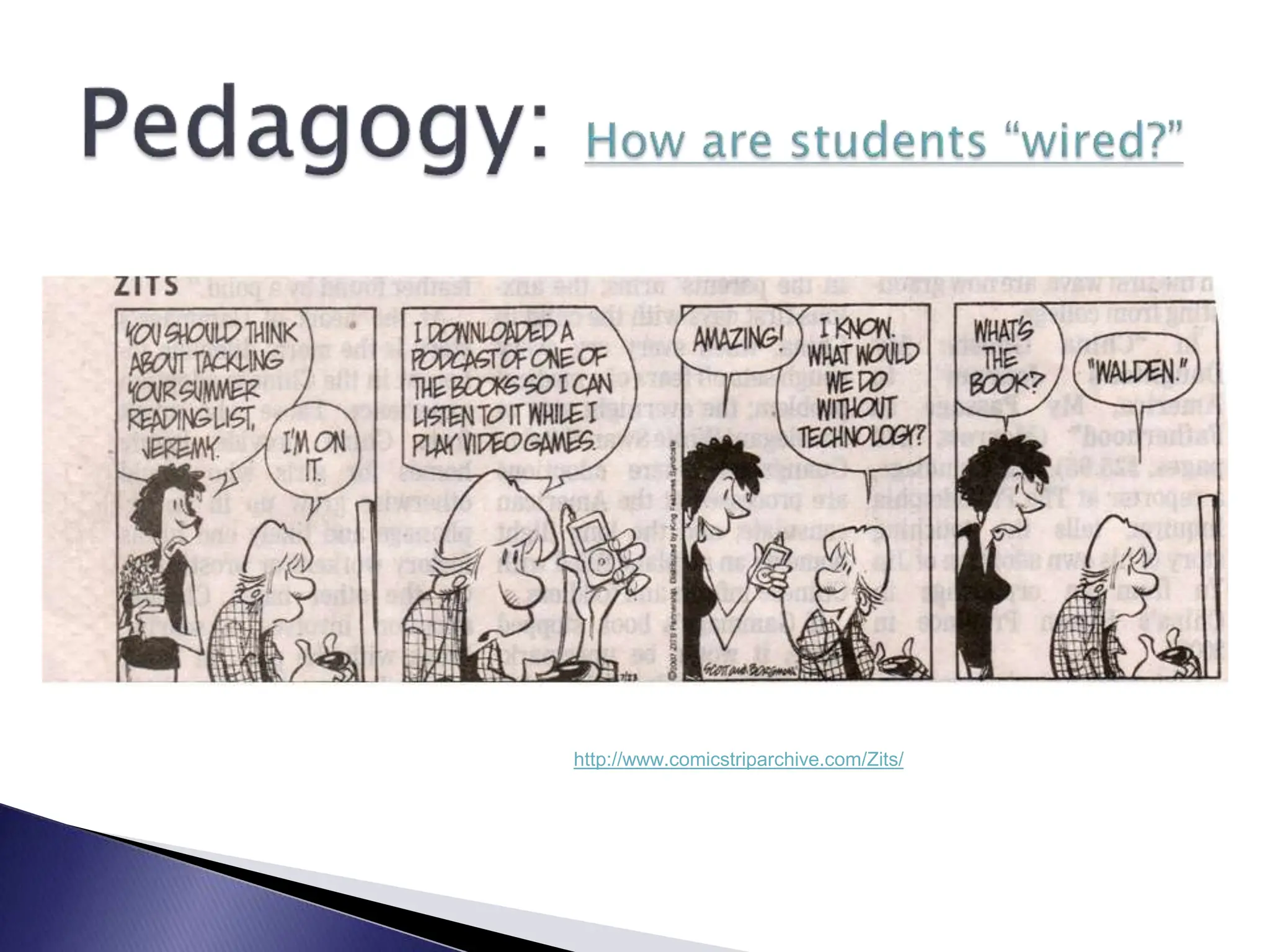
 Pedagogy
 Electronic Applications
 Hardware
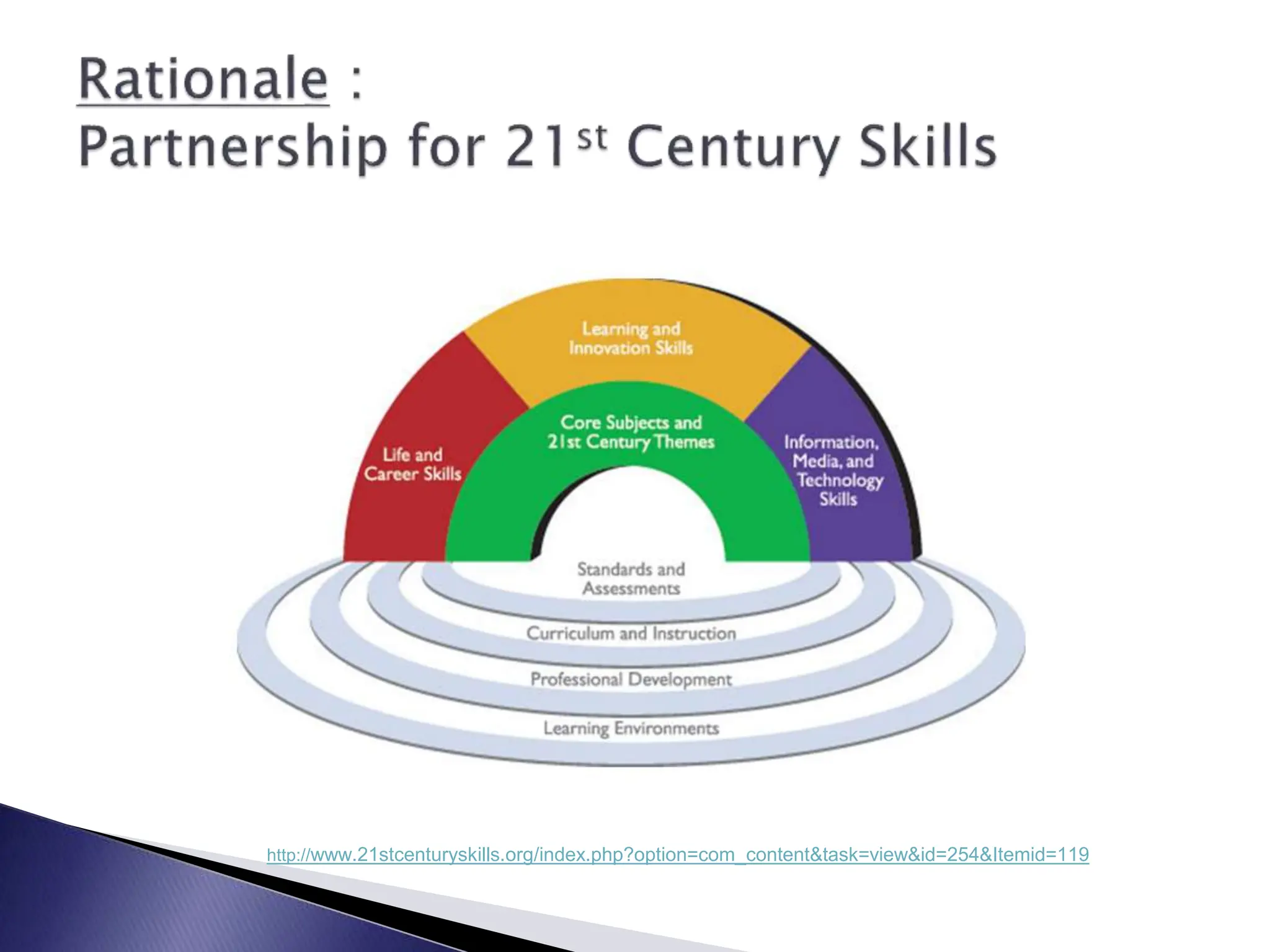
http://www.21stcenturyskills.org/index.php?option=com_content&task=view&id=254&Itemid=119
 Creativity and Innovation
 Critical Thinking and Problem Solving
 Communications and Collaboration
 Information Literacy **
 Media Literacy **
 ICT Literacy **
 Life and Career Skills **
http://www.21stcenturyskills.org/index.php?option=com_content&task=view&id=254&Itemid=119
 Creativity and Innovation
 Communications and Collaboration
 Research and Information Fluency
 Critical Thinking, Problem Solving and
Decision Making
 Digital Citizenship
 Technology Operations and Concepts
http://www.iste.org/Content/NavigationMenu/NETS/ForStudents/2007Standards/NETS_for_Students_2007.htm
 Entry Level
 Adoption Level
 Adaptation Level
 Appropriation Level
 Invention Level
 http://www.eric.ed.gov/ERICDocs/data/ericdocs2sql/content_storage_01/00
00019b/80/19/e7/b3.pdf
Entry Level:
Teachers typically learn the
fundamental aspects of using new
technology, including the basics of
configuring hardware and software.
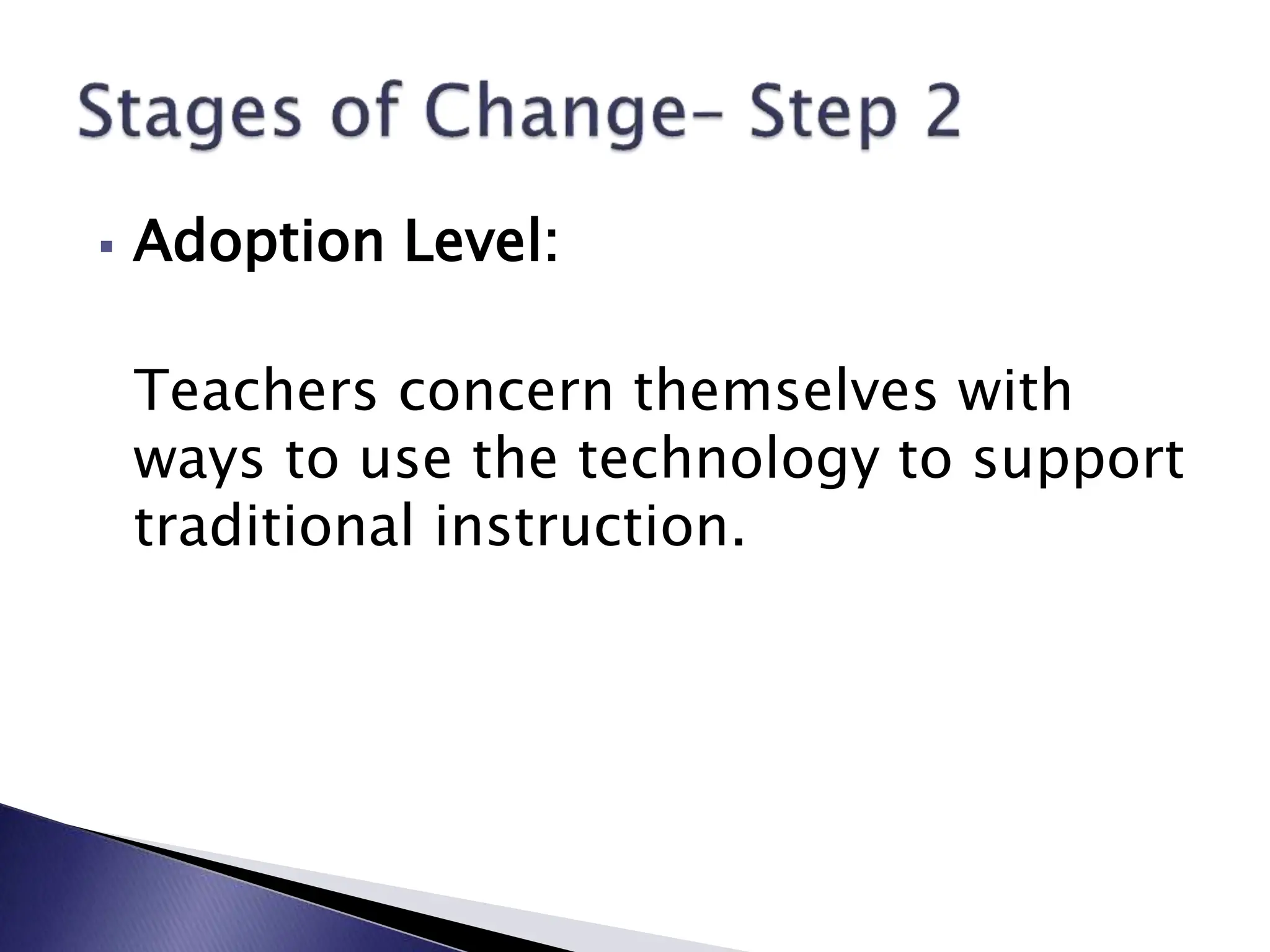
 Adoption Level:
Teachers concern themselves with
ways to use the technology to support
traditional instruction.
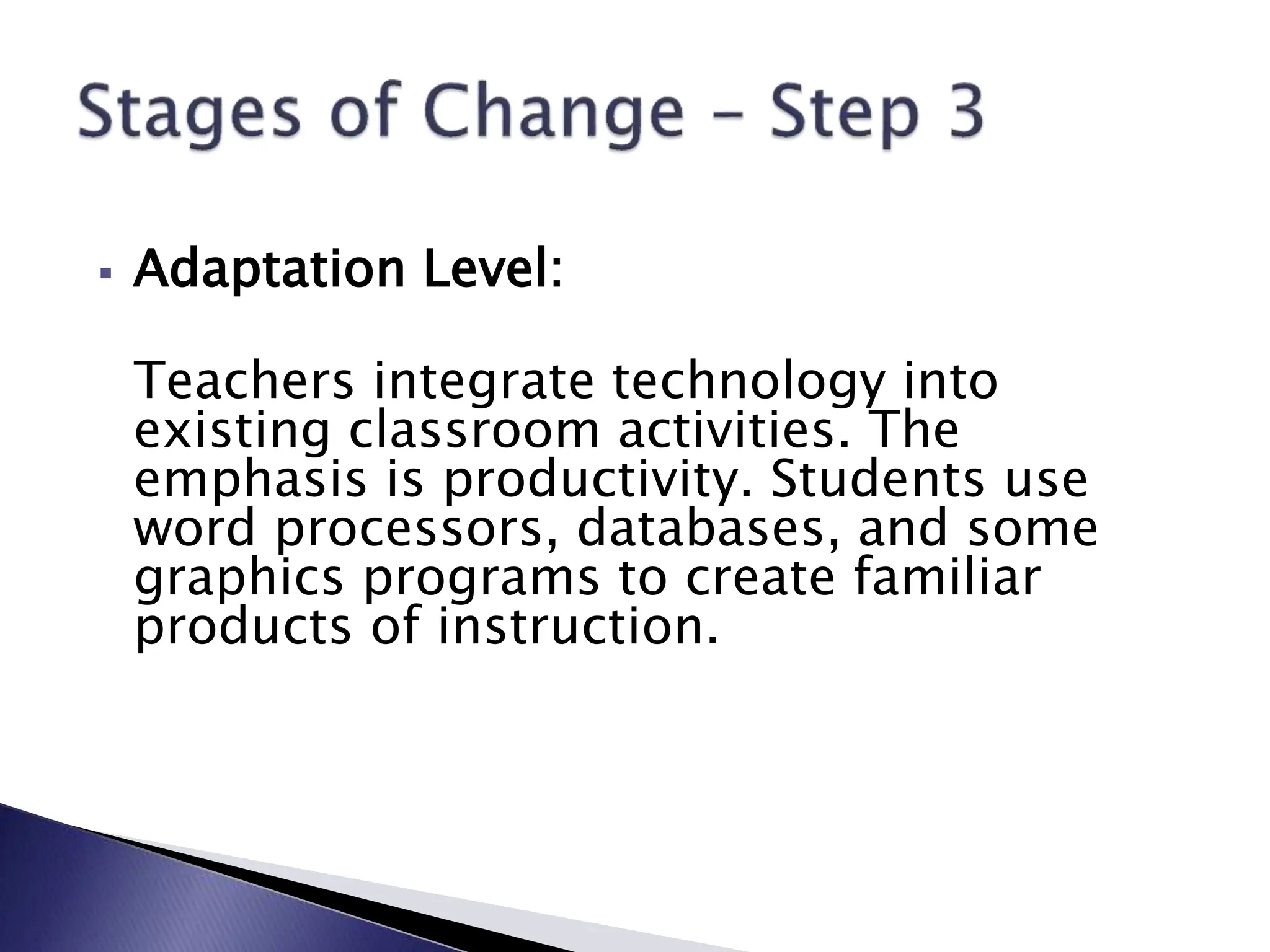
 Adaptation Level:
Teachers integrate technology into
existing classroom activities. The
emphasis is productivity. Students use
word processors, databases, and some
graphics programs to create familiar
products of instruction.
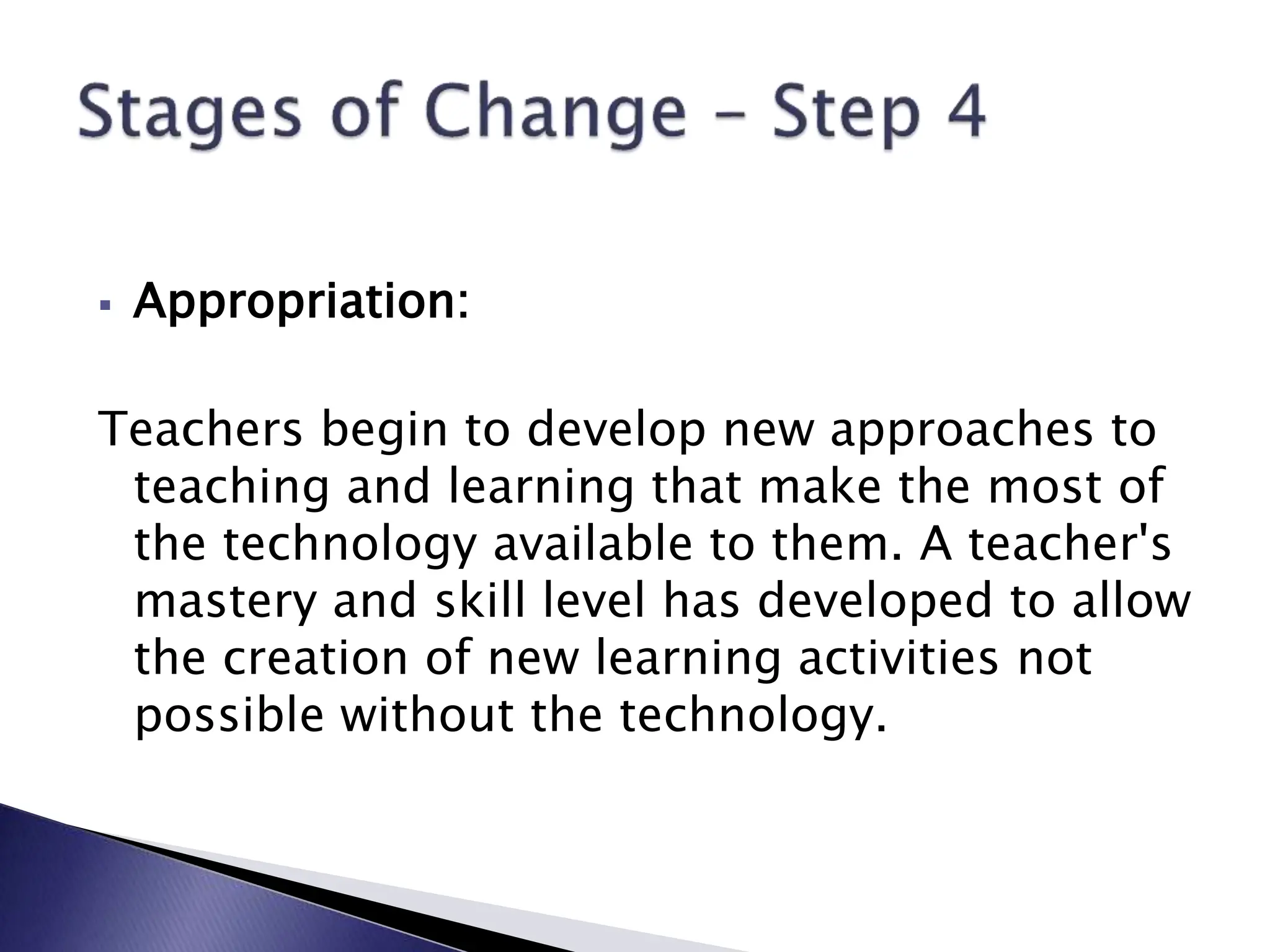
 Appropriation:
Teachers begin to develop new approaches to
teaching and learning that make the most of
the technology available to them. A teacher's
mastery and skill level has developed to allow
the creation of new learning activities not
possible without the technology.
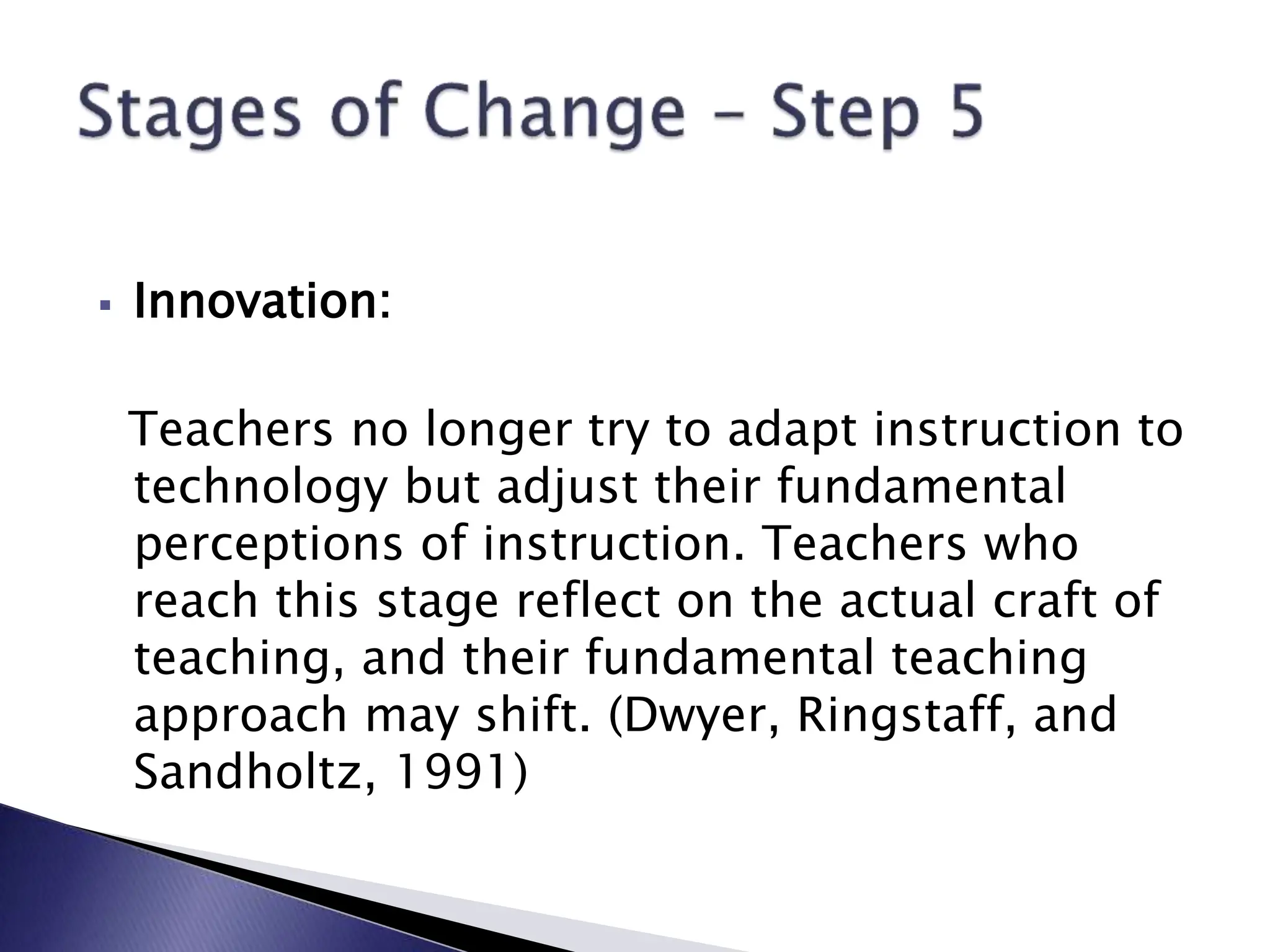
 Innovation:
Teachers no longer try to adapt instruction to
technology but adjust their fundamental
perceptions of instruction. Teachers who
reach this stage reflect on the actual craft of
teaching, and their fundamental teaching
approach may shift. (Dwyer, Ringstaff, and
Sandholtz, 1991)
http://www.comicstriparchive.com/Zits/
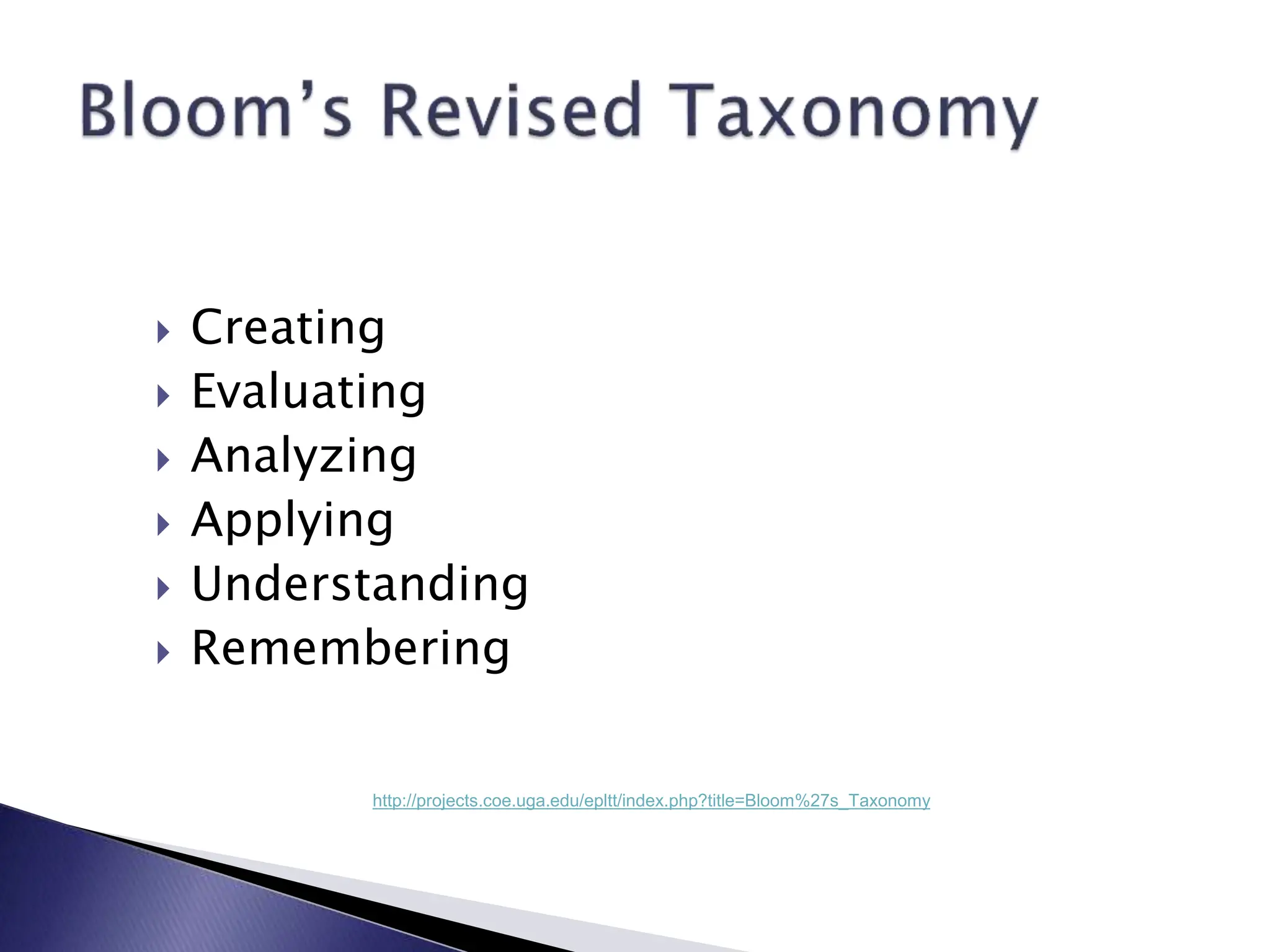
 Creating
 Evaluating
 Analyzing
 Applying
 Understanding
 Remembering
http://projects.coe.uga.edu/epltt/index.php?title=Bloom%27s_Taxonomy
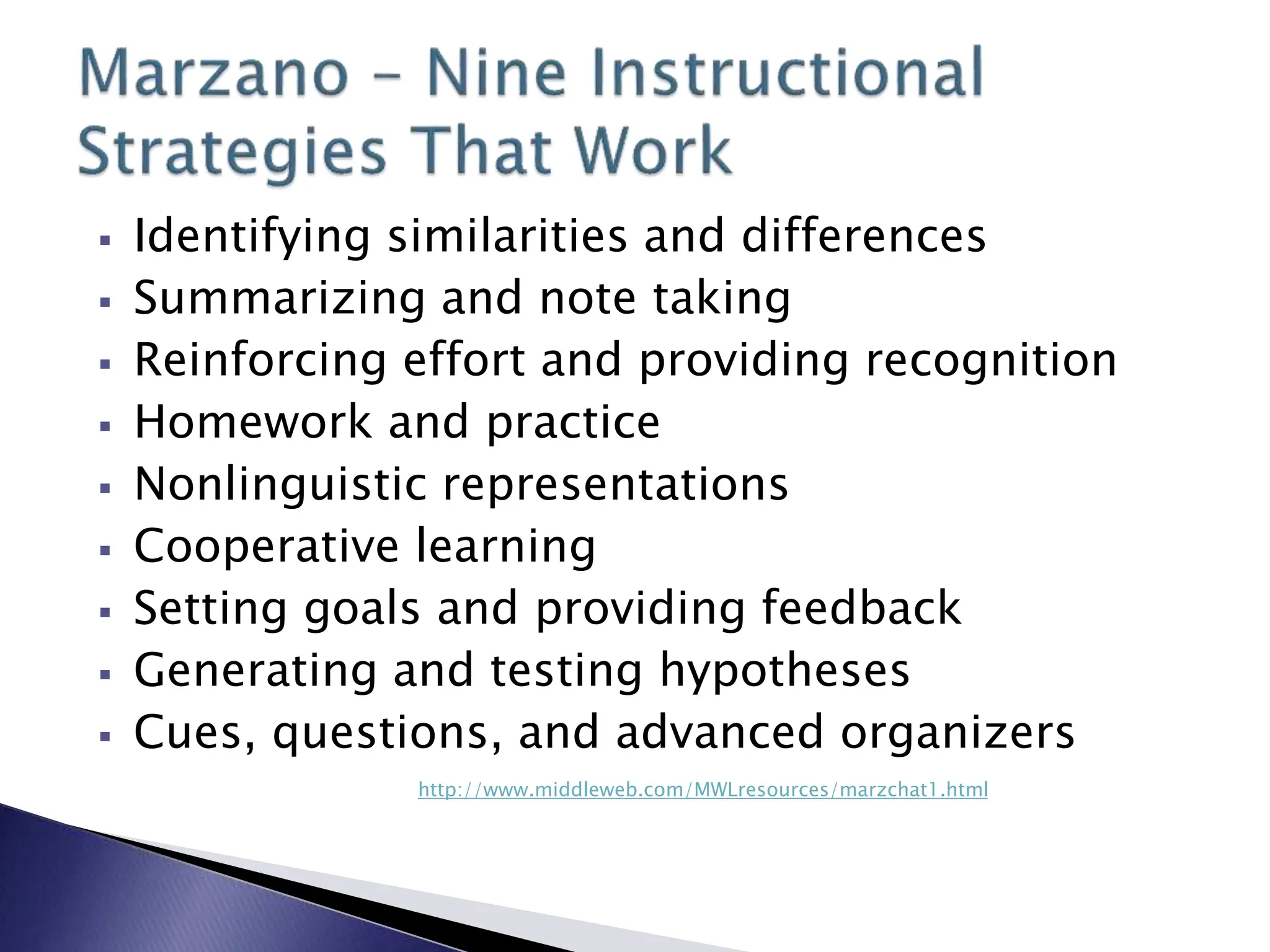
 Identifying similarities and differences
 Summarizing and note taking
 Reinforcing effort and providing recognition
 Homework and practice
 Nonlinguistic representations
 Cooperative learning
 Setting goals and providing feedback
 Generating and testing hypotheses
 Cues, questions, and advanced organizers
http://www.middleweb.com/MWLresources/marzchat1.html
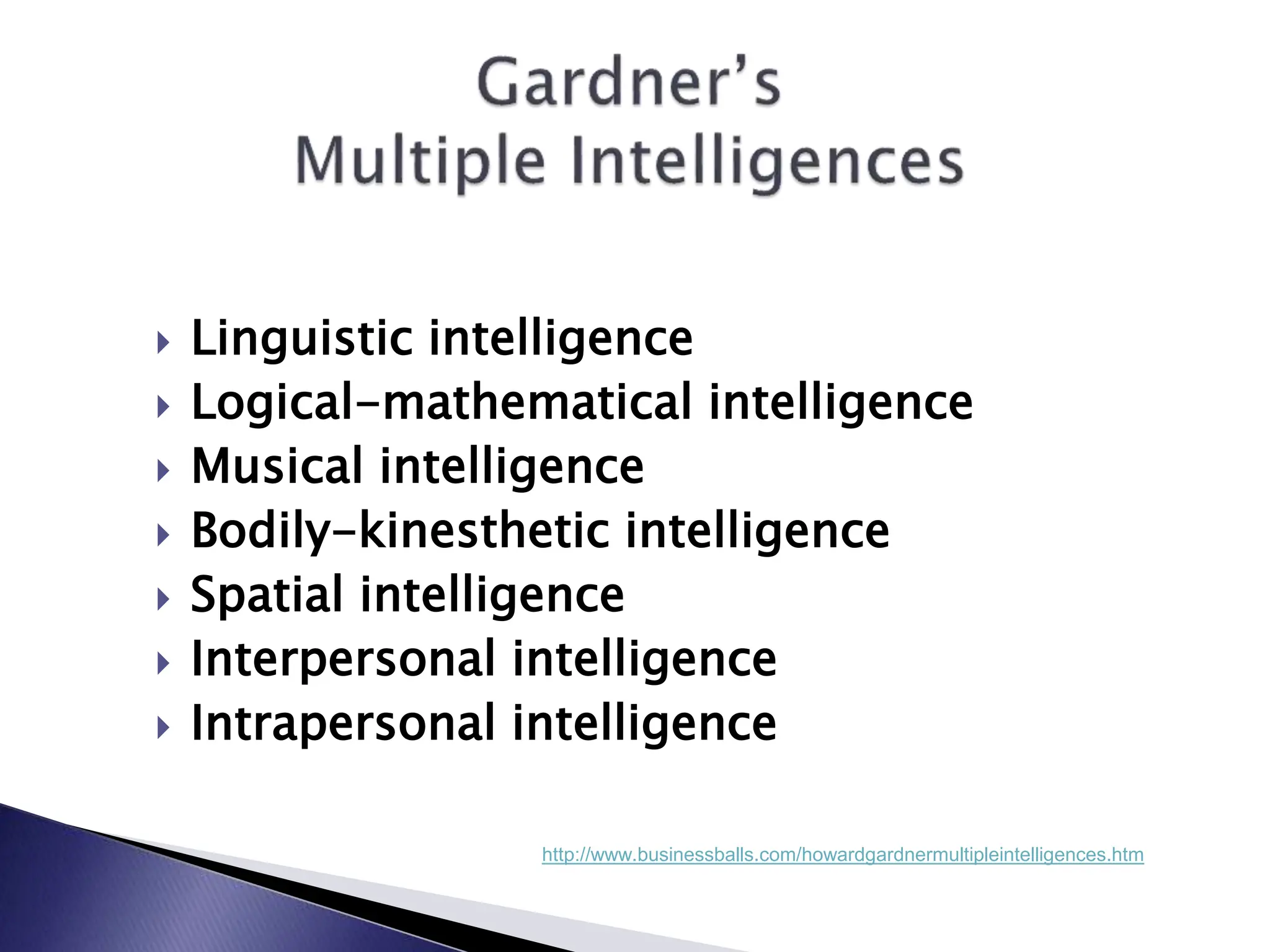
 Linguistic intelligence
 Logical-mathematical intelligence
 Musical intelligence
 Bodily-kinesthetic intelligence
 Spatial intelligence
 Interpersonal intelligence
 Intrapersonal intelligence
http://www.businessballs.com/howardgardnermultipleintelligences.htm
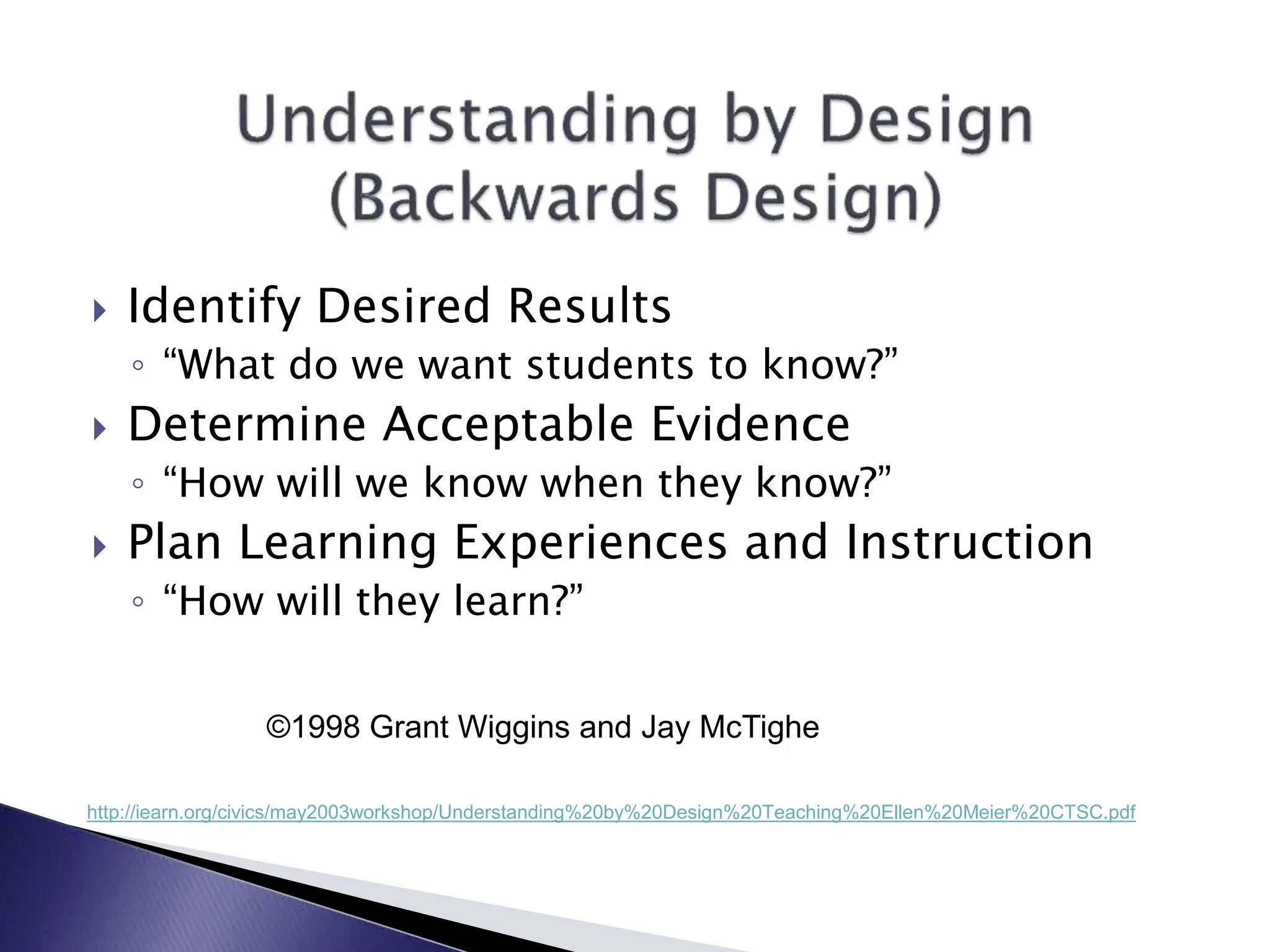
 Identify Desired Results
◦ “What do we want students to know?”
 Determine Acceptable Evidence
◦ “How will we know when they know?”
 Plan Learning Experiences and Instruction
◦ “How will they learn?”
http://iearn.org/civics/may2003workshop/Understanding%20by%20Design%20Teaching%20Ellen%20Meier%20CTSC.pdf
©1998 Grant Wiggins and Jay McTighe
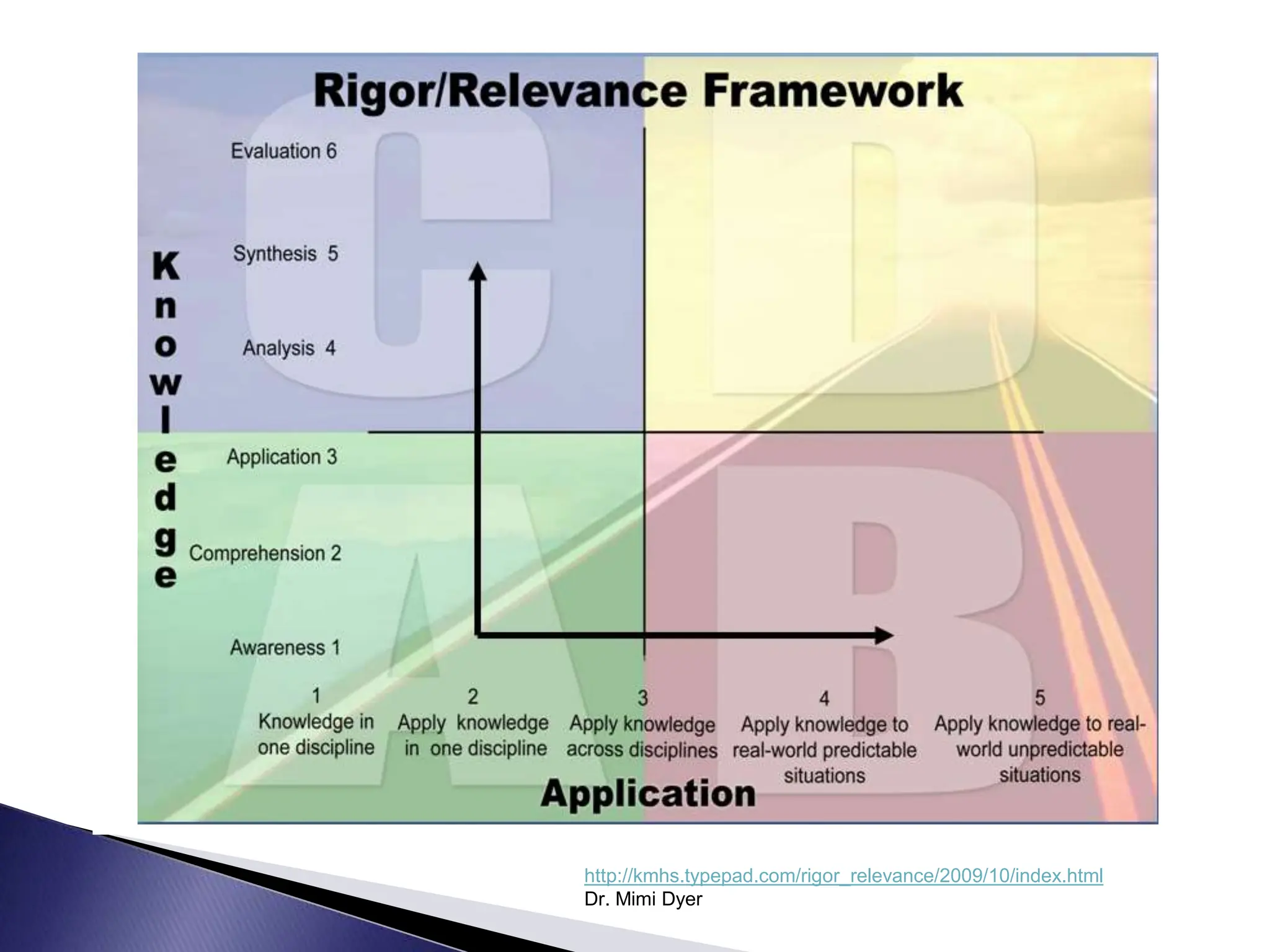
http://kmhs.typepad.com/rigor_relevance/2009/10/index.html
Dr. Mimi Dyer
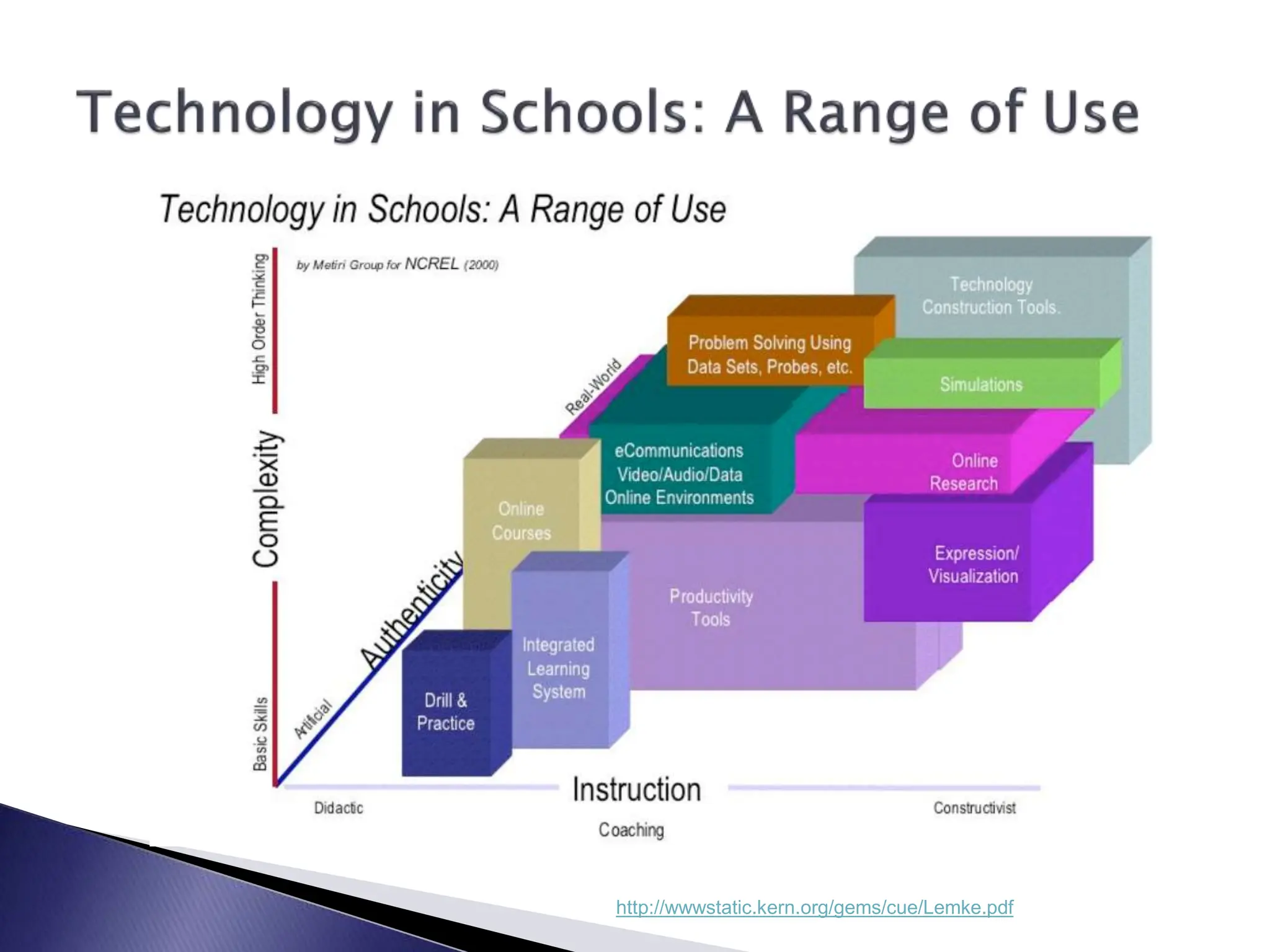
http://wwwstatic.kern.org/gems/cue/Lemke.pdf
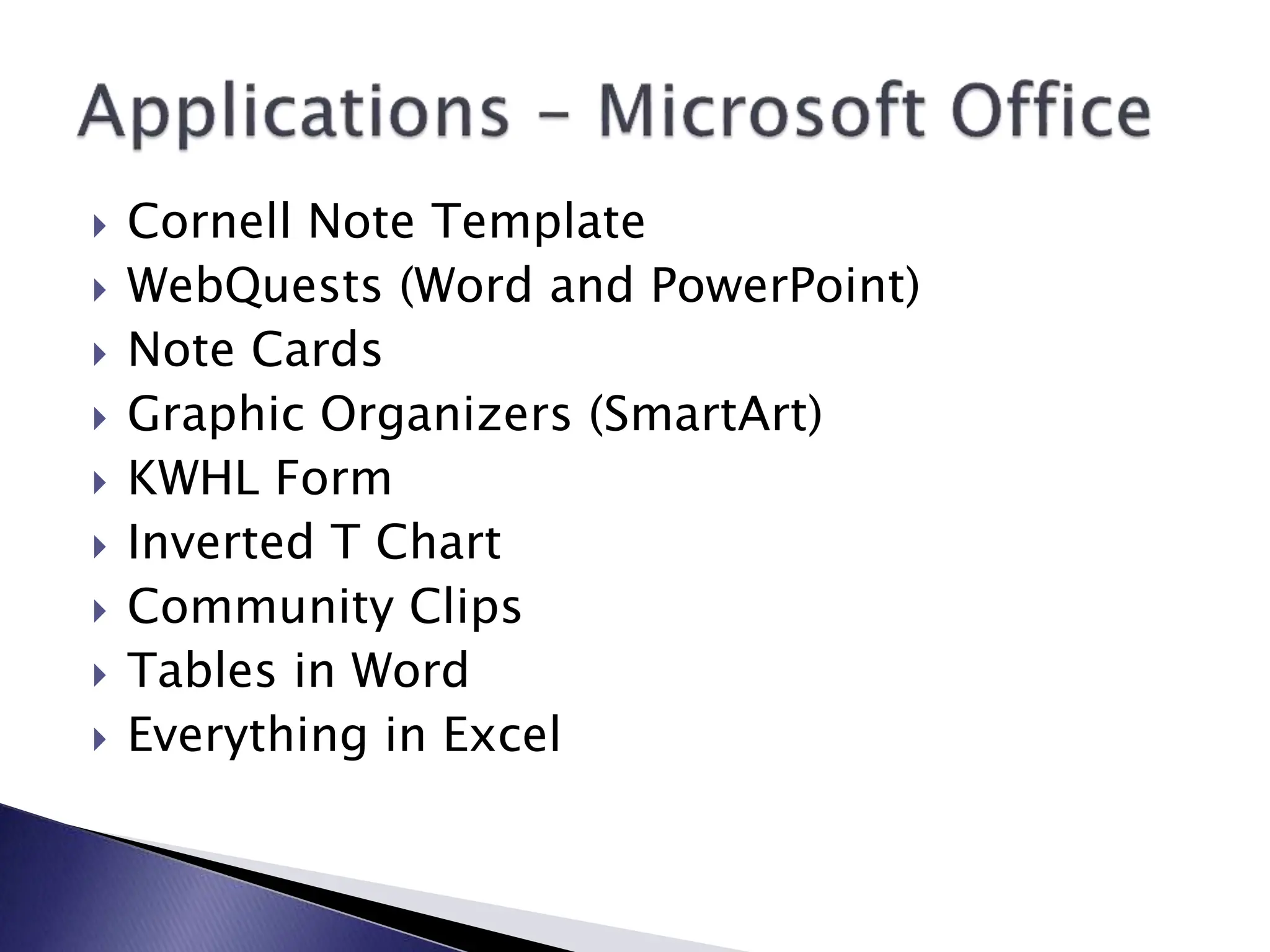
 Cornell Note Template
 WebQuests (Word and PowerPoint)
 Note Cards
 Graphic Organizers (SmartArt)
 KWHL Form
 Inverted T Chart
 Community Clips
 Tables in Word
 Everything in Excel
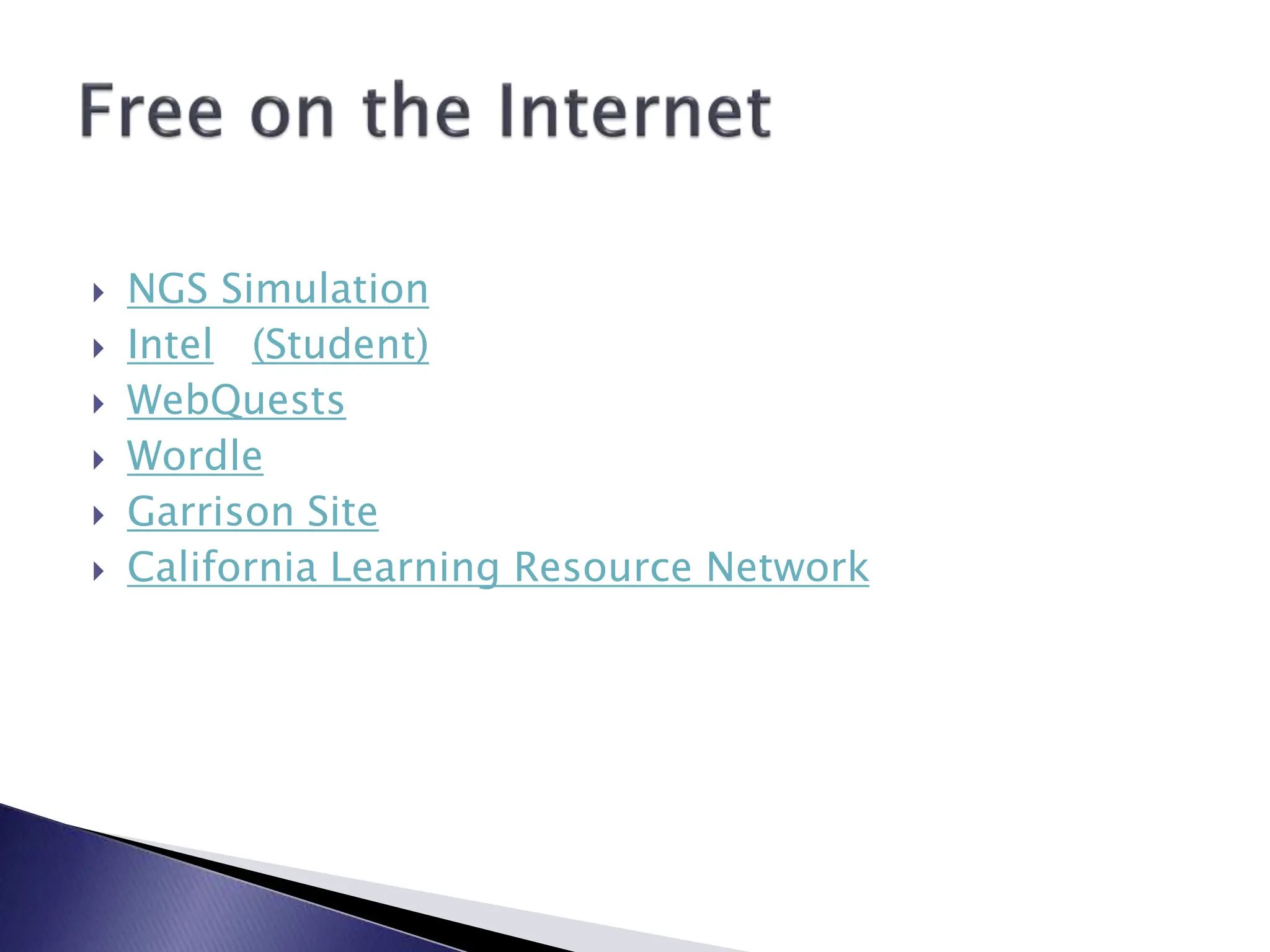
 NGS Simulation
 Intel (Student)
 WebQuests
 Wordle
 Garrison Site
 California Learning Resource Network
 Moodle
 Ning In Education
 Schoolwires
 Coaching Availability
 Classroom Visits with Follow Up Discussion
 Research Support
 Equipment and Application Troubleshooting
 The Competition
◦ Mninfinity
◦ IQ Academy
◦ Charter Factor
◦ ATC
◦ Post Secondary
 On November 17, 2009, twenty-one
Classroom of the Future teachers
completed an open-ended response
survey indicating what they like most
and least about the Classroom of the
Future program.
“It has been awesome to get
students on computers and
connect real life applications
to class material.”
“Students have improved their
ability to interact with both the
spoken word and written word. I
am moving out of the front of the
classroom to helping students be
the active participates in their
learning.”
“[What I like best is] my ability to
reflect and rethink my practice in
the classroom. My lessons have
been richer by integrating online
digital content.”
“Being able to empower
students with technology tools
that give them options to
explore the world, communicate
with the world, and discover
their own interests and
passions.”
http://www.wordle.net/
Alexandria_Classrooms_of_the_Futureb.ppt

Alexandria_Classrooms_of_the_Futureb.ppt

  • 1.
    LCSC Technology Conference JeanneReed & Don Clausen 3/16/10
  • 2.
     Program startedthree years ago with six high school teachers via a competitive grant program.  Teachers received an initial 32 hours of staff development training over the course of a year.  The program has expanded in four phases to 44 teachers in grades seven through 12.  Upon completion of first 16 hours of training, teachers received their equipment.
  • 3.
     Rationale (Urgency) Pedagogy  Electronic Applications  Hardware
  • 4.
  • 5.
     Creativity andInnovation  Critical Thinking and Problem Solving  Communications and Collaboration  Information Literacy **  Media Literacy **  ICT Literacy **  Life and Career Skills ** http://www.21stcenturyskills.org/index.php?option=com_content&task=view&id=254&Itemid=119
  • 6.
     Creativity andInnovation  Communications and Collaboration  Research and Information Fluency  Critical Thinking, Problem Solving and Decision Making  Digital Citizenship  Technology Operations and Concepts http://www.iste.org/Content/NavigationMenu/NETS/ForStudents/2007Standards/NETS_for_Students_2007.htm
  • 7.
     Entry Level Adoption Level  Adaptation Level  Appropriation Level  Invention Level  http://www.eric.ed.gov/ERICDocs/data/ericdocs2sql/content_storage_01/00 00019b/80/19/e7/b3.pdf
  • 8.
    Entry Level: Teachers typicallylearn the fundamental aspects of using new technology, including the basics of configuring hardware and software.
  • 9.
     Adoption Level: Teachersconcern themselves with ways to use the technology to support traditional instruction.
  • 10.
     Adaptation Level: Teachersintegrate technology into existing classroom activities. The emphasis is productivity. Students use word processors, databases, and some graphics programs to create familiar products of instruction.
  • 11.
     Appropriation: Teachers beginto develop new approaches to teaching and learning that make the most of the technology available to them. A teacher's mastery and skill level has developed to allow the creation of new learning activities not possible without the technology.
  • 12.
     Innovation: Teachers nolonger try to adapt instruction to technology but adjust their fundamental perceptions of instruction. Teachers who reach this stage reflect on the actual craft of teaching, and their fundamental teaching approach may shift. (Dwyer, Ringstaff, and Sandholtz, 1991)
  • 13.
  • 14.
     Creating  Evaluating Analyzing  Applying  Understanding  Remembering http://projects.coe.uga.edu/epltt/index.php?title=Bloom%27s_Taxonomy
  • 15.
     Identifying similaritiesand differences  Summarizing and note taking  Reinforcing effort and providing recognition  Homework and practice  Nonlinguistic representations  Cooperative learning  Setting goals and providing feedback  Generating and testing hypotheses  Cues, questions, and advanced organizers http://www.middleweb.com/MWLresources/marzchat1.html
  • 16.
     Linguistic intelligence Logical-mathematical intelligence  Musical intelligence  Bodily-kinesthetic intelligence  Spatial intelligence  Interpersonal intelligence  Intrapersonal intelligence http://www.businessballs.com/howardgardnermultipleintelligences.htm
  • 17.
     Identify DesiredResults ◦ “What do we want students to know?”  Determine Acceptable Evidence ◦ “How will we know when they know?”  Plan Learning Experiences and Instruction ◦ “How will they learn?” http://iearn.org/civics/may2003workshop/Understanding%20by%20Design%20Teaching%20Ellen%20Meier%20CTSC.pdf ©1998 Grant Wiggins and Jay McTighe
  • 18.
  • 19.
  • 20.
     Cornell NoteTemplate  WebQuests (Word and PowerPoint)  Note Cards  Graphic Organizers (SmartArt)  KWHL Form  Inverted T Chart  Community Clips  Tables in Word  Everything in Excel
  • 21.
     NGS Simulation Intel (Student)  WebQuests  Wordle  Garrison Site  California Learning Resource Network
  • 22.
     Moodle  NingIn Education  Schoolwires
  • 23.
     Coaching Availability Classroom Visits with Follow Up Discussion  Research Support  Equipment and Application Troubleshooting
  • 25.
     The Competition ◦Mninfinity ◦ IQ Academy ◦ Charter Factor ◦ ATC ◦ Post Secondary
  • 26.
     On November17, 2009, twenty-one Classroom of the Future teachers completed an open-ended response survey indicating what they like most and least about the Classroom of the Future program.
  • 27.
    “It has beenawesome to get students on computers and connect real life applications to class material.”
  • 28.
    “Students have improvedtheir ability to interact with both the spoken word and written word. I am moving out of the front of the classroom to helping students be the active participates in their learning.”
  • 29.
    “[What I likebest is] my ability to reflect and rethink my practice in the classroom. My lessons have been richer by integrating online digital content.”
  • 30.
    “Being able toempower students with technology tools that give them options to explore the world, communicate with the world, and discover their own interests and passions.”
  • 31.

Editor's Notes

  • #2 Presentors: Jeanne Reed, H.S. Science Teacher & Don Clausen, District Technology Integration Coordinator
  • #4 Youtube video: Future of Technology 2009, http://www.youtube.com/watch?v=4Q75KhAeqJg
  • #5 Framework for 21st Century Learning: http://www.21stcenturyskills.org/index.php?option=com_content&task=view&id=254&Itemid=119 Twenty-First Century Student Outcomes The elements described in this section as “21st century student outcomes” (represented by the rainbow) are the skills, knowledge and expertise students should master to succeed in work and life in the 21st century. 1. Core Subjects and 21st Century Themes 2. Learning and Innovation Skills  Creativity and Innovation Critical Thinking and Problem Solving Communication and Collaboration 3. Information, Media and Technology Skills Information Literacy Media Literacy ICT Literacy 4. Life and Career Skills 
  • #7 International Society for Technology in Education – National Educational Technology Standards for Students: http://www.21stcenturyskills.org/index.php?option=com_content&task=view&id=254&Itemid=119 Focus is on constructive use of technology in learning.
  • #8 Toward an Effective Use of Technology in Education: a Summary of the Research (p. 31) http://www.eric.ed.gov/ERICDocs/data/ericdocs2sql/content_storage_01/0000019b/80/19/e7/b3.pdf Original research: Horde, et.al. 1987, Concern-Based Adoption Model
  • #16 Also worth noting is Marzano’s current research related to the use of interactive white boards in the classrooms: http://blip.tv/file/1915026/ http://blip.tv/file/1915215
  • #17 To determine teacher or student intelligences, go to http://www.businessballs.com/howardgardnermultipleintelligences.htm and choose “free Multiple Intelligences test (based on Howard Gardner's model) - in MSExcel self-calculating format”
  • #18 It is worth noting that identifying what students need to know and determining how we will assess for that knowledge does not automatically lead to implementation activities that require the use of technology.