Adventures in Dataguard Dr. Jason Arneil
Why Dataguard Motivation
Introduction The Motivation Dataguard Architecture & Features Creating a Physical Standby Maintaining your standby Using your Standby Performing a Switchover AGENDA
Health Warning Introduction
About Me Introduction Jason Arneil System Administrator/DBA  Using Oracle since 1998 At Nominet since 2001
About Nominet Introduction Nominet is the internet registry for  .uk  domain names Nominet has been in existence for over 11 years Nominet is run as a not-for-profit company  Nominet is owned by its members There are over 6 Million  .uk  domain names
Why Dataguard Motivation Big push on a Nominet Business Continuity Plan Dataguard is the Oracle solution for disaster recovery Physical Standby was the obvious option Maximum Availability Architecture (MAA)
Business Continuity Site Motivation
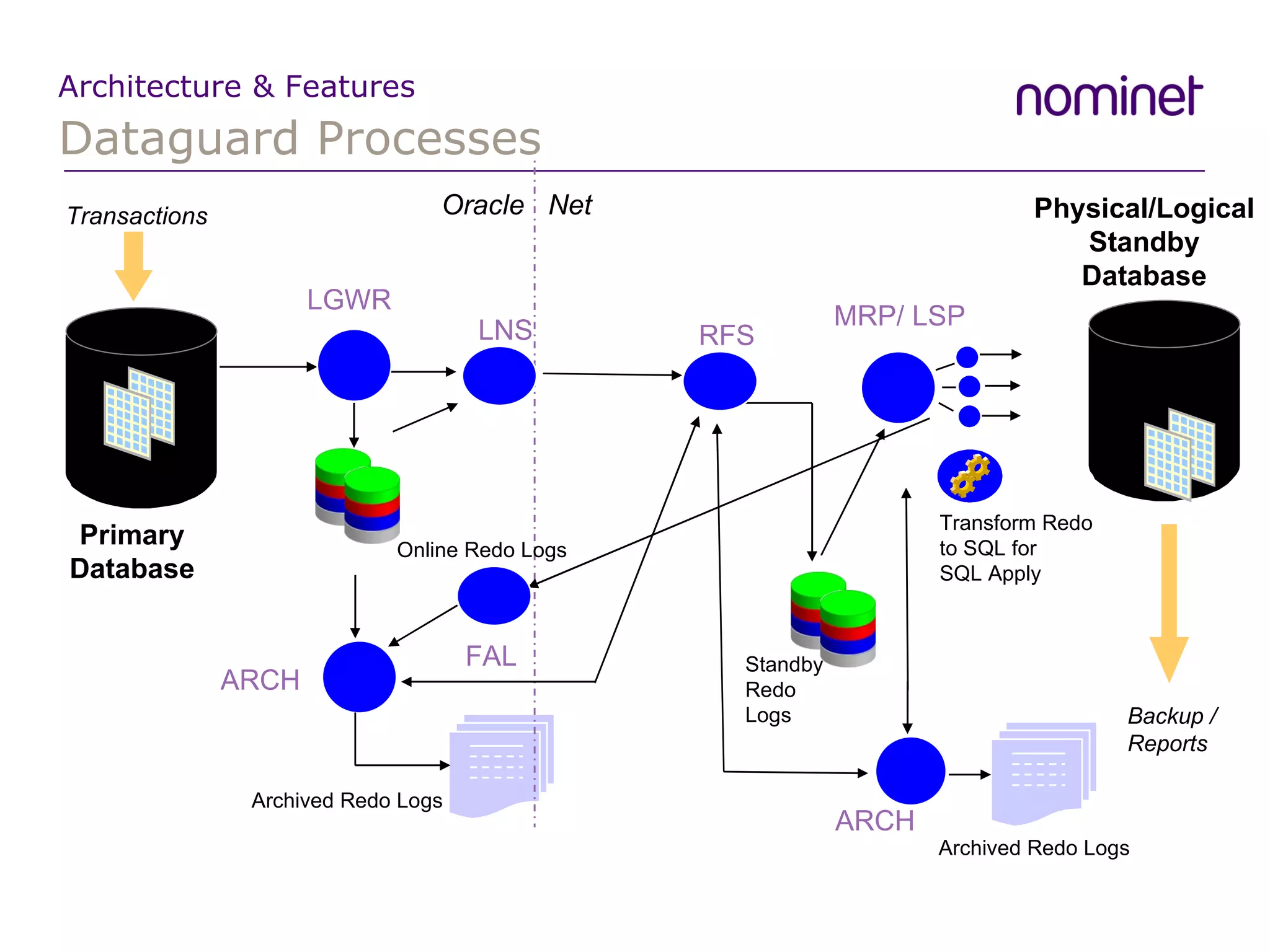
Dataguard Processes Architecture & Features Primary Database Transactions Physical/Logical  Standby Database Backup / Reports Transform Redo  to SQL for  SQL Apply MRP/ LSP ARCH Archived Redo Logs Archived Redo Logs ARCH Oracle  Net Standby Redo  Logs RFS FAL Online Redo Logs LGWR LNS
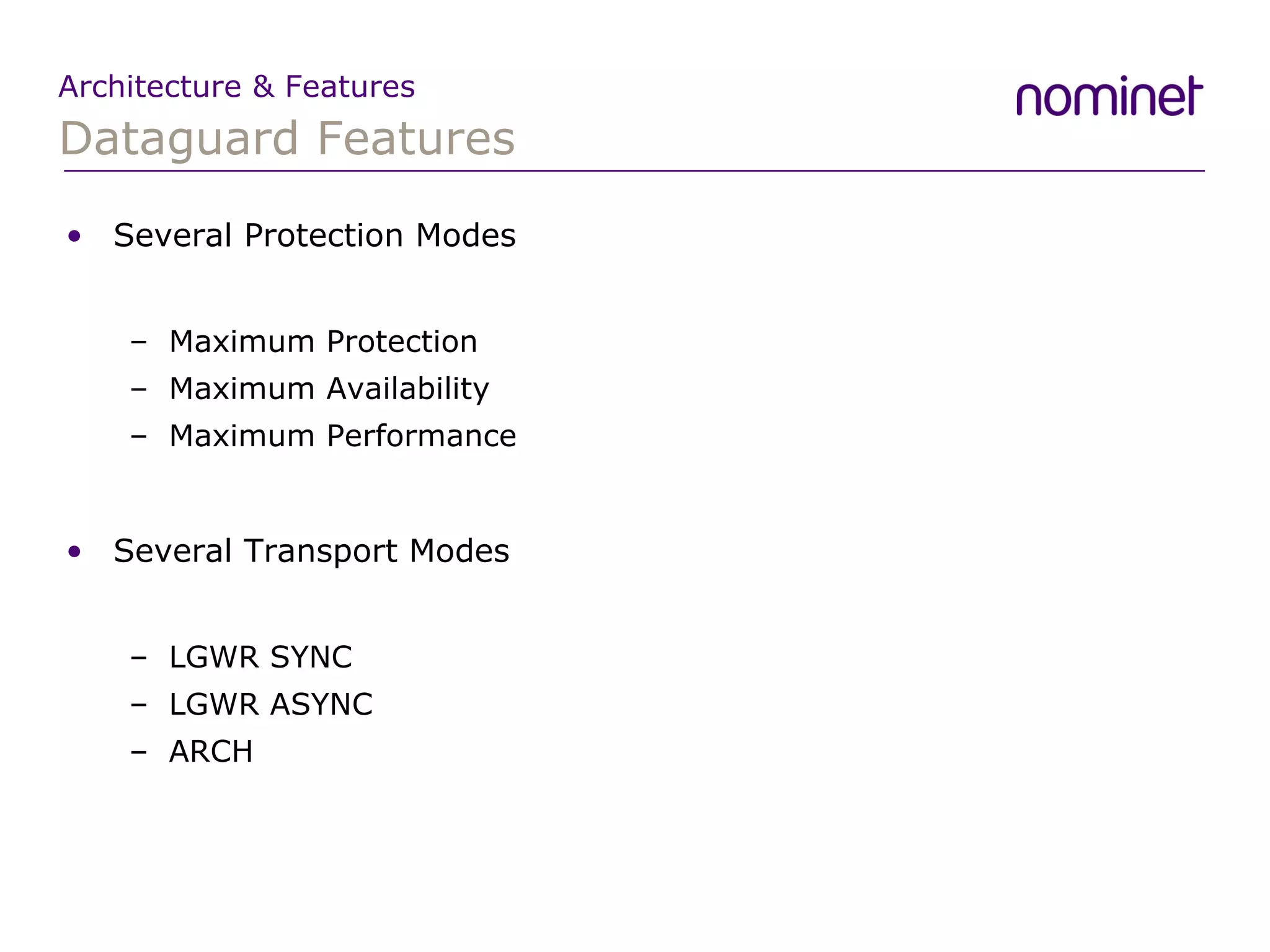
Dataguard Features Architecture & Features Several Protection Modes Maximum Protection Maximum Availability Maximum Performance Several Transport Modes LGWR SYNC LGWR ASYNC ARCH
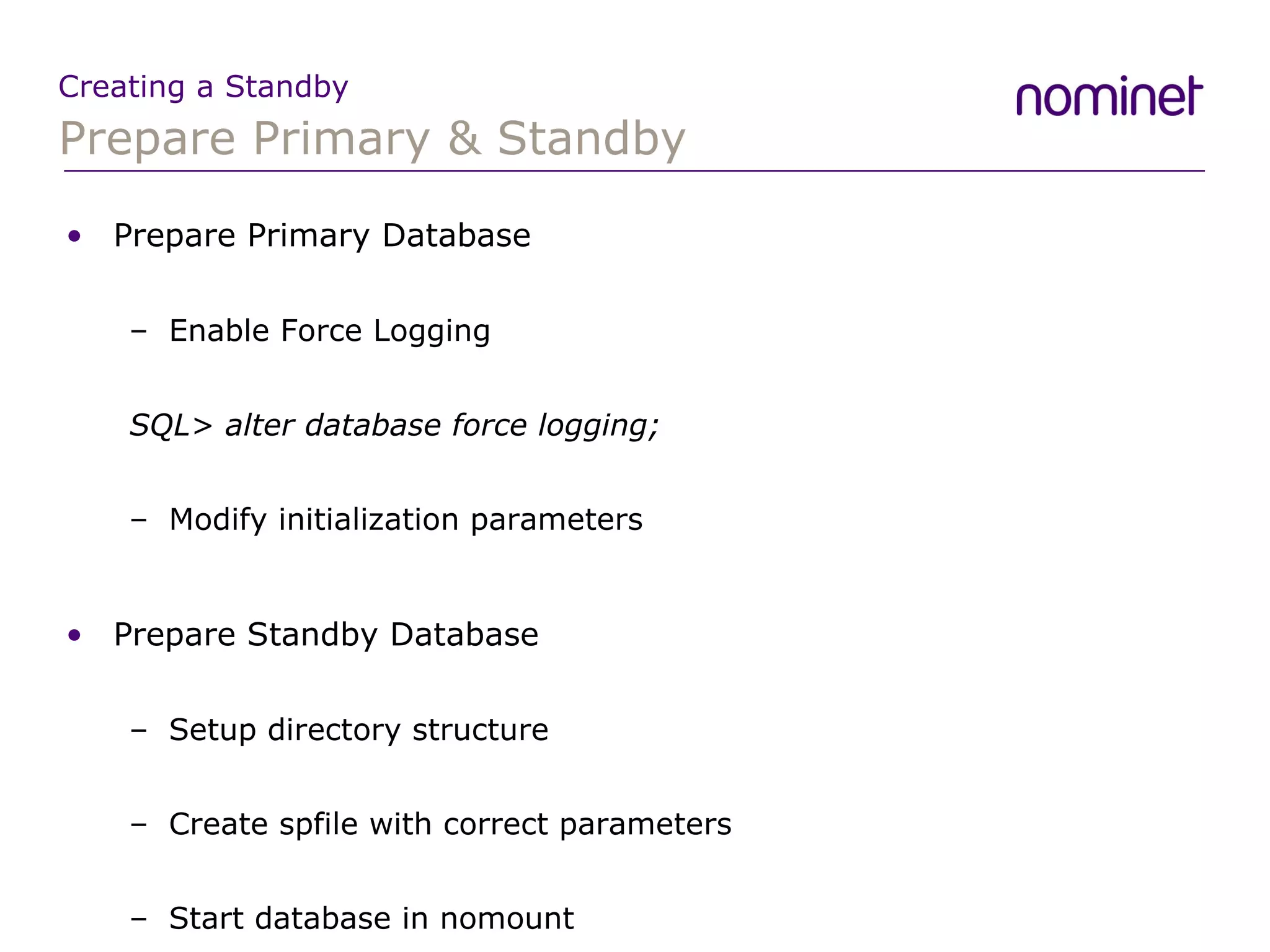
Prepare Primary & Standby Creating a Standby Prepare Primary Database Enable Force Logging SQL> alter database force logging; Modify initialization parameters Prepare Standby Database Setup directory structure Create spfile with correct parameters Start database in nomount
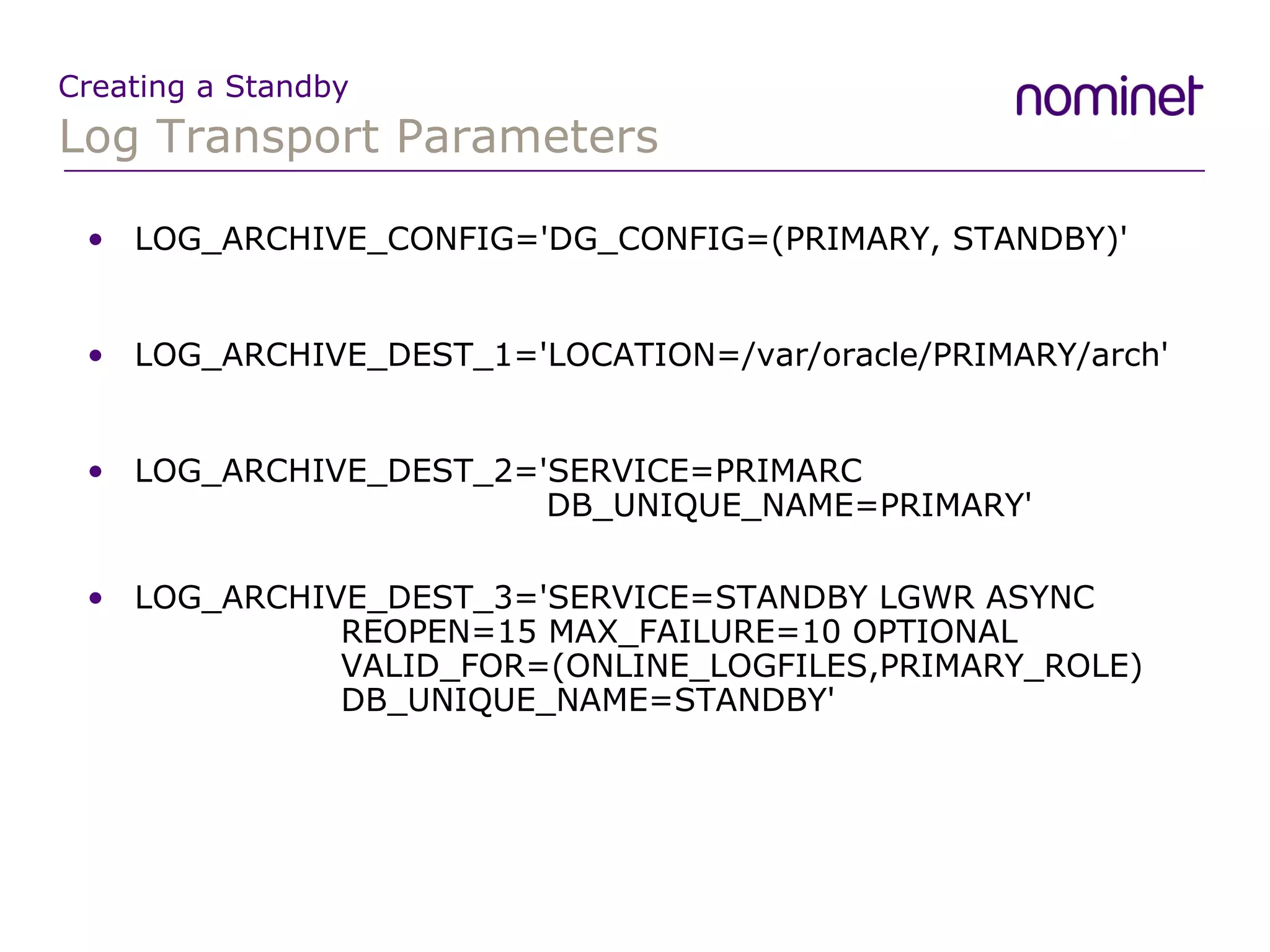
Log Transport Parameters Creating a Standby LOG_ARCHIVE_CONFIG='DG_CONFIG=(PRIMARY, STANDBY)' LOG_ARCHIVE_DEST_1='LOCATION=/var/oracle/PRIMARY/arch' LOG_ARCHIVE_DEST_2='SERVICE=PRIMARC    DB_UNIQUE_NAME=PRIMARY' LOG_ARCHIVE_DEST_3='SERVICE=STANDBY LGWR ASYNC REOPEN=15 MAX_FAILURE=10 OPTIONAL VALID_FOR=(ONLINE_LOGFILES,PRIMARY_ROLE)  DB_UNIQUE_NAME=STANDBY'
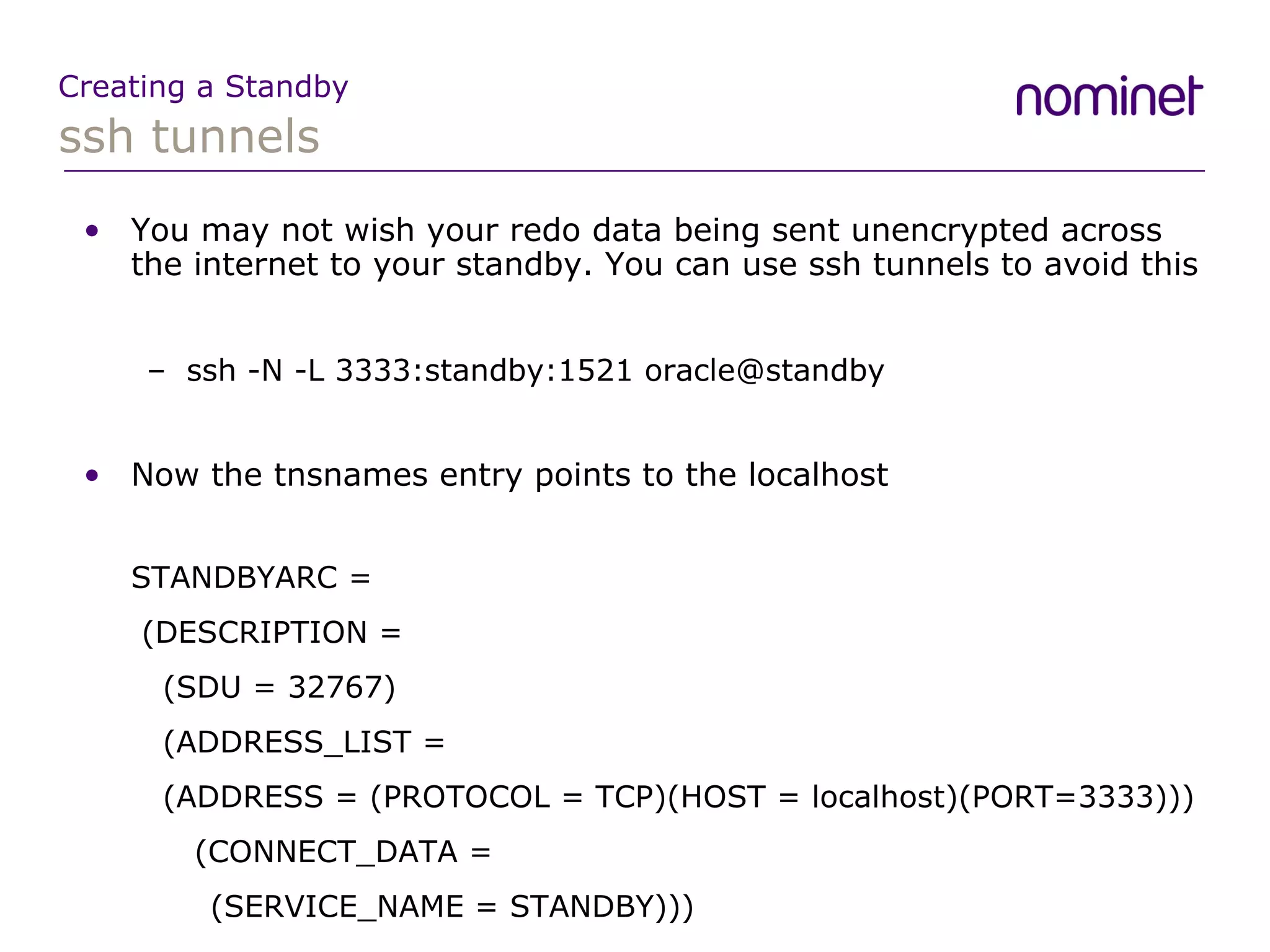
ssh tunnels Creating a Standby You may not wish your redo data being sent unencrypted across the internet to your standby. You can use ssh tunnels to avoid this ssh -N -L 3333:standby:1521 oracle@standby Now the tnsnames entry points to the localhost STANDBYARC =   (DESCRIPTION =   (SDU = 32767)   (ADDRESS_LIST =   (ADDRESS = (PROTOCOL = TCP)(HOST = localhost)(PORT=3333)))   (CONNECT_DATA = (SERVICE_NAME = STANDBY)))
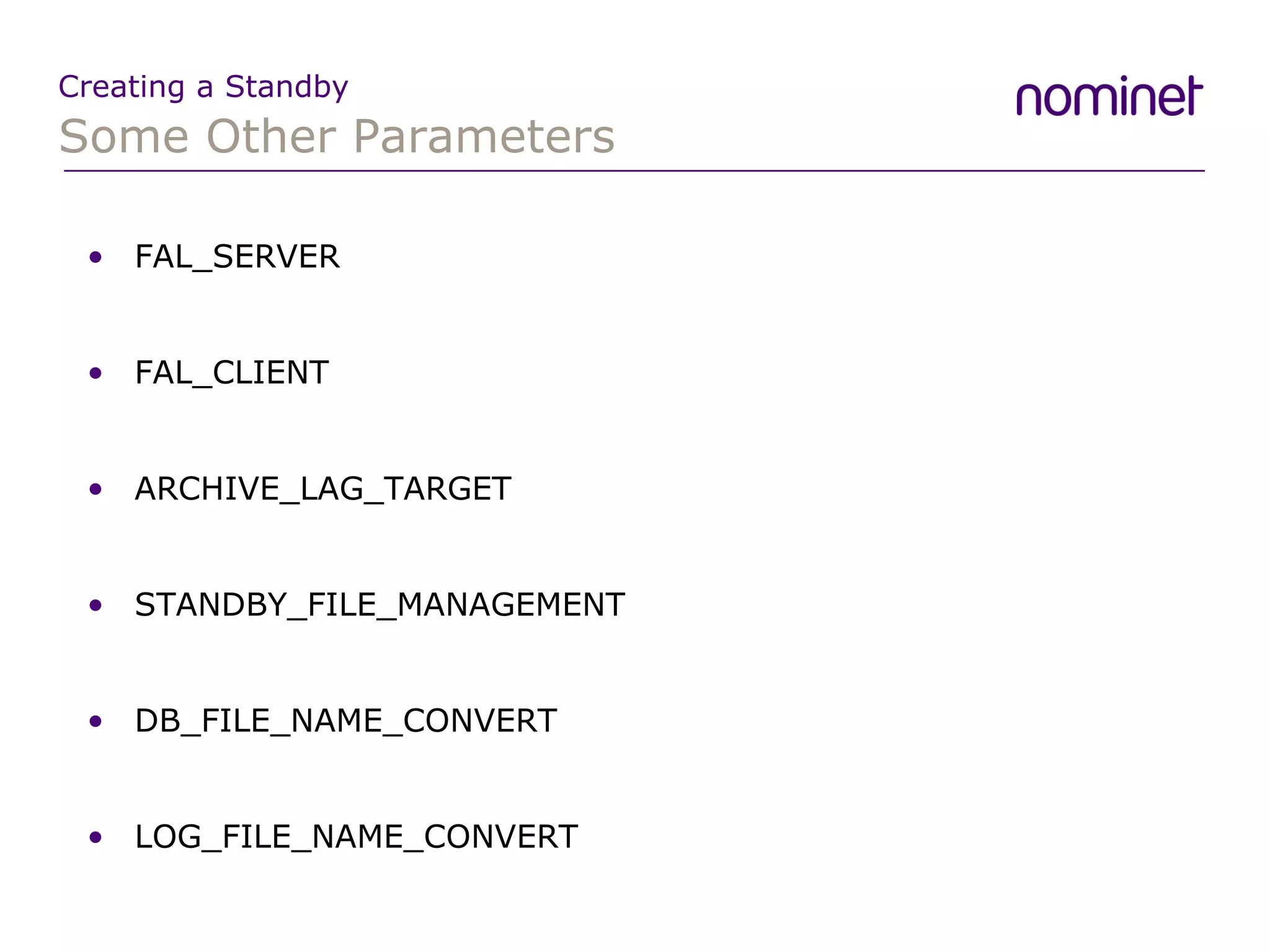
Some Other Parameters Creating a Standby FAL_SERVER FAL_CLIENT ARCHIVE_LAG_TARGET STANDBY_FILE_MANAGEMENT DB_FILE_NAME_CONVERT LOG_FILE_NAME_CONVERT
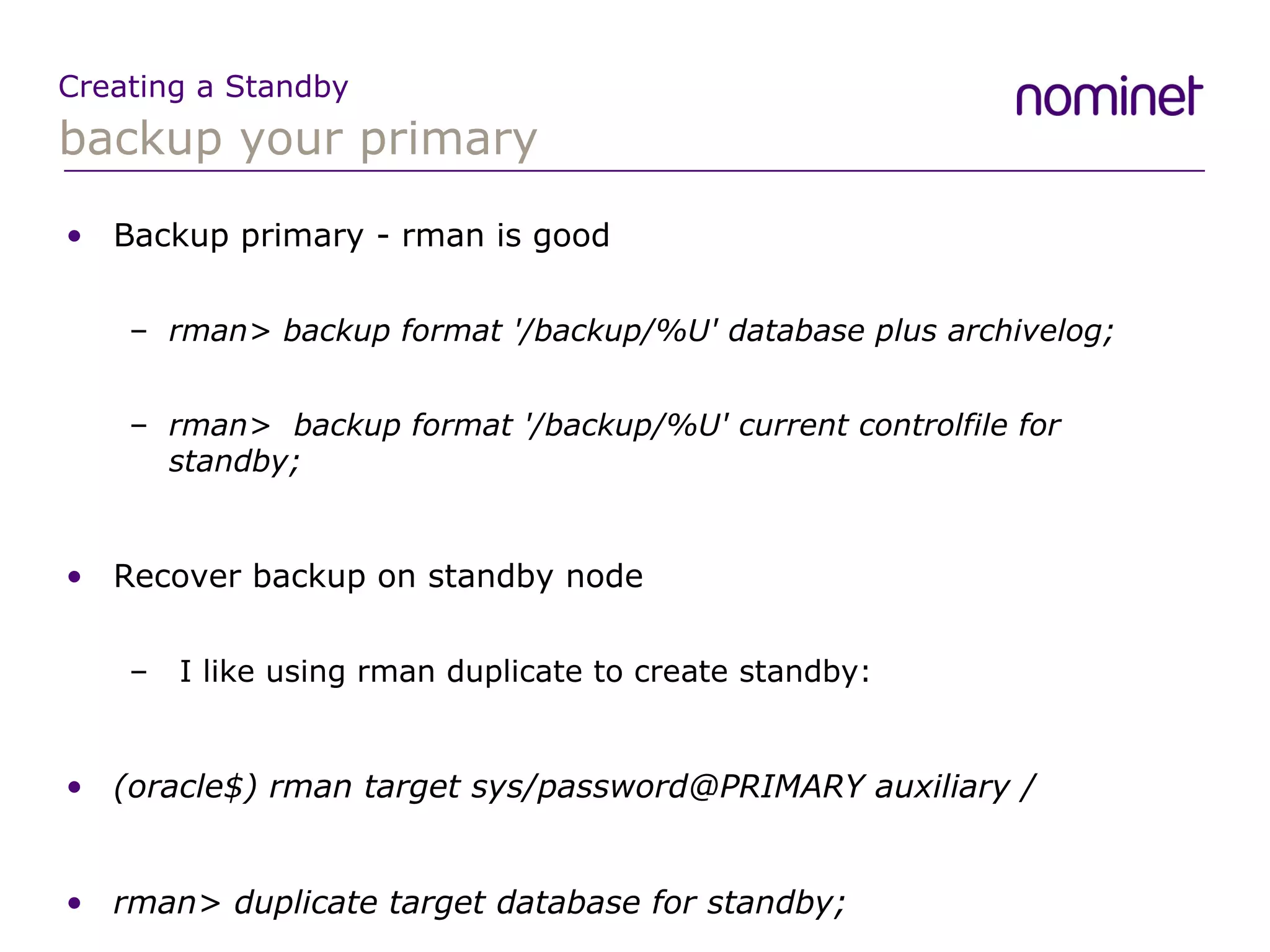
backup your primary Creating a Standby Backup primary - rman is good rman> backup format  '/backup/%U'  database plus archivelog; rman>  backup format '/backup/%U' current controlfile for standby; Recover backup on standby node I like using rman duplicate to create standby: (oracle$) rman target sys/password@PRIMARY auxiliary / rman> duplicate target database for standby;
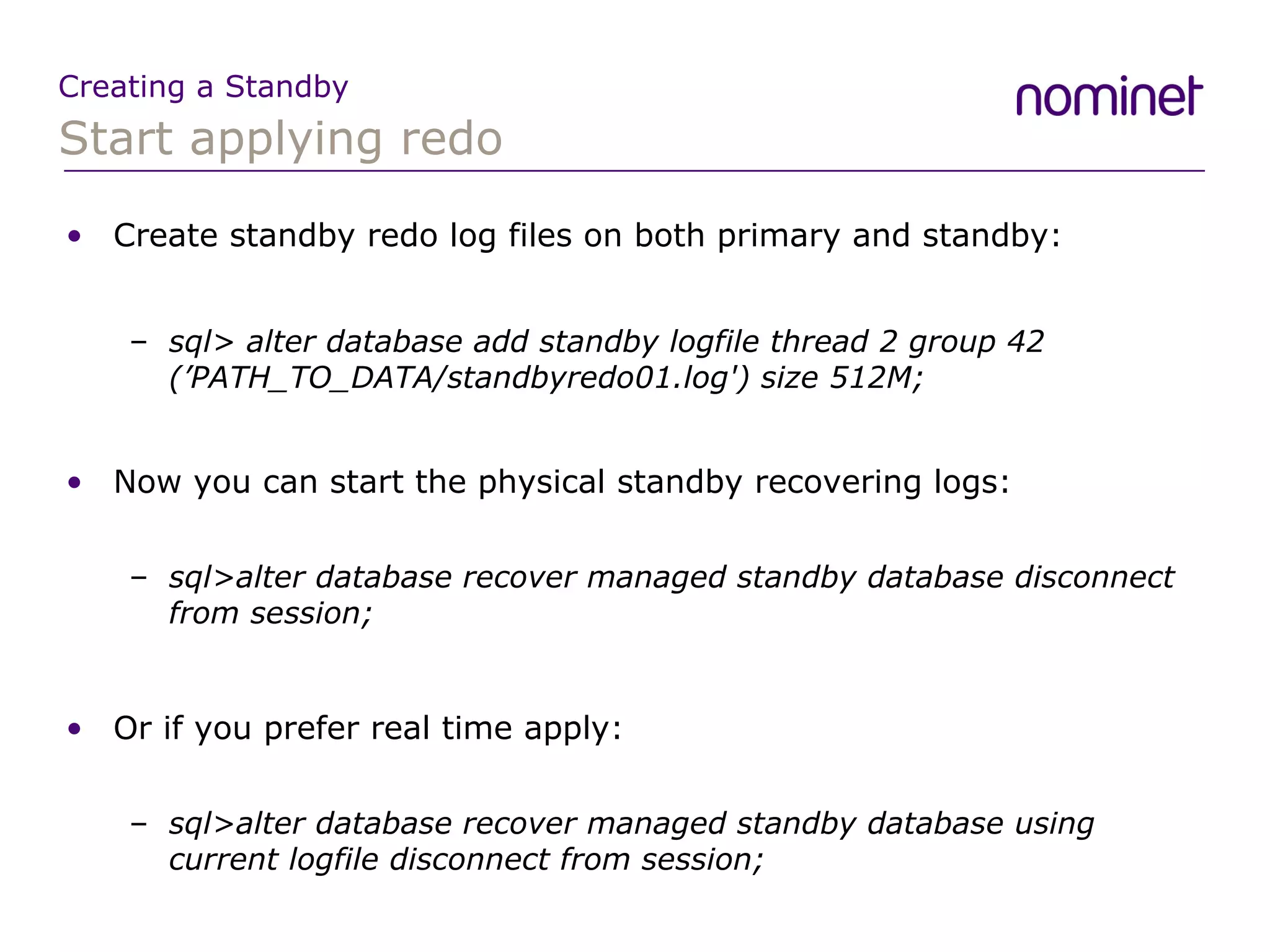
Start applying redo Creating a Standby Create standby redo log files on both primary and standby: sql>  alter database add standby logfile thread 2 group 42 (’PATH_TO_DATA/standbyredo01.log') size 512M; Now you can start the physical standby recovering logs: sql>alter database recover managed standby database disconnect from session; Or if you prefer real time apply: sql>alter database recover managed standby database using current logfile disconnect from session;
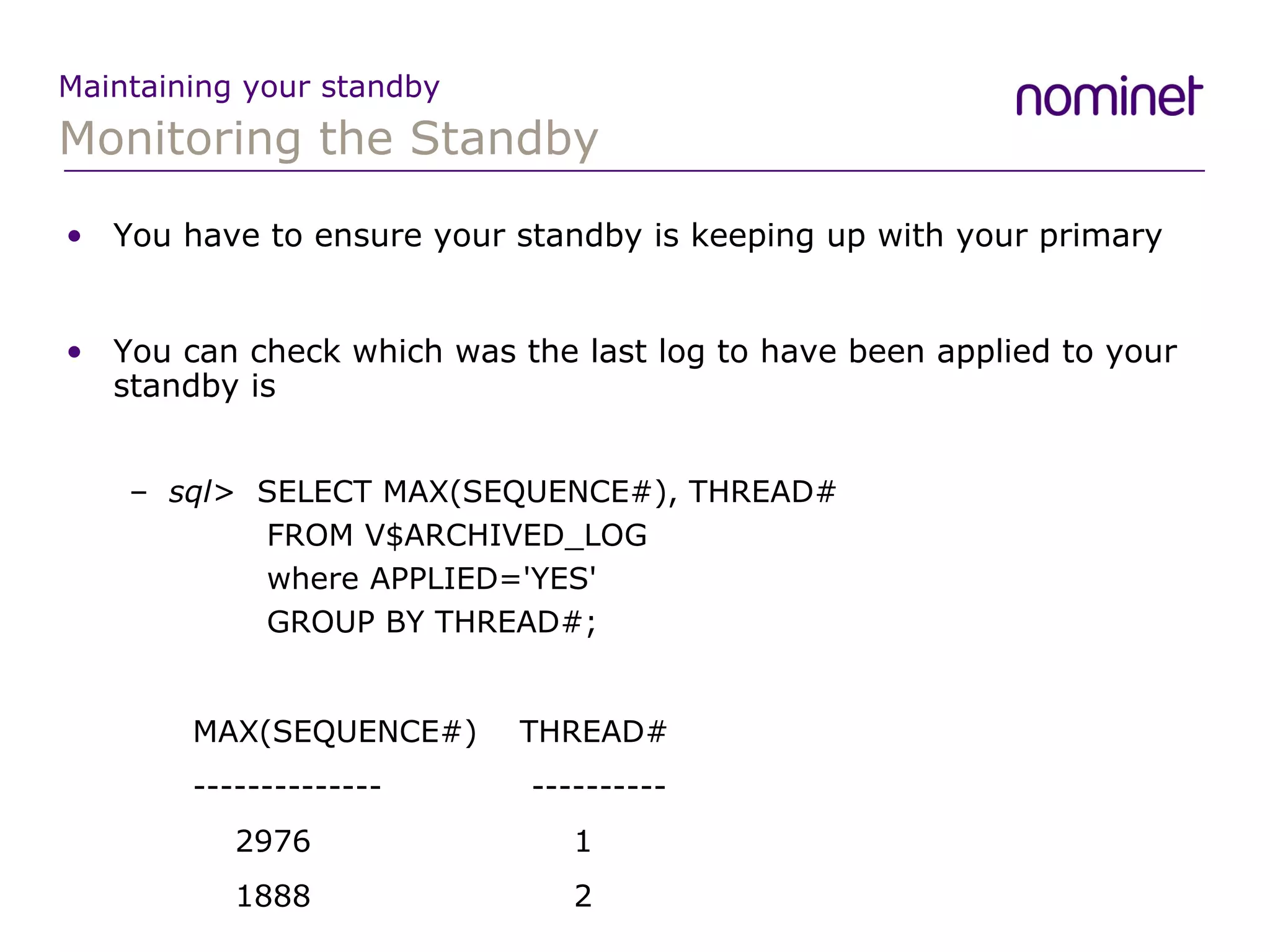
Monitoring the Standby Maintaining your standby You have to ensure your standby is keeping up with your primary You can check which was the last log to have been applied to your standby is sql>  SELECT MAX(SEQUENCE#), THREAD#   FROM V$ARCHIVED_LOG    where APPLIED='YES'    GROUP BY THREAD#; MAX(SEQUENCE#)  THREAD# --------------    ----------   2976  1   1888  2
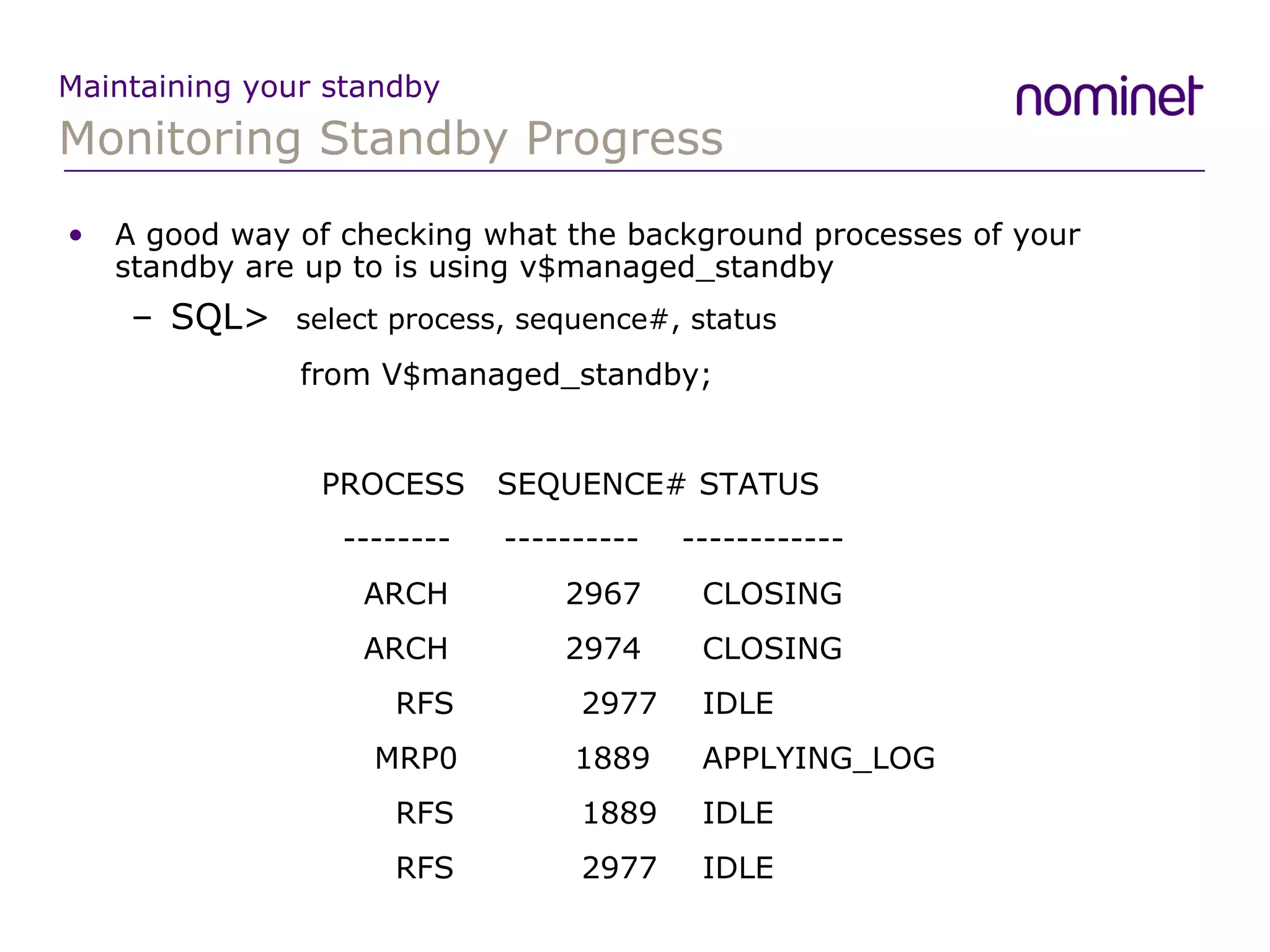
Monitoring Standby Progress Maintaining your standby A good way of checking what the background processes of your standby are up to is using v$managed_standby SQL>  select process, sequence#, status    from V$managed_standby; PROCESS  SEQUENCE# STATUS   --------  ----------  ------------   ARCH  2967  CLOSING   ARCH  2974  CLOSING   RFS  2977  IDLE   MRP0  1889  APPLYING_LOG   RFS  1889  IDLE   RFS  2977  IDLE
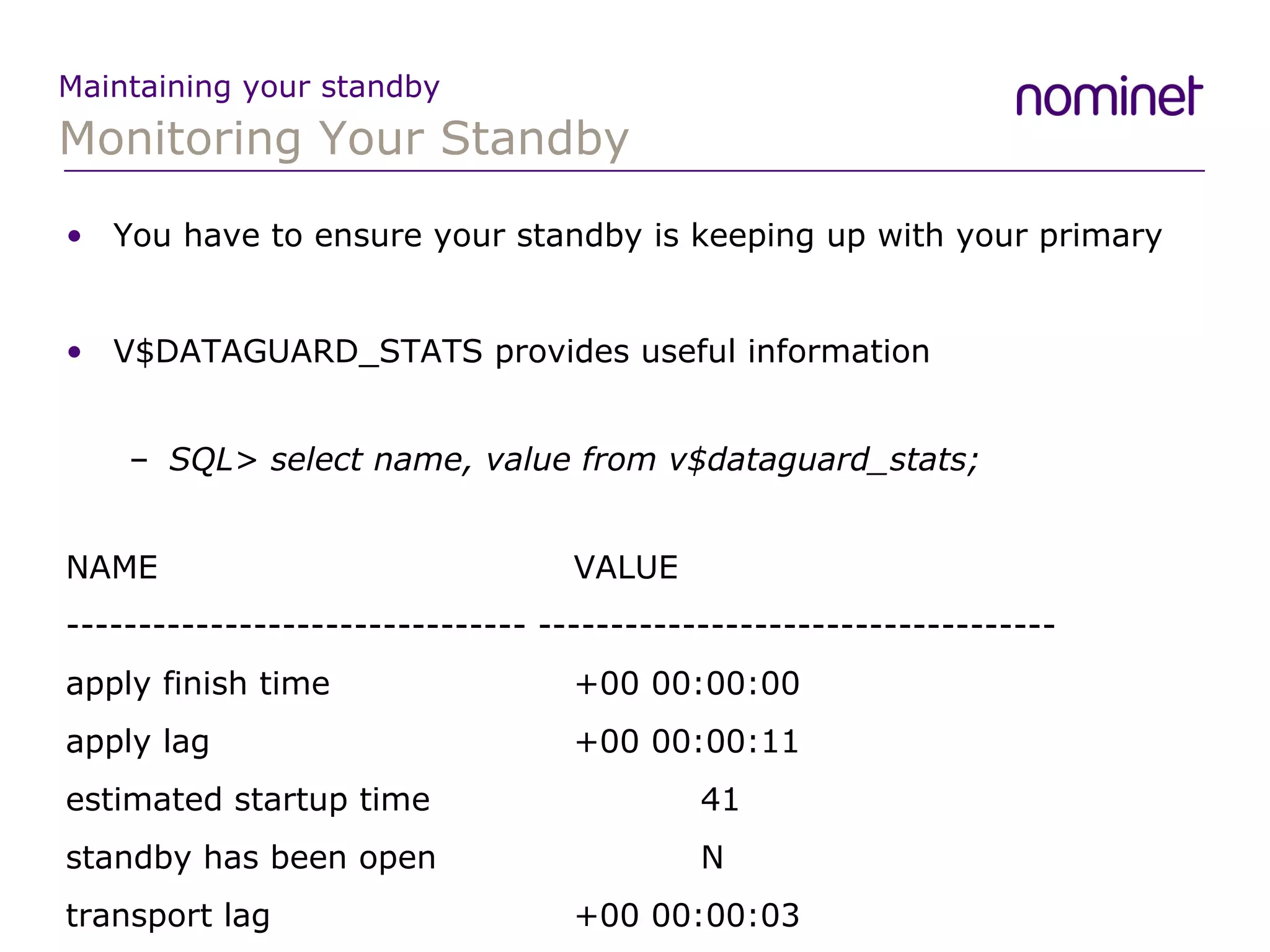
Monitoring Your Standby Maintaining your standby You have to ensure your standby is keeping up with your primary V$DATAGUARD_STATS provides useful information SQL>  select name, value from v$dataguard_stats; NAME  VALUE -------------------------------- ------------------------------------ apply finish time  +00 00:00:00 apply lag  +00 00:00:11 estimated startup time  41 standby has been open  N transport lag  +00 00:00:03
Monitoring Your Standby Maintaining your standby A way of finding out what has been happening to your standby over a period time is to look at the v$dataguard_status view Log Apply Services  01-AUG-07 Media Recovery Waiting for thread 1 sequence 2977 (in transit) Log Apply Services  01-AUG-07 Media Recovery Waiting for thread 1 sequence 2977 (in transit) Log Apply Services  01-AUG-07 Media Recovery Waiting for thread 2 sequence 1889 (in transit) Remote File Server  01-AUG-07 Primary database is in MAXIMUM PERFORMANCE mode Remote File Server  01-AUG-07 RFS[53]: Successfully opened standby log 14: '+DATA2/standby/standbyredo02.log'
Oracle can’t divide by 0 Maintaining your standby Standby was happily working away ORA-07445: exception encountered: core dump [kcrarmb()+152] [SIGFPE] [Integer divide by zero] [0x00085C300 MRP process crashes No redo gets applied from this point Logs after the one that caused the ORA-07445 still being shipped A simple restart of the managed recovery process does a FAL and the standby is back up-to-date
kcrfr_resize2 Maintaining your standby Lots of problems after upgrade to 10.2.0.3 Recovery of Online Redo Log: Thread 2 Group 23 Seq 999 Reading mem 0 Mem# 0: +DATA3/standby/standbyredo11.log ORA-00600: internal error code, arguments: [kcrfr_resize2], [652614828032], [268423168], [], [], [], [], [] Perhaps caused by the following: Bug 3306010 OERI[kcrfr_resize2] possible in MEDIA recovery   Media recovery may fail with ORA-600 [kcrfr_resize2] when   the number of redo strands is set to a high value using   log_parallelism.
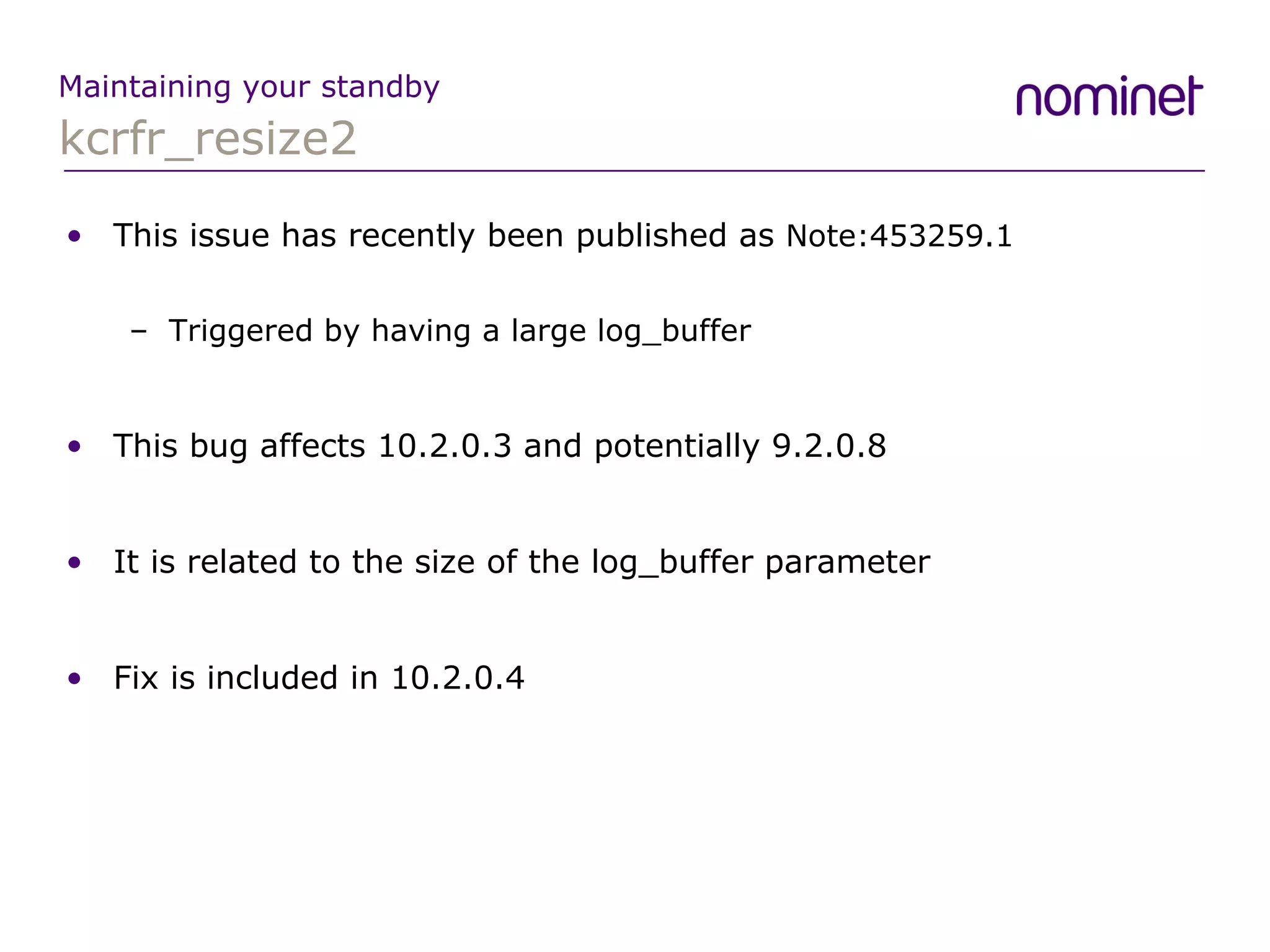
kcrfr_resize2 Maintaining your standby This issue has recently been published as  Note:453259.1 Triggered by having a large log_buffer This bug affects 10.2.0.3 and potentially 9.2.0.8 It is related to the size of the log_buffer parameter Fix is included in 10.2.0.4
kcrrupirfs Maintaining your standby ARC processes died on primary: ORA-00600: [kcrrupirfs.20] [4] [368] Trace file showed the following: Corrupt redo block 479421 detected: bad block number Flag: 0x0 Format: 0x0 Block: 0x00000000 Seq: 0x00000000 Beg: 0x0 Cks:0x0 <<<<<<<-- ----- Dump of Corrupt Redo Buffer -----000000000000000000000000000000000000000000000000000000000000000000000000000000000000000000000000000000000000000000000000000000000000000000000000000000000000000000000000000000000000000000000000
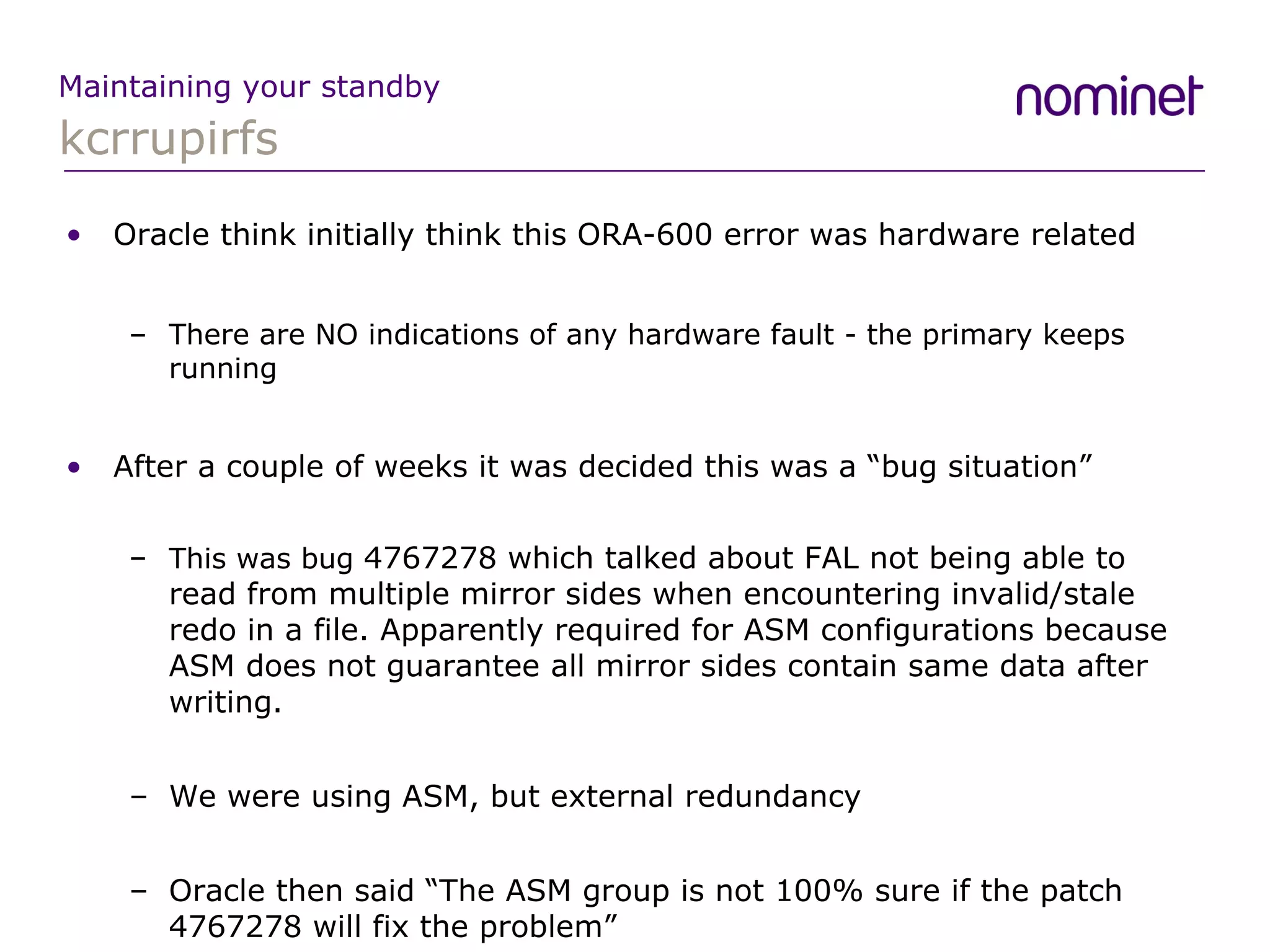
kcrrupirfs Maintaining your standby Oracle think initially think this ORA-600 error was hardware related There are NO indications of any hardware fault - the primary keeps running After a couple of weeks it was decided this was a “bug situation” This was bug  4767278 which talked about FAL not being able to read from multiple mirror sides when encountering invalid/stale redo in a file. Apparently required for ASM configurations because ASM does not guarantee all mirror sides contain same data after writing. We were using ASM, but external redundancy Oracle then said “The ASM group is not 100% sure if the patch 4767278 will fix the problem”
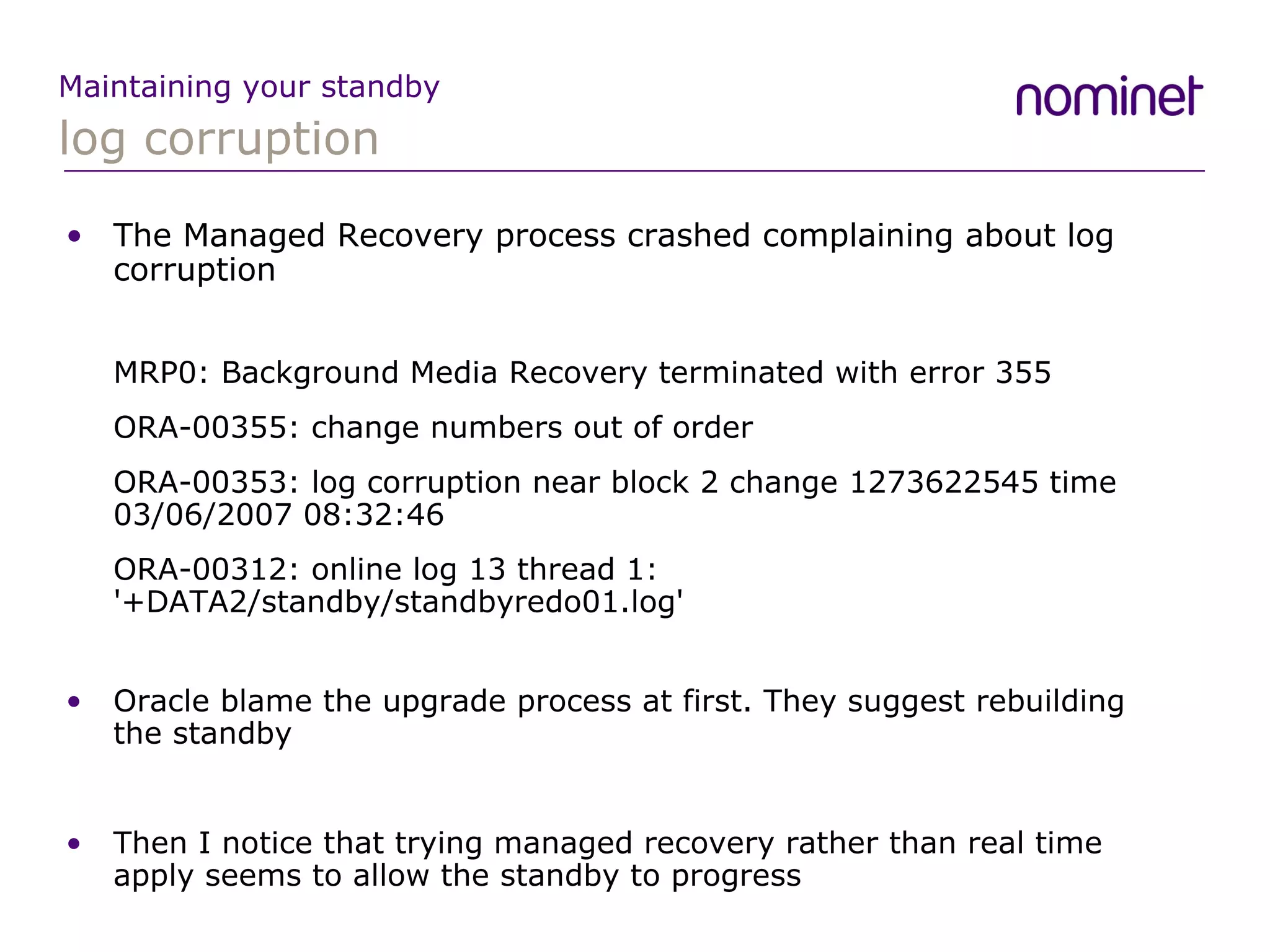
log corruption Maintaining your standby The Managed Recovery process crashed complaining about log corruption MRP0: Background Media Recovery terminated with error 355 ORA-00355: change numbers out of order ORA-00353: log corruption near block 2 change 1273622545 time 03/06/2007 08:32:46 ORA-00312: online log 13 thread 1: '+DATA2/standby/standbyredo01.log' Oracle blame the upgrade process at first. They suggest rebuilding the standby Then I notice that trying managed recovery rather than real time apply seems to allow the standby to progress
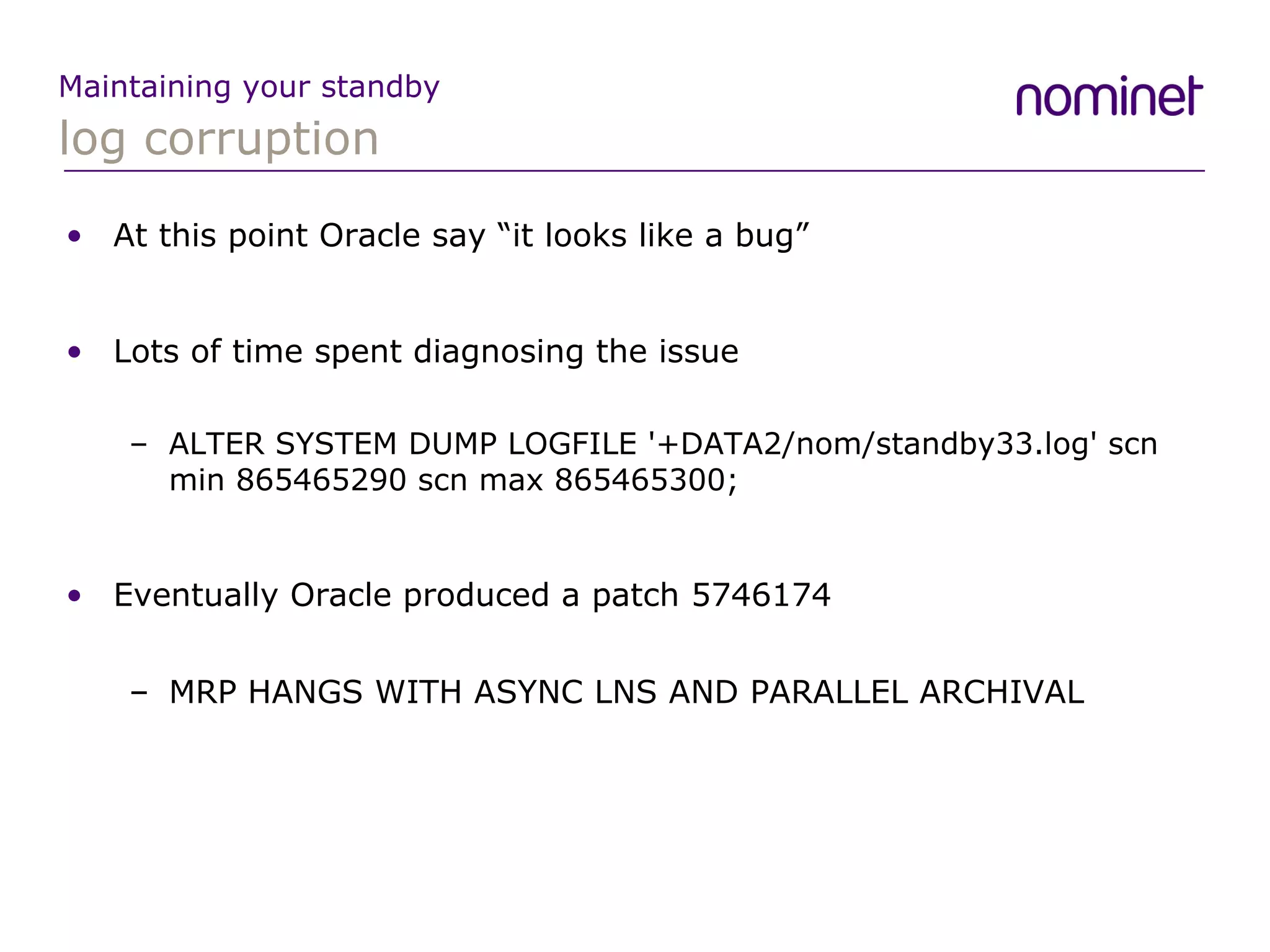
log corruption Maintaining your standby At this point Oracle say “it looks like a bug” Lots of time spent diagnosing the issue ALTER SYSTEM DUMP LOGFILE '+DATA2/nom/standby33.log' scn min 865465290 scn max 865465300; Eventually Oracle produced a patch  5746174 MRP HANGS WITH ASYNC LNS AND PARALLEL ARCHIVAL
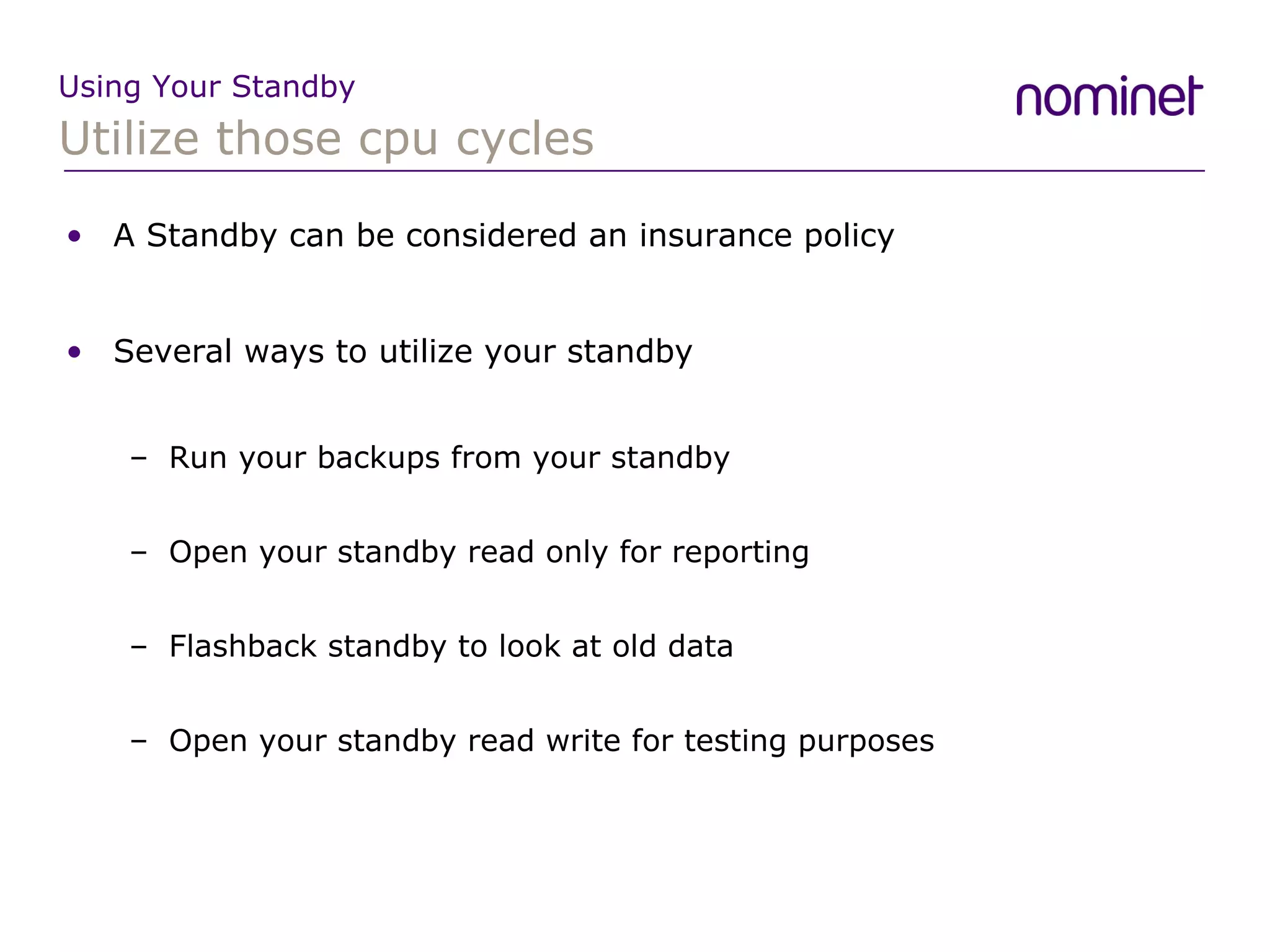
Utilize those cpu cycles Using Your Standby A Standby can be considered an insurance policy Several ways to utilize your standby Run your backups from your standby Open your standby read only for reporting Flashback standby to look at old data Open your standby read write for testing purposes
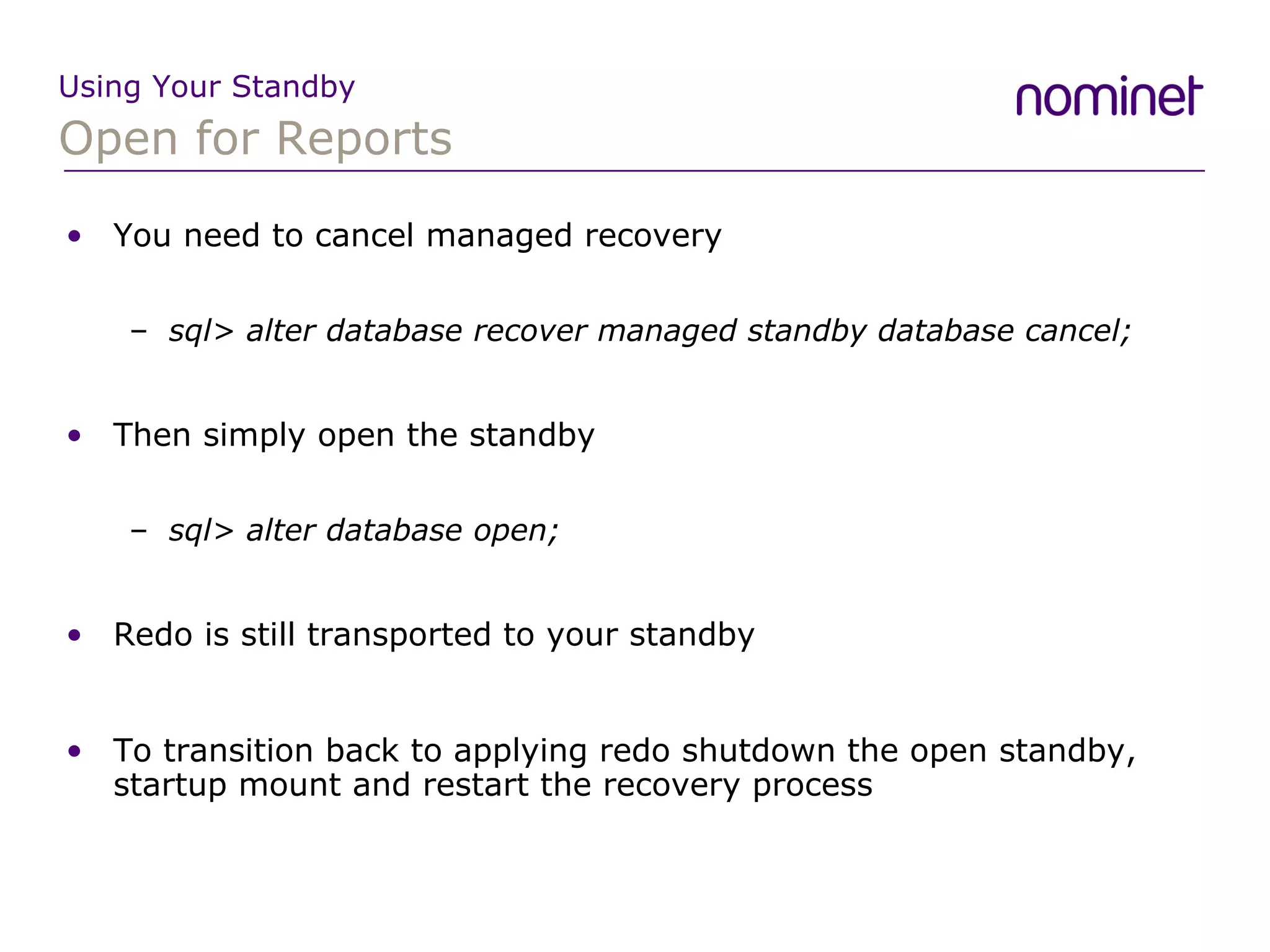
Open for Reports Using Your Standby You need to cancel managed recovery sql> alter database recover managed standby database cancel; Then simply open the standby sql> alter database open; Redo is still transported to your standby To transition back to applying redo shutdown the open standby, startup mount and restart the recovery process
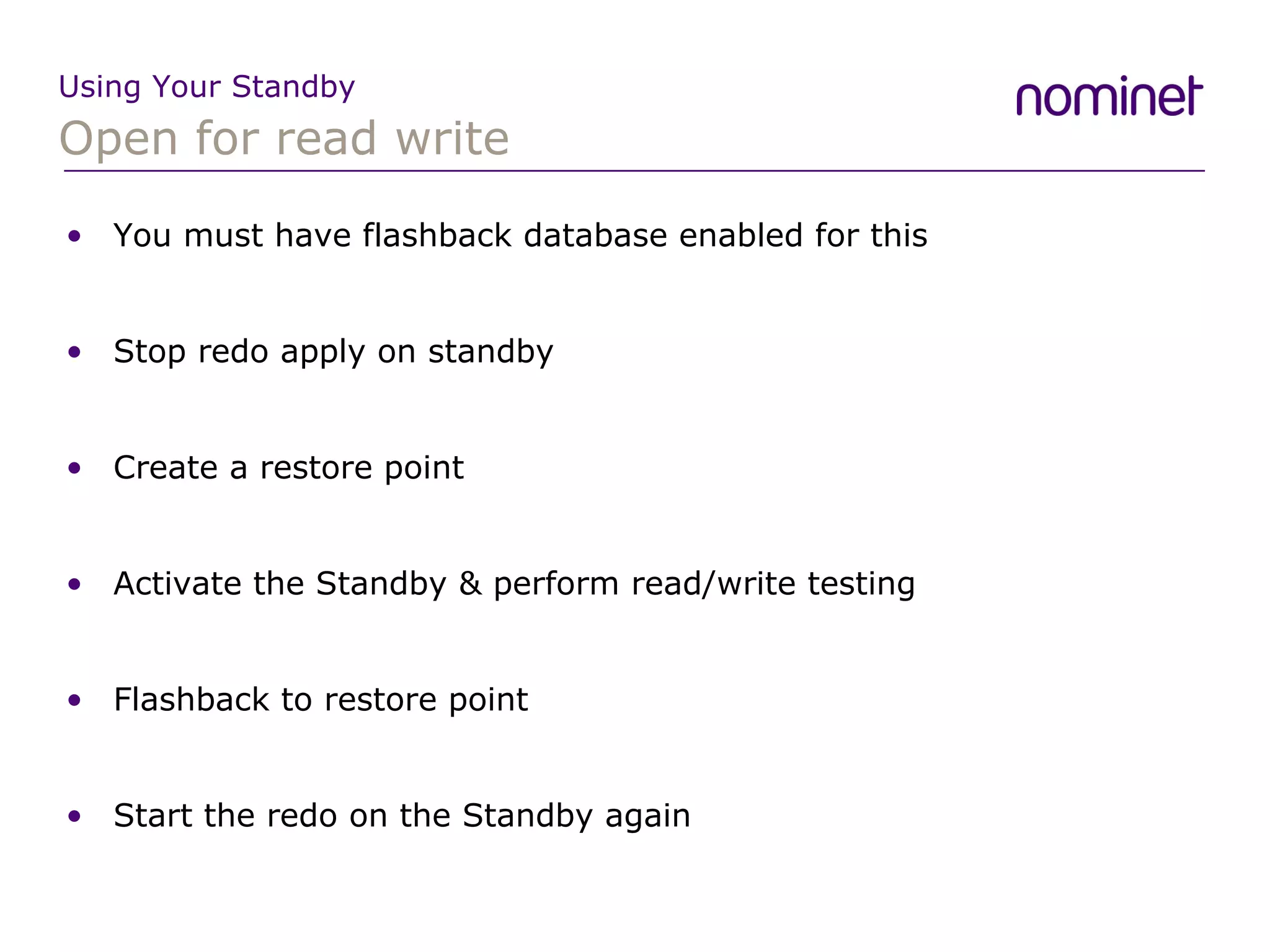
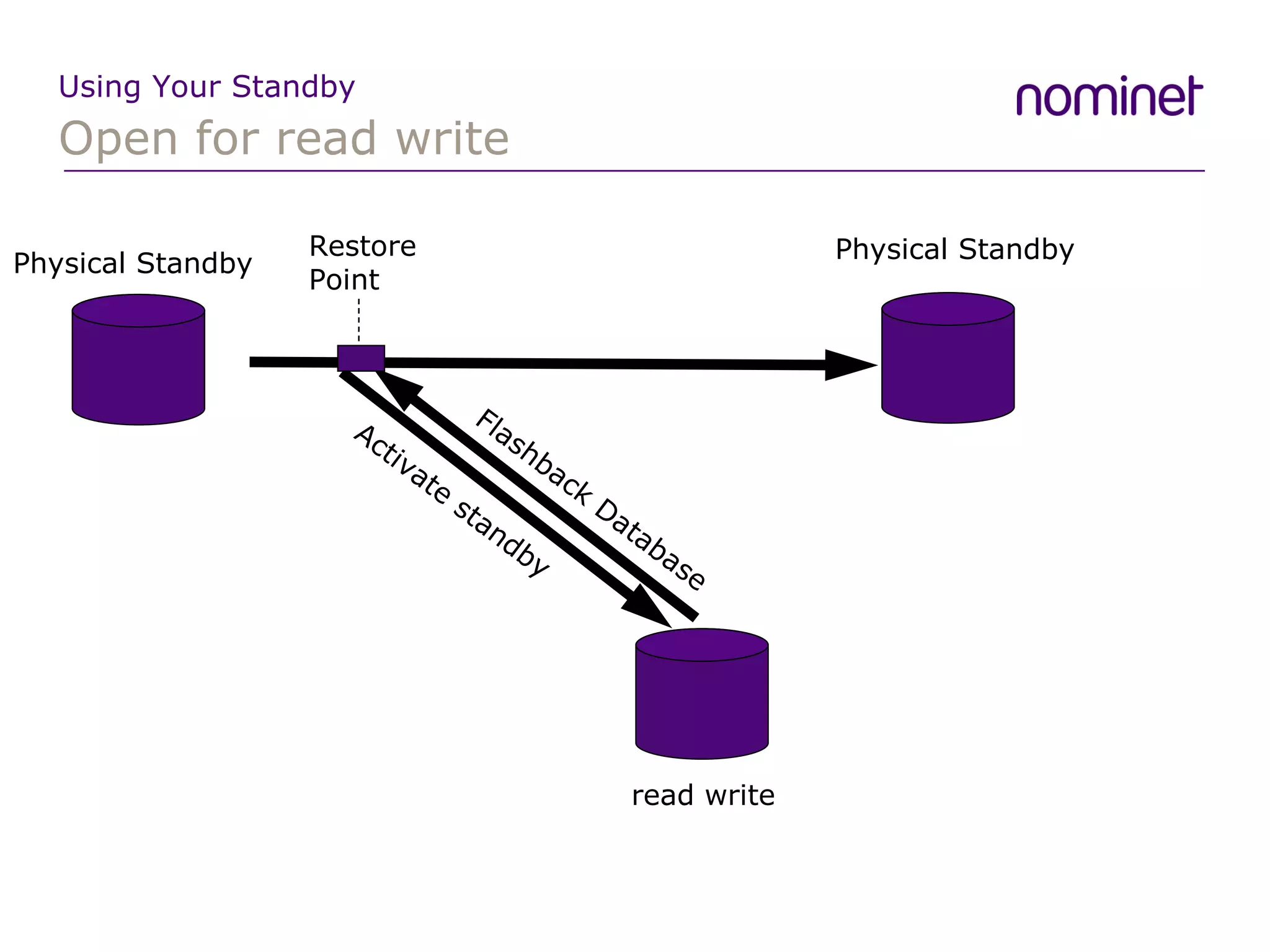
Open for read write Using Your Standby You must have flashback database enabled for this Stop redo apply on standby Create a restore point Activate the Standby & perform read/write testing Flashback to restore point Start the redo on the Standby again
Open for read write Using Your Standby Physical Standby Physical Standby read write Restore Point Flashback Database Activate standby
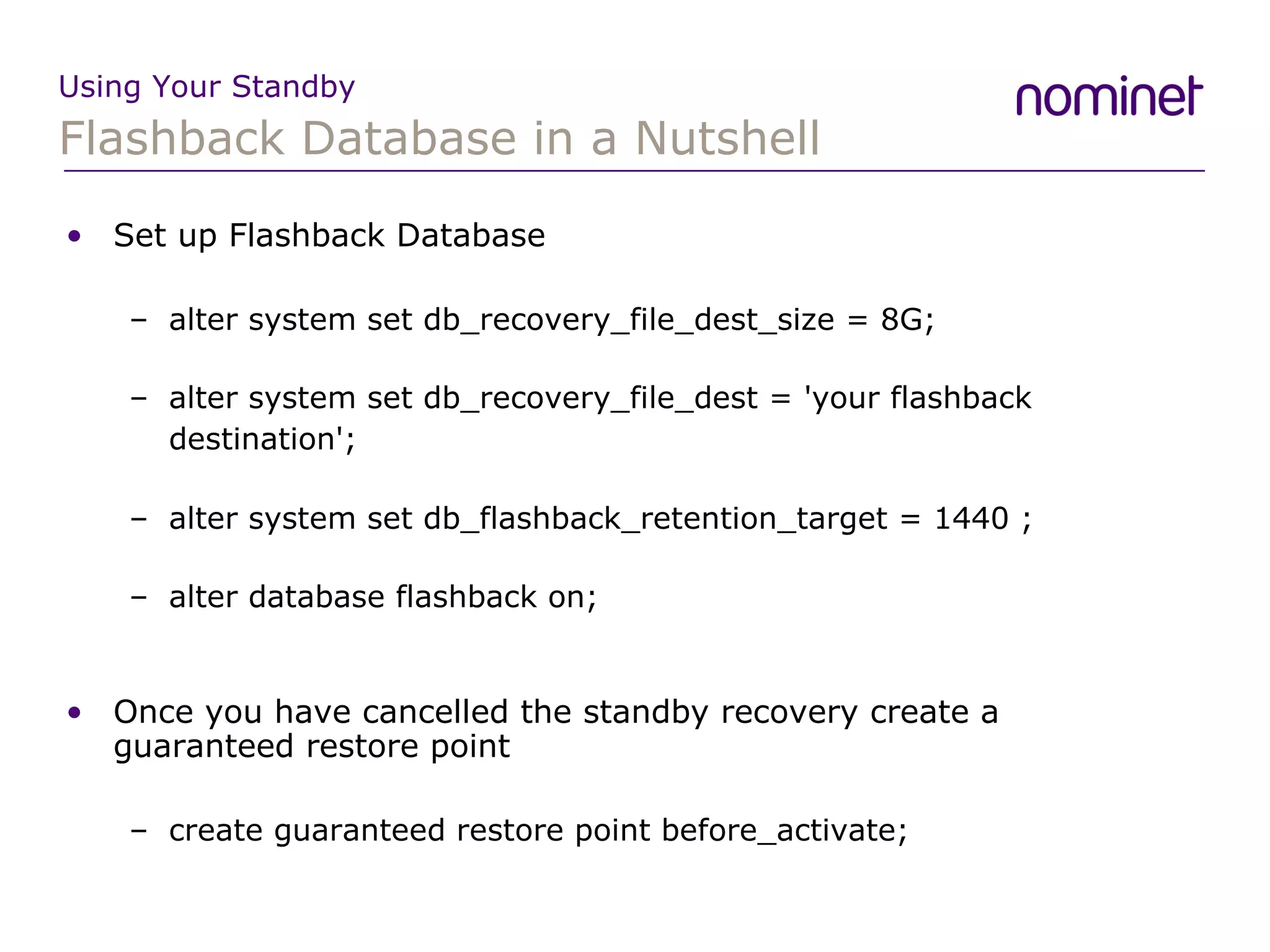
Flashback Database in a Nutshell Using Your Standby Set up Flashback Database alter system set db_recovery_file_dest_size = 8G; alter system set db_recovery_file_dest = 'your flashback destination'; alter system set db_flashback_retention_target = 1440 ; alter database flashback on; Once you have cancelled the standby recovery create a guaranteed restore point create guaranteed restore point before_activate;
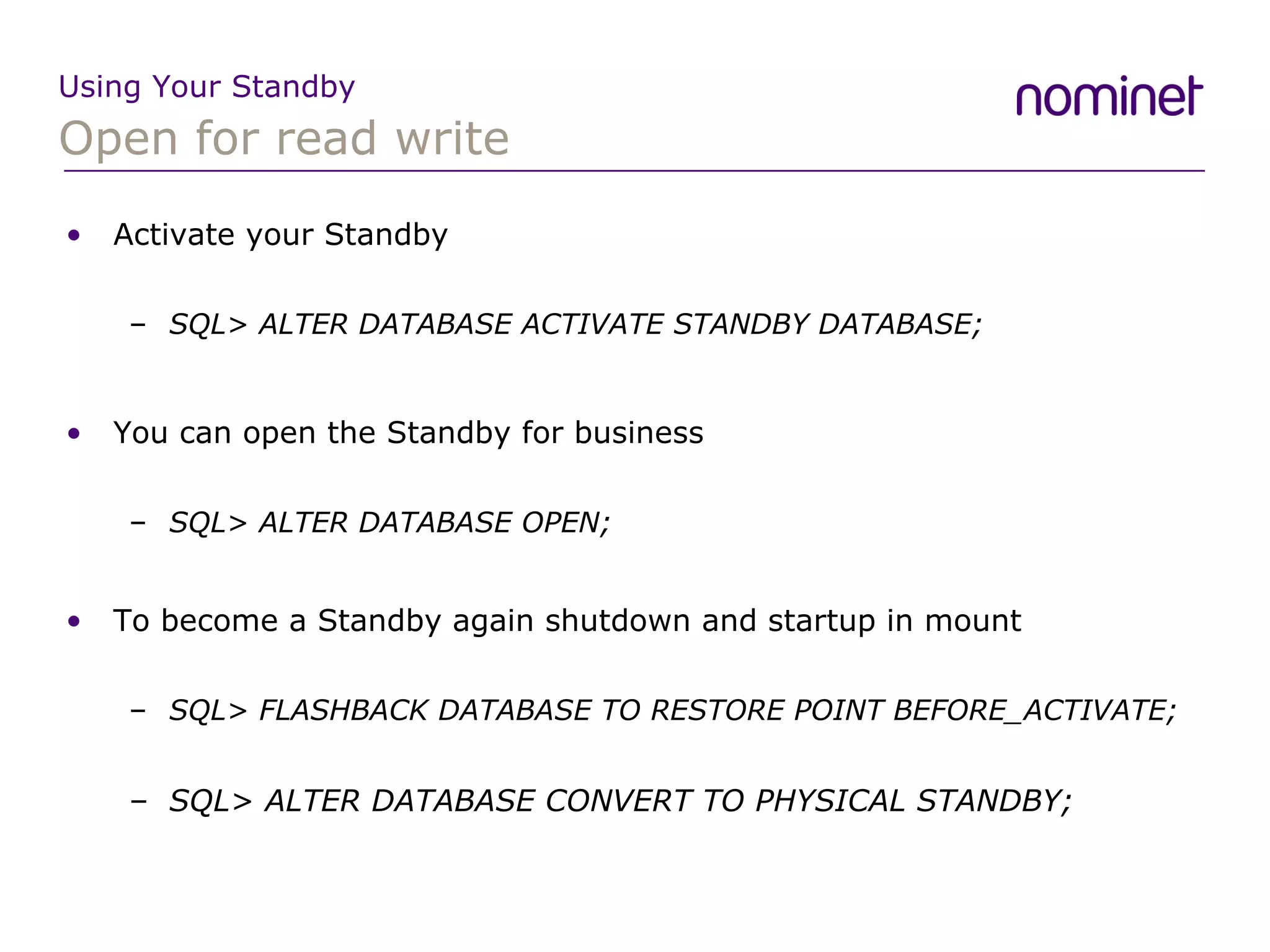
Open for read write Using Your Standby Activate your Standby SQL> ALTER DATABASE ACTIVATE STANDBY DATABASE; You can open the Standby for business SQL> ALTER DATABASE OPEN; To become a Standby again shutdown and startup in mount SQL> FLASHBACK DATABASE TO RESTORE POINT BEFORE_ACTIVATE; SQL> ALTER DATABASE CONVERT TO PHYSICAL STANDBY;
Open for read write Using Your Standby However things never go according to plan ORA-00600: internal error code, arguments: [3705], [1], [8], [3], [8], [], [] This was bug 4479323 which is a bug with recovery (not standby specific) and only occurs in a RAC environment This is fixed in 10.2.0.3
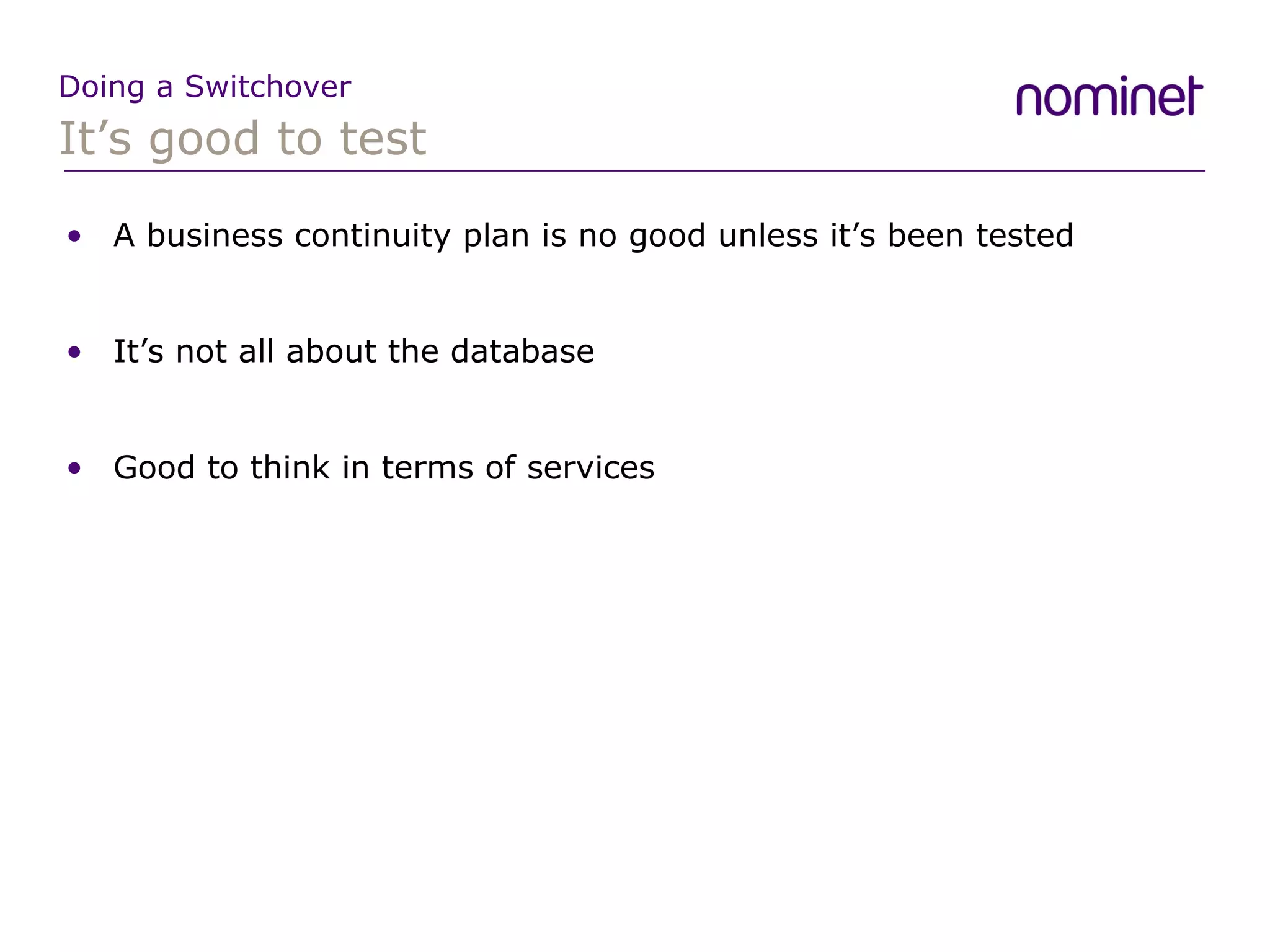
It’s good to test Doing a Switchover A business continuity plan is no good unless it’s been tested It’s not all about the database Good to think in terms of services
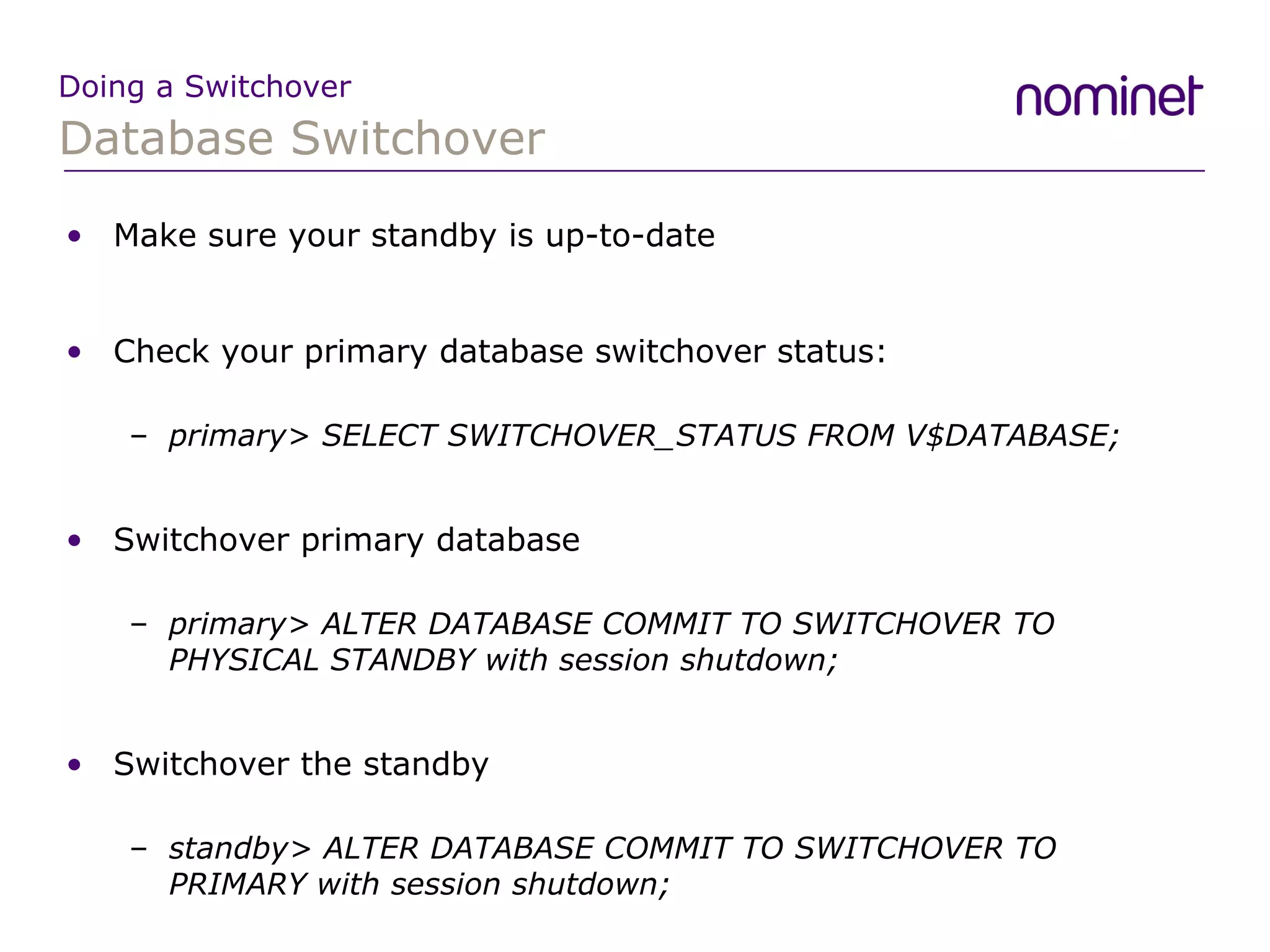
Database Switchover Doing a Switchover Make sure your standby is up-to-date Check your primary database switchover status: primary> SELECT SWITCHOVER_STATUS FROM V$DATABASE; Switchover primary database primary> ALTER DATABASE COMMIT TO SWITCHOVER TO PHYSICAL STANDBY with session shutdown; Switchover the standby standby> ALTER DATABASE COMMIT TO SWITCHOVER TO PRIMARY with session shutdown;
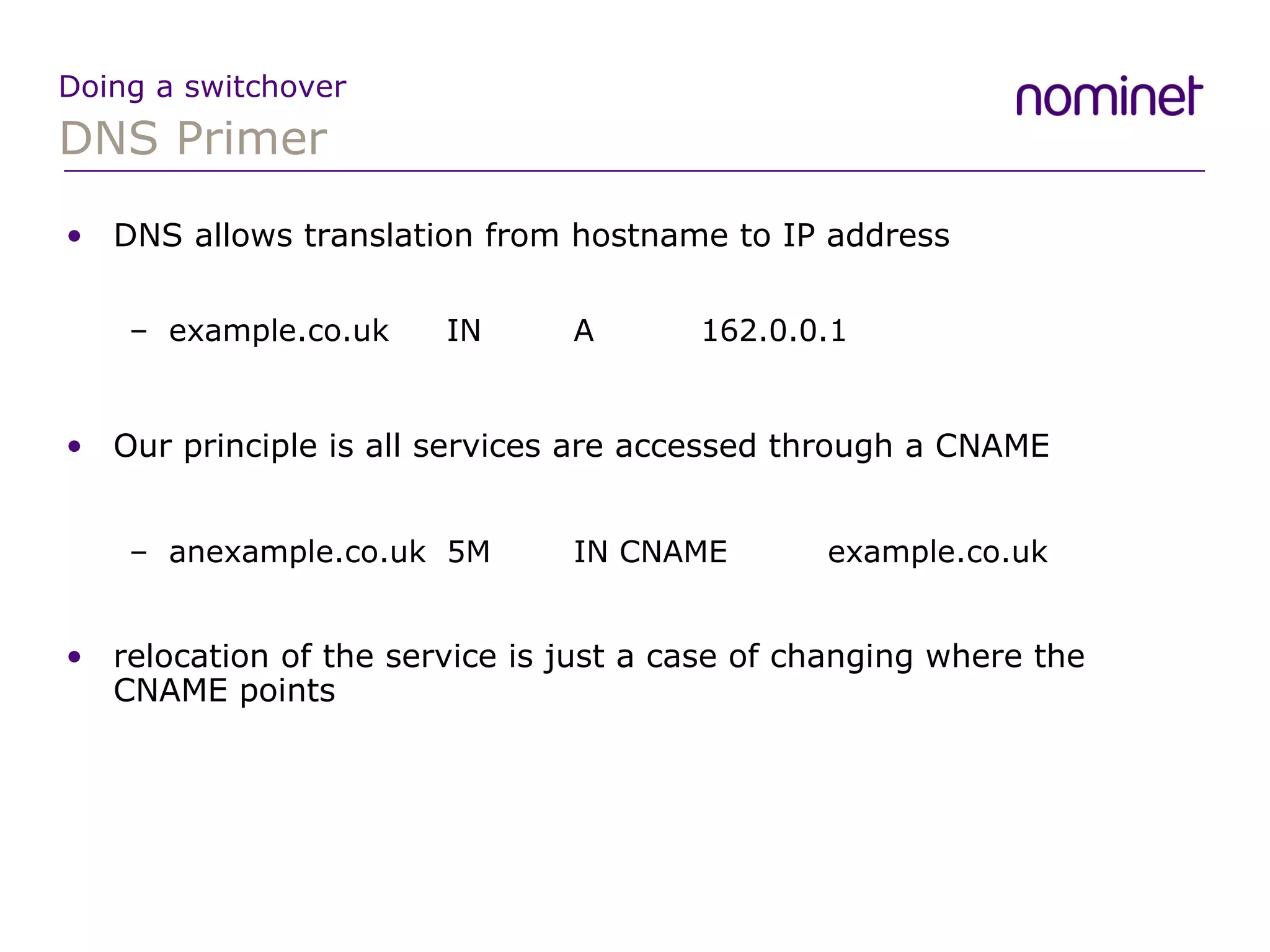
DNS Primer Doing a switchover DNS allows translation from hostname to IP address example.co.uk  IN A 162.0.0.1 Our principle is all services are accessed through a CNAME anexample.co.uk 5M IN CNAME example.co.uk relocation of the service is just a case of changing where the CNAME points
Conclusion Conclusion Dataguard is an efficient DR solution for your primary database Dataguard is mostly reliable but is not without it’s blips There are opportunities for gaining added value from your standby You can’t test your Business continuity plan enough
Questions? Adventures in Dataguard Contact: [email_address] http://blog.nominet.org.uk

Adventures in Dataguard

  • 1.
    Adventures in DataguardDr. Jason Arneil
  • 2.
  • 3.
    Introduction The MotivationDataguard Architecture & Features Creating a Physical Standby Maintaining your standby Using your Standby Performing a Switchover AGENDA
  • 4.
  • 5.
    About Me IntroductionJason Arneil System Administrator/DBA Using Oracle since 1998 At Nominet since 2001
  • 6.
    About Nominet IntroductionNominet is the internet registry for .uk domain names Nominet has been in existence for over 11 years Nominet is run as a not-for-profit company Nominet is owned by its members There are over 6 Million .uk domain names
  • 7.
    Why Dataguard MotivationBig push on a Nominet Business Continuity Plan Dataguard is the Oracle solution for disaster recovery Physical Standby was the obvious option Maximum Availability Architecture (MAA)
  • 8.
  • 9.
    Dataguard Processes Architecture& Features Primary Database Transactions Physical/Logical Standby Database Backup / Reports Transform Redo to SQL for SQL Apply MRP/ LSP ARCH Archived Redo Logs Archived Redo Logs ARCH Oracle Net Standby Redo Logs RFS FAL Online Redo Logs LGWR LNS
  • 10.
    Dataguard Features Architecture& Features Several Protection Modes Maximum Protection Maximum Availability Maximum Performance Several Transport Modes LGWR SYNC LGWR ASYNC ARCH
  • 11.
    Prepare Primary &Standby Creating a Standby Prepare Primary Database Enable Force Logging SQL> alter database force logging; Modify initialization parameters Prepare Standby Database Setup directory structure Create spfile with correct parameters Start database in nomount
  • 12.
    Log Transport ParametersCreating a Standby LOG_ARCHIVE_CONFIG='DG_CONFIG=(PRIMARY, STANDBY)' LOG_ARCHIVE_DEST_1='LOCATION=/var/oracle/PRIMARY/arch' LOG_ARCHIVE_DEST_2='SERVICE=PRIMARC DB_UNIQUE_NAME=PRIMARY' LOG_ARCHIVE_DEST_3='SERVICE=STANDBY LGWR ASYNC REOPEN=15 MAX_FAILURE=10 OPTIONAL VALID_FOR=(ONLINE_LOGFILES,PRIMARY_ROLE) DB_UNIQUE_NAME=STANDBY'
  • 13.
    ssh tunnels Creatinga Standby You may not wish your redo data being sent unencrypted across the internet to your standby. You can use ssh tunnels to avoid this ssh -N -L 3333:standby:1521 oracle@standby Now the tnsnames entry points to the localhost STANDBYARC = (DESCRIPTION = (SDU = 32767) (ADDRESS_LIST = (ADDRESS = (PROTOCOL = TCP)(HOST = localhost)(PORT=3333))) (CONNECT_DATA = (SERVICE_NAME = STANDBY)))
  • 14.
    Some Other ParametersCreating a Standby FAL_SERVER FAL_CLIENT ARCHIVE_LAG_TARGET STANDBY_FILE_MANAGEMENT DB_FILE_NAME_CONVERT LOG_FILE_NAME_CONVERT
  • 15.
    backup your primaryCreating a Standby Backup primary - rman is good rman> backup format '/backup/%U' database plus archivelog; rman> backup format '/backup/%U' current controlfile for standby; Recover backup on standby node I like using rman duplicate to create standby: (oracle$) rman target sys/password@PRIMARY auxiliary / rman> duplicate target database for standby;
  • 16.
    Start applying redoCreating a Standby Create standby redo log files on both primary and standby: sql> alter database add standby logfile thread 2 group 42 (’PATH_TO_DATA/standbyredo01.log') size 512M; Now you can start the physical standby recovering logs: sql>alter database recover managed standby database disconnect from session; Or if you prefer real time apply: sql>alter database recover managed standby database using current logfile disconnect from session;
  • 17.
    Monitoring the StandbyMaintaining your standby You have to ensure your standby is keeping up with your primary You can check which was the last log to have been applied to your standby is sql> SELECT MAX(SEQUENCE#), THREAD# FROM V$ARCHIVED_LOG where APPLIED='YES' GROUP BY THREAD#; MAX(SEQUENCE#) THREAD# -------------- ---------- 2976 1 1888 2
  • 18.
    Monitoring Standby ProgressMaintaining your standby A good way of checking what the background processes of your standby are up to is using v$managed_standby SQL> select process, sequence#, status from V$managed_standby; PROCESS SEQUENCE# STATUS -------- ---------- ------------ ARCH 2967 CLOSING ARCH 2974 CLOSING RFS 2977 IDLE MRP0 1889 APPLYING_LOG RFS 1889 IDLE RFS 2977 IDLE
  • 19.
    Monitoring Your StandbyMaintaining your standby You have to ensure your standby is keeping up with your primary V$DATAGUARD_STATS provides useful information SQL> select name, value from v$dataguard_stats; NAME VALUE -------------------------------- ------------------------------------ apply finish time +00 00:00:00 apply lag +00 00:00:11 estimated startup time 41 standby has been open N transport lag +00 00:00:03
  • 20.
    Monitoring Your StandbyMaintaining your standby A way of finding out what has been happening to your standby over a period time is to look at the v$dataguard_status view Log Apply Services 01-AUG-07 Media Recovery Waiting for thread 1 sequence 2977 (in transit) Log Apply Services 01-AUG-07 Media Recovery Waiting for thread 1 sequence 2977 (in transit) Log Apply Services 01-AUG-07 Media Recovery Waiting for thread 2 sequence 1889 (in transit) Remote File Server 01-AUG-07 Primary database is in MAXIMUM PERFORMANCE mode Remote File Server 01-AUG-07 RFS[53]: Successfully opened standby log 14: '+DATA2/standby/standbyredo02.log'
  • 21.
    Oracle can’t divideby 0 Maintaining your standby Standby was happily working away ORA-07445: exception encountered: core dump [kcrarmb()+152] [SIGFPE] [Integer divide by zero] [0x00085C300 MRP process crashes No redo gets applied from this point Logs after the one that caused the ORA-07445 still being shipped A simple restart of the managed recovery process does a FAL and the standby is back up-to-date
  • 22.
    kcrfr_resize2 Maintaining yourstandby Lots of problems after upgrade to 10.2.0.3 Recovery of Online Redo Log: Thread 2 Group 23 Seq 999 Reading mem 0 Mem# 0: +DATA3/standby/standbyredo11.log ORA-00600: internal error code, arguments: [kcrfr_resize2], [652614828032], [268423168], [], [], [], [], [] Perhaps caused by the following: Bug 3306010 OERI[kcrfr_resize2] possible in MEDIA recovery Media recovery may fail with ORA-600 [kcrfr_resize2] when the number of redo strands is set to a high value using log_parallelism.
  • 23.
    kcrfr_resize2 Maintaining yourstandby This issue has recently been published as Note:453259.1 Triggered by having a large log_buffer This bug affects 10.2.0.3 and potentially 9.2.0.8 It is related to the size of the log_buffer parameter Fix is included in 10.2.0.4
  • 24.
    kcrrupirfs Maintaining yourstandby ARC processes died on primary: ORA-00600: [kcrrupirfs.20] [4] [368] Trace file showed the following: Corrupt redo block 479421 detected: bad block number Flag: 0x0 Format: 0x0 Block: 0x00000000 Seq: 0x00000000 Beg: 0x0 Cks:0x0 <<<<<<<-- ----- Dump of Corrupt Redo Buffer -----000000000000000000000000000000000000000000000000000000000000000000000000000000000000000000000000000000000000000000000000000000000000000000000000000000000000000000000000000000000000000000000000
  • 25.
    kcrrupirfs Maintaining yourstandby Oracle think initially think this ORA-600 error was hardware related There are NO indications of any hardware fault - the primary keeps running After a couple of weeks it was decided this was a “bug situation” This was bug 4767278 which talked about FAL not being able to read from multiple mirror sides when encountering invalid/stale redo in a file. Apparently required for ASM configurations because ASM does not guarantee all mirror sides contain same data after writing. We were using ASM, but external redundancy Oracle then said “The ASM group is not 100% sure if the patch 4767278 will fix the problem”
  • 26.
    log corruption Maintainingyour standby The Managed Recovery process crashed complaining about log corruption MRP0: Background Media Recovery terminated with error 355 ORA-00355: change numbers out of order ORA-00353: log corruption near block 2 change 1273622545 time 03/06/2007 08:32:46 ORA-00312: online log 13 thread 1: '+DATA2/standby/standbyredo01.log' Oracle blame the upgrade process at first. They suggest rebuilding the standby Then I notice that trying managed recovery rather than real time apply seems to allow the standby to progress
  • 27.
    log corruption Maintainingyour standby At this point Oracle say “it looks like a bug” Lots of time spent diagnosing the issue ALTER SYSTEM DUMP LOGFILE '+DATA2/nom/standby33.log' scn min 865465290 scn max 865465300; Eventually Oracle produced a patch 5746174 MRP HANGS WITH ASYNC LNS AND PARALLEL ARCHIVAL
  • 28.
    Utilize those cpucycles Using Your Standby A Standby can be considered an insurance policy Several ways to utilize your standby Run your backups from your standby Open your standby read only for reporting Flashback standby to look at old data Open your standby read write for testing purposes
  • 29.
    Open for ReportsUsing Your Standby You need to cancel managed recovery sql> alter database recover managed standby database cancel; Then simply open the standby sql> alter database open; Redo is still transported to your standby To transition back to applying redo shutdown the open standby, startup mount and restart the recovery process
  • 30.
    Open for readwrite Using Your Standby You must have flashback database enabled for this Stop redo apply on standby Create a restore point Activate the Standby & perform read/write testing Flashback to restore point Start the redo on the Standby again
  • 31.
    Open for readwrite Using Your Standby Physical Standby Physical Standby read write Restore Point Flashback Database Activate standby
  • 32.
    Flashback Database ina Nutshell Using Your Standby Set up Flashback Database alter system set db_recovery_file_dest_size = 8G; alter system set db_recovery_file_dest = 'your flashback destination'; alter system set db_flashback_retention_target = 1440 ; alter database flashback on; Once you have cancelled the standby recovery create a guaranteed restore point create guaranteed restore point before_activate;
  • 33.
    Open for readwrite Using Your Standby Activate your Standby SQL> ALTER DATABASE ACTIVATE STANDBY DATABASE; You can open the Standby for business SQL> ALTER DATABASE OPEN; To become a Standby again shutdown and startup in mount SQL> FLASHBACK DATABASE TO RESTORE POINT BEFORE_ACTIVATE; SQL> ALTER DATABASE CONVERT TO PHYSICAL STANDBY;
  • 34.
    Open for readwrite Using Your Standby However things never go according to plan ORA-00600: internal error code, arguments: [3705], [1], [8], [3], [8], [], [] This was bug 4479323 which is a bug with recovery (not standby specific) and only occurs in a RAC environment This is fixed in 10.2.0.3
  • 35.
    It’s good totest Doing a Switchover A business continuity plan is no good unless it’s been tested It’s not all about the database Good to think in terms of services
  • 36.
    Database Switchover Doinga Switchover Make sure your standby is up-to-date Check your primary database switchover status: primary> SELECT SWITCHOVER_STATUS FROM V$DATABASE; Switchover primary database primary> ALTER DATABASE COMMIT TO SWITCHOVER TO PHYSICAL STANDBY with session shutdown; Switchover the standby standby> ALTER DATABASE COMMIT TO SWITCHOVER TO PRIMARY with session shutdown;
  • 37.
    DNS Primer Doinga switchover DNS allows translation from hostname to IP address example.co.uk IN A 162.0.0.1 Our principle is all services are accessed through a CNAME anexample.co.uk 5M IN CNAME example.co.uk relocation of the service is just a case of changing where the CNAME points
  • 38.
    Conclusion Conclusion Dataguardis an efficient DR solution for your primary database Dataguard is mostly reliable but is not without it’s blips There are opportunities for gaining added value from your standby You can’t test your Business continuity plan enough
  • 39.
    Questions? Adventures inDataguard Contact: [email_address] http://blog.nominet.org.uk