A Process of
Computer
Application.
Fillah Dwi Aprianto
41519110167
Agenda
Introduction
Basic principles
of computer
systems
CPU, Memory,
Input and output
devices
How computers
work
Input,
Processing,
Storage, Output
Presentation Title
Presentation title 2
Introduction
Computers are objects that cannot be
separated from modern human life. Many
human activities are assisted by the presence of
computers, such as sending electronic mail,
looking for references, conducting online
exams, storing population data, processing
research data, to making various kinds of films
and animations. The first computer device was
invented by a British mathematician named
Charles Babbage. Even so, basically computers
have the same principles and ways of working.
Presentation title 3
Basic principles
of computer
systems
The working principle of a computer can simply
be described with three main parts, namely
input devices, output devices, CPU, and
memory.
Presentation title 4
CPU, Memory,
Input and
Output
Devices
CPU
CPU stands for Central Processing Unit or in Indonesian
means a central processing unit. Called the central unit
because the CPU is a component that acts as the brain of the
computer. The CPU runs active code and manipulates data,
while other components have a more passive role such as
storing memory.
Memory
Memory is a computer component that serves to store data on
a computer. With memory, the computer can "remember" a
data if it is needed again.
Input and Output Devices
An input device is a device that functions to enter information
into a computer, while an output device is a device that
functions to output information from a computer. The input that
goes into the computer must be digitized, while the output data
often has to be analogized. Suppose you want to enter a text
into the computer. The keyboard functions as an input device
that enters text and converts it into digital data. The text can
then be displayed by the computer screen as an output device.
5
How computers work
The way computers work is to take information
(input), process information (processing), store
information (storage), and spit out results (output).
Presentation title 6
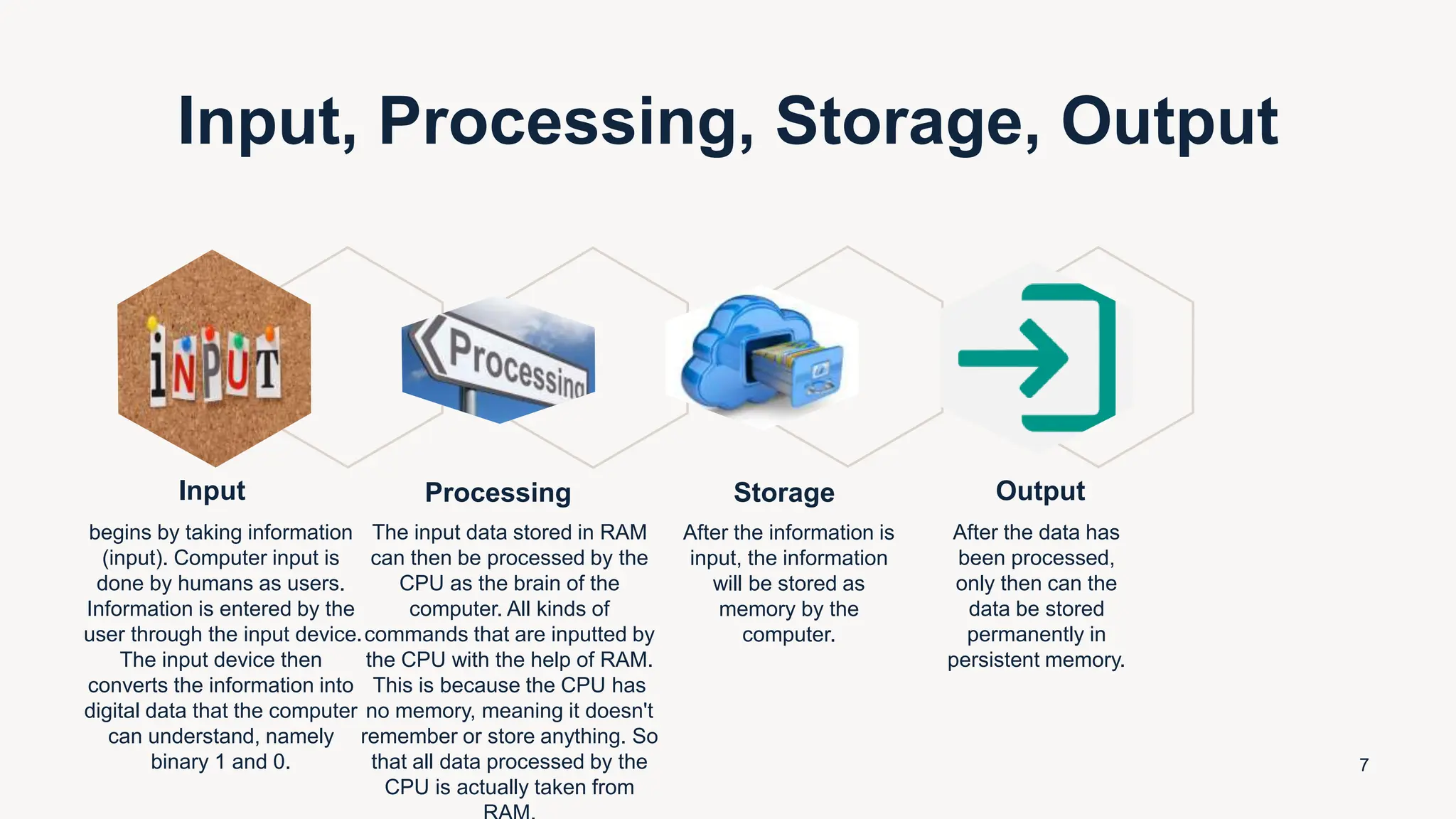
Input, Processing, Storage, Output
Input
begins by taking information
(input). Computer input is
done by humans as users.
Information is entered by the
user through the input device.
The input device then
converts the information into
digital data that the computer
can understand, namely
binary 1 and 0.
Processing
The input data stored in RAM
can then be processed by the
CPU as the brain of the
computer. All kinds of
commands that are inputted by
the CPU with the help of RAM.
This is because the CPU has
no memory, meaning it doesn't
remember or store anything. So
that all data processed by the
CPU is actually taken from
Storage
After the information is
input, the information
will be stored as
memory by the
computer.
Output
After the data has
been processed,
only then can the
data be stored
permanently in
persistent memory.
7
Thank you

A Process of Computer Application.pptx

  • 1.
  • 2.
    Agenda Introduction Basic principles of computer systems CPU,Memory, Input and output devices How computers work Input, Processing, Storage, Output Presentation Title Presentation title 2
  • 3.
    Introduction Computers are objectsthat cannot be separated from modern human life. Many human activities are assisted by the presence of computers, such as sending electronic mail, looking for references, conducting online exams, storing population data, processing research data, to making various kinds of films and animations. The first computer device was invented by a British mathematician named Charles Babbage. Even so, basically computers have the same principles and ways of working. Presentation title 3
  • 4.
    Basic principles of computer systems Theworking principle of a computer can simply be described with three main parts, namely input devices, output devices, CPU, and memory. Presentation title 4
  • 5.
    CPU, Memory, Input and Output Devices CPU CPUstands for Central Processing Unit or in Indonesian means a central processing unit. Called the central unit because the CPU is a component that acts as the brain of the computer. The CPU runs active code and manipulates data, while other components have a more passive role such as storing memory. Memory Memory is a computer component that serves to store data on a computer. With memory, the computer can "remember" a data if it is needed again. Input and Output Devices An input device is a device that functions to enter information into a computer, while an output device is a device that functions to output information from a computer. The input that goes into the computer must be digitized, while the output data often has to be analogized. Suppose you want to enter a text into the computer. The keyboard functions as an input device that enters text and converts it into digital data. The text can then be displayed by the computer screen as an output device. 5
  • 6.
    How computers work Theway computers work is to take information (input), process information (processing), store information (storage), and spit out results (output). Presentation title 6
  • 7.
    Input, Processing, Storage,Output Input begins by taking information (input). Computer input is done by humans as users. Information is entered by the user through the input device. The input device then converts the information into digital data that the computer can understand, namely binary 1 and 0. Processing The input data stored in RAM can then be processed by the CPU as the brain of the computer. All kinds of commands that are inputted by the CPU with the help of RAM. This is because the CPU has no memory, meaning it doesn't remember or store anything. So that all data processed by the CPU is actually taken from Storage After the information is input, the information will be stored as memory by the computer. Output After the data has been processed, only then can the data be stored permanently in persistent memory. 7
  • 8.