JAWAHARLAL NEHRU TECHNOLOGY UNIVERSITY KAKINADA : KAKINADA
SCHOOL OF MANAGEMENT STUDIES
WEB DESIGNING
Creation of Tables in HTML
Presented by
Pradeep Guthula
20SM1E0002
HTML table
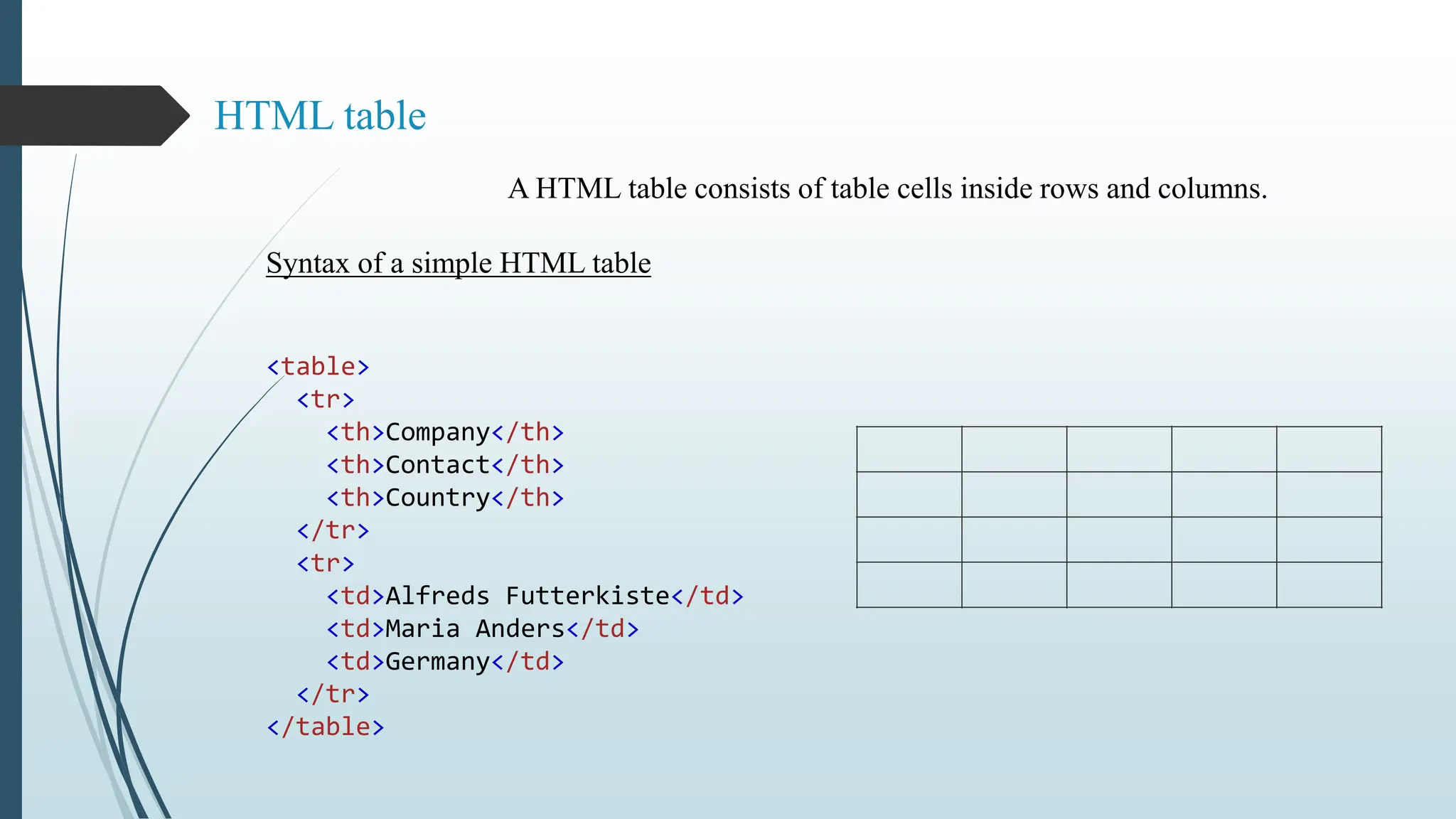
A HTML table consists of table cells inside rows and columns.
Syntax of a simple HTML table
<table>
<tr>
<th>Company</th>
<th>Contact</th>
<th>Country</th>
</tr>
<tr>
<td>Alfreds Futterkiste</td>
<td>Maria Anders</td>
<td>Germany</td>
</tr>
</table>
Table Cells:
Each table cell is defined by a <td> and a </td> tag
(td stands for table data.)
Everything between <td> and </td> are the content of the table cell.
. Example
<table>
<tr>
<td>Emil</td>
<td>Tobias</td>
<td>Linus</td>
</tr>
</table>
HTML Table Borders
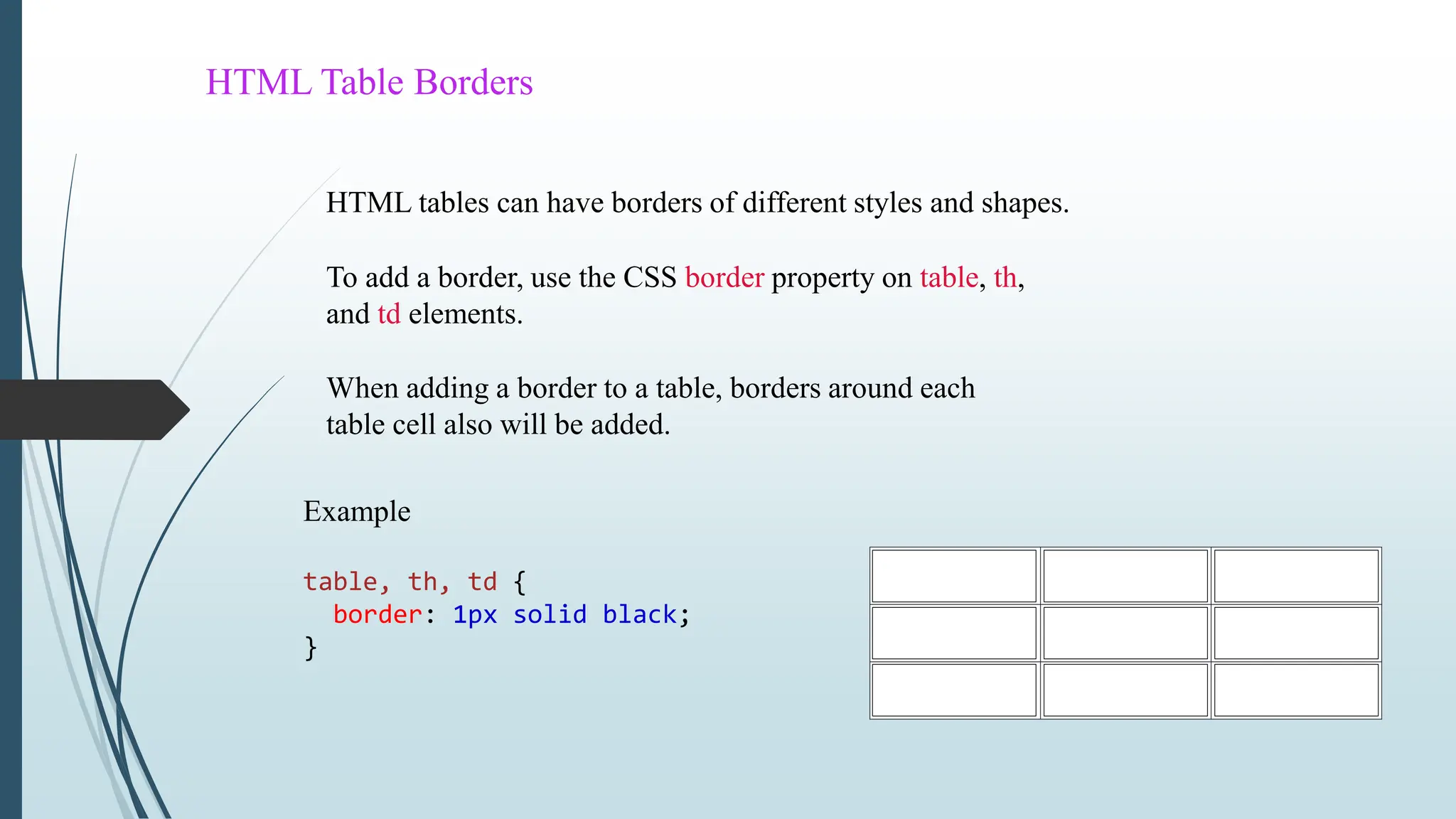
HTML tables can have borders of different styles and shapes.
To add a border, use the CSS border property on table, th,
and td elements.
When adding a border to a table, borders around each
table cell also will be added.
Example
table, th, td {
border: 1px solid black;
}
HTML Table Sizes
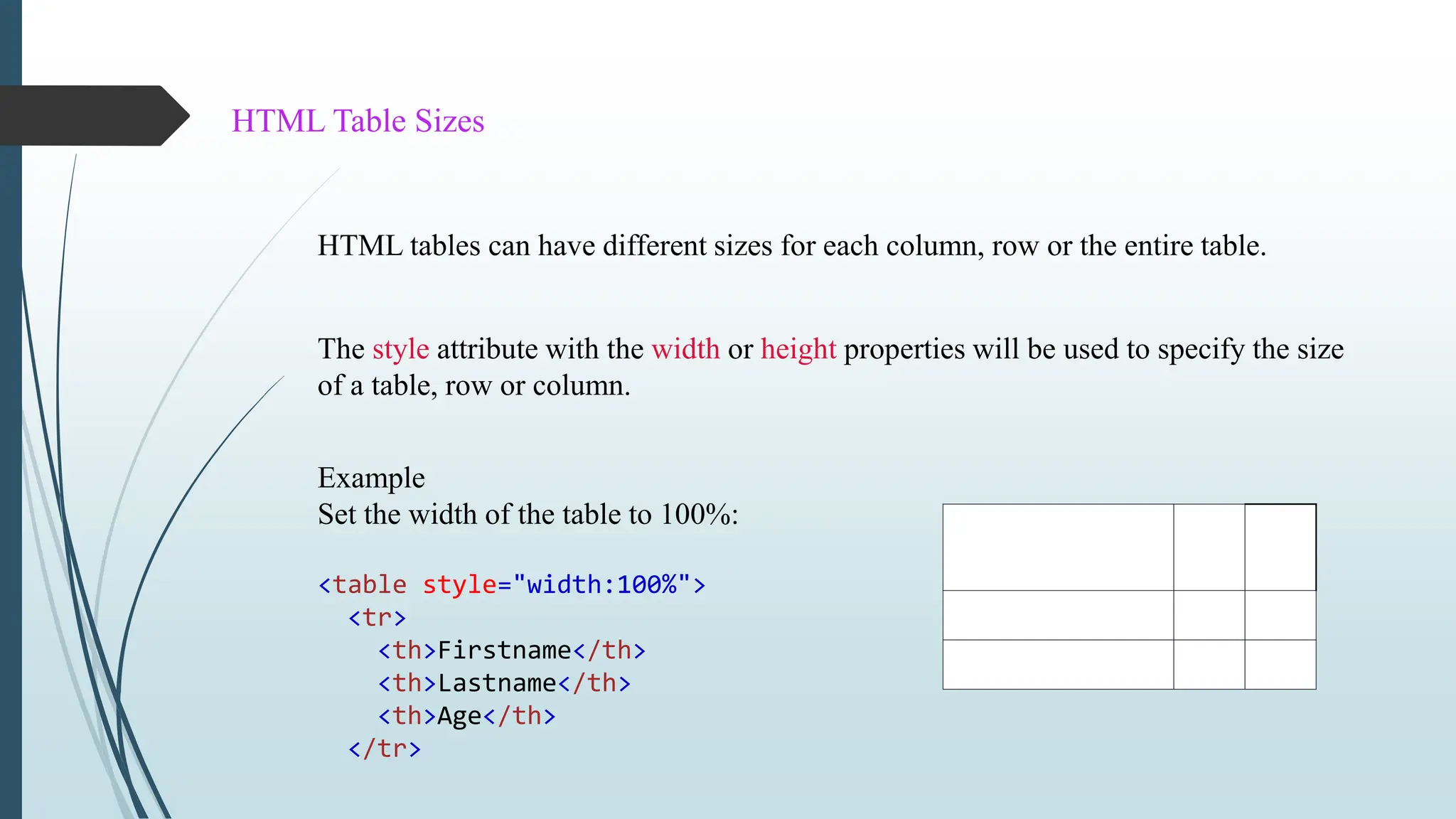
HTML tables can have different sizes for each column, row or the entire table.
The style attribute with the width or height properties will be used to specify the size
of a table, row or column.
Example
Set the width of the table to 100%:
<table style="width:100%">
<tr>
<th>Firstname</th>
<th>Lastname</th>
<th>Age</th>
</tr>
HTML Table Colspan & Rowspan
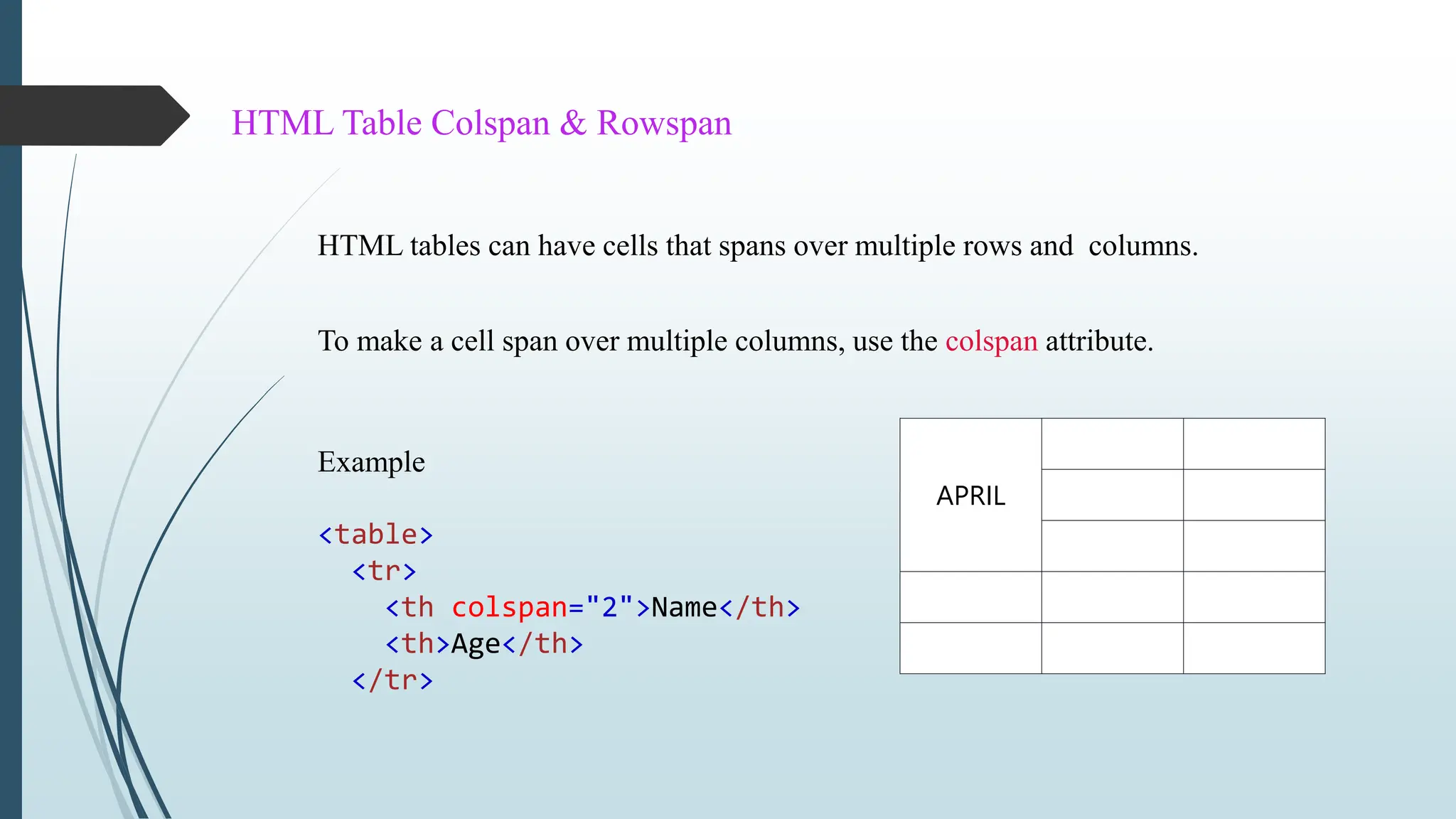
HTML tables can have cells that spans over multiple rows and columns.
Example
<table>
<tr>
<th colspan="2">Name</th>
<th>Age</th>
</tr>
To make a cell span over multiple columns, use the colspan attribute.
APRIL
www.javatpoint.com
&
www.w3schools.com
Reference
THANK YOU !

A PPT on Creation of Tables in HTML, WEB Designing

  • 1.
    JAWAHARLAL NEHRU TECHNOLOGYUNIVERSITY KAKINADA : KAKINADA SCHOOL OF MANAGEMENT STUDIES WEB DESIGNING Creation of Tables in HTML Presented by Pradeep Guthula 20SM1E0002
  • 2.
    HTML table A HTMLtable consists of table cells inside rows and columns. Syntax of a simple HTML table <table> <tr> <th>Company</th> <th>Contact</th> <th>Country</th> </tr> <tr> <td>Alfreds Futterkiste</td> <td>Maria Anders</td> <td>Germany</td> </tr> </table>
  • 3.
    Table Cells: Each tablecell is defined by a <td> and a </td> tag (td stands for table data.) Everything between <td> and </td> are the content of the table cell. . Example <table> <tr> <td>Emil</td> <td>Tobias</td> <td>Linus</td> </tr> </table>
  • 4.
    HTML Table Borders HTMLtables can have borders of different styles and shapes. To add a border, use the CSS border property on table, th, and td elements. When adding a border to a table, borders around each table cell also will be added. Example table, th, td { border: 1px solid black; }
  • 5.
    HTML Table Sizes HTMLtables can have different sizes for each column, row or the entire table. The style attribute with the width or height properties will be used to specify the size of a table, row or column. Example Set the width of the table to 100%: <table style="width:100%"> <tr> <th>Firstname</th> <th>Lastname</th> <th>Age</th> </tr>
  • 6.
    HTML Table Colspan& Rowspan HTML tables can have cells that spans over multiple rows and columns. Example <table> <tr> <th colspan="2">Name</th> <th>Age</th> </tr> To make a cell span over multiple columns, use the colspan attribute. APRIL
  • 7.
  • 8.