A Blender 3D Classroom Wiki by Andy Walleck
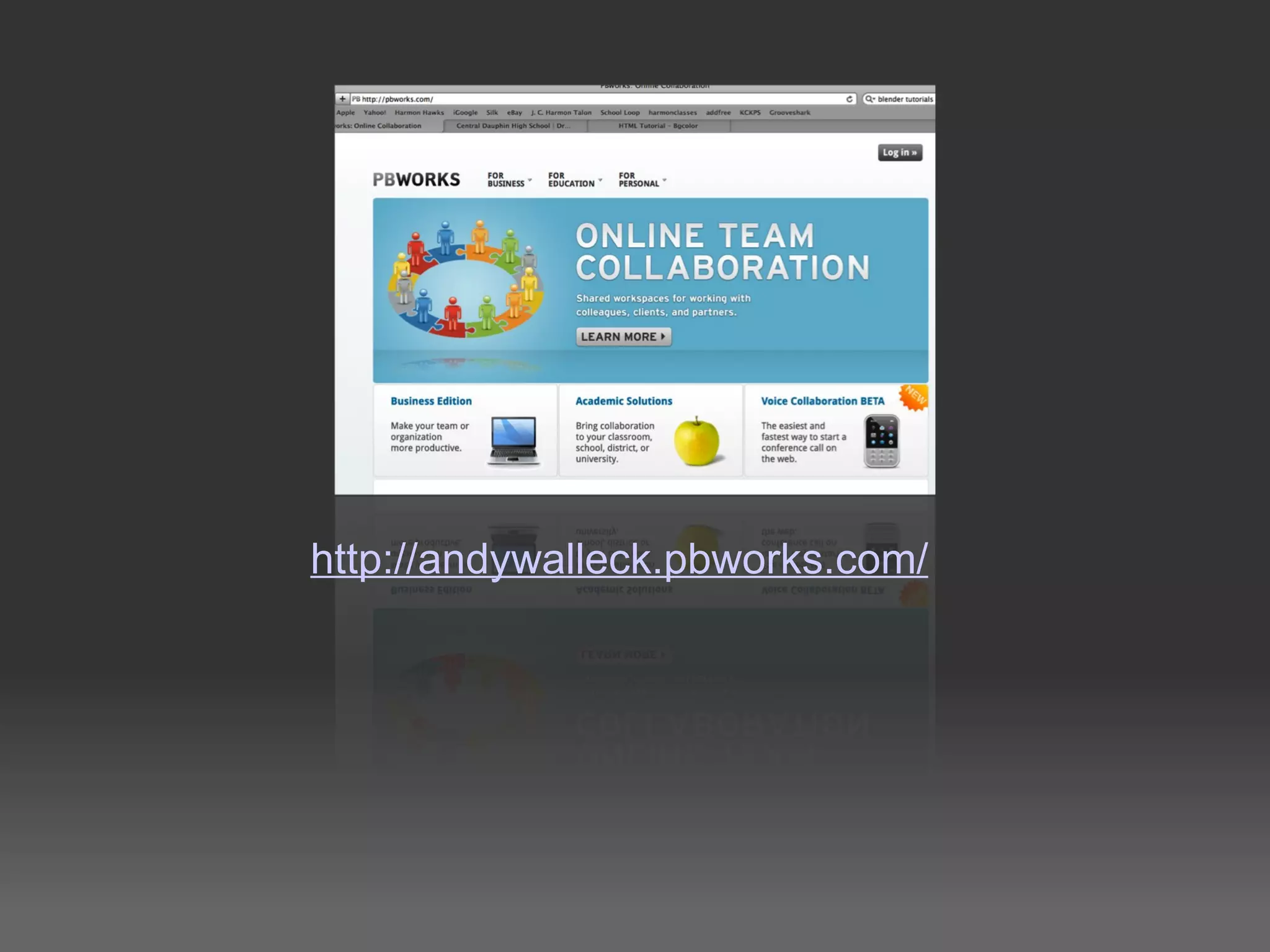
http://andywalleck.pbworks.com/
Benefits of a Class Wiki Centralized point for class resources Easily updated and customizable Offers the opportunity for students to safely add content Creates a place where students can digitally turn in and present their work!
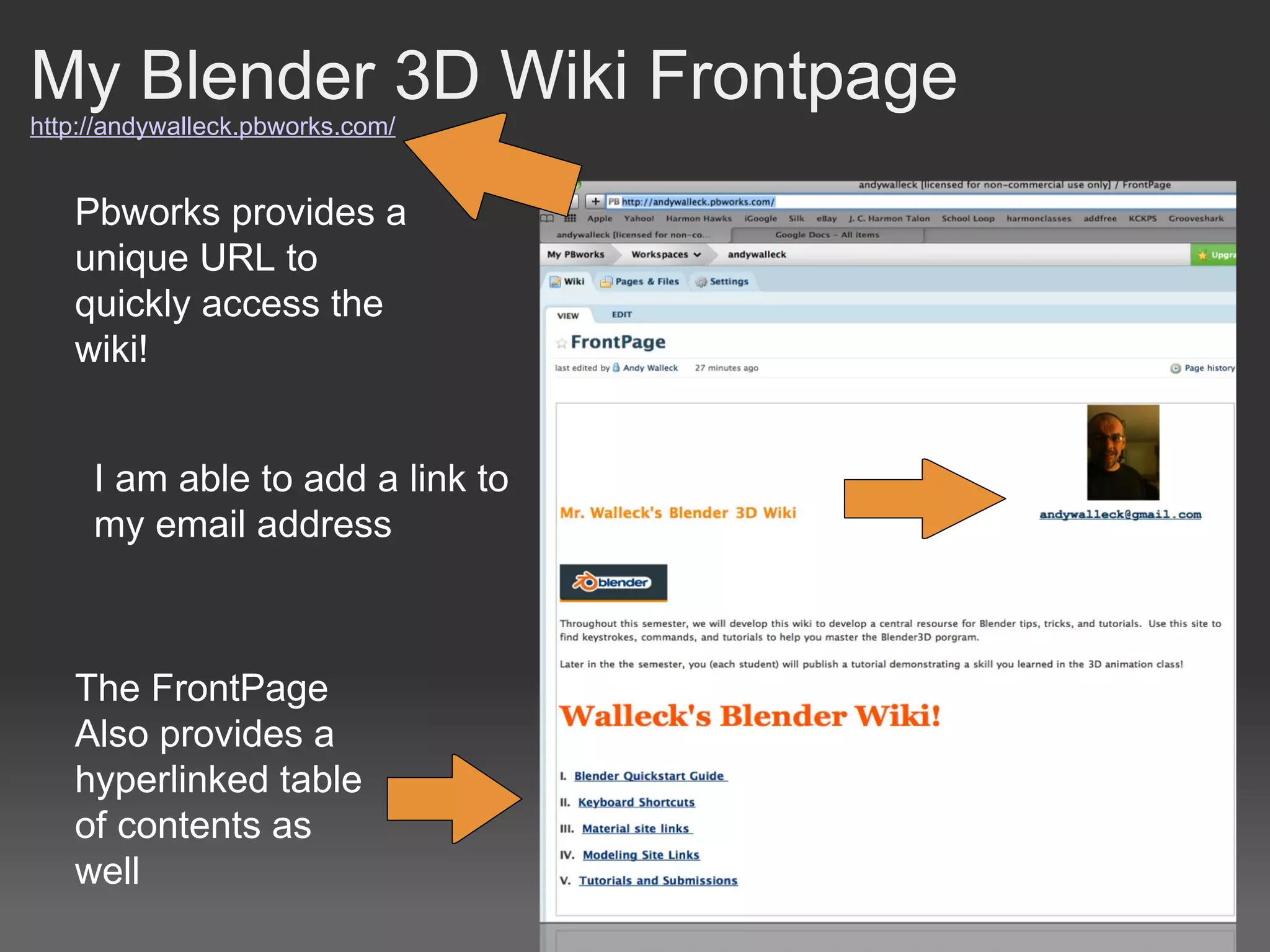
My Blender 3D Wiki Frontpage http://andywalleck.pbworks.com/ Pbworks provides a unique URL to quickly access the wiki! I am able to add a link to my email address The FrontPage Also provides a hyperlinked table of contents as well
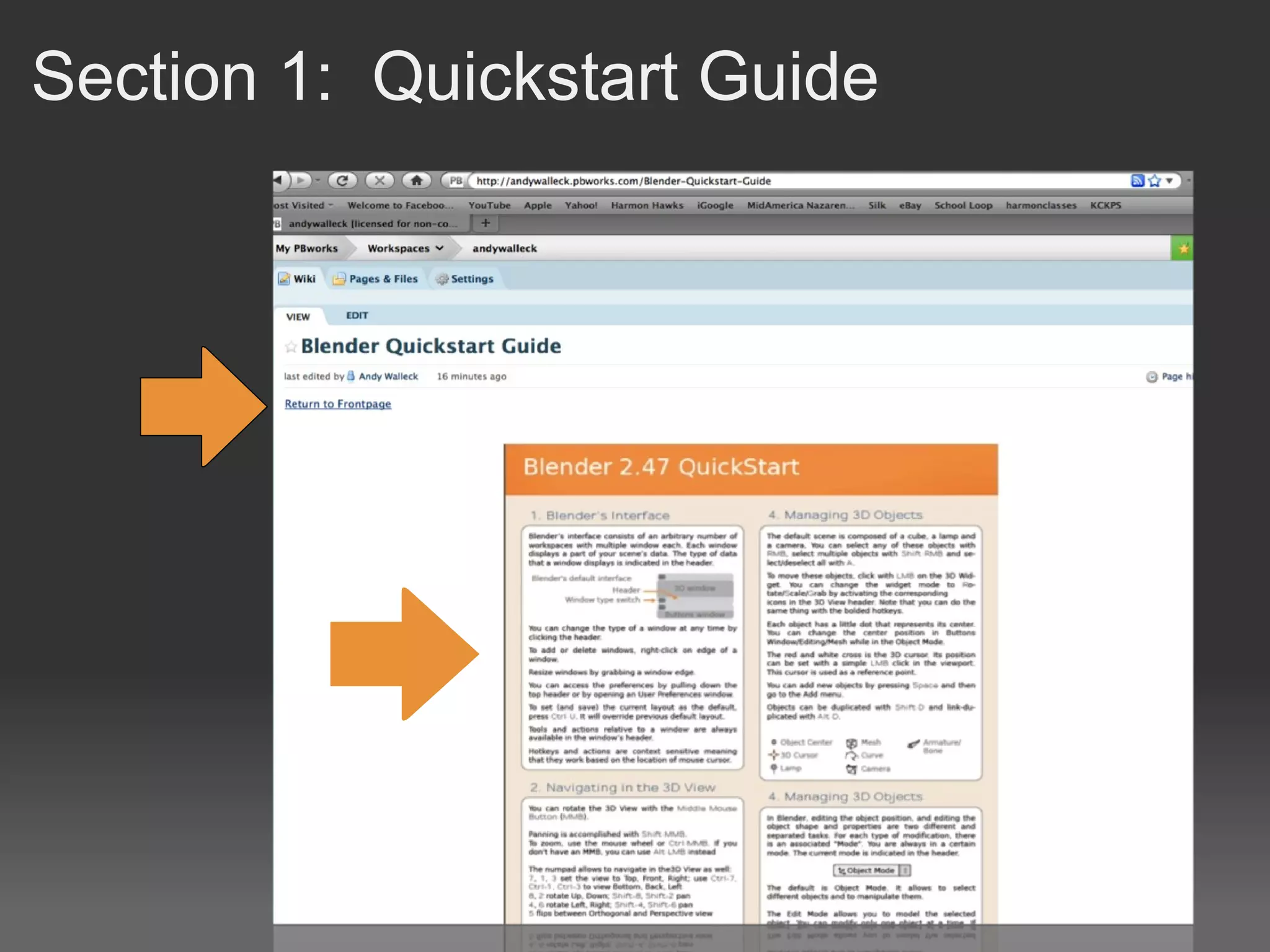
Section 1:  Quickstart Guide
Section 2:  Keyboard Shortcuts
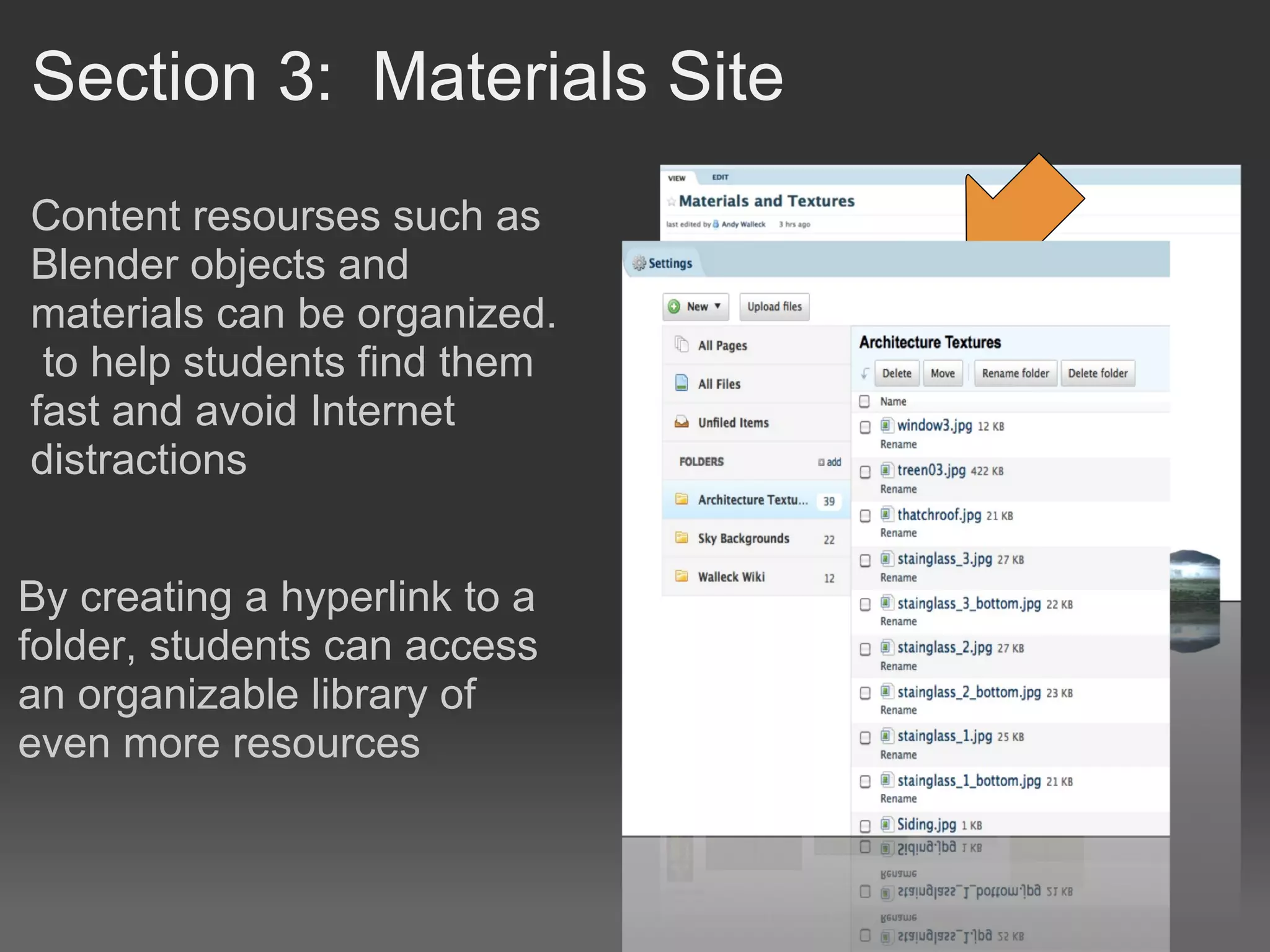
Section 3:  Materials Site Content resourses such as Blender objects and materials can be organized.  to help students find them fast and avoid Internet distractions By creating a hyperlink to a folder, students can access an organizable library of even more resources
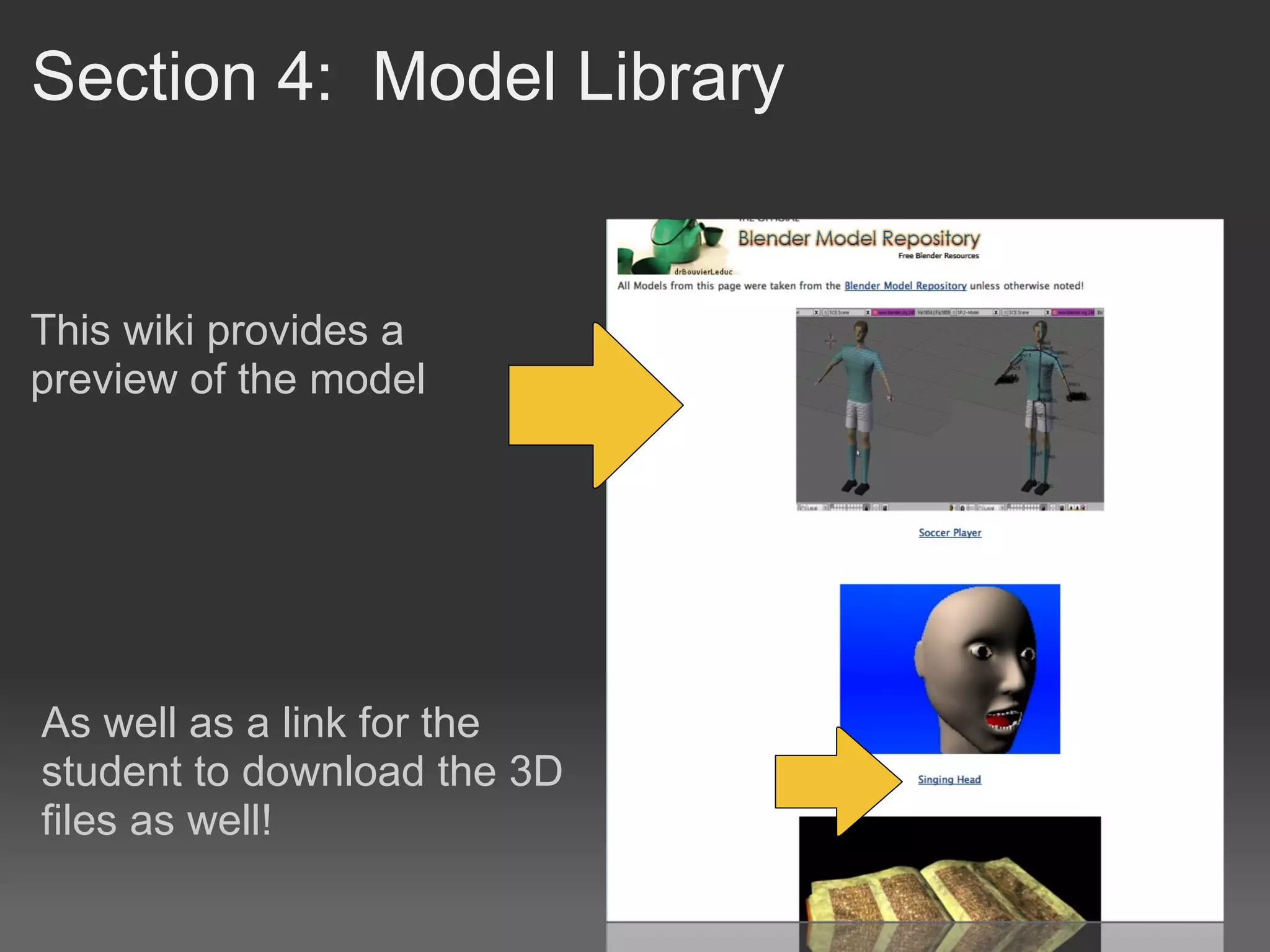
Section 4:  Model Library This wiki provides a preview of the model As well as a link for the student to download the 3D files as well!
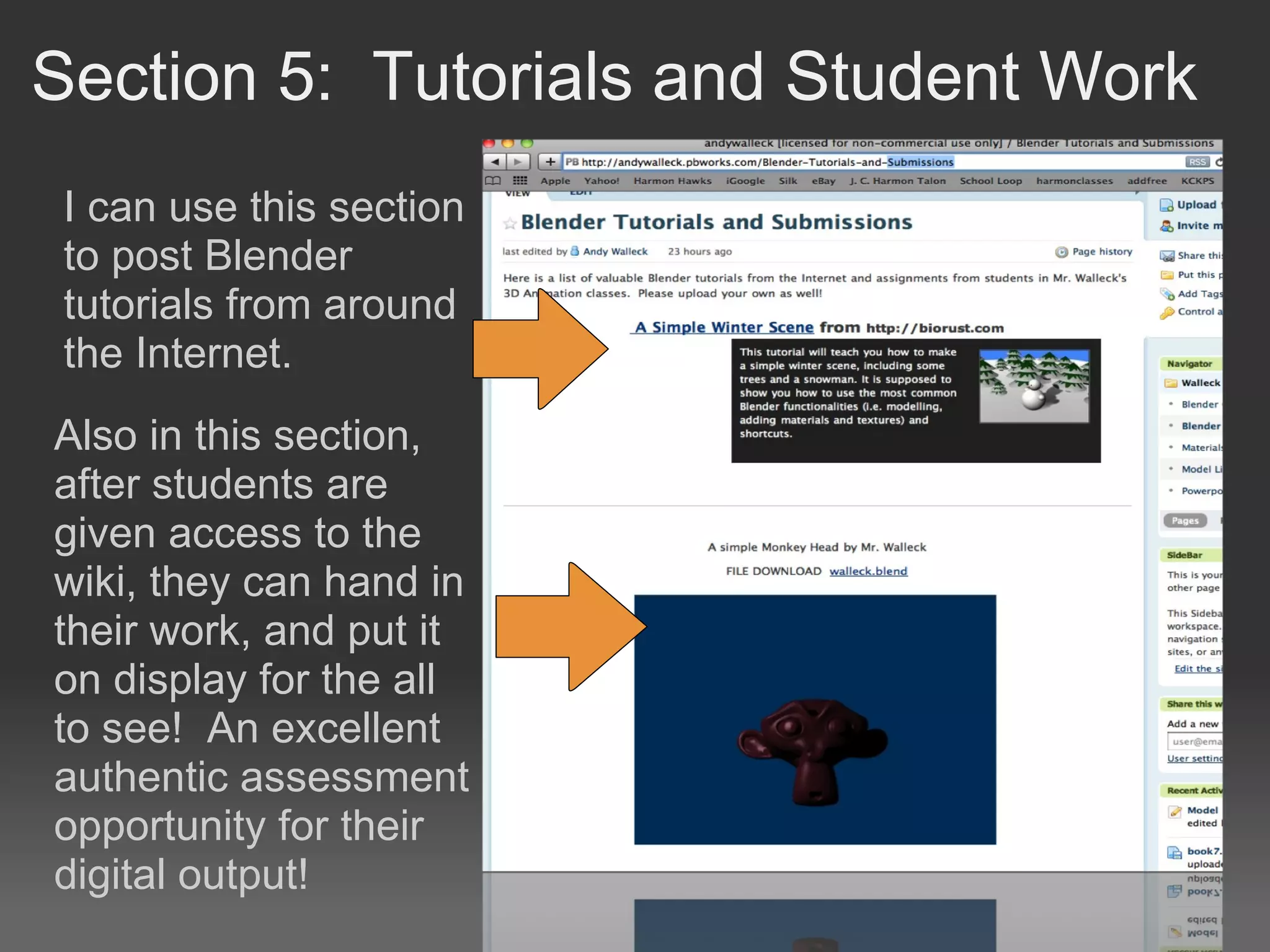
Section 5:  Tutorials and Student Work Also in this section, after students are given access to the wiki, they can hand in their work, and put it on display for the all to see!  An excellent authentic assessment opportunity for their digital output! I can use this section to post Blender tutorials from around the Internet.

A Blender 3 D Classroom Wiki

  • 1.
    A Blender 3DClassroom Wiki by Andy Walleck
  • 2.
  • 3.
    Benefits of aClass Wiki Centralized point for class resources Easily updated and customizable Offers the opportunity for students to safely add content Creates a place where students can digitally turn in and present their work!
  • 4.
    My Blender 3DWiki Frontpage http://andywalleck.pbworks.com/ Pbworks provides a unique URL to quickly access the wiki! I am able to add a link to my email address The FrontPage Also provides a hyperlinked table of contents as well
  • 5.
  • 6.
  • 7.
    Section 3:  MaterialsSite Content resourses such as Blender objects and materials can be organized.  to help students find them fast and avoid Internet distractions By creating a hyperlink to a folder, students can access an organizable library of even more resources
  • 8.
    Section 4:  ModelLibrary This wiki provides a preview of the model As well as a link for the student to download the 3D files as well!
  • 9.
    Section 5:  Tutorialsand Student Work Also in this section, after students are given access to the wiki, they can hand in their work, and put it on display for the all to see!  An excellent authentic assessment opportunity for their digital output! I can use this section to post Blender tutorials from around the Internet.

Editor's Notes

  • #5 Describe the basic sections of the front page