7 Steps to migrate your SEO strategy
Robin Neyt
woensdag 29 mei 13
Hi! I’m Robin.

woensdag 29 mei 13
I work at Wijs
A digital Agency in Ghent/Gent
woensdag 29 mei 13
‣ Situation
‣ What’s the problem?
‣ A blueprint
‣ Start: the new website
‣ Before the launch
‣ Launch of the website
‣ What if it goes wrong?
Tweet-style Summary
woensdag 29 mei 13
Situation
woensdag 29 mei 13
‣ Everybody wants a new website
‣ It should be bigger, better, fancier,...
‣ Nobody thinks about the consequences!
Situation
woensdag 29 mei 13
What’s the problem?
woensdag 29 mei 13
‣ website that’s been around for quite a while
‣ has a lot of domain authority
‣ has a lot of unique backlinks
‣ is top of mind with customers
All this can be lost easily
What’s the problem?
woensdag 29 mei 13
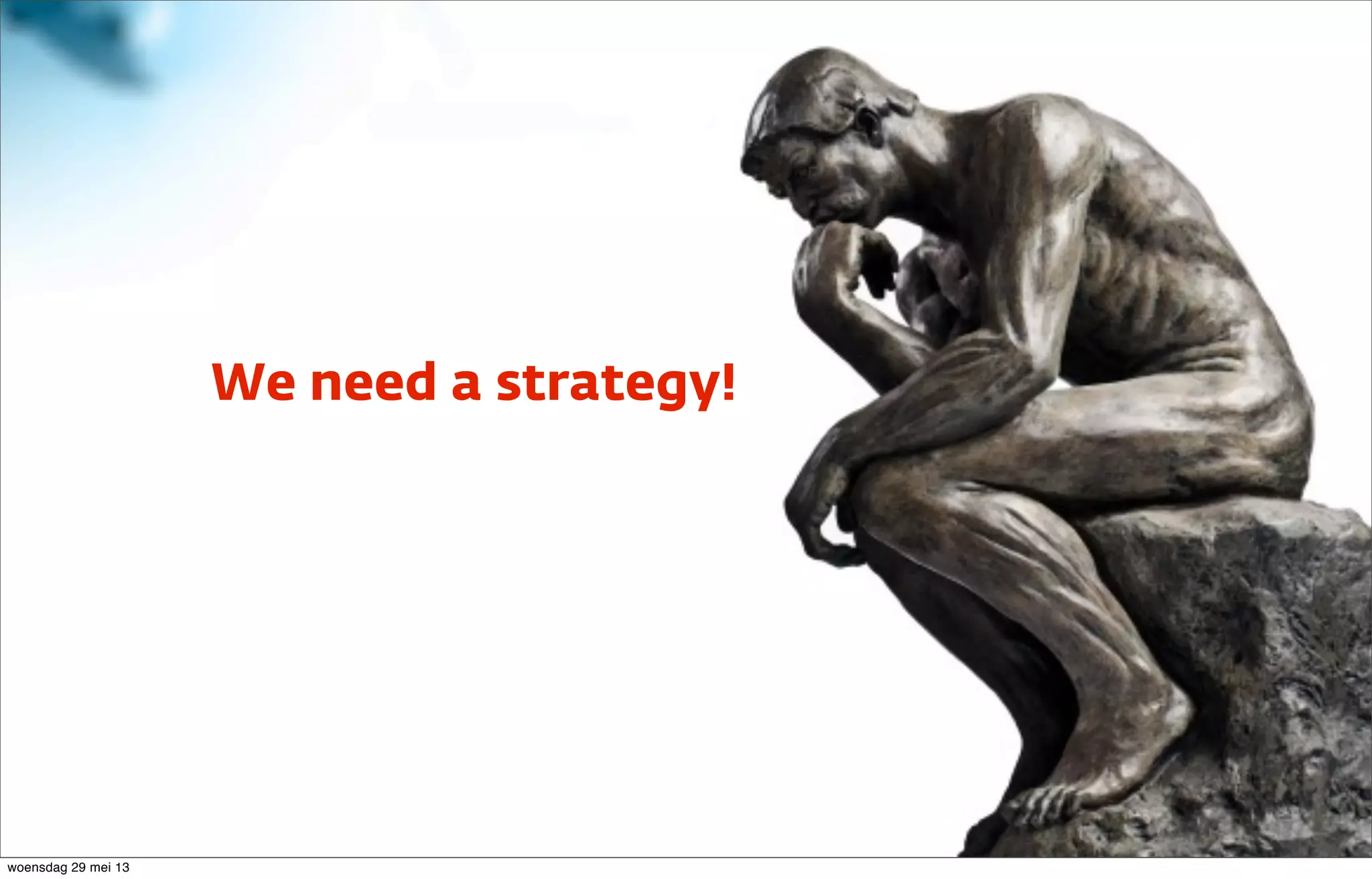
We need a strategy!
woensdag 29 mei 13
‣ Think first, act later! (Usually goes wrong...)
‣ Create a masterplan!
‣ Follow it to the letter! (Usually goes wrong...)
‣ Put it to the test!
‣ Keep a close eye on the results!
How should we tackle the problem?
woensdag 29 mei 13
A blueprint for the masterplan
woensdag 29 mei 13
Start: The new website
woensdag 29 mei 13
It should be bigger, better, fancier...
woensdag 29 mei 13
Watch out for exotic
functionality!
woensdag 29 mei 13
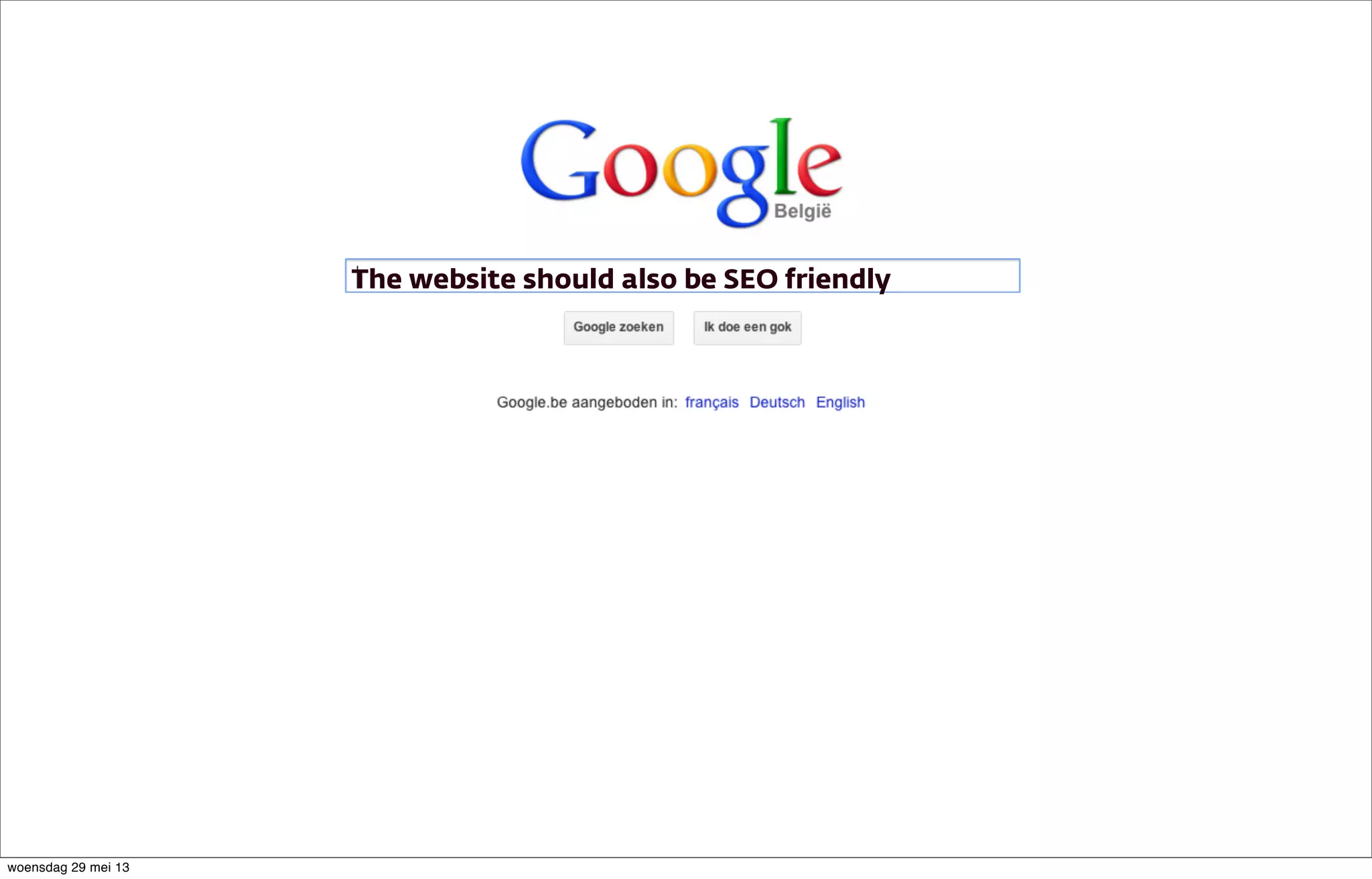
The website should also be SEO friendly
woensdag 29 mei 13
‣ Ideal moment for a new keyword research
‣ Use keyword research to create new site architecture
‣ Visitor point of view
‣ Not too much jargon
‣ Visitor has a problem and searches for a solution
Keyword Research
woensdag 29 mei 13
‣ Don’t lose good functionality that was present in the previous website
‣ If it works, don’t break it (Your IT is going to love this)
‣ Just make it better
‣ Now is the time to make adjustments
‣ Costs, timing, campaigns,...
‣ Make sure web copy is ready in time
‣ Don’t do everything last minute!
Requirements
woensdag 29 mei 13
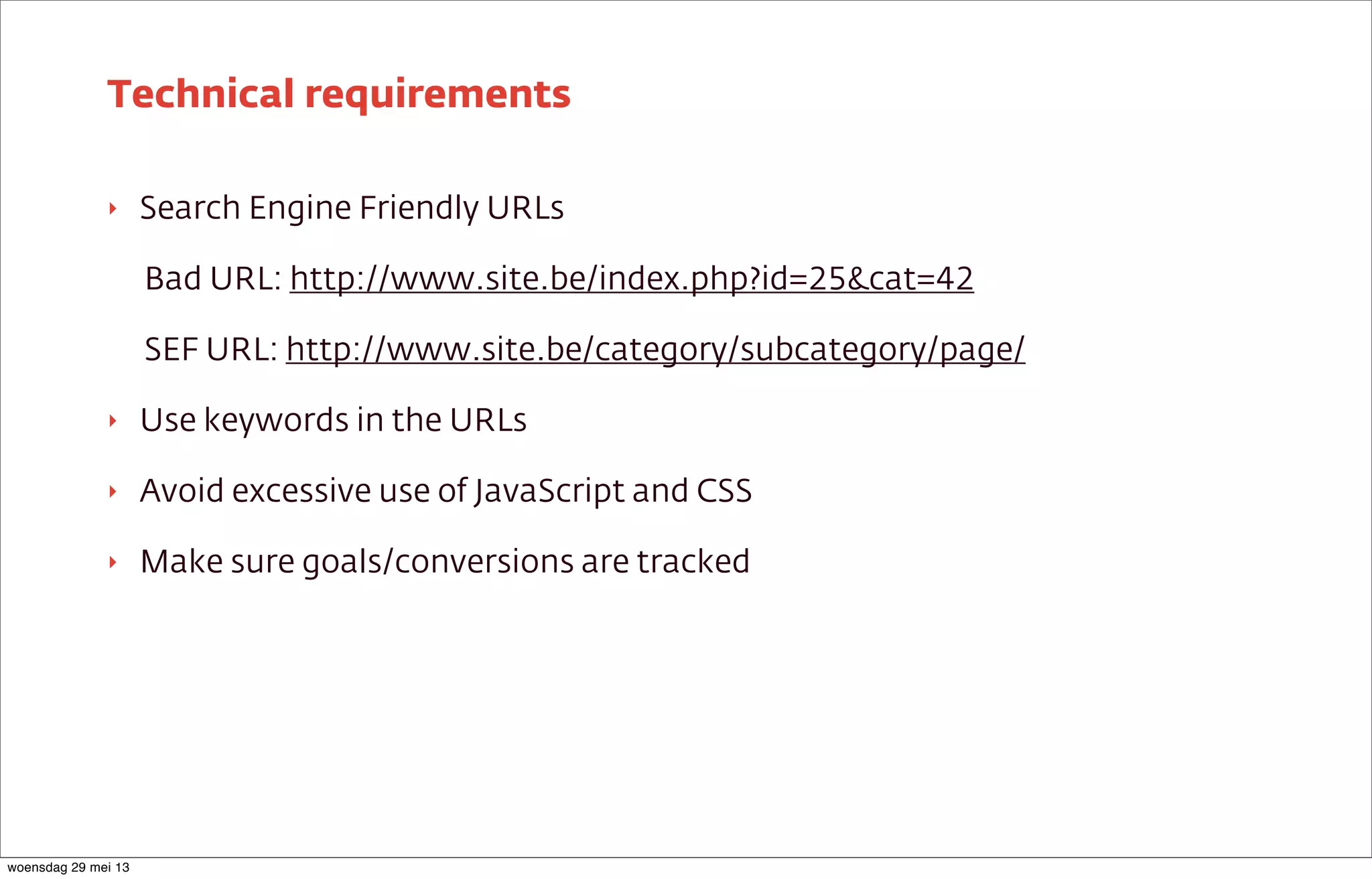
‣ Search Engine Friendly URLs
Bad URL: http://www.site.be/index.php?id=25&cat=42
SEF URL: http://www.site.be/category/subcategory/page/
‣ Use keywords in the URLs
‣ Avoid excessive use of JavaScript and CSS
‣ Make sure goals/conversions are tracked
Technical requirements
woensdag 29 mei 13
‣ URL
‣ Title <title>
‣ H1
‣ Menu item in navigation
Should be possible to edit all items individually
On-page elements
woensdag 29 mei 13
‣ Make sure goals/conversions are tracked
‣ Prepare event tracking
‣ Make sure every form has an unique thank you page → different URLs
‣ Monitor the performance of the new website
‣ After a few weeks → enough data to evaluate the migration
Conversion tracking
woensdag 29 mei 13
Before the launch
woensdag 29 mei 13
Create a redirect plan!
woensdag 29 mei 13
‣ Create overview of the current site structure
‣ Determine the most important pages of the current website
‣ Different tools you can use
Site structure
woensdag 29 mei 13
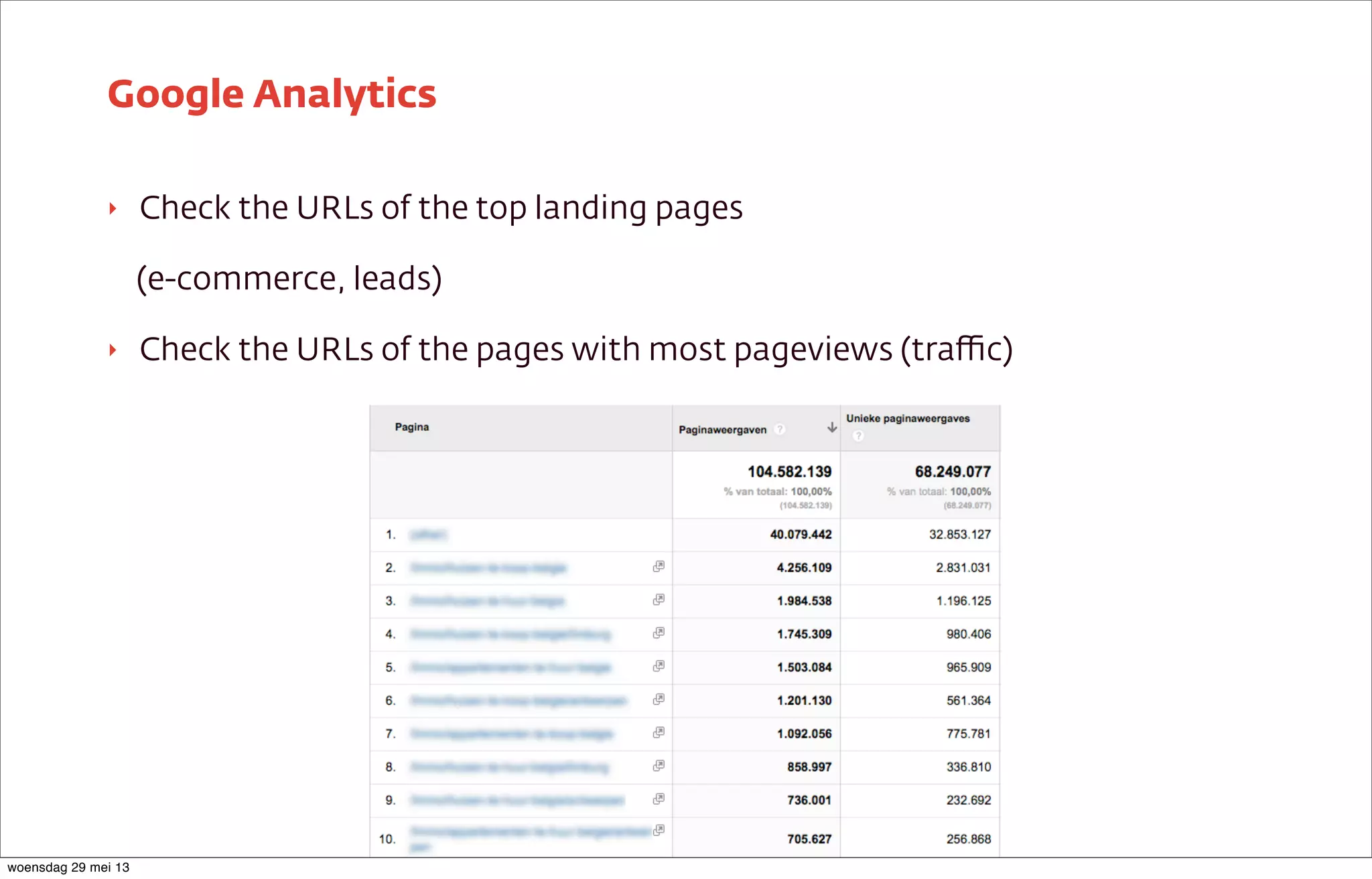
‣ Check the URLs of the top landing pages
(e-commerce, leads)
‣ Check the URLs of the pages with most pageviews (traffic)
Google Analytics
woensdag 29 mei 13
High amount of pages?
woensdag 29 mei 13
Sort pages by authority!
woensdag 29 mei 13
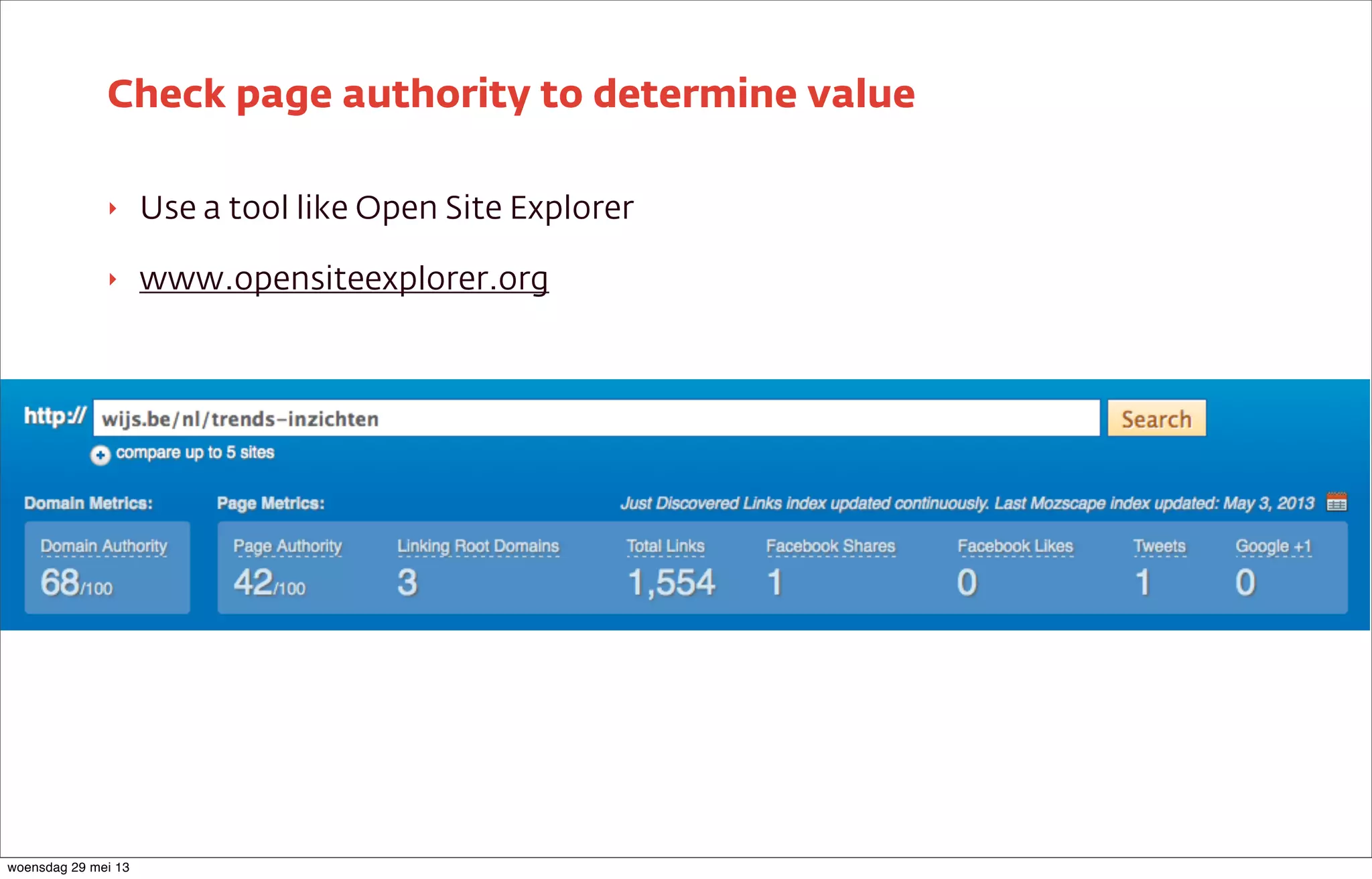
‣ Use a tool like Open Site Explorer
‣ www.opensiteexplorer.org
Check page authority to determine value
woensdag 29 mei 13
‣ Merge the important URLs from your current site
‣ Both the ones you selected and the top landing pages in
Analytics
‣ As specific as possible
‣ Keep number of consecutive redirects to a minimum
301 redirects to the corresponding pages on the new website
Combine all data
woensdag 29 mei 13
Don’t forget 301 redirect from
non www to www
woensdag 29 mei 13
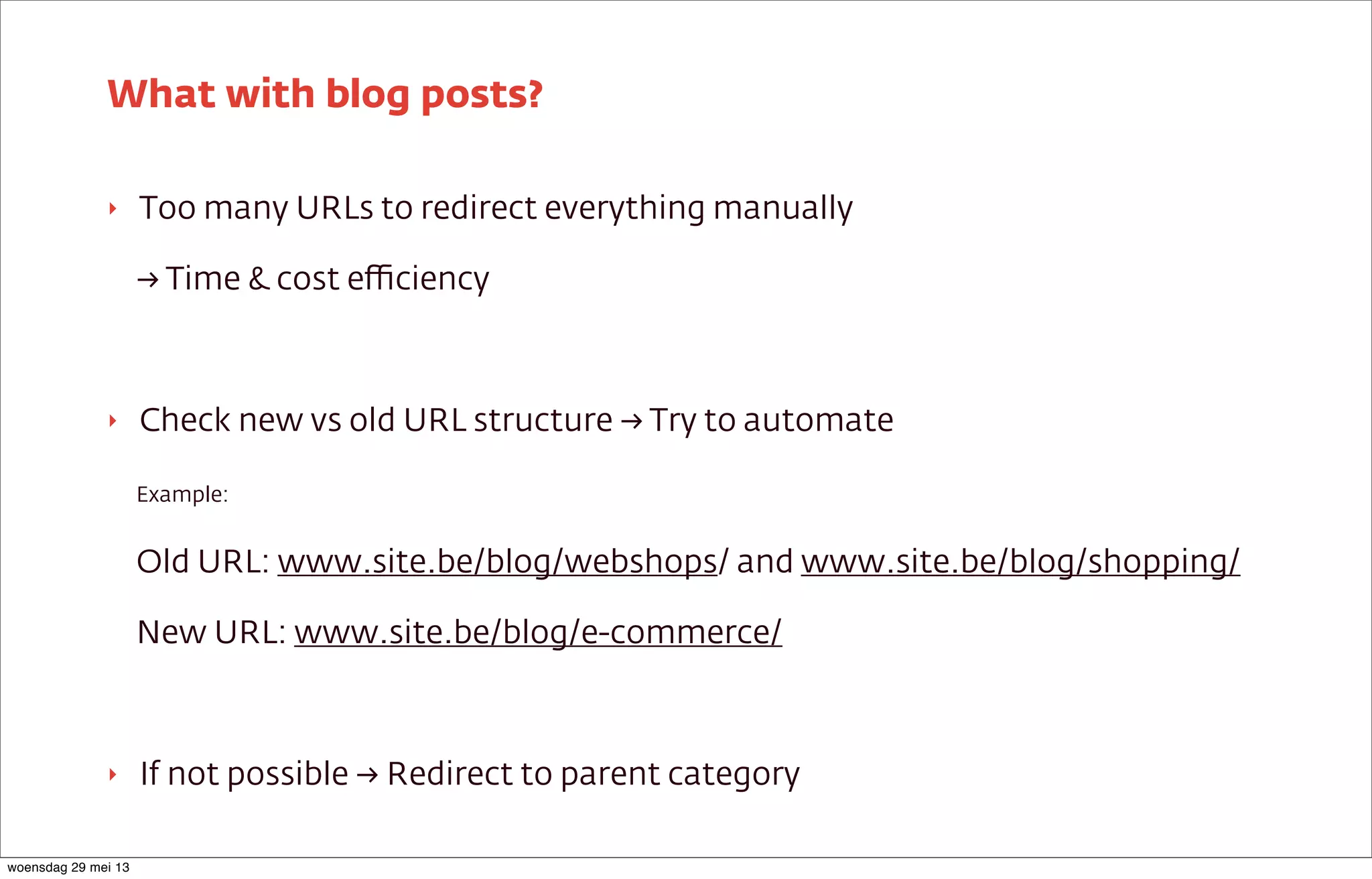
‣ Too many URLs to redirect everything manually
→ Time & cost efficiency
‣ Check new vs old URL structure → Try to automate
Example:
Old URL: www.site.be/blog/webshops/ and www.site.be/blog/shopping/
New URL: www.site.be/blog/e-commerce/
‣ If not possible → Redirect to parent category
What with blog posts?
woensdag 29 mei 13
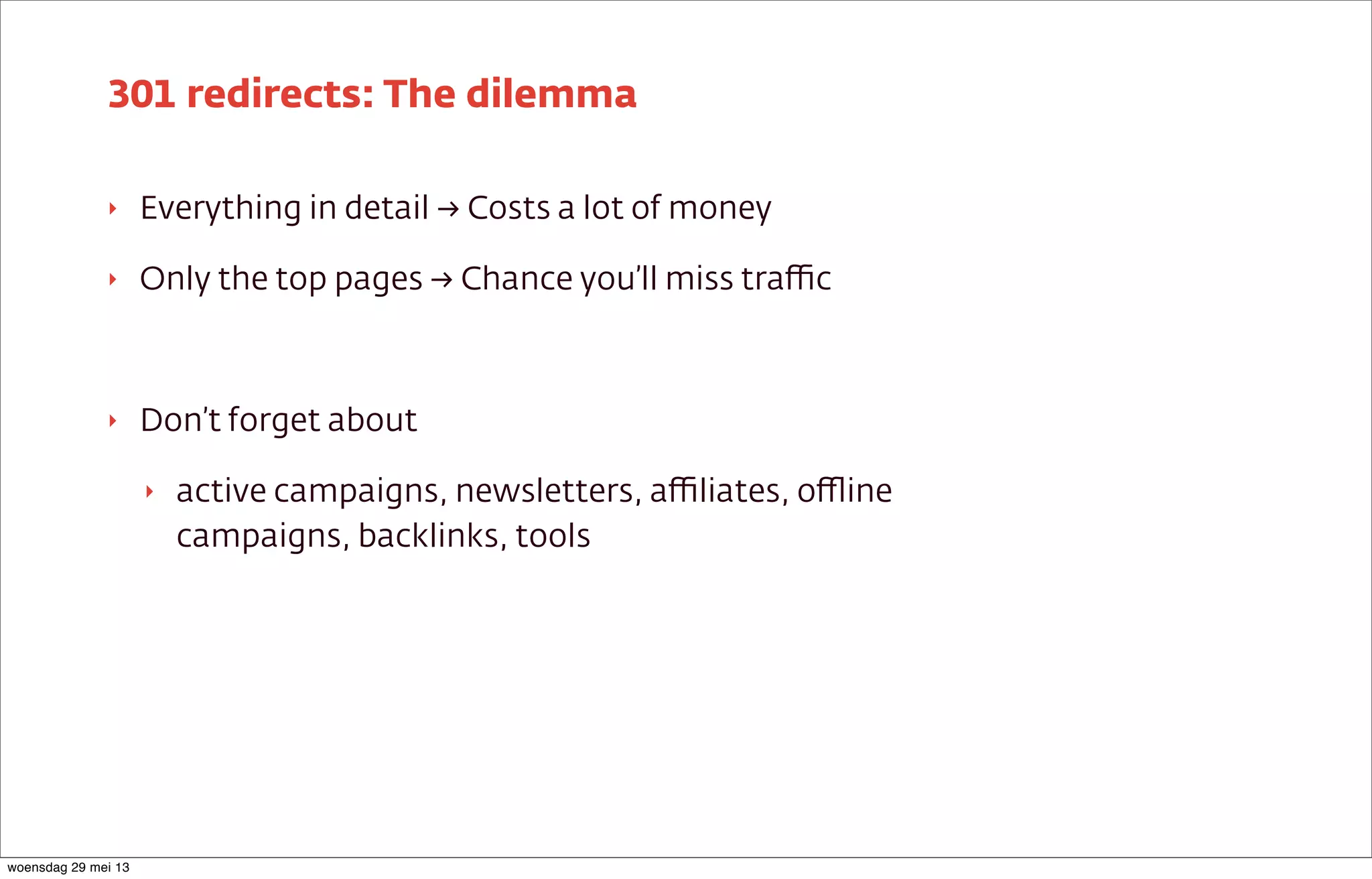
‣ Everything in detail → Costs a lot of money
‣ Only the top pages → Chance you’ll miss traffic
‣ Don’t forget about
‣ active campaigns, newsletters, affiliates, offline
campaigns, backlinks, tools
301 redirects: The dilemma
woensdag 29 mei 13
Tips & tricks
woensdag 29 mei 13
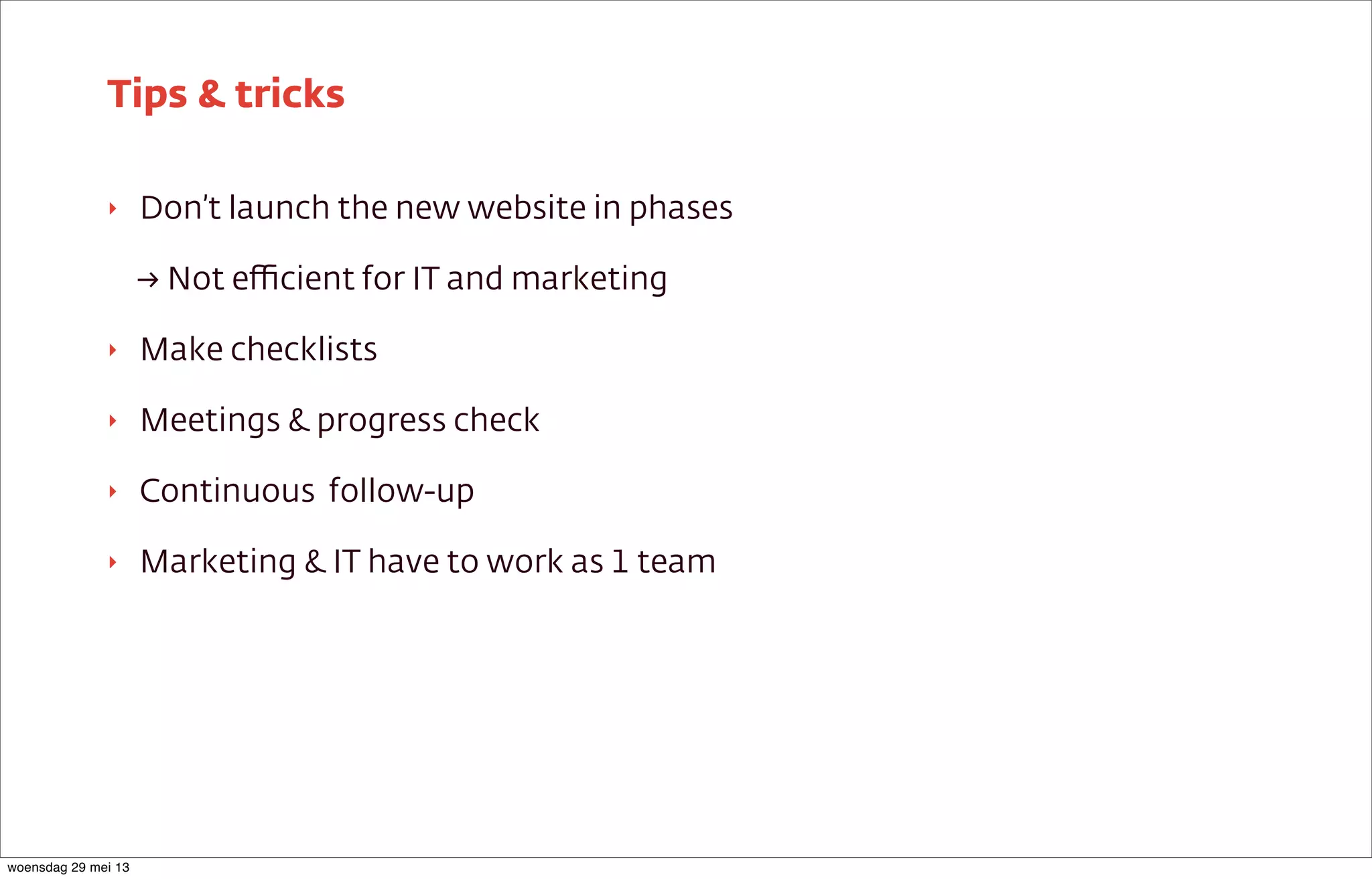
‣ Don’t launch the new website in phases
→ Not efficient for IT and marketing
‣ Make checklists
‣ Meetings & progress check
‣ Continuous follow-up
‣ Marketing & IT have to work as 1 team
Tips & tricks
woensdag 29 mei 13
Launch of the website
woensdag 29 mei 13
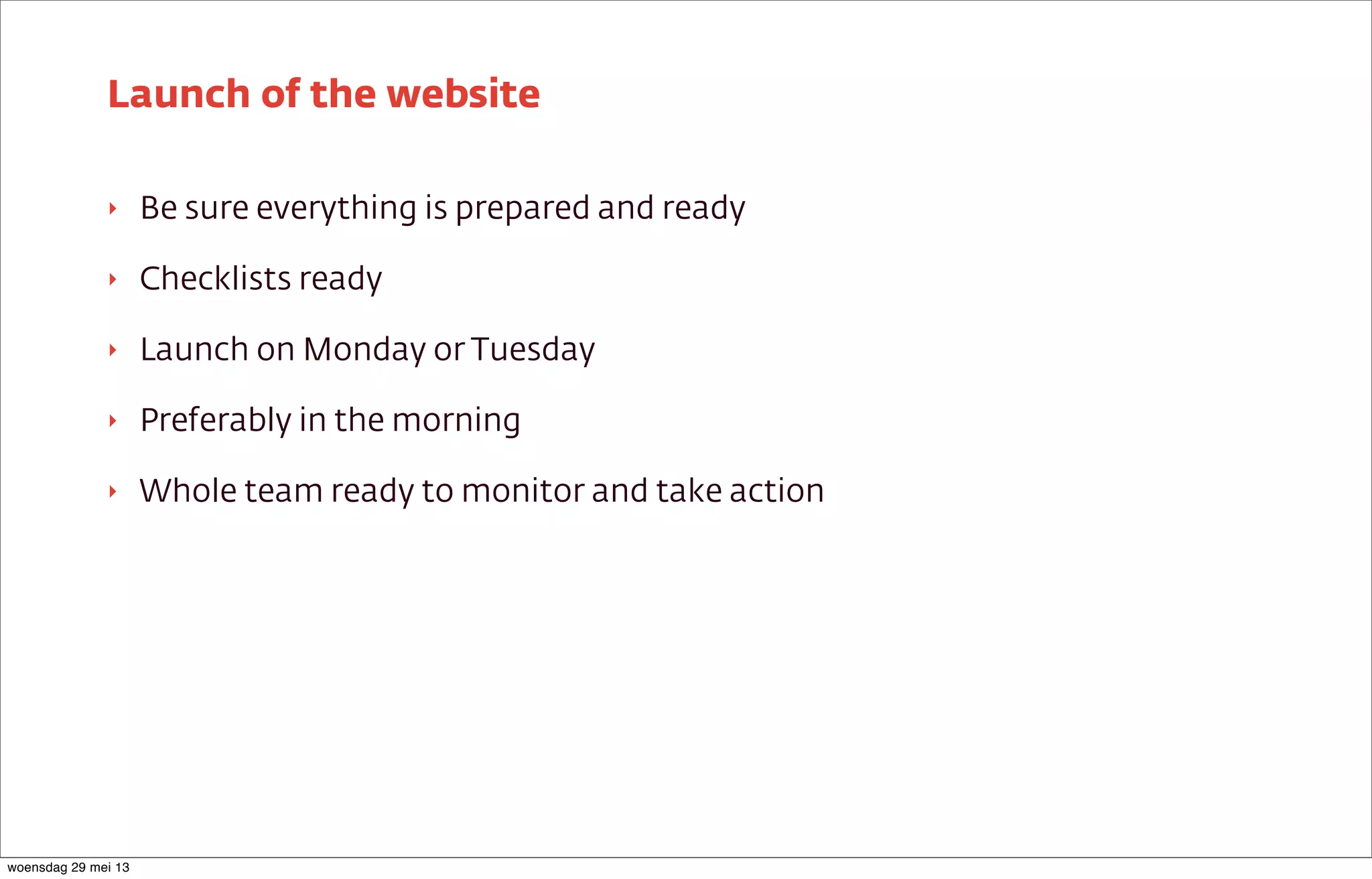
‣ Be sure everything is prepared and ready
‣ Checklists ready
‣ Launch on Monday or Tuesday
‣ Preferably in the morning
‣ Whole team ready to monitor and take action
Launch of the website
woensdag 29 mei 13
‣ Do a manual check of the redirects
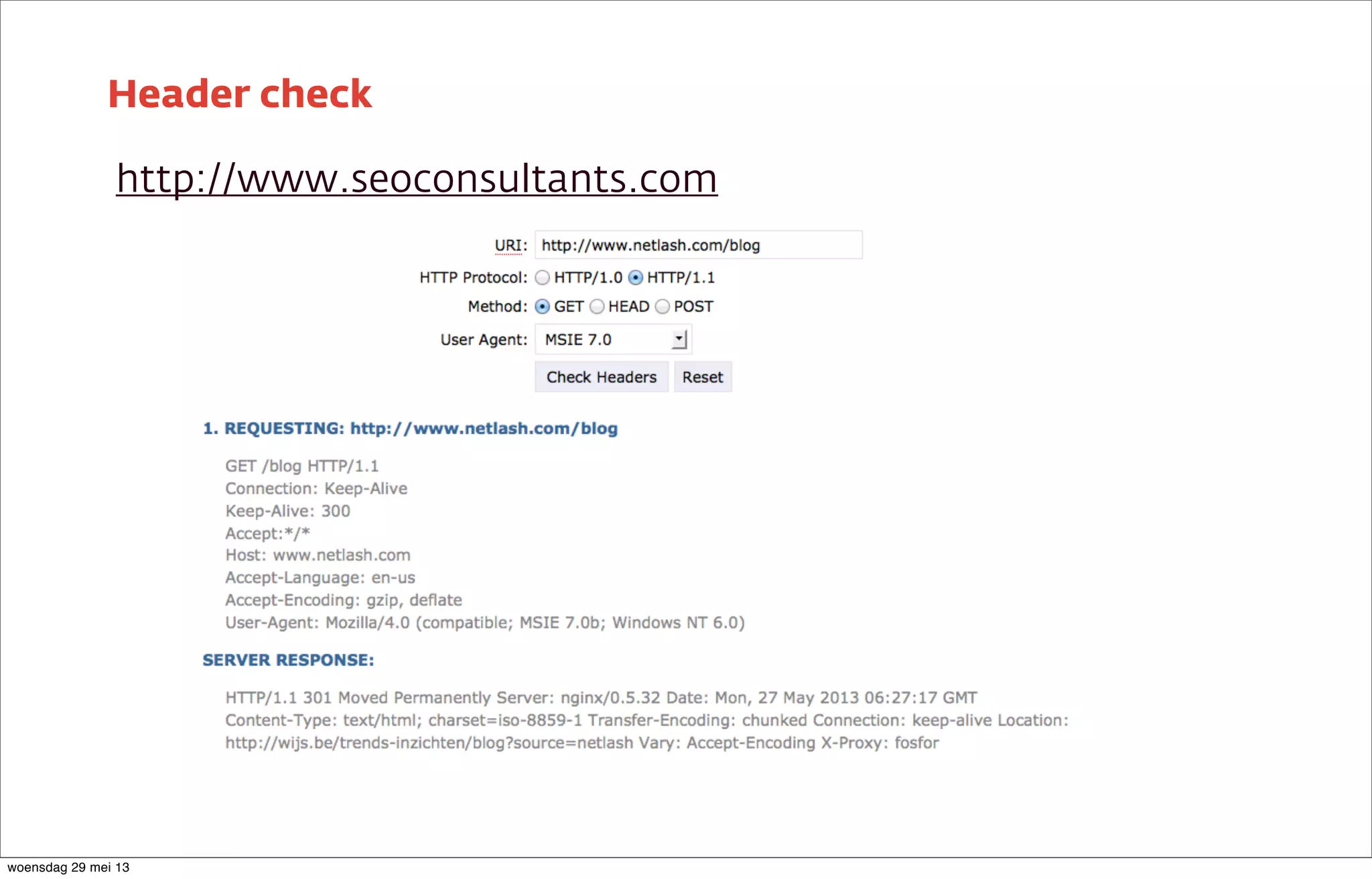
‣ Header check to make sure the right type of redirect is used
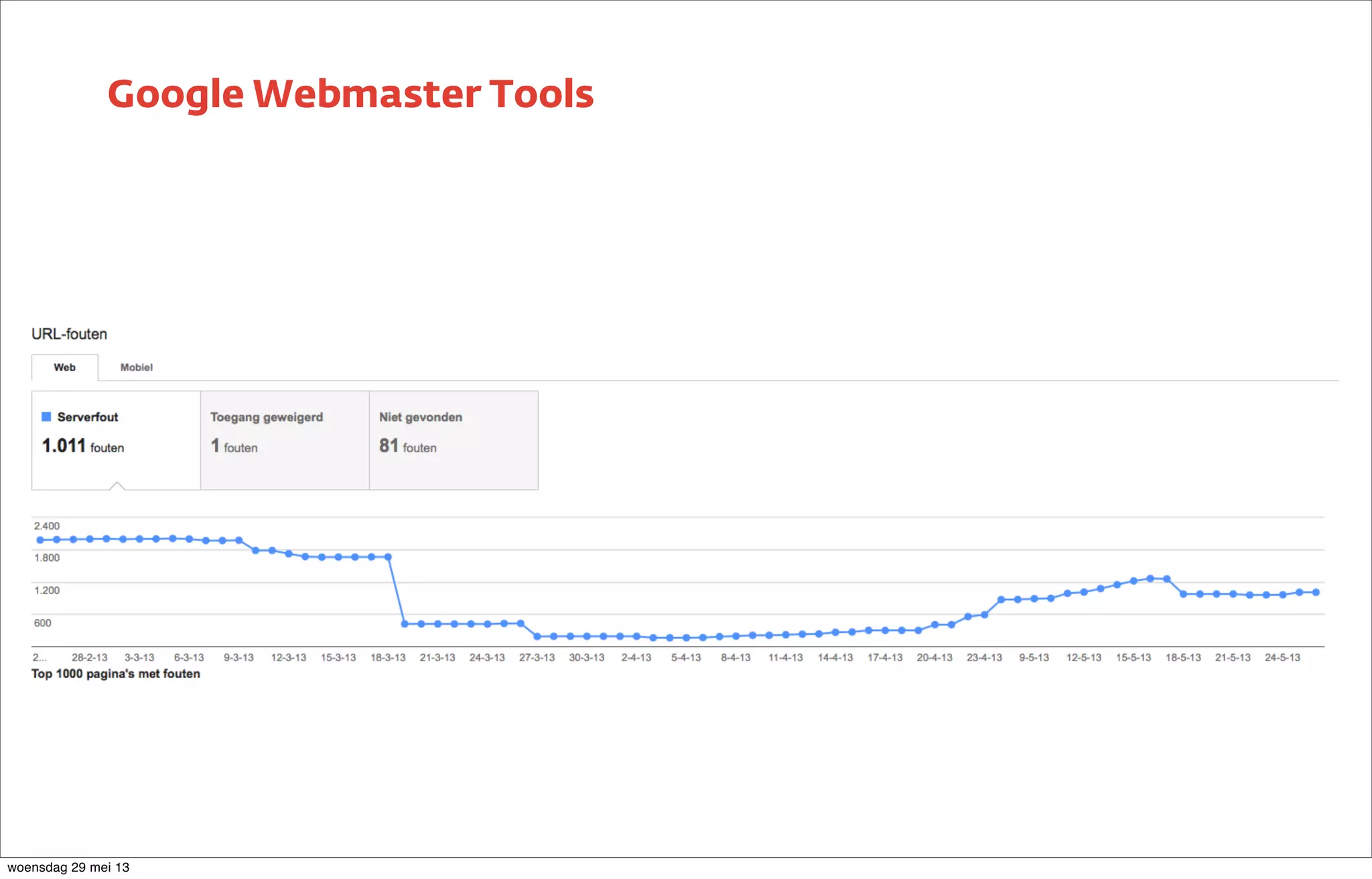
‣ Monitor Google Webmaster Tools for spider problems and crawl errors
‣ Pause the Adwords campaigns and change destination URLs
Launch of the website
woensdag 29 mei 13
Header check
http://www.seoconsultants.com
woensdag 29 mei 13
Google Webmaster Tools
woensdag 29 mei 13
What if it goes wrong?
Don’t blame each other :)
woensdag 29 mei 13
‣ Normal after a site migration
‣ May not last forever
‣ Check 301 redirects
‣ 301 redirects point to the right pages?
‣ Check web copy: copied? Not SEO friendly?
‣ Is staging website online and indexed?
‣ Old website still online?
‣ Some products/services no longer exist?
Drop in rankings?
woensdag 29 mei 13
‣ Analytics setup is OK?
‣ Goals are implemented correctly?
‣ E-commerce is activated?
‣ E-commerce transaction code is implemented?
‣ Certain products/services no longer exist?
Drop in leads/sales?
woensdag 29 mei 13
What you need to remember
woensdag 29 mei 13
‣ List the most important pages
‣ New website must be SEO friendly
‣ 301 redirects & optimization
‣ Planning is the key to success!
‣ Prepare the launch
‣ Use checklists
‣ Follow-up of the launch is essential!
‣ Testing!
What you need to remember
woensdag 29 mei 13
Questions?
Robin Neyt
robin.neyt@wijs.be
Twitter.com/RobinNeyt
woensdag 29 mei 13

7 steps-to-migrate-your-seo-strategy robin-neyt

  • 1.
    7 Steps tomigrate your SEO strategy Robin Neyt woensdag 29 mei 13
  • 2.
  • 3.
    I work atWijs A digital Agency in Ghent/Gent woensdag 29 mei 13
  • 4.
    ‣ Situation ‣ What’sthe problem? ‣ A blueprint ‣ Start: the new website ‣ Before the launch ‣ Launch of the website ‣ What if it goes wrong? Tweet-style Summary woensdag 29 mei 13
  • 5.
  • 6.
    ‣ Everybody wantsa new website ‣ It should be bigger, better, fancier,... ‣ Nobody thinks about the consequences! Situation woensdag 29 mei 13
  • 7.
  • 8.
    ‣ website that’sbeen around for quite a while ‣ has a lot of domain authority ‣ has a lot of unique backlinks ‣ is top of mind with customers All this can be lost easily What’s the problem? woensdag 29 mei 13
  • 9.
    We need astrategy! woensdag 29 mei 13
  • 10.
    ‣ Think first,act later! (Usually goes wrong...) ‣ Create a masterplan! ‣ Follow it to the letter! (Usually goes wrong...) ‣ Put it to the test! ‣ Keep a close eye on the results! How should we tackle the problem? woensdag 29 mei 13
  • 11.
    A blueprint forthe masterplan woensdag 29 mei 13
  • 12.
    Start: The newwebsite woensdag 29 mei 13
  • 13.
    It should bebigger, better, fancier... woensdag 29 mei 13
  • 14.
    Watch out forexotic functionality! woensdag 29 mei 13
  • 15.
    The website shouldalso be SEO friendly woensdag 29 mei 13
  • 16.
    ‣ Ideal momentfor a new keyword research ‣ Use keyword research to create new site architecture ‣ Visitor point of view ‣ Not too much jargon ‣ Visitor has a problem and searches for a solution Keyword Research woensdag 29 mei 13
  • 17.
    ‣ Don’t losegood functionality that was present in the previous website ‣ If it works, don’t break it (Your IT is going to love this) ‣ Just make it better ‣ Now is the time to make adjustments ‣ Costs, timing, campaigns,... ‣ Make sure web copy is ready in time ‣ Don’t do everything last minute! Requirements woensdag 29 mei 13
  • 18.
    ‣ Search EngineFriendly URLs Bad URL: http://www.site.be/index.php?id=25&cat=42 SEF URL: http://www.site.be/category/subcategory/page/ ‣ Use keywords in the URLs ‣ Avoid excessive use of JavaScript and CSS ‣ Make sure goals/conversions are tracked Technical requirements woensdag 29 mei 13
  • 19.
    ‣ URL ‣ Title<title> ‣ H1 ‣ Menu item in navigation Should be possible to edit all items individually On-page elements woensdag 29 mei 13
  • 20.
    ‣ Make suregoals/conversions are tracked ‣ Prepare event tracking ‣ Make sure every form has an unique thank you page → different URLs ‣ Monitor the performance of the new website ‣ After a few weeks → enough data to evaluate the migration Conversion tracking woensdag 29 mei 13
  • 21.
  • 22.
    Create a redirectplan! woensdag 29 mei 13
  • 23.
    ‣ Create overviewof the current site structure ‣ Determine the most important pages of the current website ‣ Different tools you can use Site structure woensdag 29 mei 13
  • 24.
    ‣ Check theURLs of the top landing pages (e-commerce, leads) ‣ Check the URLs of the pages with most pageviews (traffic) Google Analytics woensdag 29 mei 13
  • 25.
    High amount ofpages? woensdag 29 mei 13
  • 26.
    Sort pages byauthority! woensdag 29 mei 13
  • 27.
    ‣ Use atool like Open Site Explorer ‣ www.opensiteexplorer.org Check page authority to determine value woensdag 29 mei 13
  • 28.
    ‣ Merge theimportant URLs from your current site ‣ Both the ones you selected and the top landing pages in Analytics ‣ As specific as possible ‣ Keep number of consecutive redirects to a minimum 301 redirects to the corresponding pages on the new website Combine all data woensdag 29 mei 13
  • 29.
    Don’t forget 301redirect from non www to www woensdag 29 mei 13
  • 30.
    ‣ Too manyURLs to redirect everything manually → Time & cost efficiency ‣ Check new vs old URL structure → Try to automate Example: Old URL: www.site.be/blog/webshops/ and www.site.be/blog/shopping/ New URL: www.site.be/blog/e-commerce/ ‣ If not possible → Redirect to parent category What with blog posts? woensdag 29 mei 13
  • 31.
    ‣ Everything indetail → Costs a lot of money ‣ Only the top pages → Chance you’ll miss traffic ‣ Don’t forget about ‣ active campaigns, newsletters, affiliates, offline campaigns, backlinks, tools 301 redirects: The dilemma woensdag 29 mei 13
  • 32.
  • 33.
    ‣ Don’t launchthe new website in phases → Not efficient for IT and marketing ‣ Make checklists ‣ Meetings & progress check ‣ Continuous follow-up ‣ Marketing & IT have to work as 1 team Tips & tricks woensdag 29 mei 13
  • 34.
    Launch of thewebsite woensdag 29 mei 13
  • 35.
    ‣ Be sureeverything is prepared and ready ‣ Checklists ready ‣ Launch on Monday or Tuesday ‣ Preferably in the morning ‣ Whole team ready to monitor and take action Launch of the website woensdag 29 mei 13
  • 36.
    ‣ Do amanual check of the redirects ‣ Header check to make sure the right type of redirect is used ‣ Monitor Google Webmaster Tools for spider problems and crawl errors ‣ Pause the Adwords campaigns and change destination URLs Launch of the website woensdag 29 mei 13
  • 37.
  • 38.
  • 39.
    What if itgoes wrong? Don’t blame each other :) woensdag 29 mei 13
  • 40.
    ‣ Normal aftera site migration ‣ May not last forever ‣ Check 301 redirects ‣ 301 redirects point to the right pages? ‣ Check web copy: copied? Not SEO friendly? ‣ Is staging website online and indexed? ‣ Old website still online? ‣ Some products/services no longer exist? Drop in rankings? woensdag 29 mei 13
  • 41.
    ‣ Analytics setupis OK? ‣ Goals are implemented correctly? ‣ E-commerce is activated? ‣ E-commerce transaction code is implemented? ‣ Certain products/services no longer exist? Drop in leads/sales? woensdag 29 mei 13
  • 42.
    What you needto remember woensdag 29 mei 13
  • 43.
    ‣ List themost important pages ‣ New website must be SEO friendly ‣ 301 redirects & optimization ‣ Planning is the key to success! ‣ Prepare the launch ‣ Use checklists ‣ Follow-up of the launch is essential! ‣ Testing! What you need to remember woensdag 29 mei 13
  • 44.