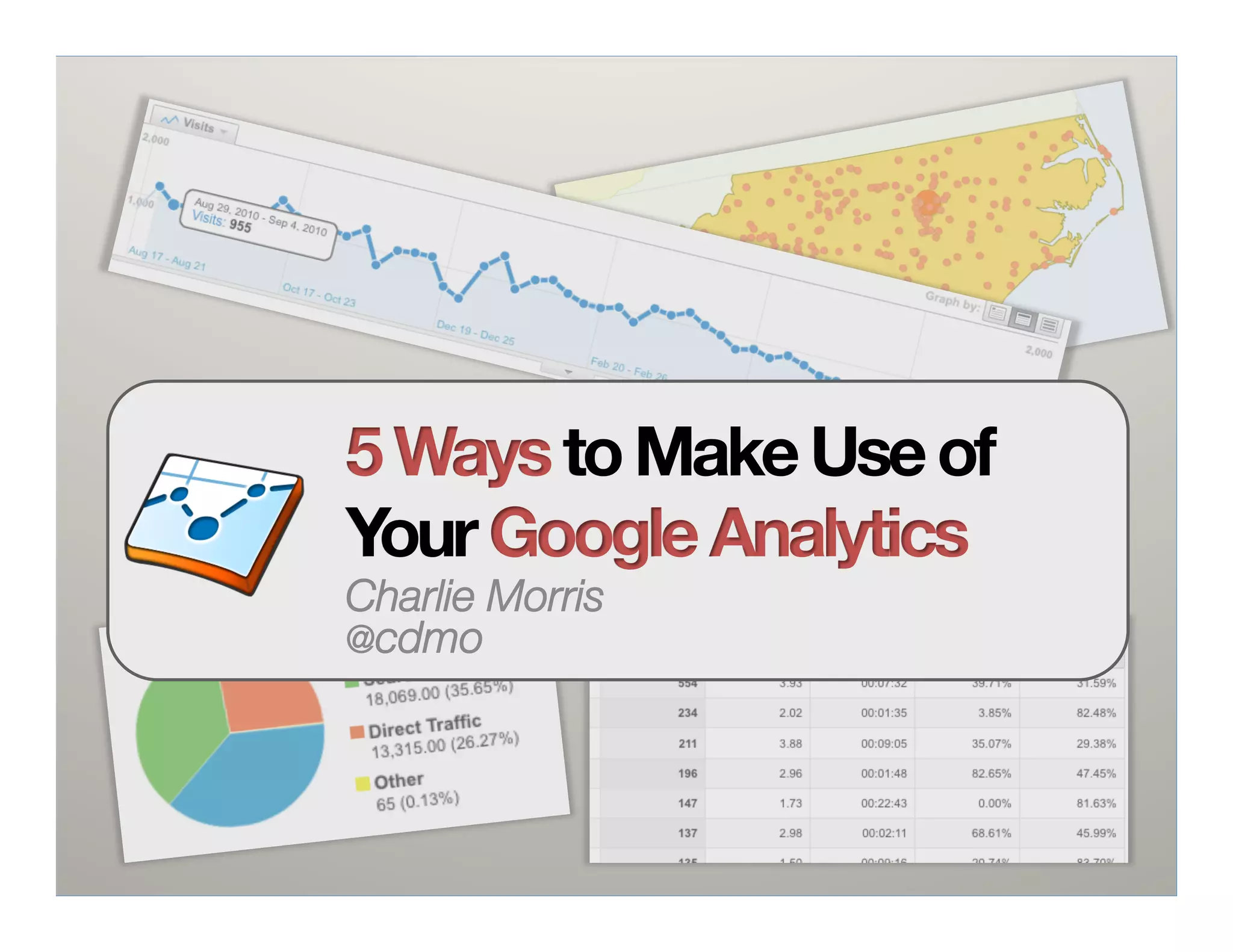



5 Ways to Make Use of
Your Google Analytics
Charlie Morris
@cdmo
About Me
Nutshell:
-  MSIS from UNC
-  NC State since ‘05
-  Joined NCSU Libraries 2 months ago
-  Interests and areas of expertise: "
   Google Analytics, Drupal, WordPress, users
   and content, jQuery, burritos, CSS (recent
   Sass + Compass convert), PHP + MySQL
Agenda
•  GA Basics
•  Why this presentation

5 Ways:
  1.    404s
  2.    Search
  3.    Goals (and Events)
  4.    Campaigns
  5.    Reporting
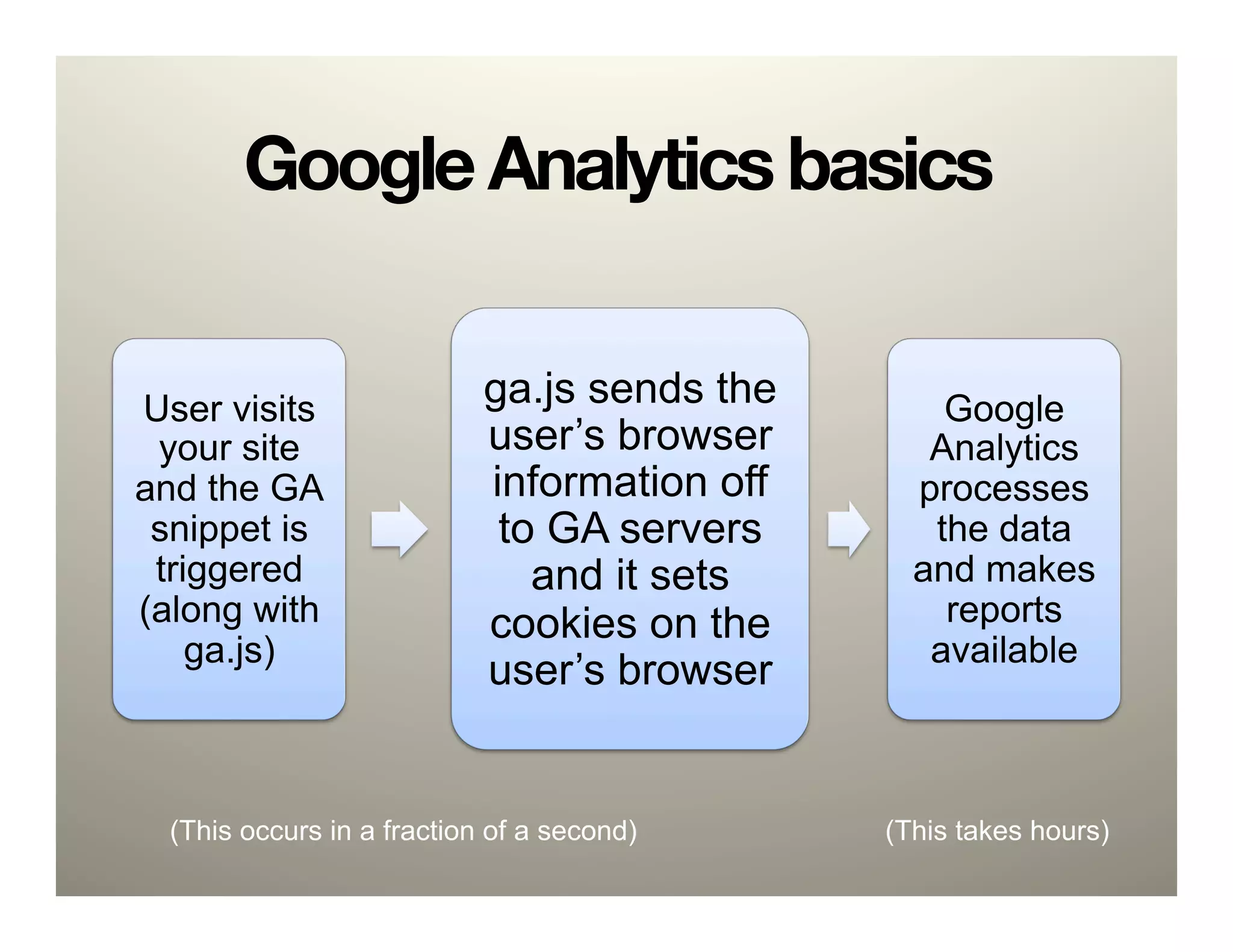
Google Analytics basics


User visits                 ga.js sends the       Google
 your site                  user’s browser       Analytics
and the GA                  information off     processes
 snippet is                  to GA servers       the data
 triggered                     and it sets      and makes
(along with                 cookies on the        reports
    ga.js)                                       available
                            user’s browser


  (This occurs in a fraction of a second)     (This takes hours)
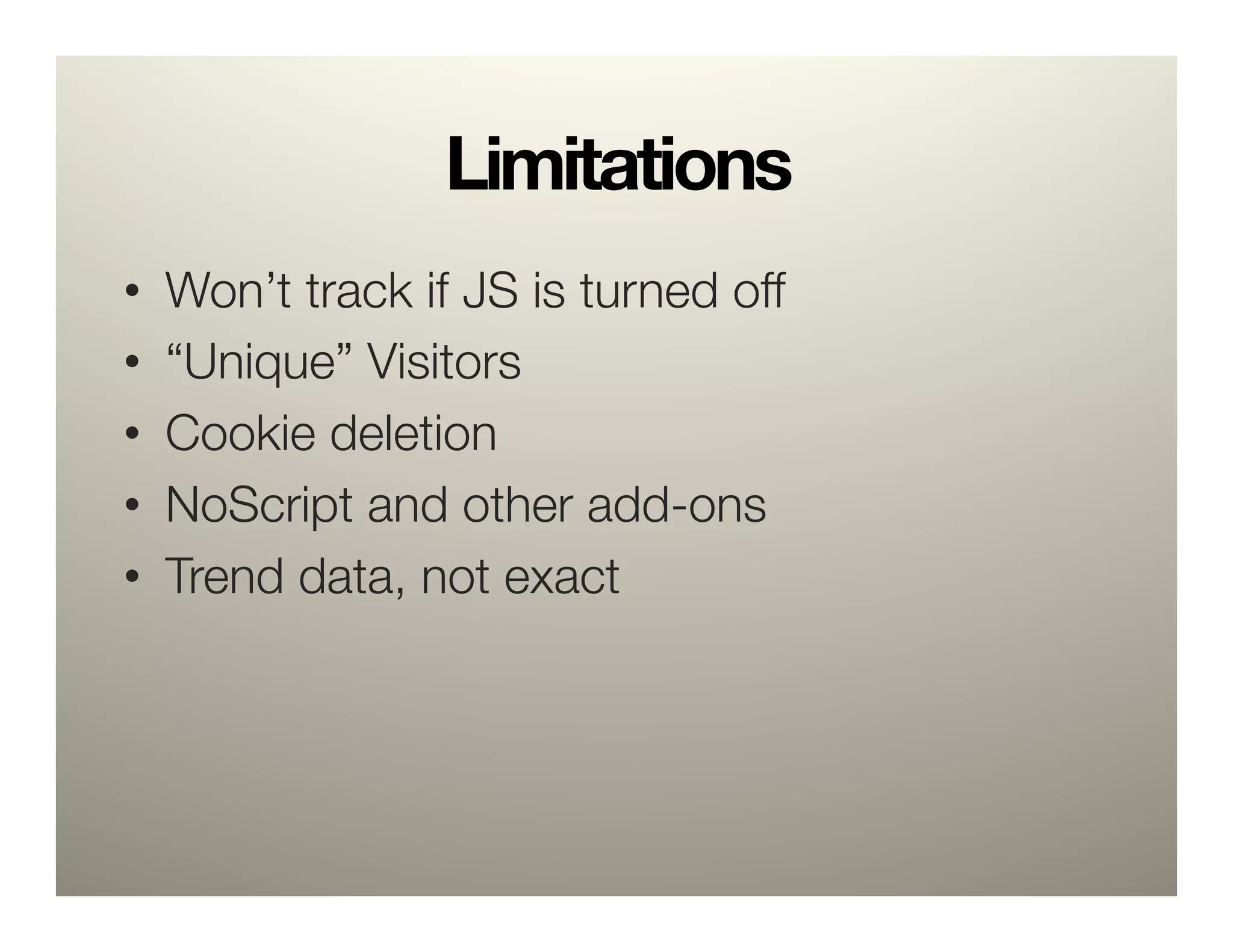
Limitations
•    Won’t track if JS is turned off
•    “Unique” Visitors
•    Cookie deletion
•    NoScript and other add-ons
•    Trend data, not exact
Google Analytics is easy.
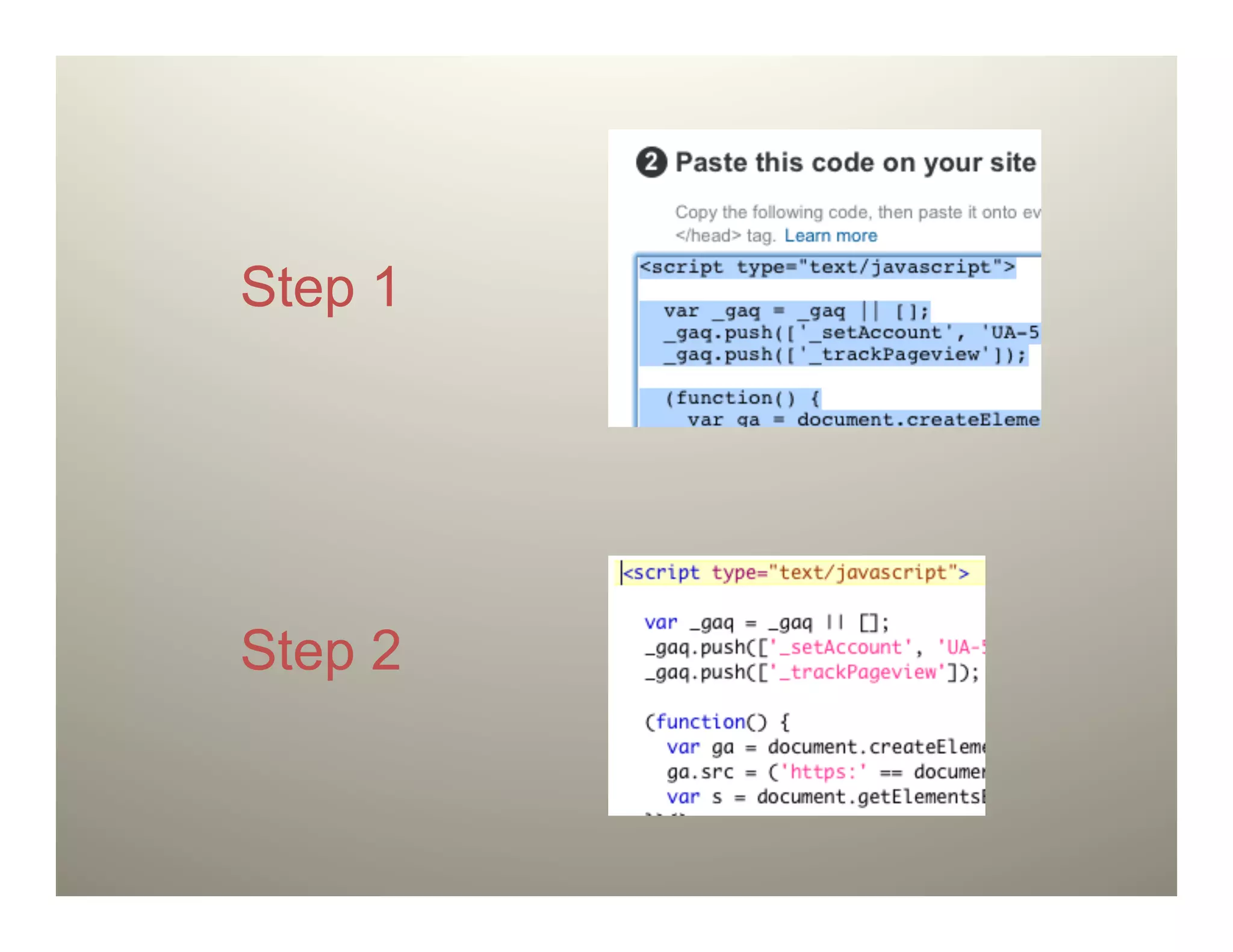
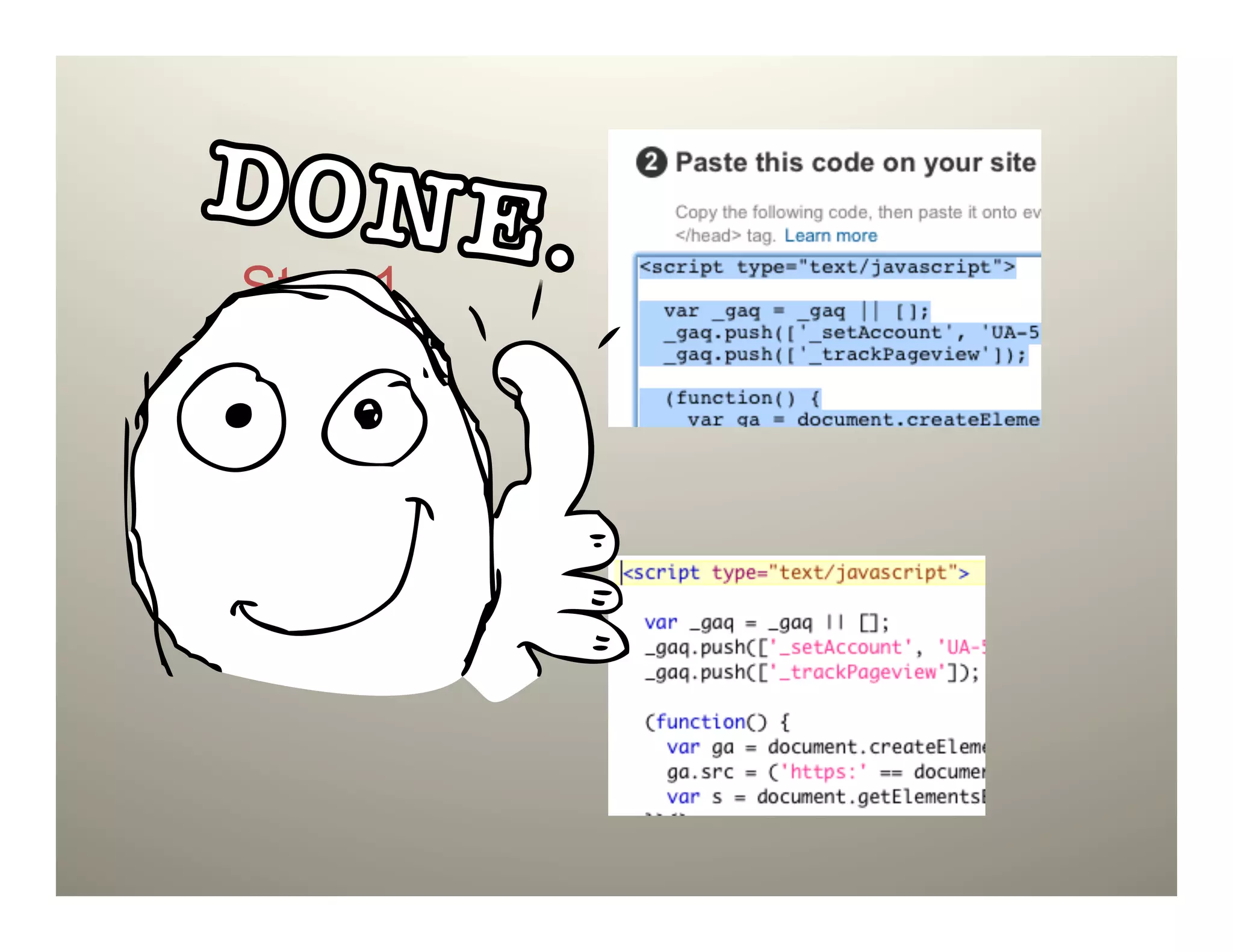
Step 1


Step 2
Step 1


Step 2
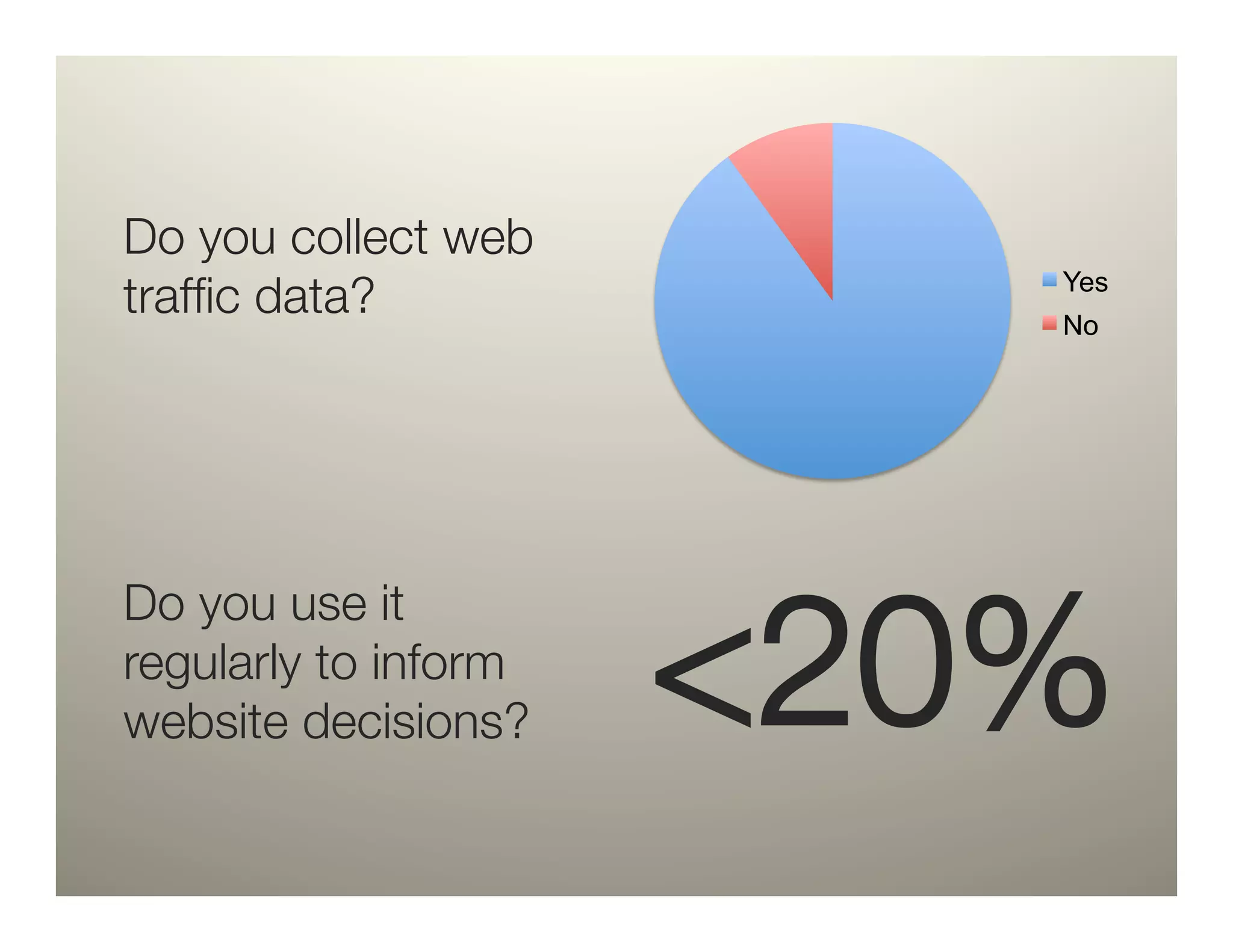
Do you collect web
traffic data?
             Yes
                          No


                      <20%
Do you use it
regularly to inform
website decisions?
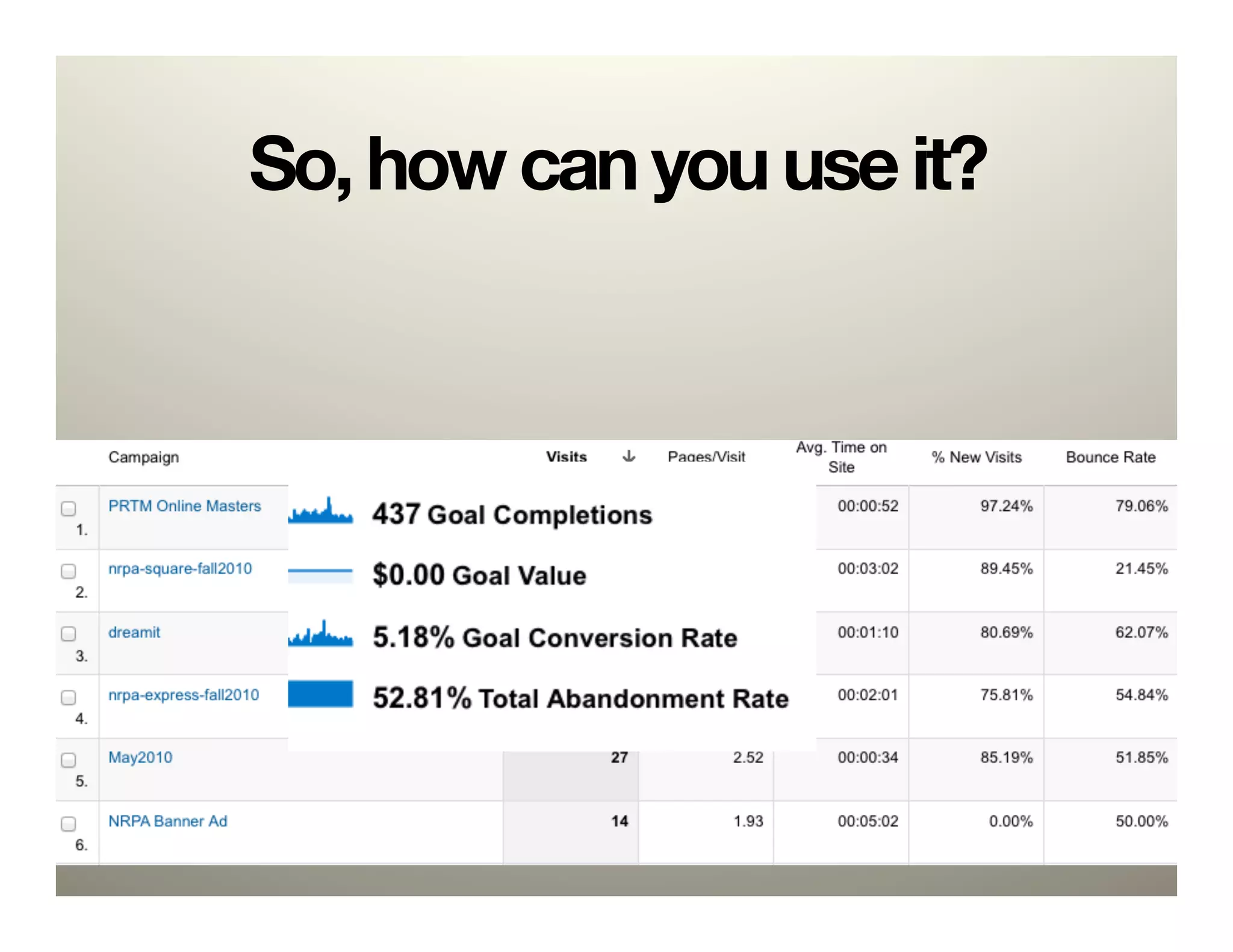
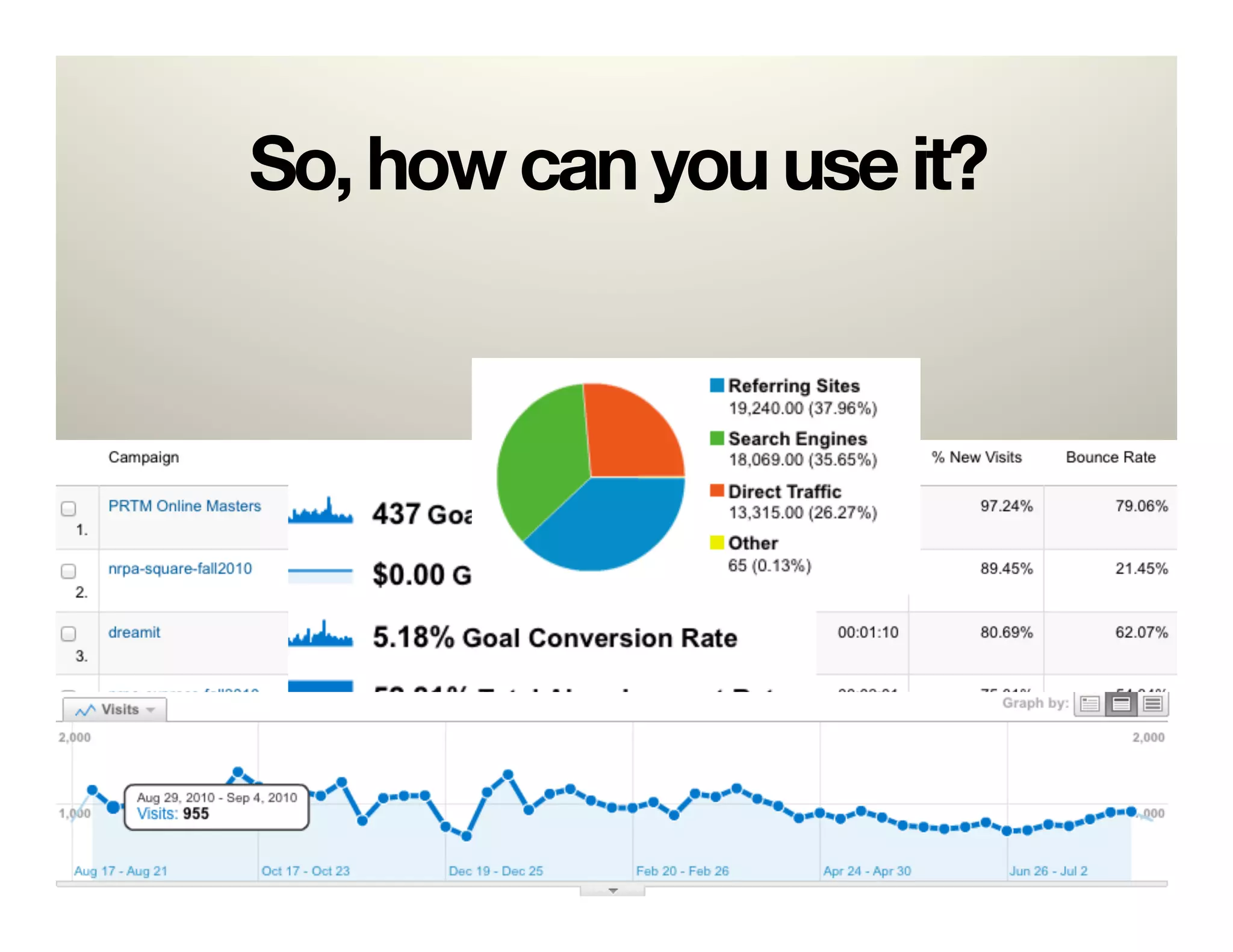
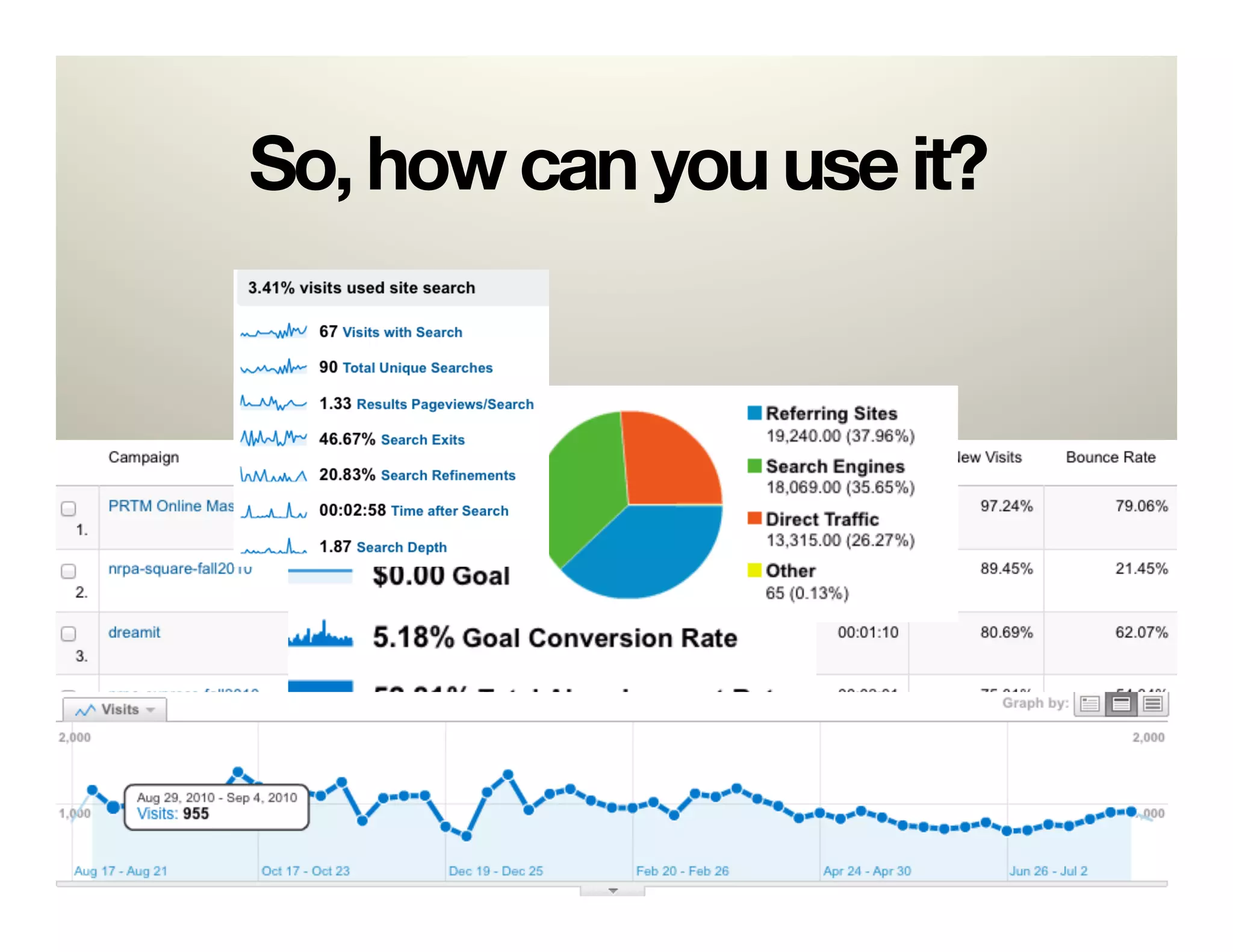
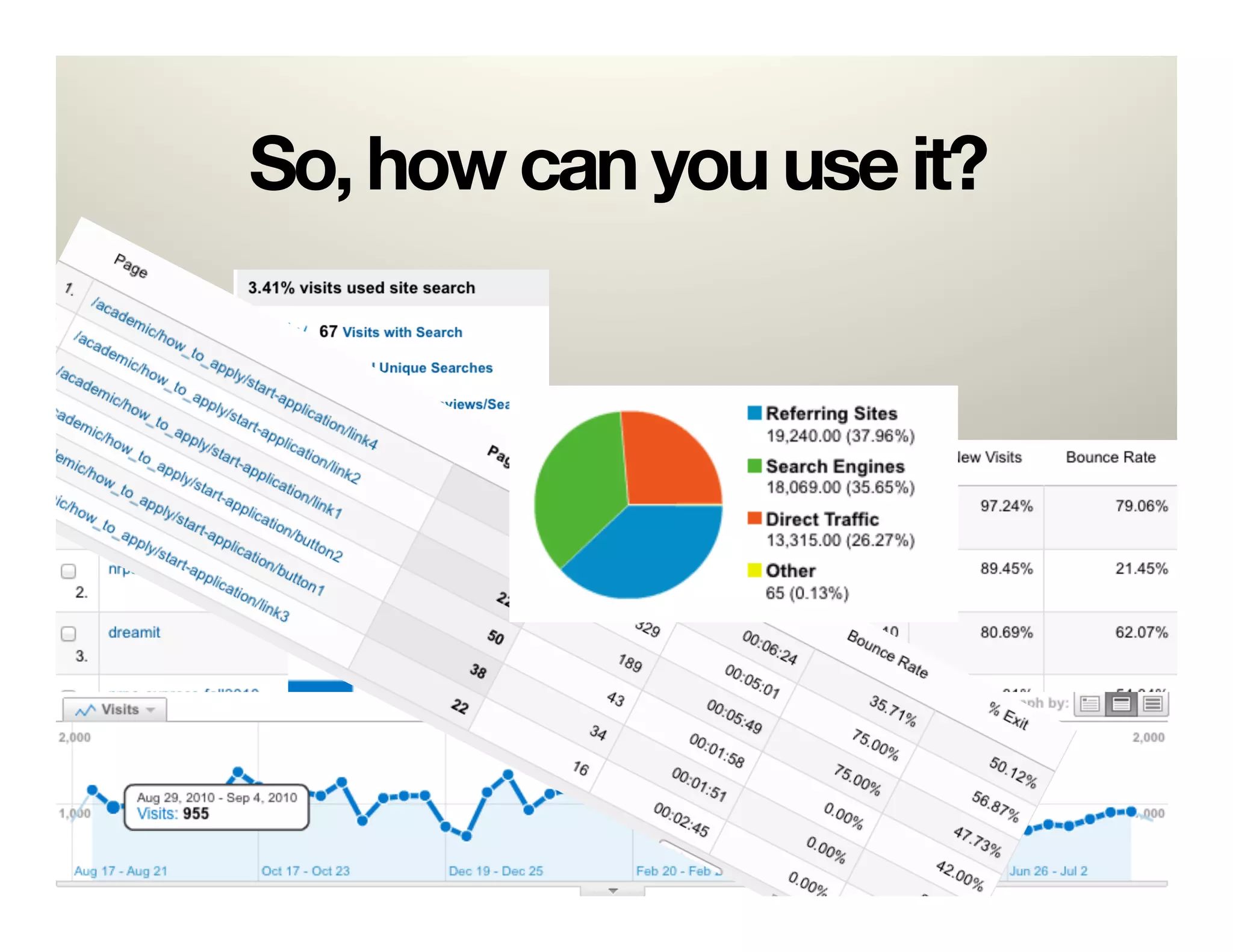
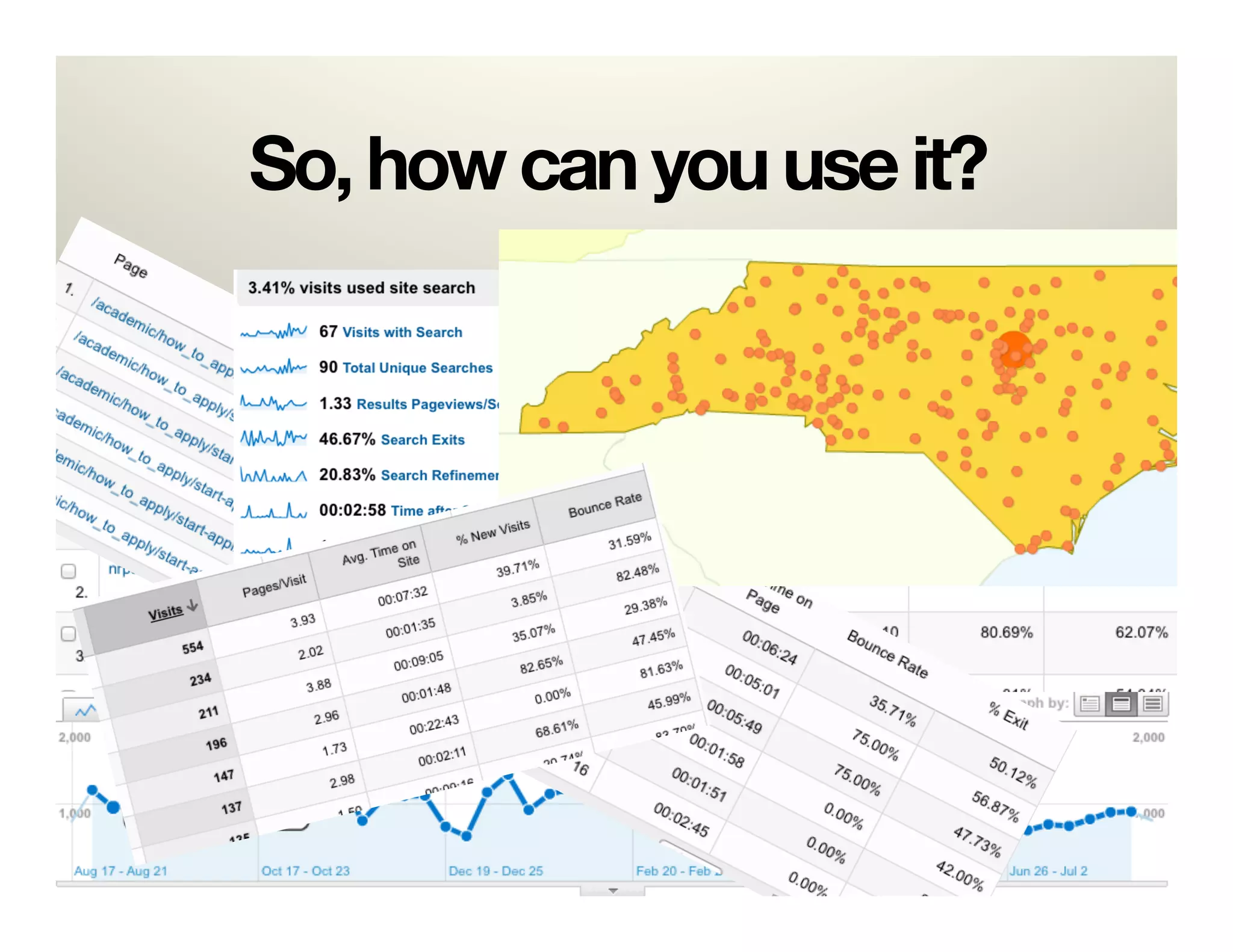
So, how can you use it?


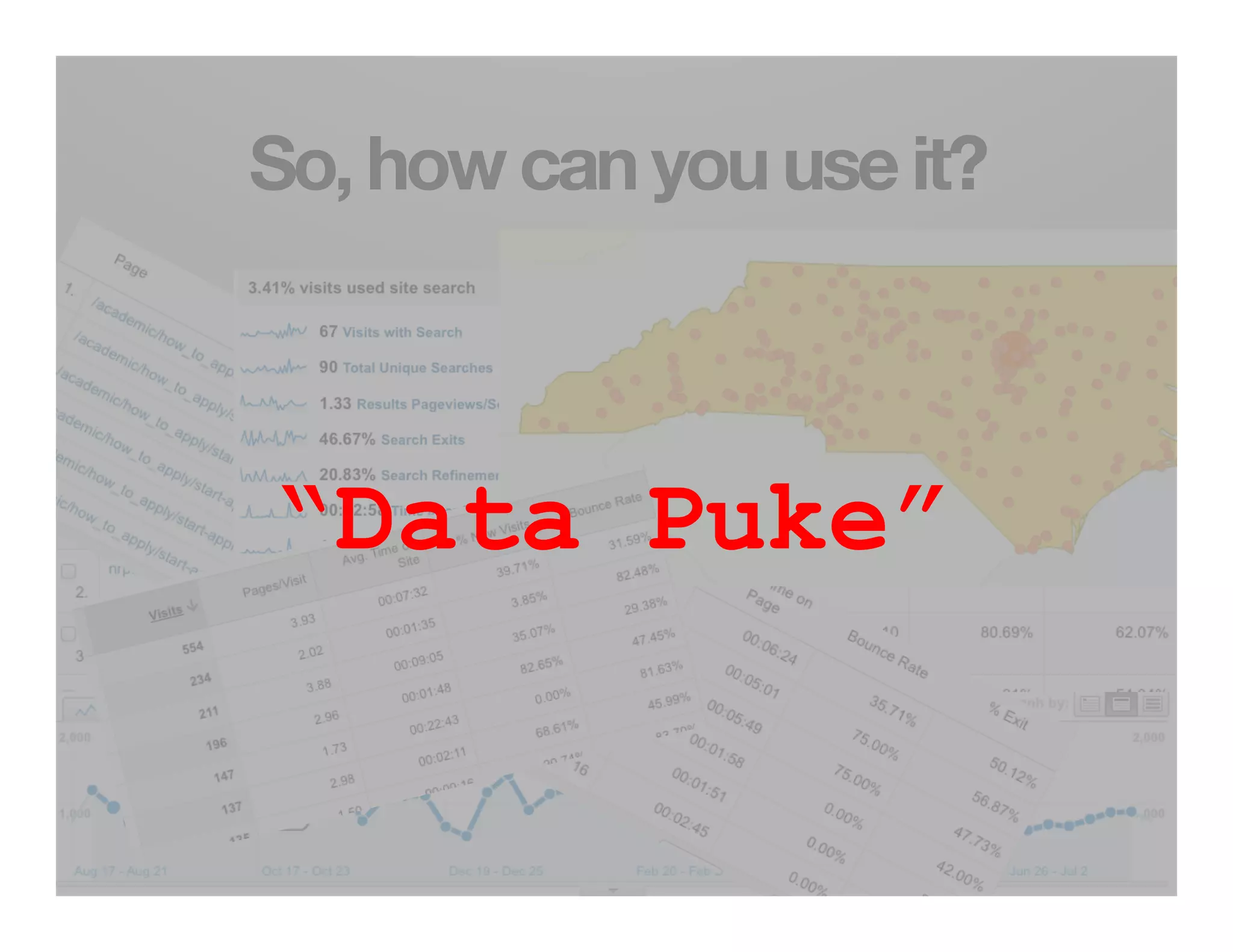
“Data Puke”
Analysis Paralysis
Options
•  Analysis Paralysis
•  Don’t Bother/Ignore
Google Analytics is easy.*
*Unless you actually want to make use of it.
Options
•  Analysis Paralysis
•  Don’t Bother
•  How about: "


Implement a few helpful options and"
   
 
customize reporting
5 Ways
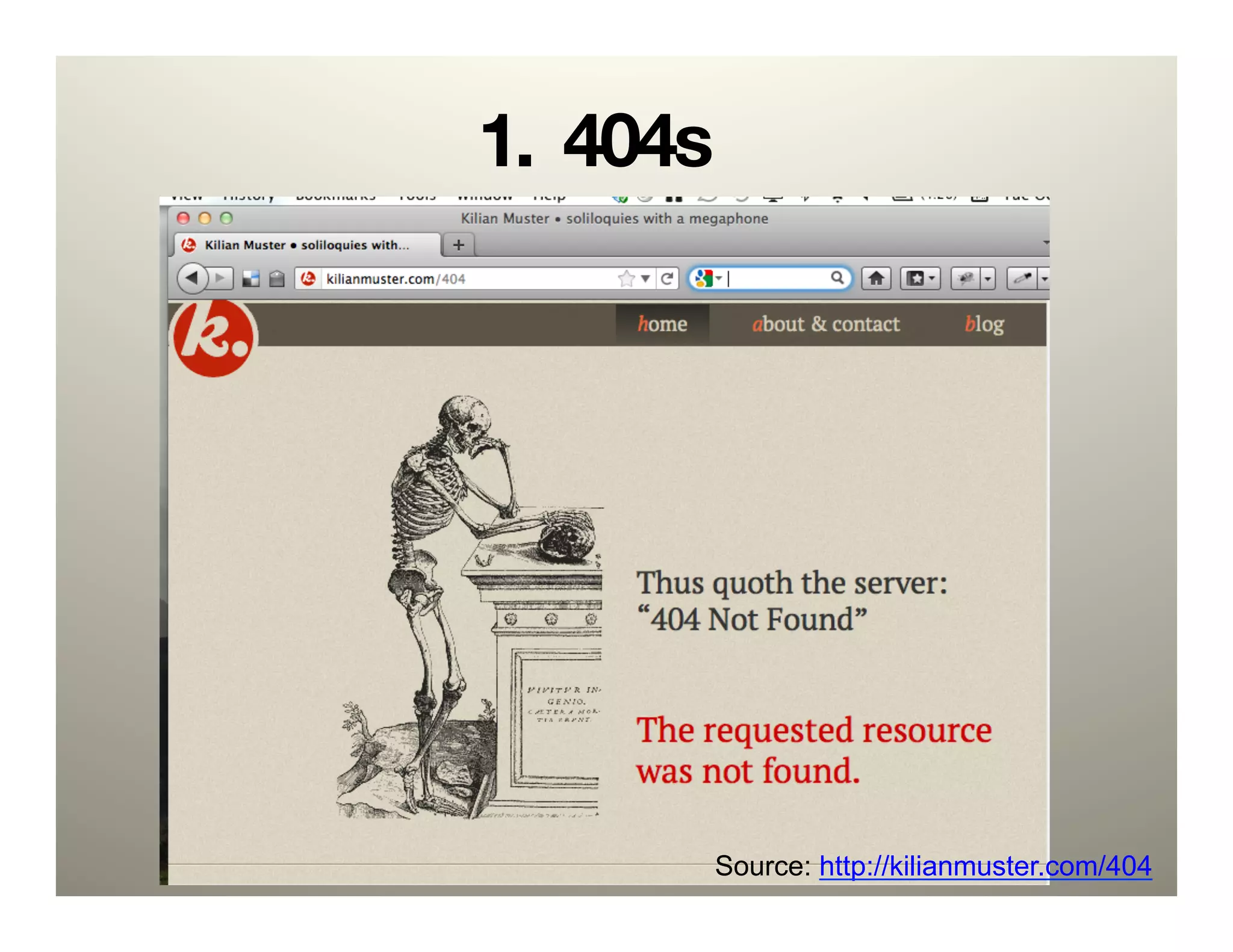
1. 404s


       Source: http://kilianmuster.com/404
Required:
  

A 404 error page see"

http://www.alistapart.com/articles/
perfect404/
Default GATC
 _gaq.push(['_setAccount', 'UA-######-#']);!
 _gaq.push(['_trackPageview']);!


_gaq    The global object for asynchronous tracking.
push    Executes the given command array.

_trackPageview Main logic of GATC. Takes one
               optional parameter, if it isn’t
               specified then GA will use current
               address.
Code
Modify the _trackPageview function:

try{!
_gaq.push(['_trackPageview', '/
404.php?page=' +
document.location.pathname +
document.location.search + '&from=' +
document.referrer]);!
} catch(err) {}!


Source: bit.ly/edui404
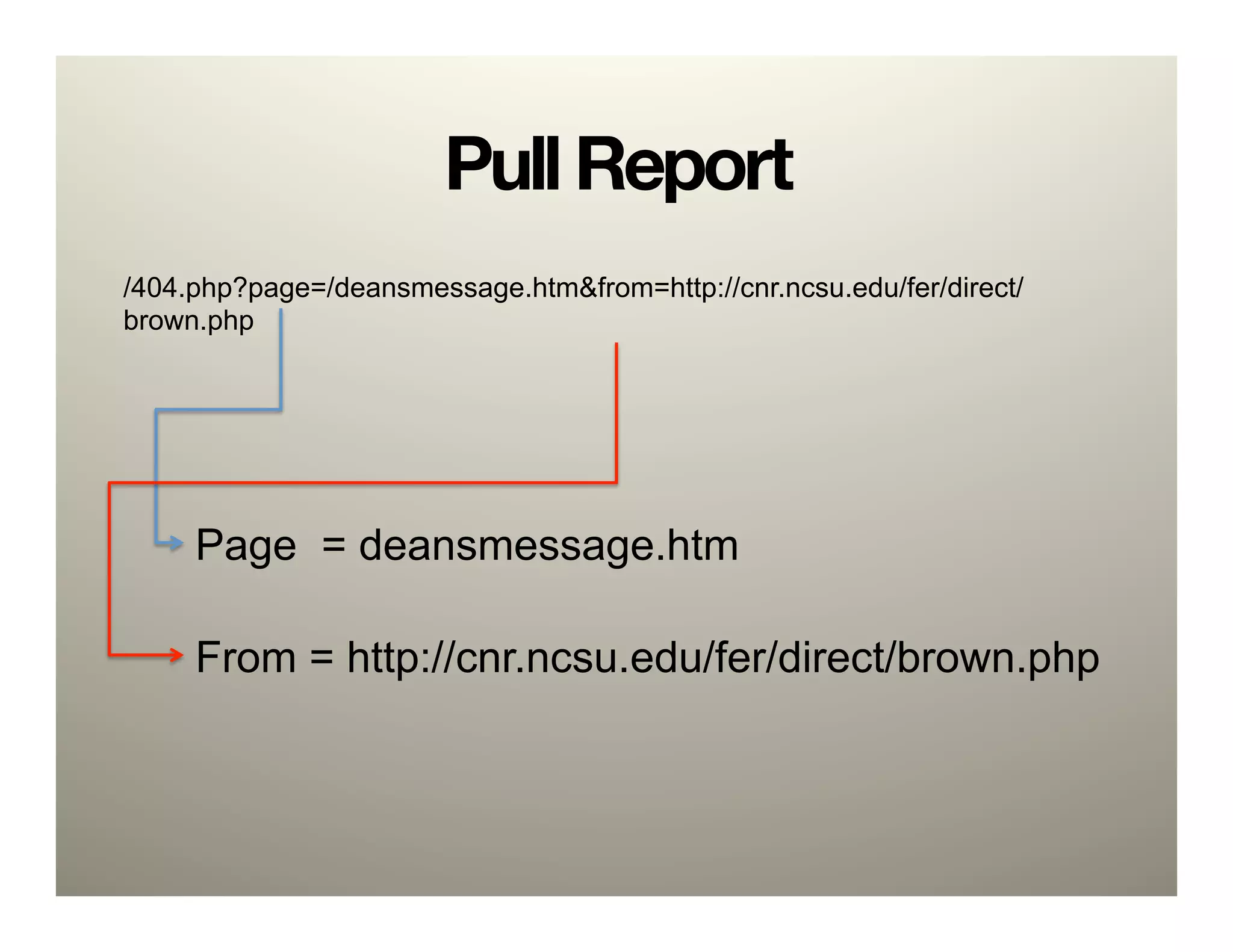
Pull Report
/404.php?page=/deansmessage.htm&from=http://cnr.ncsu.edu/fer/direct/
brown.php


     Page = deansmessage.htm

     From = http://cnr.ncsu.edu/fer/direct/brown.php
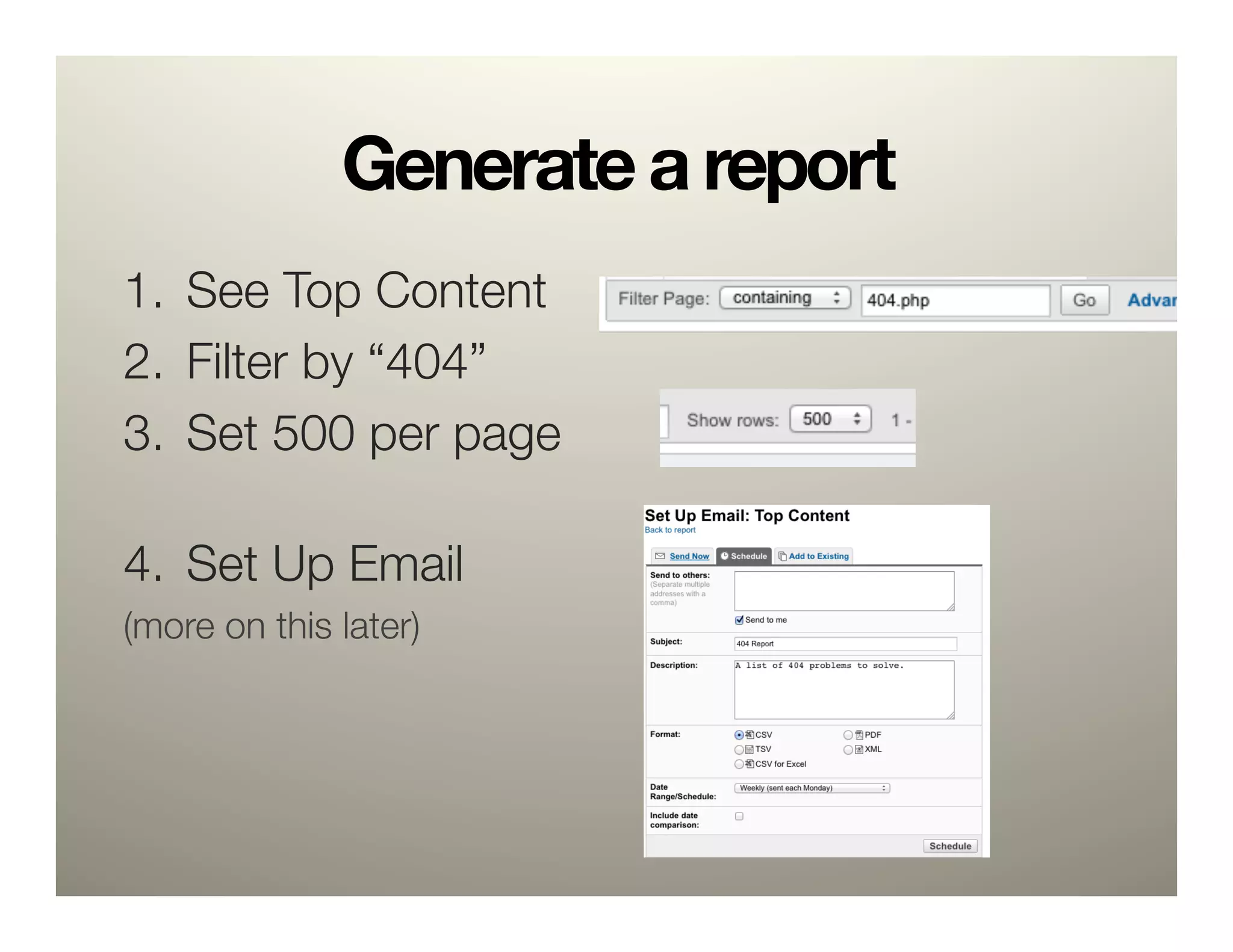
Generate a report
1.  See Top Content 
2.  Filter by “404”
3.  Set 500 per page"
    
4.  Set Up Email
(more on this later)
Create Redirects
RewriteEngine On!
RewriteRule scholarships.htm$ http://cnr.ncsu.edu/future/scholarships_financial_aid.php [R=301,NC]!
RewriteRule alumni.htm$ http://cnr.ncsu.edu/alumni_friends/ [R=301,NC]!
RewriteRule calendar$ http://cnr.ncsu.edu/news/calendar.php [R=301,NC]!
RewriteRule visitorinfocnr.htm$ http://cnr.ncsu.edu/future/visit.php [R=301,NC]!
RewriteRule   development/index.html$ http://cnr.ncsu.edu/alumni_friends/ [R=301,NC]!
RewriteRule   development/give.html$ http://cnr.ncsu.edu/alumni_friends/support/ [R=301,NC]!
RewriteRule   development/update.html$ http://cnr.ncsu.edu/alumni_friends/update_your_info.php
[R=301,NC]!
RewriteRule   distance.htm$ http://cnr.ncsu.edu/future/grad/distance_education.php [R=301,NC]!
RewriteRule   calendar/$ http://cnr.ncsu.edu/news/calendar.php [R=301,NC]!
RewriteRule   bsprogrm/prtm/sportmgt.htm$ http://cnr.ncsu.edu/prtm [R=301,NC]!
RewriteRule   directions.htm$ http://cnr.ncsu.edu/about/directions.php [R=301,NC]!
2. Search


        Source: http://rosenfeldmedia.com/books/searchanalytics/
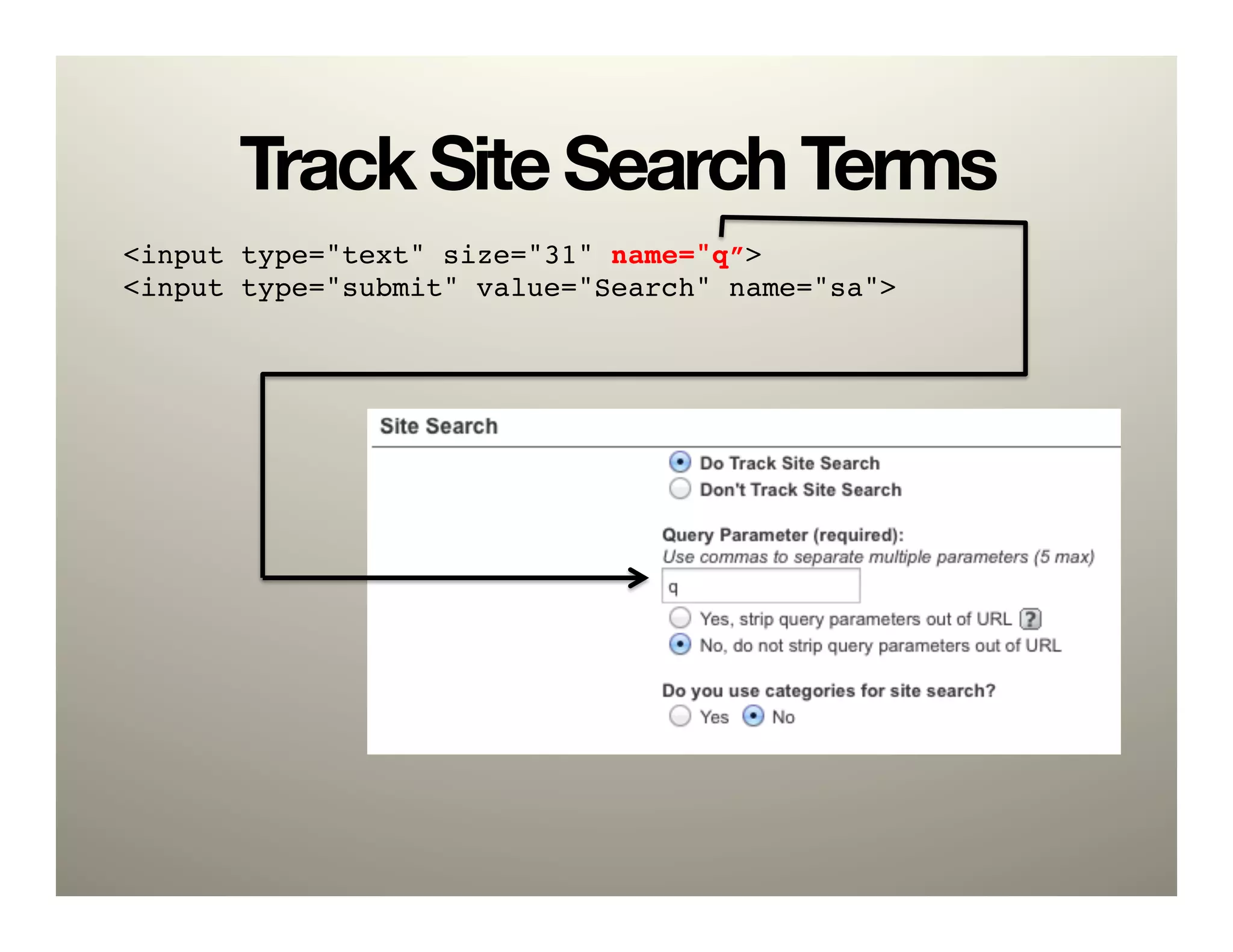
Track Site Search Terms
<input type="text" size="31" name="q”>!
<input type="submit" value="Search" name="sa">!
Example: Extension Forestry
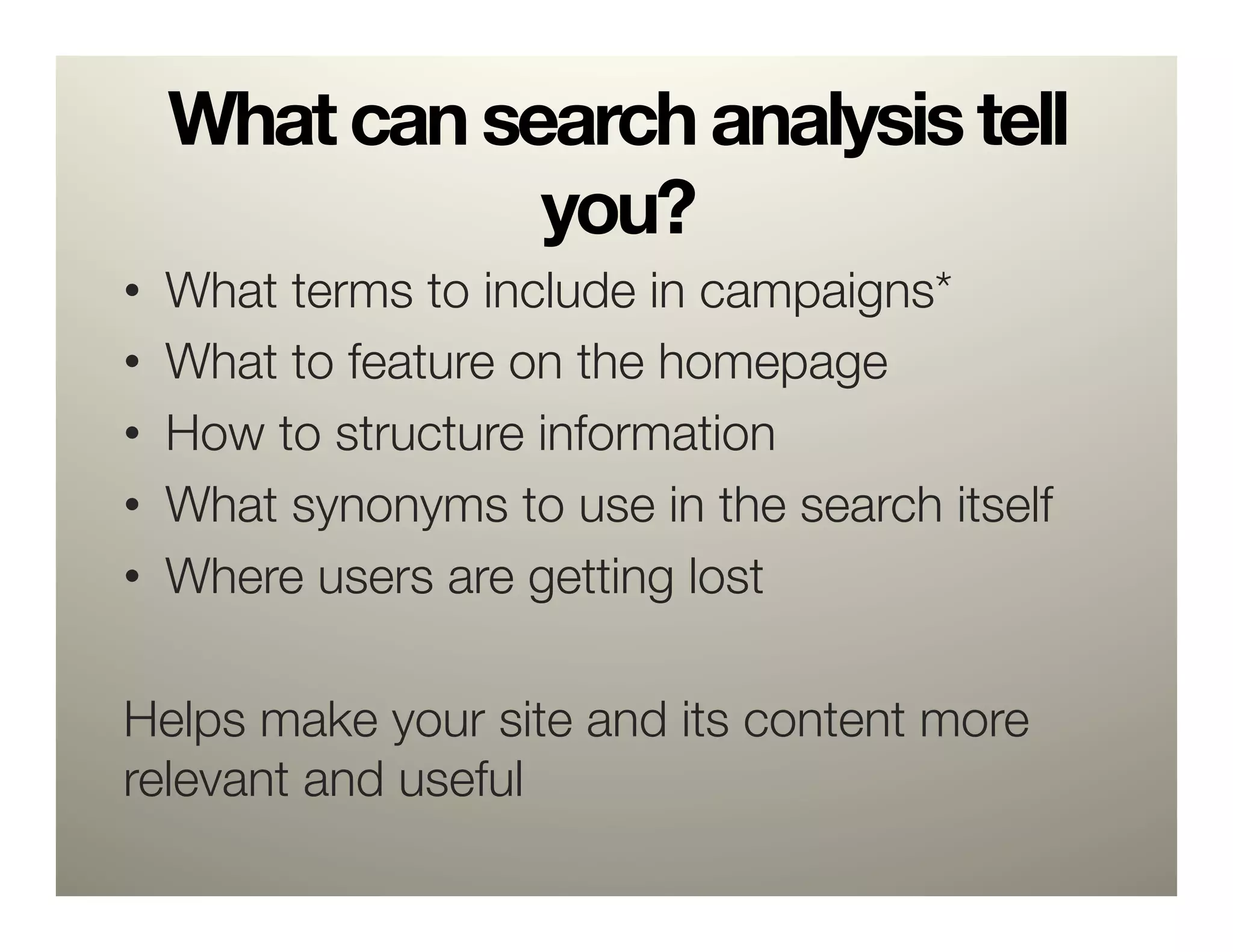
What can search analysis tell
             you?
•  What terms to include in campaigns*
•  What to feature on the homepage
•  How to structure information
•  What synonyms to use in the search itself
•  Where users are getting lost

Helps make your site and its content more
relevant and useful
Other low-hanging fruit
•    Daily number of visitors
•    Top visited pages
•    Average length of visits
•    Bounce rate
3. Goals


    Source: Sam Smith, http://bit.ly/eduiRaptor
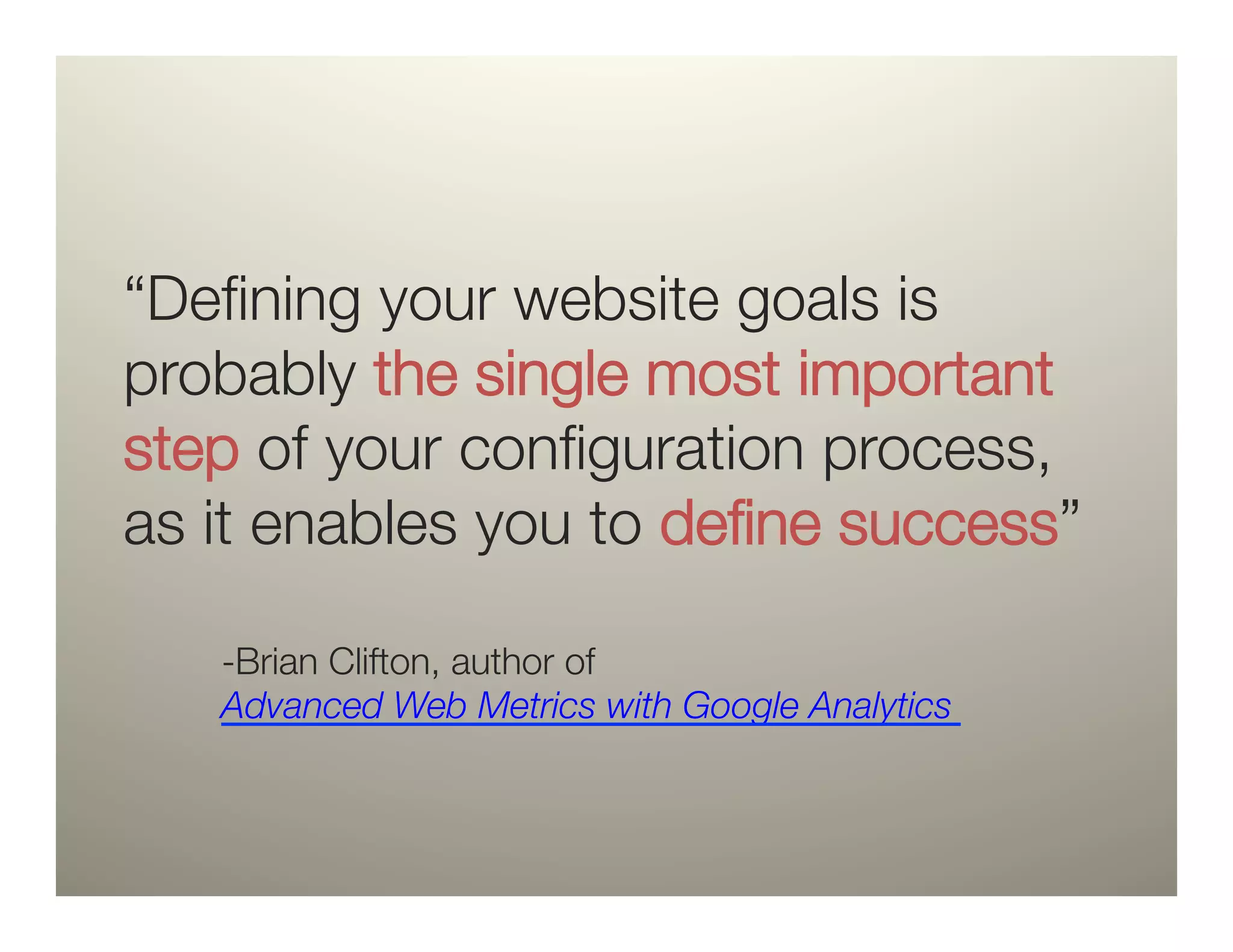
“Defining your website goals is
probably the single most important
step of your configuration process,
as it enables you to define success” 

    -Brian Clifton, author of
    Advanced Web Metrics with Google Analytics
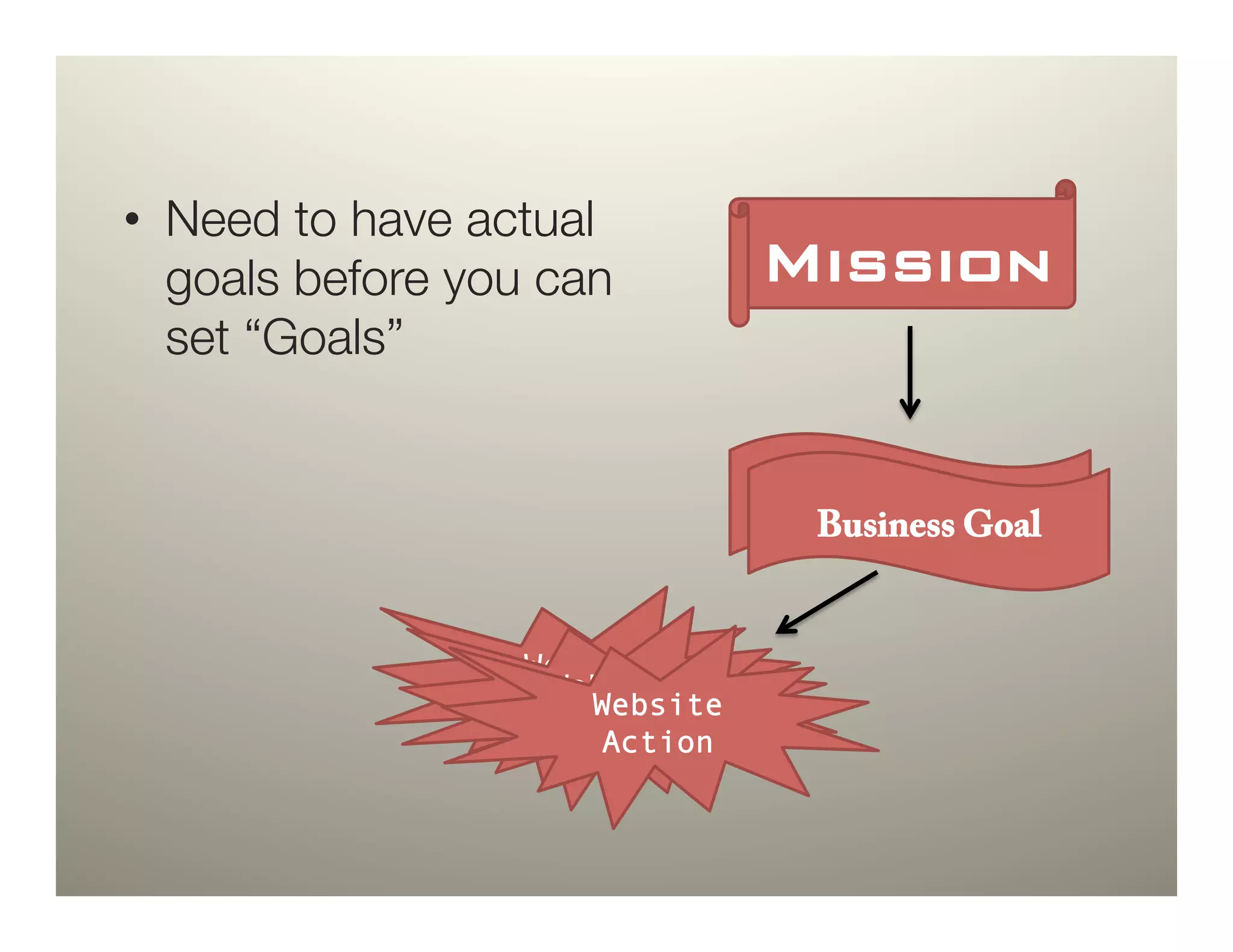
•  Need to have actual
   goals before you can         Mission!
   set “Goals”


                                 Business Goal
                                  Business Goal


                  Website
                   Website
                  Action
                      Website
                    Action
                      Action
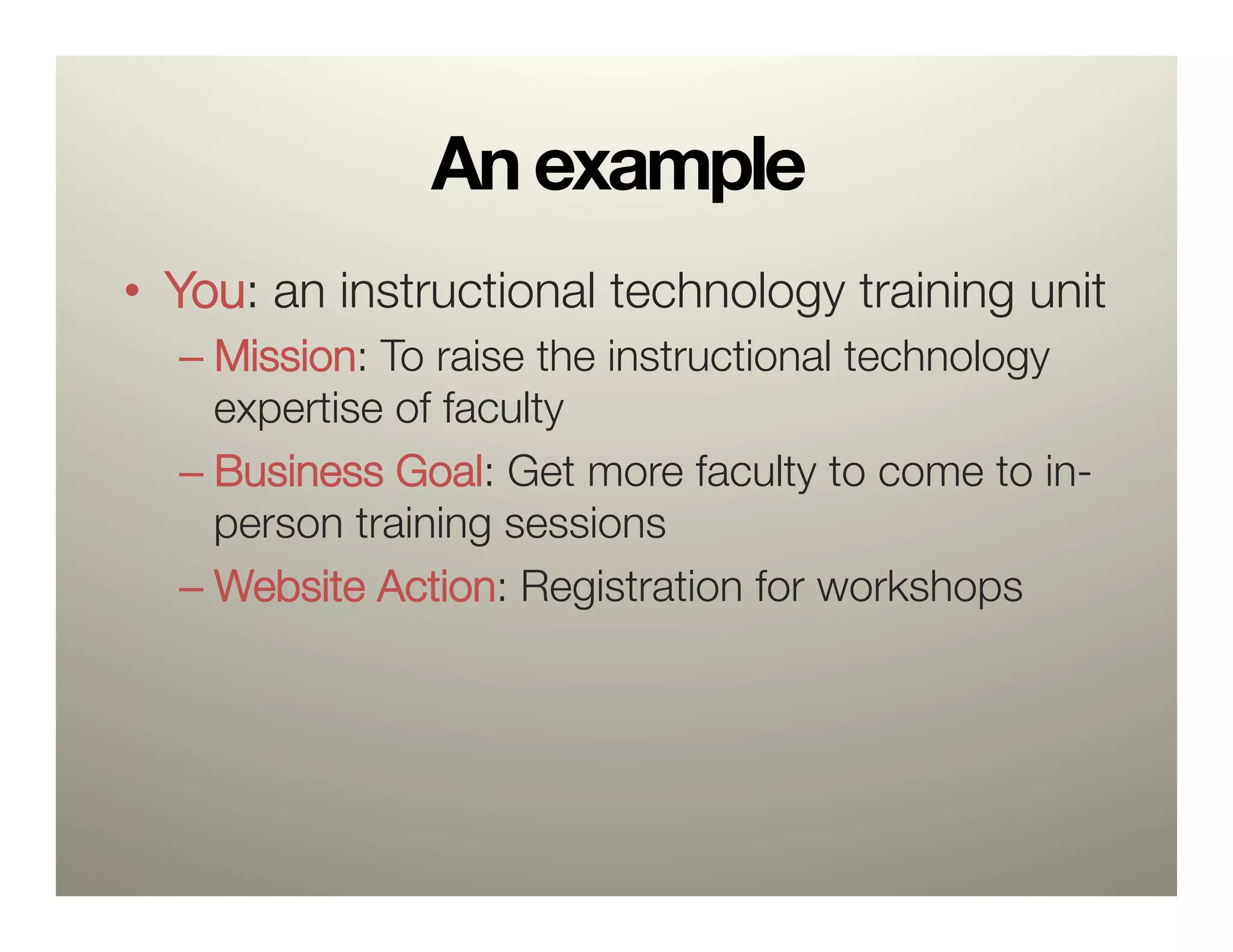
An example
•  You: an instructional technology training unit
  –  Mission: To raise the instructional technology
     expertise of faculty
  –  Business Goal: Get more faculty to come to in-
     person training sessions
  –  Website Action: Registration for workshops
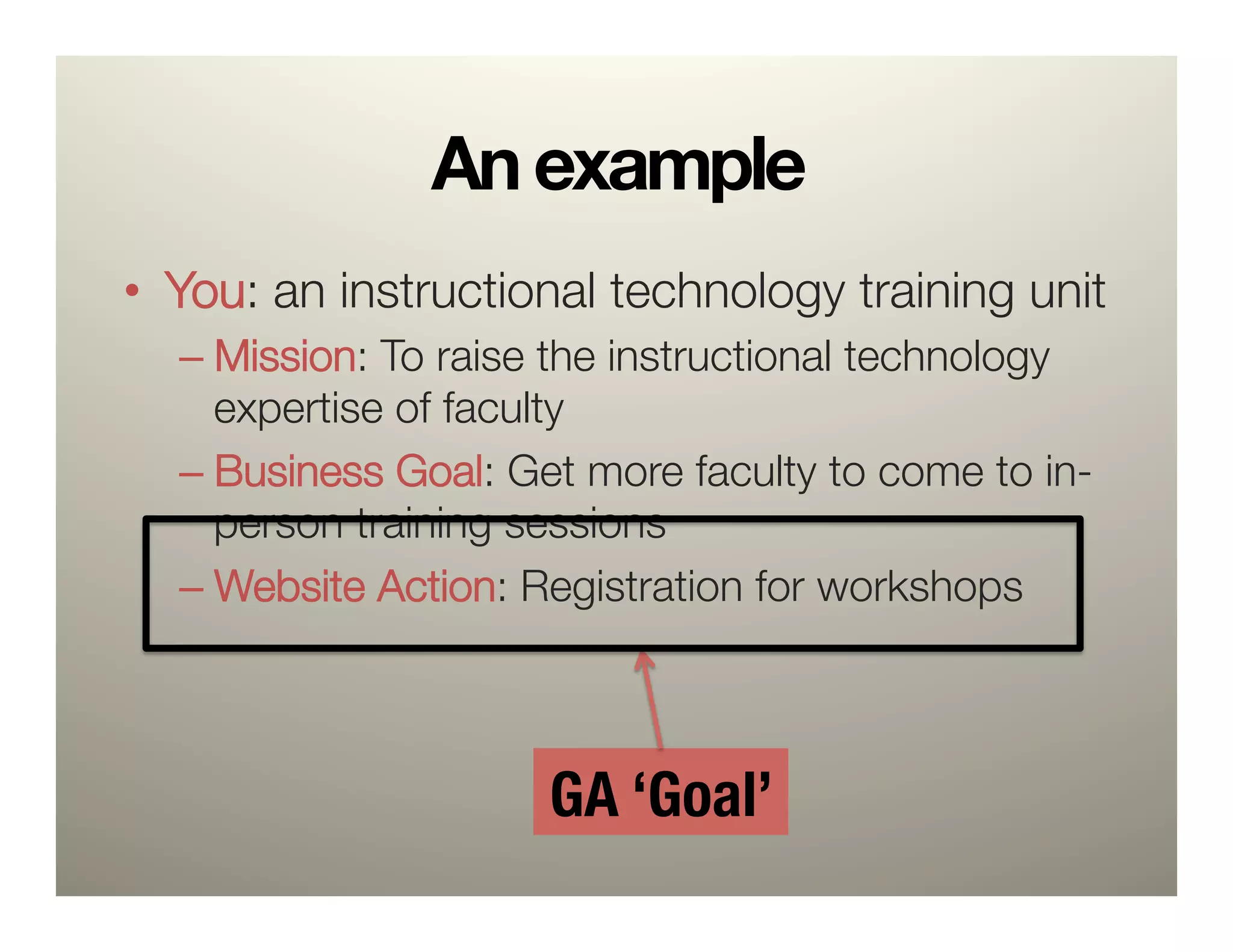
An example
•  You: an instructional technology training unit
  –  Mission: To raise the instructional technology
     expertise of faculty
  –  Business Goal: Get more faculty to come to in-
     person training sessions
  –  Website Action: Registration for workshops


                     GA ‘Goal’
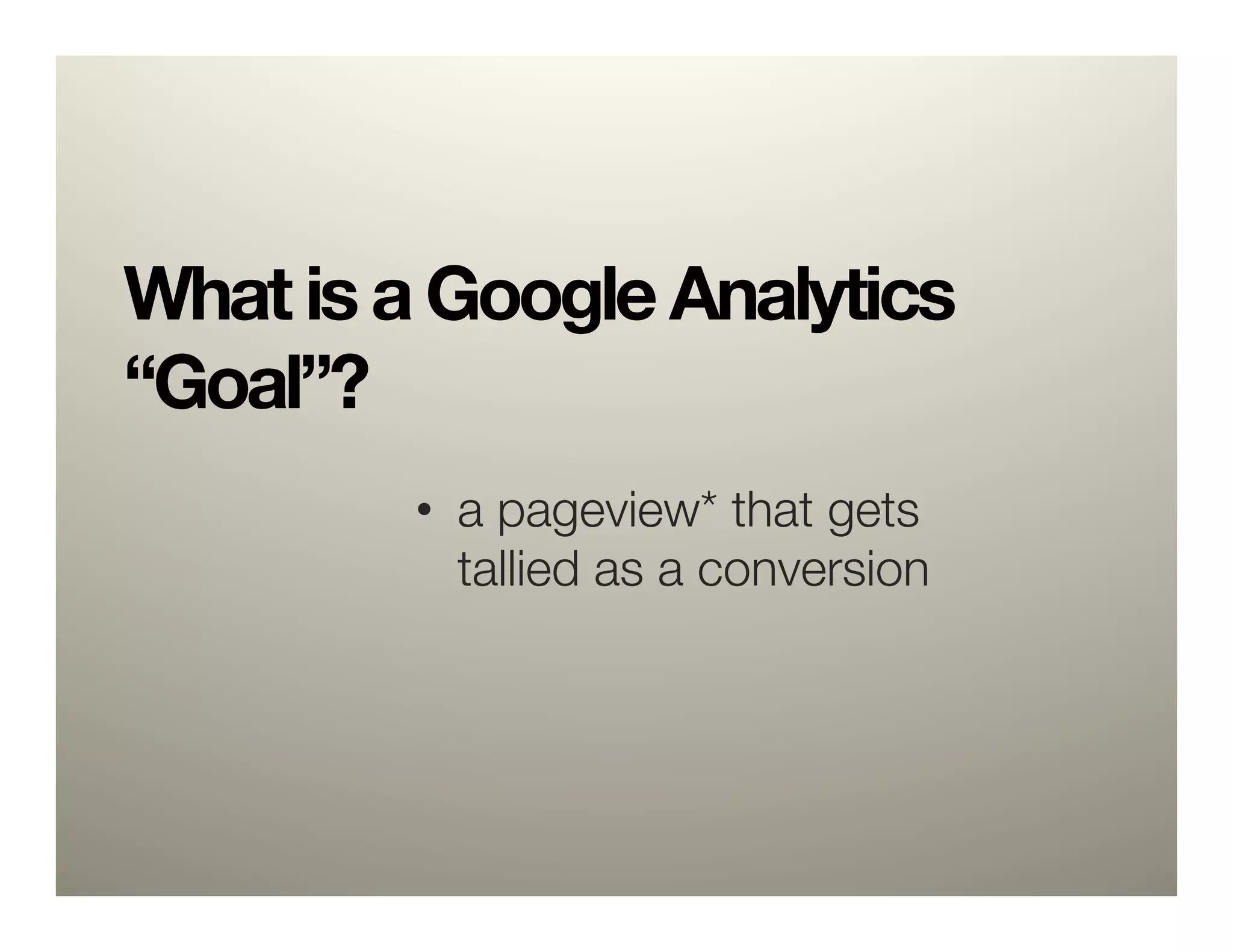
What is a Google Analytics
“Goal”? 

         •  a pageview* that gets
            tallied as a conversion
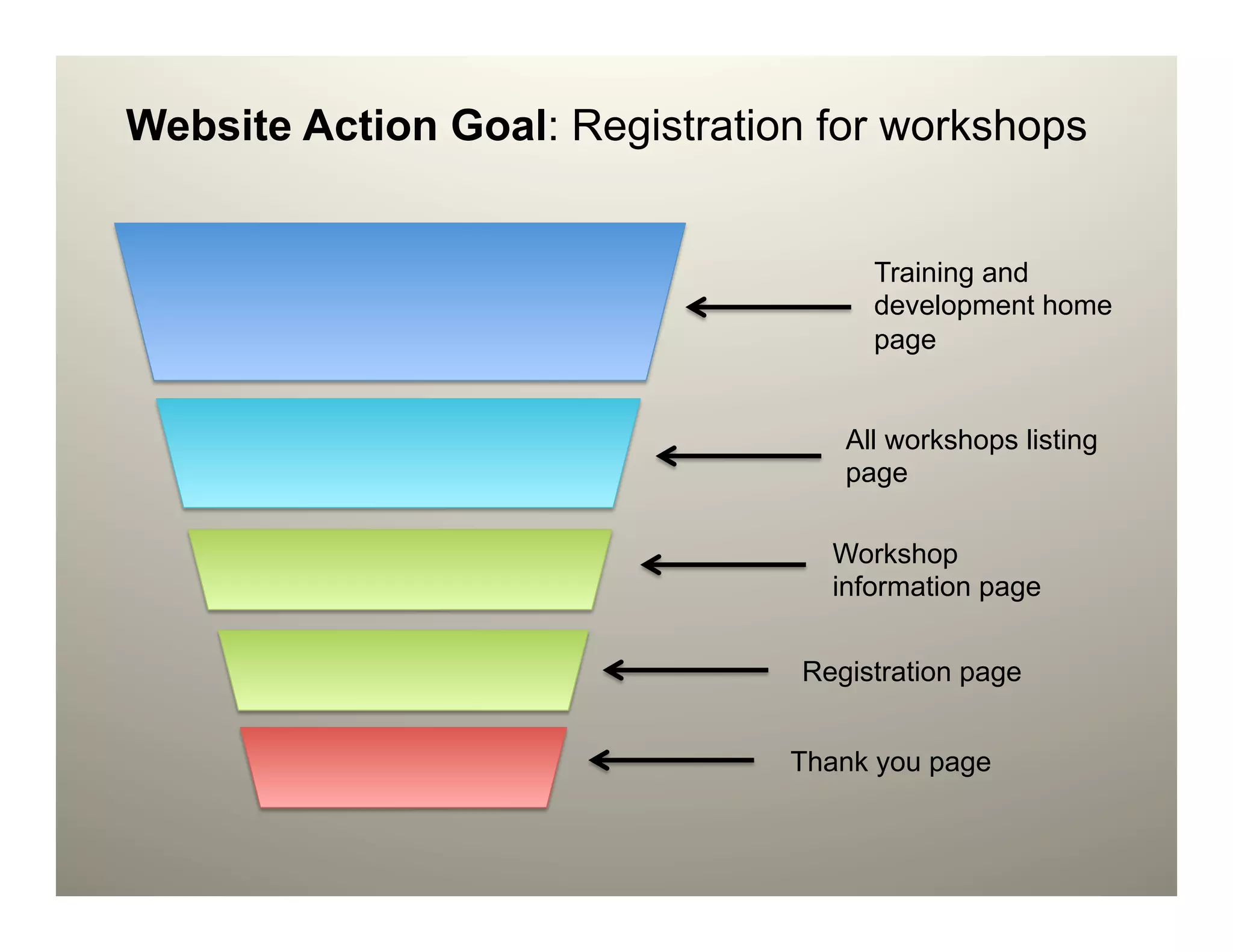
Website Action Goal: Registration for workshops


                                      Training and
                                      development home
                                      page


                                    All workshops listing
                                    page

                                   Workshop
                                   information page


                                 Registration page


                                Thank you page
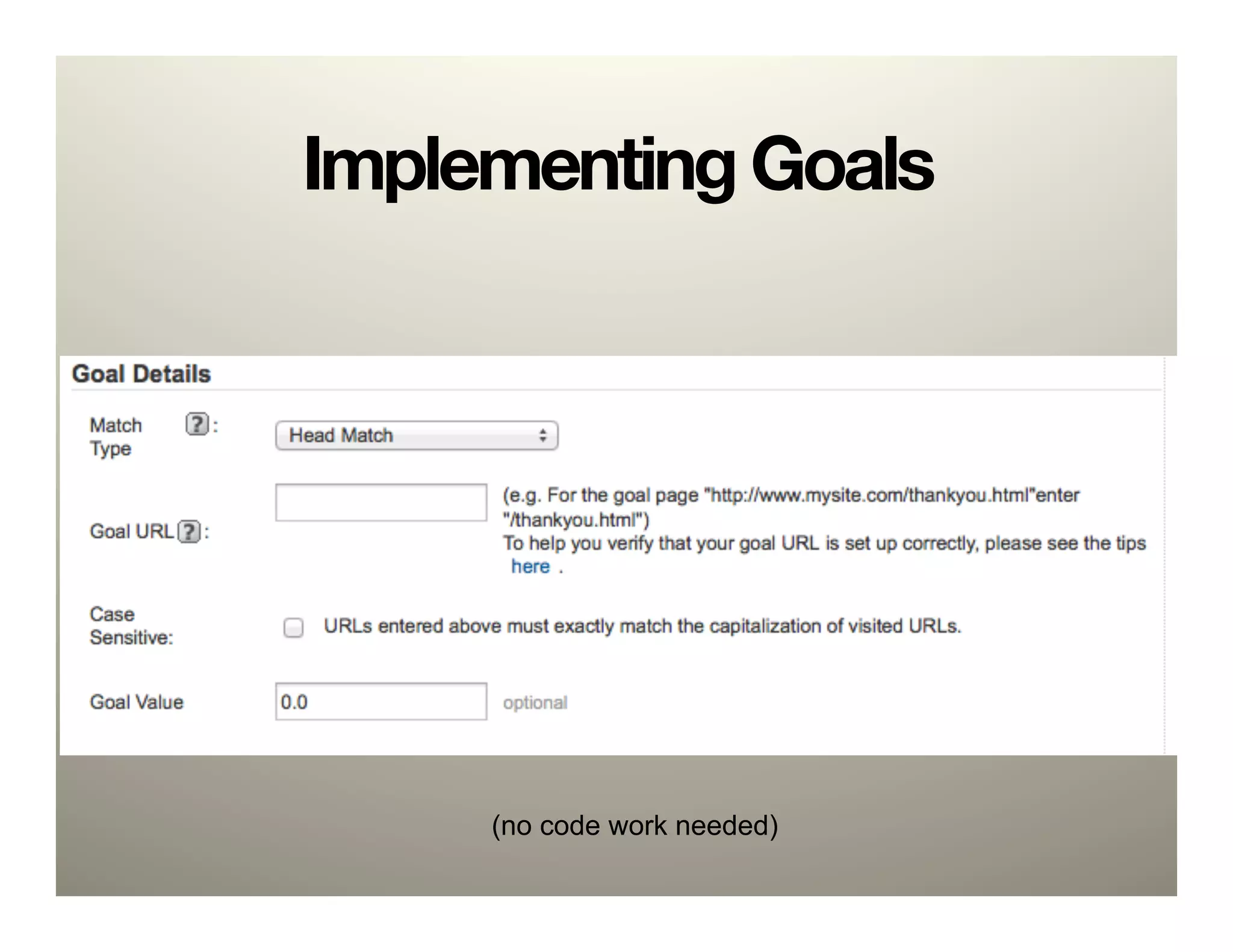
Implementing Goals


     (no code work needed)
Example: PRTM Online
Contact Form
This is all well and good, but
my goal isn’t something that
Google Analytics can track."
Like playing a video or an"
external site link.
Enter Events and
“virtual” Pageviews.
(a related, but
important tangent)
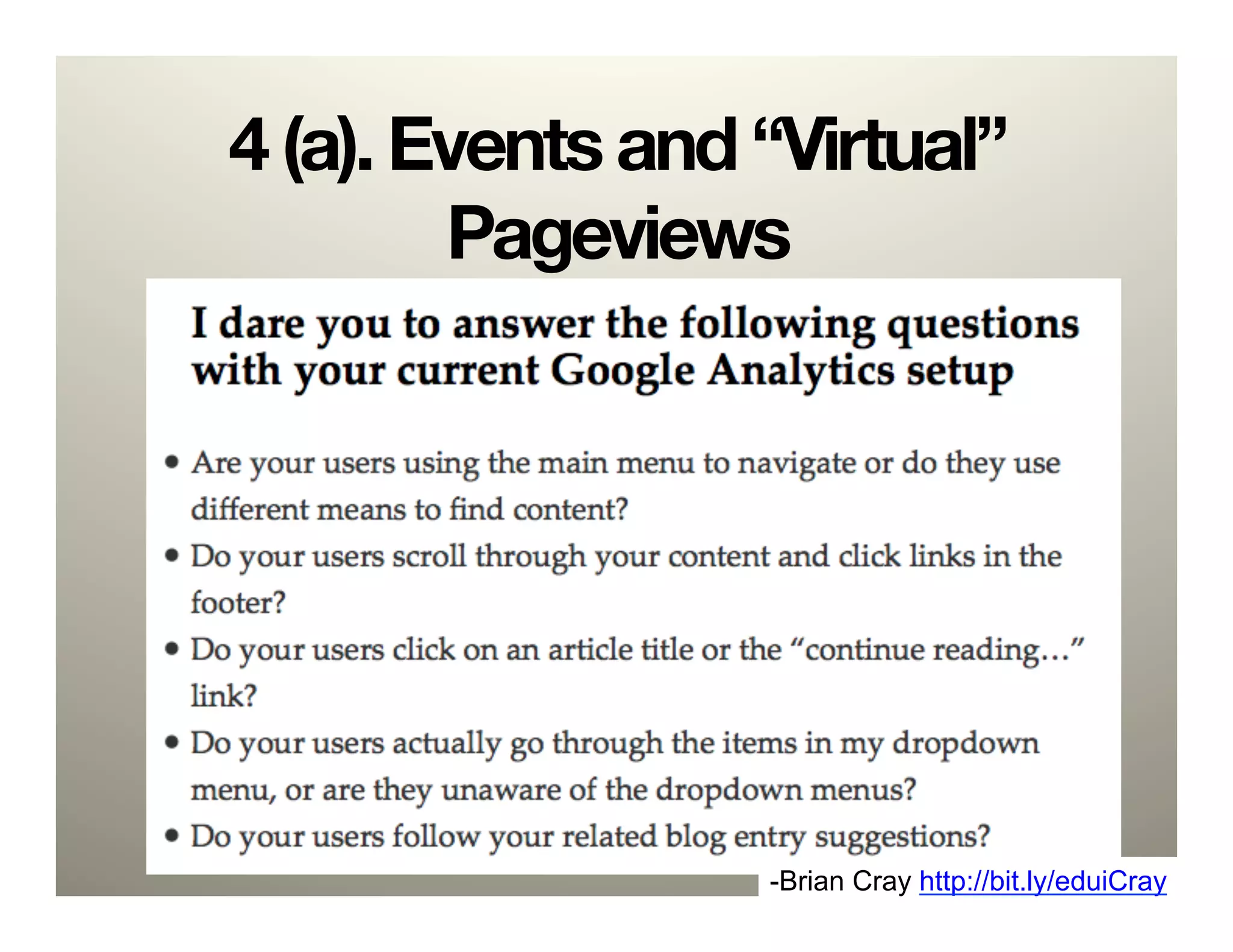
4 (a). Events and “Virtual”
        Pageviews


                  -Brian Cray http://bit.ly/eduiCray
Use cases
•  Actions within the page
  –  Site exits to external link
  –  Activating a tab
  –  Playing a video
  –  Multiple links to same address
•  “onclick” attribute
Events code
 _gaq.push([’_trackEvent’, ‘category’,
 ‘action’, ‘opt_label’, ‘opt_value’)]);!


_trackEvent     Track visitor behavior
category General event category.
action     Event action.
opt_label Optional descriptor
opt_value Optional value
Events example
 _gaq.push(['_trackEvent', 'Footer',
 'External Link', 'Flickr'])!


_trackEvent     Track visitor behavior
category General event category.
action     Event action.
opt_label Optional descriptor
opt_value Optional value
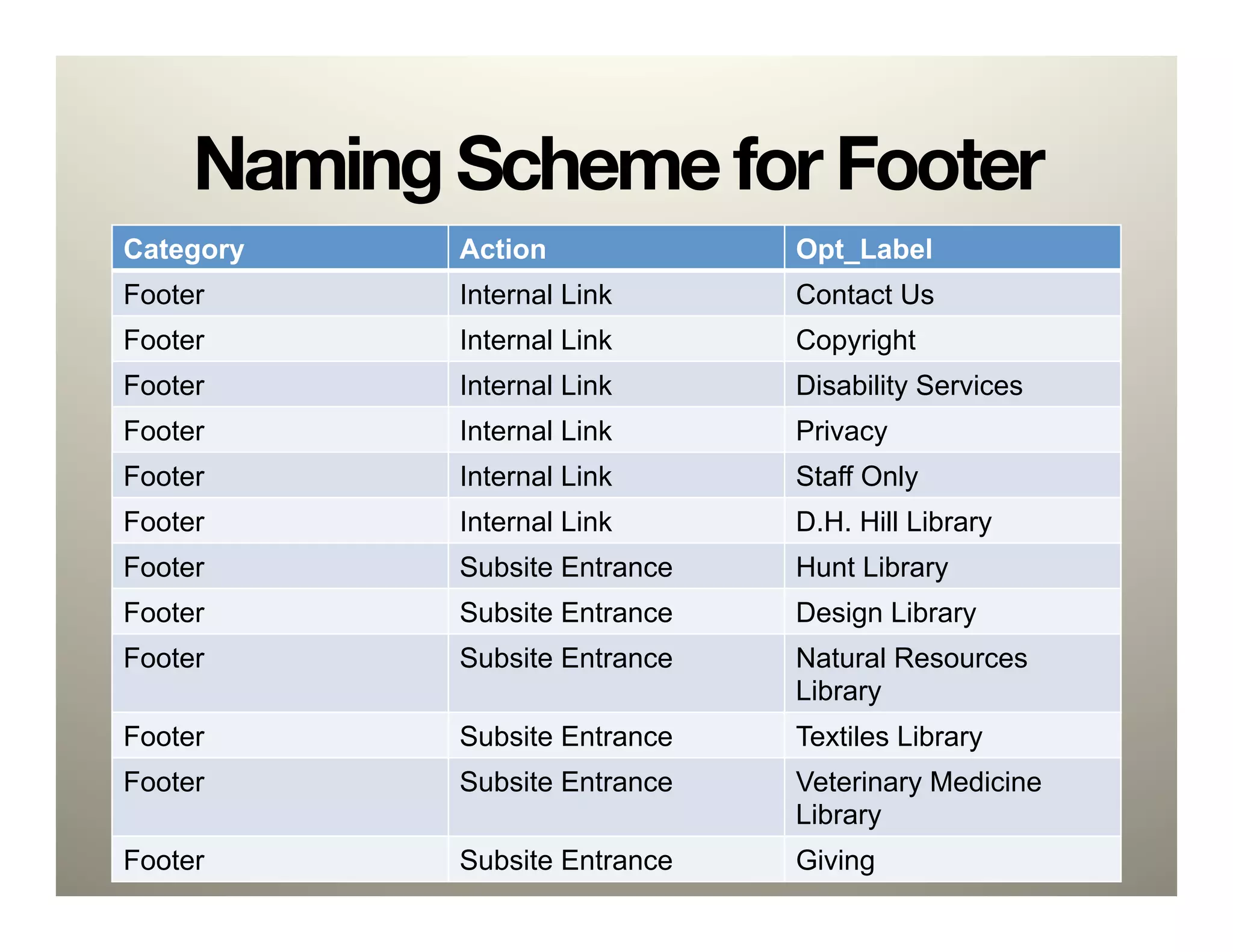
Naming Scheme for Footer
Category    Action             Opt_Label
Footer      Internal Link      Contact Us
Footer      Internal Link      Copyright
Footer      Internal Link      Disability Services
Footer      Internal Link      Privacy
Footer      Internal Link      Staff Only
Footer      Internal Link      D.H. Hill Library
Footer      Subsite Entrance   Hunt Library
Footer      Subsite Entrance   Design Library
Footer      Subsite Entrance   Natural Resources
                               Library
Footer      Subsite Entrance   Textiles Library
Footer      Subsite Entrance   Veterinary Medicine
                               Library
Footer      Subsite Entrance   Giving
<a class="flickr" !
onclick="_gaq.push(['_trackEvent', 'Footer',
'External Link’, ‘Flickr']);” title="flickr”  
href="http://flickr.com/photos/ncsu_scrc/">!
!
<img width="24" height="24" alt="flickr" src
="/website/images/flickr.png">!
!
</a>!
!
Example: NCSU Libraries
Footer
Virtual Pageviews

•  Like an event, but tabulated as a
   page view
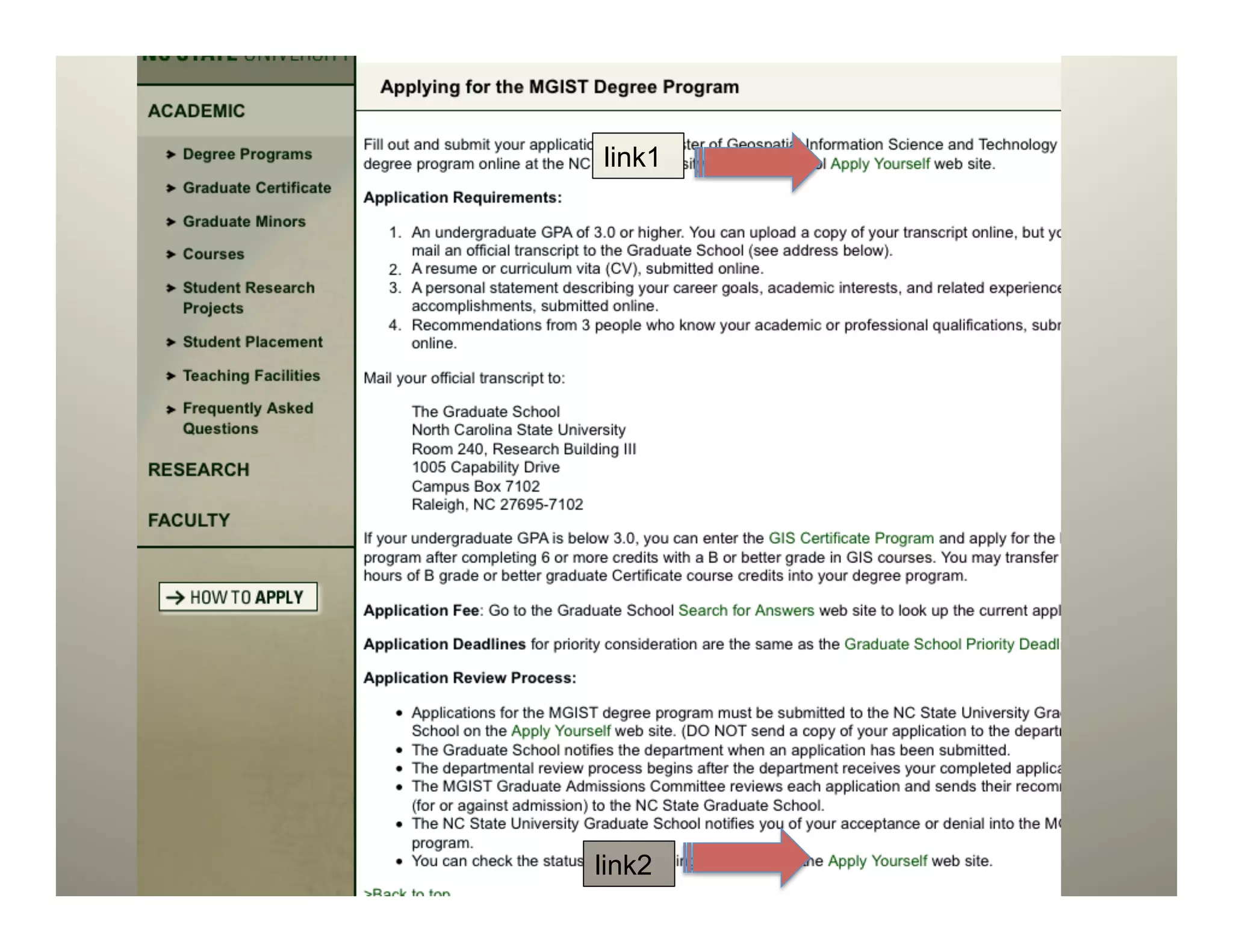
link1


link2
Example: Virtual PageView for
 Site Exit
<li>Submit your application using the NC State
University Graduate School !
<a !
 !onclick="_gaq.push([!
 ! !'_trackPageview', 'academic/how_to_apply/!
 ! !start-application/link4’]);" !
 !target="new" 

 !href=http://www.ncsu.edu/grad/applygrad.htm” !
>!
Apply Yourself</a> web site.</li>!
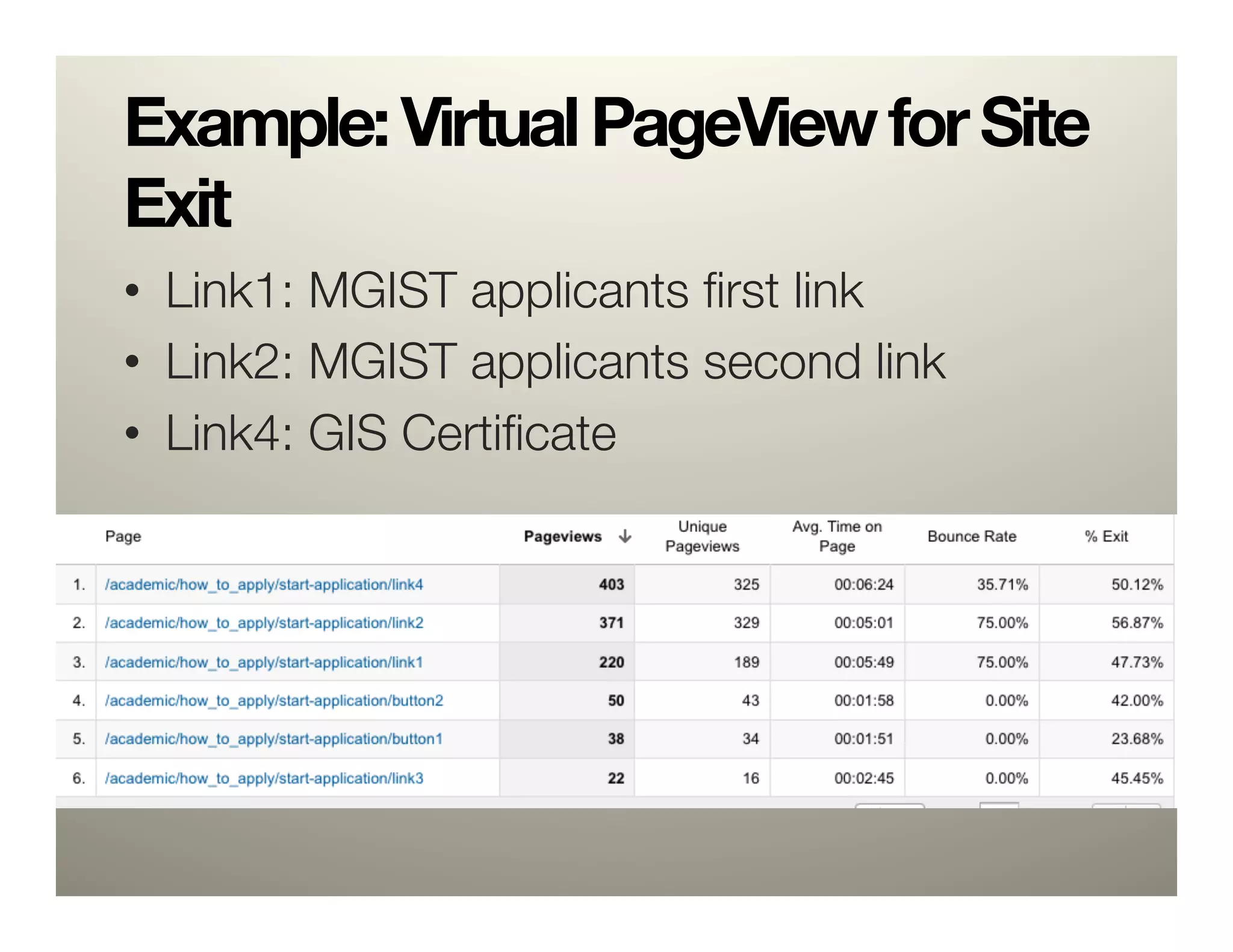
Example: Virtual PageView for Site
Exit
•  Link1: MGIST applicants first link
•  Link2: MGIST applicants second link
•  Link4: GIS Certificate
What is a Google Analytics
“Goal”? 

         •  Any interaction a user makes
            with the site that gets tallied as
            a conversion
Caution
•  Limited to 500 total events or pageviews
   per visit (user session)
  –  avoid scripting a video to send an event for
     every second played and other highly repetitive
     event triggers 
  –  avoid excessive mouse movement tracking 
  –  avoid time-lapse mechanisms that generate
     high event counts
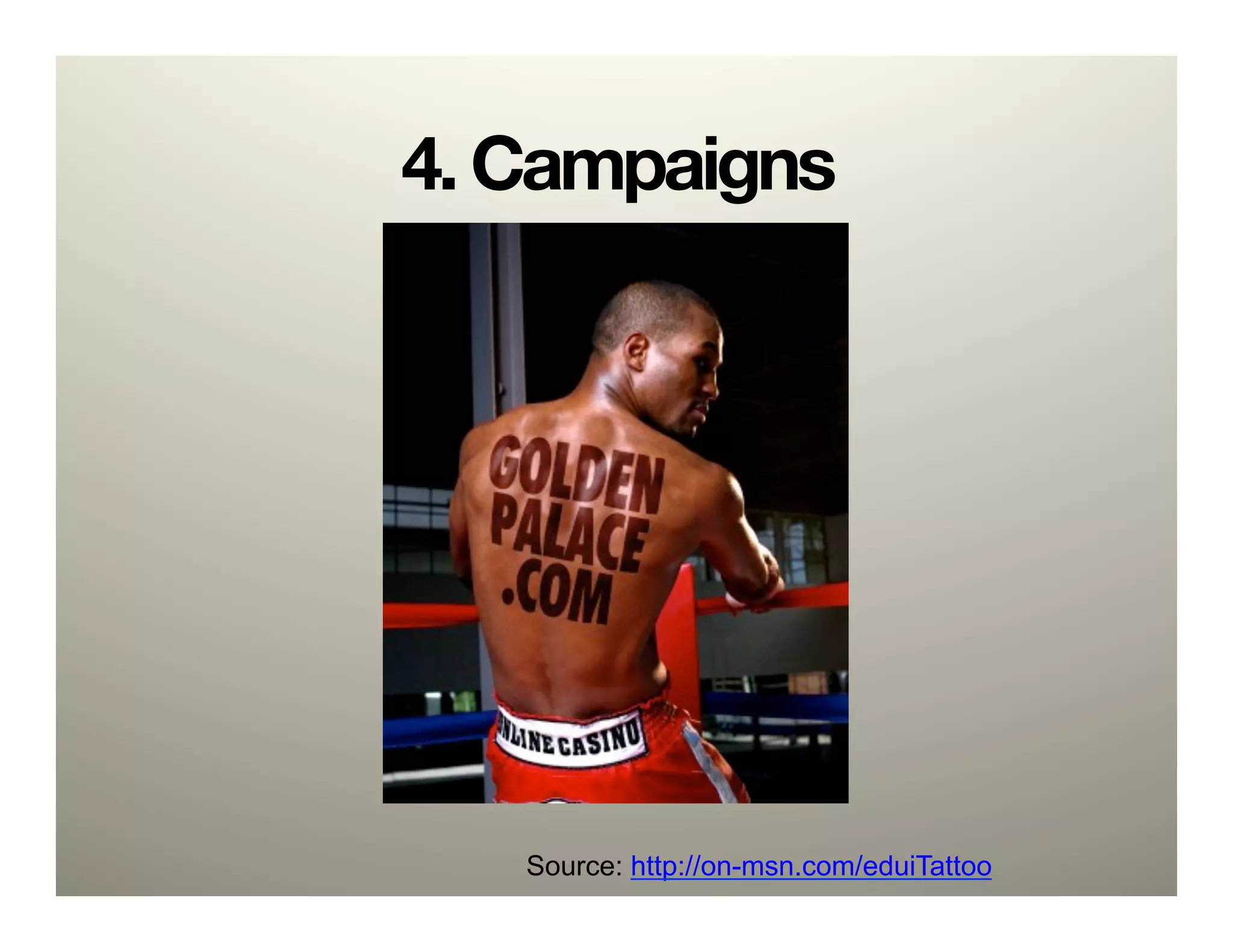
4. Campaigns


   Source: http://on-msn.com/eduiTattoo
Campaigns
The One True Way:

   “Make something great. Tell
   people about it. Do it again.”
                     -Derek Powazek
                     http://bit.ly/eduiSEO
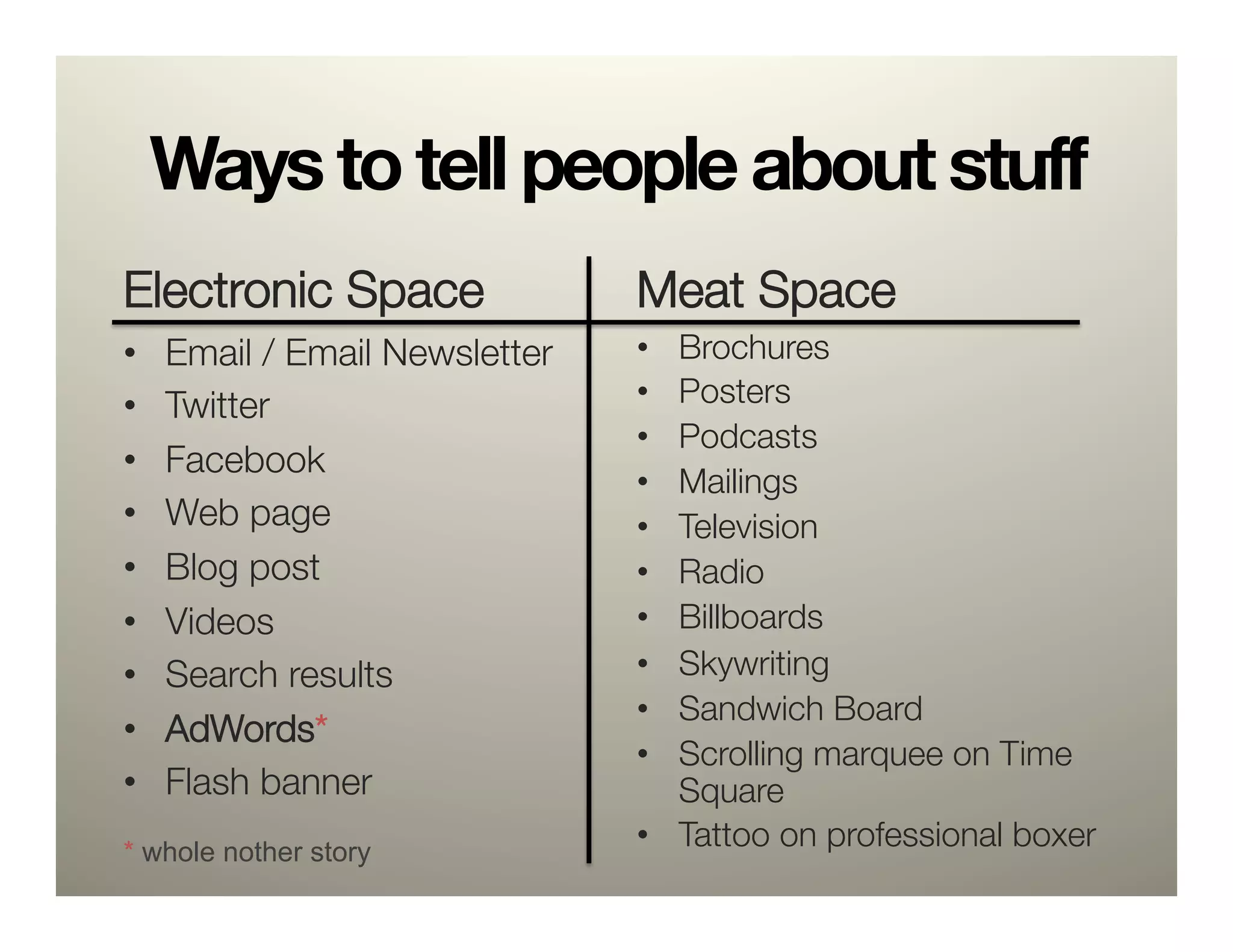
Ways to tell people about stuff
Electronic Space
                Meat Space
•    Email / Email Newsletter
   •  Brochures
•    Twitter
                    •  Posters
                                 •  Podcasts
•    Facebook
                                 •  Mailings
•    Web page
                   •  Television
•    Blog post
                  •  Radio
•    Videos
                     •  Billboards
•    Search results
             •  Skywriting
                                 •  Sandwich Board
•    AdWords*
                                 •  Scrolling marquee on Time
•    Flash banner
                  Square
* whole nother story
                                 •  Tattoo on professional boxer
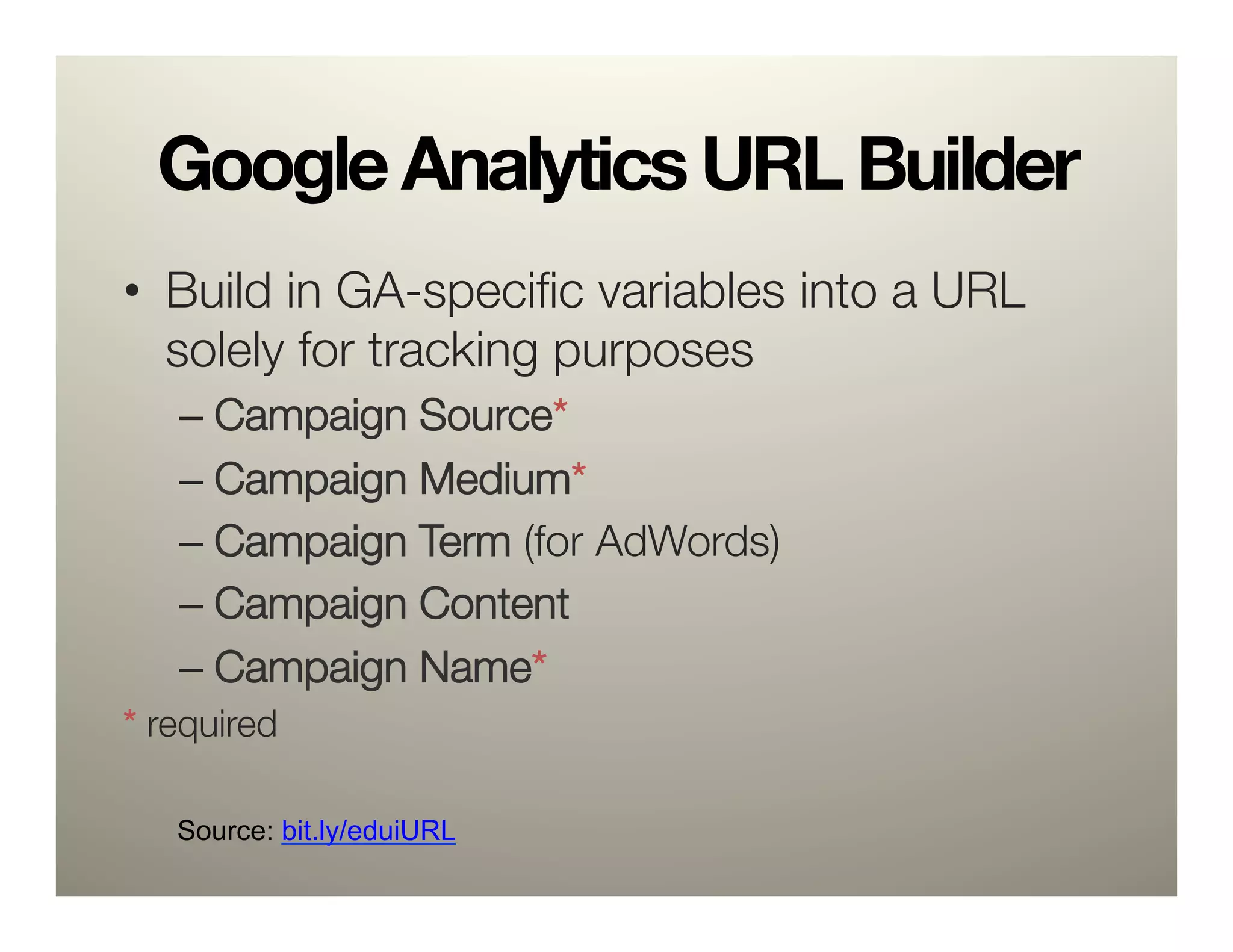
Google Analytics URL Builder
•  Build in GA-specific variables into a URL
   solely for tracking purposes
   –  Campaign Source* 
   –  Campaign Medium*
   –  Campaign Term (for AdWords)
   –  Campaign Content 
   –  Campaign Name*
* required


   Source: bit.ly/eduiURL
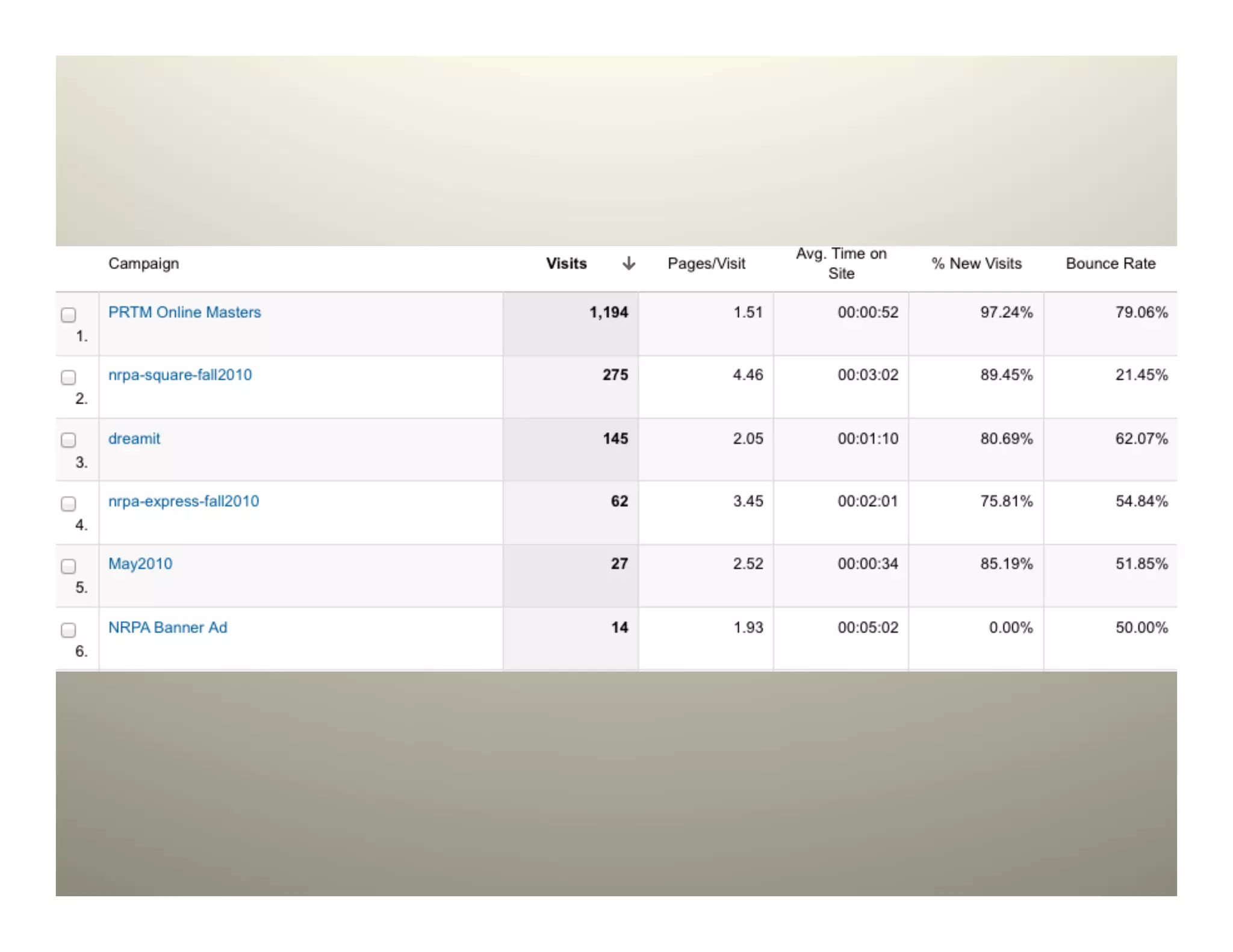
http://www.lib.ncsu.edu/page?"
   utm_source=newsletterFall11&"
   utm_medium=email&"
   utm_campaign=AmazingAlumni

http://www.lib.ncsu.edu/page?"
utm_source=joeSmithBoxer&"
utm_medium=tattoo&"
utm_campaign=department
   http://www.lib.ncsu.edu/page?"
   utm_source=tweet484&"
   utm_medium=twitter&"
   utm_campaign=communications
Shorten it
                 "
bit.ly/page or go.ncsu.edu/page
5. Reporting


    squirrel: http://www.flickr.com/photos/sompops/166288241/
    ninja: http://www.flickr.com/photos/jeyhun85/4684666416/
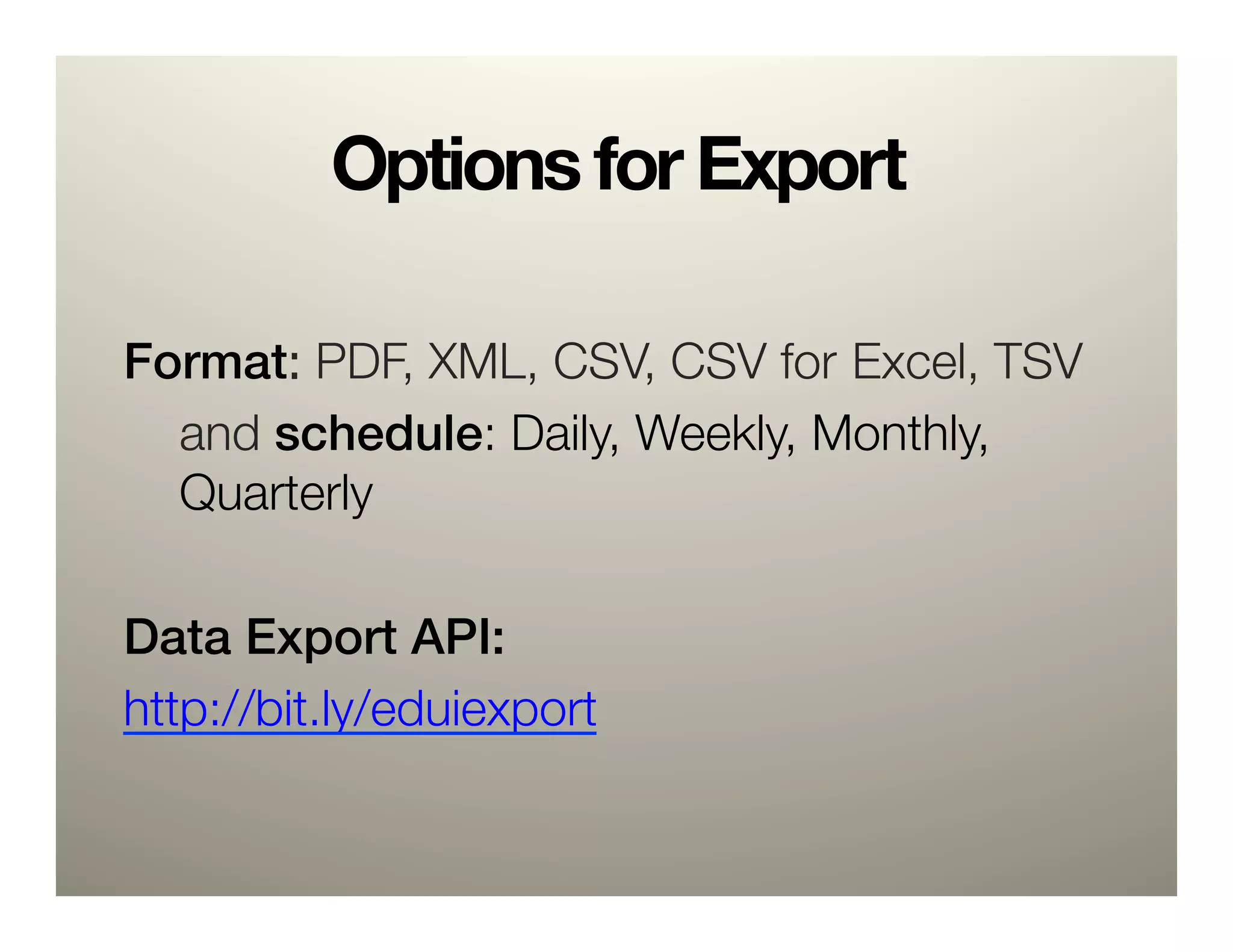
Options for Export
!
Format: PDF, XML, CSV, CSV for
Excel, TSV
  
and schedule: Daily, Weekly, Monthly,
  
Quarterly

Data Export API:!
http://bit.ly/eduiexport
Customize
•  Build reports that answer
   specific questions
•  Automate delivery
•  Cut out stuff that doesn’t
   matter
•  Leave no room for
   interpretation
Recap
•  Google Analytics basics
5 Ways to use 
  1.    404s
  2.    Search
  3.    Goals (and Events)
  4.    Campaigns
  5.    Reporting
Much more:
•  Programmatic approach for implementation:
   –  CMS solutions
   –  jQuery
•  Profiles and Filtering
   –  Blocking IPs
•  Custom Reports
•  Advanced Segments
   –  Custom Visitor Segments
•  A/B Testing
   –  Website Optimizer
•  trackSocial and a plethora of other functions
questions? comments?
8/10
“Eight out of ten
implementations of web
analytics solutions are
incorrectly set up”

-Bill Hunt, CEO, Global Strategies
                     International

5 Ways to Make Use of Your Google Analytics

  • 1.
    5 Ways toMake Use of Your Google Analytics Charlie Morris @cdmo
  • 2.
    About Me Nutshell: -  MSISfrom UNC -  NC State since ‘05 -  Joined NCSU Libraries 2 months ago -  Interests and areas of expertise: " Google Analytics, Drupal, WordPress, users and content, jQuery, burritos, CSS (recent Sass + Compass convert), PHP + MySQL
  • 3.
    Agenda •  GA Basics • Why this presentation 5 Ways: 1.  404s 2.  Search 3.  Goals (and Events) 4.  Campaigns 5.  Reporting
  • 4.
    Google Analytics basics Uservisits ga.js sends the Google your site user’s browser Analytics and the GA information off processes snippet is to GA servers the data triggered and it sets and makes (along with cookies on the reports ga.js) available user’s browser (This occurs in a fraction of a second) (This takes hours)
  • 5.
    Limitations •  Won’t track if JS is turned off •  “Unique” Visitors •  Cookie deletion •  NoScript and other add-ons •  Trend data, not exact
  • 6.
  • 7.
  • 8.
  • 9.
    Do you collectweb traffic data? Yes No <20% Do you use it regularly to inform website decisions?
  • 10.
    So, how canyou use it?
  • 11.
    So, how canyou use it?
  • 12.
    So, how canyou use it?
  • 13.
    So, how canyou use it?
  • 14.
    So, how canyou use it?
  • 15.
    So, how canyou use it? “Data Puke”
  • 16.
  • 17.
  • 18.
  • 19.
    Google Analytics iseasy.* *Unless you actually want to make use of it.
  • 20.
    Options •  Analysis Paralysis • Don’t Bother •  How about: " Implement a few helpful options and" customize reporting
  • 21.
  • 22.
    1. 404s Source: http://kilianmuster.com/404
  • 23.
    Required: A404 error page see" http://www.alistapart.com/articles/ perfect404/
  • 24.
    Default GATC _gaq.push(['_setAccount','UA-######-#']);! _gaq.push(['_trackPageview']);! _gaq The global object for asynchronous tracking. push Executes the given command array. _trackPageview Main logic of GATC. Takes one optional parameter, if it isn’t specified then GA will use current address.
  • 25.
    Code Modify the _trackPageviewfunction: try{! _gaq.push(['_trackPageview', '/ 404.php?page=' + document.location.pathname + document.location.search + '&from=' + document.referrer]);! } catch(err) {}! Source: bit.ly/edui404
  • 26.
    Pull Report /404.php?page=/deansmessage.htm&from=http://cnr.ncsu.edu/fer/direct/ brown.php Page = deansmessage.htm From = http://cnr.ncsu.edu/fer/direct/brown.php
  • 27.
    Generate a report 1. See Top Content 2.  Filter by “404” 3.  Set 500 per page" 4.  Set Up Email (more on this later)
  • 28.
    Create Redirects RewriteEngine On! RewriteRulescholarships.htm$ http://cnr.ncsu.edu/future/scholarships_financial_aid.php [R=301,NC]! RewriteRule alumni.htm$ http://cnr.ncsu.edu/alumni_friends/ [R=301,NC]! RewriteRule calendar$ http://cnr.ncsu.edu/news/calendar.php [R=301,NC]! RewriteRule visitorinfocnr.htm$ http://cnr.ncsu.edu/future/visit.php [R=301,NC]! RewriteRule development/index.html$ http://cnr.ncsu.edu/alumni_friends/ [R=301,NC]! RewriteRule development/give.html$ http://cnr.ncsu.edu/alumni_friends/support/ [R=301,NC]! RewriteRule development/update.html$ http://cnr.ncsu.edu/alumni_friends/update_your_info.php [R=301,NC]! RewriteRule distance.htm$ http://cnr.ncsu.edu/future/grad/distance_education.php [R=301,NC]! RewriteRule calendar/$ http://cnr.ncsu.edu/news/calendar.php [R=301,NC]! RewriteRule bsprogrm/prtm/sportmgt.htm$ http://cnr.ncsu.edu/prtm [R=301,NC]! RewriteRule directions.htm$ http://cnr.ncsu.edu/about/directions.php [R=301,NC]!
  • 29.
    2. Search Source: http://rosenfeldmedia.com/books/searchanalytics/
  • 30.
    Track Site SearchTerms <input type="text" size="31" name="q”>! <input type="submit" value="Search" name="sa">!
  • 31.
  • 32.
    What can searchanalysis tell you? •  What terms to include in campaigns* •  What to feature on the homepage •  How to structure information •  What synonyms to use in the search itself •  Where users are getting lost Helps make your site and its content more relevant and useful
  • 33.
    Other low-hanging fruit •  Daily number of visitors •  Top visited pages •  Average length of visits •  Bounce rate
  • 34.
    3. Goals Source: Sam Smith, http://bit.ly/eduiRaptor
  • 35.
    “Defining your websitegoals is probably the single most important step of your configuration process, as it enables you to define success” -Brian Clifton, author of Advanced Web Metrics with Google Analytics
  • 36.
    •  Need tohave actual goals before you can Mission! set “Goals” Business Goal Business Goal Website Website Action Website Action Action
  • 37.
    An example •  You:an instructional technology training unit –  Mission: To raise the instructional technology expertise of faculty –  Business Goal: Get more faculty to come to in- person training sessions –  Website Action: Registration for workshops
  • 38.
    An example •  You:an instructional technology training unit –  Mission: To raise the instructional technology expertise of faculty –  Business Goal: Get more faculty to come to in- person training sessions –  Website Action: Registration for workshops GA ‘Goal’
  • 39.
    What is aGoogle Analytics “Goal”? •  a pageview* that gets tallied as a conversion
  • 40.
    Website Action Goal:Registration for workshops Training and development home page All workshops listing page Workshop information page Registration page Thank you page
  • 41.
    Implementing Goals (no code work needed)
  • 42.
  • 43.
    This is allwell and good, but my goal isn’t something that Google Analytics can track." Like playing a video or an" external site link.
  • 44.
    Enter Events and “virtual”Pageviews. (a related, but important tangent)
  • 45.
    4 (a). Eventsand “Virtual” Pageviews -Brian Cray http://bit.ly/eduiCray
  • 46.
    Use cases •  Actionswithin the page –  Site exits to external link –  Activating a tab –  Playing a video –  Multiple links to same address •  “onclick” attribute
  • 47.
    Events code _gaq.push([’_trackEvent’,‘category’, ‘action’, ‘opt_label’, ‘opt_value’)]);! _trackEvent Track visitor behavior category General event category. action Event action. opt_label Optional descriptor opt_value Optional value
  • 48.
    Events example _gaq.push(['_trackEvent','Footer', 'External Link', 'Flickr'])! _trackEvent Track visitor behavior category General event category. action Event action. opt_label Optional descriptor opt_value Optional value
  • 49.
    Naming Scheme forFooter Category Action Opt_Label Footer Internal Link Contact Us Footer Internal Link Copyright Footer Internal Link Disability Services Footer Internal Link Privacy Footer Internal Link Staff Only Footer Internal Link D.H. Hill Library Footer Subsite Entrance Hunt Library Footer Subsite Entrance Design Library Footer Subsite Entrance Natural Resources Library Footer Subsite Entrance Textiles Library Footer Subsite Entrance Veterinary Medicine Library Footer Subsite Entrance Giving
  • 50.
    <a class="flickr" ! onclick="_gaq.push(['_trackEvent', 'Footer', 'External Link’,‘Flickr']);” title="flickr”   href="http://flickr.com/photos/ncsu_scrc/">! ! <img width="24" height="24" alt="flickr" src ="/website/images/flickr.png">! ! </a>! !
  • 51.
  • 52.
    Virtual Pageviews •  Likean event, but tabulated as a page view
  • 53.
  • 54.
    Example: Virtual PageViewfor Site Exit <li>Submit your application using the NC State University Graduate School ! <a ! !onclick="_gaq.push([! ! !'_trackPageview', 'academic/how_to_apply/! ! !start-application/link4’]);" ! !target="new" 
 !href=http://www.ncsu.edu/grad/applygrad.htm” ! >! Apply Yourself</a> web site.</li>!
  • 55.
    Example: Virtual PageViewfor Site Exit •  Link1: MGIST applicants first link •  Link2: MGIST applicants second link •  Link4: GIS Certificate
  • 56.
    What is aGoogle Analytics “Goal”? •  Any interaction a user makes with the site that gets tallied as a conversion
  • 57.
    Caution •  Limited to500 total events or pageviews per visit (user session) –  avoid scripting a video to send an event for every second played and other highly repetitive event triggers –  avoid excessive mouse movement tracking –  avoid time-lapse mechanisms that generate high event counts
  • 58.
    4. Campaigns Source: http://on-msn.com/eduiTattoo
  • 59.
    Campaigns The One TrueWay: “Make something great. Tell people about it. Do it again.” -Derek Powazek http://bit.ly/eduiSEO
  • 60.
    Ways to tellpeople about stuff Electronic Space Meat Space •  Email / Email Newsletter •  Brochures •  Twitter •  Posters •  Podcasts •  Facebook •  Mailings •  Web page •  Television •  Blog post •  Radio •  Videos •  Billboards •  Search results •  Skywriting •  Sandwich Board •  AdWords* •  Scrolling marquee on Time •  Flash banner Square * whole nother story •  Tattoo on professional boxer
  • 61.
    Google Analytics URLBuilder •  Build in GA-specific variables into a URL solely for tracking purposes –  Campaign Source* –  Campaign Medium* –  Campaign Term (for AdWords) –  Campaign Content –  Campaign Name* * required Source: bit.ly/eduiURL
  • 62.
    http://www.lib.ncsu.edu/page?" utm_source=newsletterFall11&" utm_medium=email&" utm_campaign=AmazingAlumni http://www.lib.ncsu.edu/page?" utm_source=joeSmithBoxer&" utm_medium=tattoo&" utm_campaign=department http://www.lib.ncsu.edu/page?" utm_source=tweet484&" utm_medium=twitter&" utm_campaign=communications
  • 63.
    Shorten it " bit.ly/page or go.ncsu.edu/page
  • 65.
    5. Reporting squirrel: http://www.flickr.com/photos/sompops/166288241/ ninja: http://www.flickr.com/photos/jeyhun85/4684666416/
  • 66.
    Options for Export ! Format:PDF, XML, CSV, CSV for Excel, TSV and schedule: Daily, Weekly, Monthly, Quarterly Data Export API:! http://bit.ly/eduiexport
  • 67.
    Customize •  Build reportsthat answer specific questions •  Automate delivery •  Cut out stuff that doesn’t matter •  Leave no room for interpretation
  • 68.
    Recap •  Google Analyticsbasics 5 Ways to use 1.  404s 2.  Search 3.  Goals (and Events) 4.  Campaigns 5.  Reporting
  • 69.
    Much more: •  Programmaticapproach for implementation: –  CMS solutions –  jQuery •  Profiles and Filtering –  Blocking IPs •  Custom Reports •  Advanced Segments –  Custom Visitor Segments •  A/B Testing –  Website Optimizer •  trackSocial and a plethora of other functions
  • 70.
  • 71.
    8/10 “Eight out often implementations of web analytics solutions are incorrectly set up” -Bill Hunt, CEO, Global Strategies International