Basic PC Troubleshooting
Solving a problem requires first recognizing that there is one - which may be somewhat obvious - then logically and rationally determining where the problem could be, and narrowing thing down from there.
Understand the task at hand.
Understand how to accomplish those tasks.
Determine whether there is really a problem.
Identify the problem.
Consider the activities, uses, and condition around the system.
Correct the items found defective.
Correct items that could cause a problem in the future
The keys to solving these problems
Knowing and understanding your system.
Understanding enough about DOS or Windows to get the system booted up and run a program.
Understanding how the software you use is supposed to work.
Knowing what and where your components are.
Knowing how to remove and insert the components and operate any switches or change their jumpers.
Being able to recognize text, visual, and audible clues that indicate potential problem spots.
Being familiar with your system’s documentation, and keeping tech. support number(s) for your system and software handy.
Taking each aspect of the system and your work step-by-step and eliminating what does not fit the problem.
Having patience and a will to do it.
Having the proper hand tools to open and change parts in your system.
Troubles and Errors
Troubles and errors are classified into two categories:
Fatal errors - are those errors that keep your computer from booting up. These can be caused by hardware failures or malfunction due to improper configuration of the hardware. On the hand
Non-fatal errors – are errors are those errors that does not prevent your PC from booting up, but causes undesirable conditions, such as no sound coming from your speakers, or your printer is printing garbage or does not print at all.
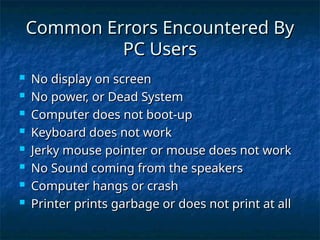
Common Errors Encountered By PC Users
No display on screen
No power, or Dead System
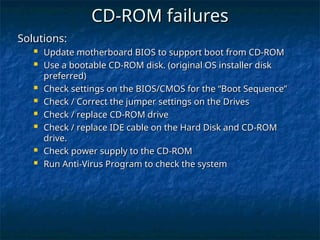
Computer does not boot-up
Keyboard does not work
Jerky mouse pointer or mouse does not work
No Sound coming from the speakers
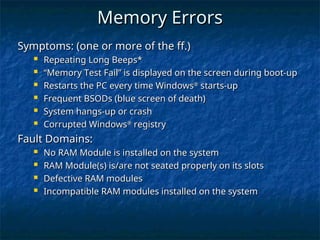
Computer hangs or crash
Printer prints garbage or does not print at all
POST – Power On Self Test
The first thing that the BIOS does when it boots the PC is to perform what is called the Power-On Self-Test, or POST for short. The POST is a built-in diagnostic program that checks your hardware to ensure that everything is present and functioning properly, before the BIOS begins the actual boot. It later continues with additional tests (such as the memory test that you see printed on the screen) as the boot process is proceeding.
What are tested by POST
CPU
Memory
Video Card
Hard Disk Drive(s)
Floppy Disk Drive(s)
Keyboard
POST Error Messages
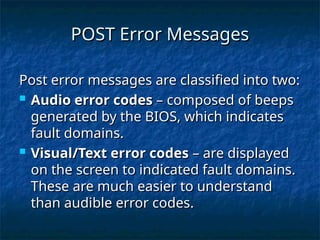
Post error messages are classified into two:
Audio error codes – composed of beeps generated by the BIOS, which indicates fault domains.
Visual/Text error codes – are displayed on the screen to indicated fault domains. These are much easier to understand than audible error codes.
Fatal Errors : sometimes referred to as B