















Search Engines :
As information retrieval system
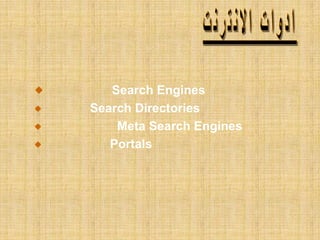
Search Engines
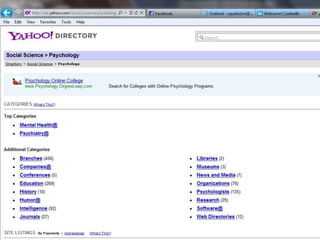
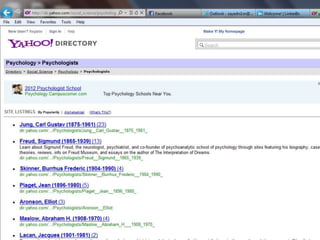
Search Directories
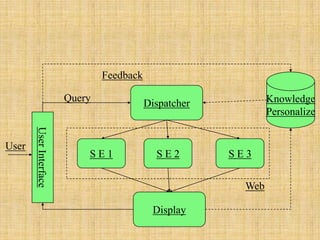
Meta Search Engines
Portals
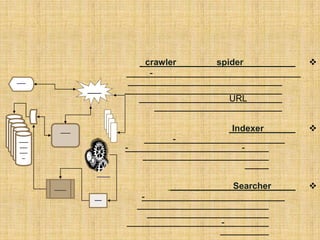
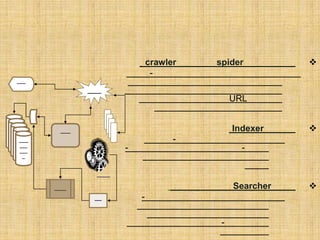
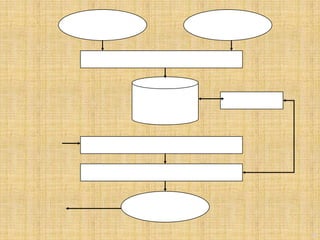
spidercrawler
-
URL
Indexer
-
--
Searcher
-
-
The Parts of a Search Engine
Spider (or “crawler”)
Indexer
Search software (an algorithm)
The “spider” or “crawler”
The spider visits a web page, reads it, and then
follows links to other pages within the site. This is
what it means when someone refers to a site being
"spidered" or "crawled". This is also known as
“harvesting”. The spider returns to the site on a
regular basis, such as every month or two, to look for
changes.
9
UCB SIMS 202, Sept. 2004
Avi Rappoport, Search Tools Consulting
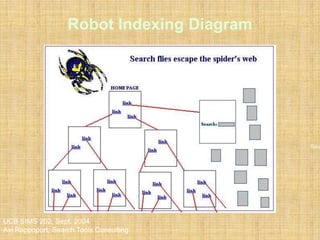
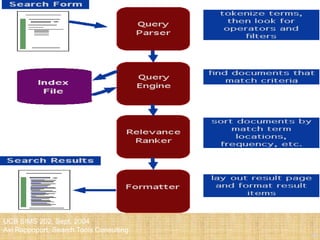
Robot Indexing Diagram
Sour
The indexer
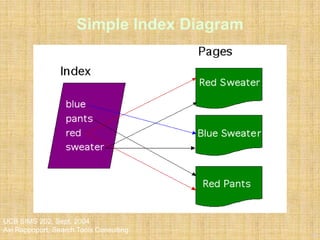
Everything the spider finds goes into the second part
of a search engine, the index. The index, sometimes
called the catalog, is like a giant book containing a
copy of every web page that the spider finds. If a web
page changes, then this book is updated new
information.
11
UCB SIMS 202, Sept. 2004
Avi Rappoport, Search Tools Consulting
Simple Index Diagram
12
UCB SIMS 202, Sept. 2004
Avi Rappoport, Search Tools Consulting
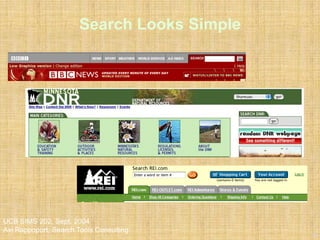
Search Looks Simple
13
UCB SIMS 202, Sept. 2004
Avi Rappoport, Search Tools Consulting
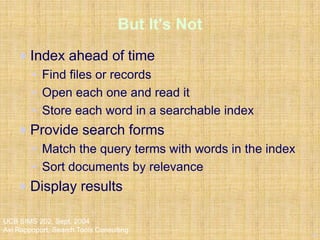
But It's Not
Index ahead of time
• Find files or records
• Open each one and read it
• Store each word in a searchable index
Provide search forms
• Match the query terms with words in the index
• Sort documents by relevance
Display results
14
UCB SIMS 202, Sept. 2004
Avi Rappoport, Search Tools Consulting
content
search
functionality
user
interface
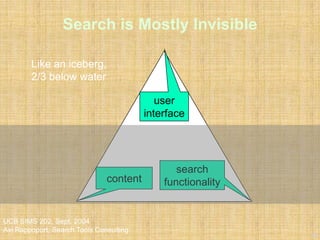
Search is Mostly Invisible
Like an iceberg,
2/3 below water
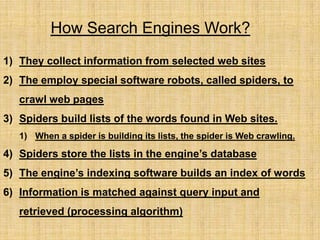
How Search Engines Work?
1) They collect information from selected web sites
2) The employ special software robots, called spiders, to
crawl web pages
3) Spiders build lists of the words found in Web sites.
1) When a spider is building its lists, the spider is Web crawling.
4) Spiders store the lists in the engine’s database
5) The engine’s indexing software builds an index of words
6) Information is matched against query input and
retrieved (processing algorithm)
16
UCB SIMS 202, Sept. 2004
Avi Rappoport, Search Tools Consulting
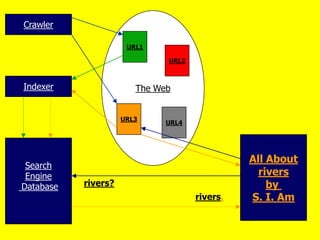
Search Processing
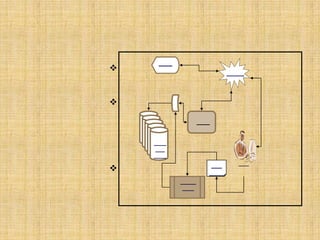
The Web
URL1
URL2
URL3
URL4
Crawler
Indexer
Search
Engine
Database rivers?
rivers.
All About
rivers
by
S. I. Am
-
-
-
-
-
-
-
-


-
-
-
-Indexing
-
-Advanced Search
-
-
http://www.google.com/
Pdf
spidercrawler
-
URL
Indexer
-
--
Searcher
-
-



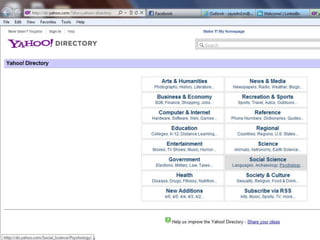
http://www.yahoo.com
27
UCB SIMS 202, Sept. 2004
Avi Rappoport, Search Tools Consulting
28
UCB SIMS 202, Sept. 2004
Avi Rappoport, Search Tools Consulting
29
UCB SIMS 202, Sept. 2004
Avi Rappoport, Search Tools Consulting
S E 1 S E 2 S E 3
Dispatcher
Display
UserInterface
Knowledge
Personalize
Query
Feedback
User
Web
yahoo
MSNLycos
Excite
34
UCB SIMS 202, Sept. 2004
Avi Rappoport, Search Tools Consulting
35
UCB SIMS 202, Sept. 2004
Avi Rappoport, Search Tools Consulting
Ditto - www.ditto.com
Free Photo - www.freephoto.com
Amazing Image Machine -
www.ncrtec.org/picture.htm
Pics 4 Learning www.pics4learning.com
37
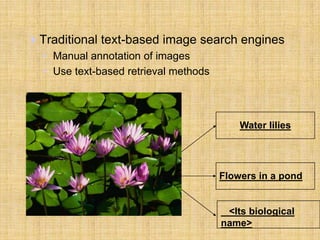
Traditional text-based image search engines
• Manual annotation of images
• Use text-based retrieval methods
Water lilies
Flowers in a pond
<Its biological
name>
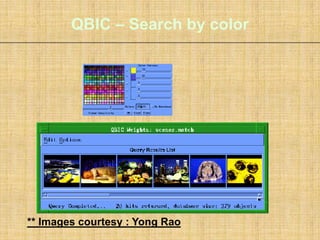
QBIC – Search by color
** Images courtesy : Yong Rao
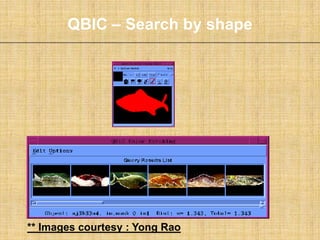
QBIC – Search by shape
** Images courtesy : Yong Rao
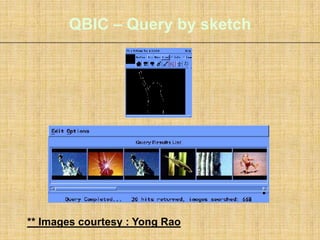
QBIC – Query by sketch
** Images courtesy : Yong Rao
42
UCB SIMS 202, Sept. 2004
Avi Rappoport, Search Tools Consulting
Find Sounds - specialized search engine
www.findsounds.com
Daily Wav - www.dailywav.com
Sound America -
www.soundamerica.com
Wav Central - www.wavecentral.com
44
UCB SIMS 202, Sept. 2004
Avi Rappoport, Search Tools Consulting
45
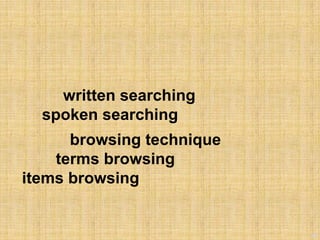
written searching
spoken searching
browsing technique
terms browsing
items browsing
Barry’s Clipart Server -
www.barrysclipart.com
Animated Gif Server -
www.animatedgif.net
Animation Factory -
www.animfactory.com
47
48
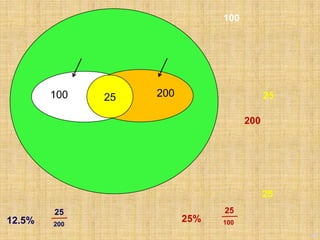
100 20025
100
25
200
25
25
25% 100
25
12.5% 200
49
50
51

نظم استرجاع المعلومات الفرقة 4 مكتبات بني سويف