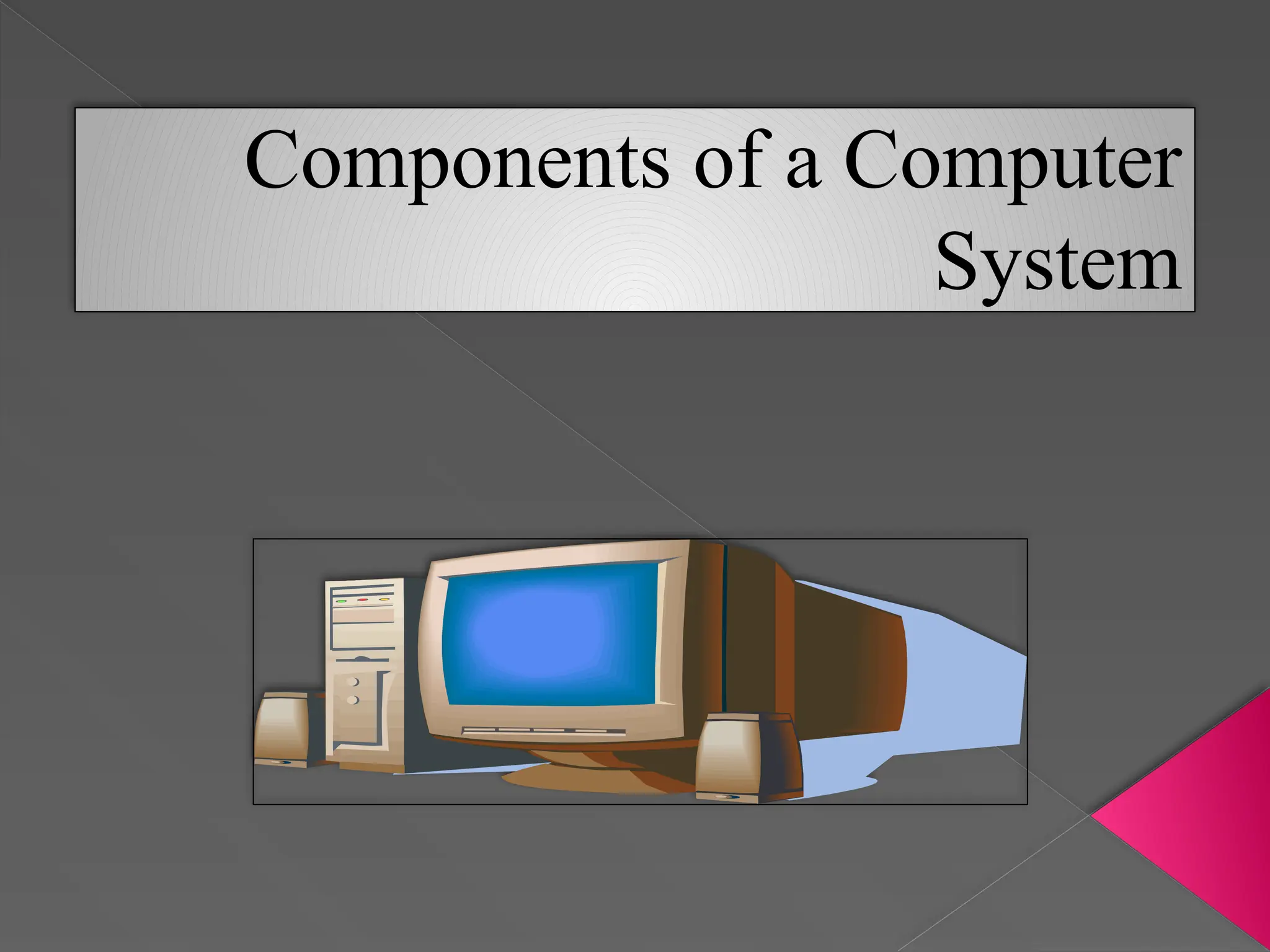
Components of a Computer
System
COMPUTER SYSTEM
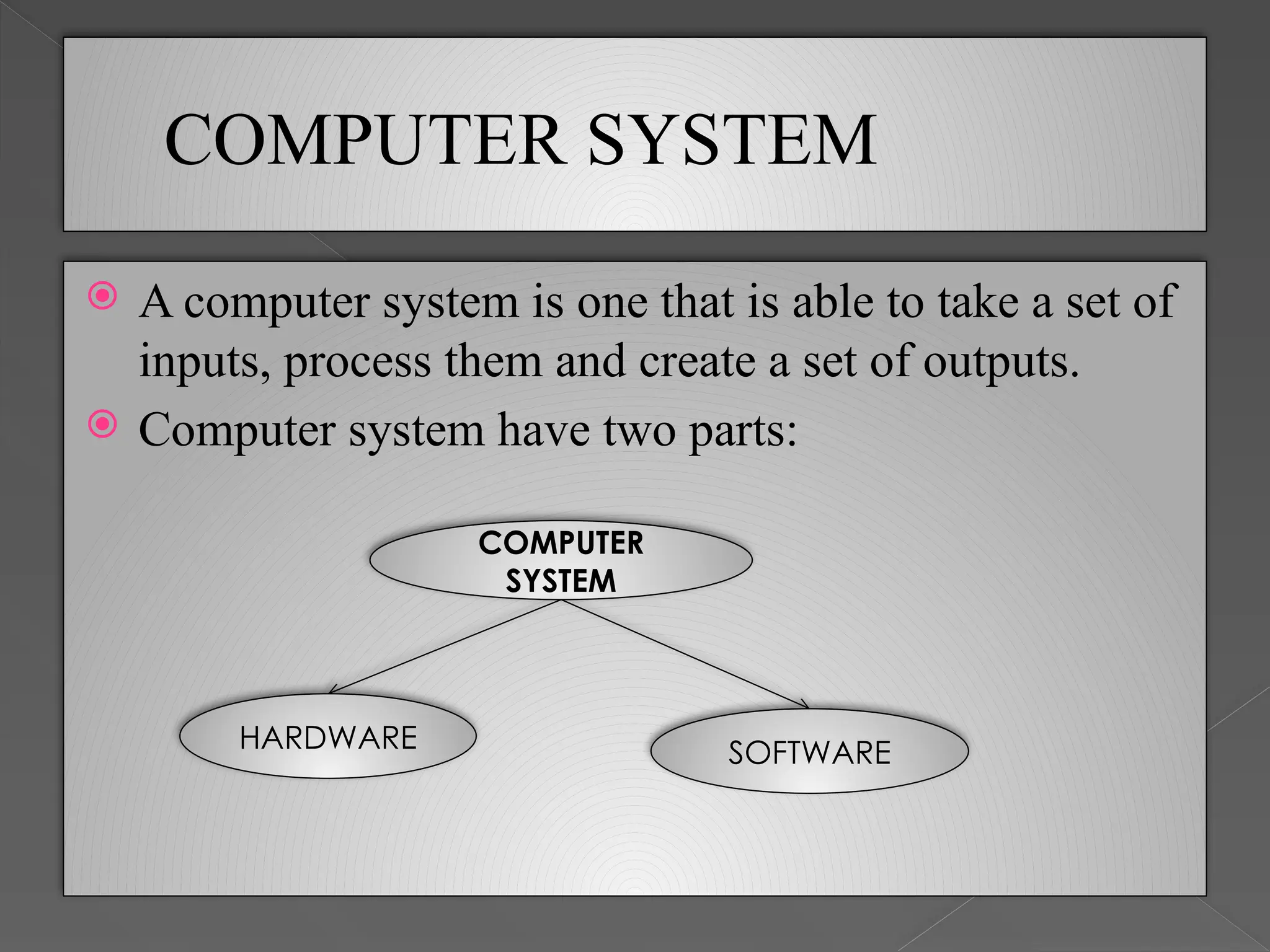
 A computer system is one that is able to take a set of
inputs, process them and create a set of outputs.
 Computer system have two parts:
COMPUTER
SYSTEM
HARDWARE SOFTWARE
SOFTWARE AND HARDWARE
Software
 Software refers to the programs required to operate a computer.
 For example, DOS (disk operating system), basic, Cobol, Database,
Accounting software etc. are all software.
 Software are broadly classified into the following two types:
1. System software
2. Application software
Hardware
 Hardware refers to any physical component of computer.
 For example, CPU, monitor (VDU), keyboard, hard disk, floppy
disk, printer etc. are physical components and, thus, are all
hardware
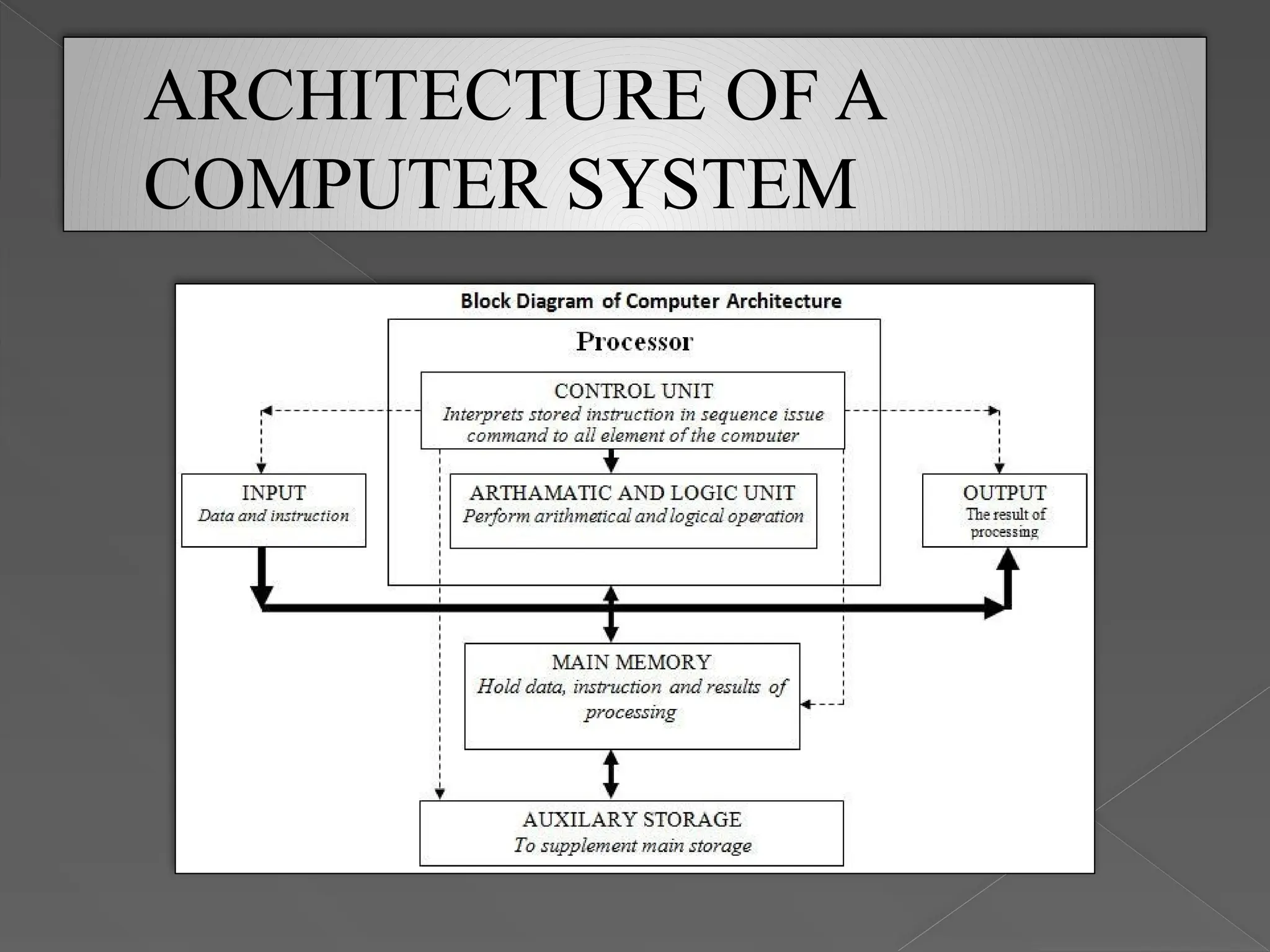
ARCHITECTURE OF A
COMPUTER SYSTEM
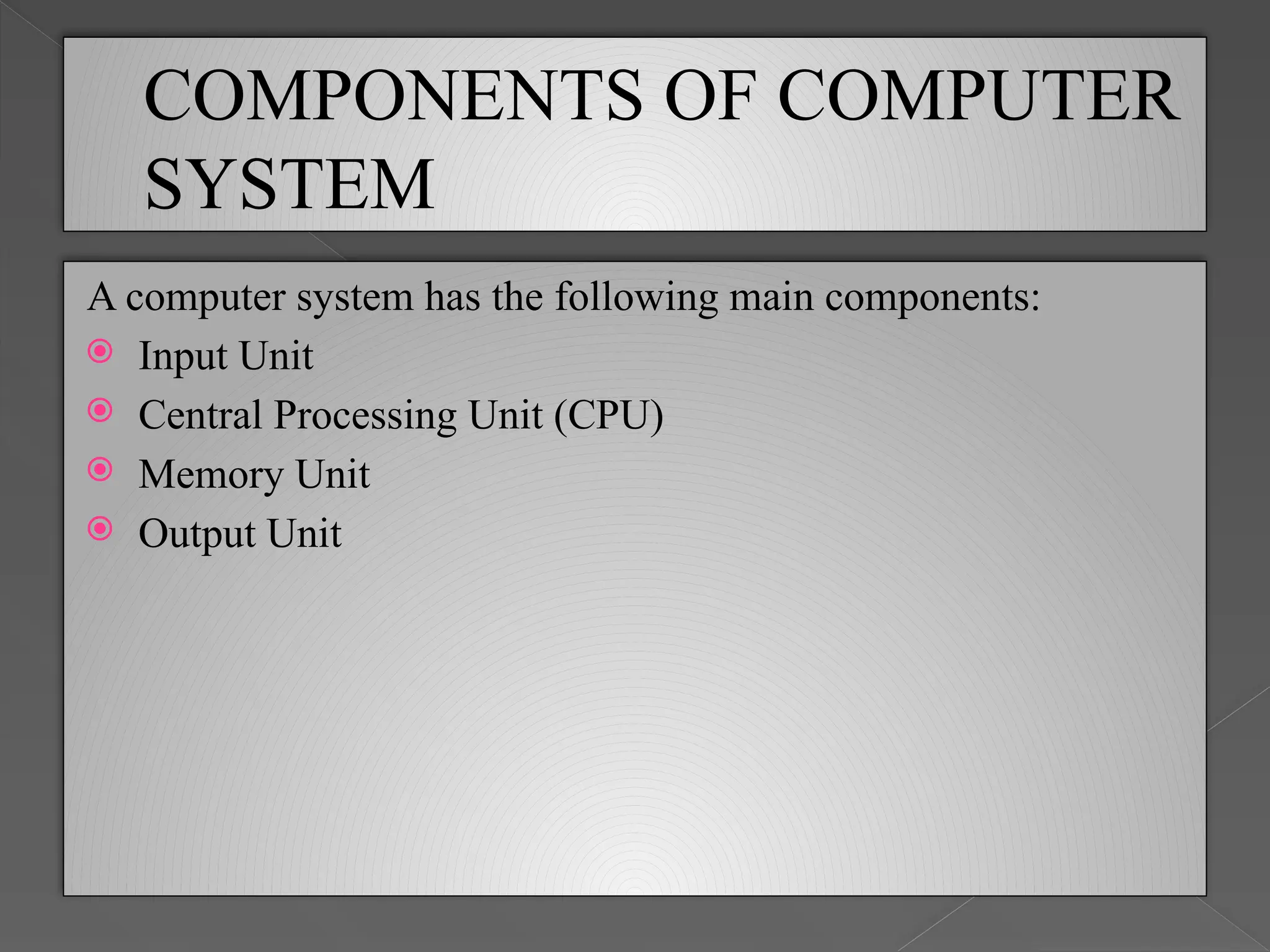
COMPONENTS OF COMPUTER
SYSTEM
A computer system has the following main components:
 Input Unit
 Central Processing Unit (CPU)
 Memory Unit
 Output Unit
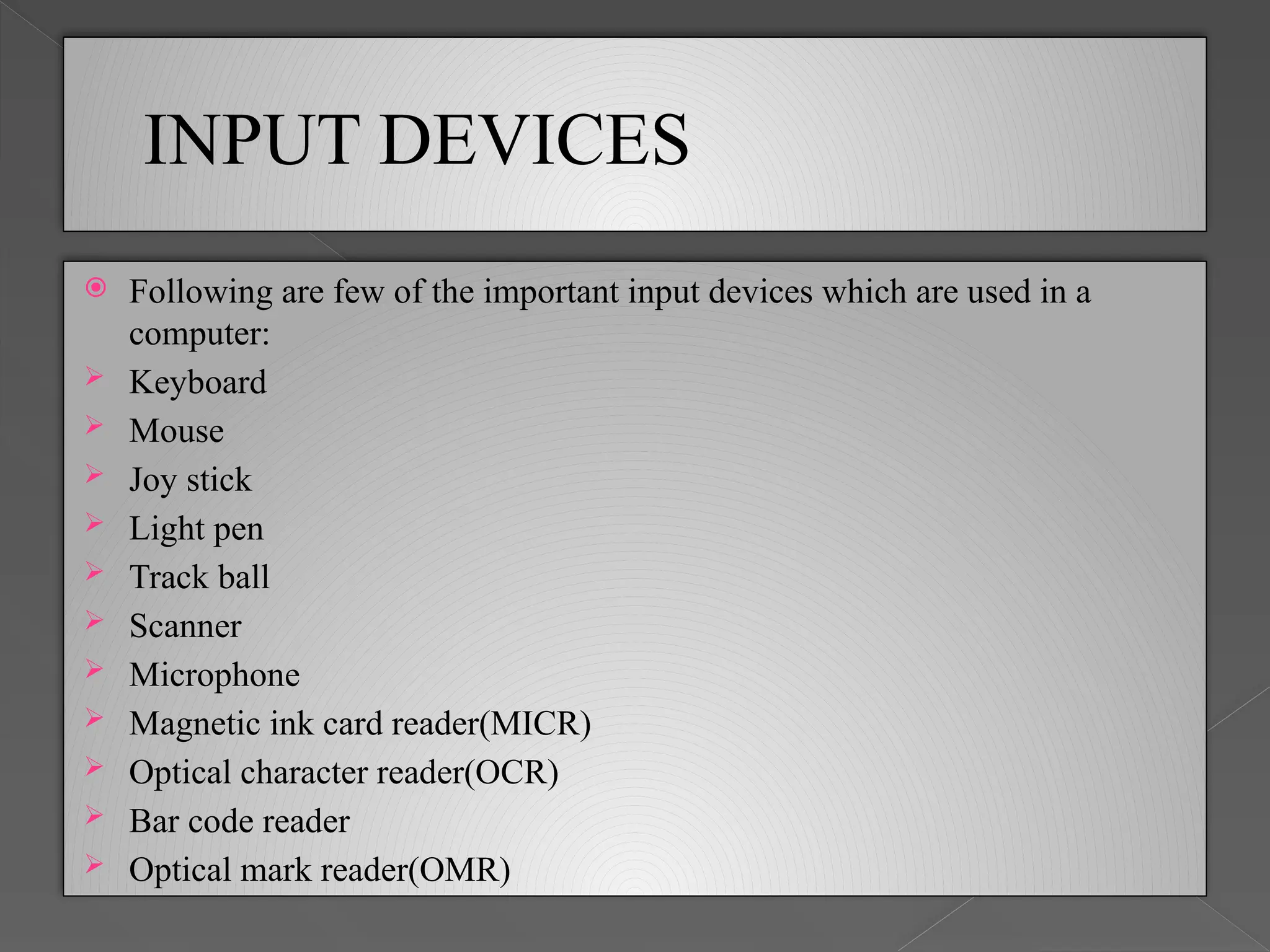
INPUT DEVICES
 Following are few of the important input devices which are used in a
computer:
 Keyboard
 Mouse
 Joy stick
 Light pen
 Track ball
 Scanner
 Microphone
 Magnetic ink card reader(MICR)
 Optical character reader(OCR)
 Bar code reader
 Optical mark reader(OMR)
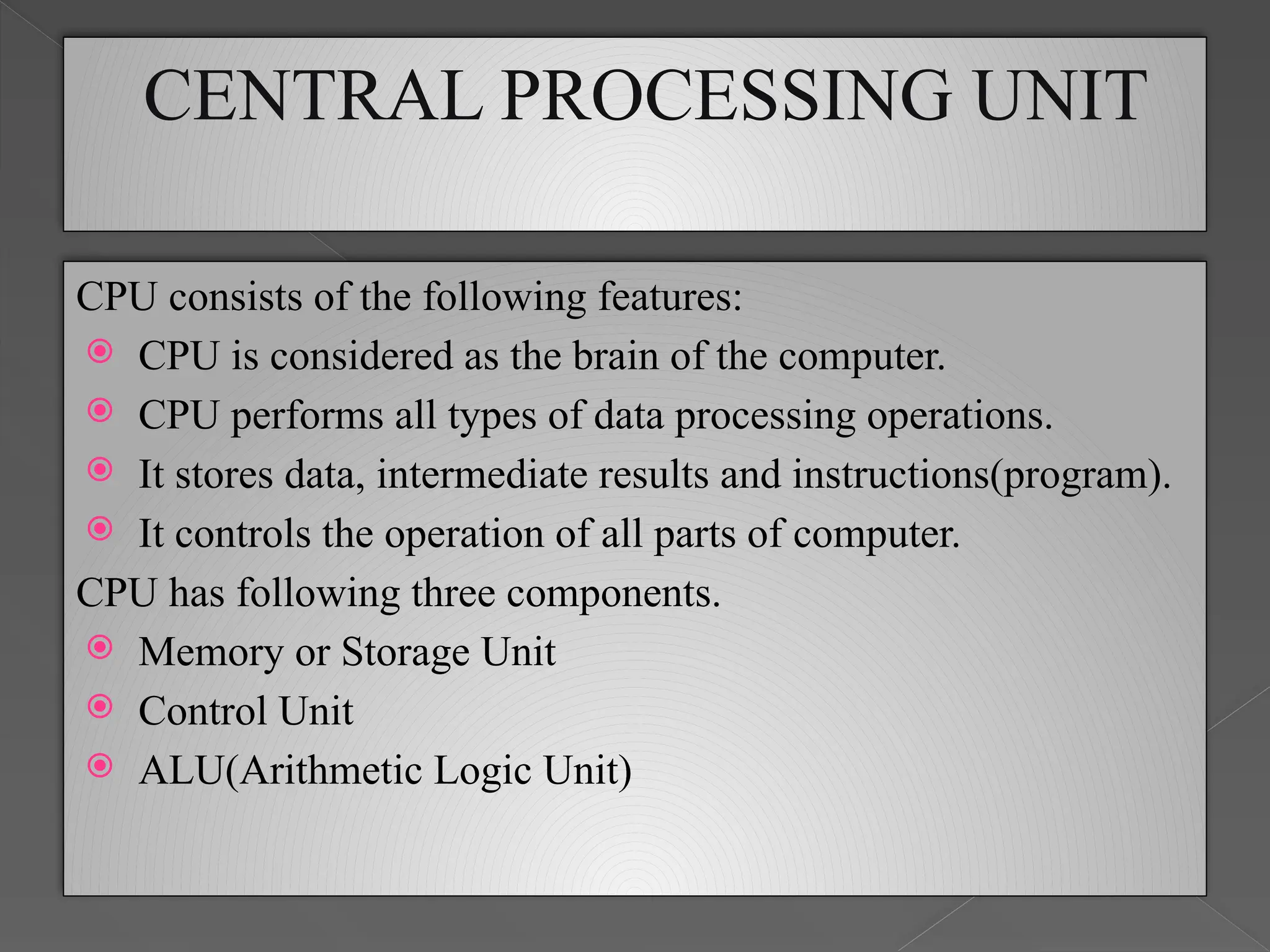
CENTRAL PROCESSING UNIT
CPU consists of the following features:
 CPU is considered as the brain of the computer.
 CPU performs all types of data processing operations.
 It stores data, intermediate results and instructions(program).
 It controls the operation of all parts of computer.
CPU has following three components.
 Memory or Storage Unit
 Control Unit
 ALU(Arithmetic Logic Unit)
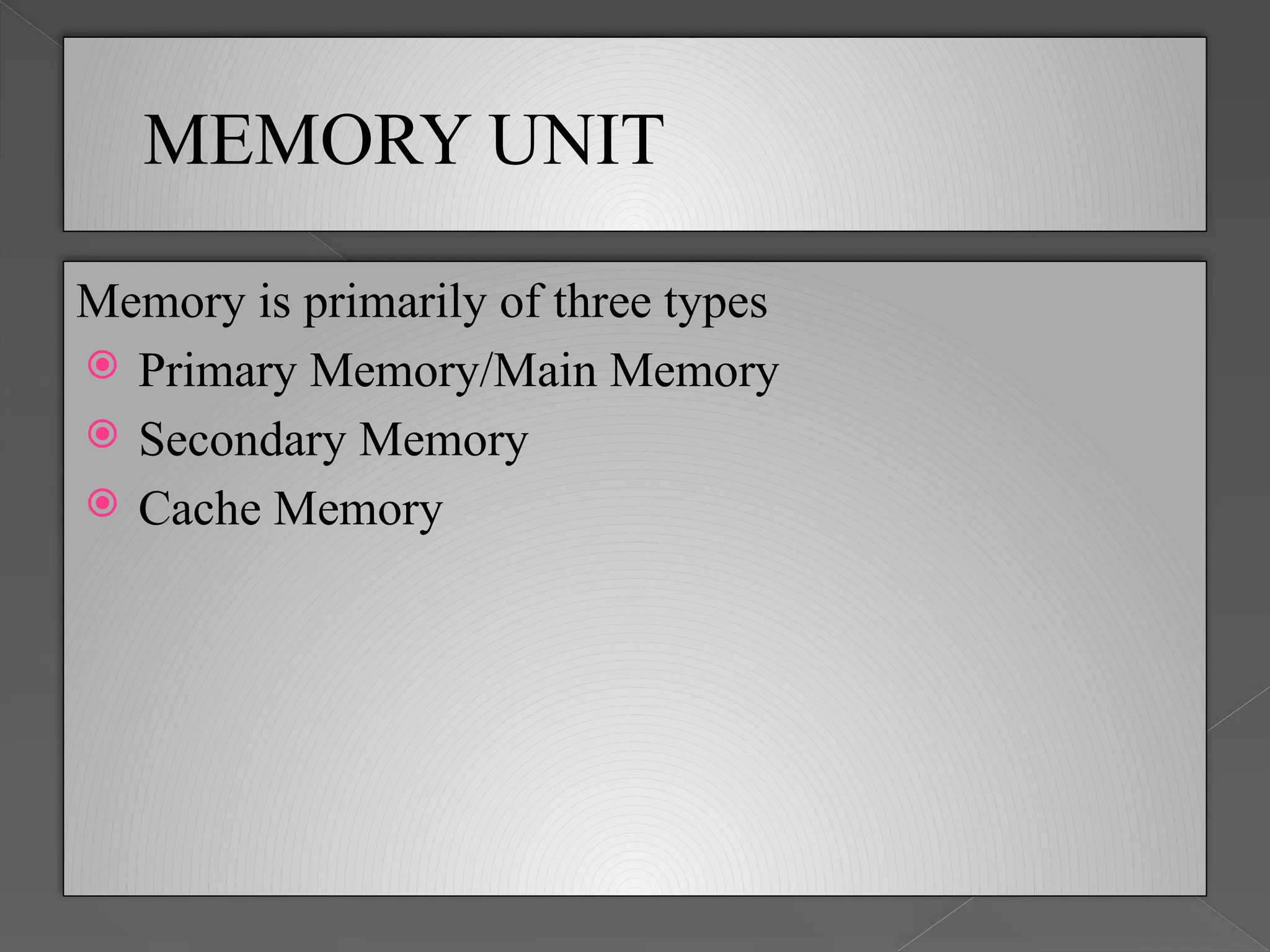
MEMORY UNIT
Memory is primarily of three types
 Primary Memory/Main Memory
 Secondary Memory
 Cache Memory
PRIMARY MEMORY
 Primary memory holds only those data and instructions on
which computer is currently working.
 It is generally made up of semiconductor device.
 These memories are not as fast as registers.
 The data and instruction required to be processed reside in
main memory.
 It is divided into two subcategories RAM and ROM.
SECONDARY MEMORY
 This type of memory is also known as external memory or
non-volatile.
 It is slower than main memory.
 These are used for storing data/Information permanently.
 CPU directly does not access these memories instead they are
accessed via input-output routines.
 Contents of secondary memories are first transferred to main
memory, and then CPU can access it.
 For example : disk, CD-ROM, DVD etc.
CACHE MEMORY
 Cache memory is a very high speed semiconductor memory
which can speed up CPU.
 It acts as a buffer between the CPU and main memory.
 It is used to hold those parts of data and program which are
most frequently used by CPU.
 The parts of data and programs are transferred from disk to
cache memory by operating system, from where CPU can
access them.
OUTPUT DEVICE
Following are few of the important output devices
which are used in a computer.
 Speaker
 Monitors
 Graphic Plotter
 Printer
 Headphone
 Data projector

323617317-Components-of-a-Computer-System-ppt-pptx.pptx

  • 1.
    Components of aComputer System
  • 2.
    COMPUTER SYSTEM  Acomputer system is one that is able to take a set of inputs, process them and create a set of outputs.  Computer system have two parts: COMPUTER SYSTEM HARDWARE SOFTWARE
  • 3.
    SOFTWARE AND HARDWARE Software Software refers to the programs required to operate a computer.  For example, DOS (disk operating system), basic, Cobol, Database, Accounting software etc. are all software.  Software are broadly classified into the following two types: 1. System software 2. Application software Hardware  Hardware refers to any physical component of computer.  For example, CPU, monitor (VDU), keyboard, hard disk, floppy disk, printer etc. are physical components and, thus, are all hardware
  • 4.
  • 5.
    COMPONENTS OF COMPUTER SYSTEM Acomputer system has the following main components:  Input Unit  Central Processing Unit (CPU)  Memory Unit  Output Unit
  • 6.
    INPUT DEVICES  Followingare few of the important input devices which are used in a computer:  Keyboard  Mouse  Joy stick  Light pen  Track ball  Scanner  Microphone  Magnetic ink card reader(MICR)  Optical character reader(OCR)  Bar code reader  Optical mark reader(OMR)
  • 7.
    CENTRAL PROCESSING UNIT CPUconsists of the following features:  CPU is considered as the brain of the computer.  CPU performs all types of data processing operations.  It stores data, intermediate results and instructions(program).  It controls the operation of all parts of computer. CPU has following three components.  Memory or Storage Unit  Control Unit  ALU(Arithmetic Logic Unit)
  • 8.
    MEMORY UNIT Memory isprimarily of three types  Primary Memory/Main Memory  Secondary Memory  Cache Memory
  • 9.
    PRIMARY MEMORY  Primarymemory holds only those data and instructions on which computer is currently working.  It is generally made up of semiconductor device.  These memories are not as fast as registers.  The data and instruction required to be processed reside in main memory.  It is divided into two subcategories RAM and ROM.
  • 10.
    SECONDARY MEMORY  Thistype of memory is also known as external memory or non-volatile.  It is slower than main memory.  These are used for storing data/Information permanently.  CPU directly does not access these memories instead they are accessed via input-output routines.  Contents of secondary memories are first transferred to main memory, and then CPU can access it.  For example : disk, CD-ROM, DVD etc.
  • 11.
    CACHE MEMORY  Cachememory is a very high speed semiconductor memory which can speed up CPU.  It acts as a buffer between the CPU and main memory.  It is used to hold those parts of data and program which are most frequently used by CPU.  The parts of data and programs are transferred from disk to cache memory by operating system, from where CPU can access them.
  • 12.
    OUTPUT DEVICE Following arefew of the important output devices which are used in a computer.  Speaker  Monitors  Graphic Plotter  Printer  Headphone  Data projector