
File Systems and Databases Chapter 1  The Worlds of Database Systems Prof. Sin-Min Lee Dept. of Computer Science
Tuesday Thursday 10:15 – 11:30
??! Your evaluation in this course is determined by: 30%  Class Presentation  10% Presentation report  5%
 
 
Text Book NARAYAN S. UMANATH & RICHARD W. SCAMELL, DATA MODELING AND DATABASE DESIGN, 2007 Thomson
A. Silberschatz, H.F. Korth, S. Sudarshan:  Database System Concepts , 5th Ed., McGraw-Hill, 2006.   GOOD REFERENCE
The mediocre teacher tells. The good teacher explains. The superior teacher demonstrates. The great teacher inspires. William Arthur Ward
Files and Databases File: A collection of records or documents dealing with one organization, person, area or subject (Rowley) Manual (paper) files Computer files Database: A collection of similar records with relationships between the records (Rowley) Bibliographic, statistical, business data, images, etc.
Introducing the Database Major Database Concepts Data and information Data - Raw facts Information - Processed data Data management Database Metadata Database management system (DBMS)
 
 
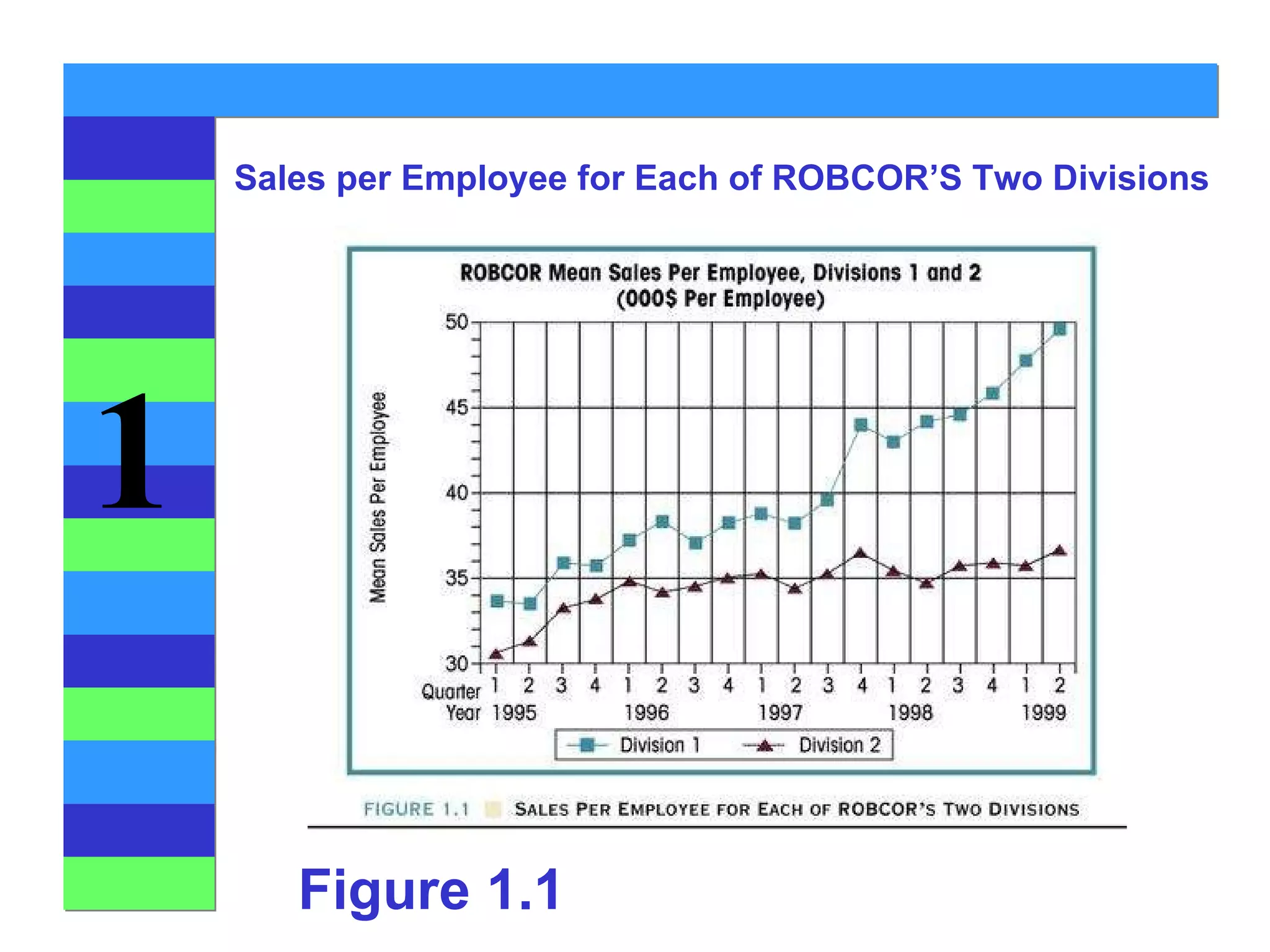
Figure 1.1 Sales per Employee for Each of ROBCOR’S Two Divisions
 
Database Systems Types of Database Systems Number of Users Single-user Desktop database Multiuser Workgroup database Enterprise database Scope Desktop Workgroup Enterprise
Database Systems Types of Database Systems Location Centralized Distributed Use Transactional (Production) Decision support Data warehouse
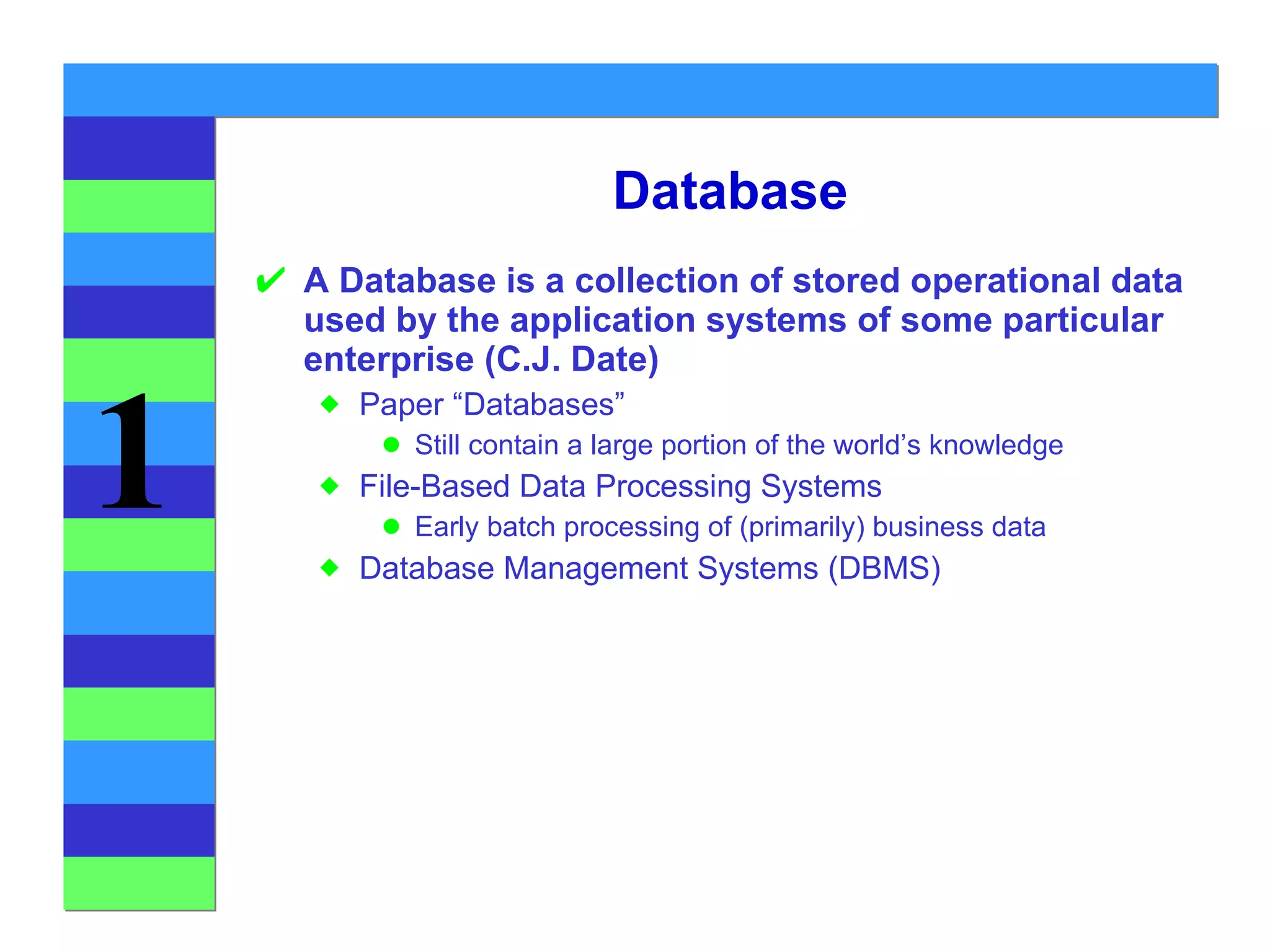
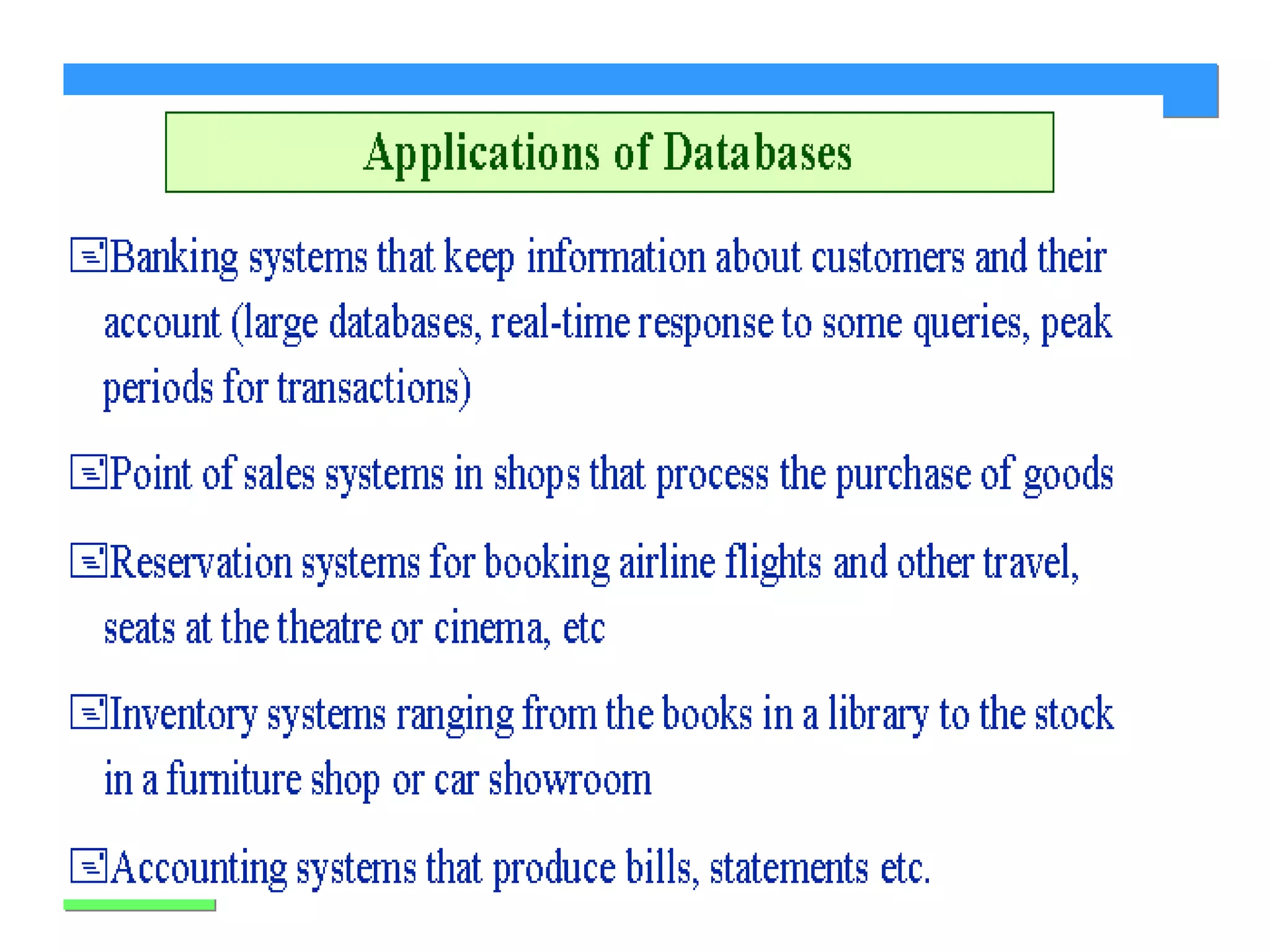
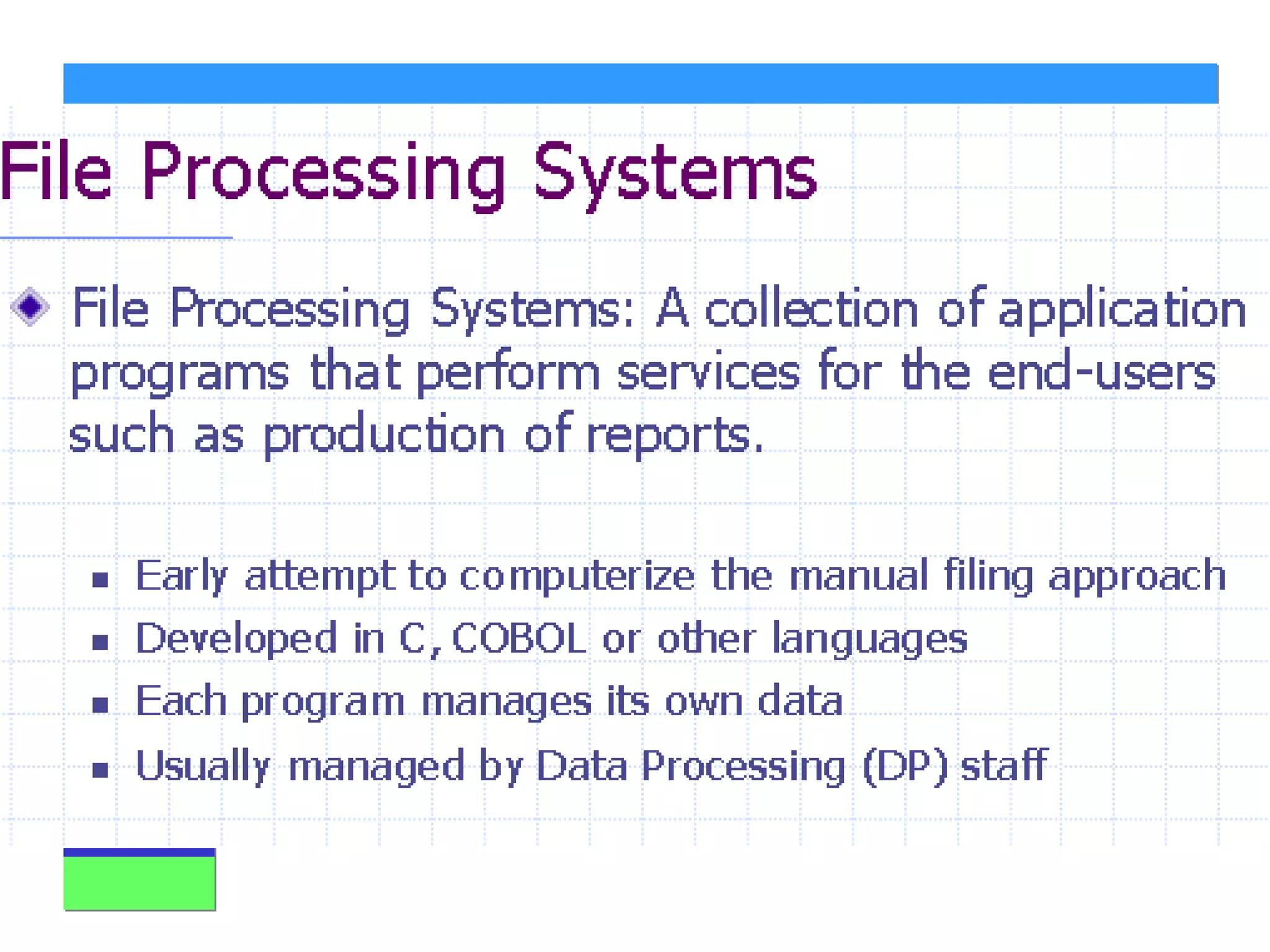
Database A Database is a collection of stored operational data used by the application systems of some particular enterprise (C.J. Date) Paper “Databases” Still contain a large portion of the world’s knowledge File-Based Data Processing Systems Early batch processing of (primarily) business data Database Management Systems (DBMS)
Why DBMS? History 50’s and 60’s all applications were custom built for particular needs File based Many similar/duplicative applications dealing with collections of business data Early DBMS were extensions of programming languages 1970 - E.F. Codd and the Relational Model 1979 - Ashton-Tate and first Microcomputer DBMS
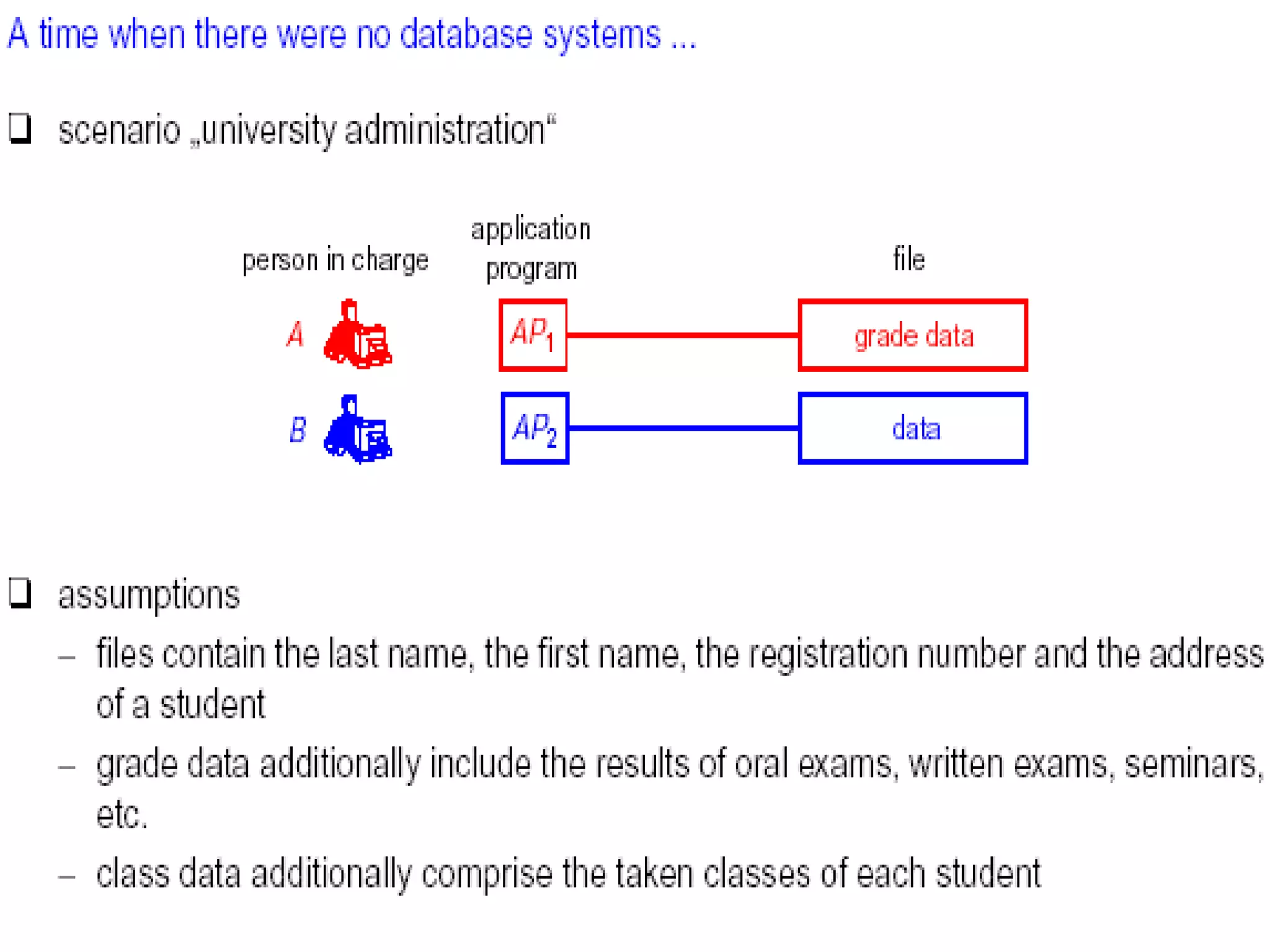
File Based Systems Naughty Nice Just what  asked for Coal Estimation Delivery List Application File Toys Addresses Toys
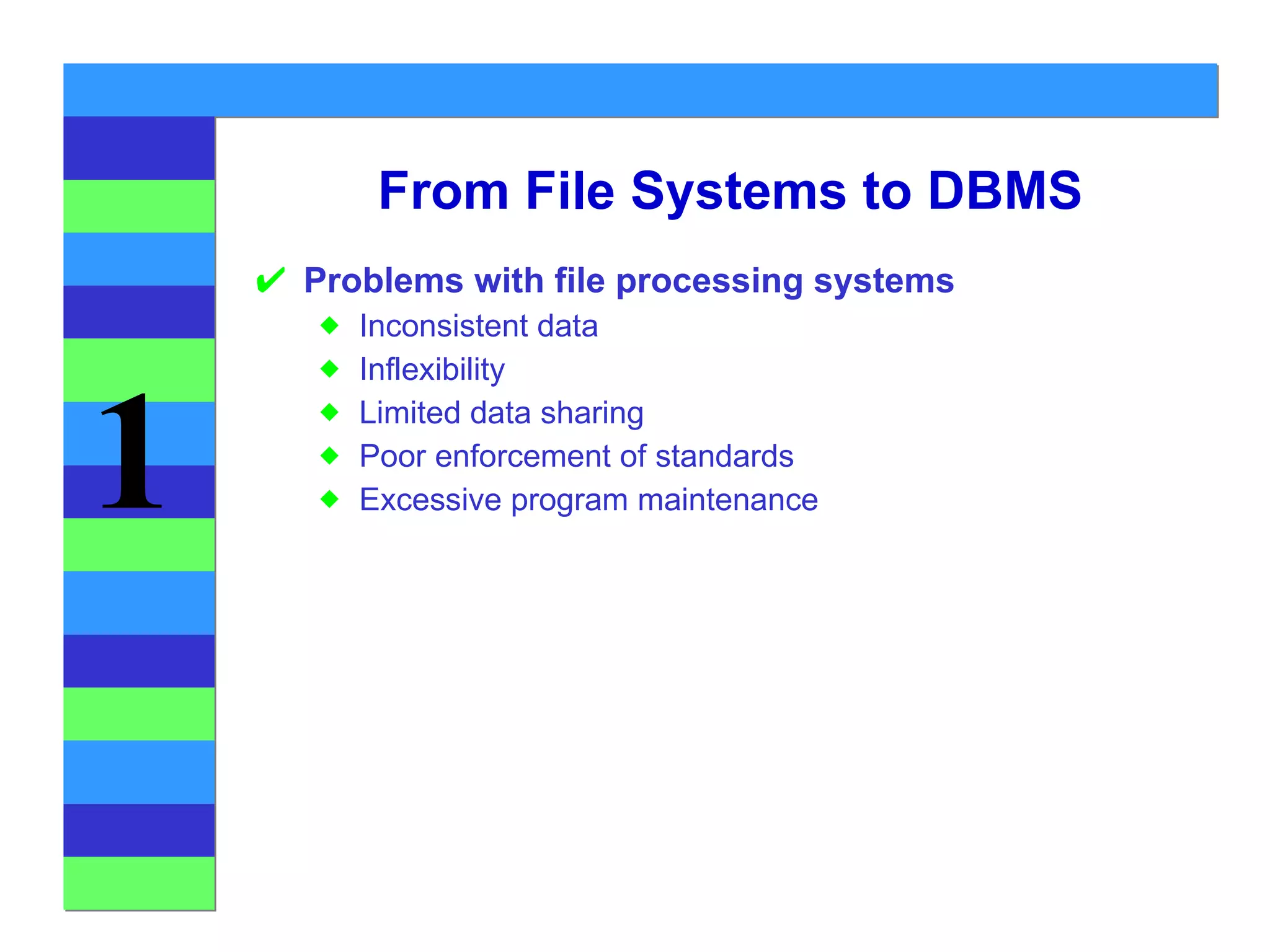
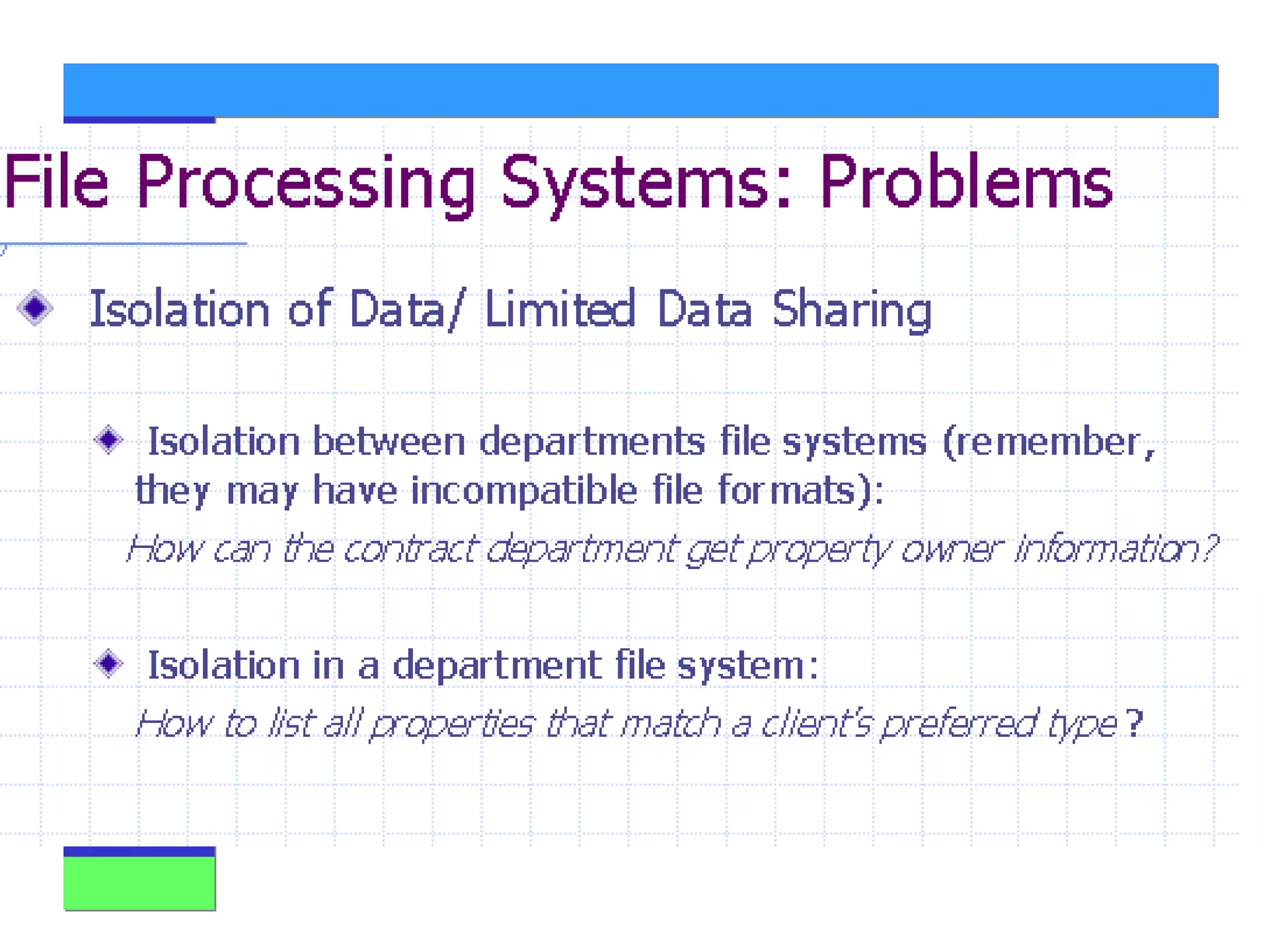
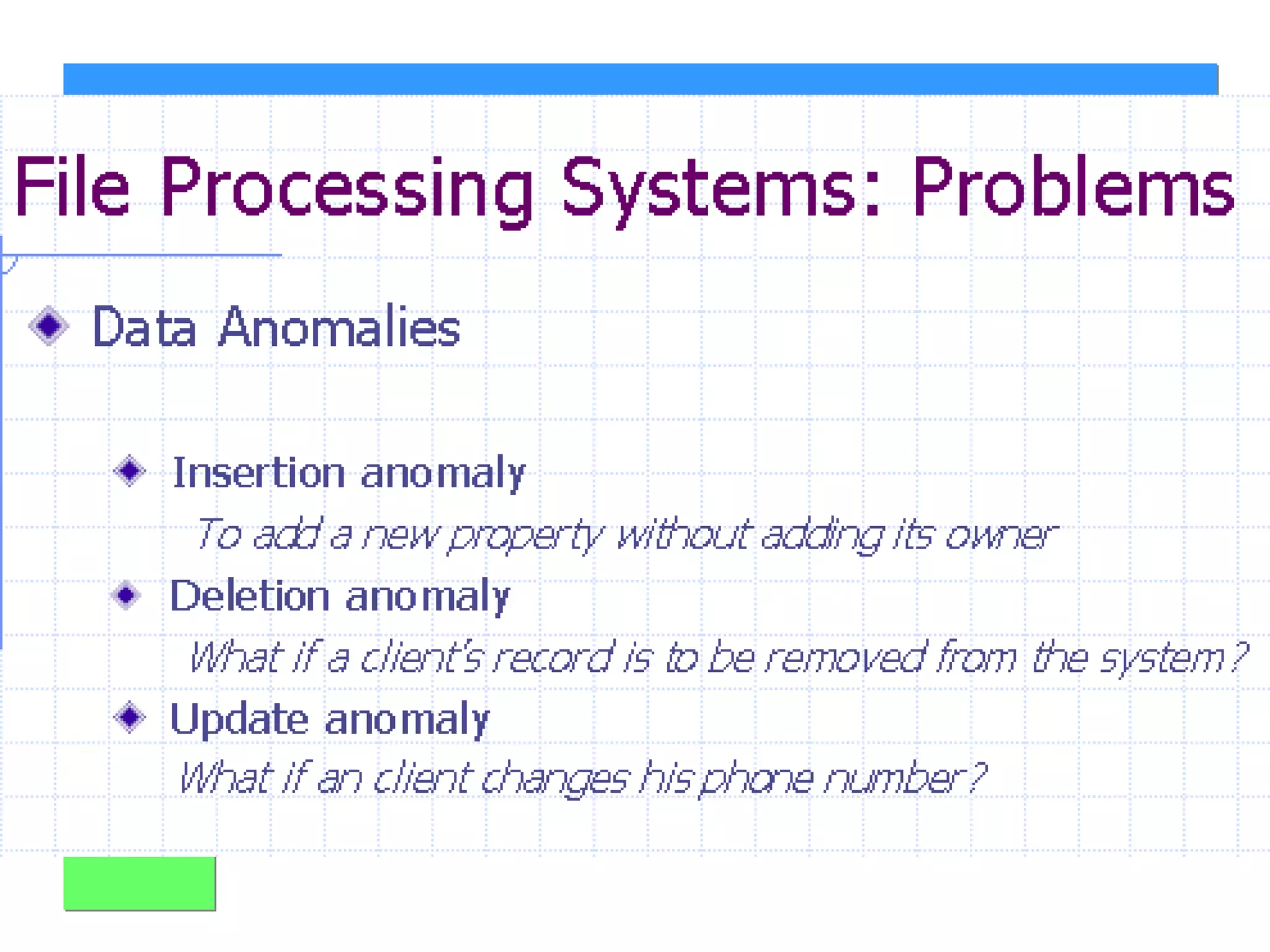
From File Systems to DBMS Problems with file processing systems Inconsistent data Inflexibility Limited data sharing Poor enforcement of standards Excessive program maintenance
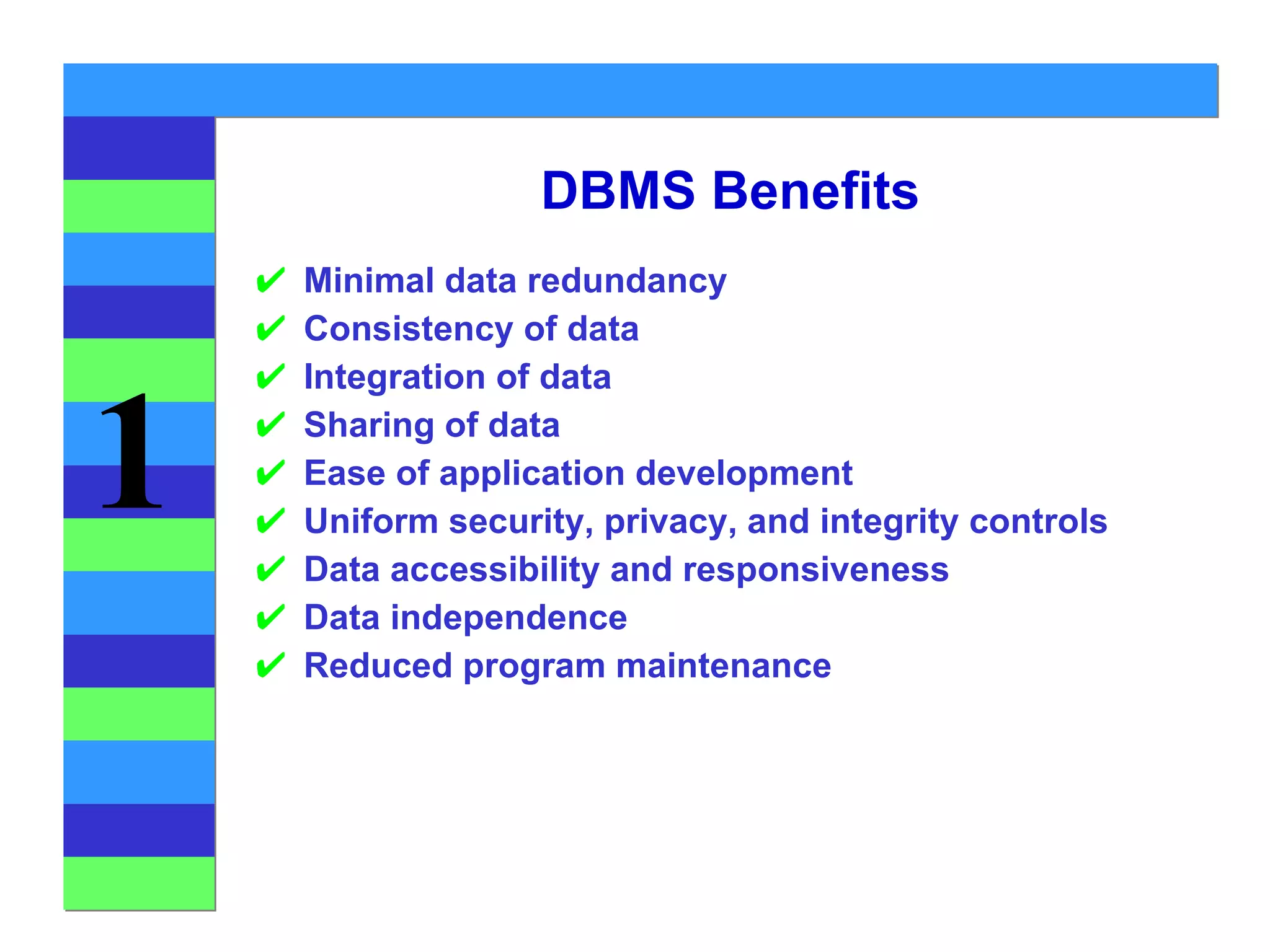
DBMS Benefits Minimal data redundancy Consistency of data Integration of data Sharing of data Ease of application development Uniform security, privacy, and integrity controls Data accessibility and responsiveness Data independence Reduced program maintenance
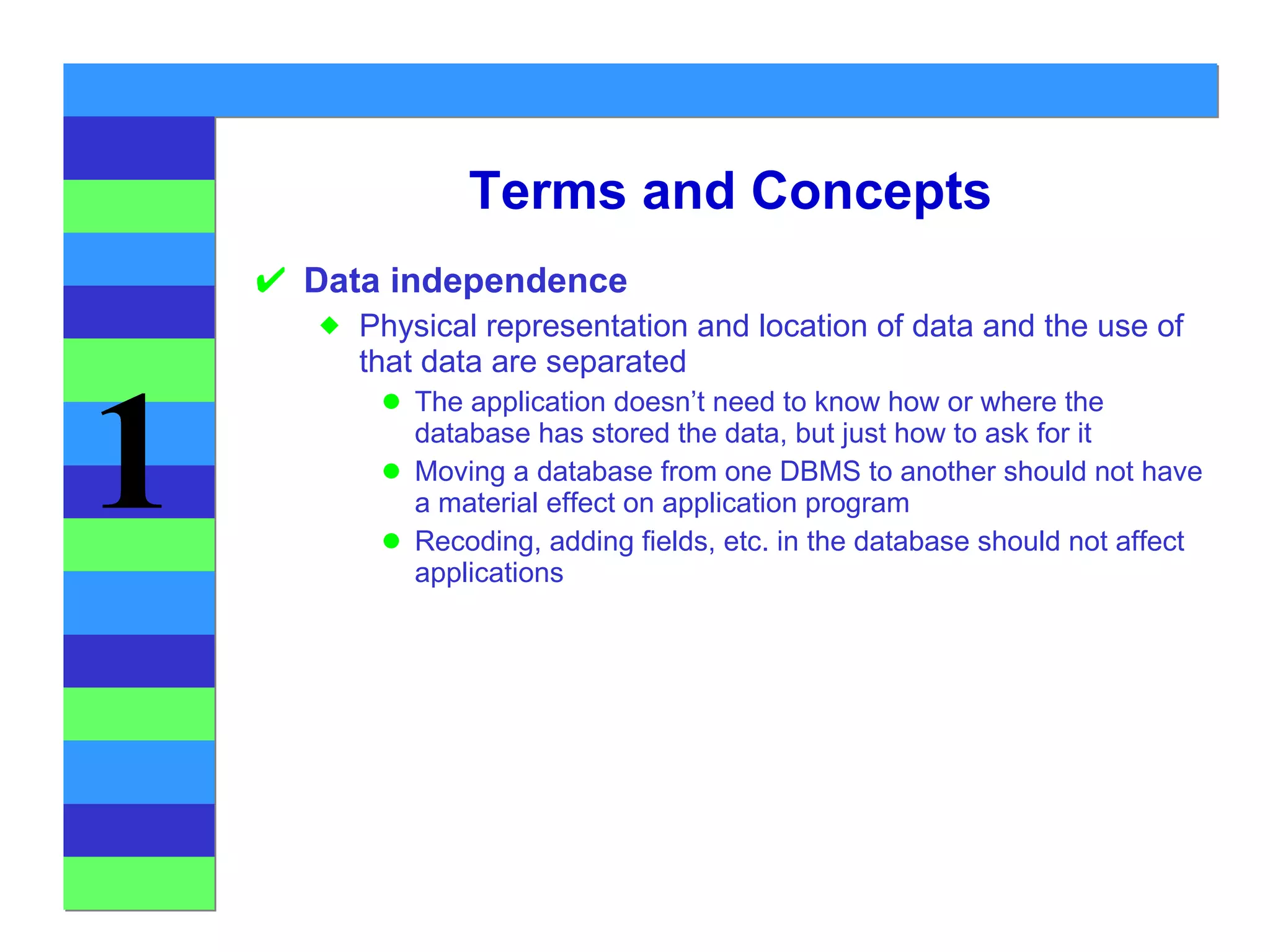
Terms and Concepts Data independence Physical representation and location of data and the use of that data are separated The application doesn’t need to know how or where the database has stored the data, but just how to ask for it Moving a database from one DBMS to another should not have a material effect on application program Recoding, adding fields, etc. in the database should not affect applications
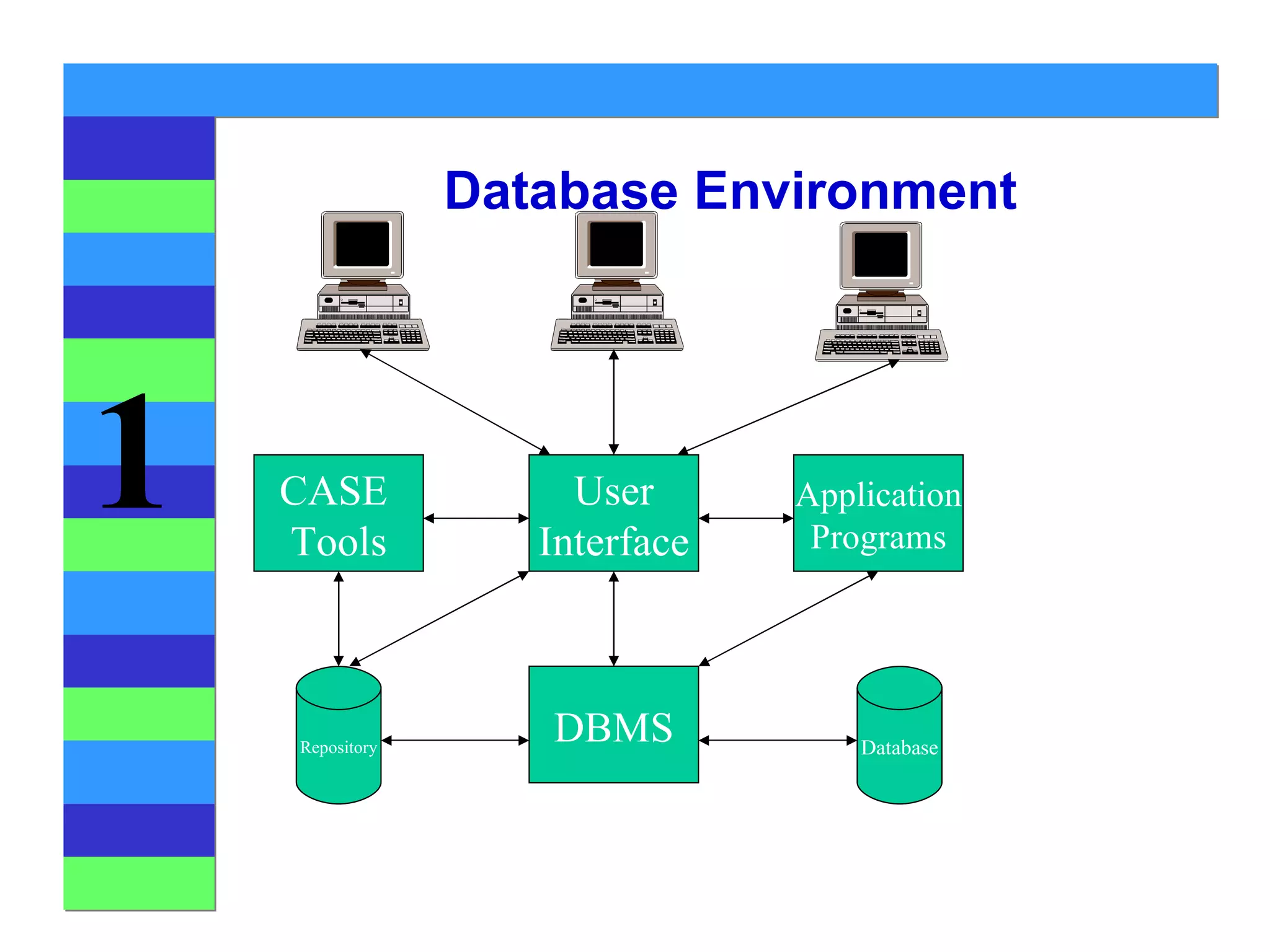
Database Environment CASE  Tools DBMS User Interface Application Programs Repository Database
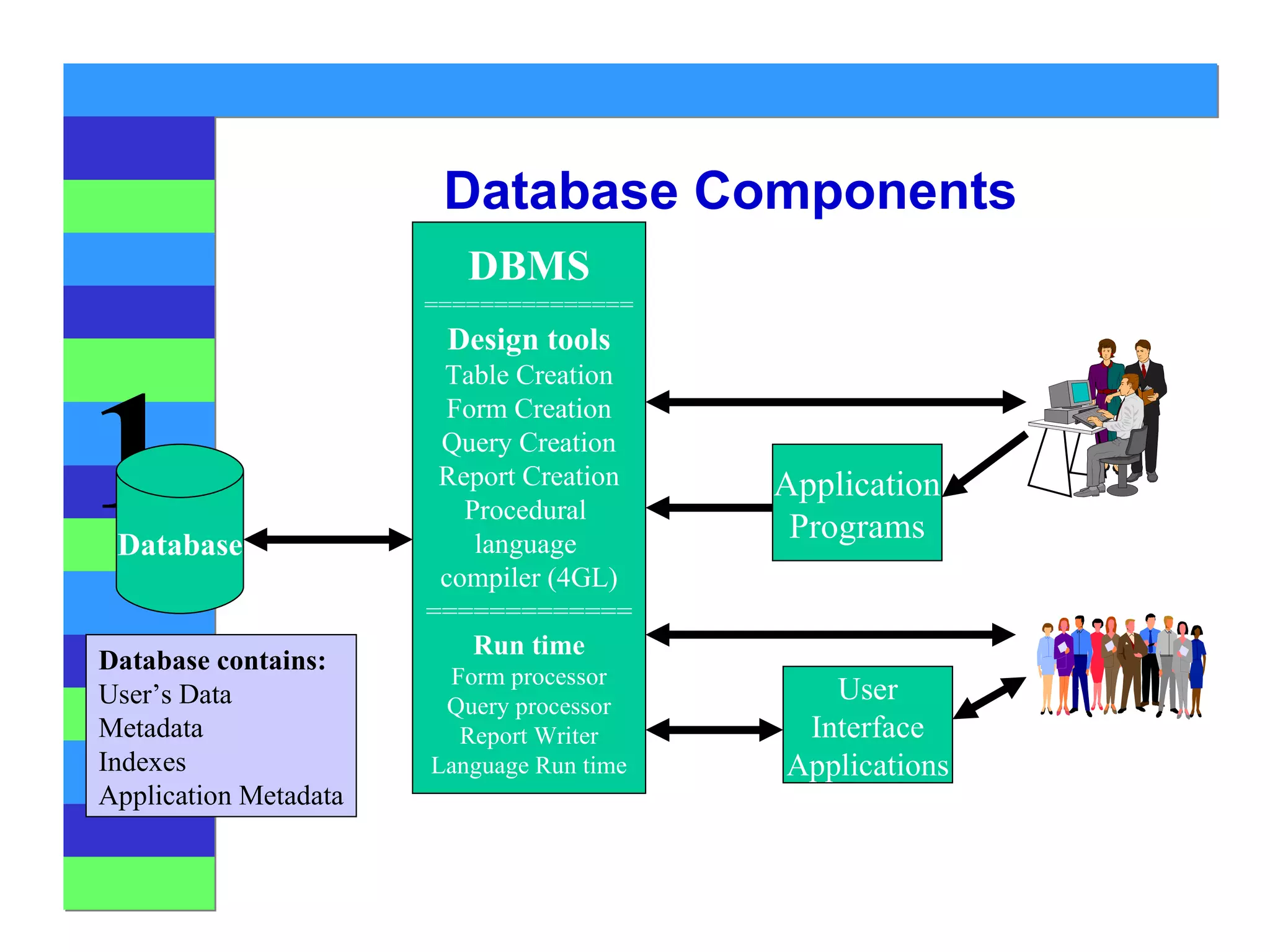
Database Components DBMS =============== Design tools Table Creation Form Creation Query Creation Report Creation Procedural  language  compiler (4GL) ============= Run time Form processor Query processor Report Writer Language Run time User Interface Applications Application Programs Database Database contains: User’s Data Metadata Indexes Application Metadata
Types of Database Systems PC databases Centralized database Client/server databases Distributed databases Database models
PC Databases E.g.: Access FoxPro Dbase Etc.
Centralized Databases Central  Computer
Client Server Databases Network Client Client Client Database Server
Distributed Databases computer computer computer Location A Location C Location B Homogeneous Databases
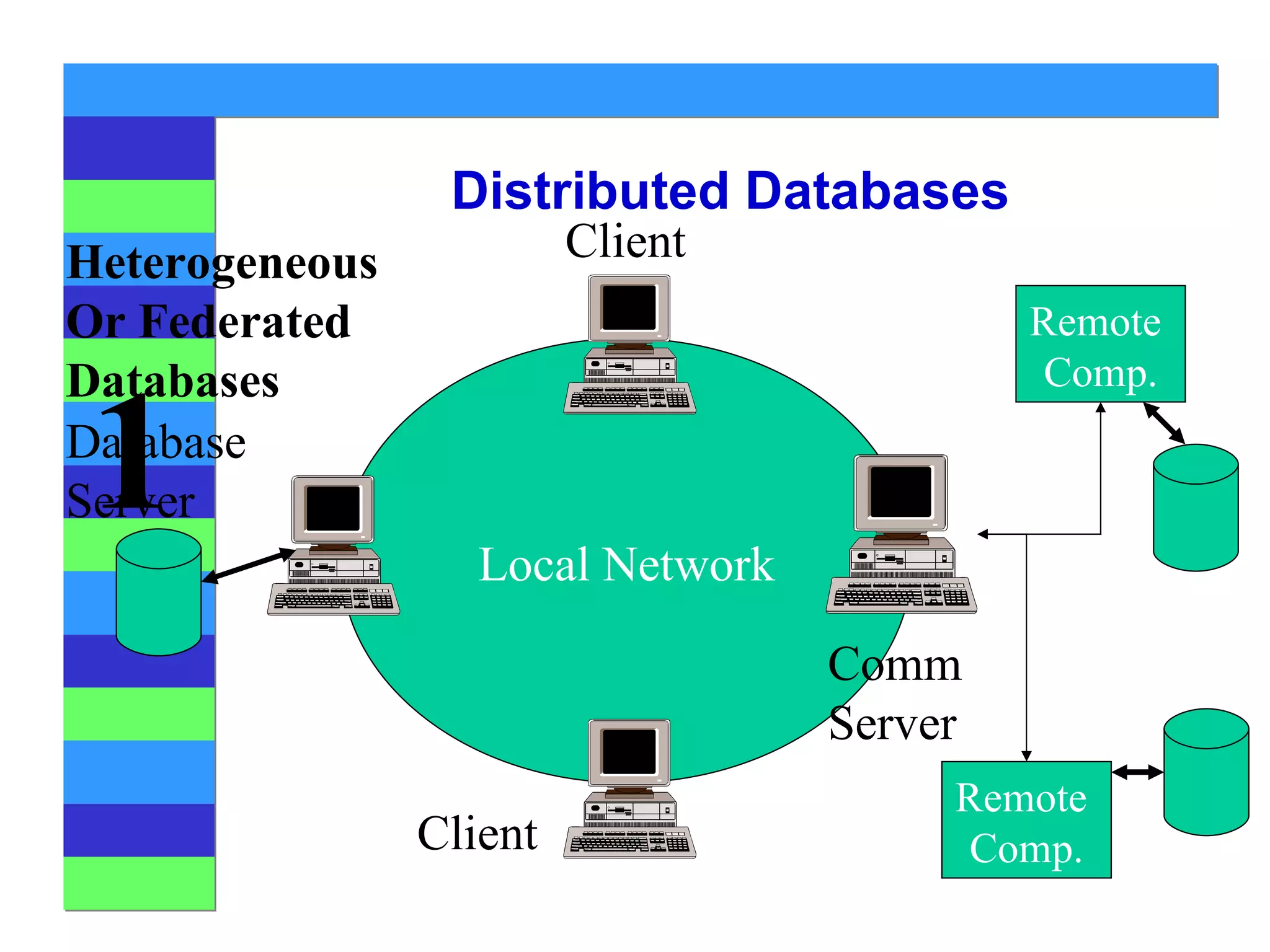
Distributed Databases Local Network Database Server Client Client Comm Server Remote  Comp. Remote  Comp. Heterogeneous Or Federated Databases


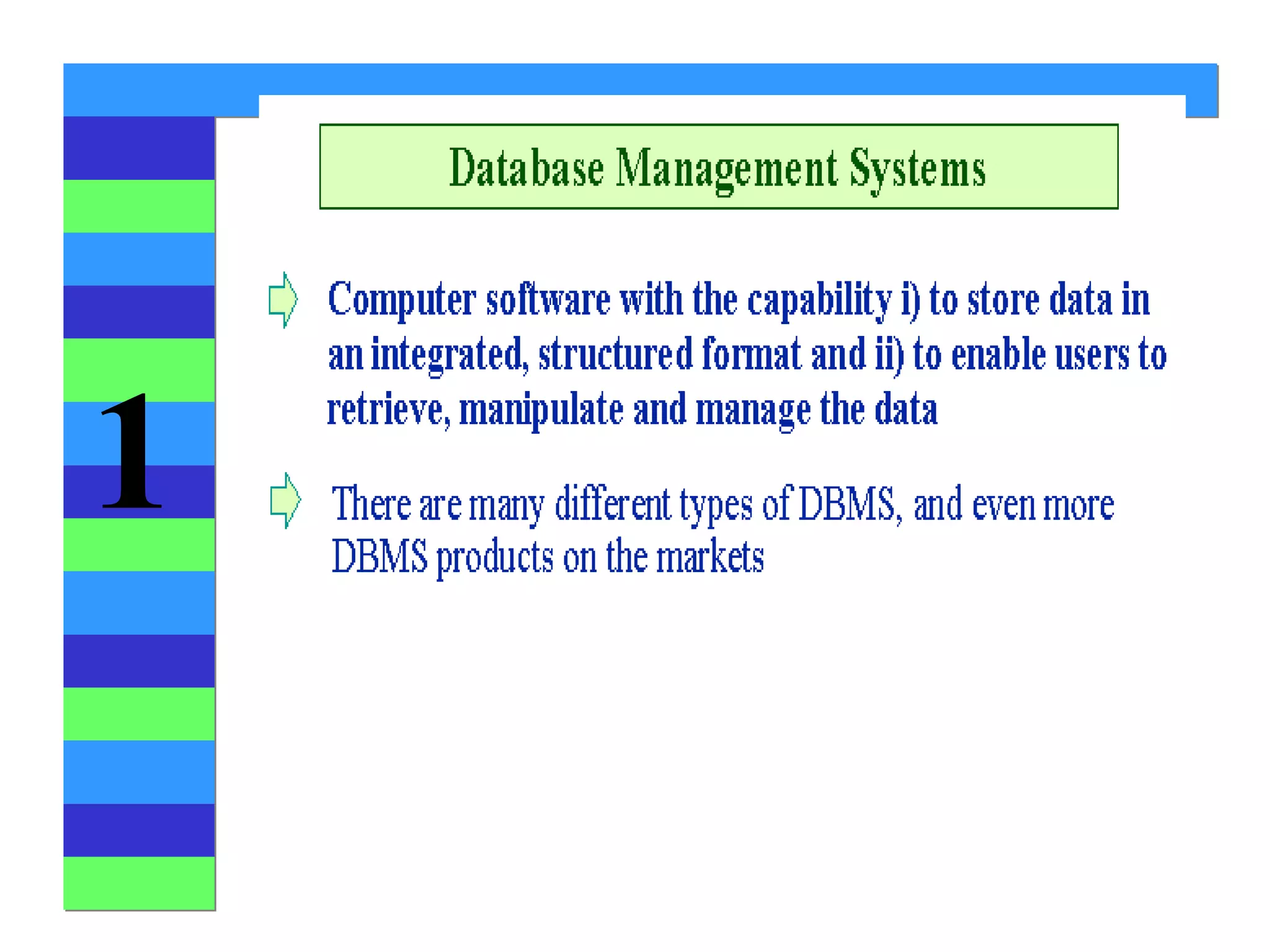
Introducing the Database Importance of DBMS It helps make data management more efficient and effective. Its query language allows quick answers to  ad hoc  queries. It provides end users better access to more and better-managed data. It promotes an integrated view of organization’s operations -- “big picture.” It reduces the probability of inconsistent data.
 
Figure 1.2 The DBMS Manages the Interaction Between the End User and the Database
 
Introducing the Database Why Database Design Is Important? A well-designed database facilitates data management and becomes a valuable information generator. A poorly designed database is a breeding ground for uncontrolled data redundancies. A poorly designed database generates errors that lead to bad decisions.


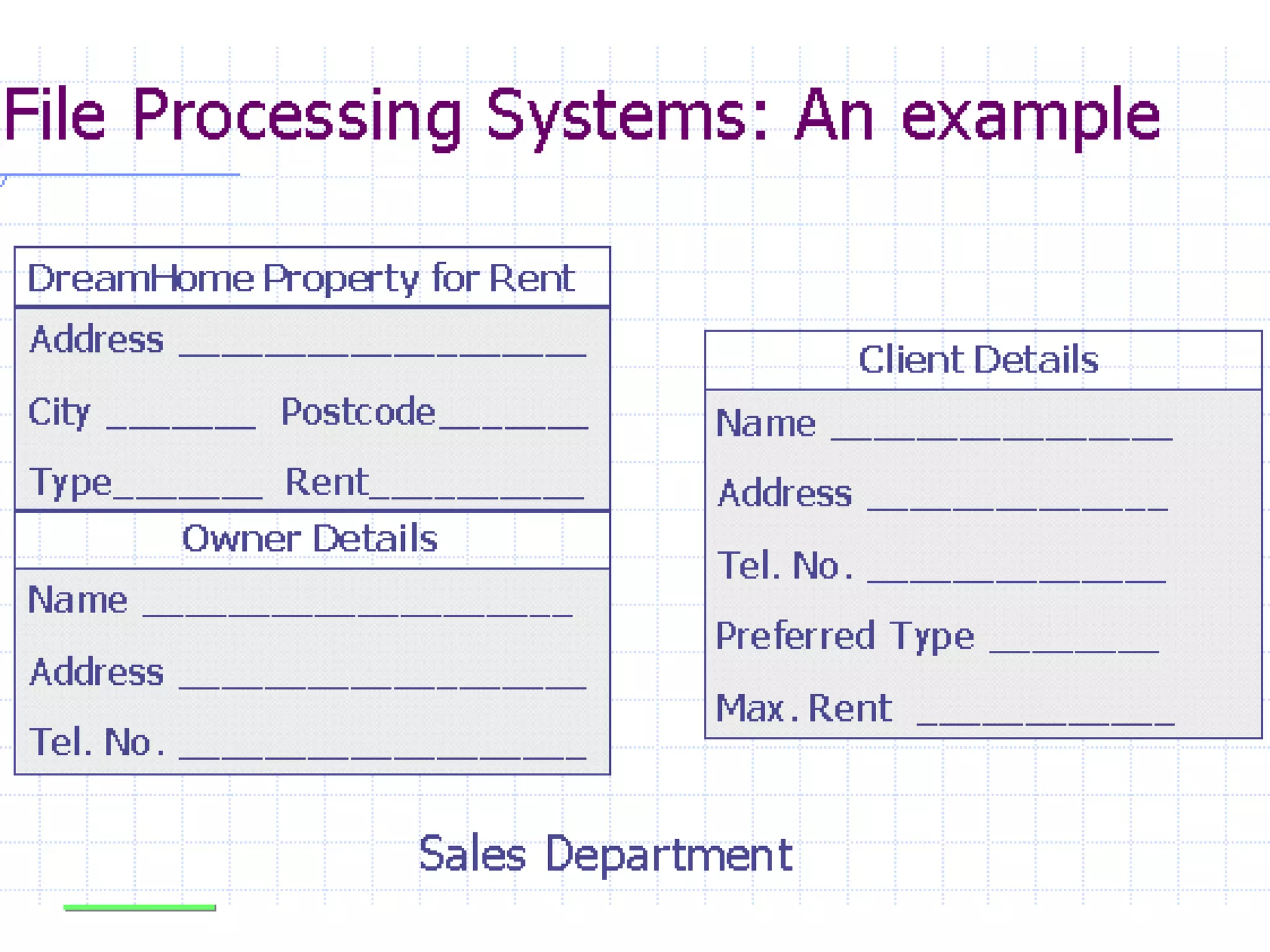
Historical Roots Why Study File Systems? It provides historical perspective. It teaches lessons to avoid pitfalls of data management. Its simple characteristics facilitate understanding of the design complexity of a database. It provides useful knowledge for converting a file system to a database system .
Figure 1.3 Contents of the CUSTOMER File
 
 
Table 1.1 Basic File Terminology
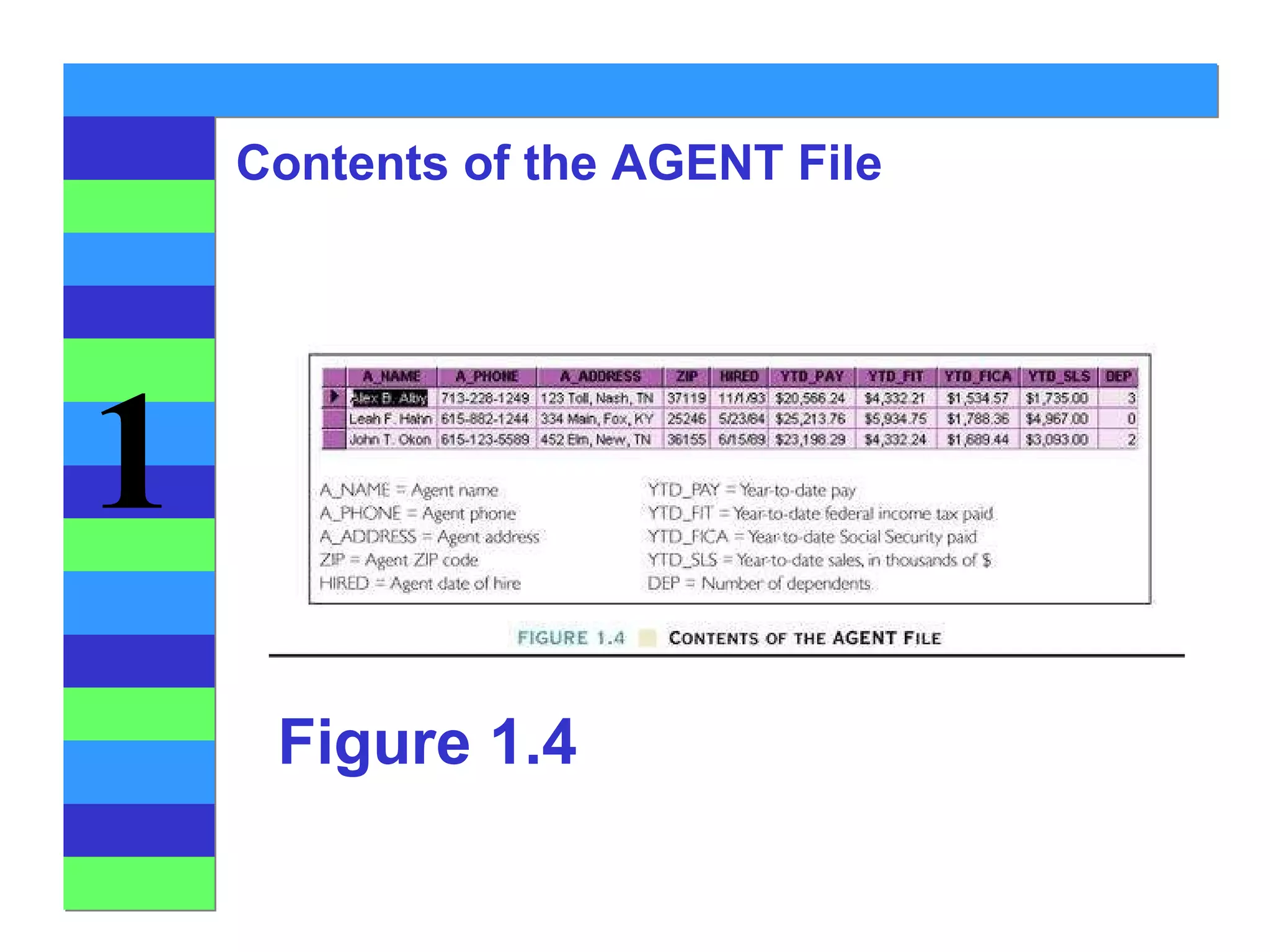
Figure 1.4 Contents of the AGENT File
A Simple File System Figure 1.5


27 fcs157 l1

  • 1.
    File Systems andDatabases Chapter 1 The Worlds of Database Systems Prof. Sin-Min Lee Dept. of Computer Science
  • 2.
  • 3.
    ??! Your evaluationin this course is determined by: 30% Class Presentation 10% Presentation report 5%
  • 4.
  • 5.
  • 6.
    Text Book NARAYANS. UMANATH & RICHARD W. SCAMELL, DATA MODELING AND DATABASE DESIGN, 2007 Thomson
  • 7.
    A. Silberschatz, H.F.Korth, S. Sudarshan: Database System Concepts , 5th Ed., McGraw-Hill, 2006. GOOD REFERENCE
  • 8.
    The mediocre teachertells. The good teacher explains. The superior teacher demonstrates. The great teacher inspires. William Arthur Ward
  • 9.
    Files and DatabasesFile: A collection of records or documents dealing with one organization, person, area or subject (Rowley) Manual (paper) files Computer files Database: A collection of similar records with relationships between the records (Rowley) Bibliographic, statistical, business data, images, etc.
  • 10.
    Introducing the DatabaseMajor Database Concepts Data and information Data - Raw facts Information - Processed data Data management Database Metadata Database management system (DBMS)
  • 11.
  • 12.
  • 13.
    Figure 1.1 Salesper Employee for Each of ROBCOR’S Two Divisions
  • 14.
  • 15.
    Database Systems Typesof Database Systems Number of Users Single-user Desktop database Multiuser Workgroup database Enterprise database Scope Desktop Workgroup Enterprise
  • 16.
    Database Systems Typesof Database Systems Location Centralized Distributed Use Transactional (Production) Decision support Data warehouse
  • 17.
    Database A Databaseis a collection of stored operational data used by the application systems of some particular enterprise (C.J. Date) Paper “Databases” Still contain a large portion of the world’s knowledge File-Based Data Processing Systems Early batch processing of (primarily) business data Database Management Systems (DBMS)
  • 18.
    Why DBMS? History50’s and 60’s all applications were custom built for particular needs File based Many similar/duplicative applications dealing with collections of business data Early DBMS were extensions of programming languages 1970 - E.F. Codd and the Relational Model 1979 - Ashton-Tate and first Microcomputer DBMS
  • 19.
    File Based SystemsNaughty Nice Just what asked for Coal Estimation Delivery List Application File Toys Addresses Toys
  • 20.
    From File Systemsto DBMS Problems with file processing systems Inconsistent data Inflexibility Limited data sharing Poor enforcement of standards Excessive program maintenance
  • 21.
    DBMS Benefits Minimaldata redundancy Consistency of data Integration of data Sharing of data Ease of application development Uniform security, privacy, and integrity controls Data accessibility and responsiveness Data independence Reduced program maintenance
  • 22.
    Terms and ConceptsData independence Physical representation and location of data and the use of that data are separated The application doesn’t need to know how or where the database has stored the data, but just how to ask for it Moving a database from one DBMS to another should not have a material effect on application program Recoding, adding fields, etc. in the database should not affect applications
  • 23.
    Database Environment CASE Tools DBMS User Interface Application Programs Repository Database
  • 24.
    Database Components DBMS=============== Design tools Table Creation Form Creation Query Creation Report Creation Procedural language compiler (4GL) ============= Run time Form processor Query processor Report Writer Language Run time User Interface Applications Application Programs Database Database contains: User’s Data Metadata Indexes Application Metadata
  • 25.
    Types of DatabaseSystems PC databases Centralized database Client/server databases Distributed databases Database models
  • 26.
    PC Databases E.g.:Access FoxPro Dbase Etc.
  • 27.
  • 28.
    Client Server DatabasesNetwork Client Client Client Database Server
  • 29.
    Distributed Databases computercomputer computer Location A Location C Location B Homogeneous Databases
  • 30.
    Distributed Databases LocalNetwork Database Server Client Client Comm Server Remote Comp. Remote Comp. Heterogeneous Or Federated Databases
  • 31.
  • 32.
  • 33.
  • 34.
    Introducing the DatabaseImportance of DBMS It helps make data management more efficient and effective. Its query language allows quick answers to ad hoc queries. It provides end users better access to more and better-managed data. It promotes an integrated view of organization’s operations -- “big picture.” It reduces the probability of inconsistent data.
  • 35.
  • 36.
    Figure 1.2 TheDBMS Manages the Interaction Between the End User and the Database
  • 37.
  • 38.
    Introducing the DatabaseWhy Database Design Is Important? A well-designed database facilitates data management and becomes a valuable information generator. A poorly designed database is a breeding ground for uncontrolled data redundancies. A poorly designed database generates errors that lead to bad decisions.
  • 39.
  • 40.
  • 41.
  • 42.
  • 43.
    Historical Roots WhyStudy File Systems? It provides historical perspective. It teaches lessons to avoid pitfalls of data management. Its simple characteristics facilitate understanding of the design complexity of a database. It provides useful knowledge for converting a file system to a database system .
  • 44.
    Figure 1.3 Contentsof the CUSTOMER File
  • 45.
  • 46.
  • 47.
    Table 1.1 BasicFile Terminology
  • 48.
    Figure 1.4 Contentsof the AGENT File
  • 49.
    A Simple FileSystem Figure 1.5
  • 50.
  • 51.
  • 52.
  • 53.
  • 54.
  • 55.
  • 56.
  • 57.