
“Being in business is all
about working smarter
not harder.”
Dad
Presentation Key
• Business Tool
• Summary
• Cost (free or paid)
• Where To Get It
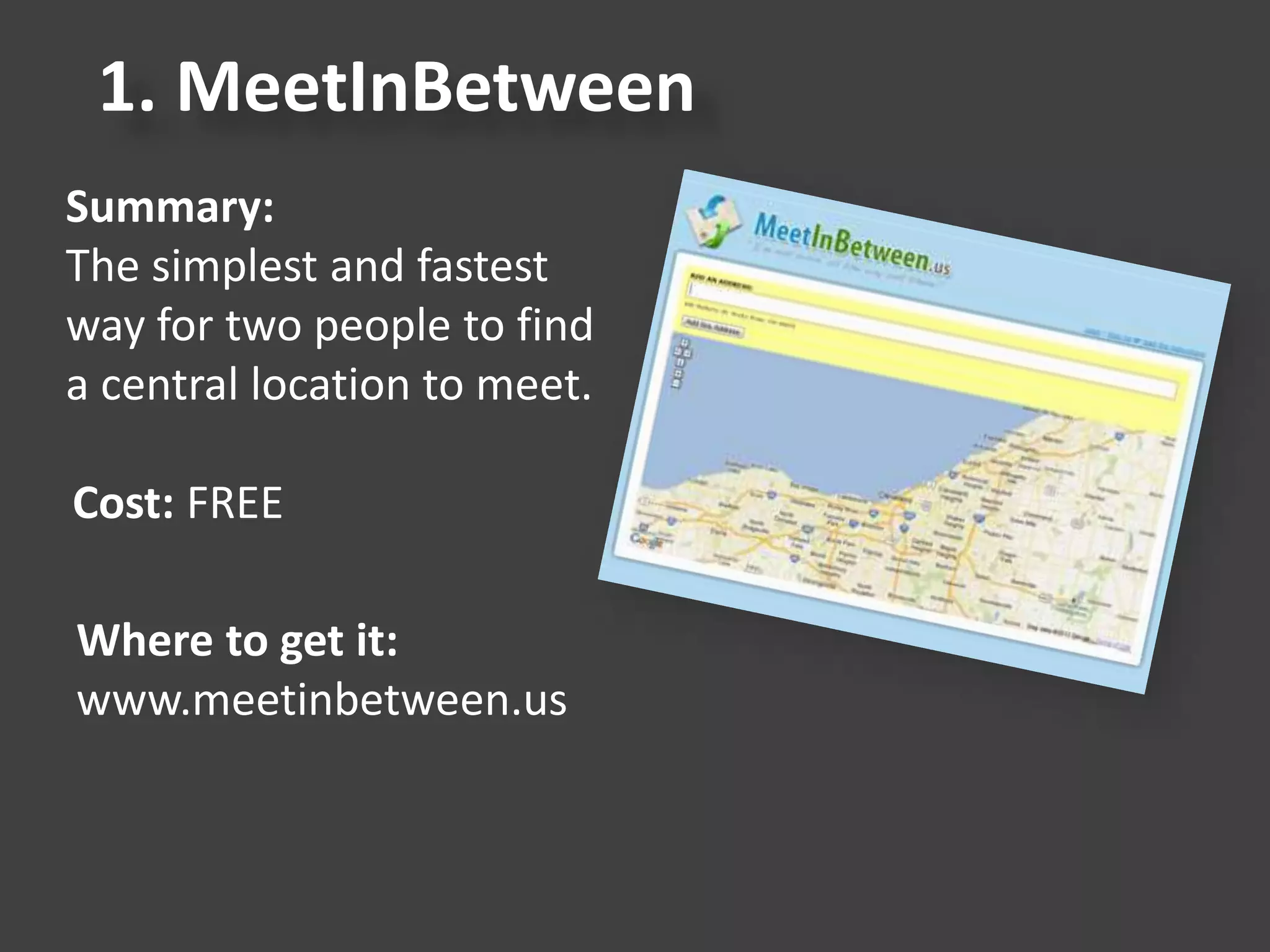
1. MeetInBetween
Summary:
The simplest and fastest
way for two people to find
a central location to meet.
Cost: FREE
Where to get it:
www.meetinbetween.us
2. AddressTwo
Summary:
Simple CRM to organize
your contacts, manage
leads, follow-up, tasks and
activities.
Cost: Monthly Plans
Where to get it:
www.addresstwo.com
3. Groupme
Summary:
It’s group messaging for
your real life network. It’s
sort of like a private chat
room using reply-all
text messaging.
Cost: FREE
Where to get it:
www.groupme.com
4. Freshbooks
Summary:
The fastest way to track
time, organize expenses
and invoice your clients.
Cost: Monthly Plans
Where to get it:
www.freshbooks.com
5. Workboard
Summary:
A team collaboration and
productivity app that helps managers communicate
goals, set priorities and provide feedback to their teams.
Cost: FREE
Where to get it:
www.workboard.com
6. Pipedrive
Summary:
Sales pipeline software that
gets you organized. Helps
you focus on the right deals,
so easy to use that salespeople
just love it. Great for small teams.
Cost: Monthly
Where to get it:
www.pipedrive.com
7. SplashID
Summary:
View and edit your sensitive
personal information on
your desktop computer and
synchronize with your
smartphone - wirelessly.
Cost: $19.95 (one time cost)
Where to get it:
www.splashdata.com/splashid/
8. MightyText
Summary:
Text from your computer,
sync'd with your Android
phone & number.
Cost: FREE and Annual Plan
Where to get it:
www.mightytext.com
9. Google Keep
Summary:
Quickly create, access and organize
notes, lists and photos with
Google Keep. All your notes are automatically
stored in Drive.
Cost: FREE
Where to get it:
keep.google.com
10. Snagit
Summary:
Snagit is a screen capture
tool. It gives you all the
tools you need to create
eye-catching images and
videos for easy sharing.
Cost: Free Trial, $49.95
Where to get it:
www.snagit.com
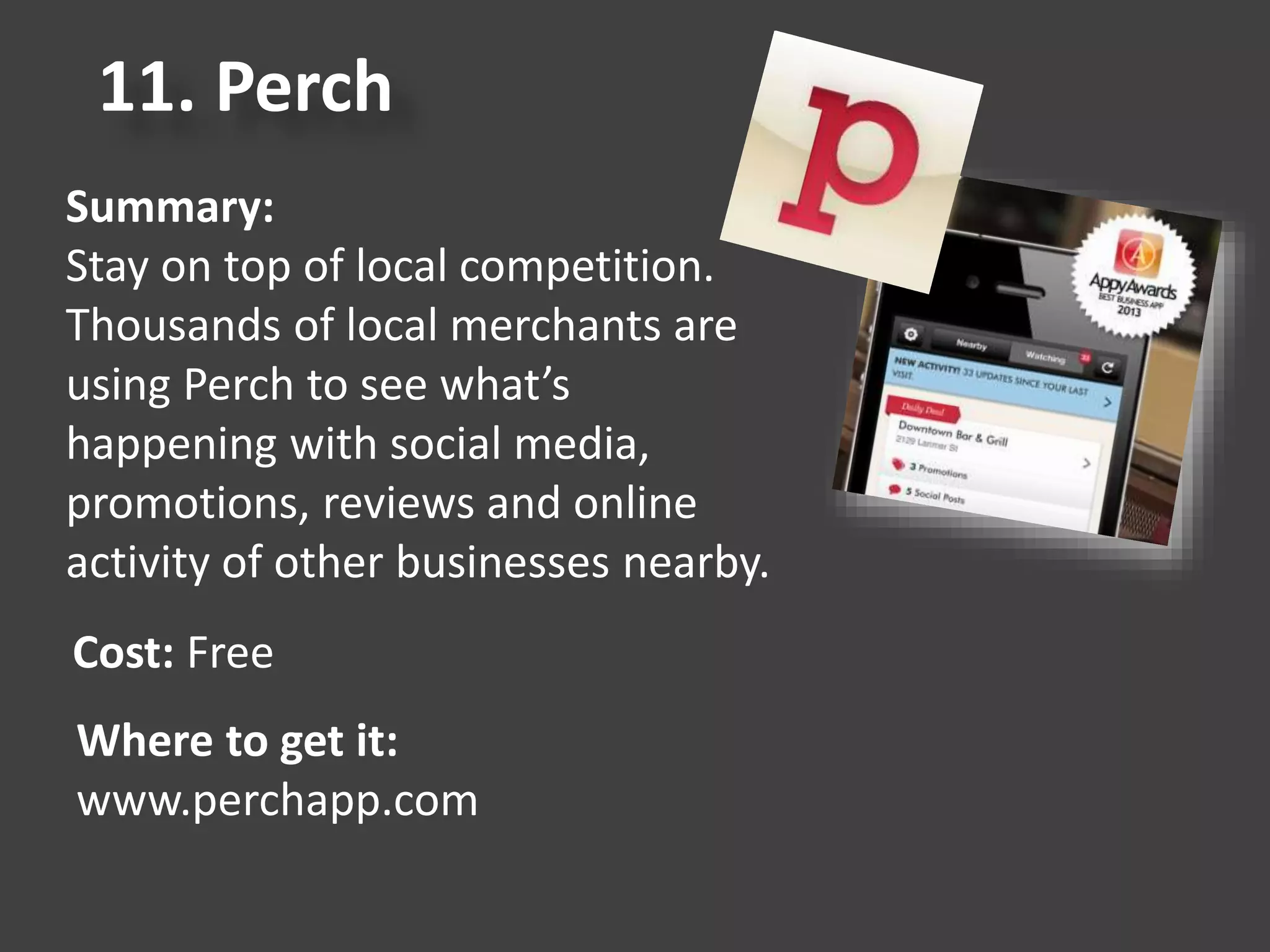
11. Perch
Summary:
Stay on top of local competition.
Thousands of local merchants are
using Perch to see what’s
happening with social media,
promotions, reviews and online
activity of other businesses nearby.
Cost: Free
Where to get it:
www.perchapp.com
12. Bit.ly
Summary:
An online tool that allows
users to shorten a long URL,
share it, and then track the
resulting usage.
Cost: FREE
Where to get it:
www.bitly.com
13. YesWare
Summary:
Know who opens and clicks on your
emails. See whether they opened it on
desktop or mobile. Quickly check the status of each
tracked message.
Cost: Free and Monthly Plans
Where to get it:
www.yesware.com
14. Pocket
Summary:
Glorified bookmarking app,
but only way better.
Cost: FREE
Where to get it:
www.getpocket.com
15. Trello
Summary:
In one glance, Trello tells
you what's being worked on,
who's working on what,
and where something is in
a process.
Cost: FREE
Where to get it:
www.trello.com
16. Evernote
Summary:
Evernote makes it easy to
remember things big and
small from your notable life
using your computer, phone,
and the web.
Cost: FREE, Premium Plan
Where to get it:
www.evernote.com
17. Google Alerts
Summary:
Get email notifications
any time that Google finds new
results on a topic you’re interested in.
Cost: FREE
Where to get it:
www.google.com/alerts
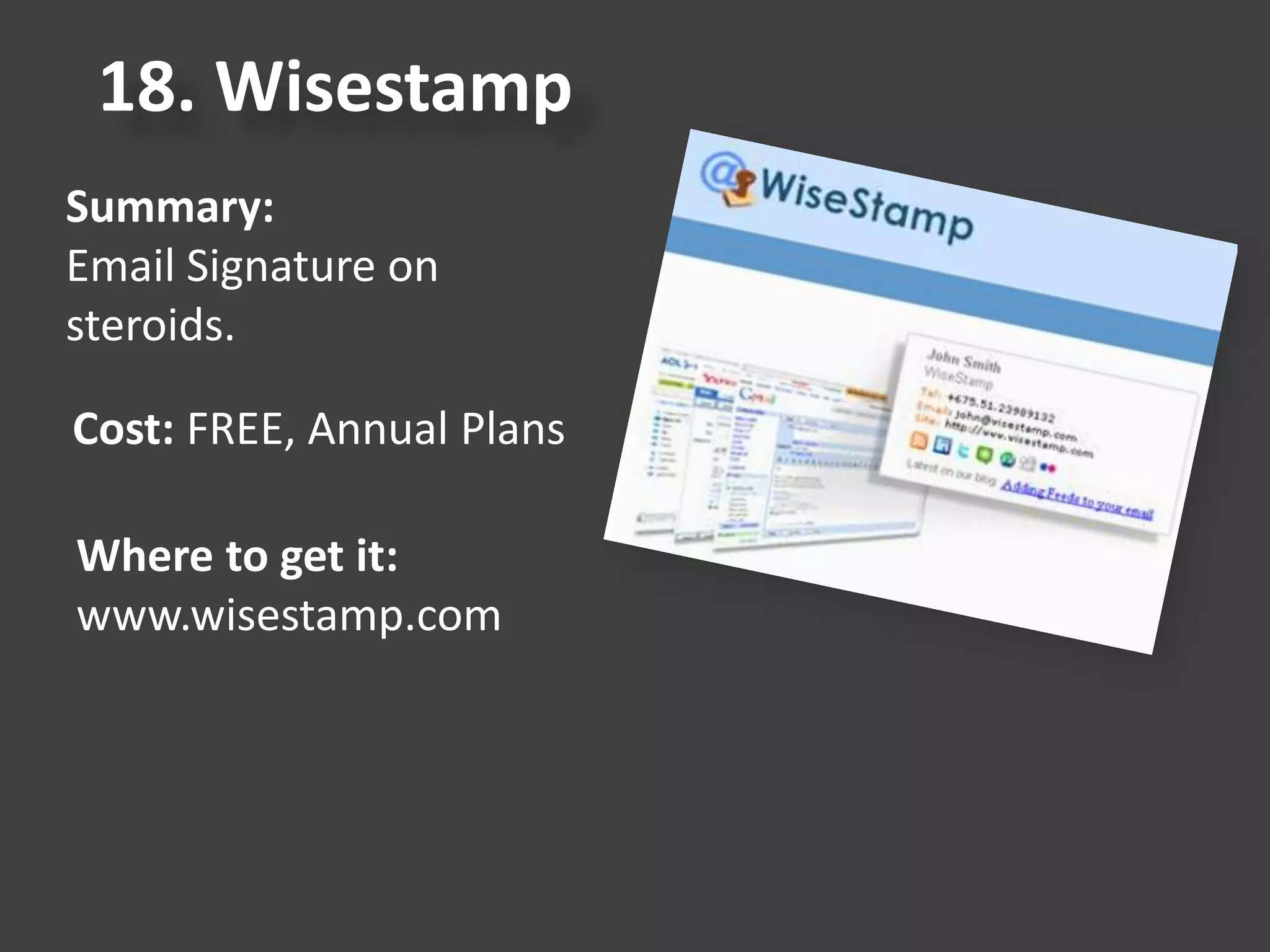
18. Wisestamp
Summary:
Email Signature on
steroids.
Cost: FREE, Annual Plans
Where to get it:
www.wisestamp.com
19. Join Me
Summary:
Free, simple, fast online meetings.
Share your screen instantly with
anyone.
Cost: FREE
Where to get it:
www.join.me
20. Dashlane
Summary:
The world's best password
manager & secure digital wallet.
Cost: FREE
Where to get it:
www.dashlane.com
Business Tools You Currently
Have Loaded on Devices
• Take Inventory of your business tools
- How are you using them?
- Are you using them?
• What new tools could make me work
smarter, not harder?
This presentation was given at the Caffeinated Conversations
event in New Palestine, Indiana on February 19, 2016
20 Business Tools That I Use For My Small Business Everyday

20 Business Tools That I Use For My Small Business Everyday

  • 2.
    “Being in businessis all about working smarter not harder.” Dad
  • 3.
    Presentation Key • BusinessTool • Summary • Cost (free or paid) • Where To Get It
  • 5.
    1. MeetInBetween Summary: The simplestand fastest way for two people to find a central location to meet. Cost: FREE Where to get it: www.meetinbetween.us
  • 6.
    2. AddressTwo Summary: Simple CRMto organize your contacts, manage leads, follow-up, tasks and activities. Cost: Monthly Plans Where to get it: www.addresstwo.com
  • 7.
    3. Groupme Summary: It’s groupmessaging for your real life network. It’s sort of like a private chat room using reply-all text messaging. Cost: FREE Where to get it: www.groupme.com
  • 8.
    4. Freshbooks Summary: The fastestway to track time, organize expenses and invoice your clients. Cost: Monthly Plans Where to get it: www.freshbooks.com
  • 9.
    5. Workboard Summary: A teamcollaboration and productivity app that helps managers communicate goals, set priorities and provide feedback to their teams. Cost: FREE Where to get it: www.workboard.com
  • 10.
    6. Pipedrive Summary: Sales pipelinesoftware that gets you organized. Helps you focus on the right deals, so easy to use that salespeople just love it. Great for small teams. Cost: Monthly Where to get it: www.pipedrive.com
  • 11.
    7. SplashID Summary: View andedit your sensitive personal information on your desktop computer and synchronize with your smartphone - wirelessly. Cost: $19.95 (one time cost) Where to get it: www.splashdata.com/splashid/
  • 12.
    8. MightyText Summary: Text fromyour computer, sync'd with your Android phone & number. Cost: FREE and Annual Plan Where to get it: www.mightytext.com
  • 13.
    9. Google Keep Summary: Quicklycreate, access and organize notes, lists and photos with Google Keep. All your notes are automatically stored in Drive. Cost: FREE Where to get it: keep.google.com
  • 14.
    10. Snagit Summary: Snagit isa screen capture tool. It gives you all the tools you need to create eye-catching images and videos for easy sharing. Cost: Free Trial, $49.95 Where to get it: www.snagit.com
  • 15.
    11. Perch Summary: Stay ontop of local competition. Thousands of local merchants are using Perch to see what’s happening with social media, promotions, reviews and online activity of other businesses nearby. Cost: Free Where to get it: www.perchapp.com
  • 16.
    12. Bit.ly Summary: An onlinetool that allows users to shorten a long URL, share it, and then track the resulting usage. Cost: FREE Where to get it: www.bitly.com
  • 17.
    13. YesWare Summary: Know whoopens and clicks on your emails. See whether they opened it on desktop or mobile. Quickly check the status of each tracked message. Cost: Free and Monthly Plans Where to get it: www.yesware.com
  • 18.
    14. Pocket Summary: Glorified bookmarkingapp, but only way better. Cost: FREE Where to get it: www.getpocket.com
  • 19.
    15. Trello Summary: In oneglance, Trello tells you what's being worked on, who's working on what, and where something is in a process. Cost: FREE Where to get it: www.trello.com
  • 20.
    16. Evernote Summary: Evernote makesit easy to remember things big and small from your notable life using your computer, phone, and the web. Cost: FREE, Premium Plan Where to get it: www.evernote.com
  • 21.
    17. Google Alerts Summary: Getemail notifications any time that Google finds new results on a topic you’re interested in. Cost: FREE Where to get it: www.google.com/alerts
  • 22.
    18. Wisestamp Summary: Email Signatureon steroids. Cost: FREE, Annual Plans Where to get it: www.wisestamp.com
  • 23.
    19. Join Me Summary: Free,simple, fast online meetings. Share your screen instantly with anyone. Cost: FREE Where to get it: www.join.me
  • 24.
    20. Dashlane Summary: The world'sbest password manager & secure digital wallet. Cost: FREE Where to get it: www.dashlane.com
  • 25.
    Business Tools YouCurrently Have Loaded on Devices • Take Inventory of your business tools - How are you using them? - Are you using them? • What new tools could make me work smarter, not harder?
  • 26.
    This presentation wasgiven at the Caffeinated Conversations event in New Palestine, Indiana on February 19, 2016