Global Online LAMP – Tier 2
Layman’s Course
The Sylabus
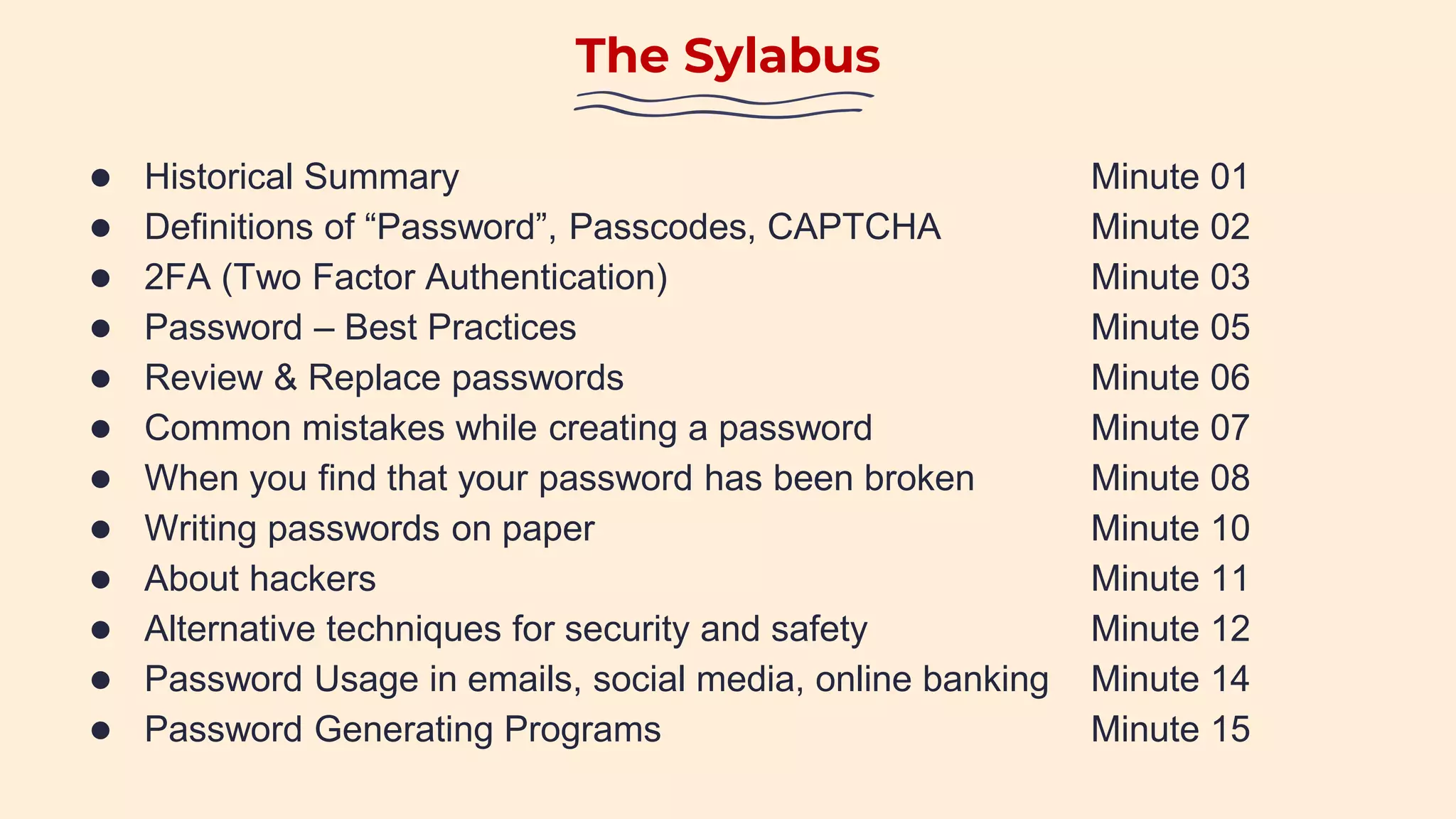
● Historical Summary Minute 01
● Definitions of “Password”, Passcodes, CAPTCHA Minute 02
● 2FA (Two Factor Authentication) Minute 03
● Password – Best Practices Minute 05
● Review & Replace passwords Minute 06
● Common mistakes while creating a password Minute 07
● When you find that your password has been broken Minute 08
● Writing passwords on paper Minute 10
● About hackers Minute 11
● Alternative techniques for security and safety Minute 12
● Password Usage in emails, social media, online banking Minute 14
● Password Generating Programs Minute 15
Historical Summary
• Passwords have been in use for over 2,500 years; it is a tool to protect friends from enemies.
• Eg, in ancient Rome, to gain access to a few facilities, you had to provide a password to the guard.
• The password would have to be written down secretly or softly enunciated.
• The password would be changed frequently from time to time.
• If the password that is used included only digits or numbers, it is called a “Passcode”.
• Passwords were specifically meant for individual use – it is not meant to be shared.
• If the user forgot the password, it could lead to detention or arrest.
Password, Passcodes, CAPTCHA
• A password is a long and unique string of letters, numbers and special characters.
• The letters used in a password are case-sensitive – the letters are upper or lower case.
• Each password, and its sequence, is unique.
• Each password has a minimal length – the minimum is usually 8 characters.
• When a password has only numbers, it is called a “Passcode”.
• To prevent the guessing of a password through bots, there is a process called “CAPTCHA”.
• “CAPTCHA” requires an individual to read a string of distorted characters.
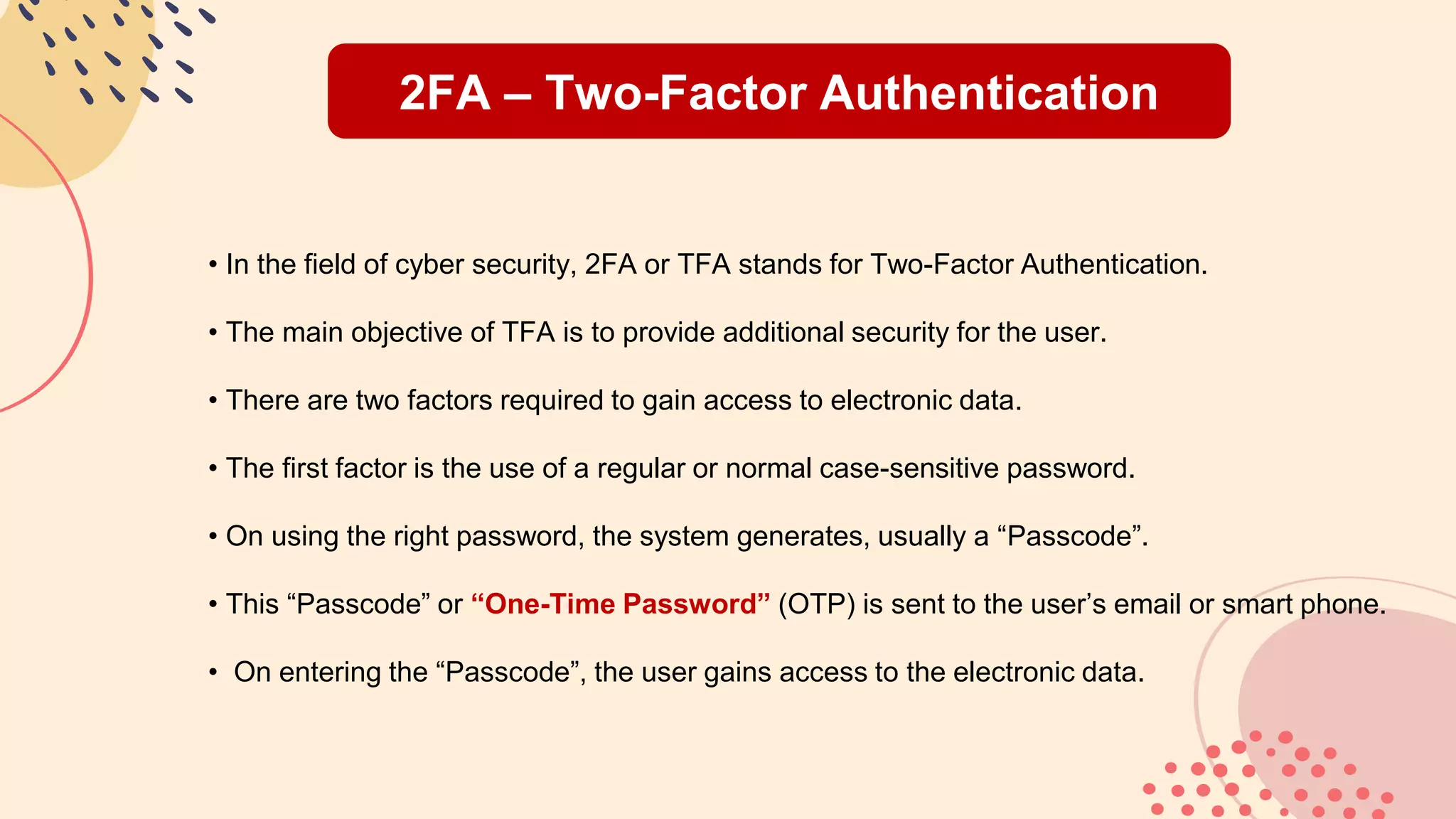
2FA – Two-Factor Authentication
• In the field of cyber security, 2FA or TFA stands for Two-Factor Authentication.
• The main objective of TFA is to provide additional security for the user.
• There are two factors required to gain access to electronic data.
• The first factor is the use of a regular or normal case-sensitive password.
• On using the right password, the system generates, usually a “Passcode”.
• This “Passcode” or “One-Time Password” (OTP) is sent to the user’s email or smart phone.
• On entering the “Passcode”, the user gains access to the electronic data.
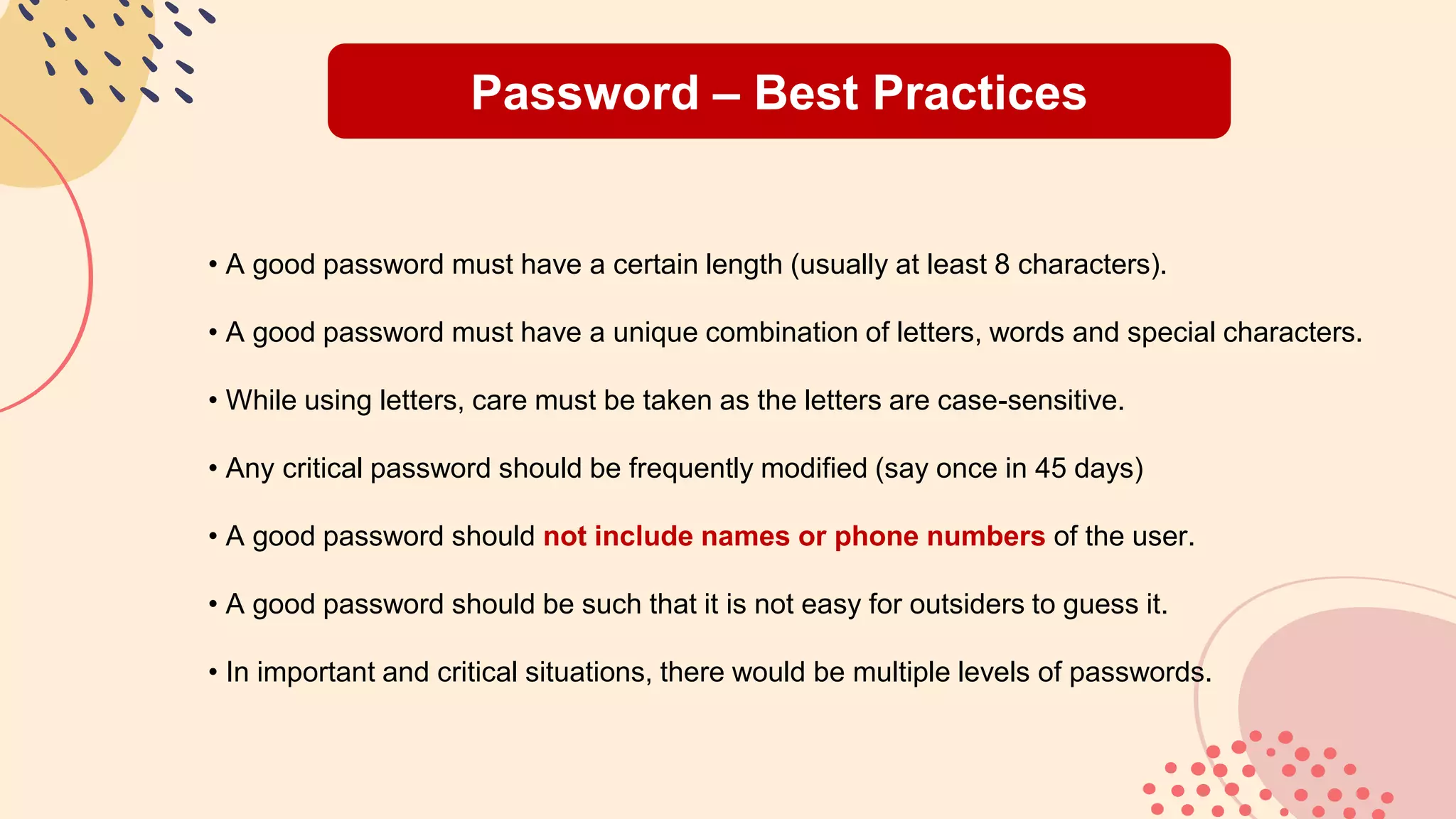
Password – Best Practices
• A good password must have a certain length (usually at least 8 characters).
• A good password must have a unique combination of letters, words and special characters.
• While using letters, care must be taken as the letters are case-sensitive.
• Any critical password should be frequently modified (say once in 45 days)
• A good password should not include names or phone numbers of the user.
• A good password should be such that it is not easy for outsiders to guess it.
• In important and critical situations, there would be multiple levels of passwords.
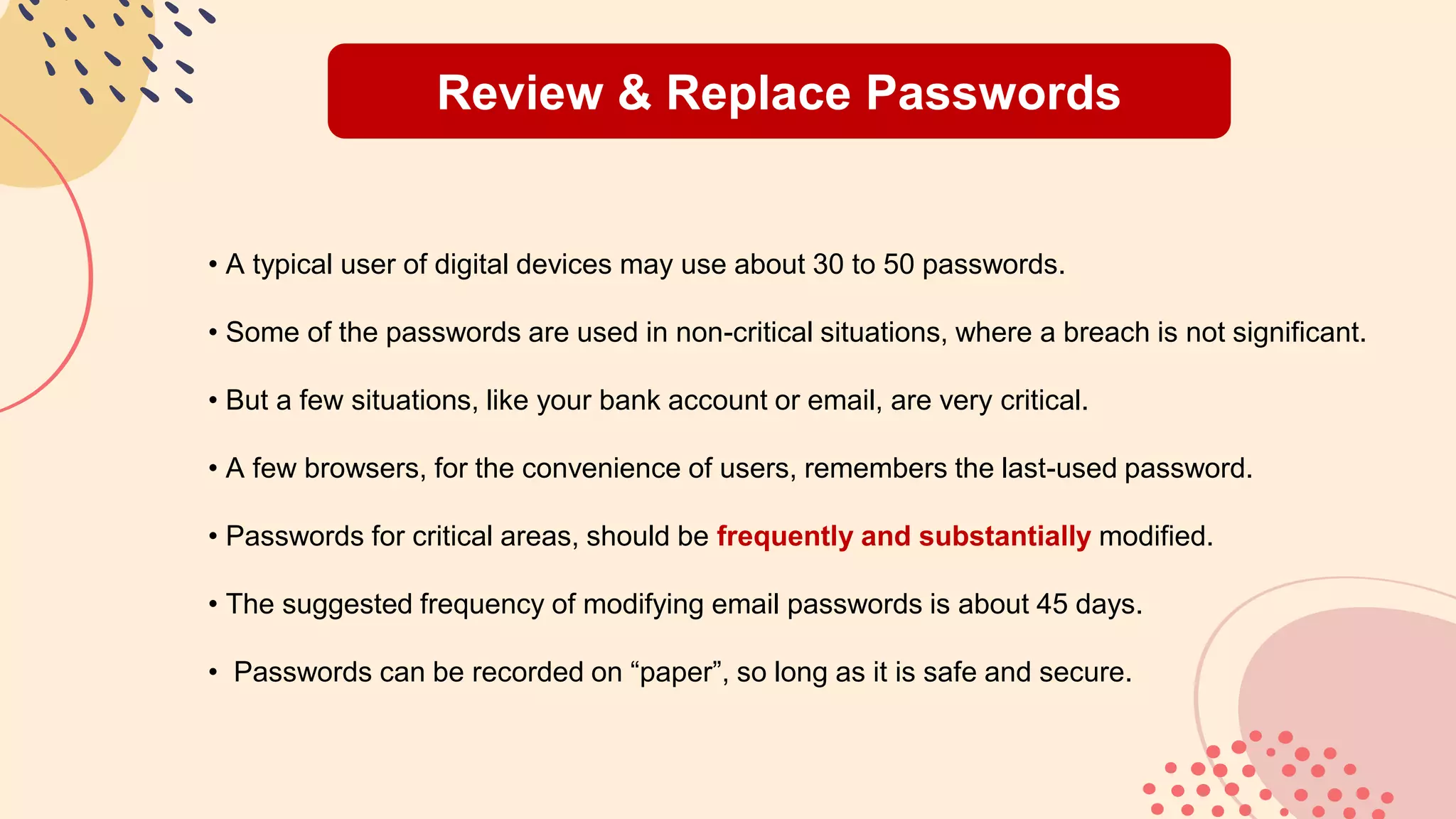
Review & Replace Passwords
• A typical user of digital devices may use about 30 to 50 passwords.
• Some of the passwords are used in non-critical situations, where a breach is not significant.
• But a few situations, like your bank account or email, are very critical.
• A few browsers, for the convenience of users, remembers the last-used password.
• Passwords for critical areas, should be frequently and substantially modified.
• The suggested frequency of modifying email passwords is about 45 days.
• Passwords can be recorded on “paper”, so long as it is safe and secure.
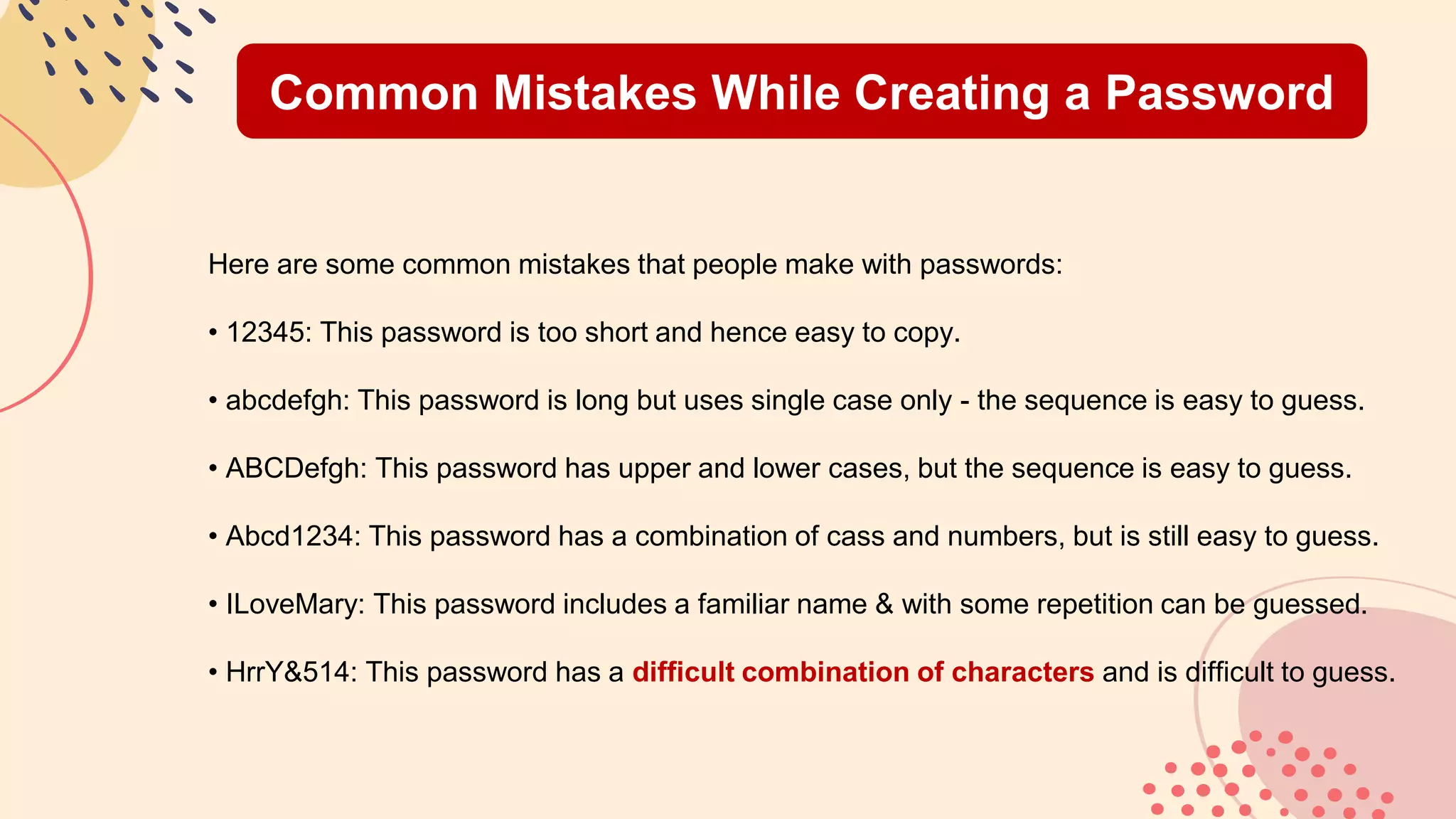
Common Mistakes While Creating a Password
Here are some common mistakes that people make with passwords:
• 12345: This password is too short and hence easy to copy.
• abcdefgh: This password is long but uses single case only - the sequence is easy to guess.
• ABCDefgh: This password has upper and lower cases, but the sequence is easy to guess.
• Abcd1234: This password has a combination of cass and numbers, but is still easy to guess.
• ILoveMary: This password includes a familiar name & with some repetition can be guessed.
• HrrY&514: This password has a difficult combination of characters and is difficult to guess.
When Password is Broken
When you find that your email has been breached, here is what needs to be done:
• Please inform the email service provider that your account has been breached.
• Please inform the internet service provider that your account has been breached.
• In case you are in a company, please inform the CEO and/or HRM and/or IT Head.
Having informed all of the above, please
• Change the password significantly
• Try and assess the impact of the breach. (take the help of Cyber Crime)
Writing Passwords on Paper
Let us consider a realistic situation of a typical netizen (one who uses the internet):
• A typical user has about thirty (30) to fifty (50) passwords.
• Let us say that 5 of those passwords are critical (Email, Bank Account etc)
• These critical passwords need to be modified frequently (say once in 45 days)
• It is prudent to maintain a physical record of these passwords in a booklet or diary.
• Th physical document needs to be in a safe and secure place.
• In the physical documents, you could use a private coding system to add security.
About Hackers
• A hacker is one who attempts to break into your account without your knowledge or permission.
• A hacker is the equivalent of a thief or a robber who breaks into your premises.
• What a hacker does is incorrect, immoral, illegal and unlawful in most countries.
• A hacker is able to break into your account through the use of sophisticated techniques.
• A hacker is often encouraged and abetted through the casual attitude of digitial users.
• The law in most lands are very stringent in the way they deal with hackers.
• There is a category of programmers who call themselves as “ethical hackers”.
Alternative Techniques
When it comes to secure access, there are alternatives to the use of passwords:
• The use of finger prints is a time-tested way to ensure identity theft does not take place.
• The use of retina scans is a novel way to ensure that the user’s access is not violated.
• iPhones, for instance, use facial recognition to ensure individual security
While using these devices, there are two disadvantages or demerits:
• There is a cost associated with the use of such devices.
• Sometimes, the devices are misplaced or do not function as they should.
Password Usage
Here are some tips for proper usage of passwords:
• For emails: This is super-critical; use sophisticated passwords that are modified periodically.
• For bank accounts: This is critical; use sophisticated passwords that are modified frequently.
• For access to office records: This is important; use passwords as per guidelines provided.
• For Social Networking: This is less critical; use passwords that are easy to remember.
• For non-critical areas: This is casual; use passwords that are very easy to remember.
Password Generating Programs
• There are “Password Generating Programs” (PGP’s) who can help you manage your passwords.
• Two examples of free-to-use PGP’s are: KeePass and LastPass.
• These programs are free to use, generously supported by good samaritans.
• Even if there is a small cost to a PGP, having a good and reliable PGP is recommended.
• A PGP can be used to store all your passwords – so its safety & security is very critical.
• One needs a sophisticated password, which is frequently modified, to access a PGP.
Common sense advice regarding “Passwords” is BRAVE: Be Rigorous, Aware & Vigilant Everytime.
Join
us
in
the
war
against
Cyber
Crime!
Ḷet
us
make
the
world
safe
and
secure!!
Here’s to a safe and secure world!!
For more information, please email to:
foundationgolamp@gmail.com

2 Laymans Course - LAMP V2.pptx

  • 1.
    Global Online LAMP– Tier 2 Layman’s Course
  • 2.
    The Sylabus ● HistoricalSummary Minute 01 ● Definitions of “Password”, Passcodes, CAPTCHA Minute 02 ● 2FA (Two Factor Authentication) Minute 03 ● Password – Best Practices Minute 05 ● Review & Replace passwords Minute 06 ● Common mistakes while creating a password Minute 07 ● When you find that your password has been broken Minute 08 ● Writing passwords on paper Minute 10 ● About hackers Minute 11 ● Alternative techniques for security and safety Minute 12 ● Password Usage in emails, social media, online banking Minute 14 ● Password Generating Programs Minute 15
  • 3.
    Historical Summary • Passwordshave been in use for over 2,500 years; it is a tool to protect friends from enemies. • Eg, in ancient Rome, to gain access to a few facilities, you had to provide a password to the guard. • The password would have to be written down secretly or softly enunciated. • The password would be changed frequently from time to time. • If the password that is used included only digits or numbers, it is called a “Passcode”. • Passwords were specifically meant for individual use – it is not meant to be shared. • If the user forgot the password, it could lead to detention or arrest.
  • 4.
    Password, Passcodes, CAPTCHA •A password is a long and unique string of letters, numbers and special characters. • The letters used in a password are case-sensitive – the letters are upper or lower case. • Each password, and its sequence, is unique. • Each password has a minimal length – the minimum is usually 8 characters. • When a password has only numbers, it is called a “Passcode”. • To prevent the guessing of a password through bots, there is a process called “CAPTCHA”. • “CAPTCHA” requires an individual to read a string of distorted characters.
  • 5.
    2FA – Two-FactorAuthentication • In the field of cyber security, 2FA or TFA stands for Two-Factor Authentication. • The main objective of TFA is to provide additional security for the user. • There are two factors required to gain access to electronic data. • The first factor is the use of a regular or normal case-sensitive password. • On using the right password, the system generates, usually a “Passcode”. • This “Passcode” or “One-Time Password” (OTP) is sent to the user’s email or smart phone. • On entering the “Passcode”, the user gains access to the electronic data.
  • 6.
    Password – BestPractices • A good password must have a certain length (usually at least 8 characters). • A good password must have a unique combination of letters, words and special characters. • While using letters, care must be taken as the letters are case-sensitive. • Any critical password should be frequently modified (say once in 45 days) • A good password should not include names or phone numbers of the user. • A good password should be such that it is not easy for outsiders to guess it. • In important and critical situations, there would be multiple levels of passwords.
  • 7.
    Review & ReplacePasswords • A typical user of digital devices may use about 30 to 50 passwords. • Some of the passwords are used in non-critical situations, where a breach is not significant. • But a few situations, like your bank account or email, are very critical. • A few browsers, for the convenience of users, remembers the last-used password. • Passwords for critical areas, should be frequently and substantially modified. • The suggested frequency of modifying email passwords is about 45 days. • Passwords can be recorded on “paper”, so long as it is safe and secure.
  • 8.
    Common Mistakes WhileCreating a Password Here are some common mistakes that people make with passwords: • 12345: This password is too short and hence easy to copy. • abcdefgh: This password is long but uses single case only - the sequence is easy to guess. • ABCDefgh: This password has upper and lower cases, but the sequence is easy to guess. • Abcd1234: This password has a combination of cass and numbers, but is still easy to guess. • ILoveMary: This password includes a familiar name & with some repetition can be guessed. • HrrY&514: This password has a difficult combination of characters and is difficult to guess.
  • 9.
    When Password isBroken When you find that your email has been breached, here is what needs to be done: • Please inform the email service provider that your account has been breached. • Please inform the internet service provider that your account has been breached. • In case you are in a company, please inform the CEO and/or HRM and/or IT Head. Having informed all of the above, please • Change the password significantly • Try and assess the impact of the breach. (take the help of Cyber Crime)
  • 10.
    Writing Passwords onPaper Let us consider a realistic situation of a typical netizen (one who uses the internet): • A typical user has about thirty (30) to fifty (50) passwords. • Let us say that 5 of those passwords are critical (Email, Bank Account etc) • These critical passwords need to be modified frequently (say once in 45 days) • It is prudent to maintain a physical record of these passwords in a booklet or diary. • Th physical document needs to be in a safe and secure place. • In the physical documents, you could use a private coding system to add security.
  • 11.
    About Hackers • Ahacker is one who attempts to break into your account without your knowledge or permission. • A hacker is the equivalent of a thief or a robber who breaks into your premises. • What a hacker does is incorrect, immoral, illegal and unlawful in most countries. • A hacker is able to break into your account through the use of sophisticated techniques. • A hacker is often encouraged and abetted through the casual attitude of digitial users. • The law in most lands are very stringent in the way they deal with hackers. • There is a category of programmers who call themselves as “ethical hackers”.
  • 12.
    Alternative Techniques When itcomes to secure access, there are alternatives to the use of passwords: • The use of finger prints is a time-tested way to ensure identity theft does not take place. • The use of retina scans is a novel way to ensure that the user’s access is not violated. • iPhones, for instance, use facial recognition to ensure individual security While using these devices, there are two disadvantages or demerits: • There is a cost associated with the use of such devices. • Sometimes, the devices are misplaced or do not function as they should.
  • 13.
    Password Usage Here aresome tips for proper usage of passwords: • For emails: This is super-critical; use sophisticated passwords that are modified periodically. • For bank accounts: This is critical; use sophisticated passwords that are modified frequently. • For access to office records: This is important; use passwords as per guidelines provided. • For Social Networking: This is less critical; use passwords that are easy to remember. • For non-critical areas: This is casual; use passwords that are very easy to remember.
  • 14.
    Password Generating Programs •There are “Password Generating Programs” (PGP’s) who can help you manage your passwords. • Two examples of free-to-use PGP’s are: KeePass and LastPass. • These programs are free to use, generously supported by good samaritans. • Even if there is a small cost to a PGP, having a good and reliable PGP is recommended. • A PGP can be used to store all your passwords – so its safety & security is very critical. • One needs a sophisticated password, which is frequently modified, to access a PGP. Common sense advice regarding “Passwords” is BRAVE: Be Rigorous, Aware & Vigilant Everytime.
  • 15.
  • 16.
    Here’s to asafe and secure world!! For more information, please email to: foundationgolamp@gmail.com

Editor's Notes

  • #2 A personal side to Jay Amaran