10 Secrets of Successful Live
Virtual Learning
Mary Ellen Bates
BatesInfo.com
Oct. 14, 2020
1. Know why you're doing this event
Information dissemination? Webinar format is fine
Skill building? Live online learning better than webinar
Attitude change? Live online learning much better than
webinar
2
2. Consider different formats
One or two presenters sharing info or insights
Panel of presenters with different points of view
Q&A / AMA session where participants ask questions
3
3. Keep the technology simple
Include a platform cheat sheet in your workbook
Be super-familiar with all needed admin features
Chat, file sharing, screen sharing, breakout rooms, whiteboard,
participant management, polls, etc.
Have a backstage buddy to troubleshoot during event
4
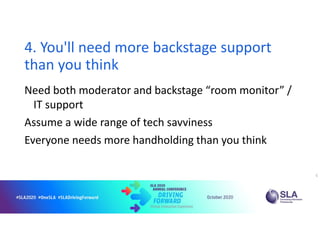
4. You'll need more backstage support
than you think
Need both moderator and backstage “room monitor” /
IT support
Assume a wide range of tech savviness
Everyone needs more handholding than you think
5
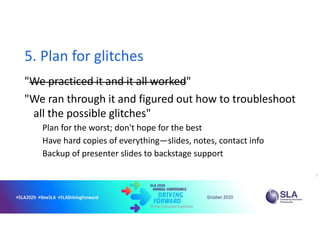
5. Plan for glitches
"We practiced it and it all worked"
"We ran through it and figured out how to troubleshoot
all the possible glitches"
Plan for the worst; don't hope for the best
Have hard copies of everything—slides, notes, contact info
Backup of presenter slides to backstage support
7
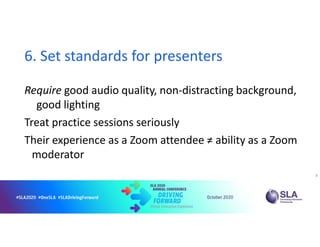
6. Set standards for presenters
Require good audio quality, non-distracting background,
good lighting
Treat practice sessions seriously
Their experience as a Zoom attendee ≠ ability as a Zoom
moderator
8
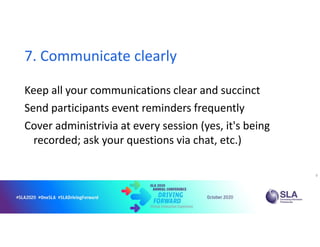
7. Communicate clearly
Keep all your communications clear and succinct
Send participants event reminders frequently
Cover administrivia at every session (yes, it's being
recorded; ask your questions via chat, etc.)
9
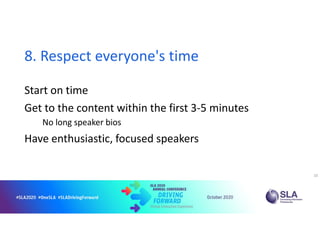
8. Respect everyone's time
Start on time
Get to the content within the first 3-5 minutes
No long speaker bios
Have enthusiastic, focused speakers
10
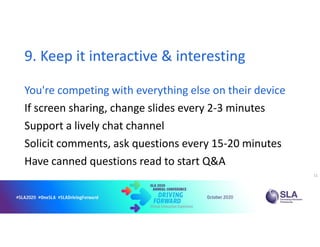
9. Keep it interactive & interesting
You're competing with everything else on their device
If screen sharing, change slides every 2-3 minutes
Support a lively chat channel
Solicit comments, ask questions every 15-20 minutes
Have canned questions read to start Q&A
11
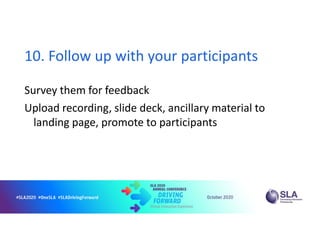
10. Follow up with your participants
Survey them for feedback
Upload recording, slide deck, ancillary material to
landing page, promote to participants
Mary Ellen Bates
mbates@batesinfo.com
+1 303 772 7095
www.BatesInfo.com
LinkedIn: maryellenbates
Facebook: maryellenbates
13

10 Secrets of Successful Live Virtual Learning

  • 1.
    10 Secrets ofSuccessful Live Virtual Learning Mary Ellen Bates BatesInfo.com Oct. 14, 2020
  • 2.
    1. Know whyyou're doing this event Information dissemination? Webinar format is fine Skill building? Live online learning better than webinar Attitude change? Live online learning much better than webinar 2
  • 3.
    2. Consider differentformats One or two presenters sharing info or insights Panel of presenters with different points of view Q&A / AMA session where participants ask questions 3
  • 4.
    3. Keep thetechnology simple Include a platform cheat sheet in your workbook Be super-familiar with all needed admin features Chat, file sharing, screen sharing, breakout rooms, whiteboard, participant management, polls, etc. Have a backstage buddy to troubleshoot during event 4
  • 5.
    4. You'll needmore backstage support than you think Need both moderator and backstage “room monitor” / IT support Assume a wide range of tech savviness Everyone needs more handholding than you think 5
  • 6.
    5. Plan forglitches "We practiced it and it all worked" "We ran through it and figured out how to troubleshoot all the possible glitches" Plan for the worst; don't hope for the best Have hard copies of everything—slides, notes, contact info Backup of presenter slides to backstage support 7
  • 7.
    6. Set standardsfor presenters Require good audio quality, non-distracting background, good lighting Treat practice sessions seriously Their experience as a Zoom attendee ≠ ability as a Zoom moderator 8
  • 8.
    7. Communicate clearly Keepall your communications clear and succinct Send participants event reminders frequently Cover administrivia at every session (yes, it's being recorded; ask your questions via chat, etc.) 9
  • 9.
    8. Respect everyone'stime Start on time Get to the content within the first 3-5 minutes No long speaker bios Have enthusiastic, focused speakers 10
  • 10.
    9. Keep itinteractive & interesting You're competing with everything else on their device If screen sharing, change slides every 2-3 minutes Support a lively chat channel Solicit comments, ask questions every 15-20 minutes Have canned questions read to start Q&A 11
  • 11.
    10. Follow upwith your participants Survey them for feedback Upload recording, slide deck, ancillary material to landing page, promote to participants
  • 12.
    Mary Ellen Bates mbates@batesinfo.com +1303 772 7095 www.BatesInfo.com LinkedIn: maryellenbates Facebook: maryellenbates 13