Structural
Design Patterns
Michael Heron
Introduction
 Structural design patterns emphasize
relationships between entities.
 These can be classes or objects.
 They are designed to help deal with the
combinatorial complexity of large object
oriented programs.
 These often exhibit behaviours that are not
immediately intuitive.
Structural Patterns
 Common to the whole philosophy behind
structural patterns is the separation between
abstraction and implementation.
 This is a good guideline for extensible design.
 Structural patterns subdivide into two broad
subcategories.
 Class structural patterns
 Where the emphasis is on the relationship
between classes
 Object structural patterns
 The emphasis is on consistency of interaction
and realization of new functionality.
Façade
 When a model is especially complex, it can
be useful to add in an additional pattern to
help manage the external interface of that
model.
 That pattern is called a façade.
 A façade sits between the view/controller
and provides a stripped down or simplified
interface to complex functionality.
 There are costs to this though in terms of
coupling and cohesion.
 A façade is a structural pattern.
Façade
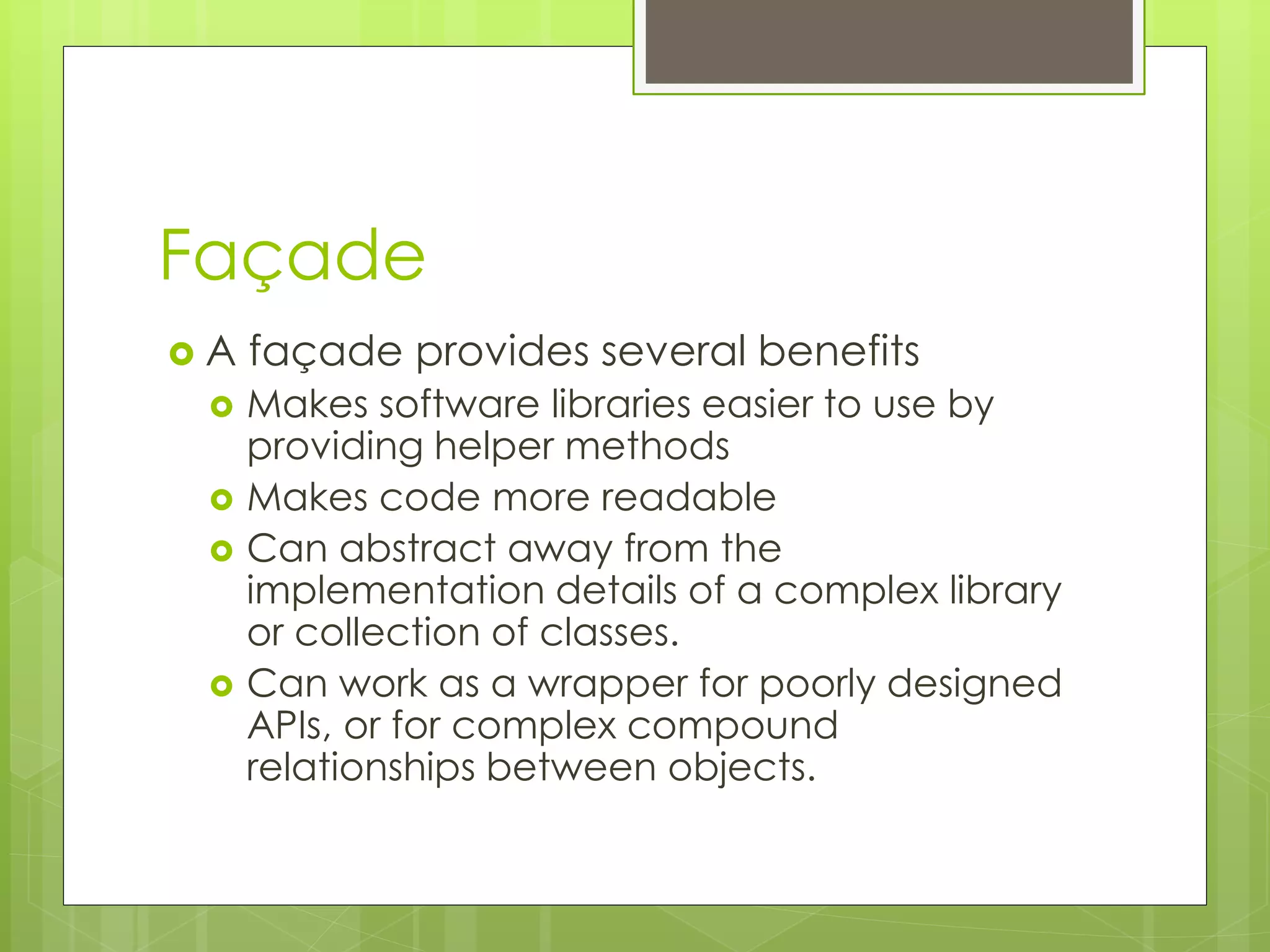
 A façade provides several benefits
 Makes software libraries easier to use by
providing helper methods
 Makes code more readable
 Can abstract away from the
implementation details of a complex library
or collection of classes.
 Can work as a wrapper for poorly designed
APIs, or for complex compound
relationships between objects.
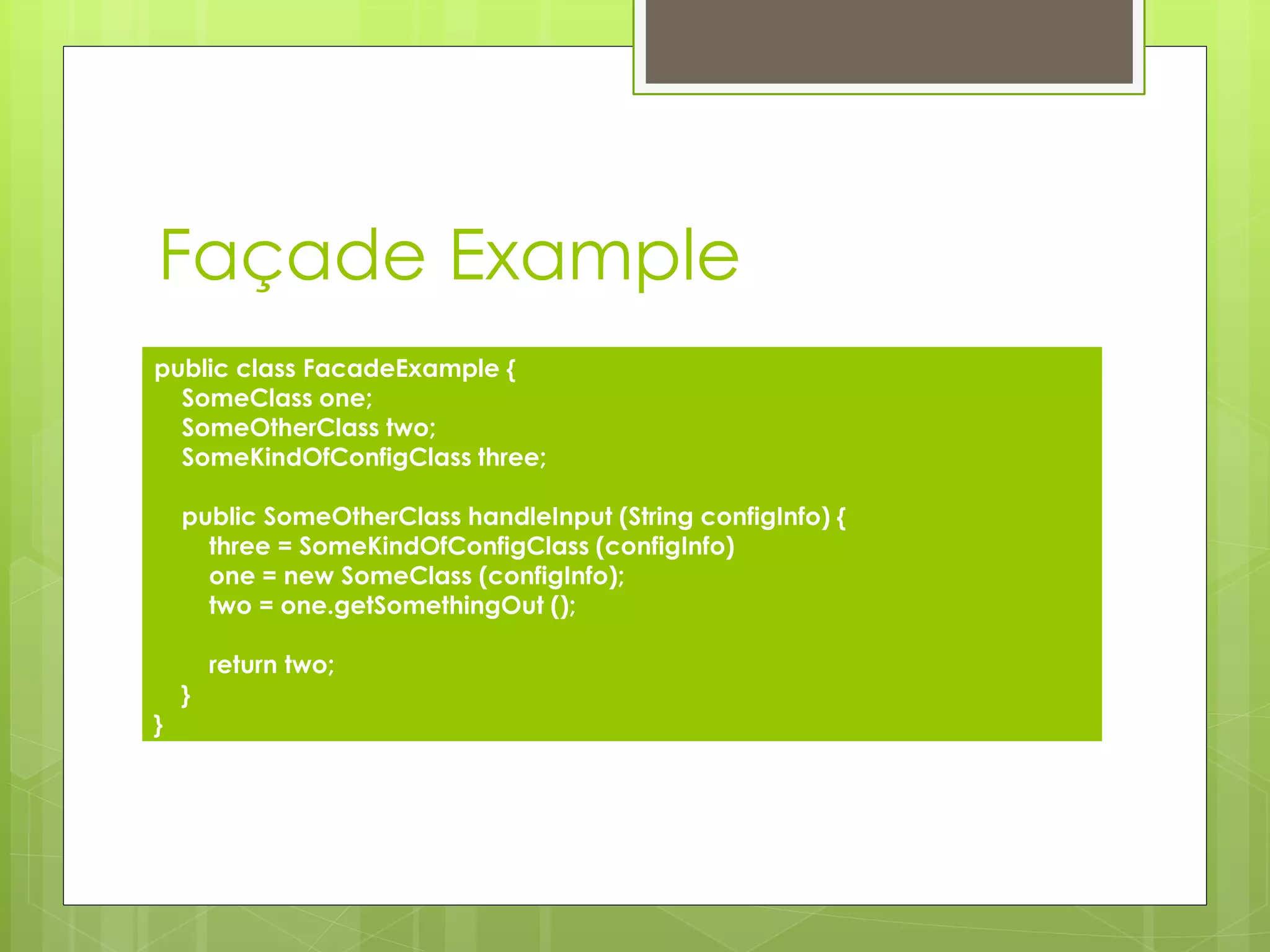
Façade Example
public class FacadeExample {
SomeClass one;
SomeOtherClass two;
SomeKindOfConfigClass three;
public SomeOtherClass handleInput (String configInfo) {
three = SomeKindOfConfigClass (configInfo)
one = new SomeClass (configInfo);
two = one.getSomethingOut ();
return two;
}
}
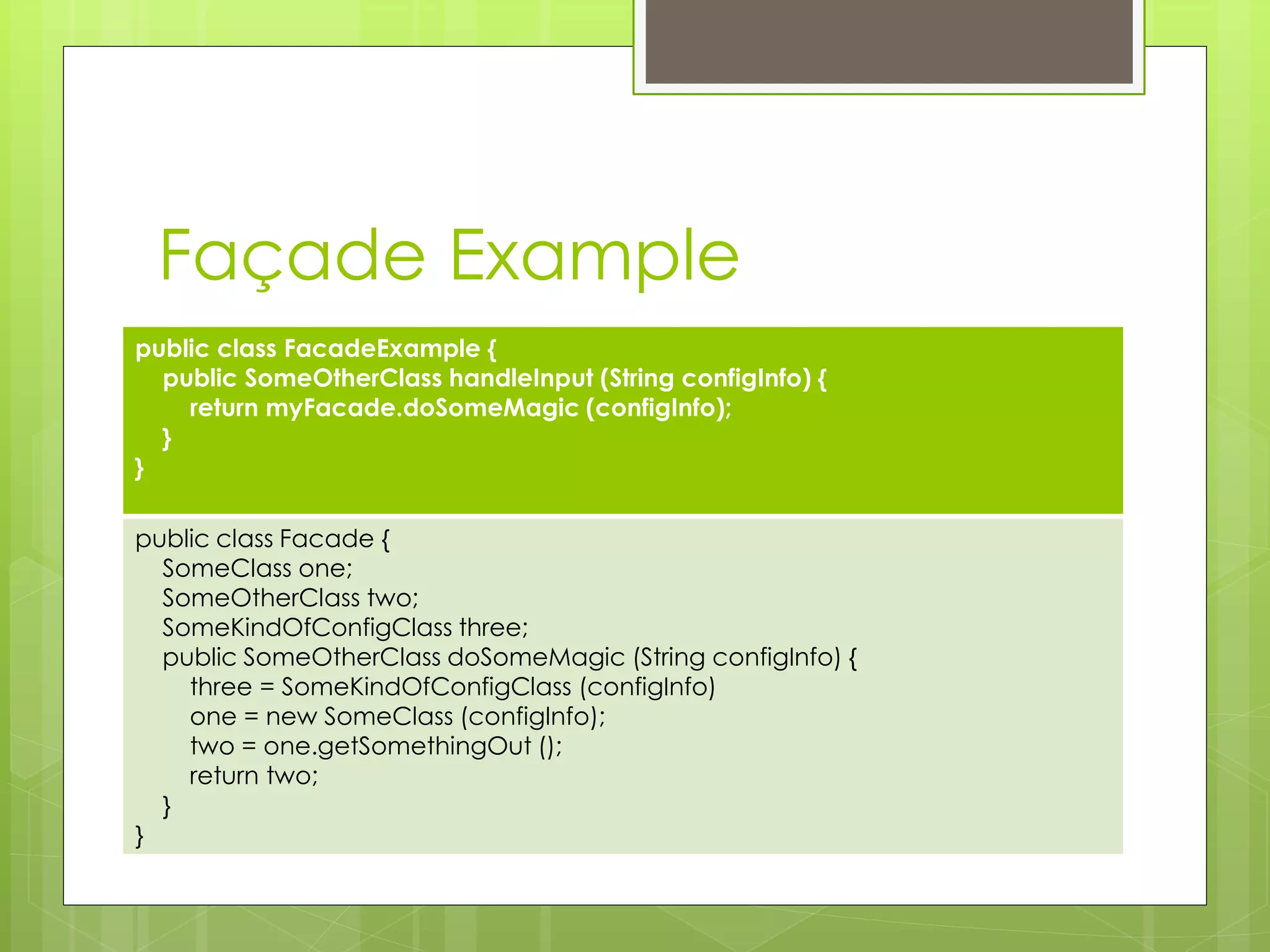
Façade Example
public class FacadeExample {
public SomeOtherClass handleInput (String configInfo) {
return myFacade.doSomeMagic (configInfo);
}
}
public class Facade {
SomeClass one;
SomeOtherClass two;
SomeKindOfConfigClass three;
public SomeOtherClass doSomeMagic (String configInfo) {
three = SomeKindOfConfigClass (configInfo)
one = new SomeClass (configInfo);
two = one.getSomethingOut ();
return two;
}
}
Façade
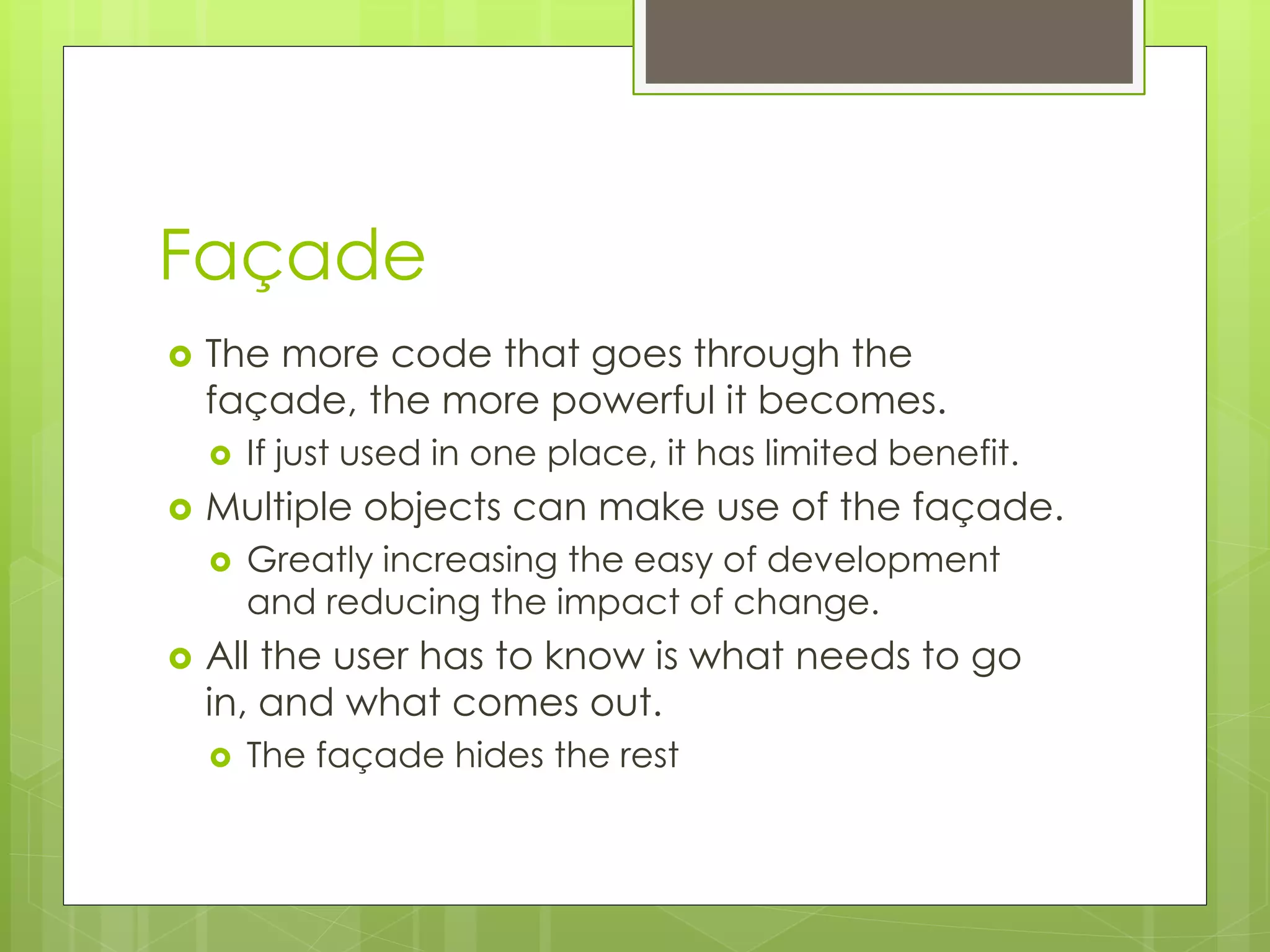
 The more code that goes through the
façade, the more powerful it becomes.
 If just used in one place, it has limited benefit.
 Multiple objects can make use of the façade.
 Greatly increasing the easy of development
and reducing the impact of change.
 All the user has to know is what needs to go
in, and what comes out.
 The façade hides the rest
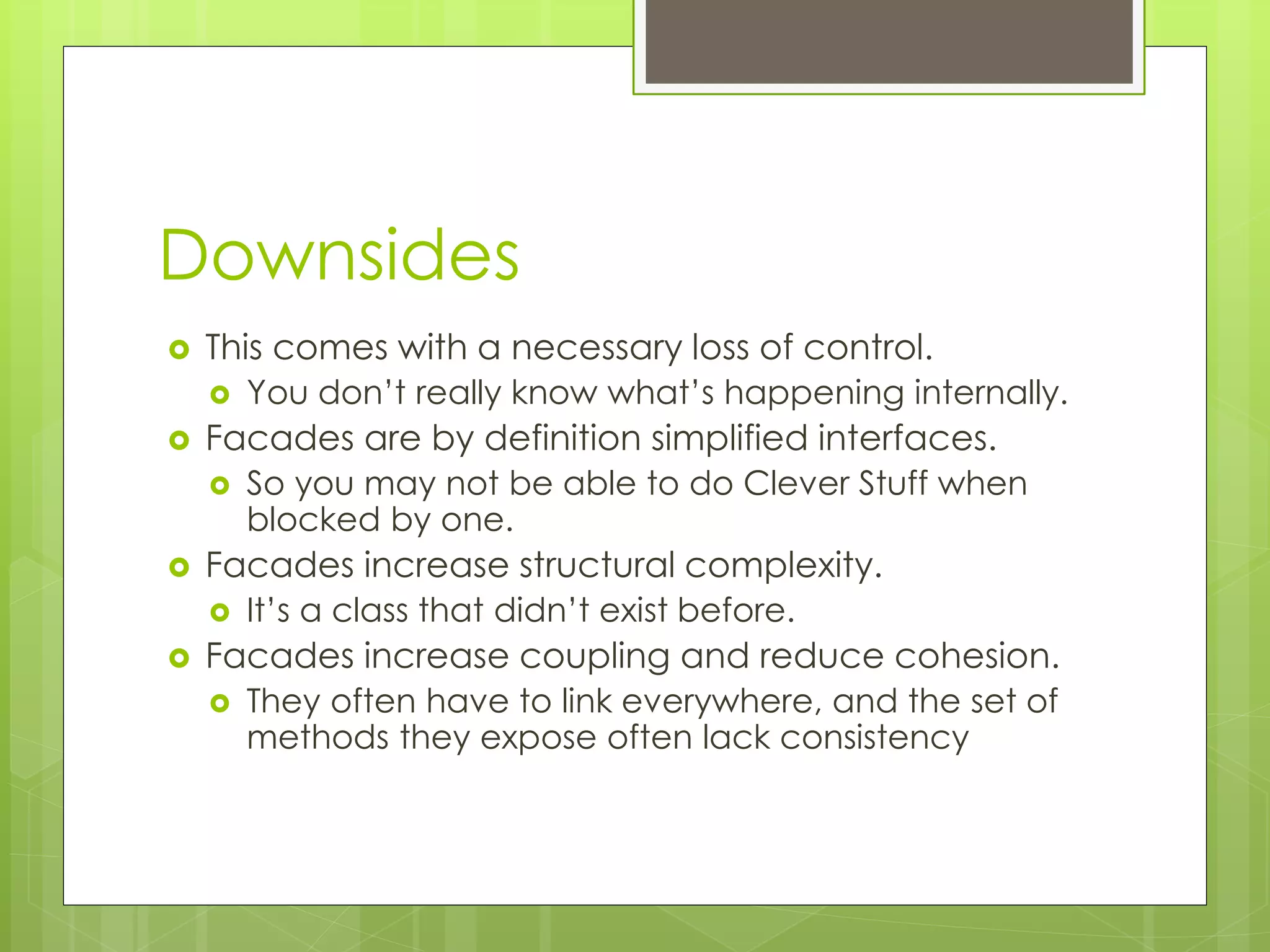
Downsides
 This comes with a necessary loss of control.
 You don’t really know what’s happening internally.
 Facades are by definition simplified interfaces.
 So you may not be able to do Clever Stuff when
blocked by one.
 Facades increase structural complexity.
 It’s a class that didn’t exist before.
 Facades increase coupling and reduce cohesion.
 They often have to link everywhere, and the set of
methods they expose often lack consistency
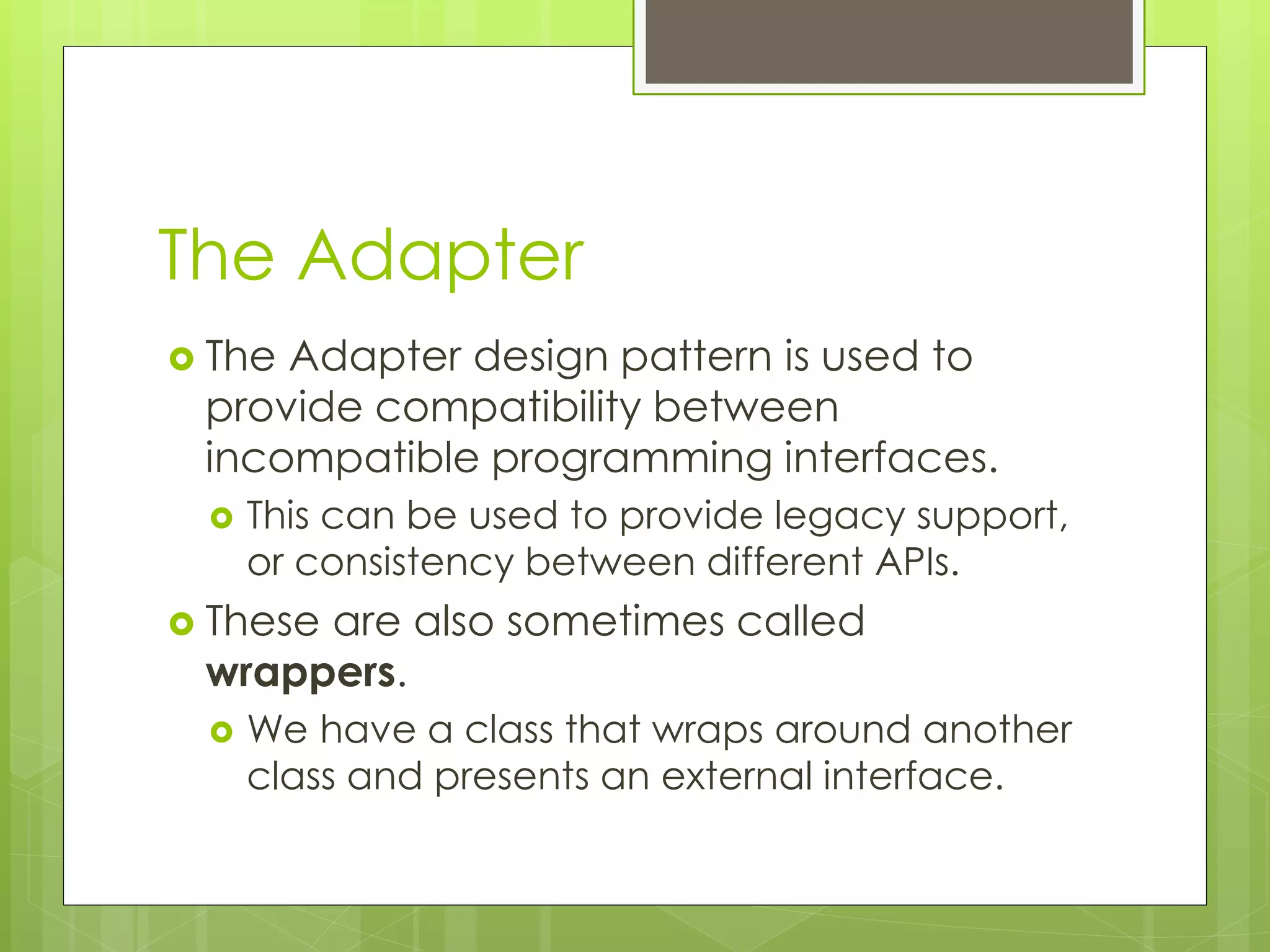
The Adapter
 The Adapter design pattern is used to
provide compatibility between
incompatible programming interfaces.
 This can be used to provide legacy support,
or consistency between different APIs.
 These are also sometimes called
wrappers.
 We have a class that wraps around another
class and presents an external interface.
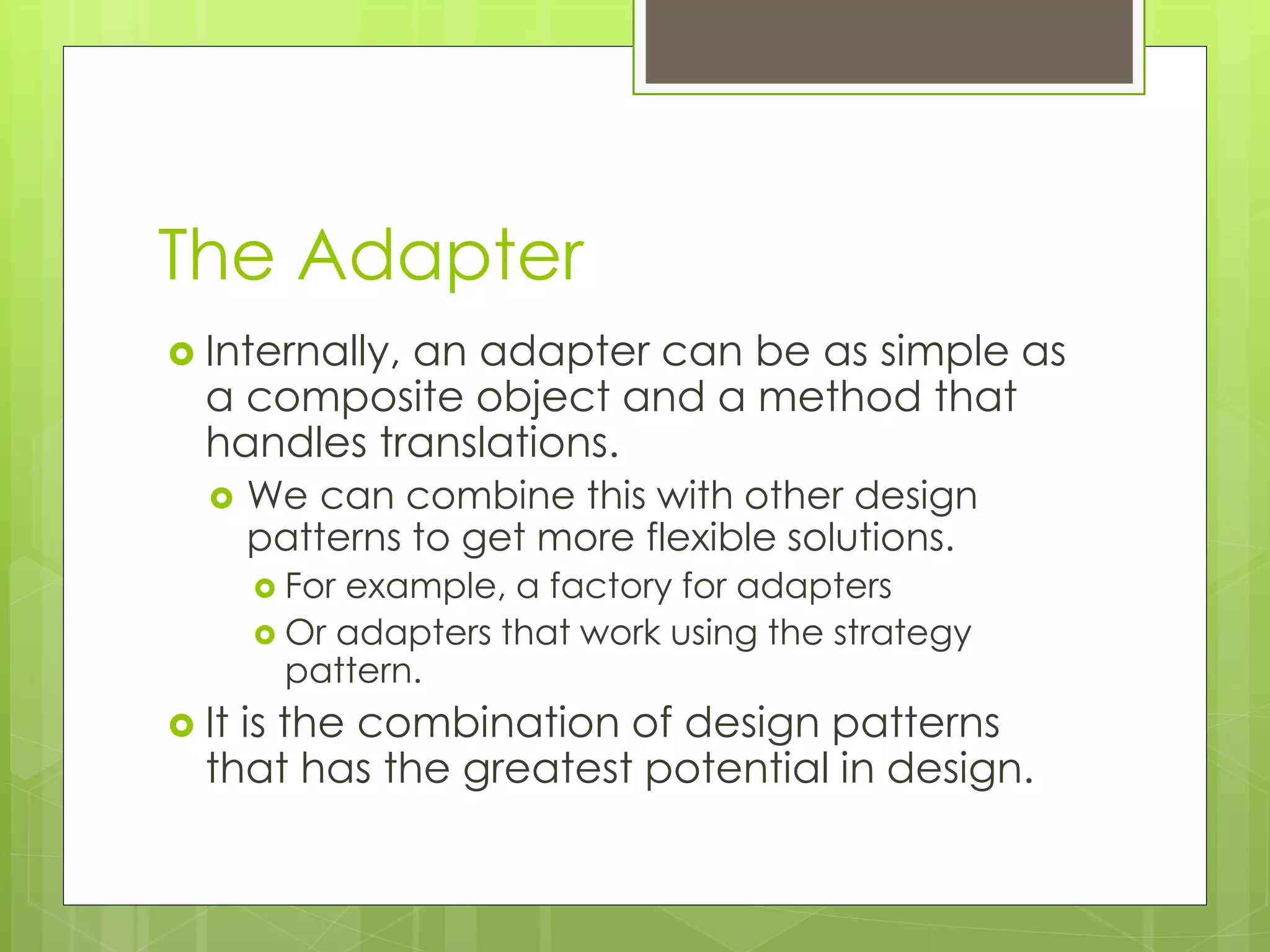
The Adapter
 Internally, an adapter can be as simple as
a composite object and a method that
handles translations.
 We can combine this with other design
patterns to get more flexible solutions.
 For example, a factory for adapters
 Or adapters that work using the strategy
pattern.
 It is the combination of design patterns
that has the greatest potential in design.
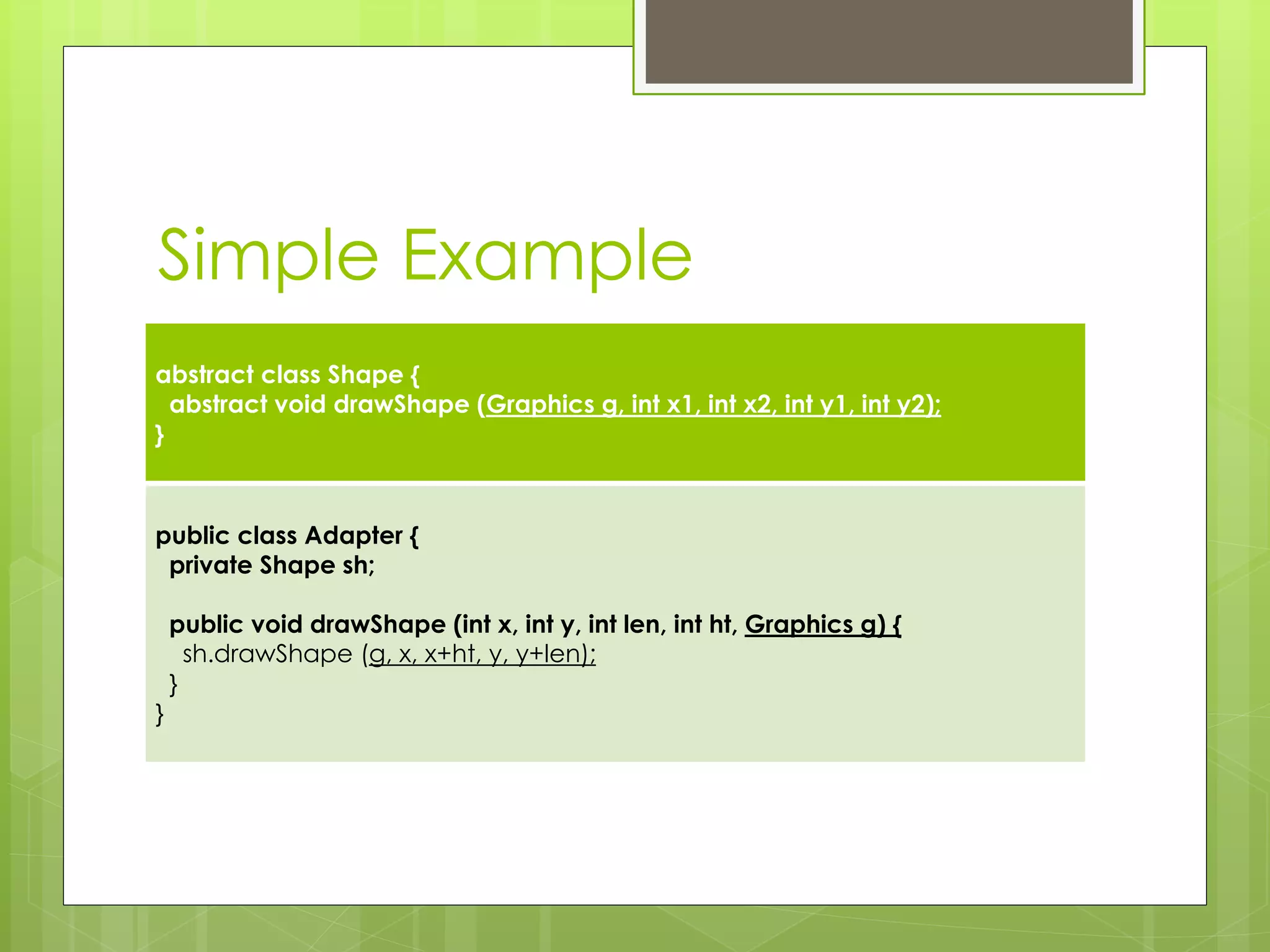
Simple Example
abstract class Shape {
abstract void drawShape (Graphics g, int x1, int x2, int y1, int y2);
}
public class Adapter {
private Shape sh;
public void drawShape (int x, int y, int len, int ht, Graphics g) {
sh.drawShape (g, x, x+ht, y, y+len);
}
}
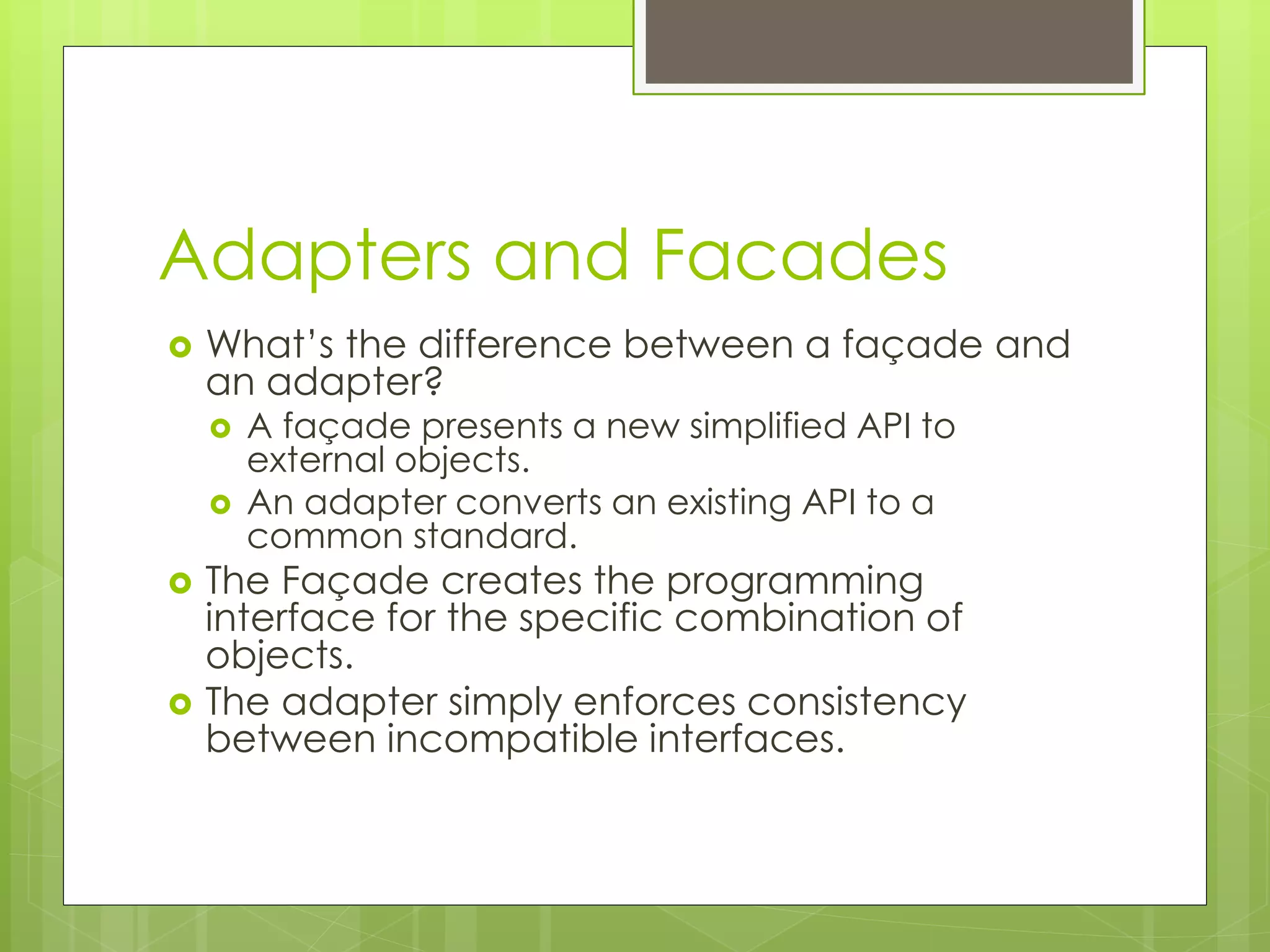
Adapters and Facades
 What’s the difference between a façade and
an adapter?
 A façade presents a new simplified API to
external objects.
 An adapter converts an existing API to a
common standard.
 The Façade creates the programming
interface for the specific combination of
objects.
 The adapter simply enforces consistency
between incompatible interfaces.
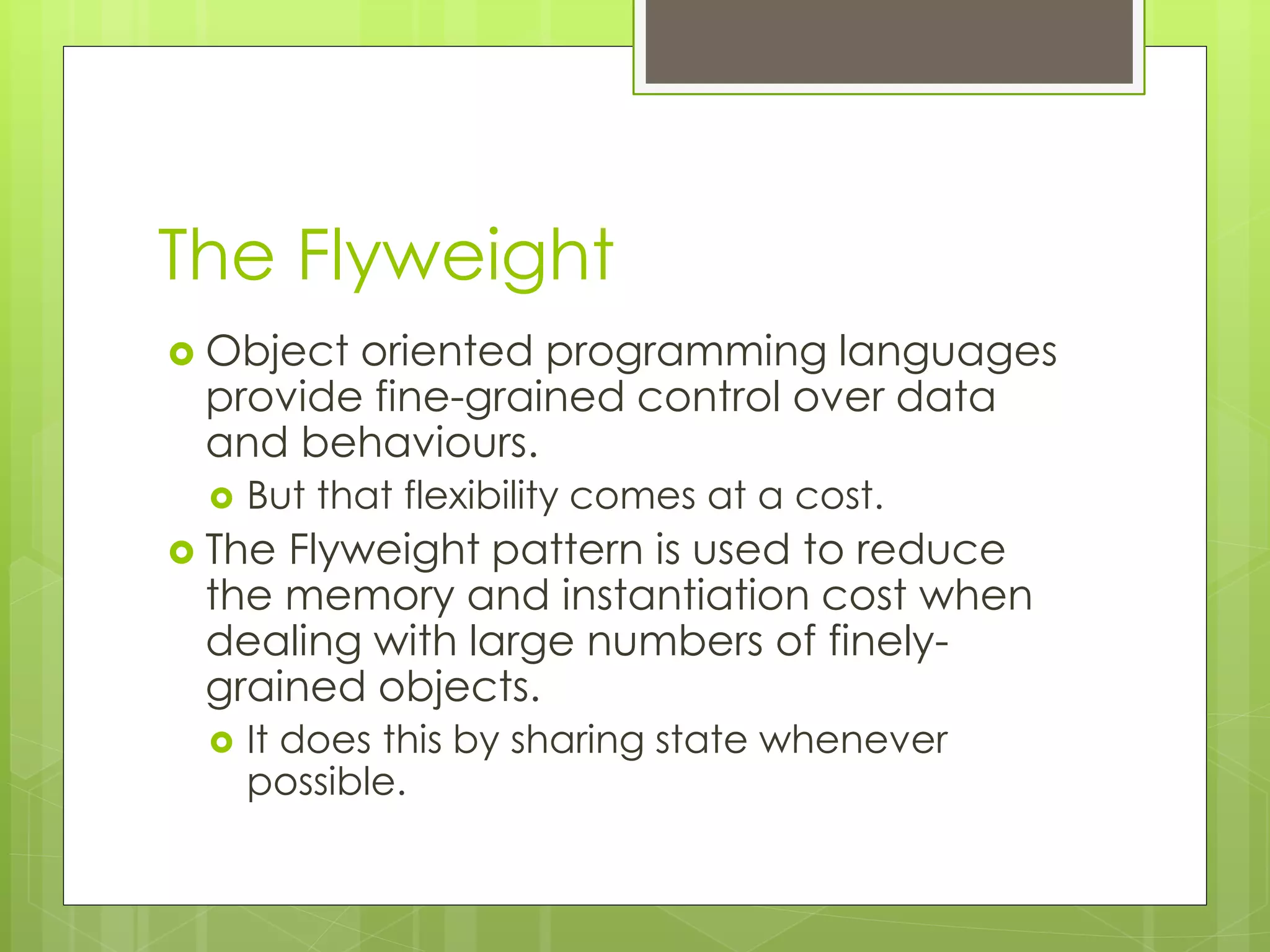
The Flyweight
 Object oriented programming languages
provide fine-grained control over data
and behaviours.
 But that flexibility comes at a cost.
 The Flyweight pattern is used to reduce
the memory and instantiation cost when
dealing with large numbers of finely-
grained objects.
 It does this by sharing state whenever
possible.
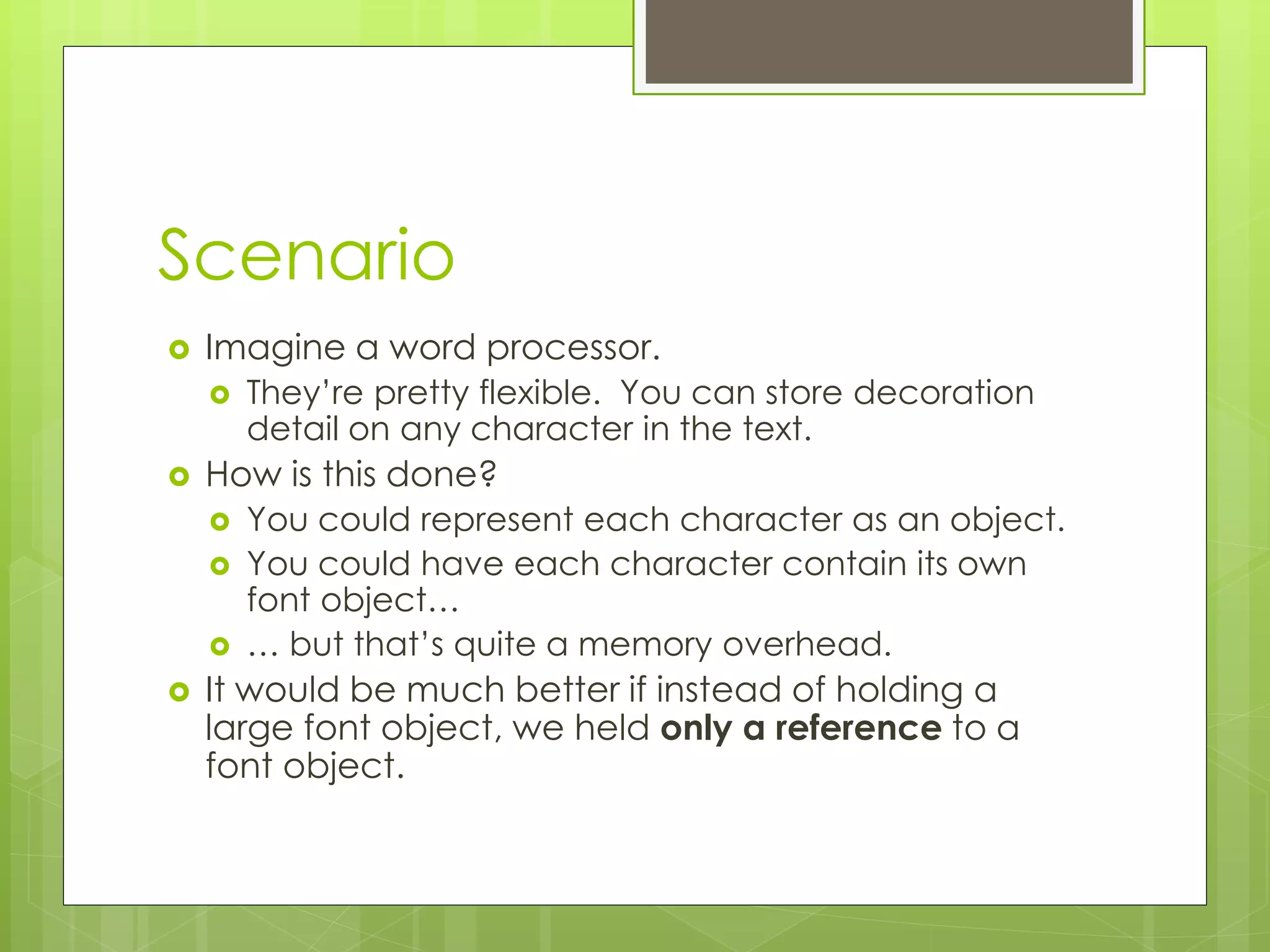
Scenario
 Imagine a word processor.
 They’re pretty flexible. You can store decoration
detail on any character in the text.
 How is this done?
 You could represent each character as an object.
 You could have each character contain its own
font object…
 … but that’s quite a memory overhead.
 It would be much better if instead of holding a
large font object, we held only a reference to a
font object.
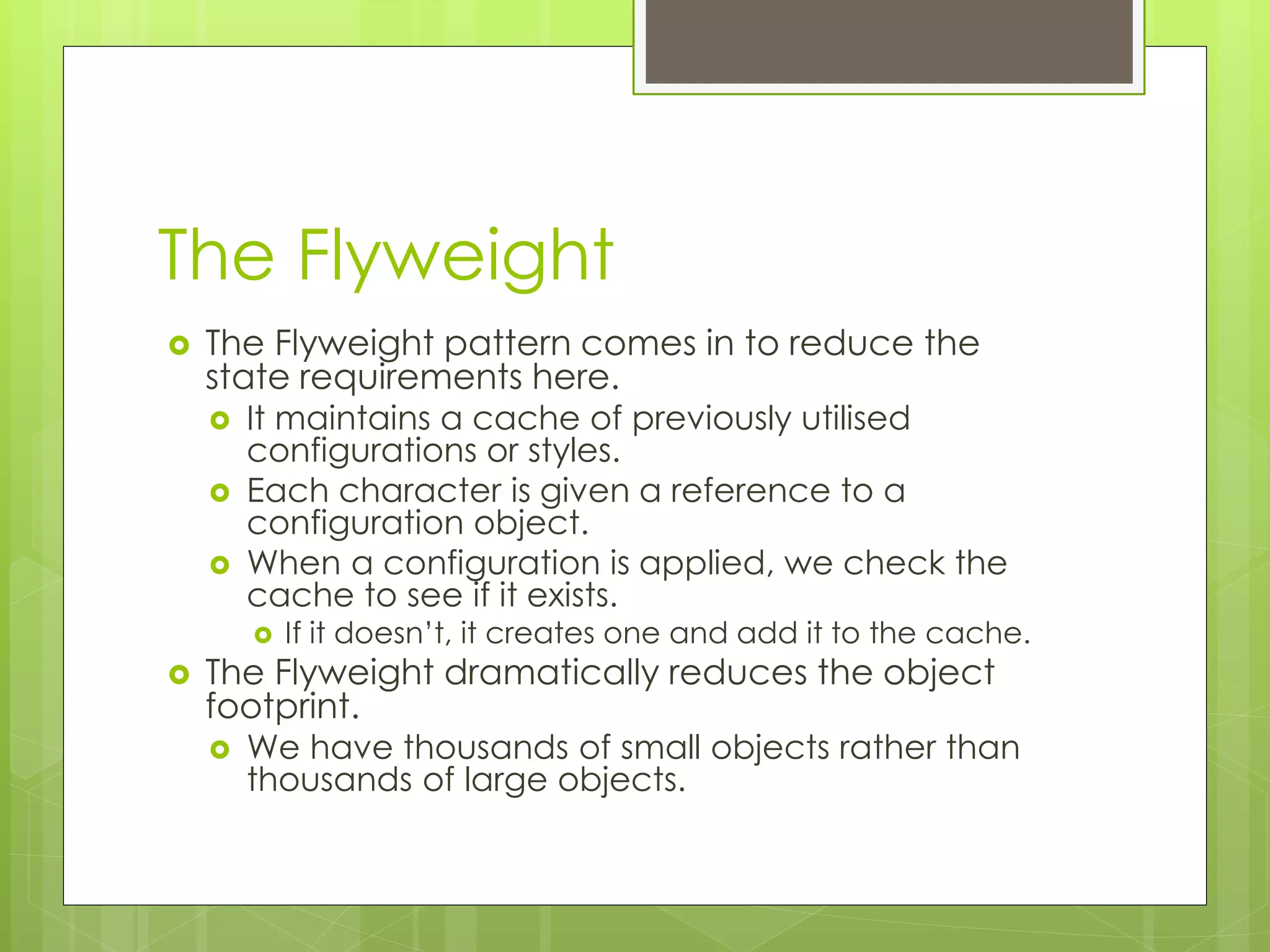
The Flyweight
 The Flyweight pattern comes in to reduce the
state requirements here.
 It maintains a cache of previously utilised
configurations or styles.
 Each character is given a reference to a
configuration object.
 When a configuration is applied, we check the
cache to see if it exists.
 If it doesn’t, it creates one and add it to the cache.
 The Flyweight dramatically reduces the object
footprint.
 We have thousands of small objects rather than
thousands of large objects.
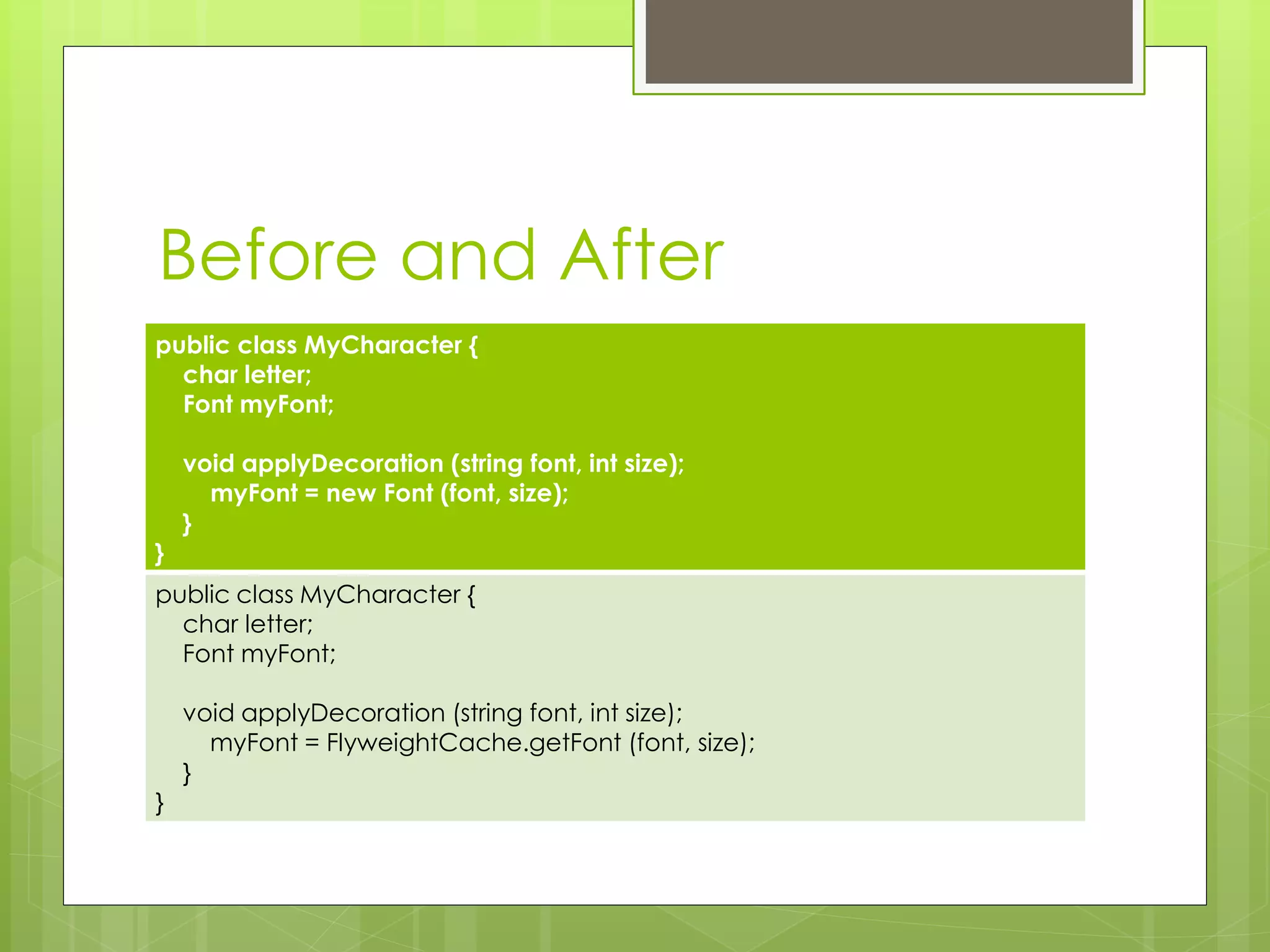
Before and After
public class MyCharacter {
char letter;
Font myFont;
void applyDecoration (string font, int size);
myFont = new Font (font, size);
}
}
public class MyCharacter {
char letter;
Font myFont;
void applyDecoration (string font, int size);
myFont = FlyweightCache.getFont (font, size);
}
}
Implementing a Flyweight
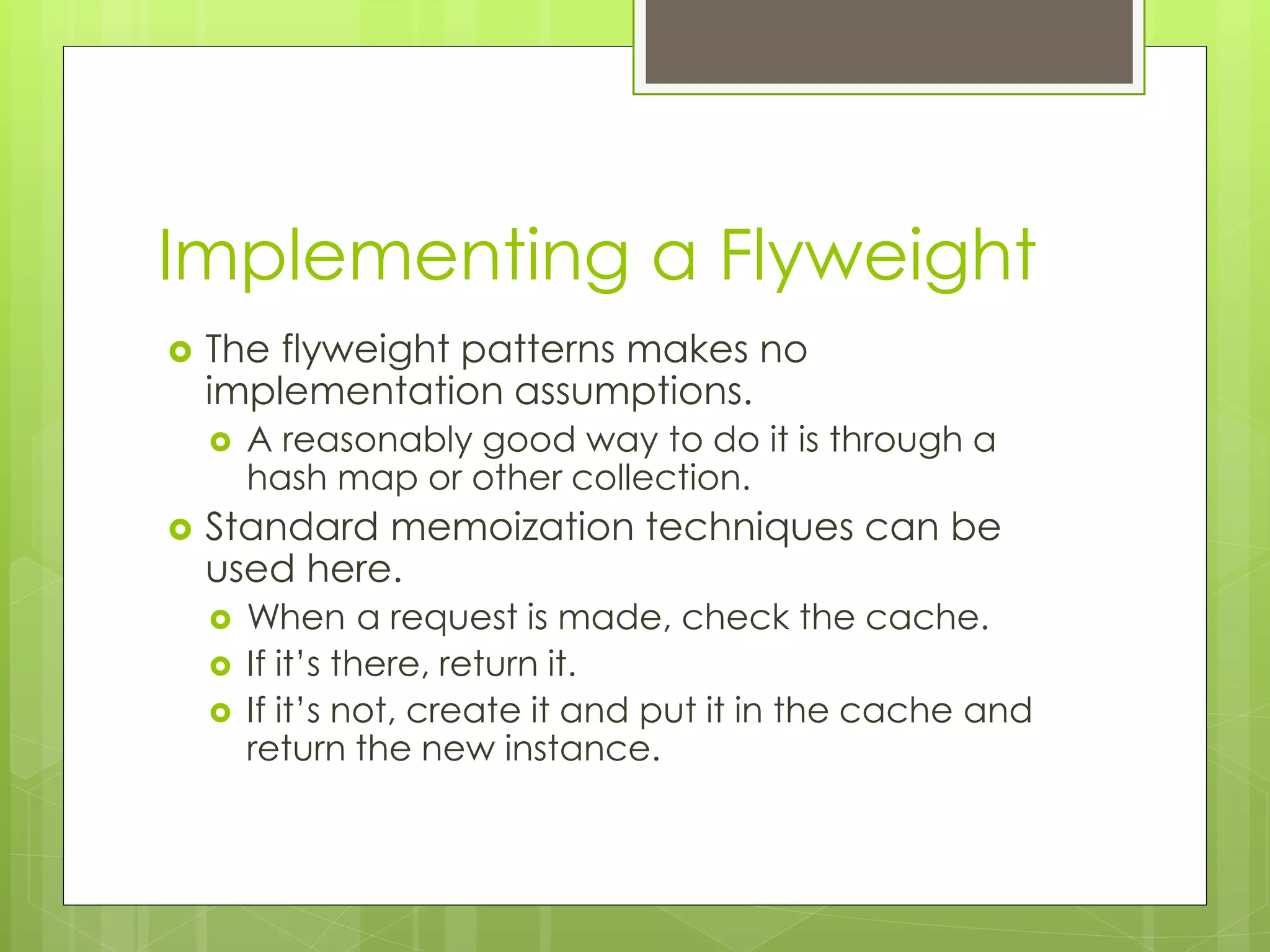
 The flyweight patterns makes no
implementation assumptions.
 A reasonably good way to do it is through a
hash map or other collection.
 Standard memoization techniques can be
used here.
 When a request is made, check the cache.
 If it’s there, return it.
 If it’s not, create it and put it in the cache and
return the new instance.
Limitations of the Flyweight
Pattern
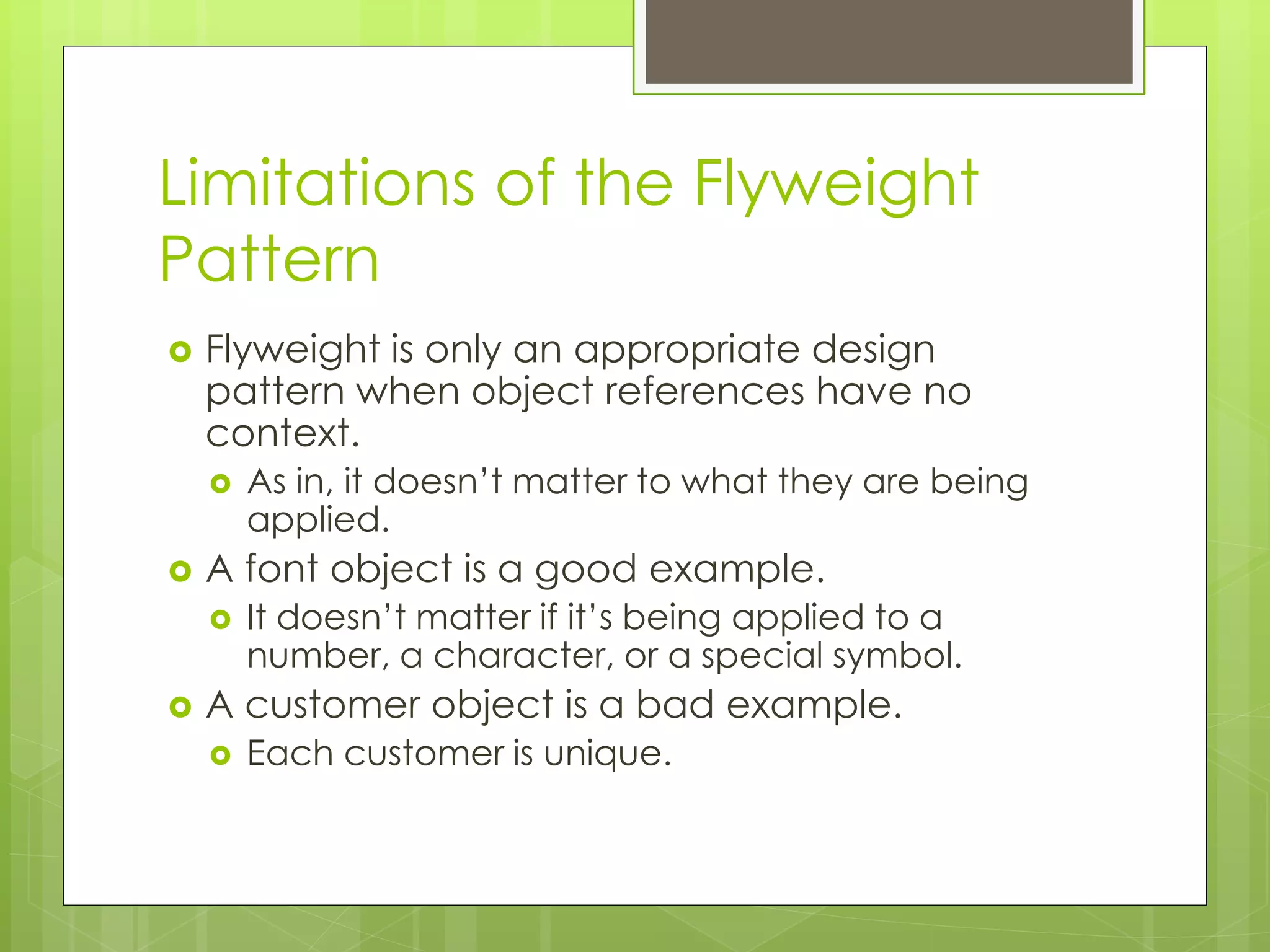
 Flyweight is only an appropriate design
pattern when object references have no
context.
 As in, it doesn’t matter to what they are being
applied.
 A font object is a good example.
 It doesn’t matter if it’s being applied to a
number, a character, or a special symbol.
 A customer object is a bad example.
 Each customer is unique.
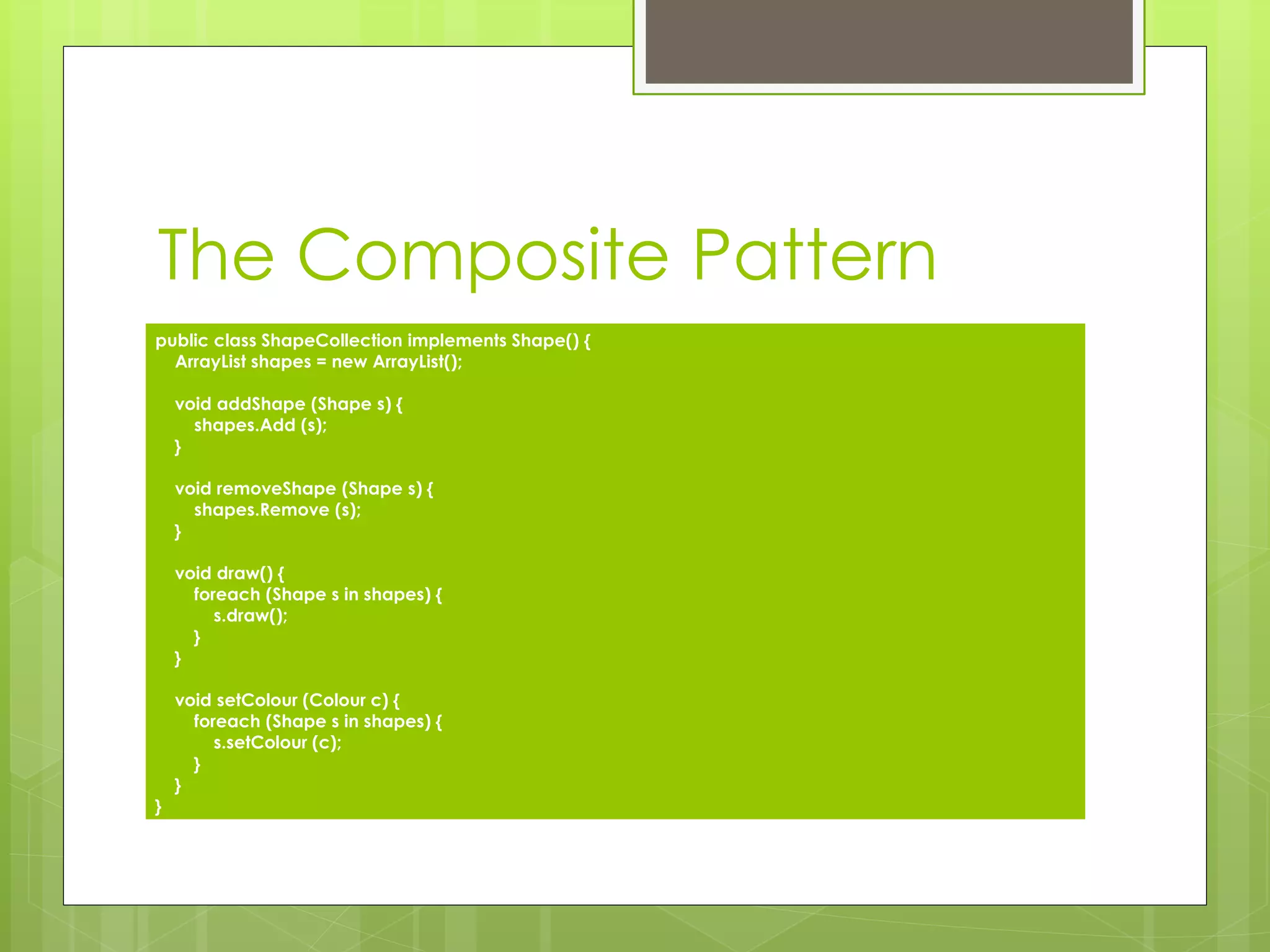
The Composite Pattern
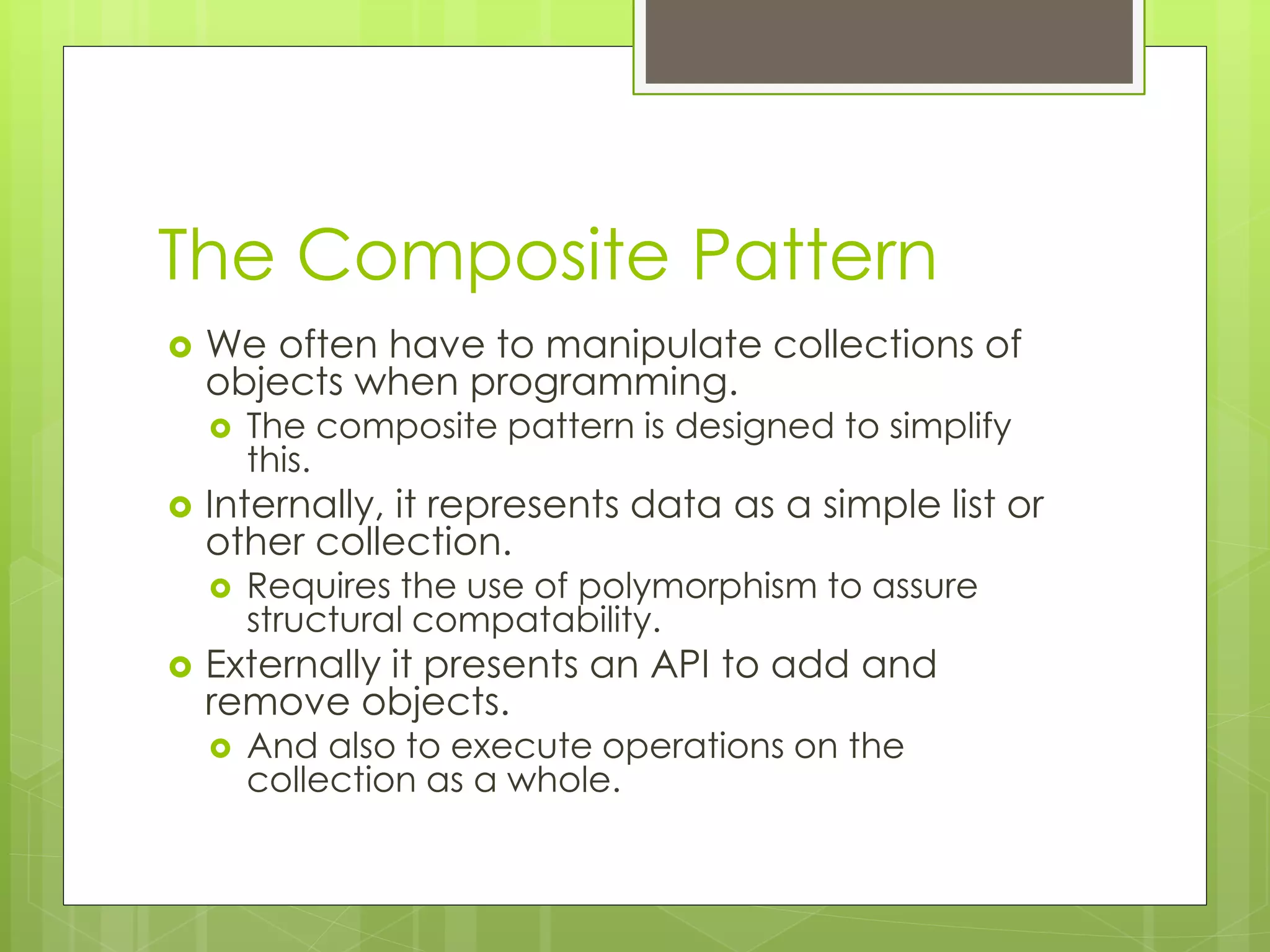
 We often have to manipulate collections of
objects when programming.
 The composite pattern is designed to simplify
this.
 Internally, it represents data as a simple list or
other collection.
 Requires the use of polymorphism to assure
structural compatability.
 Externally it presents an API to add and
remove objects.
 And also to execute operations on the
collection as a whole.
The Composite Pattern
public class ShapeCollection implements Shape() {
ArrayList shapes = new ArrayList();
void addShape (Shape s) {
shapes.Add (s);
}
void removeShape (Shape s) {
shapes.Remove (s);
}
void draw() {
foreach (Shape s in shapes) {
s.draw();
}
}
void setColour (Colour c) {
foreach (Shape s in shapes) {
s.setColour (c);
}
}
}
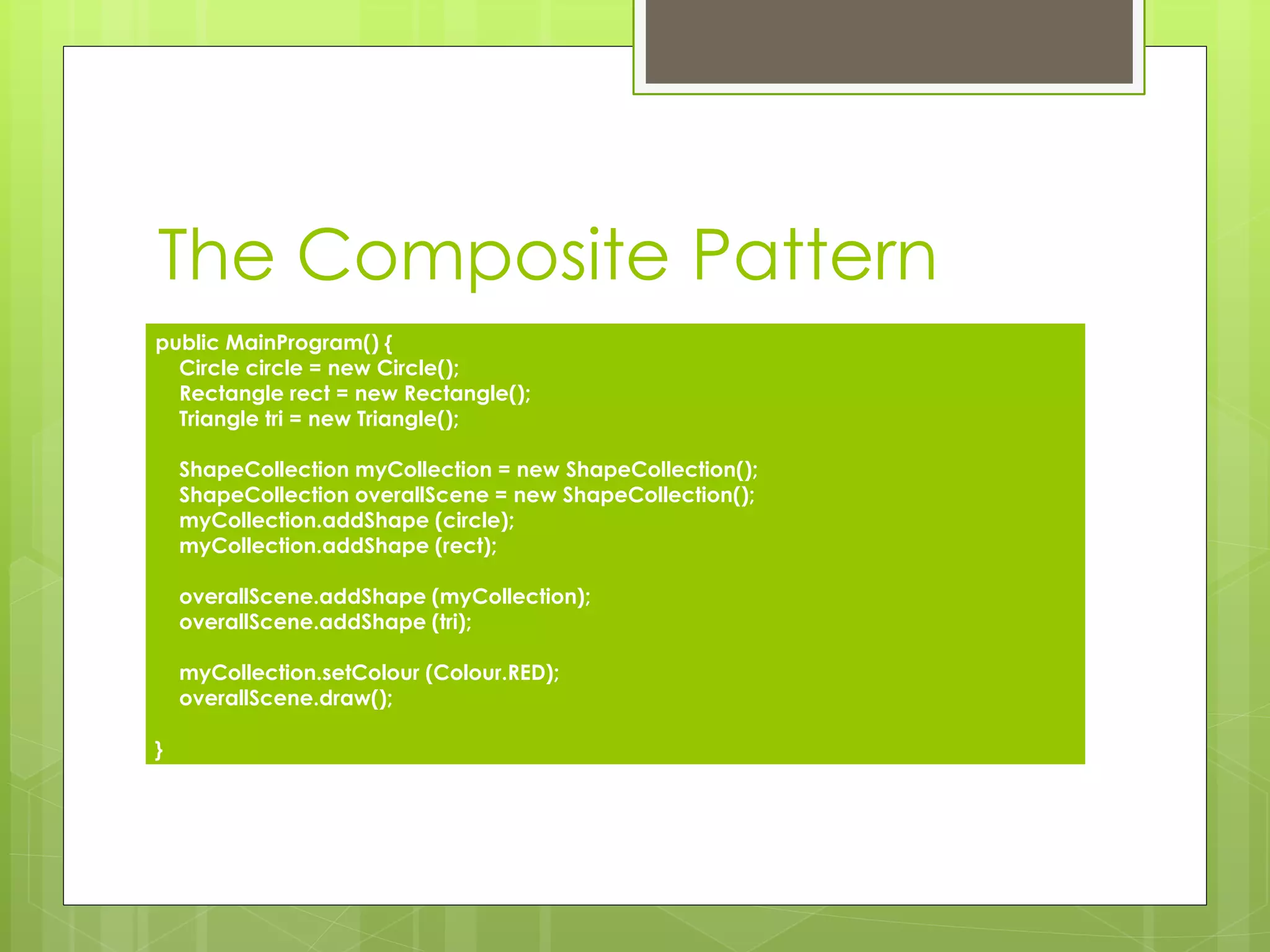
The Composite Pattern
public MainProgram() {
Circle circle = new Circle();
Rectangle rect = new Rectangle();
Triangle tri = new Triangle();
ShapeCollection myCollection = new ShapeCollection();
ShapeCollection overallScene = new ShapeCollection();
myCollection.addShape (circle);
myCollection.addShape (rect);
overallScene.addShape (myCollection);
overallScene.addShape (tri);
myCollection.setColour (Colour.RED);
overallScene.draw();
}
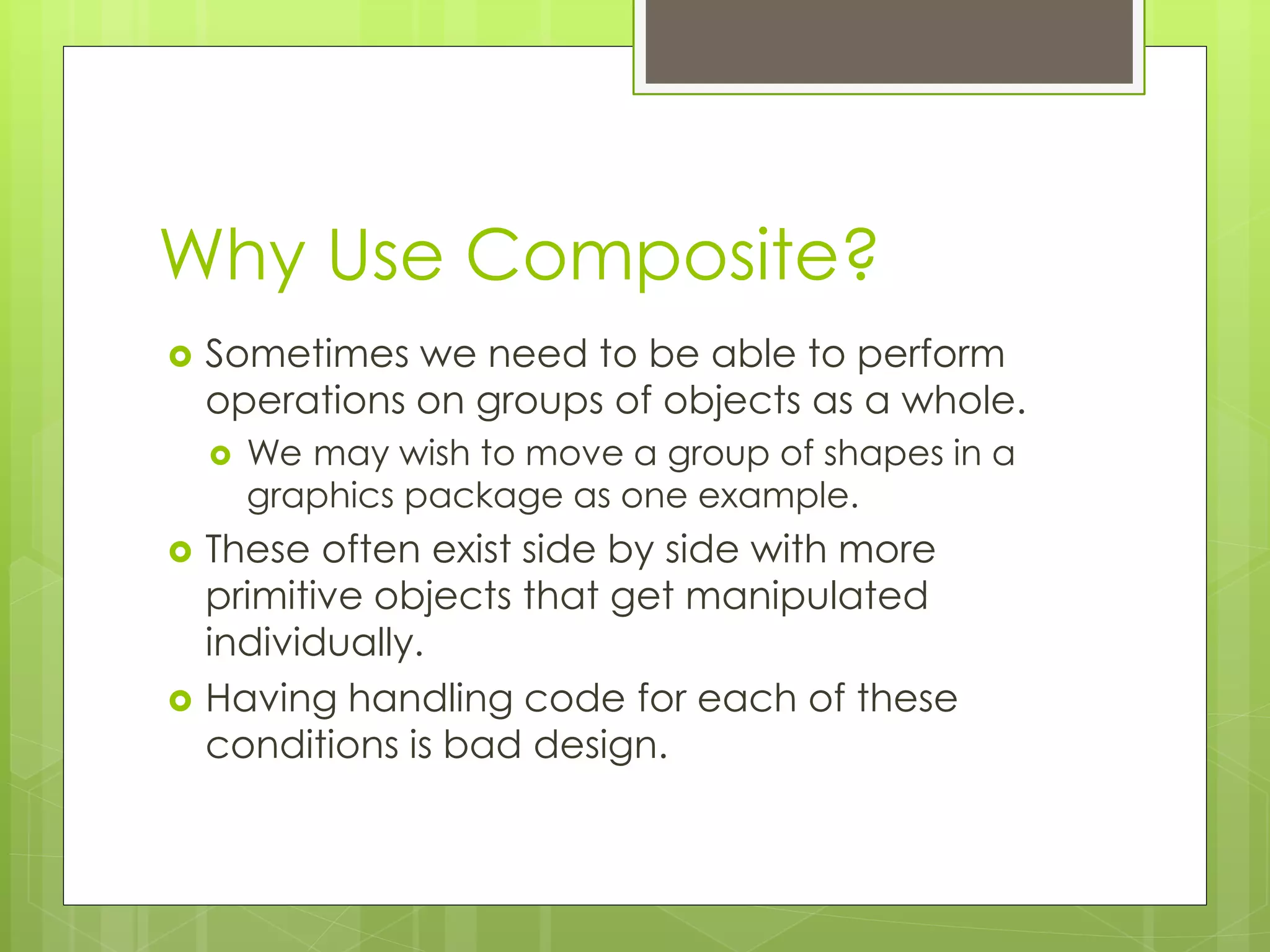
Why Use Composite?
 Sometimes we need to be able to perform
operations on groups of objects as a whole.
 We may wish to move a group of shapes in a
graphics package as one example.
 These often exist side by side with more
primitive objects that get manipulated
individually.
 Having handling code for each of these
conditions is bad design.
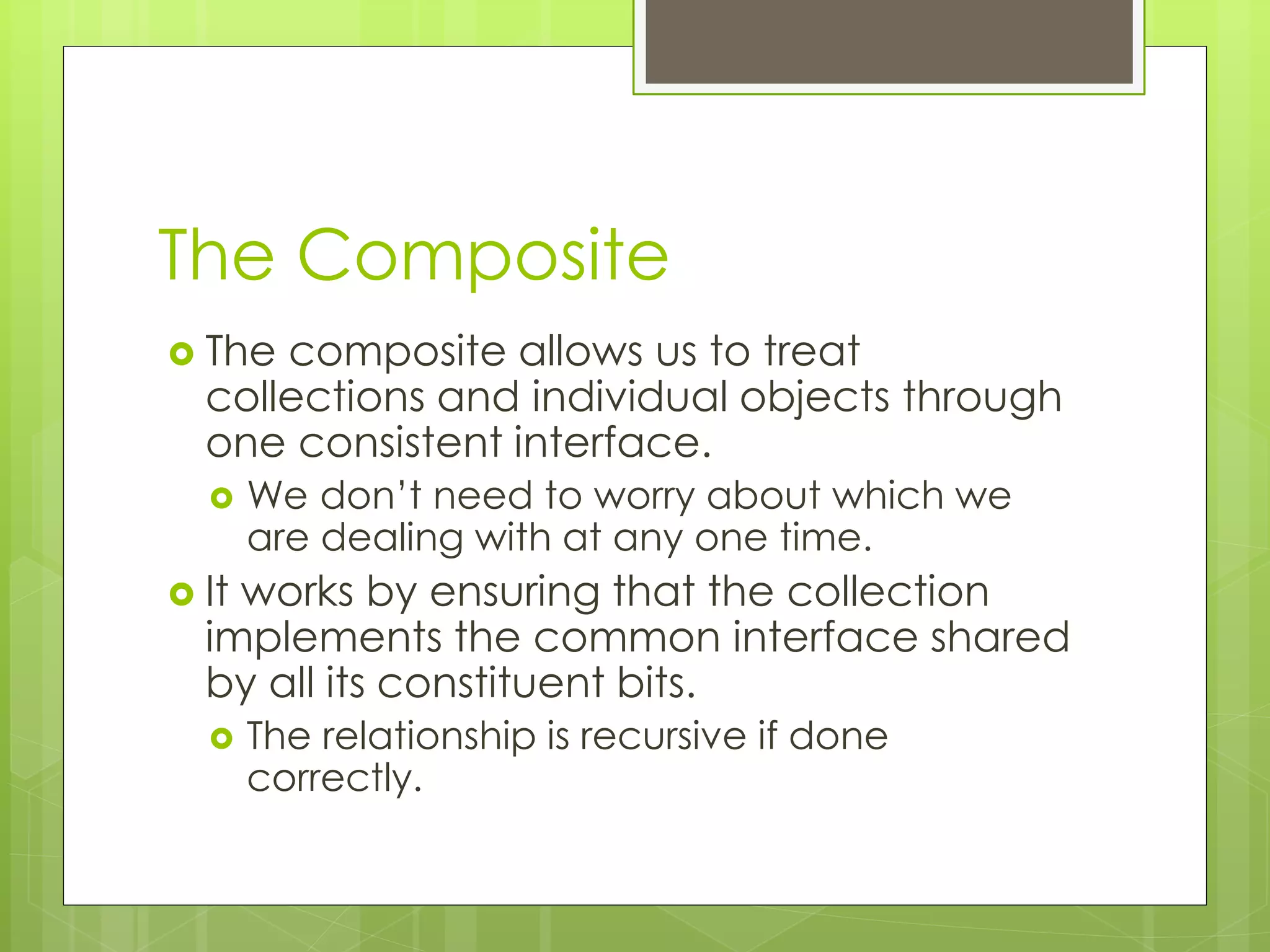
The Composite
 The composite allows us to treat
collections and individual objects through
one consistent interface.
 We don’t need to worry about which we
are dealing with at any one time.
 It works by ensuring that the collection
implements the common interface shared
by all its constituent bits.
 The relationship is recursive if done
correctly.
Summary
 Structural patterns are the last of the families of
design patterns we are going to look at.
 We use an adapter to deal with incompatible
APIs.
 We use a bridge to decouple abstraction from
implementation.
 Implementation is very similar to strategy, only the
intent is unique.
 Flyweight patterns are used to reduce processing
and memory overheads.
 Composites are used to allow recursive and
flexible aggregate manipulation of objects.

PATTERNS04 - Structural Design Patterns

  • 1.
  • 2.
    Introduction  Structural designpatterns emphasize relationships between entities.  These can be classes or objects.  They are designed to help deal with the combinatorial complexity of large object oriented programs.  These often exhibit behaviours that are not immediately intuitive.
  • 3.
    Structural Patterns  Commonto the whole philosophy behind structural patterns is the separation between abstraction and implementation.  This is a good guideline for extensible design.  Structural patterns subdivide into two broad subcategories.  Class structural patterns  Where the emphasis is on the relationship between classes  Object structural patterns  The emphasis is on consistency of interaction and realization of new functionality.
  • 4.
    Façade  When amodel is especially complex, it can be useful to add in an additional pattern to help manage the external interface of that model.  That pattern is called a façade.  A façade sits between the view/controller and provides a stripped down or simplified interface to complex functionality.  There are costs to this though in terms of coupling and cohesion.  A façade is a structural pattern.
  • 5.
    Façade  A façadeprovides several benefits  Makes software libraries easier to use by providing helper methods  Makes code more readable  Can abstract away from the implementation details of a complex library or collection of classes.  Can work as a wrapper for poorly designed APIs, or for complex compound relationships between objects.
  • 6.
    Façade Example public classFacadeExample { SomeClass one; SomeOtherClass two; SomeKindOfConfigClass three; public SomeOtherClass handleInput (String configInfo) { three = SomeKindOfConfigClass (configInfo) one = new SomeClass (configInfo); two = one.getSomethingOut (); return two; } }
  • 7.
    Façade Example public classFacadeExample { public SomeOtherClass handleInput (String configInfo) { return myFacade.doSomeMagic (configInfo); } } public class Facade { SomeClass one; SomeOtherClass two; SomeKindOfConfigClass three; public SomeOtherClass doSomeMagic (String configInfo) { three = SomeKindOfConfigClass (configInfo) one = new SomeClass (configInfo); two = one.getSomethingOut (); return two; } }
  • 8.
    Façade  The morecode that goes through the façade, the more powerful it becomes.  If just used in one place, it has limited benefit.  Multiple objects can make use of the façade.  Greatly increasing the easy of development and reducing the impact of change.  All the user has to know is what needs to go in, and what comes out.  The façade hides the rest
  • 9.
    Downsides  This comeswith a necessary loss of control.  You don’t really know what’s happening internally.  Facades are by definition simplified interfaces.  So you may not be able to do Clever Stuff when blocked by one.  Facades increase structural complexity.  It’s a class that didn’t exist before.  Facades increase coupling and reduce cohesion.  They often have to link everywhere, and the set of methods they expose often lack consistency
  • 10.
    The Adapter  TheAdapter design pattern is used to provide compatibility between incompatible programming interfaces.  This can be used to provide legacy support, or consistency between different APIs.  These are also sometimes called wrappers.  We have a class that wraps around another class and presents an external interface.
  • 11.
    The Adapter  Internally,an adapter can be as simple as a composite object and a method that handles translations.  We can combine this with other design patterns to get more flexible solutions.  For example, a factory for adapters  Or adapters that work using the strategy pattern.  It is the combination of design patterns that has the greatest potential in design.
  • 12.
    Simple Example abstract classShape { abstract void drawShape (Graphics g, int x1, int x2, int y1, int y2); } public class Adapter { private Shape sh; public void drawShape (int x, int y, int len, int ht, Graphics g) { sh.drawShape (g, x, x+ht, y, y+len); } }
  • 13.
    Adapters and Facades What’s the difference between a façade and an adapter?  A façade presents a new simplified API to external objects.  An adapter converts an existing API to a common standard.  The Façade creates the programming interface for the specific combination of objects.  The adapter simply enforces consistency between incompatible interfaces.
  • 14.
    The Flyweight  Objectoriented programming languages provide fine-grained control over data and behaviours.  But that flexibility comes at a cost.  The Flyweight pattern is used to reduce the memory and instantiation cost when dealing with large numbers of finely- grained objects.  It does this by sharing state whenever possible.
  • 15.
    Scenario  Imagine aword processor.  They’re pretty flexible. You can store decoration detail on any character in the text.  How is this done?  You could represent each character as an object.  You could have each character contain its own font object…  … but that’s quite a memory overhead.  It would be much better if instead of holding a large font object, we held only a reference to a font object.
  • 16.
    The Flyweight  TheFlyweight pattern comes in to reduce the state requirements here.  It maintains a cache of previously utilised configurations or styles.  Each character is given a reference to a configuration object.  When a configuration is applied, we check the cache to see if it exists.  If it doesn’t, it creates one and add it to the cache.  The Flyweight dramatically reduces the object footprint.  We have thousands of small objects rather than thousands of large objects.
  • 17.
    Before and After publicclass MyCharacter { char letter; Font myFont; void applyDecoration (string font, int size); myFont = new Font (font, size); } } public class MyCharacter { char letter; Font myFont; void applyDecoration (string font, int size); myFont = FlyweightCache.getFont (font, size); } }
  • 18.
    Implementing a Flyweight The flyweight patterns makes no implementation assumptions.  A reasonably good way to do it is through a hash map or other collection.  Standard memoization techniques can be used here.  When a request is made, check the cache.  If it’s there, return it.  If it’s not, create it and put it in the cache and return the new instance.
  • 19.
    Limitations of theFlyweight Pattern  Flyweight is only an appropriate design pattern when object references have no context.  As in, it doesn’t matter to what they are being applied.  A font object is a good example.  It doesn’t matter if it’s being applied to a number, a character, or a special symbol.  A customer object is a bad example.  Each customer is unique.
  • 20.
    The Composite Pattern We often have to manipulate collections of objects when programming.  The composite pattern is designed to simplify this.  Internally, it represents data as a simple list or other collection.  Requires the use of polymorphism to assure structural compatability.  Externally it presents an API to add and remove objects.  And also to execute operations on the collection as a whole.
  • 21.
    The Composite Pattern publicclass ShapeCollection implements Shape() { ArrayList shapes = new ArrayList(); void addShape (Shape s) { shapes.Add (s); } void removeShape (Shape s) { shapes.Remove (s); } void draw() { foreach (Shape s in shapes) { s.draw(); } } void setColour (Colour c) { foreach (Shape s in shapes) { s.setColour (c); } } }
  • 22.
    The Composite Pattern publicMainProgram() { Circle circle = new Circle(); Rectangle rect = new Rectangle(); Triangle tri = new Triangle(); ShapeCollection myCollection = new ShapeCollection(); ShapeCollection overallScene = new ShapeCollection(); myCollection.addShape (circle); myCollection.addShape (rect); overallScene.addShape (myCollection); overallScene.addShape (tri); myCollection.setColour (Colour.RED); overallScene.draw(); }
  • 23.
    Why Use Composite? Sometimes we need to be able to perform operations on groups of objects as a whole.  We may wish to move a group of shapes in a graphics package as one example.  These often exist side by side with more primitive objects that get manipulated individually.  Having handling code for each of these conditions is bad design.
  • 24.
    The Composite  Thecomposite allows us to treat collections and individual objects through one consistent interface.  We don’t need to worry about which we are dealing with at any one time.  It works by ensuring that the collection implements the common interface shared by all its constituent bits.  The relationship is recursive if done correctly.
  • 25.
    Summary  Structural patternsare the last of the families of design patterns we are going to look at.  We use an adapter to deal with incompatible APIs.  We use a bridge to decouple abstraction from implementation.  Implementation is very similar to strategy, only the intent is unique.  Flyweight patterns are used to reduce processing and memory overheads.  Composites are used to allow recursive and flexible aggregate manipulation of objects.