Download free for 30 days
Sign in
Upload
Language (EN)
Support
Business
Mobile
Social Media
Marketing
Technology
Art & Photos
Career
Design
Education
Presentations & Public Speaking
Government & Nonprofit
Healthcare
Internet
Law
Leadership & Management
Automotive
Engineering
Software
Recruiting & HR
Retail
Sales
Services
Science
Small Business & Entrepreneurship
Food
Environment
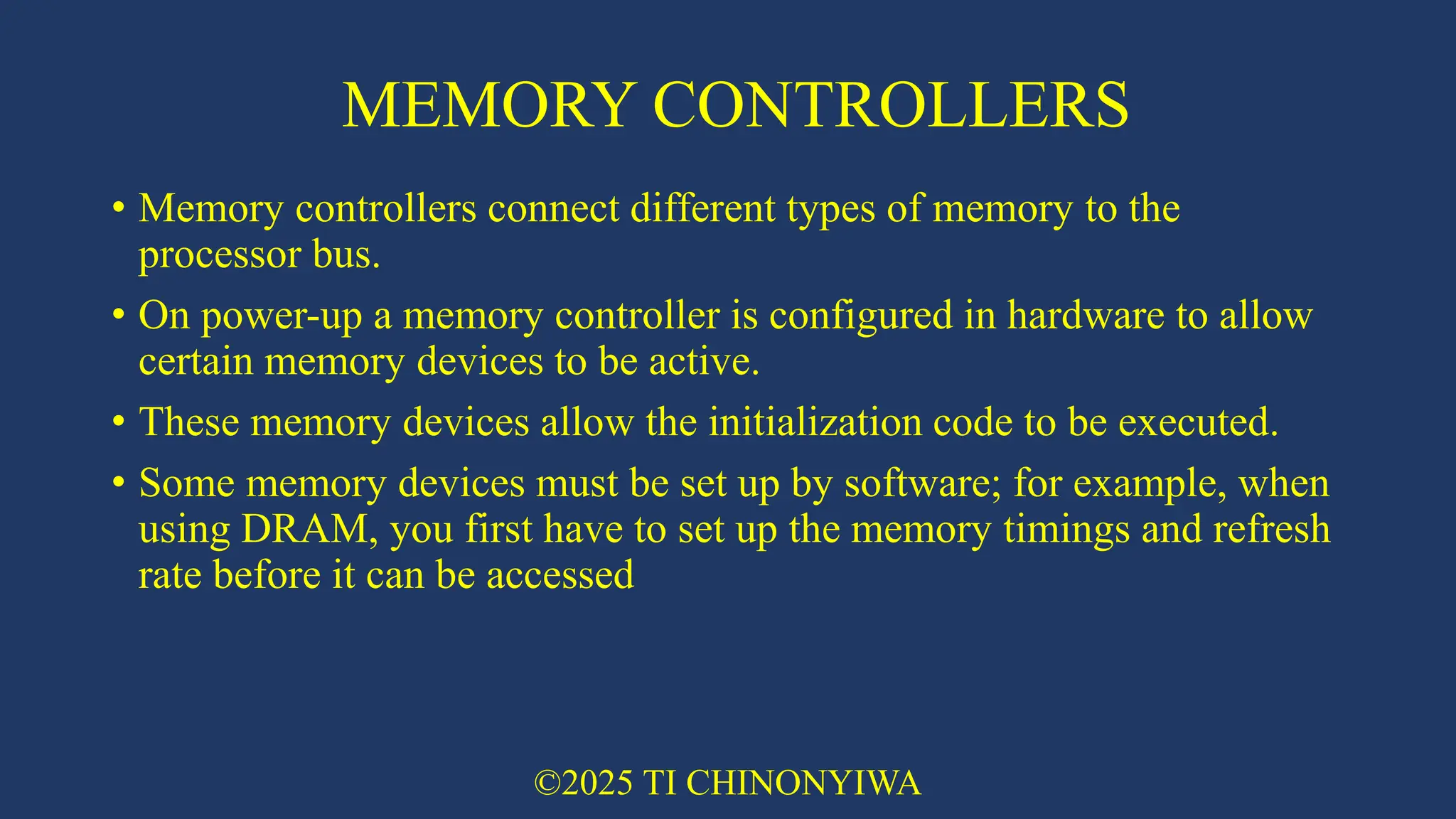
Economy & Finance
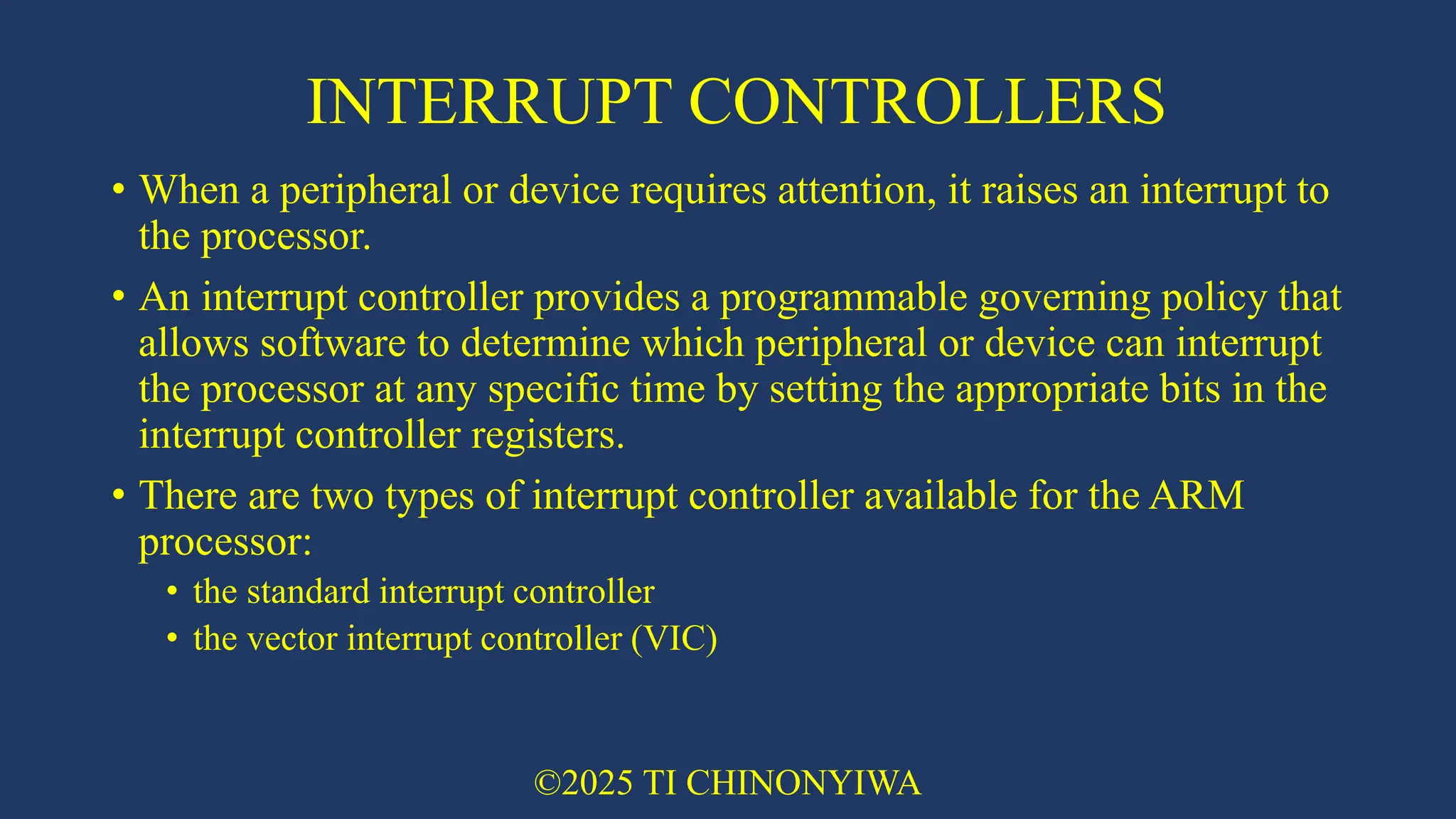
Data & Analytics
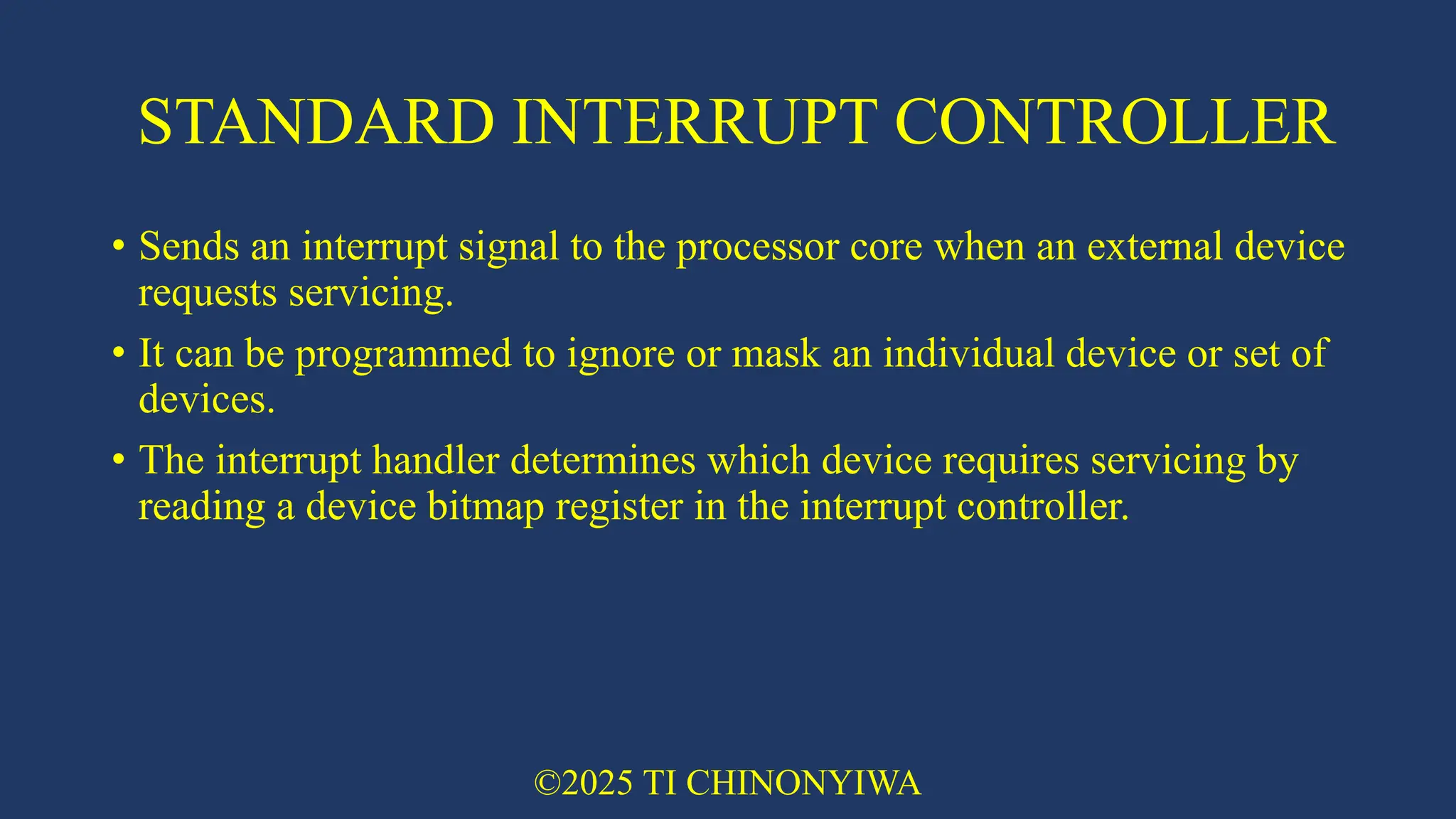
Investor Relations
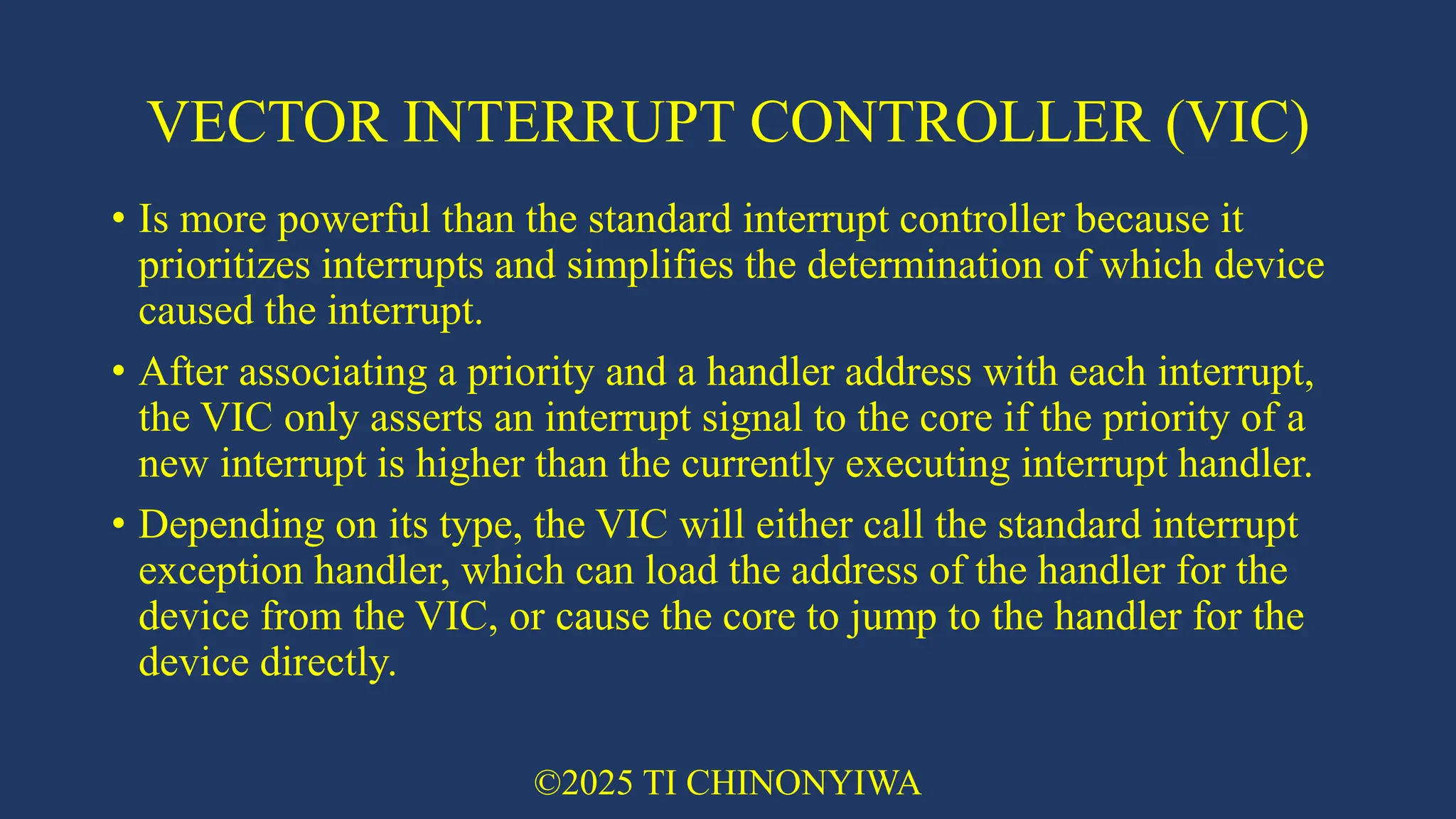
Sports
Spiritual
News & Politics
Travel
Self Improvement
Real Estate
Entertainment & Humor
Health & Medicine
Devices & Hardware
Lifestyle
Change Language
Language
English
Español
Português
Français
Deutsche
Cancel
Save
Submit search
EN
Uploaded by
tafadzwanderere1
127 views
02 ARM EMBEDDED SYSTEMS in microprocessors systems .pdf
Describes arm embedded systems
Engineering
◦
Read more
0
Save
Share
Embed
Embed presentation
Download
Download to read offline
1
/ 45
2
/ 45
3
/ 45
4
/ 45
5
/ 45
6
/ 45
7
/ 45
8
/ 45
9
/ 45
10
/ 45
11
/ 45
12
/ 45
13
/ 45
14
/ 45
15
/ 45
16
/ 45
17
/ 45
18
/ 45
19
/ 45
20
/ 45
21
/ 45
22
/ 45
23
/ 45
24
/ 45
25
/ 45
26
/ 45
27
/ 45
28
/ 45
29
/ 45
30
/ 45
31
/ 45
32
/ 45
33
/ 45
34
/ 45
35
/ 45
36
/ 45
37
/ 45
38
/ 45
39
/ 45
40
/ 45
41
/ 45
42
/ 45
43
/ 45
44
/ 45
45
/ 45
More Related Content
PPTX
mod1_arm_embedded_systems_ppt_2021_22_odd_oe.pptx
by
mithunkarthikb24
PPTX
ESD Module-4 ES.pptxModule-4 ES.pptxModule-4 ES.pptx
by
chetangavane008
PDF
18CS44-MODULE1-PPT.pdf
by
VanshikaRajvanshi1
PDF
Embedded system and the sensor and actuators
by
Chaitramahendra
PPTX
18CS44-MODULE1-PPT.pptx
by
KokilaK25
PPTX
Microcontroller(18CS44) module 1
by
Swetha A
PPTX
Module-3 ADVANCED MICROCONTROLLER IMP.pptx
by
RiniBhandari
PPTX
Unit vi (1)
by
Siva Nageswararao
mod1_arm_embedded_systems_ppt_2021_22_odd_oe.pptx
by
mithunkarthikb24
ESD Module-4 ES.pptxModule-4 ES.pptxModule-4 ES.pptx
by
chetangavane008
18CS44-MODULE1-PPT.pdf
by
VanshikaRajvanshi1
Embedded system and the sensor and actuators
by
Chaitramahendra
18CS44-MODULE1-PPT.pptx
by
KokilaK25
Microcontroller(18CS44) module 1
by
Swetha A
Module-3 ADVANCED MICROCONTROLLER IMP.pptx
by
RiniBhandari
Unit vi (1)
by
Siva Nageswararao
Similar to 02 ARM EMBEDDED SYSTEMS in microprocessors systems .pdf
PPTX
Mces MOD 1.pptx
by
RadhaC10
PPTX
MODULE 1 MES.pptx
by
ManvanthBC
PPTX
EMBEDDED SYSTEM AND INTERNET OF THINGS.pptx
by
FrankMollel3
PPTX
MICROCONTROLLERS mod1.pptx designs and functions operators
by
nanditha7766
PPT
Arm processor
by
SHREEHARI WADAWADAGI
PPTX
ARM Processor.pptxARM machines have a 32-bit Reduced Instruction Set Computer...
by
DebasishMohanta16
PPTX
ARM Processor.pptxARM means Advanced RISC Machines.
by
DebasishMohanta16
PPTX
Computer organization & ARM microcontrollers module 3 PPT
by
ChetanNaikJECE
PDF
ARM Architecture
by
Dwight Sabio
PDF
Module-2 Instruction Set Cpus.pdf
by
Sitamarhi Institute of Technology
PPTX
RISC and ARM contollers Design-Philosophy.pptx
by
Amit Suryavanshi
PPTX
PPT MES class.pptx
by
kavithadcs
PPTX
MES PPT.pptx
by
kavithadcs
PPTX
Topic 1 ARM to be written Introduction.pptx
by
pushprajsinhmakwana1
PPTX
ARM Introduction.pptx
by
Pratik Gohel
PPTX
18CS44-MES-Module-1.pptx
by
rakshitha481121
PPT
ARM INTRODUCTION.ppt that hepls to unnderstand arm
by
KaranSingh21BEE1163
PPTX
ARM Processor architecture
by
rajkciitr
PPTX
Embedded Systems & ARM Evolution Group 6.pptx
by
haarisali9
PPTX
Embedded Systems
by
Benjim Thomas Mathew
Mces MOD 1.pptx
by
RadhaC10
MODULE 1 MES.pptx
by
ManvanthBC
EMBEDDED SYSTEM AND INTERNET OF THINGS.pptx
by
FrankMollel3
MICROCONTROLLERS mod1.pptx designs and functions operators
by
nanditha7766
Arm processor
by
SHREEHARI WADAWADAGI
ARM Processor.pptxARM machines have a 32-bit Reduced Instruction Set Computer...
by
DebasishMohanta16
ARM Processor.pptxARM means Advanced RISC Machines.
by
DebasishMohanta16
Computer organization & ARM microcontrollers module 3 PPT
by
ChetanNaikJECE
ARM Architecture
by
Dwight Sabio
Module-2 Instruction Set Cpus.pdf
by
Sitamarhi Institute of Technology
RISC and ARM contollers Design-Philosophy.pptx
by
Amit Suryavanshi
PPT MES class.pptx
by
kavithadcs
MES PPT.pptx
by
kavithadcs
Topic 1 ARM to be written Introduction.pptx
by
pushprajsinhmakwana1
ARM Introduction.pptx
by
Pratik Gohel
18CS44-MES-Module-1.pptx
by
rakshitha481121
ARM INTRODUCTION.ppt that hepls to unnderstand arm
by
KaranSingh21BEE1163
ARM Processor architecture
by
rajkciitr
Embedded Systems & ARM Evolution Group 6.pptx
by
haarisali9
Embedded Systems
by
Benjim Thomas Mathew
Recently uploaded
PDF
Albert Pintoy - Specializing In Low-Latency
by
Albert Pintoy
PDF
Presentation-on-Energy-Transition-in-Bangladesh-Employment-and-Skills.pdf
by
syedSajib8
PDF
ACI 318-2205_American Concrete Institute.pdf
by
ericaguilerasoto1
PPTX
Data Science with R Final yrUnit II.pptx
by
Osmania University
PPTX
Plant Performance Strategies: Enhanced Reliability & Operational Efficiency w...
by
MaintWiz Technologies Private Limited
PPTX
Salesforce Bulk Connector V1 and V2 Deep Dive!
by
RajeevRanjan368982
PPTX
Step-by-step guide to designing standard a microbiology laboratory in pharmac...
by
shawkyabdo1
PPTX
ISO 14224 Compliance & CMMS Software — A Comprehensive Guide for Reliable Mai...
by
MaintWiz Technologies Private Limited
PPTX
علي نفط.pptx هندسة النفط هندسة النفط والغاز
by
engpe23e27
PPTX
Emerging Trends and Research Frontiers in Chemical Engineering for Green and ...
by
Chemical Engineering Dept. NIT Rourkela-769008, Odisha, India
PPTX
MECCA Empire – Hotel Shuttle System for the 2026 FIFA World Cup
by
ay2432
PDF
Engineering Properties of Agricultural Food Materials-.pdf and ppt
by
ASHWANI VERMA
PDF
Enhancing Distributed Authorization with Lagrange Interpolation and Attribute...
by
IJCNCJournal
PPTX
Best CMMS for IoT Integration: Real-Time Asset Intelligence & Smart Maintenan...
by
MaintWiz Technologies Private Limited
PPTX
Cloud vs On-Premises CMMS — Which Maintenance Platform Is Better for Your Plant?
by
MaintWiz Technologies Private Limited
PPTX
Natural Gas fundamentals and GRU for associated gas trap.pptx
by
engineerhassan
PPTX
Introduction Blockchains and Smart Contracts
by
bobinson
PPTX
Optimizing Operations: Key Elements of a Successful Plant Maintenance Plan — ...
by
MaintWiz Technologies Private Limited
PPTX
Takt Time vs Cycle Time vs Lead Time.pptx
by
E Concepts
PPTX
firewall Selection in production life pptx
by
ssuserb1479b
Albert Pintoy - Specializing In Low-Latency
by
Albert Pintoy
Presentation-on-Energy-Transition-in-Bangladesh-Employment-and-Skills.pdf
by
syedSajib8
ACI 318-2205_American Concrete Institute.pdf
by
ericaguilerasoto1
Data Science with R Final yrUnit II.pptx
by
Osmania University
Plant Performance Strategies: Enhanced Reliability & Operational Efficiency w...
by
MaintWiz Technologies Private Limited
Salesforce Bulk Connector V1 and V2 Deep Dive!
by
RajeevRanjan368982
Step-by-step guide to designing standard a microbiology laboratory in pharmac...
by
shawkyabdo1
ISO 14224 Compliance & CMMS Software — A Comprehensive Guide for Reliable Mai...
by
MaintWiz Technologies Private Limited
علي نفط.pptx هندسة النفط هندسة النفط والغاز
by
engpe23e27
Emerging Trends and Research Frontiers in Chemical Engineering for Green and ...
by
Chemical Engineering Dept. NIT Rourkela-769008, Odisha, India
MECCA Empire – Hotel Shuttle System for the 2026 FIFA World Cup
by
ay2432
Engineering Properties of Agricultural Food Materials-.pdf and ppt
by
ASHWANI VERMA
Enhancing Distributed Authorization with Lagrange Interpolation and Attribute...
by
IJCNCJournal
Best CMMS for IoT Integration: Real-Time Asset Intelligence & Smart Maintenan...
by
MaintWiz Technologies Private Limited
Cloud vs On-Premises CMMS — Which Maintenance Platform Is Better for Your Plant?
by
MaintWiz Technologies Private Limited
Natural Gas fundamentals and GRU for associated gas trap.pptx
by
engineerhassan
Introduction Blockchains and Smart Contracts
by
bobinson
Optimizing Operations: Key Elements of a Successful Plant Maintenance Plan — ...
by
MaintWiz Technologies Private Limited
Takt Time vs Cycle Time vs Lead Time.pptx
by
E Concepts
firewall Selection in production life pptx
by
ssuserb1479b
02 ARM EMBEDDED SYSTEMS in microprocessors systems .pdf
1.
ARM embedded systems TI
CHINONYIWA isaacchinoes@gmail.com Microprocessor Electronics
2.
• THE RISC
DESIGN PHILOSOPHY • THE ARM DESIGN PHILOSOPHY • EMBEDDED SYSTEM HARDWARE • EMBEDDED SYSTEM SOFTWARE ©2025 TI CHINONYIWA
3.
INTRODUCTION • The ARM
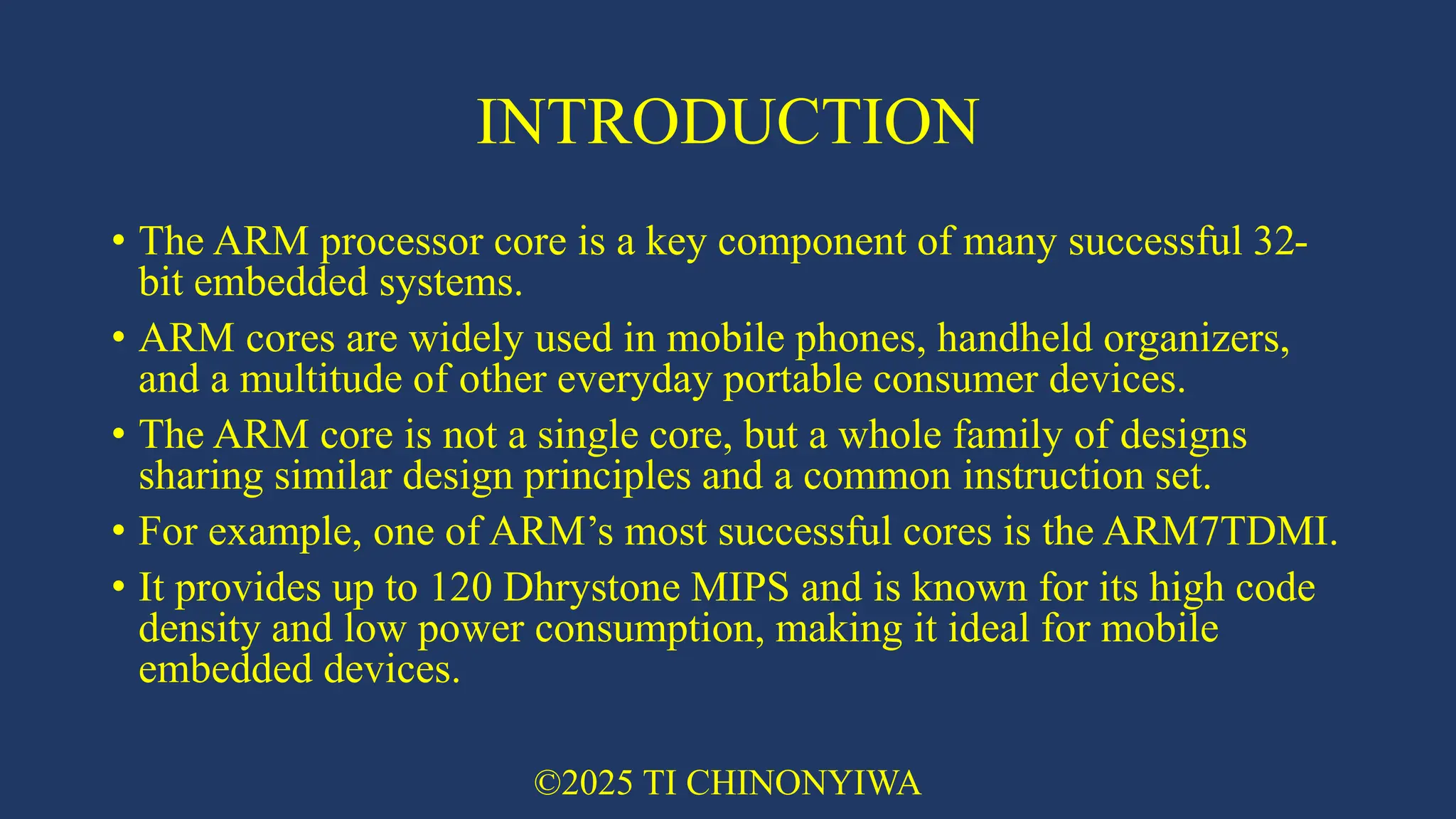
processor core is a key component of many successful 32- bit embedded systems. • ARM cores are widely used in mobile phones, handheld organizers, and a multitude of other everyday portable consumer devices. • The ARM core is not a single core, but a whole family of designs sharing similar design principles and a common instruction set. • For example, one of ARM’s most successful cores is the ARM7TDMI. • It provides up to 120 Dhrystone MIPS and is known for its high code density and low power consumption, making it ideal for mobile embedded devices. ©2025 TI CHINONYIWA
4.
THE RISC DESIGN
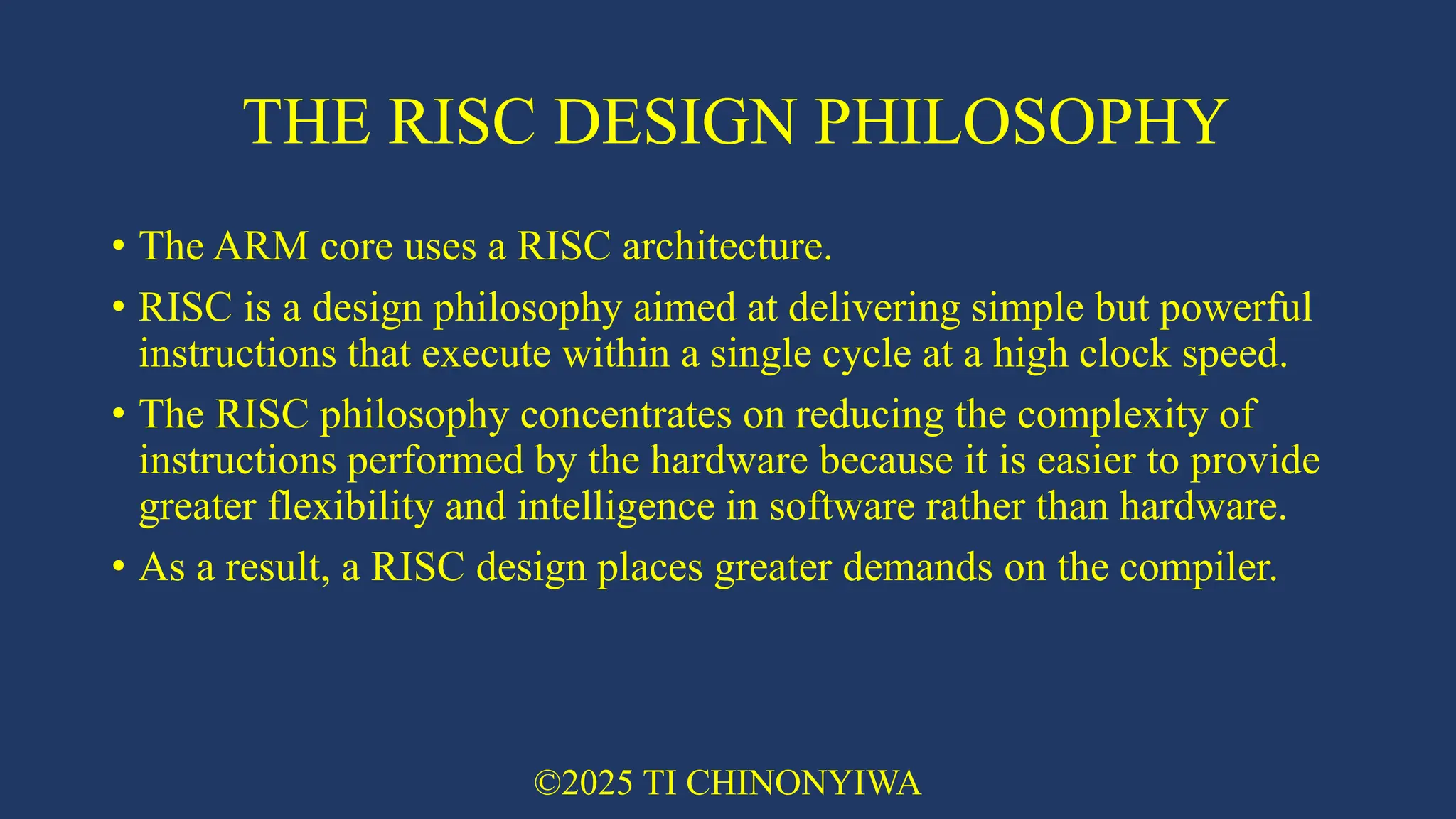
PHILOSOPHY • The ARM core uses a RISC architecture. • RISC is a design philosophy aimed at delivering simple but powerful instructions that execute within a single cycle at a high clock speed. • The RISC philosophy concentrates on reducing the complexity of instructions performed by the hardware because it is easier to provide greater flexibility and intelligence in software rather than hardware. • As a result, a RISC design places greater demands on the compiler. ©2025 TI CHINONYIWA
5.
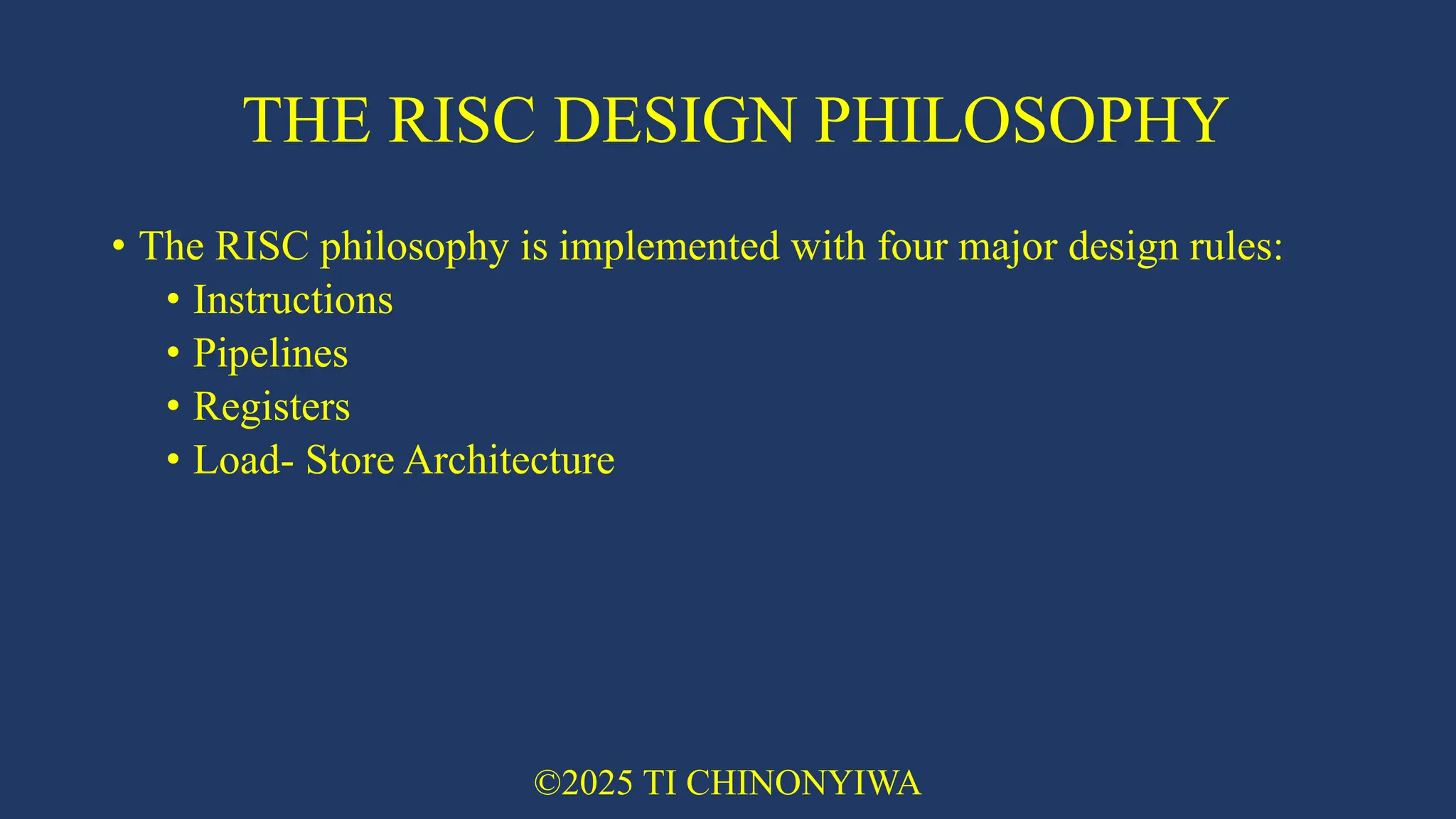
THE RISC DESIGN
PHILOSOPHY • The RISC philosophy is implemented with four major design rules: • Instructions • Pipelines • Registers • Load- Store Architecture ©2025 TI CHINONYIWA
6.
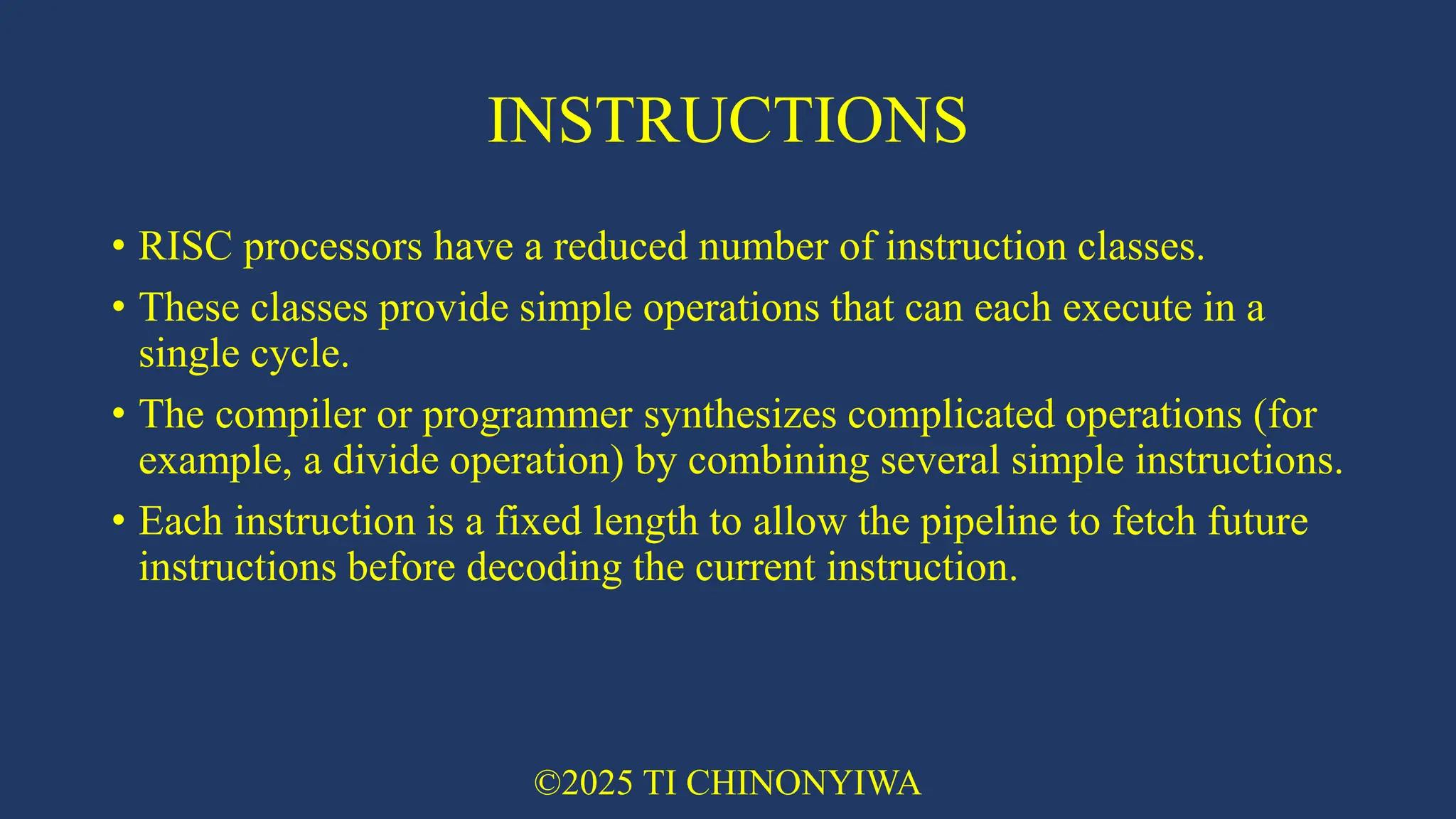
INSTRUCTIONS • RISC processors
have a reduced number of instruction classes. • These classes provide simple operations that can each execute in a single cycle. • The compiler or programmer synthesizes complicated operations (for example, a divide operation) by combining several simple instructions. • Each instruction is a fixed length to allow the pipeline to fetch future instructions before decoding the current instruction. ©2025 TI CHINONYIWA
7.
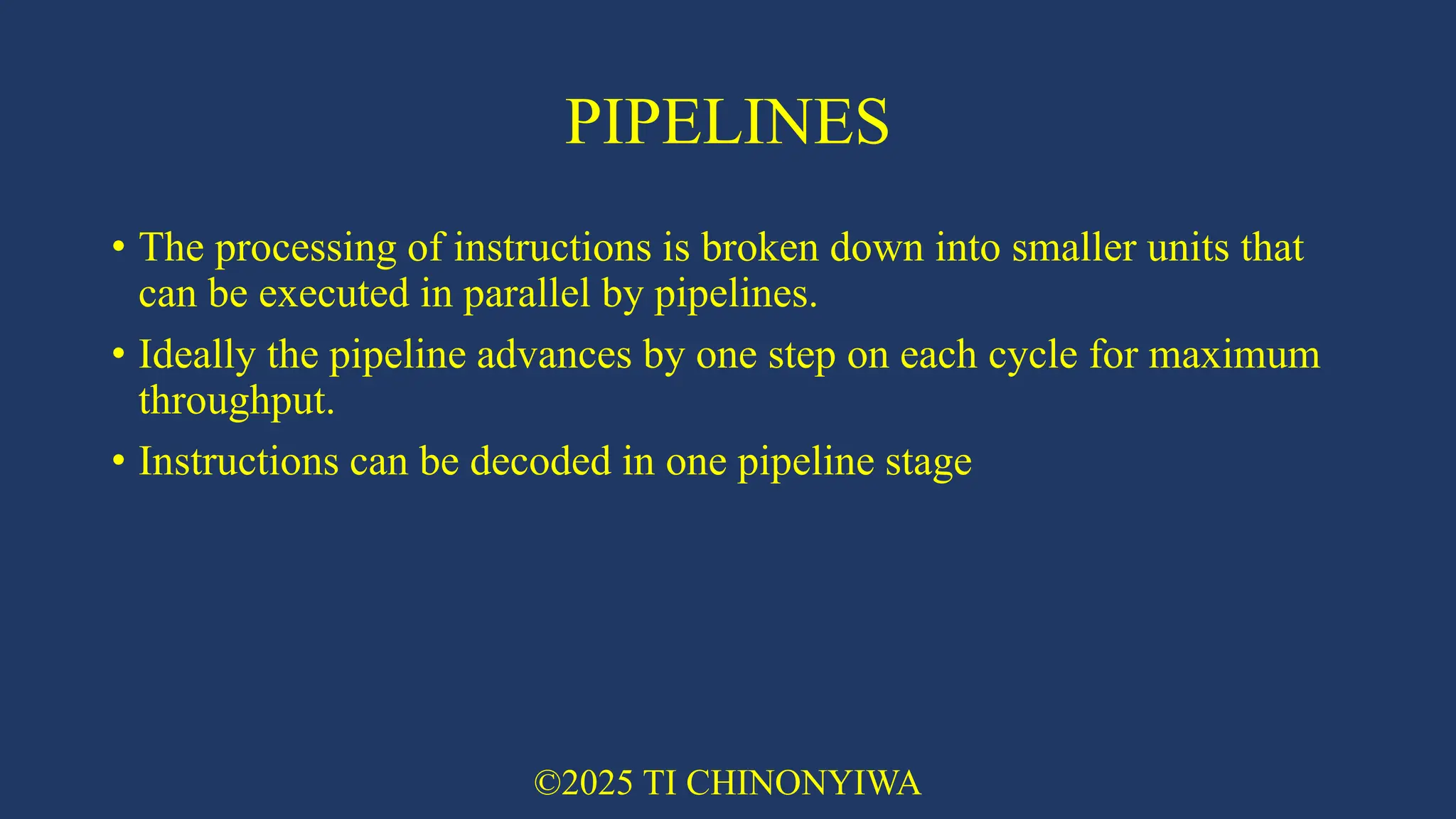
PIPELINES • The processing
of instructions is broken down into smaller units that can be executed in parallel by pipelines. • Ideally the pipeline advances by one step on each cycle for maximum throughput. • Instructions can be decoded in one pipeline stage ©2025 TI CHINONYIWA
8.
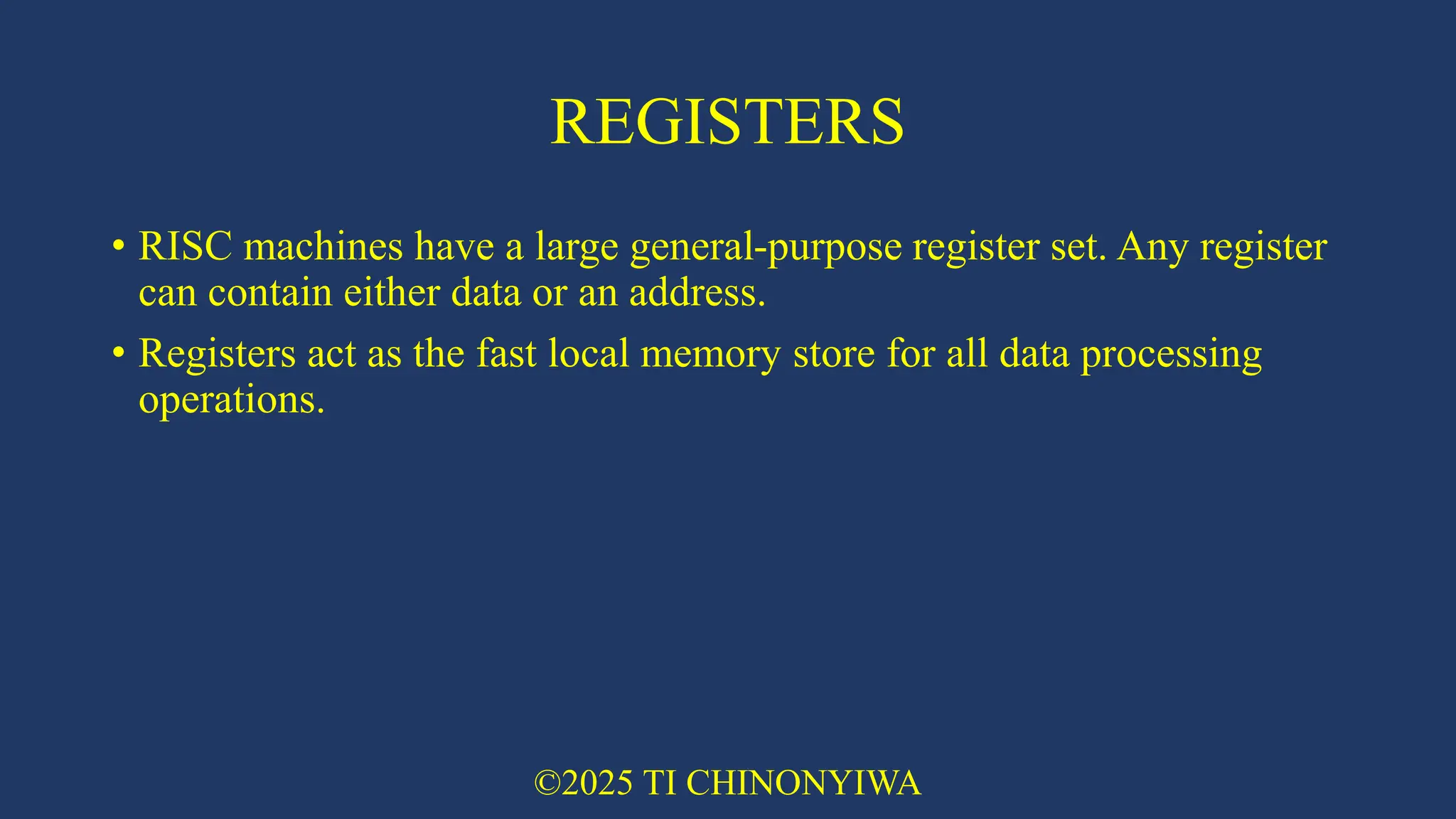
REGISTERS • RISC machines
have a large general-purpose register set. Any register can contain either data or an address. • Registers act as the fast local memory store for all data processing operations. ©2025 TI CHINONYIWA
9.
LOAD STORE ARCHITECTURE •
The processor operates on data held in registers. • Separate load and store instructions transfer data between the register bank and external memory. • Memory accesses are costly, so separating memory accesses from data processing provides an advantage because you can use data items held in the register bank multiple times without needing multiple memory accesses. ©2025 TI CHINONYIWA
10.
THE ARM DESIGN
PHILOSOPHY • There are a number of physical features that have driven the ARM processor design. • The ARM processor has been specifically designed to be small to reduce power consumption and extend battery operation. • High code density is another major requirement since embedded systems have limited memory due to cost and/or physical size restrictions. • embedded systems are price sensitive and use slow and low-cost memory devices. • The ability to use low-cost memory devices produces substantial savings. • Another important requirement is to reduce the area of the die taken up by the embedded processor. • ARM has incorporated hardware debug technology within the processor so that software engineers can view what is happening while the processor is executing code. ©2025 TI CHINONYIWA
11.
INSTRUCTION SET FOR
EMBEDDED SYSTEMS • The ARM instruction set differs from the pure RISC definition in several ways that make the ARM instruction set suitable for embedded applications: • Variable cycle execution for certain instructions • Not every ARM instruction executes in a single cycle. • Inline barrel shifter leading to more complex instructions • The inline barrel shifter is a hardware component that preprocesses one of the input registers before it is used by an instruction. • Thumb 16-bit instruction set • ARM enhanced the processor core by adding a second16-bit instruction set called Thumb that permits the ARM core to execute either16- or 32-bit instructions. ©2025 TI CHINONYIWA
12.
INSTRUCTION SET FOR
EMBEDDED SYSTEMS • Conditional execution • An instruction is only executed when a specific condition has been satisfied. This feature improves performance and code density by reducing branch instructions. • Enhanced instructions • The enhanced digital signal processor (DSP) instructions were added to the standard ARM instruction set to support fast 16×16-bit multiplier operations and saturation. These instructions allow a faster-performing ARM processor in some cases to replace the traditional combinations of a processor plus a DSP. • These additional features have made the ARM processor one of the most commonly used 32-bit embedded processor cores ©2025 TI CHINONYIWA
13.
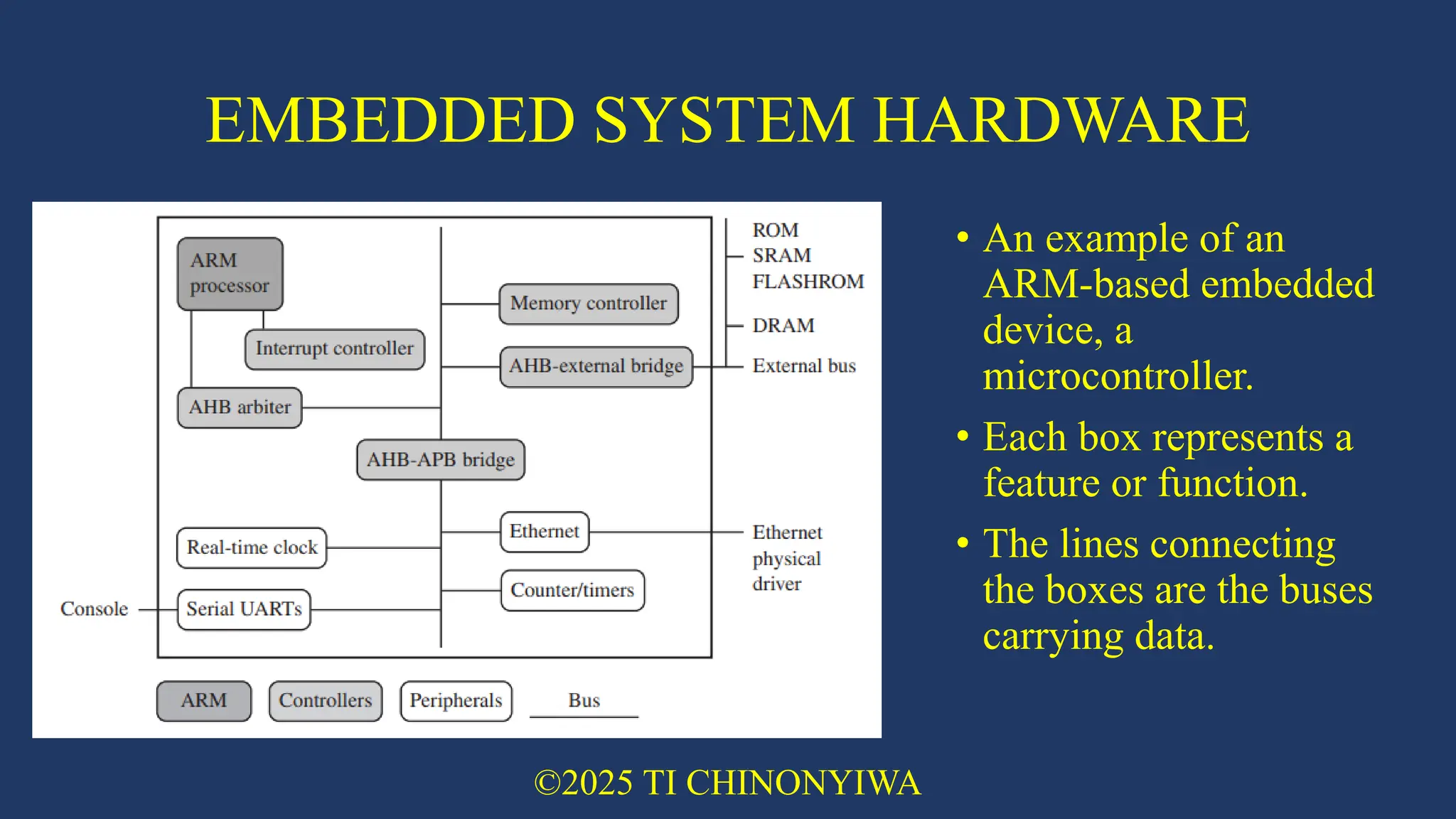
EMBEDDED SYSTEM HARDWARE •
Embedded systems can control many different devices. • All these devices use a combination of software and hardware components. • Each component is chosen for efficiency and, if applicable, is designed for future extension and expansion. • The figure on the next slide shows a typical embedded device based on an ARM core. ©2025 TI CHINONYIWA
14.
EMBEDDED SYSTEM HARDWARE •
An example of an ARM-based embedded device, a microcontroller. • Each box represents a feature or function. • The lines connecting the boxes are the buses carrying data. ©2025 TI CHINONYIWA
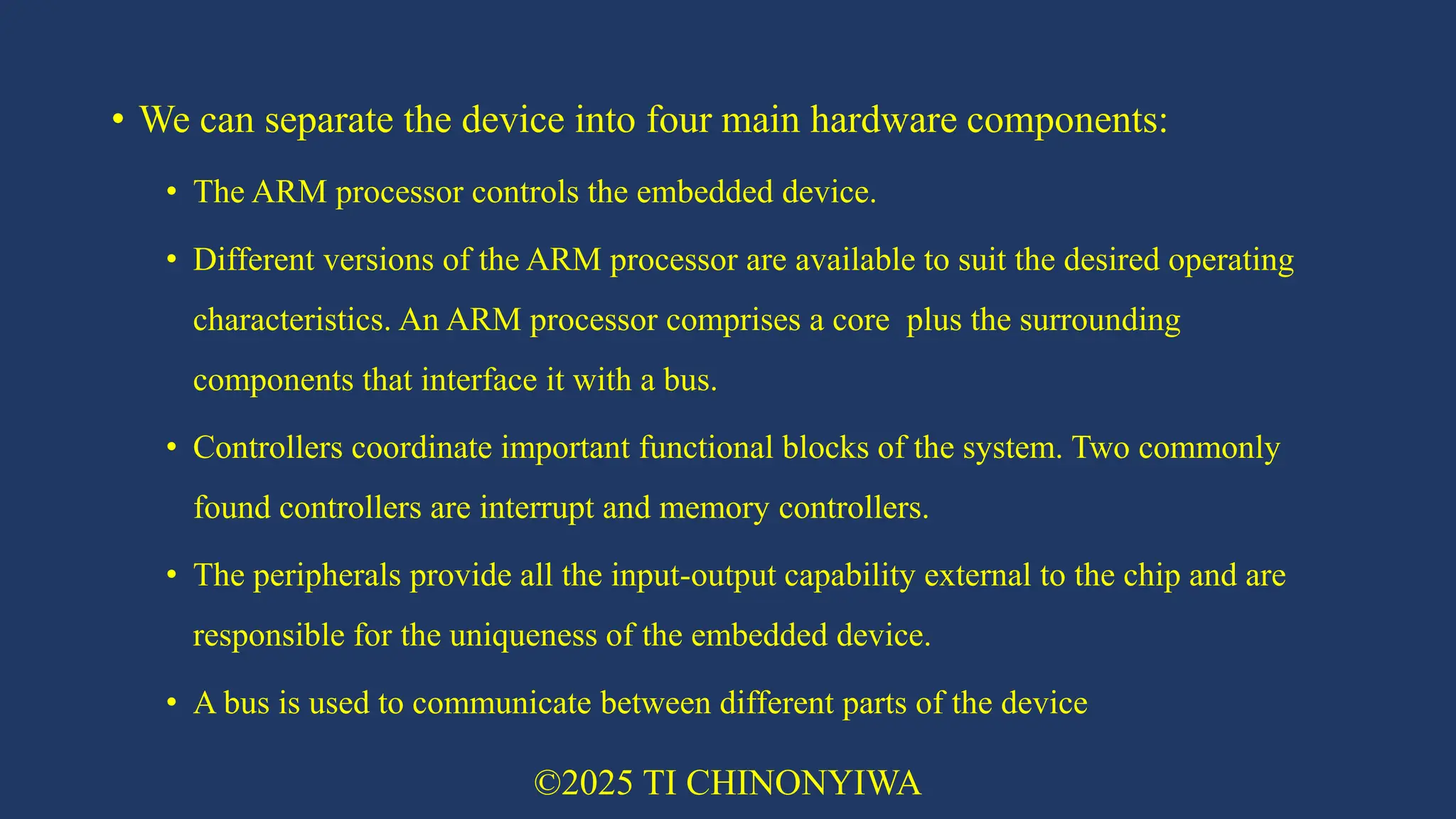
15.
• We can
separate the device into four main hardware components: • The ARM processor controls the embedded device. • Different versions of the ARM processor are available to suit the desired operating characteristics. An ARM processor comprises a core plus the surrounding components that interface it with a bus. • Controllers coordinate important functional blocks of the system. Two commonly found controllers are interrupt and memory controllers. • The peripherals provide all the input-output capability external to the chip and are responsible for the uniqueness of the embedded device. • A bus is used to communicate between different parts of the device ©2025 TI CHINONYIWA
16.
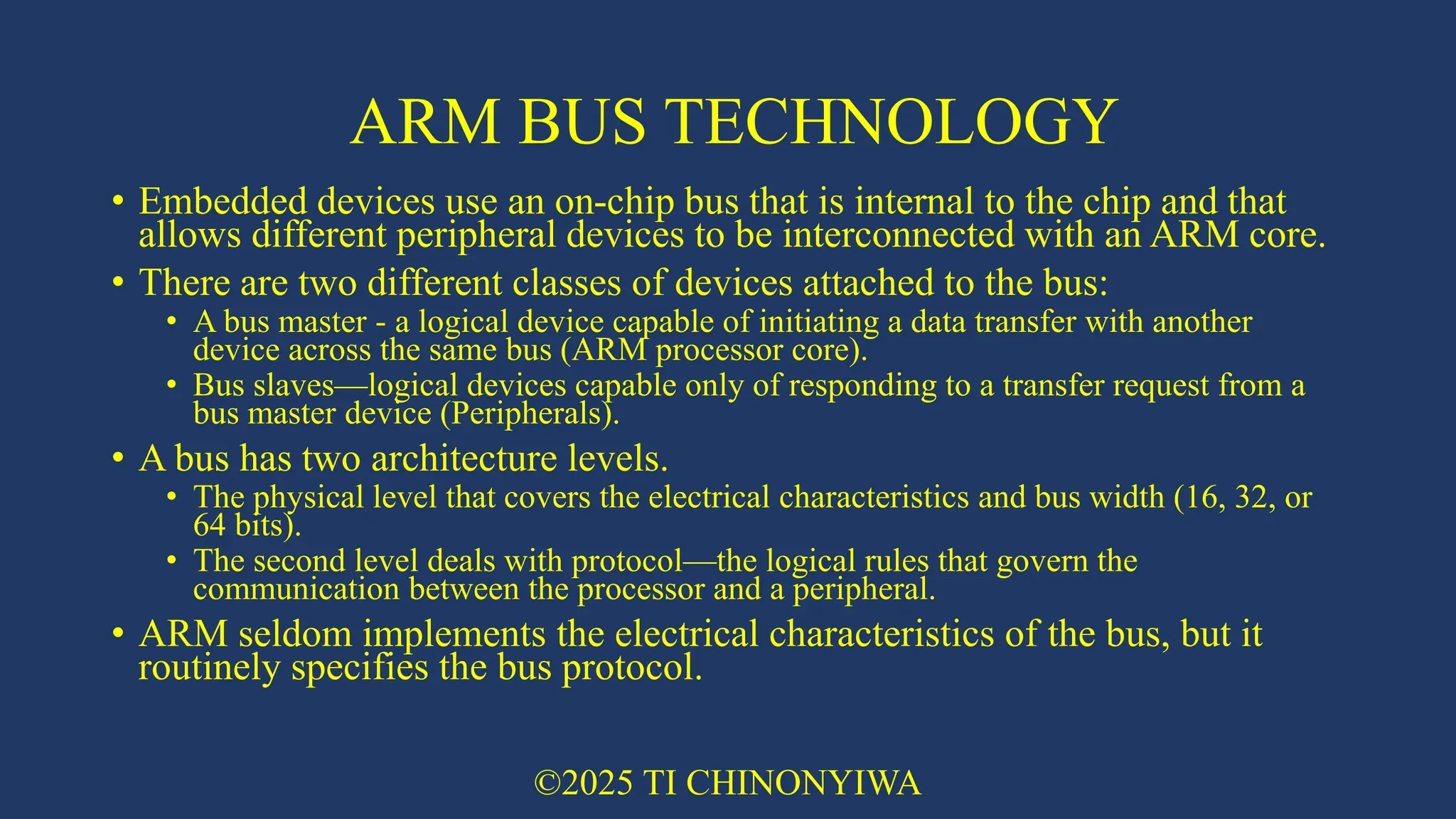
ARM BUS TECHNOLOGY •
Embedded devices use an on-chip bus that is internal to the chip and that allows different peripheral devices to be interconnected with an ARM core. • There are two different classes of devices attached to the bus: • A bus master - a logical device capable of initiating a data transfer with another device across the same bus (ARM processor core). • Bus slaves—logical devices capable only of responding to a transfer request from a bus master device (Peripherals). • A bus has two architecture levels. • The physical level that covers the electrical characteristics and bus width (16, 32, or 64 bits). • The second level deals with protocol—the logical rules that govern the communication between the processor and a peripheral. • ARM seldom implements the electrical characteristics of the bus, but it routinely specifies the bus protocol. ©2025 TI CHINONYIWA
17.
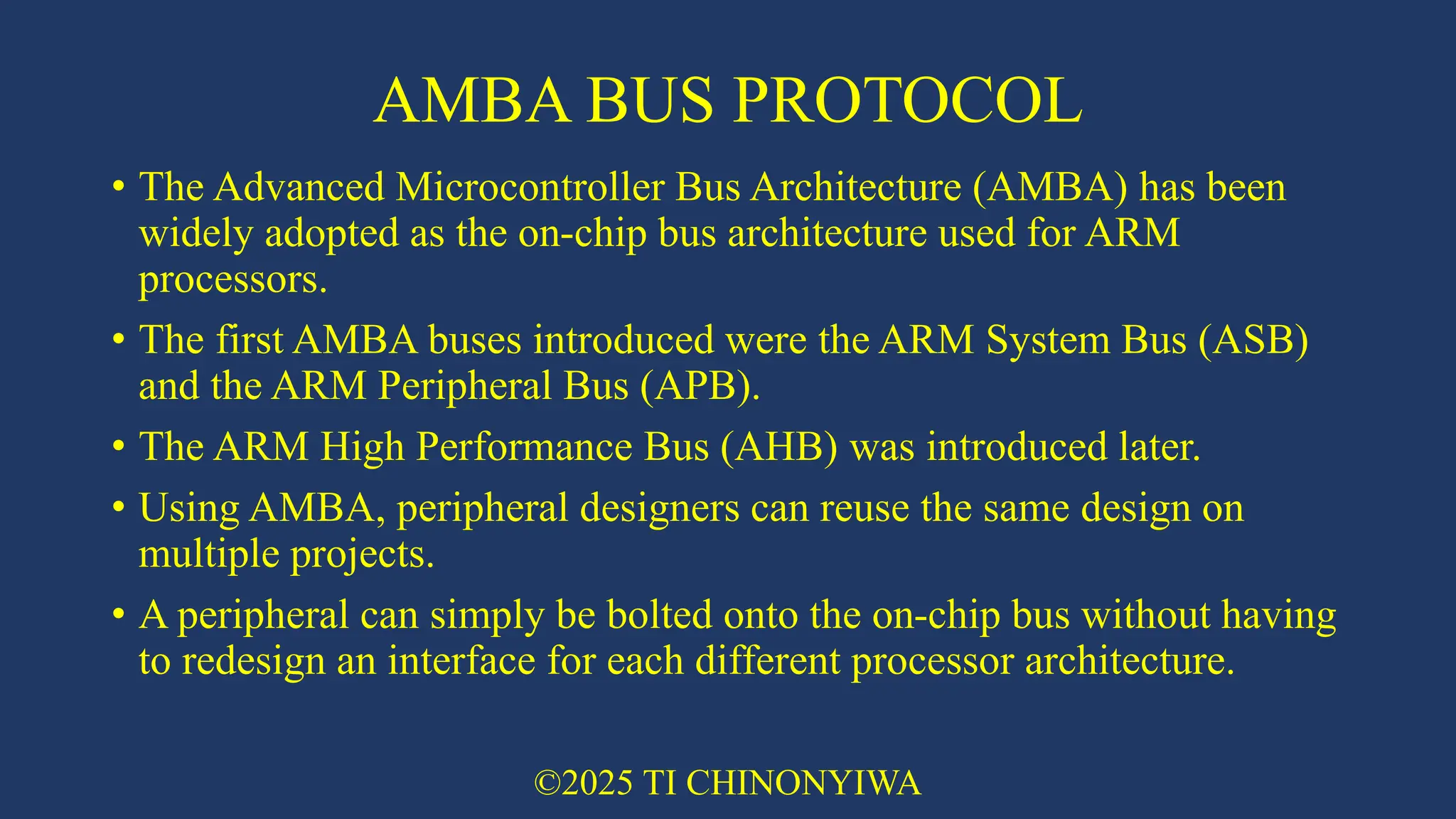
AMBA BUS PROTOCOL •
The Advanced Microcontroller Bus Architecture (AMBA) has been widely adopted as the on-chip bus architecture used for ARM processors. • The first AMBA buses introduced were the ARM System Bus (ASB) and the ARM Peripheral Bus (APB). • The ARM High Performance Bus (AHB) was introduced later. • Using AMBA, peripheral designers can reuse the same design on multiple projects. • A peripheral can simply be bolted onto the on-chip bus without having to redesign an interface for each different processor architecture. ©2025 TI CHINONYIWA
18.
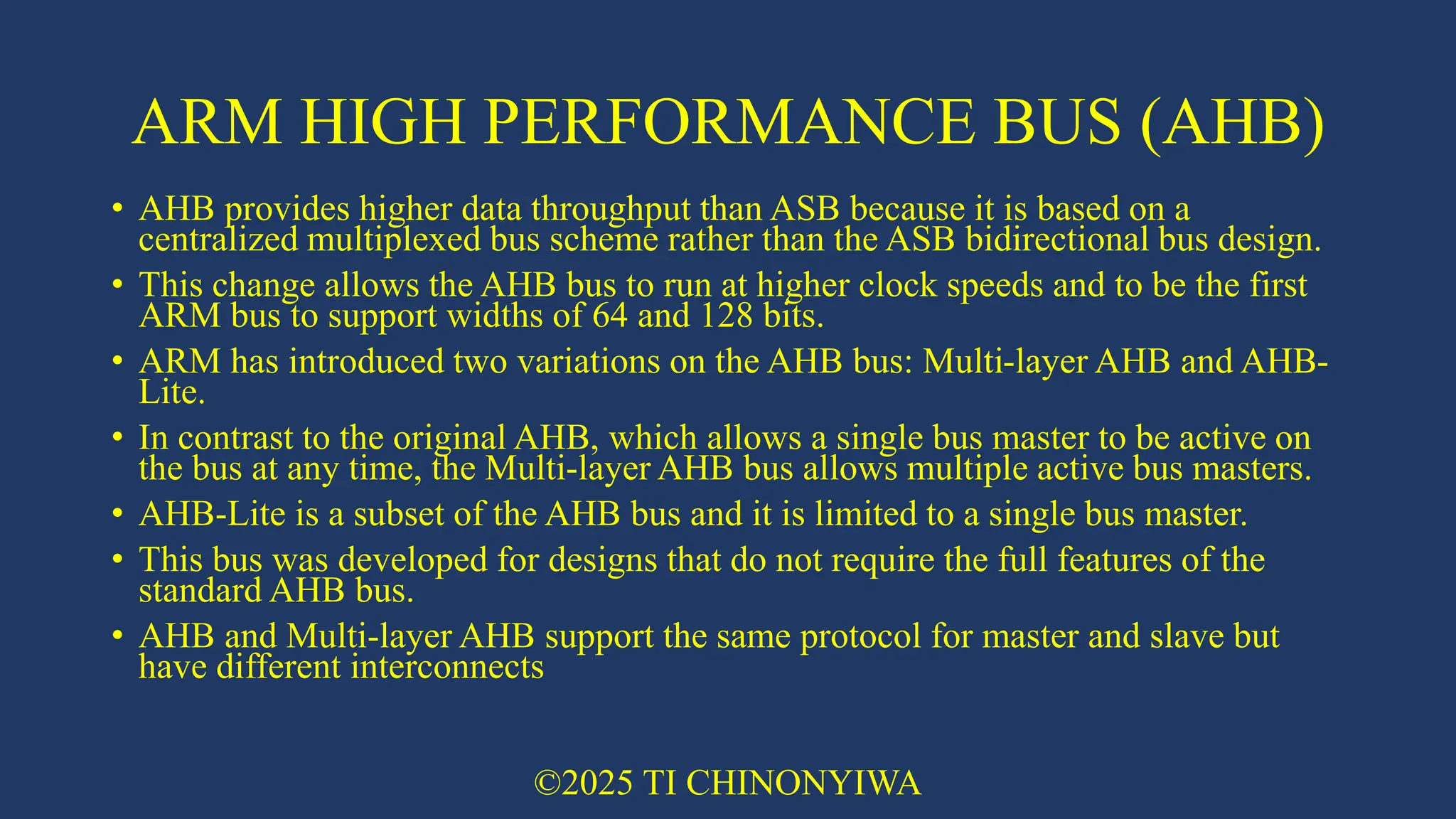
ARM HIGH PERFORMANCE
BUS (AHB) • AHB provides higher data throughput than ASB because it is based on a centralized multiplexed bus scheme rather than the ASB bidirectional bus design. • This change allows the AHB bus to run at higher clock speeds and to be the first ARM bus to support widths of 64 and 128 bits. • ARM has introduced two variations on the AHB bus: Multi-layer AHB and AHB- Lite. • In contrast to the original AHB, which allows a single bus master to be active on the bus at any time, the Multi-layer AHB bus allows multiple active bus masters. • AHB-Lite is a subset of the AHB bus and it is limited to a single bus master. • This bus was developed for designs that do not require the full features of the standard AHB bus. • AHB and Multi-layer AHB support the same protocol for master and slave but have different interconnects ©2025 TI CHINONYIWA
19.
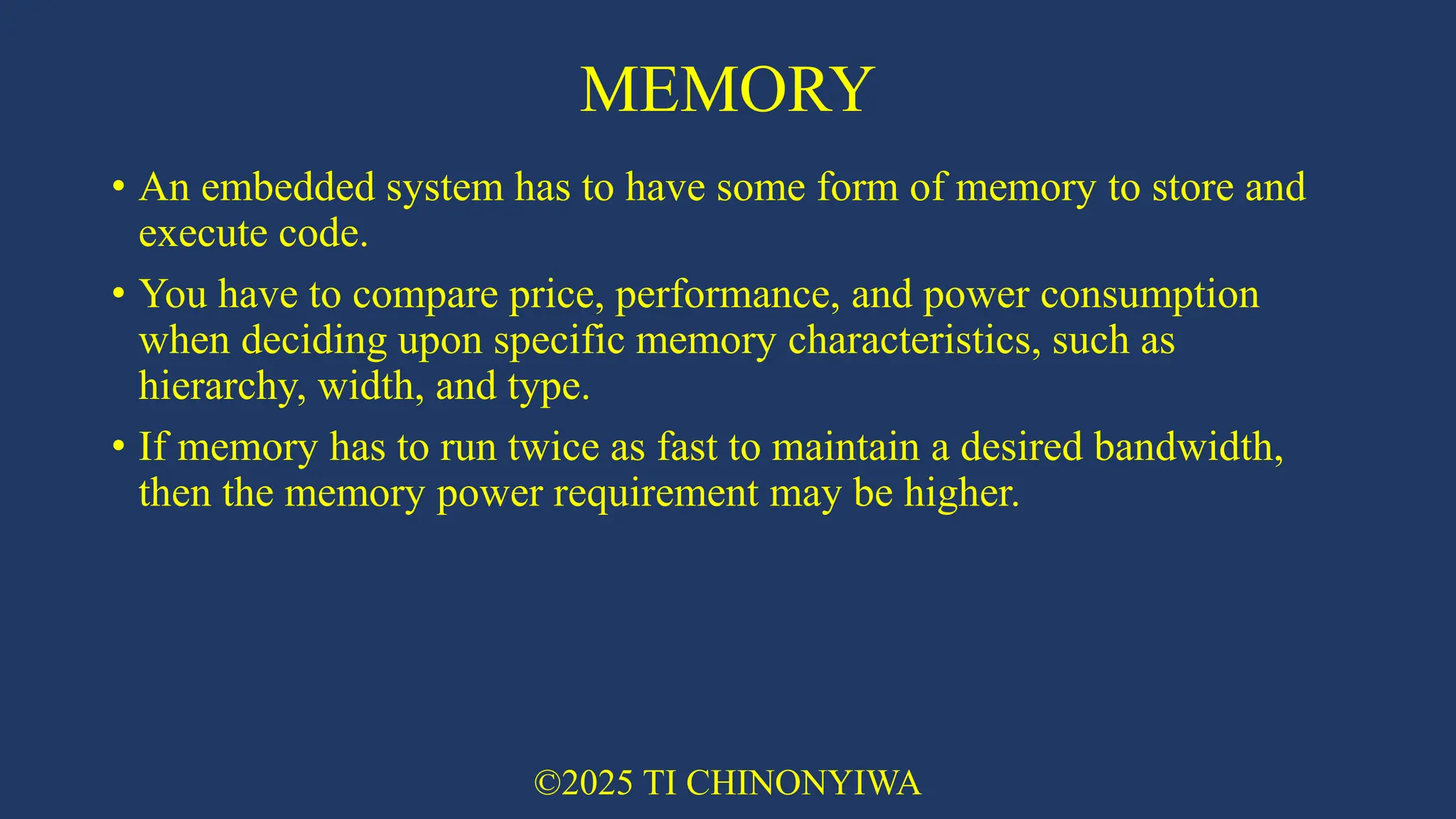
MEMORY • An embedded
system has to have some form of memory to store and execute code. • You have to compare price, performance, and power consumption when deciding upon specific memory characteristics, such as hierarchy, width, and type. • If memory has to run twice as fast to maintain a desired bandwidth, then the memory power requirement may be higher. ©2025 TI CHINONYIWA
20.
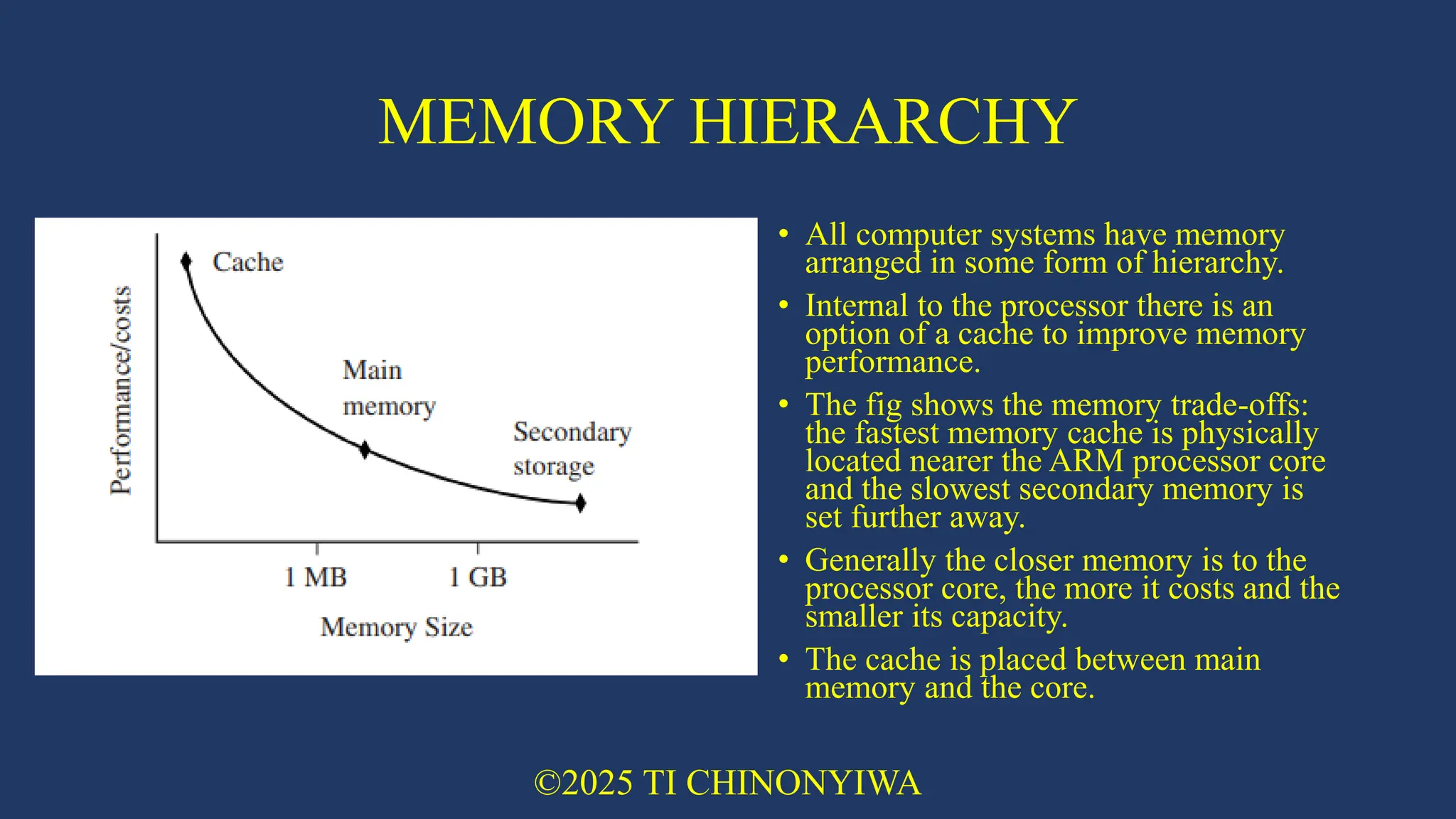
MEMORY HIERARCHY • All
computer systems have memory arranged in some form of hierarchy. • Internal to the processor there is an option of a cache to improve memory performance. • The fig shows the memory trade-offs: the fastest memory cache is physically located nearer the ARM processor core and the slowest secondary memory is set further away. • Generally the closer memory is to the processor core, the more it costs and the smaller its capacity. • The cache is placed between main memory and the core. ©2025 TI CHINONYIWA
21.
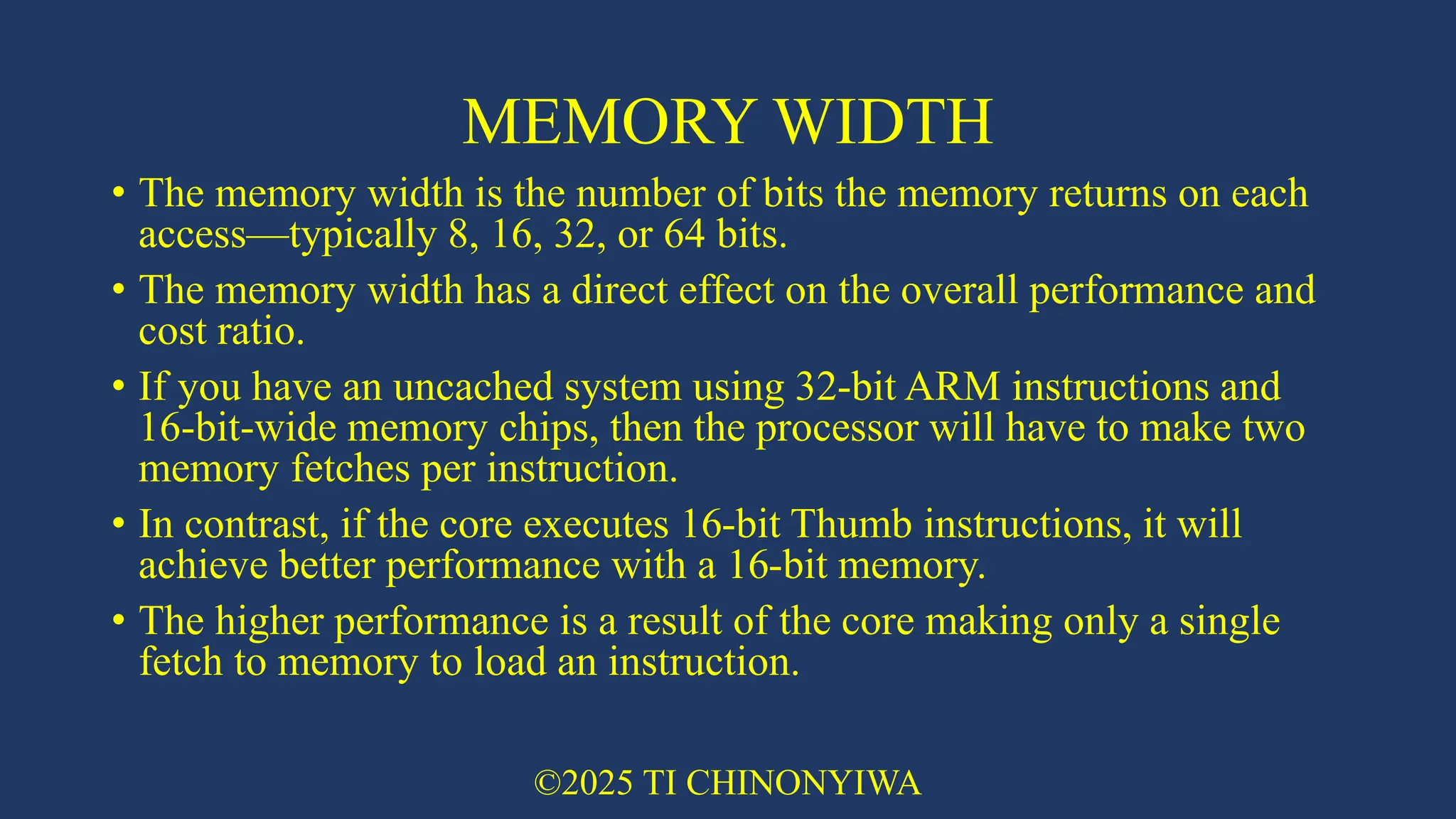
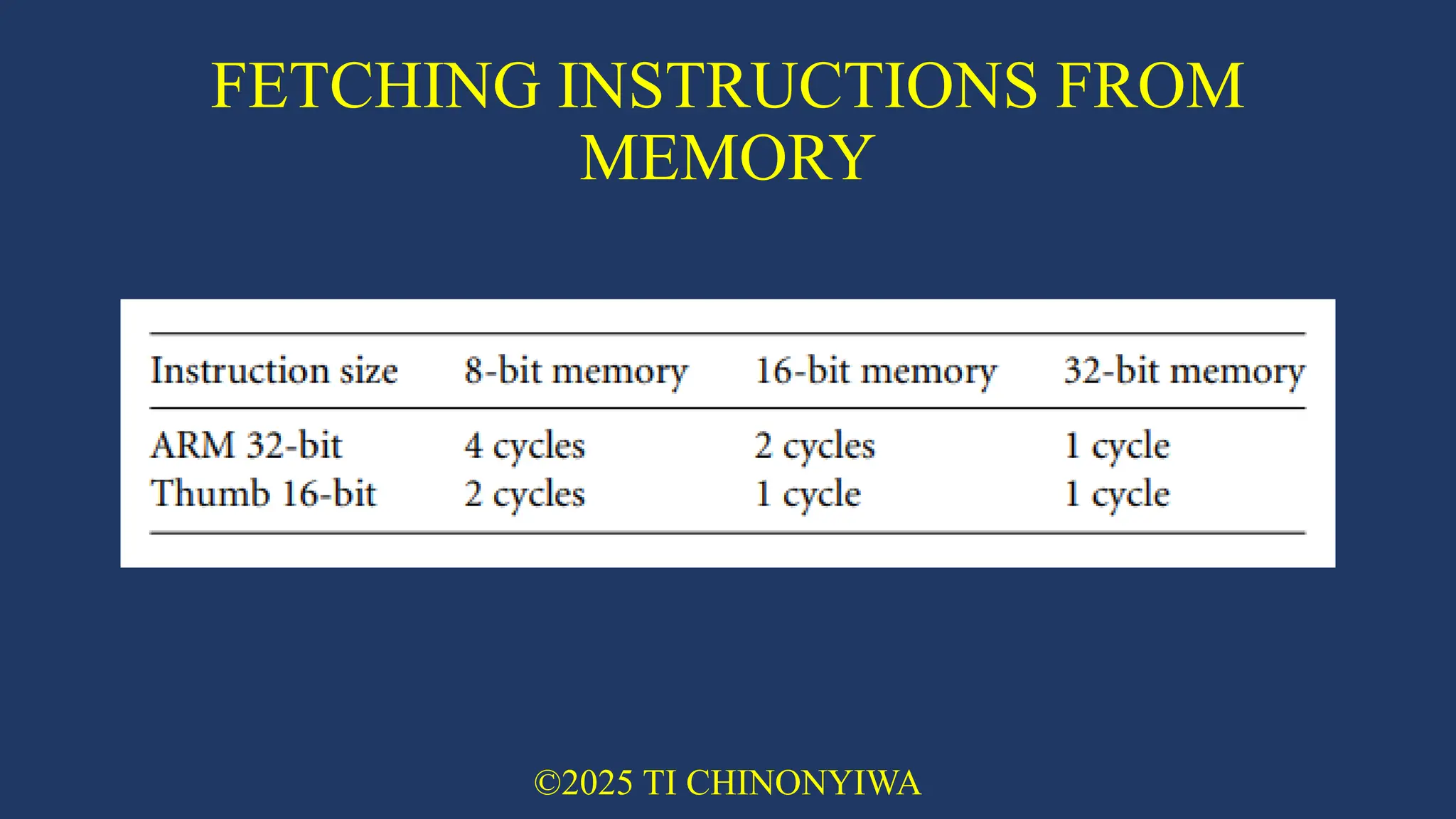
MEMORY WIDTH • The
memory width is the number of bits the memory returns on each access—typically 8, 16, 32, or 64 bits. • The memory width has a direct effect on the overall performance and cost ratio. • If you have an uncached system using 32-bit ARM instructions and 16-bit-wide memory chips, then the processor will have to make two memory fetches per instruction. • In contrast, if the core executes 16-bit Thumb instructions, it will achieve better performance with a 16-bit memory. • The higher performance is a result of the core making only a single fetch to memory to load an instruction. ©2025 TI CHINONYIWA
22.
FETCHING INSTRUCTIONS FROM MEMORY ©2025
TI CHINONYIWA
23.
MEMORY TYPES • There
are many different types of memory found in ARM embedded systems. • These include: • Read-only memory (ROM) • Flash ROM • Dynamic random access memory (DRAM) • Static random access memory (SRAM) • Synchronous dynamic random access memory (SDRAM) ©2025 TI CHINONYIWA
24.
READ-ONLY MEMORY (ROM) •
Is the least flexible of all memory types because it contains an image that is permanently set at production time and cannot be reprogrammed. • ROMs are used in high-volume devices that require no updates or corrections. • Many devices also use a ROM to hold boot code ©2025 TI CHINONYIWA
25.
FLASH ROM • Can
be written to as well as read, but it is slow to write so you shouldn’t use it for holding dynamic data. • Its main use is for holding the device firmware or storing long-term data that needs to be preserved after power is off. • The erasing and writing of flash ROM are completely software controlled with no additional hardware circuity required, which reduces the manufacturing costs. • Flash ROM has become the most popular of the read-only memory types and is currently being used as an alternative for mass or secondary storage ©2025 TI CHINONYIWA
26.
DYNAMIC RANDOM ACCESS
MEMORY (DRAM) • Is the most commonly used RAM for devices. • It has the lowest cost per megabyte compared with other types of RAM. DRAM is dynamic — it needs to have its storage cells refreshed and given a new electronic charge every few milliseconds, so you need to set up a DRAM controller before using the memory. ©2025 TI CHINONYIWA
27.
STATIC RANDOM ACCESS
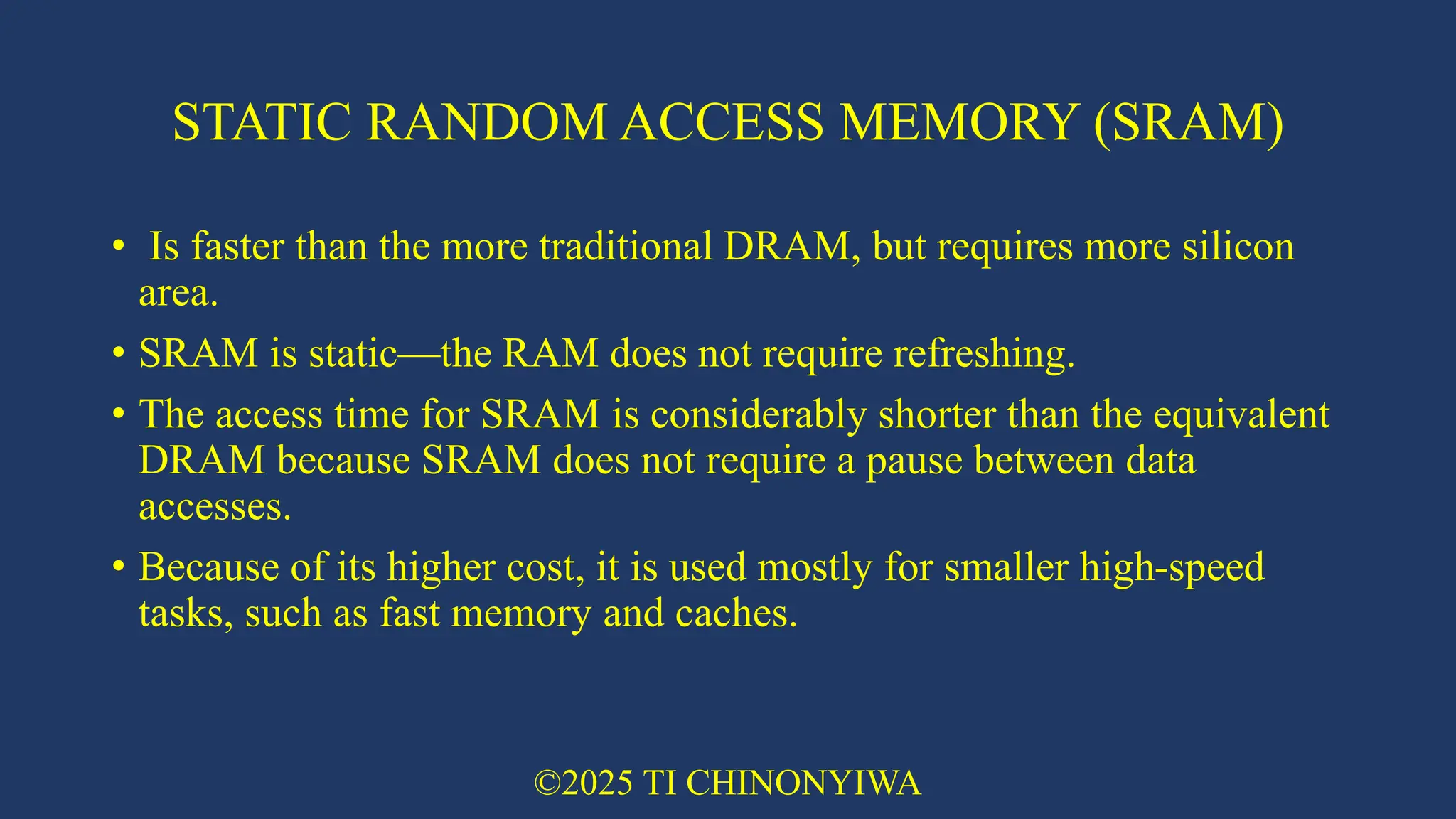
MEMORY (SRAM) • Is faster than the more traditional DRAM, but requires more silicon area. • SRAM is static—the RAM does not require refreshing. • The access time for SRAM is considerably shorter than the equivalent DRAM because SRAM does not require a pause between data accesses. • Because of its higher cost, it is used mostly for smaller high-speed tasks, such as fast memory and caches. ©2025 TI CHINONYIWA
28.
SYNCHRONOUS DYNAMIC RANDOM
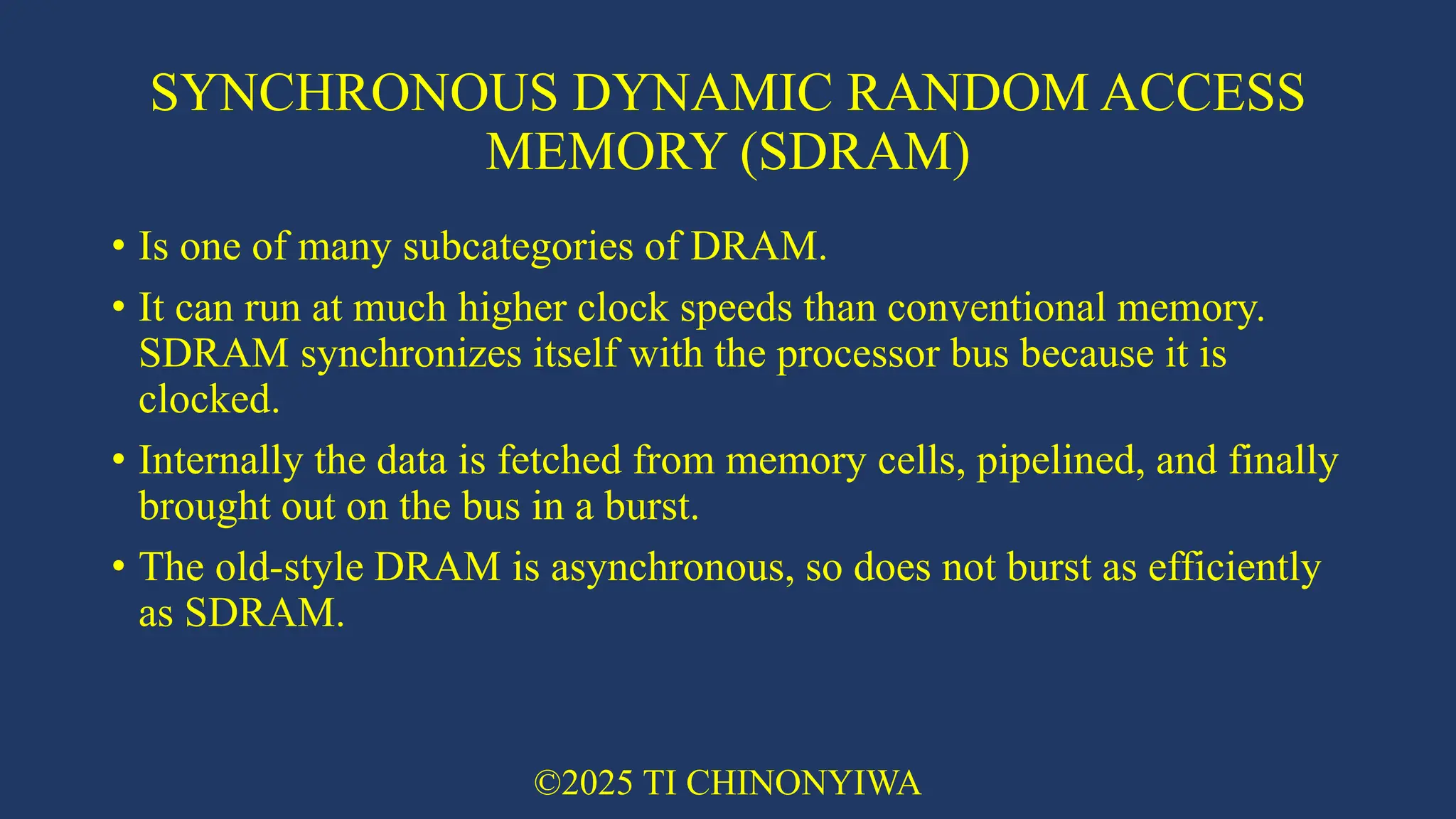
ACCESS MEMORY (SDRAM) • Is one of many subcategories of DRAM. • It can run at much higher clock speeds than conventional memory. SDRAM synchronizes itself with the processor bus because it is clocked. • Internally the data is fetched from memory cells, pipelined, and finally brought out on the bus in a burst. • The old-style DRAM is asynchronous, so does not burst as efficiently as SDRAM. ©2025 TI CHINONYIWA
29.
PERIPHERALS • Embedded systems
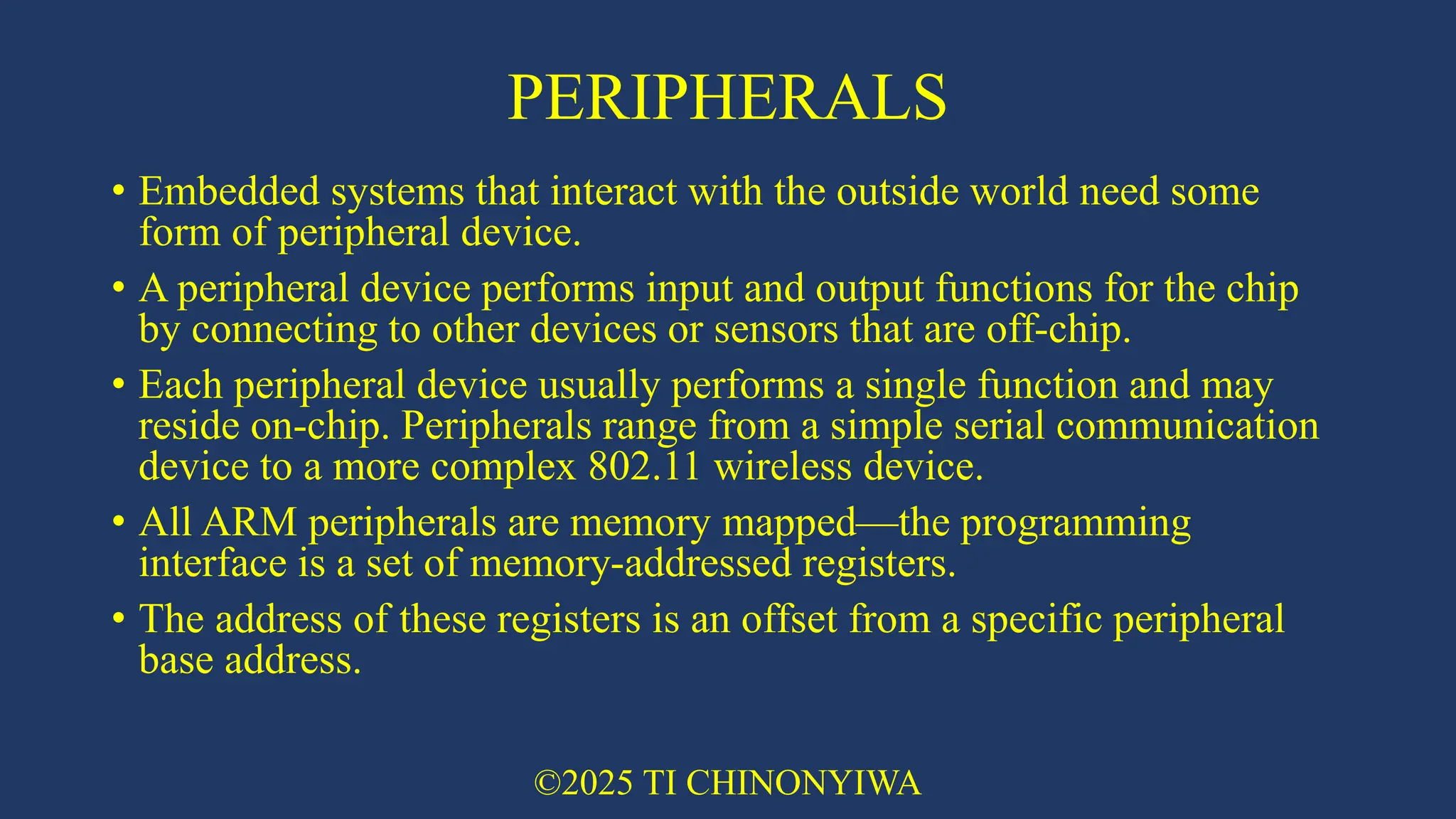
that interact with the outside world need some form of peripheral device. • A peripheral device performs input and output functions for the chip by connecting to other devices or sensors that are off-chip. • Each peripheral device usually performs a single function and may reside on-chip. Peripherals range from a simple serial communication device to a more complex 802.11 wireless device. • All ARM peripherals are memory mapped—the programming interface is a set of memory-addressed registers. • The address of these registers is an offset from a specific peripheral base address. ©2025 TI CHINONYIWA
30.
CONTROLLERS • Controllers are
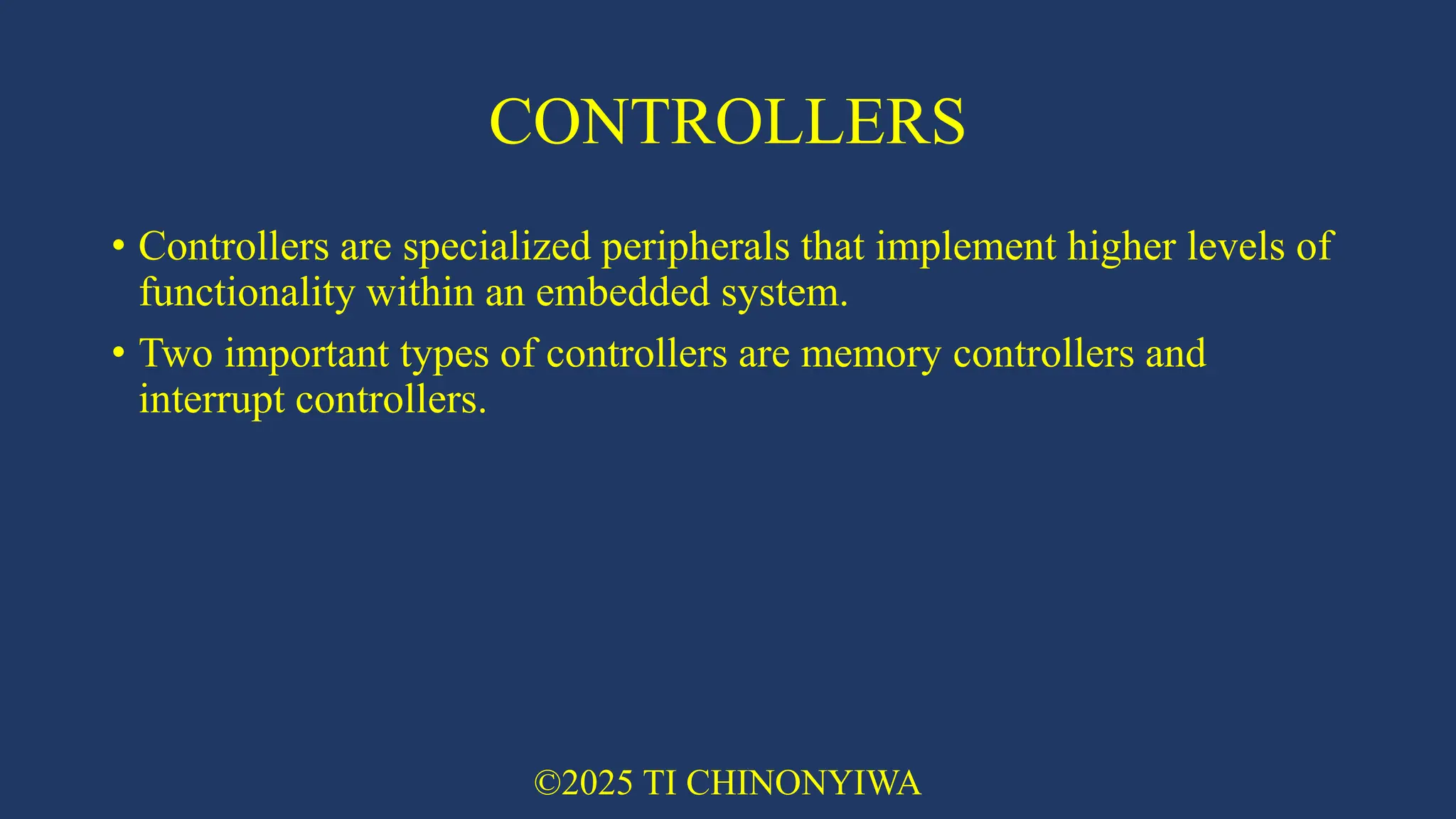
specialized peripherals that implement higher levels of functionality within an embedded system. • Two important types of controllers are memory controllers and interrupt controllers. ©2025 TI CHINONYIWA
31.
MEMORY CONTROLLERS • Memory
controllers connect different types of memory to the processor bus. • On power-up a memory controller is configured in hardware to allow certain memory devices to be active. • These memory devices allow the initialization code to be executed. • Some memory devices must be set up by software; for example, when using DRAM, you first have to set up the memory timings and refresh rate before it can be accessed ©2025 TI CHINONYIWA
32.
INTERRUPT CONTROLLERS • When
a peripheral or device requires attention, it raises an interrupt to the processor. • An interrupt controller provides a programmable governing policy that allows software to determine which peripheral or device can interrupt the processor at any specific time by setting the appropriate bits in the interrupt controller registers. • There are two types of interrupt controller available for the ARM processor: • the standard interrupt controller • the vector interrupt controller (VIC) ©2025 TI CHINONYIWA
33.
STANDARD INTERRUPT CONTROLLER •
Sends an interrupt signal to the processor core when an external device requests servicing. • It can be programmed to ignore or mask an individual device or set of devices. • The interrupt handler determines which device requires servicing by reading a device bitmap register in the interrupt controller. ©2025 TI CHINONYIWA
34.
VECTOR INTERRUPT CONTROLLER
(VIC) • Is more powerful than the standard interrupt controller because it prioritizes interrupts and simplifies the determination of which device caused the interrupt. • After associating a priority and a handler address with each interrupt, the VIC only asserts an interrupt signal to the core if the priority of a new interrupt is higher than the currently executing interrupt handler. • Depending on its type, the VIC will either call the standard interrupt exception handler, which can load the address of the handler for the device from the VIC, or cause the core to jump to the handler for the device directly. ©2025 TI CHINONYIWA
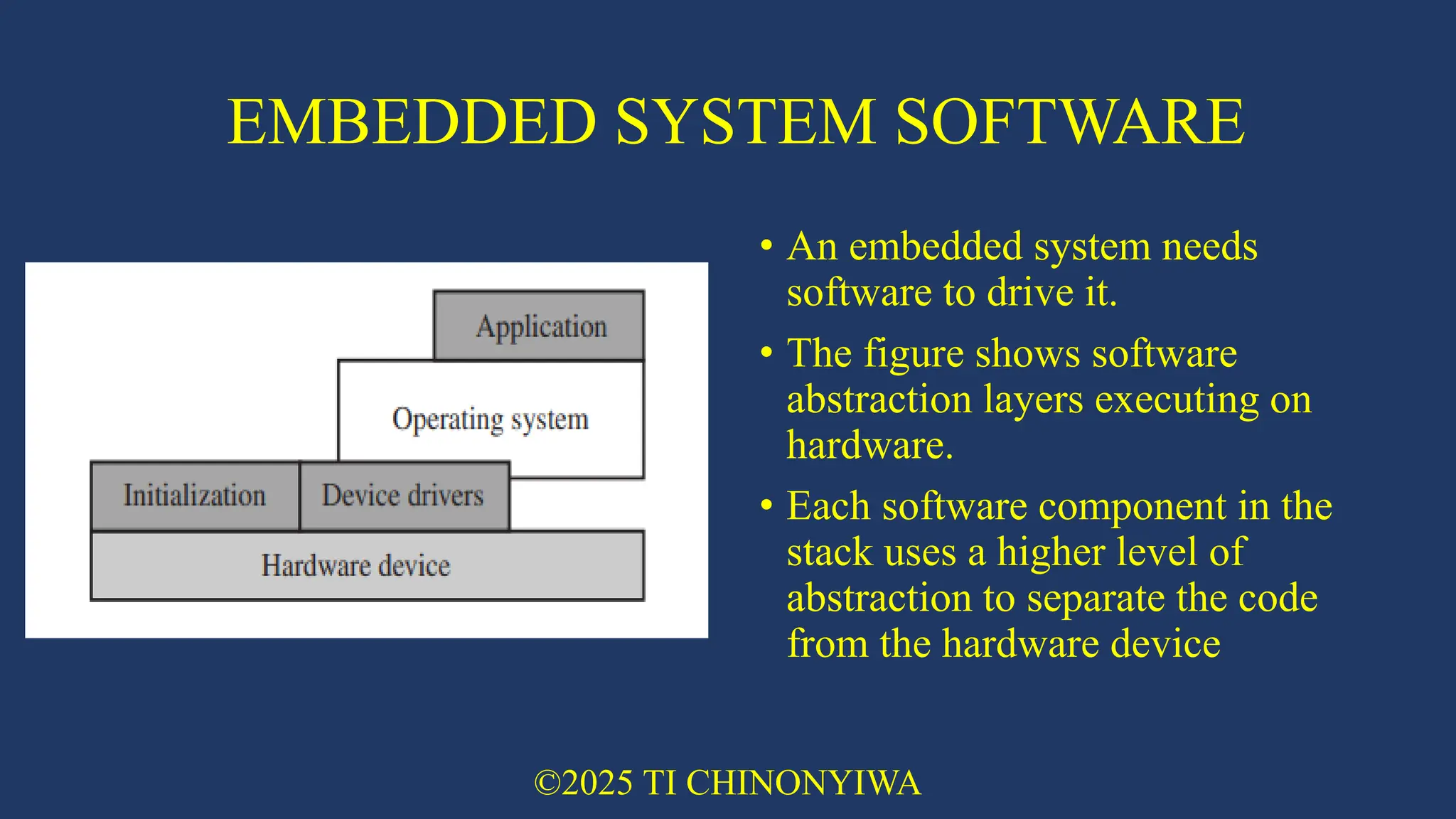
35.
EMBEDDED SYSTEM SOFTWARE •
An embedded system needs software to drive it. • The figure shows software abstraction layers executing on hardware. • Each software component in the stack uses a higher level of abstraction to separate the code from the hardware device ©2025 TI CHINONYIWA
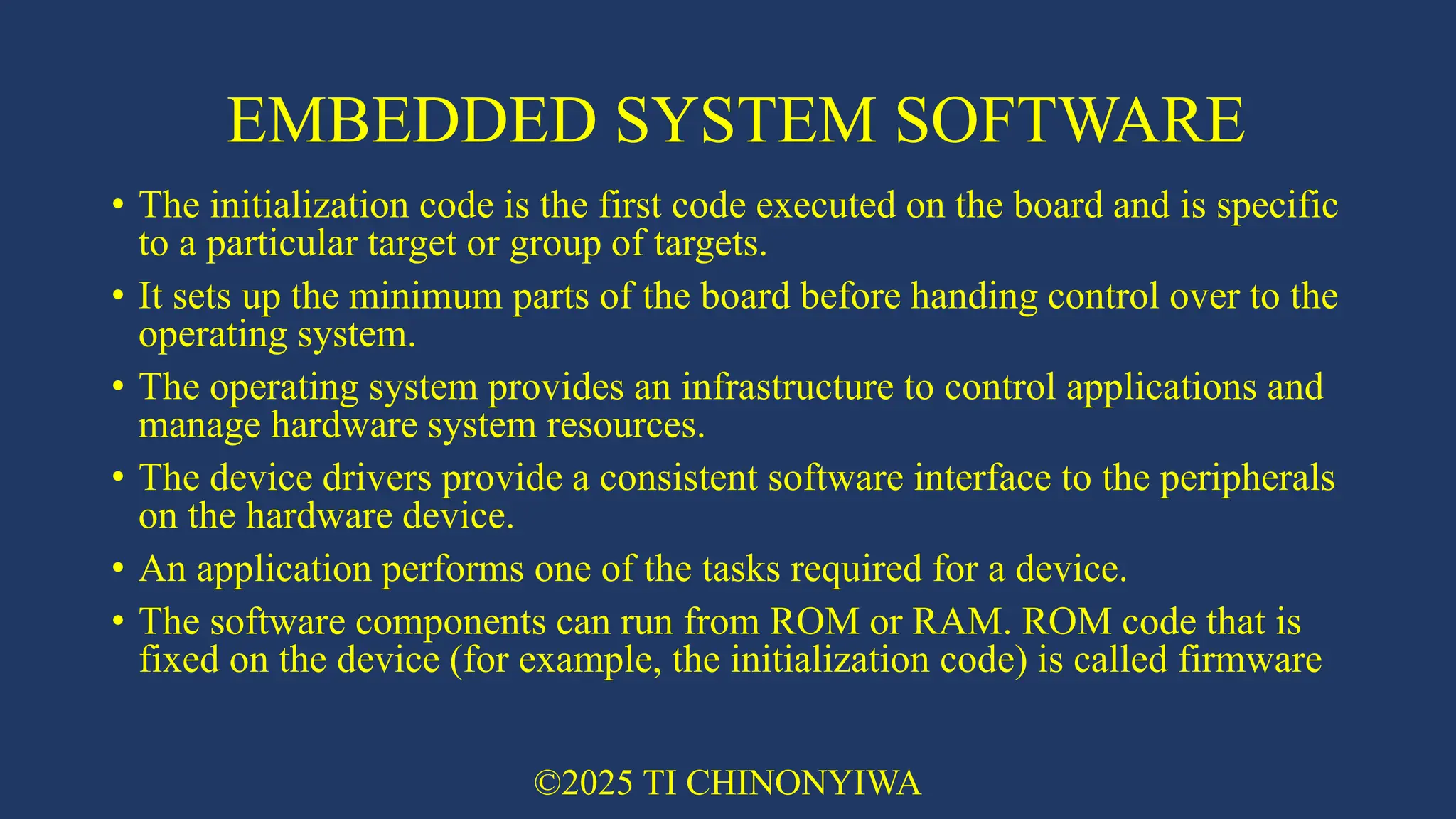
36.
EMBEDDED SYSTEM SOFTWARE •
The initialization code is the first code executed on the board and is specific to a particular target or group of targets. • It sets up the minimum parts of the board before handing control over to the operating system. • The operating system provides an infrastructure to control applications and manage hardware system resources. • The device drivers provide a consistent software interface to the peripherals on the hardware device. • An application performs one of the tasks required for a device. • The software components can run from ROM or RAM. ROM code that is fixed on the device (for example, the initialization code) is called firmware ©2025 TI CHINONYIWA
37.
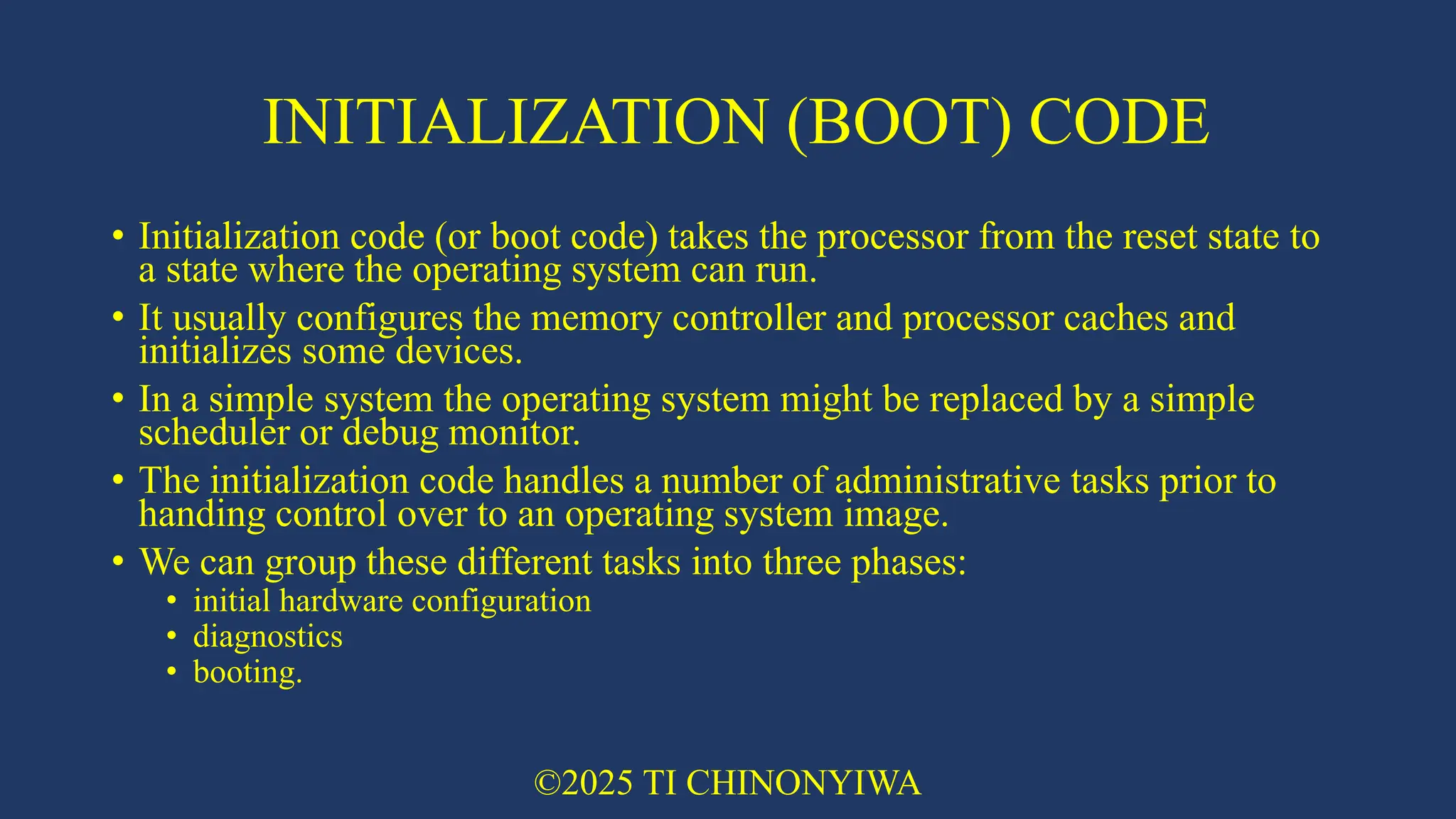
INITIALIZATION (BOOT) CODE •
Initialization code (or boot code) takes the processor from the reset state to a state where the operating system can run. • It usually configures the memory controller and processor caches and initializes some devices. • In a simple system the operating system might be replaced by a simple scheduler or debug monitor. • The initialization code handles a number of administrative tasks prior to handing control over to an operating system image. • We can group these different tasks into three phases: • initial hardware configuration • diagnostics • booting. ©2025 TI CHINONYIWA
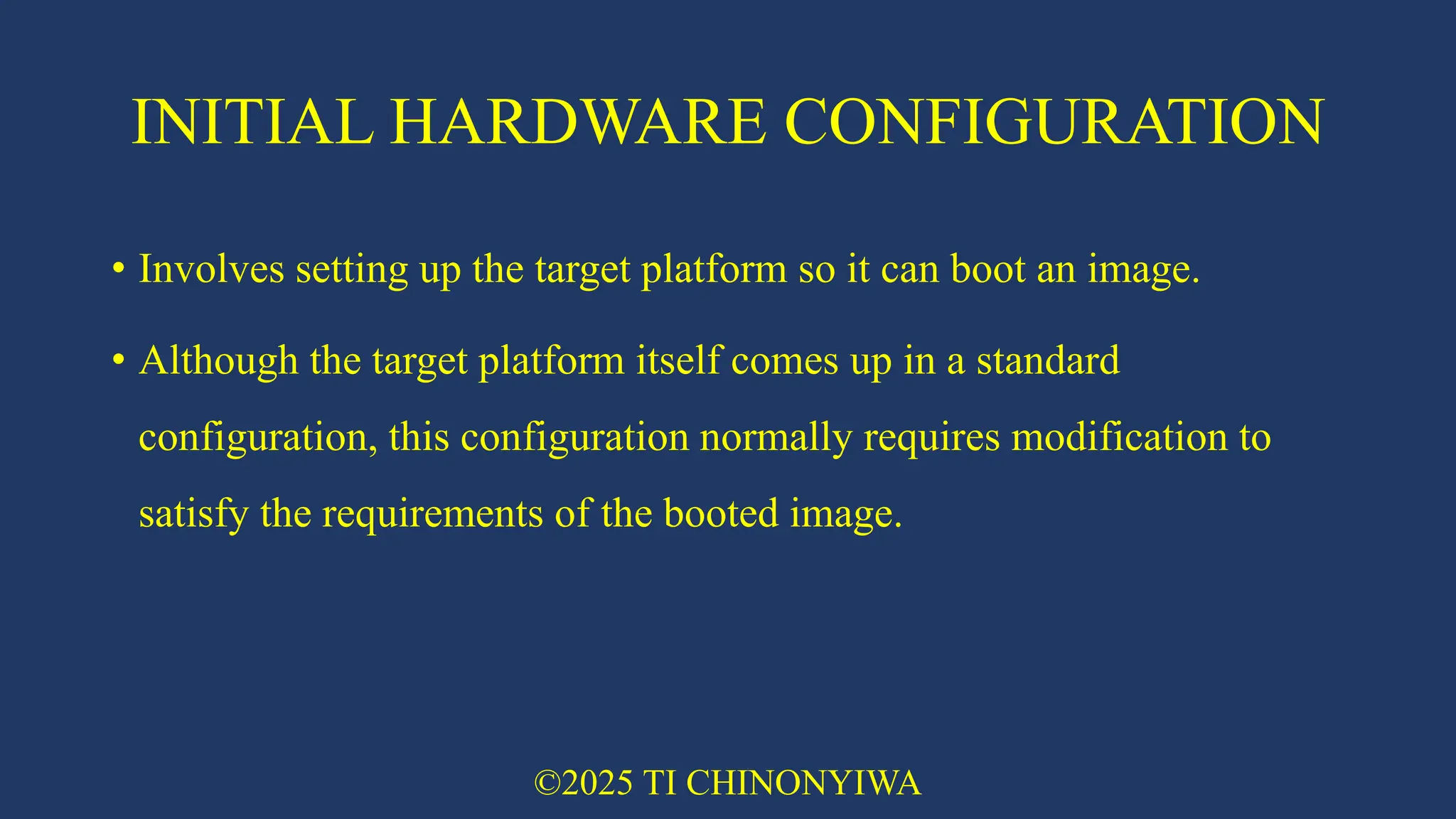
38.
INITIAL HARDWARE CONFIGURATION •
Involves setting up the target platform so it can boot an image. • Although the target platform itself comes up in a standard configuration, this configuration normally requires modification to satisfy the requirements of the booted image. ©2025 TI CHINONYIWA
39.
DIAGNOSTICS • Diagnostics are
often embedded in the initialization code. • Diagnostic code tests the system by exercising the hardware target to check if the target is in working order. • It also tracks down standard system-related issues. • This type of testing is important for manufacturing since it occurs after the software product is complete. • The primary purpose of diagnostic code is fault identification and isolation. ©2025 TI CHINONYIWA
40.
BOOTING • Booting involves
loading an image and handing control over to that image. • The boot process itself can be complicated if the system must boot different operating systems or different versions of the same operating system. • Booting an image is the final phase, but first you must load the image. • Loading an image involves anything from copying an entire program including code and data into RAM, to just copying a data area containing volatile variables into RAM. • Once booted, the system hands over control by modifying the program counter to point into the start of the image. • Sometimes, to reduce the image size, an image is compressed. • The image is then decompressed either when it is loaded or when control is handed over to it ©2025 TI CHINONYIWA
41.
OPERATING SYSTEM • The
initialization process prepares the hardware for an operating system to take control. • An operating system organizes the system resources: the peripherals, memory, and processing time. • With an operating system controlling these resources, they can be efficiently used by different applications running within the operating system environment. • We can divide operating systems into two main categories: • real-time operating systems (RTOSs) • platform operating systems ©2025 TI CHINONYIWA
42.
RTOSs • RTOSs provide
guaranteed response times to events. Different operating systems have different amounts of control over the system response time. • A hard real-time application requires a guaranteed response to work at all. In contrast, a soft real-time application requires a good response time, but the performance degrades more gracefully if the response time overruns. • Systems running an RTOS generally do not have secondary storage. ©2025 TI CHINONYIWA
43.
PLATFORM OPERATING SYSTEMS •
Platform operating systems require a memory management unit to manage large, non-real-time applications and tend to have secondary storage. • The Linux operating system is a typical example of a platform operating system. • These two categories of operating system are not mutually exclusive: there are operating systems that use an ARM core with a memory management unit and have real-time characteristics. • ARM has developed a set of processor cores that specifically target each category. ©2025 TI CHINONYIWA
44.
APPLICATIONS • The operating
system schedules applications - code dedicated to handling a particular task. • An application implements a processing task; the operating system controls the environment. • An embedded system can have one active application or several applications running simultaneously. ©2025 TI CHINONYIWA
45.
TODAY’S QUOTE “We delight
in the beauty of the butterfly, but rarely admit the changes it has gone through to achieve that beauty.” Maya Angelou ©2025 TI CHINONYIWA
Download