How to subnet a class A, B, C addressBy: Tyrone Turner
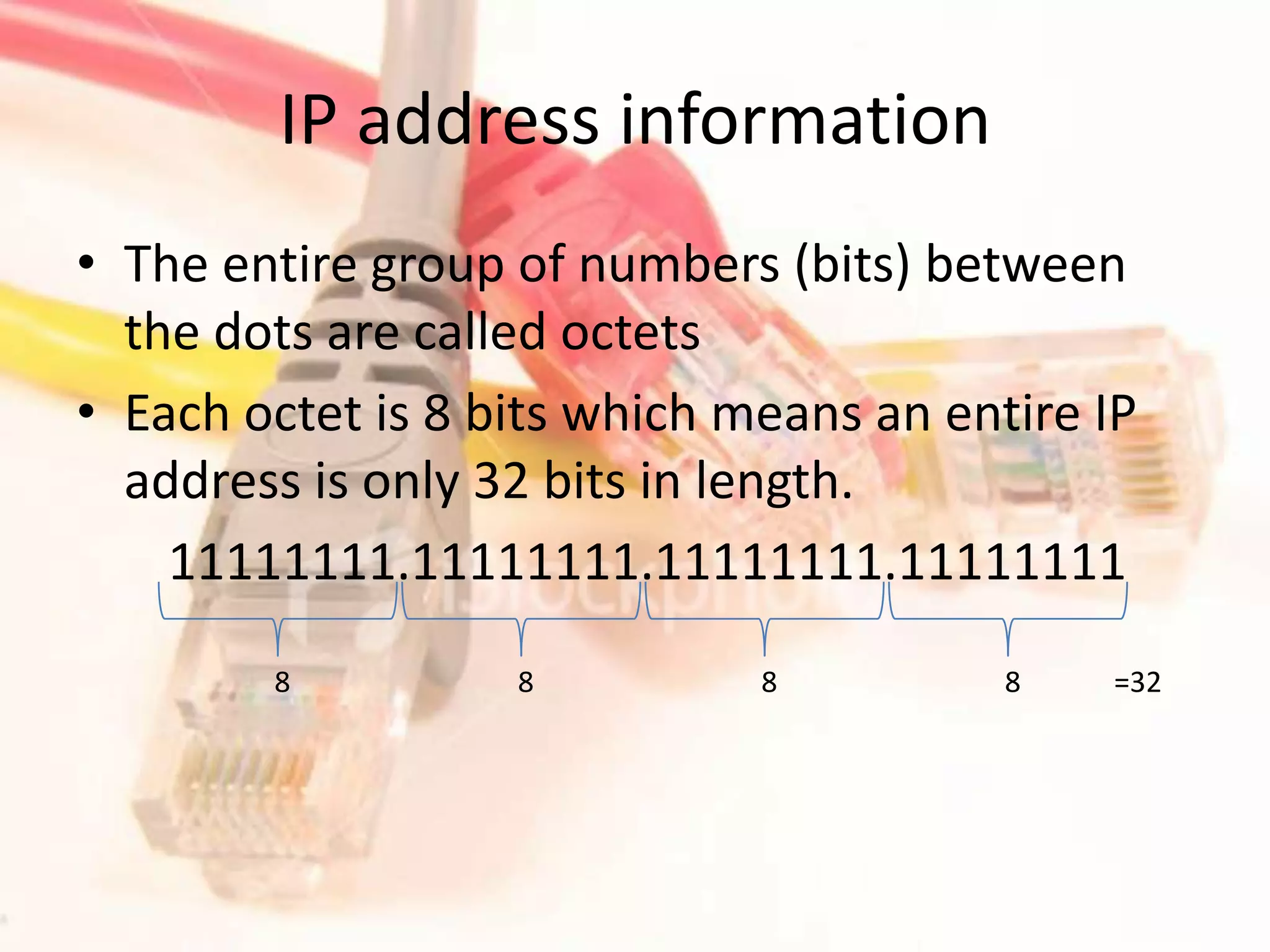
IP address informationThe entire group of numbers (bits) between the dots are called octetsEach octet is 8 bits which means an entire IP address is only 32 bits in length. 11111111.11111111.11111111.11111111    8    8    8    8   =32
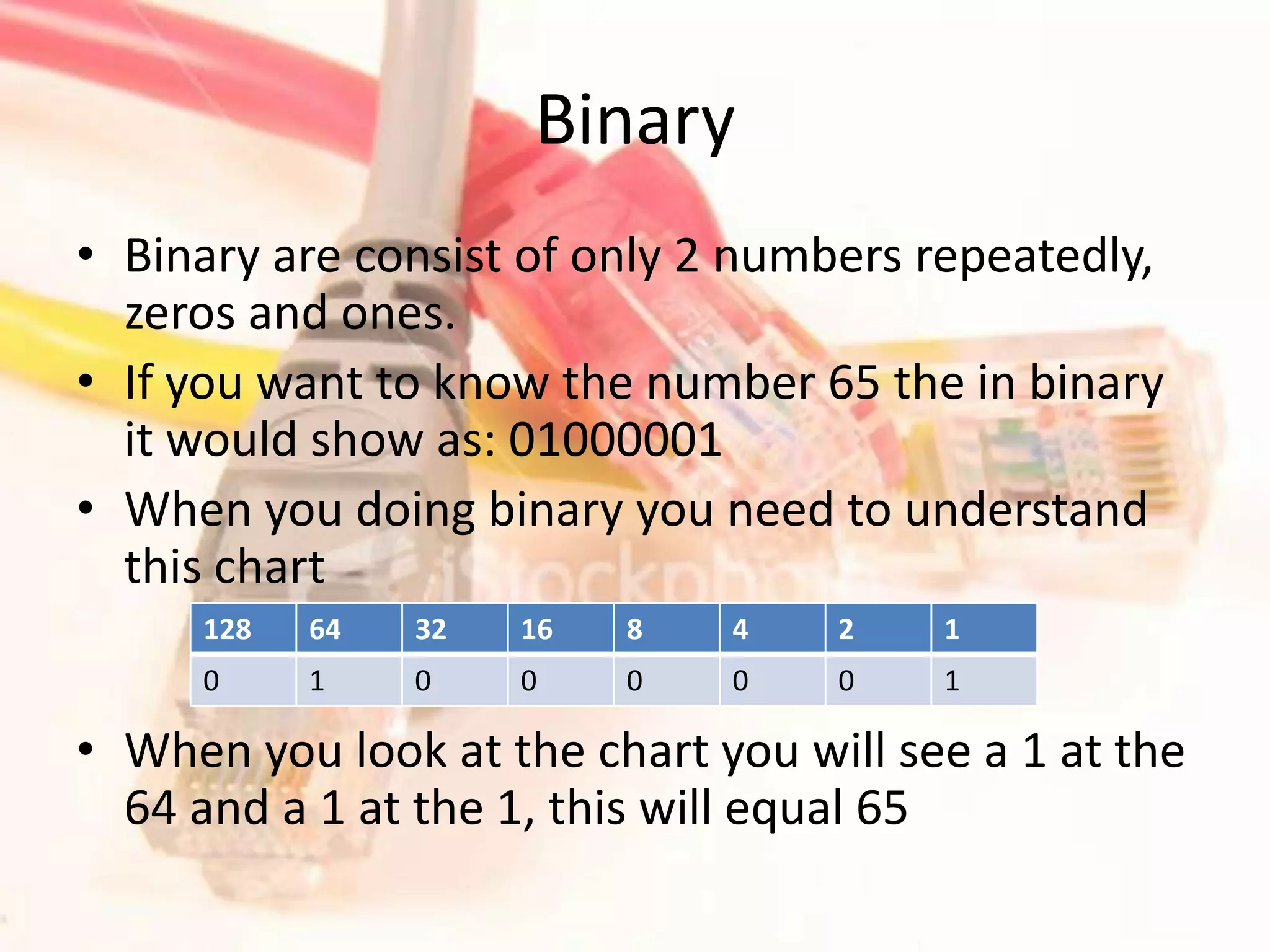
BinaryBinary are consist of only 2 numbers repeatedly, zeros and ones.If you want to know the number 65 the in binary it would show as: 01000001When you doing binary you need to understand this chart																					When you look at the chart you will see a 1 at the 64 and a 1 at the 1, this will equal 65
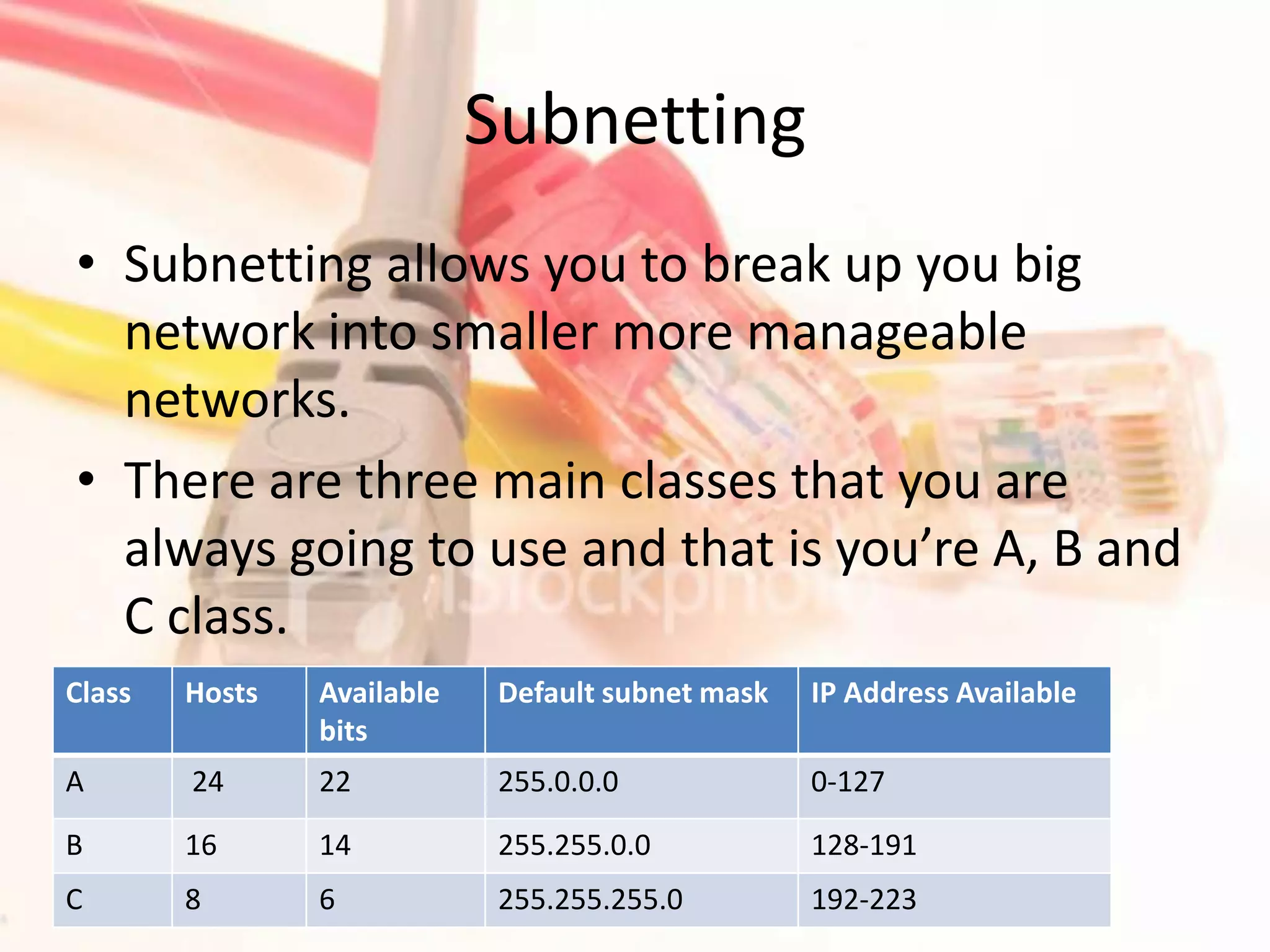
SubnettingSubnetting allows you to break up you big network into smaller more manageable networks.There are three main classes that you are always going to use and that is you’re A, B and C class.
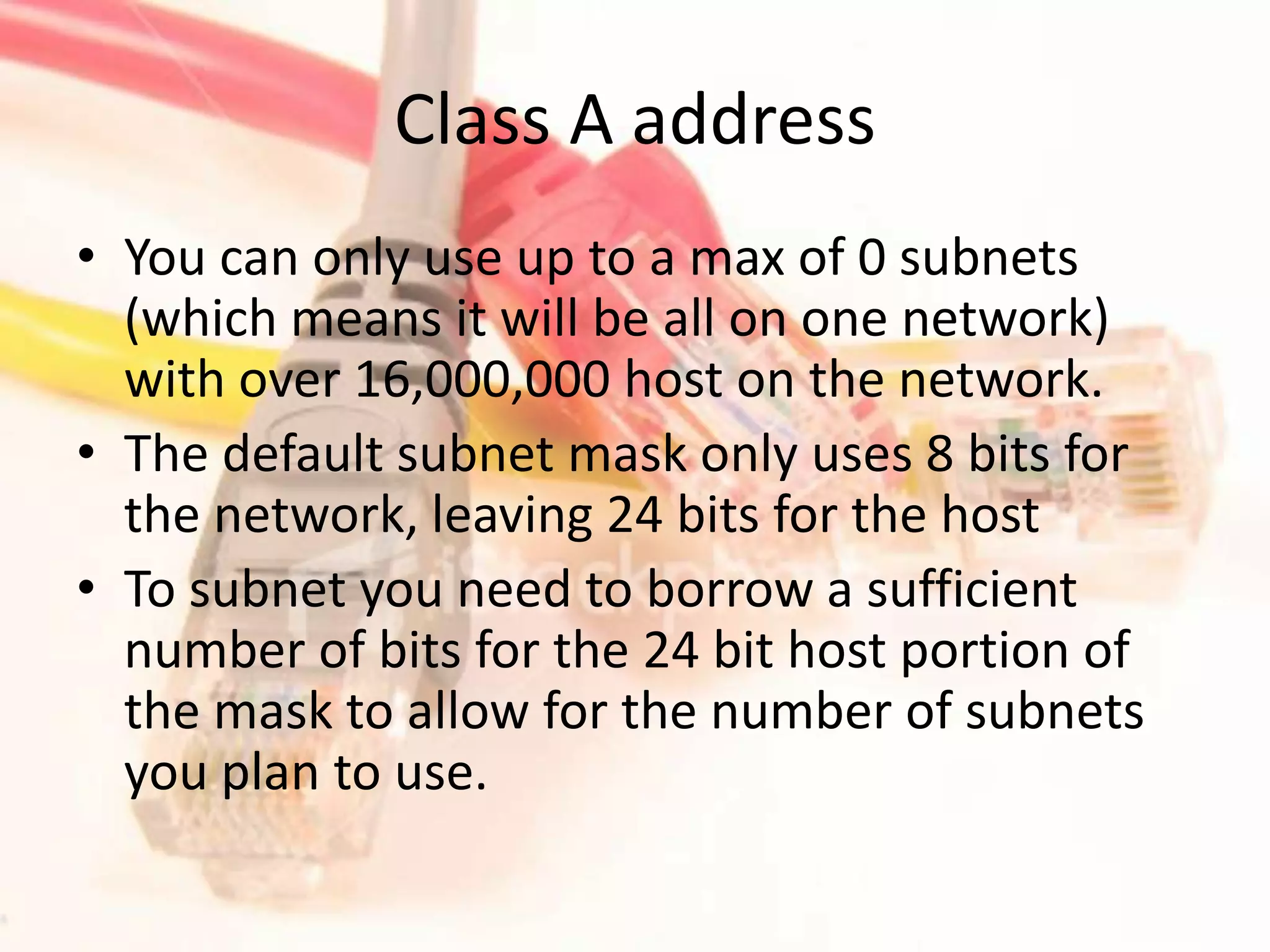
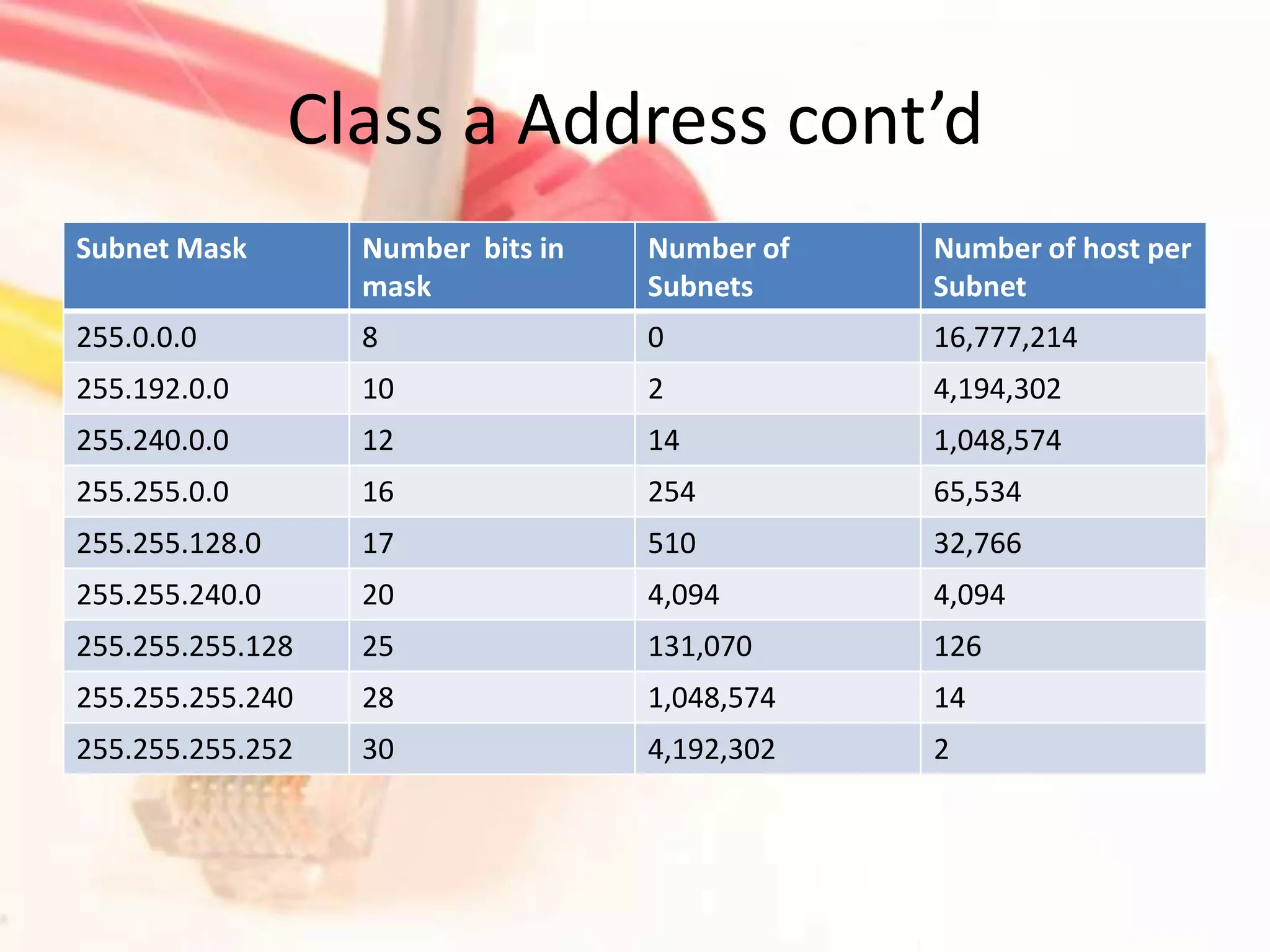
Class A addressYou can only use up to a max of 0 subnets (which means it will be all on one network) with over 16,000,000 host on the network.The default subnet mask only uses 8 bits for the network, leaving 24 bits for the hostTo subnet you need to borrow a sufficient number of bits for the 24 bit host portion of the mask to allow for the number of subnets you plan to use.
Class a Address cont’d
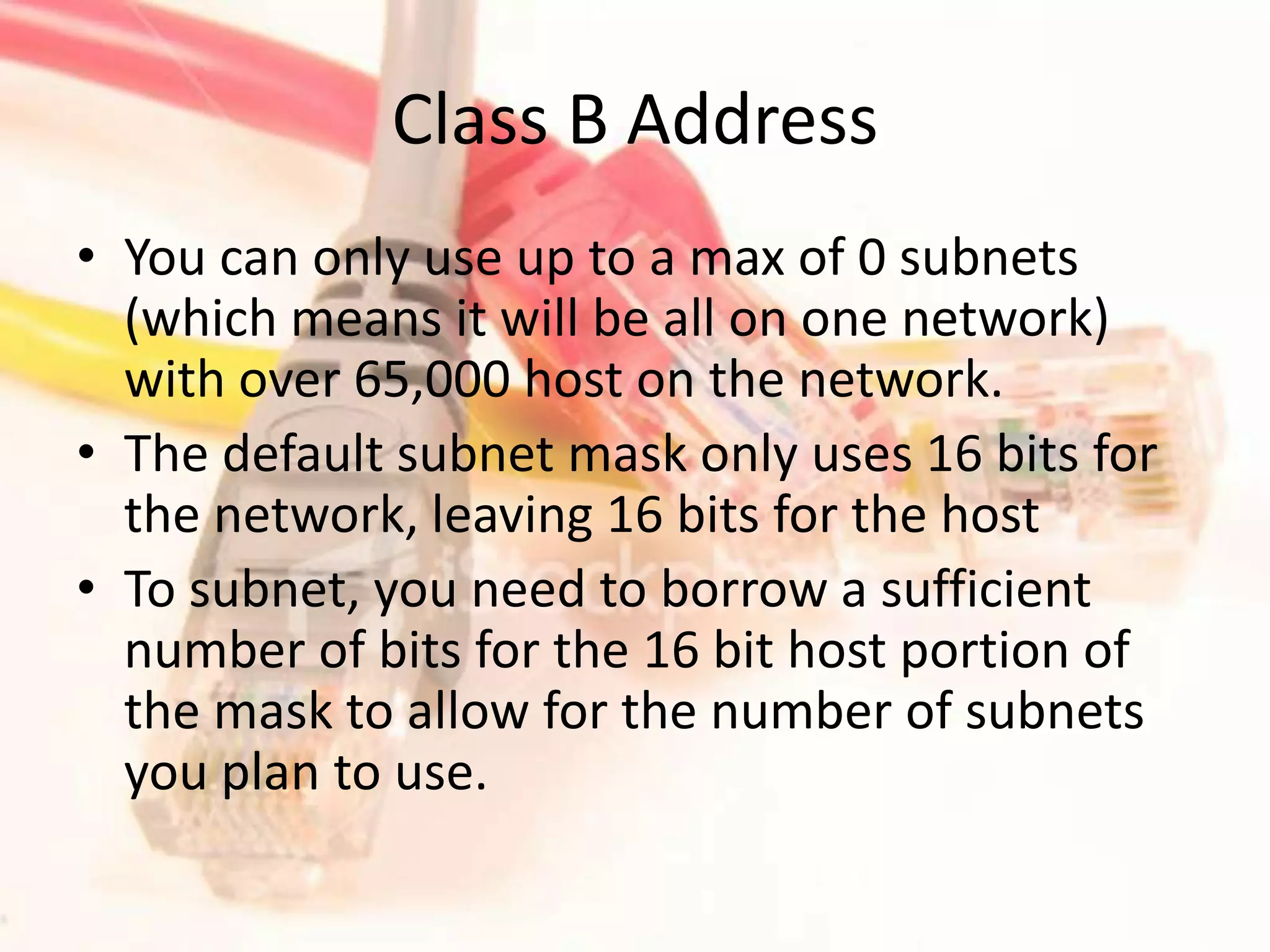
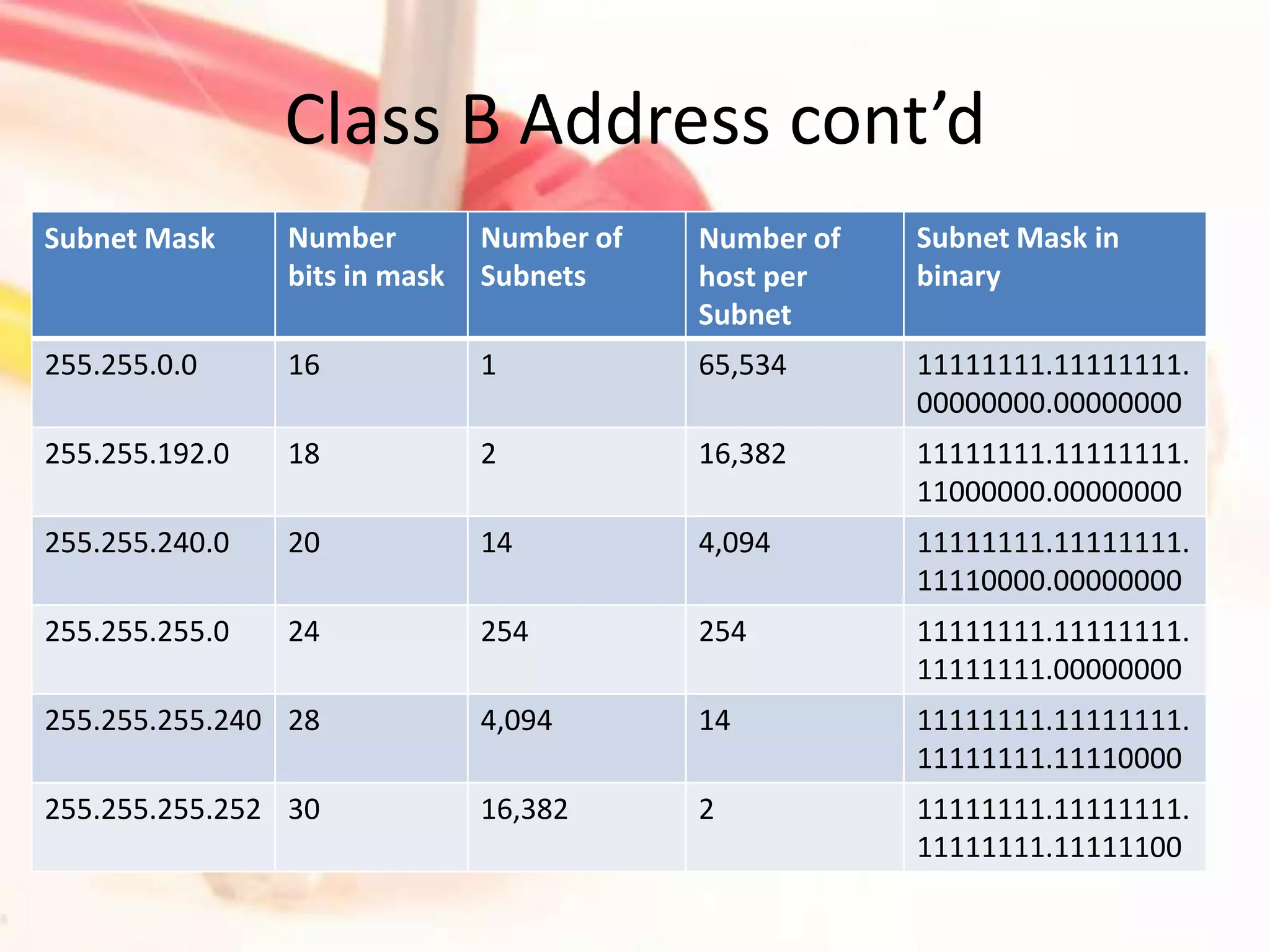
Class B AddressYou can only use up to a max of 0 subnets (which means it will be all on one network) with over 65,000 host on the network.The default subnet mask only uses 16 bits for the network, leaving 16 bits for the hostTo subnet, you need to borrow a sufficient number of bits for the 16 bit host portion of the mask to allow for the number of subnets you plan to use.
Class B Address cont’d
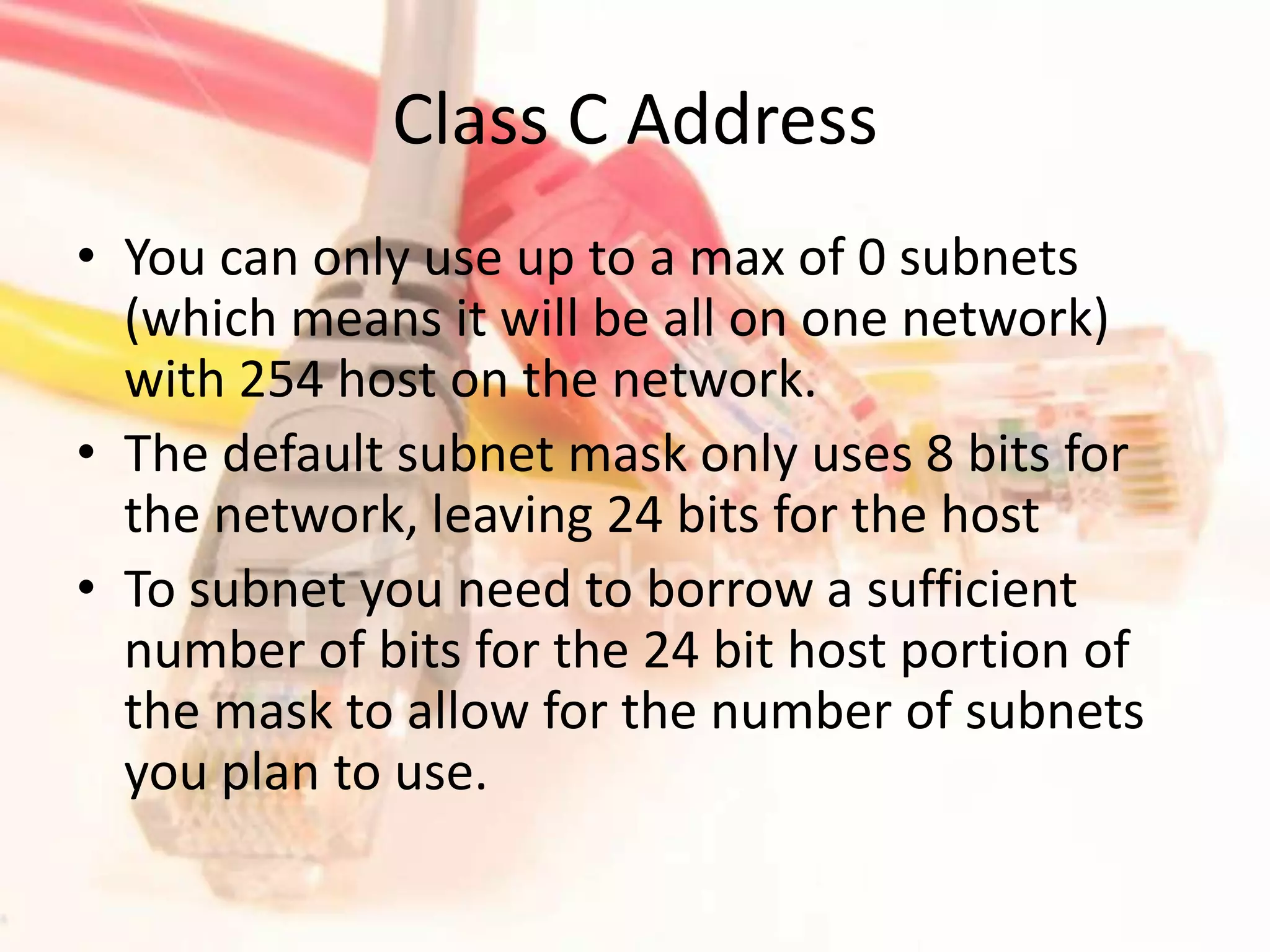
Class C AddressYou can only use up to a max of 0 subnets (which means it will be all on one network) with 254 host on the network.The default subnet mask only uses 8 bits for the network, leaving 24 bits for the hostTo subnet you need to borrow a sufficient number of bits for the 24 bit host portion of the mask to allow for the number of subnets you plan to use.
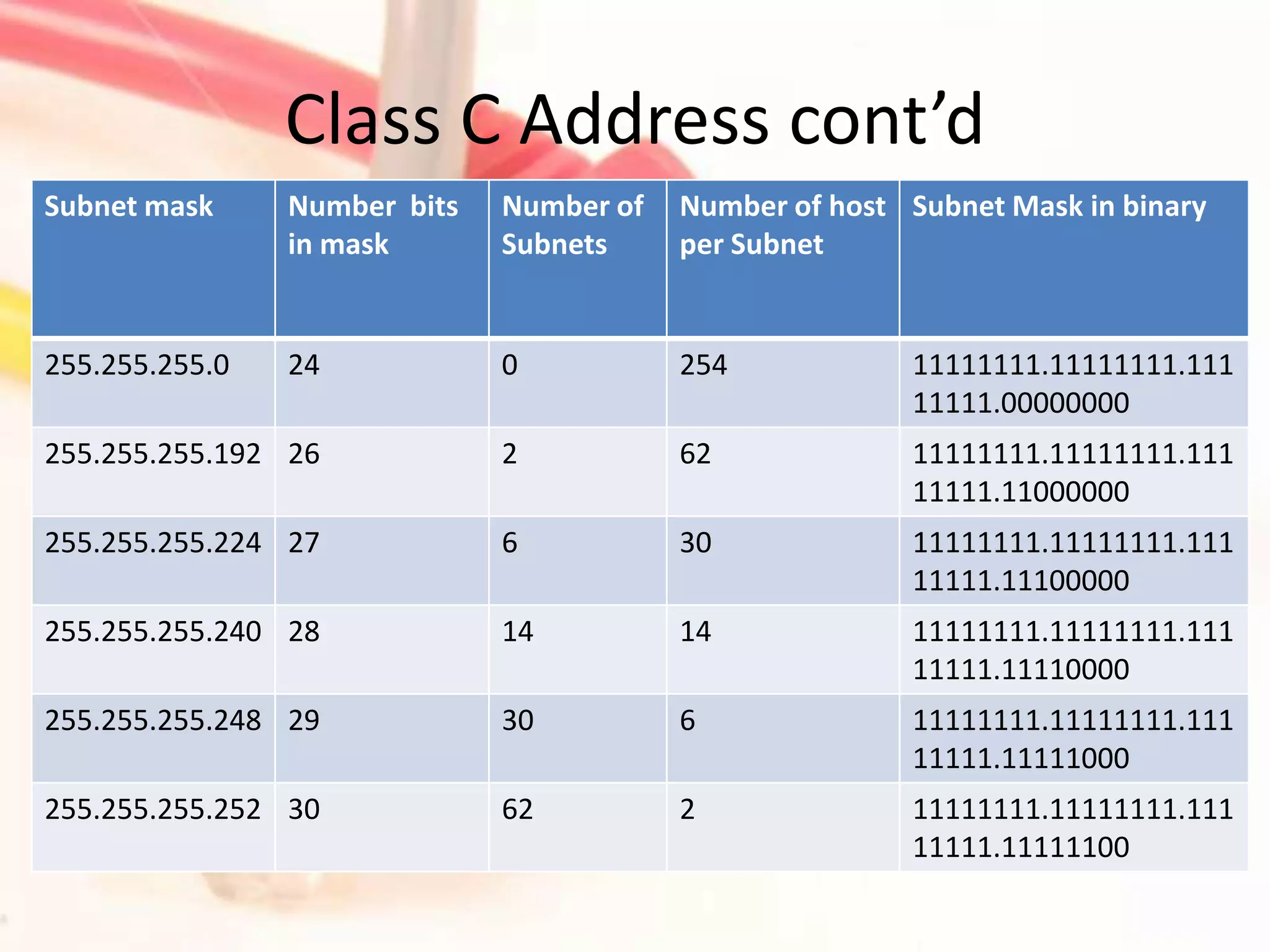
Class C Address cont’d

How To Subnet A Class A, B

  • 1.
    How to subneta class A, B, C addressBy: Tyrone Turner
  • 2.
    IP address informationTheentire group of numbers (bits) between the dots are called octetsEach octet is 8 bits which means an entire IP address is only 32 bits in length. 11111111.11111111.11111111.11111111 8 8 8 8 =32
  • 3.
    BinaryBinary are consistof only 2 numbers repeatedly, zeros and ones.If you want to know the number 65 the in binary it would show as: 01000001When you doing binary you need to understand this chart When you look at the chart you will see a 1 at the 64 and a 1 at the 1, this will equal 65
  • 4.
    SubnettingSubnetting allows youto break up you big network into smaller more manageable networks.There are three main classes that you are always going to use and that is you’re A, B and C class.
  • 5.
    Class A addressYoucan only use up to a max of 0 subnets (which means it will be all on one network) with over 16,000,000 host on the network.The default subnet mask only uses 8 bits for the network, leaving 24 bits for the hostTo subnet you need to borrow a sufficient number of bits for the 24 bit host portion of the mask to allow for the number of subnets you plan to use.
  • 6.
  • 7.
    Class B AddressYoucan only use up to a max of 0 subnets (which means it will be all on one network) with over 65,000 host on the network.The default subnet mask only uses 16 bits for the network, leaving 16 bits for the hostTo subnet, you need to borrow a sufficient number of bits for the 16 bit host portion of the mask to allow for the number of subnets you plan to use.
  • 8.
  • 9.
    Class C AddressYoucan only use up to a max of 0 subnets (which means it will be all on one network) with 254 host on the network.The default subnet mask only uses 8 bits for the network, leaving 24 bits for the hostTo subnet you need to borrow a sufficient number of bits for the 24 bit host portion of the mask to allow for the number of subnets you plan to use.
  • 10.