Version Control with
GitHub for Bioinformatics
Rayna Harris
May 17, 2017
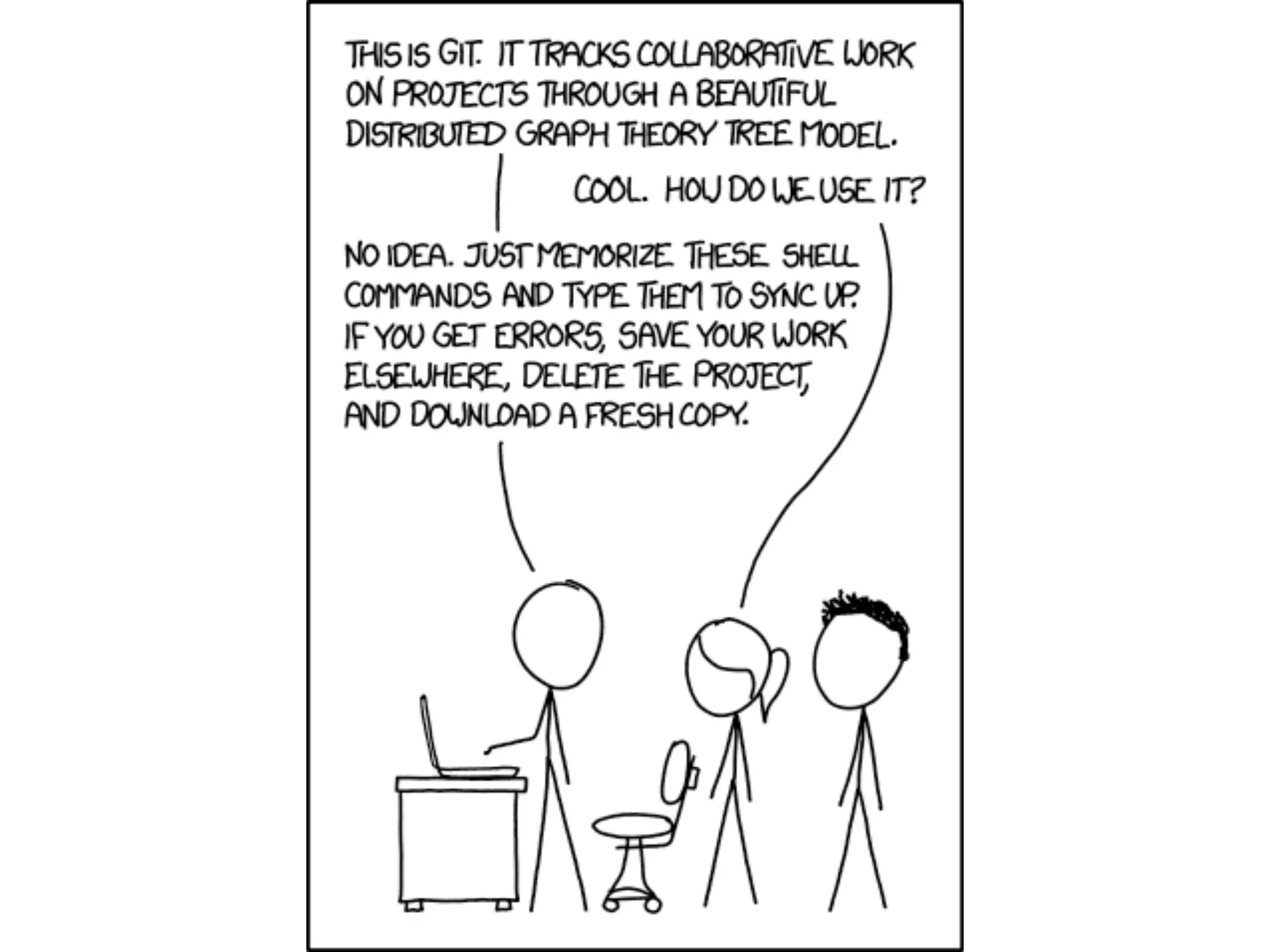
https://xkcd.com/1597/
Introductions
• Name and lab
• One sentence about your research
• Level of experience with version
• Favorite breakfast food
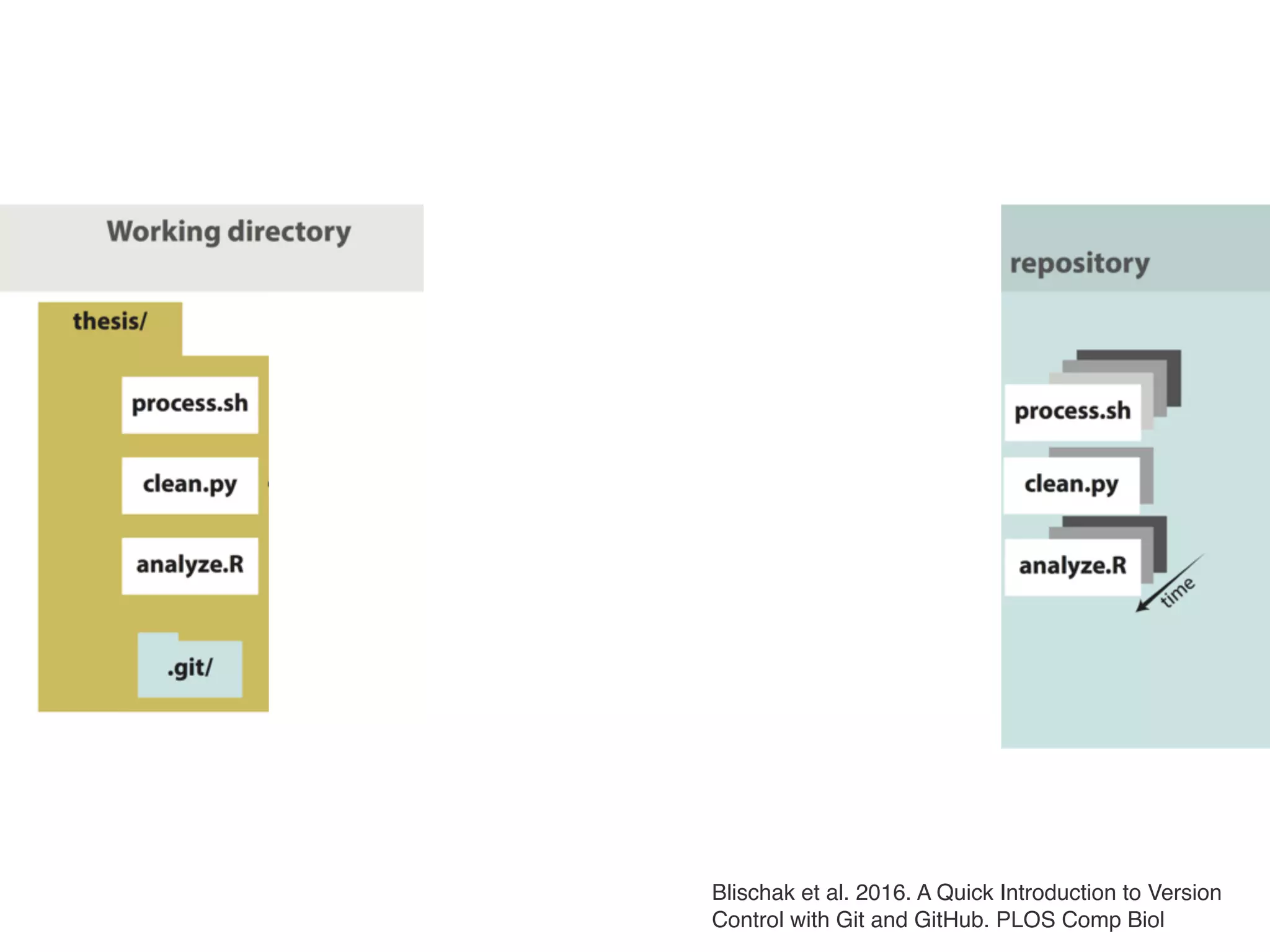
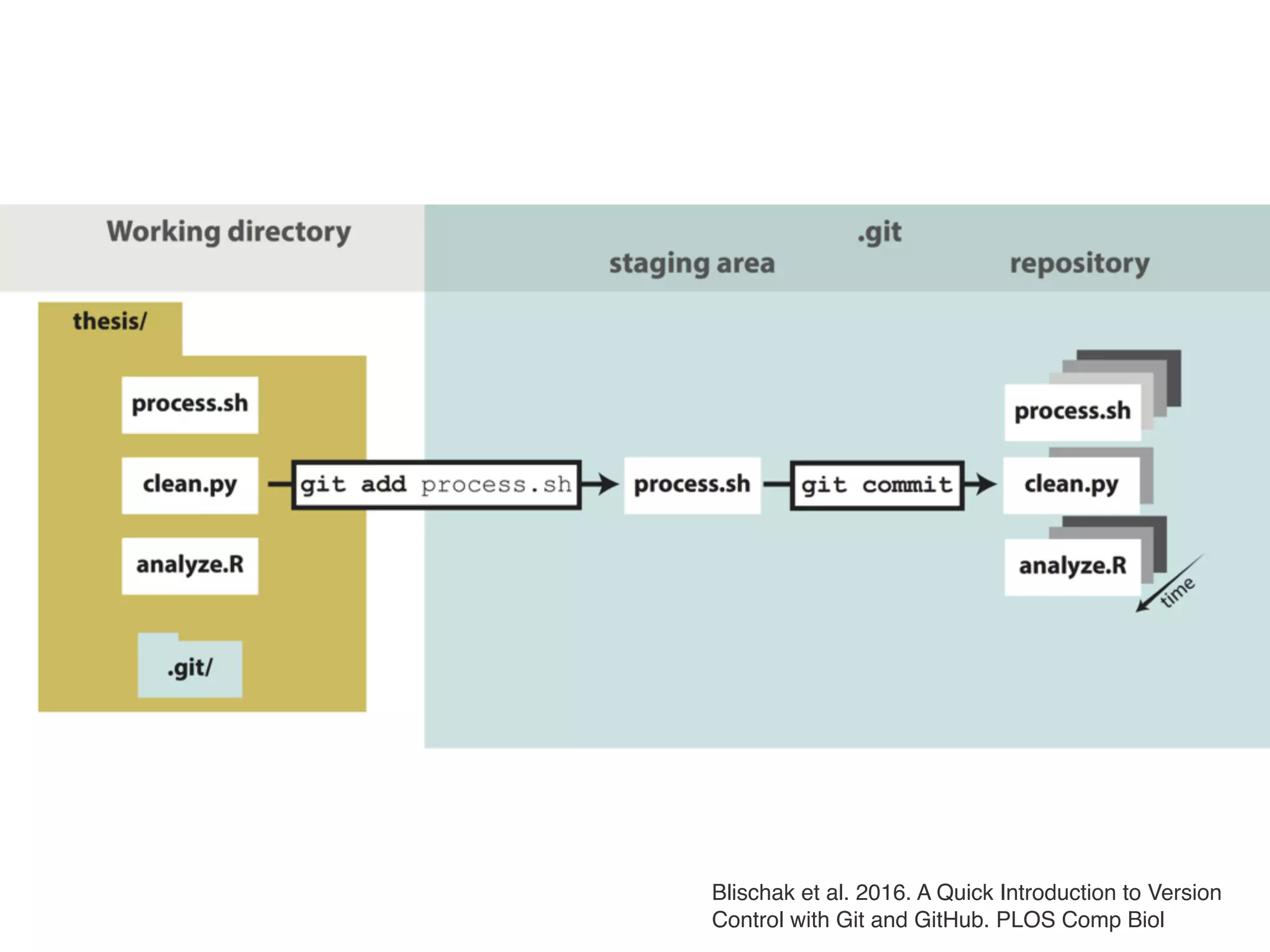
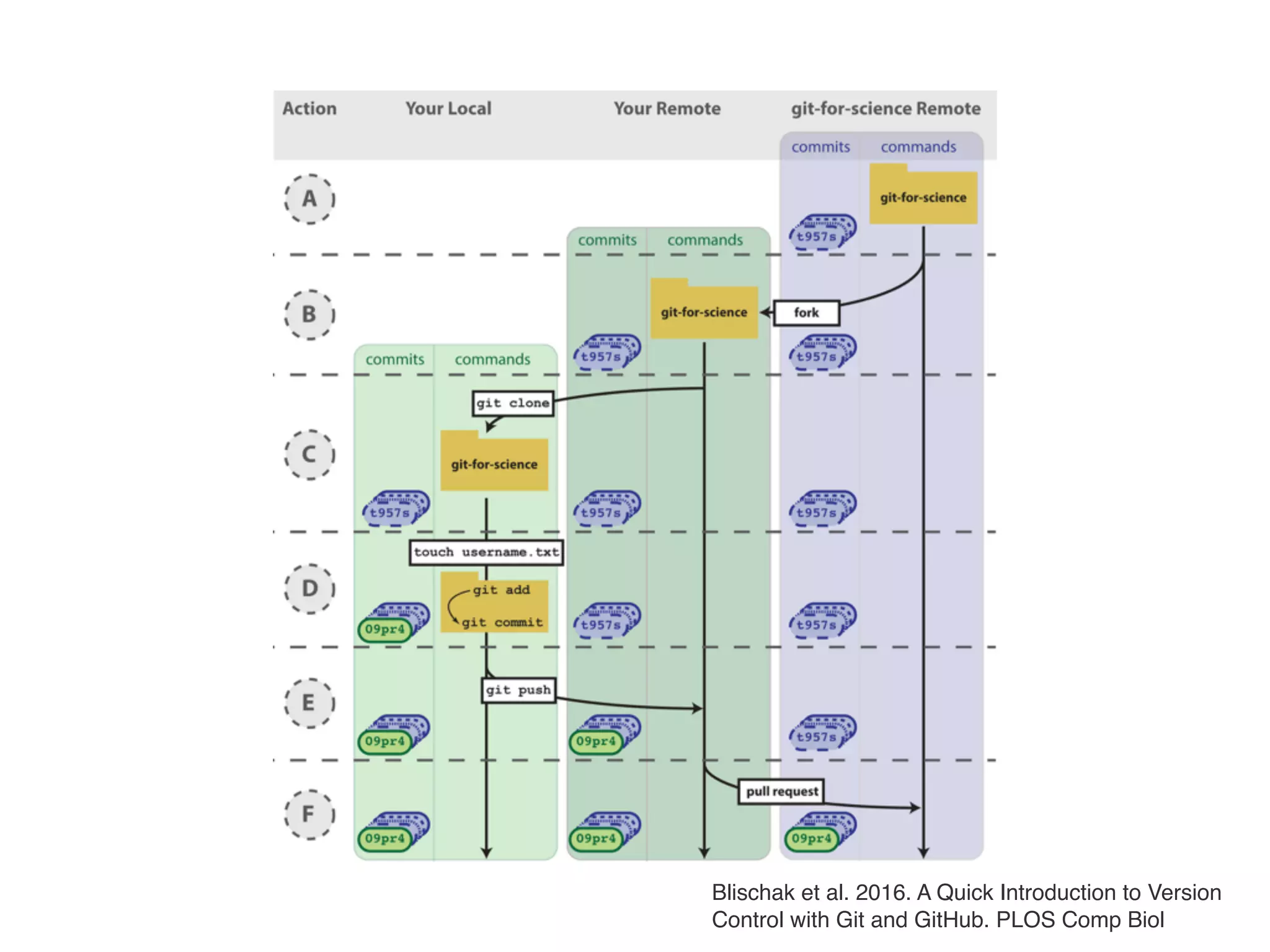
Blischak et al. 2016. A Quick Introduction to Version
Control with Git and GitHub. PLOS Comp Biol
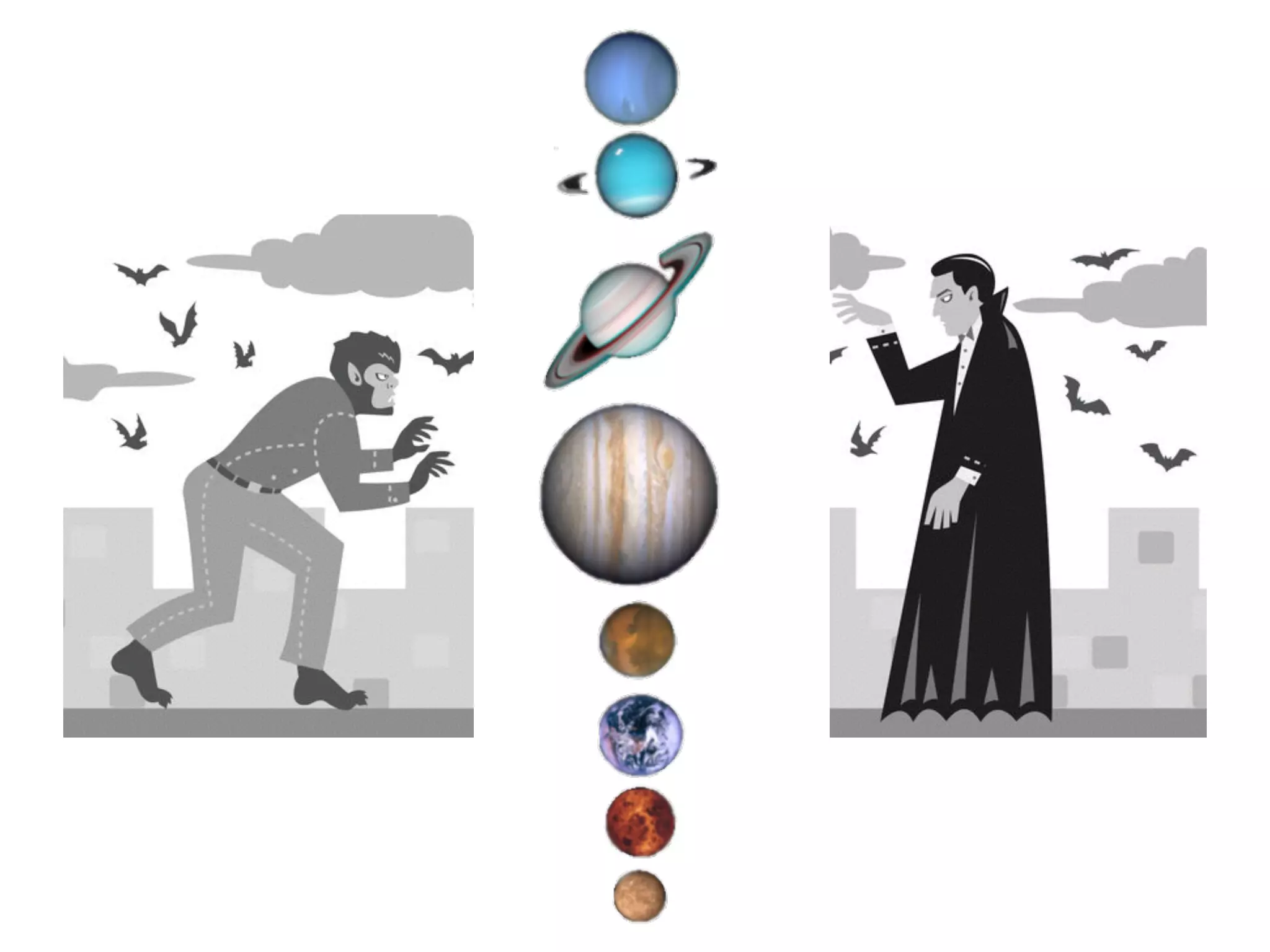
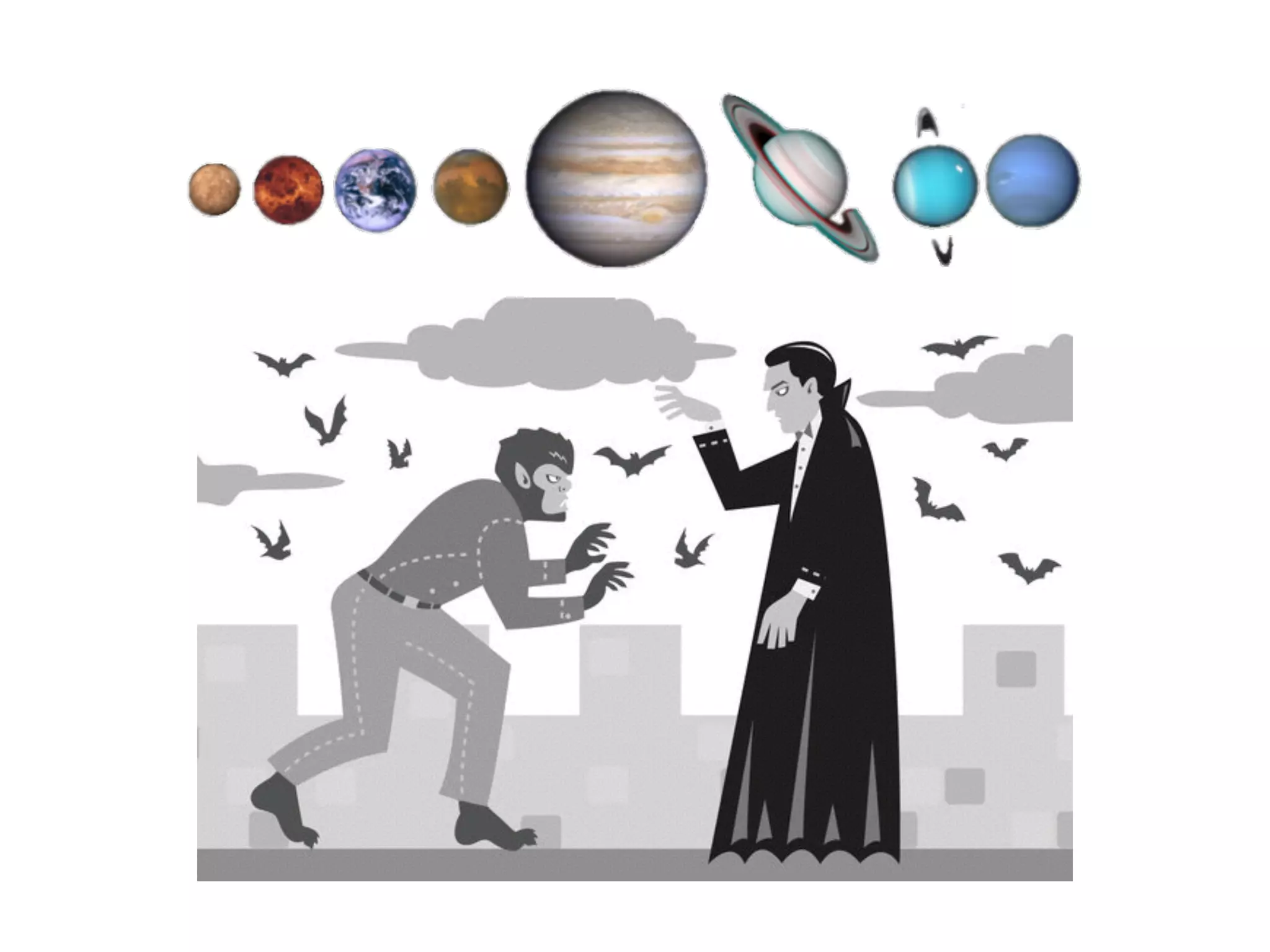
http://b-maze.deviantart.com/art/Werewolf-vs-
Dracula-124893530
https://www.google.com/url?
sa=i&rct=j&q=&esrc=s&source=images&cd=&ved=0ahUKEwi
88ueDz_DTAhWEwiYKHaxFC7kQjRwIBw&url=https%3A%2F
%2Fwww.emaze.com%2F%40ALCOWQTC
%2F&psig=AFQjCNHl82zan3FdlfbN79LEZcf9le53nA&ust=149
4893424177155
http://b-maze.deviantart.com/art/Werewolf-vs-Dracula-124893530
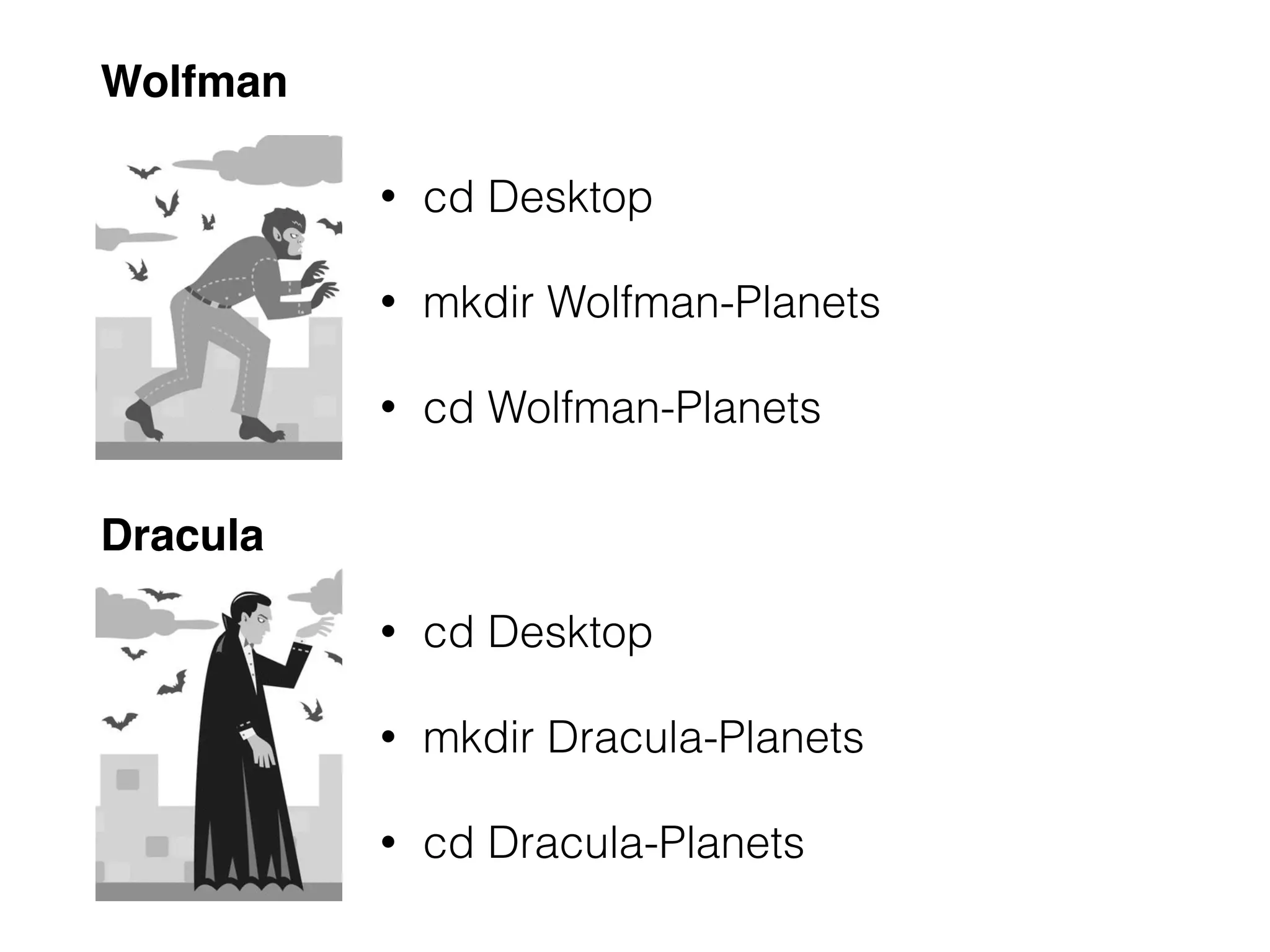
• cd Desktop
• mkdir Dracula-Planets
• cd Dracula-Planets
• cd Desktop
• mkdir Wolfman-Planets
• cd Wolfman-Planets
Wolfman
Dracula
http://b-maze.deviantart.com/art/Werewolf-vs-Dracula-124893530
Blischak et al. 2016. A Quick Introduction to Version
Control with Git and GitHub. PLOS Comp Biol
Exercise
• Create a new file about a planet
• Add the file.
• Commit the file with a message
• Update the file with some additional information
• View the difference between the files
• Add and commit the updated file.
• Place your yellow sticky note on your computer when done
Brainstorm
• What are some files or types of files you might want
your version control system to ignore?
• Note: Github has a strict strict 100 MB size limit
http://b-maze.deviantart.com/art/Werewolf-vs-Dracula-124893530
Blischak et al. 2016. A Quick Introduction to Version
Control with Git and GitHub. PLOS Comp Biol
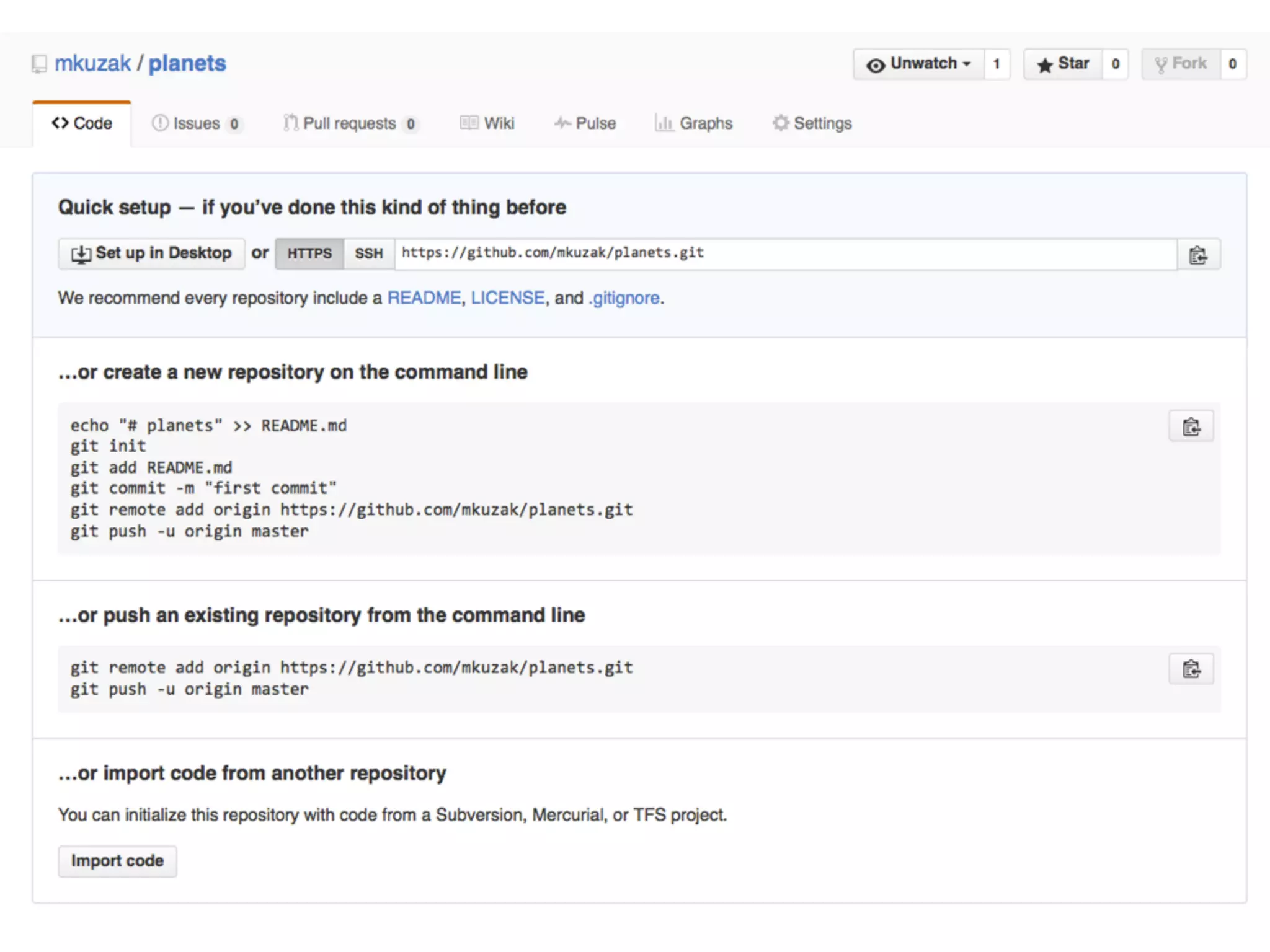
GitHub Online Repositories
• Go to github.com
• Sign in to your account
• Place your yellow sticky note on your computer
when done
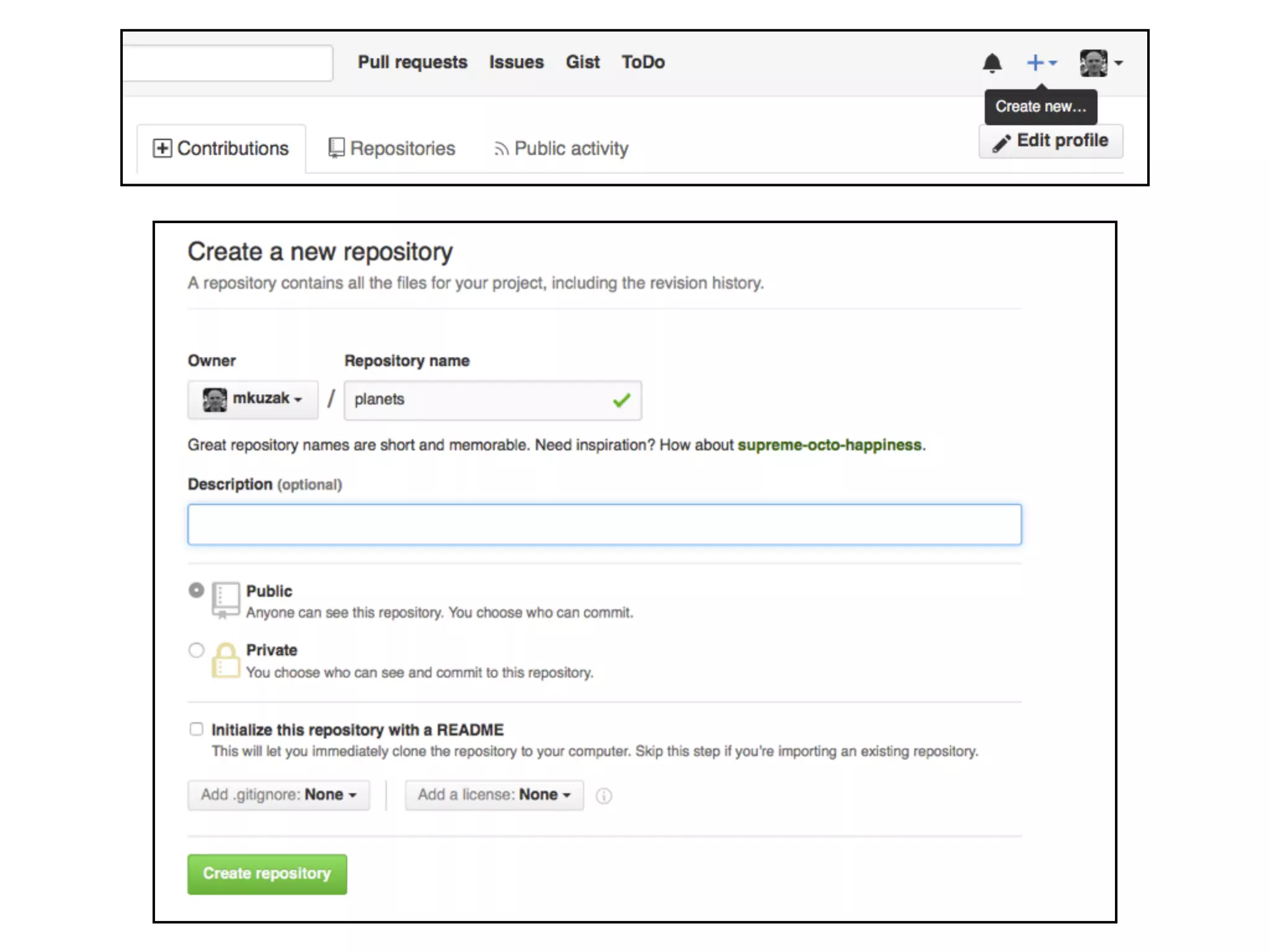
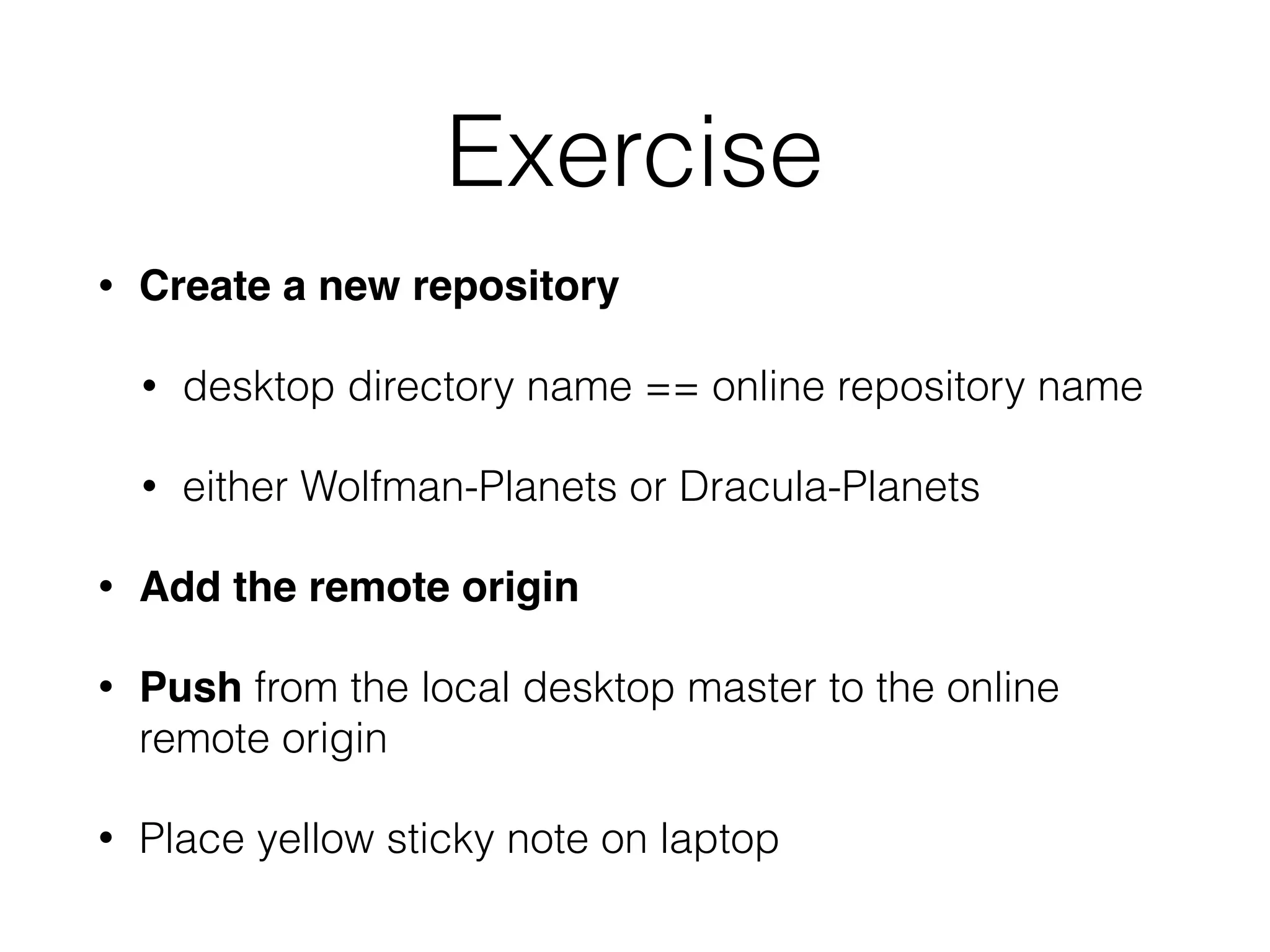
Exercise
• Create a new repository
• desktop directory name == online repository name
• i.e. either Wolfman-Planets or Dracula-Planets
• Add the remote origin
• Push from the local desktop master to the online
remote origin
• Place yellow sticky note on laptop
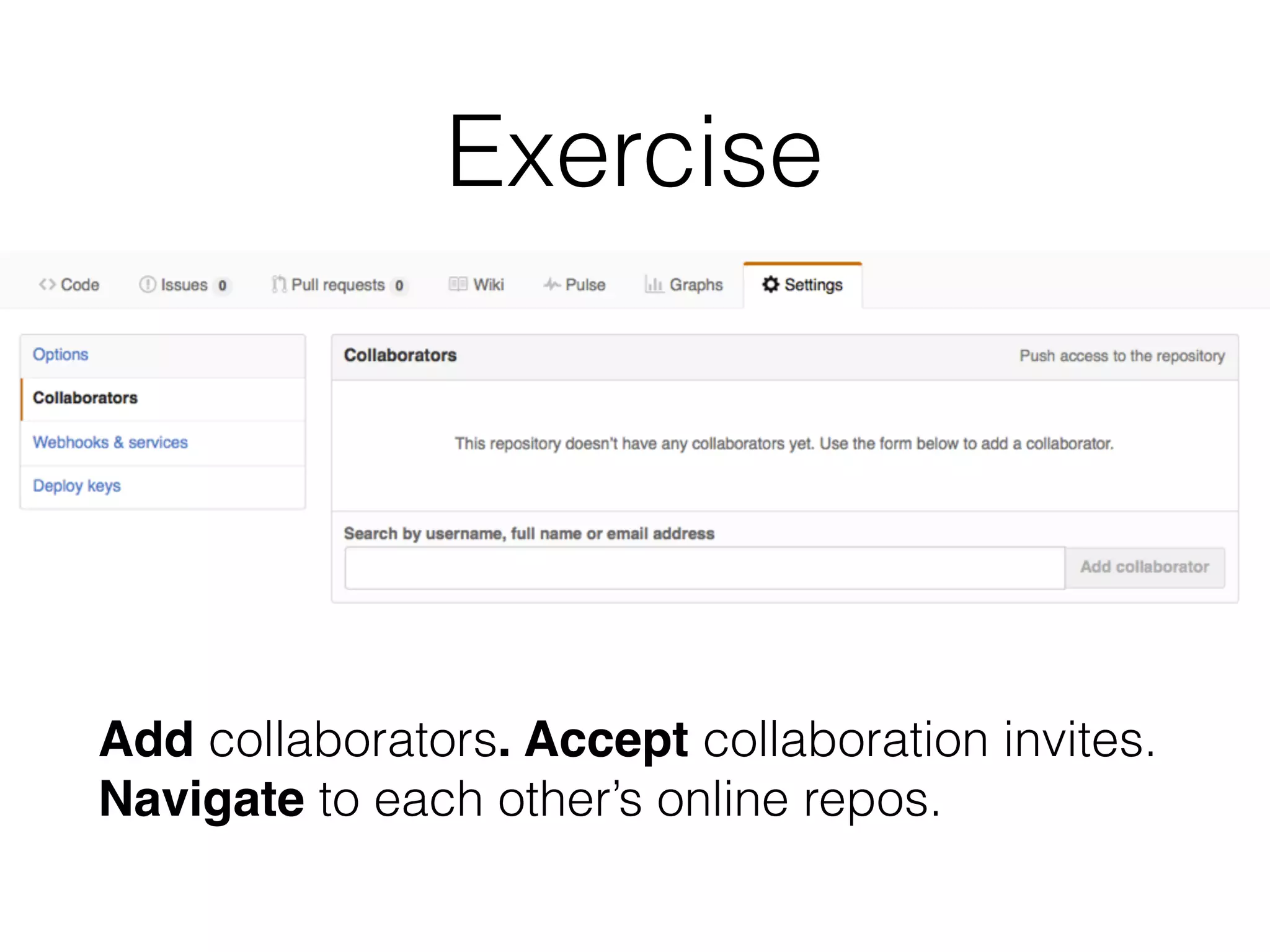
Exercise
Add collaborators. Accept collaboration invites.
Navigate to each other’s online repos.
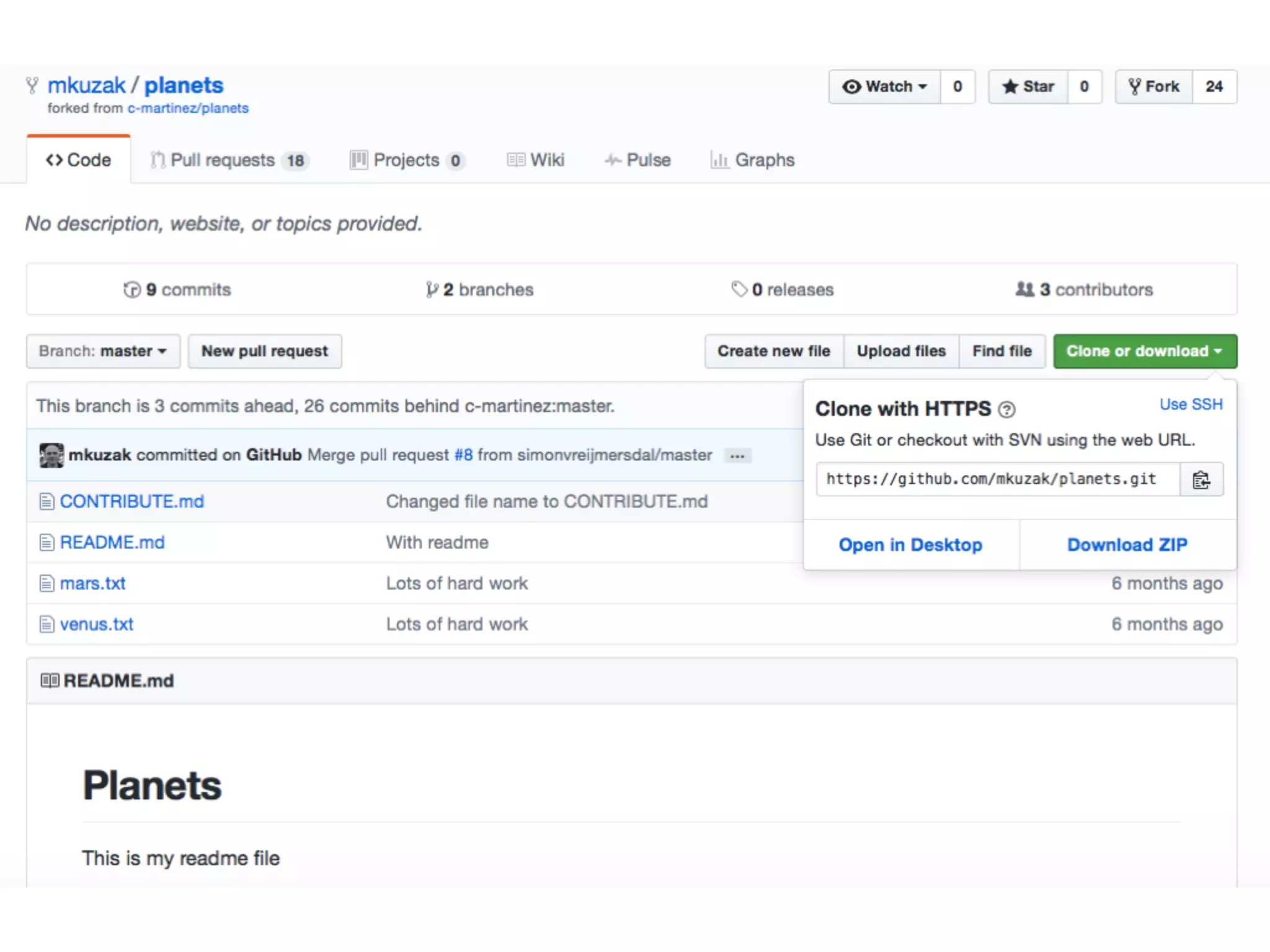
Exercise
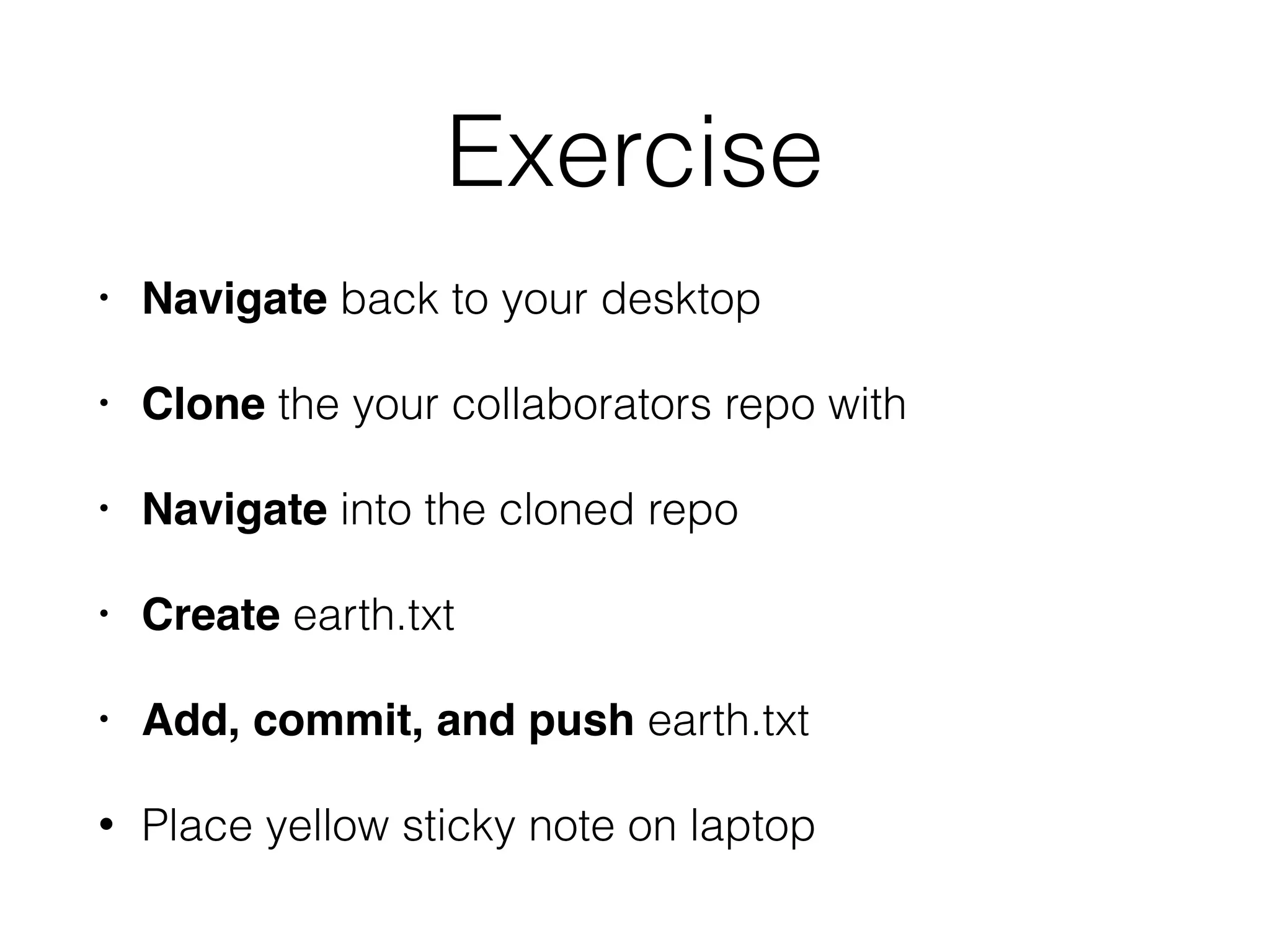
• Navigate back to your desktop
• Clone the your collaborators repo with
• Navigate into the cloned repo
• Create earth.txt
• Add, commit, and push earth.txt
• Place yellow sticky note on laptop
http://starlogs.net/#tidyverse/ggplot2
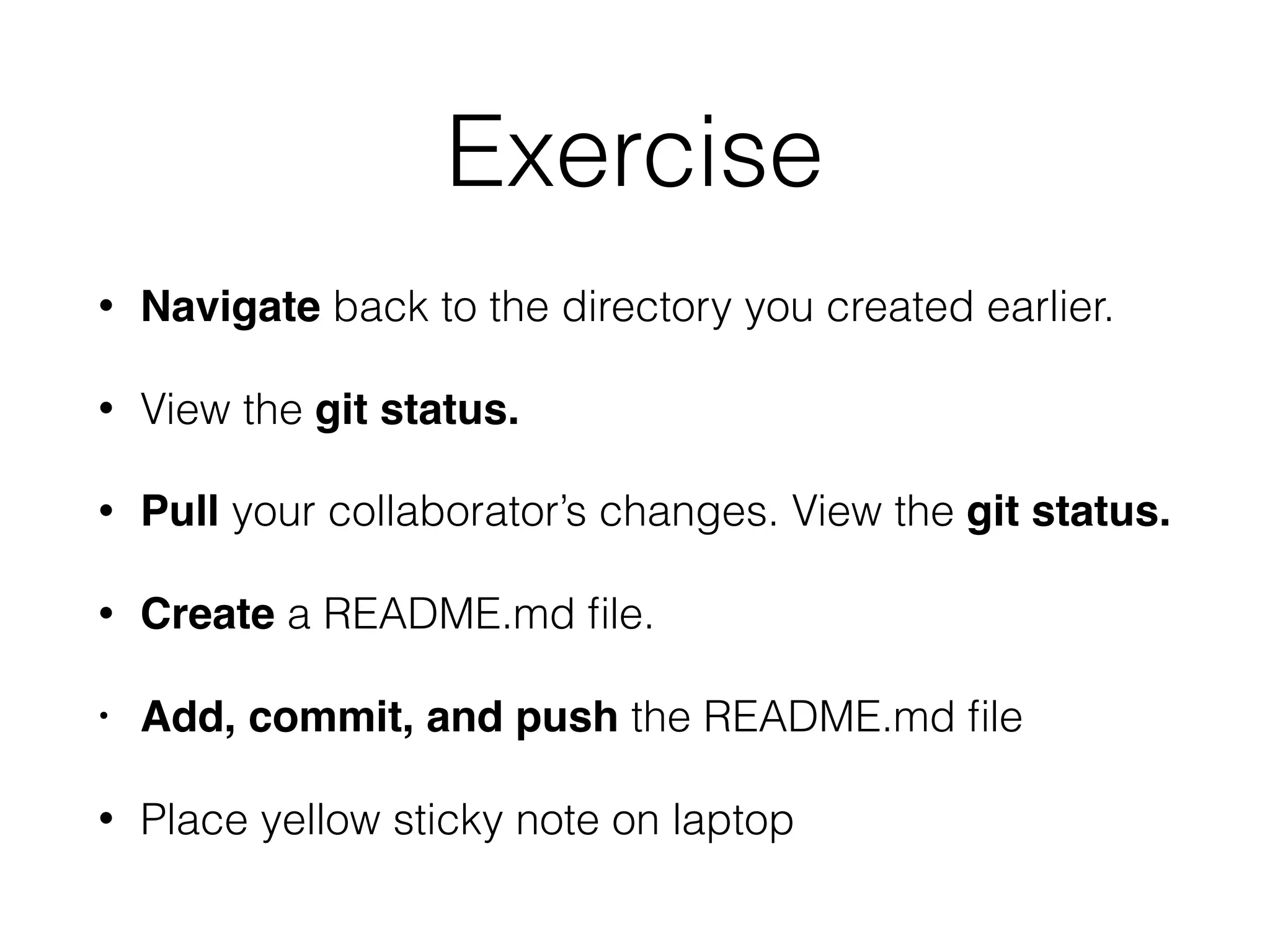
Exercise
• Navigate back to the directory you created earlier.
• View the git status.
• Pull your collaborator’s changes. View the git status.
• Create a README.md file.
• Add, commit, and push the README.md file
• Place yellow sticky note on laptop
Brainstorm
• How can we promote discoverability and usability?
• How do we collaborate and attribute credit?
• How do we balance sharing and privacy?
http://b-maze.deviantart.com/art/Werewolf-vs-Dracula-124893530
Blischak et al. 2016. A Quick Introduction to Version
Control with Git and GitHub. PLOS Comp Biol
Exercise
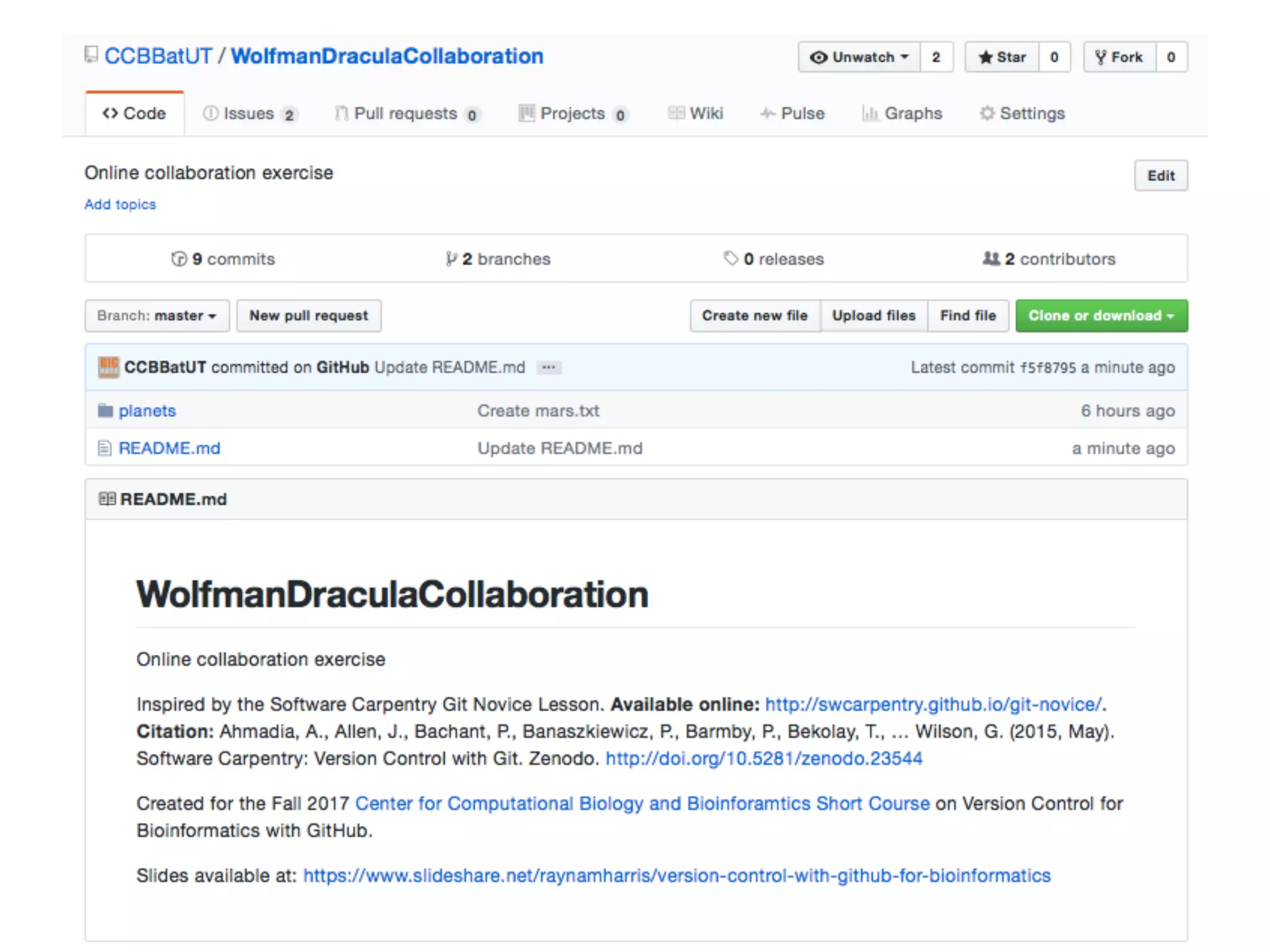
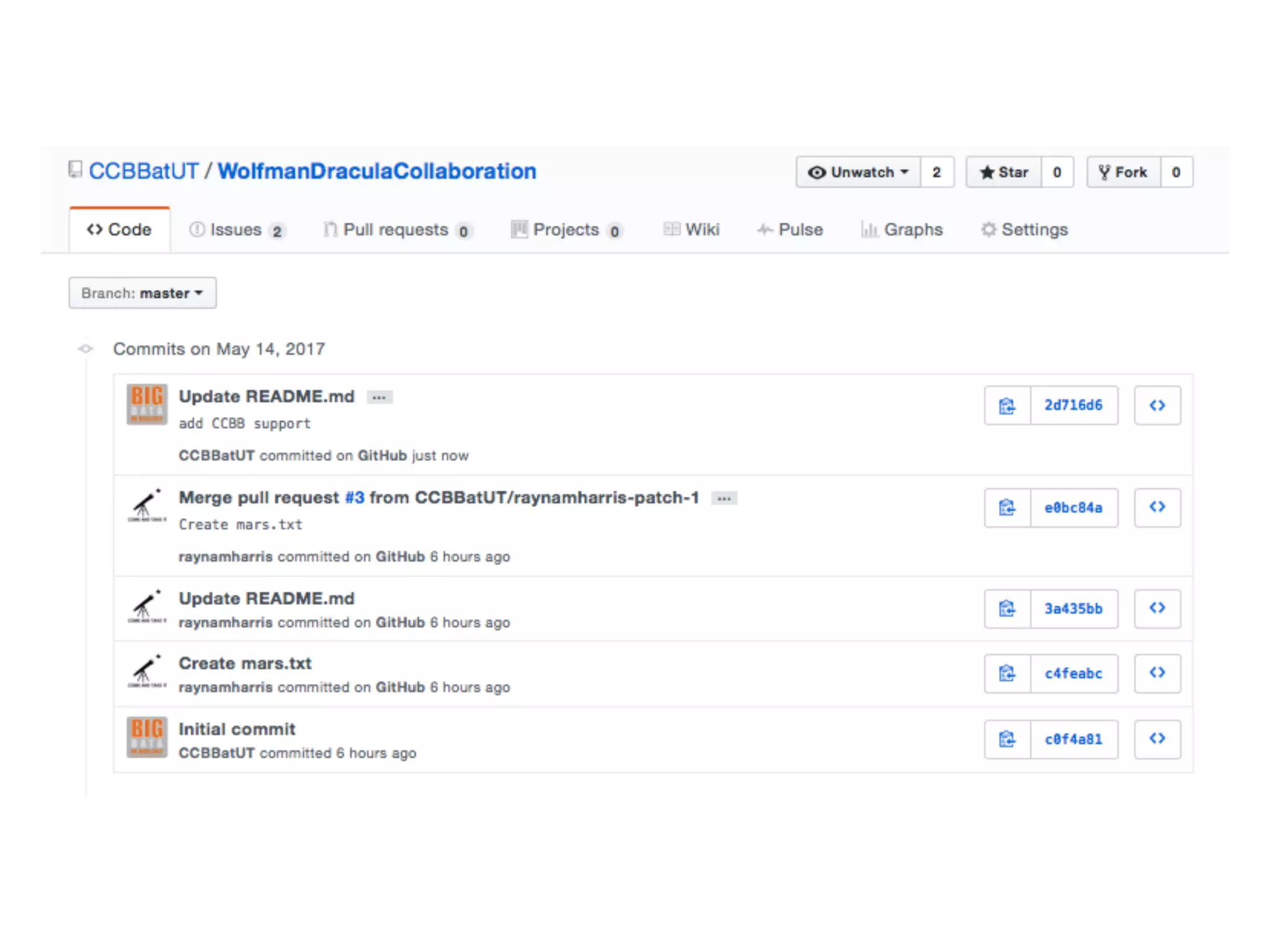
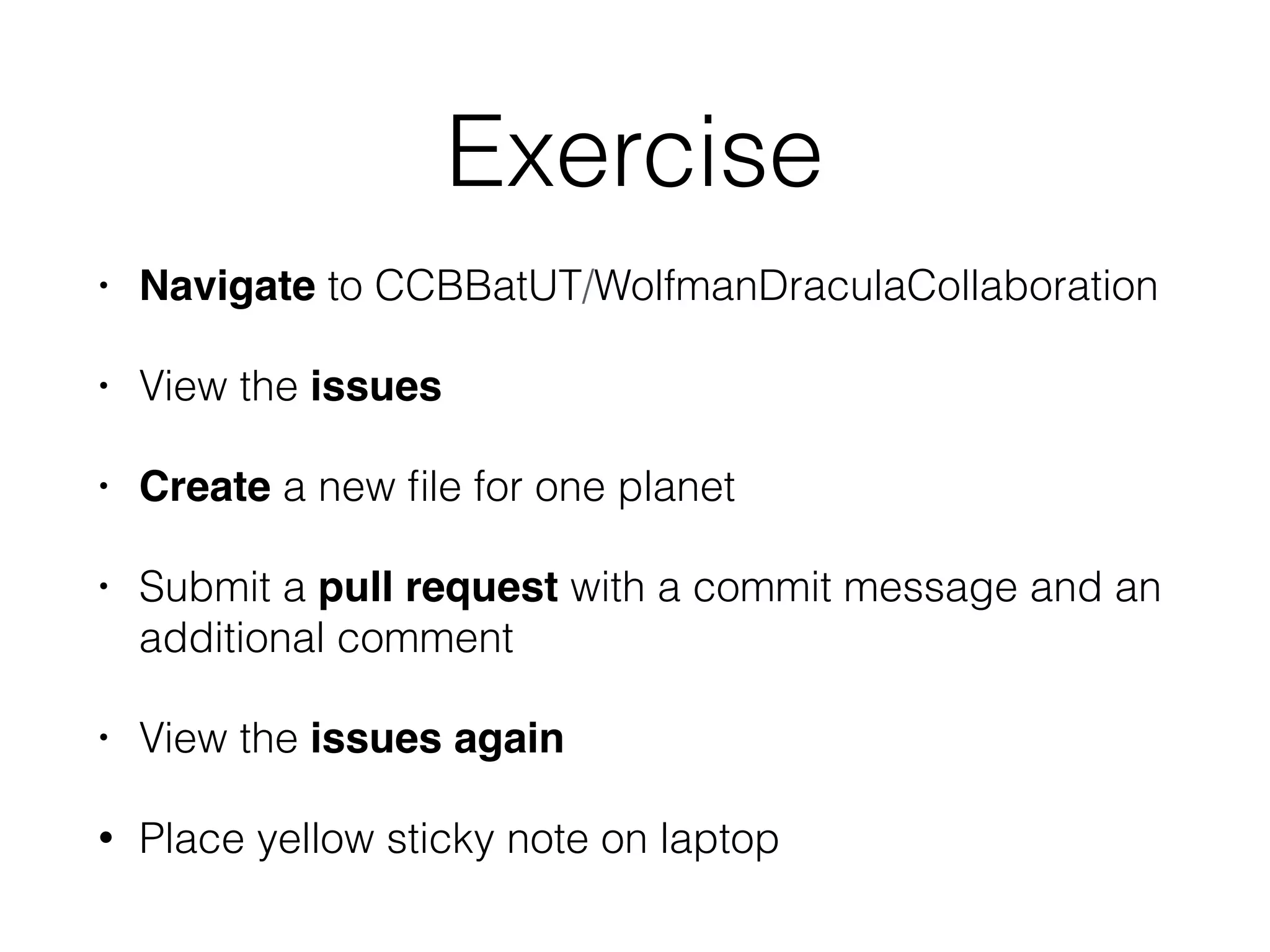
• Navigate to CCBBatUT/WolfmanDraculaCollaboration
• View the issues
• Create a new file for one planet
• Submit a pull request with a commit message and an
additional comment
• View the issues again
• Place yellow sticky note on laptop
Supported by the Software Carpentry Foundation and The
Center Computational Biology and Bioinformatics and The
• Lesson template: http://swcarpentry.github.io/git-novice/
• Lesson publication: https://zenodo.org/record/
57571#.WRjDs1KZN-U
• Related video of this lesson: https://www.youtube.com/watch?
v=hKFNPxxkbO0
• Blischak et al. 2016: http://journals.plos.org/ploscompbiol/
article?id=10.1371/journal.pcbi.1005412m
• Example repos: https://github.com/mkuzak/planets and https://
github.com/CCBBatUT/WolfmanDraculaCollaboration
• Images: https://xkcd.com/1597/ and http://b-
maze.deviantart.com/art/Werewolf-vs-Dracula-124893530

Version Control with GitHub for Bioinformatics