Mohit Verma 
http://testingnerd.com 
*Web A11y –Web Accessibility
Outline 
What is Web Accessibility? 
Why Accessibility is required? 
Guidelines 
Guidelines Testability? 
The Problems? 
An improvised Testing Approach
What is Web Accessibility? 
It’s about making the web accessible for everyone –Abled-bodied or disabled 
Accessibility is ramp to the website. 
Accessibility doesn’t mean text-only website. 
Web accessibility also benefits people without disabilities.
Why Accessibility is required? 
Because disabled user are most active on the web 
Increases the usability of the website 
Immediate benefits on search engine optimization. 
The time it takes to load pages built with Accessibility in mind greatly decreases. 
Leads to mobile-ready website
The Guidelines 
Different Accessibility Guidelines 
WCAG (1.0 and 2.0) 
Section 508 of Rehabilitation Act 
Swedish National Guidelines for Public Sector Websites 
JIS X 8341-3 
BS 8878:2010 
UNE 139803 
IBM web guidelines 
What is a Guideline? 
a statement by which to determine a course of action. 
to streamline particular processes according to a set routine or sound practice 
following a guideline is never mandatory 
Guidelines are not binding and are not enforced 
Guidelines are advice statement and not the rules
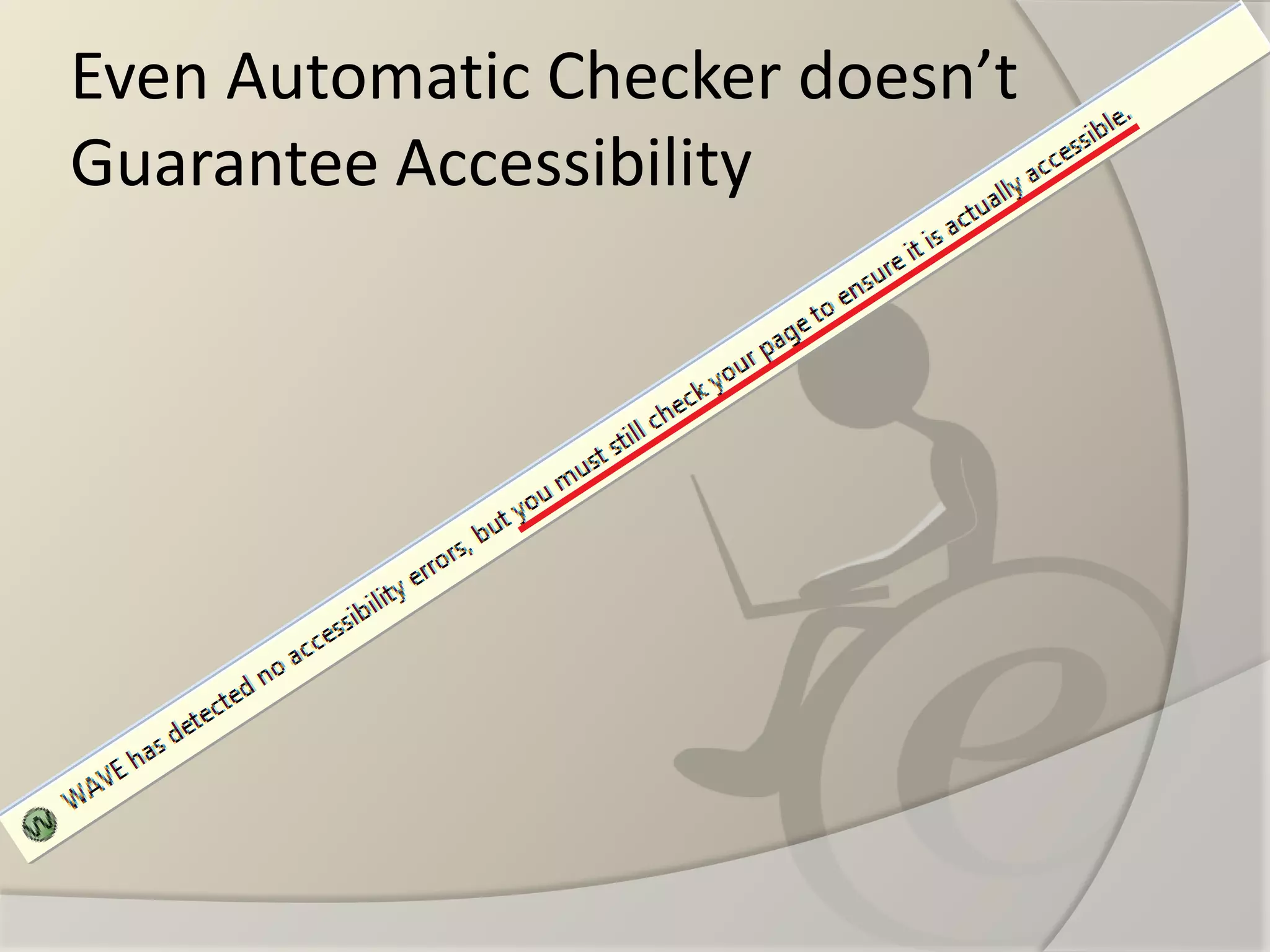
Even Automatic Checker doesn’t Guarantee Accessibility
Guidelines Testability? 
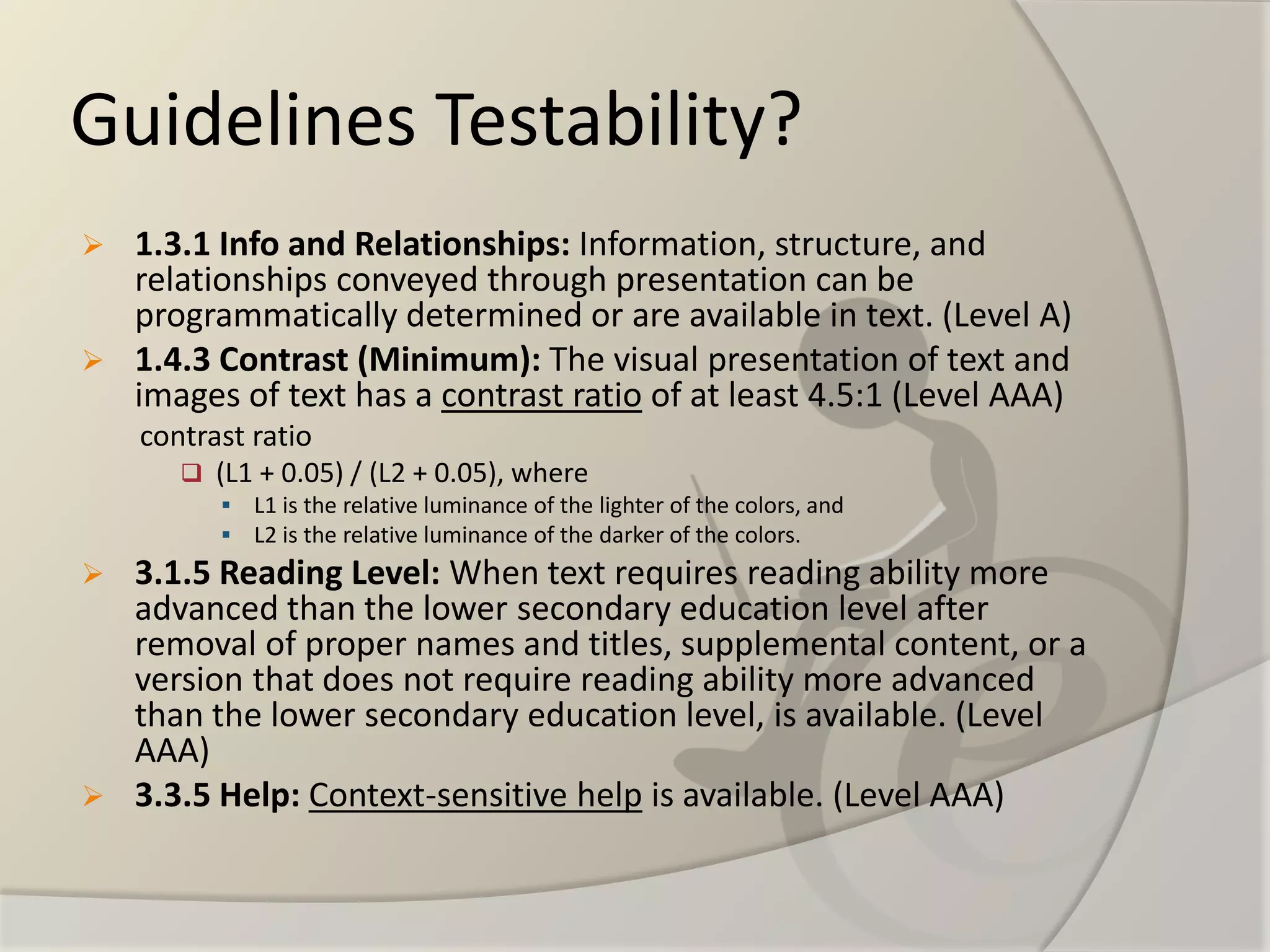
1.3.1 Info and Relationships:Information, structure, and relationships conveyed through presentation can be programmatically determined or are available in text. (Level A) 
1.4.3 Contrast (Minimum): The visual presentation of text and images of text has a contrast ratioof at least 4.5:1 (Level AAA) 
contrast ratio 
(L1 + 0.05) / (L2 + 0.05), where 
L1 is the relative luminance of the lighter of the colors, and 
L2 is the relative luminance of the darker of the colors. 
3.1.5 Reading Level:When text requires reading ability more advanced than the lower secondary education level after removal of proper names and titles, supplemental content, or a version that does not require reading ability more advanced than the lower secondary education level, is available. (Level AAA) 
3.3.5 Help:Context-sensitive helpis available. (Level AAA)
Rule #1 
To provide ALT text for images so people who 
can't see pictures can hear the description 
read aloud. 
What the accessibility guidelines don't tell you is how to write the ALT text.
Rule #1 cont. 
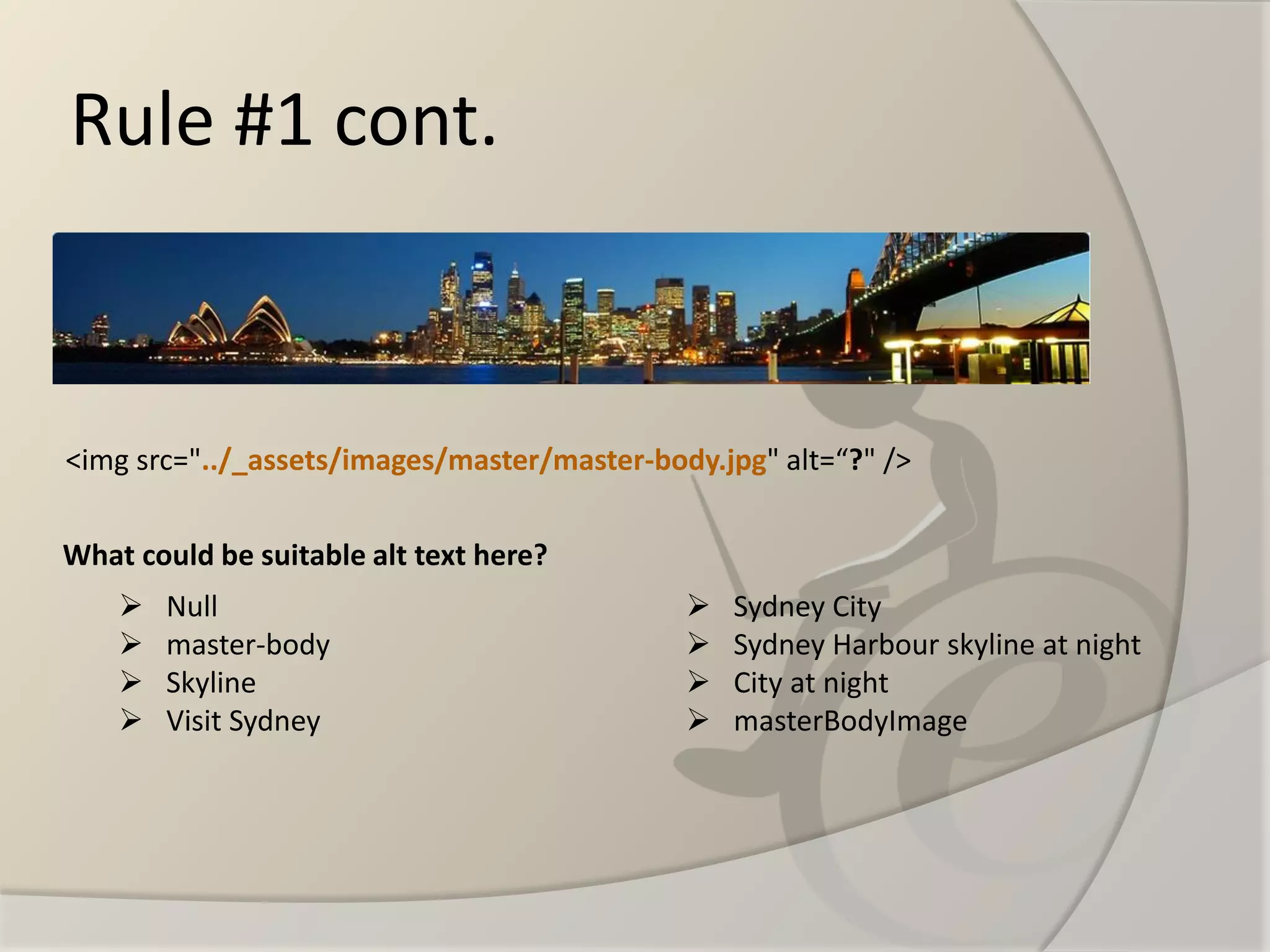
<img src="../_assets/images/master/master-body.jpg" alt=“?" /> 
Null 
master-body 
Skyline 
Visit Sydney 
Sydney City 
Sydney Harbour skyline at night 
City at night 
masterBodyImage 
What could be suitable alt text here?
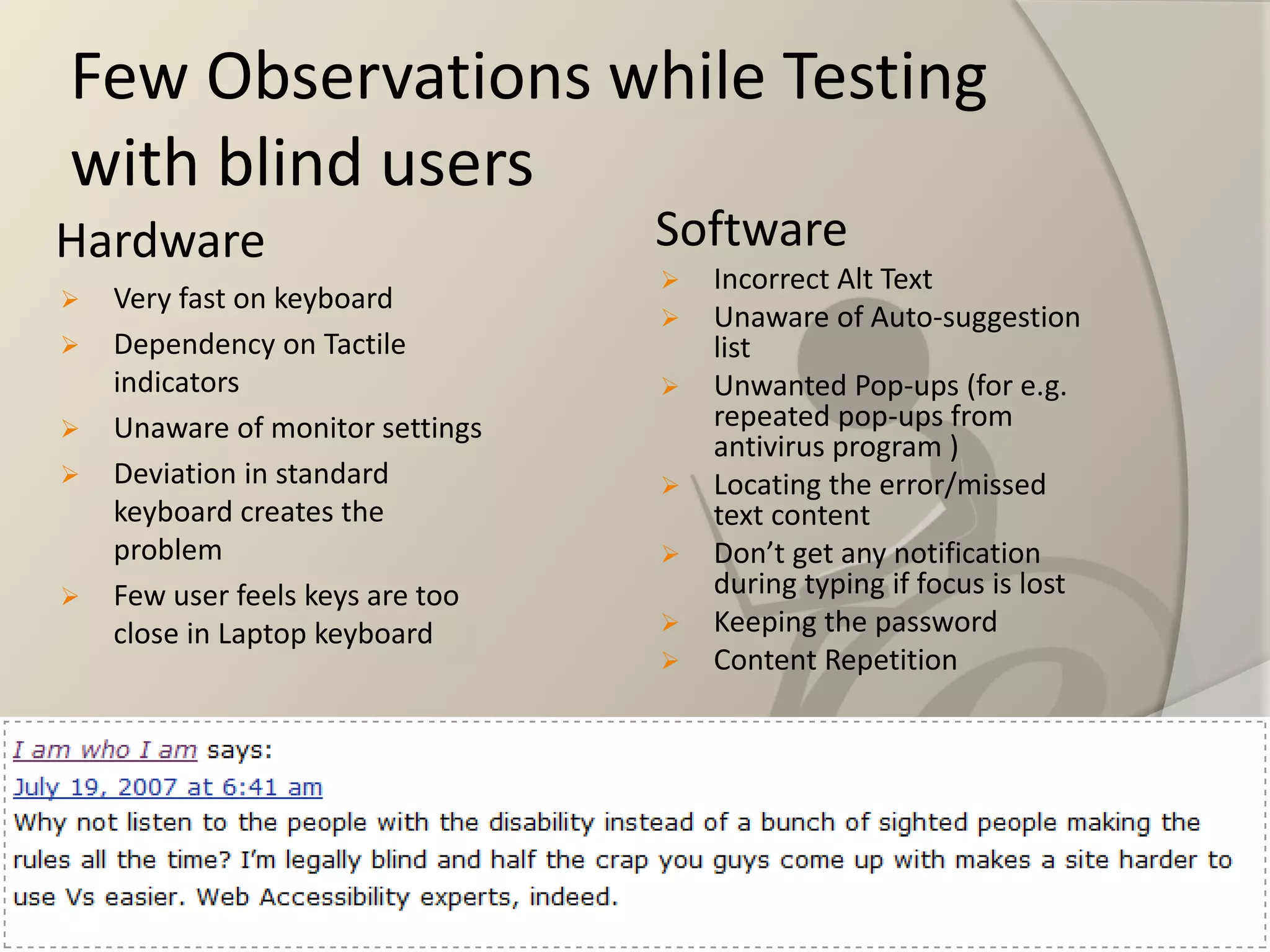
Few Observations while Testing with blind users 
Hardware 
Very fast on keyboard 
Dependency on Tactile indicators 
Unaware of monitor settings 
Deviation in standard keyboard creates the problem 
Few user feels keys are too close in Laptop keyboard 
Software 
Incorrect Alt Text 
Unaware of Auto-suggestion list 
Unwanted Pop-ups (for e.g. repeated pop-ups from antivirus program ) 
Locating the error/missed text content 
Don’t get any notification during typing if focus is lost 
Keeping the password 
Content Repetition
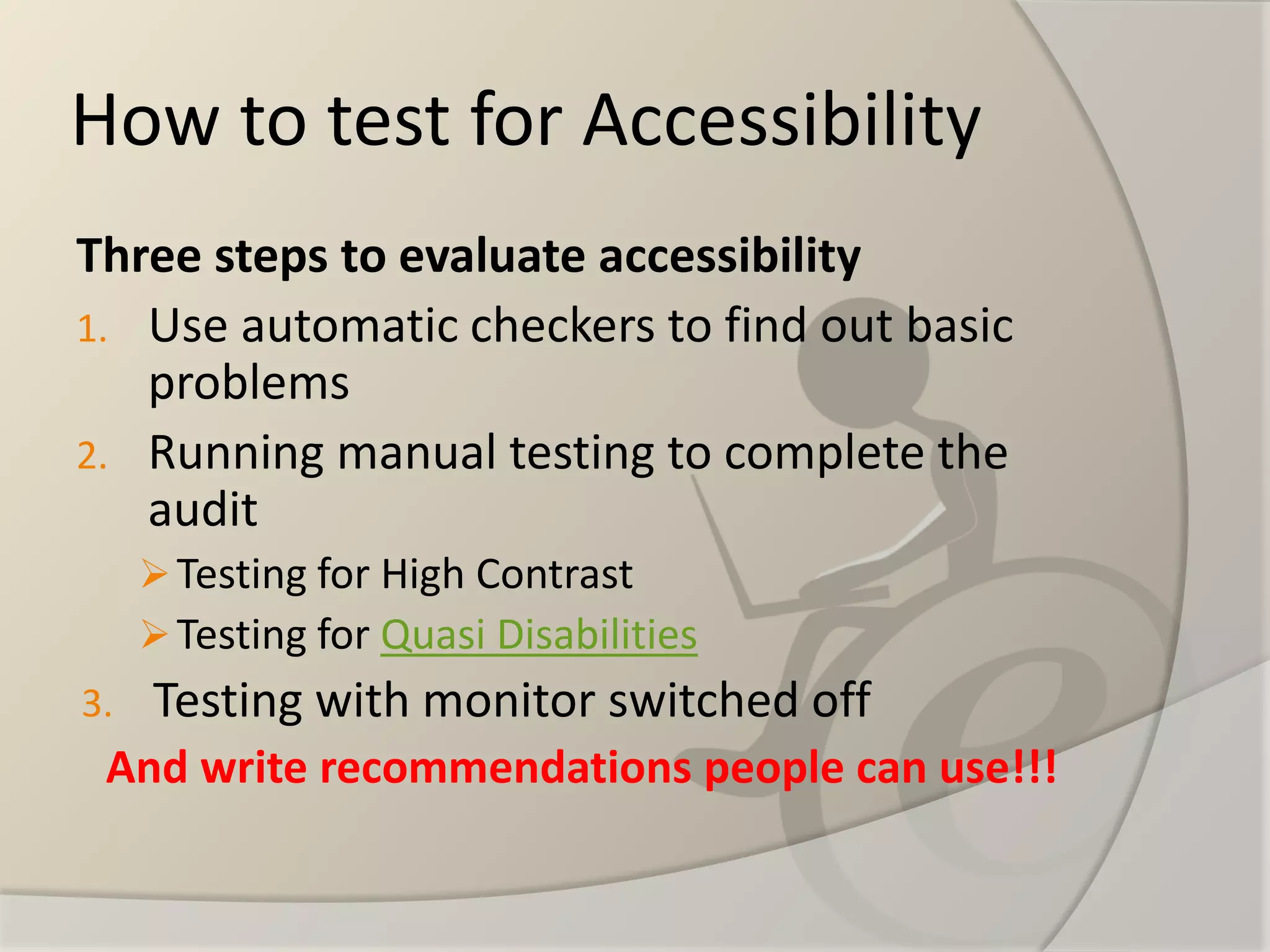
How to test for Accessibility 
Three steps to evaluate accessibility 
1.Use automatic checkers to find out basic problems 
2.Running manual testing to complete the audit 
Testing for High Contrast 
Testing for Quasi Disabilities 
3.Testing with monitor switched off 
And writerecommendationspeople canuse!!!
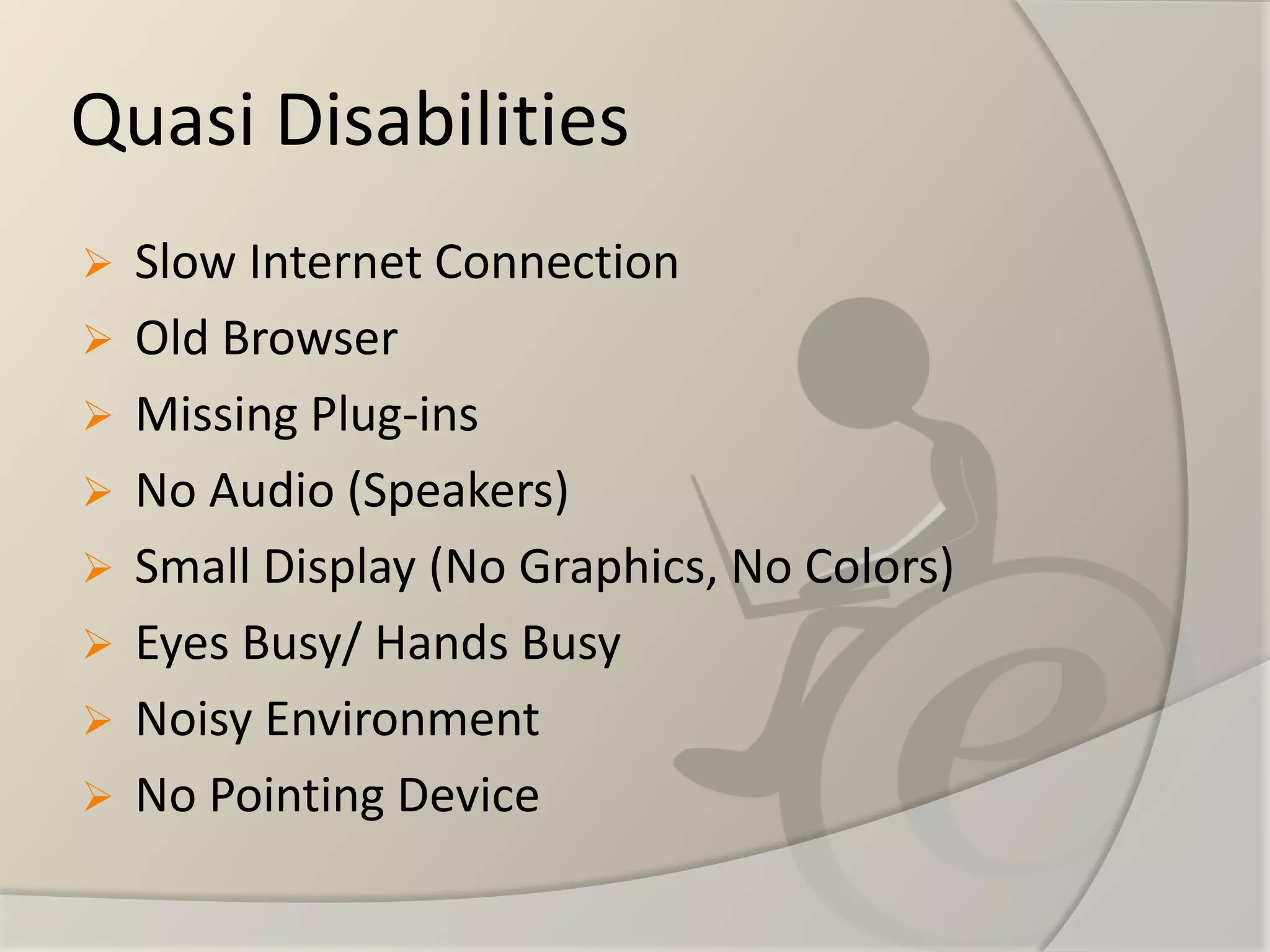
Quasi Disabilities 
Slow Internet Connection 
Old Browser 
Missing Plug-ins 
No Audio (Speakers) 
Small Display (No Graphics, No Colors) 
Eyes Busy/ Hands Busy 
Noisy Environment 
No Pointing Device
Web a11y beyond guidelines

Web a11y beyond guidelines

  • 1.
    Mohit Verma http://testingnerd.com *Web A11y –Web Accessibility
  • 2.
    Outline What isWeb Accessibility? Why Accessibility is required? Guidelines Guidelines Testability? The Problems? An improvised Testing Approach
  • 4.
    What is WebAccessibility? It’s about making the web accessible for everyone –Abled-bodied or disabled Accessibility is ramp to the website. Accessibility doesn’t mean text-only website. Web accessibility also benefits people without disabilities.
  • 5.
    Why Accessibility isrequired? Because disabled user are most active on the web Increases the usability of the website Immediate benefits on search engine optimization. The time it takes to load pages built with Accessibility in mind greatly decreases. Leads to mobile-ready website
  • 7.
    The Guidelines DifferentAccessibility Guidelines WCAG (1.0 and 2.0) Section 508 of Rehabilitation Act Swedish National Guidelines for Public Sector Websites JIS X 8341-3 BS 8878:2010 UNE 139803 IBM web guidelines What is a Guideline? a statement by which to determine a course of action. to streamline particular processes according to a set routine or sound practice following a guideline is never mandatory Guidelines are not binding and are not enforced Guidelines are advice statement and not the rules
  • 9.
    Even Automatic Checkerdoesn’t Guarantee Accessibility
  • 10.
    Guidelines Testability? 1.3.1Info and Relationships:Information, structure, and relationships conveyed through presentation can be programmatically determined or are available in text. (Level A) 1.4.3 Contrast (Minimum): The visual presentation of text and images of text has a contrast ratioof at least 4.5:1 (Level AAA) contrast ratio (L1 + 0.05) / (L2 + 0.05), where L1 is the relative luminance of the lighter of the colors, and L2 is the relative luminance of the darker of the colors. 3.1.5 Reading Level:When text requires reading ability more advanced than the lower secondary education level after removal of proper names and titles, supplemental content, or a version that does not require reading ability more advanced than the lower secondary education level, is available. (Level AAA) 3.3.5 Help:Context-sensitive helpis available. (Level AAA)
  • 11.
    Rule #1 Toprovide ALT text for images so people who can't see pictures can hear the description read aloud. What the accessibility guidelines don't tell you is how to write the ALT text.
  • 12.
    Rule #1 cont. <img src="../_assets/images/master/master-body.jpg" alt=“?" /> Null master-body Skyline Visit Sydney Sydney City Sydney Harbour skyline at night City at night masterBodyImage What could be suitable alt text here?
  • 13.
    Few Observations whileTesting with blind users Hardware Very fast on keyboard Dependency on Tactile indicators Unaware of monitor settings Deviation in standard keyboard creates the problem Few user feels keys are too close in Laptop keyboard Software Incorrect Alt Text Unaware of Auto-suggestion list Unwanted Pop-ups (for e.g. repeated pop-ups from antivirus program ) Locating the error/missed text content Don’t get any notification during typing if focus is lost Keeping the password Content Repetition
  • 14.
    How to testfor Accessibility Three steps to evaluate accessibility 1.Use automatic checkers to find out basic problems 2.Running manual testing to complete the audit Testing for High Contrast Testing for Quasi Disabilities 3.Testing with monitor switched off And writerecommendationspeople canuse!!!
  • 15.
    Quasi Disabilities SlowInternet Connection Old Browser Missing Plug-ins No Audio (Speakers) Small Display (No Graphics, No Colors) Eyes Busy/ Hands Busy Noisy Environment No Pointing Device