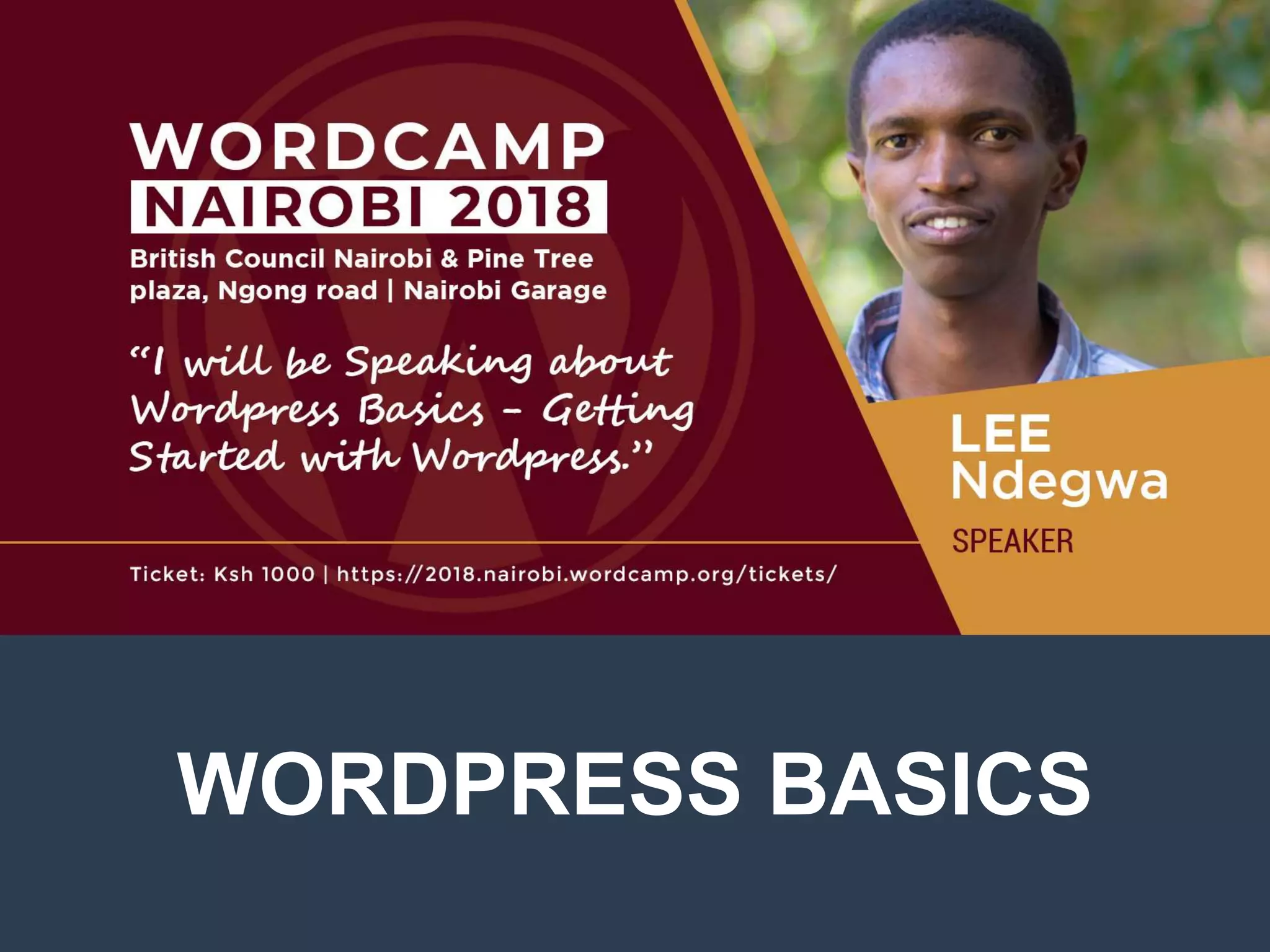
WORDPRESS BASICS
Objectives
 Understanding WordPress
 Understanding Web Hosting
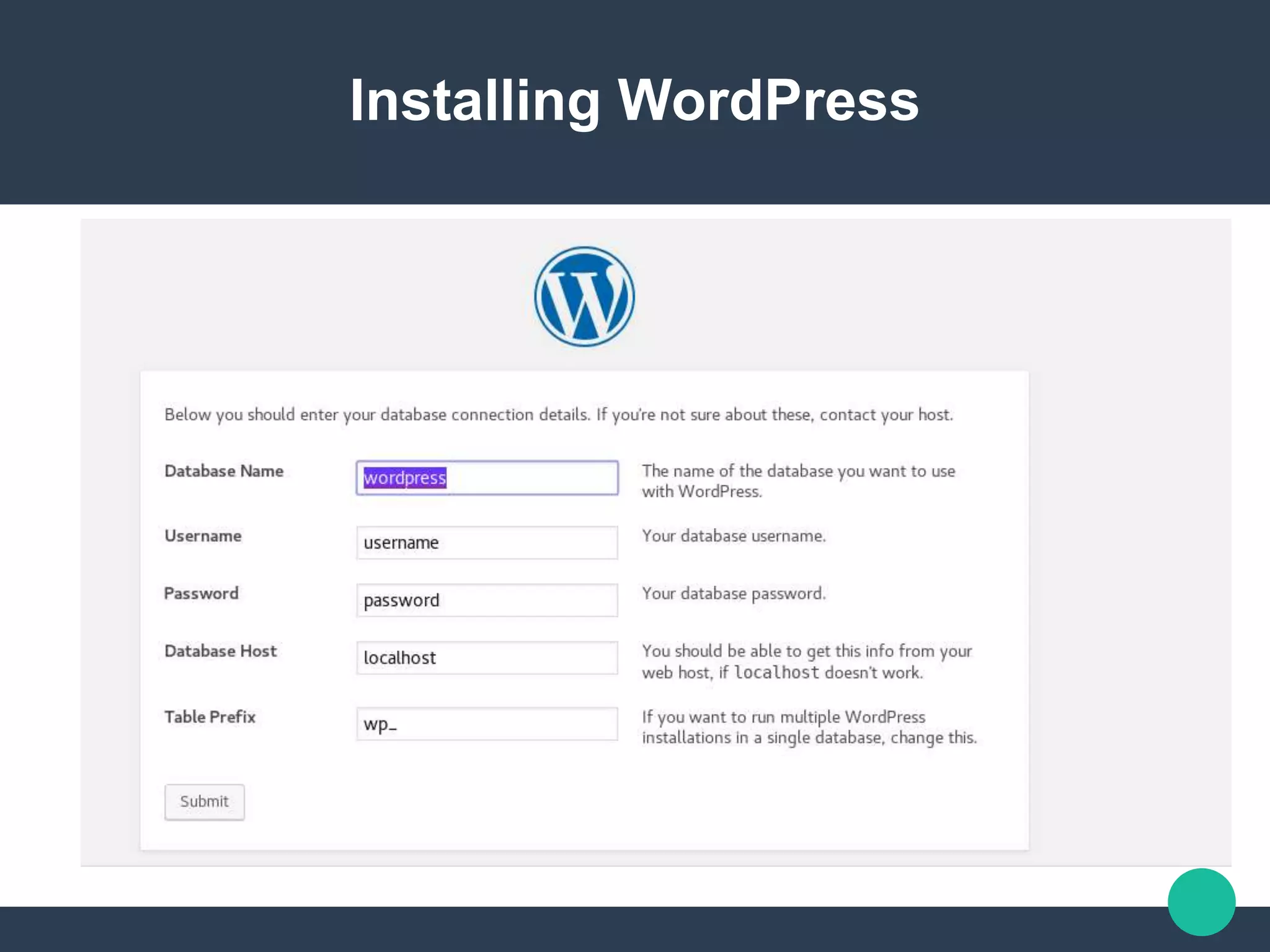
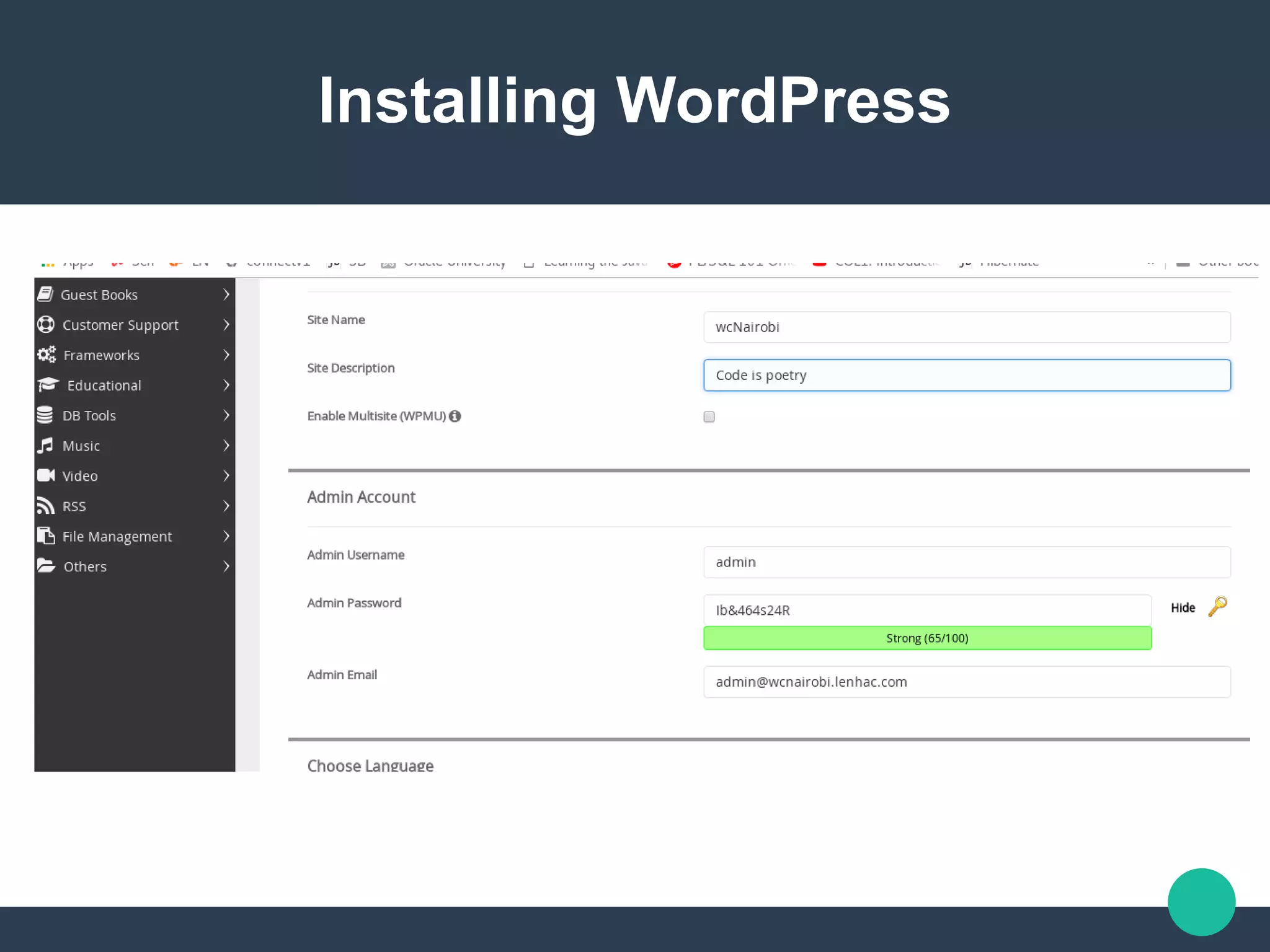
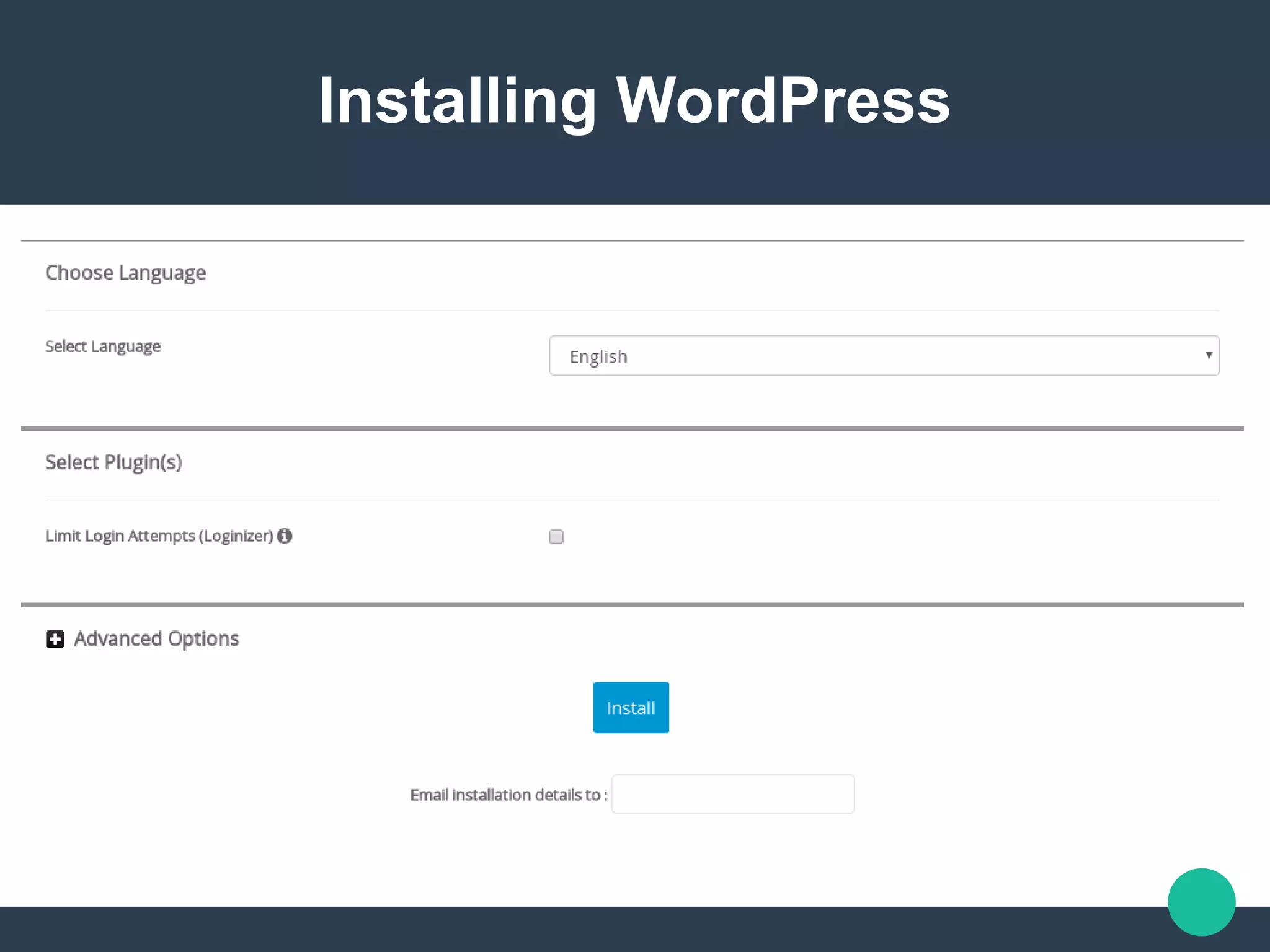
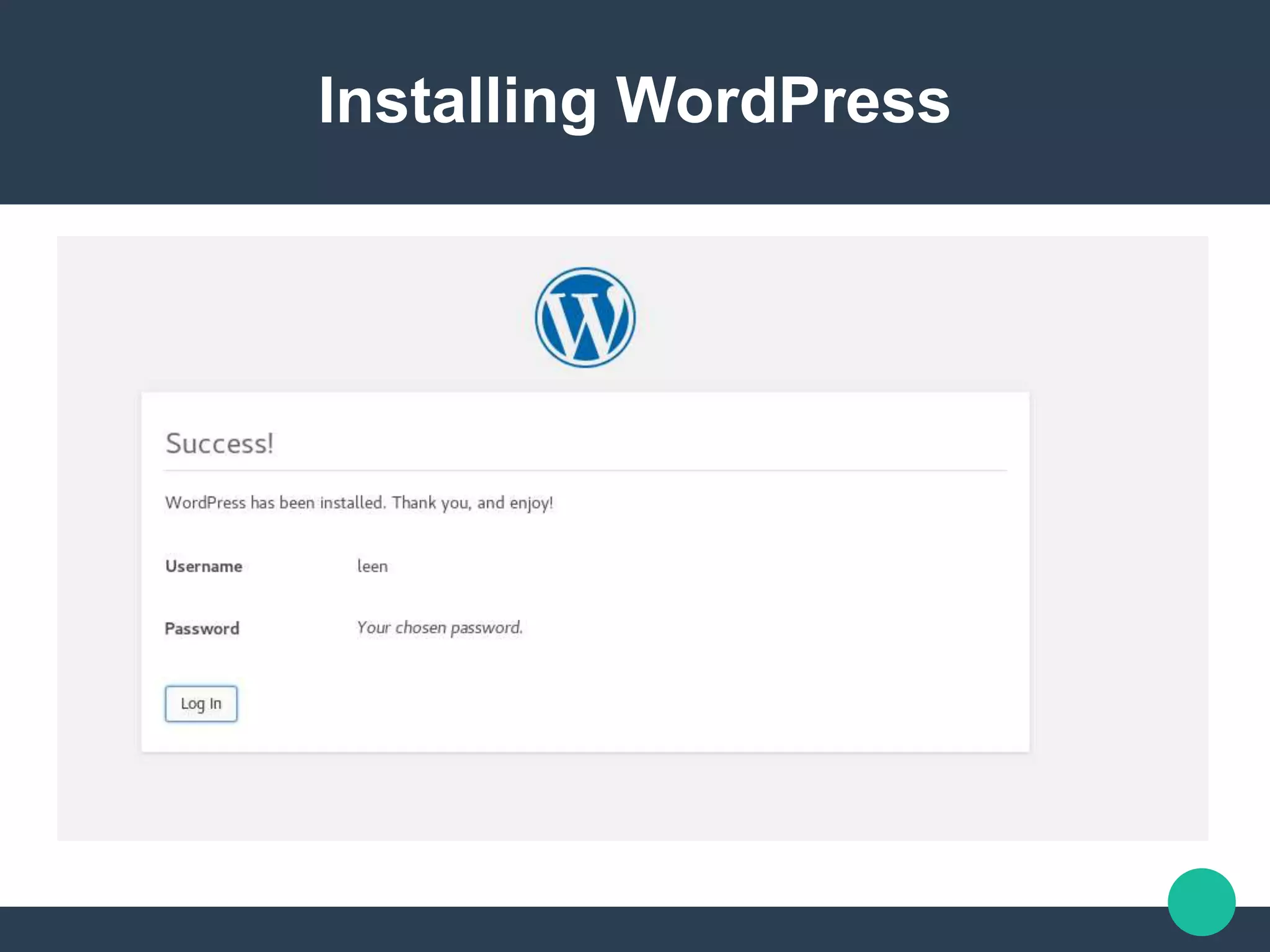
 Installing WordPress
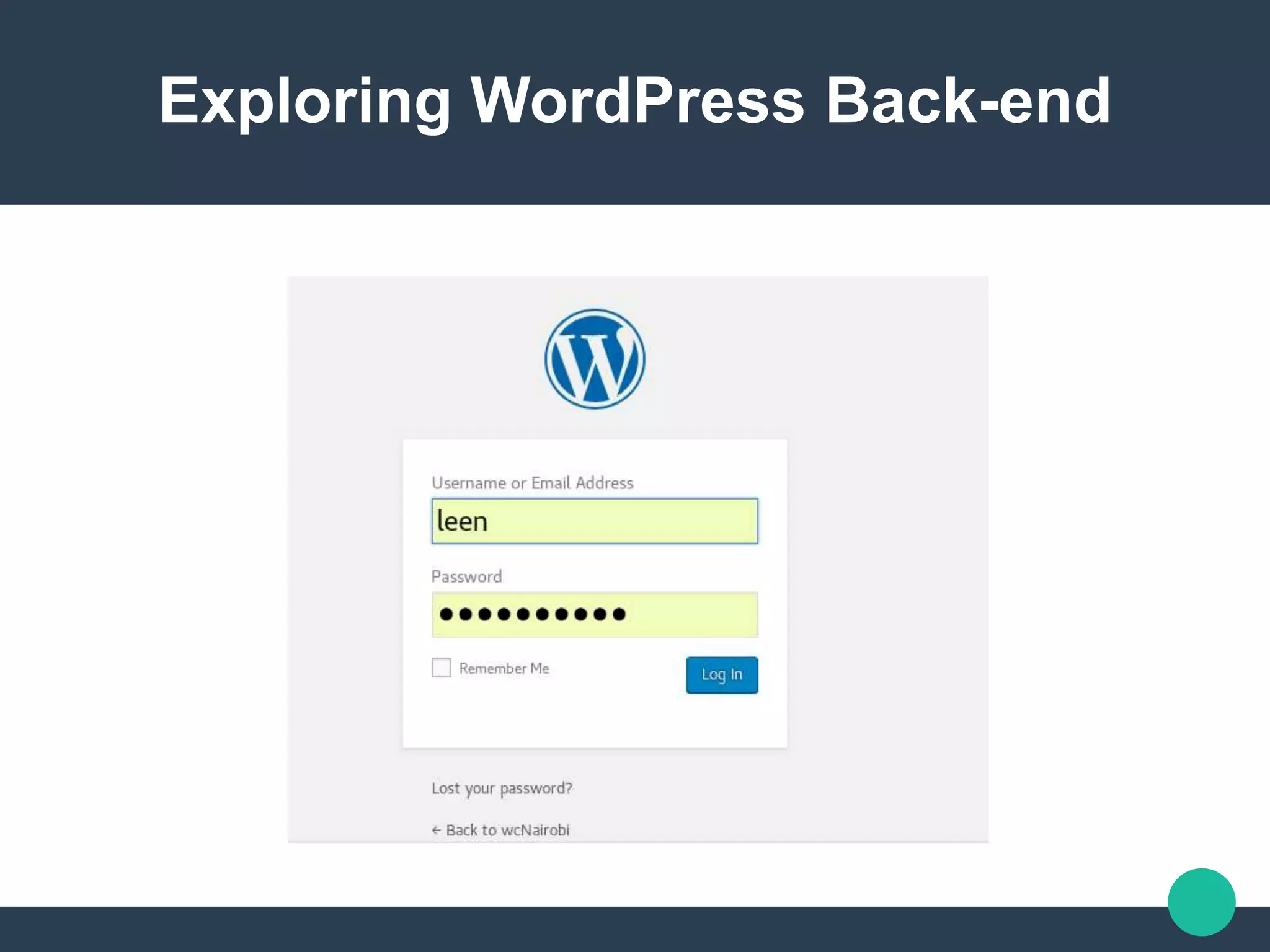
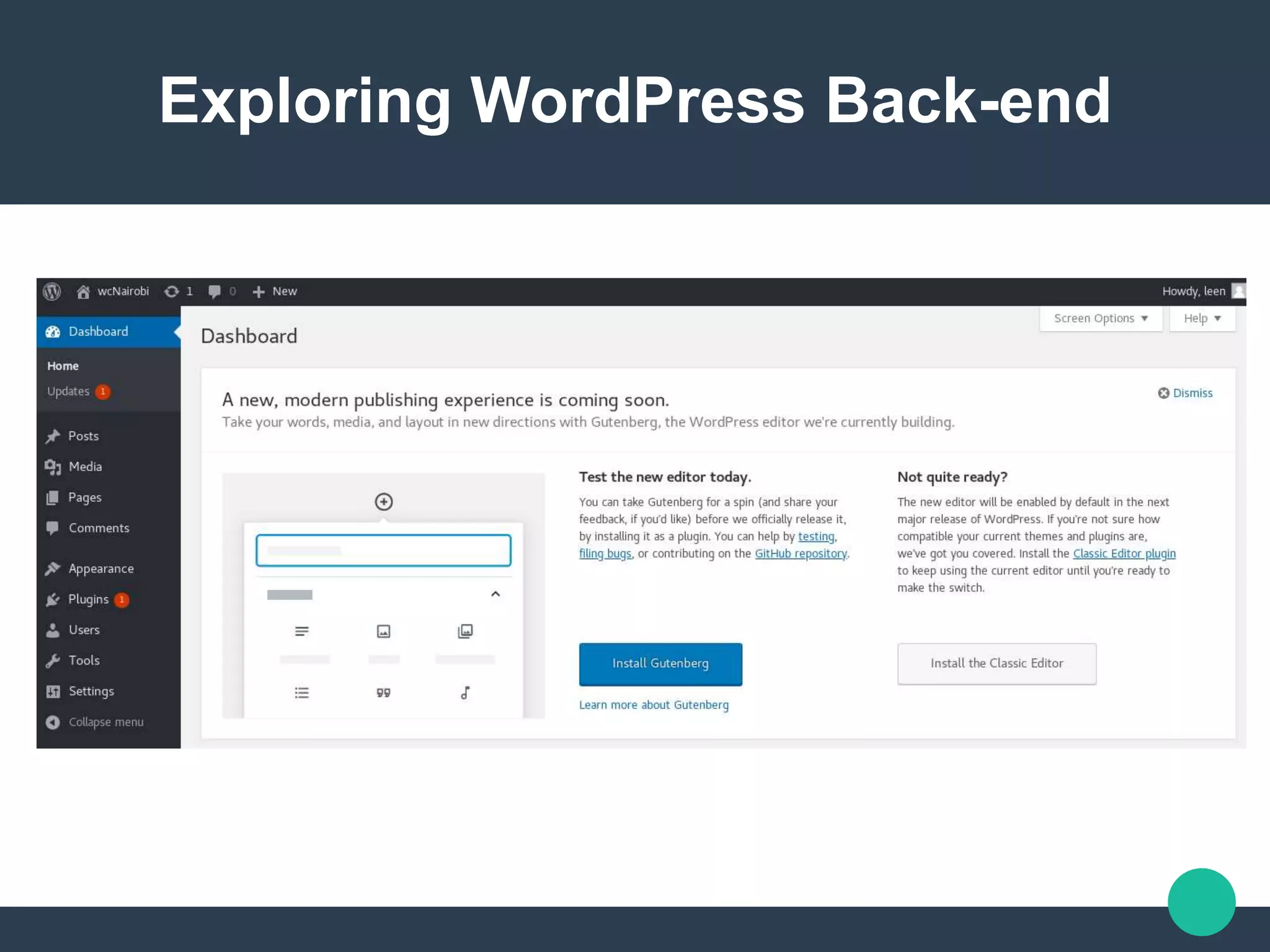
 Exploring WordPress Back-end
What is WordPress
WordPress is a free, Open
source ,Content
Management System
(CMS) that provides you
the ability to publish, edit,
modify, organize, delete
What is WordPress
 Free
 Open source
 Content Management
System (CMS)
WordPress as an open source
software
WordPress is an open
source community project
where tens of thousands of
talented people have made
contributions to make it into
a great software that it is
WordPress as an open source
software
Open Source software
comes with freedom for you
to use, modify, build upon,
and redistribute the
software in any way you
like. However, there might
WordPress as an open source
software
There is a core team of
developers that lead the
project development, but
anyone can contribute
patches, report bugs,
suggest features etc.
WordPress as an open source
software
“As the web becomes more
and more of a part of our
every day lives, it would be
a horrible tragedy if it was
locked up inside of
companies and proprietary
WordPress as Content management
system
A content management
system, often abbreviated
as CMS, is software that
helps users create,
manage, and modify
content on a website
Two official WordPress Versions
WordPress/org
WordPress/com
Two official WordPress Versions
The main difference
between the two is that for
the .com, you’ll start at a
place where you have a
site with some degree of
functionality available,
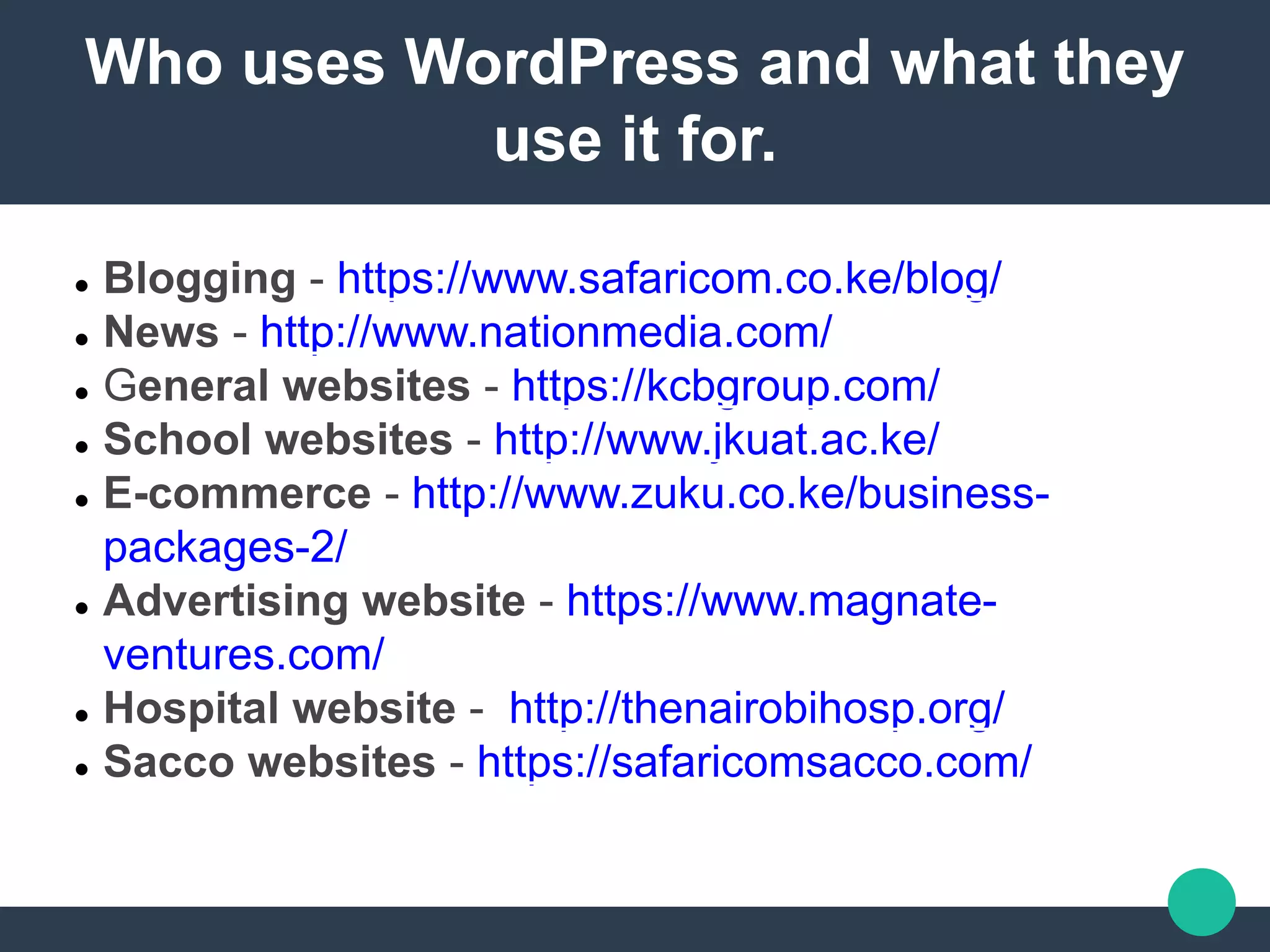
Who uses WordPress and what they
use it for.
 Blogging - https://www.safaricom.co.ke/blog/
 News - http://www.nationmedia.com/
 General websites - https://kcbgroup.com/
 School websites - http://www.jkuat.ac.ke/
 E-commerce - http://www.zuku.co.ke/business-
packages-2/
 Advertising website - https://www.magnate-
ventures.com/
 Hospital website - http://thenairobihosp.org/
 Sacco websites - https://safaricomsacco.com/
 Requirements
“What you think you
want is often
DIFFERENT than what
you actually need.”
 Requirements
WordPress Hosting
Domain Name
Domain Name?
A domain name is your
website’s address on the
internet such as
worpress.org, etc.
Hosting?
Web hosting is where your
website files are stored on
the internet
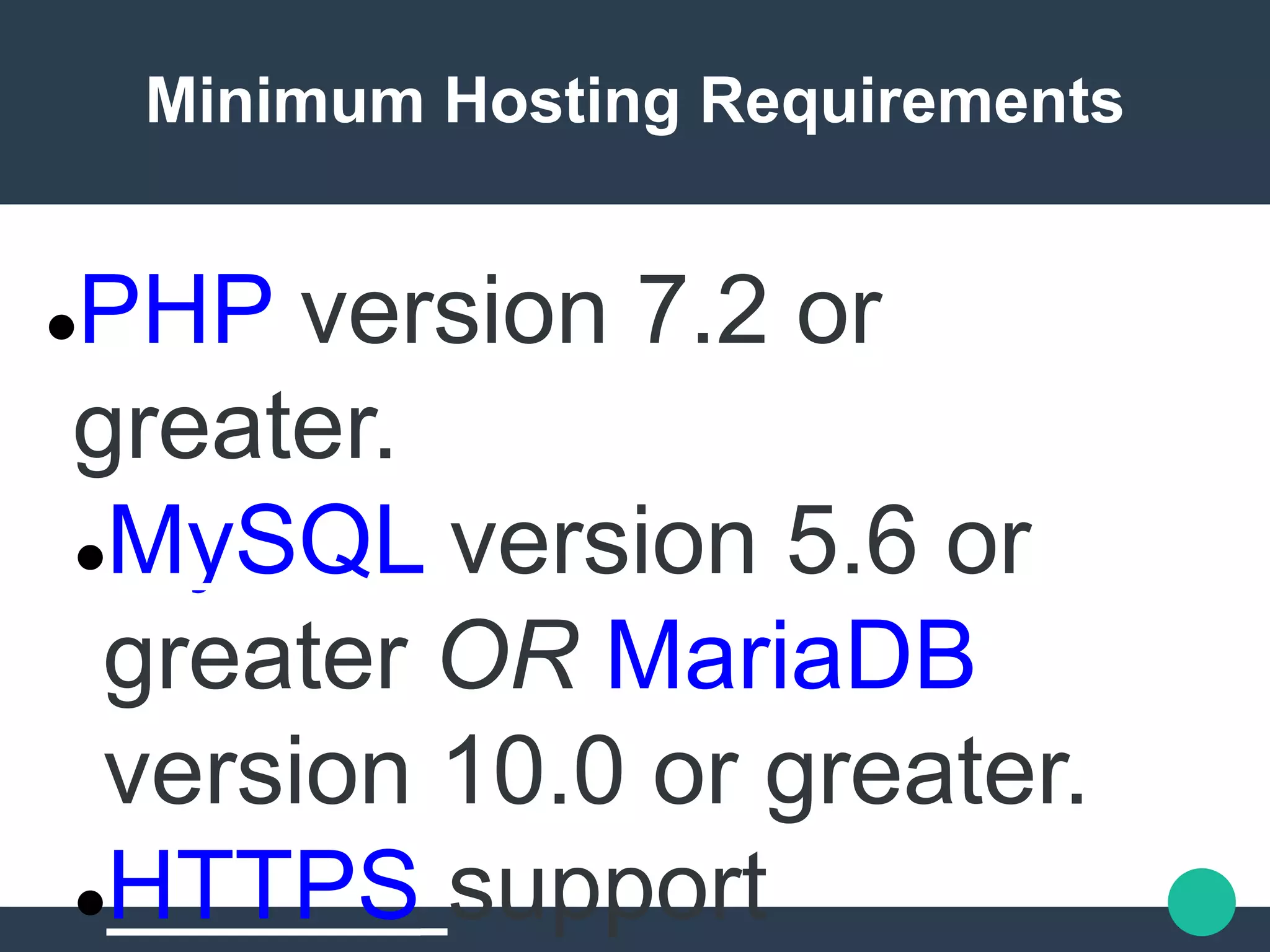
Minimum Hosting Requirements
PHP version 7.2 or
greater.
MySQL version 5.6 or
greater OR MariaDB
version 10.0 or greater.
HTTPS support
Recommended WordPress hosting
https://wordpress.org/hostin
g/
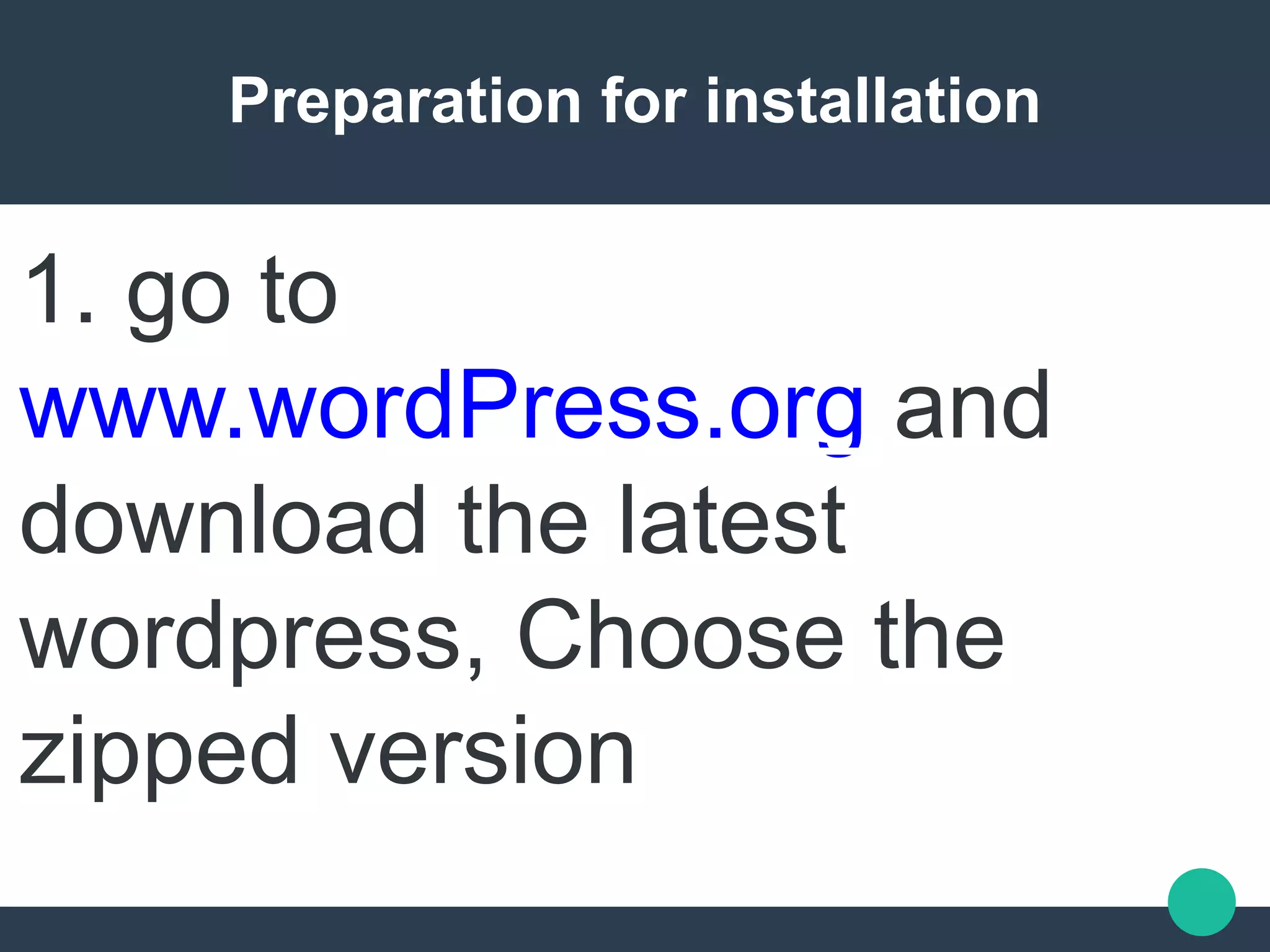
Preparation for installation
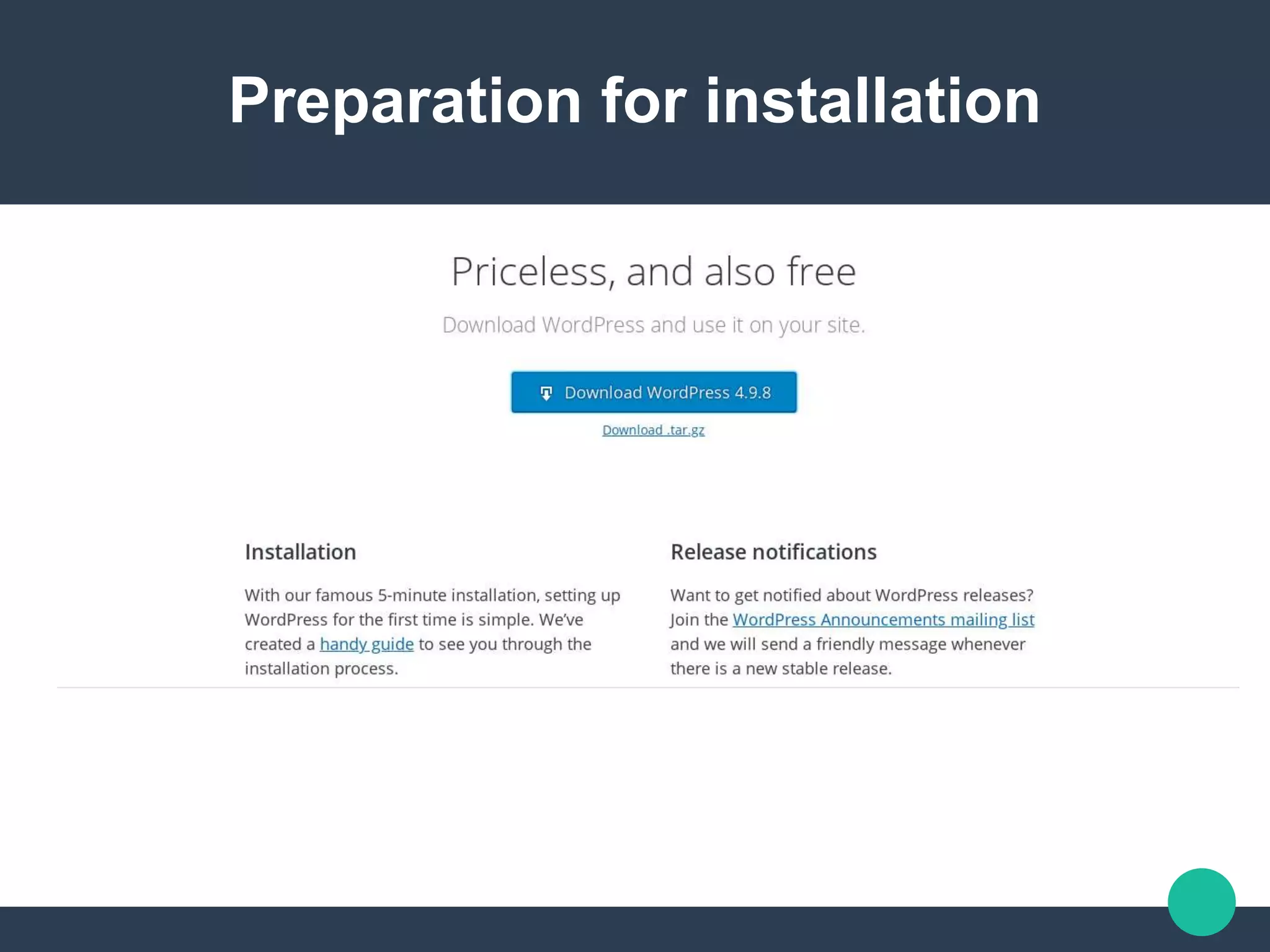
1. go to
www.wordPress.org and
download the latest
wordpress, Choose the
zipped version
Preparation for installation
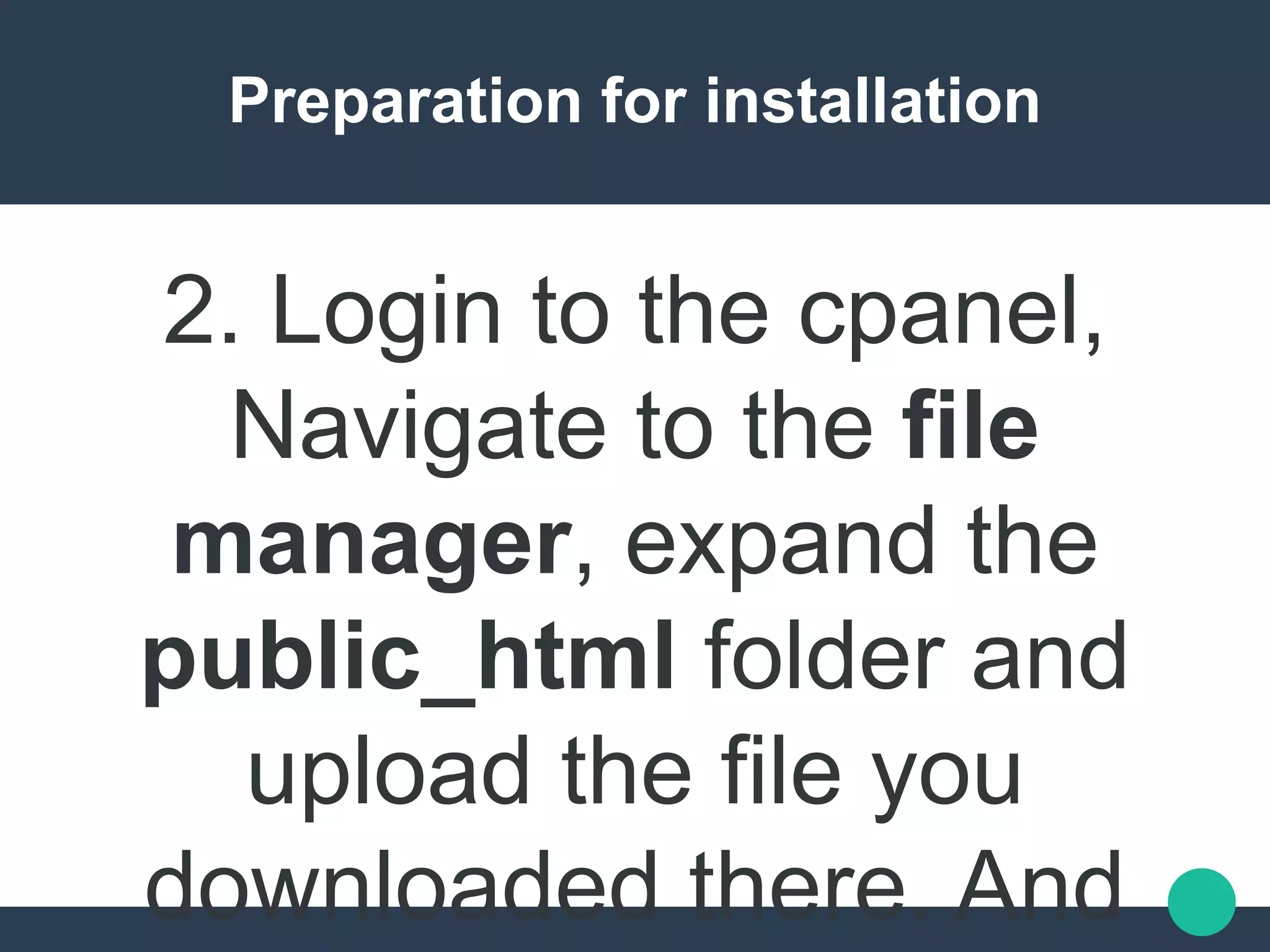
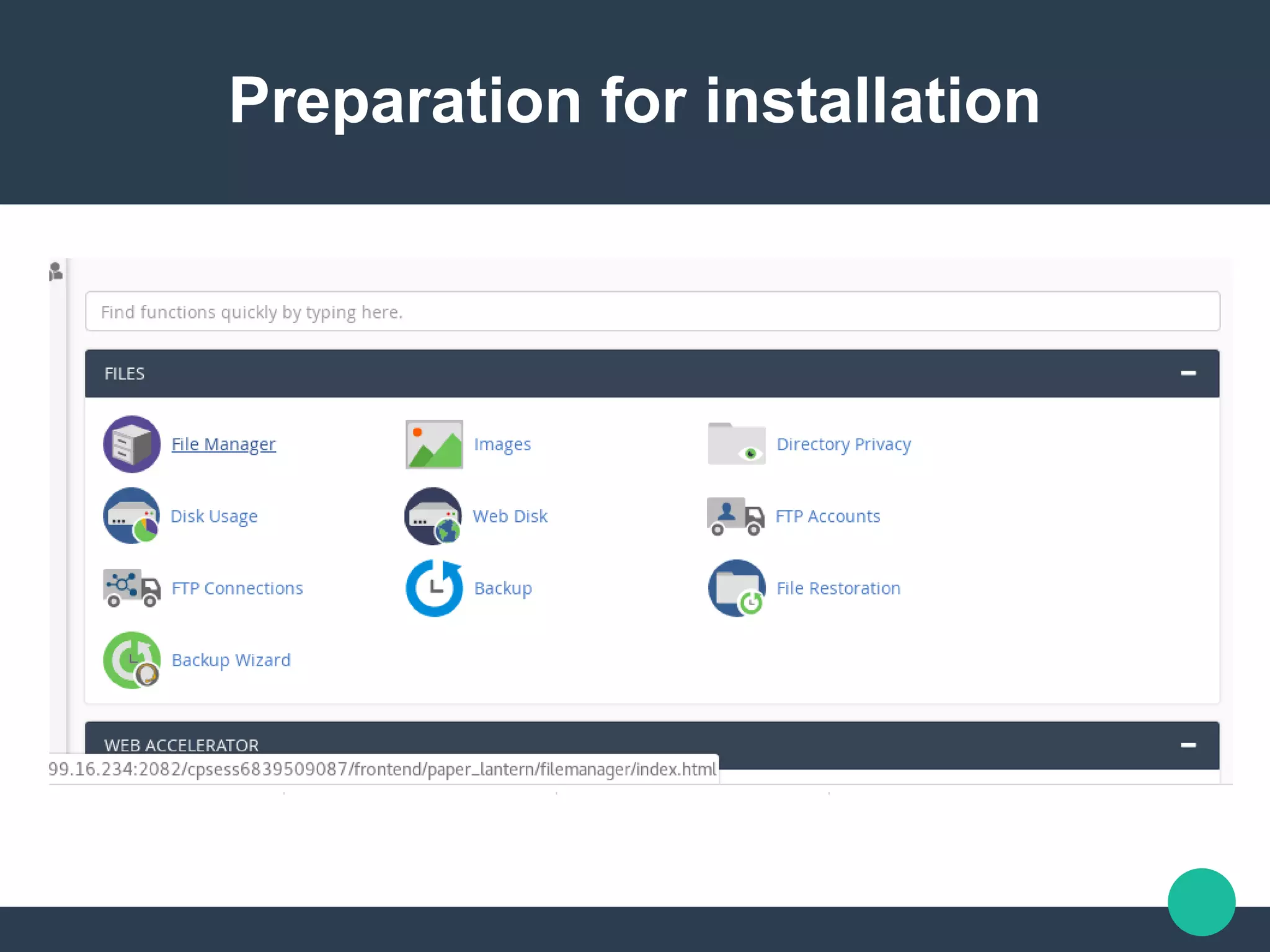
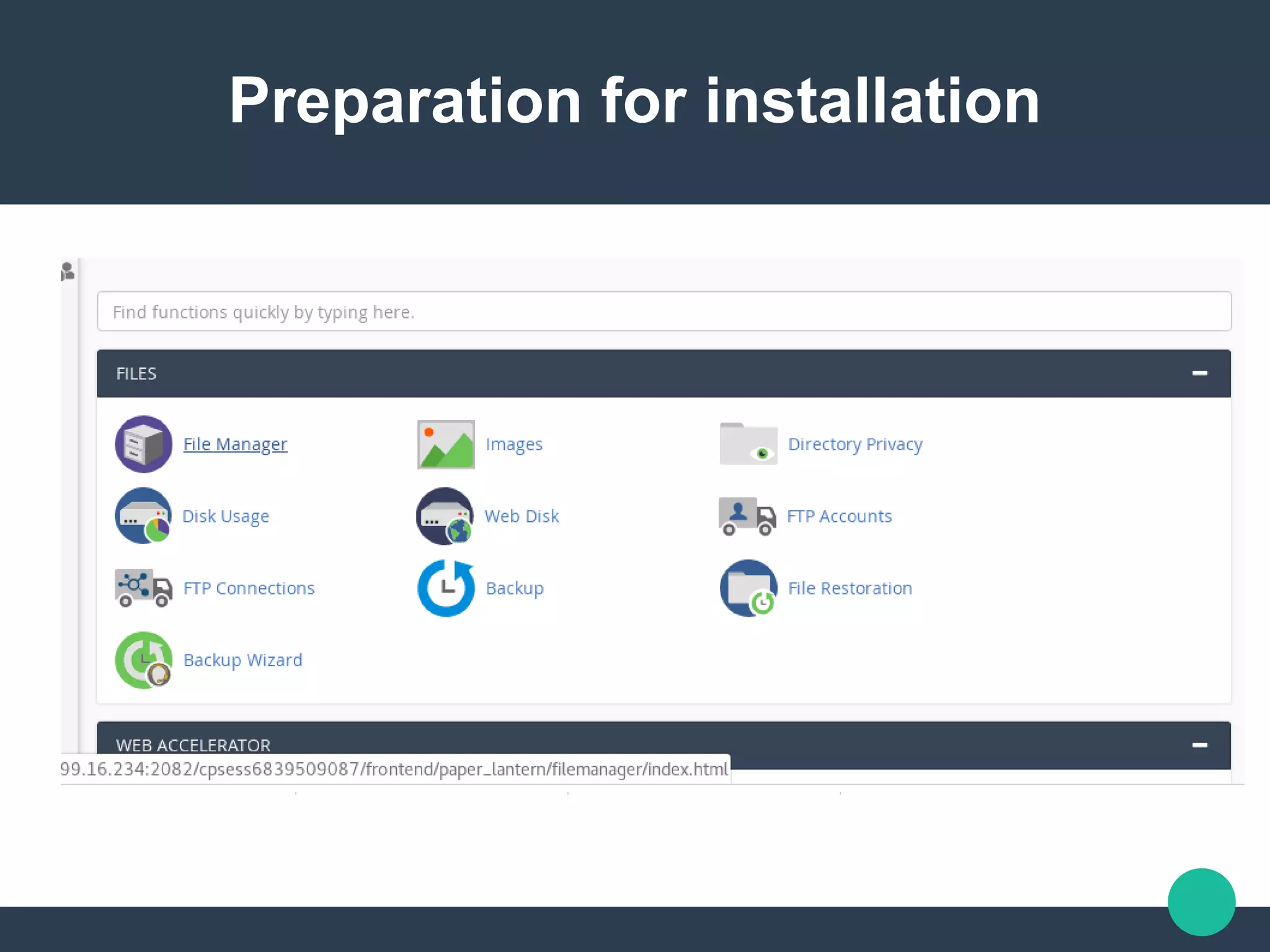
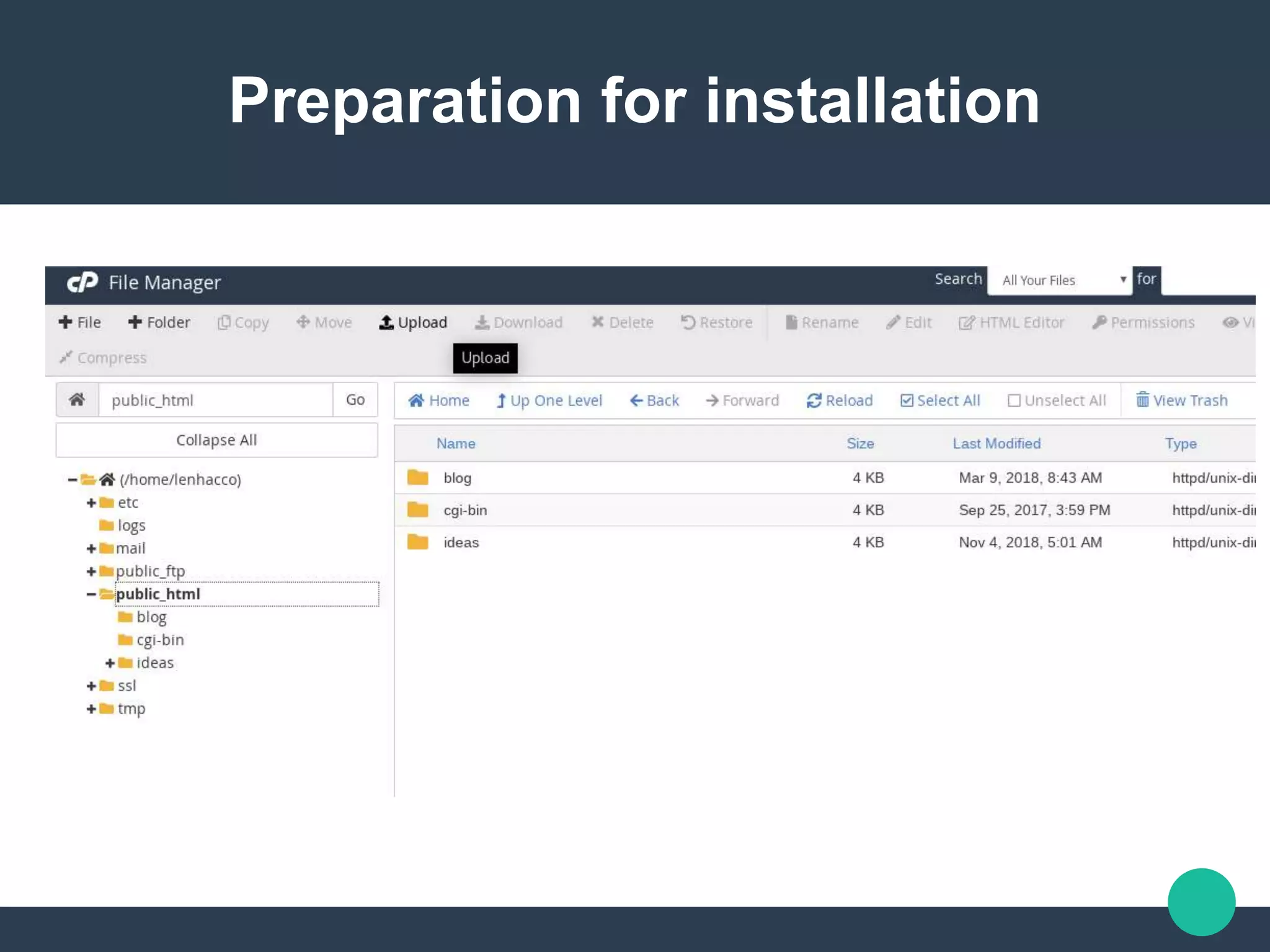
2. Login to the cpanel,
Navigate to the file
manager, expand the
public_html folder and
upload the file you
downloaded there. And
Preparation for installation
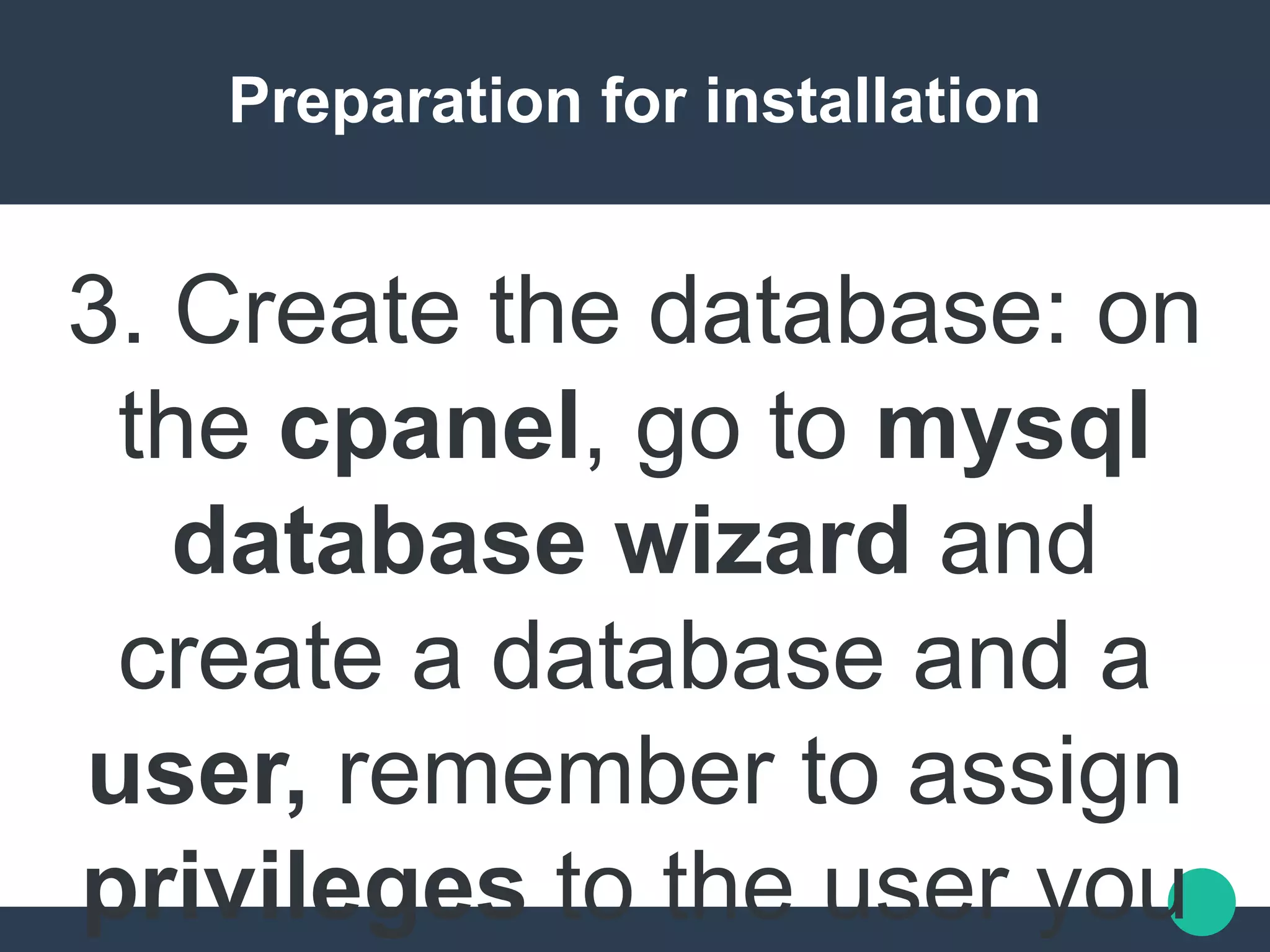
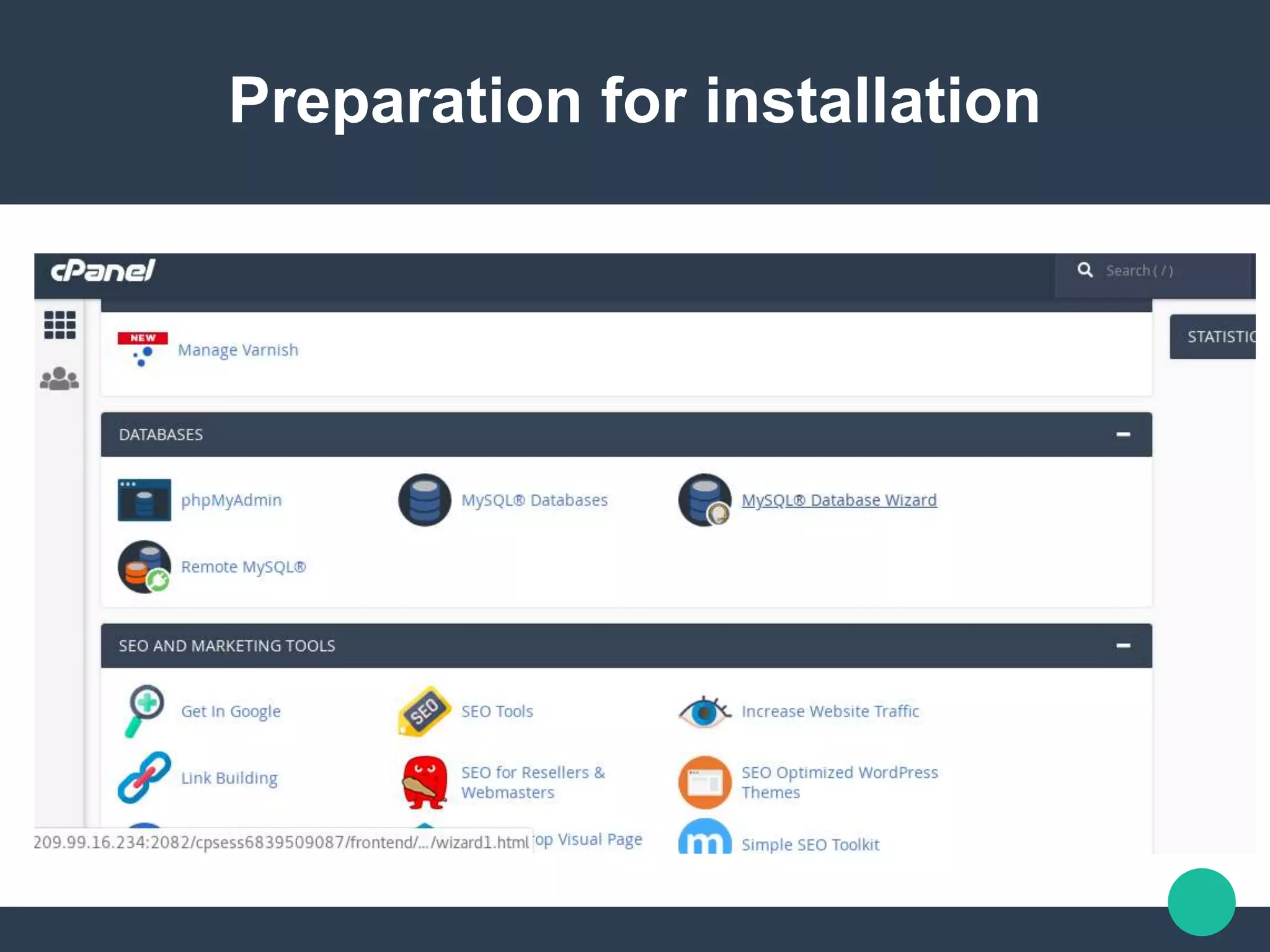
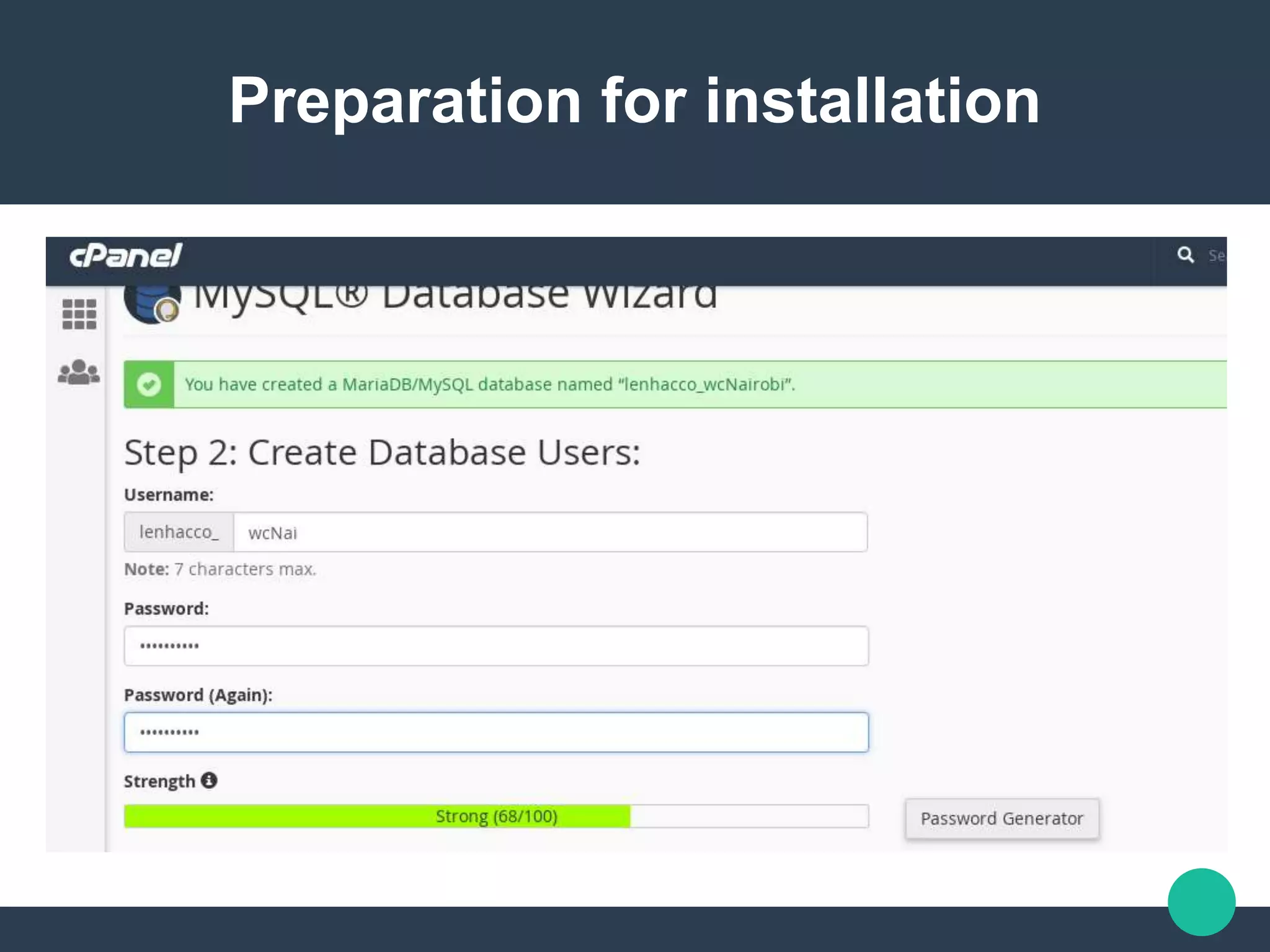
3. Create the database: on
the cpanel, go to mysql
database wizard and
create a database and a
user, remember to assign
privileges to the user you
Preparation for installation
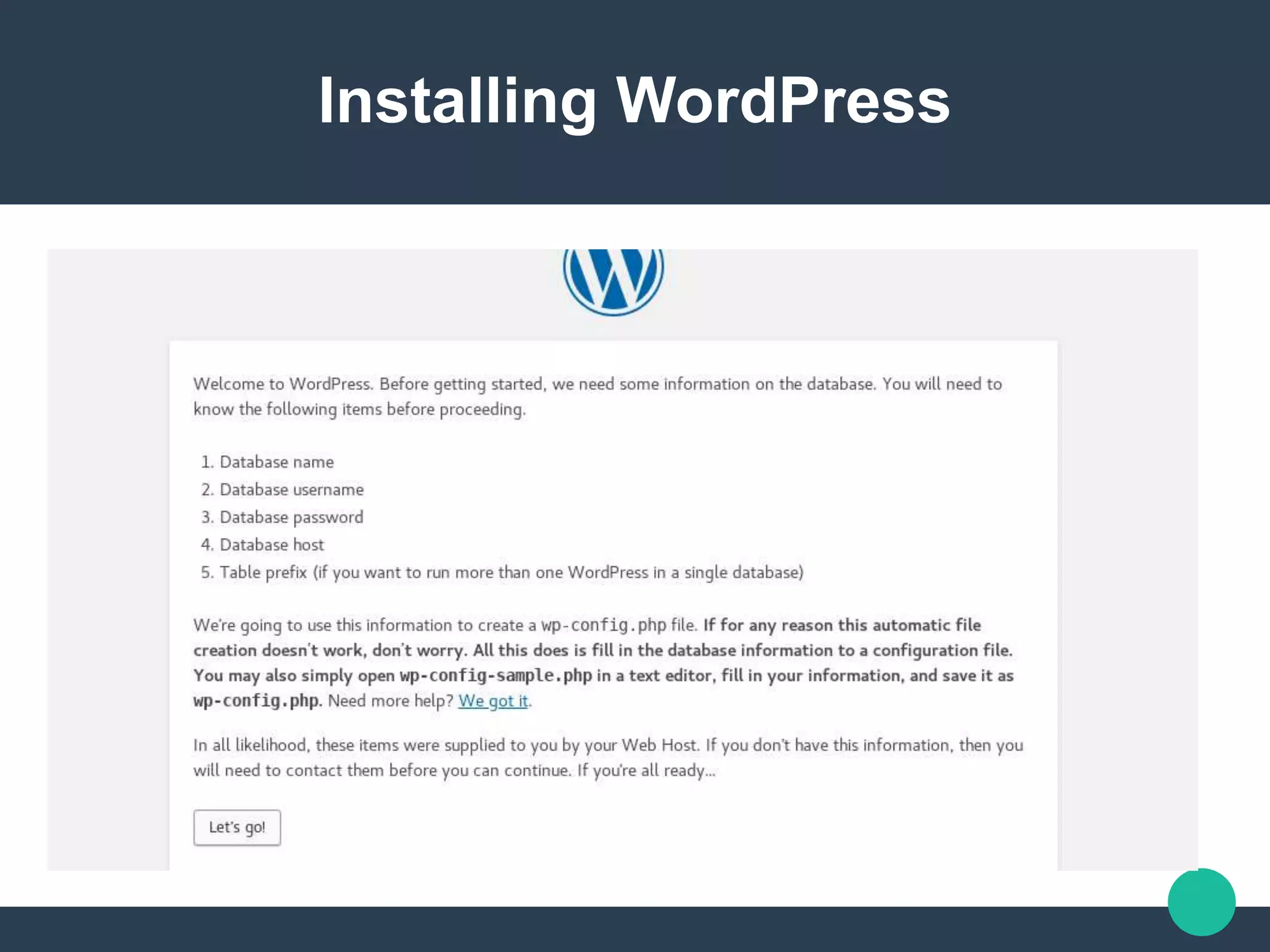
Installing WordPress
Exploring WordPress Back-end
Conclusion
We're not done yet, but two
things WordPress has been
able to exemplify is that
open source can create
great user experiences and
that it's possible to have a
A Beginners Guide to WordPress by Lee Ndegwa

A Beginners Guide to WordPress by Lee Ndegwa