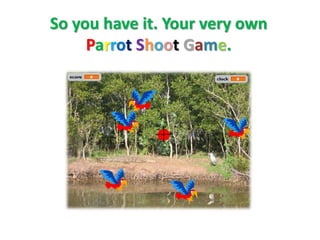
This document provides instructions for creating a Scratch game where the player shoots parrots with a crosshair. It is divided into 3 stages:
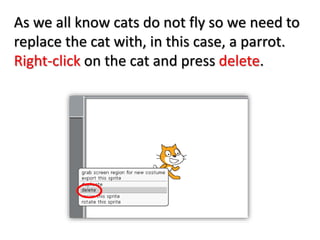
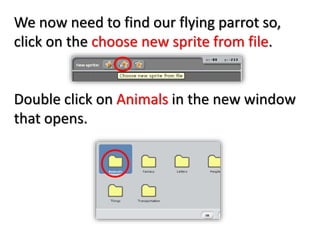
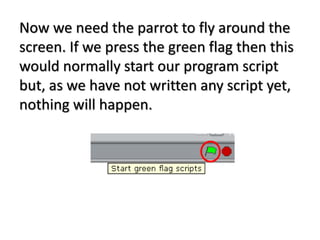
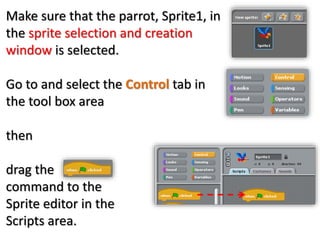
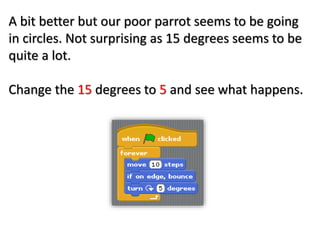
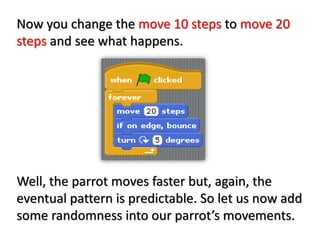
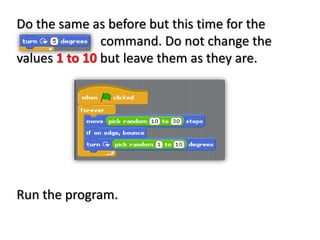
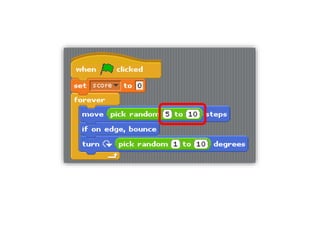
1. The first stage shows how to program a parrot sprite to move randomly around the screen.
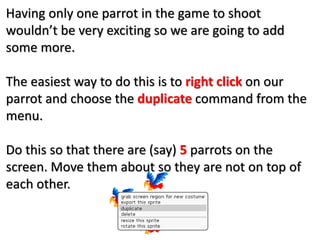
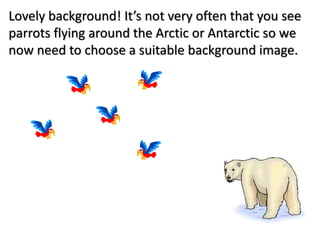
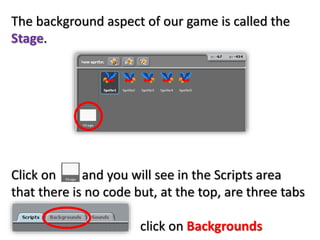
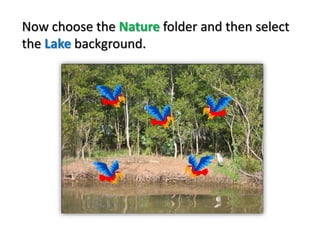
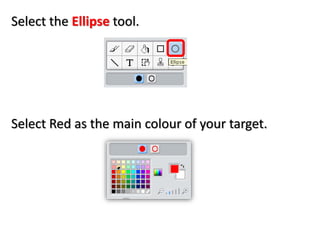
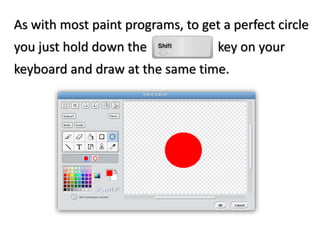
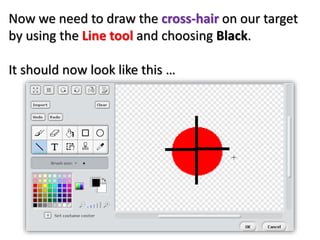
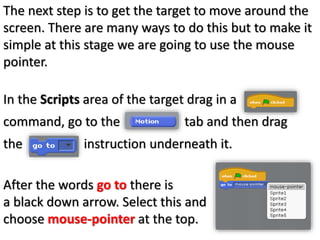
2. The second stage adds more parrot sprites, imports a nature background image, and creates a target sprite that follows the mouse pointer.
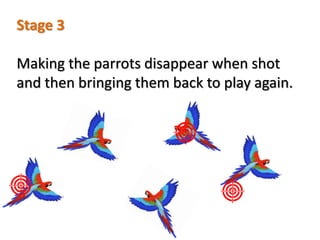
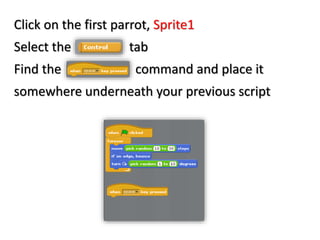
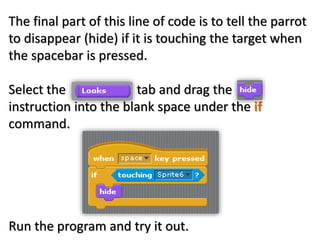
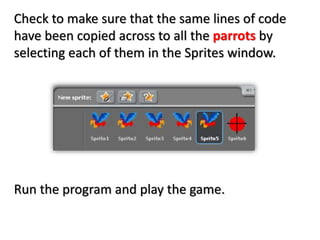
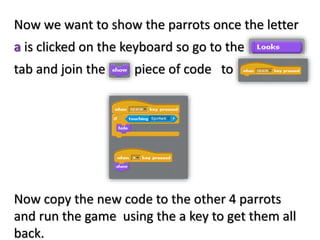
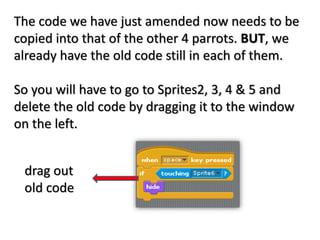
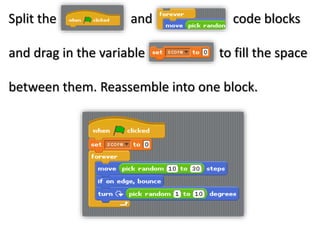
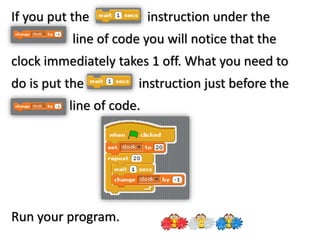
3. The third stage programs the parrot sprites to disappear when clicked with the target, using touch sensing and hide blocks. It also notes that the same code can be reused for all parrot sprites.