Search Analytics For Your Site: Una Conversación Con Tus Consumidores   eMetrics Madrid, Espana 2009 Keynote: Marko Hurst
Me Book:  Search Analytics -  Conversations With Your Customers Anticipated release:  December 2009   Book website:   RosenfeldMedia . com/books/SearchAnalytics  Co-Author:  Lou Rosenfeld Consultant, Author, & Speaker User Experience Web Analytics  Behavioral Targeting: (Machine Learning & Neuroscience) Blog:   MarkoHurst .com   “Insightful Analytics” Twitter:   MarkoHurst Contact:   [email_address]
Before We Begin Audience Survey & Search Info
Audience Survey Question 1 Who currently has ‘search’ on your company website or on your intranet/extranet?
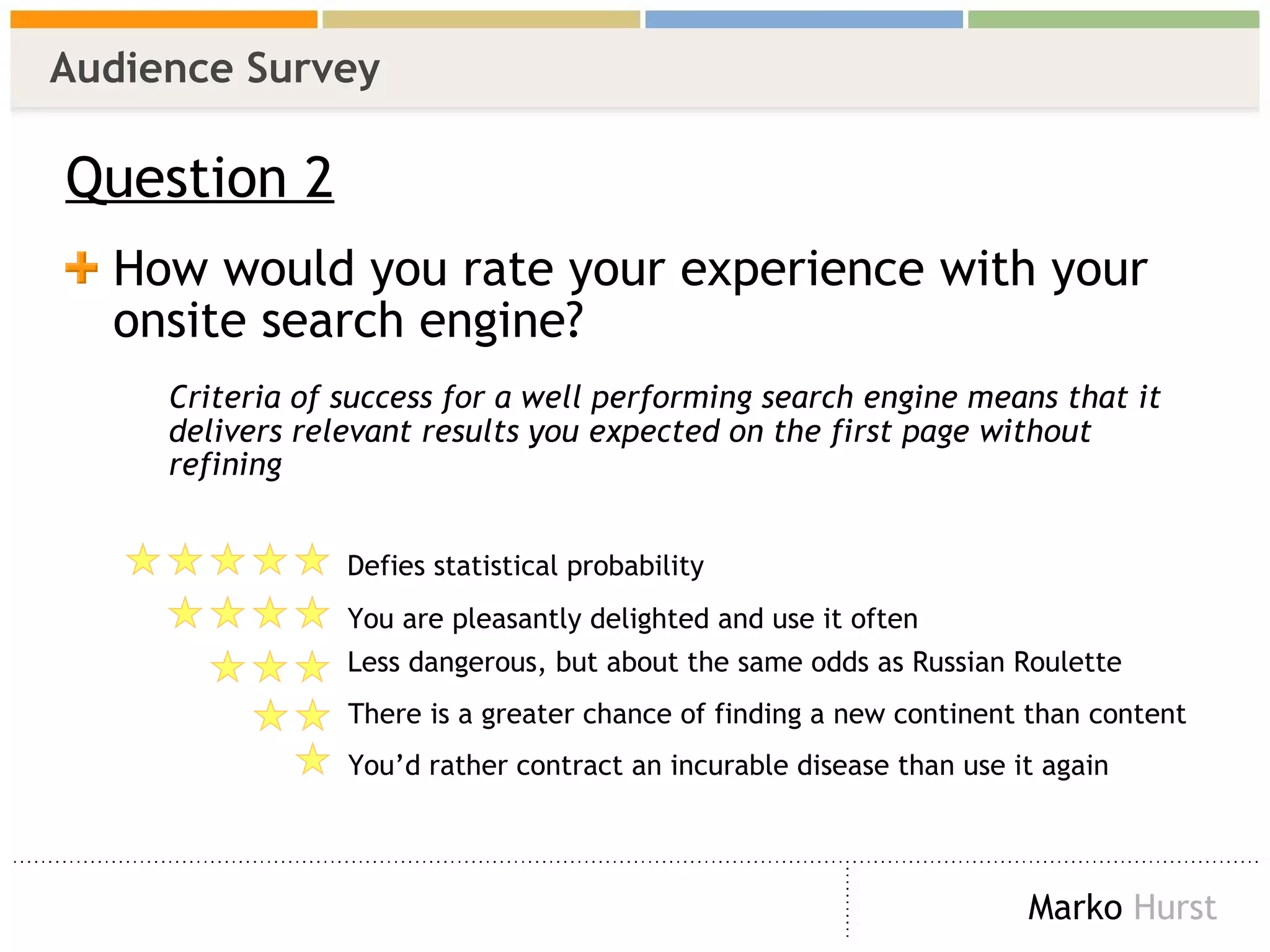
Audience Survey Question 2 How would you rate your experience with your onsite search engine?  Criteria of success for a well performing search engine means that it delivers relevant results you expected on the first page without refining Defies statistical probability  You are pleasantly delighted and use it often Less dangerous, but about the same odds as Russian Roulette There is a greater chance of finding a new continent than content You’d rather contract an incurable disease than use it again
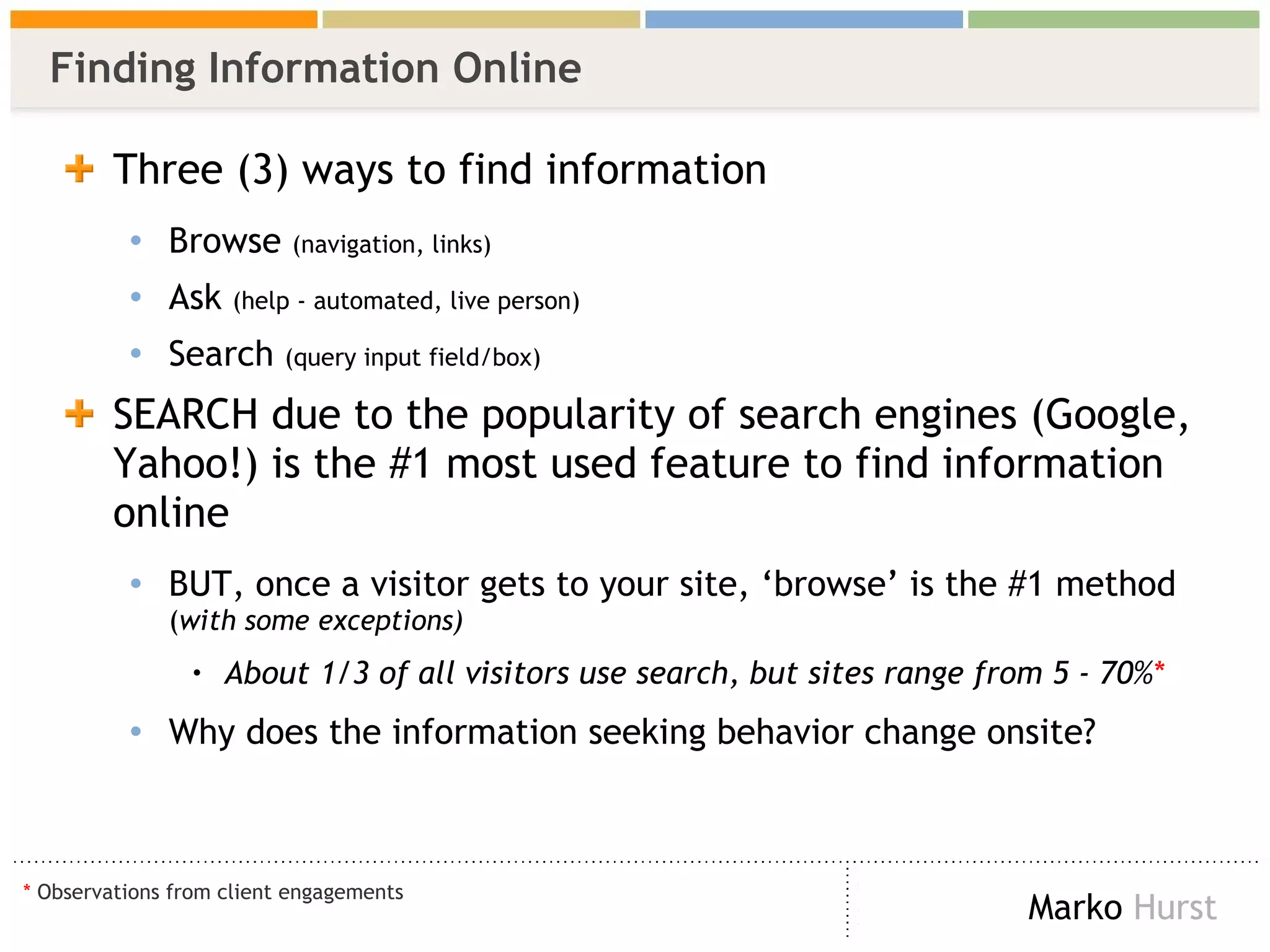
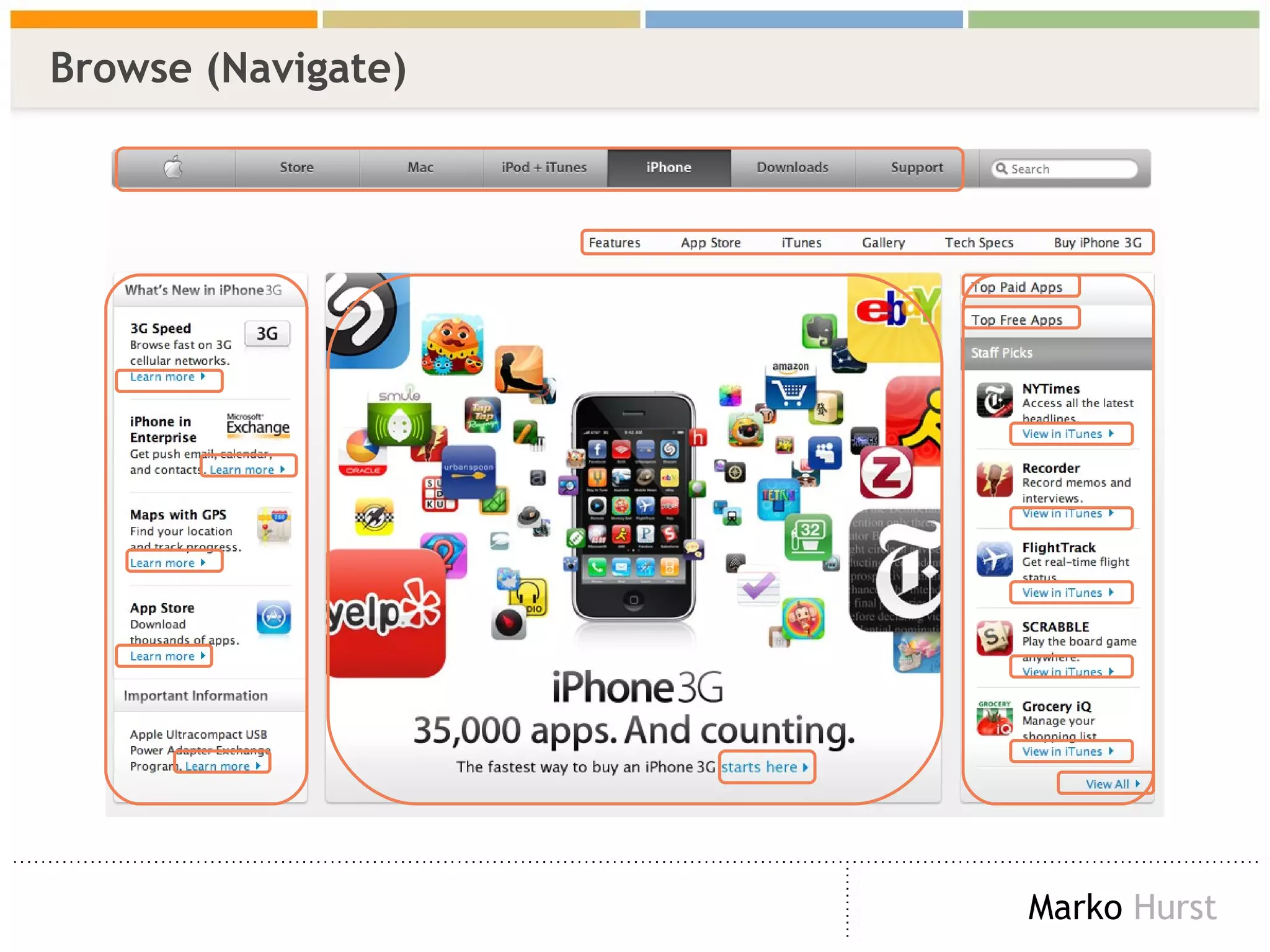
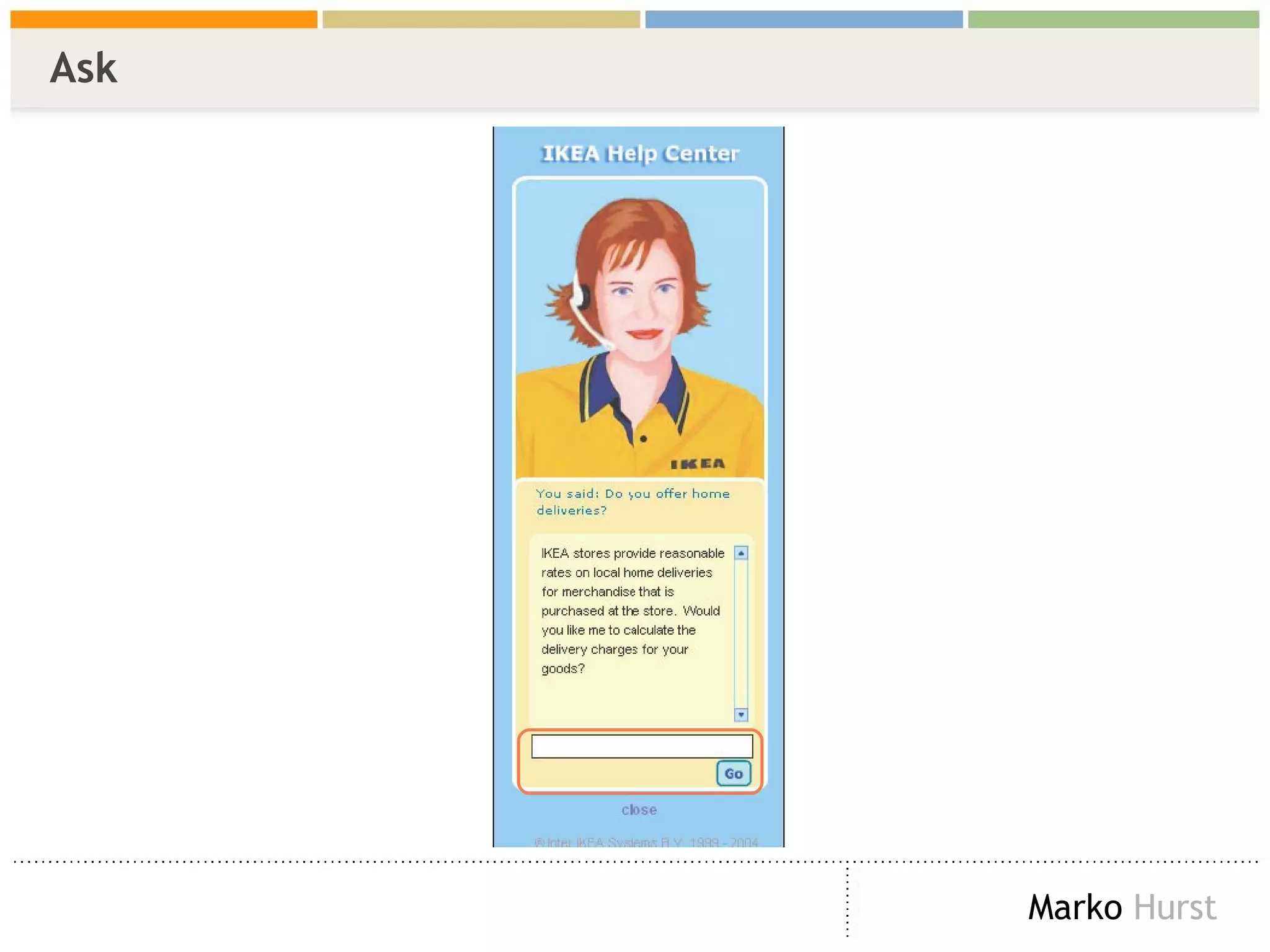
Finding Information Online Three (3) ways to find information Browse  (navigation, links) Ask  (help - automated, live person) Search  (query input field/box) SEARCH due to the popularity of search engines (Google, Yahoo!) is the #1 most used feature to find information online BUT, once a visitor gets to your site, ‘browse’ is the #1 method  ( with some exceptions) About 1/3 of all visitors use search, but sites range from 5 - 70% * Why does the information seeking behavior change onsite? *  Observations from client engagements
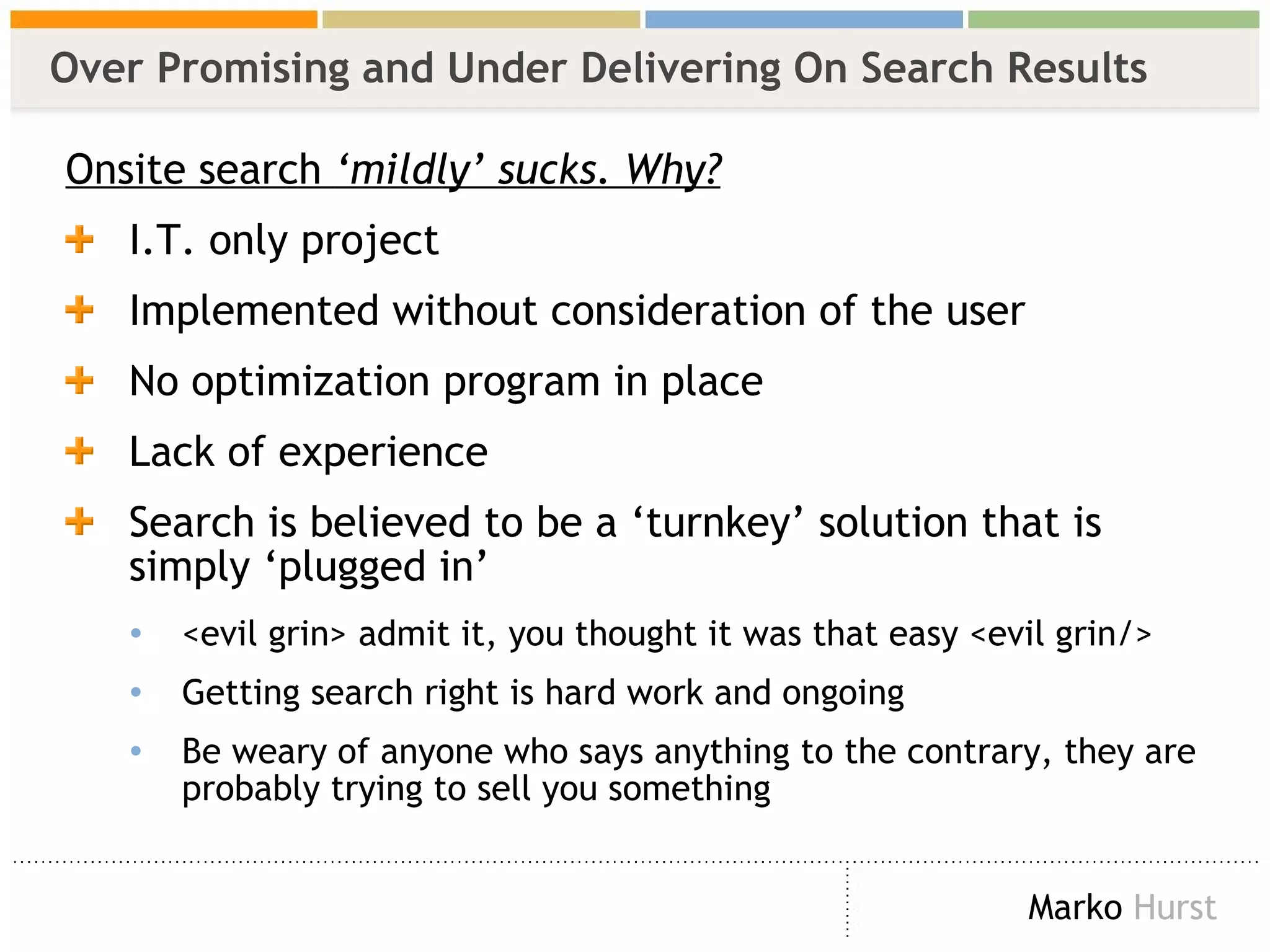
Over Promising and Under Delivering On Search Results Onsite search  ‘mildly’ sucks. Why? I.T. only project Implemented without consideration of the user  No optimization program in place Lack of experience Search is believed to be a ‘turnkey’ solution that is simply ‘plugged in’ <evil grin>  admit it, you thought it was that easy  <evil grin/>   Getting search right is hard work and ongoing  Be weary of anyone who says anything to the contrary, they are probably trying to sell you something
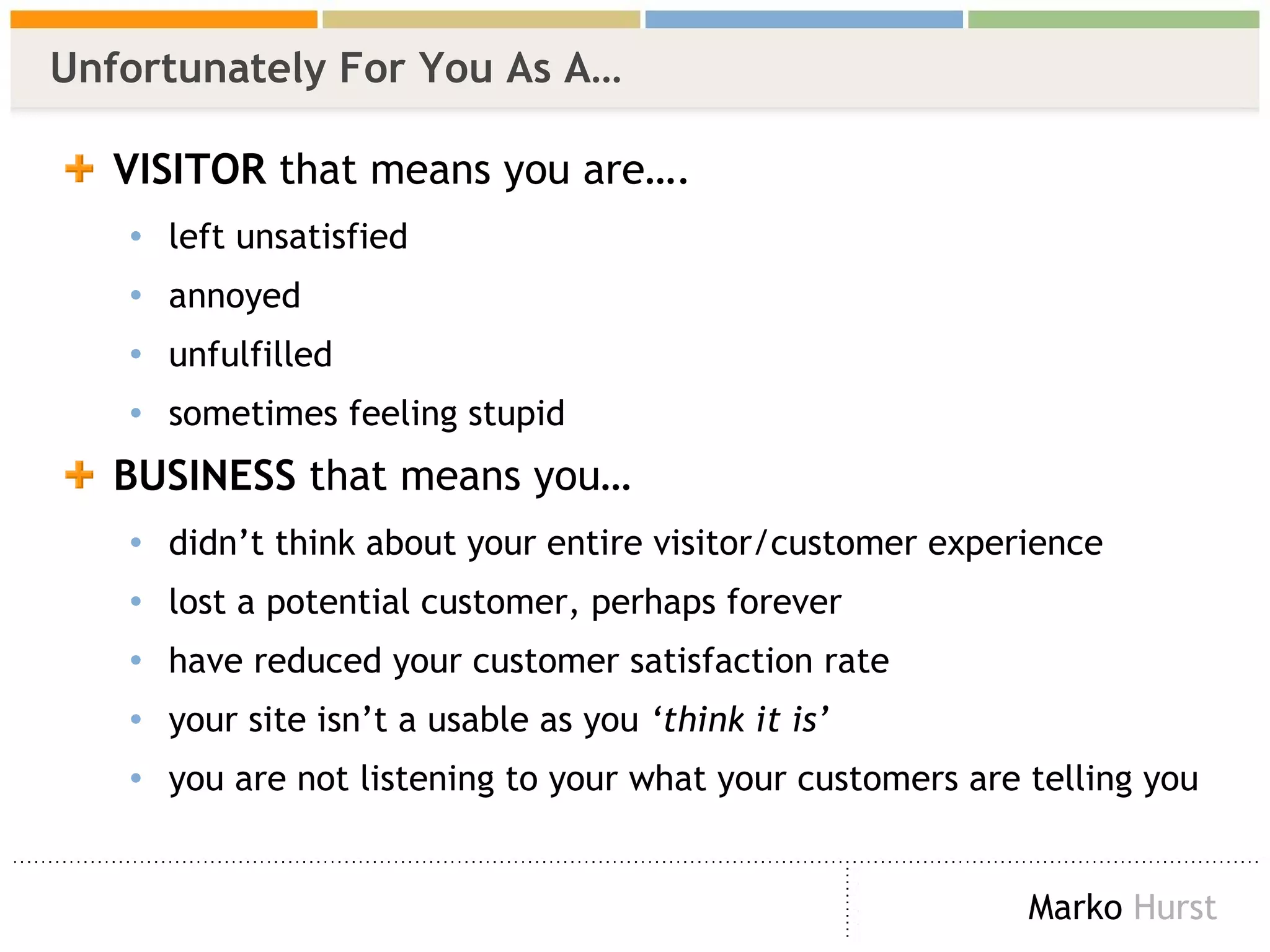
Unfortunately For You As A… VISITOR  that means you are…. left unsatisfied annoyed unfulfilled sometimes feeling stupid BUSINESS  that means you… didn’t think about your entire visitor/customer experience lost a potential customer, perhaps forever have reduced your customer satisfaction rate your site isn’t a usable as you  ‘think it is’ you are not listening to your what your customers are telling you
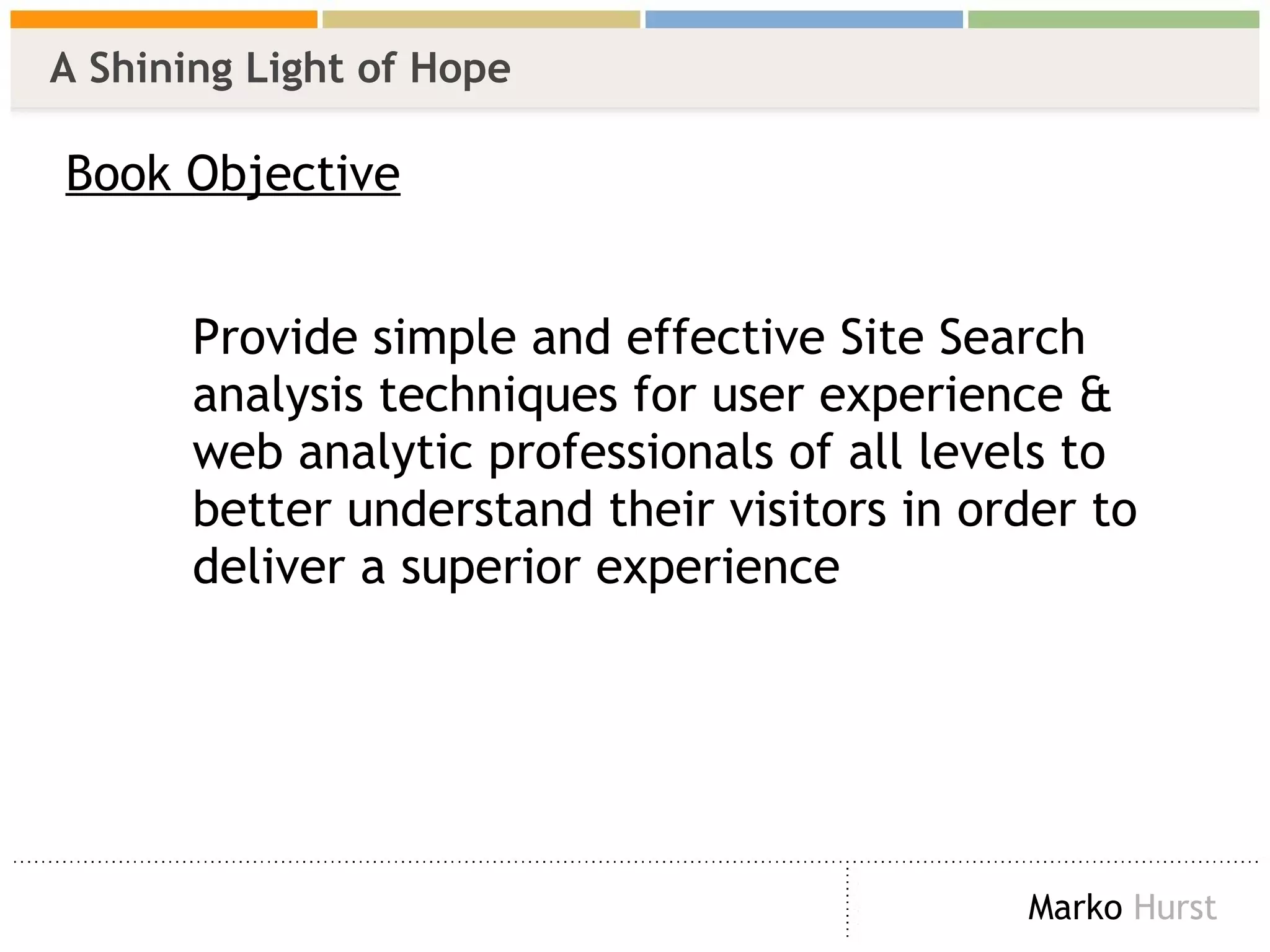
A Shining Light of Hope Book Objective Provide simple and effective Site Search  analysis techniques for user experience &  web analytic professionals of all levels to  better understand their visitors in order to  deliver a superior experience
Benefits & Expectations  SSA *  produces   actionable insights Techniques used are about analysis, NOT reporting  (and there was much rejoicing!)  For some, this like reaching Nirvana For others, this is like opening Pandora’s Box To achieve the benefits of SSA expect to: Change site design/layout Change keywords, copy, metadata, labels, navigation, taxonomy, etc. Add &/or remove pages Change your SEO & SEM And much more! *  SSA = Site Search Analytics
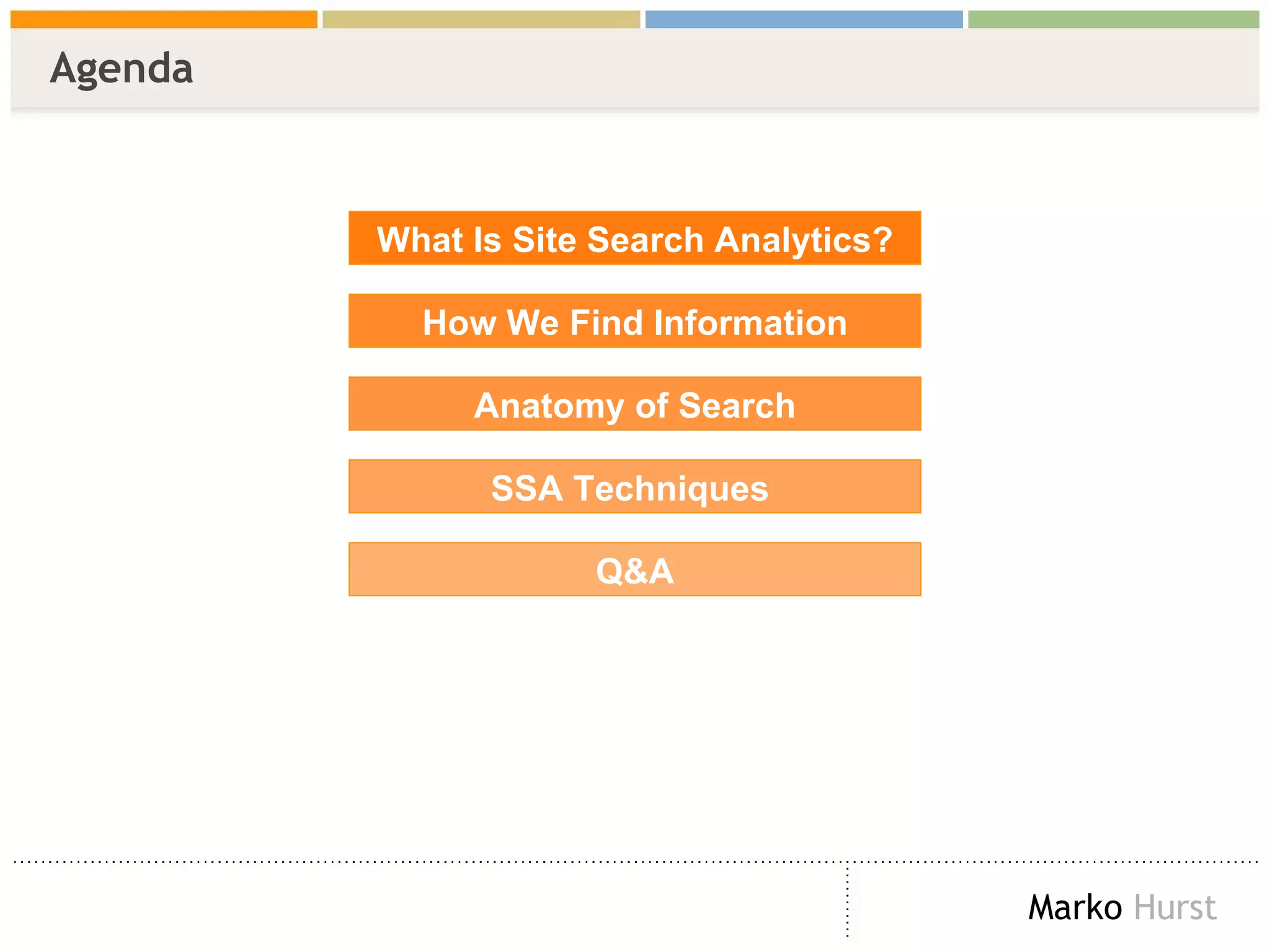
Agenda What Is Site Search Analytics? How We Find Information Anatomy of Search SSA Techniques  Q&A
What Is Site Search Analytics? And What It’s Not
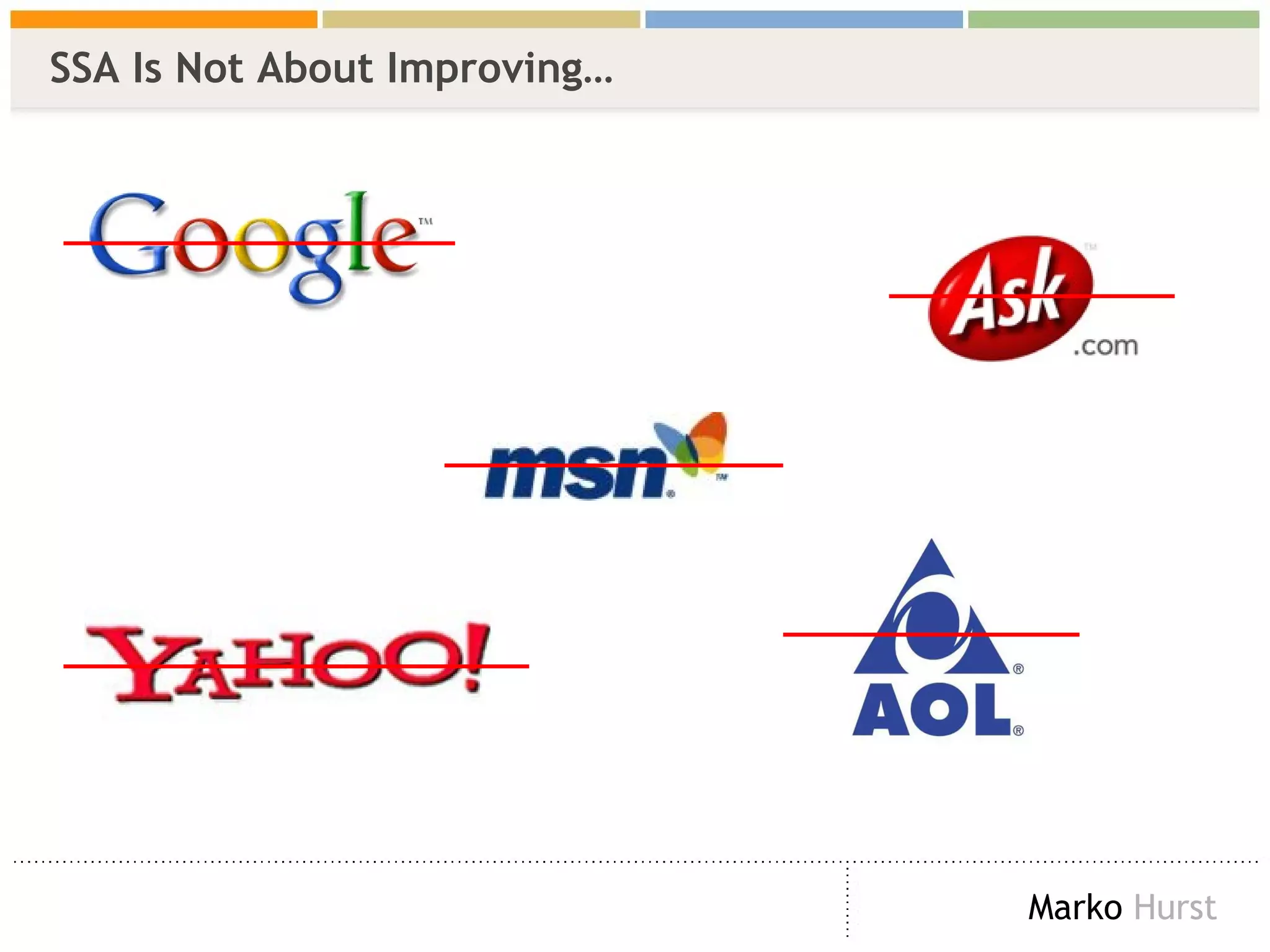
SSA Is Not About Improving…
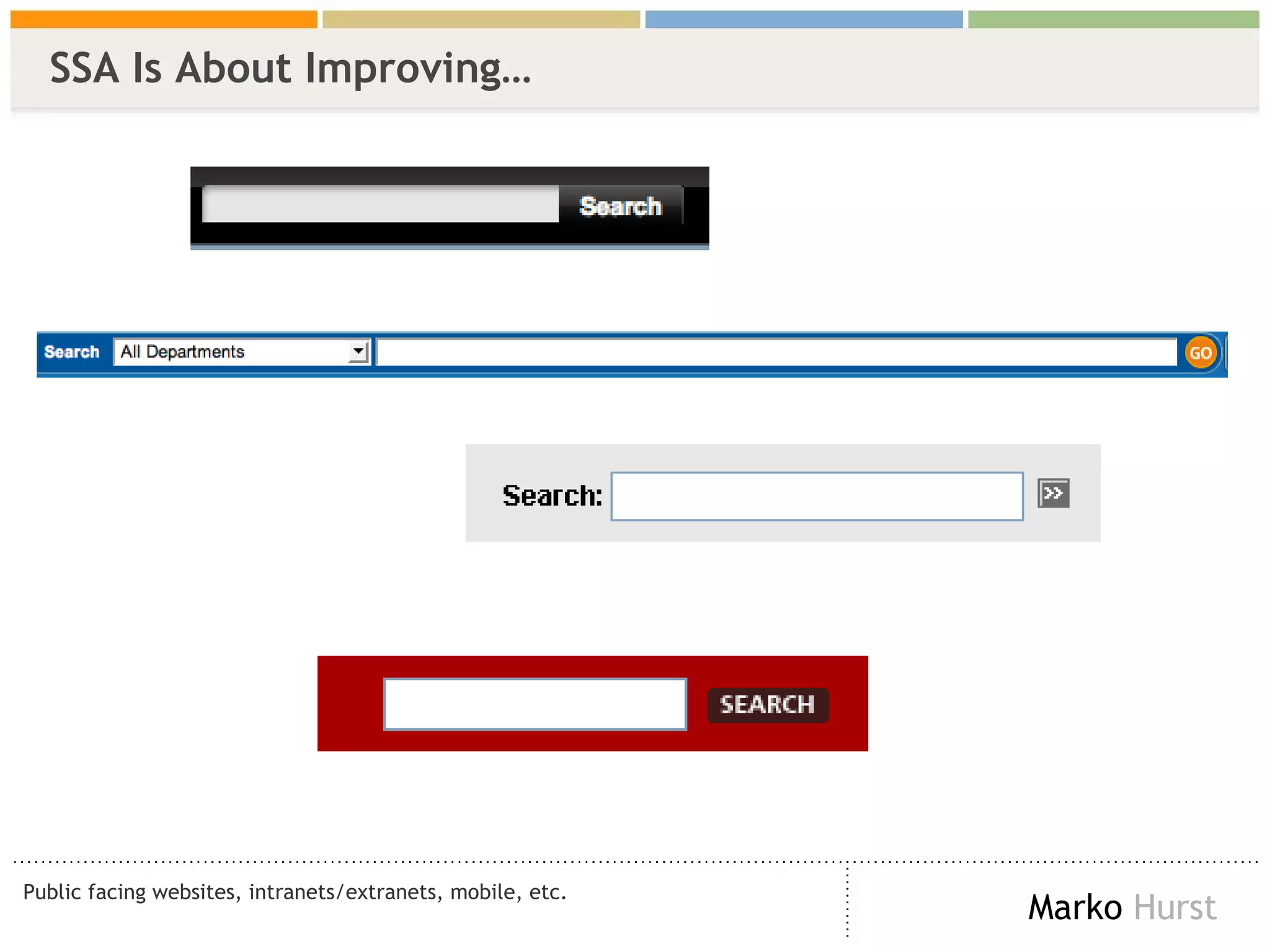
SSA Is About Improving…  Public facing websites, intranets/extranets, mobile, etc.
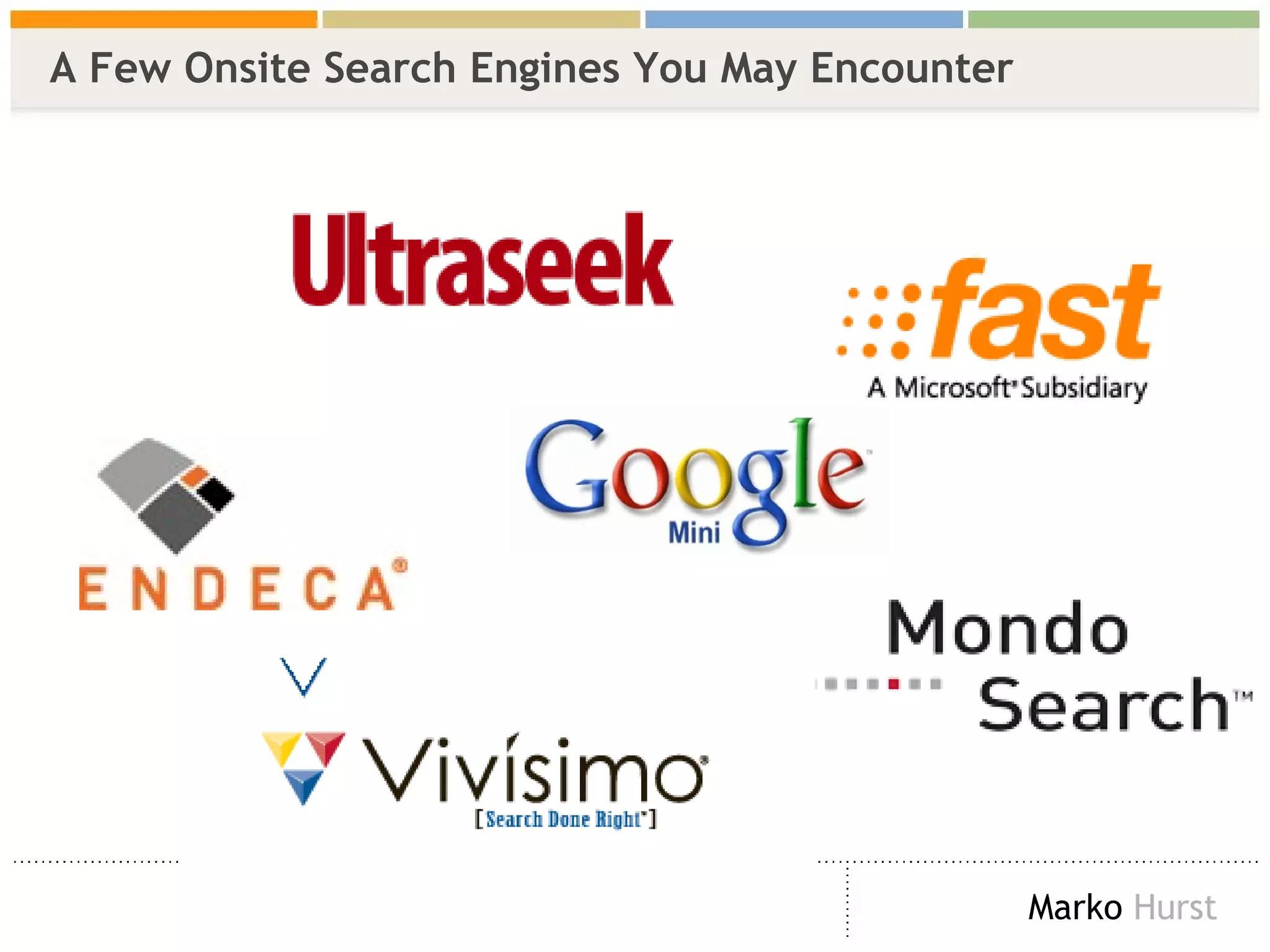
A Few Onsite Search Engines You May Encounter
How We Find Information Information Foraging
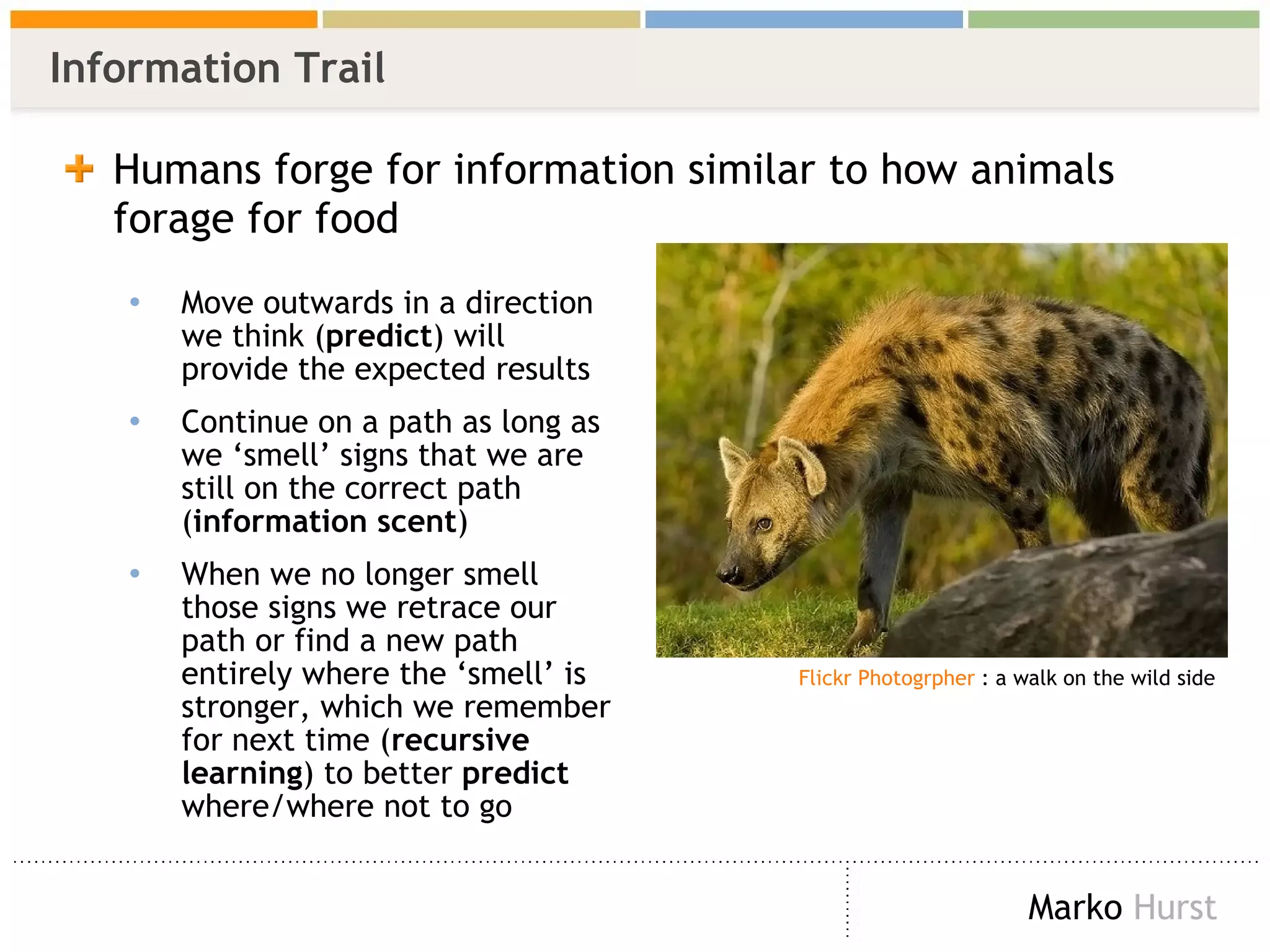
Information Trail Humans forge for information similar to how animals forage for food Move outwards in a direction we think ( predict ) will provide the expected results  Continue on a path as long as we ‘smell’ signs that we are still on the correct path ( information scent ) When we no longer smell those signs we retrace our path or find a new path entirely where the ‘smell’ is stronger, which we remember for next time ( recursive learning ) to better  predict  where/where not to go Flickr  Photogrpher  : a walk on the wild side
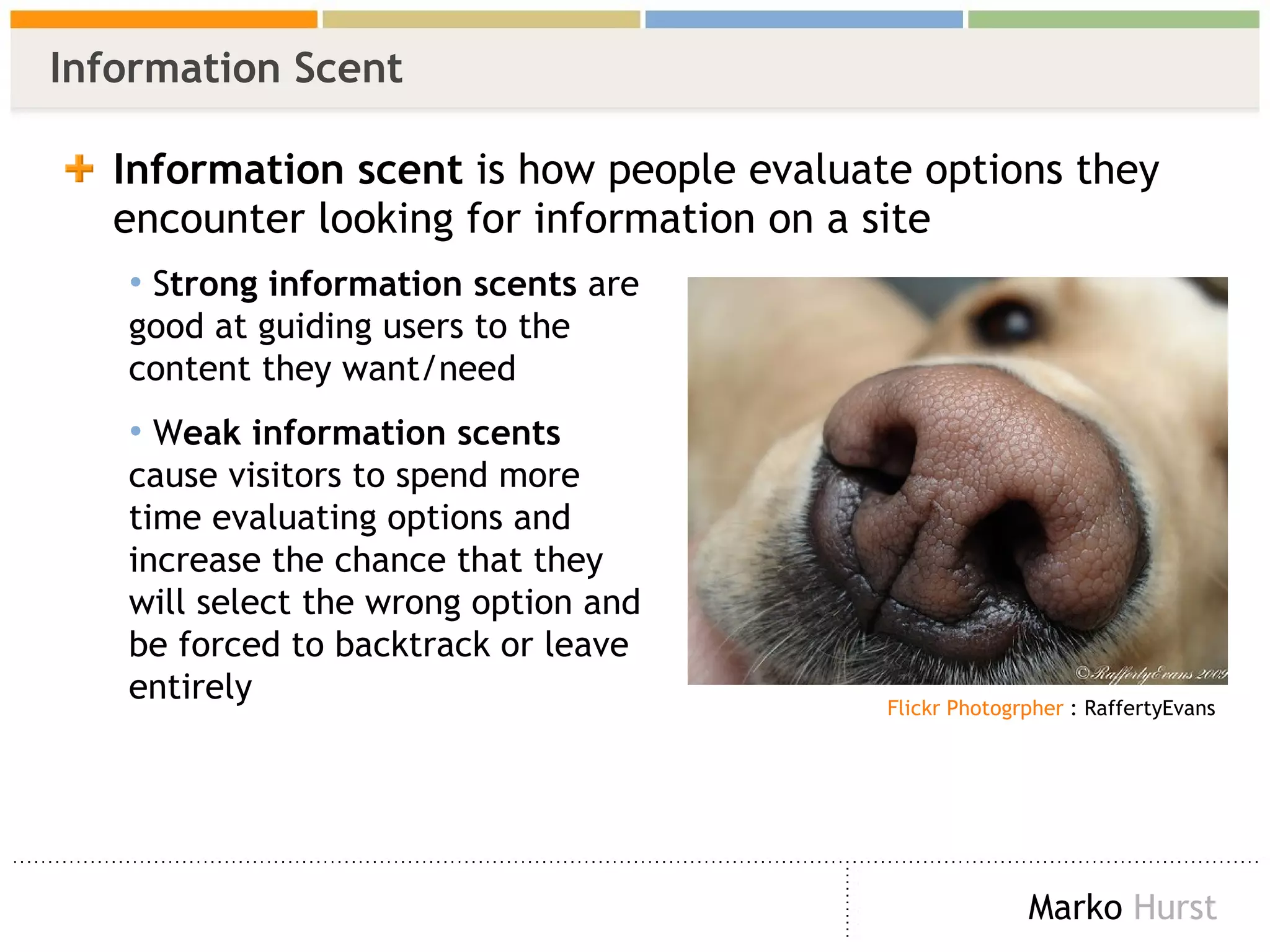
Information Scent Information scent  is how people evaluate options they encounter looking for information on a site S trong information scents  are good at guiding users to the content they want/need W eak information scents  cause visitors to spend more time evaluating options and increase the chance that they will select the wrong option and be forced to backtrack or leave entirely   Flickr  Photogrpher  : RaffertyEvans
How Humans Find Information Online  Three ways of finding information Browse Ask  Search
Browse (Navigate)
Ask
Search
Where To Begin Getting Started
The Basics Analyzing data Zipf Distribution  Excel (spreadsheet) skills Low / no budget software No need for code or higher mathematics  Where to get data Log files Search / Web Analytics A mindset / desire to improve your site, increase ROI, and deliver a better user experience Outside the scope of book :) NOTE: everything I show you is 100% technology agnostic
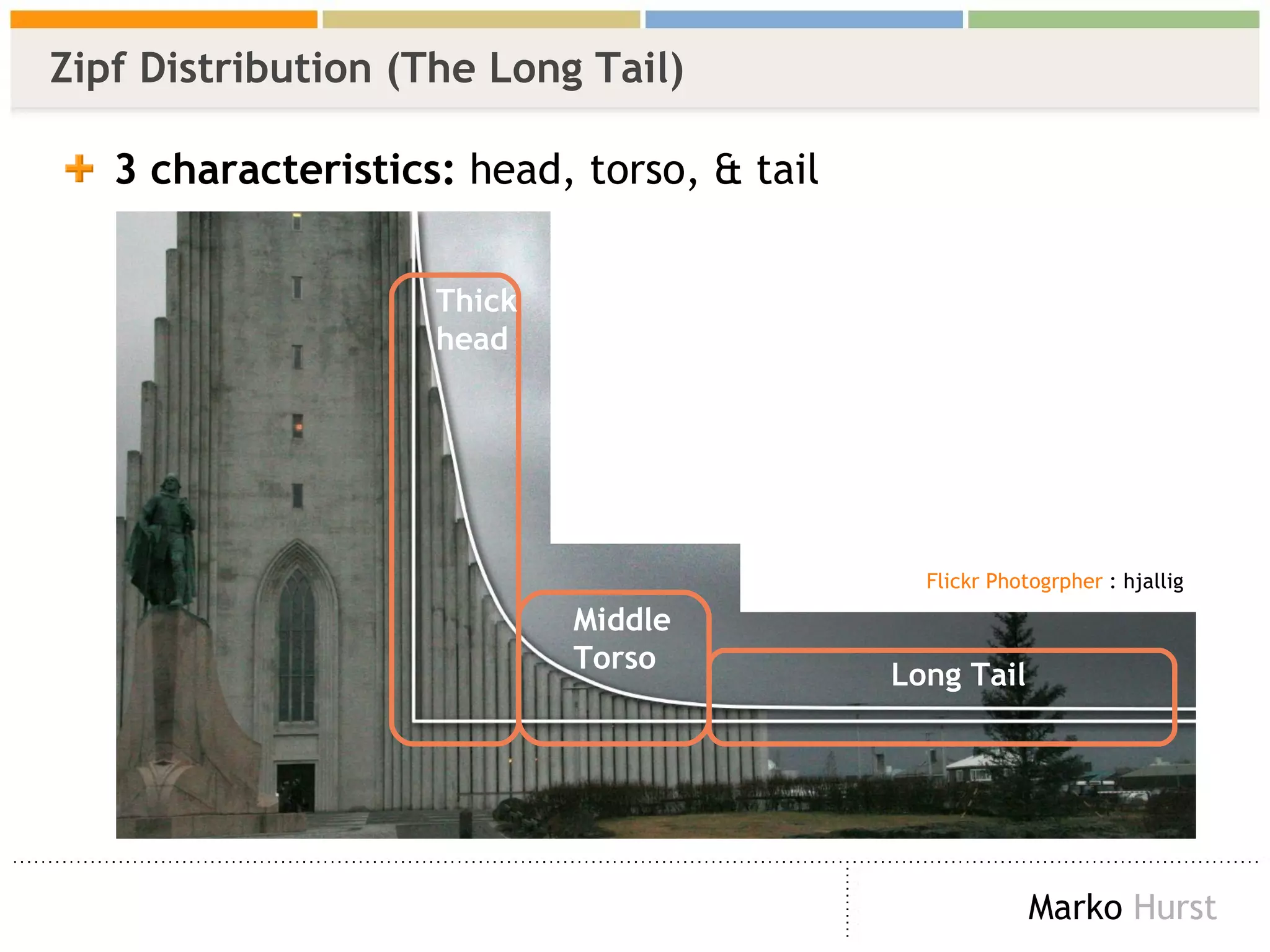
Zipf Distribution (The Long Tail) 3 characteristics:  head, torso, & tail Thick head Middle Torso Long Tail Flickr  Photogrpher  : hjallig
Data: Search Logs  (Google Search Appliance)   Critical elements in  red IP address, time/date stamp, query, and # of results XXX.XXX.XX.130  - - [ 10/Jul/2006:10:24:38 -0800 ] &quot;GET /search? access=p&entqr=0&output=xml_no_dtd&sort=date%3AD%3AL %3Ad1&ud=1&site=AllSites&ie=UTF-8&client=www&oe=UTF-8&proxystyleshe et=www&q= regional+transportation+governance +commission&ip=XXX.XXX.X.130 HTTP/1.1&quot; 200 9718  62  0.17 XXX.XXX.X.104  - - [ 10/Jul/2006:10:25:46 -0800 ] &quot;GET /search? access=p&entqr=0&output=xml_no_dtd&sort=date%3AD%3AL %3Ad1&ud=1&site=AllSites&ie=UTF-8&client=www&oe=UTF-8&proxystyleshe et=www&q= lincense+plate &ip=XXX.XXX.X.104 HTTP/1.1&quot; 200 971  0  0.02 XXX.XXX.X.104  - - [ 10/Jul/2006:10:25:48 -0800 ] &quot;GET /search? access=p&entqr=0&output=xml_no_dtd&sort=date%3AD%3AL %3Ad1&ie=UTF-8&client=www&q= license+plate &ud=1&site=AllSites&spell=1&oe=UTF-8&proxystylesheet=www&ip=XXX.XXX. X.104 HTTP/1.1&quot; 200 8283  146  0.16
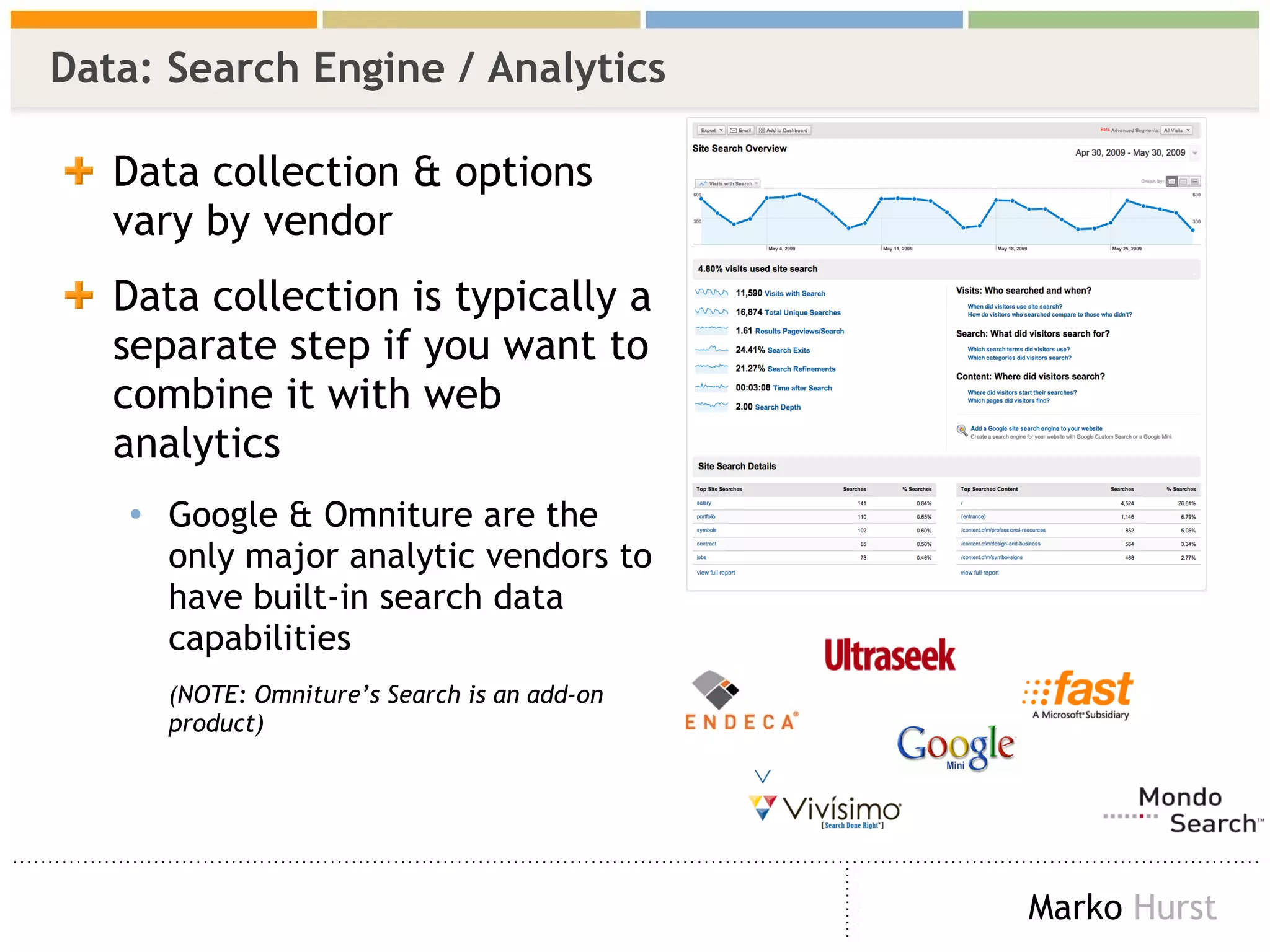
Data: Search Engine / Analytics  Data collection & options vary by vendor Data collection is typically a separate step if you want to combine it with web analytics Google & Omniture are the only major analytic vendors to have built-in search data capabilities  (NOTE: Omniture’s Search is an add-on product)
Improving Your Site Search  SSA Techniques & Search Behavior
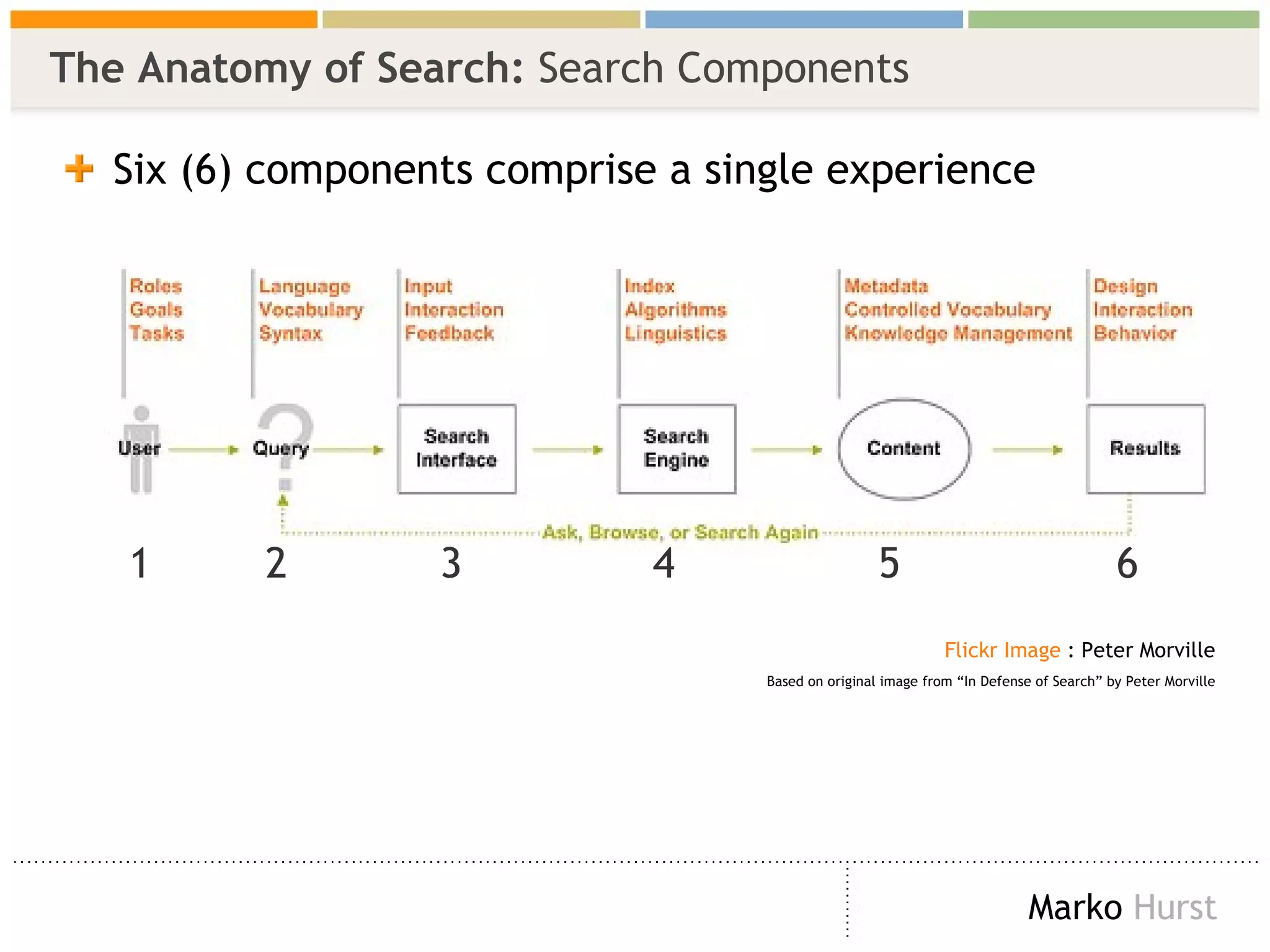
The Anatomy of Search:  Search Components   Six (6) components comprise a single experience  Flickr  Image  : Peter Morville Based on original image from “In Defense of Search” by Peter Morville 1  2  3  4  5  6
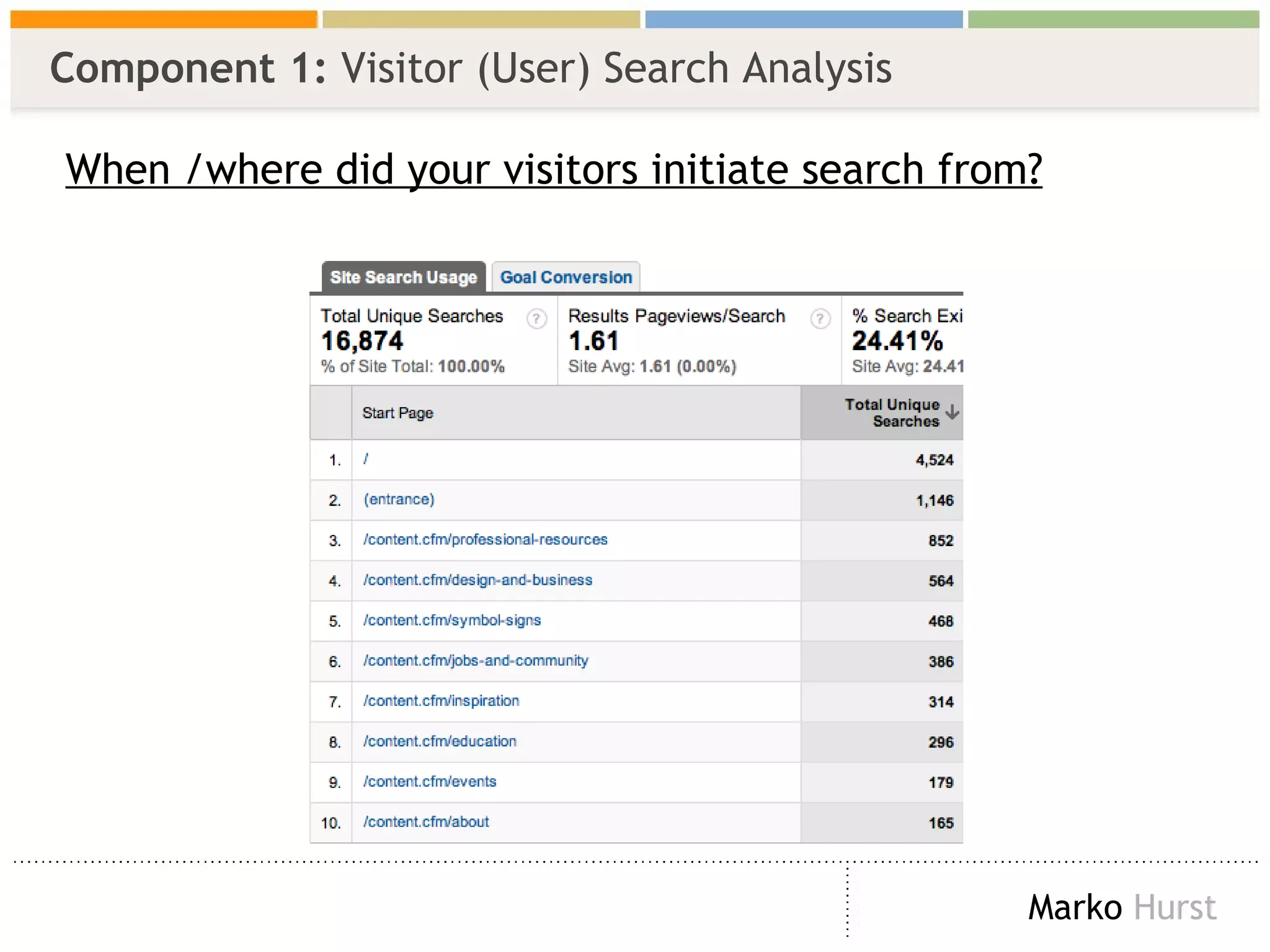
Component 1:  Visitor (User) When / Where Do Visitors Search? Most often when a visitor becomes frustrated with browsing  (i.e. your design, navigation, information architecture, whatever) eCommerce and Government websites  search  is often the first choice This behavior also occurs when a visitor ‘knows’ what they are looking for Some visitors use search as their first / main method For more on this, see Peter Morville’s “ Search Patterns ” IA Summit 2008
Component 1:  Visitor (User) Search Analysis When /where did your visitors initiate search from?
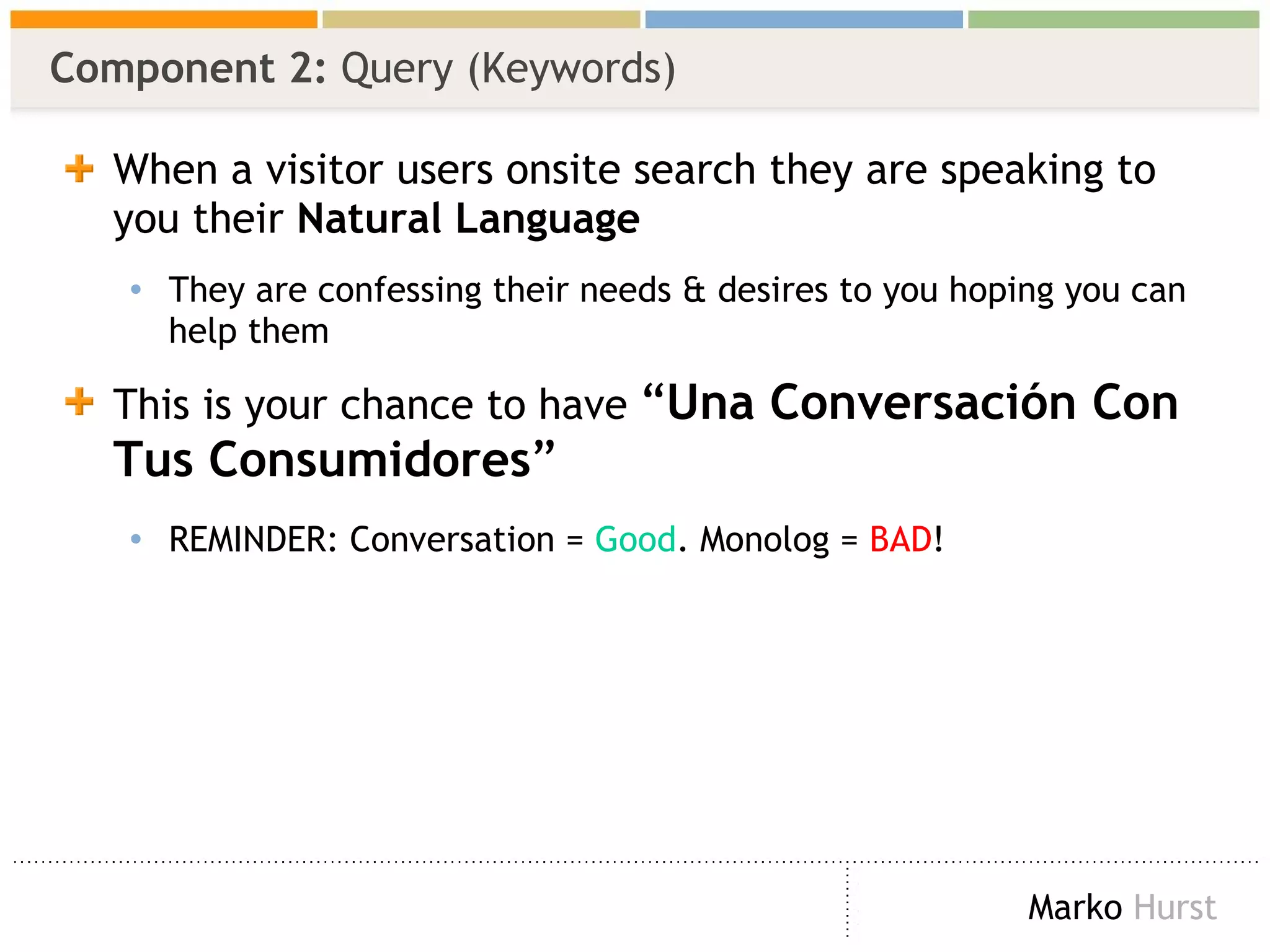
Component 2:  Query (Keywords) When a visitor users onsite search they are speaking to you their  Natural Language They are confessing their needs & desires to you hoping you can help them This is your chance to have  “ Una Conversación Con Tus Consumidores ” REMINDER: Conversation =  Good . Monolog =  BAD !
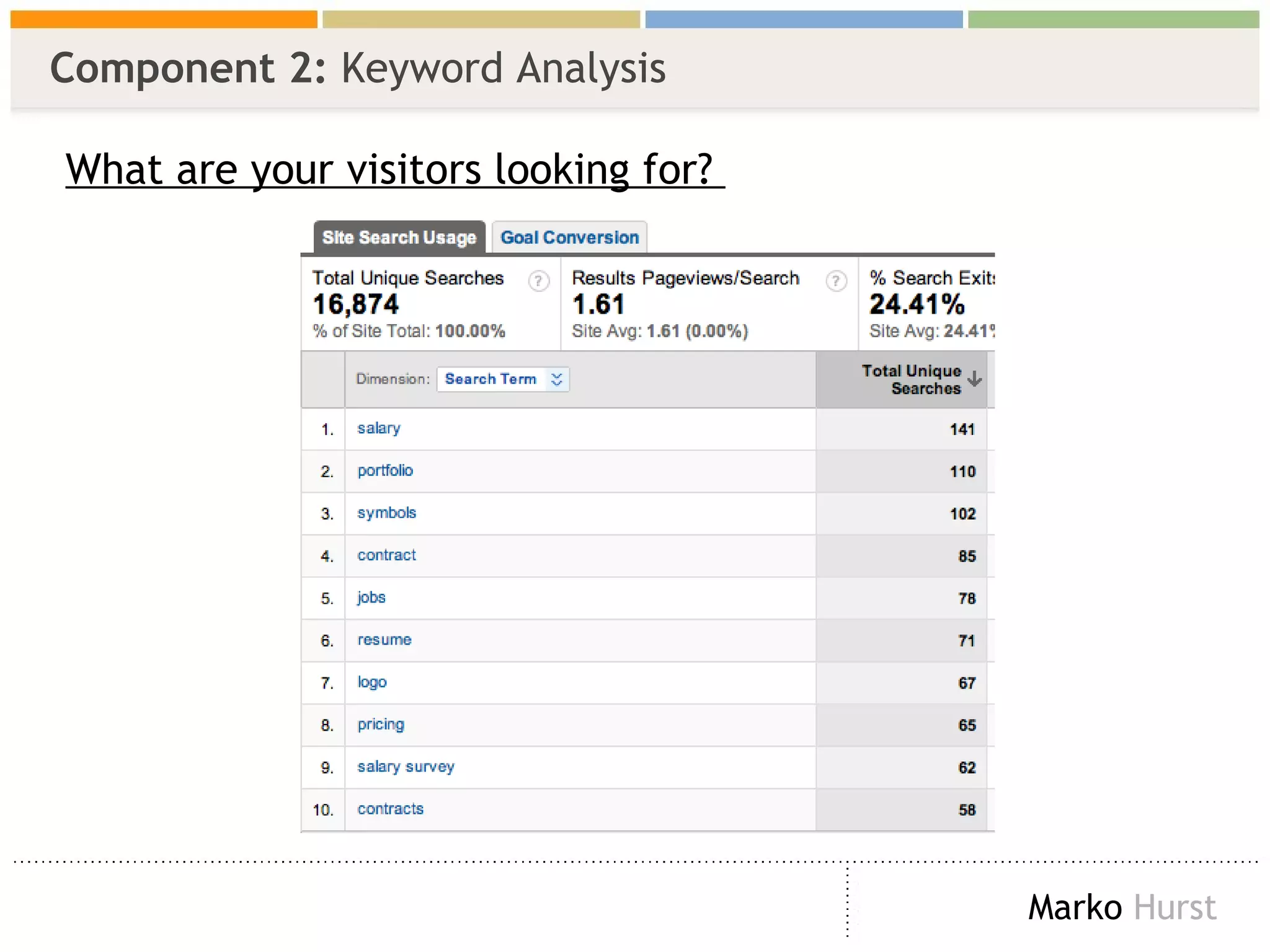
Component 2:  Keyword Analysis What are your visitors looking for?
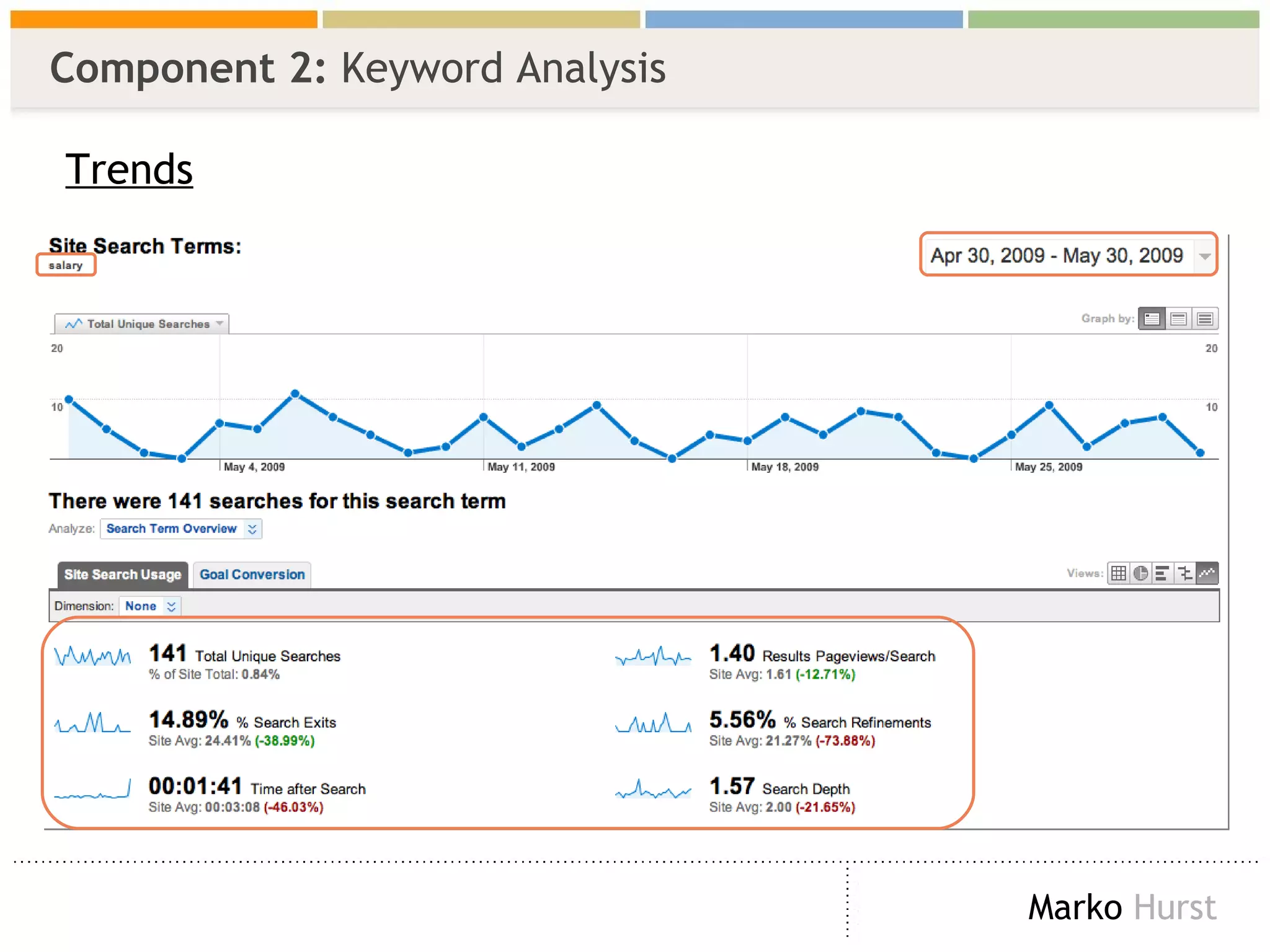
Component 2:  Keyword Analysis Trends
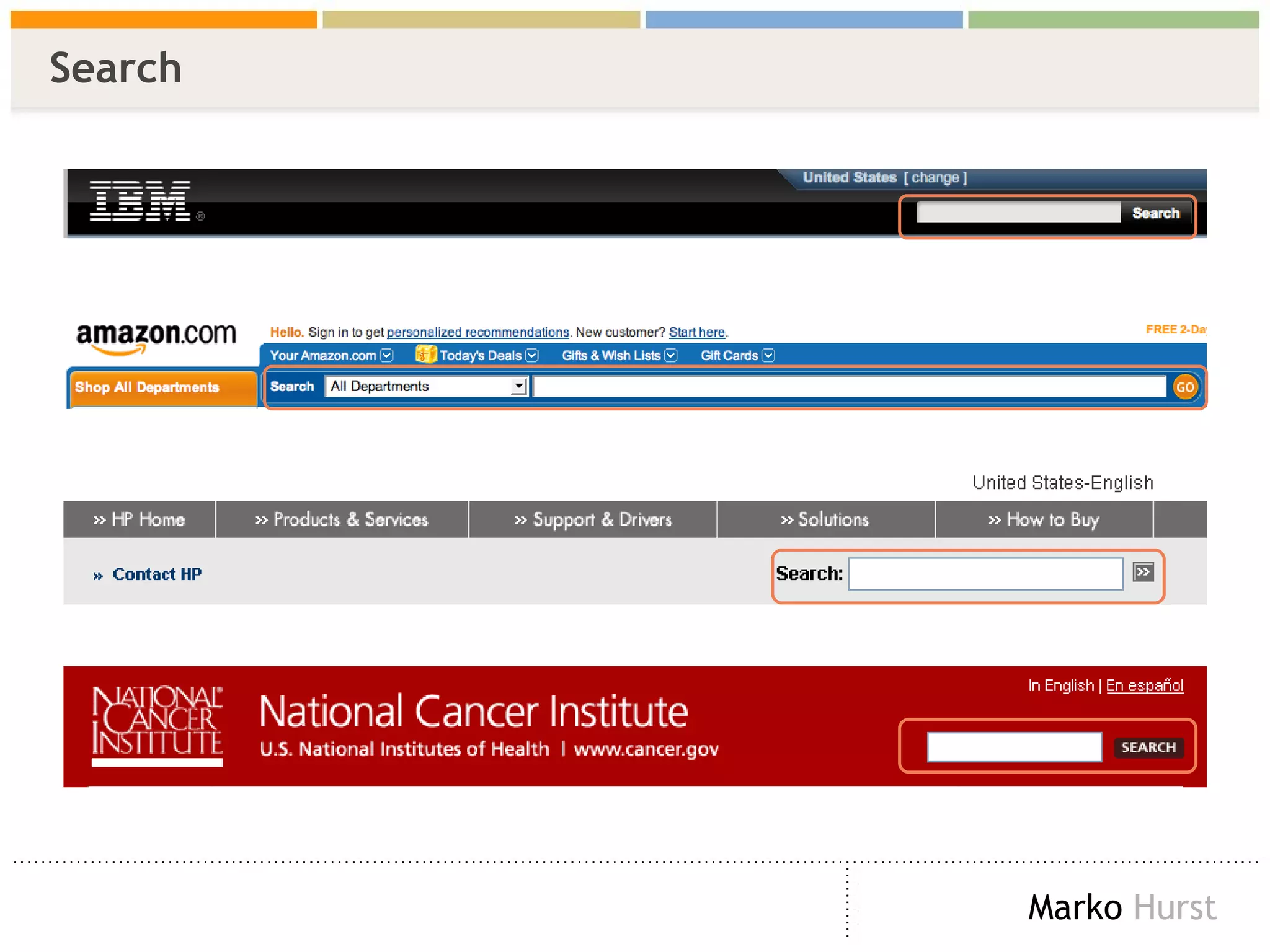
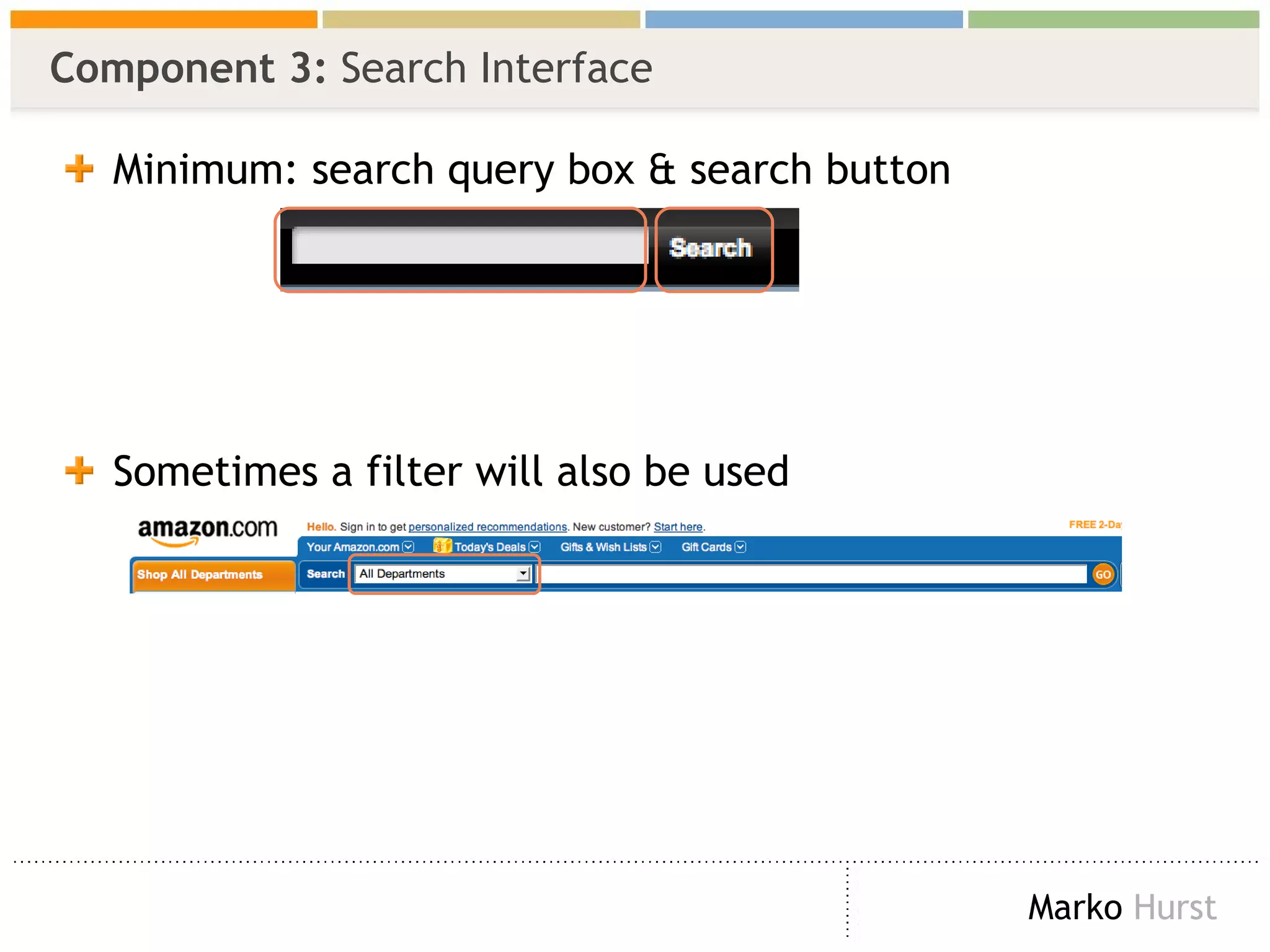
Component 3:  Search Interface Minimum: search query box & search button Sometimes a filter will also be used
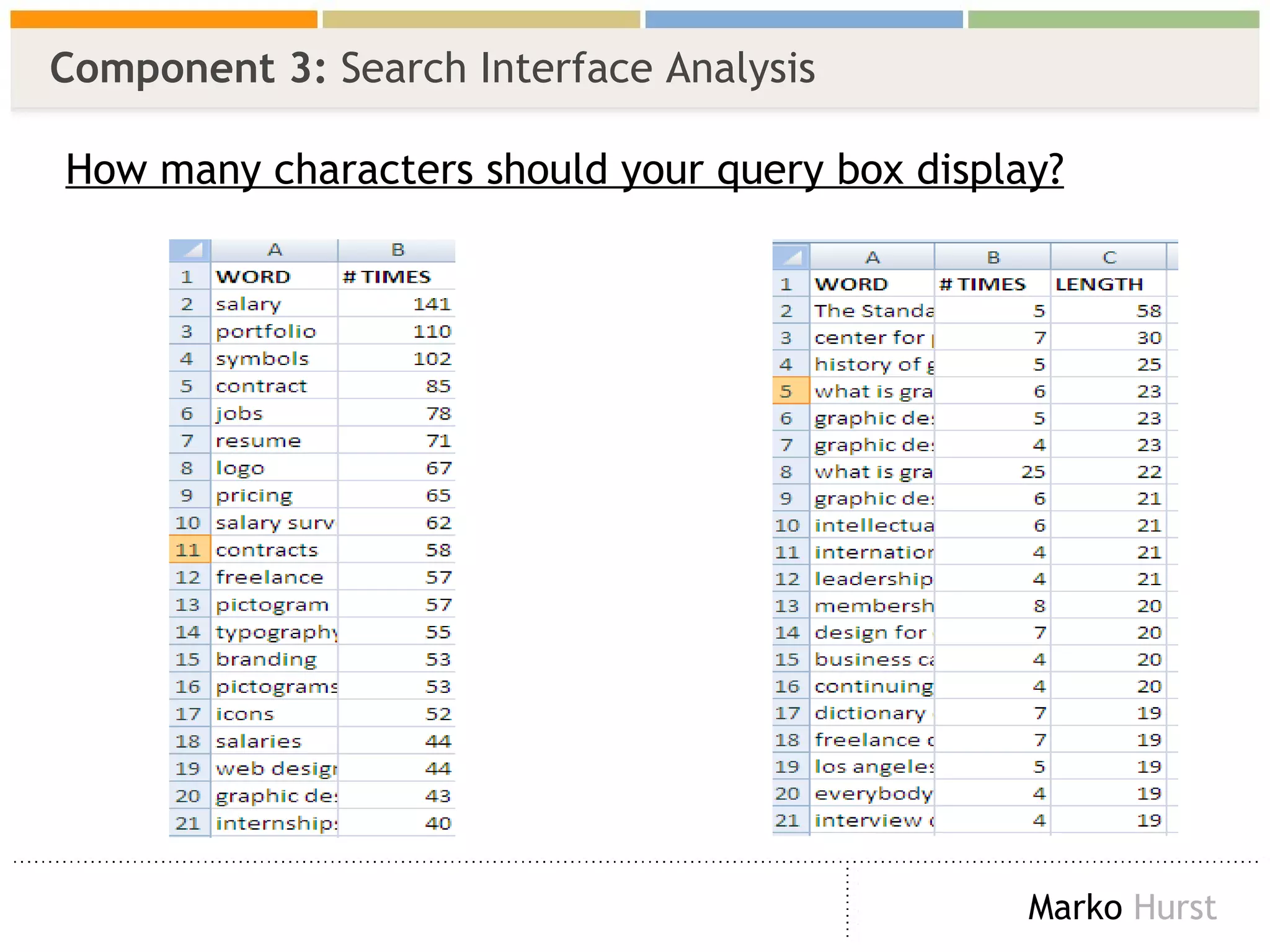
Component 3:  Search Interface Analysis How many characters should your query box display?
Component 4:  Search Engine While the Search Engine is an essential component… Options and details vary by vendor Common features: Ranking, best bets, stemming, facets, weighting, most frequent, etc. Opening the ‘black box’ is beyond scope of book -- and I promised you didn’t need to code & be a mathematician
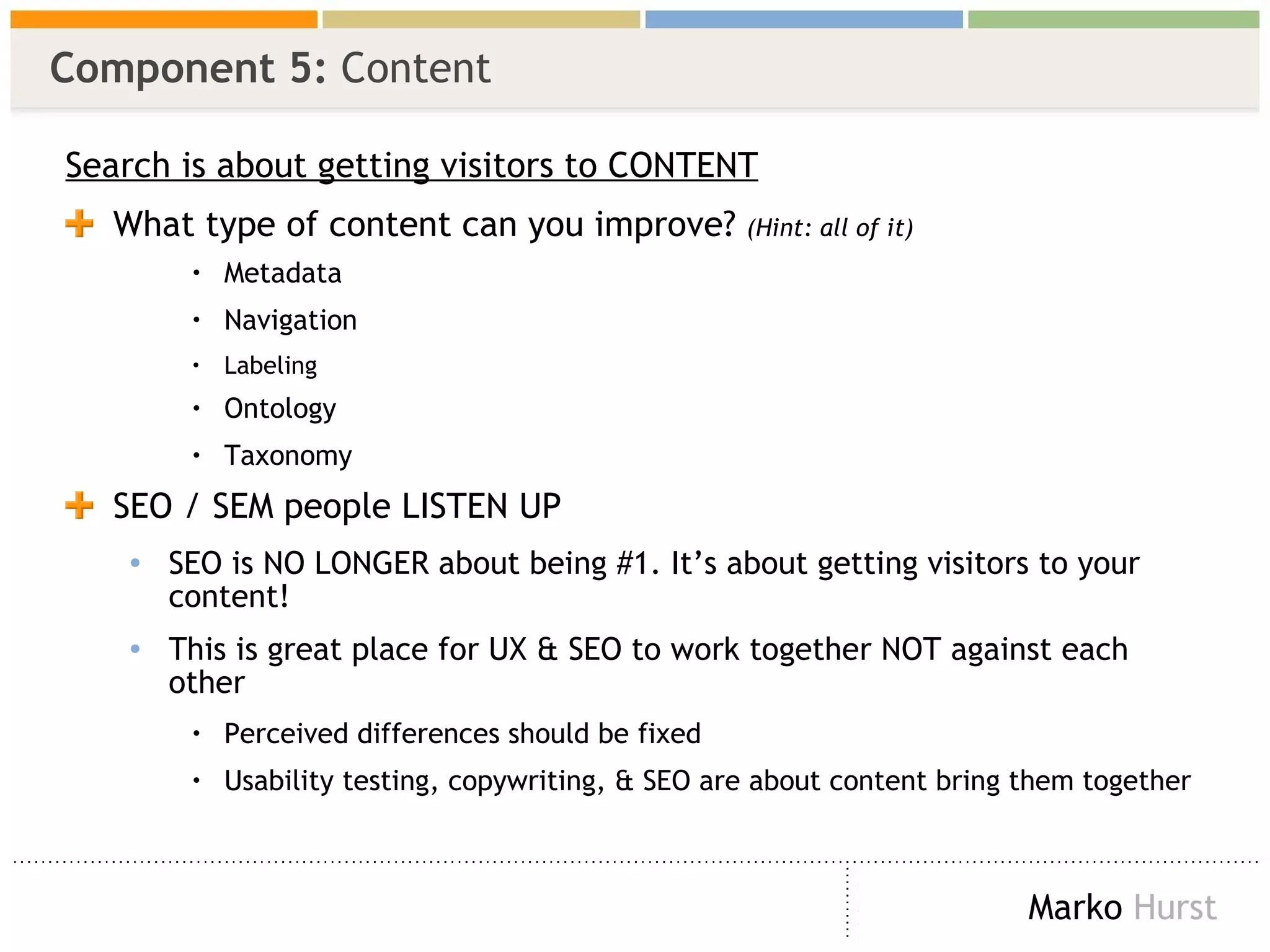
Component 5:  Content Search is about getting visitors to CONTENT What type of content can you improve?  (Hint: all of it) Metadata Navigation Labeling Ontology Taxonomy SEO / SEM people LISTEN UP SEO is NO LONGER about being #1. It’s about getting visitors to your content! This is great place for UX & SEO to work together NOT against each other Perceived differences should be fixed  Usability testing, copywriting, & SEO are about content bring them together
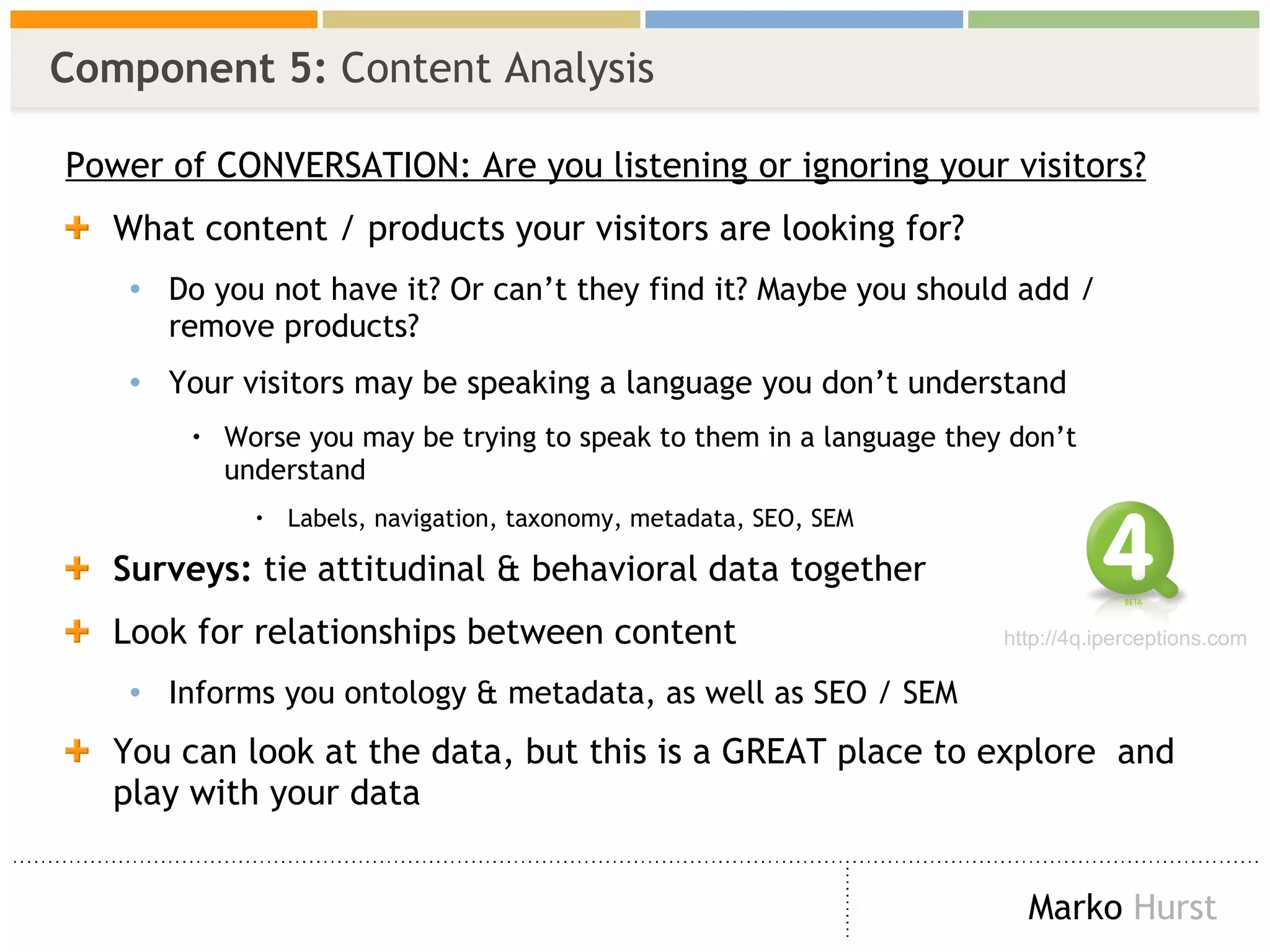
Component 5:  Content Analysis Power of CONVERSATION: Are you listening or ignoring your visitors? What content / products your visitors are looking for? Do you not have it? Or can’t they find it? Maybe you should add / remove products? Your visitors may be speaking a language you don’t understand Worse you may be trying to speak to them in a language they don’t understand  Labels, navigation, taxonomy, metadata, SEO, SEM Surveys:  tie attitudinal & behavioral data together  Look for relationships between content Informs you ontology & metadata, as well as SEO / SEM You can look at the data, but this is a GREAT place to explore  and play with your data http://4q.iperceptions.com
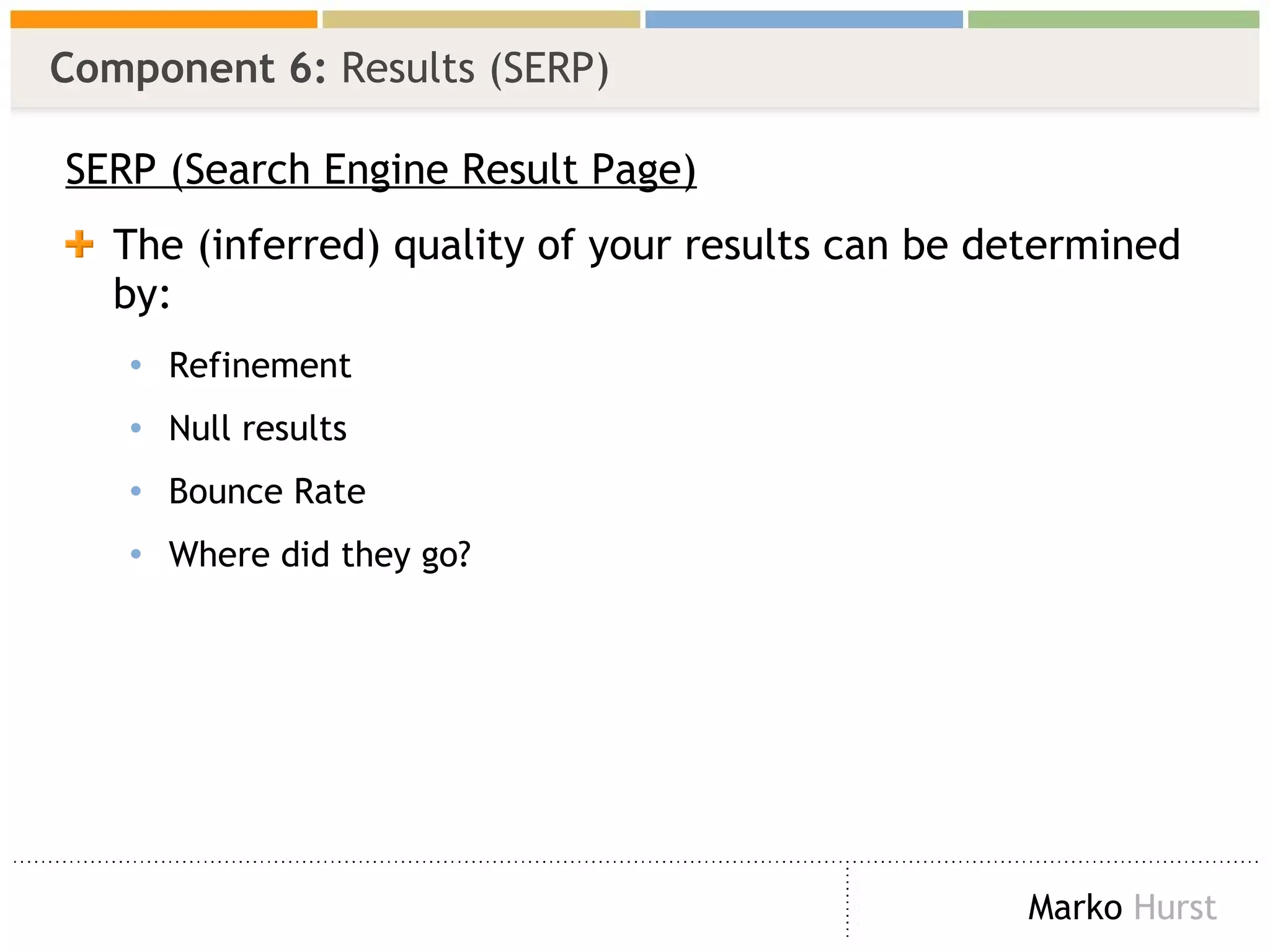
Component 6:  Results (SERP) SERP (Search Engine Result Page) The (inferred) quality of your results can be determined by: Refinement Null results Bounce Rate Where did they go?
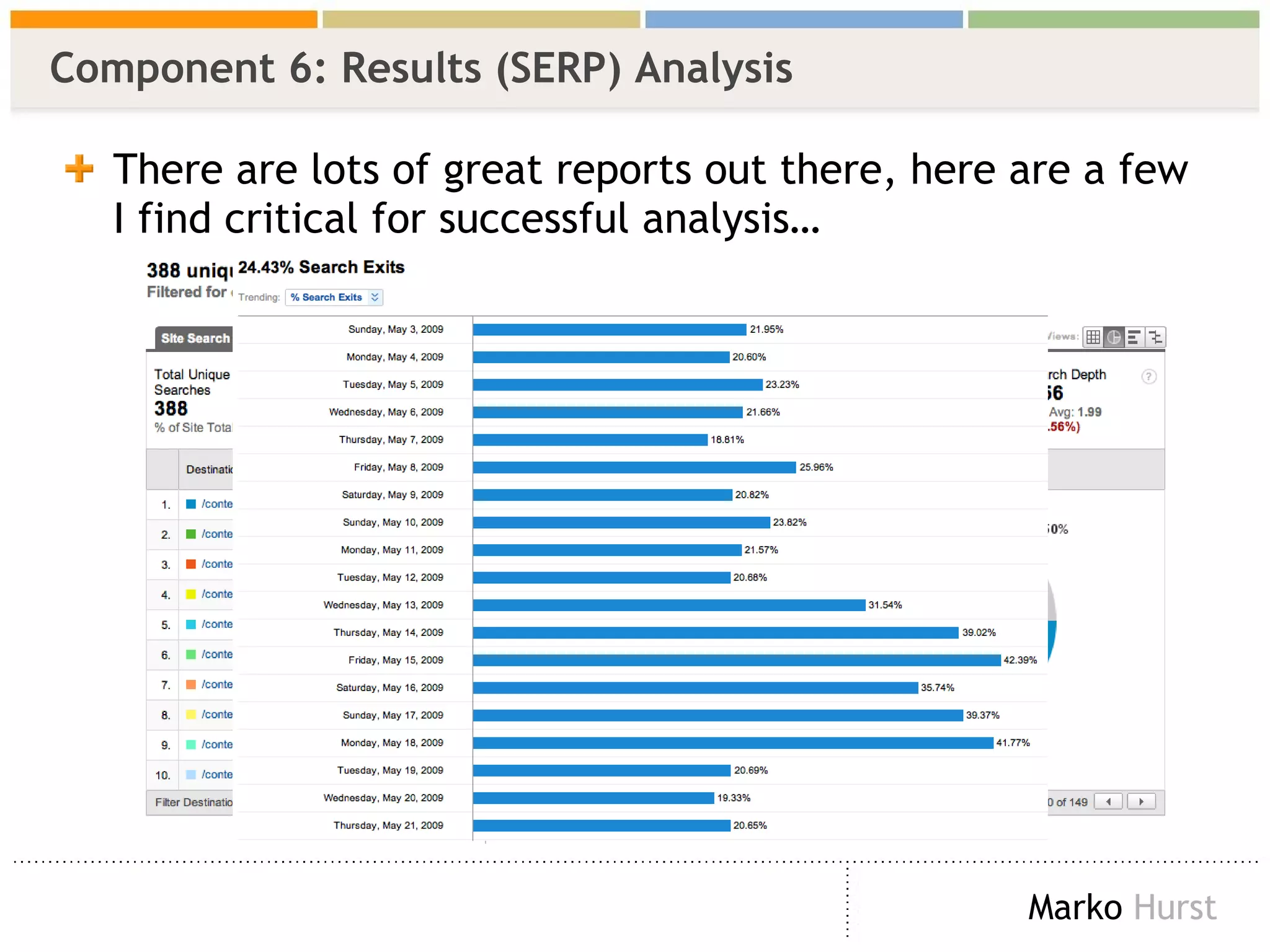
There are lots of great reports out there, here are a few I find critical for successful analysis… Component 6: Results (SERP) Analysis
Single Greatest Piece of Advice I Can Give Today… Reports & data are fantastic and essential for analysis. But if you REALLY REALLY want to find out how well or poor your search engine is working all you have to do is… “walk a mile in your visitors shoes”. MEANING:   Take your visitors’ keywords and manually input them YOURSELF and experience what they did
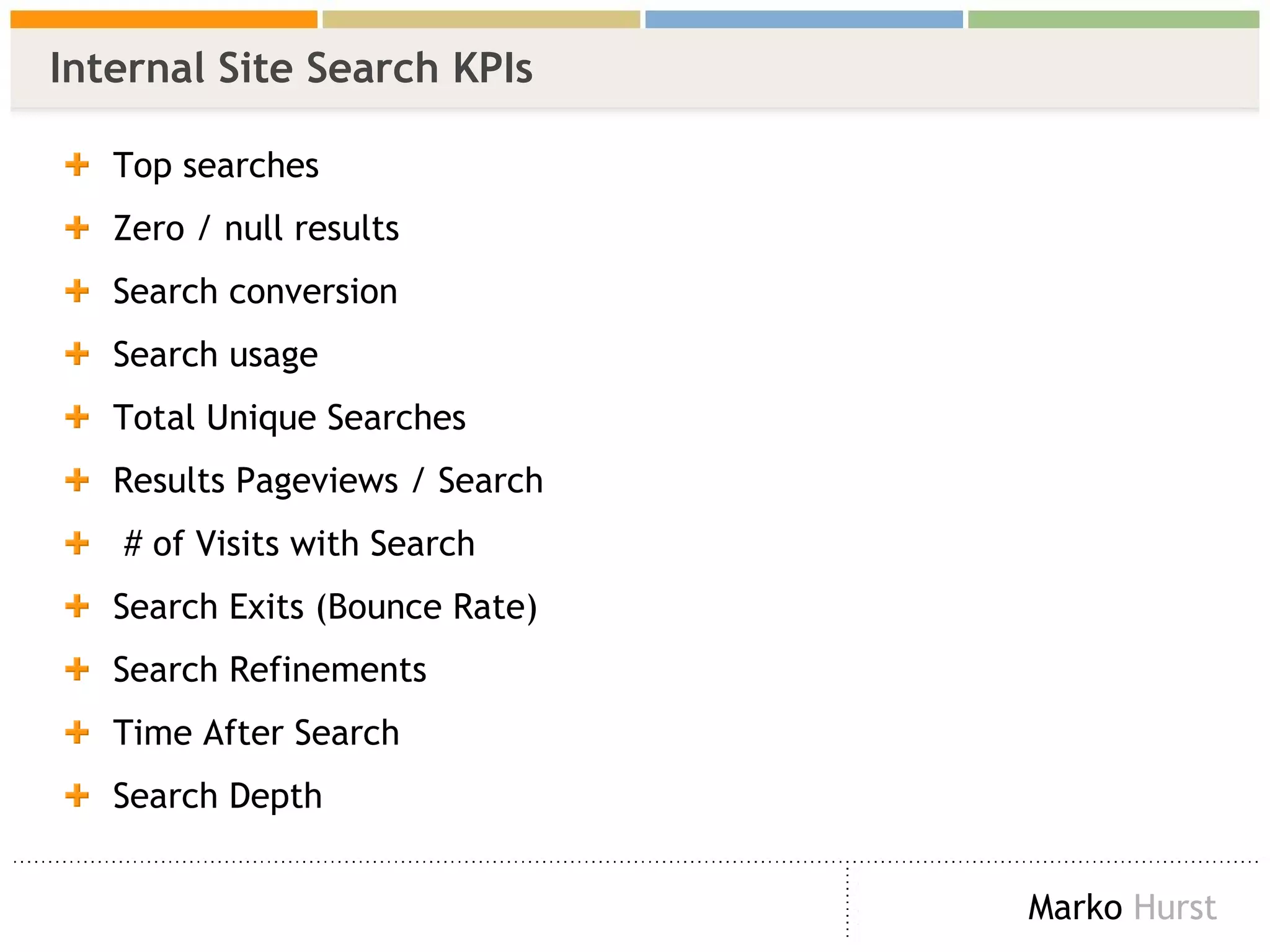
Internal Site Search KPIs Top searches  Zero / null results Search conversion Search usage Total Unique Searches  Results Pageviews / Search # of Visits with Search  Search Exits (Bounce Rate) Search Refinements  Time After Search  Search Depth
Summary Remember this…
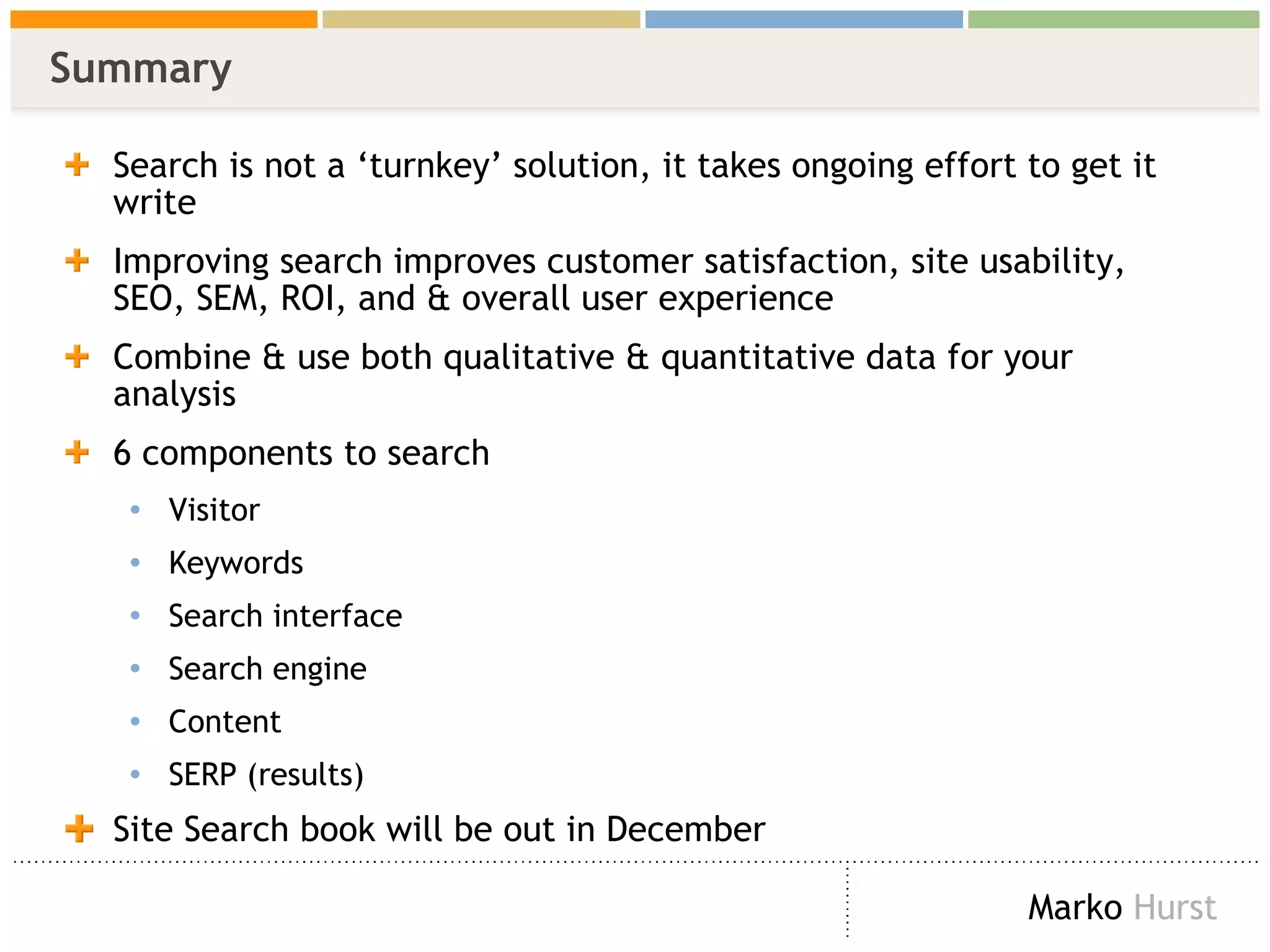
Summary Search is not a ‘turnkey’ solution, it takes ongoing effort to get it write Improving search improves customer satisfaction, site usability, SEO, SEM, ROI, and & overall user experience Combine & use both qualitative & quantitative data for your analysis 6 components to search Visitor Keywords Search interface Search engine Content SERP (results) Site Search book will be out in December
Muchas Gracias! Book:  RosenfeldMedia . com/books/SearchAnalytics   Blog:  MarkoHurst .com Contact:  [email_address] .com Twitter:  MarkoHurst

Site Search Analytics eMetrics Madrid 2009

  • 1.
    Search Analytics ForYour Site: Una Conversación Con Tus Consumidores eMetrics Madrid, Espana 2009 Keynote: Marko Hurst
  • 2.
    Me Book: Search Analytics - Conversations With Your Customers Anticipated release: December 2009 Book website: RosenfeldMedia . com/books/SearchAnalytics Co-Author: Lou Rosenfeld Consultant, Author, & Speaker User Experience Web Analytics Behavioral Targeting: (Machine Learning & Neuroscience) Blog: MarkoHurst .com “Insightful Analytics” Twitter: MarkoHurst Contact: [email_address]
  • 3.
    Before We BeginAudience Survey & Search Info
  • 4.
    Audience Survey Question1 Who currently has ‘search’ on your company website or on your intranet/extranet?
  • 5.
    Audience Survey Question2 How would you rate your experience with your onsite search engine? Criteria of success for a well performing search engine means that it delivers relevant results you expected on the first page without refining Defies statistical probability You are pleasantly delighted and use it often Less dangerous, but about the same odds as Russian Roulette There is a greater chance of finding a new continent than content You’d rather contract an incurable disease than use it again
  • 6.
    Finding Information OnlineThree (3) ways to find information Browse (navigation, links) Ask (help - automated, live person) Search (query input field/box) SEARCH due to the popularity of search engines (Google, Yahoo!) is the #1 most used feature to find information online BUT, once a visitor gets to your site, ‘browse’ is the #1 method ( with some exceptions) About 1/3 of all visitors use search, but sites range from 5 - 70% * Why does the information seeking behavior change onsite? * Observations from client engagements
  • 7.
    Over Promising andUnder Delivering On Search Results Onsite search ‘mildly’ sucks. Why? I.T. only project Implemented without consideration of the user No optimization program in place Lack of experience Search is believed to be a ‘turnkey’ solution that is simply ‘plugged in’ <evil grin> admit it, you thought it was that easy <evil grin/> Getting search right is hard work and ongoing Be weary of anyone who says anything to the contrary, they are probably trying to sell you something
  • 8.
    Unfortunately For YouAs A… VISITOR that means you are…. left unsatisfied annoyed unfulfilled sometimes feeling stupid BUSINESS that means you… didn’t think about your entire visitor/customer experience lost a potential customer, perhaps forever have reduced your customer satisfaction rate your site isn’t a usable as you ‘think it is’ you are not listening to your what your customers are telling you
  • 9.
    A Shining Lightof Hope Book Objective Provide simple and effective Site Search analysis techniques for user experience & web analytic professionals of all levels to better understand their visitors in order to deliver a superior experience
  • 10.
    Benefits & Expectations SSA * produces actionable insights Techniques used are about analysis, NOT reporting (and there was much rejoicing!) For some, this like reaching Nirvana For others, this is like opening Pandora’s Box To achieve the benefits of SSA expect to: Change site design/layout Change keywords, copy, metadata, labels, navigation, taxonomy, etc. Add &/or remove pages Change your SEO & SEM And much more! * SSA = Site Search Analytics
  • 11.
    Agenda What IsSite Search Analytics? How We Find Information Anatomy of Search SSA Techniques Q&A
  • 12.
    What Is SiteSearch Analytics? And What It’s Not
  • 13.
    SSA Is NotAbout Improving…
  • 14.
    SSA Is AboutImproving… Public facing websites, intranets/extranets, mobile, etc.
  • 15.
    A Few OnsiteSearch Engines You May Encounter
  • 16.
    How We FindInformation Information Foraging
  • 17.
    Information Trail Humansforge for information similar to how animals forage for food Move outwards in a direction we think ( predict ) will provide the expected results Continue on a path as long as we ‘smell’ signs that we are still on the correct path ( information scent ) When we no longer smell those signs we retrace our path or find a new path entirely where the ‘smell’ is stronger, which we remember for next time ( recursive learning ) to better predict where/where not to go Flickr Photogrpher : a walk on the wild side
  • 18.
    Information Scent Informationscent is how people evaluate options they encounter looking for information on a site S trong information scents are good at guiding users to the content they want/need W eak information scents cause visitors to spend more time evaluating options and increase the chance that they will select the wrong option and be forced to backtrack or leave entirely Flickr Photogrpher : RaffertyEvans
  • 19.
    How Humans FindInformation Online Three ways of finding information Browse Ask Search
  • 20.
  • 21.
  • 22.
  • 23.
    Where To BeginGetting Started
  • 24.
    The Basics Analyzingdata Zipf Distribution Excel (spreadsheet) skills Low / no budget software No need for code or higher mathematics Where to get data Log files Search / Web Analytics A mindset / desire to improve your site, increase ROI, and deliver a better user experience Outside the scope of book :) NOTE: everything I show you is 100% technology agnostic
  • 25.
    Zipf Distribution (TheLong Tail) 3 characteristics: head, torso, & tail Thick head Middle Torso Long Tail Flickr Photogrpher : hjallig
  • 26.
    Data: Search Logs (Google Search Appliance) Critical elements in red IP address, time/date stamp, query, and # of results XXX.XXX.XX.130 - - [ 10/Jul/2006:10:24:38 -0800 ] &quot;GET /search? access=p&entqr=0&output=xml_no_dtd&sort=date%3AD%3AL %3Ad1&ud=1&site=AllSites&ie=UTF-8&client=www&oe=UTF-8&proxystyleshe et=www&q= regional+transportation+governance +commission&ip=XXX.XXX.X.130 HTTP/1.1&quot; 200 9718 62 0.17 XXX.XXX.X.104 - - [ 10/Jul/2006:10:25:46 -0800 ] &quot;GET /search? access=p&entqr=0&output=xml_no_dtd&sort=date%3AD%3AL %3Ad1&ud=1&site=AllSites&ie=UTF-8&client=www&oe=UTF-8&proxystyleshe et=www&q= lincense+plate &ip=XXX.XXX.X.104 HTTP/1.1&quot; 200 971 0 0.02 XXX.XXX.X.104 - - [ 10/Jul/2006:10:25:48 -0800 ] &quot;GET /search? access=p&entqr=0&output=xml_no_dtd&sort=date%3AD%3AL %3Ad1&ie=UTF-8&client=www&q= license+plate &ud=1&site=AllSites&spell=1&oe=UTF-8&proxystylesheet=www&ip=XXX.XXX. X.104 HTTP/1.1&quot; 200 8283 146 0.16
  • 27.
    Data: Search Engine/ Analytics Data collection & options vary by vendor Data collection is typically a separate step if you want to combine it with web analytics Google & Omniture are the only major analytic vendors to have built-in search data capabilities (NOTE: Omniture’s Search is an add-on product)
  • 28.
    Improving Your SiteSearch SSA Techniques & Search Behavior
  • 29.
    The Anatomy ofSearch: Search Components Six (6) components comprise a single experience Flickr Image : Peter Morville Based on original image from “In Defense of Search” by Peter Morville 1 2 3 4 5 6
  • 30.
    Component 1: Visitor (User) When / Where Do Visitors Search? Most often when a visitor becomes frustrated with browsing (i.e. your design, navigation, information architecture, whatever) eCommerce and Government websites search is often the first choice This behavior also occurs when a visitor ‘knows’ what they are looking for Some visitors use search as their first / main method For more on this, see Peter Morville’s “ Search Patterns ” IA Summit 2008
  • 31.
    Component 1: Visitor (User) Search Analysis When /where did your visitors initiate search from?
  • 32.
    Component 2: Query (Keywords) When a visitor users onsite search they are speaking to you their Natural Language They are confessing their needs & desires to you hoping you can help them This is your chance to have “ Una Conversación Con Tus Consumidores ” REMINDER: Conversation = Good . Monolog = BAD !
  • 33.
    Component 2: Keyword Analysis What are your visitors looking for?
  • 34.
    Component 2: Keyword Analysis Trends
  • 35.
    Component 3: Search Interface Minimum: search query box & search button Sometimes a filter will also be used
  • 36.
    Component 3: Search Interface Analysis How many characters should your query box display?
  • 37.
    Component 4: Search Engine While the Search Engine is an essential component… Options and details vary by vendor Common features: Ranking, best bets, stemming, facets, weighting, most frequent, etc. Opening the ‘black box’ is beyond scope of book -- and I promised you didn’t need to code & be a mathematician
  • 38.
    Component 5: Content Search is about getting visitors to CONTENT What type of content can you improve? (Hint: all of it) Metadata Navigation Labeling Ontology Taxonomy SEO / SEM people LISTEN UP SEO is NO LONGER about being #1. It’s about getting visitors to your content! This is great place for UX & SEO to work together NOT against each other Perceived differences should be fixed Usability testing, copywriting, & SEO are about content bring them together
  • 39.
    Component 5: Content Analysis Power of CONVERSATION: Are you listening or ignoring your visitors? What content / products your visitors are looking for? Do you not have it? Or can’t they find it? Maybe you should add / remove products? Your visitors may be speaking a language you don’t understand Worse you may be trying to speak to them in a language they don’t understand Labels, navigation, taxonomy, metadata, SEO, SEM Surveys: tie attitudinal & behavioral data together Look for relationships between content Informs you ontology & metadata, as well as SEO / SEM You can look at the data, but this is a GREAT place to explore and play with your data http://4q.iperceptions.com
  • 40.
    Component 6: Results (SERP) SERP (Search Engine Result Page) The (inferred) quality of your results can be determined by: Refinement Null results Bounce Rate Where did they go?
  • 41.
    There are lotsof great reports out there, here are a few I find critical for successful analysis… Component 6: Results (SERP) Analysis
  • 42.
    Single Greatest Pieceof Advice I Can Give Today… Reports & data are fantastic and essential for analysis. But if you REALLY REALLY want to find out how well or poor your search engine is working all you have to do is… “walk a mile in your visitors shoes”. MEANING: Take your visitors’ keywords and manually input them YOURSELF and experience what they did
  • 43.
    Internal Site SearchKPIs Top searches Zero / null results Search conversion Search usage Total Unique Searches Results Pageviews / Search # of Visits with Search Search Exits (Bounce Rate) Search Refinements Time After Search Search Depth
  • 44.
  • 45.
    Summary Search isnot a ‘turnkey’ solution, it takes ongoing effort to get it write Improving search improves customer satisfaction, site usability, SEO, SEM, ROI, and & overall user experience Combine & use both qualitative & quantitative data for your analysis 6 components to search Visitor Keywords Search interface Search engine Content SERP (results) Site Search book will be out in December
  • 46.
    Muchas Gracias! Book: RosenfeldMedia . com/books/SearchAnalytics Blog: MarkoHurst .com Contact: [email_address] .com Twitter: MarkoHurst