© Mari Smith International, Inc. 1
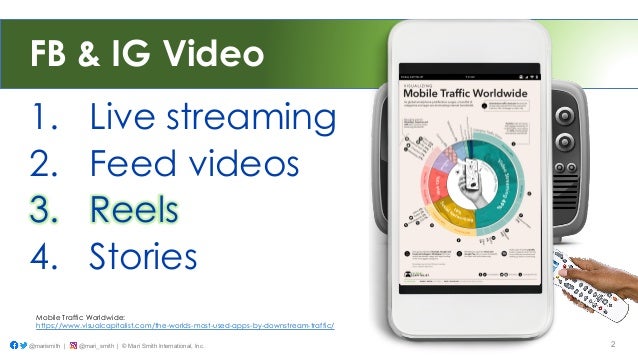
FB & IG Video
1. Live streaming
2. Feed videos
3. Reels
4. Stories
@marismith | @mari_smith | © Mari Smith International, Inc. 2
Mobile Traffic Worldwide:
https://www.visualcapitalist.com/the-worlds-most-used-apps-by-downstream-traffic/
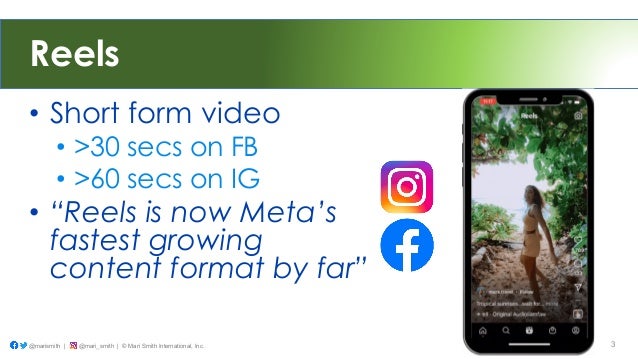
Reels
• Short form video
• >30 secs on FB
• >60 secs on IG
• “Reels is now Meta’s
fastest growing
content format by far”
@marismith | @mari_smith | © Mari Smith International, Inc. 3
not a ‘buy my stuff’
copywriter.
Think more like a
SCREENWRITER,
@marismith | @mari_smith | © Mari Smith International, Inc. 4
Powerful Online Video Editor
• Easily batch create
videos for every possible
platform and use case
• Repurpose, try Reels! !
• Special 30% savings
• Use code MARI30
• https://bit.ly/mari_invideo
@marismith | @mari_smith | © Mari Smith International, Inc. 5
Ambassador
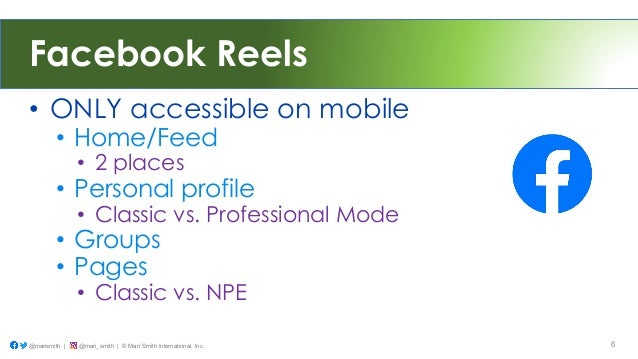
Facebook Reels
• ONLY accessible on mobile
• Home/Feed
• 2 places
• Personal profile
• Classic vs. Professional Mode
• Groups
• Pages
• Classic vs. NPE
@marismith | @mari_smith | © Mari Smith International, Inc. 6
7
@marismith | @mari_smith | © Mari Smith International, Inc.
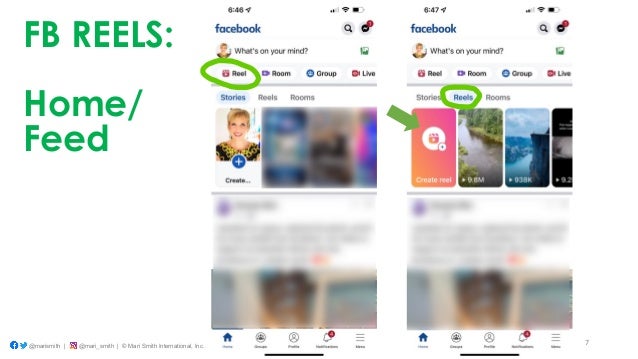
FB REELS:
Home/
Feed
8
@marismith | @mari_smith | © Mari Smith International, Inc.
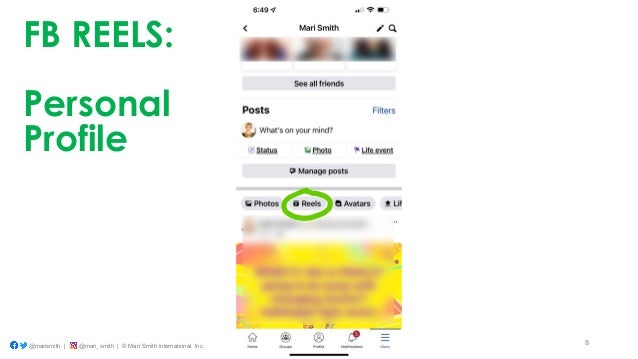
FB REELS:
Personal
Profile
9
@marismith | @mari_smith | © Mari Smith International, Inc.
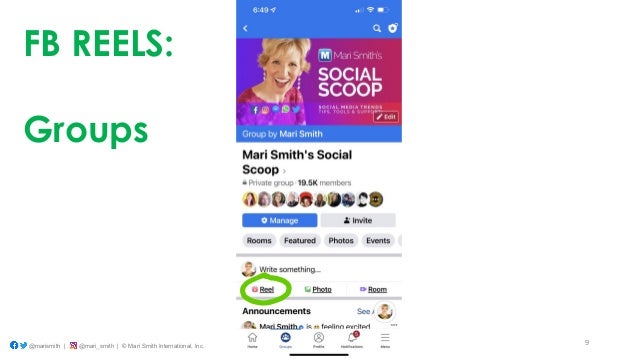
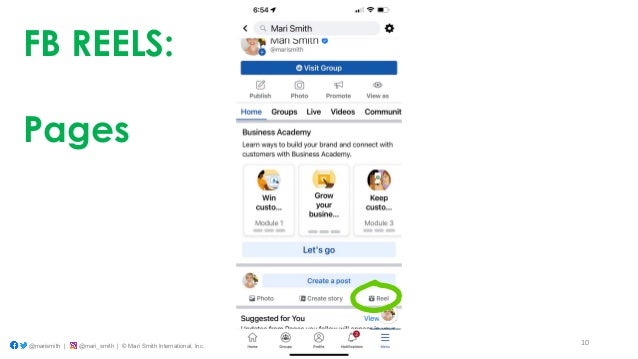
FB REELS:
Groups
10
@marismith | @mari_smith | © Mari Smith International, Inc.
FB REELS:
Pages
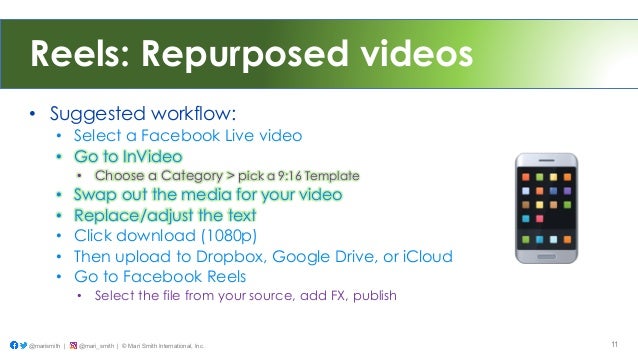
Reels: Repurposed videos
• Suggested workflow:
• Select a Facebook Live video
• Go to InVideo
• Choose a Category > pick a 9:16 Template
• Swap out the media for your video
• Replace/adjust the text
• Click download (1080p)
• Then upload to Dropbox, Google Drive, or iCloud
• Go to Facebook Reels
• Select the file from your source, add FX, publish
@marismith | @mari_smith | © Mari Smith International, Inc. 11
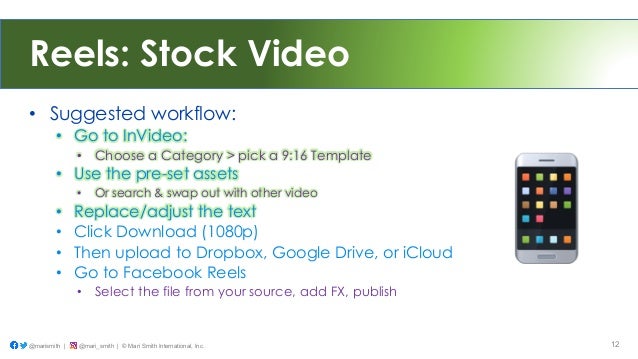
Reels: Stock Video
• Suggested workflow:
• Go to InVideo:
• Choose a Category > pick a 9:16 Template
• Use the pre-set assets
• Or search & swap out with other video
• Replace/adjust the text
• Click Download (1080p)
• Then upload to Dropbox, Google Drive, or iCloud
• Go to Facebook Reels
• Select the file from your source, add FX, publish
@marismith | @mari_smith | © Mari Smith International, Inc. 12
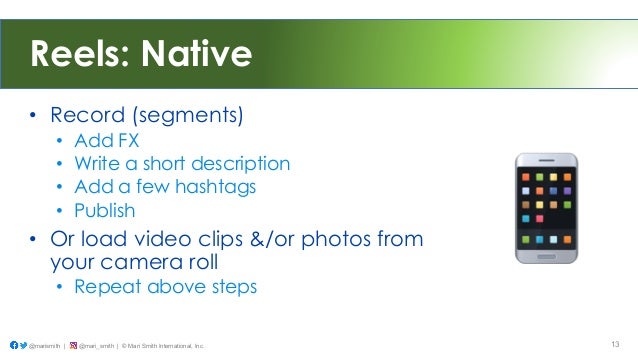
Reels: Native
• Record (segments)
• Add FX
• Write a short description
• Add a few hashtags
• Publish
• Or load video clips &/or photos from
your camera roll
• Repeat above steps
@marismith | @mari_smith | © Mari Smith International, Inc. 13
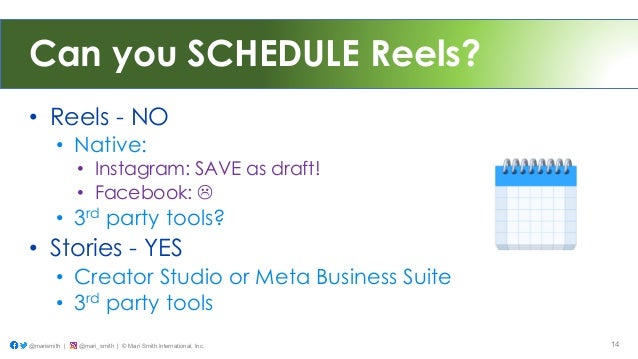
Can you SCHEDULE Reels?
• Reels - NO
• Native:
• Instagram: SAVE as draft!
• Facebook: "
• 3rd party tools?
• Stories - YES
• Creator Studio or Meta Business Suite
• 3rd party tools
@marismith | @mari_smith | © Mari Smith International, Inc. 14
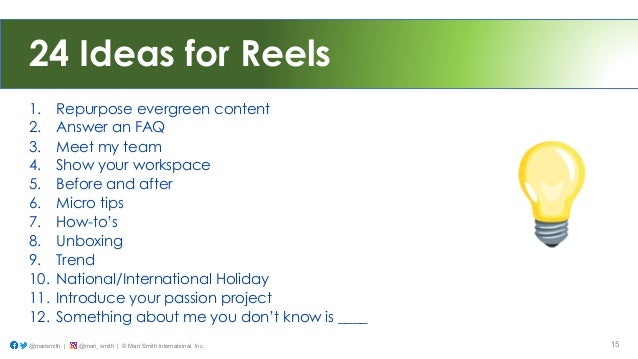
24 Ideas for Reels
1. Repurpose evergreen content
2. Answer an FAQ
3. Meet my team
4. Show your workspace
5. Before and after
6. Micro tips
7. How-to’s
8. Unboxing
9. Trend
10. National/International Holiday
11. Introduce your passion project
12. Something about me you don’t know is ____
@marismith | @mari_smith | © Mari Smith International, Inc. 15
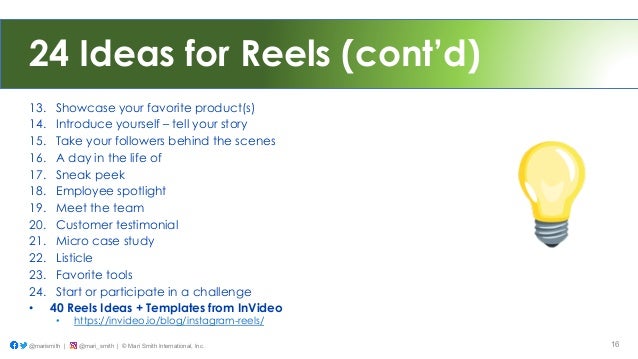
24 Ideas for Reels (cont’d)
13. Showcase your favorite product(s)
14. Introduce yourself – tell your story
15. Take your followers behind the scenes
16. A day in the life of
17. Sneak peek
18. Employee spotlight
19. Meet the team
20. Customer testimonial
21. Micro case study
22. Listicle
23. Favorite tools
24. Start or participate in a challenge
• 40 Reels Ideas + Templates from InVideo
• https://invideo.io/blog/instagram-reels/
@marismith | @mari_smith | © Mari Smith International, Inc. 16
Powerful Online Video Editor
• Easily batch create
videos for every possible
platform and use case
• Repurpose, try Reels! !
• Special 30% savings
• Use code MARI30
• https://bit.ly/mari_invideo
@marismith | @mari_smith | © Mari Smith International, Inc. 17
Ambassador

How To Easily Create Short-form Video on Desktop

  • 1.
    © Mari SmithInternational, Inc. 1
  • 2.
    FB & IGVideo 1. Live streaming 2. Feed videos 3. Reels 4. Stories @marismith | @mari_smith | © Mari Smith International, Inc. 2 Mobile Traffic Worldwide: https://www.visualcapitalist.com/the-worlds-most-used-apps-by-downstream-traffic/
  • 3.
    Reels • Short formvideo • >30 secs on FB • >60 secs on IG • “Reels is now Meta’s fastest growing content format by far” @marismith | @mari_smith | © Mari Smith International, Inc. 3
  • 4.
    not a ‘buymy stuff’ copywriter. Think more like a SCREENWRITER, @marismith | @mari_smith | © Mari Smith International, Inc. 4
  • 5.
    Powerful Online VideoEditor • Easily batch create videos for every possible platform and use case • Repurpose, try Reels! ! • Special 30% savings • Use code MARI30 • https://bit.ly/mari_invideo @marismith | @mari_smith | © Mari Smith International, Inc. 5 Ambassador
  • 6.
    Facebook Reels • ONLYaccessible on mobile • Home/Feed • 2 places • Personal profile • Classic vs. Professional Mode • Groups • Pages • Classic vs. NPE @marismith | @mari_smith | © Mari Smith International, Inc. 6
  • 7.
    7 @marismith | @mari_smith| © Mari Smith International, Inc. FB REELS: Home/ Feed
  • 8.
    8 @marismith | @mari_smith| © Mari Smith International, Inc. FB REELS: Personal Profile
  • 9.
    9 @marismith | @mari_smith| © Mari Smith International, Inc. FB REELS: Groups
  • 10.
    10 @marismith | @mari_smith| © Mari Smith International, Inc. FB REELS: Pages
  • 11.
    Reels: Repurposed videos •Suggested workflow: • Select a Facebook Live video • Go to InVideo • Choose a Category > pick a 9:16 Template • Swap out the media for your video • Replace/adjust the text • Click download (1080p) • Then upload to Dropbox, Google Drive, or iCloud • Go to Facebook Reels • Select the file from your source, add FX, publish @marismith | @mari_smith | © Mari Smith International, Inc. 11
  • 12.
    Reels: Stock Video •Suggested workflow: • Go to InVideo: • Choose a Category > pick a 9:16 Template • Use the pre-set assets • Or search & swap out with other video • Replace/adjust the text • Click Download (1080p) • Then upload to Dropbox, Google Drive, or iCloud • Go to Facebook Reels • Select the file from your source, add FX, publish @marismith | @mari_smith | © Mari Smith International, Inc. 12
  • 13.
    Reels: Native • Record(segments) • Add FX • Write a short description • Add a few hashtags • Publish • Or load video clips &/or photos from your camera roll • Repeat above steps @marismith | @mari_smith | © Mari Smith International, Inc. 13
  • 14.
    Can you SCHEDULEReels? • Reels - NO • Native: • Instagram: SAVE as draft! • Facebook: " • 3rd party tools? • Stories - YES • Creator Studio or Meta Business Suite • 3rd party tools @marismith | @mari_smith | © Mari Smith International, Inc. 14
  • 15.
    24 Ideas forReels 1. Repurpose evergreen content 2. Answer an FAQ 3. Meet my team 4. Show your workspace 5. Before and after 6. Micro tips 7. How-to’s 8. Unboxing 9. Trend 10. National/International Holiday 11. Introduce your passion project 12. Something about me you don’t know is ____ @marismith | @mari_smith | © Mari Smith International, Inc. 15
  • 16.
    24 Ideas forReels (cont’d) 13. Showcase your favorite product(s) 14. Introduce yourself – tell your story 15. Take your followers behind the scenes 16. A day in the life of 17. Sneak peek 18. Employee spotlight 19. Meet the team 20. Customer testimonial 21. Micro case study 22. Listicle 23. Favorite tools 24. Start or participate in a challenge • 40 Reels Ideas + Templates from InVideo • https://invideo.io/blog/instagram-reels/ @marismith | @mari_smith | © Mari Smith International, Inc. 16
  • 17.
    Powerful Online VideoEditor • Easily batch create videos for every possible platform and use case • Repurpose, try Reels! ! • Special 30% savings • Use code MARI30 • https://bit.ly/mari_invideo @marismith | @mari_smith | © Mari Smith International, Inc. 17 Ambassador