Downloaded 181 times

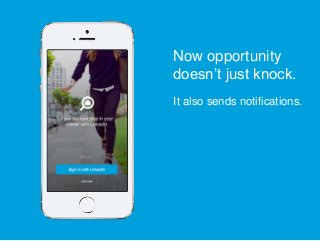
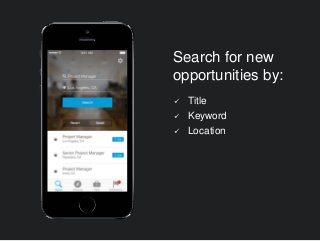
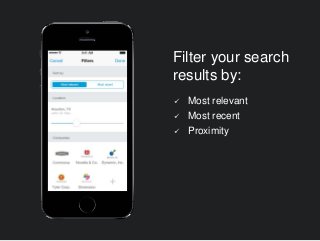
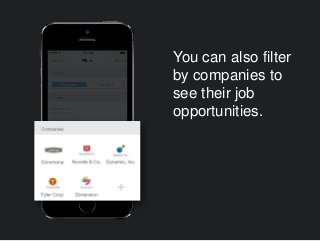
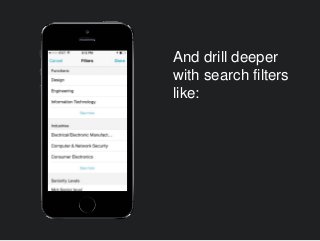
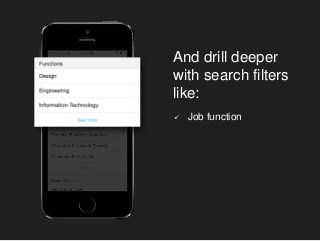
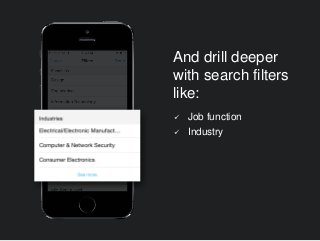
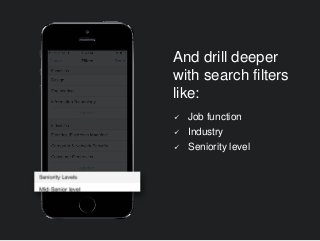
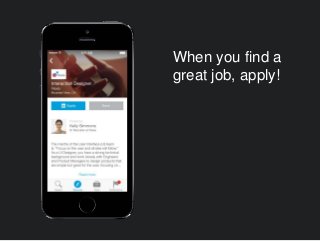
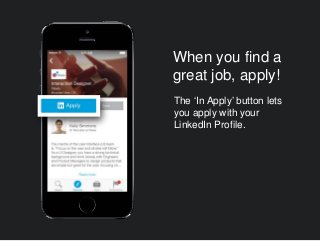
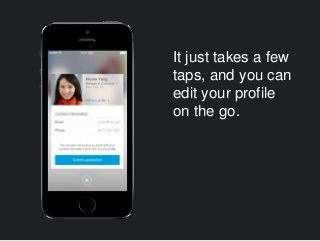
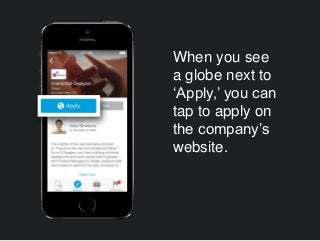
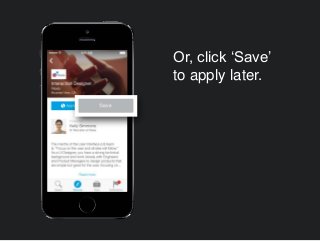
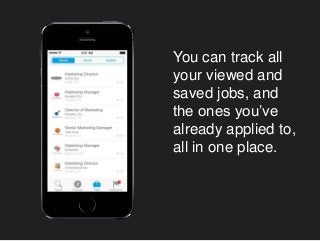
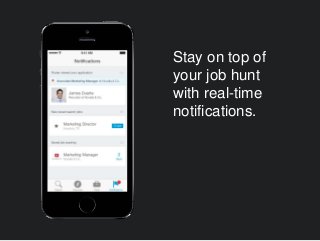
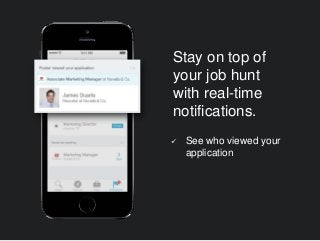
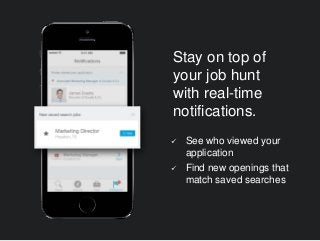
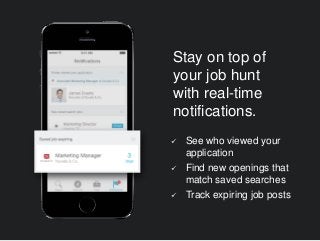

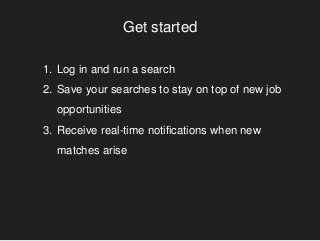


The new LinkedIn Job Search app for iPhone provides a one-stop shop for your job seeking needs. Whether you are actively on the hunt for a new gig or just keeping an eye out, the new app comes packed with the core LinkedIn features you’ve come to rely on to help manage your job search. Learn more: http://blog.linkedin.com/2014/06/19/new-job-search-mobile-app/


![Top Industries for Freelancers on LinkedIn [Infographic]](https://cdn.slidesharecdn.com/ss_thumbnails/topfreelanceindustries-151020195404-lva1-app6892-thumbnail.jpg?width=640&height=640&fit=bounds)
![Freelancers Are LinkedIn Power Users [Infographic]](https://cdn.slidesharecdn.com/ss_thumbnails/linkedinfreelancepowerusers-151020201935-lva1-app6892-thumbnail.jpg?width=640&height=640&fit=bounds)


