Sikuli-Slides 
Khalid Alharbi 
Sikuli Lab
• Introduction. 
• What’s Sikuli. 
• What’s Sikuli-Slides. 
• Sikuli-Slides for automated GUI testing. 
• Sikuli-Slides for interactive tutorials. 
• Conclusions. 
Outline
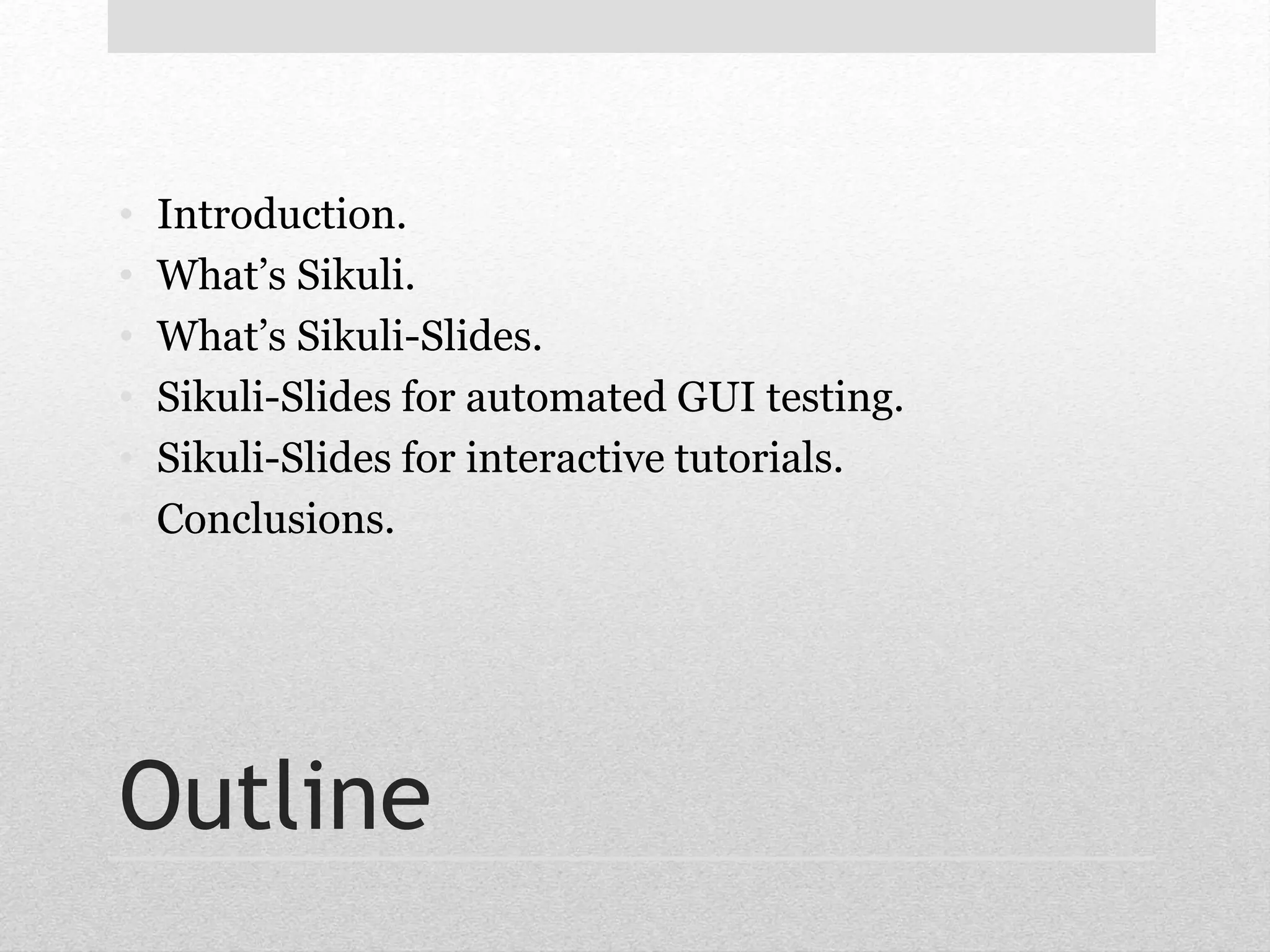
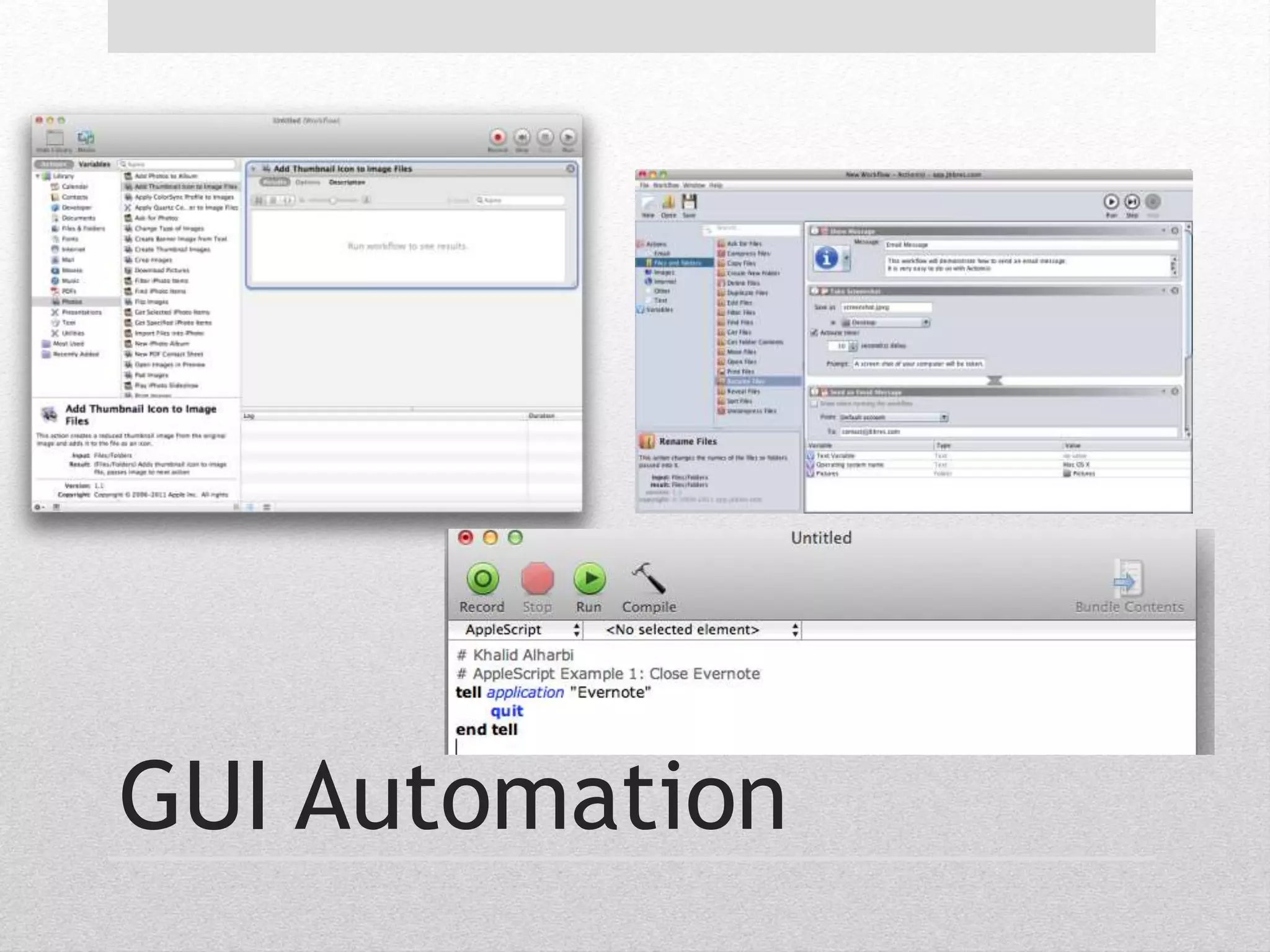
GUI Automation
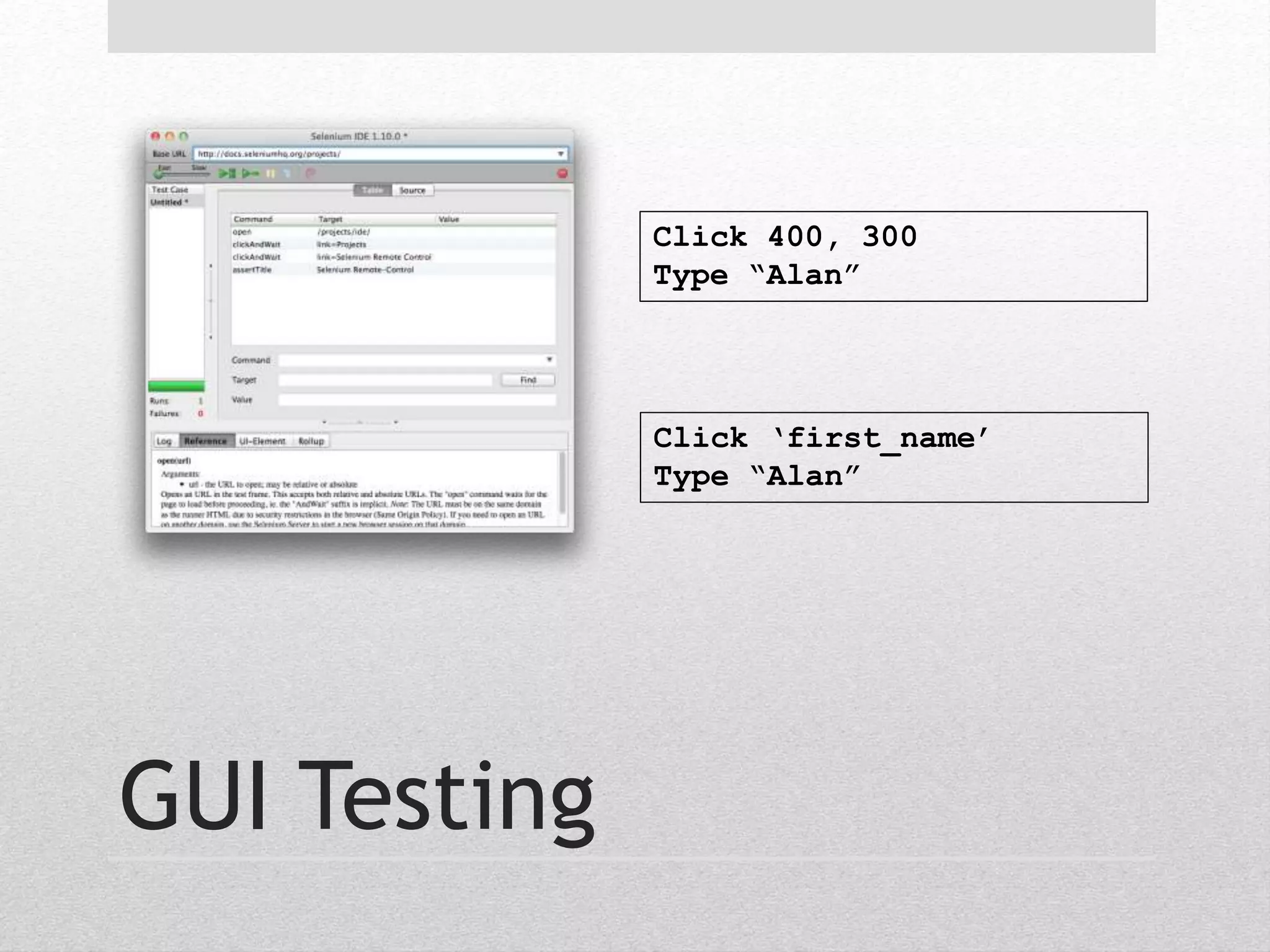
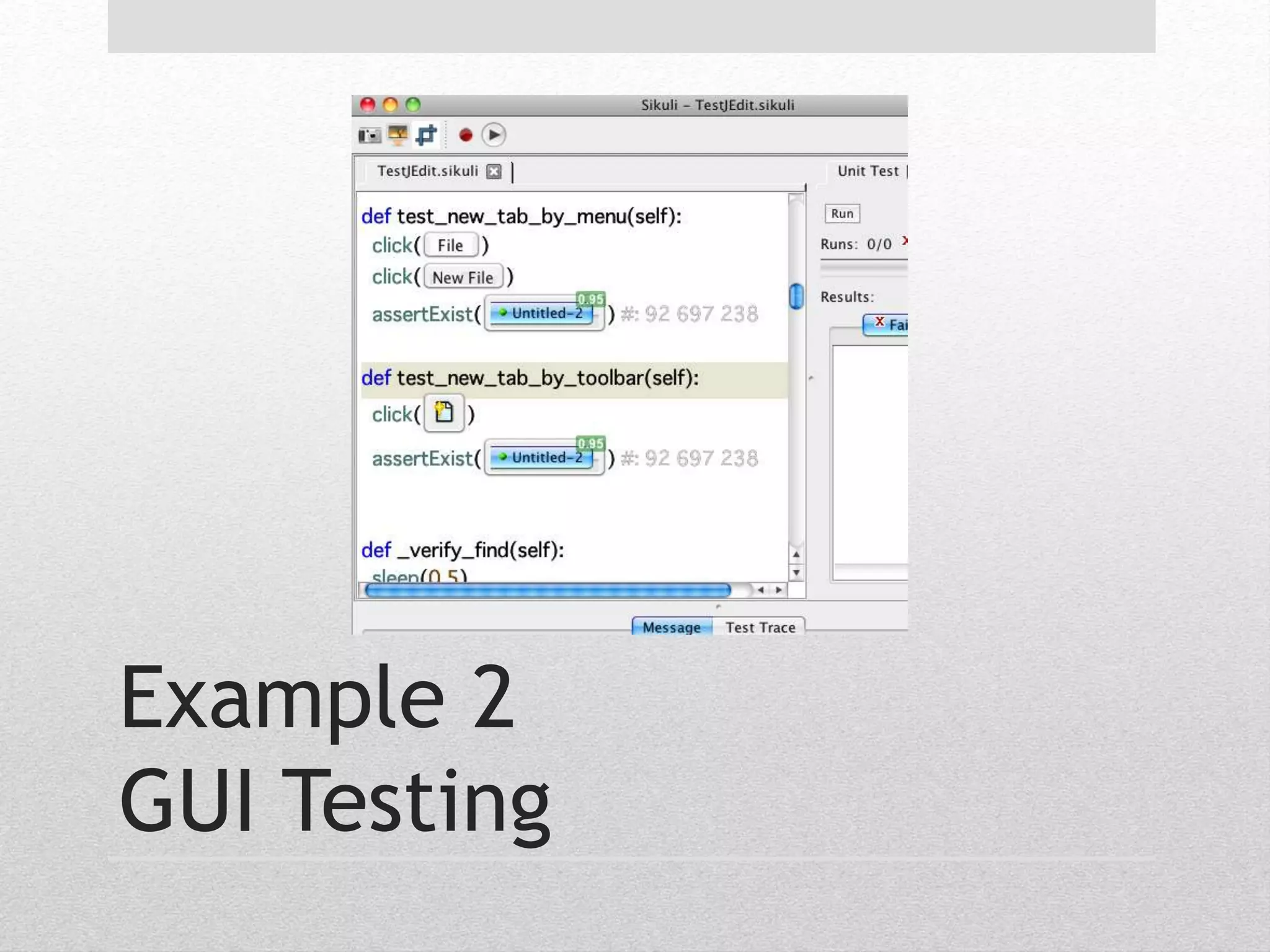
GUI Testing 
Click 400, 300 
Type “Alan” 
Click ‘first_name’ 
Type “Alan”
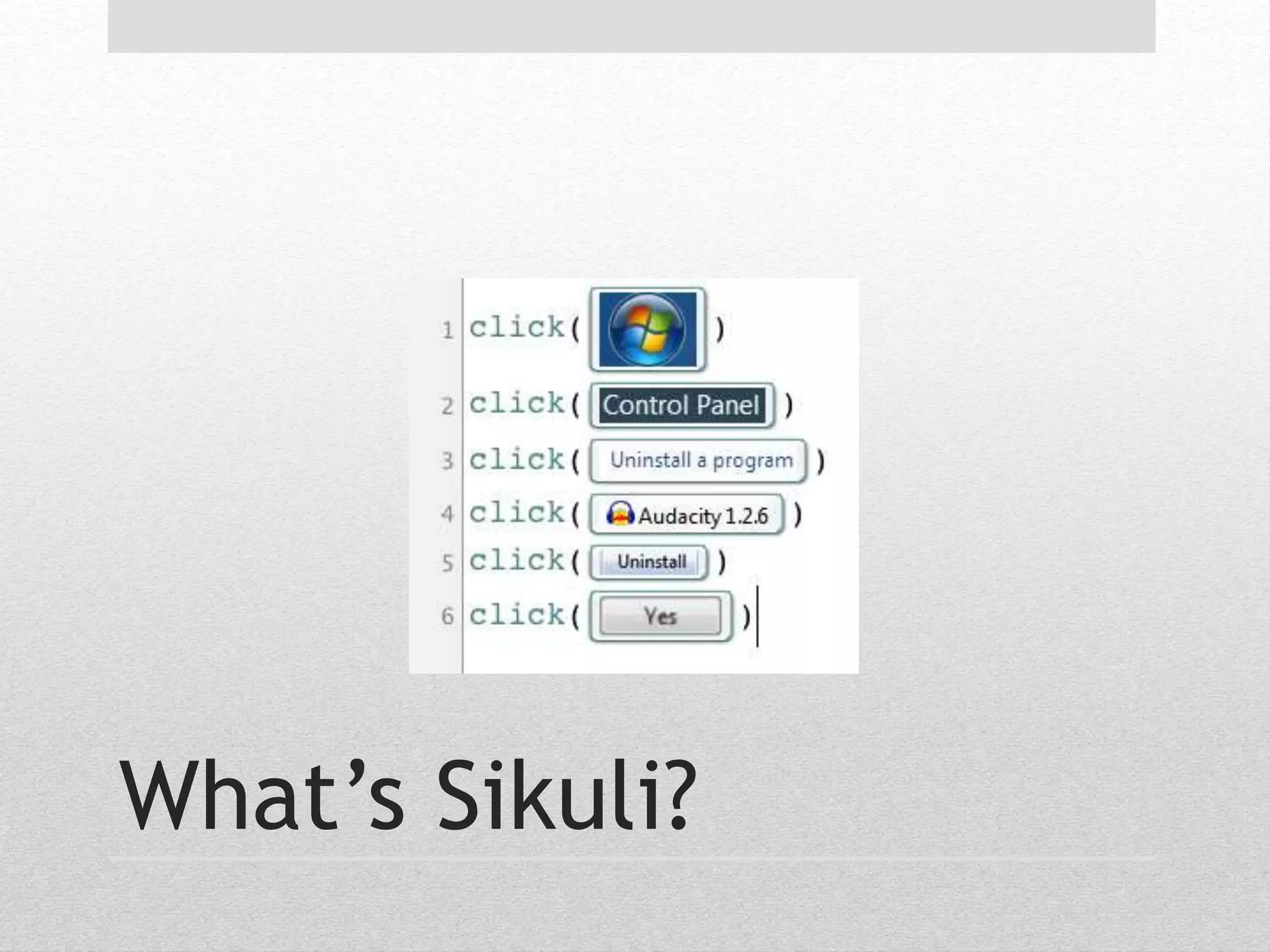
What’s Sikuli?
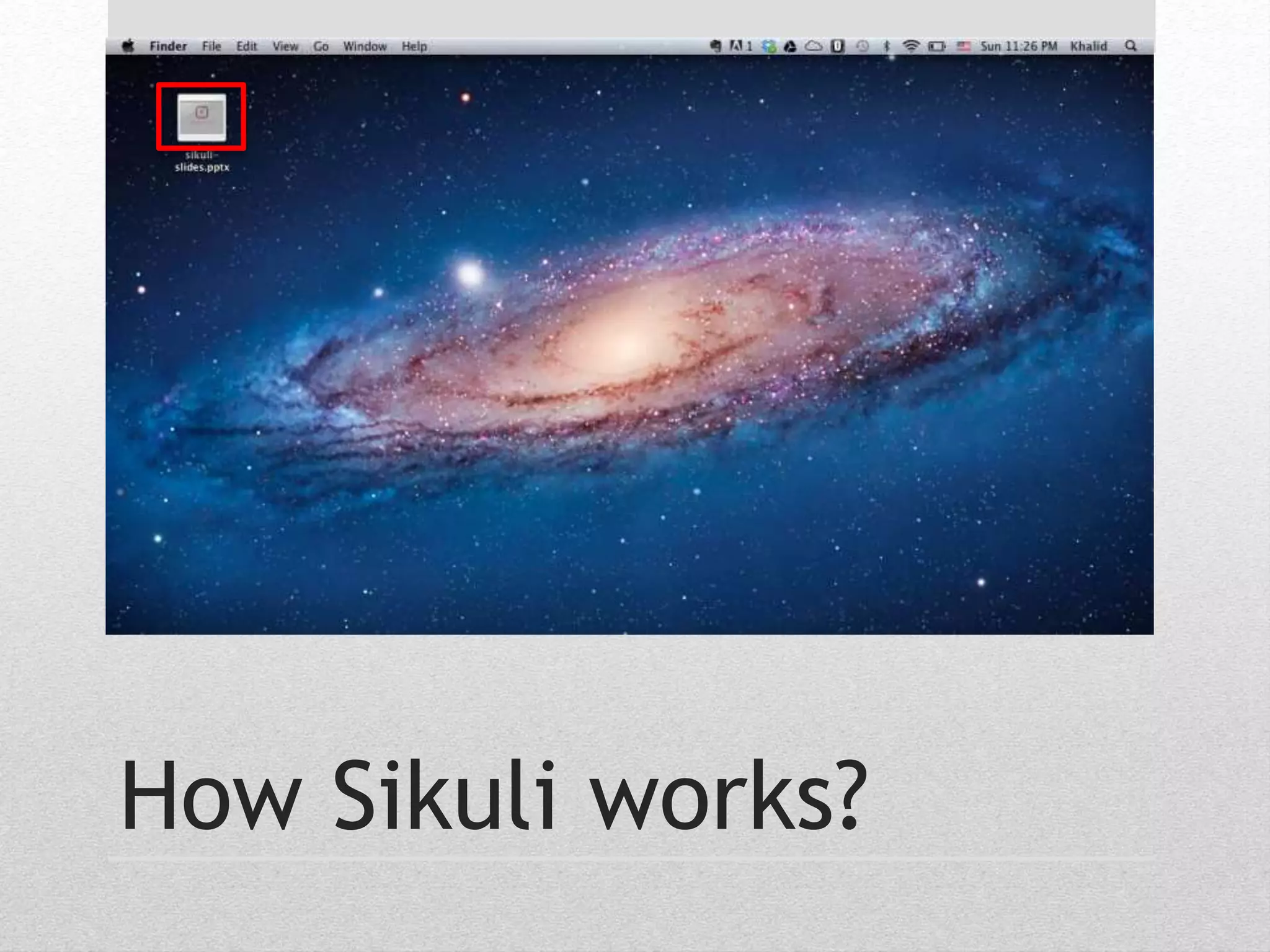
How Sikuli works?
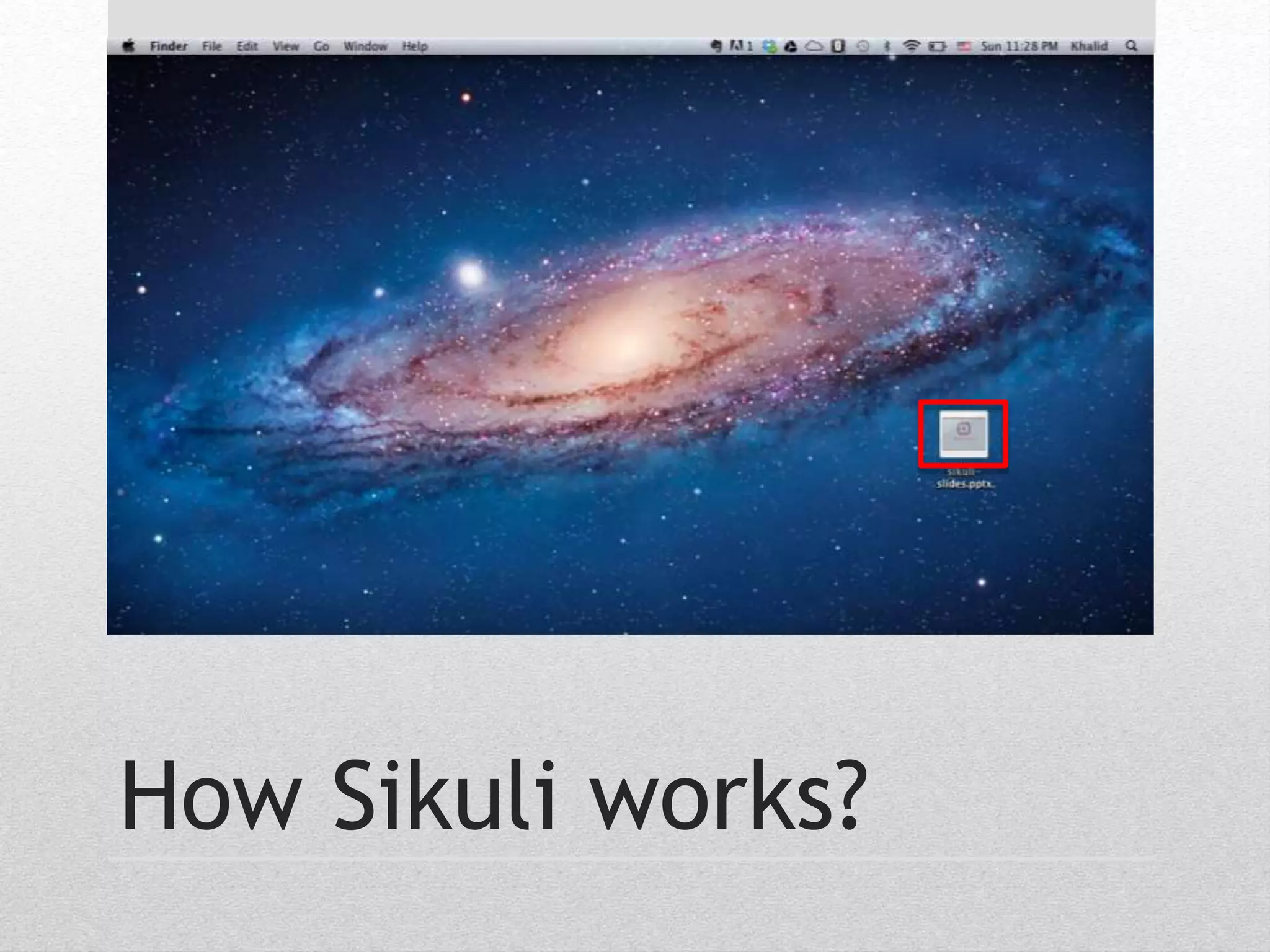
How Sikuli works?
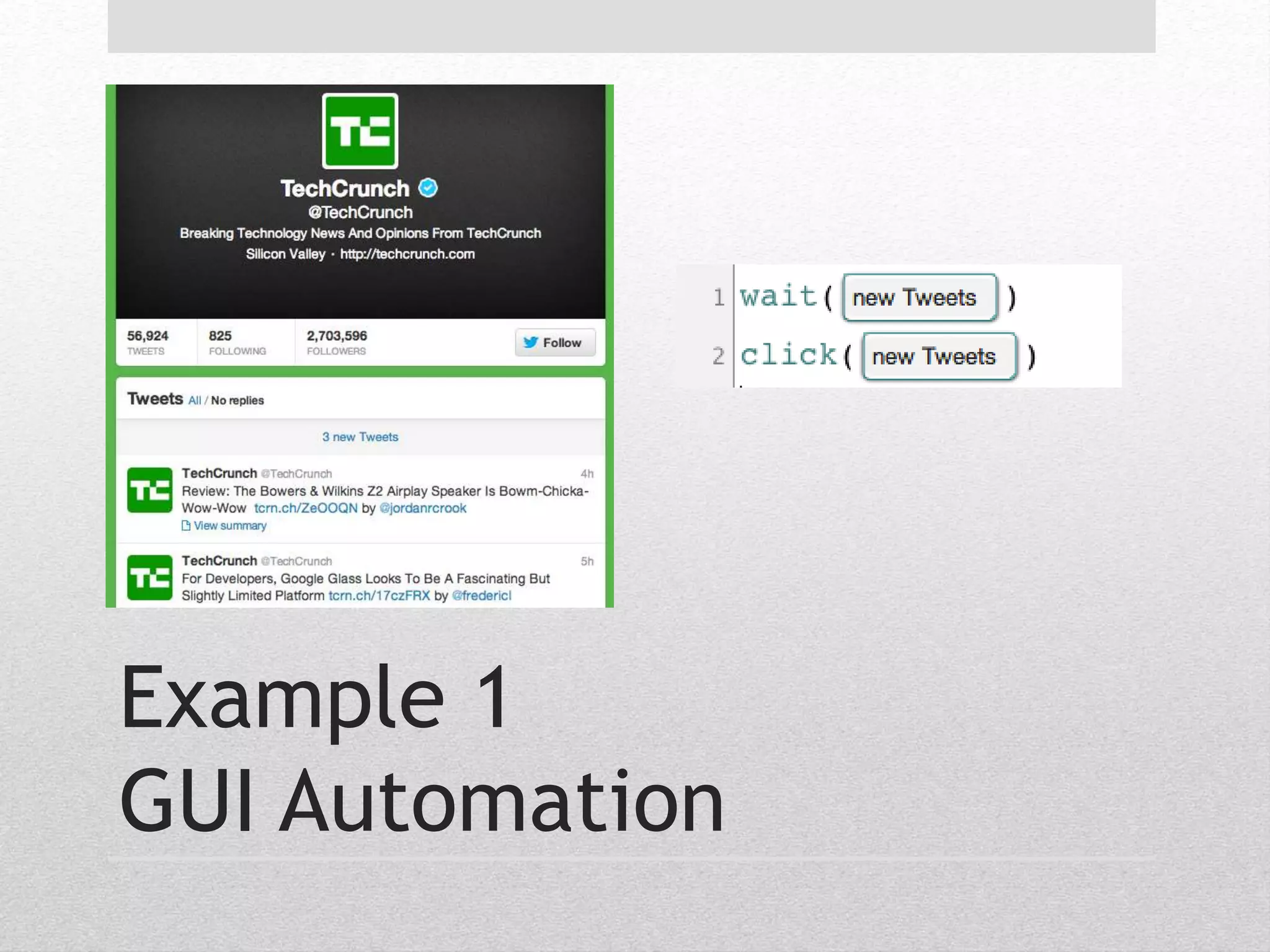
Example 1 
GUI Automation
Example 2 
GUI Testing
• Uses Computer Vision. 
• No scripting API support or source code access. 
• Interacts with anything you see on the screen. 
• OCR support. 
• Works on Web-based UIs. 
• Works on virtual machines and remote desktops 
Why Sikuli?
• Sikuli Script 
• Sikuli Java API 
• Sikuli Slides 
Sikuli Project
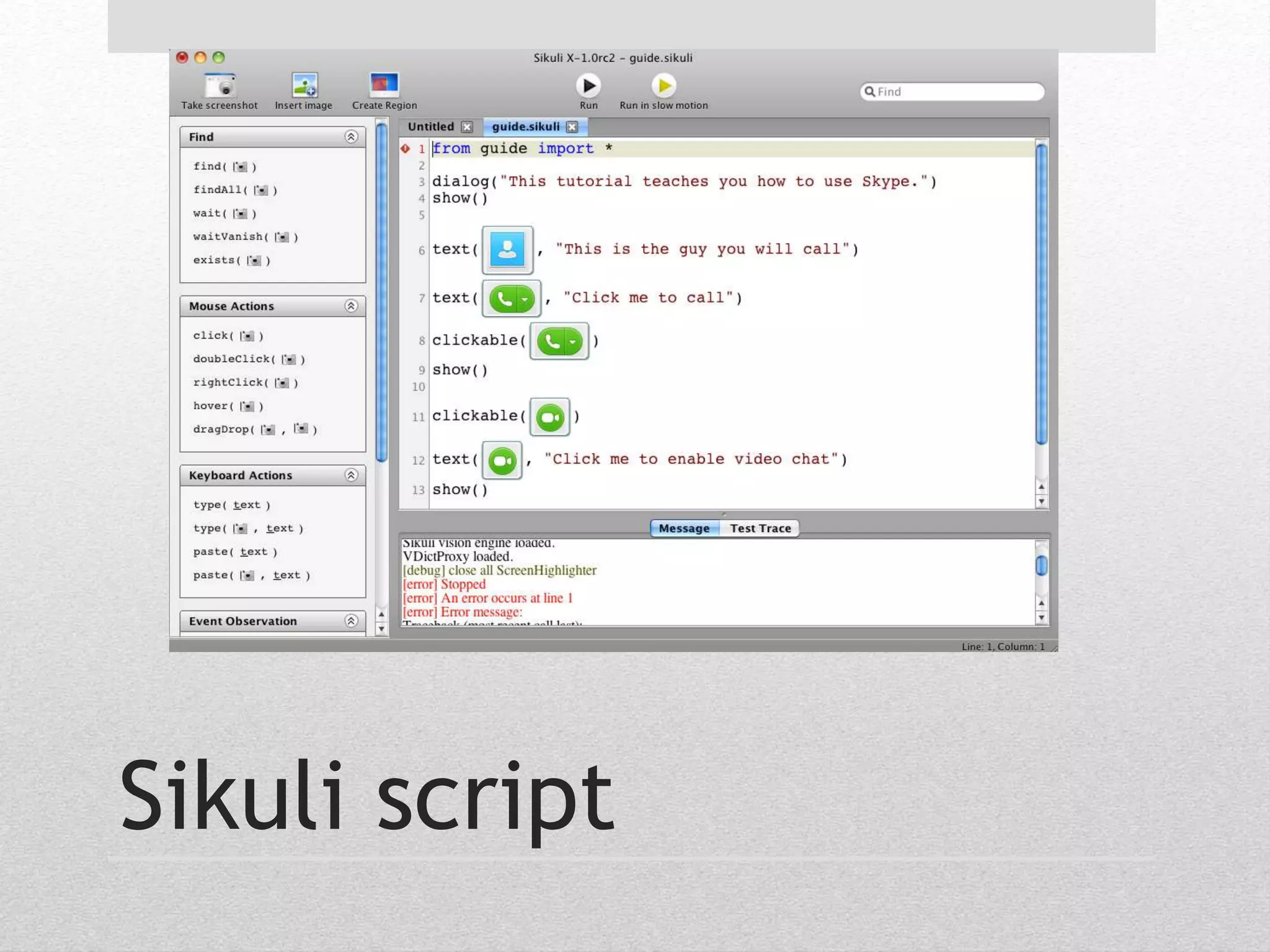
Sikuli script
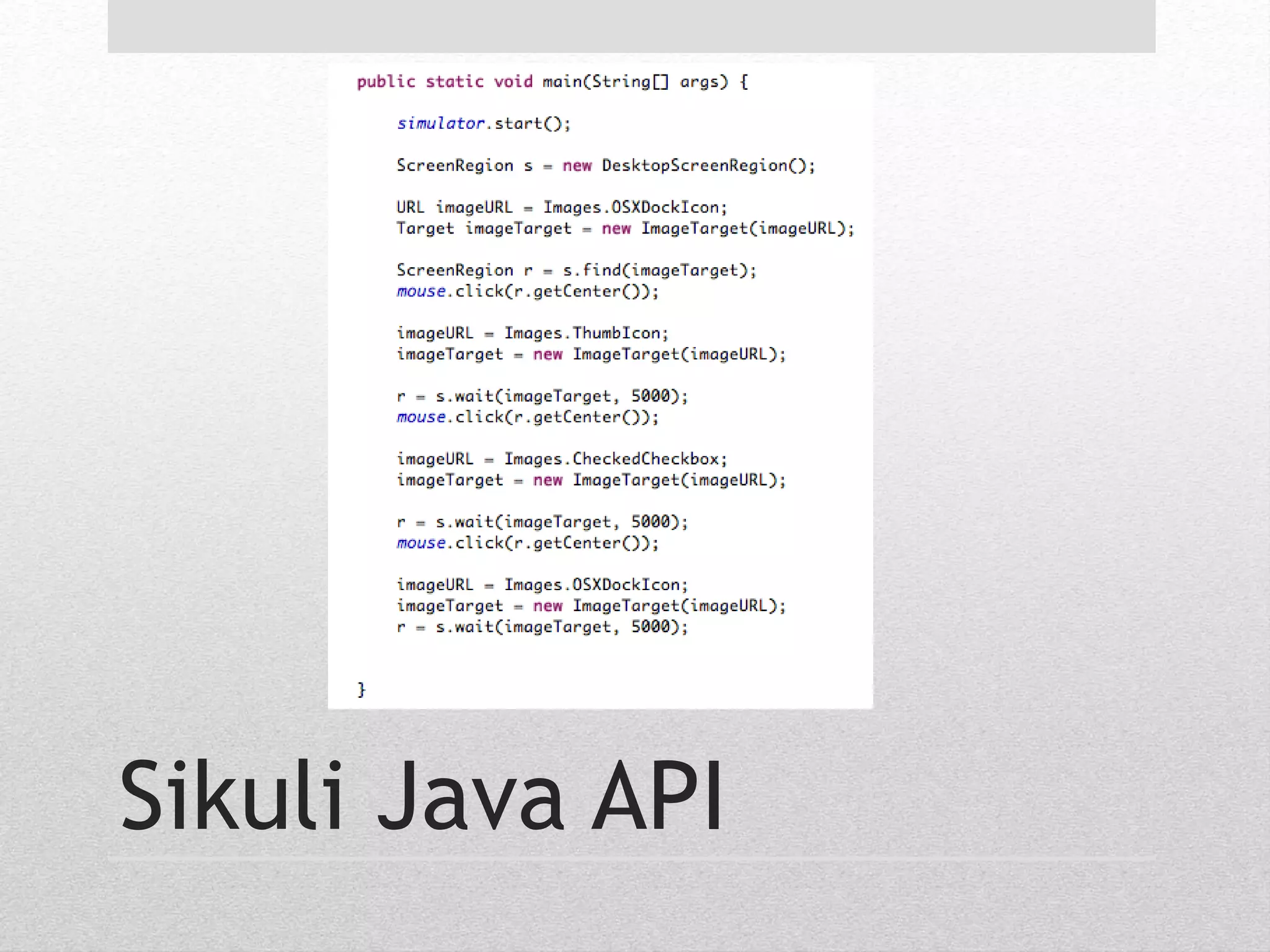
Sikuli Java API
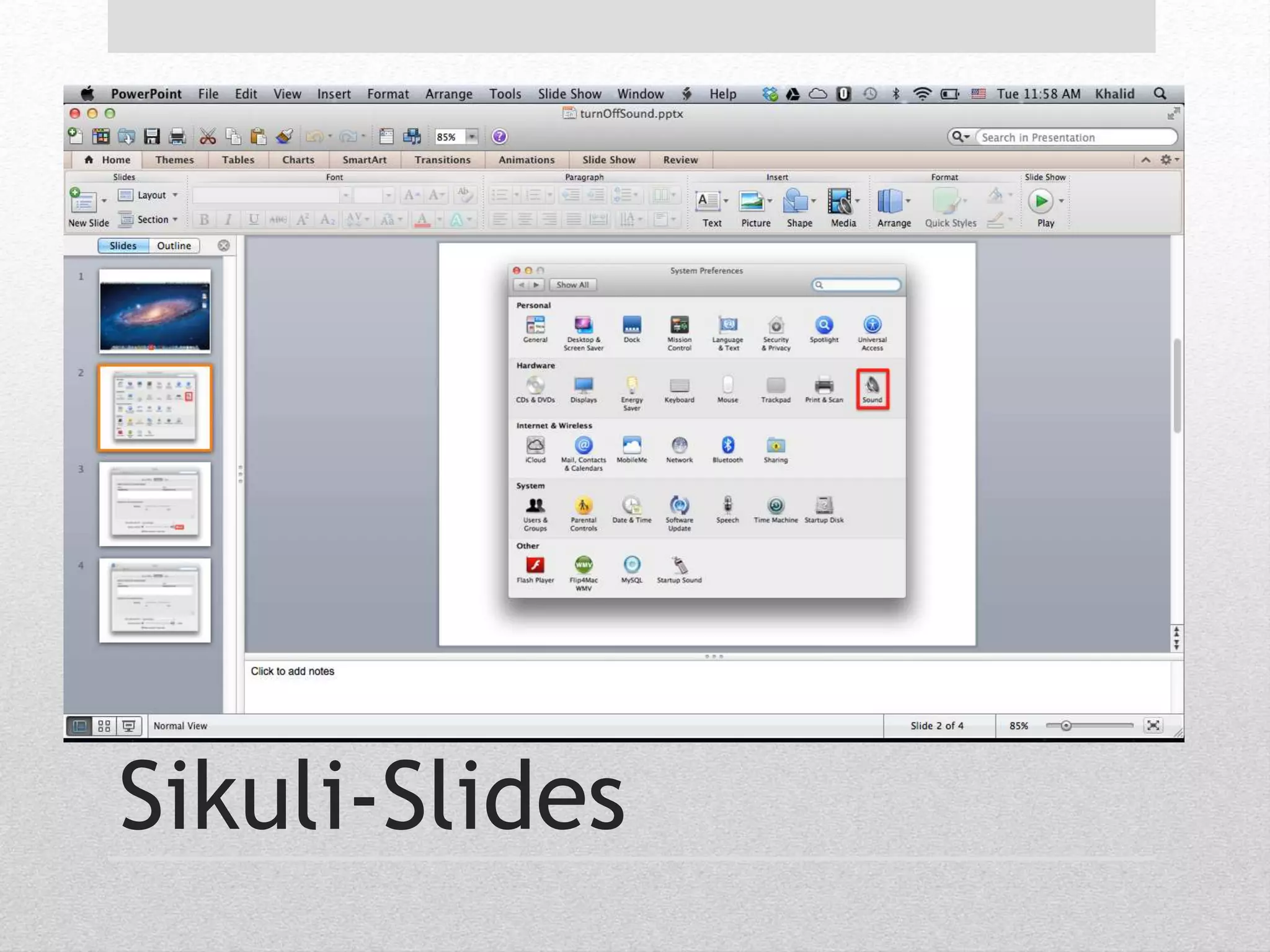
Sikuli-Slides
• Automate and test GUIs by using screenshots and 
annotating them. 
• Make visual automation accessible to everyone. 
• Use a tool that most users already know how to use. 
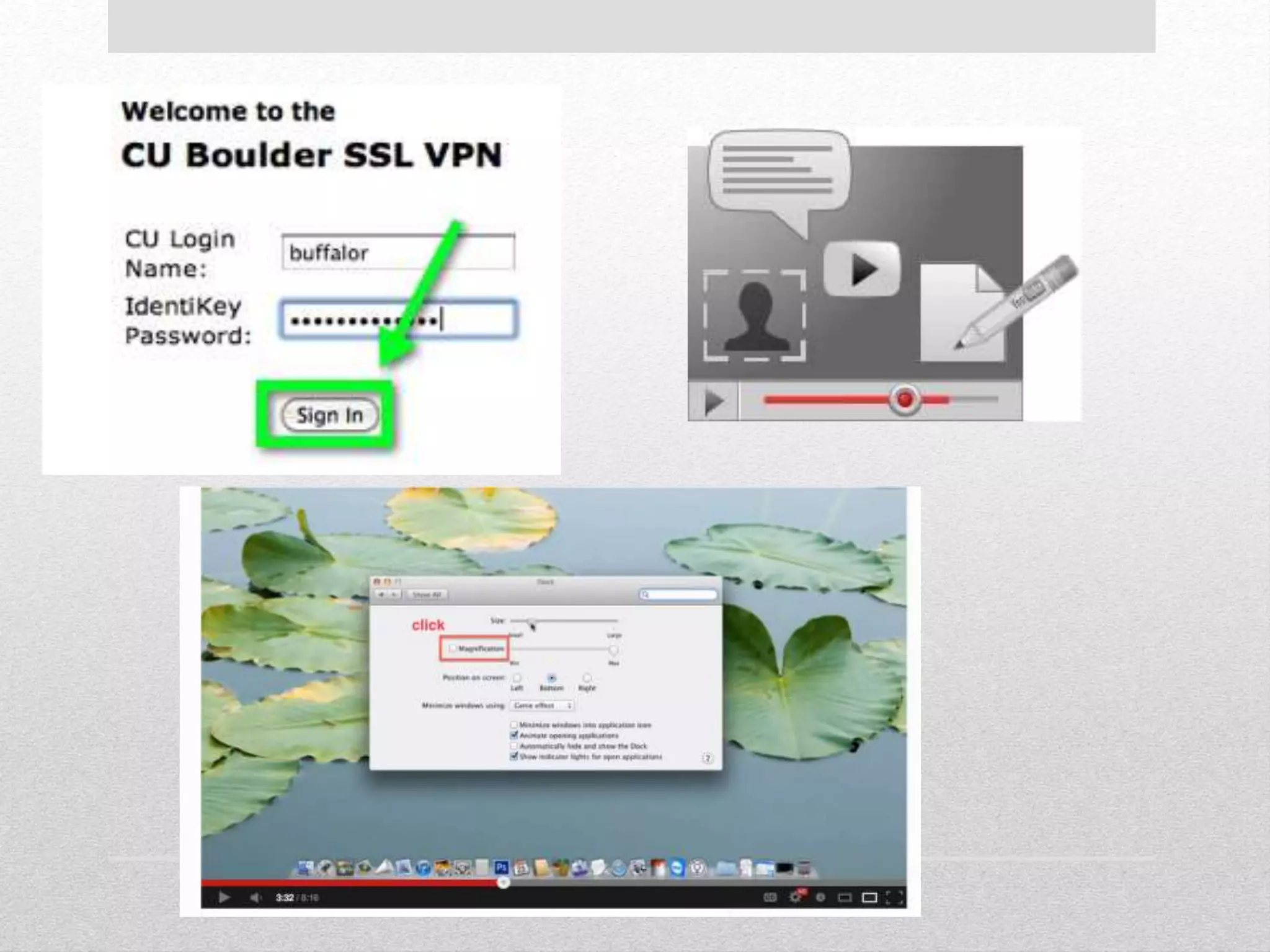
• Reinventing Computer-based tutoring. 
Sikuli-Slides
• PowerPoint is already a popular tool for creating test 
cases. 
• Online tutorials that include annotated screenshots. 
Motivation
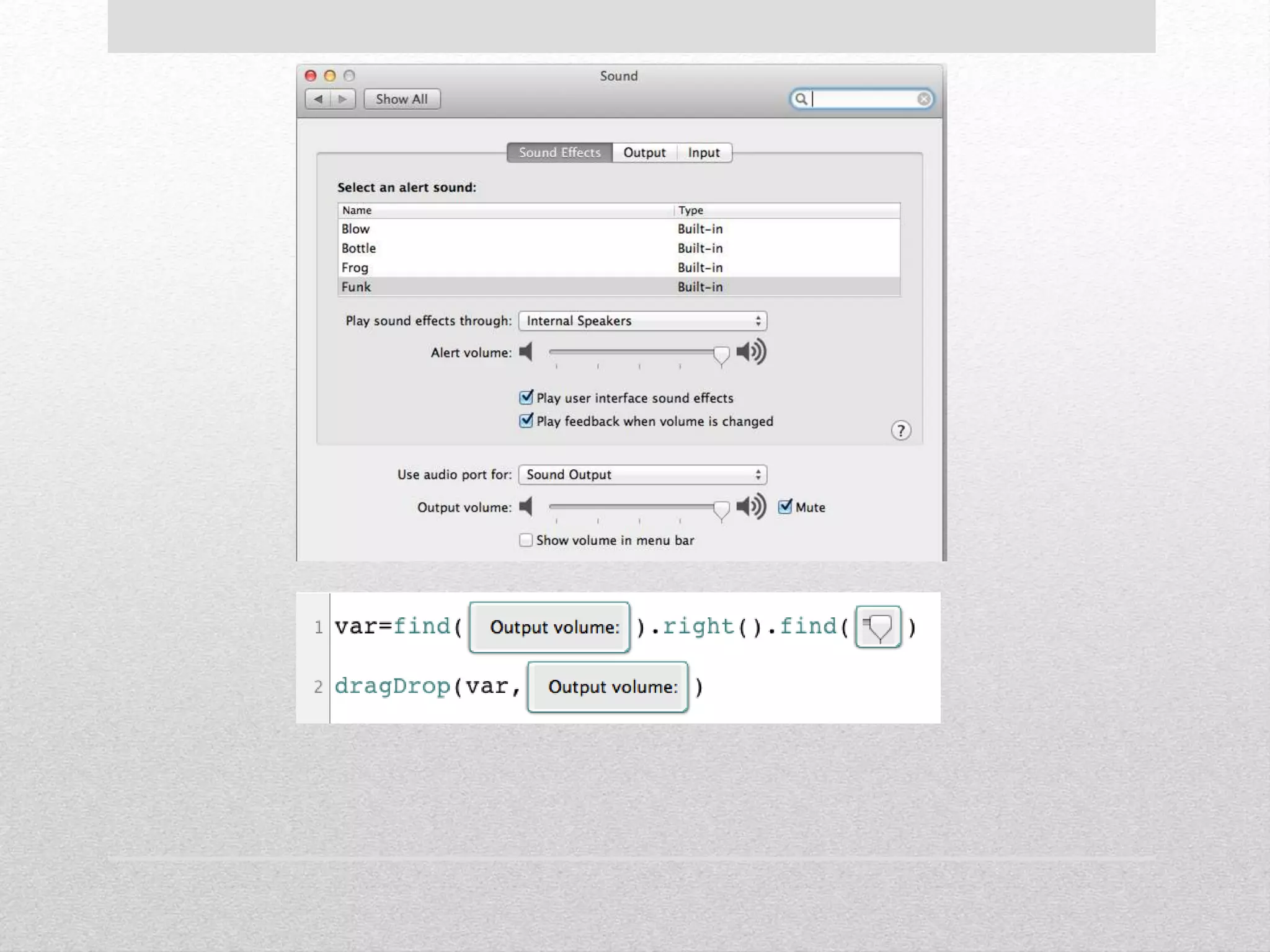
How to tell computers 
how to interact with 
applications?
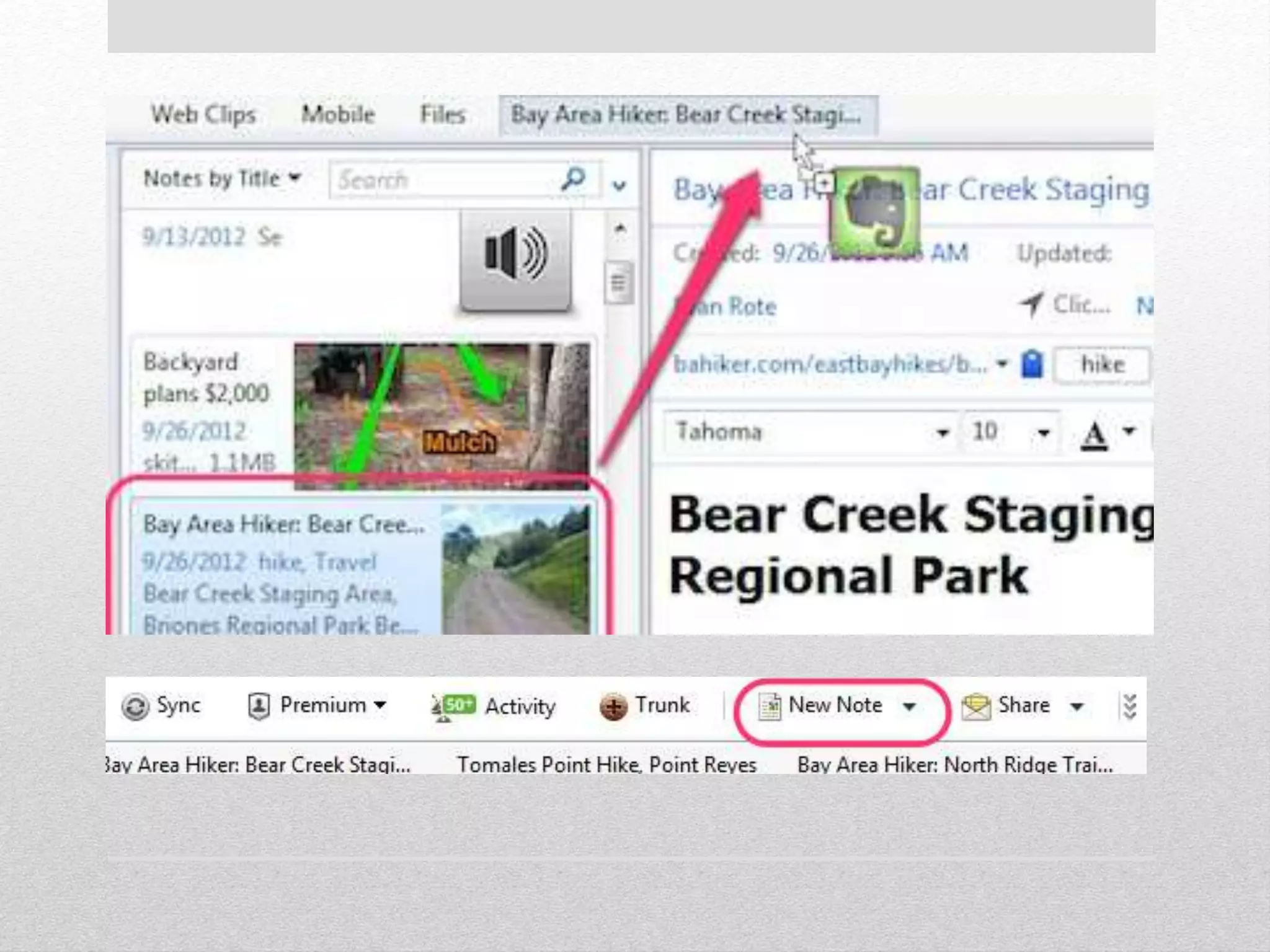
How to tell users how 
to use applications?
• Most users already know how to use PowerPoint. 
• Office Open XML file format a.k.a OOXML. 
• DrawingML 
• Shapes, pictures, etc. 
• Data Interoperability. 
Why PowerPoint
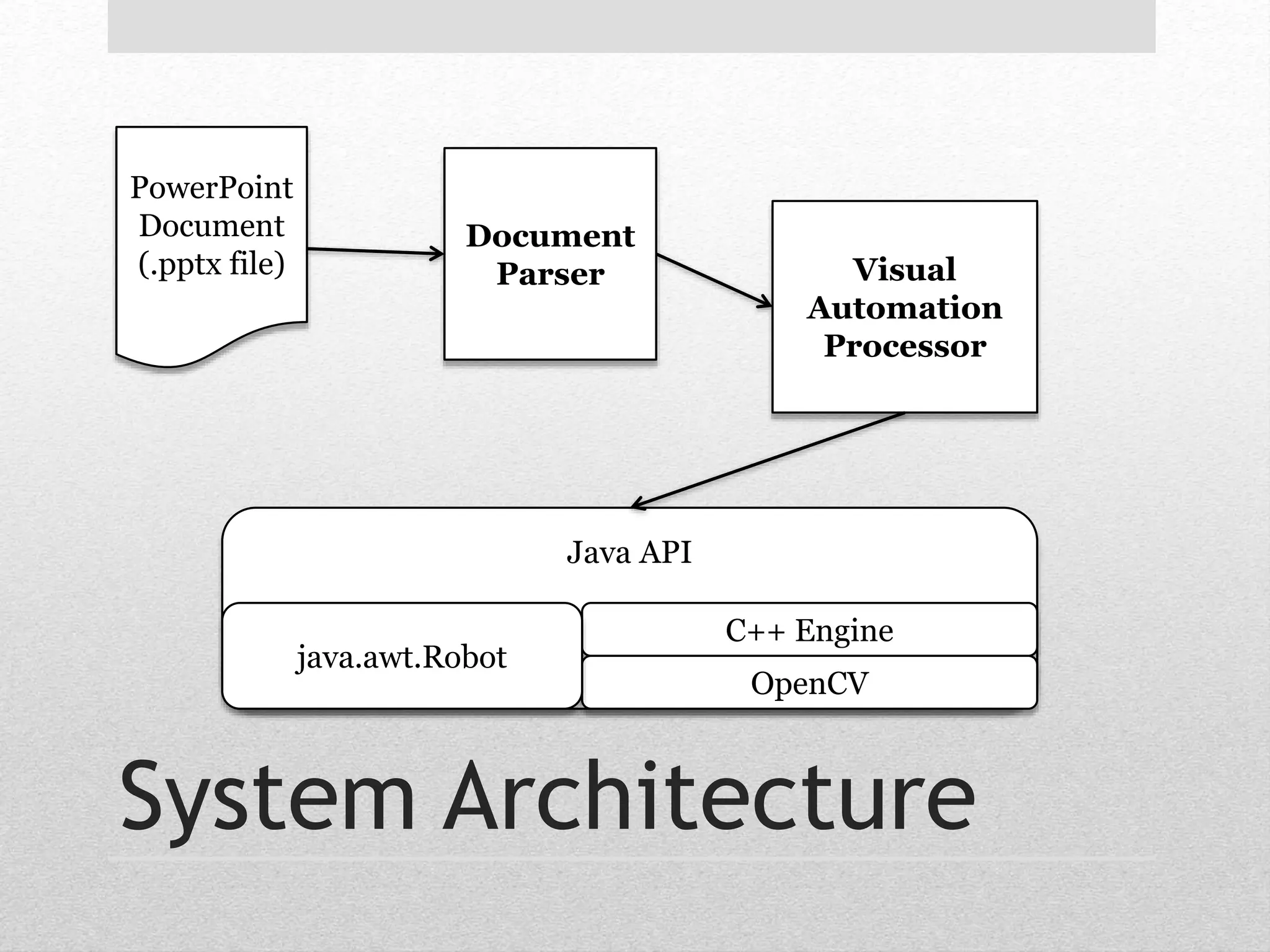
Document 
Parser Visual 
Automation 
Processor 
Java API 
C++ Engine 
OpenCV 
java.awt.Robot 
PowerPoint 
Document 
(.pptx file) 
System Architecture
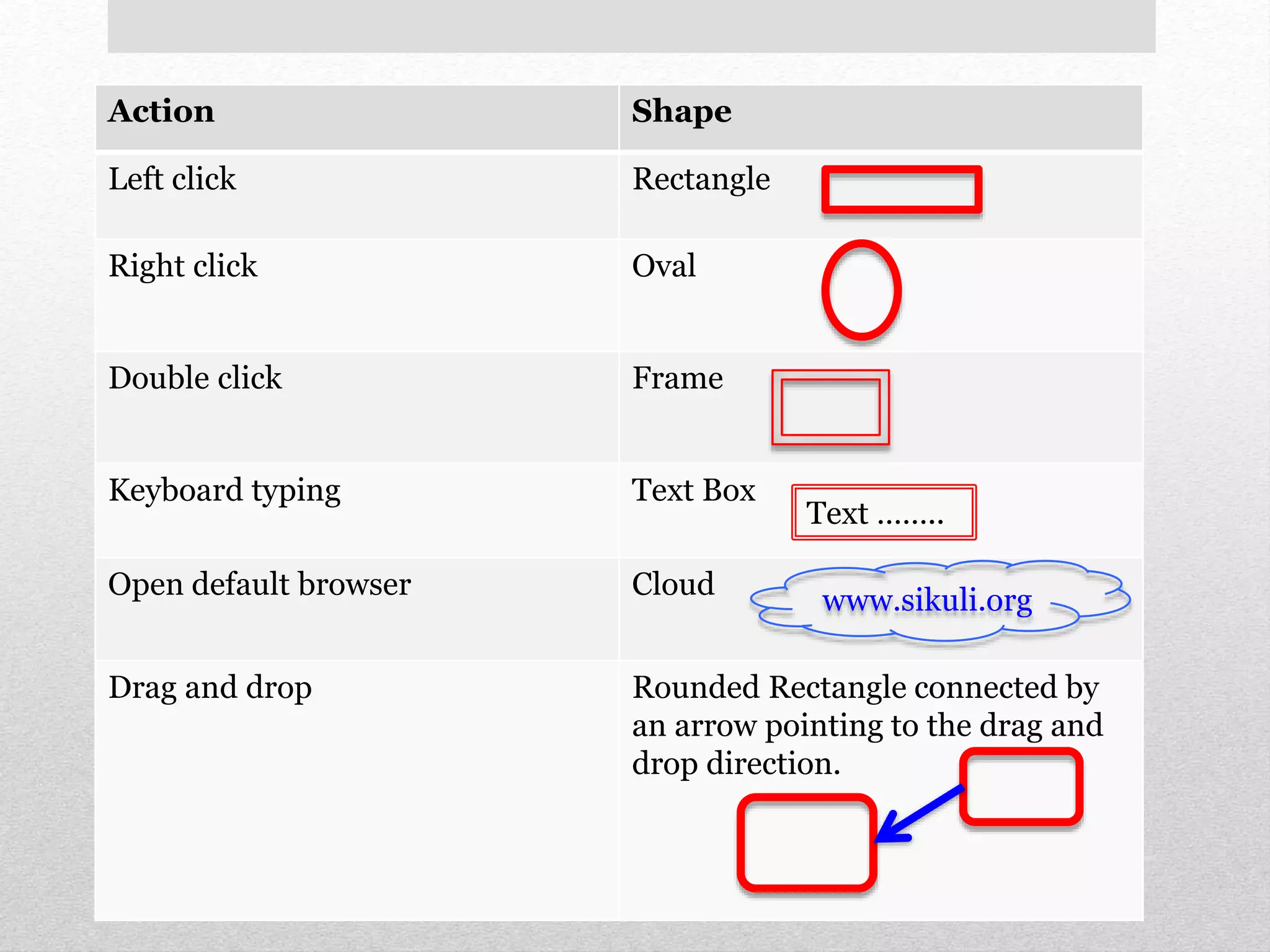
How to represent user 
input actions?
Action Shape 
Left click Rectangle 
Right click Oval 
Double click Frame 
Keyboard typing Text Box 
Open default browser Cloud 
Text …….. 
www.sikuli.org 
Drag and drop Rounded Rectangle connected by 
an arrow pointing to the drag and 
drop direction.
Demo
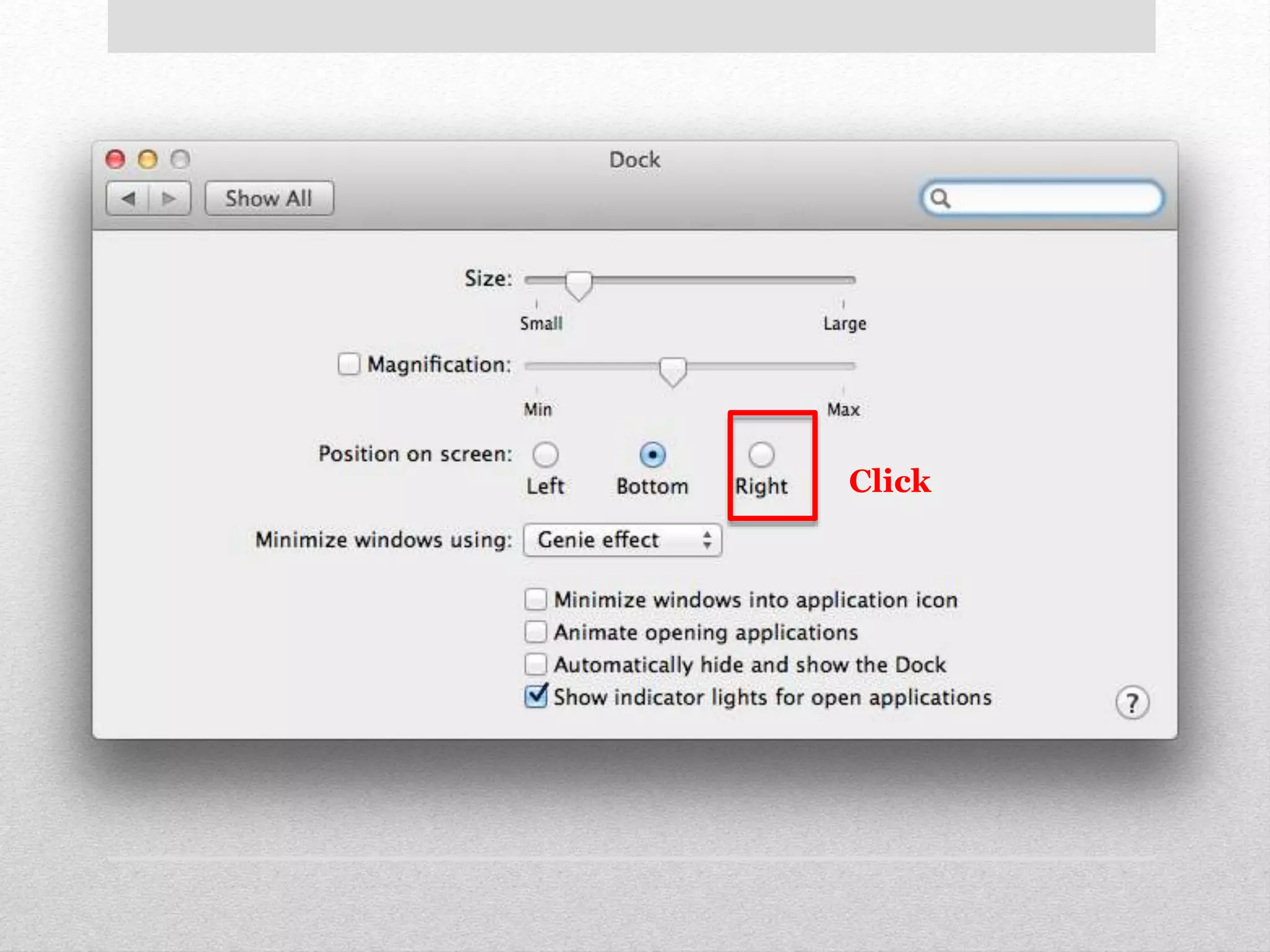
But using special shapes 
is bad!
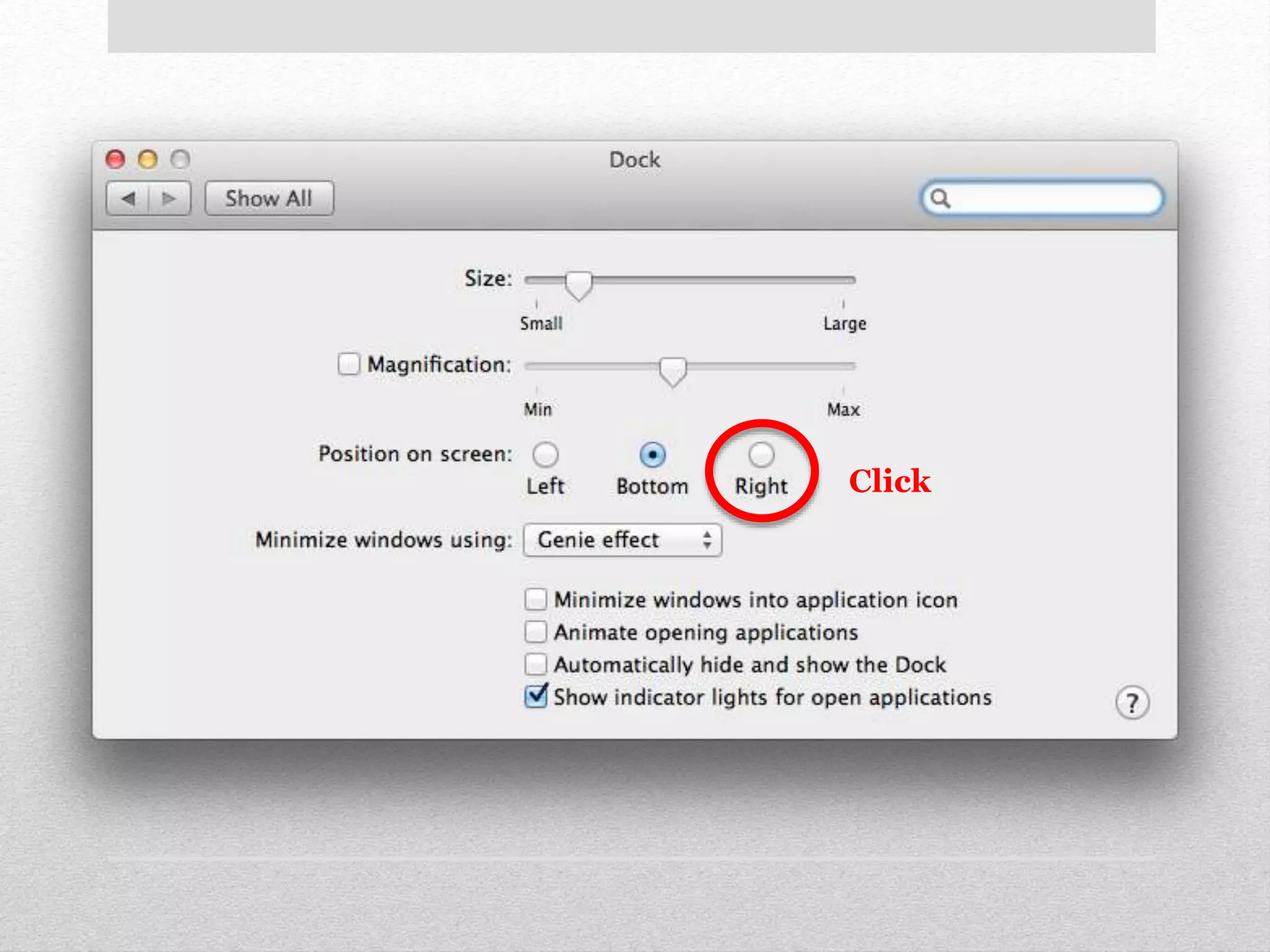
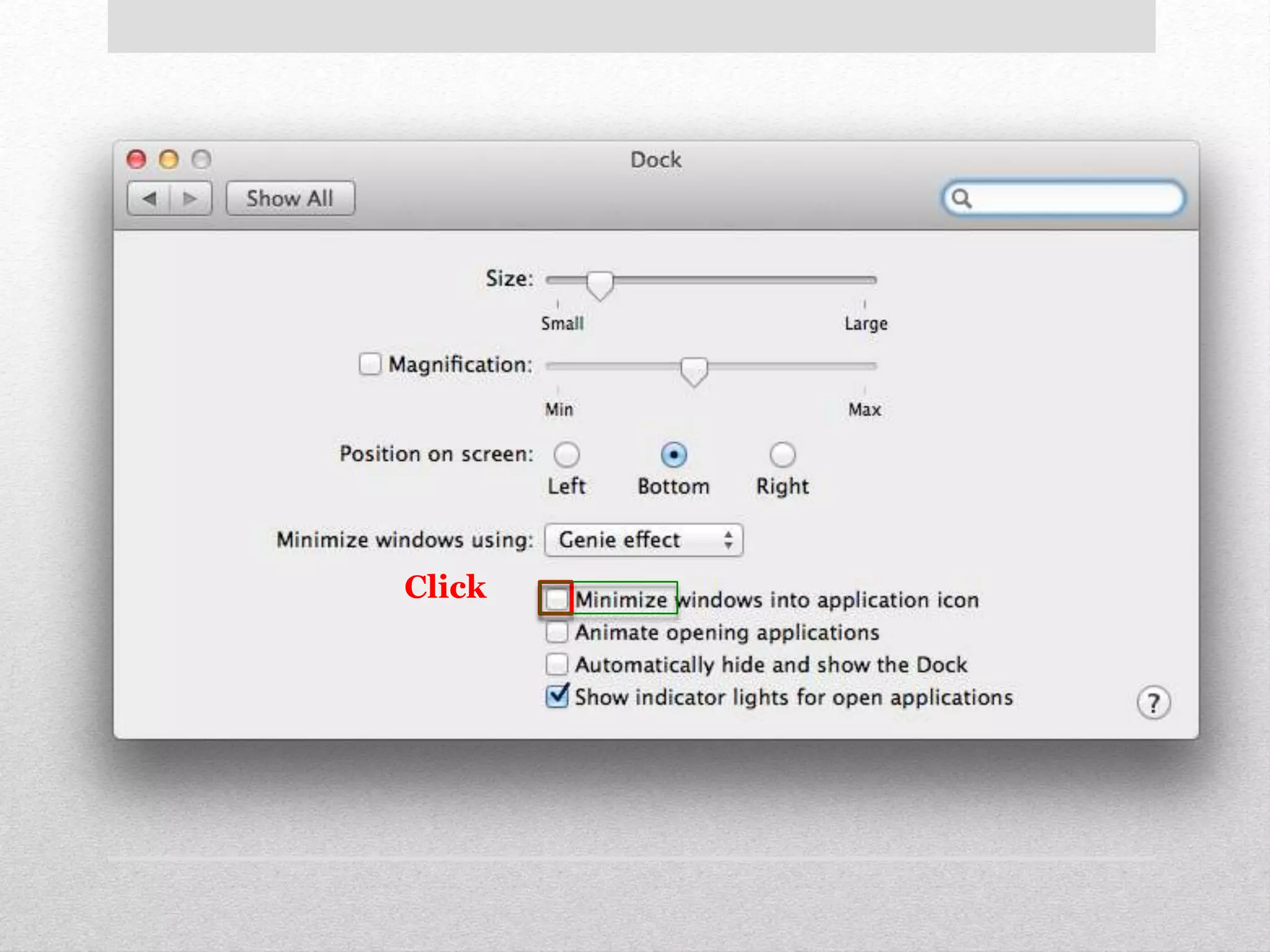
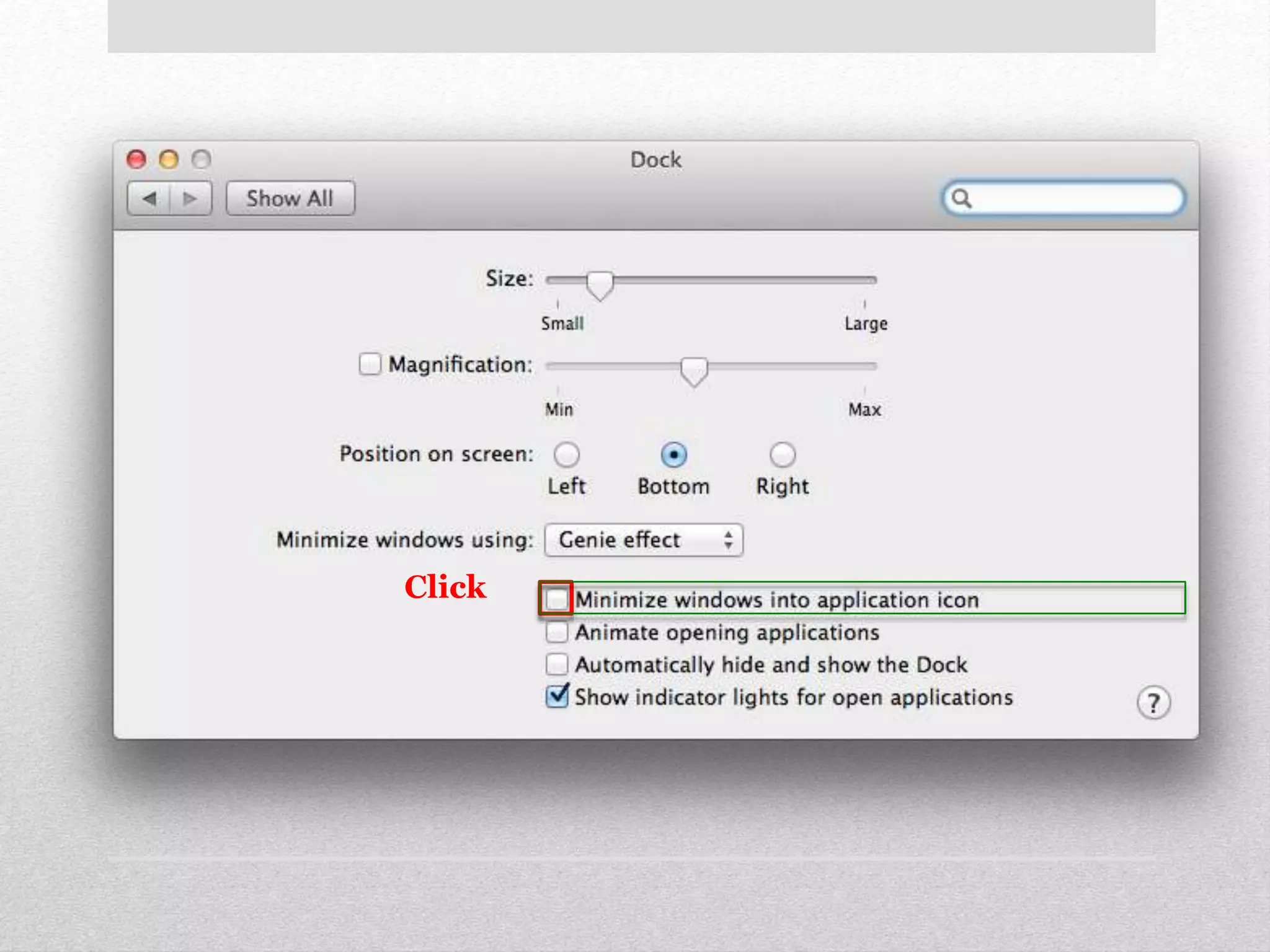
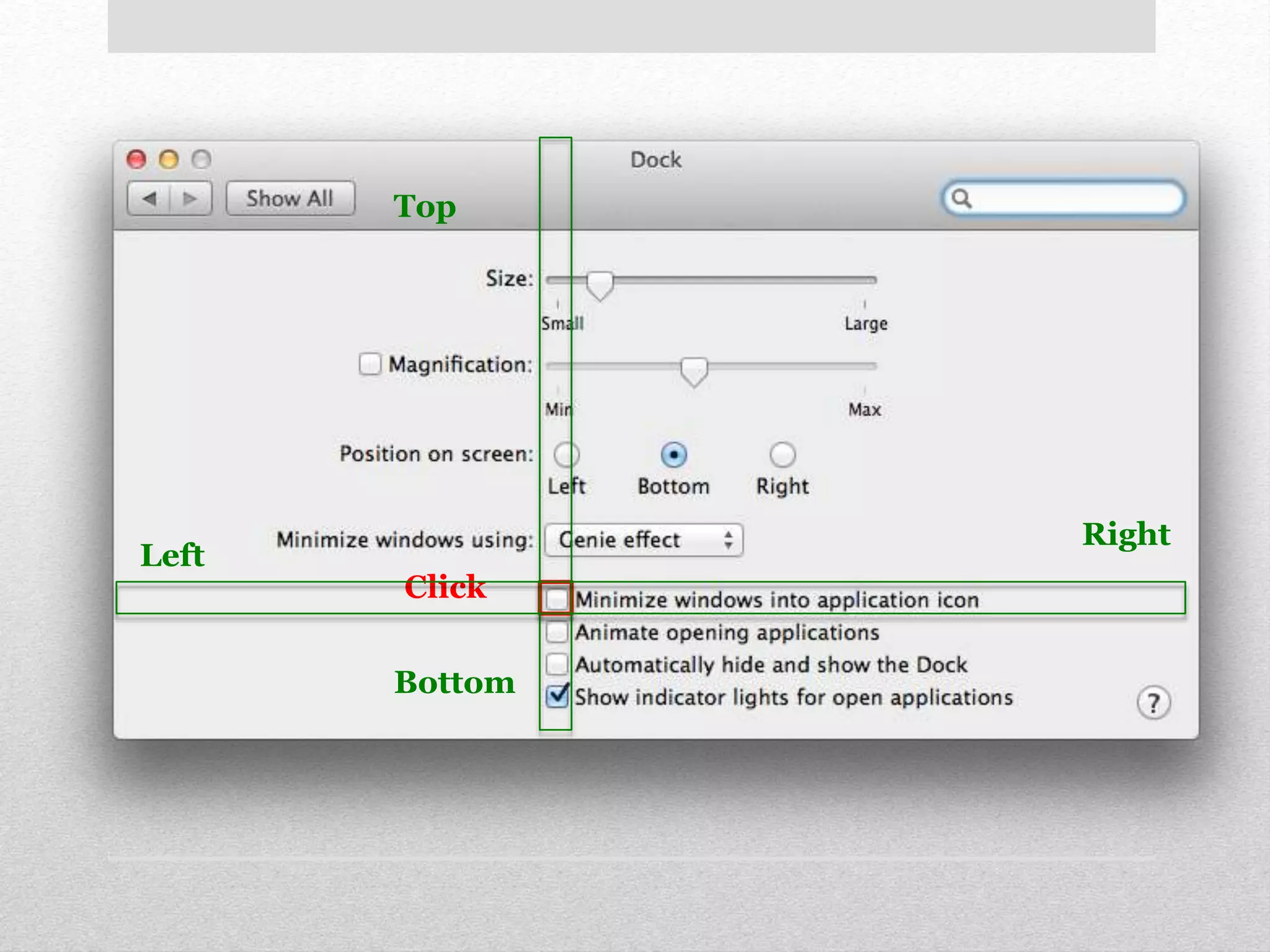
Click
Click
Demo
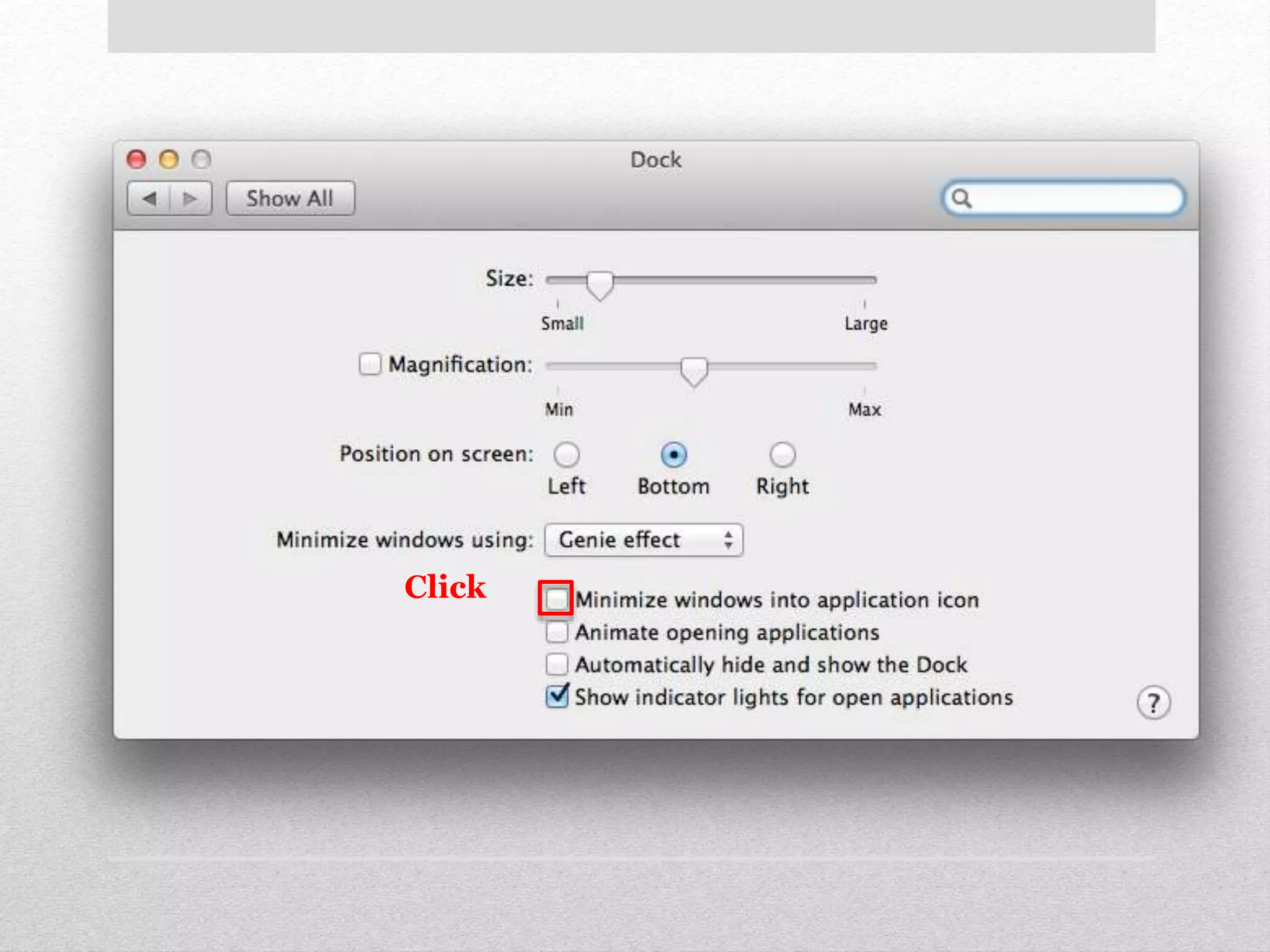
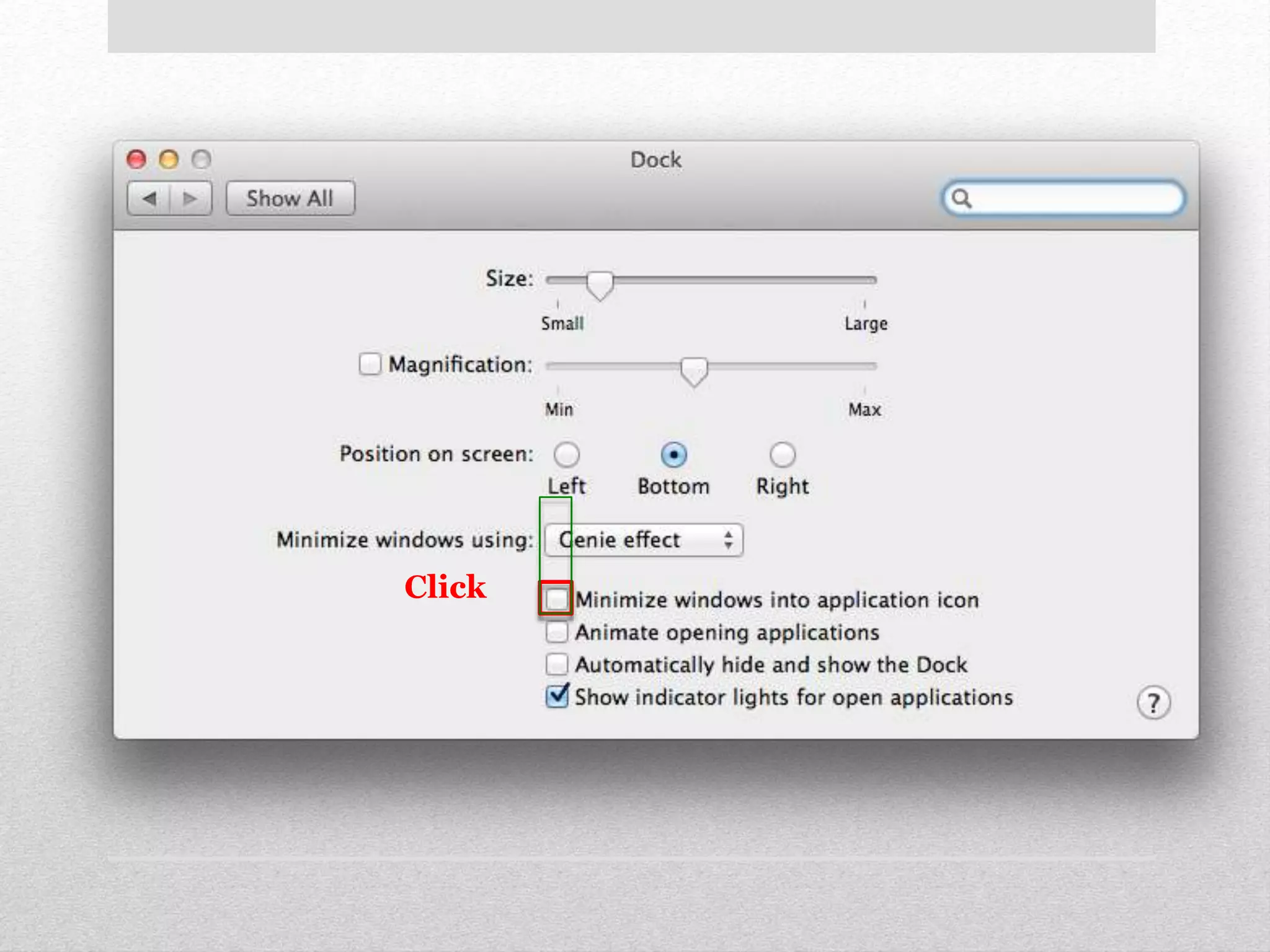
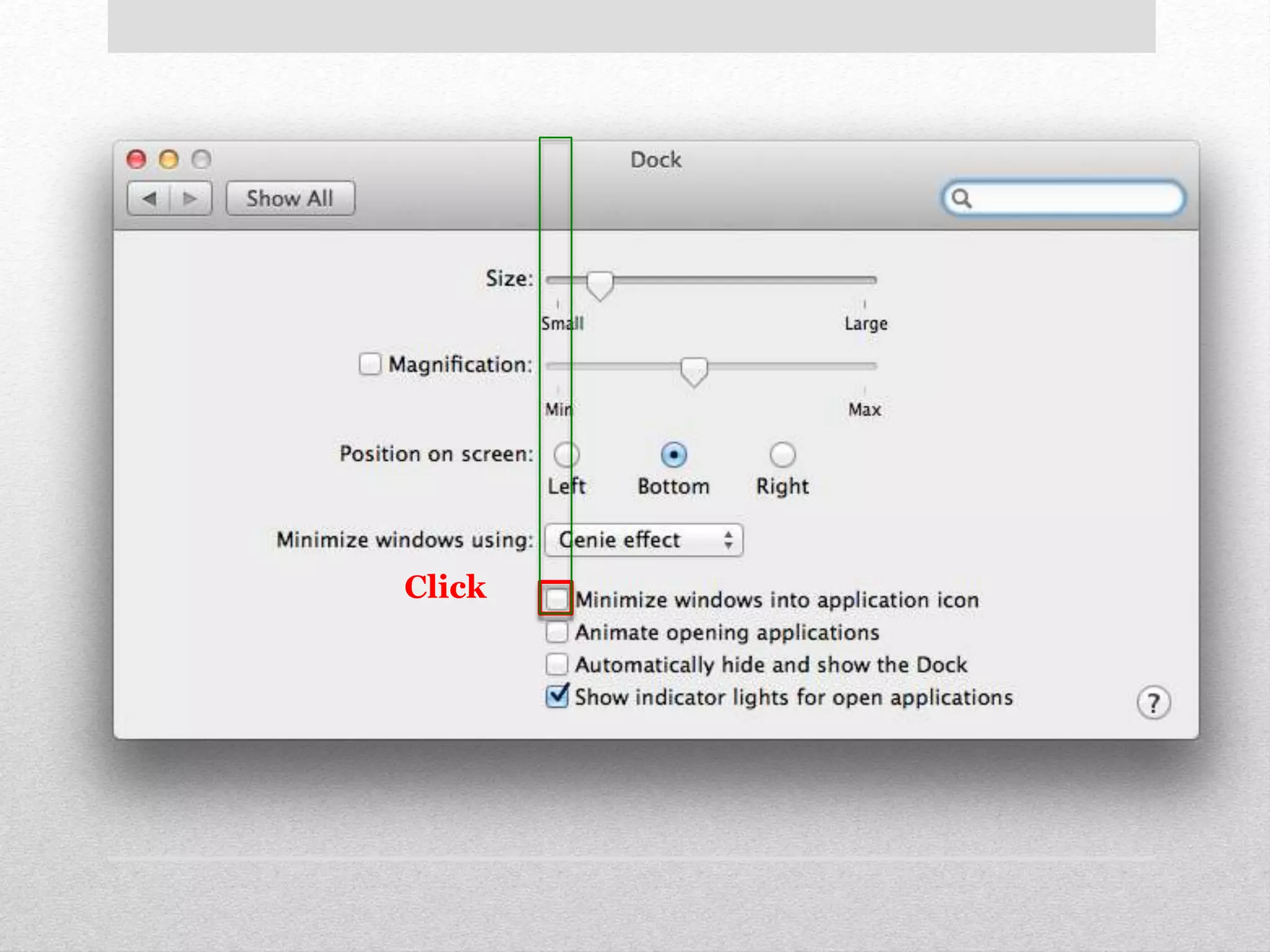
How to identify identical 
targets?
Click
Click
Click
Click
Click
Click 
Right 
Top 
Bottom 
Left
Demo
• GUI Testing 
• Tutorials 
Sikuli Slides Applications
GUI Testing 
Sikuli-Slides makes GUI testing accessible to all QA 
engineers. 
How to test a GUI in 
sikuli-slides?
Demo
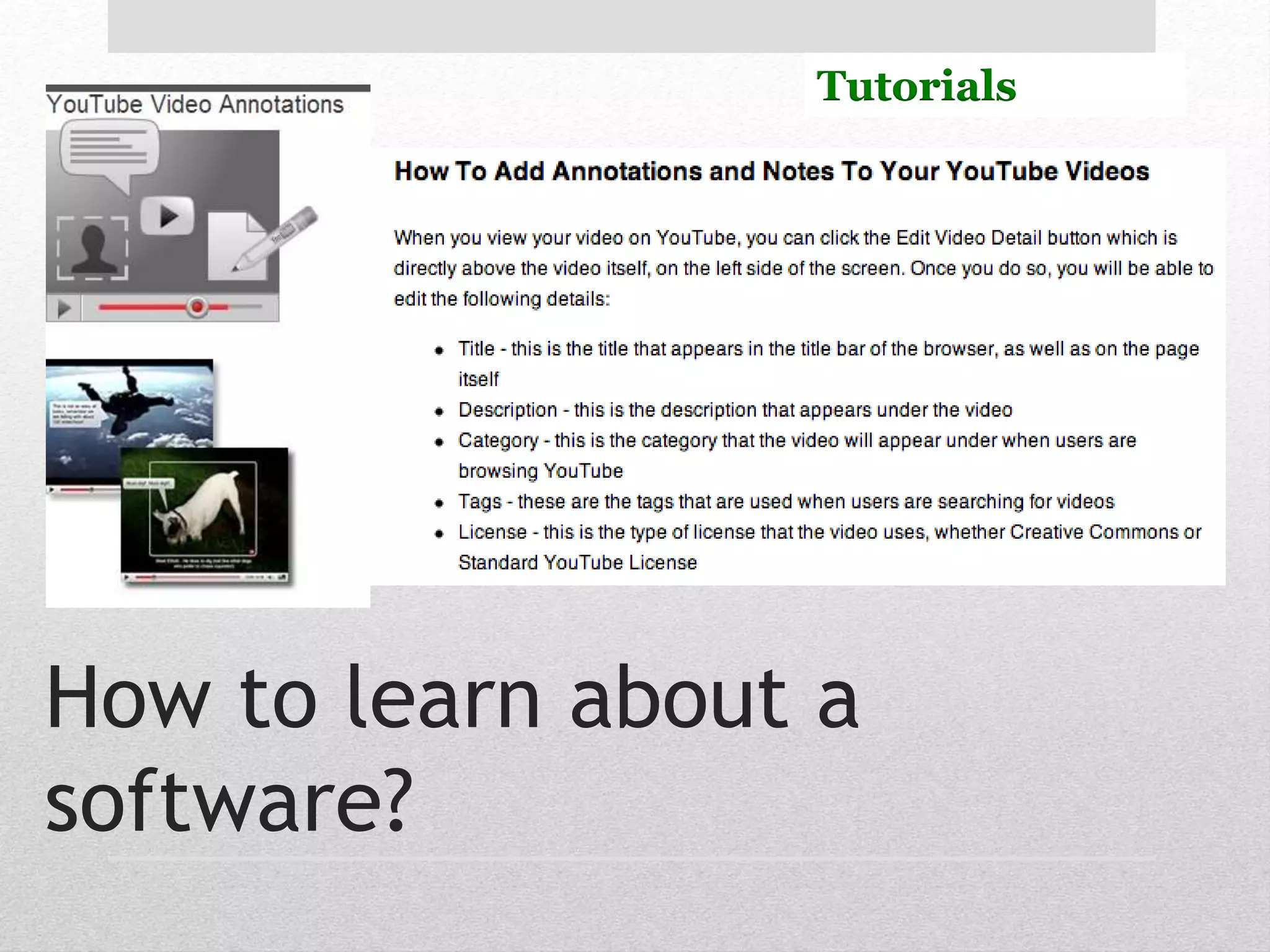
Tutorials 
How to learn about a 
software?
Sikuli Slides can run live 
interactive tutorials
But where’s the audio?
• How to add audio narrations to the slides and sync 
the audio with the GUI input action to add more 
interactive experience when running the slides? 
• How to annotate the screen with text so users can 
layer the screen with informative text that explains 
what’s running on the screen? 
Adding audio or narration
Demo
• Support three modes in which you can run 
presentation slides in: 
• Action mode. 
• Tutorial mode. 
• Development mode. 
Where are we now?
• Sikuli-Slides: 
• Uses Computer Vision. 
• Can run presentation slides on Windows/Mac/Linux. 
• Makes visual automation accessible to everyone. 
• Features a new way to create computer based tutorials. 
Conclusions
• http://code.google.com/p/sikuli-api/ 
wiki/SikuliSlides 
• Or just google “sikuli slides” 
Thanks! 
• slides.sikuli.org

Sikuli Slides

Editor's Notes

  • #4 Automation has always been an important part of personal computing. These tools were limited to system administrators or “power users” who are familiar with scripting languages. Manual performing of repetitive tasks is time consuming and labor intensive. Most users know how tedious it can be to perform menial and repetitive tasks like launching applications and web pages, inserting data into text fields, resizing image files, and typing out frequently used words. Action(s) lets you build workflows that accomplish manual chores quickly, efficiently, and effortlessly. You don’t have to know any scripting languages or write any code. Instead, you create and execute automation “workflows” simply by dragging and dropping each individual step of a process. It’s like creating a kitchen recipe.
  • #5 GUIs constitute a large part of the software code. A GUI represents the information and actions available to a user through graphical icons and visual indicators such as secondary notation. Current GUI testing techniques are incomplete, ad hoc, and largely manual. The most common tools use record-playback techniques. A test designer interacts with the GUI, generating mouse and keyboard events. The tool records the user events, captures the GUI session screens, and then stores the session—usually as a script. Software testing is already labor and resource intensive—often accounting for 50 to 60 percent of total software development costs—and GUI testing poses further difficulties that traditional software testing techniques do not adequately address. For example, in Android there’s a testing framework that’s called the Monkey, which is a command line tool that sends random events to your device. Some scripts are tied to x/y pixel coordinate
  • #6 Sikuli means God’s eyes in the native american Huichol (==wichol) people. It refers to the ability to see invisible things. It’s a visual approach to search and automation of GUI using screenshots.
  • #7 Template matching[1] is a technique in digital image processing for finding small parts of an image which match a template image
  • #16 One of the issues with image based ui tools is we need to capture all target images and work on them
  • #17 QA Engineers use PowerPoint to show their test cases to the team. PowerPoint makes it better. Example: PowerStory is a popular agile tool that allows you to create your use cases in PowerPoint and then just add UI Mockups to the slide to make a UI Storyboard
  • #22 We annotate the screenshots/images with shapes, text, arrows and more to draw viewer's attention and make our points clear.
  • #23 Based on XML and ZIP technologies. OOXML files are ZIP archives containing various XML files (parts) and organized into single package. his breaking up or chunking of the data into pieces makes it easier and quicker to access data and reduces the chances of data corruption. The parts can contain any type of data; to keep track of the data type of each part without relying on file extensions, the type for each part is specified in a file within the package called [Content_Types].xml. The relationships of the parts to the package as well as relationships that any part may have are abstracted from the parts and stored separately in relationship files--one for the package as a whole and one for each package that has relationships. In this way references are stored only once and can therefor be easily changed when necessary. DrawingML is the language for defining graphical objects such as pictures, shapes, charts, and diagrams within ooxml documents. It also specifies package-wide appearance characteristics, i.e., the package's theme
  • #24 The document parser is a standard SAX parser to parse XML files. Visual Automation Processor, performs pixel based computation and cropping images, and performs search on the screen, and Façade to java API. The core pattern matching algorithm was implemented in C++ using OpenCV, an open source computer vision library. The full API was implemented using the Java Robot class to execute Mouse and Keyboard actions. All components of the system have been tested on Mac OSX 10.7, Windows 8, and Ubuntu Linux.
  • #43 There are 3 kinds of software tutorials: 1) video tutorials that the user views, 2) interactive tutorials where the user follows on-screen instructions (and—in some cases—watches short instruction movies), whereupon he/she does the tutorial exercises and receives feedback depending on his/her actions; and 3) webinarswhere users participate in real-time lectures, online tutoring, or workshops remotely using web conferencing software.