a brief introduction to

    Vagrant
原來 Virtual Box 可以這樣玩


     http://ihower.tw
   2013/4/20@osdc.tw
我是誰?
• 張⽂文鈿 a.k.a. ihower
 •   http://ihower.tw

 •   http://twitter.com/ihower

• Ruby Developer since 2006
• CTO, Faria Systems Ltd.
• The organizer of RubyConf Taiwan
 •   http://rubyconf.tw
We’re hiring
Ruby on Rails developer
Agenda
•   Why?
•   What’s Vagrant
•   Features
    •   Shared Folder
    •   Networking
    •   Provisioning
    •   Pachaging
    •   Multi-VM
    •   More Providers
•   Conclusion
Why?
WebOps
WebOps


• 如何⾃自動化安裝和設定伺服器?
WebOps


• 如何⾃自動化安裝和設定伺服器?
• 需要開機器進⾏行安裝測試
缺點
缺點

• 無論是實體機器或 VPS, AWS EC2
缺點

• 無論是實體機器或 VPS, AWS EC2
• 緩慢的 Feedback loop
缺點

• 無論是實體機器或 VPS, AWS EC2
• 緩慢的 Feedback loop
 • 環境弄髒了,重灌很慢
WebDev
WebDev

• 如何設定開發環境?
WebDev

• 如何設定開發環境?
• 拿到⼀一個新專案,怎樣才能跑起來呢?
WebDev

• 如何設定開發環境?
• 拿到⼀一個新專案,怎樣才能跑起來呢?
 • 看 README
WebDev

• 如何設定開發環境?
• 拿到⼀一個新專案,怎樣才能跑起來呢?
 • 看 README
 • 有 setup script?
WebDev

• 如何設定開發環境?
• 拿到⼀一個新專案,怎樣才能跑起來呢?
 • 看 README
 • 有 setup script?
 • 不斷嘗試錯誤,找出 dependency
WebDev (cont.)
WebDev (cont.)


• 這功能在我電腦上是正常的
WebDev (cont.)


• 這功能在我電腦上是正常的
• 開發環境跟 Production 環境越接近,bug
 就越少
缺點
缺點

• 不總是 works
缺點

• 不總是 works
• 不是⾃自動化
缺點

• 不總是 works
• 不是⾃自動化
• 無法驗證正確
缺點

• 不總是 works
• 不是⾃自動化
• 無法驗證正確
• 不是 Isolated,不同機器環境就不同
缺點

• 不總是 works
• 不是⾃自動化
• 無法驗證正確
• 不是 Isolated,不同機器環境就不同
• 也是很慢
Solution
Virtual Machine
    ⽼老梗: 虛擬化
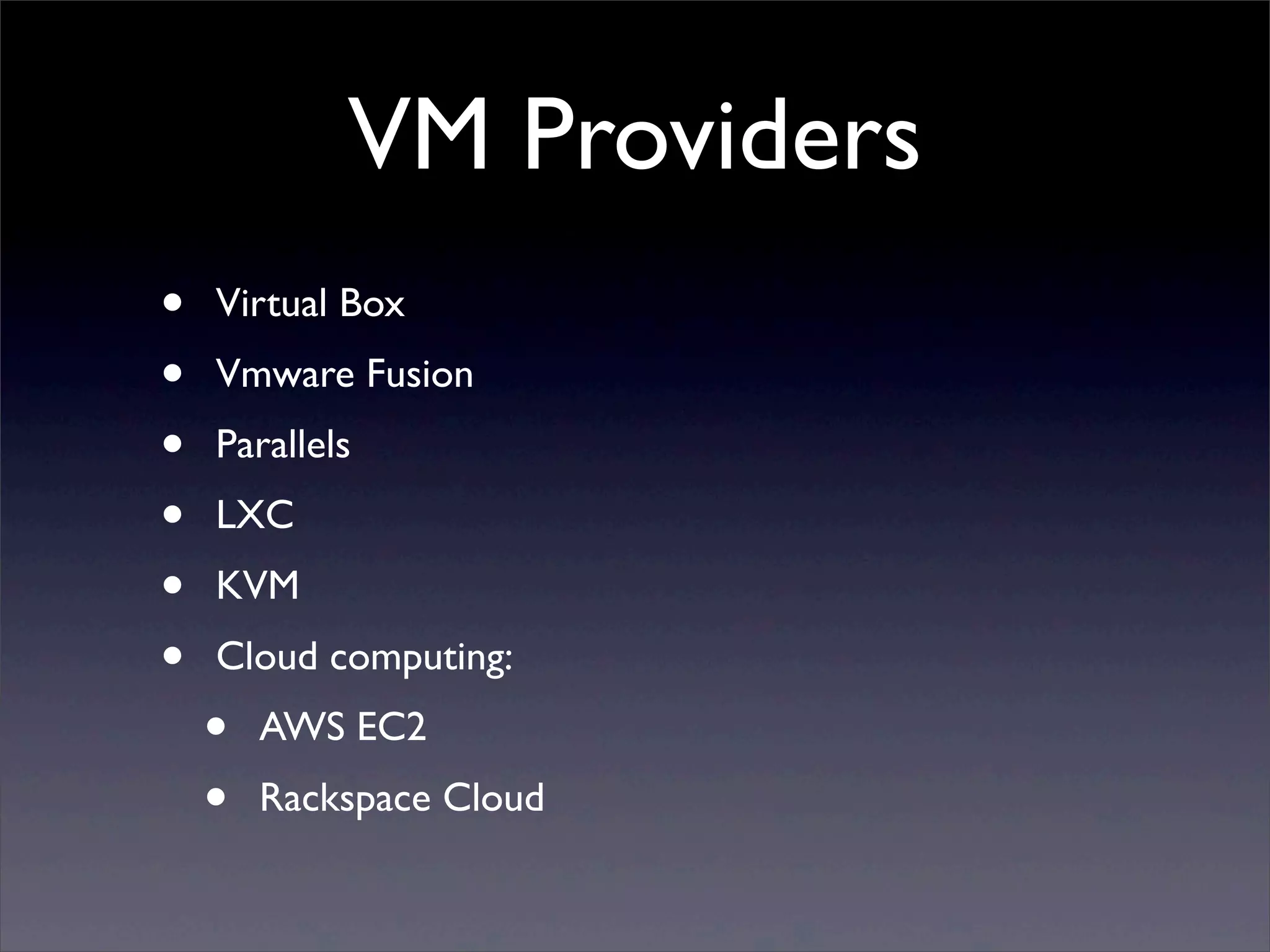
VM Providers
•   Virtual Box
•   Vmware Fusion
•   Parallels
•   LXC
•   KVM
•   Cloud computing:
    •   AWS EC2
    •   Rackspace Cloud
使⽤用 VM 的好處
使⽤用 VM 的好處
• Isolated
使⽤用 VM 的好處
• Isolated
• Repeatable
使⽤用 VM 的好處
• Isolated
• Repeatable
• Local (i.e. Fast)
使⽤用 VM 的好處
• Isolated
• Repeatable
• Local (i.e. Fast)
• Host-OS agnostic
使⽤用 VM 的好處
• Isolated
• Repeatable
• Local (i.e. Fast)
• Host-OS agnostic
• Anyone can do it (Faster on-boarding)
使⽤用 VM 的好處
• Isolated
• Repeatable
• Local (i.e. Fast)
• Host-OS agnostic
• Anyone can do it (Faster on-boarding)
• Less bugs
Vagrant
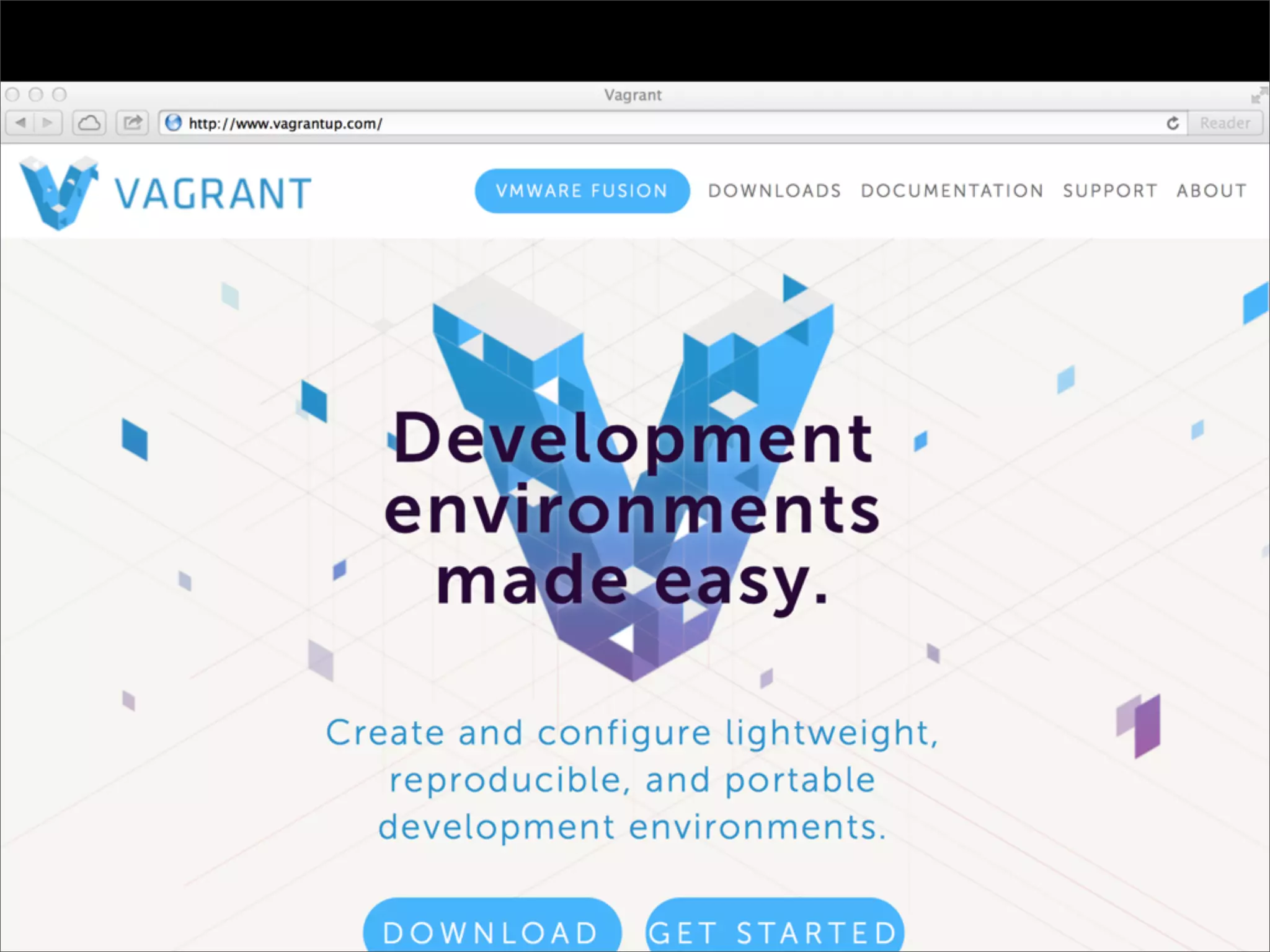
http://www.vagrantup.com/
Vagrant
•   Vagrant uses VirtualBox to build configurable,
    lightweight, and portable virtual machines
    dynamically
•   Open Source: MIT license
•   It support more providers recently:
    •   VMware Fusion
    •   AWS EC2
    •   Rackspace
The creator

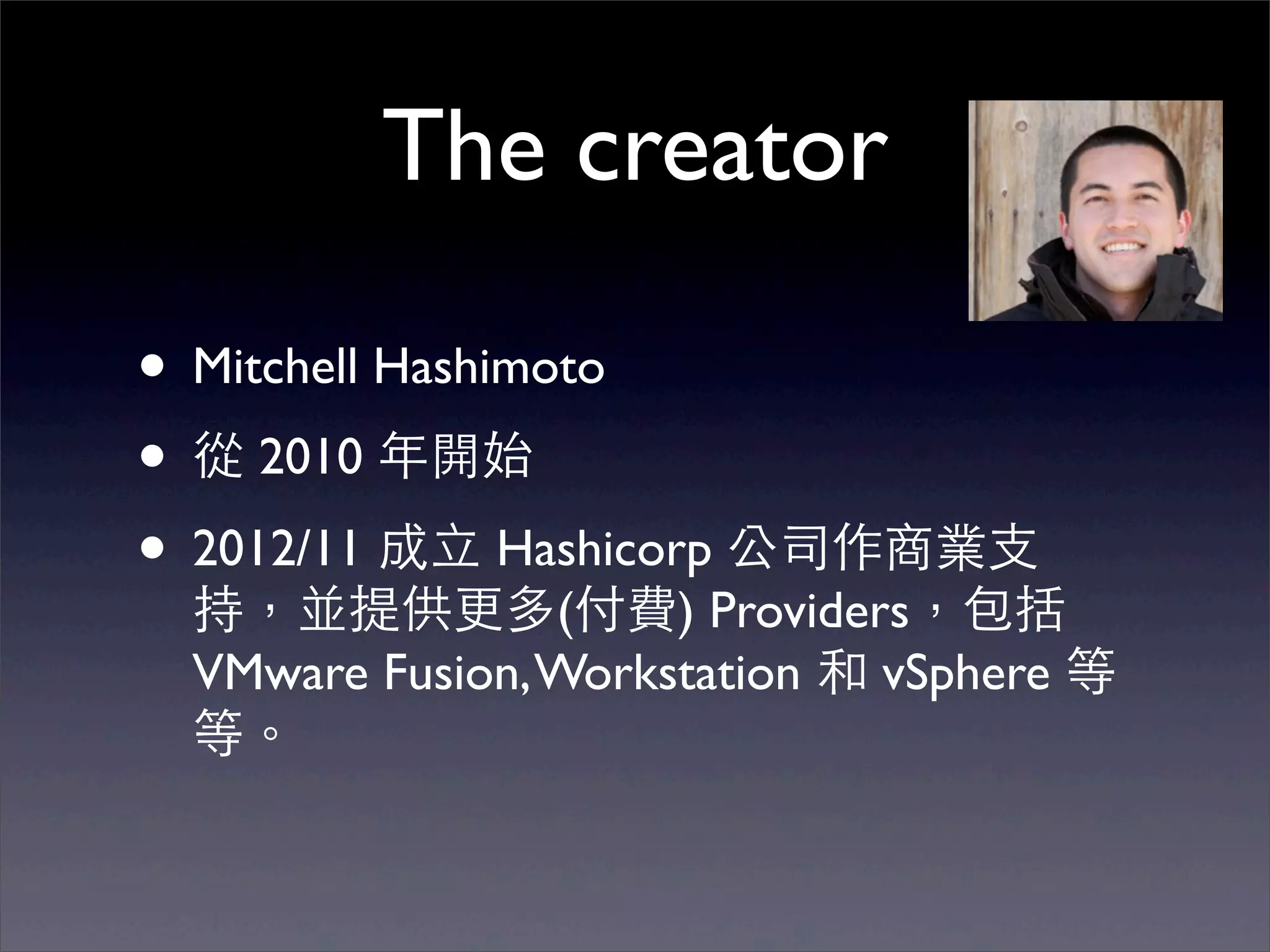
• Mitchell Hashimoto
• 從 2010 年開始
• 2012/11 成⽴立 Hashicorp 公司作商業⽀支
 持,並提供更多(付費) Providers,包括
 VMware Fusion, Workstation 和 vSphere 等
 等。
Who use it?
•   Mozilla, Firefox
•   BBC News
•   New York Times
•   Openstack
•   NOKIA
•   Livingsocial
•   yammer
•   shopify
•   disqus
•   eventbrite
•   ngmoco
安裝 Vagrant

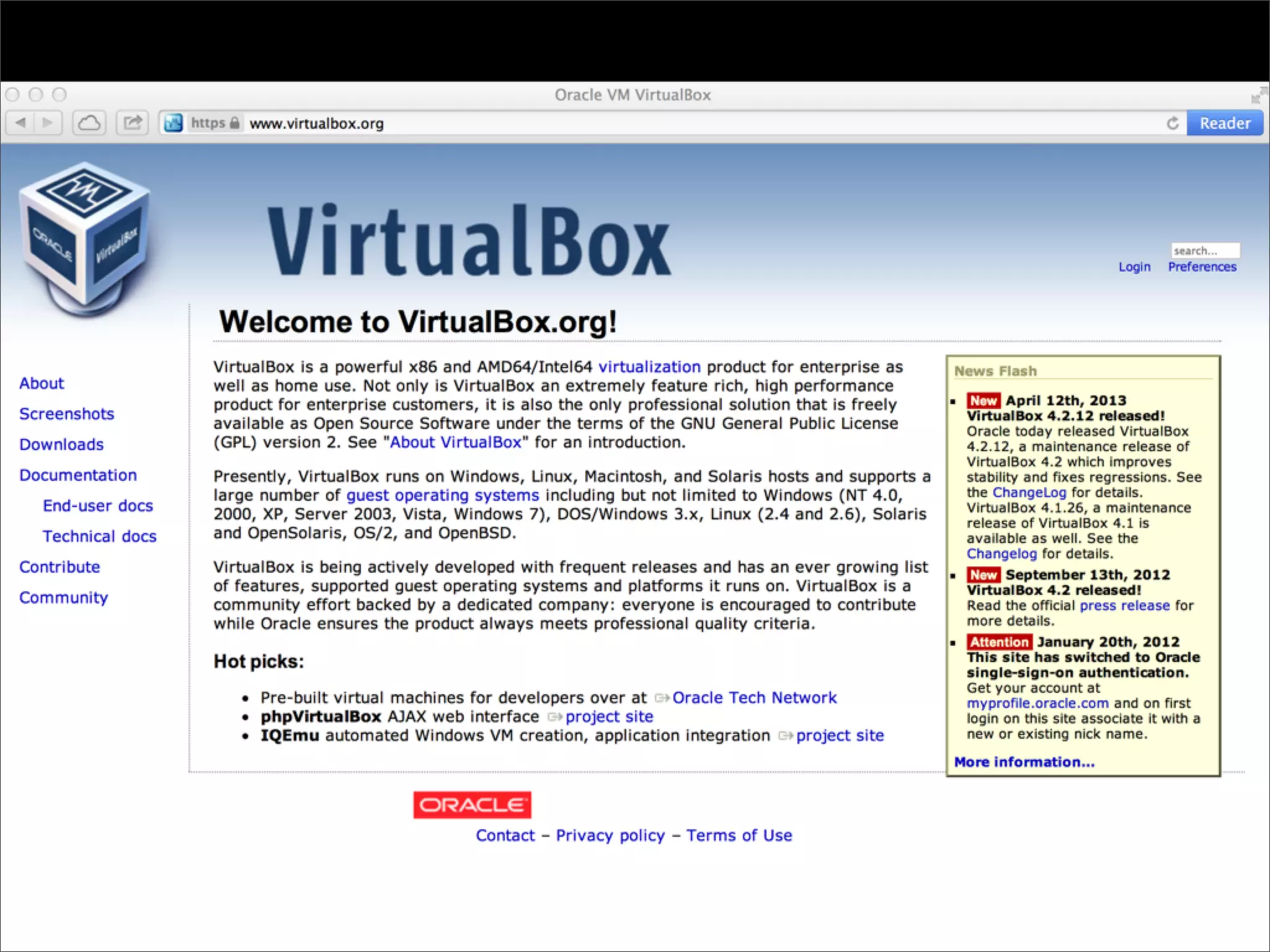
• 下載安裝 Virtualbox
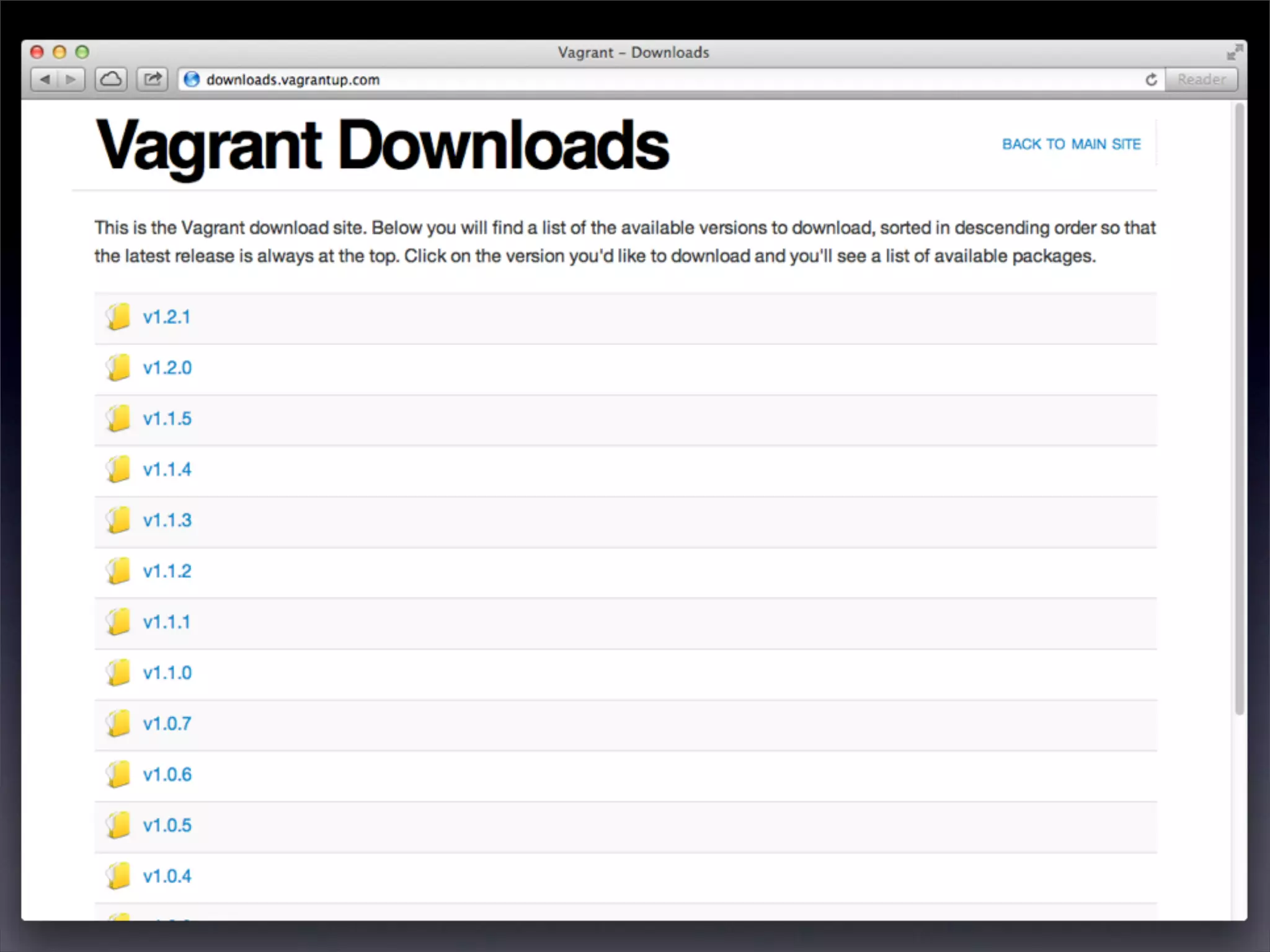
• 下載安裝 Vagrant
• ⽀支援 Windows, Mac, Linux
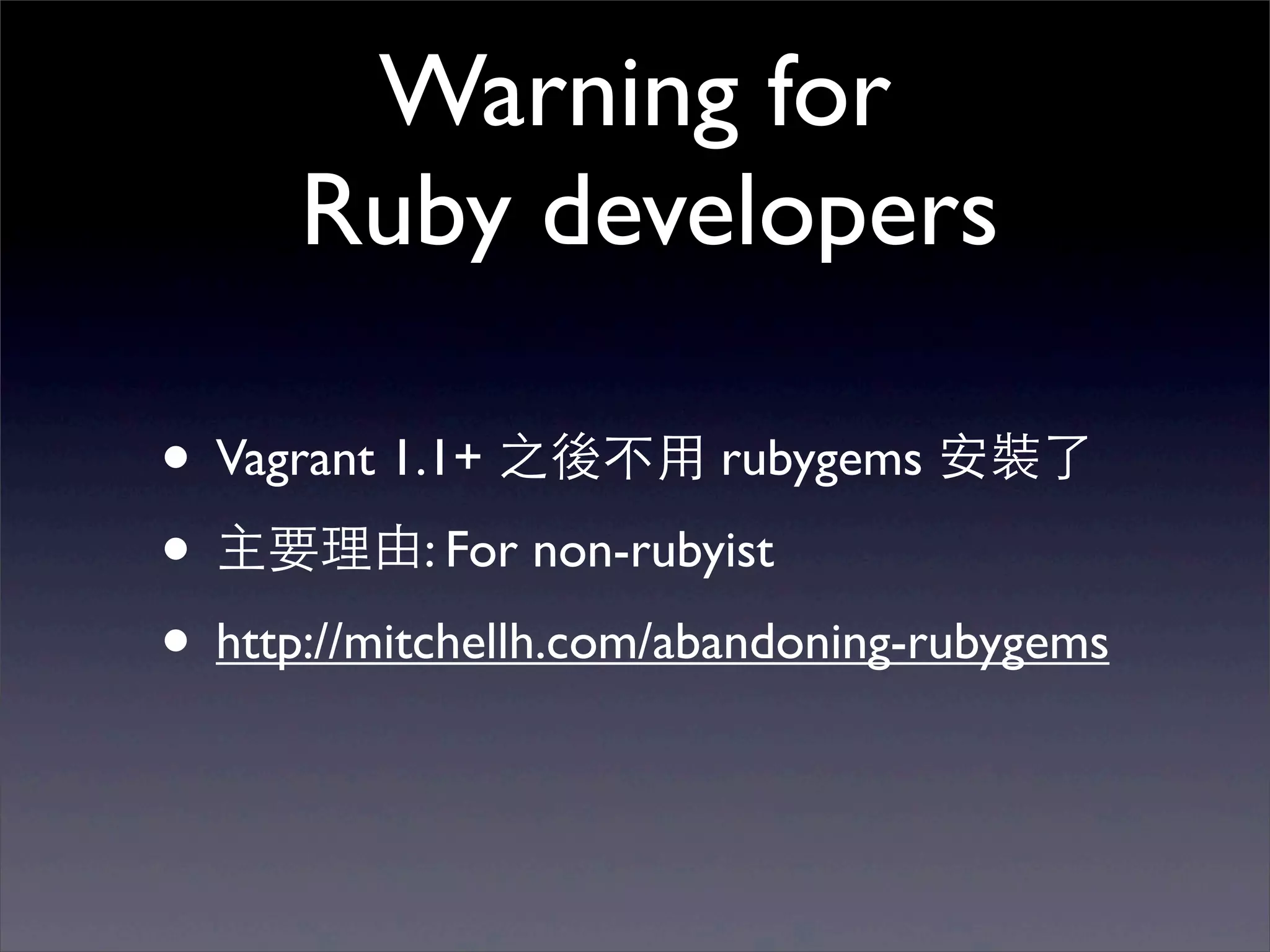
Warning for
      Ruby developers

• Vagrant 1.1+ 之後不⽤用 rubygems 安裝了
• 主要理由: For non-rubyist
• http://mitchellh.com/abandoning-rubygems
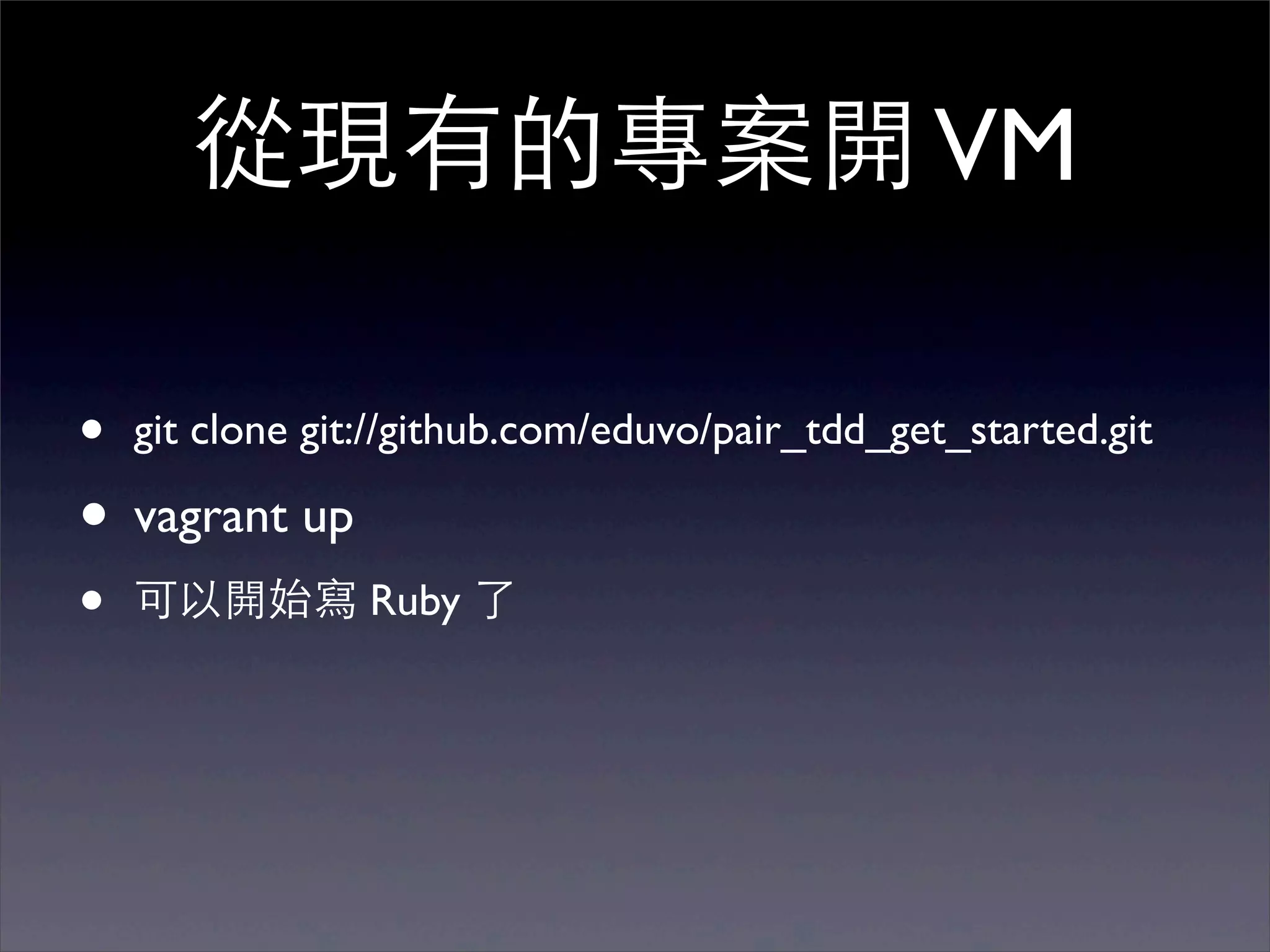
從現有的專案開 VM

•   git clone git://github.com/eduvo/pair_tdd_get_started.git

• vagrant up
•   可以開始寫 Ruby 了
Live Demo
     請不要在會場做
第⼀一次跑需要下載 VM image, 306mb
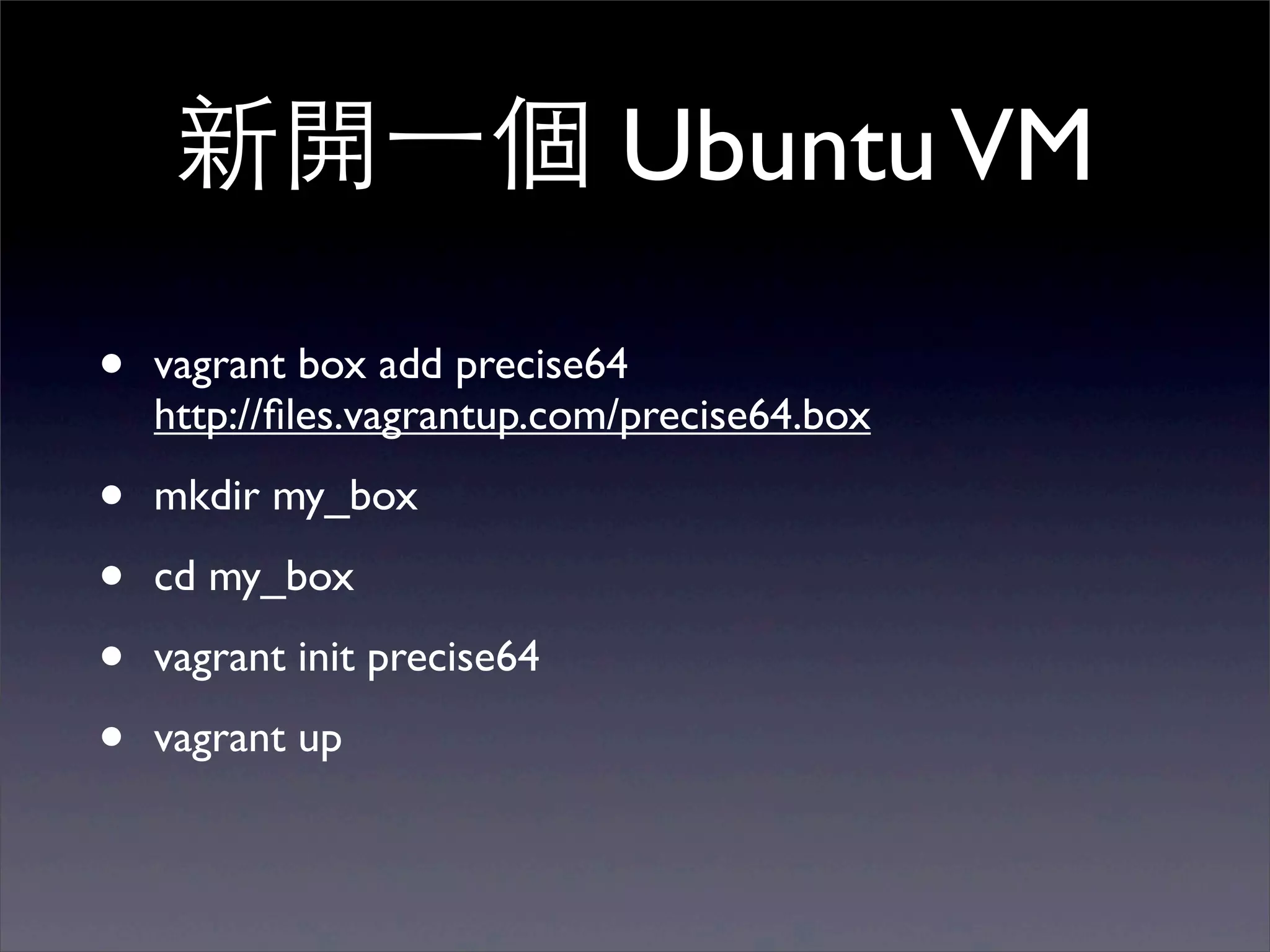
新開⼀一個 Ubuntu VM

•   vagrant box add precise64
    http://files.vagrantup.com/precise64.box

•   mkdir my_box

•   cd my_box

•   vagrant init precise64

•   vagrant up
Demo
    真的,請不要在會場做
第⼀一次跑需要下載 VM image, 306mb
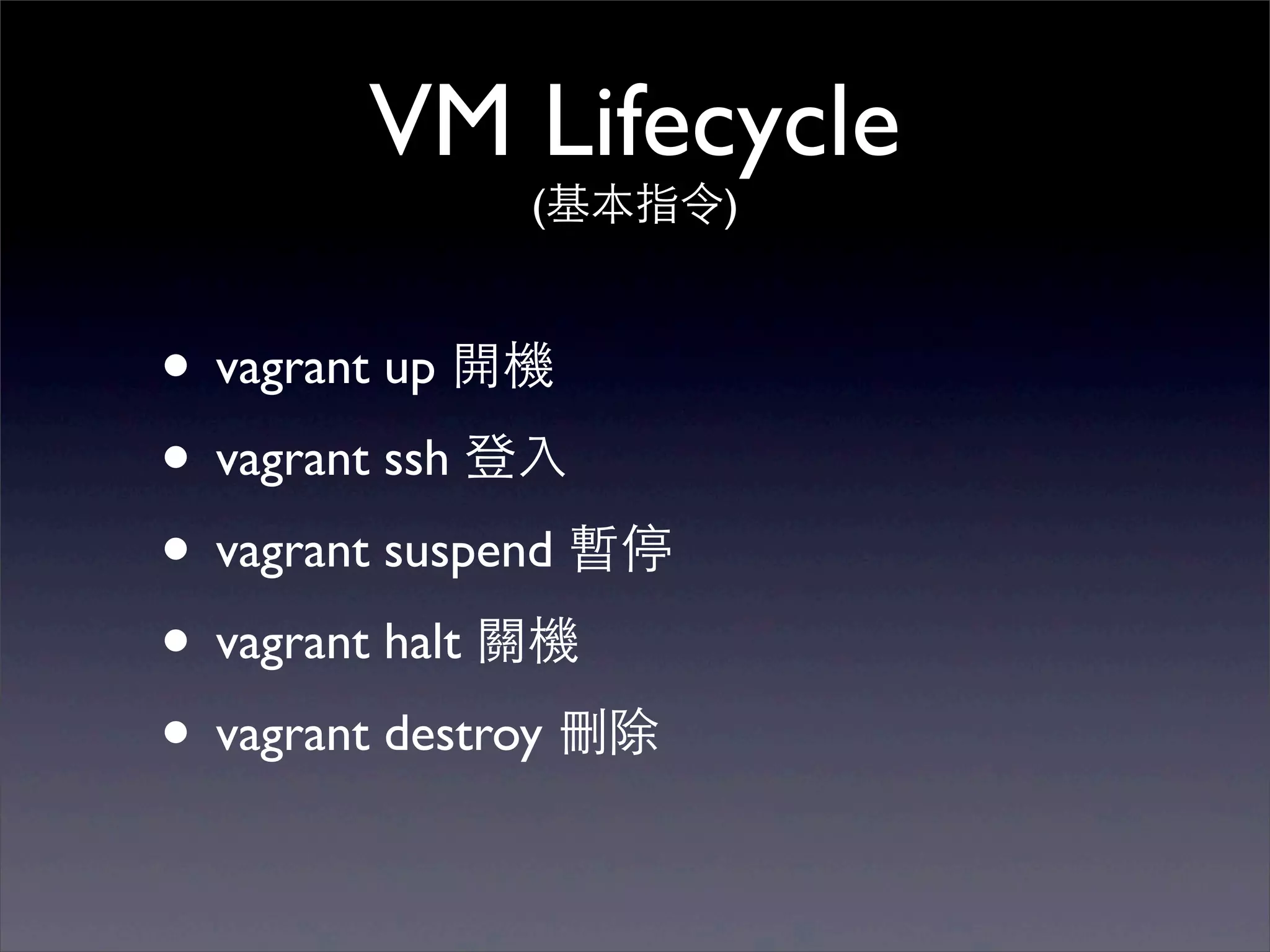
VM Lifecycle
              (基本指令)


• vagrant up 開機
• vagrant ssh 登⼊入
• vagrant suspend 暫停
• vagrant halt 關機
• vagrant destroy 刪除
Vagrantfile

• Vagrant 是 project-oriented
• 每個專案都有 Vagrantfile 設定檔
• Ruby DSL 語法,不會 Ruby 也很簡單
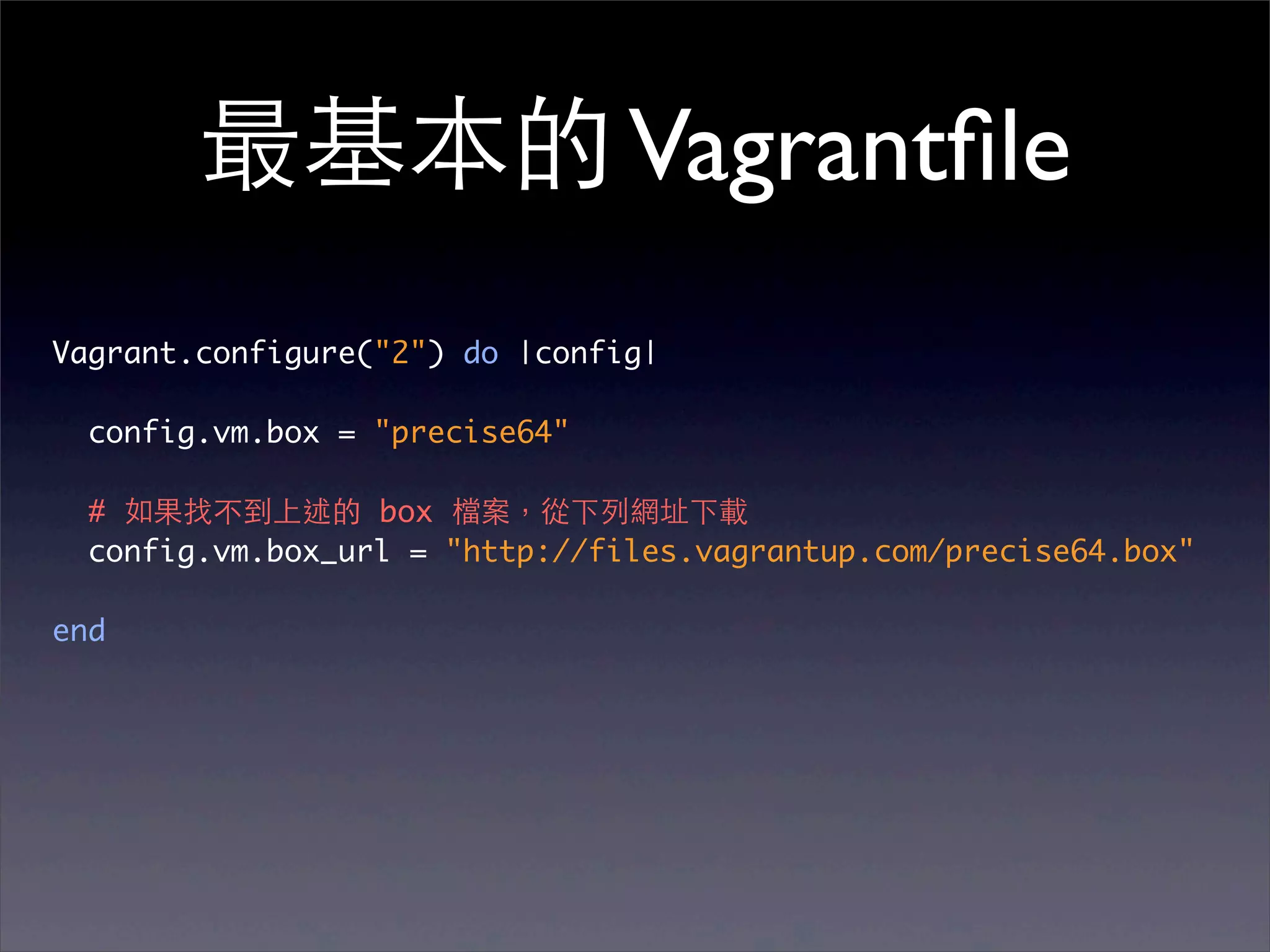
最基本的 Vagrantfile
Vagrant.configure("2") do |config|

  config.vm.box = "precise64"

  # 如果找不到上述的 box 檔案,從下列網址下載
  config.vm.box_url = "http://files.vagrantup.com/precise64.box"

end
Base Boxes
• 開 VM 的基本 image
• box 是⼀一個檔案
• Vagrant 是 project-oriented,在 project 裡
  ⾯面玩,不影響 Box。
• 官⽅方有包 Ubuntu 10.04/12.04, 32bit/64bit
  for VirtualBox 的 boxes
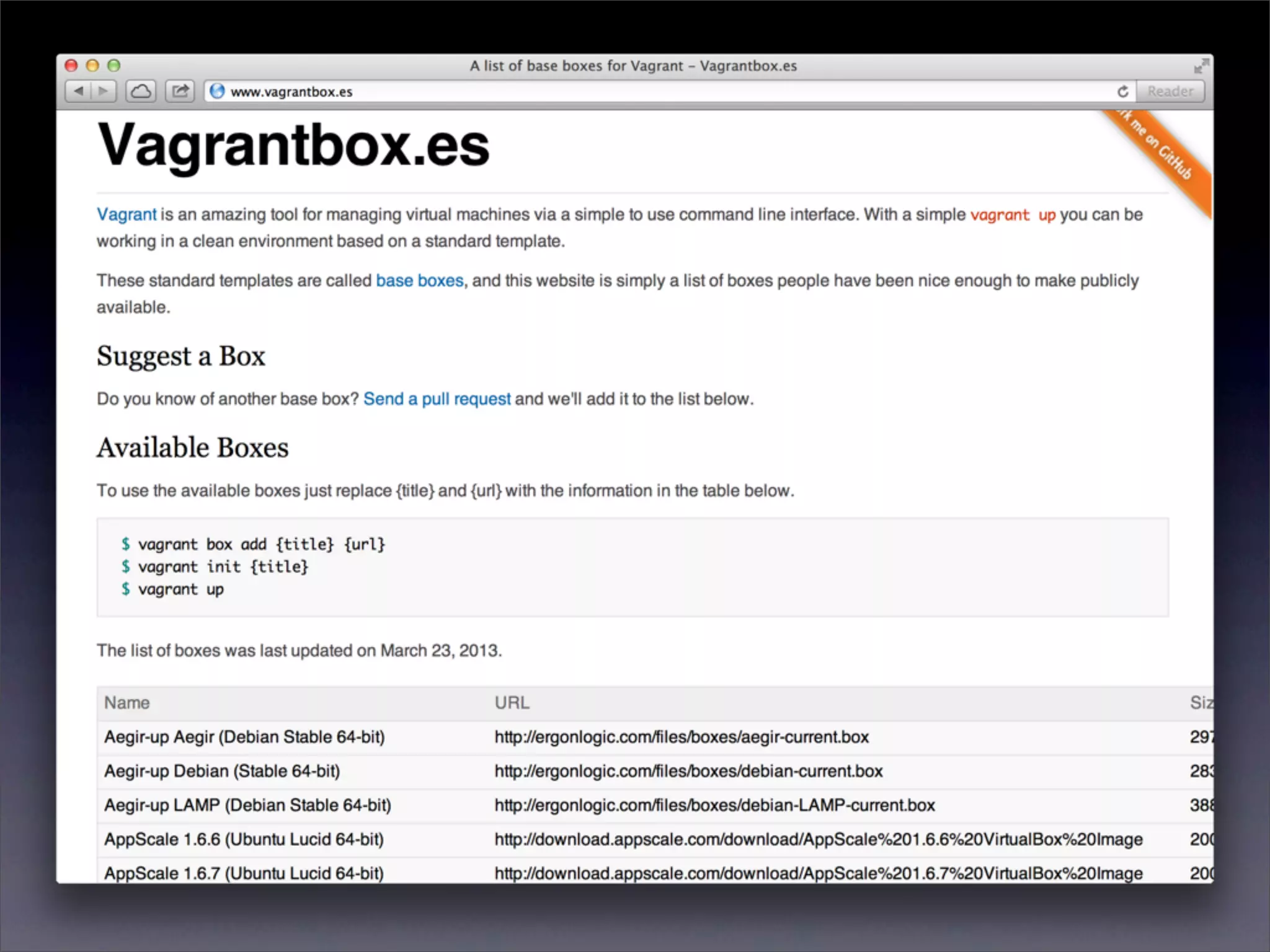
• 更多第三⽅方 http://vagrantbox.es
Box 指令

• vagrant box list 列出
• vagrant box add 新增
• vagrant box remove 刪除
進階功能
• Shared Folder
• Networking
• Provisioning
• Packaging
• Multi-VM
• More providers via plugins
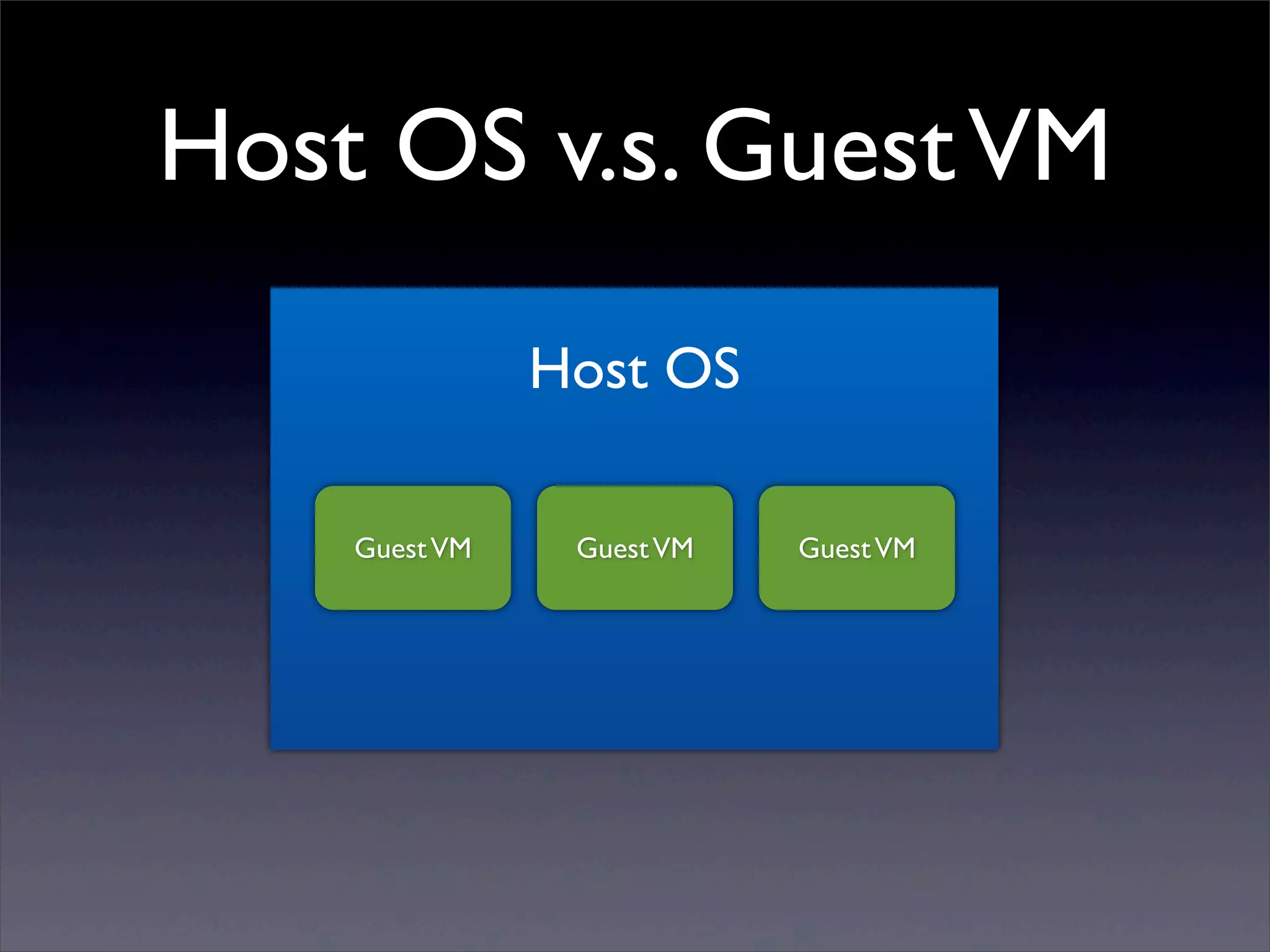
Host OS v.s. Guest VM

               Host OS

    Guest VM    Guest VM   Guest VM
How to Work in a VM?
Shared folder
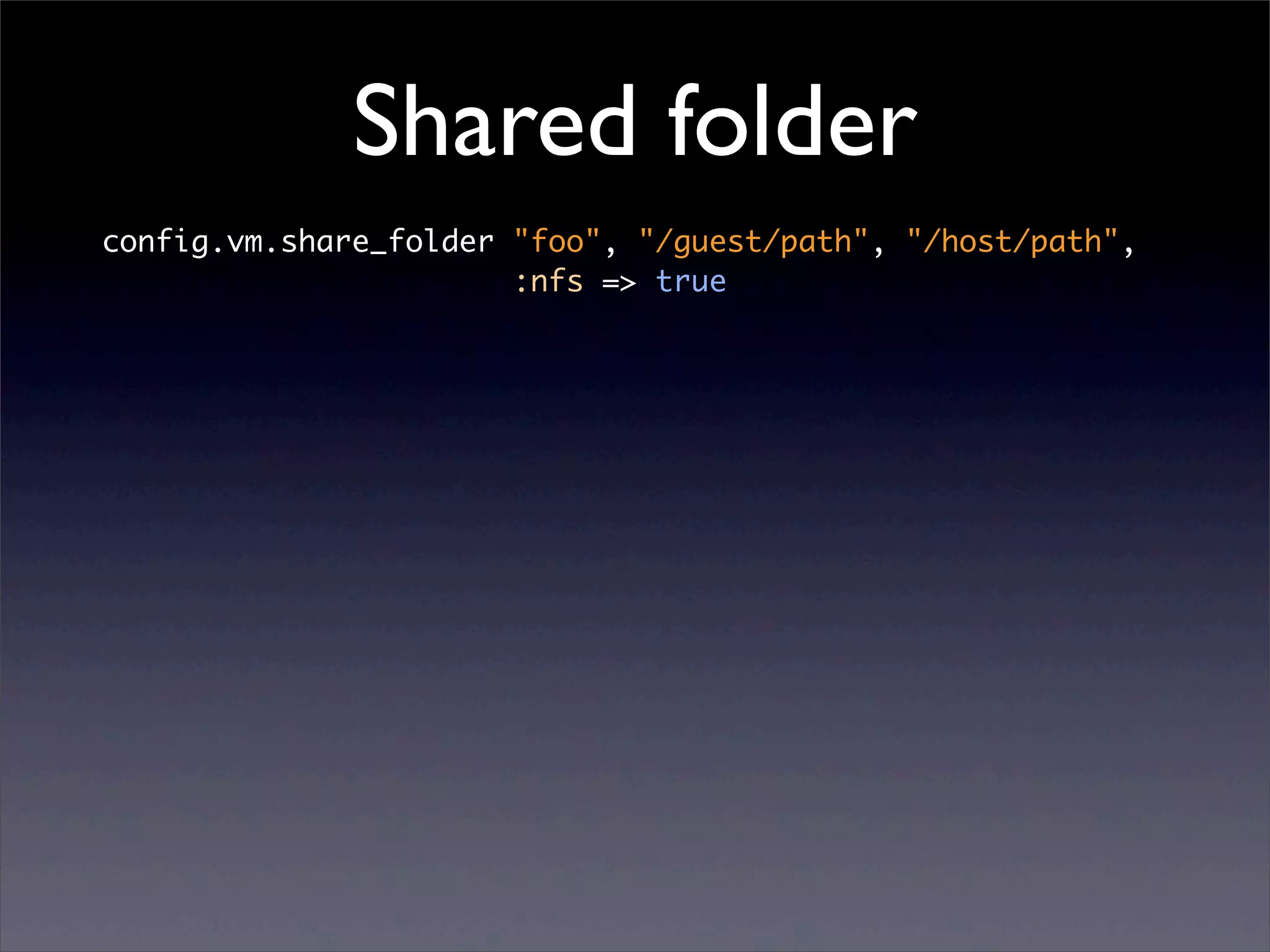
config.vm.share_folder "foo", "/guest/path", "/host/path",
                       :nfs => true
Shared folder
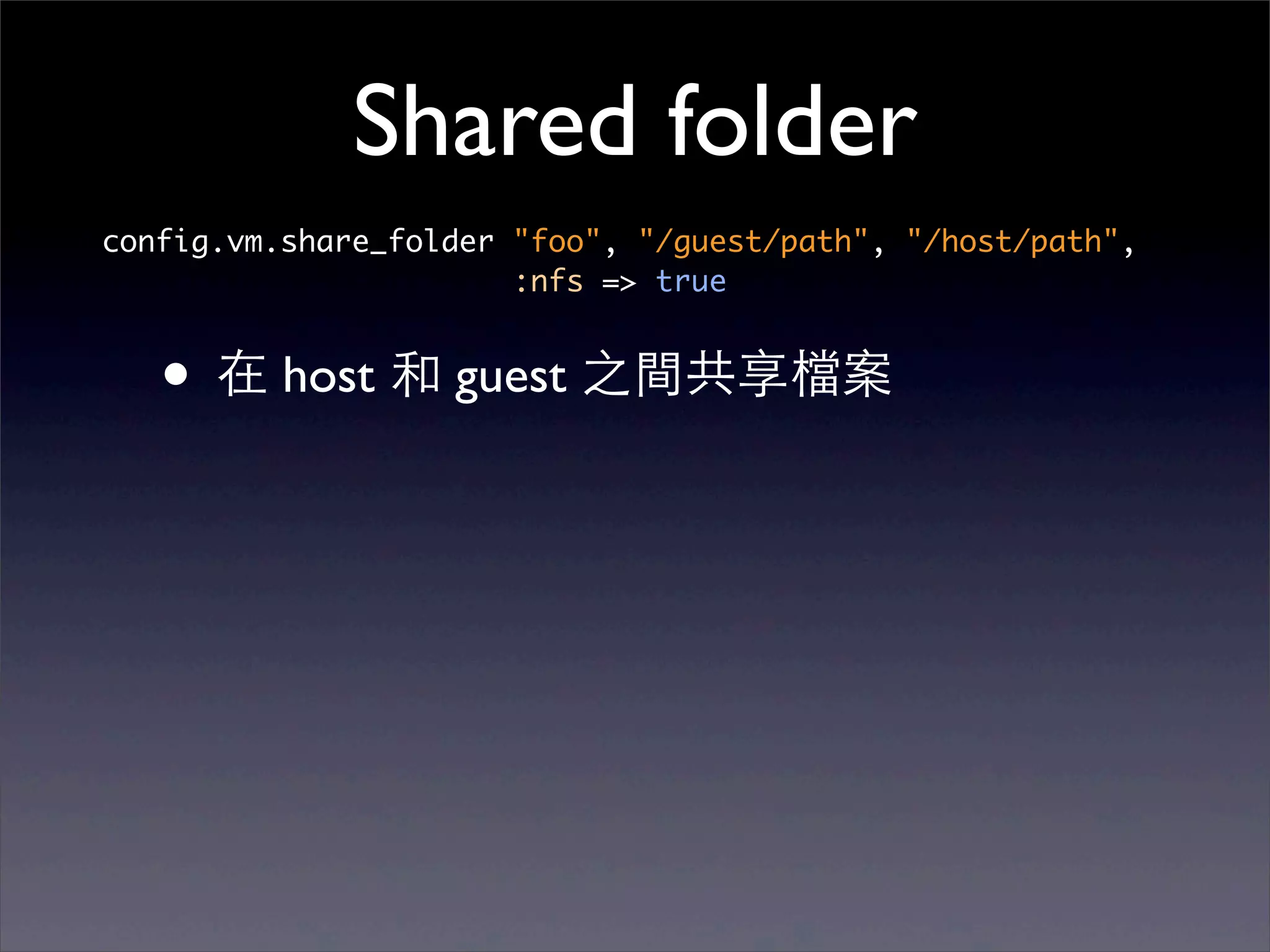
config.vm.share_folder "foo", "/guest/path", "/host/path",
                       :nfs => true


   • 在 host 和 guest 之間共享檔案
Shared folder
config.vm.share_folder "foo", "/guest/path", "/host/path",
                       :nfs => true


   • 在 host 和 guest 之間共享檔案
   • 例如開發⽤用 Editor 在 host 跑,但是程式
      是在 guest 裡執⾏行
Shared folder
config.vm.share_folder "foo", "/guest/path", "/host/path",
                       :nfs => true


   • 在 host 和 guest 之間共享檔案
   • 例如開發⽤用 Editor 在 host 跑,但是程式
      是在 guest 裡執⾏行

   • 預設 guest 裡的 /vargant 就是專案⺫⽬目錄
Shared folder
config.vm.share_folder "foo", "/guest/path", "/host/path",
                       :nfs => true


   • 在 host 和 guest 之間共享檔案
   • 例如開發⽤用 Editor 在 host 跑,但是程式
      是在 guest 裡執⾏行

   • 預設 guest 裡的 /vargant 就是專案⺫⽬目錄
   • VirtualBox shared folder 效能差,Vagrant
      ⽀支援 NFS
Demo
在 Host OS 裡編輯,在 Guest VM 裡⾯面執⾏行
Networking
        以下三種可以依照需求選擇使⽤用,都⽤用也可以


• Port forwarding
• Host-only networking
• Bridged Networding
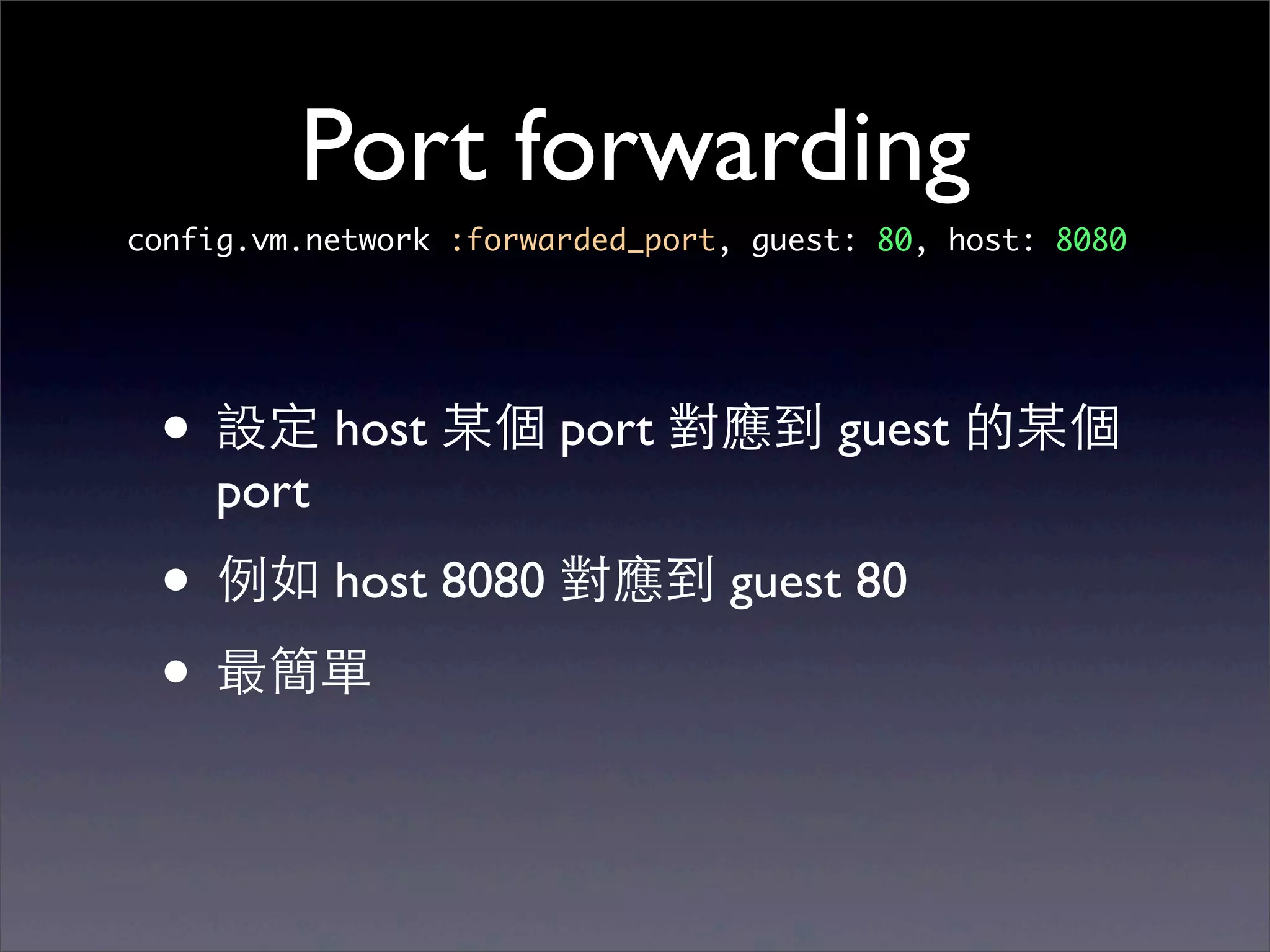
Port forwarding
config.vm.network :forwarded_port, guest: 80, host: 8080


 • 設定 host 某個 port 對應到 guest 的某個
    port
 • 例如 host 8080 對應到 guest 80
 • 最簡單
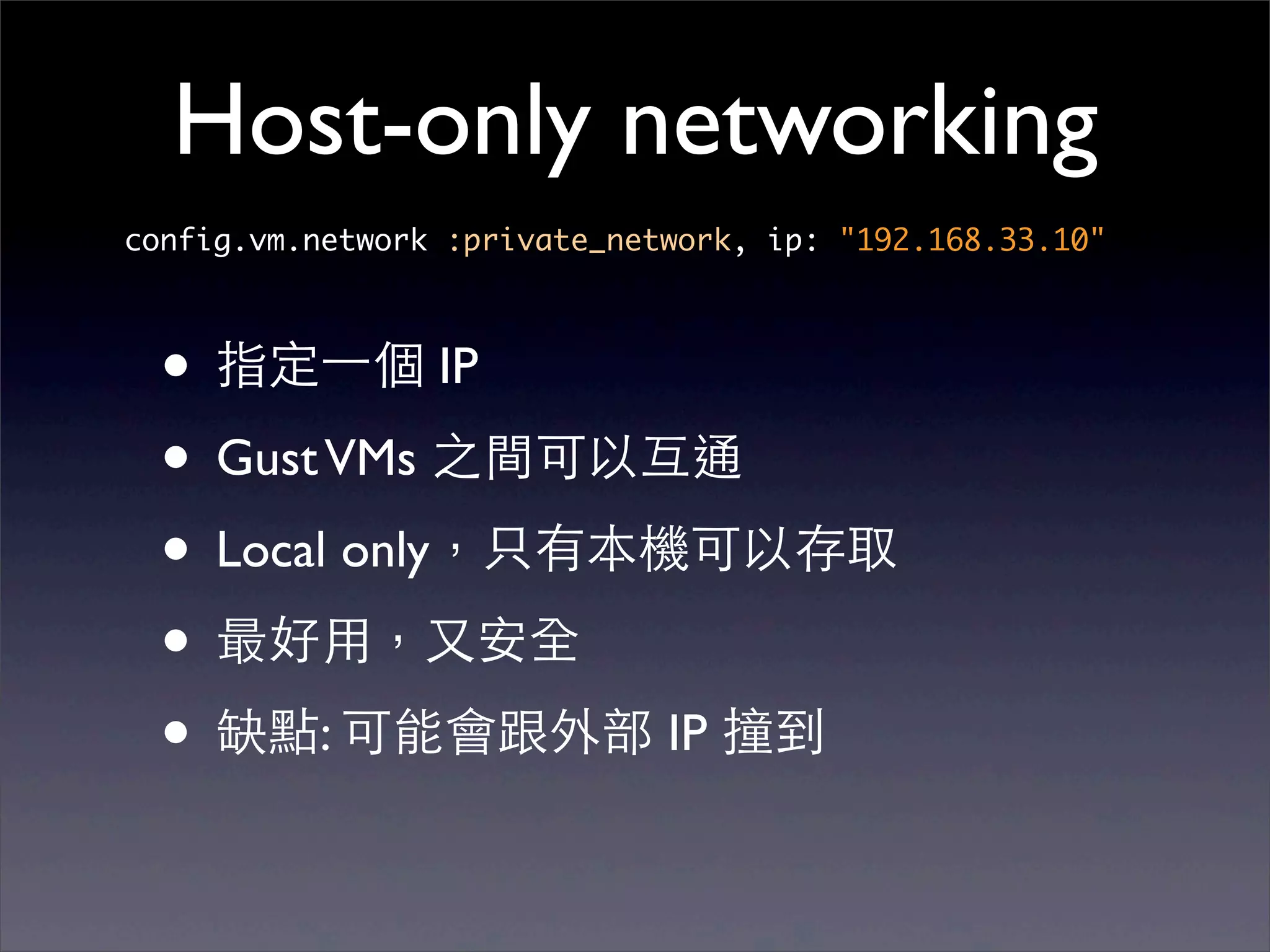
Host-only networking
config.vm.network :private_network, ip: "192.168.33.10"


  • 指定⼀一個 IP
  • Gust VMs 之間可以互通
  • Local only,只有本機可以存取
  • 最好⽤用,⼜又安全
  • 缺點: 可能會跟外部 IP 撞到
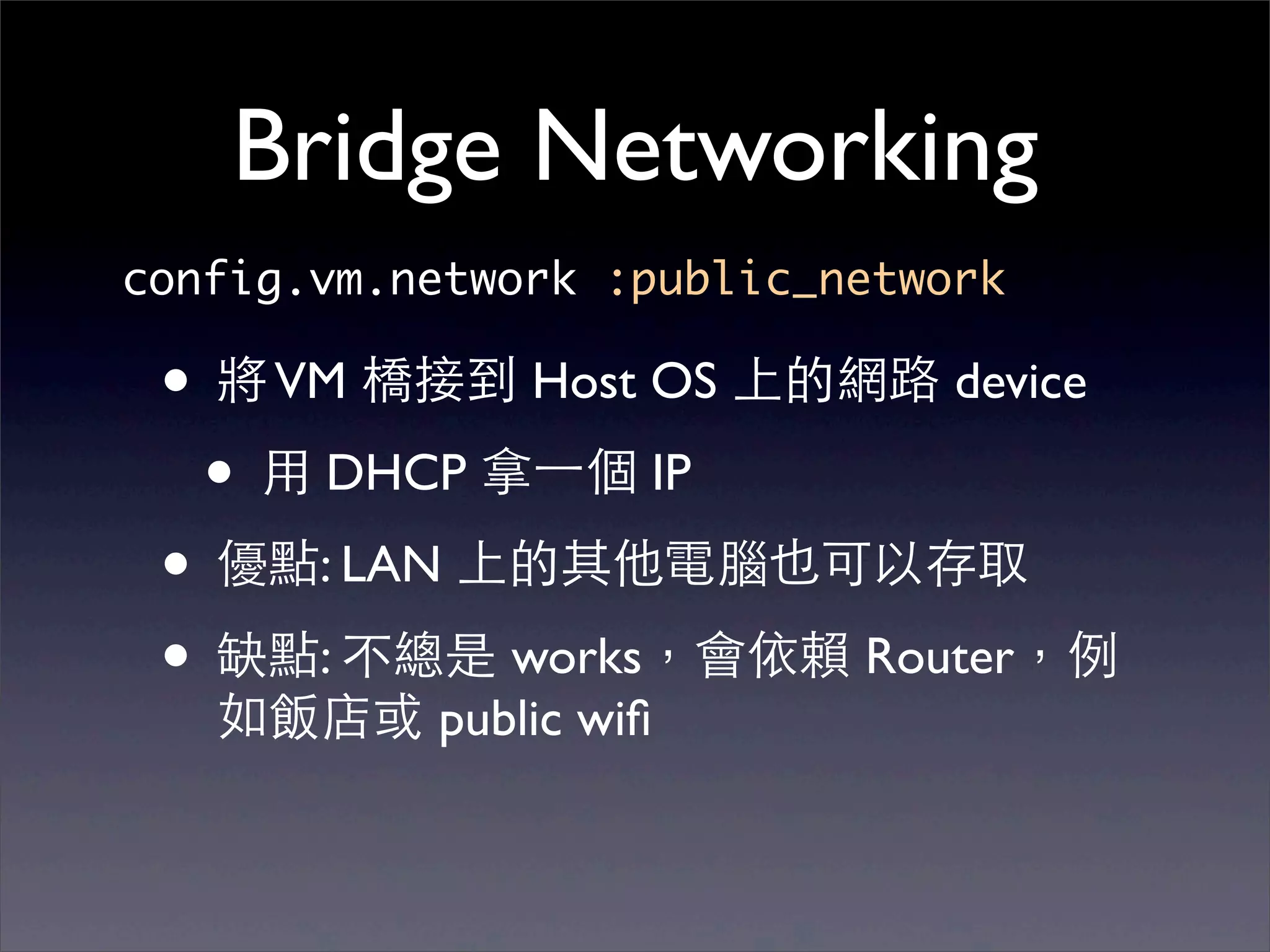
Bridge Networking
config.vm.network :public_network

 • 將 VM 橋接到 Host OS 上的網路 device
  • ⽤用 DHCP 拿⼀一個 IP
 • 優點: LAN 上的其他電腦也可以存取
 • 缺點: 不總是 works,會依賴 Router,例
   如飯店或 public wifi
Demo
在 Guest VM 裡開 Web Server
在 Host OS 外⽤用瀏覽器讀取
Provisioning
Server provisioning
Server provisioning

• Server provisioning is a set of actions to
  prepare a server with appropriate systems,
  data and software, and make it ready for
  network operation. (from wikipedia)
Server provisioning

• Server provisioning is a set of actions to
  prepare a server with appropriate systems,
  data and software, and make it ready for
  network operation. (from wikipedia)
• 就是裝 server 啦
Old-school
I’m System Administrator
Old-school
     I’m System Administrator


• 寫⽂文件,照著作
Old-school
       I’m System Administrator


• 寫⽂文件,照著作
• "multi-terminal",開⼀一個視窗打指令,同
 時好幾個 servers 都會執⾏行
Old-school
        I’m System Administrator


• 寫⽂文件,照著作
• "multi-terminal",開⼀一個視窗打指令,同
 時好幾個 servers 都會執⾏行

• 建⽴立 .iso image 以便拷⾙貝新機器
Old-school
        I’m System Administrator


• 寫⽂文件,照著作
• "multi-terminal",開⼀一個視窗打指令,同
 時好幾個 servers 都會執⾏行

• 建⽴立 .iso image 以便拷⾙貝新機器
• 缺點:版本維護
Old-school (cont.)
Old-school (cont.)

• 撰寫 setup shell script
Old-school (cont.)

• 撰寫 setup shell script
• 缺點: shell script 不聰明,不好維護
Old-school (cont.)

• 撰寫 setup shell script
• 缺點: shell script 不聰明,不好維護
 •   再跑⼀一次會裝第⼆二次
Old-school (cont.)

• 撰寫 setup shell script
• 缺點: shell script 不聰明,不好維護
 •   再跑⼀一次會裝第⼆二次

 •   套件之間的 dependency 關係
Old-school (cont.)

• 撰寫 setup shell script
• 缺點: shell script 不聰明,不好維護
 •   再跑⼀一次會裝第⼆二次

 •   套件之間的 dependency 關係

 •   套件的設定檔要如何管理?
Modern provisioning
       I’m DevOps
Modern provisioning
                  I’m DevOps

•   利⽤用 Configuration Management tools
Modern provisioning
                  I’m DevOps

•   利⽤用 Configuration Management tools
    •   Chef
Modern provisioning
                  I’m DevOps

•   利⽤用 Configuration Management tools
    •   Chef
    •   Puppet
Modern provisioning
                   I’m DevOps

•   利⽤用 Configuration Management tools
    •   Chef
    •   Puppet
    •   CFEngine
Modern provisioning
                   I’m DevOps

•   利⽤用 Configuration Management tools
    •   Chef
    •   Puppet
    •   CFEngine
•   撰寫 recipe (Chef) 或 manifest (Puppet) 設定要裝
    什麼東⻄西
Modern provisioning
                   I’m DevOps

•   利⽤用 Configuration Management tools
    •   Chef
    •   Puppet
    •   CFEngine
•   撰寫 recipe (Chef) 或 manifest (Puppet) 設定要裝
    什麼東⻄西
•   receipt 和 manifests 可以重複執⾏行,保持 server
    到最新版。不會發⽣生重裝第⼆二遍的情形。
Modern provisioning
       I’m DevOps
Modern provisioning
            I’m DevOps


• 易於設定 dependencies
Modern provisioning
            I’m DevOps


• 易於設定 dependencies
• 易於除錯
Modern provisioning
            I’m DevOps


• 易於設定 dependencies
• 易於除錯
• 版本控制
Modern provisioning
        I’m DevOps


• 易於設定 dependencies
• 易於除錯
• 版本控制
• 社群及商業⽀支援,不需要全部⾃自⼰己寫
Vagrant ⽀支援
         ⽅方便 DevOps 測試 Recipe


• shell
• Chef
• Puppet
• CFEngine
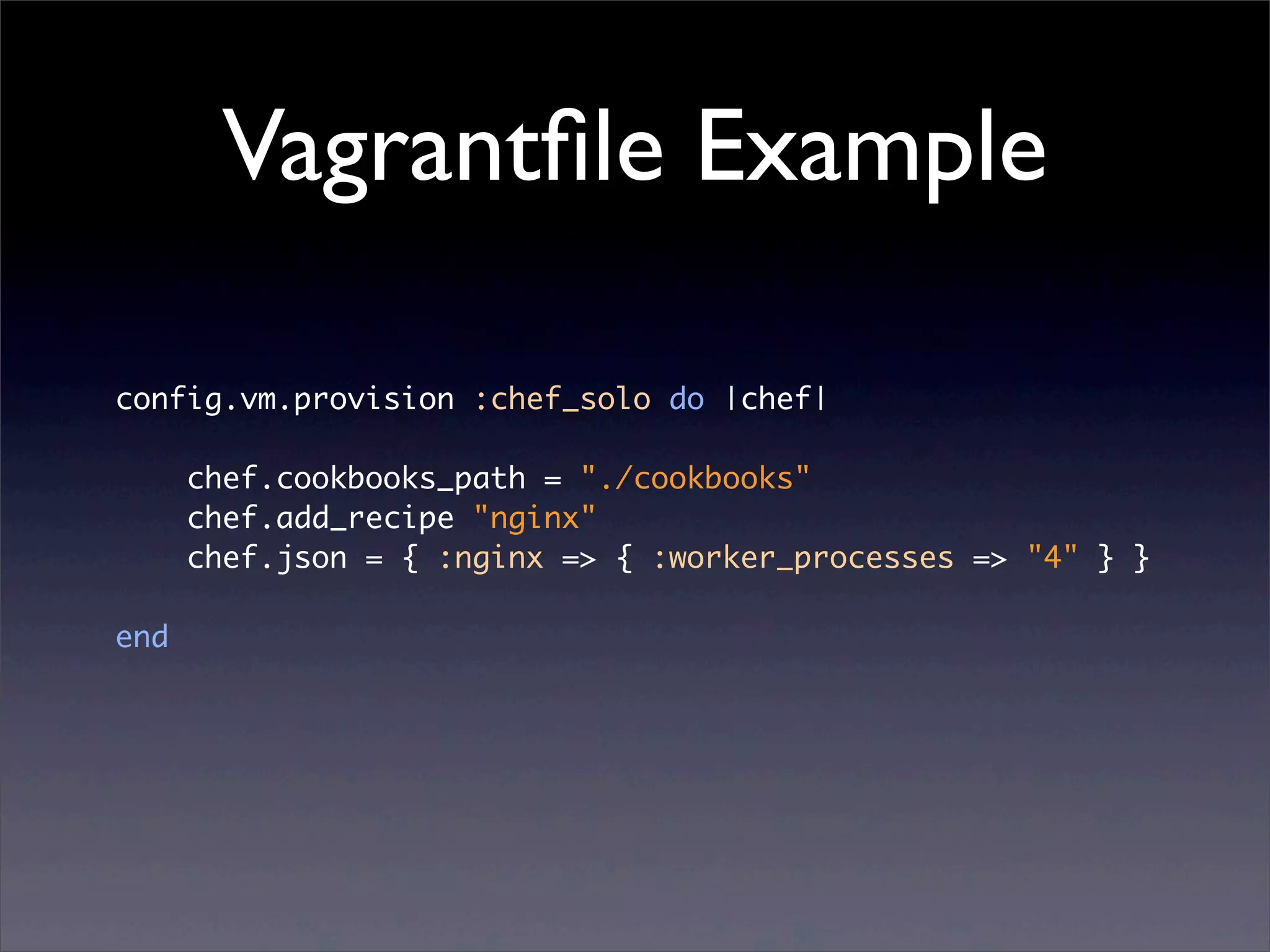
Vagrantfile Example

config.vm.provision :chef_solo do |chef|

      chef.cookbooks_path = "./cookbooks"
      chef.add_recipe "nginx"
      chef.json = { :nginx => { :worker_processes => "4" } }

end
Chef Example
package "nginx"

service "nginx" do
  supports :status => true, :restart => true, :reload => true
  action [:enable, :start]
end

template "/etc/nginx/nginx.conf" do
  source "nginx.conf.erb"
  notifies :reload, "service[nginx]"
end
Demo
修改 nginx template,再次 provision
 Server 就會套⽤用並重開 nginx
Packaging
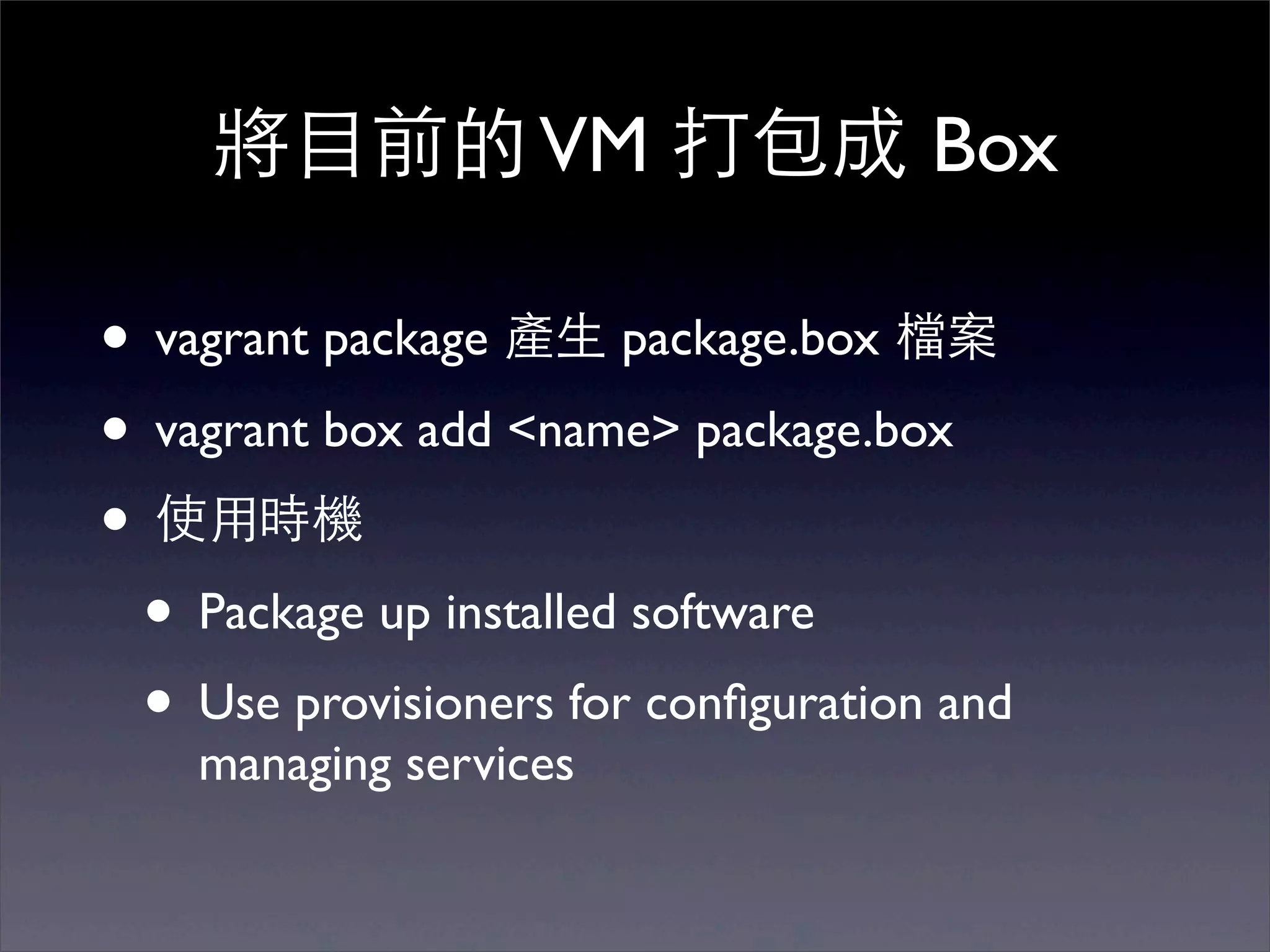
將⺫⽬目前的 VM 打包成 Box

• vagrant package 產⽣生 package.box 檔案
• vagrant box add <name> package.box
• 使⽤用時機
 • Package up installed software
 • Use provisioners for configuration and
    managing services
Multi-VM
Multi-VM

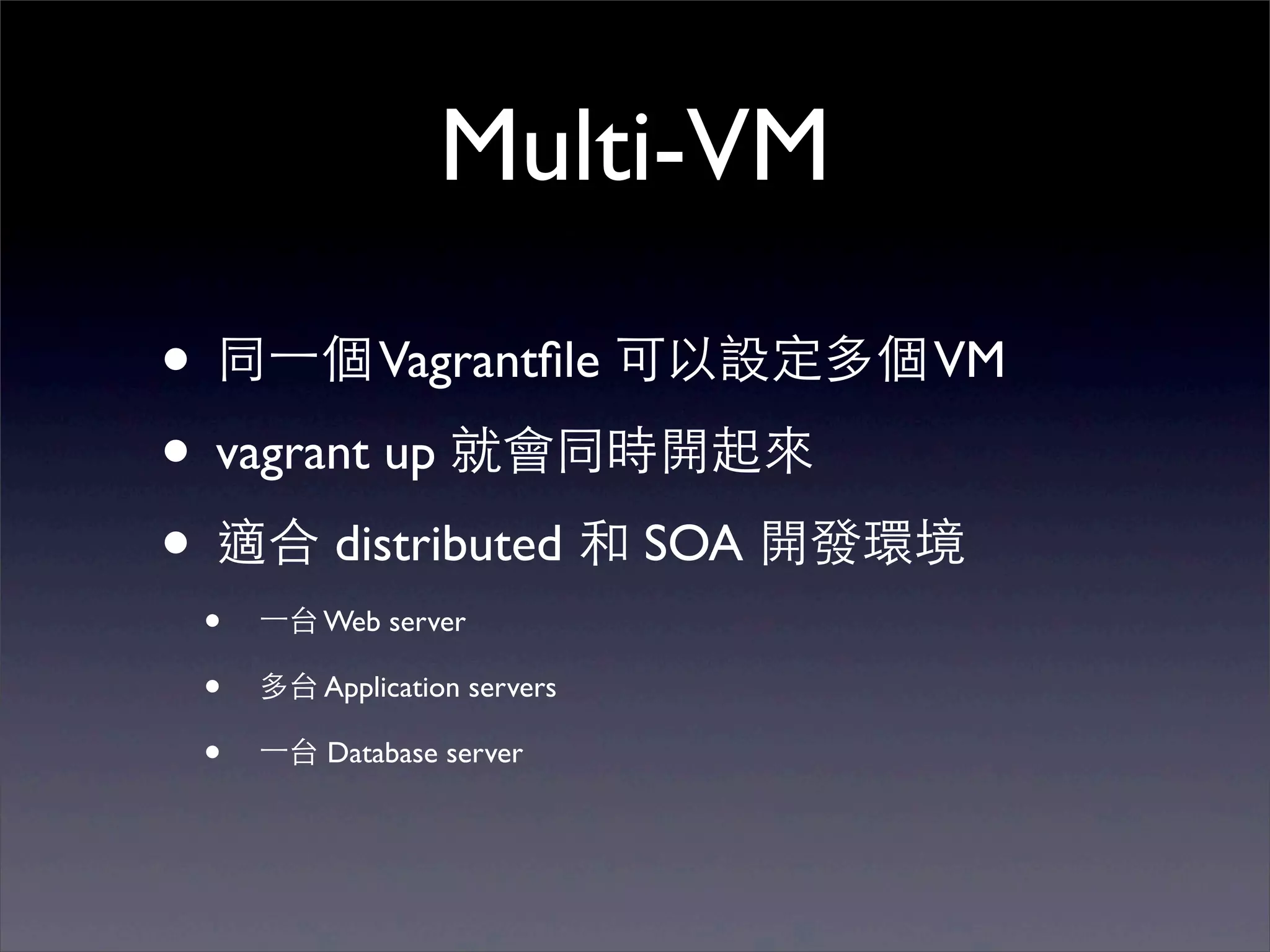
• 同⼀一個 Vagrantfile 可以設定多個 VM
• vagrant up 就會同時開起來
• 適合 distributed 和 SOA 開發環境
 •   ⼀一台 Web server

 •   多台 Application servers

 •   ⼀一台 Database server
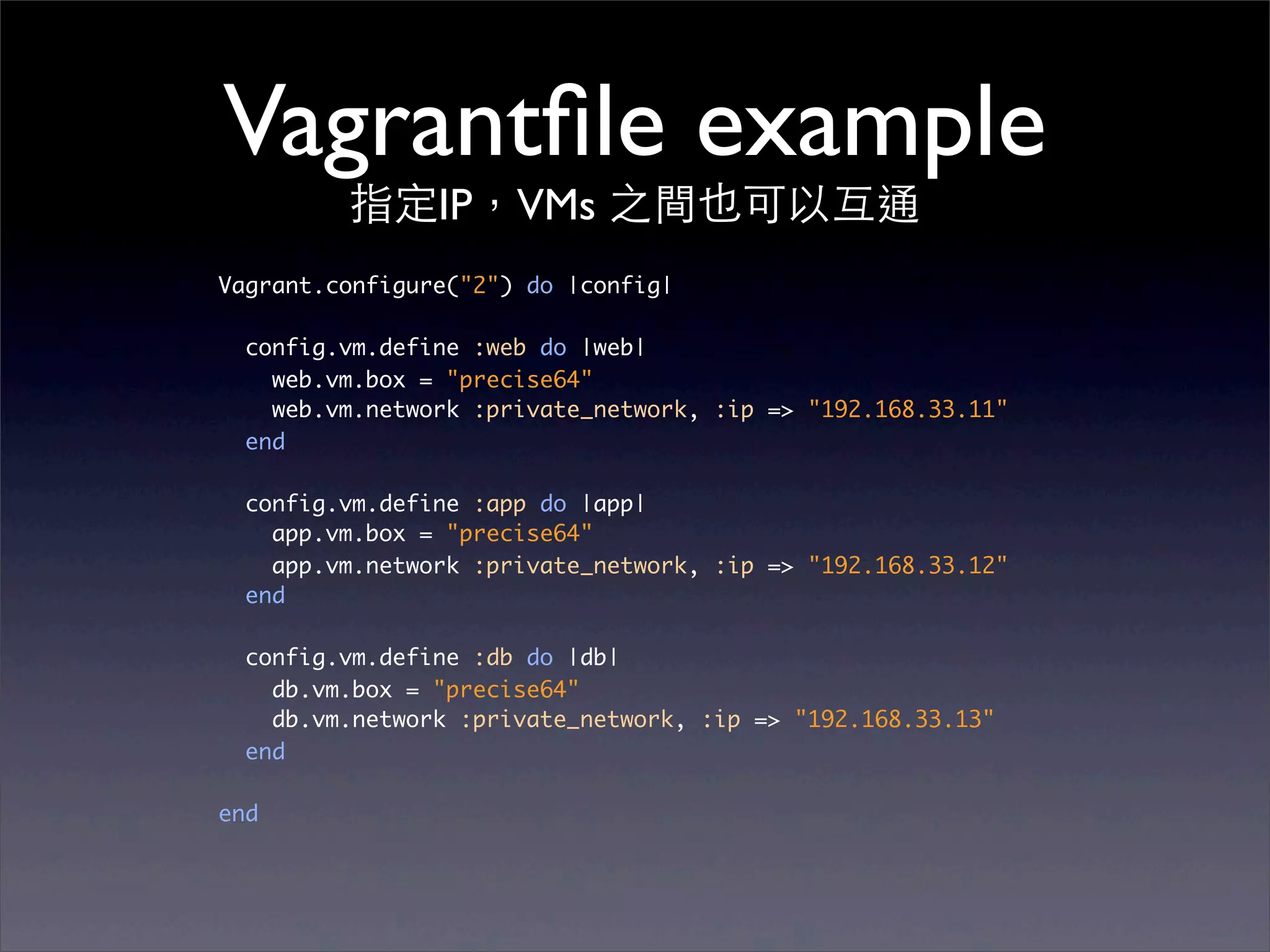
Vagrantfile example
         指定IP,VMs 之間也可以互通
Vagrant.configure("2") do |config|

  config.vm.define :web do |web|
    web.vm.box = "precise64"
    web.vm.network :private_network, :ip => "192.168.33.11"
  end
  config.vm.define :app do |app|
    app.vm.box = "precise64"
    app.vm.network :private_network, :ip => "192.168.33.12"
  end
  config.vm.define :db do |db|
    db.vm.box = "precise64"
    db.vm.network :private_network, :ip => "192.168.33.13"
  end
end
Demo
⼀一次開三台 VMs!
More providers
     via plugins
VMware Fusion

• 更快
• 更穩定
• 需付費購買
AWS
•   同樣的 vagrant up 指令,可以開 VM 在 EC2 或 VPC 上
•   使⽤用情境:
    •   可以開運算能⼒力的 EC2 機器作開發或測試運算
    •   可以開真正 production 使⽤用的機器作測試
    •   從開發、staging 到 production,都⽤用 vagrant 開 VM
        管理
•   無論 providers,Vagrantfile 皆共⽤用
Demo
vagrant up --provider=vmware_fusion
     vagrant up --provider=aws
Conclusion
   使⽤用情境
Conclusion
              使⽤用情境

• DevOps 開發和測試 Chef/Puppet/etc.
 scripts
Conclusion
              使⽤用情境

• DevOps 開發和測試 Chef/Puppet/etc.
 scripts
• WebDev 可以使⽤用上述 DevOps 開發的
 scripts 安裝出⾮非常接近 production 的開
 發環境
Conclusion
              使⽤用情境

• DevOps 開發和測試 Chef/Puppet/etc.
 scripts
• WebDev 可以使⽤用上述 DevOps 開發的
 scripts 安裝出⾮非常接近 production 的開
 發環境
• QA 測試⼯工程師可以使⽤用 CI 搭配 Vagrant
 來建構⾃自動化的部署測試、⼤大規模的 test
 environment 等等
Vagrant 讓整個 workflow
  從 dev 到 production
     變的⼀一致好⽤用
謝謝!
                    Thank you!
(對 Vagrant 或 Chef 有問題歡迎來 Faria 攤位找我們的 DevOps: Vincent)
References
•   http://www.hashicorp.com/blog
•   http://net.tutsplus.com/tutorials/php/vagrant-what-why-
    and-how/
•   O'Reilly Velocity 2012: Develop and Test Configuration
    Management Scripts with Vagrant
•   LARubyconf 2011: Working in Vurtual Machines-The
    Vagrant Way
•   ChefConf 2012: http://confreaks.com/videos/1672-
    chefconf2012-consistent-local-development-with-vagrant-
    and-chef

A brief introduction to Vagrant – 原來 VirtualBox 可以這樣玩