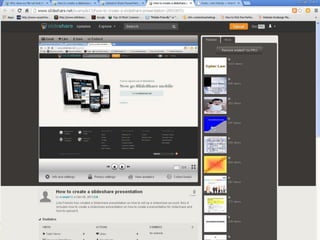
Open
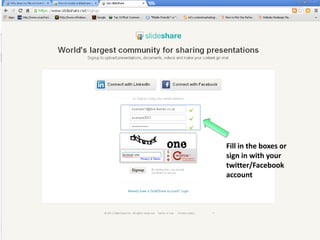
Slideshare
and then
click on
the signup
button
Fill in the boxes or
sign in with your
twitter/Facebook
account
This will
take you
to your
home
page.
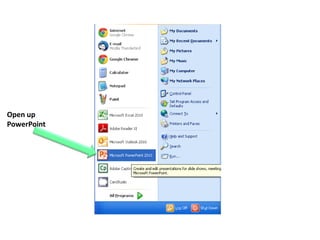
Open up
PowerPoint
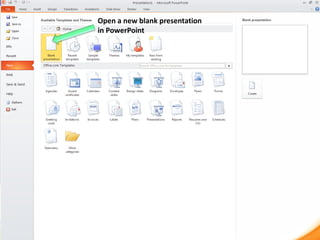
Open a new blank presentation
in PowerPoint
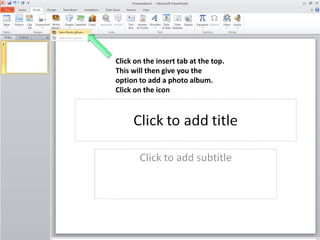
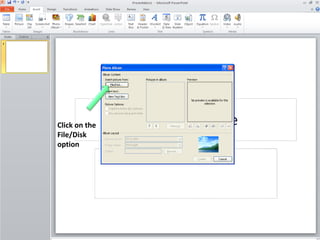
Click on the insert tab at the top.
This will then give you the
option to add a photo album.
Click on the icon
Click on the
File/Disk
option
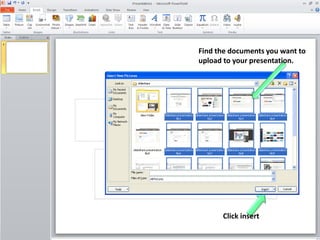
Find the documents you want to
upload to your presentation.

Click insert
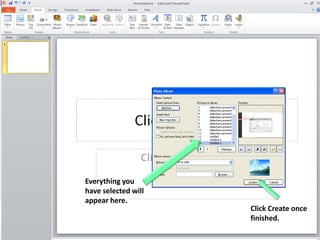
Everything you
have selected will
appear here.
Click Create once
finished.
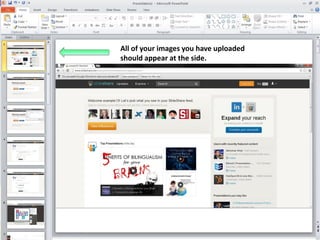
All of your images you have uploaded
should appear at the side.
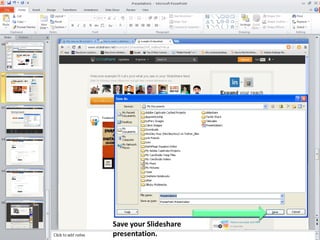
Save your Slideshare
presentation.
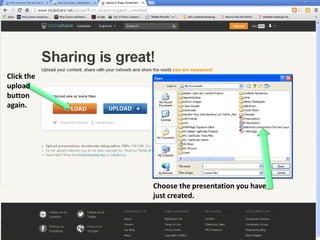
Click the upload button.
Click the
upload
button
again.

Choose the presentation you have
just created.
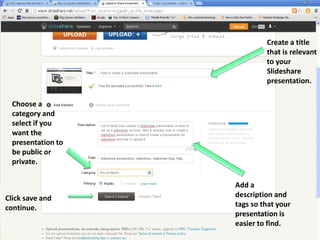
Create a title
that is relevant
to your
Slideshare
presentation.
Choose a
category and
select if you
want the
presentation to
be public or
private.

Click save and
continue.

Add a
description and
tags so that your
presentation is
easier to find.
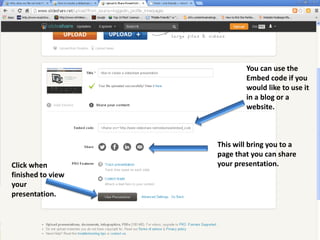
You can use the
Embed code if you
would like to use it
in a blog or a
website.

Click when
finished to view
your
presentation.

This will bring you to a
page that you can share
your presentation.
How to create a slideshare presentation

How to create a slideshare presentation