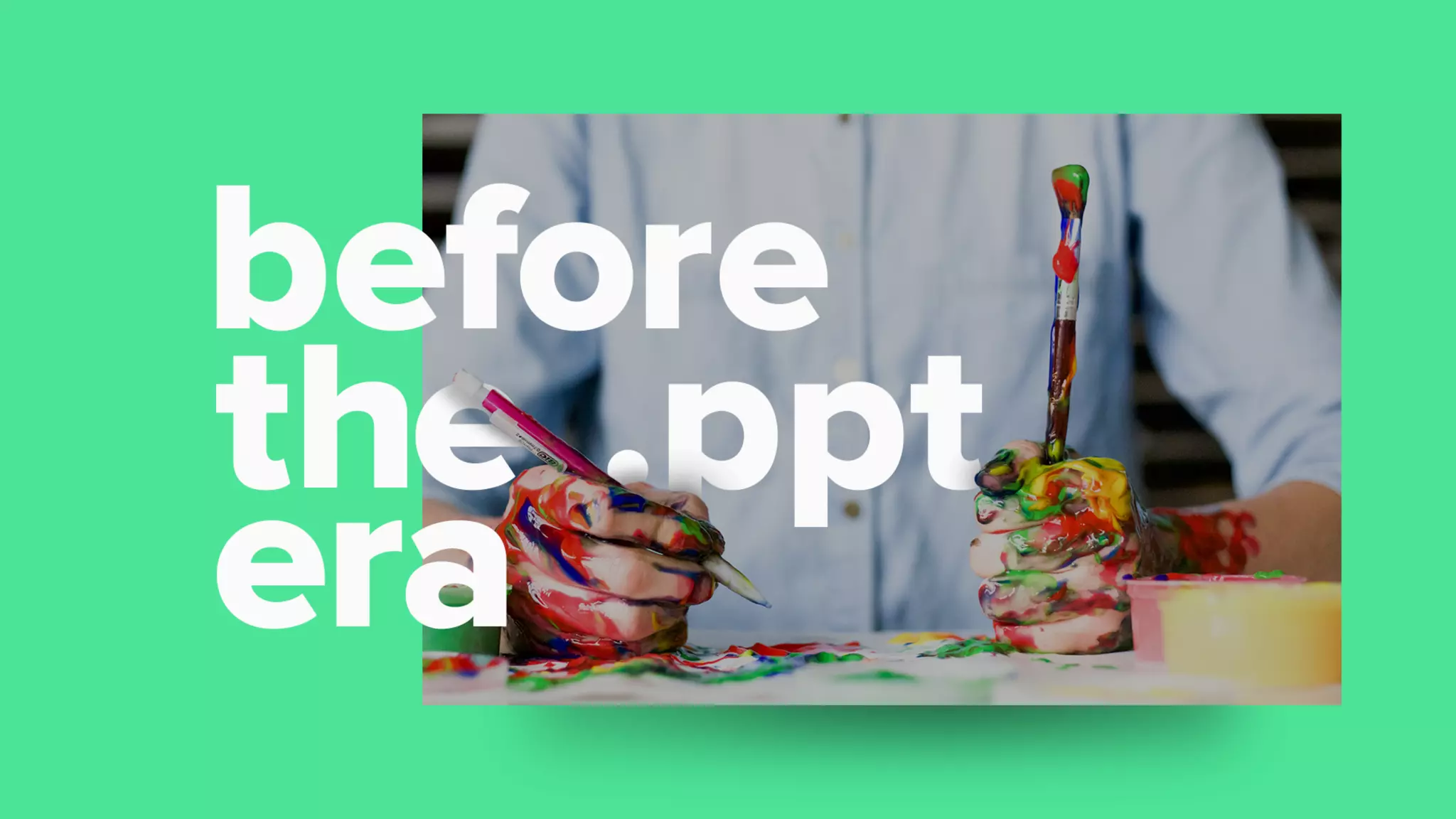
Creating
great decks.
T H E O R I G I N S , T H E “ W H Y,” 

A N D 1 2 T I P S T O M A K E
Y O U R S B E T T E R .
Every presentation has a
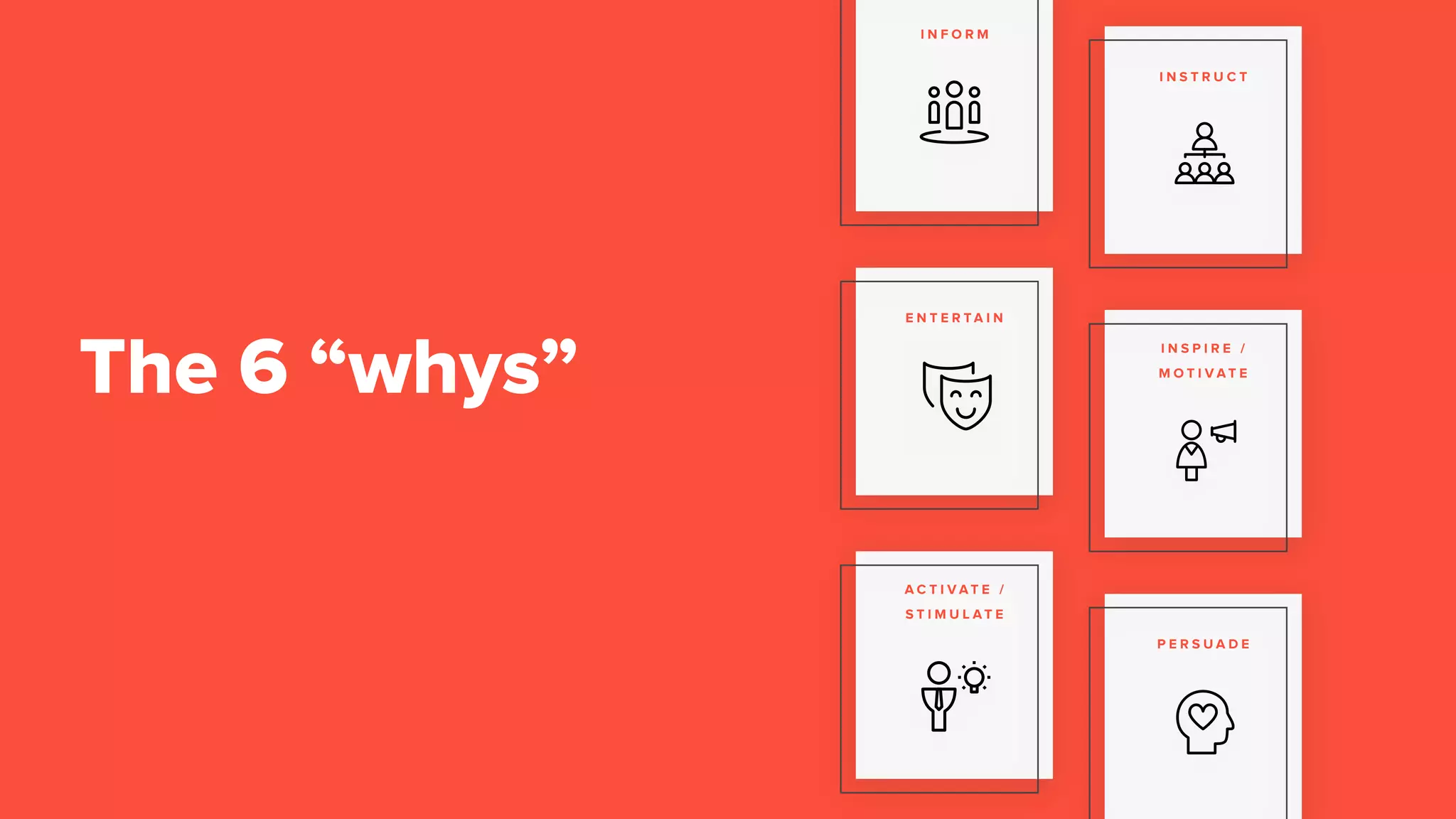
The 6 “whys”
I N F O R M
I N S T R U C T
E N T E R T A I N
I N S P I R E /
M O T I V A T E
A C T I V A T E /
S T I M U L A T E
P E R S U A D E
They impact the way we view life.
Don’t believe me?
They impact the way we view life.
Instills faith
So, where did it all start?
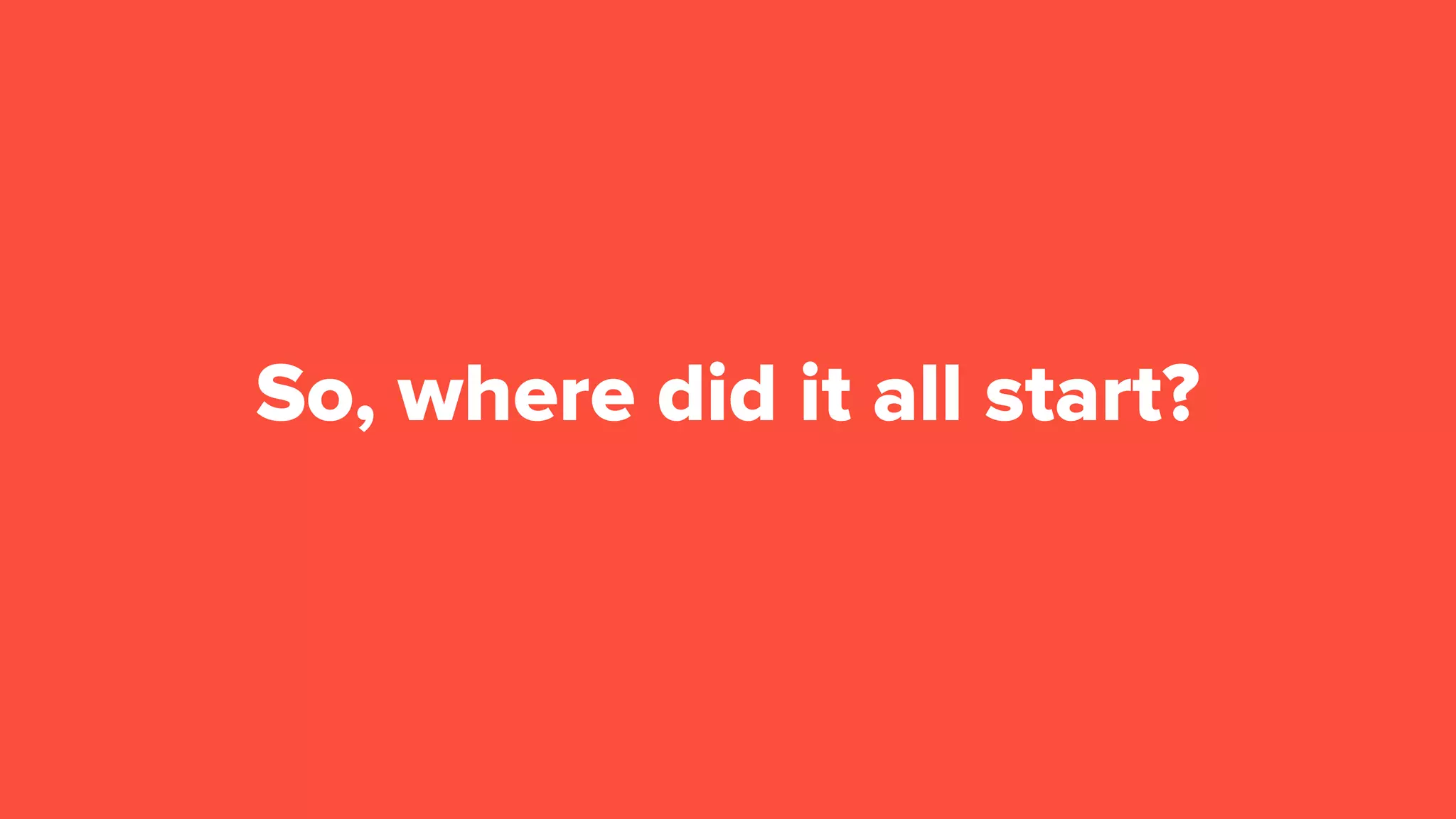
15,000 BCLascaux Cave paintings
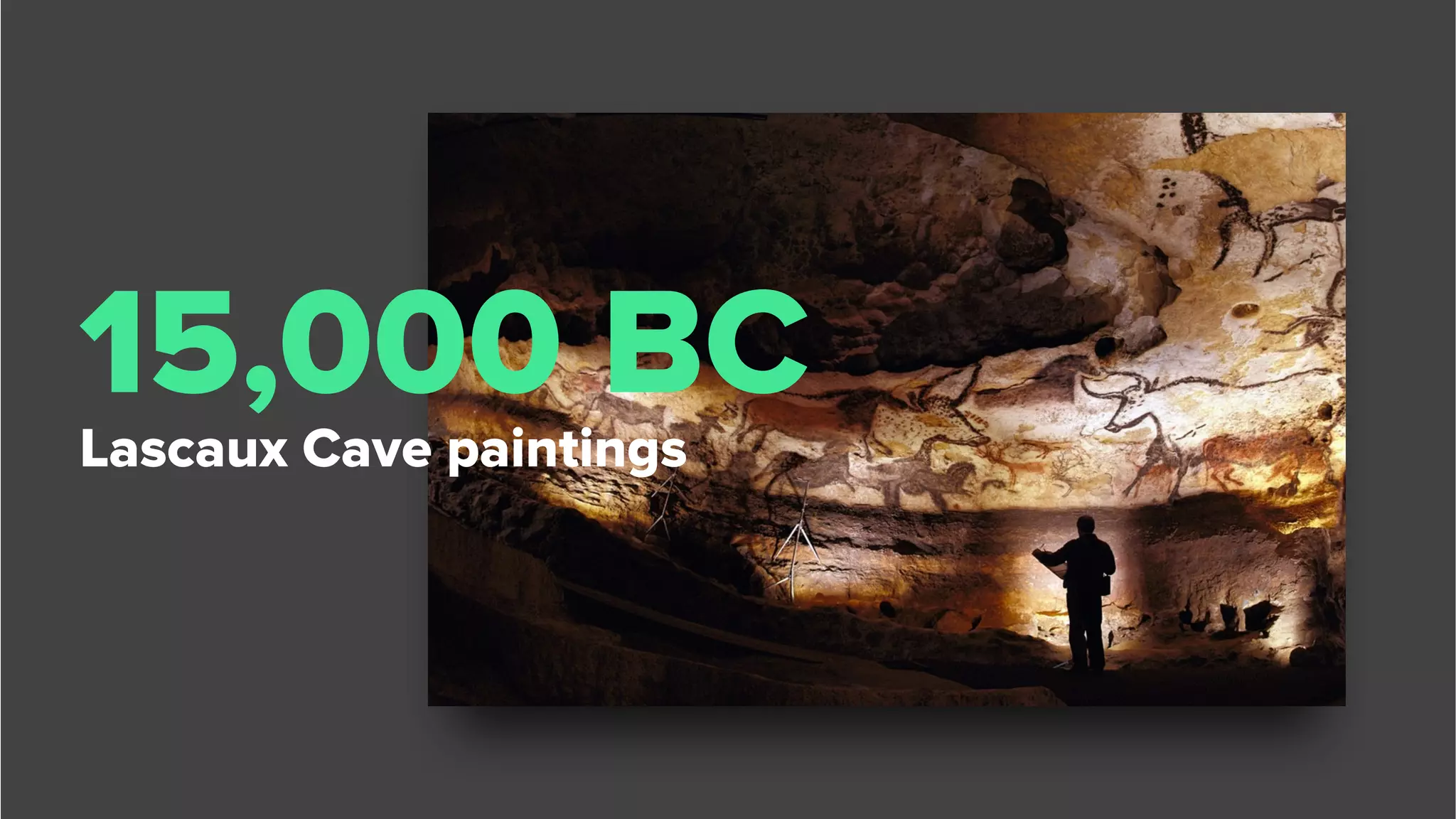
2100 BCEpic of Gilgamesh
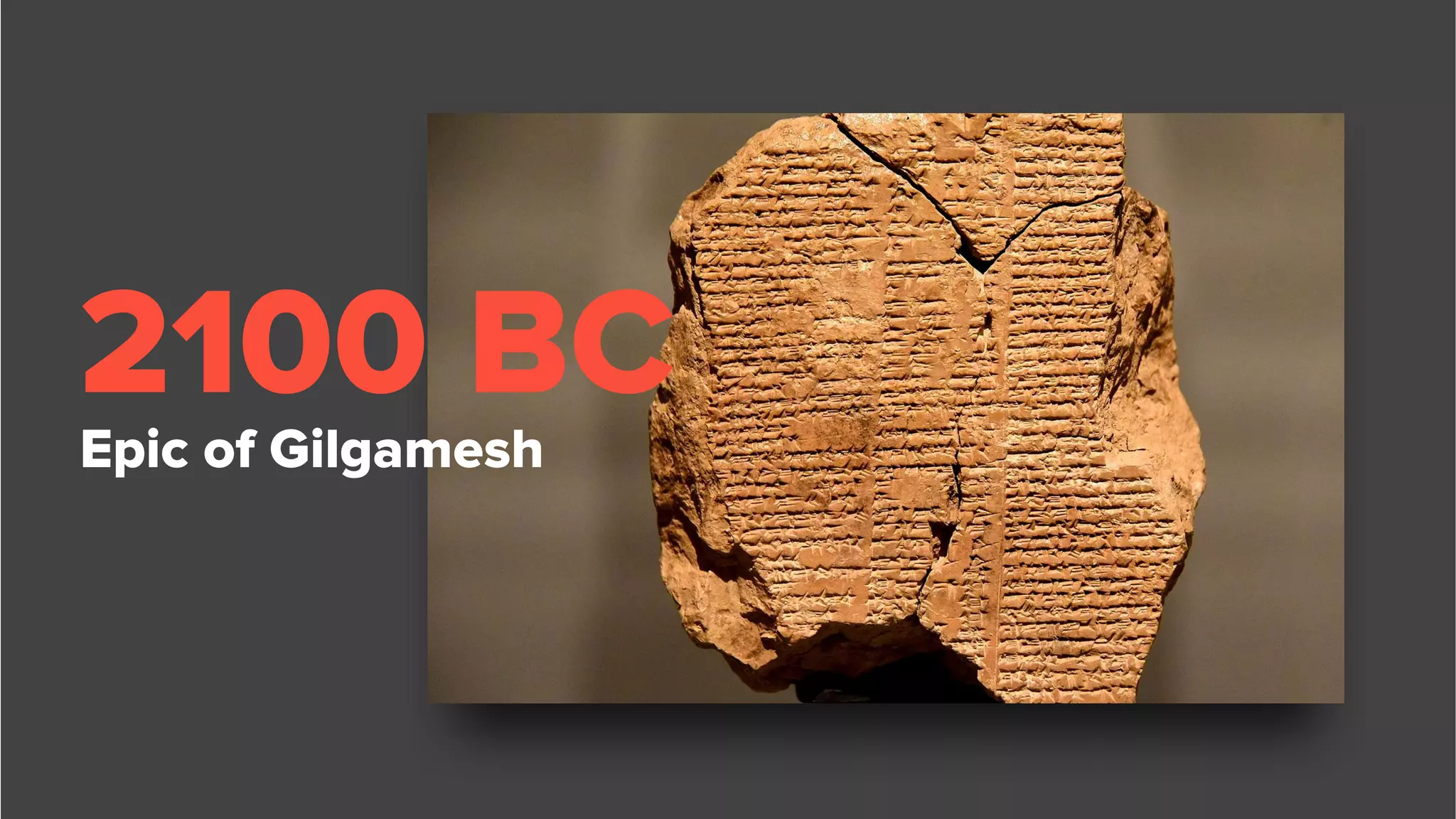
300 BC
Aesop’s Fables
The exchange of
stories is a
behavior
engrained
within us
Ok, what’s the point?
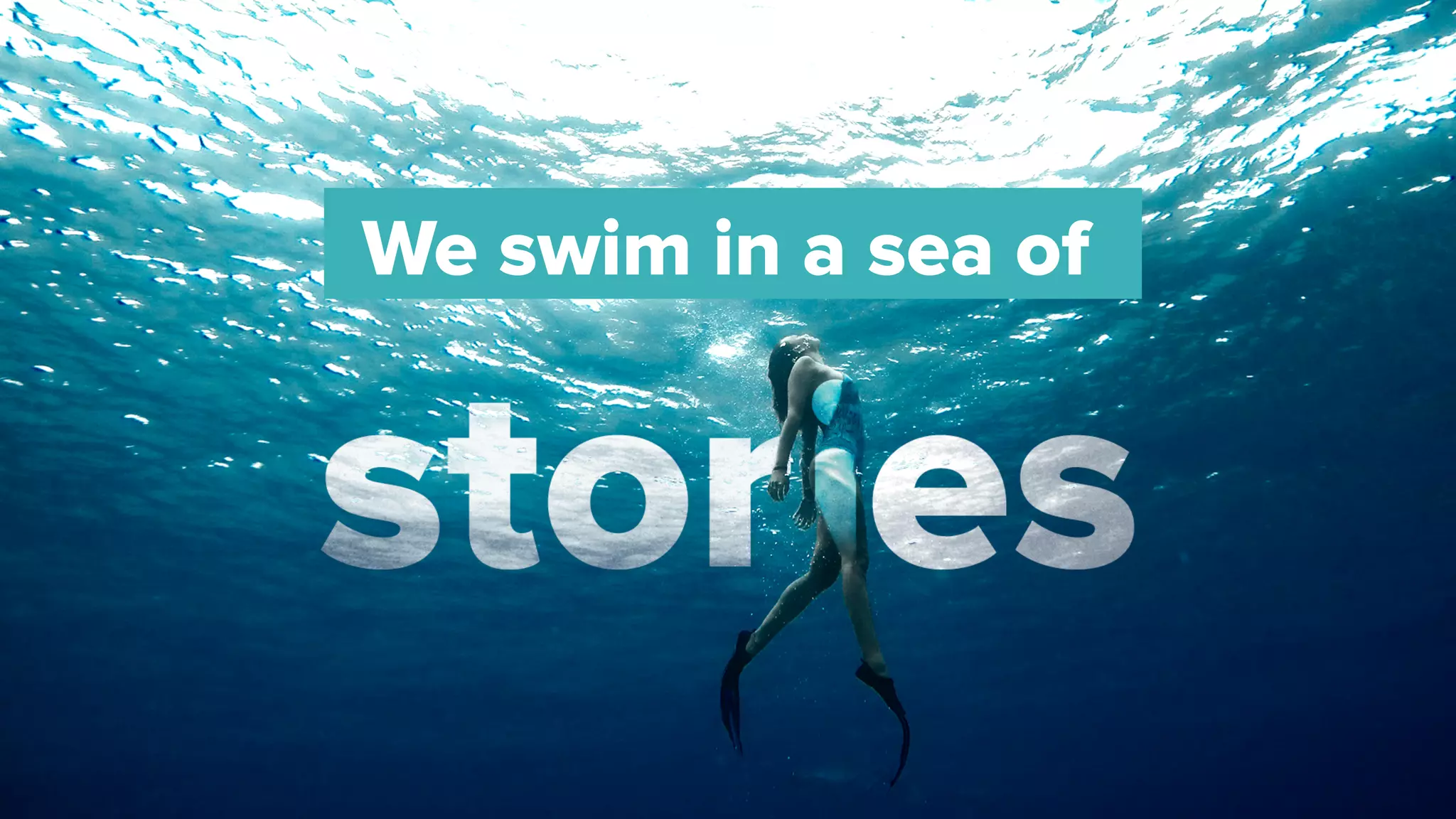
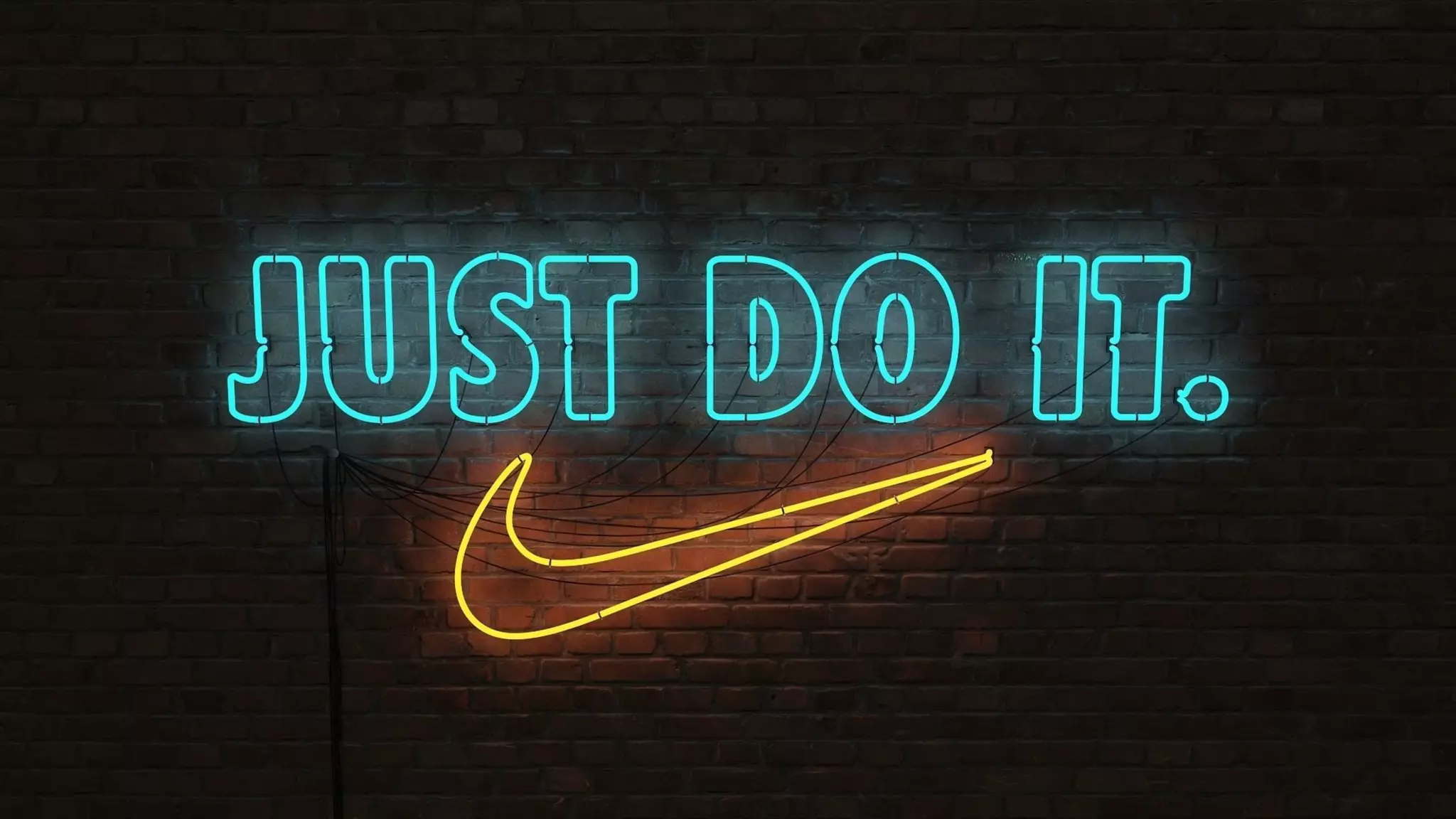
We swim in a sea of
Wait, they’re not the same?
Nope.
Character (s)
Things happen to this set of
characters
Happen in time, or through a
beginning, middle, or end.
Exist in a place.
Have an underlying theme.
Stories
have a few
things…
Consists of a deliberate structure
Instills a way of looking at the
world
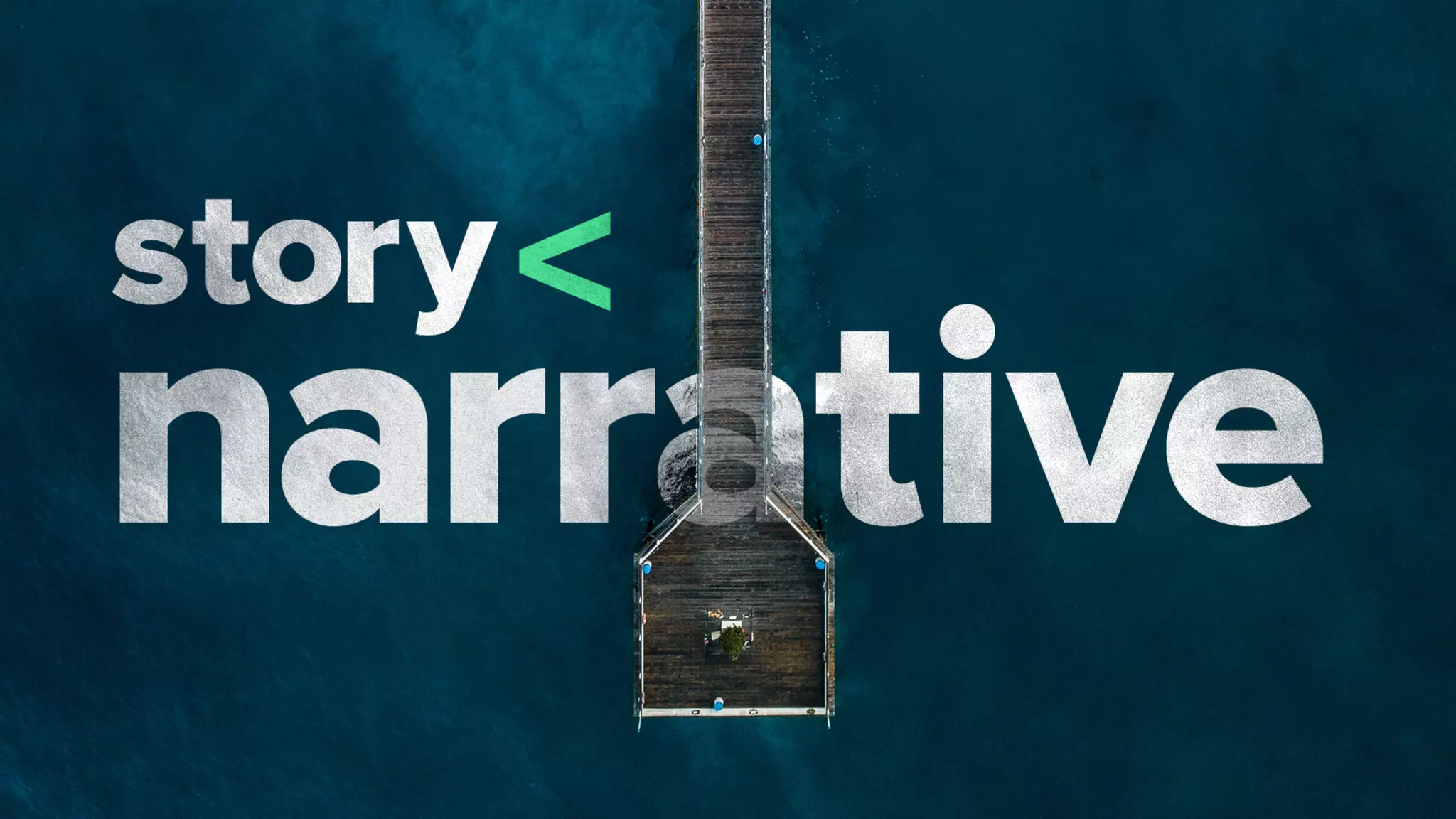
But, a
narrative is
more.
Overarching concept or structure
that gives meaning
How thoughts, visuals, and events
are arranged for impact
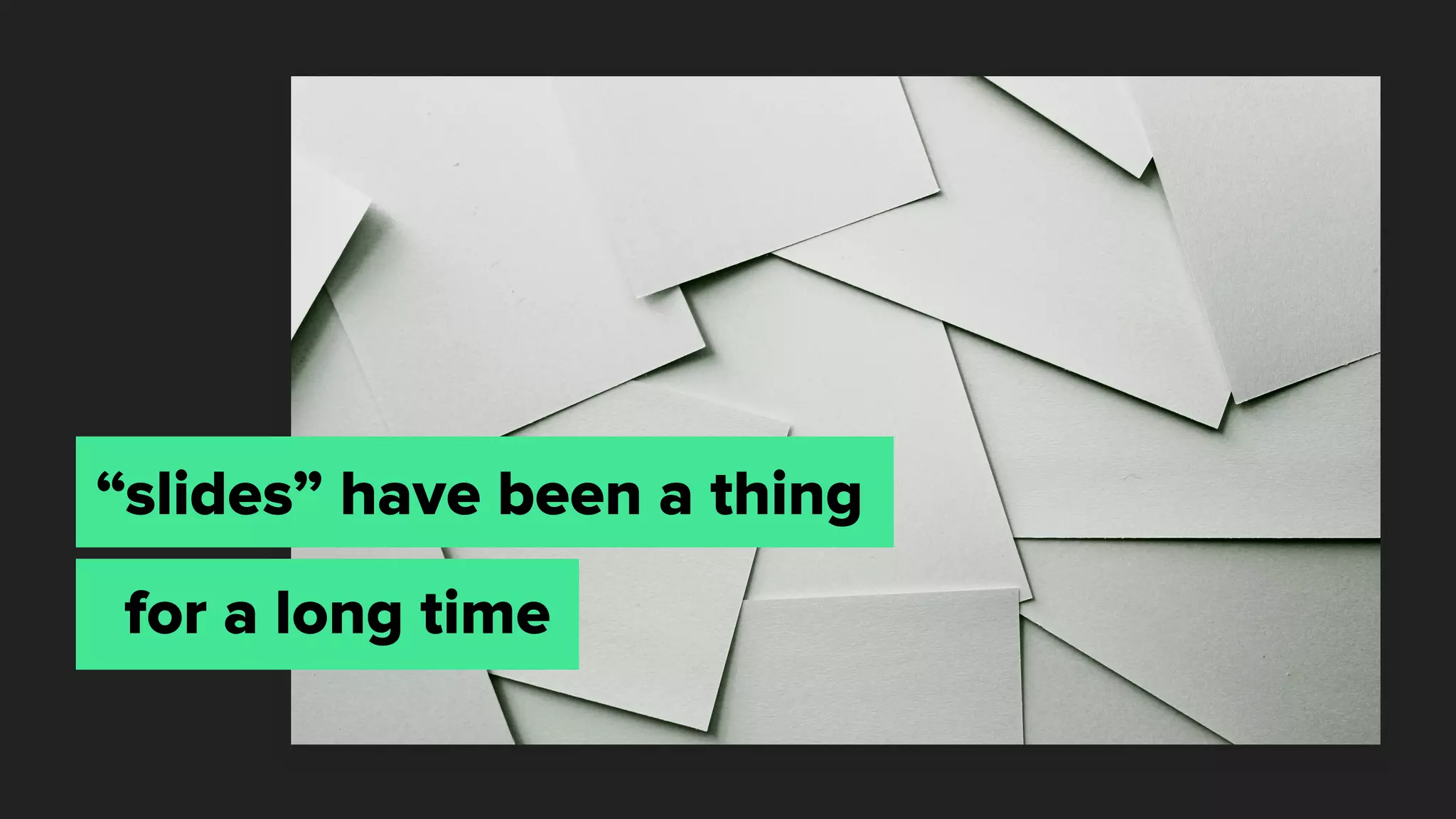
“slides” have been a thing
for a long time
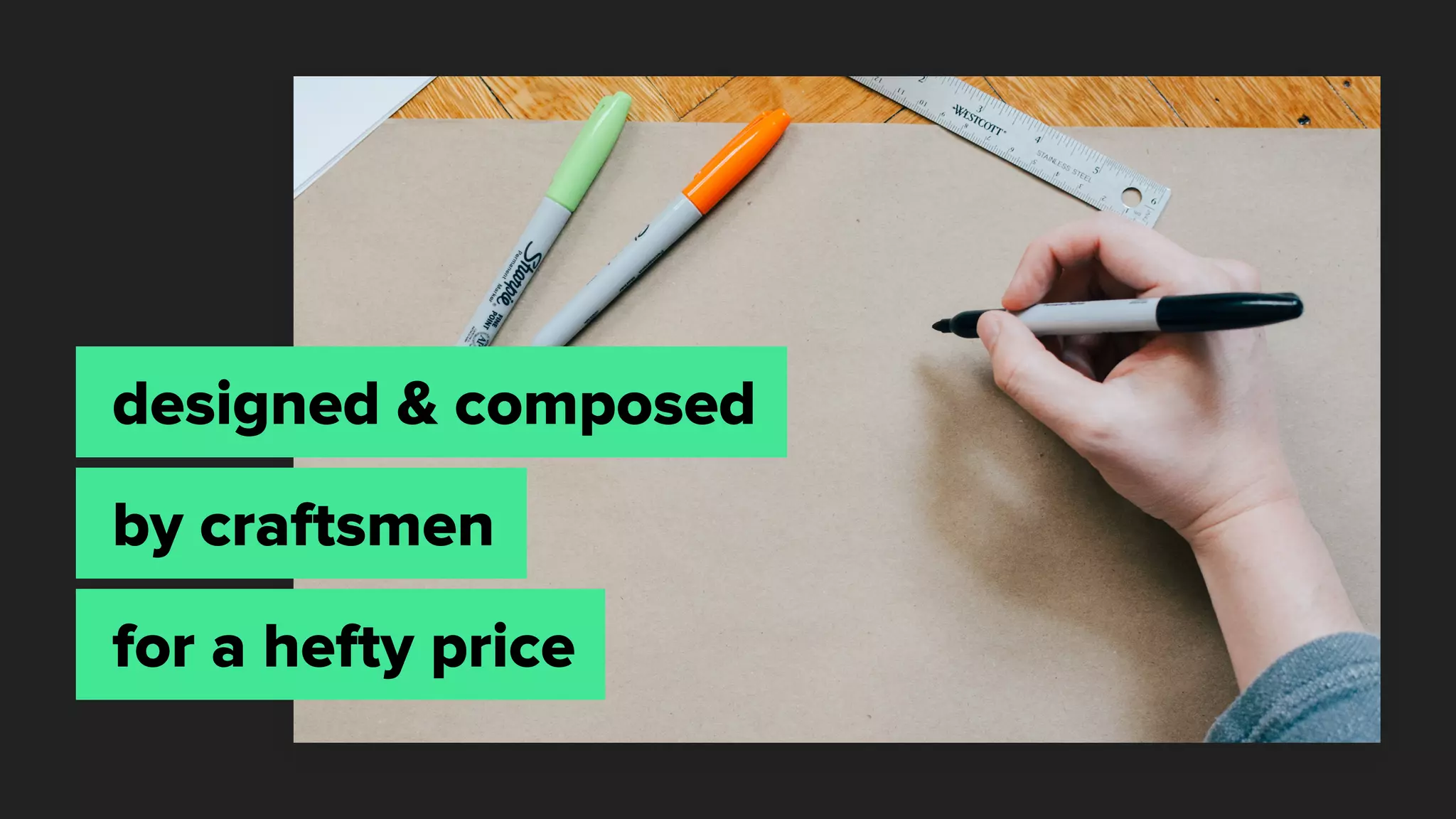
designed & composed
by craftsmen
for a hefty price
The challenge:
Make your point using as
few slides as possible
Fast forward to today…
The craft is dying.
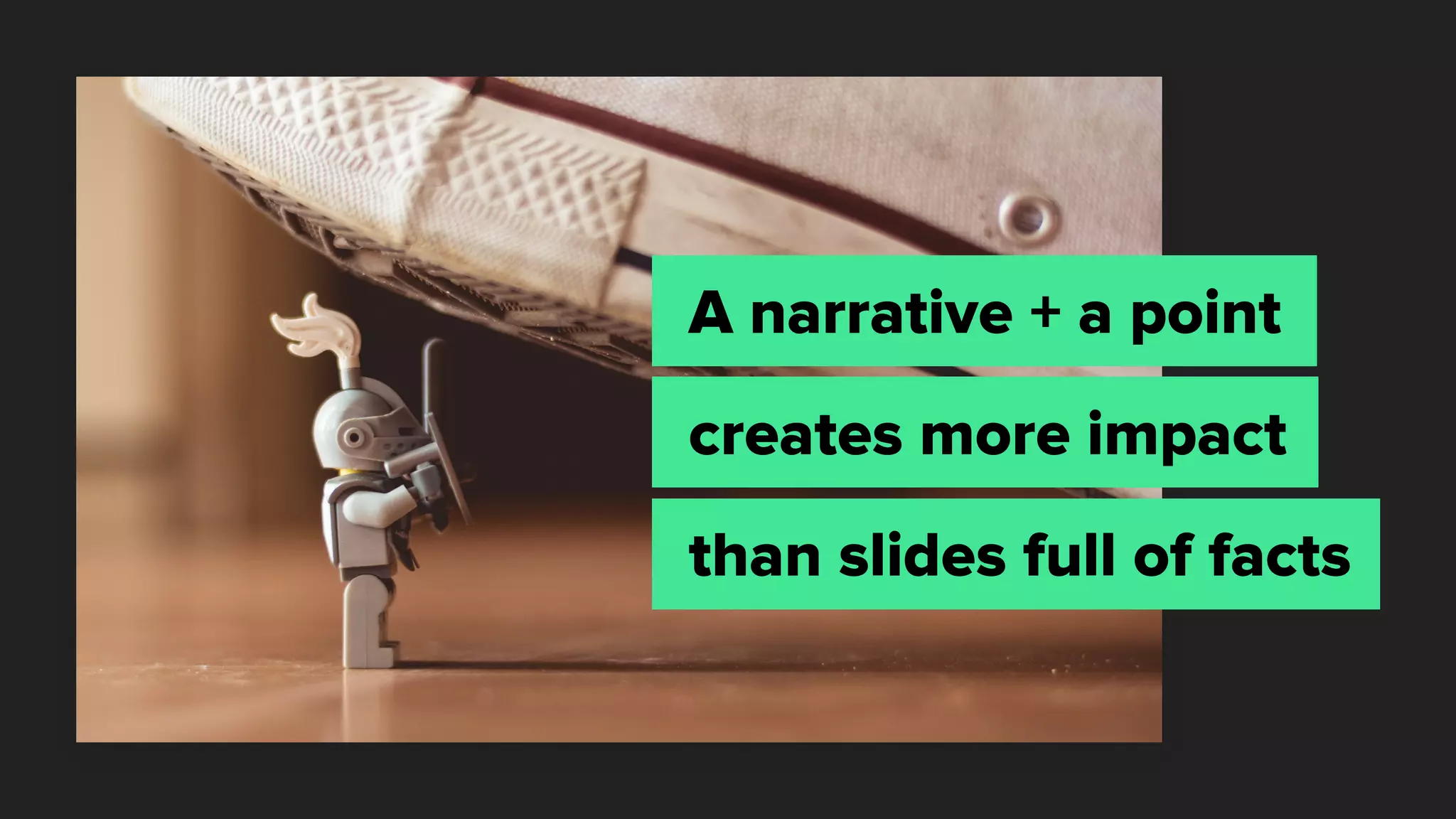
A narrative + a point
creates more impact
than slides full of facts
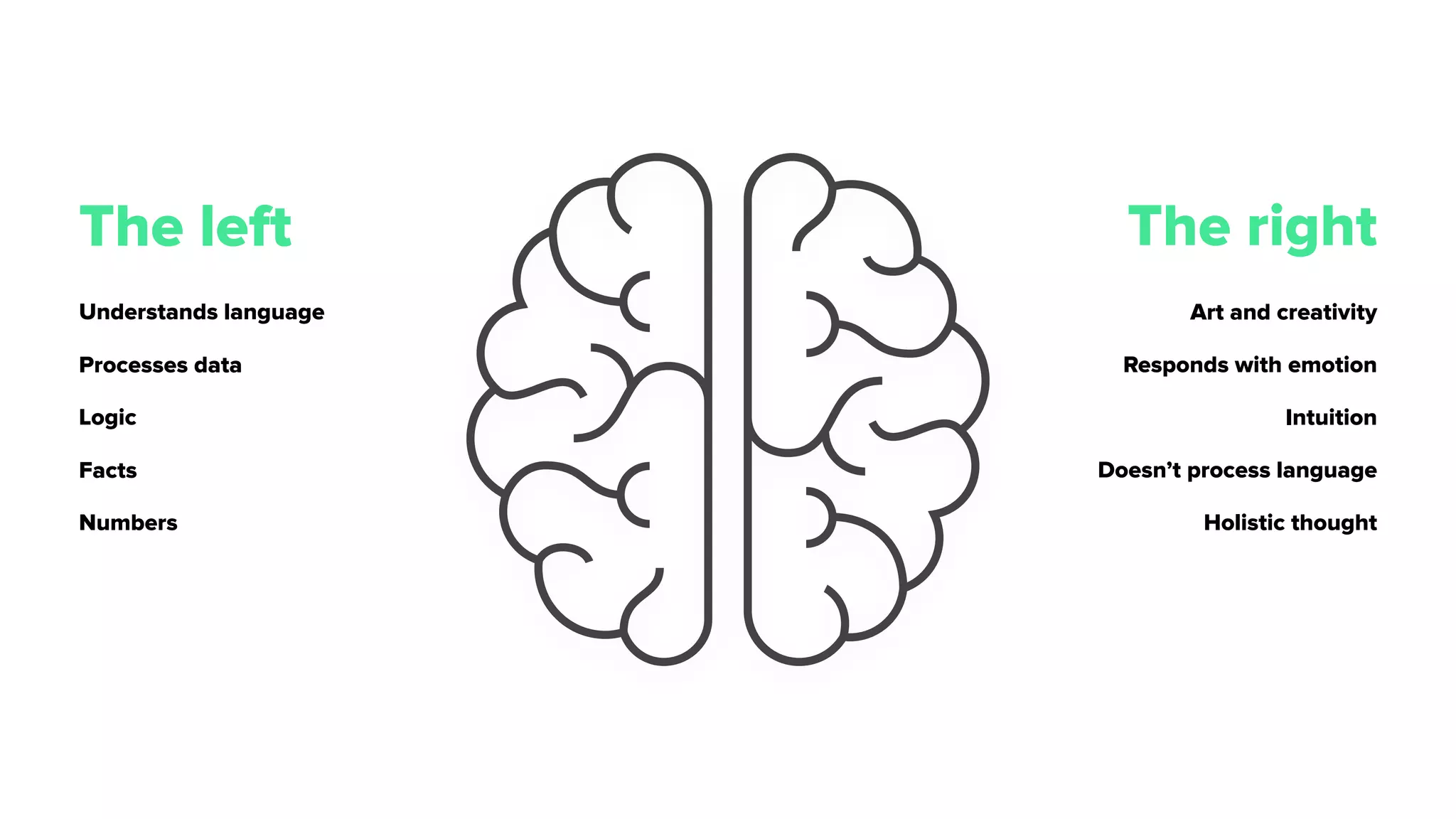
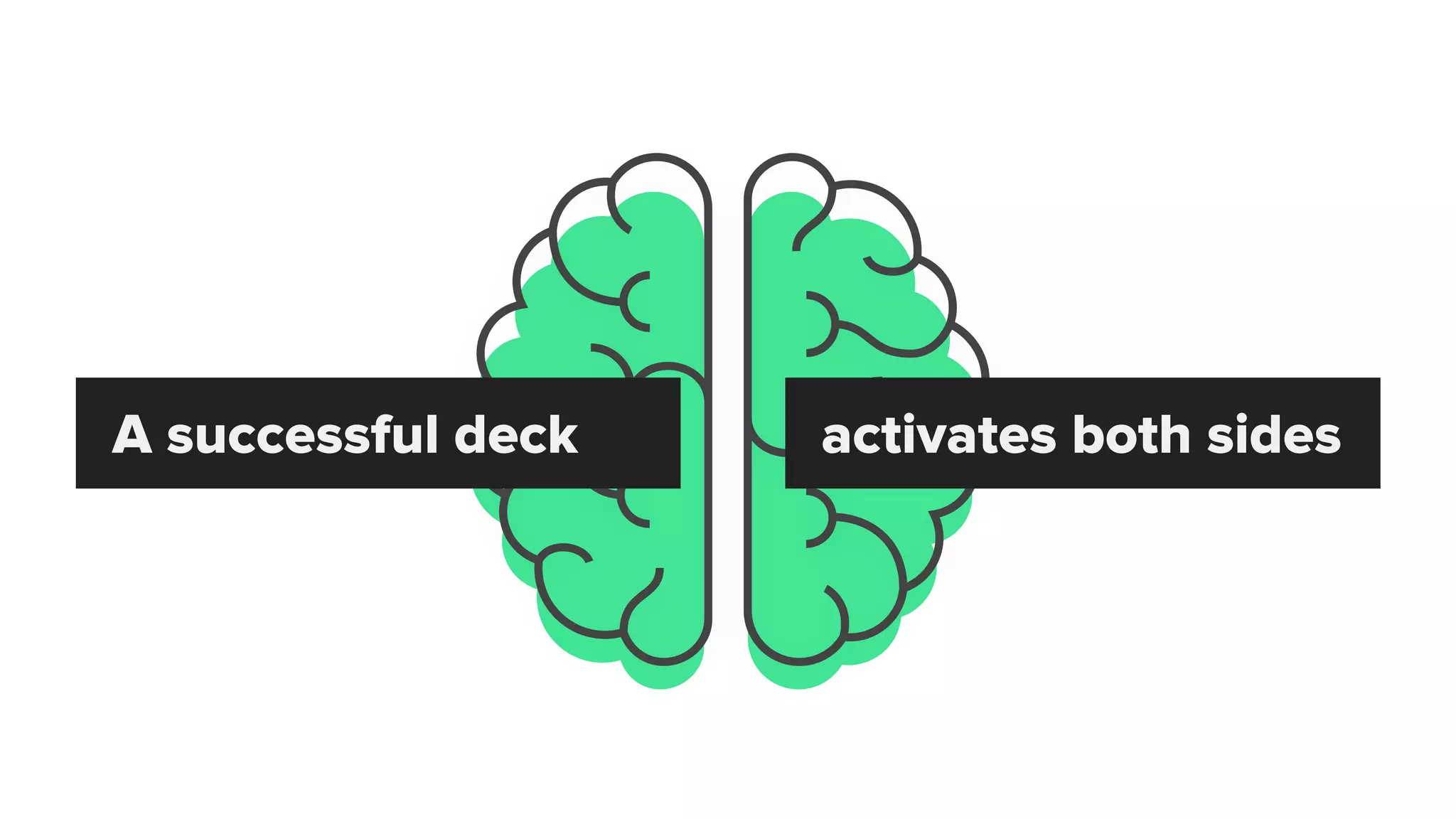
The left The right
Understands language
Processes data
Logic
Facts
Numbers
Art and creativity
Responds with emotion
Intuition
Doesn’t process language
Holistic thought
A successful deck activates both sides
01
01 // Define a process
“Quality is not an act, 

it is a habit.”
– A R I S T O T L E
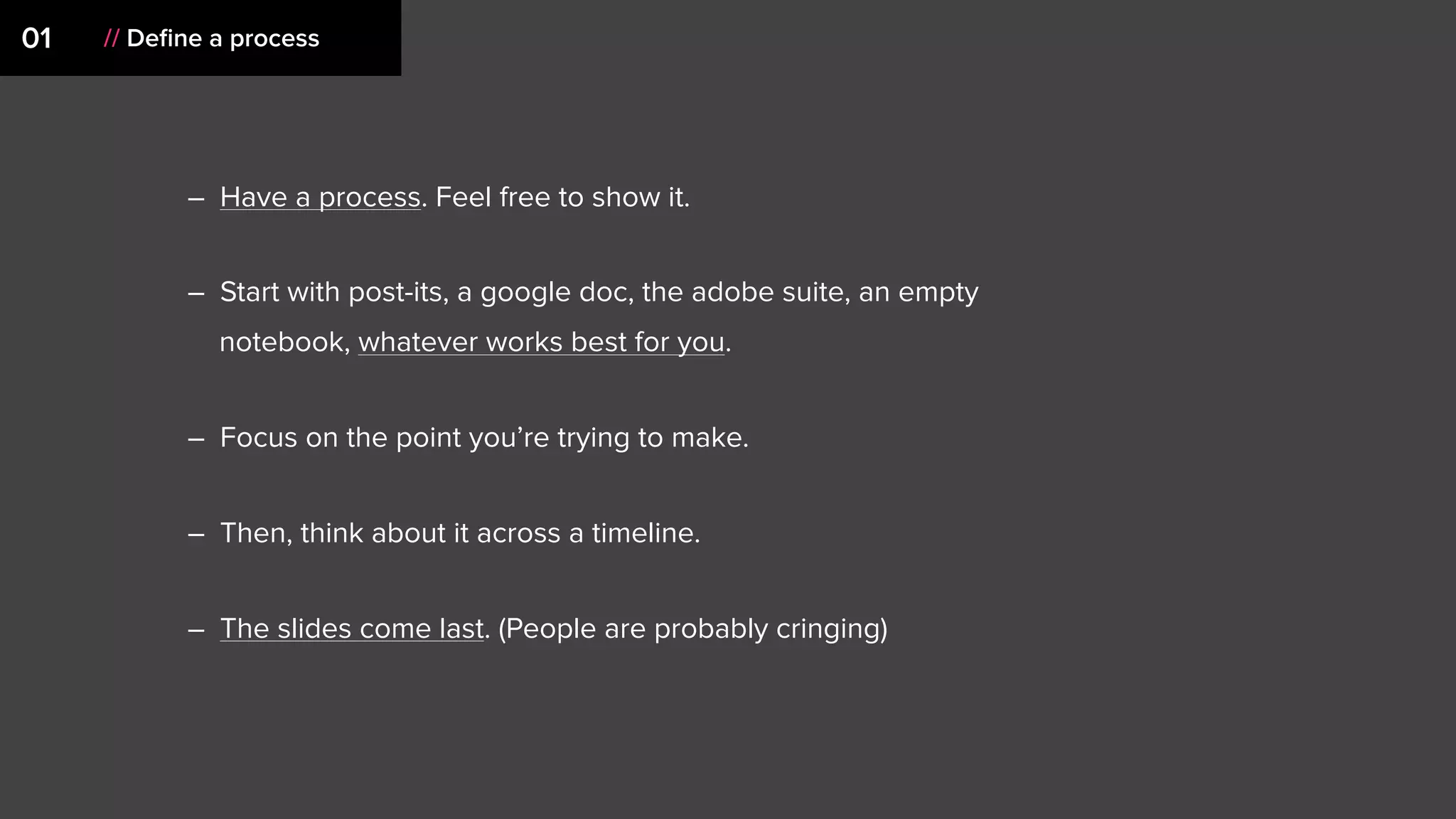
– Have a process. Feel free to show it.
– Start with post-its, a google doc, the adobe suite, an empty
notebook, whatever works best for you.
– Focus on the point you’re trying to make.
– Then, think about it across a timeline.
– The slides come last. (People are probably cringing)
01 // Define a process
02
02 // Know your context
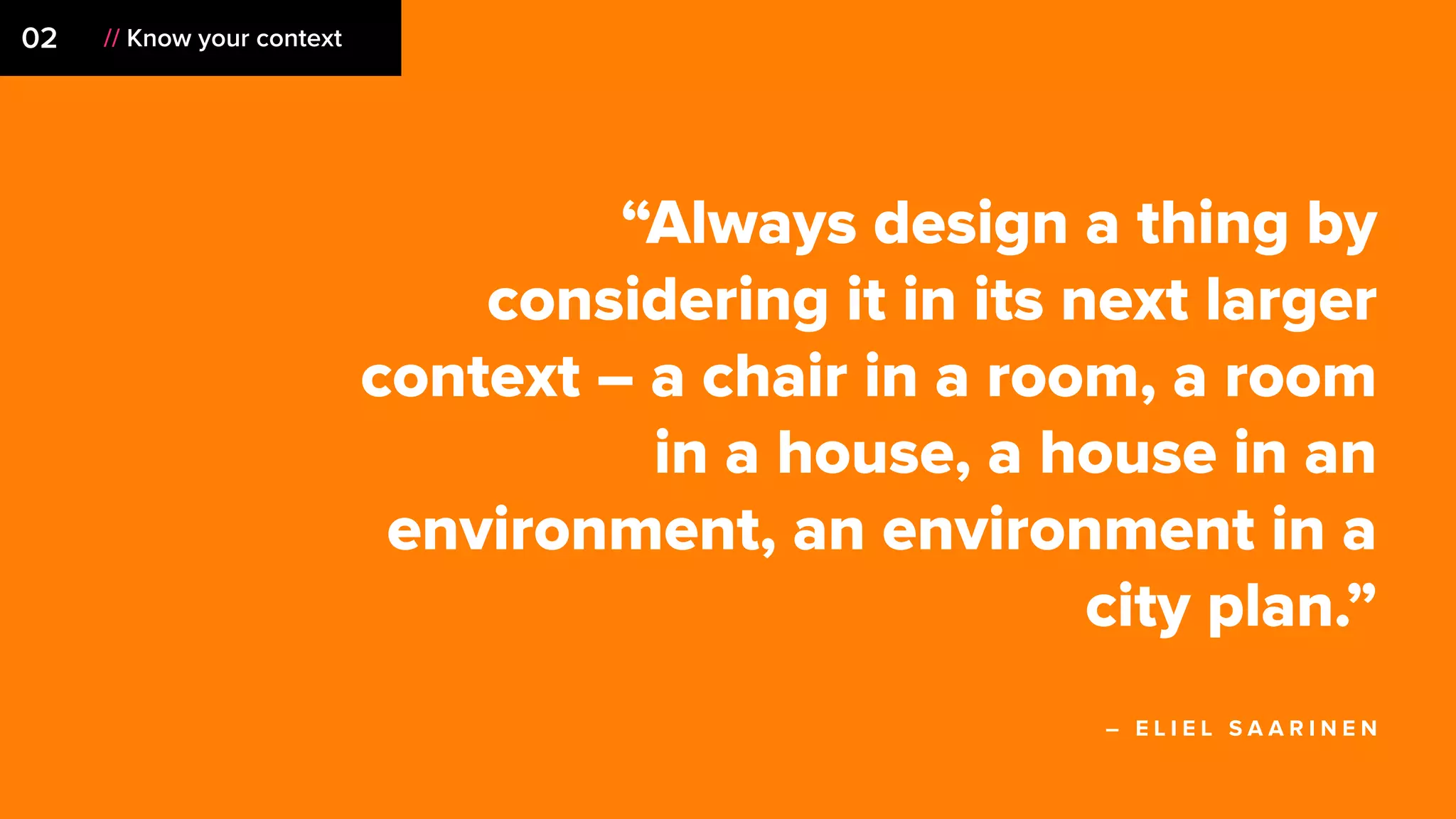
“Always design a thing by
considering it in its next larger
context – a chair in a room, a room
in a house, a house in an
environment, an environment in a
city plan.”
– E L I E L S A A R I N E N
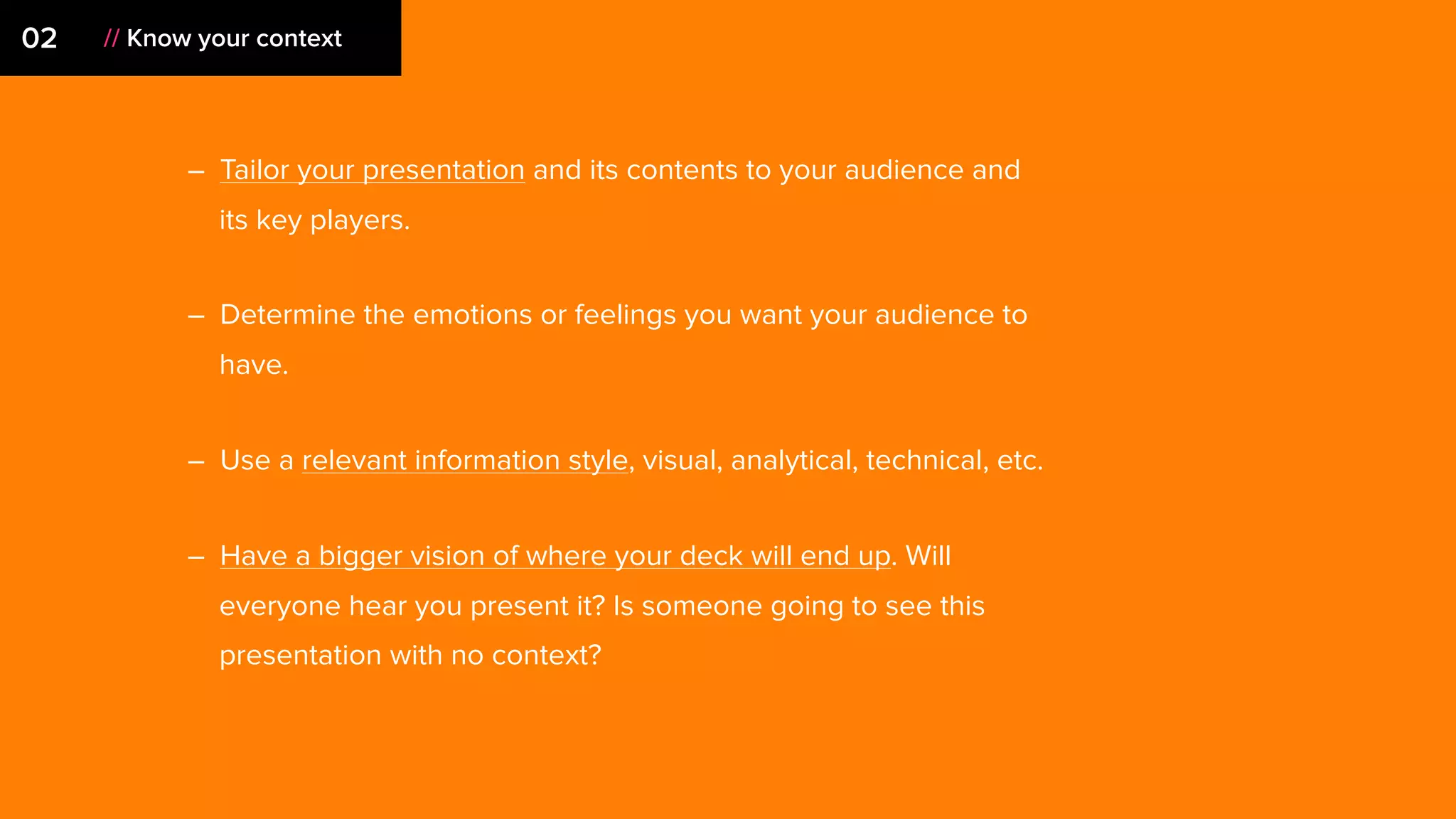
– Tailor your presentation and its contents to your audience and
its key players.
– Determine the emotions or feelings you want your audience to
have.
– Use a relevant information style, visual, analytical, technical, etc.
– Have a bigger vision of where your deck will end up. Will
everyone hear you present it? Is someone going to see this
presentation with no context?
02 // Know your context
03
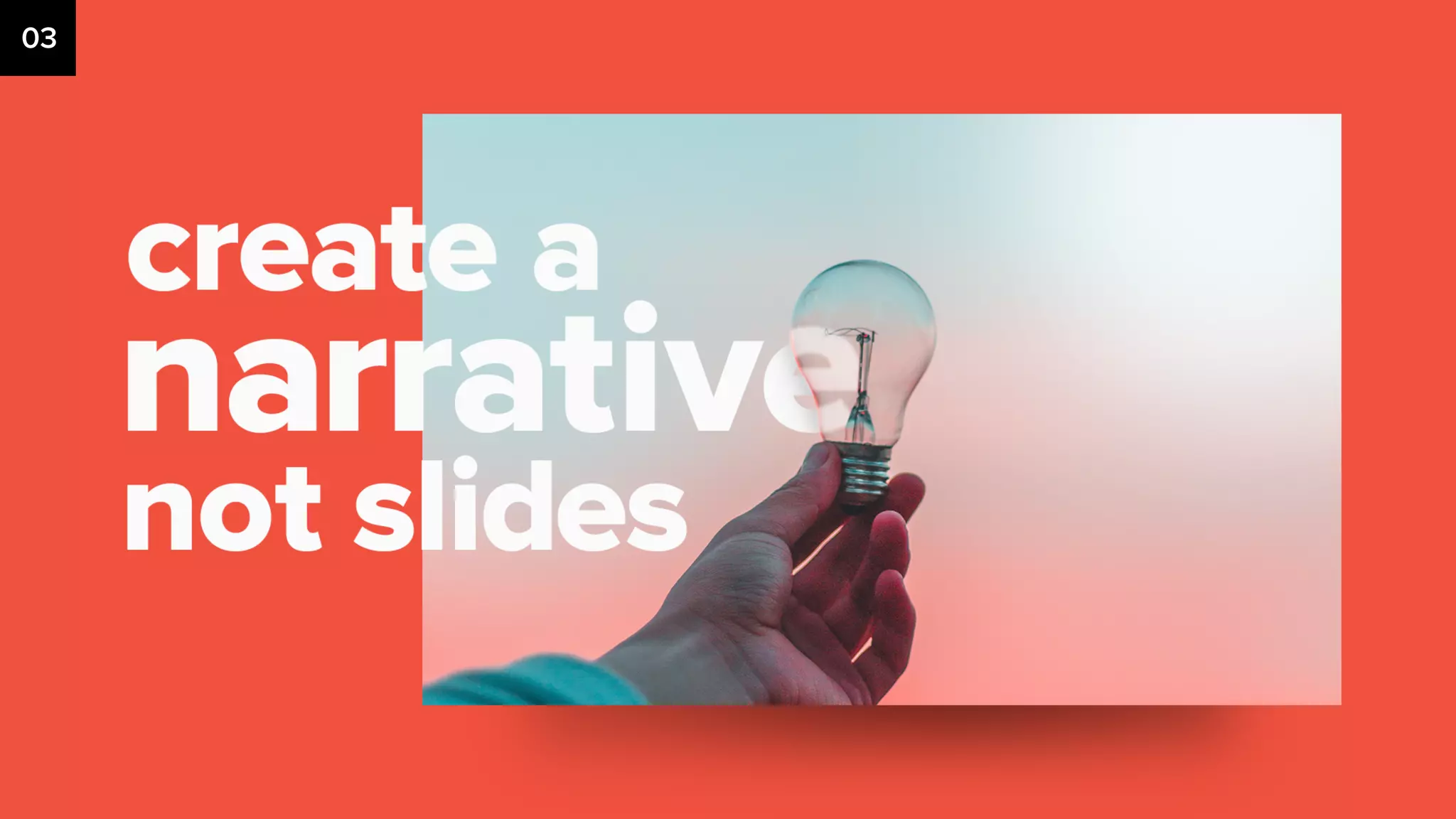
03 // Create a Narrative
“A computer is a lite brite
for bad fu*king ideas.”
– G F D A
– Think before you type.
– Have an underlying idea, perspective, or structure that
will support a point you’re trying to make.
– Connect the dots for your audience at a higher level.
03 // Create a Narrative
04
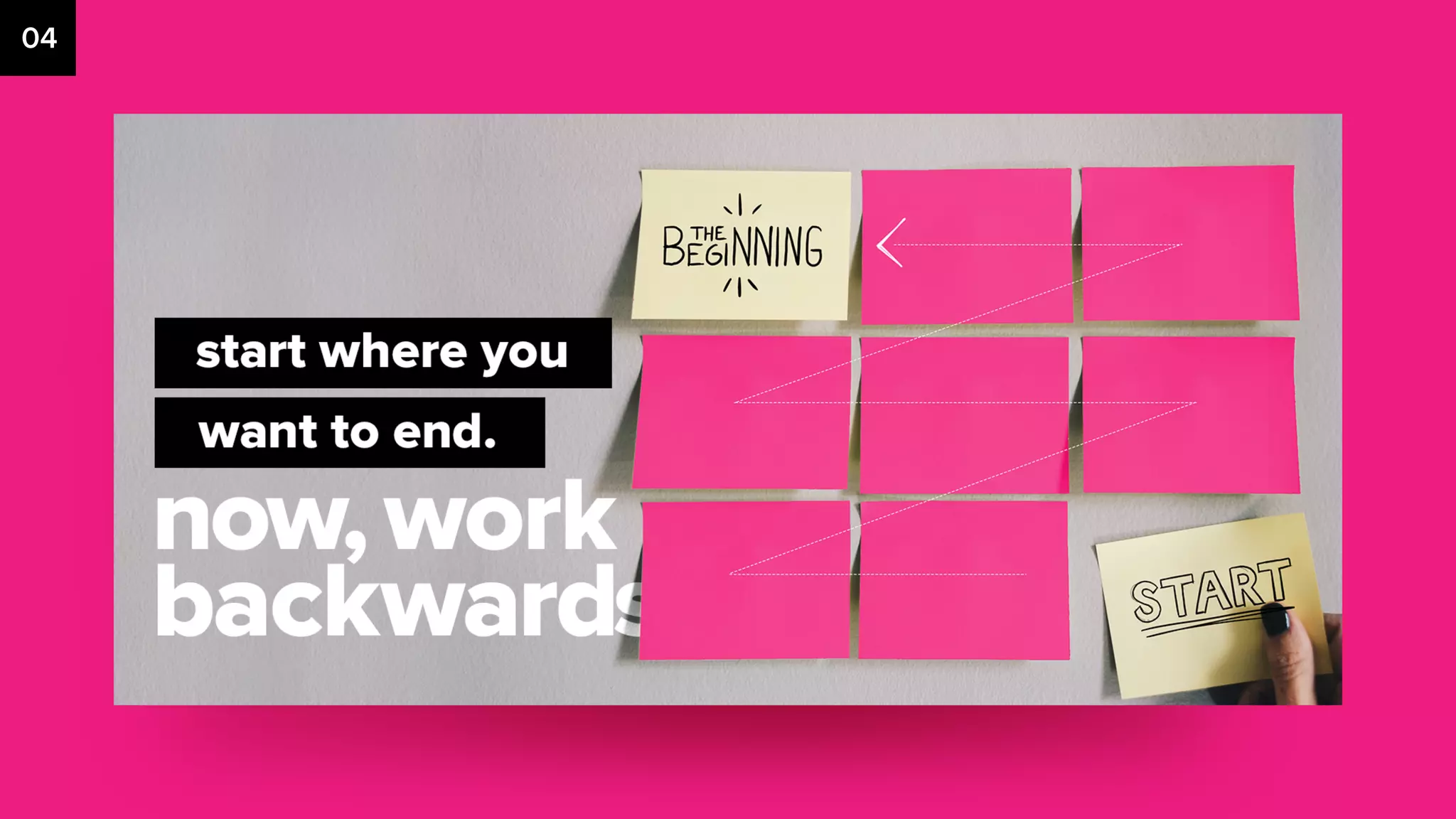
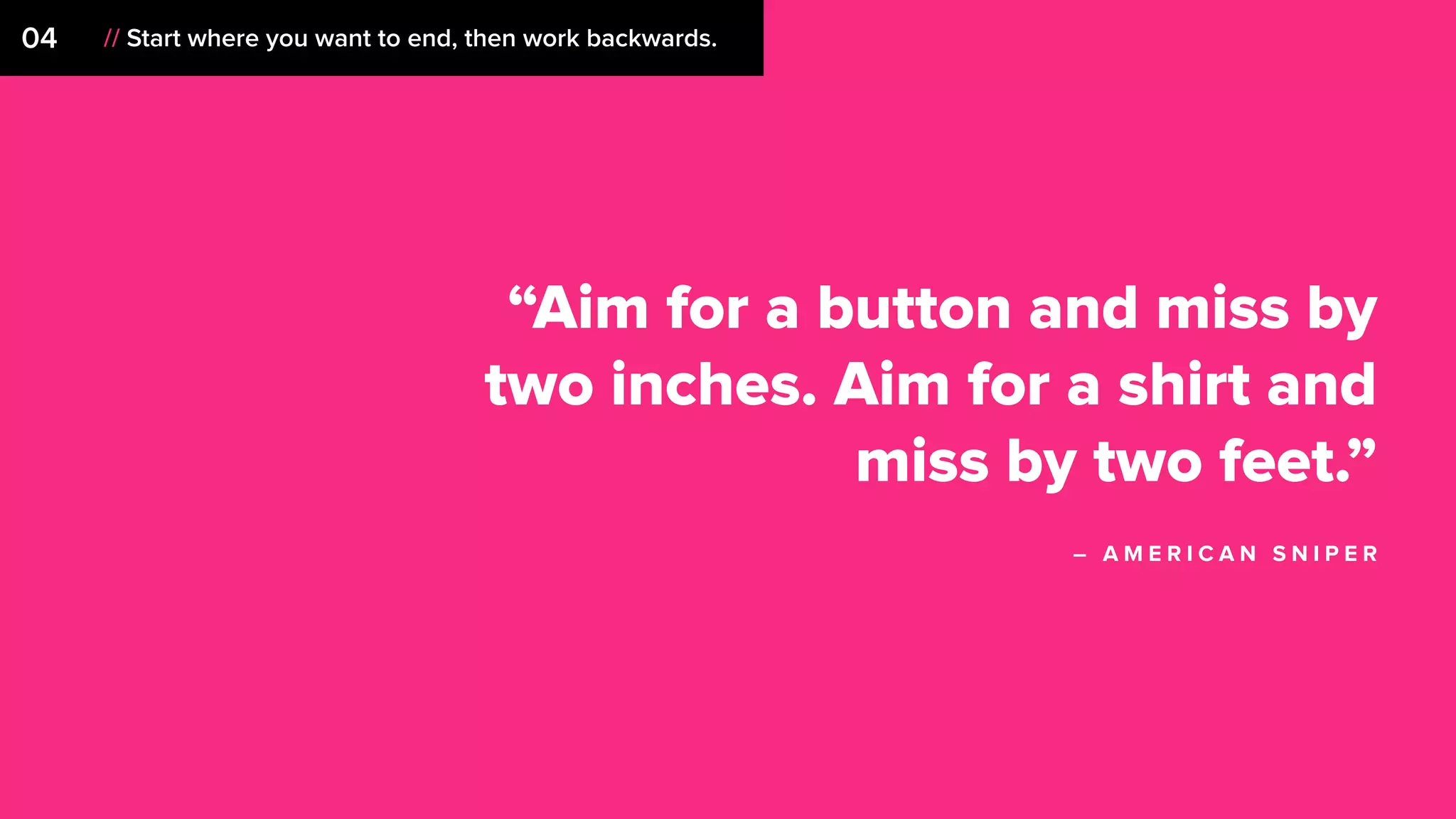
04 // Start where you want to end, then work backwards.
“Aim for a button and miss by
two inches. Aim for a shirt and
miss by two feet.”
– A M E R I C A N S N I P E R
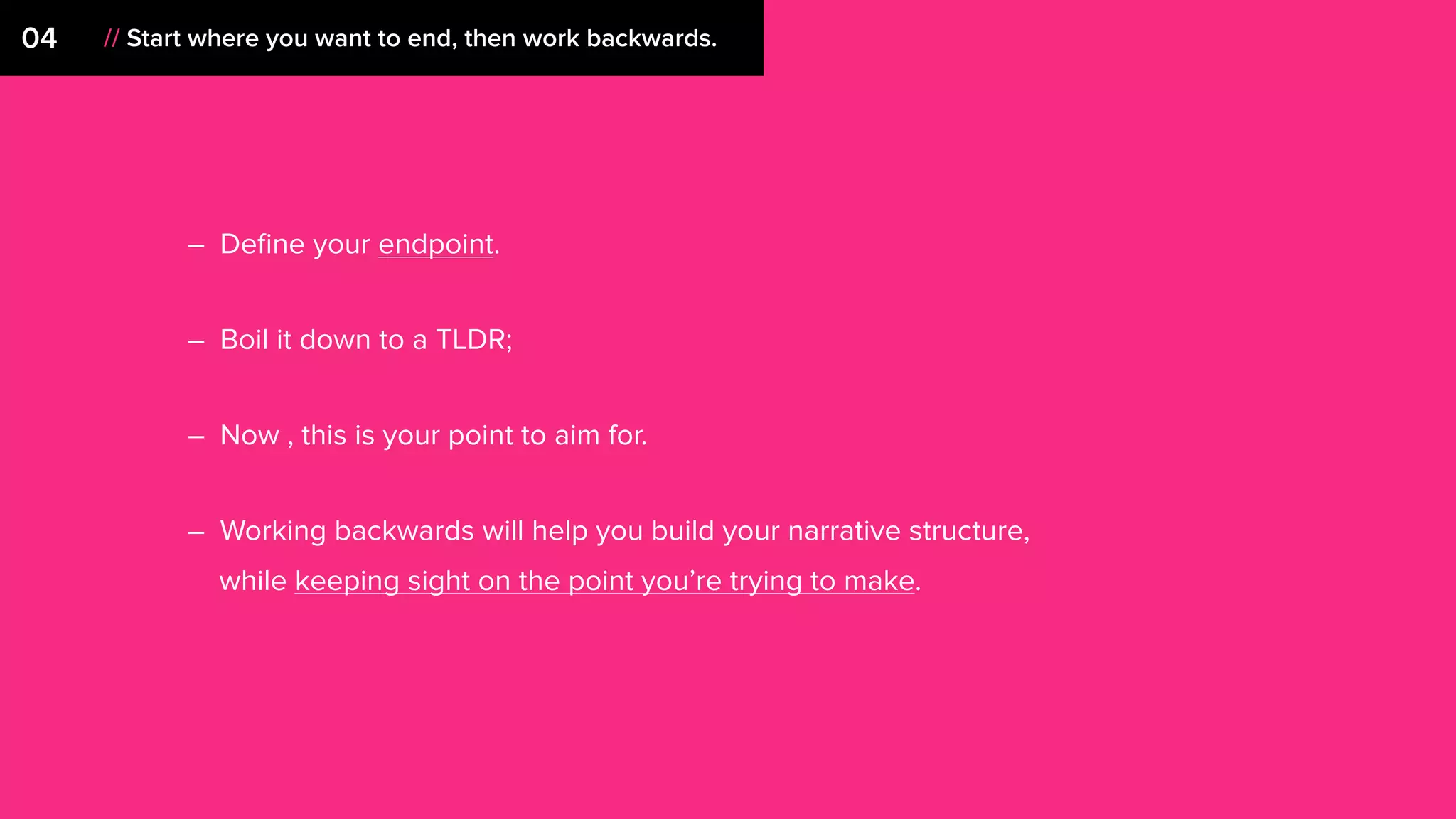
– Define your endpoint.
– Boil it down to a TLDR;
– Now , this is your point to aim for.
– Working backwards will help you build your narrative structure,
while keeping sight on the point you’re trying to make.
04 // Start where you want to end, then work backwards.
05
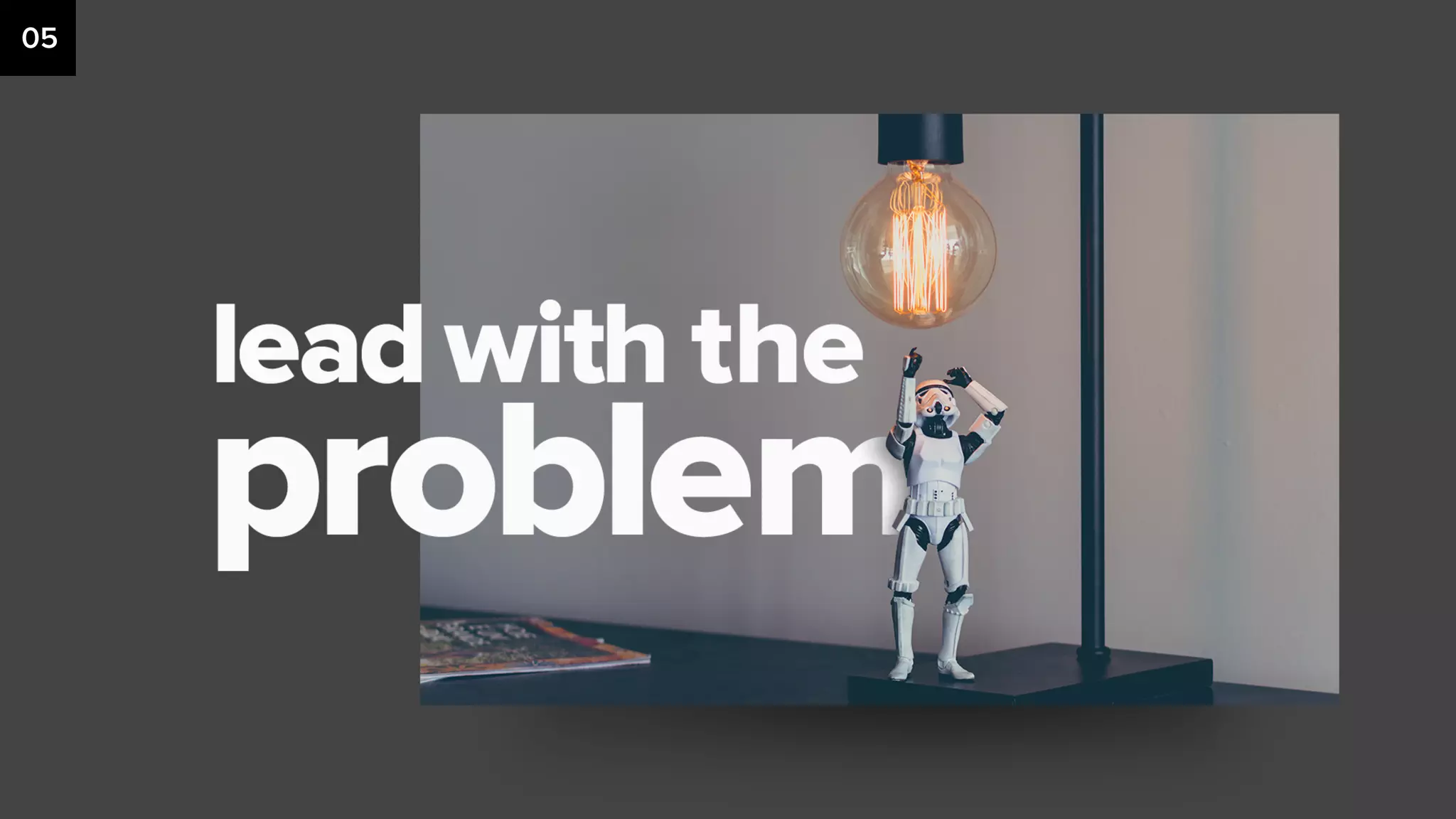
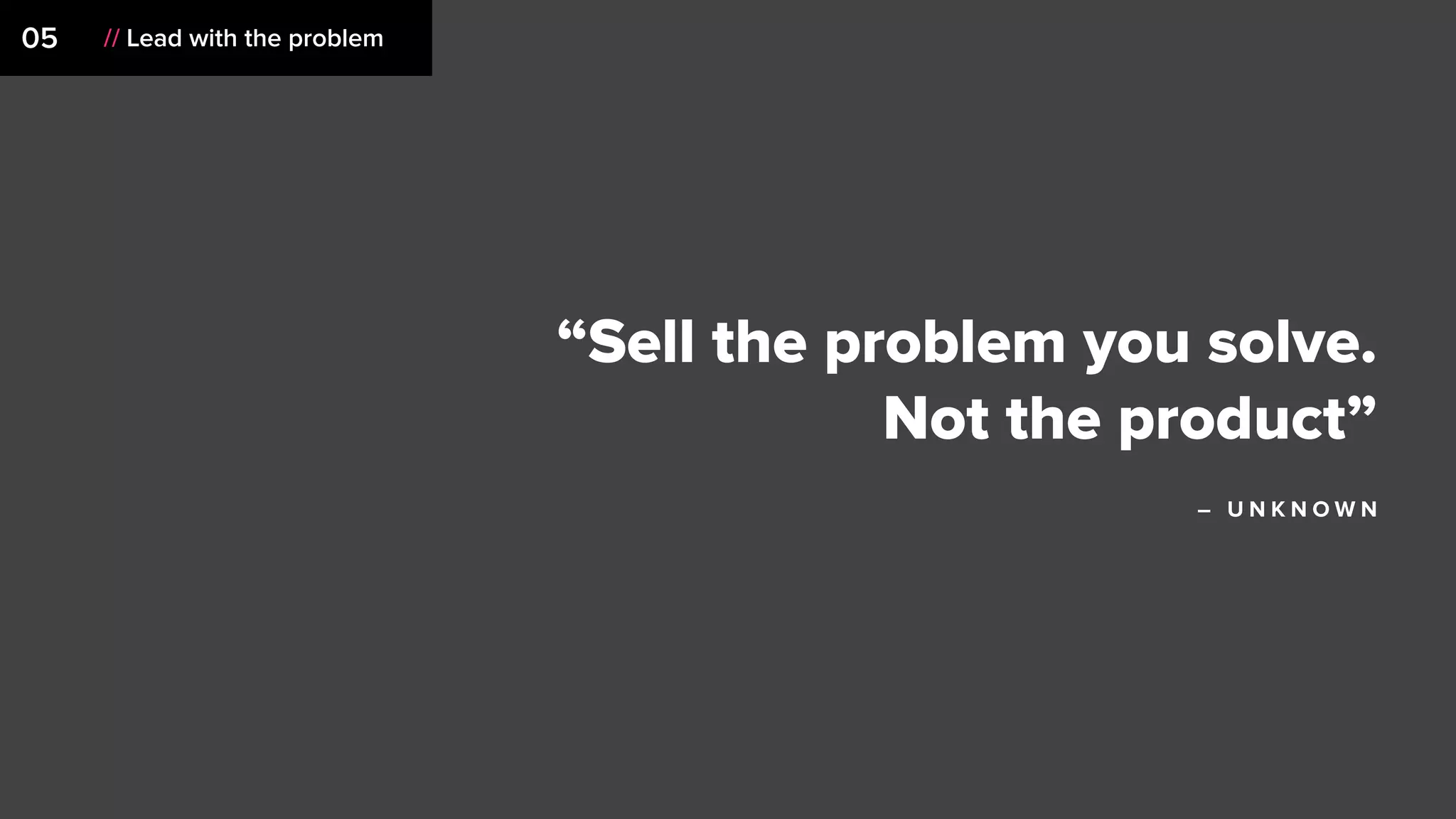
05 // Lead with the problem
“Sell the problem you solve.
Not the product”
– U N K N O W N
05 // Lead with the problem
– Leading with a problem grounds your audience. Anything you
say after that sounds like a solution.
– Starting with a conflict makes it easier to sell a solution.
– This sets a baseline to compare your thinking / execution
against.
06
“If you are trying to get information
across to someone, your ability to
create a compelling introduction
may be the most important single
factor in the later success of your
mission.”
– J O H N M E D I N A
06 // Introduce your idea
– Pretend your audience doesn’t know what the hell
you’re talking about. Because they don’t!
– Introduce the why behind your idea or point your trying
to make.
– Ease into it. Lead with inspiration, a concept write up,
sizzle, or mood.
– Think of this as the climb to the summit (big reveal), but
you don’t want to rush it.
– Use this to build anticipation and level set your
audience so everyone understands.
06 // Introduce your idea
07
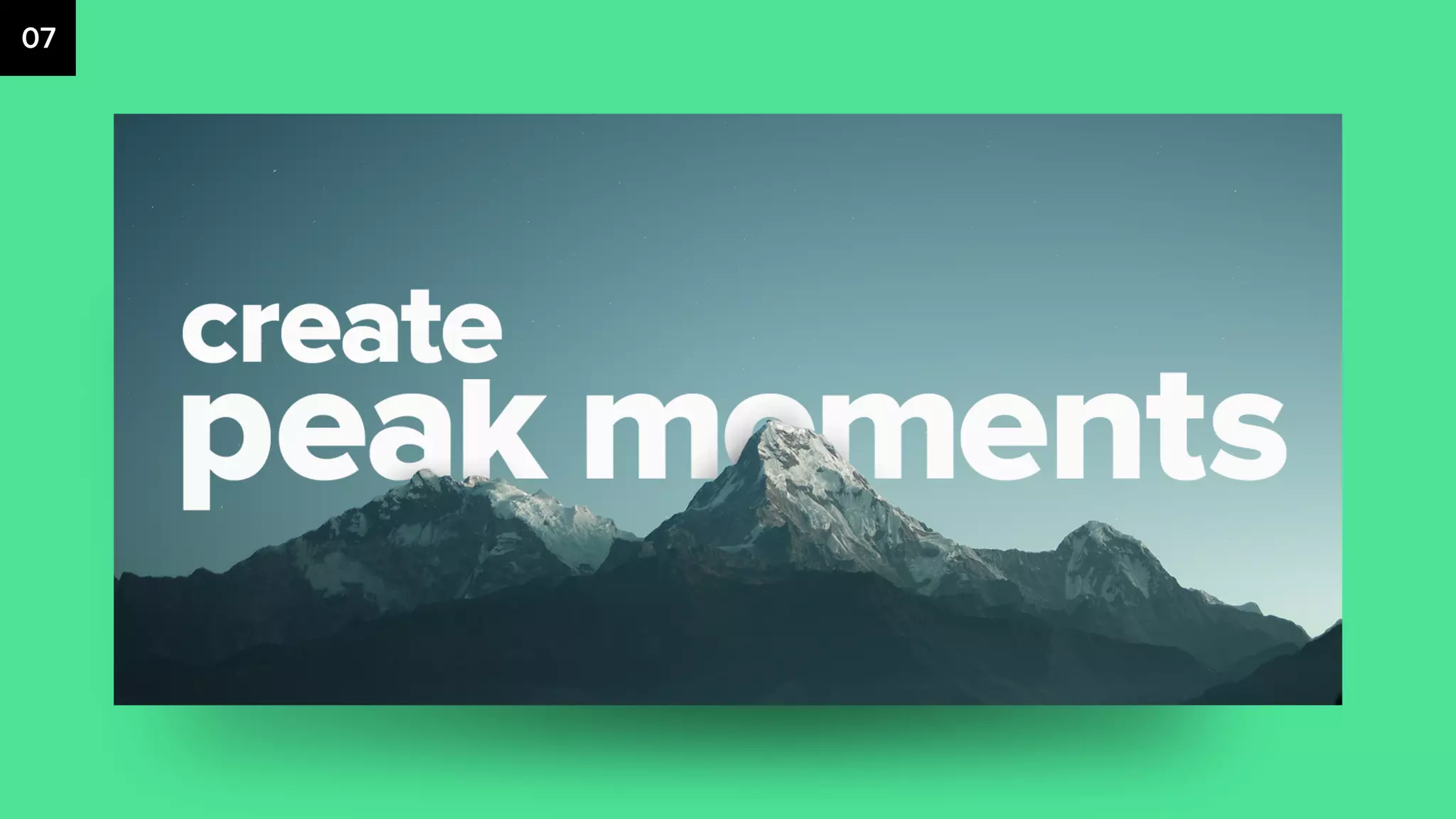
07 // Create peak moments
“Getting to the top has an
unfortunate tendency to
persuade people that the system
is OK after all.”
– A L A I N D E B O T T O N
07 // Create peak moments
– Building anticipation gives these moments impact.
– You’ve emotionally captured your audience.
– You’ve started with the problem and now is the time to offer
your fresh thinking.
– Sell in this moment. Your audience is vulnerable.
08
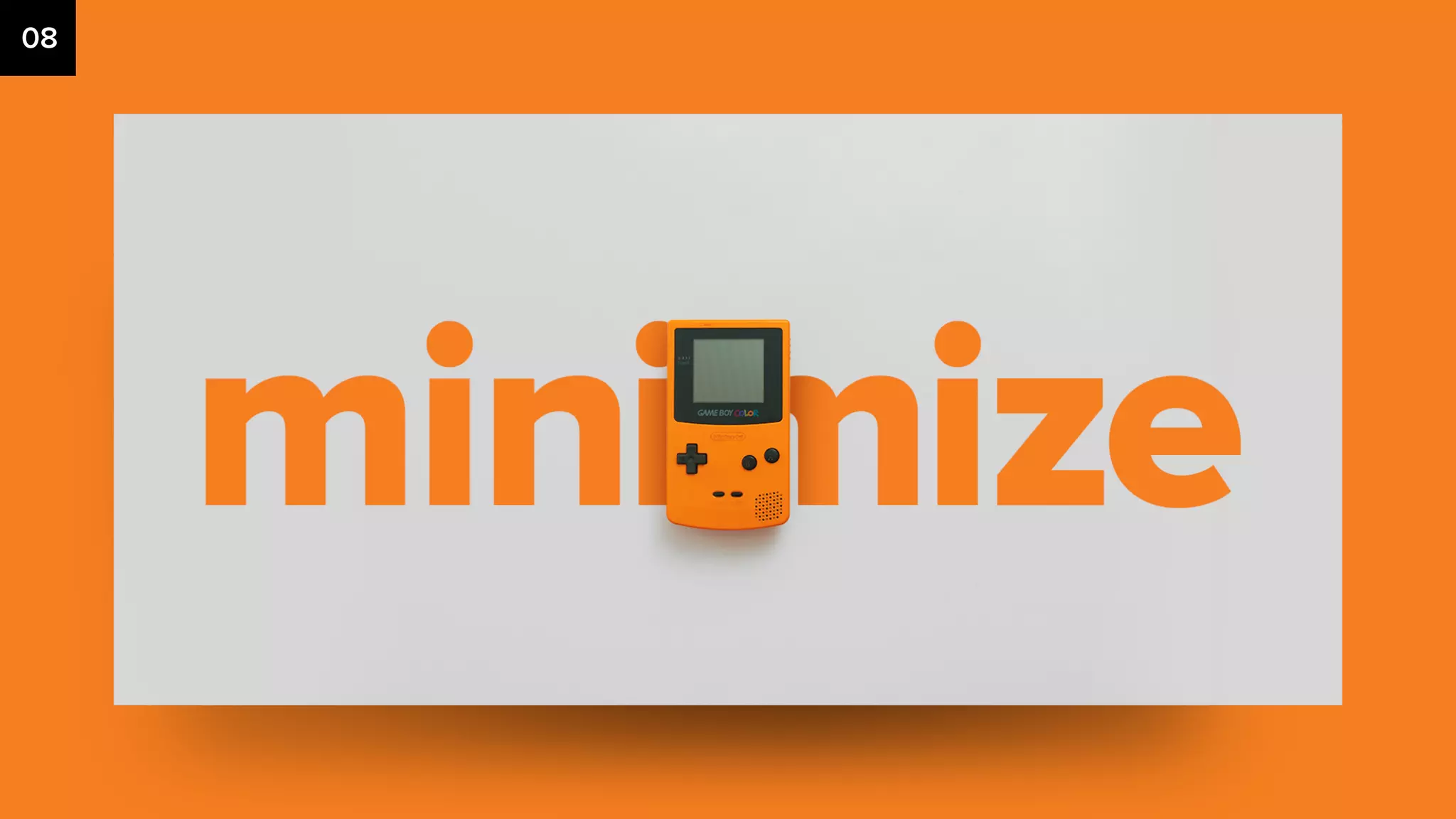
08 // Minimize
“Make things as simple as
possible but no simpler.”
– A L B E R T E I N S T E I N
08 // Minimize
– If you can say it with a visual, do it.
– If you have to say it with words, do it.
– Throw 1,000 words on a slide and a single one has no meaning.
– Ask yourself with fresh eyes, do you really need that section?
That slide? That last paragraph?
– Simplify until there is nothing left to remove. Then, you’re done.
– Actually, K.I.S.S.
09
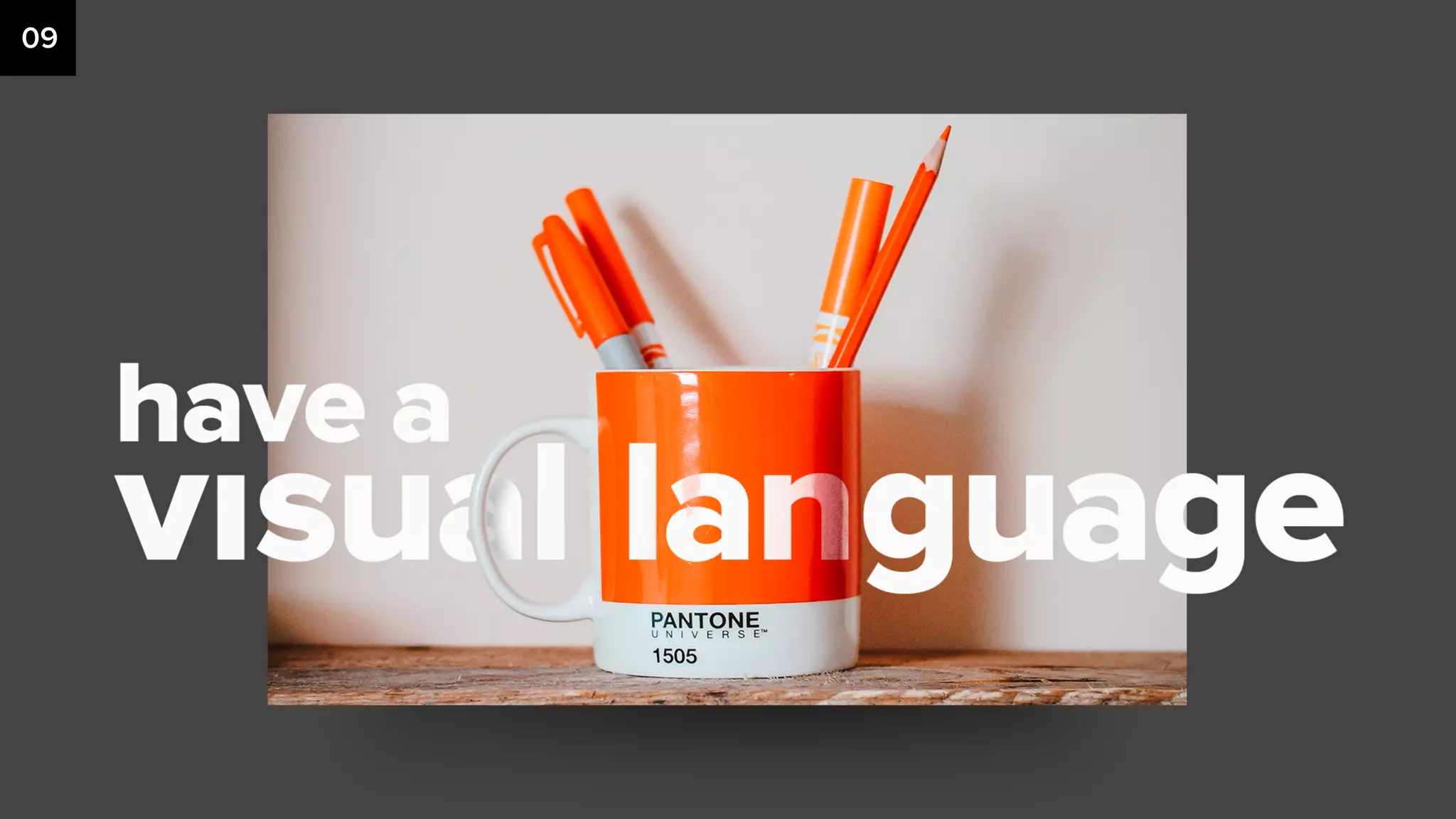
09 // Have a visual language
“To design is to communicate
clearly by whatever means you
can control or master.”
– M I LT O N G L A S E R
09 // Have a visual language
– Select a typeface with various weights,
maybe a second one if needed.
– Use color to drive the eye. Keep your
palettes small.
– Use a grid, or at the very least line sh*t
up. It’ll make it easier to read and
understand.
– Negative space is as important as the
content. It gives the eye relief.
– An image says 1,000 words. If it
occupies less than a quarter of the
slide, do you really need it? Keep them
large and impactful. AND HIGH
RESOLUTION.
– Just because you can use a ton of
animations and effects, doesn’t mean
you should. Have a purpose.
10
“Nothing is anything by itself, only
in relation to other things.”
– R O B E R T L E V E R S
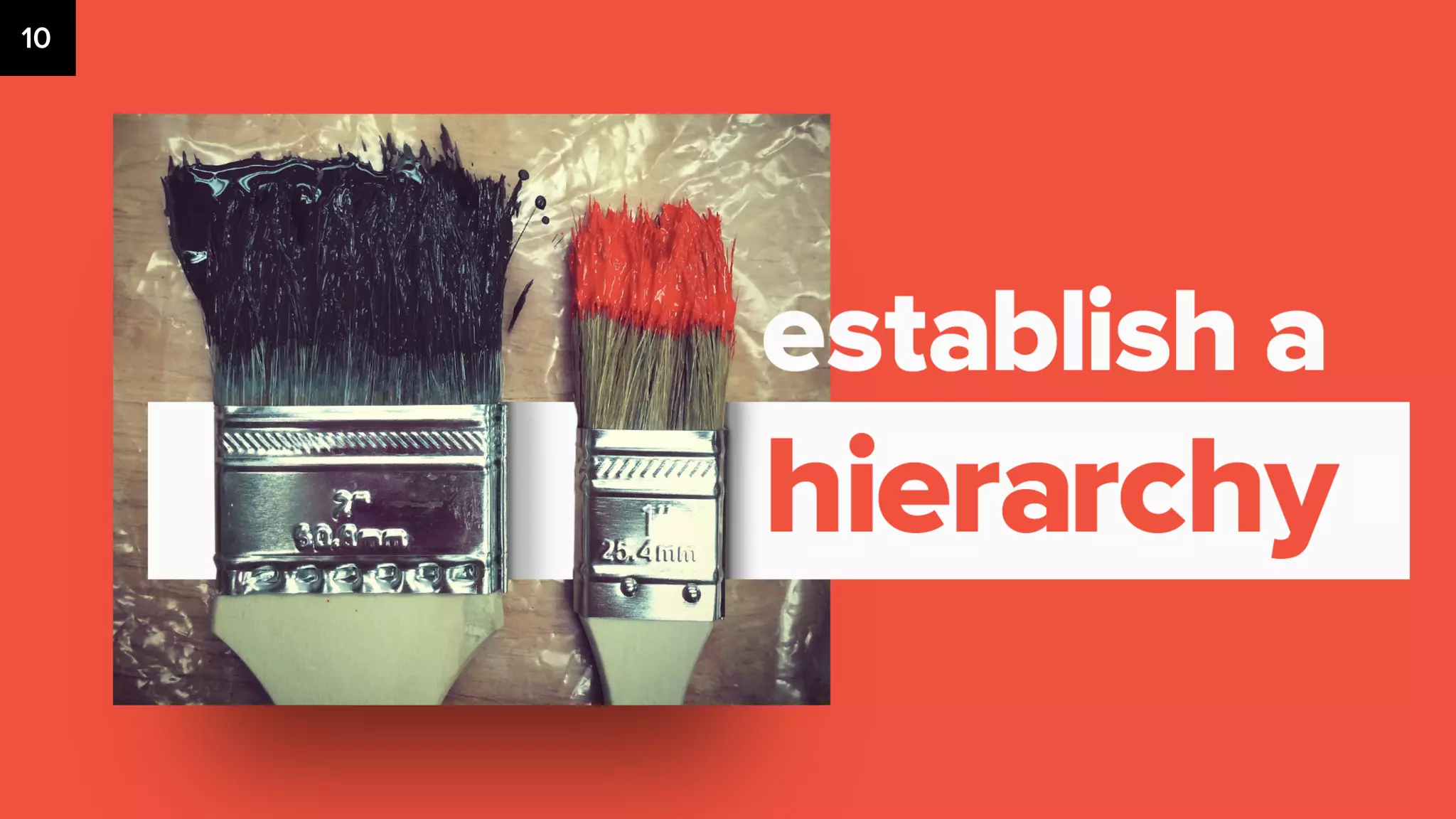
// Establish a hierarchy10
– Visual Hierarchy (Size and Scale, Color and Contrast,
Typography large to small and spacing and proximity.
– Start with 3 type sizes (Headline, sub-headline, and body copy)
Build out other sizes as needed.
– Visual breaks (divider slides and negative space)
– 1 key theme or takeaway per slide
11
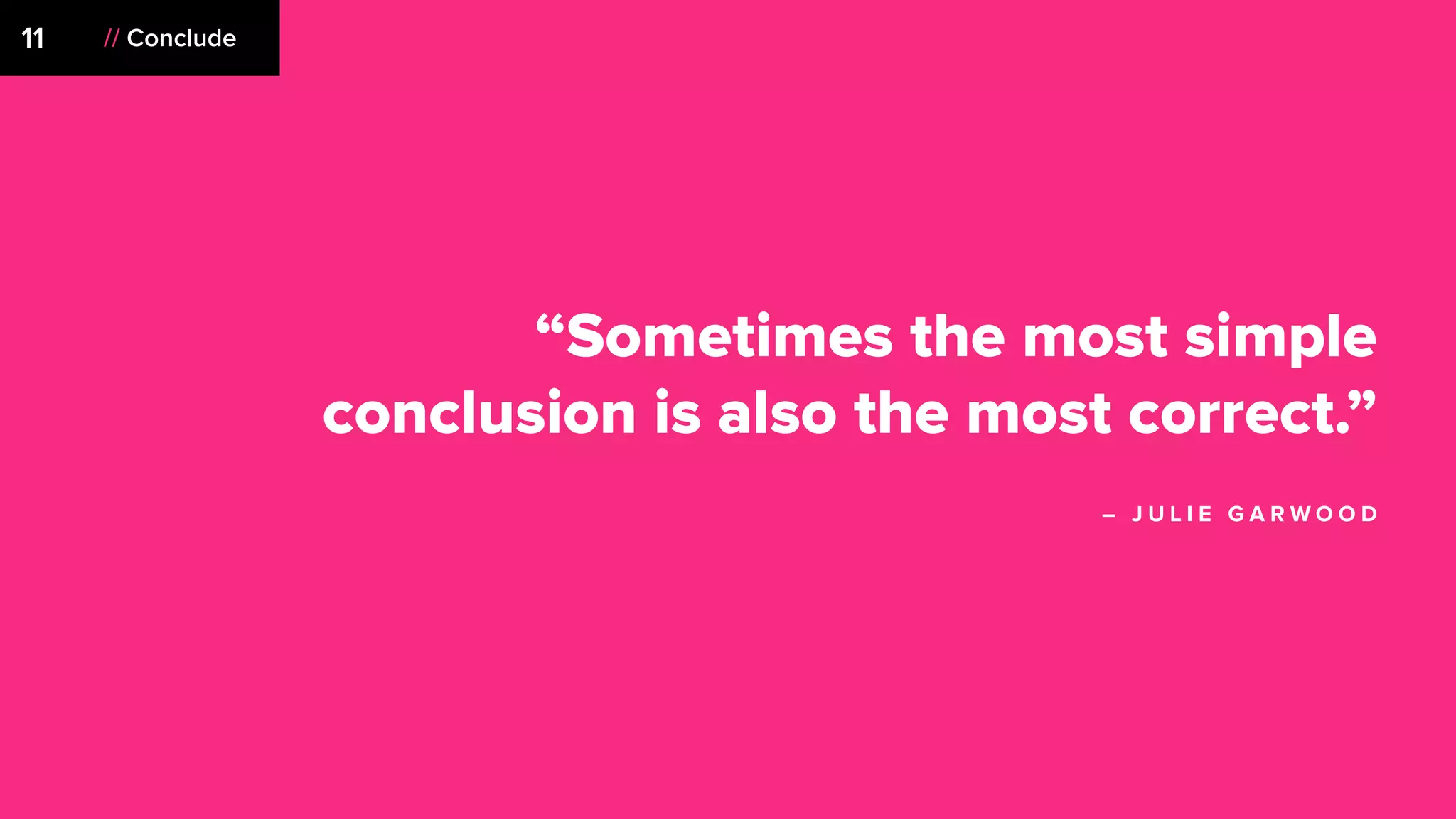
“Sometimes the most simple
conclusion is also the most correct.”
– J U L I E G A R W O O D
// Conclude11
// Conclude11
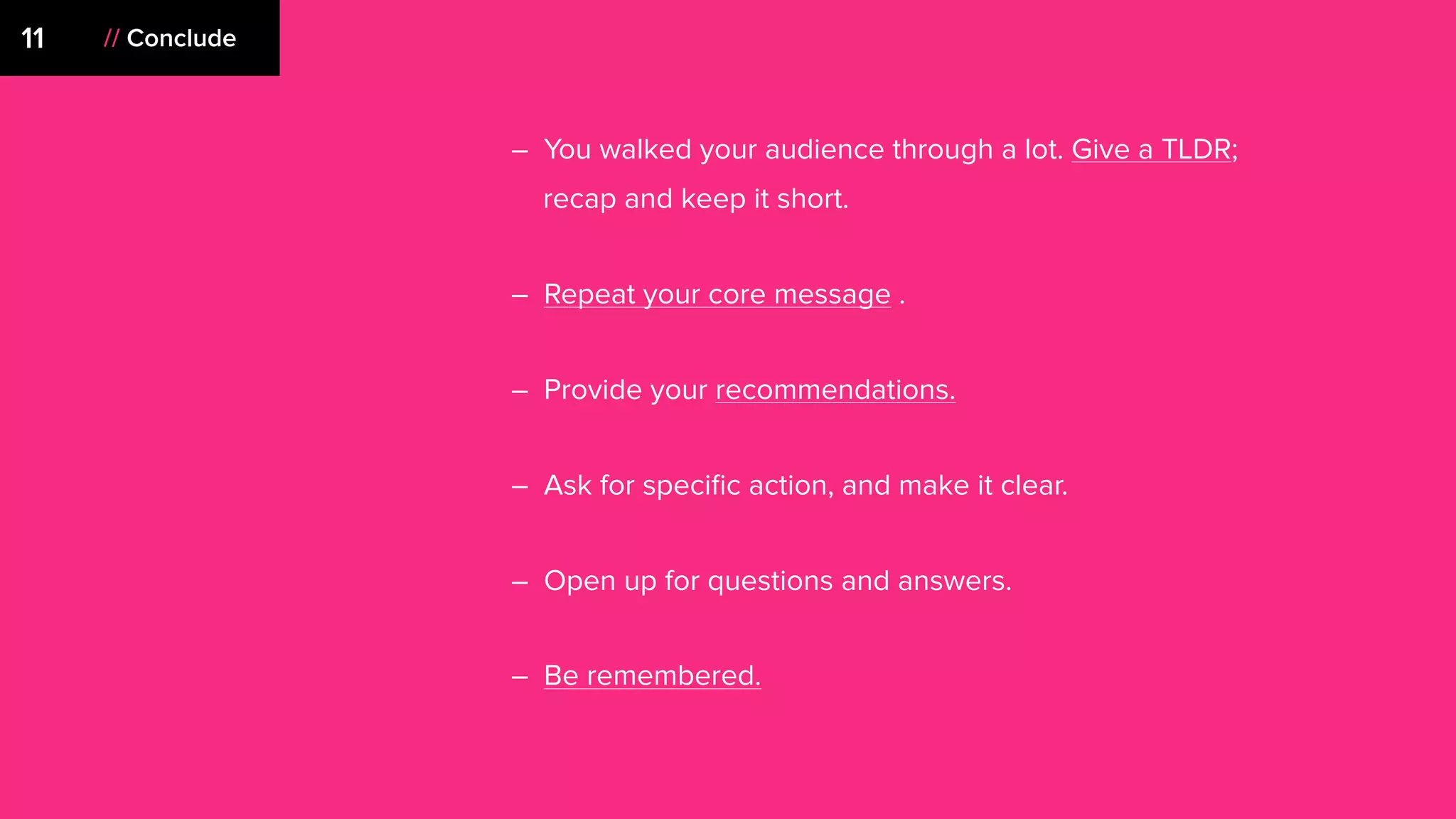
– You walked your audience through a lot. Give a TLDR;
recap and keep it short.
– Repeat your core message .
– Provide your recommendations.
– Ask for specific action, and make it clear.
– Open up for questions and answers.
– Be remembered.
12
“Are you aware that rushing toward
a goal is a sublimated death wish?
It's no coincidence we call them
deadlines.”
– T O M R O B B I N S
12 // Don’t procrastinate
– No one wins when waiting until the last minute. Not clients, not
teams, not you, no one. Your presentation certainly won’t win
anything either.
– Keep coming back to it with fresh eyes.
– Give yourself time to rehearse and refine.
– Hitting CMD + S and walking into your meeting is instant, but
the impression you leave with a sh*tty deck lasts a lot longer.
12 // Don’t procrastinate
We make decks because people
crave stories.
And, a deck with a narrative
sells sh*t.
There’s 12 steps to make your
next deck great…
1. Define your process
2. Know the context
1. Define your process
2. Know the context
3. Creative a narrative
1. Define your process
2. Know the context
3. Creative a narrative
4. Start where you want to end,
then work backwards
1. Define your process
2. Know the context
3. Creative a narrative
4. Start where you want to end,
then work backwards
5. Lead with the problem
1. Define your process
2. Know the context
3. Creative a narrative
4. Start where you want to end,
then work backwards
5. Lead with the problem
6. Introduce your idea
1. Define your process
2. Know the context
3. Creative a narrative
4. Start where you want to end,
then work backwards
5. Lead with the problem
6. Introduce your idea
7. Create peak moments
1. Define your process
2. Know the context
3. Creative a narrative
4. Start where you want to end,
then work backwards
5. Lead with the problem
6. Introduce your idea
7. Create peak moments
8. Minimize
1. Define your process
2. Know the context
3. Creative a narrative
4. Start where you want to end,
then work backwards
5. Lead with the problem
6. Introduce your idea
7. Create peak moments
8. Minimize
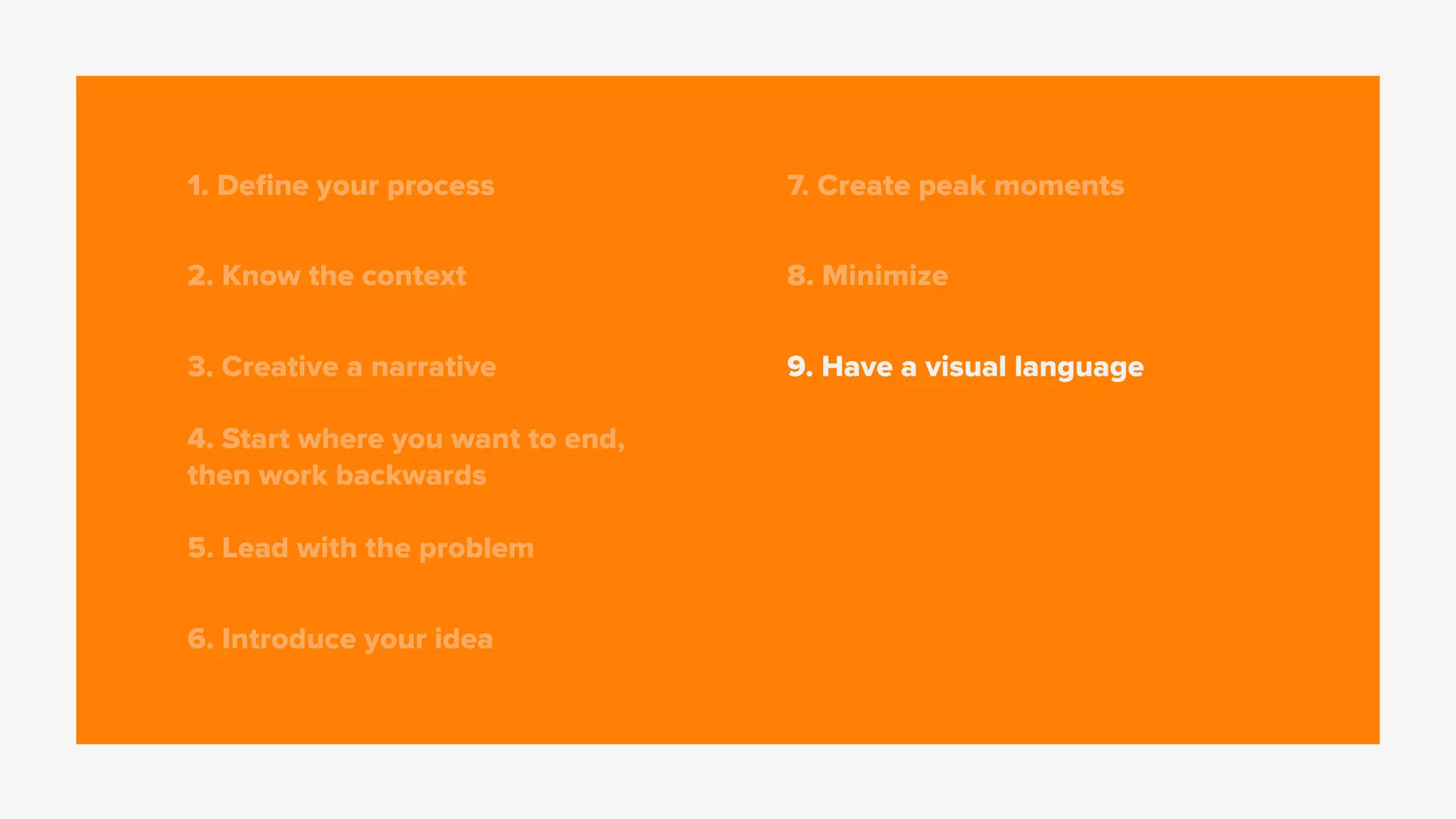
9. Have a visual language
1. Define your process
2. Know the context
3. Creative a narrative
4. Start where you want to end,
then work backwards
5. Lead with the problem
6. Introduce your idea
7. Create peak moments
8. Minimize
9. Have a visual language
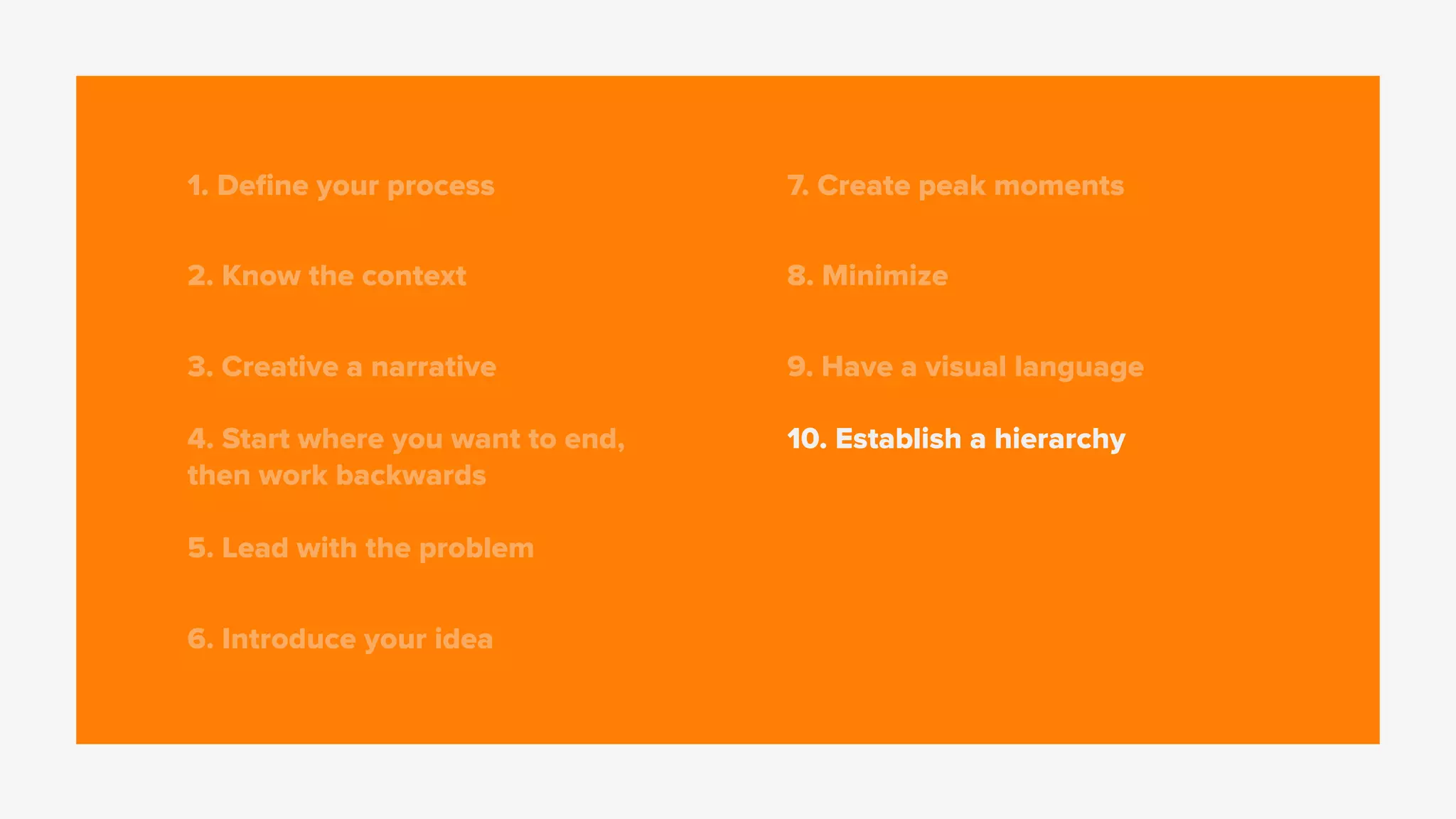
10. Establish a hierarchy
1. Define your process
2. Know the context
3. Creative a narrative
4. Start where you want to end,
then work backwards
5. Lead with the problem
6. Introduce your idea
7. Create peak moments
8. Minimize
9. Have a visual language
10. Establish a hierarchy
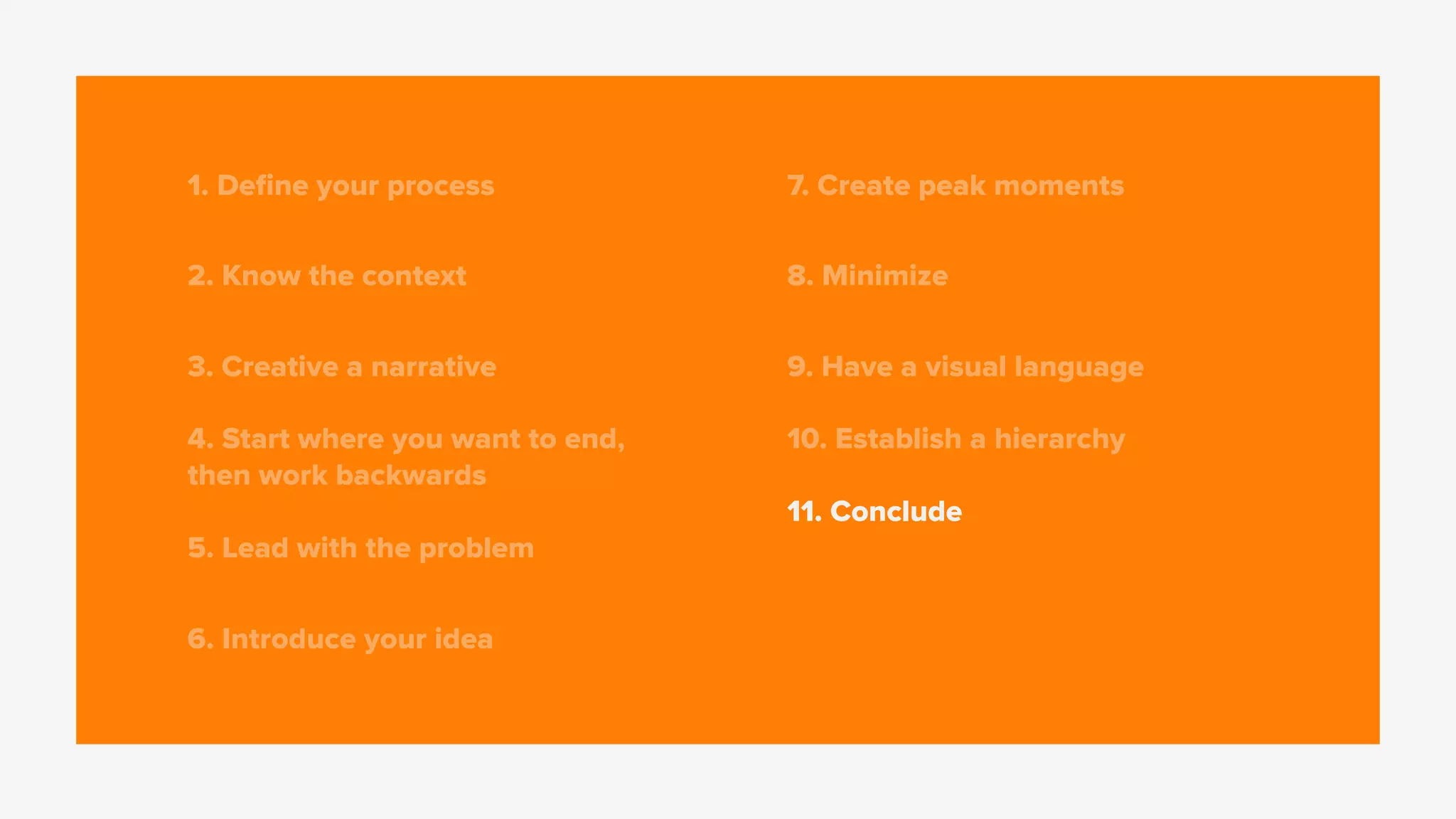
11. Conclude
1. Define your process
2. Know the context
3. Creative a narrative
4. Start where you want to end,
then work backwards
5. Lead with the problem
6. Introduce your idea
7. Create peak moments
8. Minimize
9. Have a visual language
10. Establish a hierarchy
11. Conclude
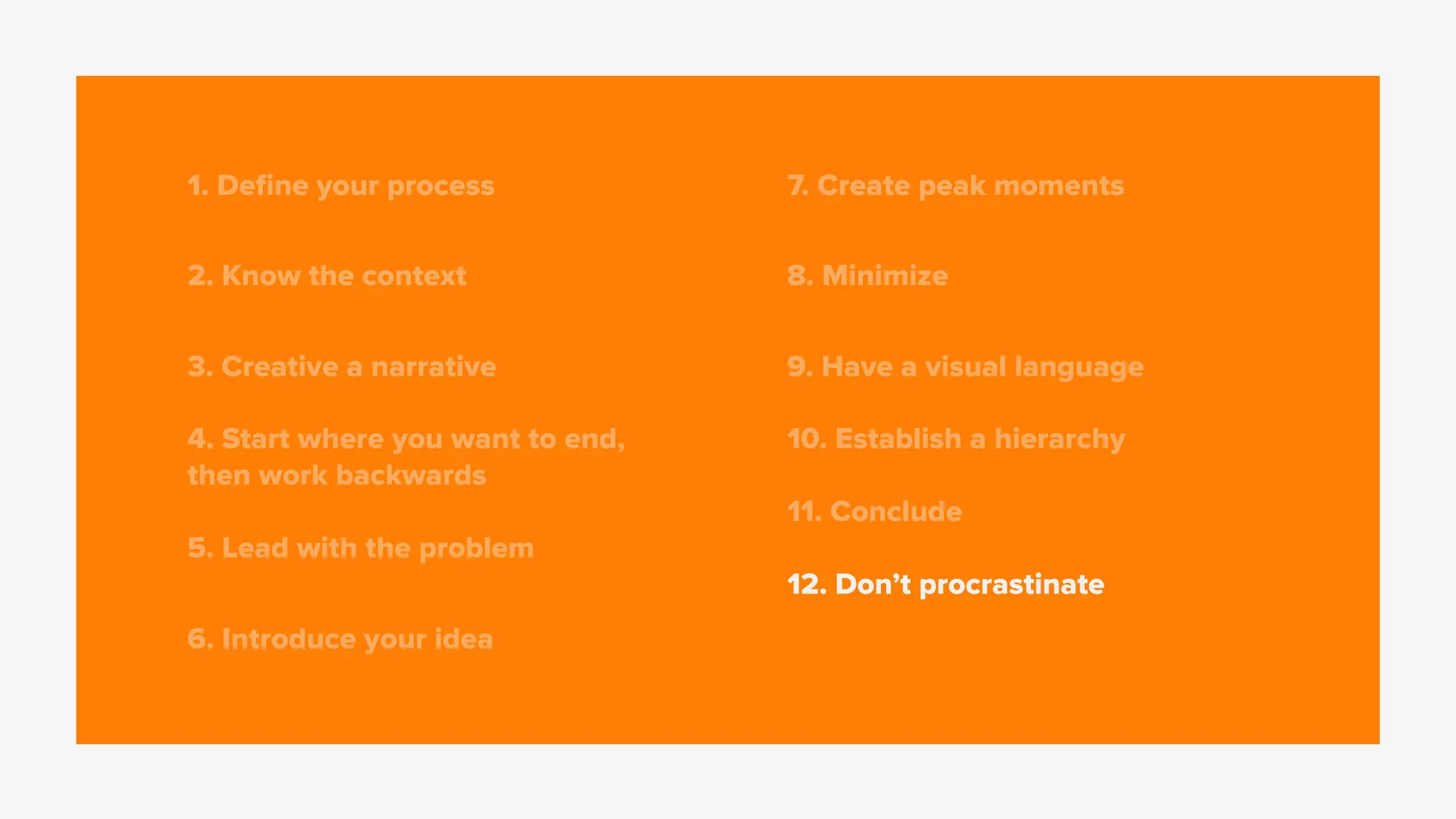
12. Don’t procrastinate
Appendix
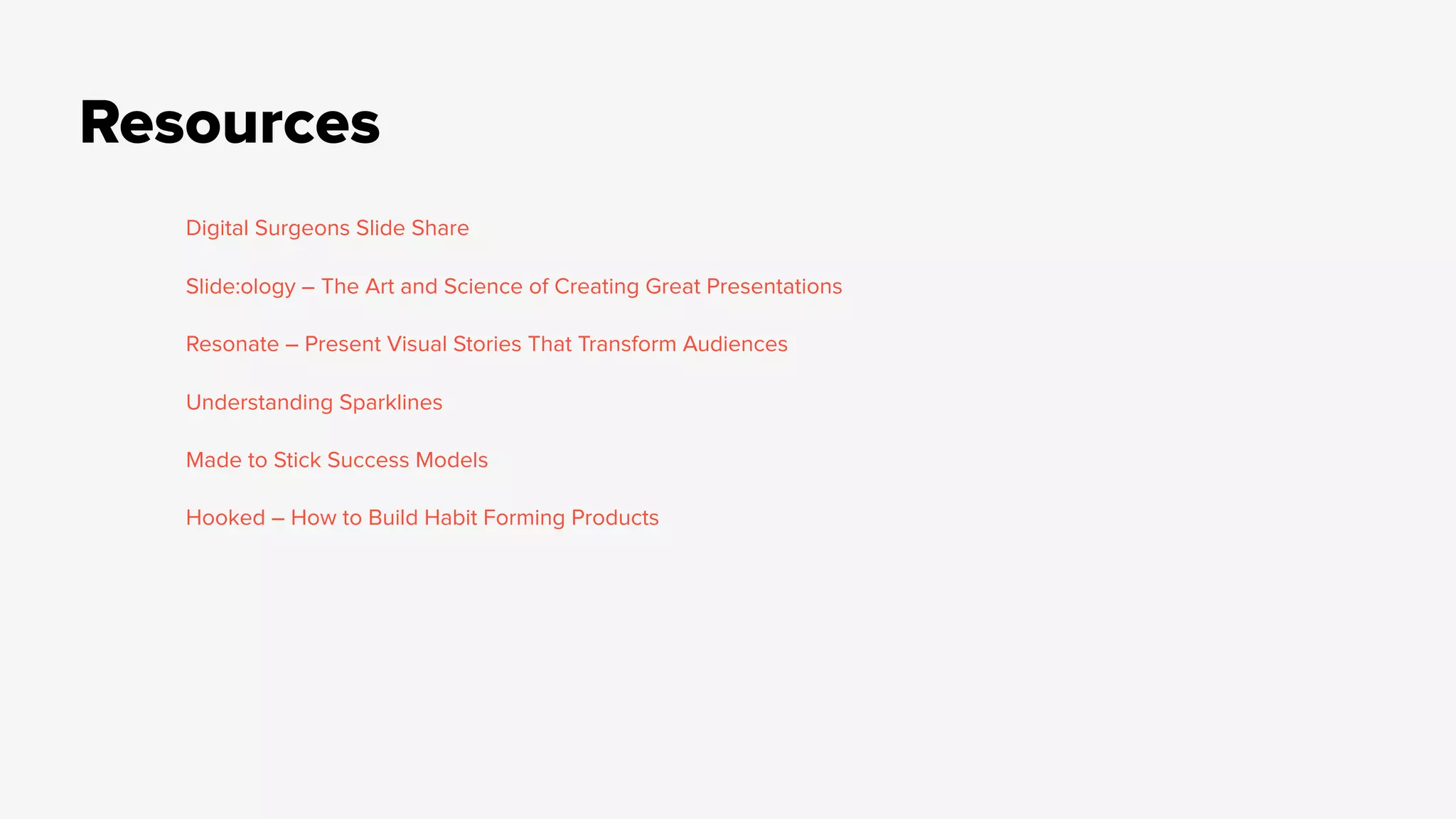
Resources
Digital Surgeons Slide Share
Slide:ology – The Art and Science of Creating Great Presentations
Resonate – Present Visual Stories That Transform Audiences
Understanding Sparklines
Made to Stick Success Models
Hooked – How to Build Habit Forming Products
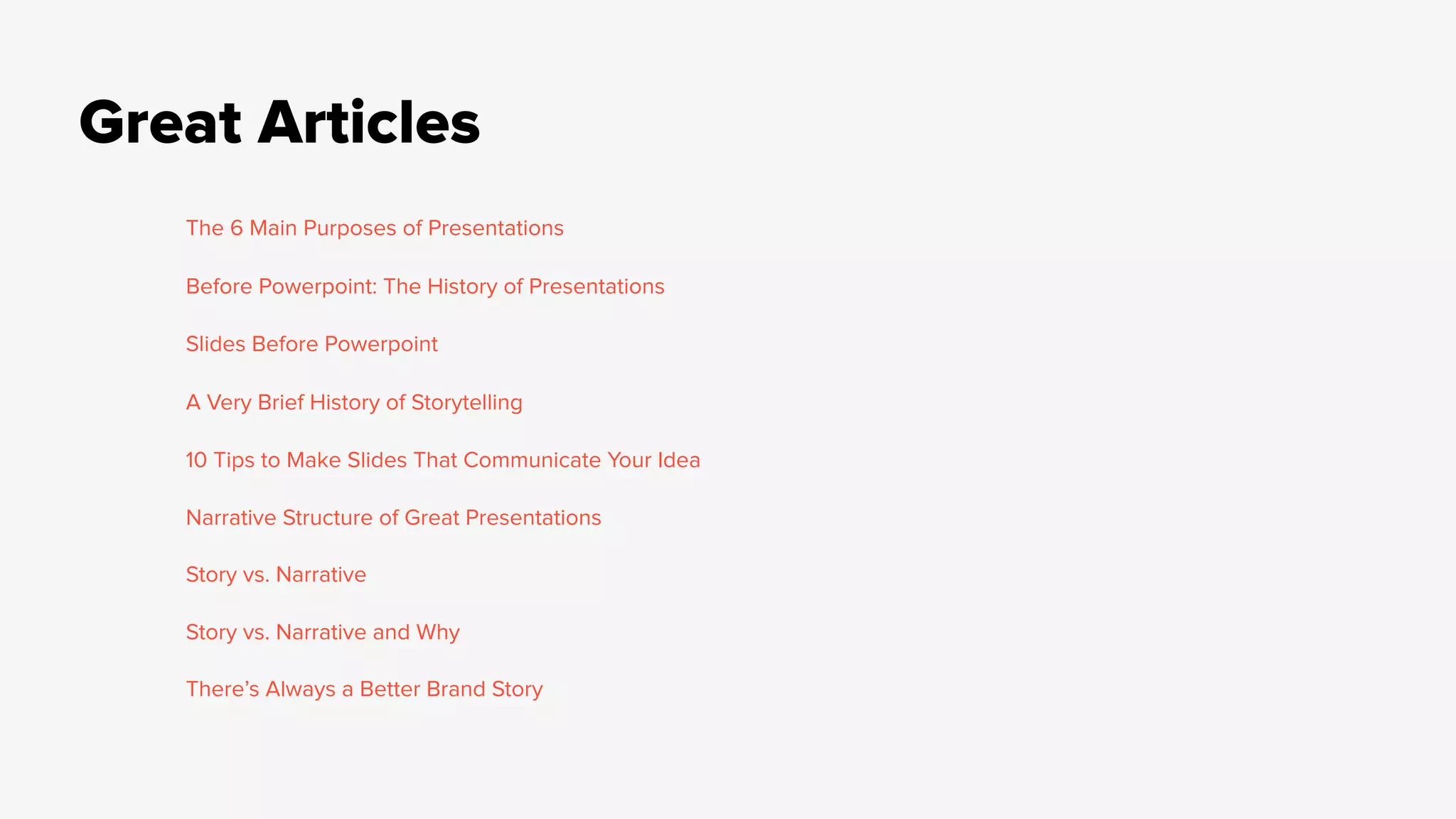
Great Articles
The 6 Main Purposes of Presentations
Before Powerpoint: The History of Presentations
Slides Before Powerpoint
A Very Brief History of Storytelling
10 Tips to Make Slides That Communicate Your Idea
Narrative Structure of Great Presentations
Story vs. Narrative
Story vs. Narrative and Why
There’s Always a Better Brand Story

Creating great decks: The Origins, the "Why", and 12 Tips to Make Yours Better.

  • 1.
    Creating great decks. T HE O R I G I N S , T H E “ W H Y,” 
 A N D 1 2 T I P S T O M A K E Y O U R S B E T T E R .
  • 2.
  • 3.
    The 6 “whys” IN F O R M I N S T R U C T E N T E R T A I N I N S P I R E / M O T I V A T E A C T I V A T E / S T I M U L A T E P E R S U A D E
  • 12.
    They impact theway we view life.
  • 13.
    Don’t believe me? Theyimpact the way we view life.
  • 15.
  • 17.
    So, where didit all start?
  • 18.
  • 19.
    2100 BCEpic ofGilgamesh
  • 20.
  • 21.
    The exchange of storiesis a behavior engrained within us
  • 22.
  • 23.
    We swim ina sea of
  • 25.
  • 26.
  • 27.
    Character (s) Things happento this set of characters Happen in time, or through a beginning, middle, or end. Exist in a place. Have an underlying theme. Stories have a few things…
  • 30.
    Consists of adeliberate structure Instills a way of looking at the world But, a narrative is more. Overarching concept or structure that gives meaning How thoughts, visuals, and events are arranged for impact
  • 36.
    “slides” have beena thing for a long time
  • 37.
    designed & composed bycraftsmen for a hefty price
  • 38.
    The challenge: Make yourpoint using as few slides as possible Fast forward to today…
  • 39.
  • 43.
    A narrative +a point creates more impact than slides full of facts
  • 44.
    The left Theright Understands language Processes data Logic Facts Numbers Art and creativity Responds with emotion Intuition Doesn’t process language Holistic thought
  • 45.
    A successful deckactivates both sides
  • 47.
  • 48.
    01 // Definea process “Quality is not an act, 
 it is a habit.” – A R I S T O T L E
  • 49.
    – Have aprocess. Feel free to show it. – Start with post-its, a google doc, the adobe suite, an empty notebook, whatever works best for you. – Focus on the point you’re trying to make. – Then, think about it across a timeline. – The slides come last. (People are probably cringing) 01 // Define a process
  • 50.
  • 51.
    02 // Knowyour context “Always design a thing by considering it in its next larger context – a chair in a room, a room in a house, a house in an environment, an environment in a city plan.” – E L I E L S A A R I N E N
  • 52.
    – Tailor yourpresentation and its contents to your audience and its key players. – Determine the emotions or feelings you want your audience to have. – Use a relevant information style, visual, analytical, technical, etc. – Have a bigger vision of where your deck will end up. Will everyone hear you present it? Is someone going to see this presentation with no context? 02 // Know your context
  • 53.
  • 54.
    03 // Createa Narrative “A computer is a lite brite for bad fu*king ideas.” – G F D A
  • 55.
    – Think beforeyou type. – Have an underlying idea, perspective, or structure that will support a point you’re trying to make. – Connect the dots for your audience at a higher level. 03 // Create a Narrative
  • 56.
  • 57.
    04 // Startwhere you want to end, then work backwards. “Aim for a button and miss by two inches. Aim for a shirt and miss by two feet.” – A M E R I C A N S N I P E R
  • 58.
    – Define yourendpoint. – Boil it down to a TLDR; – Now , this is your point to aim for. – Working backwards will help you build your narrative structure, while keeping sight on the point you’re trying to make. 04 // Start where you want to end, then work backwards.
  • 59.
  • 60.
    05 // Leadwith the problem “Sell the problem you solve. Not the product” – U N K N O W N
  • 61.
    05 // Leadwith the problem – Leading with a problem grounds your audience. Anything you say after that sounds like a solution. – Starting with a conflict makes it easier to sell a solution. – This sets a baseline to compare your thinking / execution against.
  • 62.
  • 63.
    “If you aretrying to get information across to someone, your ability to create a compelling introduction may be the most important single factor in the later success of your mission.” – J O H N M E D I N A 06 // Introduce your idea
  • 64.
    – Pretend youraudience doesn’t know what the hell you’re talking about. Because they don’t! – Introduce the why behind your idea or point your trying to make. – Ease into it. Lead with inspiration, a concept write up, sizzle, or mood. – Think of this as the climb to the summit (big reveal), but you don’t want to rush it. – Use this to build anticipation and level set your audience so everyone understands. 06 // Introduce your idea
  • 65.
  • 66.
    07 // Createpeak moments “Getting to the top has an unfortunate tendency to persuade people that the system is OK after all.” – A L A I N D E B O T T O N
  • 67.
    07 // Createpeak moments – Building anticipation gives these moments impact. – You’ve emotionally captured your audience. – You’ve started with the problem and now is the time to offer your fresh thinking. – Sell in this moment. Your audience is vulnerable.
  • 68.
  • 69.
    08 // Minimize “Makethings as simple as possible but no simpler.” – A L B E R T E I N S T E I N
  • 70.
    08 // Minimize –If you can say it with a visual, do it. – If you have to say it with words, do it. – Throw 1,000 words on a slide and a single one has no meaning. – Ask yourself with fresh eyes, do you really need that section? That slide? That last paragraph? – Simplify until there is nothing left to remove. Then, you’re done. – Actually, K.I.S.S.
  • 71.
  • 72.
    09 // Havea visual language “To design is to communicate clearly by whatever means you can control or master.” – M I LT O N G L A S E R
  • 73.
    09 // Havea visual language – Select a typeface with various weights, maybe a second one if needed. – Use color to drive the eye. Keep your palettes small. – Use a grid, or at the very least line sh*t up. It’ll make it easier to read and understand. – Negative space is as important as the content. It gives the eye relief. – An image says 1,000 words. If it occupies less than a quarter of the slide, do you really need it? Keep them large and impactful. AND HIGH RESOLUTION. – Just because you can use a ton of animations and effects, doesn’t mean you should. Have a purpose.
  • 74.
  • 75.
    “Nothing is anythingby itself, only in relation to other things.” – R O B E R T L E V E R S // Establish a hierarchy10
  • 76.
    // Establish ahierarchy10 – Visual Hierarchy (Size and Scale, Color and Contrast, Typography large to small and spacing and proximity. – Start with 3 type sizes (Headline, sub-headline, and body copy) Build out other sizes as needed. – Visual breaks (divider slides and negative space) – 1 key theme or takeaway per slide
  • 77.
  • 78.
    “Sometimes the mostsimple conclusion is also the most correct.” – J U L I E G A R W O O D // Conclude11
  • 79.
    // Conclude11 – Youwalked your audience through a lot. Give a TLDR; recap and keep it short. – Repeat your core message . – Provide your recommendations. – Ask for specific action, and make it clear. – Open up for questions and answers. – Be remembered.
  • 80.
  • 81.
    “Are you awarethat rushing toward a goal is a sublimated death wish? It's no coincidence we call them deadlines.” – T O M R O B B I N S 12 // Don’t procrastinate
  • 82.
    – No onewins when waiting until the last minute. Not clients, not teams, not you, no one. Your presentation certainly won’t win anything either. – Keep coming back to it with fresh eyes. – Give yourself time to rehearse and refine. – Hitting CMD + S and walking into your meeting is instant, but the impression you leave with a sh*tty deck lasts a lot longer. 12 // Don’t procrastinate
  • 84.
    We make decksbecause people crave stories. And, a deck with a narrative sells sh*t.
  • 85.
    There’s 12 stepsto make your next deck great…
  • 86.
  • 87.
    1. Define yourprocess 2. Know the context
  • 88.
    1. Define yourprocess 2. Know the context 3. Creative a narrative
  • 89.
    1. Define yourprocess 2. Know the context 3. Creative a narrative 4. Start where you want to end, then work backwards
  • 90.
    1. Define yourprocess 2. Know the context 3. Creative a narrative 4. Start where you want to end, then work backwards 5. Lead with the problem
  • 91.
    1. Define yourprocess 2. Know the context 3. Creative a narrative 4. Start where you want to end, then work backwards 5. Lead with the problem 6. Introduce your idea
  • 92.
    1. Define yourprocess 2. Know the context 3. Creative a narrative 4. Start where you want to end, then work backwards 5. Lead with the problem 6. Introduce your idea 7. Create peak moments
  • 93.
    1. Define yourprocess 2. Know the context 3. Creative a narrative 4. Start where you want to end, then work backwards 5. Lead with the problem 6. Introduce your idea 7. Create peak moments 8. Minimize
  • 94.
    1. Define yourprocess 2. Know the context 3. Creative a narrative 4. Start where you want to end, then work backwards 5. Lead with the problem 6. Introduce your idea 7. Create peak moments 8. Minimize 9. Have a visual language
  • 95.
    1. Define yourprocess 2. Know the context 3. Creative a narrative 4. Start where you want to end, then work backwards 5. Lead with the problem 6. Introduce your idea 7. Create peak moments 8. Minimize 9. Have a visual language 10. Establish a hierarchy
  • 96.
    1. Define yourprocess 2. Know the context 3. Creative a narrative 4. Start where you want to end, then work backwards 5. Lead with the problem 6. Introduce your idea 7. Create peak moments 8. Minimize 9. Have a visual language 10. Establish a hierarchy 11. Conclude
  • 97.
    1. Define yourprocess 2. Know the context 3. Creative a narrative 4. Start where you want to end, then work backwards 5. Lead with the problem 6. Introduce your idea 7. Create peak moments 8. Minimize 9. Have a visual language 10. Establish a hierarchy 11. Conclude 12. Don’t procrastinate
  • 99.
  • 100.
    Resources Digital Surgeons SlideShare Slide:ology – The Art and Science of Creating Great Presentations Resonate – Present Visual Stories That Transform Audiences Understanding Sparklines Made to Stick Success Models Hooked – How to Build Habit Forming Products
  • 101.
    Great Articles The 6Main Purposes of Presentations Before Powerpoint: The History of Presentations Slides Before Powerpoint A Very Brief History of Storytelling 10 Tips to Make Slides That Communicate Your Idea Narrative Structure of Great Presentations Story vs. Narrative Story vs. Narrative and Why There’s Always a Better Brand Story