The Future of 2D Animation in
Unity
Arturo Núñez
Product Evangelist,Unity Technologies
@ArturoNereu
Objectives
At the end of the presentation, you will be able to:
• Select the best animation technique for your game based
on artistic and technical constraints.
• Animate a 2D humanoid character in Unity using
Anima2D.
• Understand where Unity 2D animation tools are heading
to.
Animation
The Illusion of Life
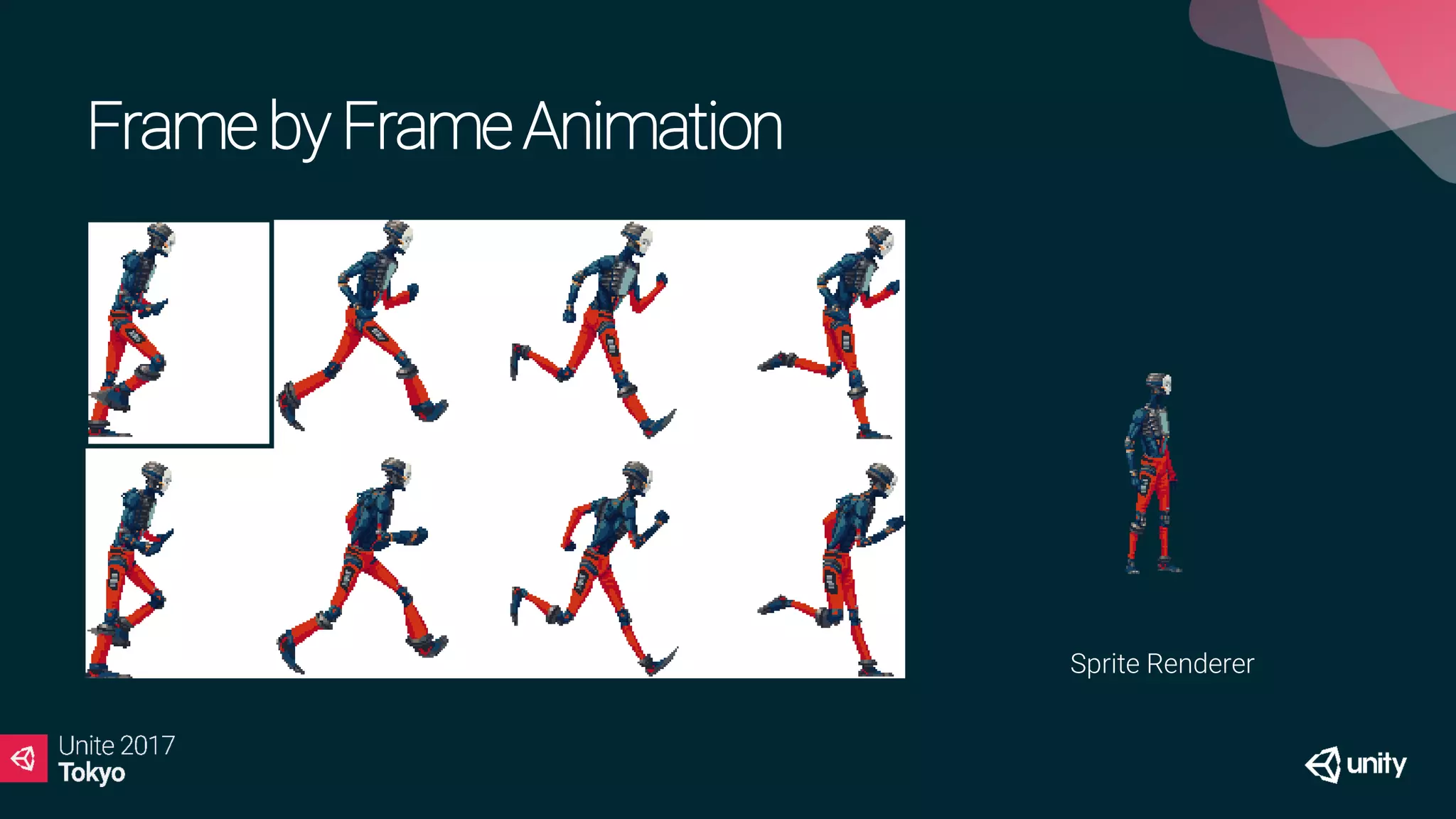
Frameby FrameAnimation
Sprite Renderer
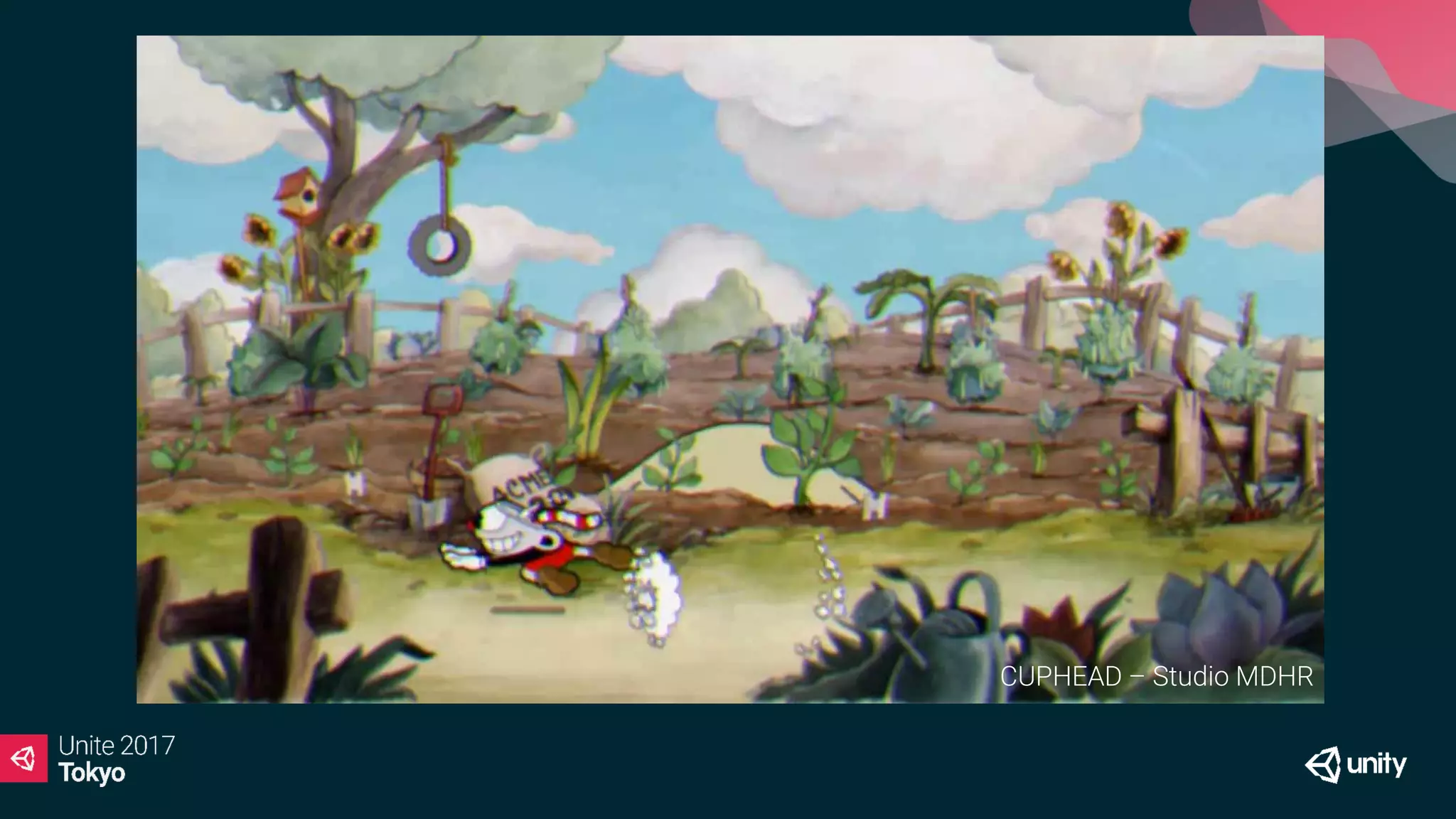
CUPHEAD – Studio MDHR
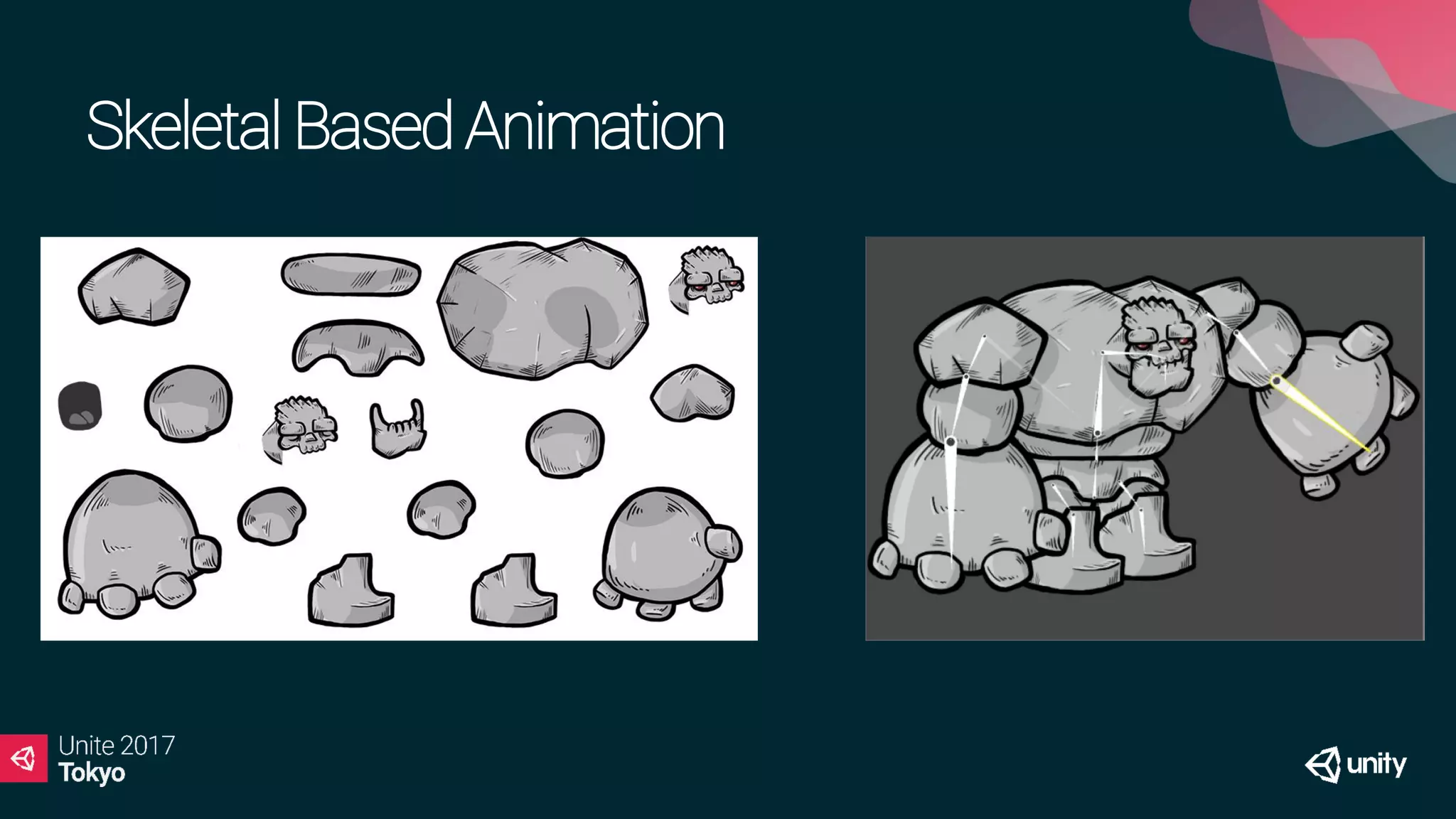
SkeletalBasedAnimation
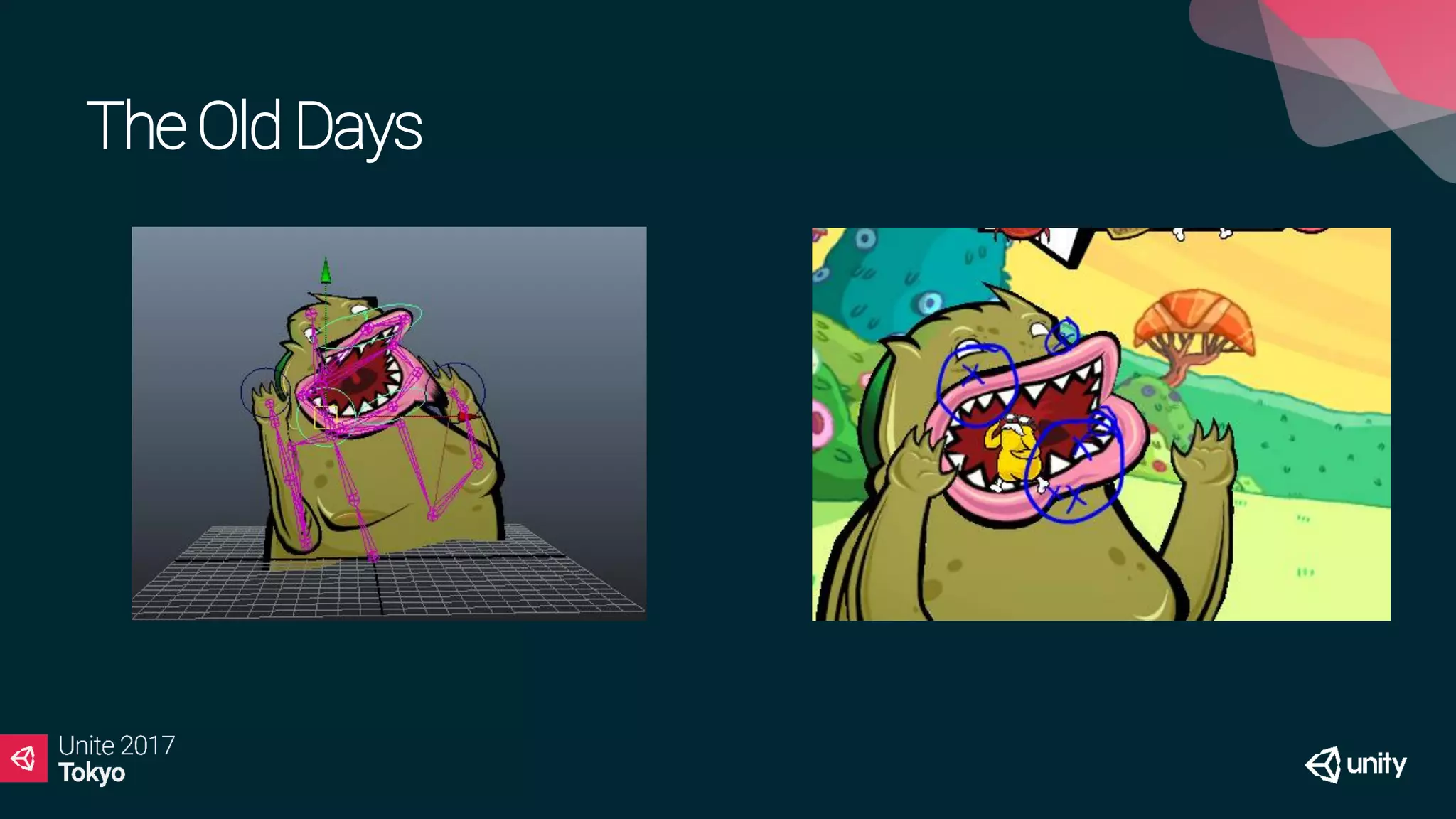
TheOldDays
TheOldDays
Frame by Frame Animation Skeletal Animation
Large textures, more memory. Simple Atlases, more CPU overhead
Inflexible for changes. More flexible for changes.
Smoothing requires more frames. Smoothing is based on time and CPU.
No blending* Animation blending can be achieved.
Great Performance Great Memory Saver
Detailed and complex animations. Animations that are simple-software driven.
Good for small objects Good for Large objects
Anima2DDemo
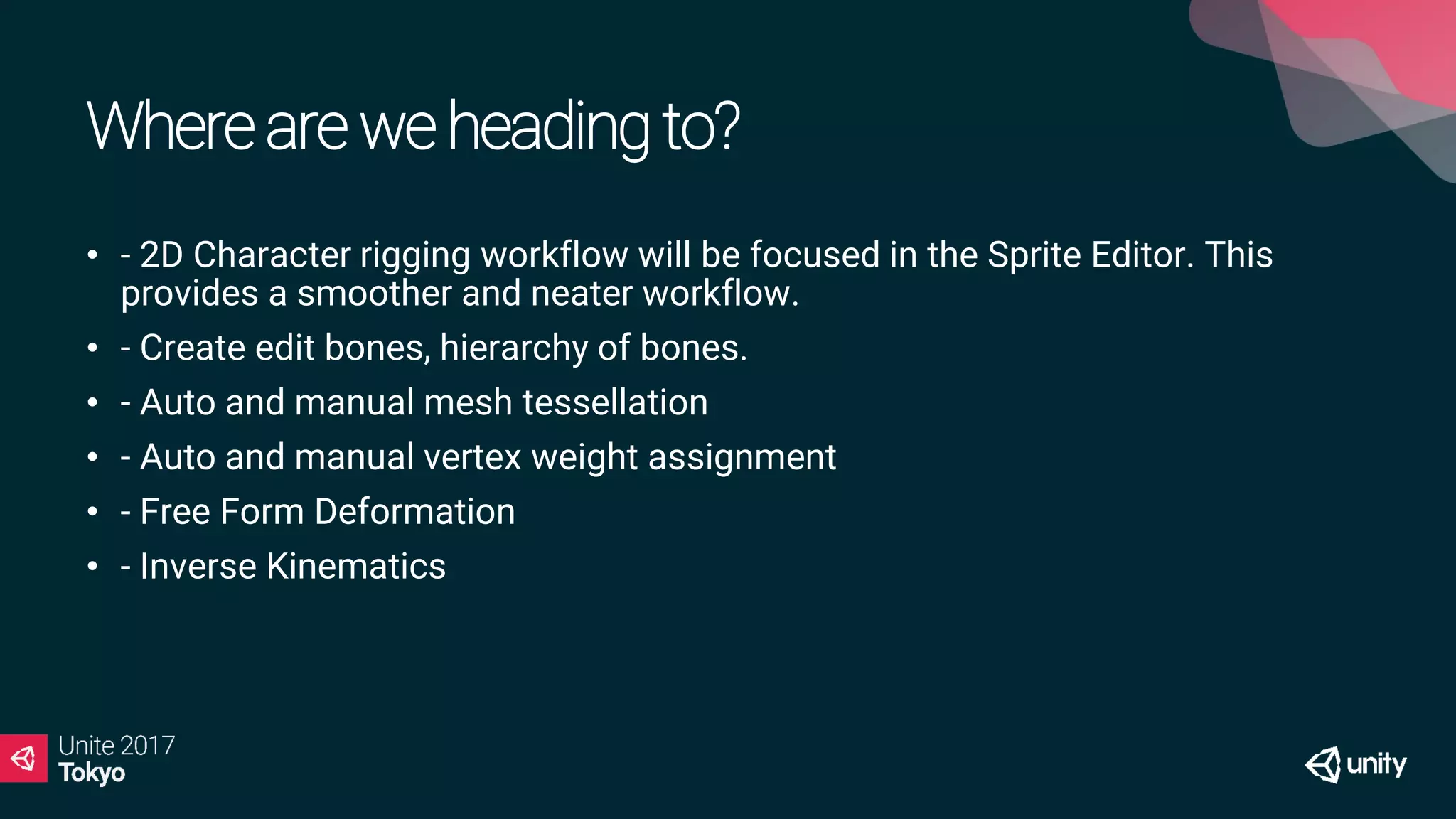
Whereareweheadingto?
• - 2D Character rigging workflow will be focused in the Sprite Editor. This
provides a smoother and neater workflow.
• - Create edit bones, hierarchy of bones.
• - Auto and manual mesh tessellation
• - Auto and manual vertex weight assignment
• - Free Form Deformation
• - Inverse Kinematics
What’scoming?
References
• Slides and demo Project:
• https://github.com/ArturoNereu/Unity2DAnimation
• Anima2D Package:
• https://www.assetstore.unity3d.com/#!/content/79840
2D Skeletal Animation for Unity – Unite Europe
• https://youtu.be/IQ8ZbZoXCcg
おおきに !!

【Unite 2017 Tokyo】Anima2Dについて語るで!2Dアニメーションの未来

  • 2.
    The Future of2D Animation in Unity
  • 3.
    Arturo Núñez Product Evangelist,UnityTechnologies @ArturoNereu
  • 4.
    Objectives At the endof the presentation, you will be able to: • Select the best animation technique for your game based on artistic and technical constraints. • Animate a 2D humanoid character in Unity using Anima2D. • Understand where Unity 2D animation tools are heading to.
  • 5.
  • 6.
  • 7.
  • 8.
  • 10.
  • 11.
  • 12.
    Frame by FrameAnimation Skeletal Animation Large textures, more memory. Simple Atlases, more CPU overhead Inflexible for changes. More flexible for changes. Smoothing requires more frames. Smoothing is based on time and CPU. No blending* Animation blending can be achieved. Great Performance Great Memory Saver Detailed and complex animations. Animations that are simple-software driven. Good for small objects Good for Large objects
  • 13.
  • 14.
    Whereareweheadingto? • - 2DCharacter rigging workflow will be focused in the Sprite Editor. This provides a smoother and neater workflow. • - Create edit bones, hierarchy of bones. • - Auto and manual mesh tessellation • - Auto and manual vertex weight assignment • - Free Form Deformation • - Inverse Kinematics
  • 15.
  • 16.
    References • Slides anddemo Project: • https://github.com/ArturoNereu/Unity2DAnimation • Anima2D Package: • https://www.assetstore.unity3d.com/#!/content/79840 2D Skeletal Animation for Unity – Unite Europe • https://youtu.be/IQ8ZbZoXCcg
  • 17.