Azure Automation, PnP
Provisioning and PnP PowerShell
To automate, administrate
and provision
Teams/Groups/SharePoint
Sites
Amany Sakr, Markus Möller
(Avanade)
About us
• Background
• Amany
• O365/SharePoint Consultant
• 7 Years of experience
• MCP – Cloud platform
• Markus
• Dev/Architect/SharePoint SME
• 25 years in IT, 10 years in consulting
• Loves new ways of Dev such as SPFx, PnP Provisioning, Microsoft Graph
• Public Blogger / Contributor PnP
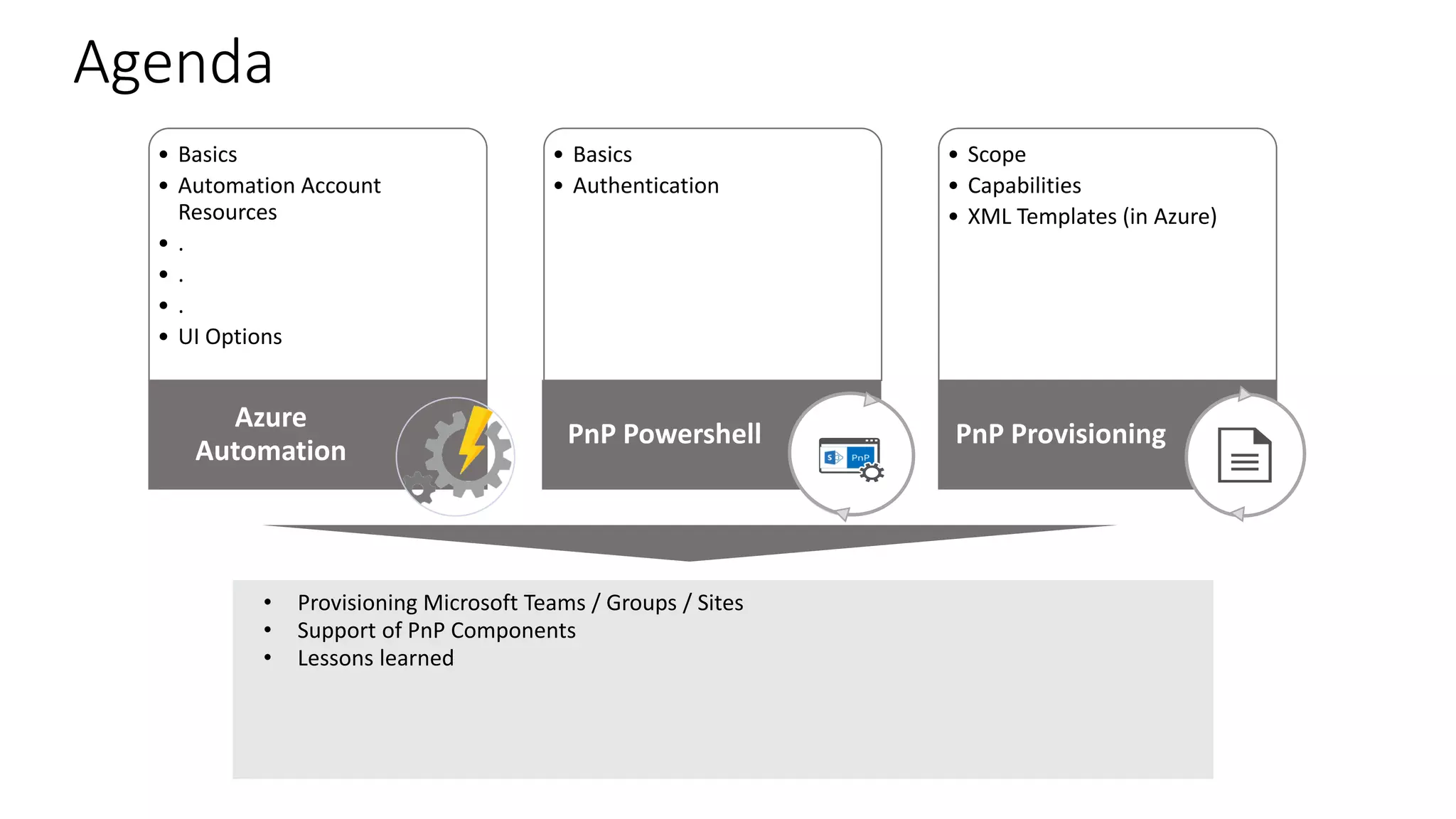
• Basics
• Automation Account
Resources
• .
• .
• .
• UI Options
Azure
Automation
• Basics
• Authentication
PnP Powershell
• Scope
• Capabilities
• XML Templates (in Azure)
PnP Provisioning
• Provisioning Microsoft Teams / Groups / Sites
• Support of PnP Components
• Lessons learned
Agenda
Azure Automation
Basics – Why
use Azure
Automation?
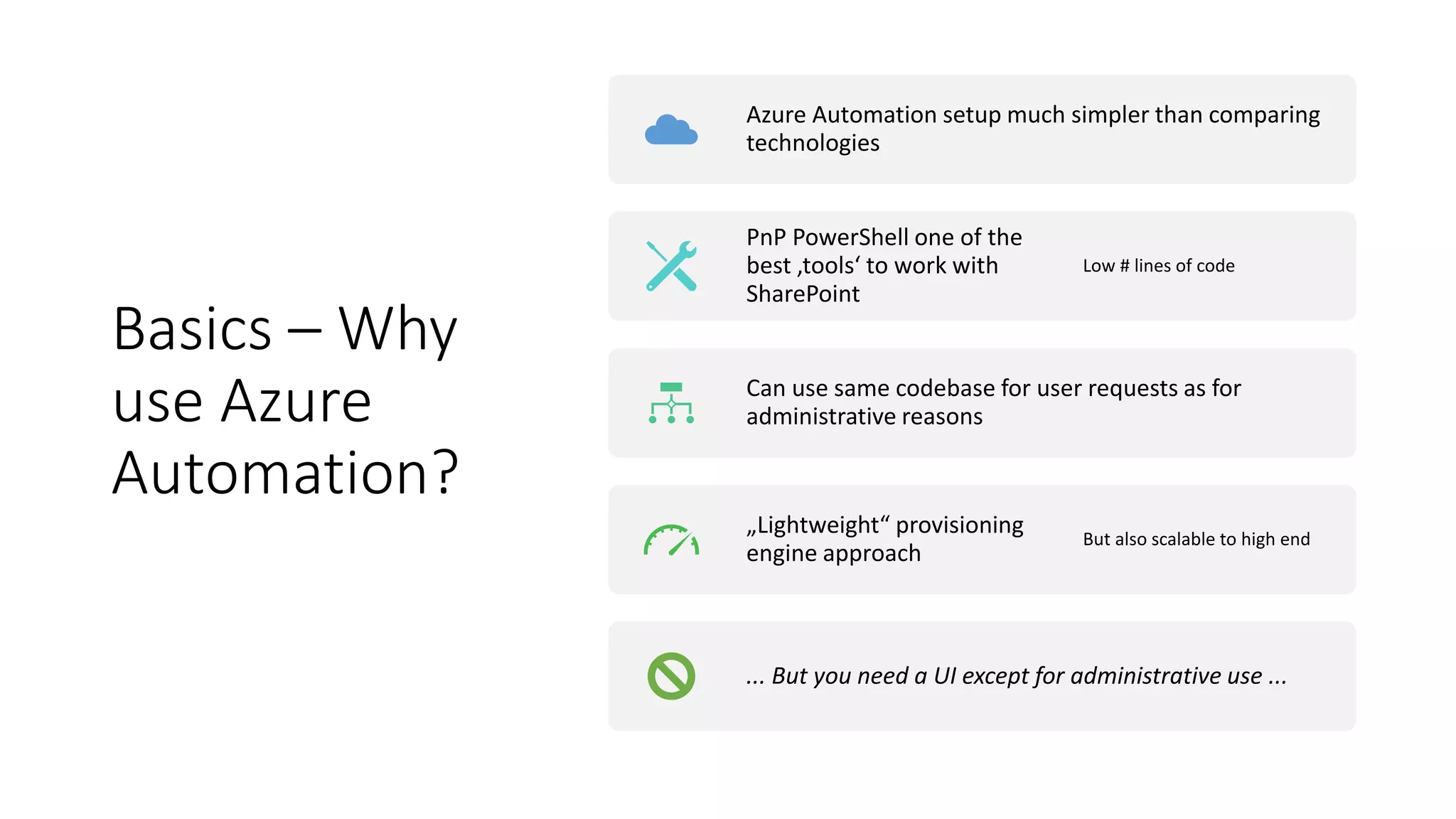
Azure Automation setup much simpler than comparing
technologies
PnP PowerShell one of the
best ‚tools‘ to work with
SharePoint
Low # lines of code
Can use same codebase for user requests as for
administrative reasons
„Lightweight“ provisioning
engine approach
But also scalable to high end
... But you need a UI except for administrative use ...
Azure
Automation
Account -
Resources
• The Modules
• The Assets
• Credentials
• Variables
• Certificates
• The Runbooks
• Jobs
• Schedules
• Source control
Azure
Automation
Account
Resources
Demo
PnP PowerShell
Quiz
PnP PowerShell
• PnP Community project
• Monthly update (+ emergency updates)
• Based on CSOM and Microsoft Graph SDK (.Net)
• Therefore versions for SPO, 2013, 2016, 2019 available
• „The“ way to administrate modern SharePoint
• E.g. Much more authentication ways than „SPO“
Authentication
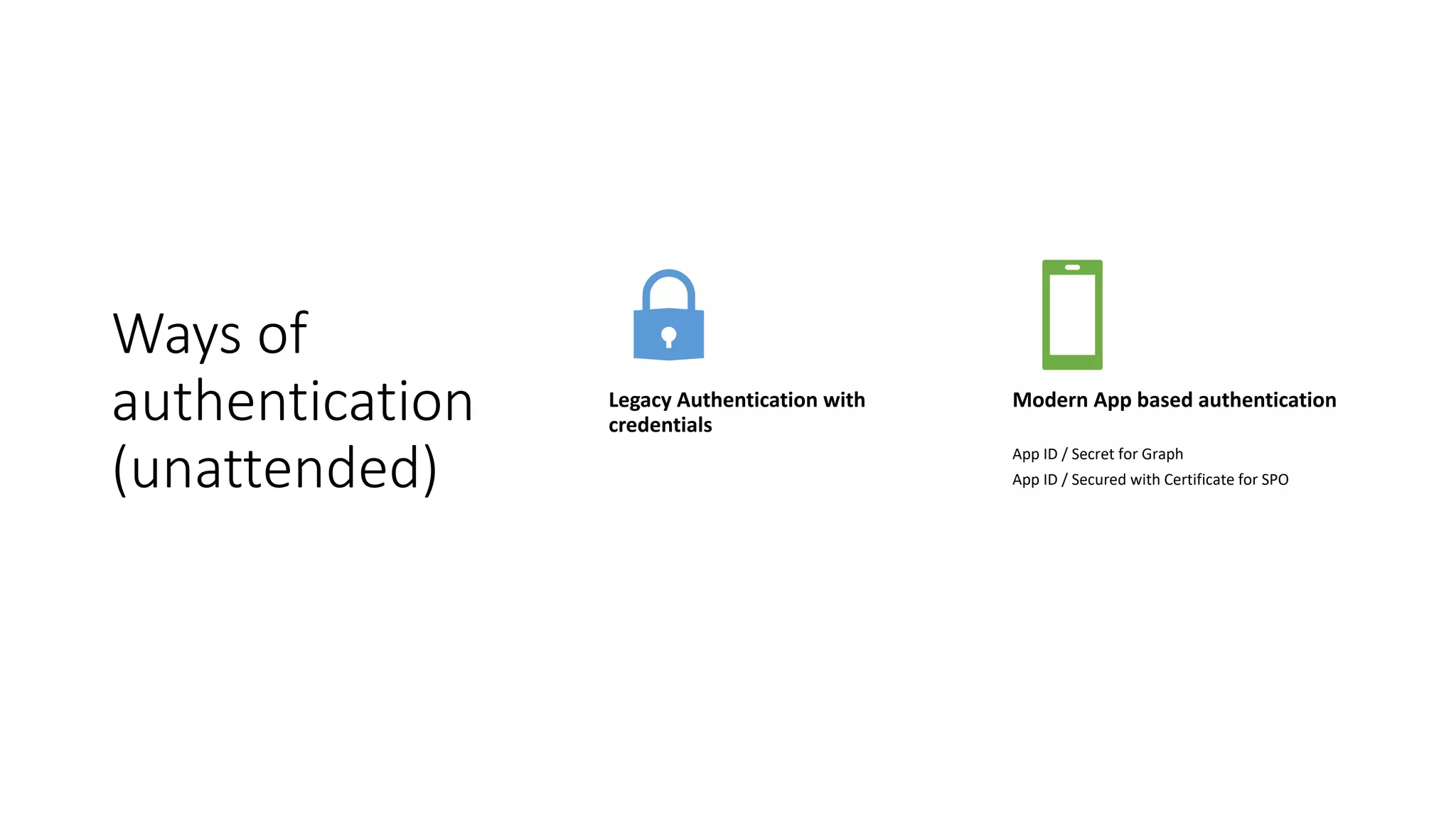
Ways of
authentication
(unattended)
Legacy Authentication with
credentials
Modern App based authentication
App ID / Secret for Graph
App ID / Secured with Certificate for SPO
Legacy
authentication
vs
Modern App
for SPO
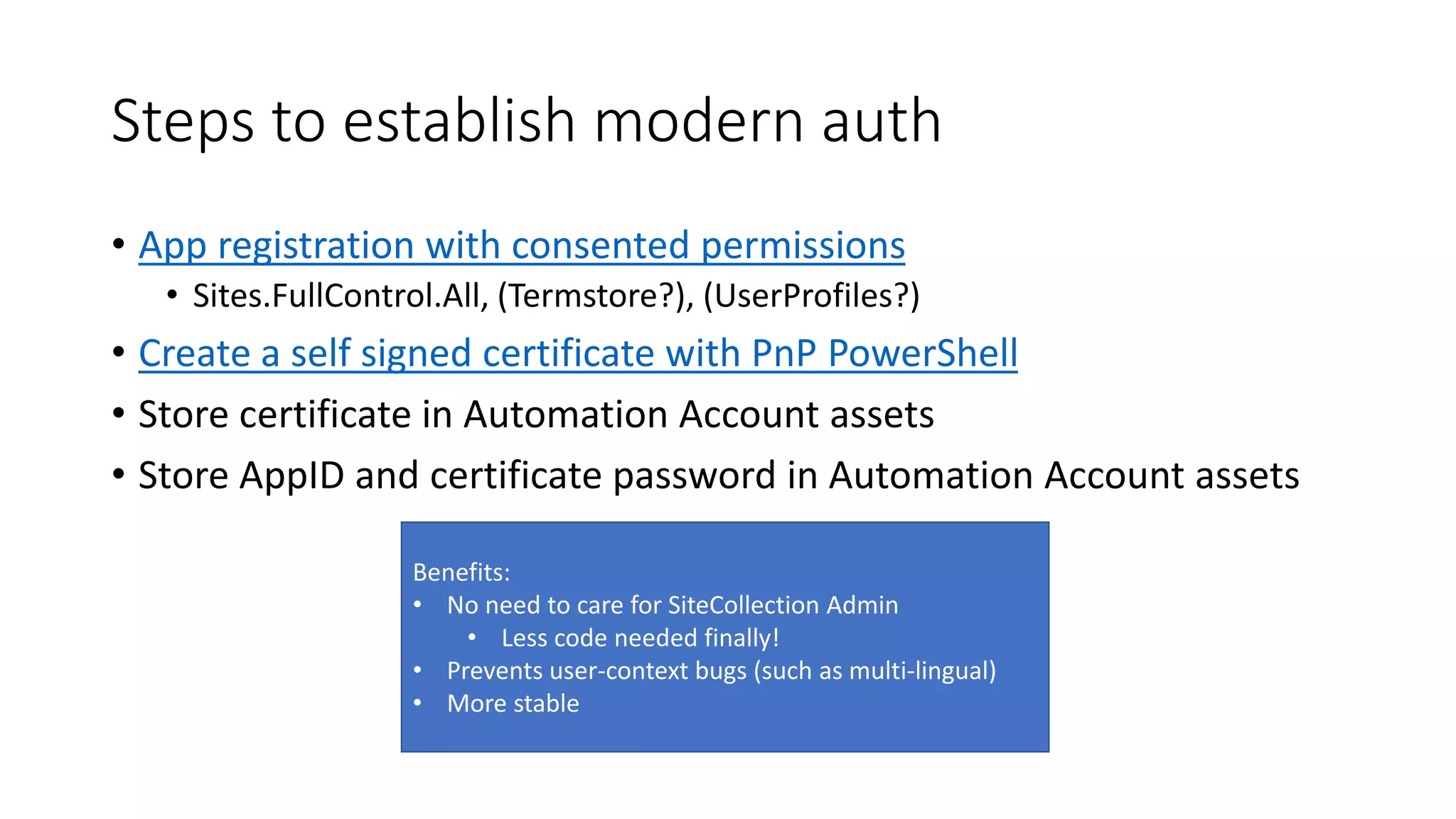
Steps to establish modern auth
• App registration with consented permissions
• Sites.FullControl.All, (Termstore?), (UserProfiles?)
• Create a self signed certificate with PnP PowerShell
• Store certificate in Automation Account assets
• Store AppID and certificate password in Automation Account assets
Benefits:
• No need to care for SiteCollection Admin
• Less code needed finally!
• Prevents user-context bugs (such as multi-lingual)
• More stable
PnP Provisioning
PnP
Provisioning
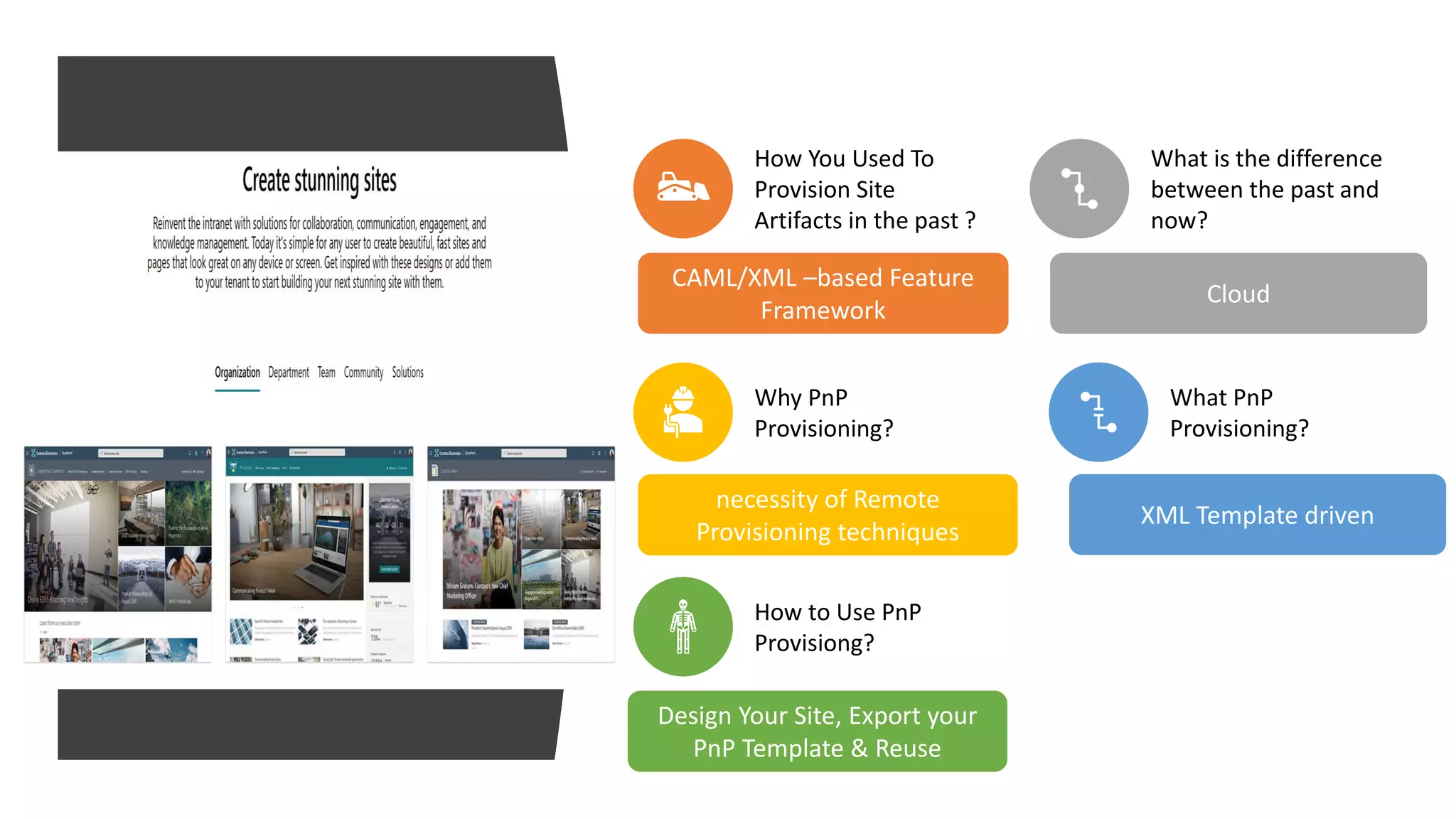
How You Used To
Provision Site
Artifacts in the past ?
CAML/XML –based Feature
Framework
What is the difference
between the past and
now?
Cloud
Why PnP
Provisioning?
necessity of Remote
Provisioning techniques
What PnP
Provisioning?
XML Template driven
How to Use PnP
Provisiong?
Design Your Site, Export your
PnP Template & Reuse
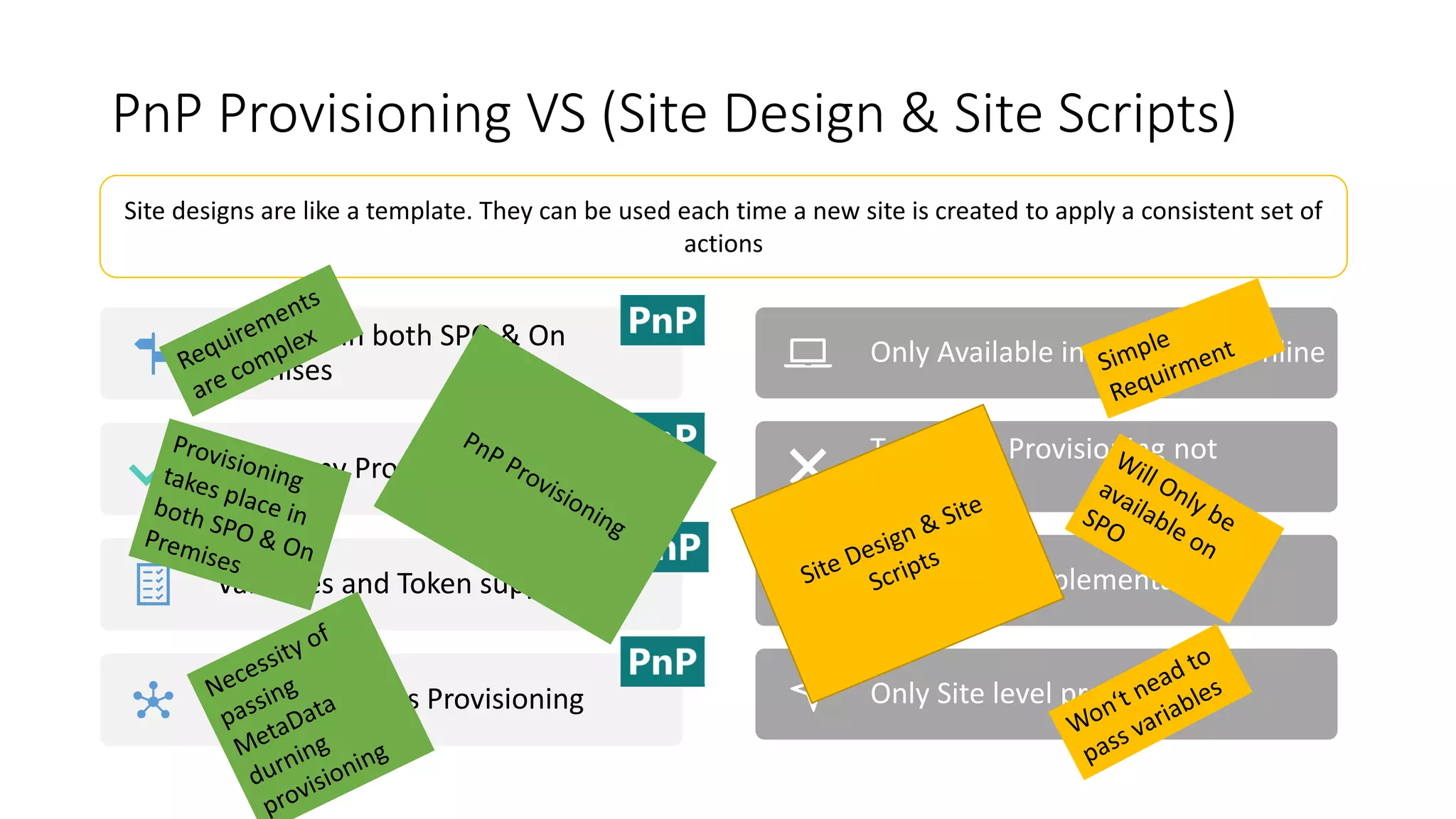
PnP Provisioning VS (Site Design & Site Scripts)
Only Available in Sharepoint Online
Taxonomy Provisioning not
available
Hardcoded implementation
Only Site level provisioning
Site designs are like a template. They can be used each time a new site is created to apply a consistent set of
actions
Available in both SPO & On
Premises
Taxonomy Provisioning
Variables and Token support
Tenant Artifacts Provisioning
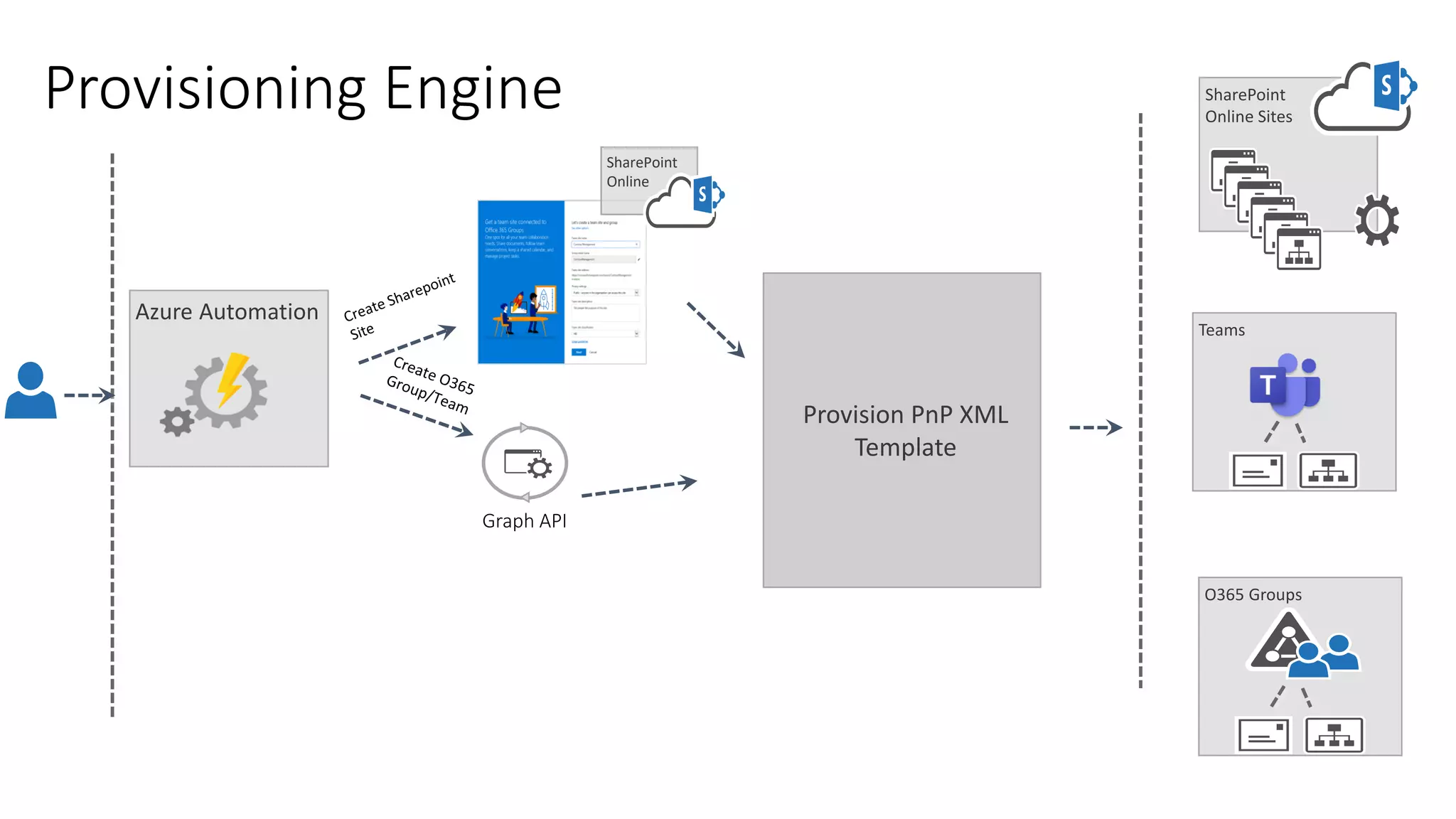
Provisioning Engine
Azure Automation
SharePoint
Online
SharePoint
Online Sites
O365 Groups
Teams
Provision PnP XML
Template
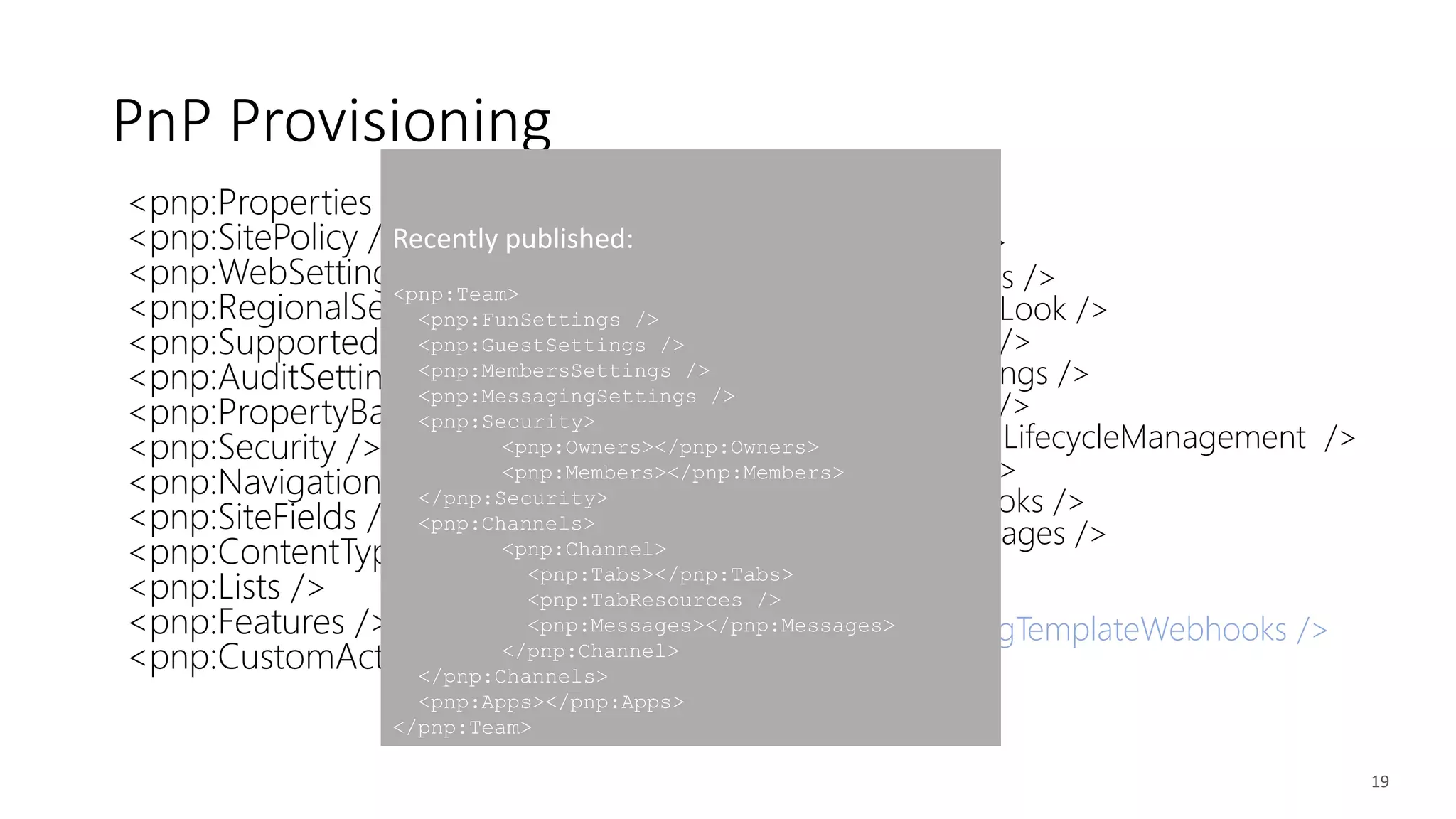
<pnp:Properties />
<pnp:SitePolicy />
<pnp:WebSettings />
<pnp:RegionalSettings />
<pnp:SupportedUILanguages />
<pnp:AuditSettings />
<pnp:PropertyBagEntries />
<pnp:Security />
<pnp:Navigation />
<pnp:SiteFields />
<pnp:ContentTypes />
<pnp:Lists />
<pnp:Features />
<pnp:CustomActions />
<pnp:Files />
<pnp:Pages />
<pnp:TermGroups />
<pnp:ComposedLook />
<pnp:Workflows />
<pnp:SearchSettings />
<pnp:Publishing />
<pnp:ApplicationLifecycleManagement />
<pnp:Providers />
<pnp:SiteWebhooks />
<pnp:ClientSidePages />
<pnp:Header />
<pnp:Footer />
<pnp:ProvisioningTemplateWebhooks />
19
PnP Provisioning
Recently published:
<pnp:Team>
<pnp:FunSettings />
<pnp:GuestSettings />
<pnp:MembersSettings />
<pnp:MessagingSettings />
<pnp:Security>
<pnp:Owners></pnp:Owners>
<pnp:Members></pnp:Members>
</pnp:Security>
<pnp:Channels>
<pnp:Channel>
<pnp:Tabs></pnp:Tabs>
<pnp:TabResources />
<pnp:Messages></pnp:Messages>
</pnp:Channel>
</pnp:Channels>
<pnp:Apps></pnp:Apps>
</pnp:Team>
Provision a full
Team with
custom list and
custom Tab
Demo
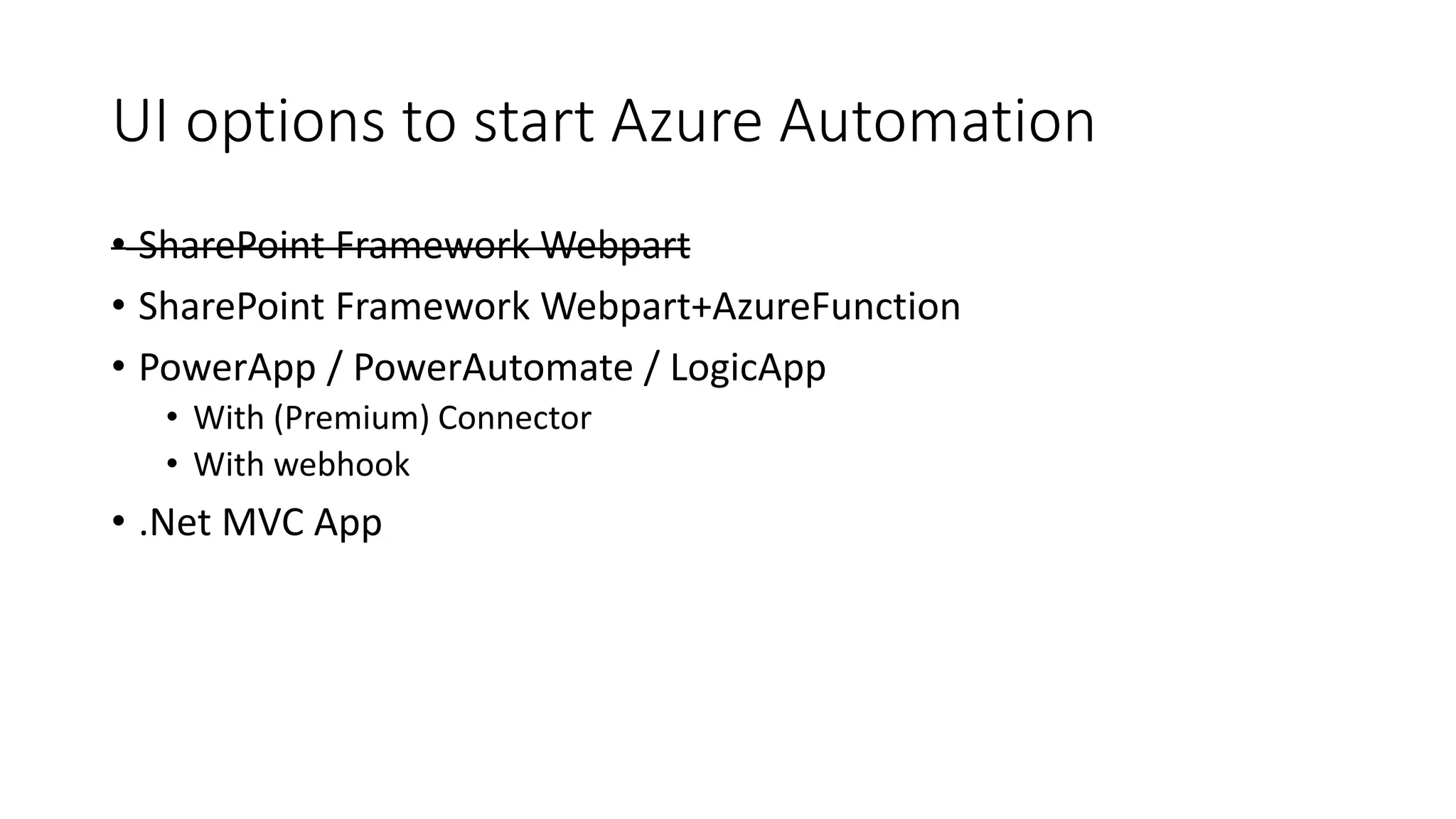
UI options to start Azure Automation
• SharePoint Framework Webpart
• SharePoint Framework Webpart+AzureFunction
• PowerApp / PowerAutomate / LogicApp
• With (Premium) Connector
• With webhook
• .Net MVC App
UI options
Demo
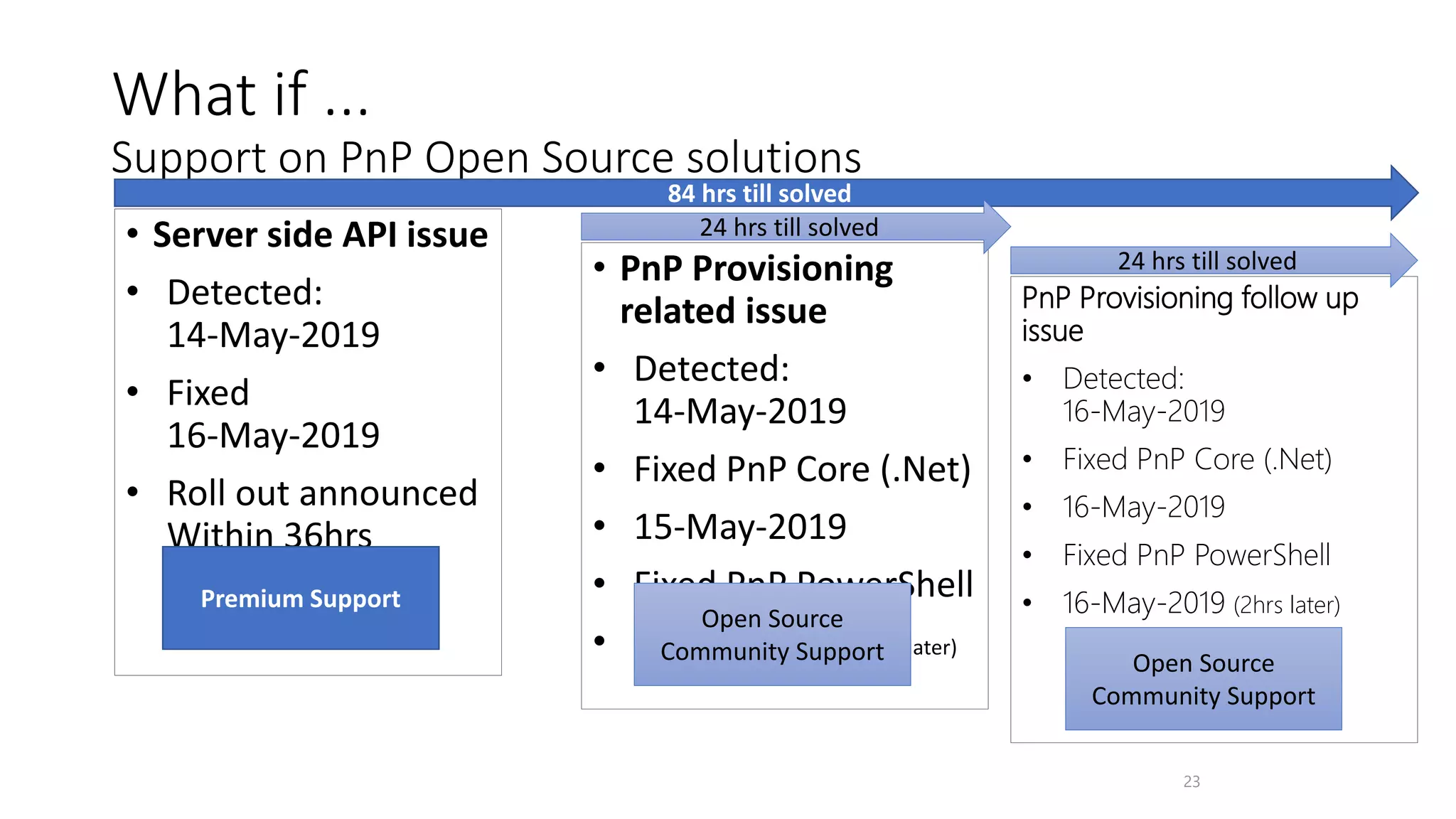
• Server side API issue
• Detected:
14-May-2019
• Fixed
16-May-2019
• Roll out announced
Within 36hrs
• PnP Provisioning
related issue
• Detected:
14-May-2019
• Fixed PnP Core (.Net)
• 15-May-2019
• Fixed PnP PowerShell
• 15-May-2019 (2hrs later)
23
What if ...
Support on PnP Open Source solutions
Premium Support
Open Source
Community Support
84 hrs till solved
24 hrs till solved
PnP Provisioning follow up
issue
• Detected:
16-May-2019
• Fixed PnP Core (.Net)
• 16-May-2019
• Fixed PnP PowerShell
• 16-May-2019 (2hrs later)
Open Source
Community Support
24 hrs till solved
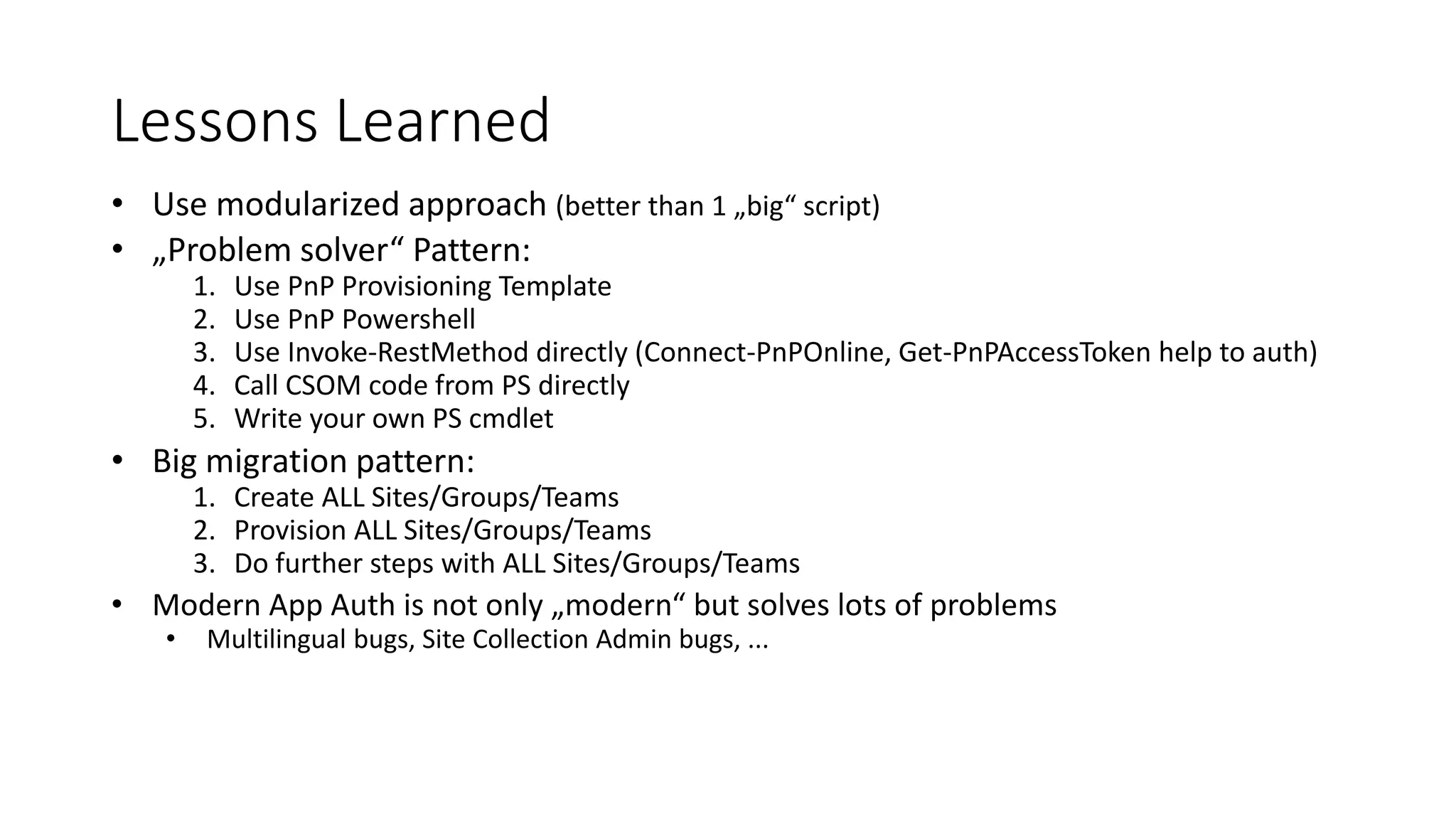
Lessons Learned
• Use modularized approach (better than 1 „big“ script)
• „Problem solver“ Pattern:
1. Use PnP Provisioning Template
2. Use PnP Powershell
3. Use Invoke-RestMethod directly (Connect-PnPOnline, Get-PnPAccessToken help to auth)
4. Call CSOM code from PS directly
5. Write your own PS cmdlet
• Big migration pattern:
1. Create ALL Sites/Groups/Teams
2. Provision ALL Sites/Groups/Teams
3. Do further steps with ALL Sites/Groups/Teams
• Modern App Auth is not only „modern“ but solves lots of problems
• Multilingual bugs, Site Collection Admin bugs, ...
Resources
• Markus‘ Blog on Azure Automation
• Microsoft demo on Provisioning Teams with Azure Automation
• PnP Provisioning Issues (mostly Core issues)
• PnP PowerShell Issues (if not Core related)
• PnP Provisioning Schema and samples
• SharePoint Online Provisioning Service (beta)
• Modern SP authentication with PnP PowerShell
Thank You

Azure Automation, PnP Provisioning and PnP PowerShell

  • 1.
    Azure Automation, PnP Provisioningand PnP PowerShell To automate, administrate and provision Teams/Groups/SharePoint Sites Amany Sakr, Markus Möller (Avanade)
  • 2.
    About us • Background •Amany • O365/SharePoint Consultant • 7 Years of experience • MCP – Cloud platform • Markus • Dev/Architect/SharePoint SME • 25 years in IT, 10 years in consulting • Loves new ways of Dev such as SPFx, PnP Provisioning, Microsoft Graph • Public Blogger / Contributor PnP
  • 3.
    • Basics • AutomationAccount Resources • . • . • . • UI Options Azure Automation • Basics • Authentication PnP Powershell • Scope • Capabilities • XML Templates (in Azure) PnP Provisioning • Provisioning Microsoft Teams / Groups / Sites • Support of PnP Components • Lessons learned Agenda
  • 4.
  • 5.
    Basics – Why useAzure Automation? Azure Automation setup much simpler than comparing technologies PnP PowerShell one of the best ‚tools‘ to work with SharePoint Low # lines of code Can use same codebase for user requests as for administrative reasons „Lightweight“ provisioning engine approach But also scalable to high end ... But you need a UI except for administrative use ...
  • 6.
    Azure Automation Account - Resources • TheModules • The Assets • Credentials • Variables • Certificates • The Runbooks • Jobs • Schedules • Source control
  • 7.
  • 8.
  • 9.
  • 10.
    PnP PowerShell • PnPCommunity project • Monthly update (+ emergency updates) • Based on CSOM and Microsoft Graph SDK (.Net) • Therefore versions for SPO, 2013, 2016, 2019 available • „The“ way to administrate modern SharePoint • E.g. Much more authentication ways than „SPO“
  • 11.
  • 12.
    Ways of authentication (unattended) Legacy Authenticationwith credentials Modern App based authentication App ID / Secret for Graph App ID / Secured with Certificate for SPO
  • 13.
  • 14.
    Steps to establishmodern auth • App registration with consented permissions • Sites.FullControl.All, (Termstore?), (UserProfiles?) • Create a self signed certificate with PnP PowerShell • Store certificate in Automation Account assets • Store AppID and certificate password in Automation Account assets Benefits: • No need to care for SiteCollection Admin • Less code needed finally! • Prevents user-context bugs (such as multi-lingual) • More stable
  • 15.
  • 16.
    PnP Provisioning How You UsedTo Provision Site Artifacts in the past ? CAML/XML –based Feature Framework What is the difference between the past and now? Cloud Why PnP Provisioning? necessity of Remote Provisioning techniques What PnP Provisioning? XML Template driven How to Use PnP Provisiong? Design Your Site, Export your PnP Template & Reuse
  • 17.
    PnP Provisioning VS(Site Design & Site Scripts) Only Available in Sharepoint Online Taxonomy Provisioning not available Hardcoded implementation Only Site level provisioning Site designs are like a template. They can be used each time a new site is created to apply a consistent set of actions Available in both SPO & On Premises Taxonomy Provisioning Variables and Token support Tenant Artifacts Provisioning
  • 18.
    Provisioning Engine Azure Automation SharePoint Online SharePoint OnlineSites O365 Groups Teams Provision PnP XML Template
  • 19.
    <pnp:Properties /> <pnp:SitePolicy /> <pnp:WebSettings/> <pnp:RegionalSettings /> <pnp:SupportedUILanguages /> <pnp:AuditSettings /> <pnp:PropertyBagEntries /> <pnp:Security /> <pnp:Navigation /> <pnp:SiteFields /> <pnp:ContentTypes /> <pnp:Lists /> <pnp:Features /> <pnp:CustomActions /> <pnp:Files /> <pnp:Pages /> <pnp:TermGroups /> <pnp:ComposedLook /> <pnp:Workflows /> <pnp:SearchSettings /> <pnp:Publishing /> <pnp:ApplicationLifecycleManagement /> <pnp:Providers /> <pnp:SiteWebhooks /> <pnp:ClientSidePages /> <pnp:Header /> <pnp:Footer /> <pnp:ProvisioningTemplateWebhooks /> 19 PnP Provisioning Recently published: <pnp:Team> <pnp:FunSettings /> <pnp:GuestSettings /> <pnp:MembersSettings /> <pnp:MessagingSettings /> <pnp:Security> <pnp:Owners></pnp:Owners> <pnp:Members></pnp:Members> </pnp:Security> <pnp:Channels> <pnp:Channel> <pnp:Tabs></pnp:Tabs> <pnp:TabResources /> <pnp:Messages></pnp:Messages> </pnp:Channel> </pnp:Channels> <pnp:Apps></pnp:Apps> </pnp:Team>
  • 20.
    Provision a full Teamwith custom list and custom Tab Demo
  • 21.
    UI options tostart Azure Automation • SharePoint Framework Webpart • SharePoint Framework Webpart+AzureFunction • PowerApp / PowerAutomate / LogicApp • With (Premium) Connector • With webhook • .Net MVC App
  • 22.
  • 23.
    • Server sideAPI issue • Detected: 14-May-2019 • Fixed 16-May-2019 • Roll out announced Within 36hrs • PnP Provisioning related issue • Detected: 14-May-2019 • Fixed PnP Core (.Net) • 15-May-2019 • Fixed PnP PowerShell • 15-May-2019 (2hrs later) 23 What if ... Support on PnP Open Source solutions Premium Support Open Source Community Support 84 hrs till solved 24 hrs till solved PnP Provisioning follow up issue • Detected: 16-May-2019 • Fixed PnP Core (.Net) • 16-May-2019 • Fixed PnP PowerShell • 16-May-2019 (2hrs later) Open Source Community Support 24 hrs till solved
  • 24.
    Lessons Learned • Usemodularized approach (better than 1 „big“ script) • „Problem solver“ Pattern: 1. Use PnP Provisioning Template 2. Use PnP Powershell 3. Use Invoke-RestMethod directly (Connect-PnPOnline, Get-PnPAccessToken help to auth) 4. Call CSOM code from PS directly 5. Write your own PS cmdlet • Big migration pattern: 1. Create ALL Sites/Groups/Teams 2. Provision ALL Sites/Groups/Teams 3. Do further steps with ALL Sites/Groups/Teams • Modern App Auth is not only „modern“ but solves lots of problems • Multilingual bugs, Site Collection Admin bugs, ...
  • 25.
    Resources • Markus‘ Blogon Azure Automation • Microsoft demo on Provisioning Teams with Azure Automation • PnP Provisioning Issues (mostly Core issues) • PnP PowerShell Issues (if not Core related) • PnP Provisioning Schema and samples • SharePoint Online Provisioning Service (beta) • Modern SP authentication with PnP PowerShell
  • 26.