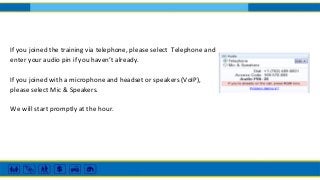
If you joined the training via telephone, please select Telephone and
enter your audio pin if you haven’t already.
If you joined with a microphone and headset or speakers (VoIP),
please select Mic & Speakers.
We will start promptly at the hour.
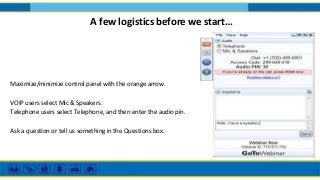
Maximize/minimize control panel with the orange arrow.
VOIP users select Mic & Speakers.
Telephone users select Telephone, and then enter the audio pin.
Ask a question or tell us something in the Questions box.
A few logistics before we start…
This training is being recorded for posting on lsntap.org
LSNTAP/PBN Community Training Series
50 Tactical Tech Tips for Your Tool Belt
June 28, 2017
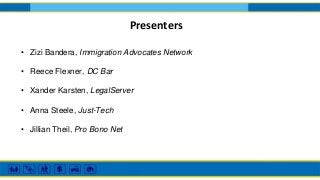
Presenters
• Zizi Bandera, Immigration Advocates Network
• Reece Flexner, DC Bar
• Xander Karsten, LegalServer
• Anna Steele, Just-Tech
• Jillian Theil, Pro Bono Net
Zizi Bandera
Immigration Advocates Network
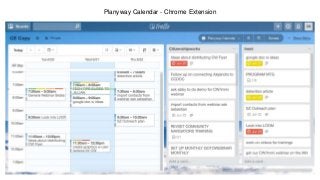
Planyway Calendar - Chrome Extension
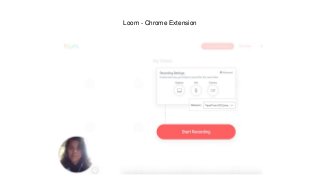
Loom - Chrome Extension
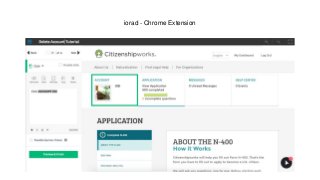
iorad - Chrome Extension
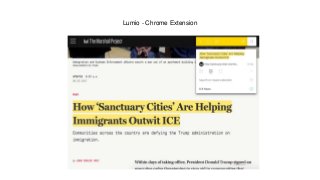
Lumio - Chrome Extension
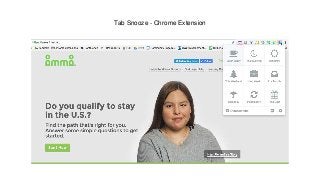
Tab Snooze - Chrome Extension
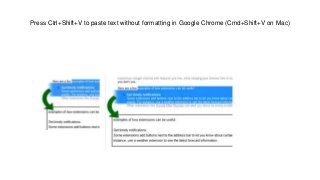
Press Ctrl+Shift+V to paste text without formatting in Google Chrome (Cmd+Shift+V on Mac)
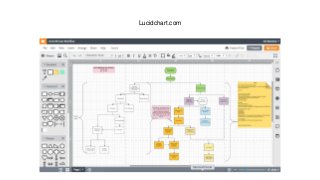
Lucidchart.com
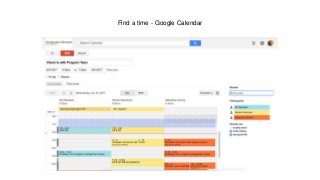
Find a time - Google Calendar
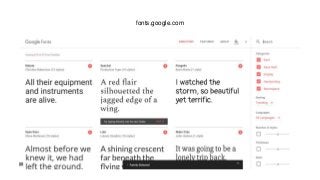
fonts.google.com
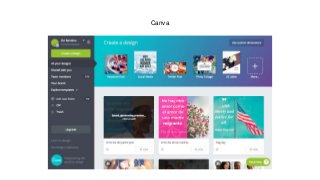
Canva
Reece Flexner
DC Bar Pro Bono Center
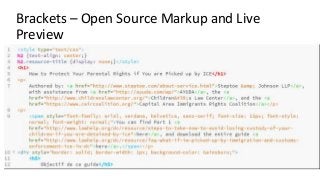
Brackets – Open Source Markup and Live
Preview
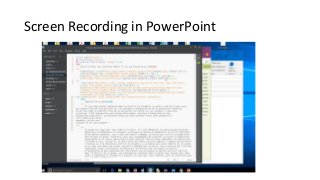
Screen Recording in PowerPoint
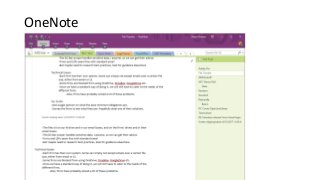
OneNote
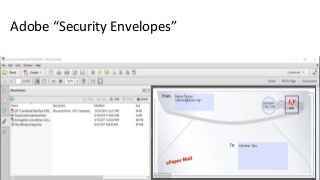
Adobe “Security Envelopes”
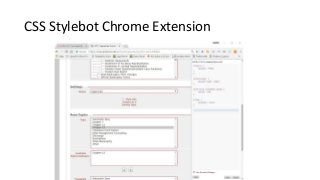
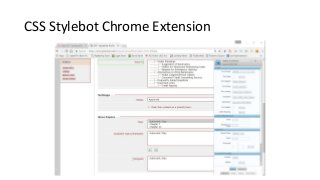
CSS Stylebot Chrome Extension
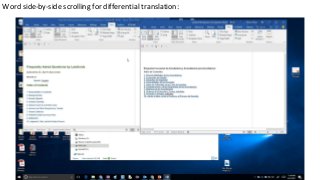
Word side-by-side scrolling for differential translation:
LastPass (password manager)
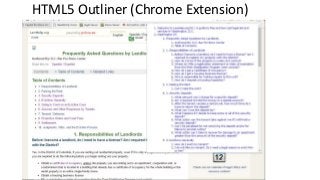
HTML5 Outliner (Chrome Extension)
edX
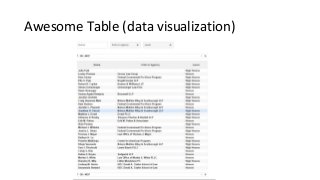
Awesome Table (data visualization)
Organize, Organize, Organize…
Xander Karsten, Project Manager at LegalServer
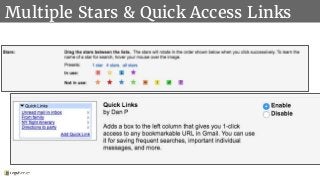
Multiple Stars & Quick Access Links
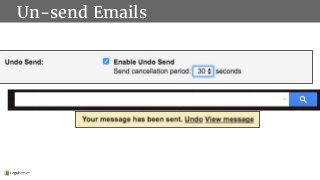
Un-send Emails
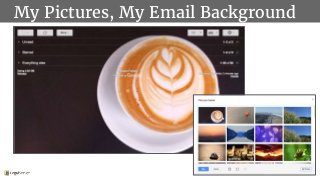
My Pictures, My Email Background
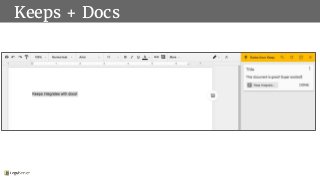
Keeps + Docs
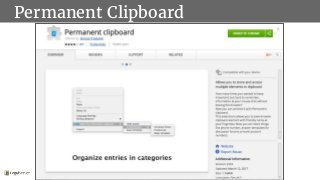
Permanent Clipboard
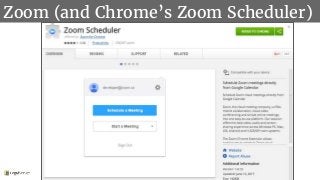
Zoom (and Chrome’s Zoom Scheduler)
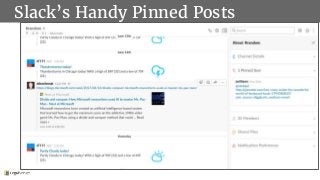
Slack’s Handy Pinned Posts
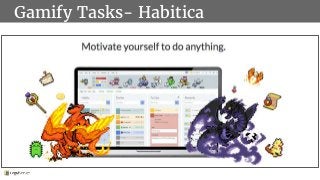
Gamify Tasks- Habitica
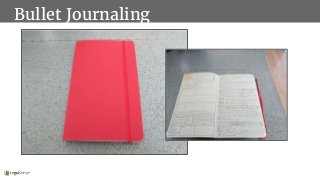
Bullet Journaling
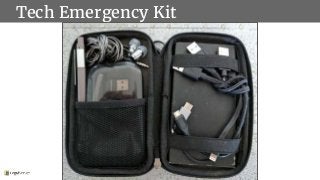
Tech Emergency Kit
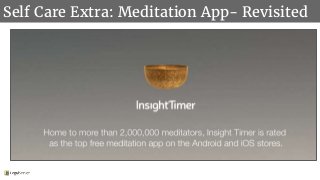
Self Care Extra: Meditation App- Revisited
Anna Steele
Senior Consultant, Just-Tech
asteele@just-tech.com
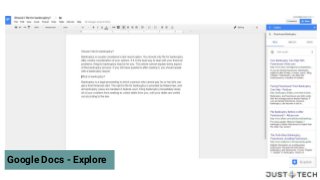
Google Docs - Explore
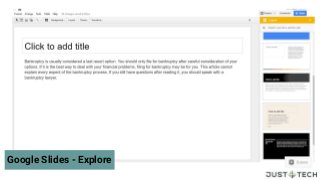
Google Slides - Explore
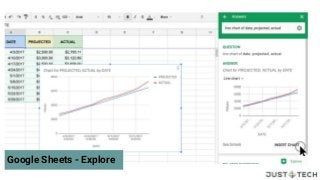
Google Sheets - Explore
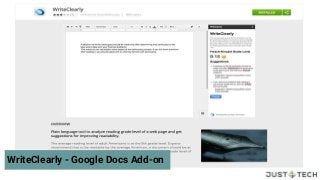
WriteClearly - Google Docs Add-on
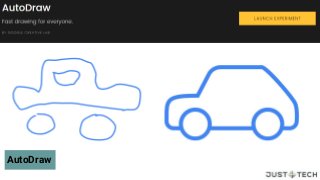
AutoDraw
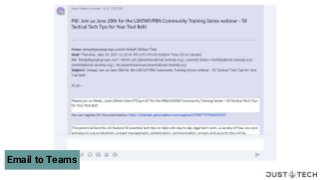
Email to Teams
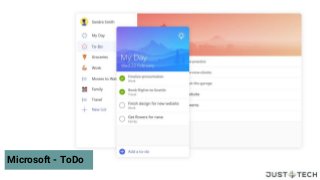
Microsoft - ToDo
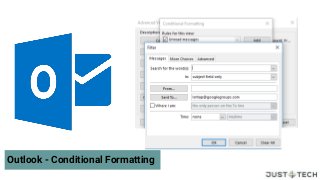
Outlook - Conditional Formatting
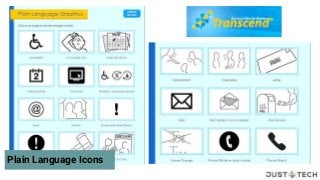
Plain Language Icons
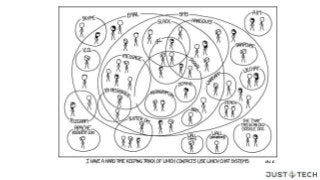
xkcd
Jillian Theil
Pro Bono Net
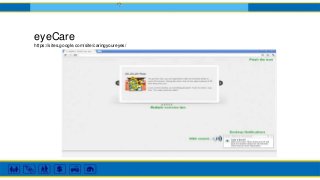
eyeCare
https://sites.google.com/site/caringyoureyes/
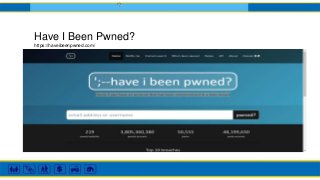
Have I Been Pwned?
https://haveibeenpwned.com/
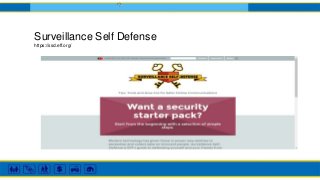
Surveillance Self Defense
https://ssd.eff.org/
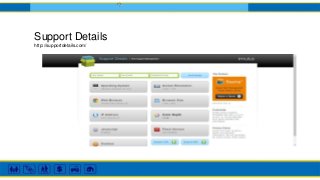
Support Details
http://supportdetails.com/
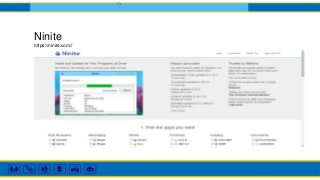
Ninite
https://ninite.com//
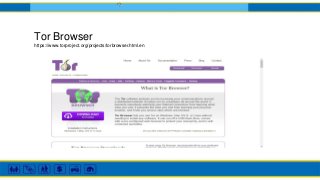
Tor Browser
https://www.torproject.org/projects/torbrowser.html.en
HTTPS Everywhere
https://www.eff.org/https-everywhere
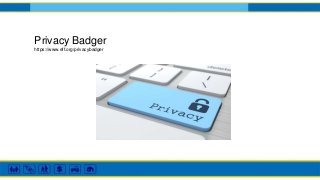
Privacy Badger
https://www.eff.org/privacybadger
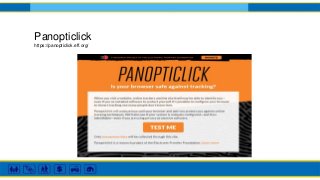
Panopticlick
https://panopticlick.eff.org/
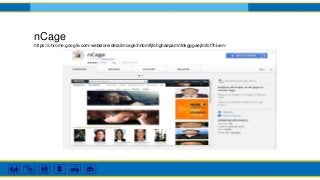
nCage
https://chrome.google.com/webstore/detail/ncage/hnbmfljfohghaepamnfokgggaejlmfol?hl=en/
Thank you for attending!
Visit www.lsntap.org for details on upcoming webinars

50 Tech Tips: 2017 Edition