Tech
Tools
Jordan L. Couch
jordan@palacelaw.com
@jordanlcouch
Introduction
●This is just an overview
●You don’t need all of these (fewer = better)
●There’s probably an app for that
●If there isn’t an app for that, there’s probably
an app to build that.
Client Acquisition
●Not advertising
●Humanizing/Branding
●Building systems to
attract clients
Social Media
● Find what works for you
● Be a human first
● Offer valuable content
● Be consistent
● Build systems
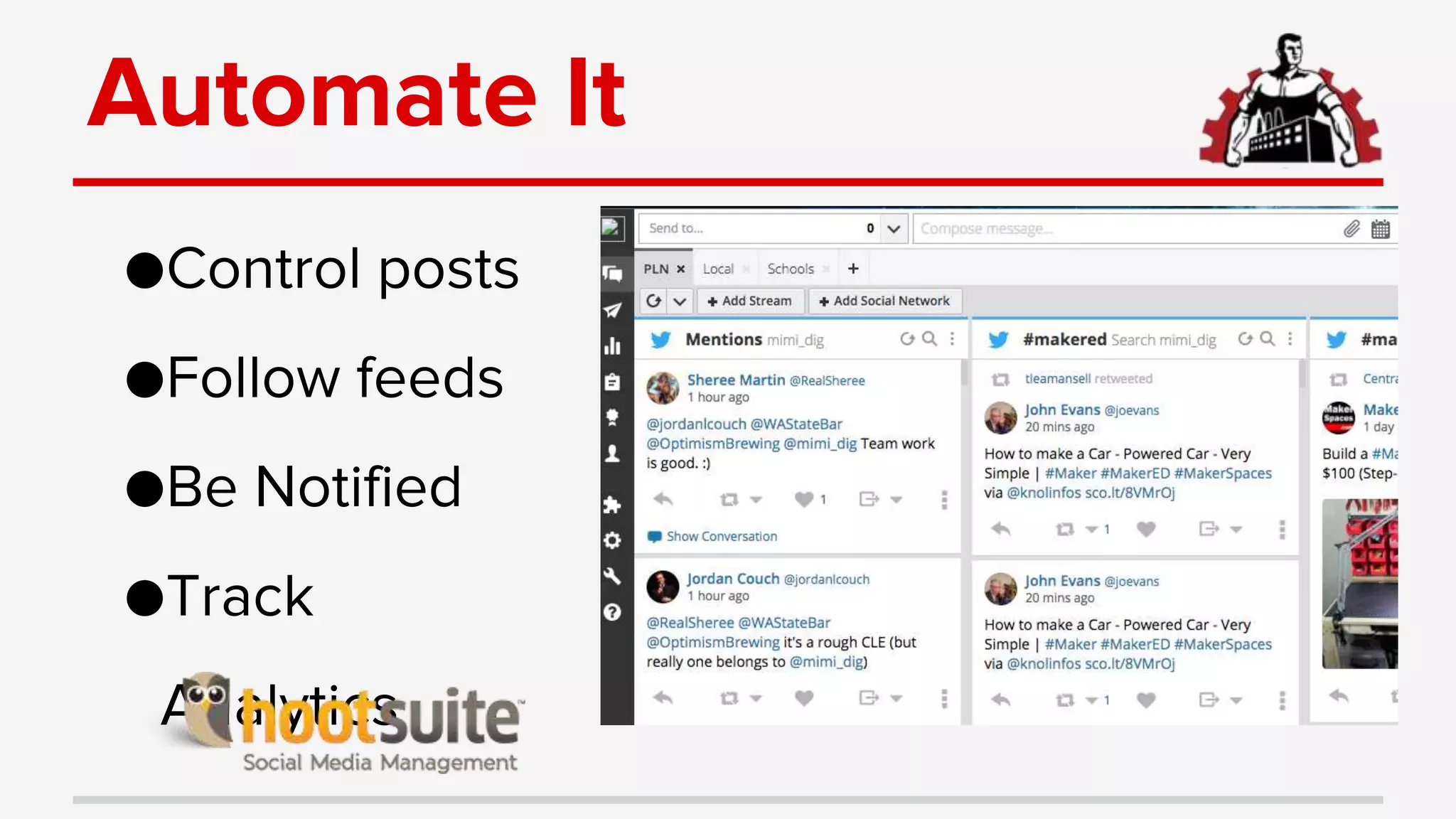
Automate It
●Control posts
●Follow feeds
●Be Notified
●Track
Analytics
Fremium Services
●Effortlessly attract paying clients, divert those
unwilling/unable to pay.
●Teach potential clients when and why they
need an attorney.
●Treat Q&A forums like a potential client call.
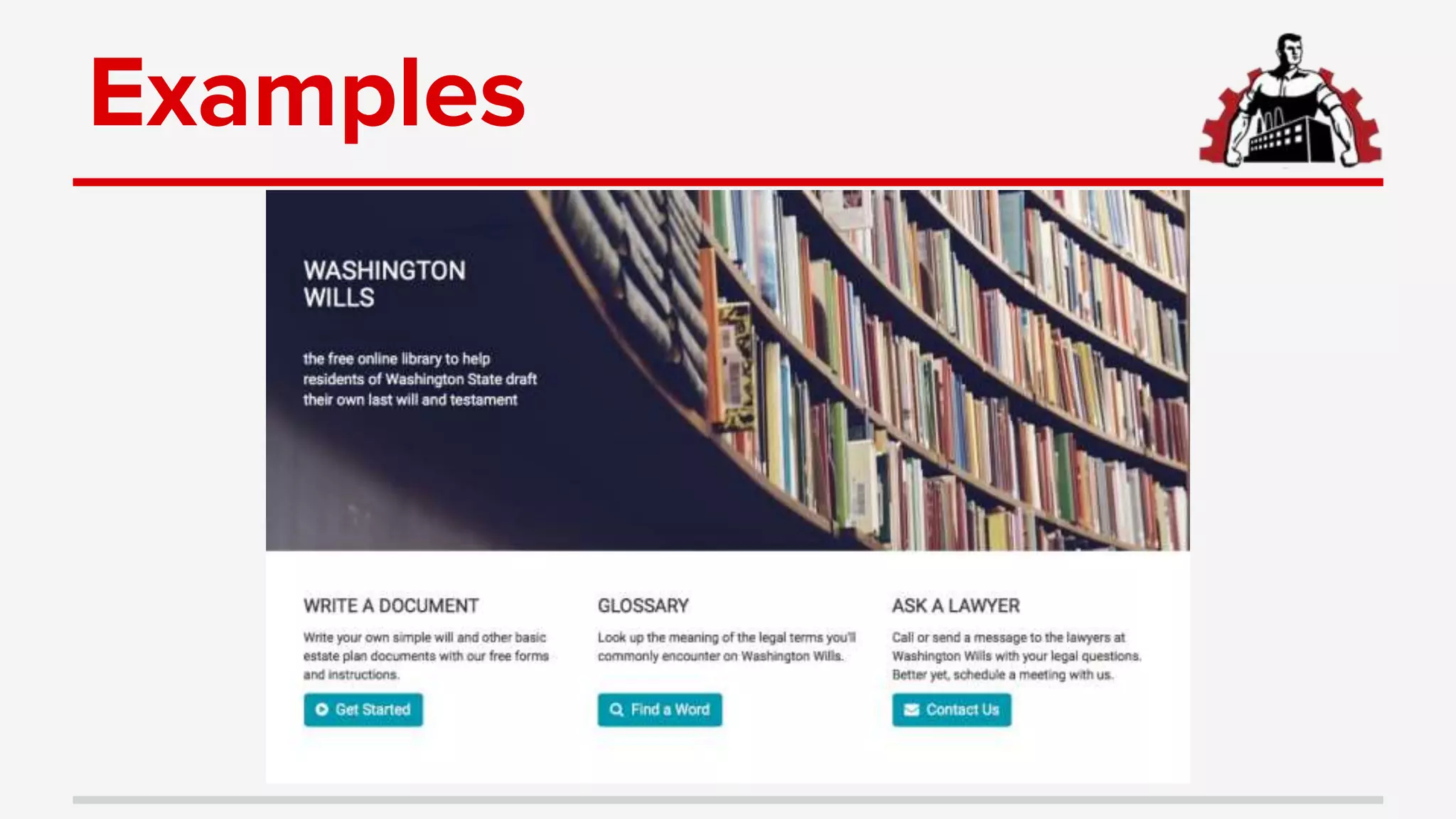
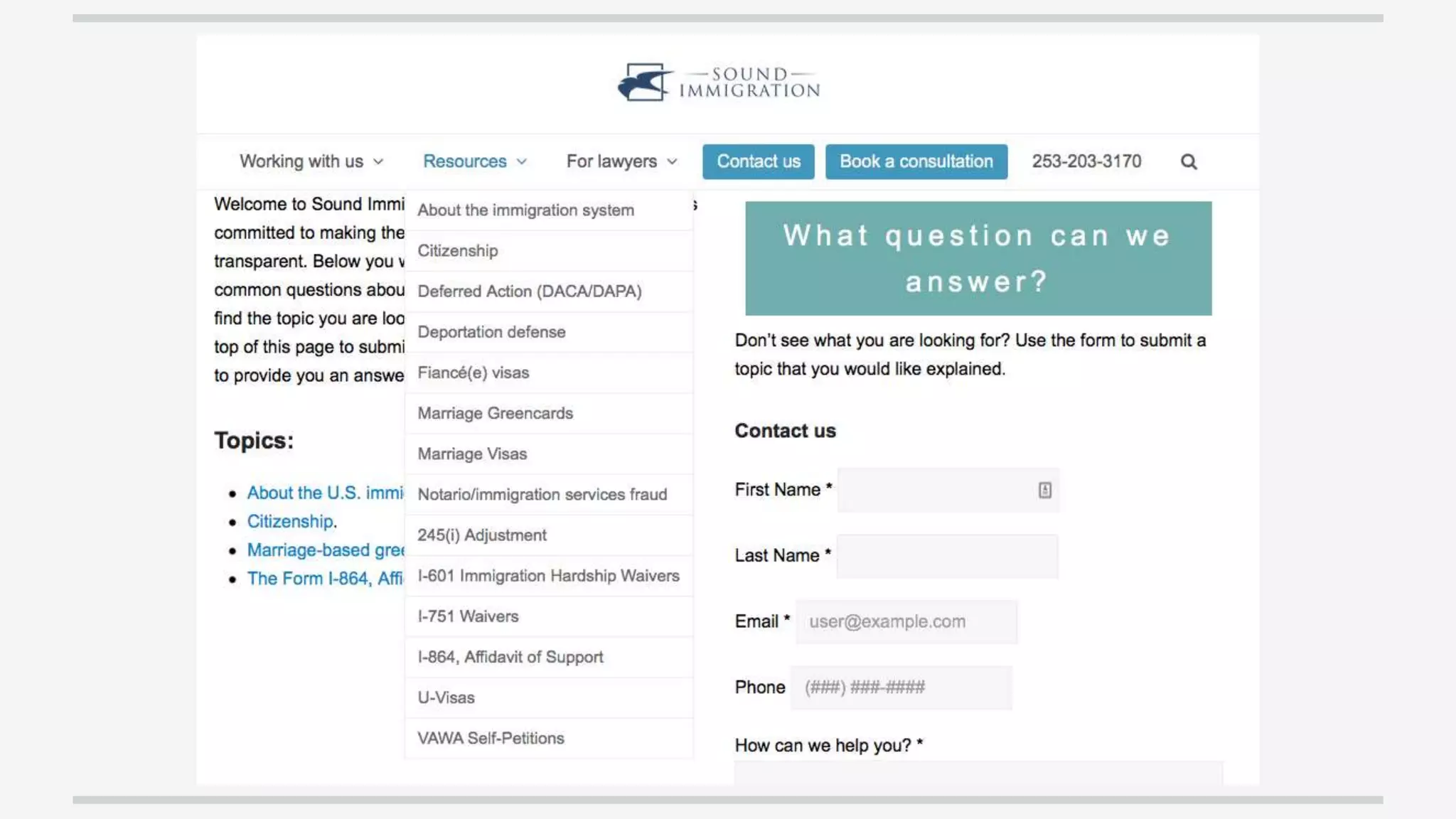
Examples
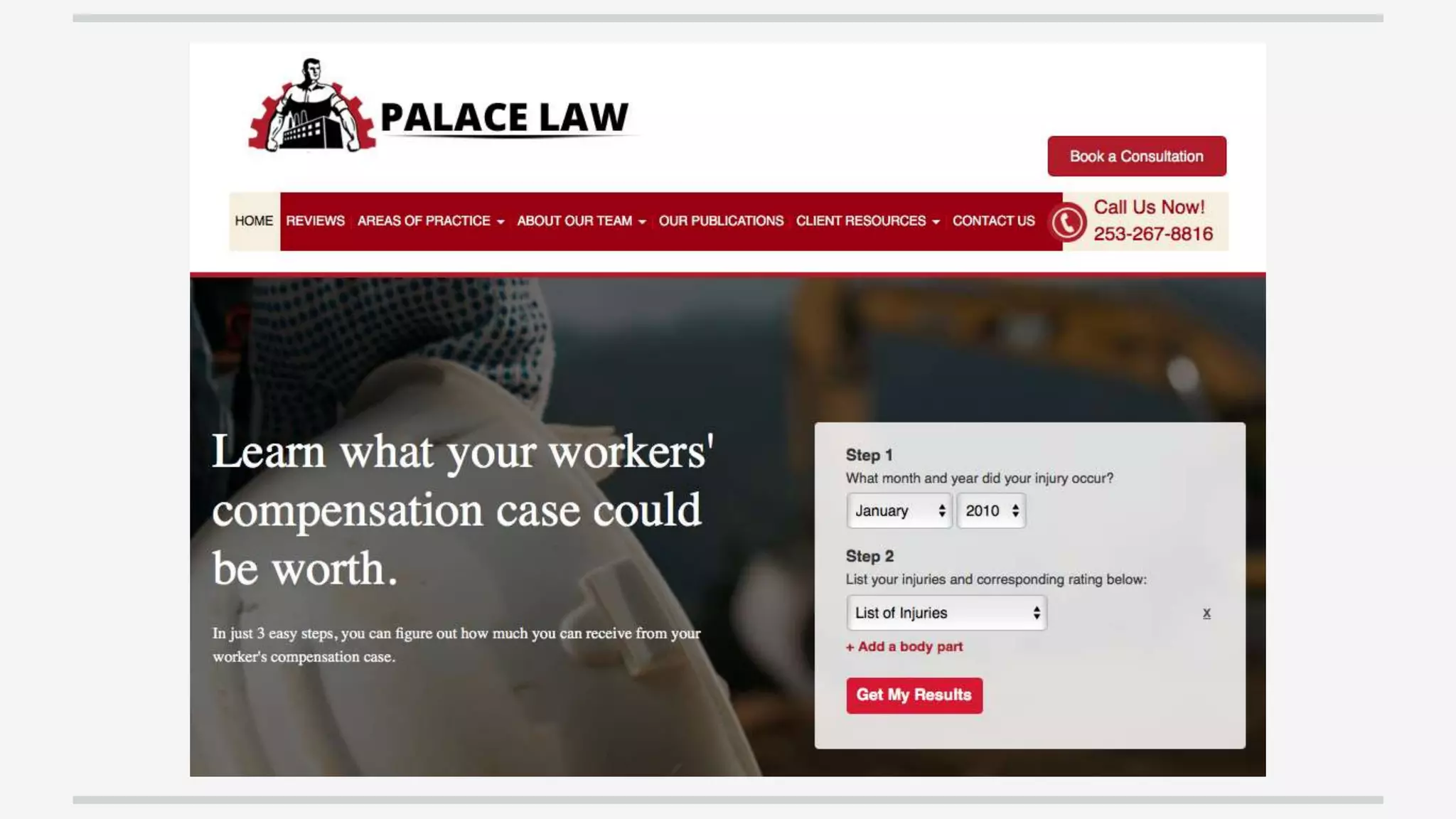
Intake
●Save time, get info up front from anywhere.
●Give clients freedom and choice
●Engage clients automatically
●Monitor the intake process
Adobe
● Essential document tool
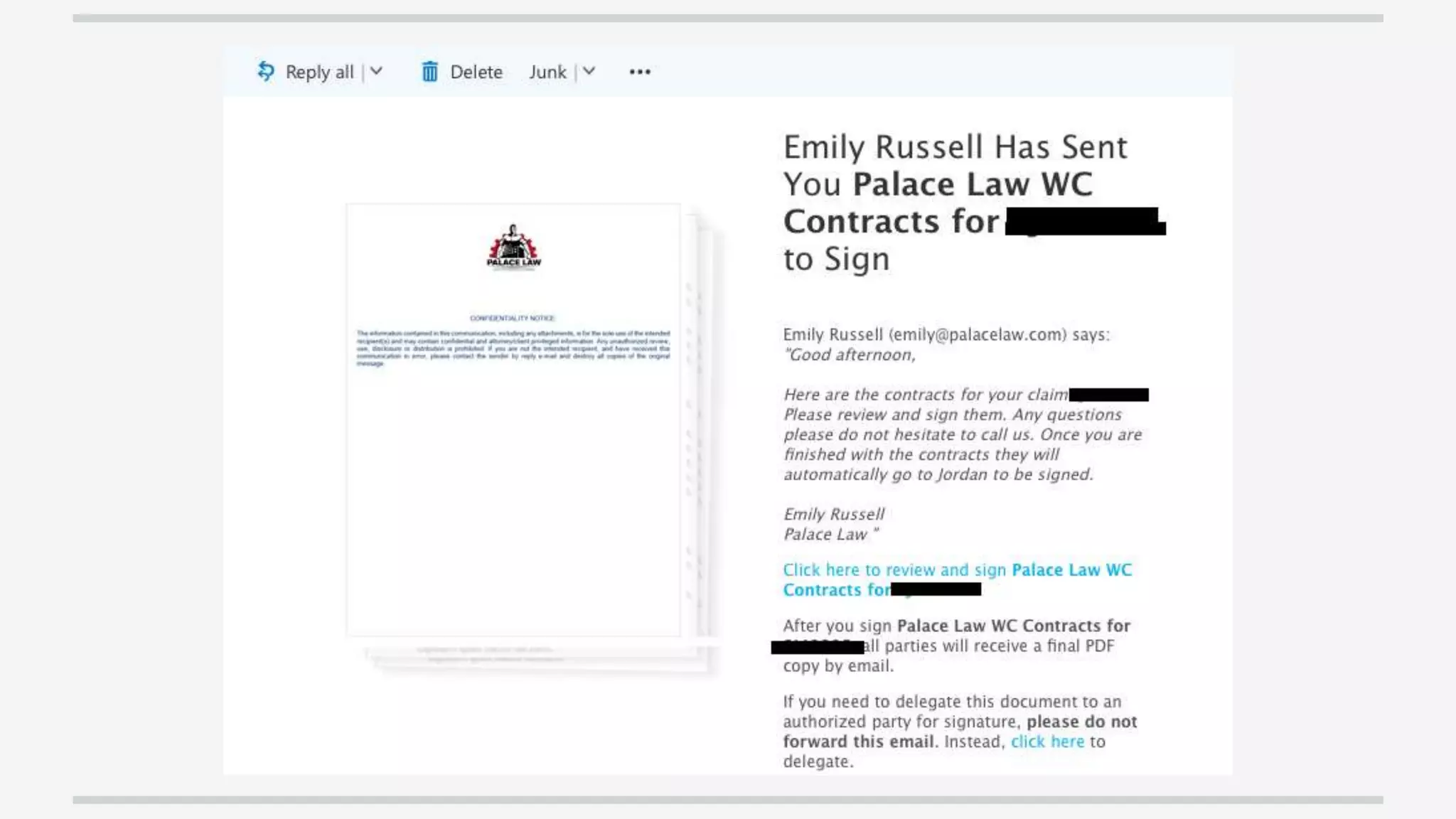
● Track and sign
● Redact files
● Edit and Organize
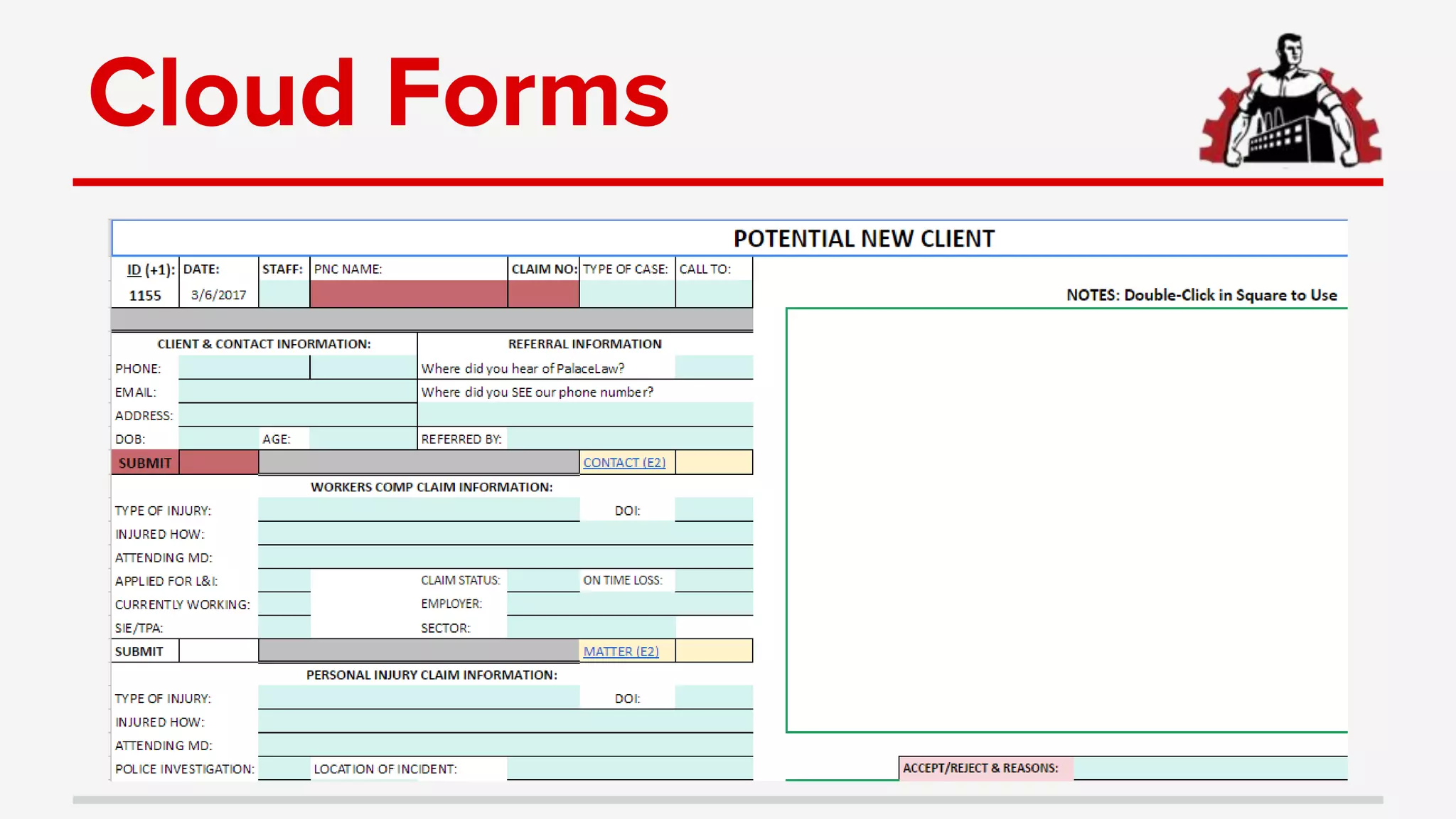
Cloud Forms
Anytime/Anywhere
●Let potential clients schedule
●Take good calls anytime
●Engage automatically
●Virtual meetings
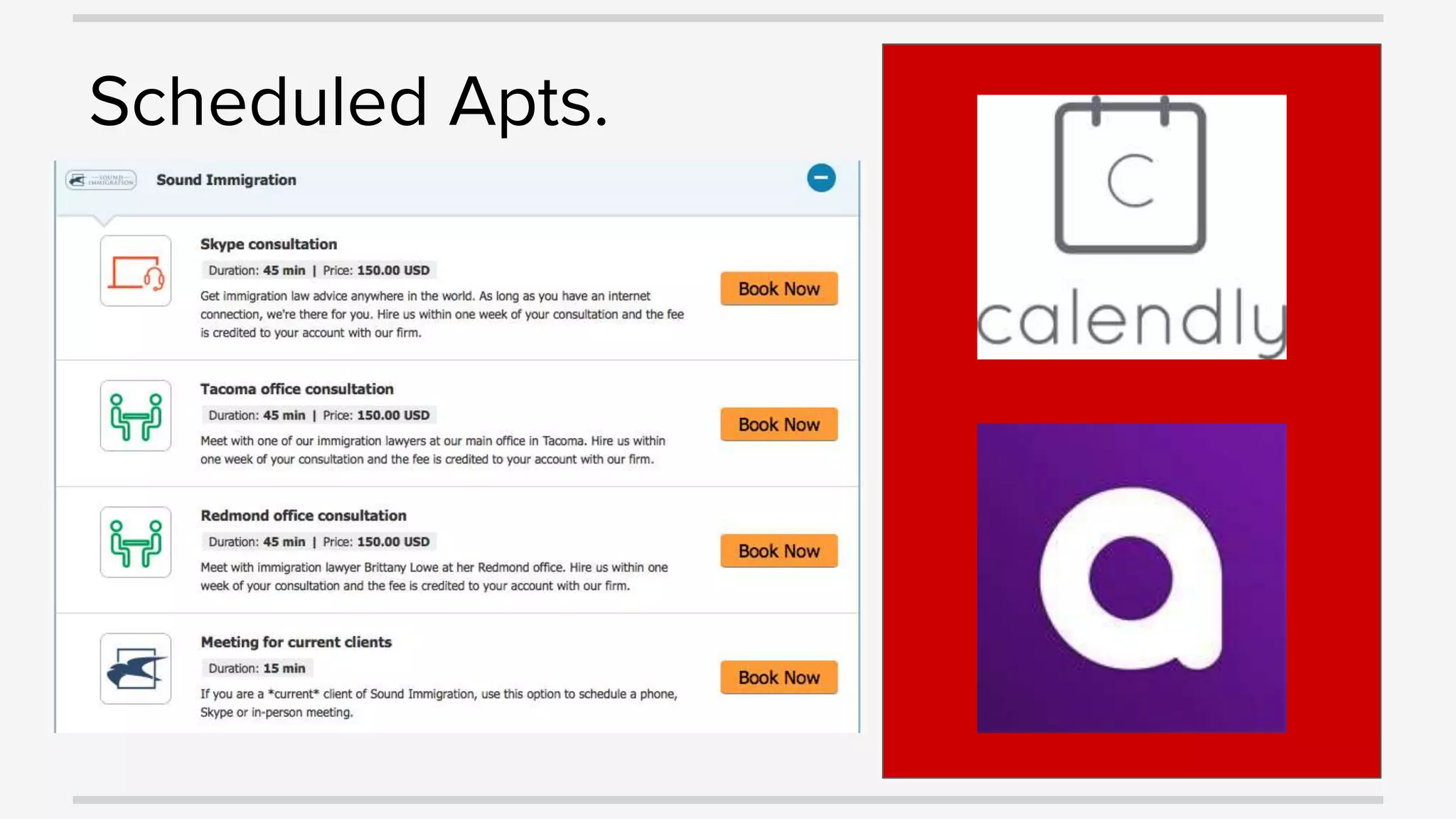
Scheduled Apts.
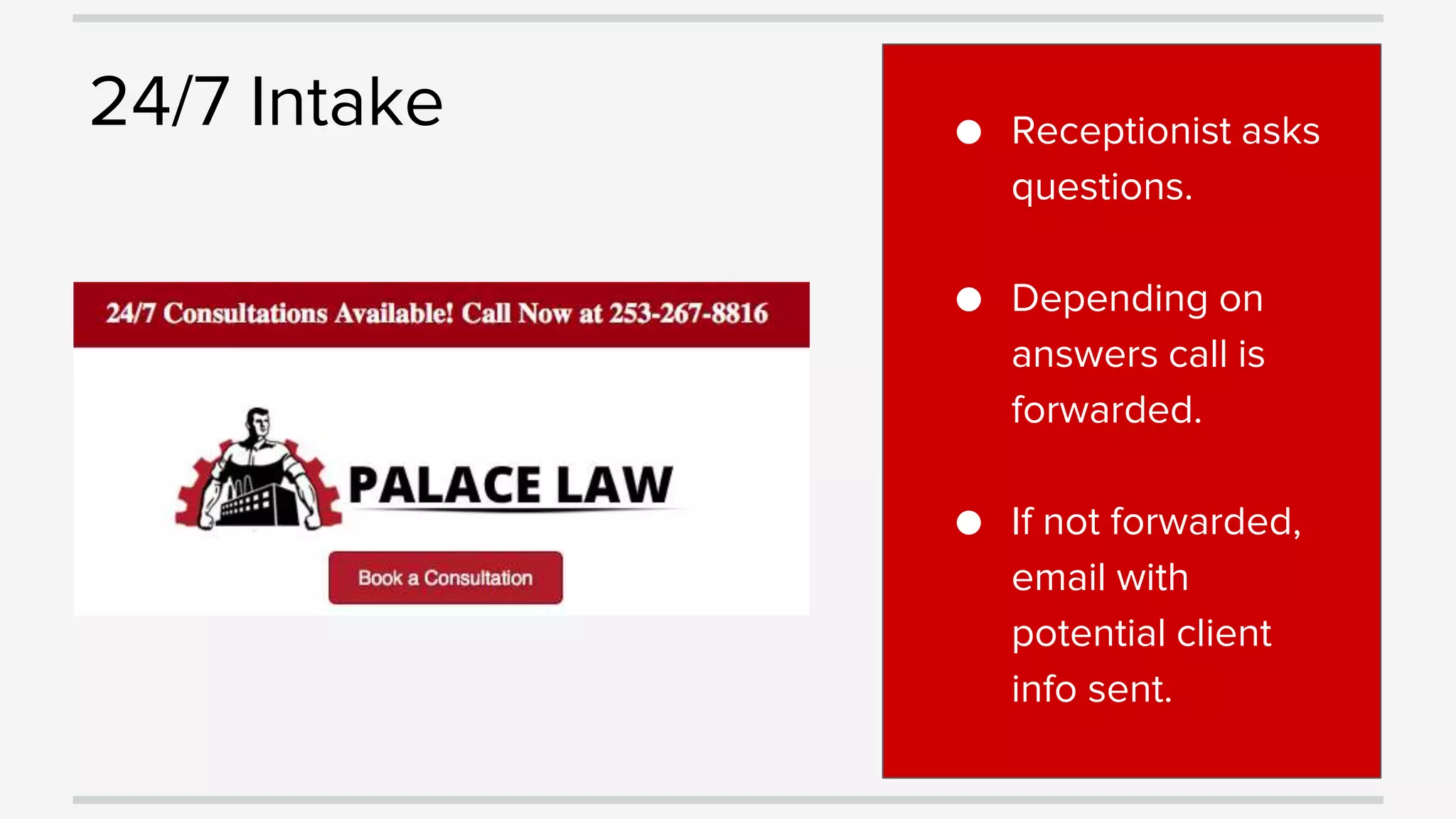
24/7 Intake ● Receptionist asks
questions.
● Depending on
answers call is
forwarded.
● If not forwarded,
email with
potential client
info sent.
Auto Engagement
● All site visitors automatically
engaged
● Communications routed
directly to attorneys
● Only interested visitors routed
Virtual Meetings
Monitor Intake
●Track marketing
●Monitor
processes
●Enhance
conversion
Workflow
●Cloud Practice management
●Cloud kanban boards
Why It’s Essential
●Work from anywhere
●Seamlessly collaborate with a team
●Customize dashboards/workflow
●Link and automate
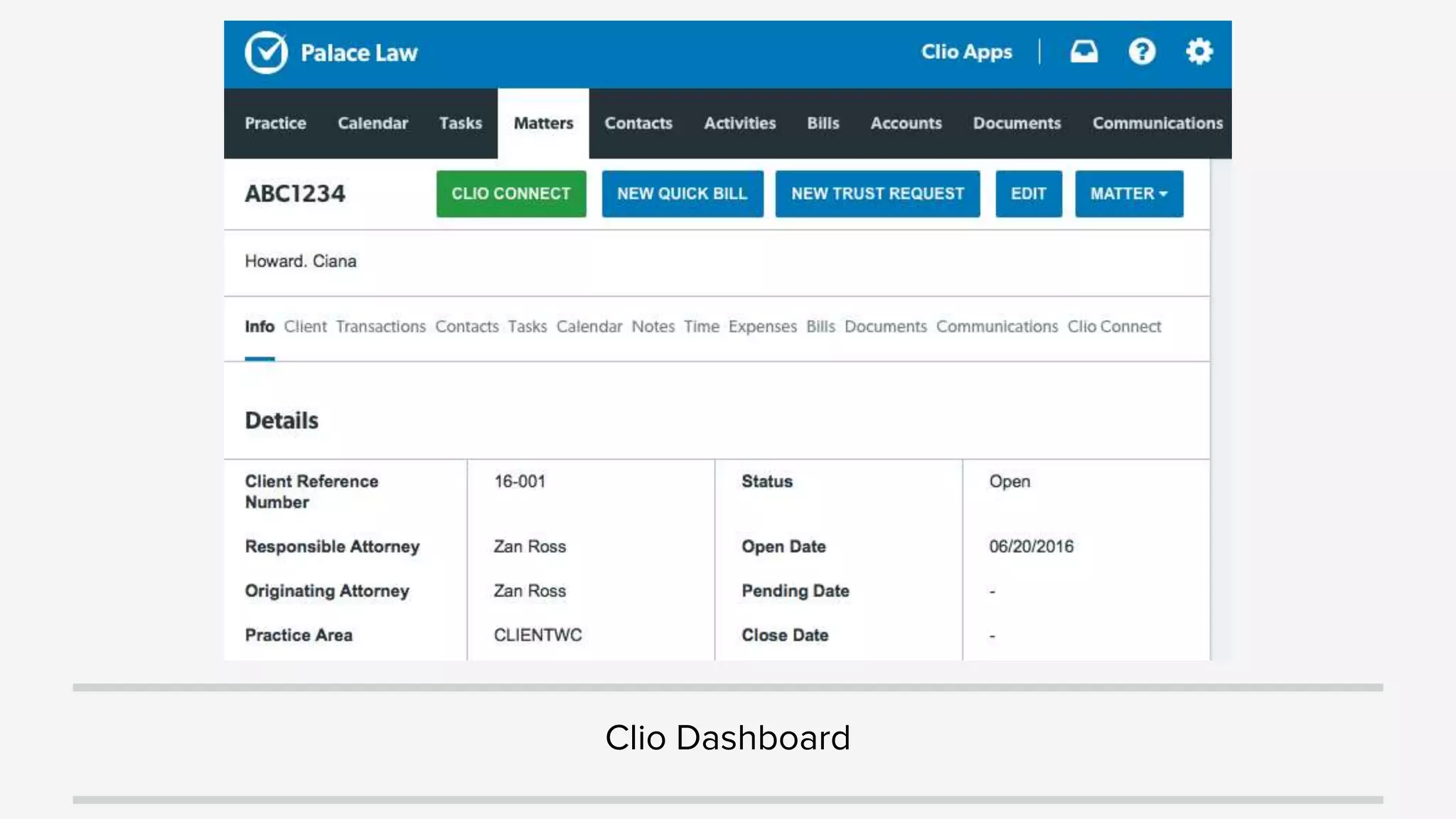
Clio Dashboard
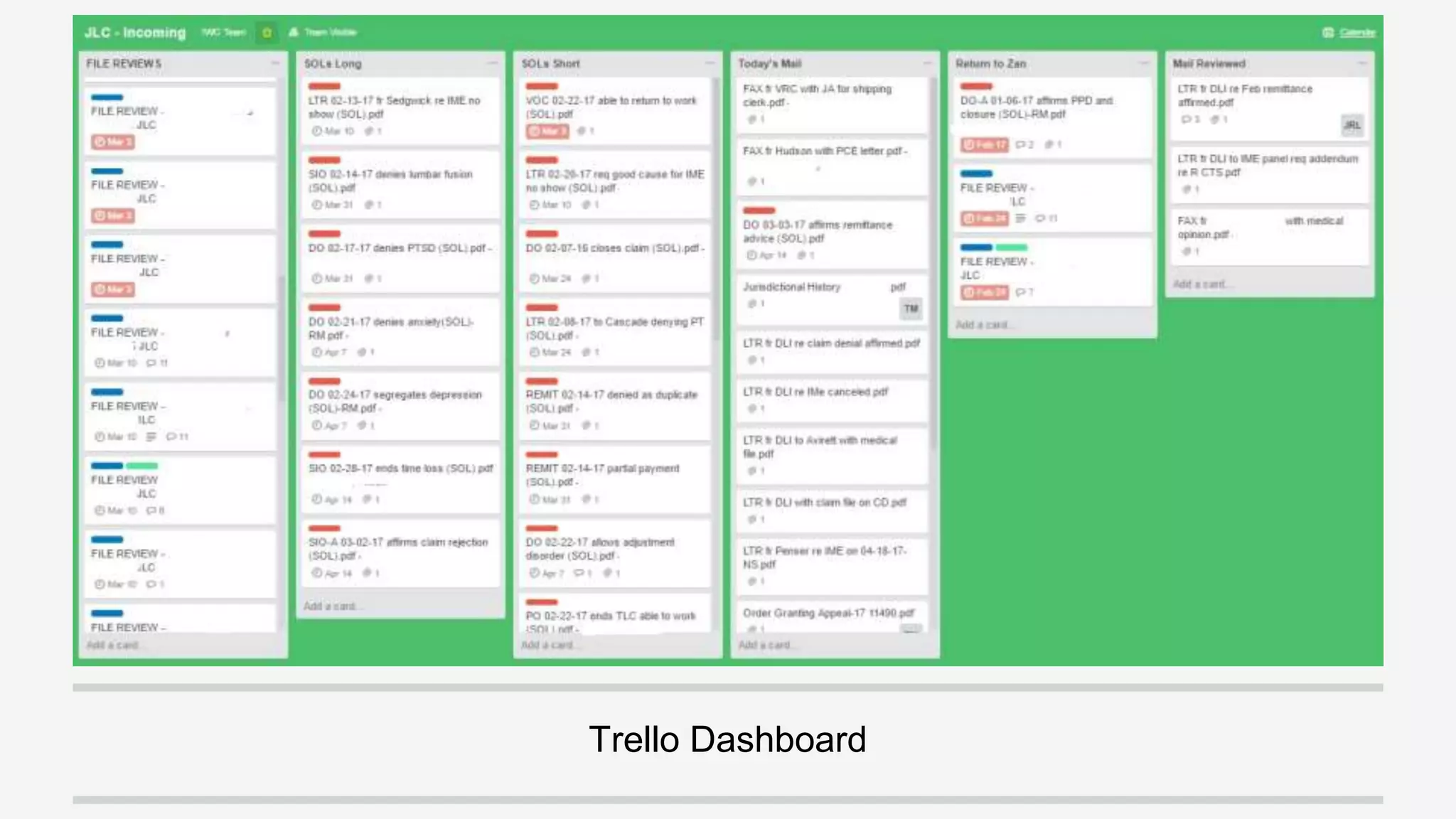
Trello Dashboard
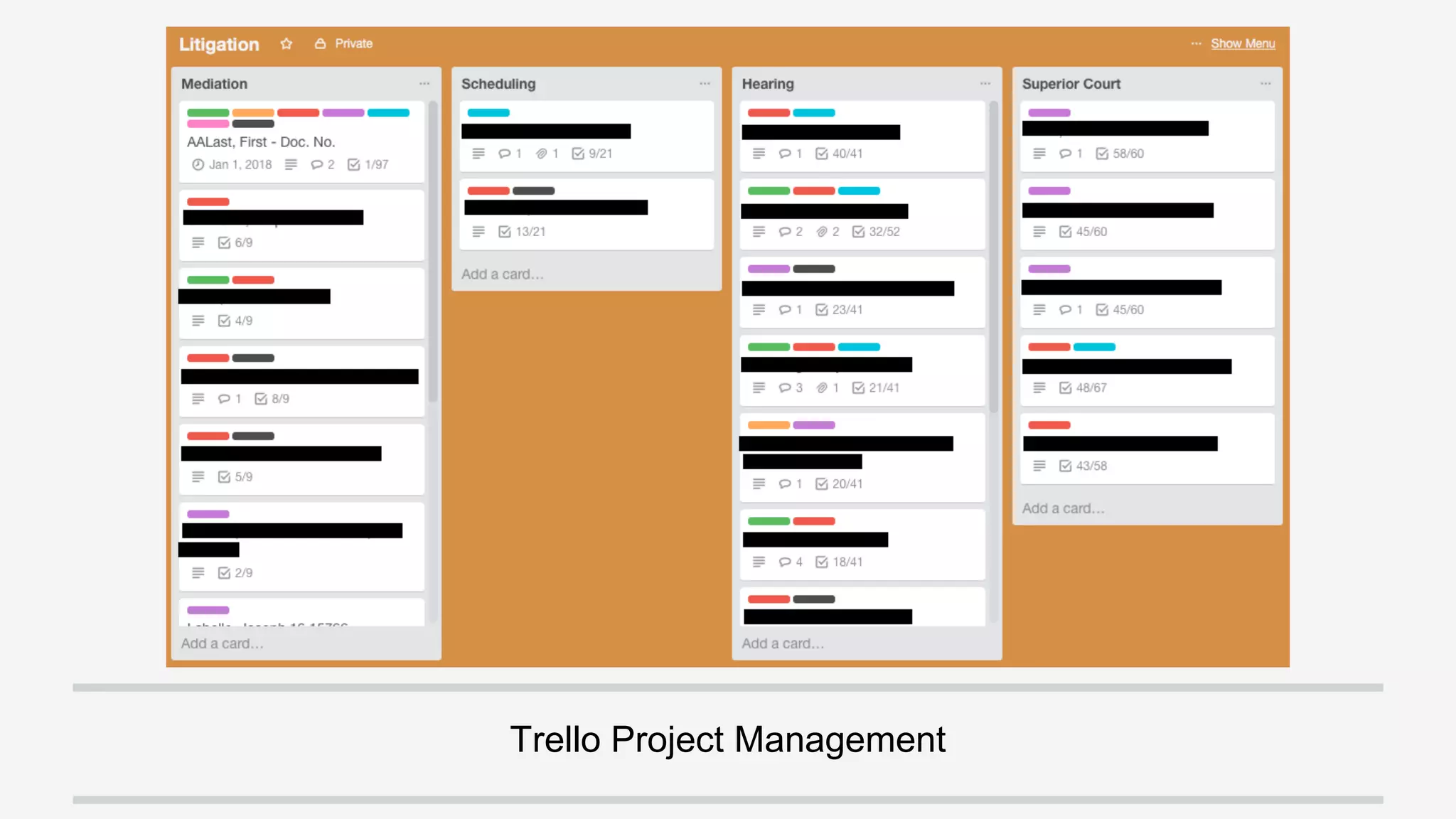
Trello Project Management
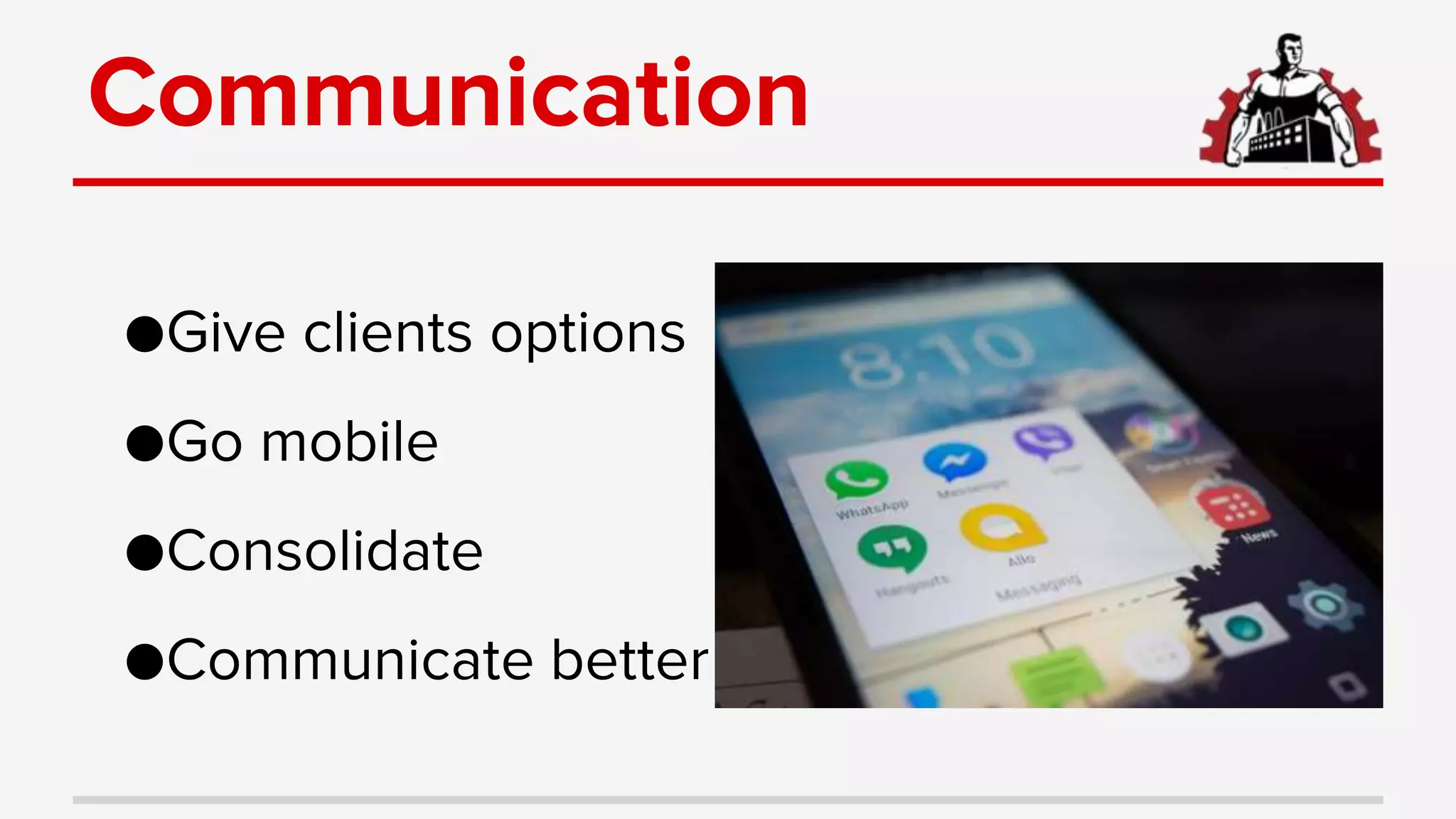
Communication
●Give clients options
●Go mobile
●Consolidate
●Communicate better
Options
●Text to email
●Fax to email
●Portal to email
●Routed Phones
●Virtual receptionists
●Instant messaging
●Video calls
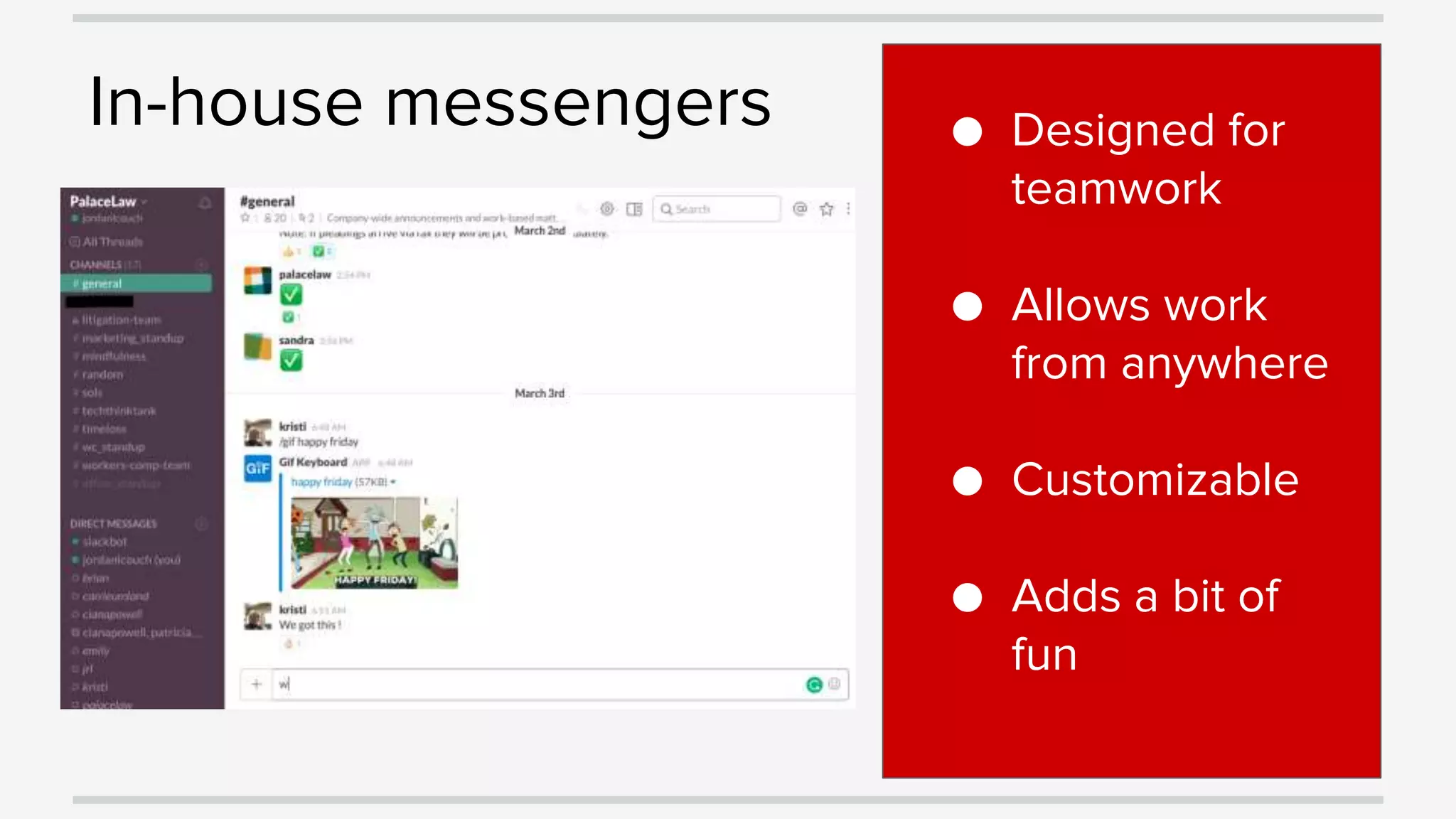
In-house messengers ● Designed for
teamwork
● Allows work
from anywhere
● Customizable
● Adds a bit of
fun
Collaborate
●Cloud based programs make it easy
●Access anywhere
●Assign tasks, work simultaneously
●Slack, Trello, Dropbox, G-Suite, Office 365
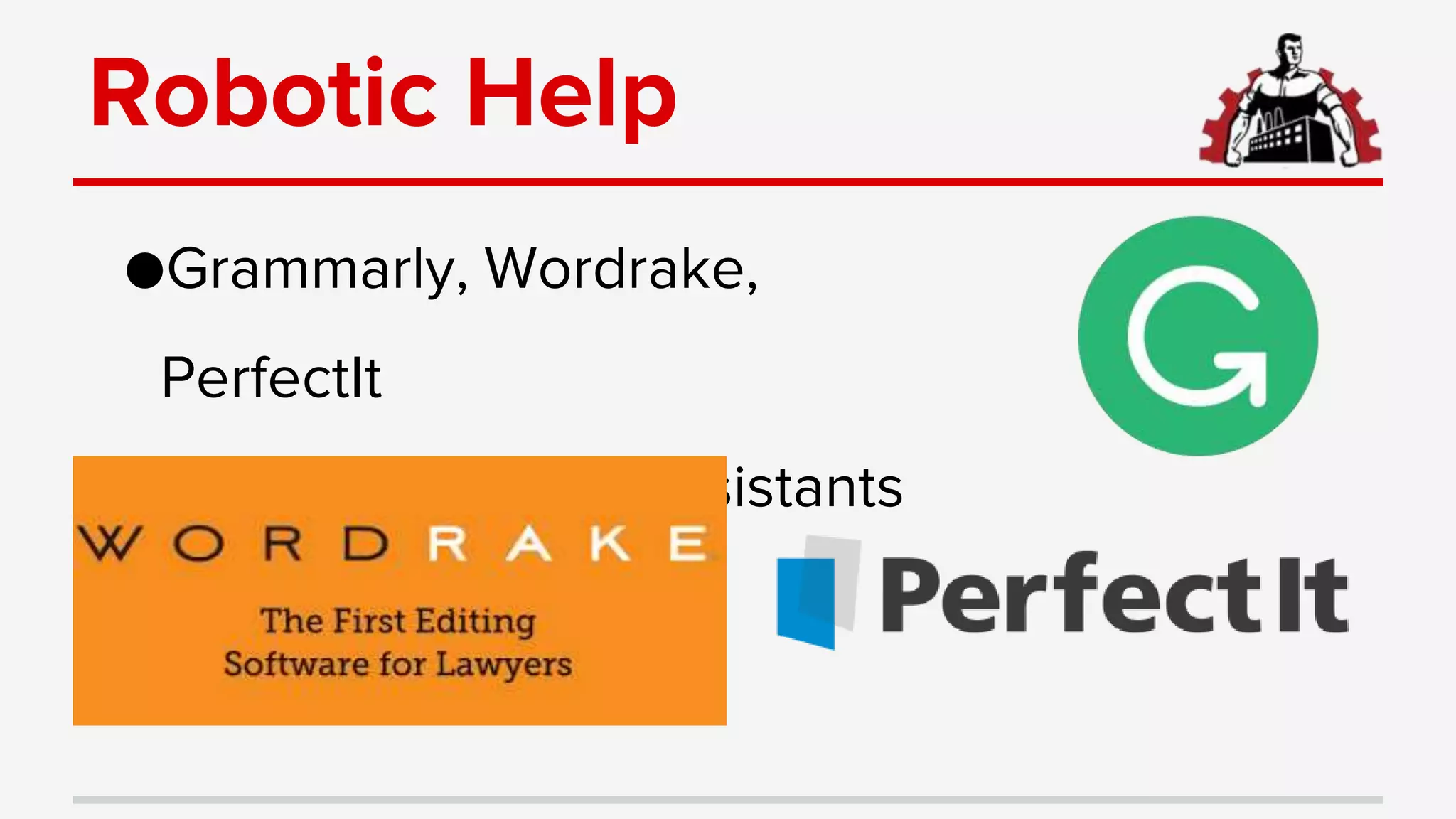
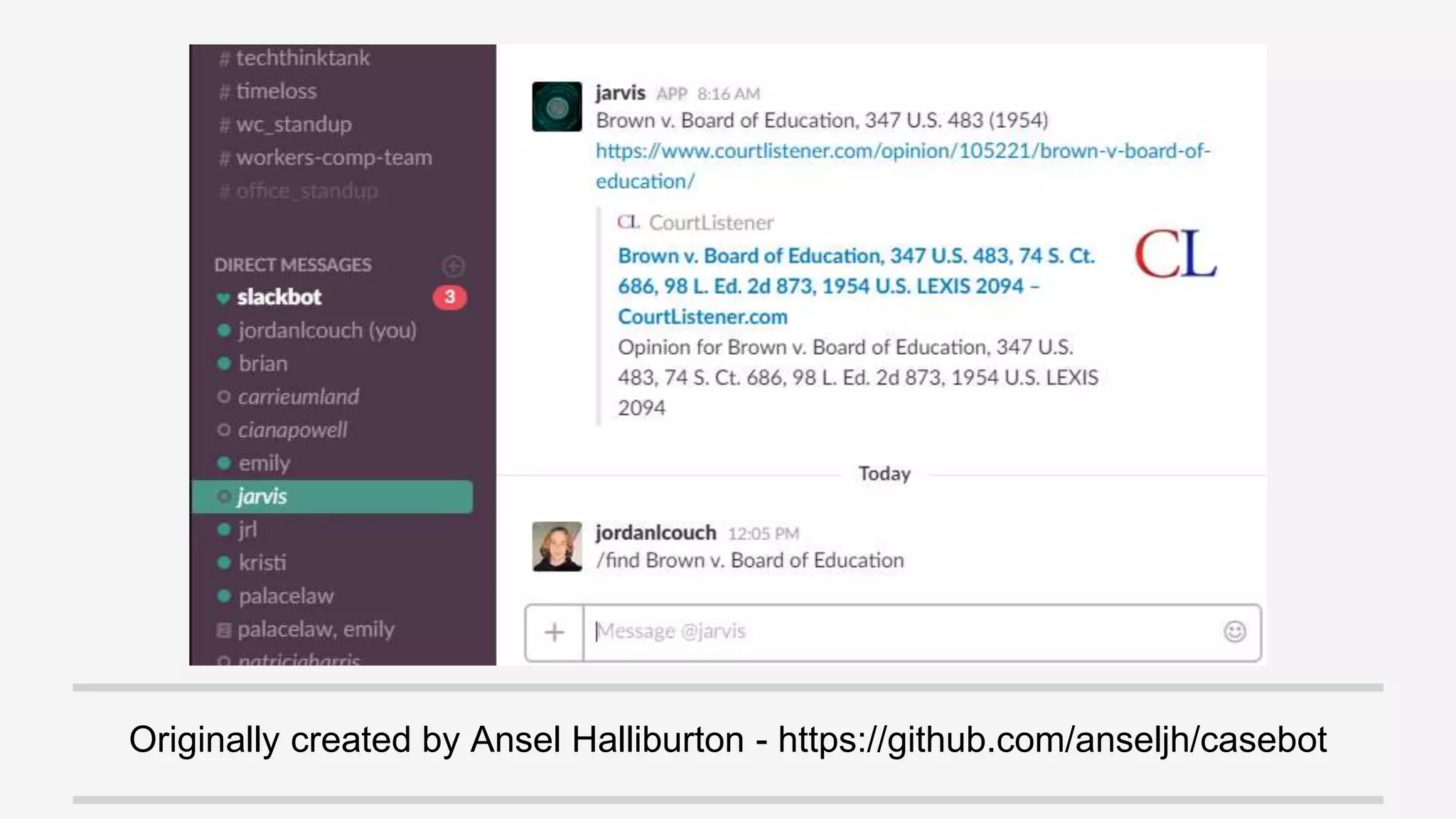
Robotic Help
●Grammarly, Wordrake,
PerfectIt
●Advanced writing assistants
Track Performance
●Automate client feedback
●Organize data in a useful form
●Link KPIs to specific clients
Collection ● Automatic
Systems
● Client
provided
● Manual
Systems
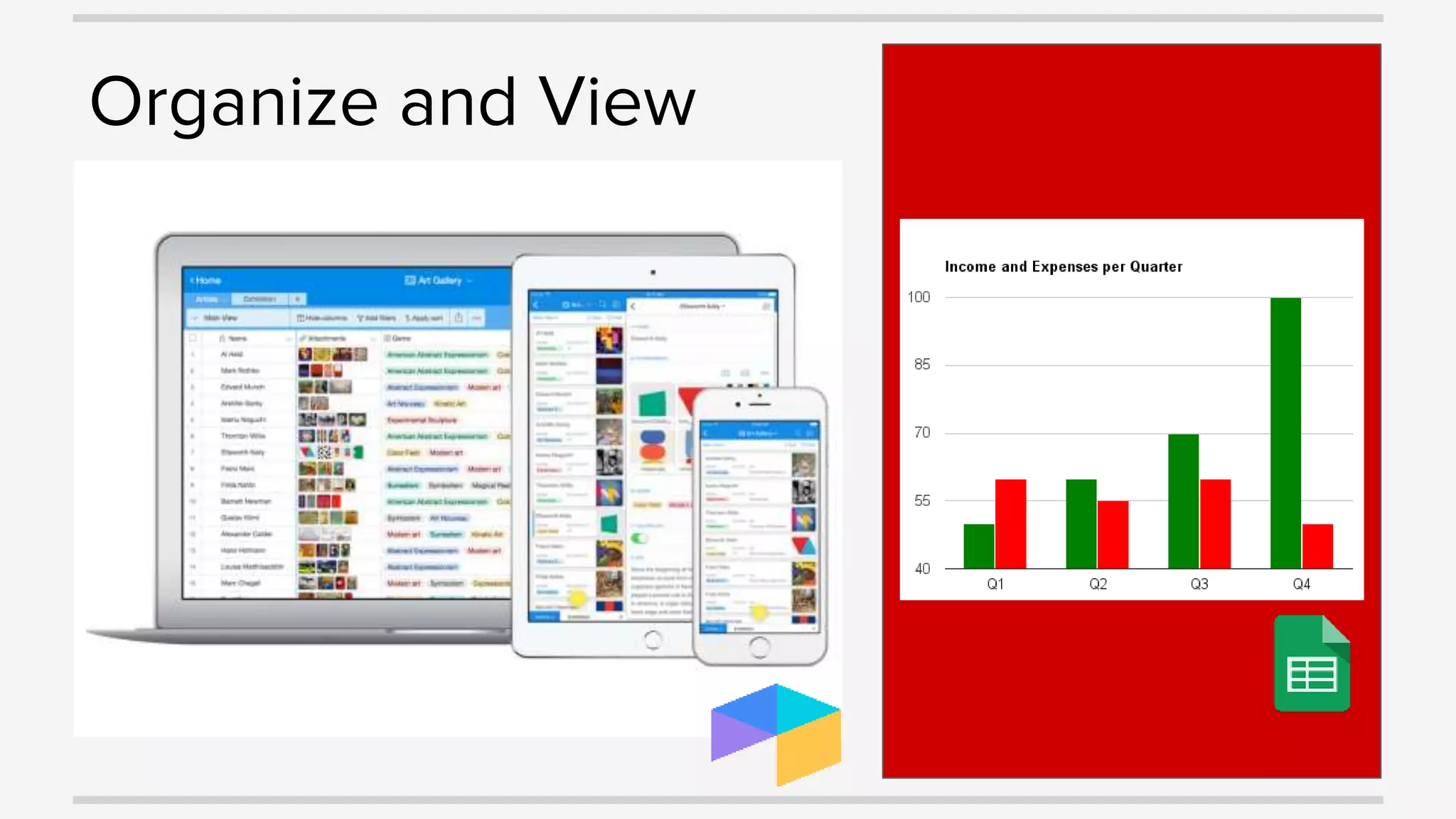
Organize and View
Connect & Automate
●Link all of your cloud services
●Achieve more without duplication
●Enhance capabilities
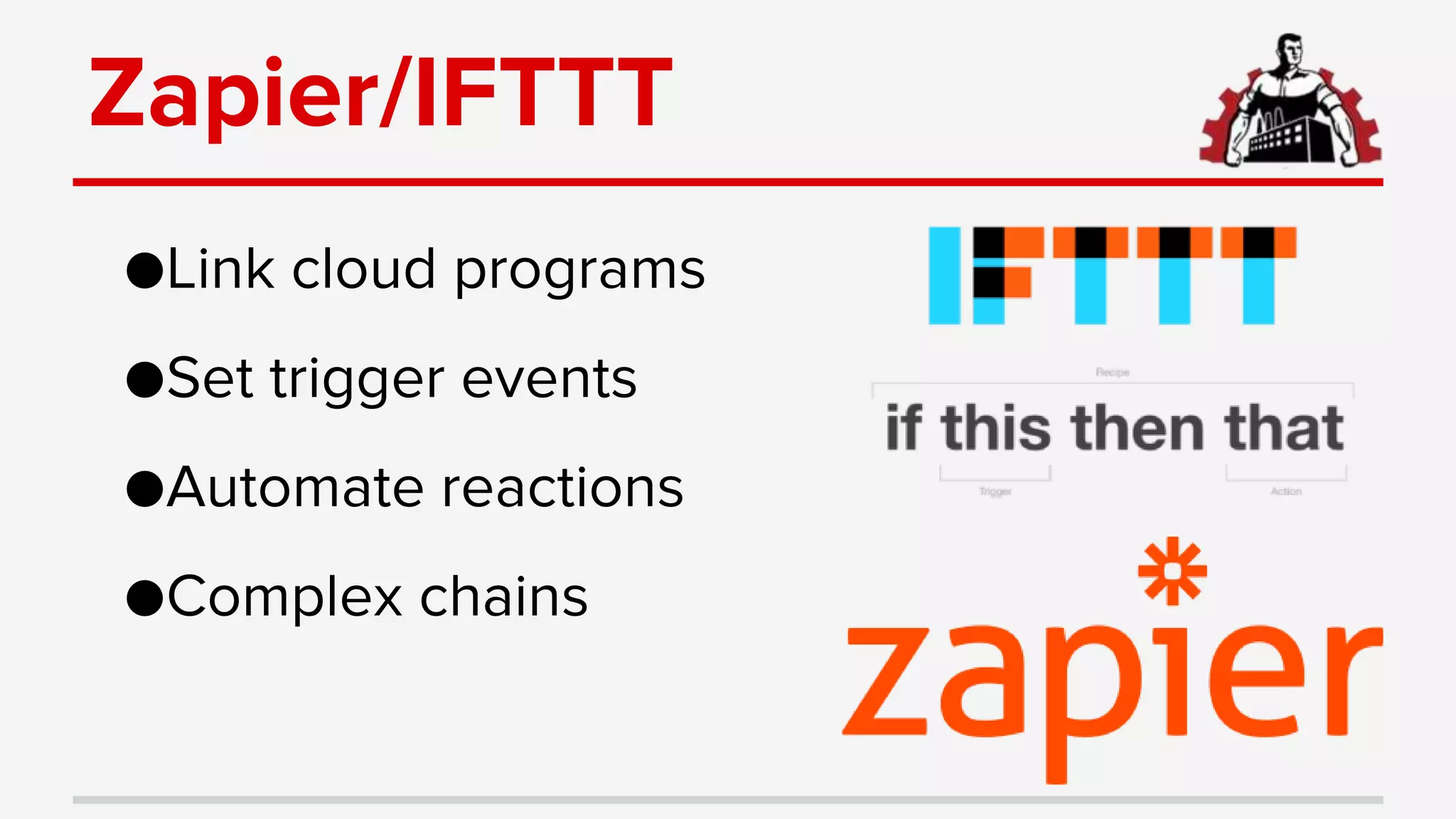
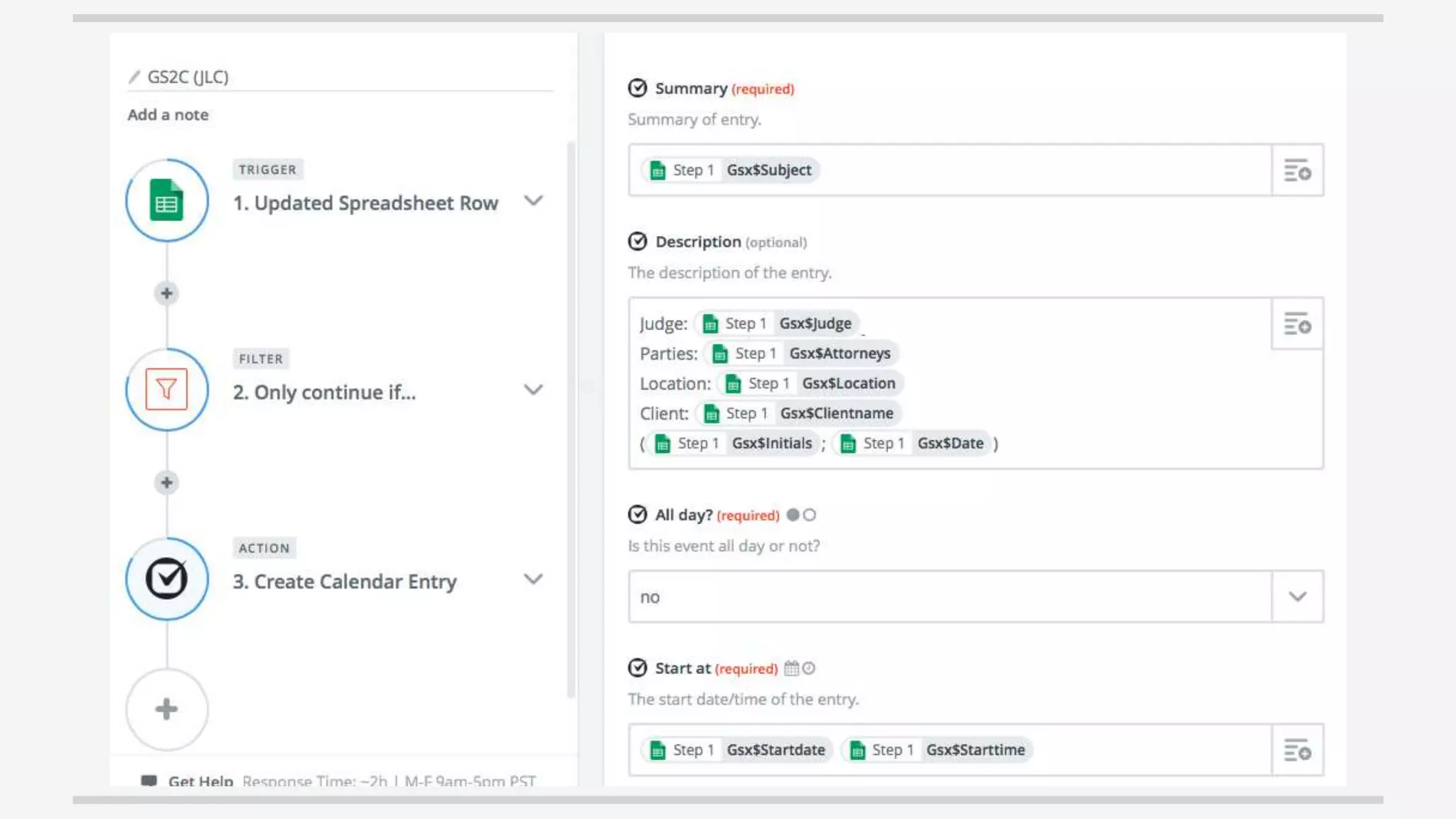
Zapier/IFTTT
●Link cloud programs
●Set trigger events
●Automate reactions
●Complex chains
Ad ons
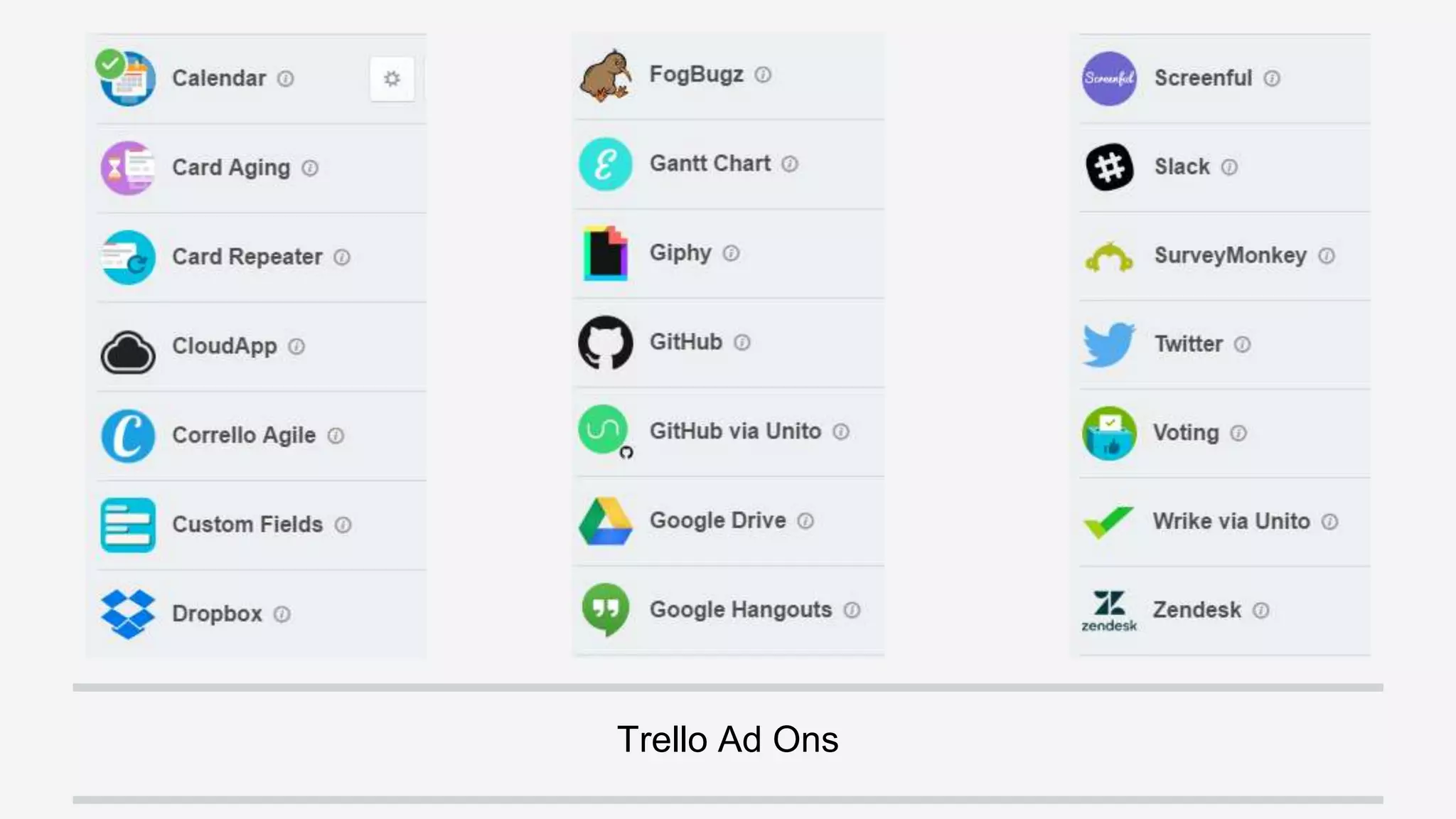
●Trello, Adobe, G-Suite, Slack
●If the tool doesn’t do it, an ad on likely does
●Calendars, Repeats, Legal Research, Order
Pizza, Random Facts
Trello Ad Ons
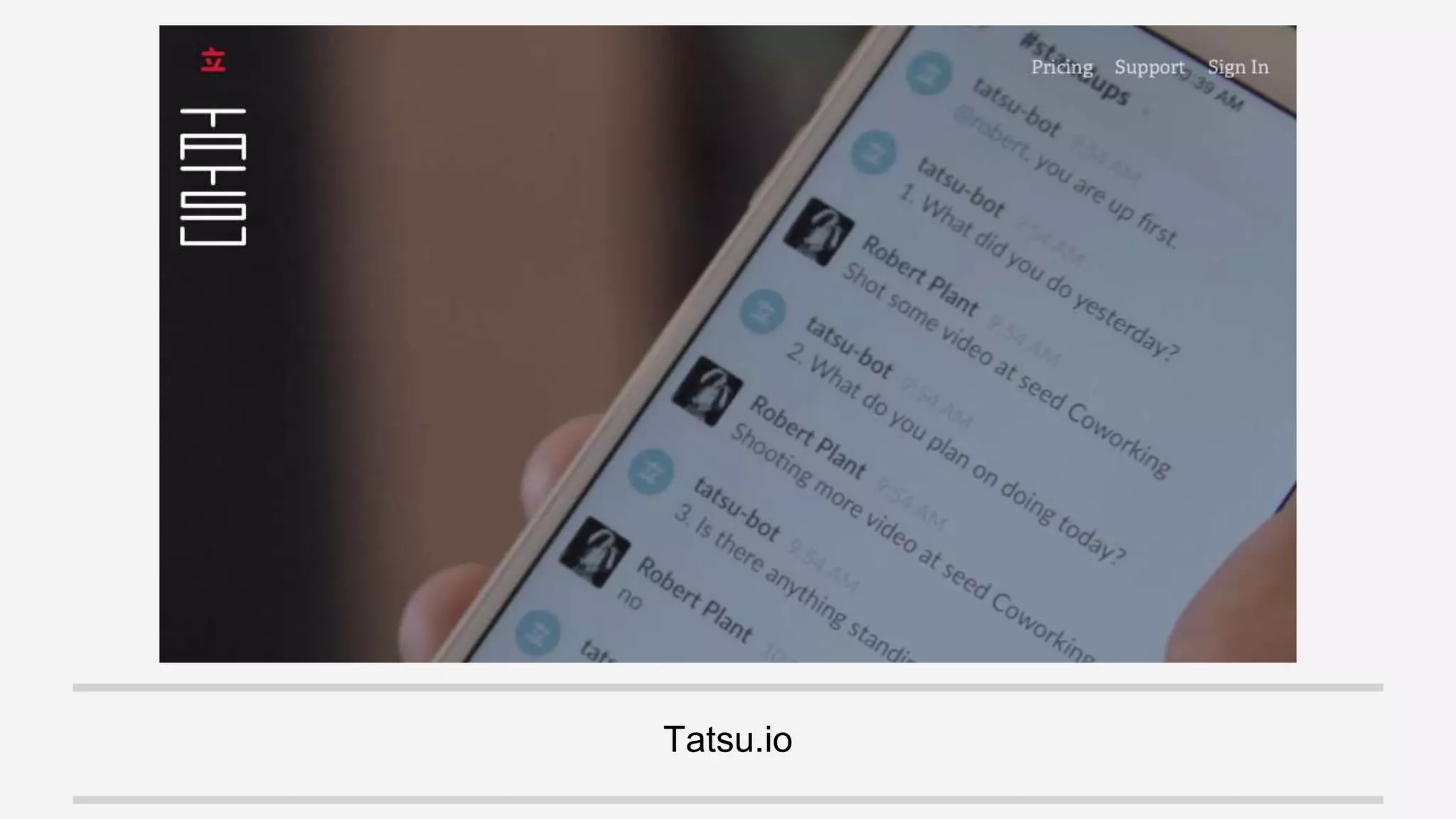
Tatsu.io
Originally created by Ansel Halliburton - https://github.com/anseljh/casebot
Questions?

Part 2 - Tools for Streamlining and Automating Your Law Practice