Downloaded 130 times

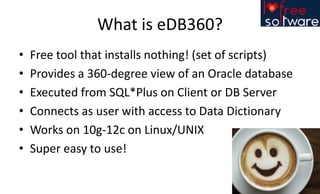
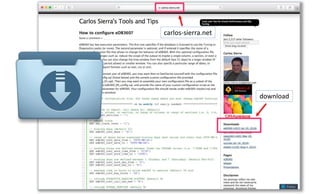
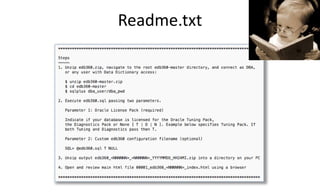
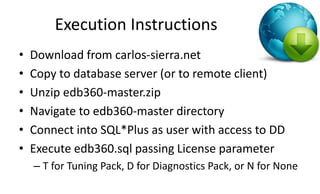
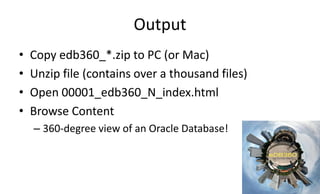
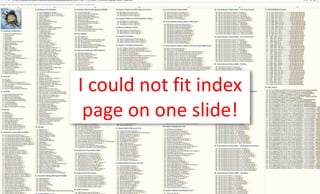
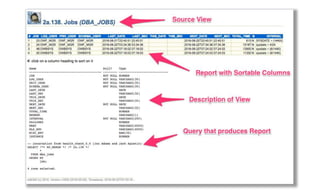
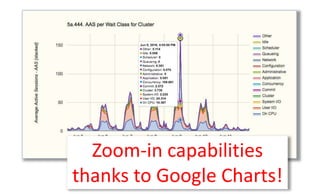
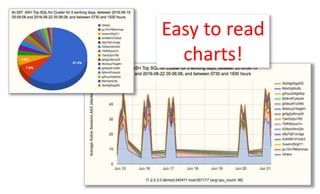
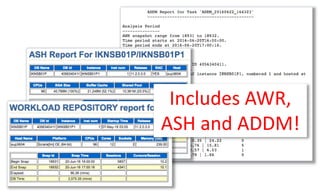
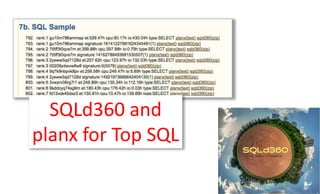

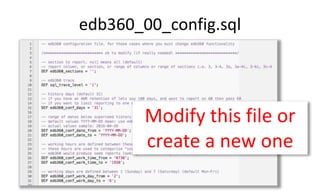


The document introduces edb360, a free tool that provides a comprehensive view of an Oracle database when executed via SQL*Plus, functioning on Linux/Unix systems from versions 10g to 12c. It outlines the download and execution process, along with features like easy navigation, zoom-in capabilities, and the inclusion of AWR, ASH, and ADDM data. For further information, users can visit the provided website or contact the author via email.


![谷歌留痕技术教程[ 𝙩𝙤𝙥 𝟮𝟯𝟯. 𝙘 𝙤𝙢 ]](https://cdn.slidesharecdn.com/ss_thumbnails/top233-260130173900-2eb784f9-thumbnail.jpg?width=640&height=640&fit=bounds)


![20260201 [FOSDEM] gomodjail - library sandboxing for Go modules.pdf](https://cdn.slidesharecdn.com/ss_thumbnails/20260201fosdemgomodjail-librarysandboxingforgomodules-260201225659-76609ec4-thumbnail.jpg?width=640&height=640&fit=bounds)
