
ACCESSIBILITY
TESTING
The DISABILITY is not the problem…
The ACCESSIBILITY is the problem…
WELCOME GUYS
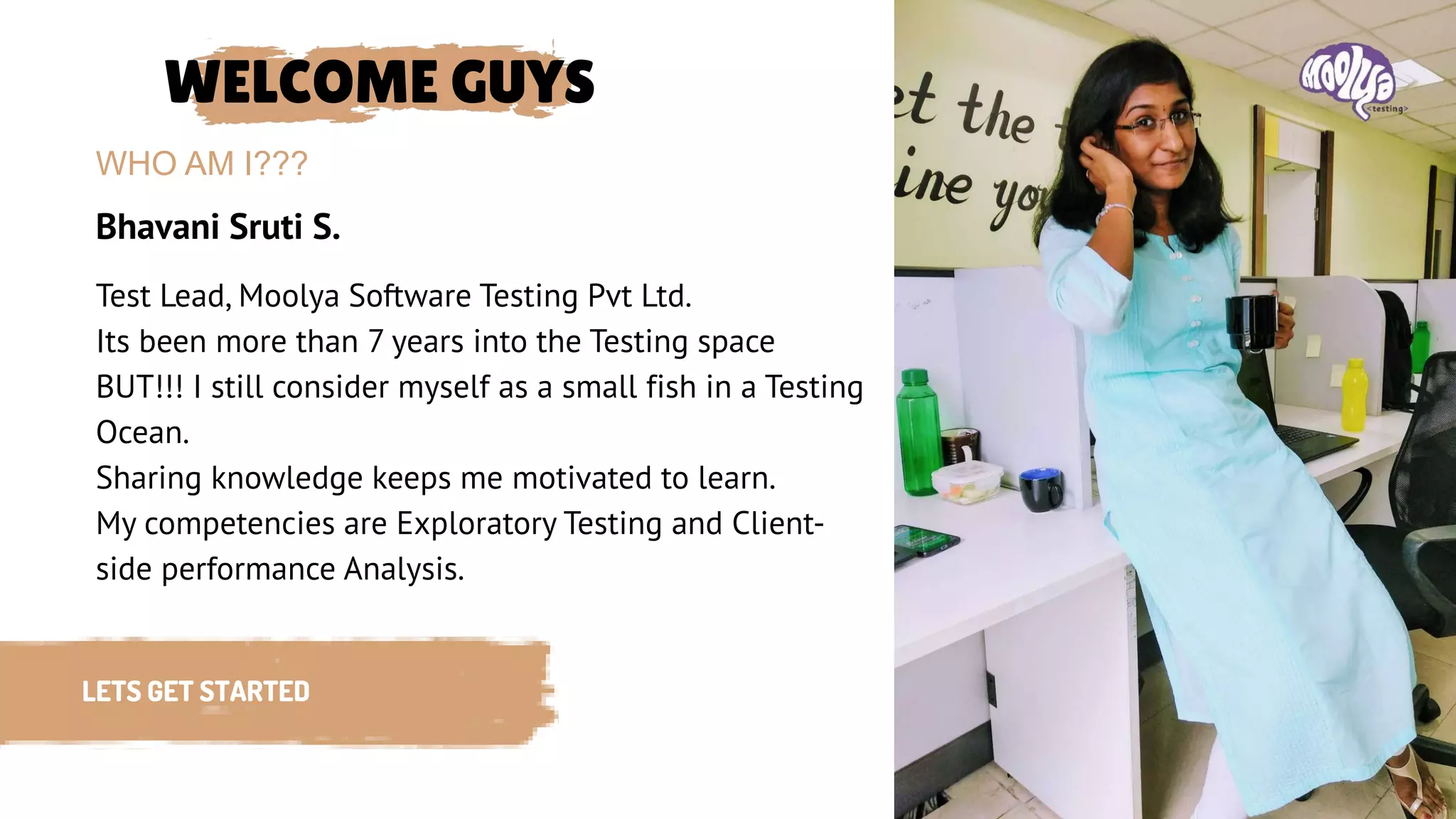
Bhavani Sruti S.
WHO AM I???
LETS GET STARTED
Test Lead, Moolya Software Testing Pvt Ltd.
Its been more than 7 years into the Testing space
BUT!!! I still consider myself as a small fish in a Testing
Ocean.
Sharing knowledge keeps me motivated to learn.
My competencies are Exploratory Testing and Client-
side performance Analysis.
SPECIAL NEEDS &
CHALLENGES!!!
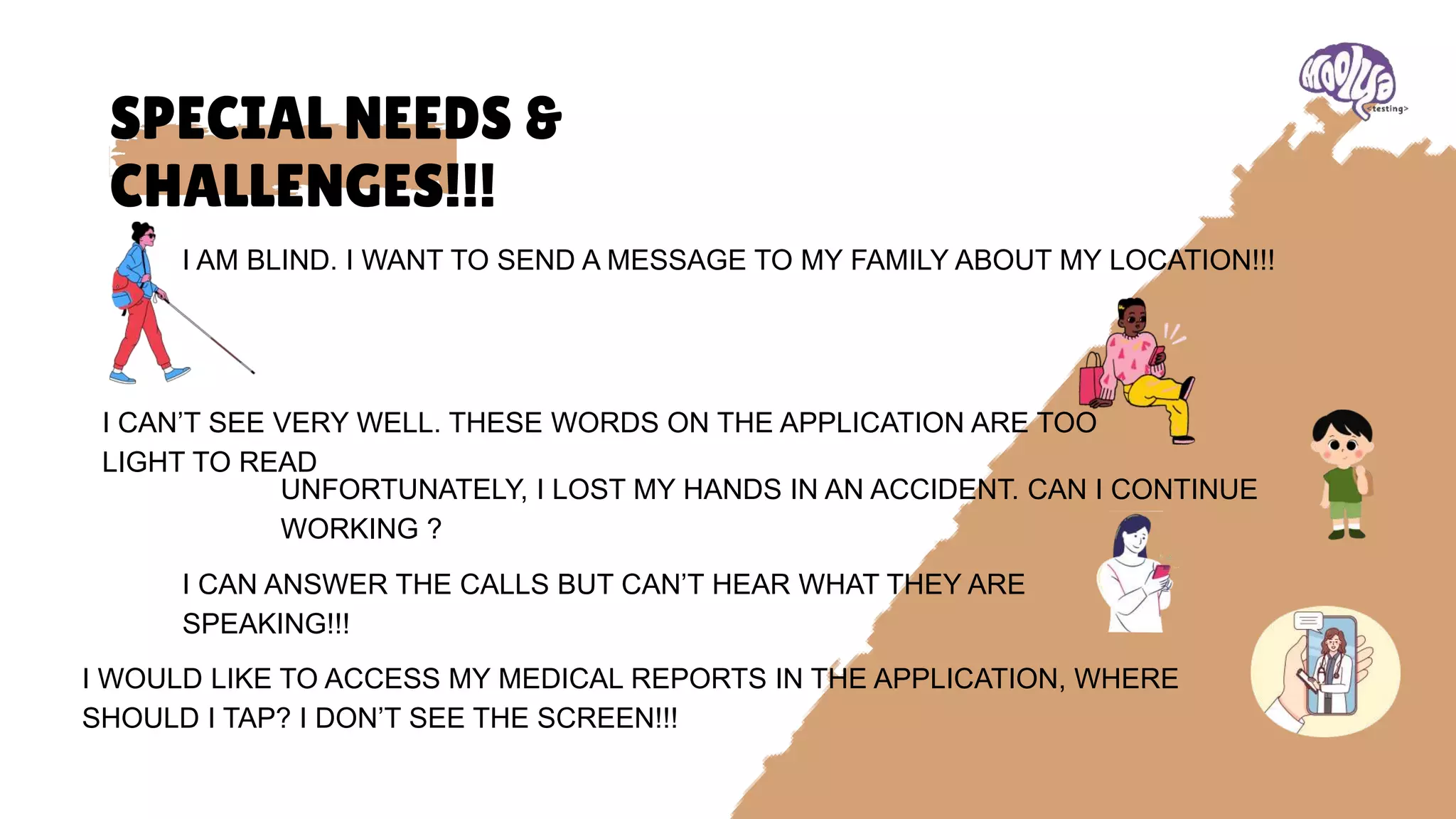
I AM BLIND. I WANT TO SEND A MESSAGE TO MY FAMILY ABOUT MY LOCATION!!!
I CAN’T SEE VERY WELL. THESE WORDS ON THE APPLICATION ARE TOO
LIGHT TO READ
UNFORTUNATELY, I LOST MY HANDS IN AN ACCIDENT. CAN I CONTINUE
WORKING ?
I CAN ANSWER THE CALLS BUT CAN’T HEAR WHAT THEY ARE
SPEAKING!!!
I WOULD LIKE TO ACCESS MY MEDICAL REPORTS IN THE APPLICATION, WHERE
SHOULD I TAP? I DON’T SEE THE SCREEN!!!
WHAT IS
ACCESSIBILITY?
It is design and creation of products, services, environments, and digital content in a
way that ensures equal access and usability for all individuals, regardless of their
physical, sensory, cognitive, or other disabilities.
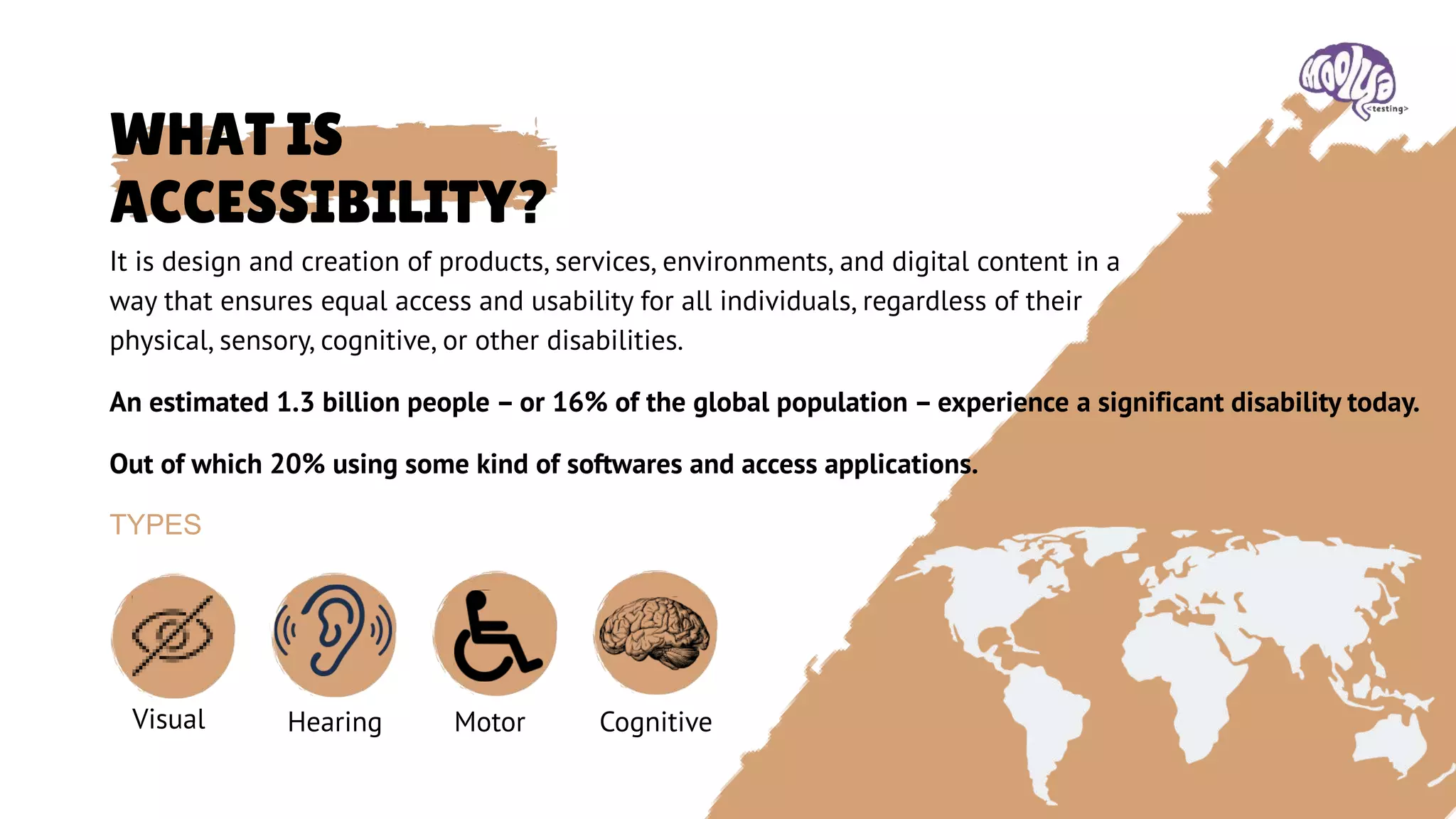
TYPES
An estimated 1.3 billion people – or 16% of the global population – experience a significant disability today.
Out of which 20% using some kind of softwares and access applications.
Visual Hearing Motor Cognitive
LAWS AND
STANDARDS
• Rights of Persons with Disabilities Act, 2016
(RPD)
⚬ Details
■ Date enacted: 2016
■ Responsible Entity (Agency, Ministry,
etc.):
■ Ministry of Social Justice and
Empowerment
■ Type: Non-discrimination law
■ Scope: Public sector, Private sector
■ Web only: no
■ WCAG Version Used: None
INDIA
24 COUNTRIES
• Guidelines for Indian Government Websites
⚬ Details
■ Date enacted: 2009
■ Responsible Entity (Agency, Ministry,
etc.):
■ Department of Administrative Reforms
and Public Grievances
■ Type: Mandatory policy
■ Scope: Government
■ Web only: no
■ WCAG Version Used: WCAG 2.0
■ Relevant Standard:
■ WCAG 2.0 Level A
■ W3C Web Content Accessibility
Guidelines 2.0 Level
BENEFITS OF
ACCESSIBILITY
• EQUAL OPPORTUNITIES
• EXPANDED MARKET REACH
• ENHANCED USER EXPERIENCE
• IMPROVED SEO AND WEB VISIBILITY
• LEGAL COMPLIANCE
• POSITIVE BRAND REPUTATION
• INNOVATION AND CREATIVITY
BENEFITS TO INDIVIDUALS, BUSINESSES, AND
SOCIETY AS A WHOLE
TESTING METHODS & BASIC CHECKS
• MANUAL TESTING
• AUTOMATED TESTING
• SCREEN READER TESTING
• KEYBOARD NAVIGATION TESTING
• COLOR CONTRAST TESTING
• ASSISTIVE TECHNOLOGY TESTING
• USABILITY TESTING WITH USERS WITH DISABILITIES
• COGNITIVE TESTING
• MOBILE ACCESSIBILITY TESTING
• ASSISTIVE TECHNOLOGY COMPATIBILITY TESTING
PLATFORMS
• DEVICES(IPHONE, ANDROID, DESKTOP)
• OS
• Browser
• Screen Size
WEB CONTENT ACCESSIBILITY GUIDELINES
• 4 main principles
⚬ Perceivable
⚬ Operable
⚬ Understandable
⚬ Robust
WCAG 2.0, 2008 WCAG 2.1, 2018
• Adding new guidelines and success criteria to
address more accessibility issues, particularly
for mobile devices
⚬ touch screen, pointer gestures, sensors and
small screen devices
⚬ Low vision users
⚬ As per WCAG2, zooming should be allowed
to 200%
There are multiple tools available in market. Few popular tools are::
• WAVE Extension Tool
• WCAG Accessibility Audit Developer UI
• Tenon Toolkit
• Developer tools (lighthouse, Accessibility tree)
• Color Contrast Analyzer
• Screen Reader
• Android Studio
• Accessibility scanner
• Google play pre-launch report
• Inbuilt options of a mobile device
TOOL MAGIC
CHECKLIST • Provide equivalent alternatives to auditory and visual content.
• Don't rely on color alone.
• Use markup and style sheets and do so properly.
• Clarify natural language usage
• Create tables that transform gracefully.
• Ensure that pages featuring new technologies transform
gracefully.
• Ensure user control of time-sensitive content changes.
• Ensure direct accessibility of embedded user interfaces.
• Design for device-independence.
• Use interim solutions.
• Use W3C technologies and guidelines.
• Provide context and orientation information.
• Provide clear navigation mechanisms.
• Ensure that documents are clear and simple.

Accessibility Testing.pptx

  • 1.
    ACCESSIBILITY TESTING The DISABILITY isnot the problem… The ACCESSIBILITY is the problem…
  • 2.
    WELCOME GUYS Bhavani SrutiS. WHO AM I??? LETS GET STARTED Test Lead, Moolya Software Testing Pvt Ltd. Its been more than 7 years into the Testing space BUT!!! I still consider myself as a small fish in a Testing Ocean. Sharing knowledge keeps me motivated to learn. My competencies are Exploratory Testing and Client- side performance Analysis.
  • 4.
    SPECIAL NEEDS & CHALLENGES!!! IAM BLIND. I WANT TO SEND A MESSAGE TO MY FAMILY ABOUT MY LOCATION!!! I CAN’T SEE VERY WELL. THESE WORDS ON THE APPLICATION ARE TOO LIGHT TO READ UNFORTUNATELY, I LOST MY HANDS IN AN ACCIDENT. CAN I CONTINUE WORKING ? I CAN ANSWER THE CALLS BUT CAN’T HEAR WHAT THEY ARE SPEAKING!!! I WOULD LIKE TO ACCESS MY MEDICAL REPORTS IN THE APPLICATION, WHERE SHOULD I TAP? I DON’T SEE THE SCREEN!!!
  • 5.
    WHAT IS ACCESSIBILITY? It isdesign and creation of products, services, environments, and digital content in a way that ensures equal access and usability for all individuals, regardless of their physical, sensory, cognitive, or other disabilities. TYPES An estimated 1.3 billion people – or 16% of the global population – experience a significant disability today. Out of which 20% using some kind of softwares and access applications. Visual Hearing Motor Cognitive
  • 6.
    LAWS AND STANDARDS • Rightsof Persons with Disabilities Act, 2016 (RPD) ⚬ Details ■ Date enacted: 2016 ■ Responsible Entity (Agency, Ministry, etc.): ■ Ministry of Social Justice and Empowerment ■ Type: Non-discrimination law ■ Scope: Public sector, Private sector ■ Web only: no ■ WCAG Version Used: None INDIA 24 COUNTRIES • Guidelines for Indian Government Websites ⚬ Details ■ Date enacted: 2009 ■ Responsible Entity (Agency, Ministry, etc.): ■ Department of Administrative Reforms and Public Grievances ■ Type: Mandatory policy ■ Scope: Government ■ Web only: no ■ WCAG Version Used: WCAG 2.0 ■ Relevant Standard: ■ WCAG 2.0 Level A ■ W3C Web Content Accessibility Guidelines 2.0 Level
  • 7.
    BENEFITS OF ACCESSIBILITY • EQUALOPPORTUNITIES • EXPANDED MARKET REACH • ENHANCED USER EXPERIENCE • IMPROVED SEO AND WEB VISIBILITY • LEGAL COMPLIANCE • POSITIVE BRAND REPUTATION • INNOVATION AND CREATIVITY BENEFITS TO INDIVIDUALS, BUSINESSES, AND SOCIETY AS A WHOLE
  • 8.
    TESTING METHODS &BASIC CHECKS • MANUAL TESTING • AUTOMATED TESTING • SCREEN READER TESTING • KEYBOARD NAVIGATION TESTING • COLOR CONTRAST TESTING • ASSISTIVE TECHNOLOGY TESTING • USABILITY TESTING WITH USERS WITH DISABILITIES • COGNITIVE TESTING • MOBILE ACCESSIBILITY TESTING • ASSISTIVE TECHNOLOGY COMPATIBILITY TESTING
  • 9.
    PLATFORMS • DEVICES(IPHONE, ANDROID,DESKTOP) • OS • Browser • Screen Size
  • 10.
    WEB CONTENT ACCESSIBILITYGUIDELINES • 4 main principles ⚬ Perceivable ⚬ Operable ⚬ Understandable ⚬ Robust WCAG 2.0, 2008 WCAG 2.1, 2018 • Adding new guidelines and success criteria to address more accessibility issues, particularly for mobile devices ⚬ touch screen, pointer gestures, sensors and small screen devices ⚬ Low vision users ⚬ As per WCAG2, zooming should be allowed to 200%
  • 11.
    There are multipletools available in market. Few popular tools are:: • WAVE Extension Tool • WCAG Accessibility Audit Developer UI • Tenon Toolkit • Developer tools (lighthouse, Accessibility tree) • Color Contrast Analyzer • Screen Reader • Android Studio • Accessibility scanner • Google play pre-launch report • Inbuilt options of a mobile device TOOL MAGIC
  • 12.
    CHECKLIST • Provideequivalent alternatives to auditory and visual content. • Don't rely on color alone. • Use markup and style sheets and do so properly. • Clarify natural language usage • Create tables that transform gracefully. • Ensure that pages featuring new technologies transform gracefully. • Ensure user control of time-sensitive content changes. • Ensure direct accessibility of embedded user interfaces. • Design for device-independence. • Use interim solutions. • Use W3C technologies and guidelines. • Provide context and orientation information. • Provide clear navigation mechanisms. • Ensure that documents are clear and simple.

Editor's Notes