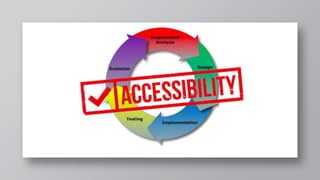
User Experience
and Accessibility
I am Niki
Head of SEO & Content at
AgentSync
You can find me at
@nikers85
HELLO!
. 1. What is Accessibility
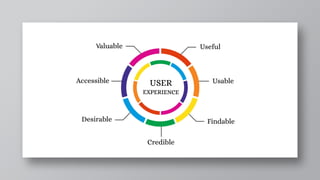
2. What is User Experience
3. Why both matter for SEO
Broadly speaking, when we say a site
is accessible, we mean that the site’s
content is available, and its
functionality can be operated, by
literally anyone.
“
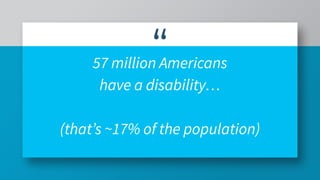
57 million Americans
have a disability…
(that’s ~17% of the population)
Why is web accessibility important?
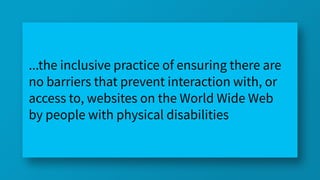
...the inclusive practice of ensuring there are
no barriers that prevent interaction with, or
access to, websites on the World Wide Web
by people with physical disabilities
Don’t exclude people from using
your products or services
Visual
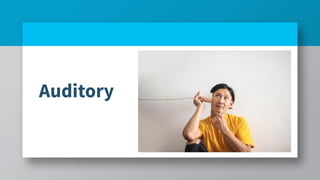
Auditory
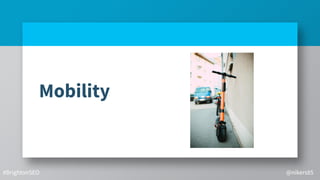
Mobility
#BrightonSEO @nikers85
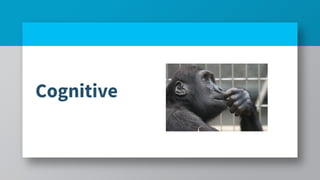
Cognitive
The negative
implications to not
having an
accessible website
● Narrowing your potential
target market
The negative
implications to not
having an
accessible website
● Narrowing your potential
target market
● Lost revenue
The negative
implications to not
having an
accessible website
● Narrowing your potential
target market
● Lost revenue
● Negative brand reputation
The negative
implications to not
having an
accessible website
● Narrowing your potential
target market
● Lost revenue
● Negative brand reputation
● Legal Implications
What does an accessible
website mean?
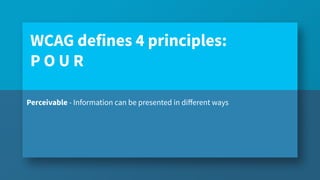
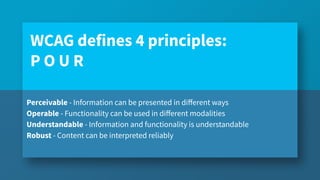
Perceivable - Information can be presented in different ways
WCAG defines 4 principles:
P O U R
Perceivable - Information can be presented in different ways
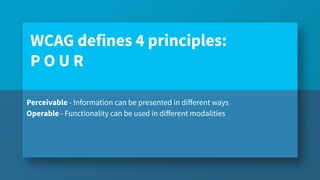
Operable - Functionality can be used in different modalities
WCAG defines 4 principles:
P O U R
Perceivable - Information can be presented in different ways
Operable - Functionality can be used in different modalities
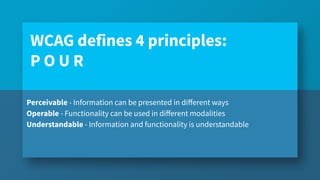
Understandable - Information and functionality is understandable
WCAG defines 4 principles:
P O U R
Perceivable - Information can be presented in different ways
Operable - Functionality can be used in different modalities
Understandable - Information and functionality is understandable
Robust - Content can be interpreted reliably
WCAG defines 4 principles:
P O U R
Common issues people have online
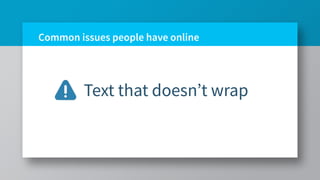
Text that doesn’t wrap
Common issues people have online
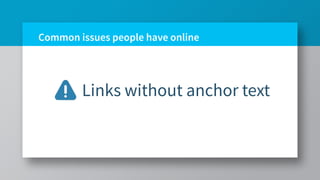
Links without anchor text
Common issues people have online
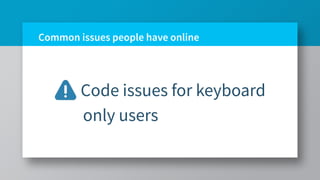
Code issues for keyboard
only users
Common issues people have online
Font size
Common issues people have online
Poor Contrast
Common issues people have online
Reliance on Color
Common issues people have online
Animations and carousels
Common issues people have online
Page time limits
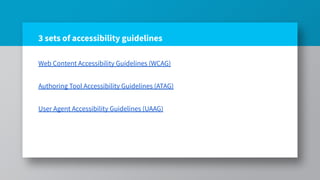
3 sets of accessibility guidelines
Web Content Accessibility Guidelines (WCAG)
Authoring Tool Accessibility Guidelines (ATAG)
User Agent Accessibility Guidelines (UAAG)
User Experience...
Gives users the answer they are
looking for
User Experience...
Answers the users question fast
User Experience...
Provides answers on a site that
is accessible on all devices
Page Experience
Interactivity: Users are able to interact quickly with
elements on the site.
Page Experience
Loading performance: A fast server response time will
result in better performance.
Page Experience
Visual stability: Content should not jump around the
page as it is loading.
Page Experience
Mobile-friendliness: Users should be able to access the
page via mobile and enjoy the same experience as
desktop users.
43
Page Experience
Security: The page should run on HTTPS
Page Experience
Browsing safety: Safe browsing checks for security issues
including malware, deceptive pages, harmful downloads,
and uncommon downloads
Page Experience
Presence of intrusive interstitials: This might include
aspects like pop-ups and ads that intrude on the main
reading and viewing experience. Content should be easily
accessible.
CORE WEB VITALS
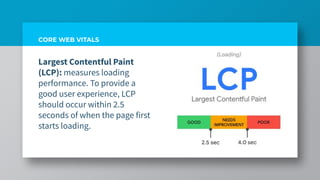
Largest Contentful Paint
(LCP): measures loading
performance. To provide a
good user experience, LCP
should occur within 2.5
seconds of when the page first
starts loading.
CORE WEB VITALS
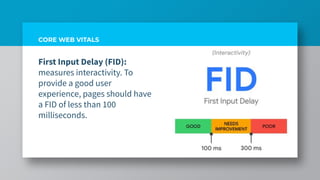
First Input Delay (FID):
measures interactivity. To
provide a good user
experience, pages should have
a FID of less than 100
milliseconds.
CORE WEB VITALS
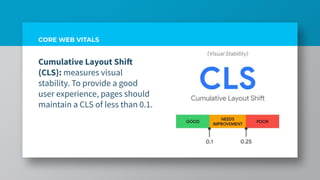
Cumulative Layout Shift
(CLS): measures visual
stability. To provide a good

user experience, pages should
maintain a CLS of less than 0.1.

https://bit.ly/3ldZZHR
WHAT MAKES A GOOD MOBILE SITE?
Mobile users are goal-oriented. They
expect to be able to get what they need,
immediately, and on their own terms.
53
Potential Negative Impacts
Poor SERP visibility
Potential Negative Impacts
Decreased Conversions
Potential Negative Impacts
Poor bounce rate
Potential Negative Impacts
Low number of leads
58
SEO & User Experience
Page Titles
59
SEO & User Experience
Headings
60
SEO & User Experience
Sitemaps
61
SEO & User Experience
Anchor Text
62
SEO & User Experience
Breadcrumb Links
63
SEO & User Experience
Alt Text
64
SEO & User Experience
Navigation
65
SEO & User Experience
Readability
66
SEO & User Experience
User Interactions
Testing and Implementing
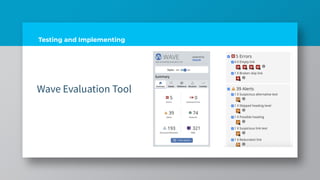
Wave Evaluation Tool
Testing and Implementing
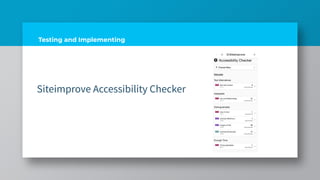
Siteimprove Accessibility Checker
Testing and Implementing
Lighthouse
Testing and Implementing
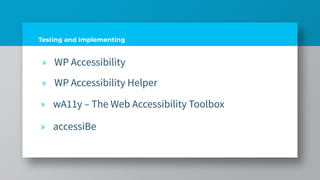
» WP Accessibility
» WP Accessibility Helper
» wA11y – The Web Accessibility Toolbox
» accessiBe
RESOURCES
https://seosly.com/google-page-experience-audit/
- Olga Zarzeczna
https://www.contentkingapp.com/academy/ux-seo/
- ContentKing
https://www.deepcrawl.com/blog/events/page-experience/
- Jamie Indigo
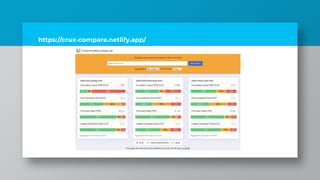
https://crux-compare.netlify.app/
Niki Mosier
Twitter: @nikers85
nikimosier.com
Slide
link:https://bit.ly/nikibright
onseo2021
THANK YOU!!!

User Experience and Accessibility - BrightonSEO March 2021