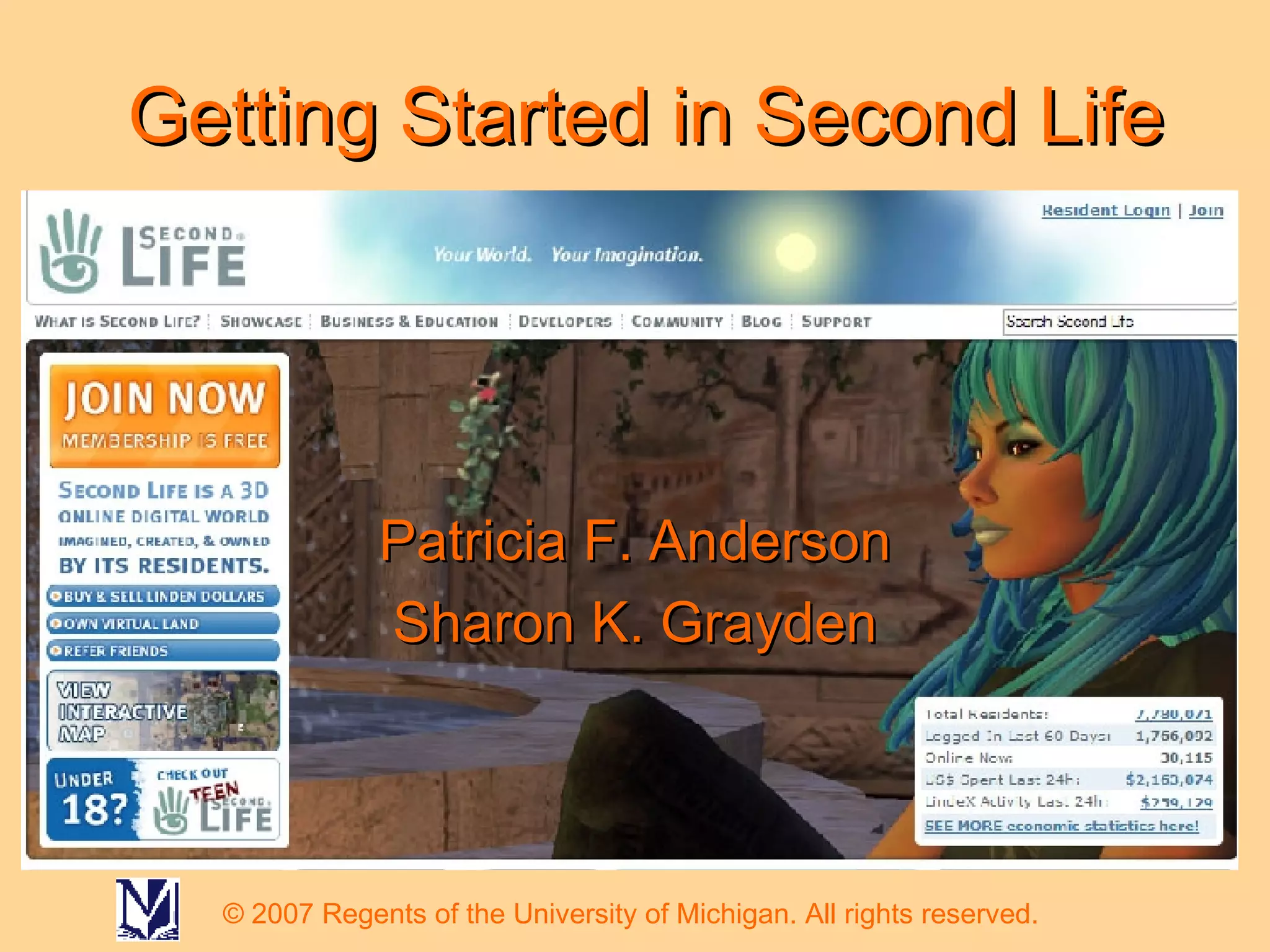
Getting Started in Second Life Patricia F. Anderson Sharon K. Grayden © 2007 Regents of the University of Michigan. All rights reserved.
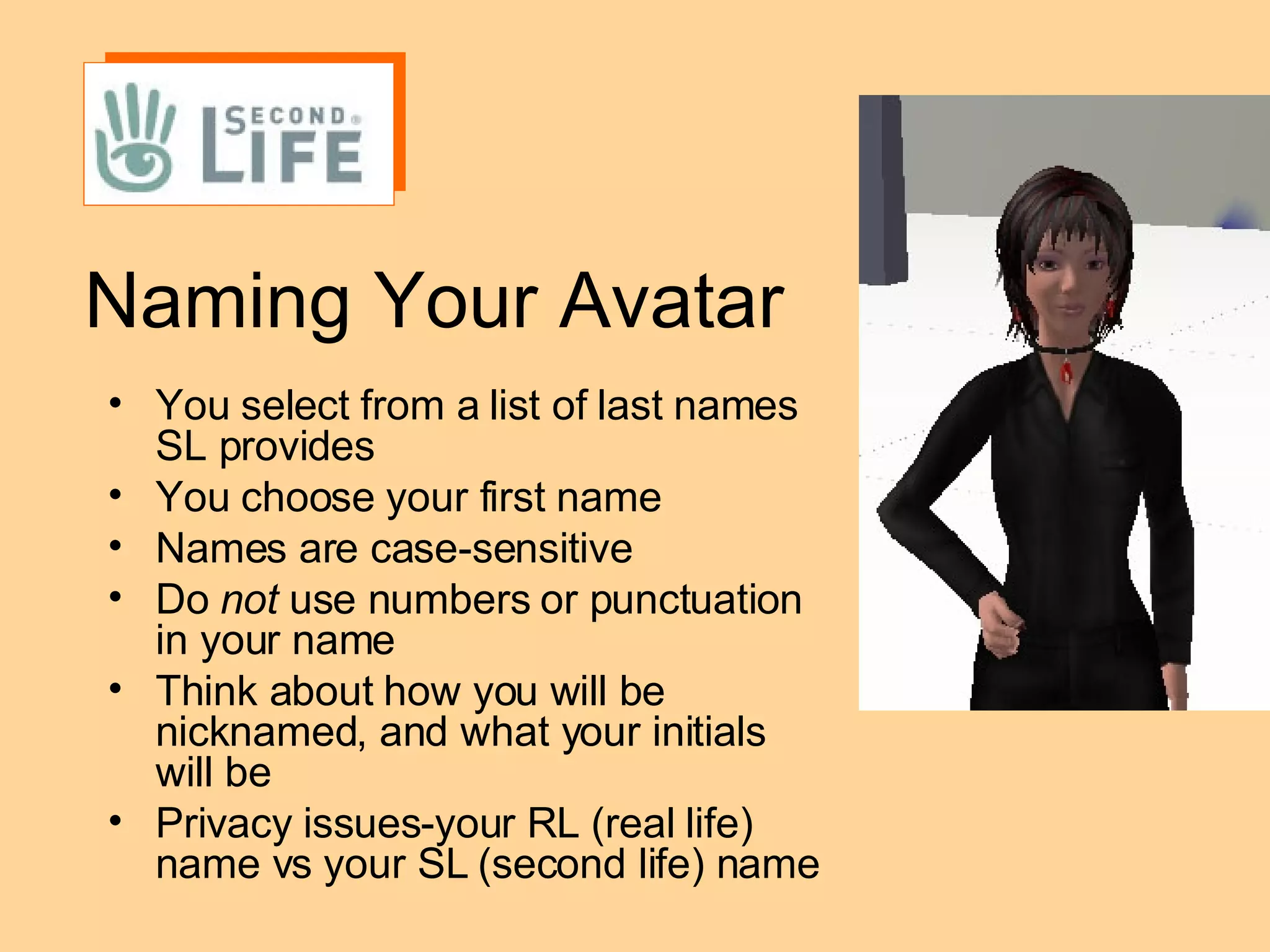
Naming Your Avatar You select from a list of last names SL provides You choose your first name Names are case-sensitive Do  not  use numbers or punctuation in your name  Think about how you will be nicknamed, and what your initials will be Privacy issues-your RL (real life) name vs your SL (second life) name
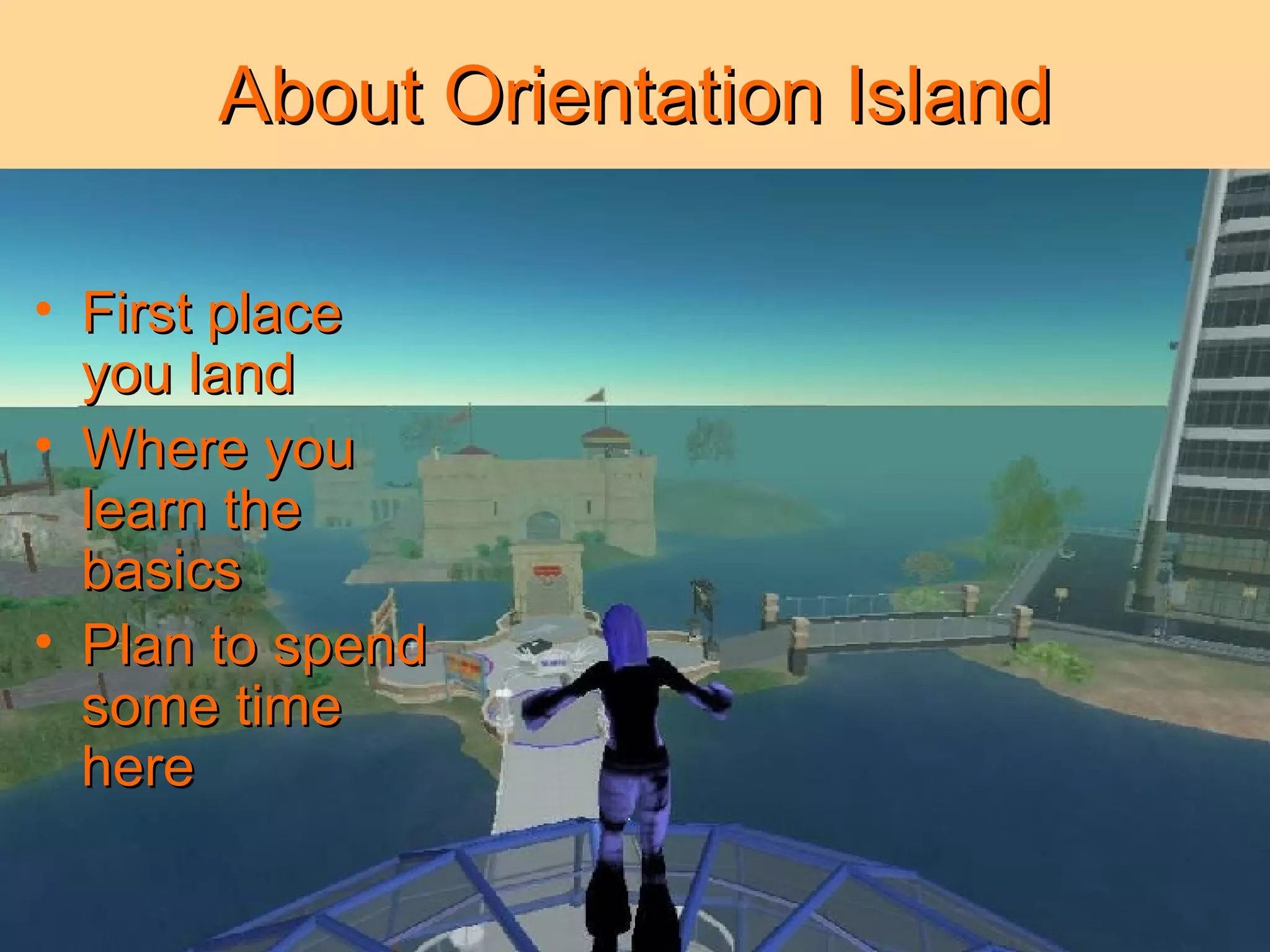
About Orientation Island First place you land Where you learn the basics Plan to spend some time here
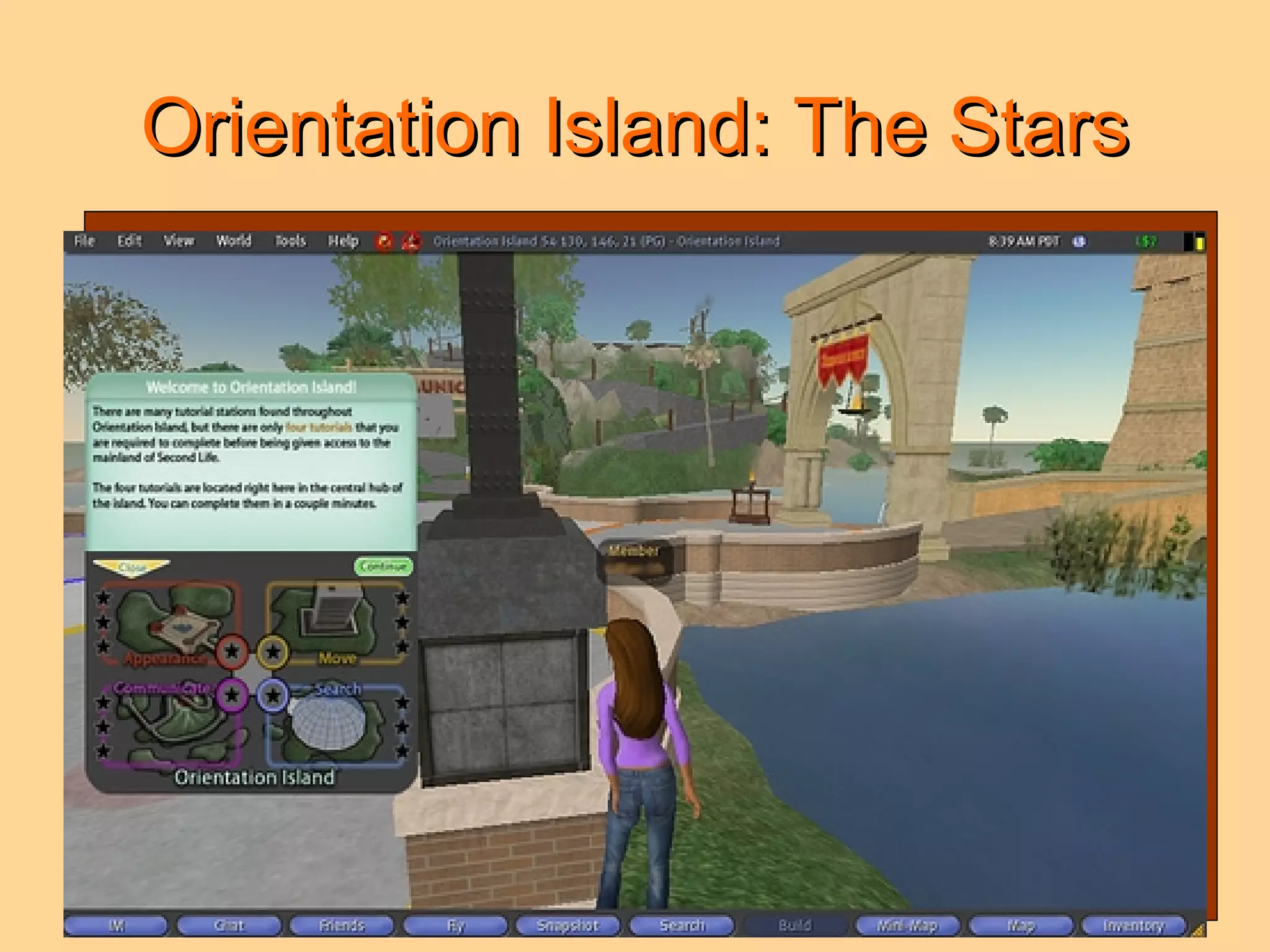
Orientation Island: The Stars
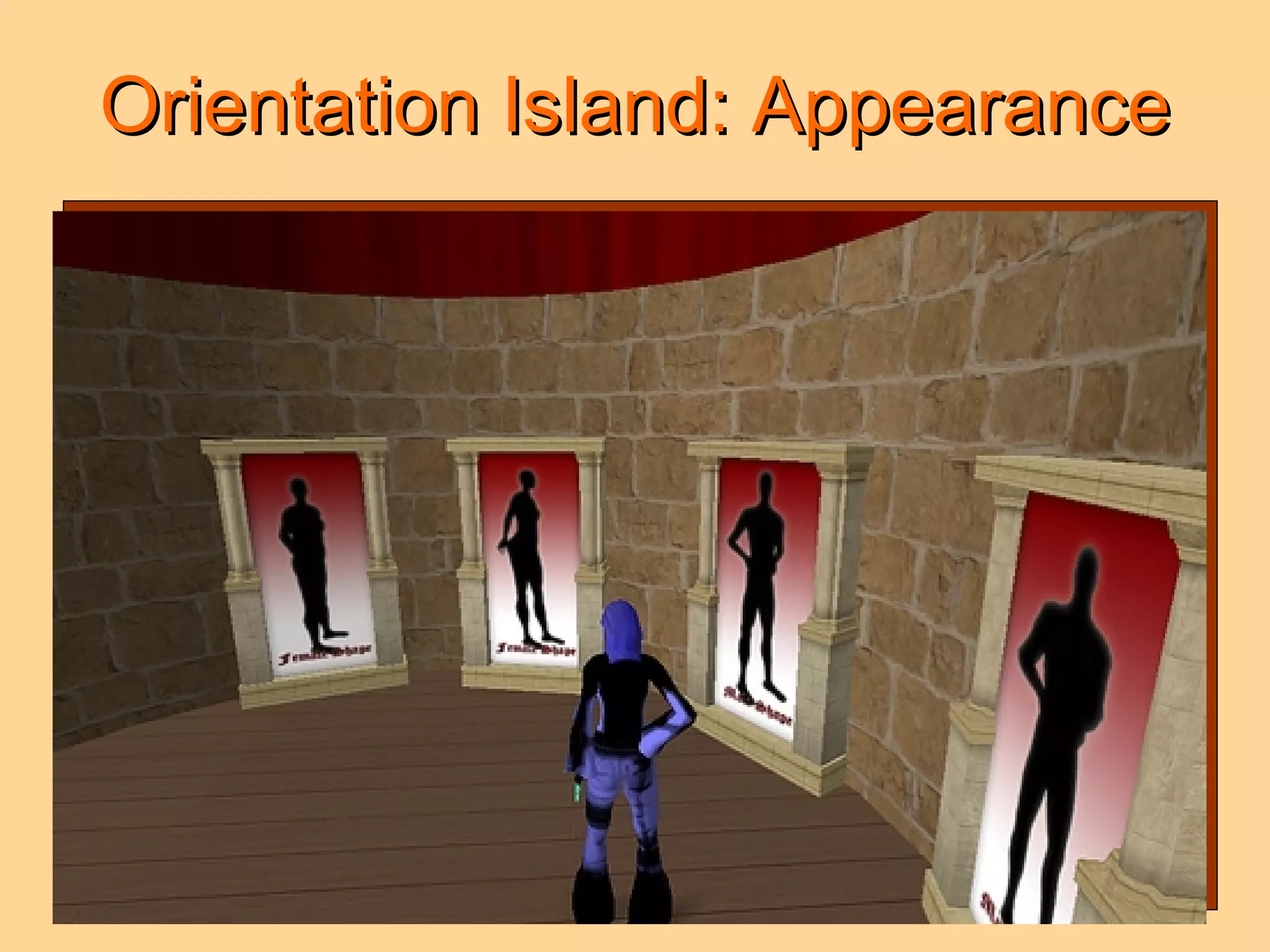
Orientation Island: Appearance
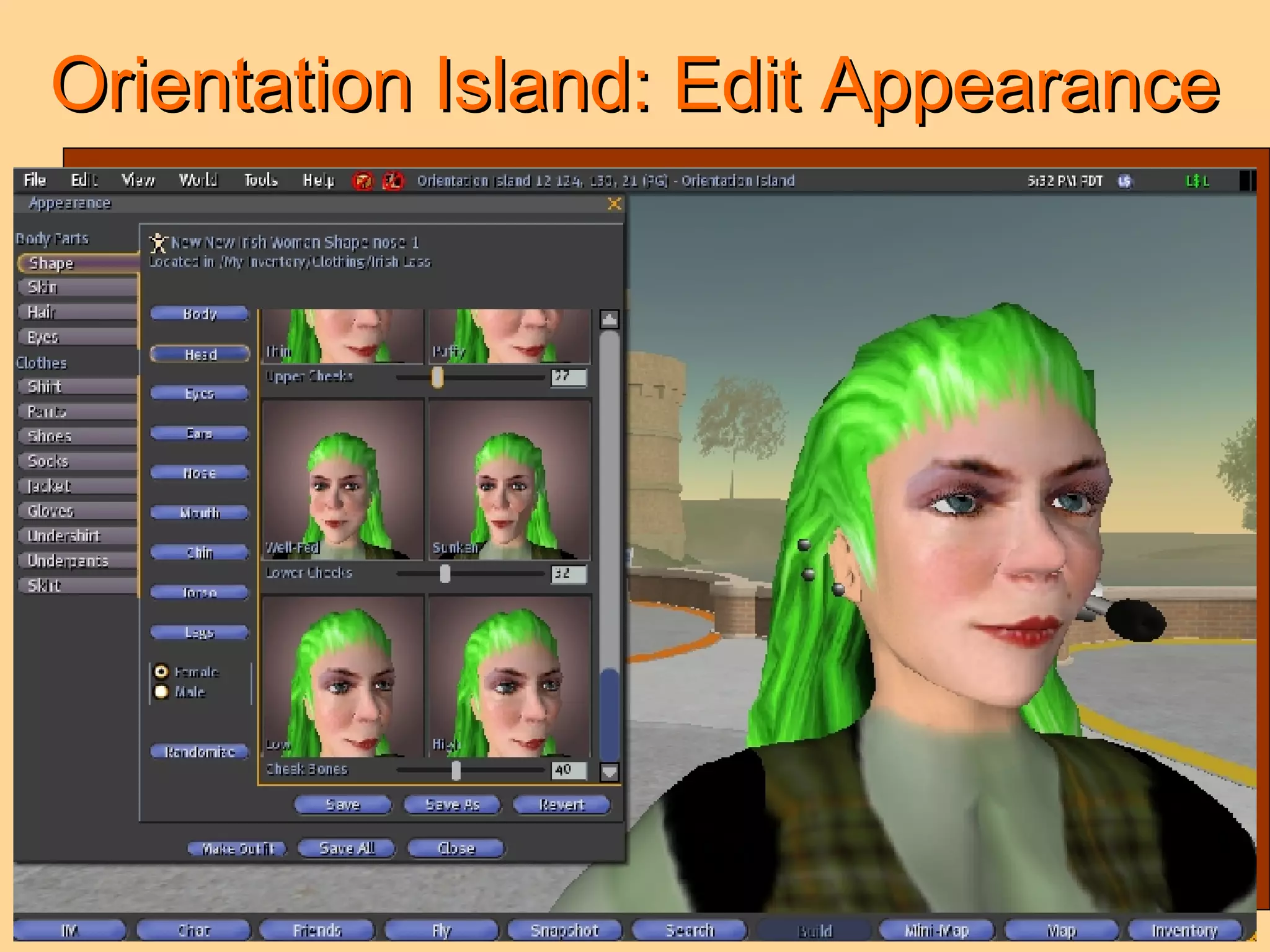
Orientation Island: Edit Appearance
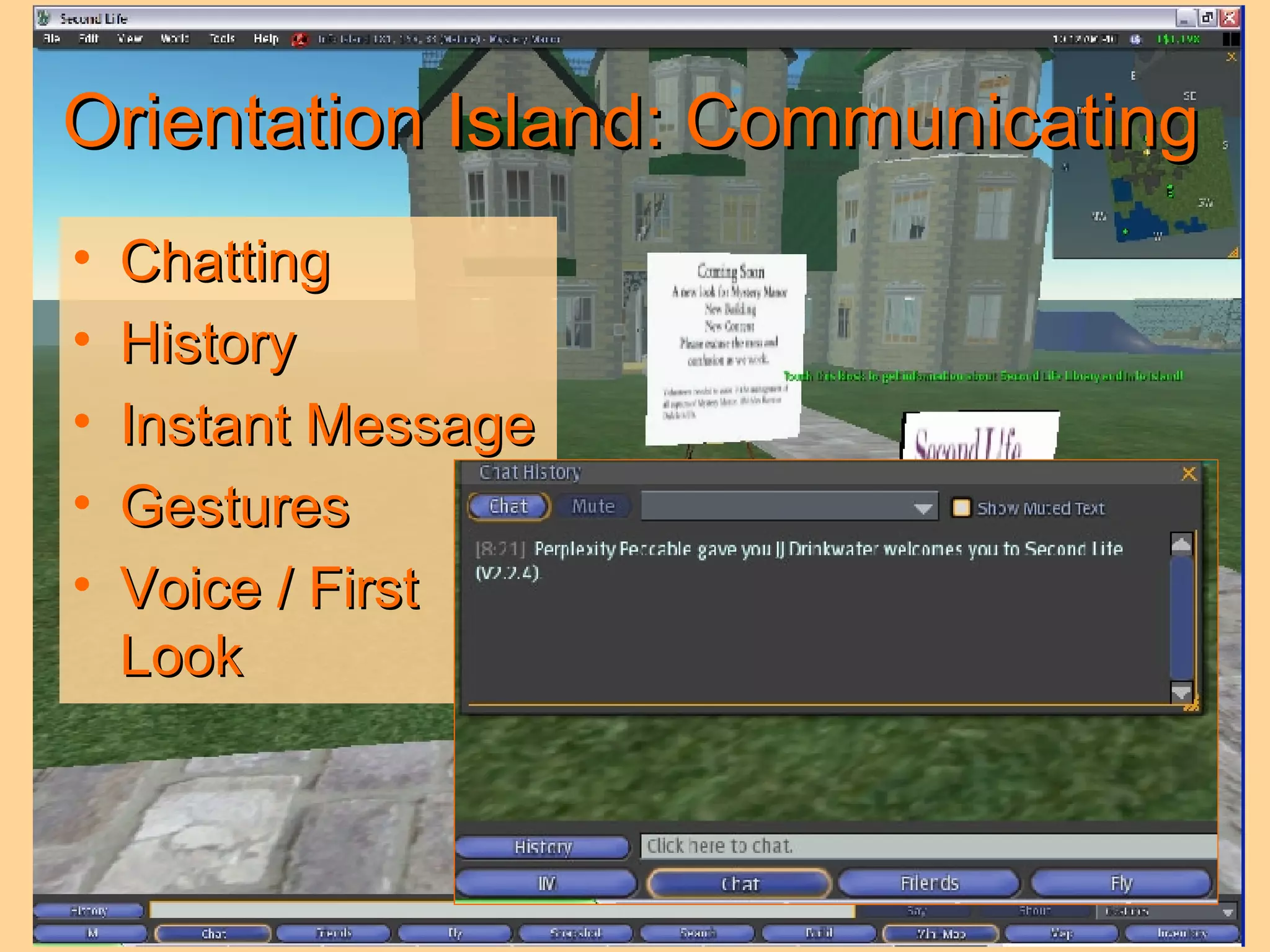
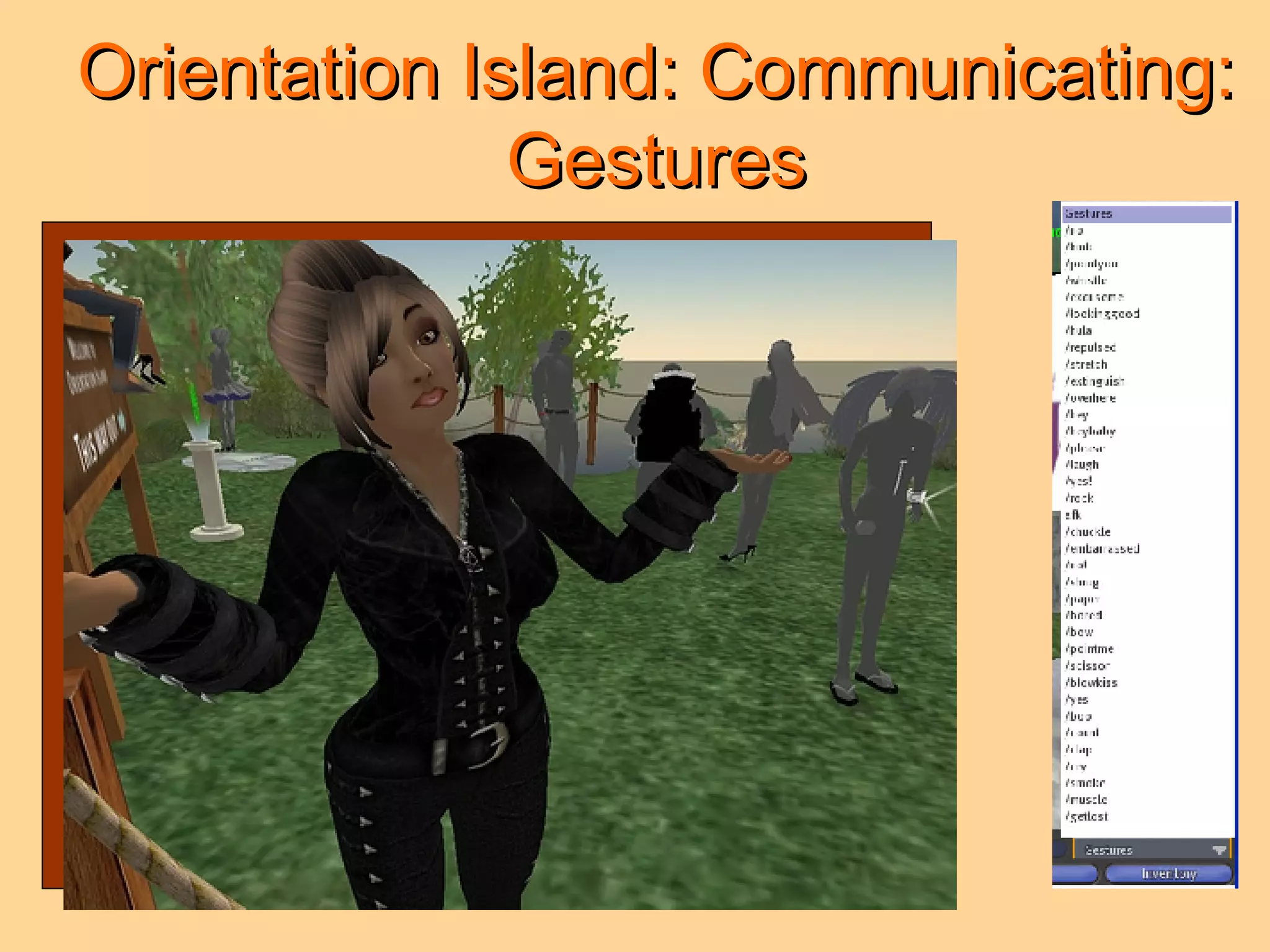
Orientation Island: Communicating Chatting History Instant Message  Gestures Voice / First Look
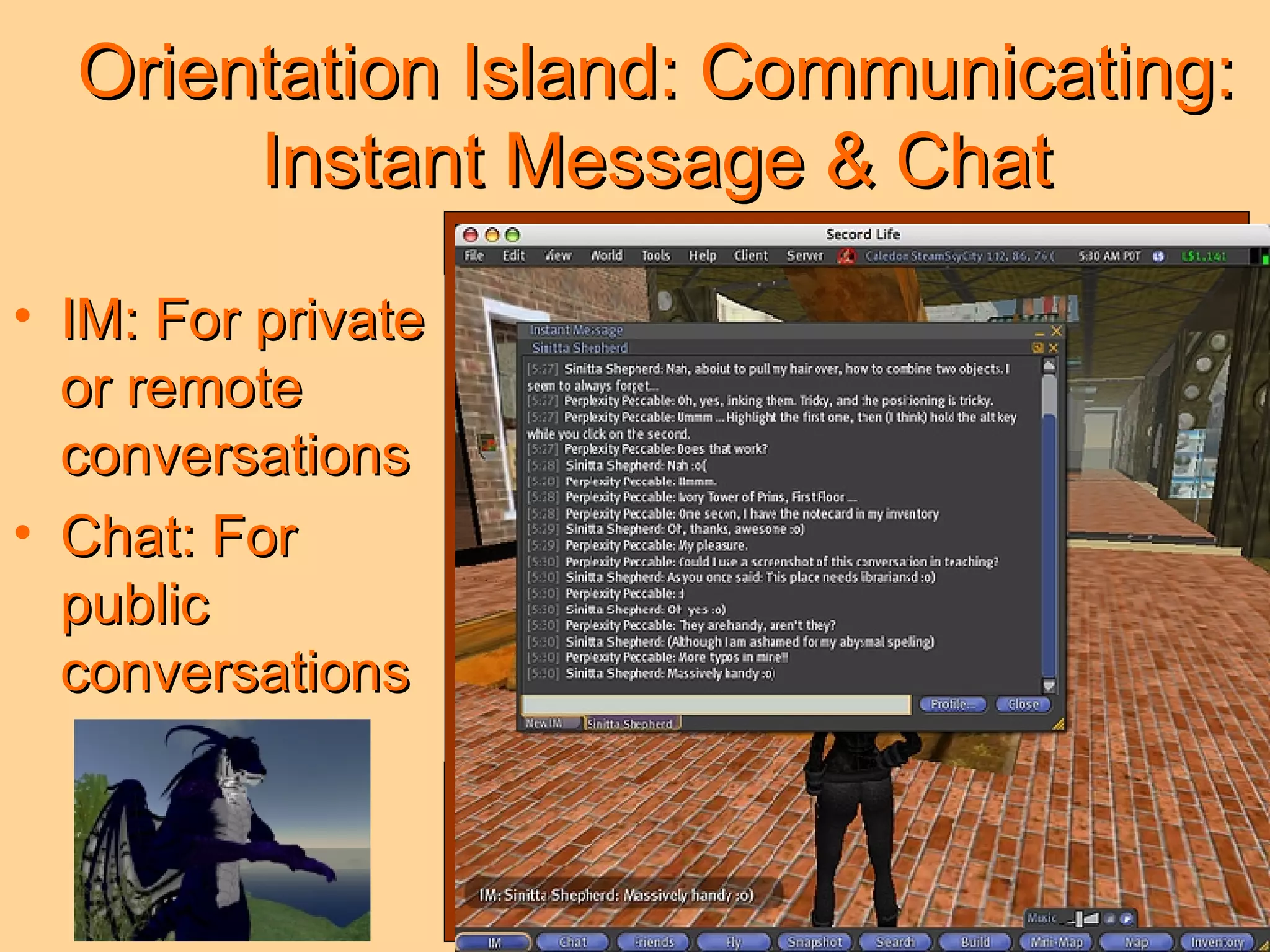
Orientation Island: Communicating: Instant Message & Chat IM: For private or remote conversations Chat: For public conversations
Orientation Island: Communicating: Gestures
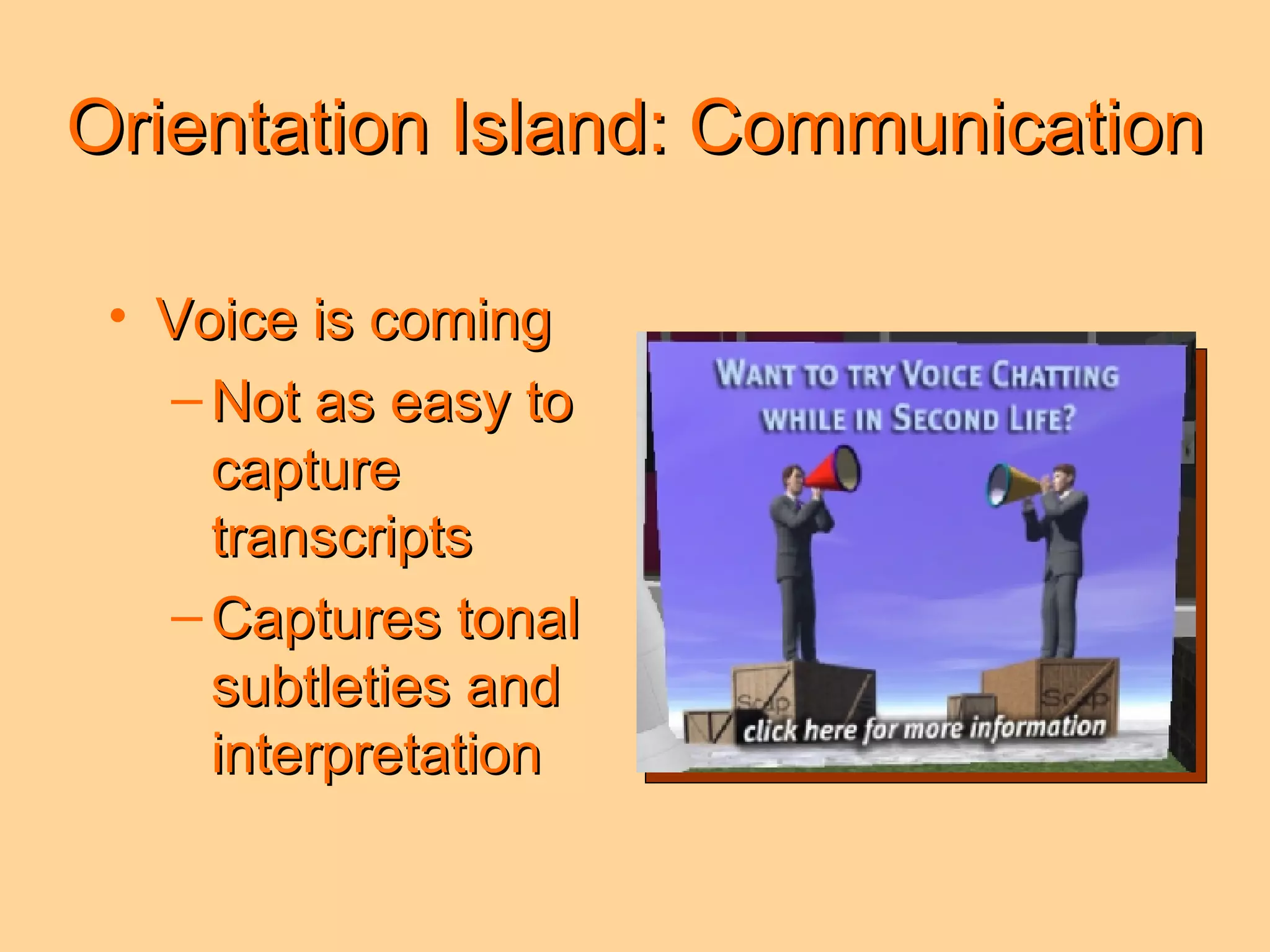
Orientation Island: Communication Voice is coming Not as easy to capture transcripts Captures tonal subtleties and interpretation
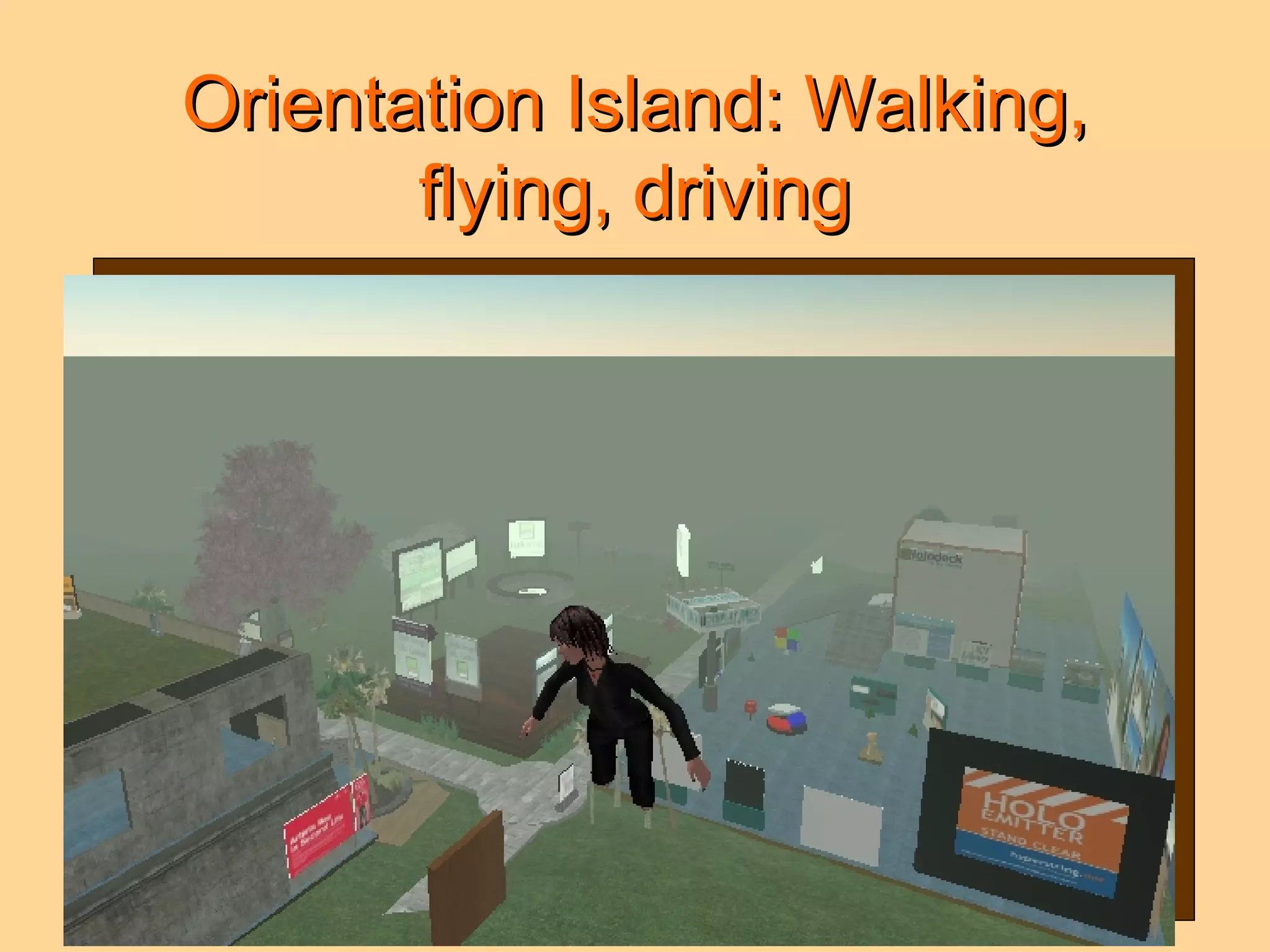
Orientation Island: Walking, flying, driving Practice makes perfect
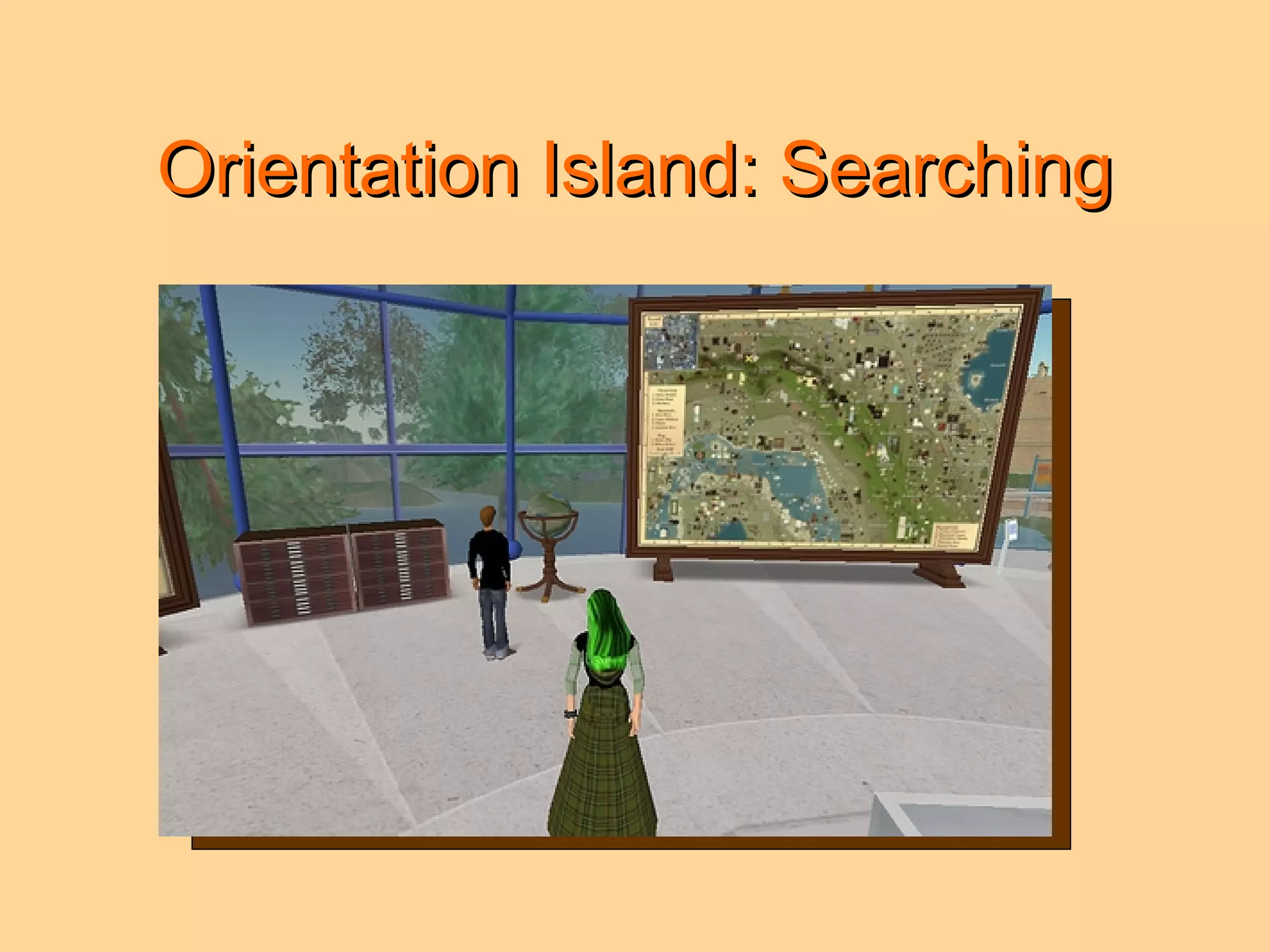
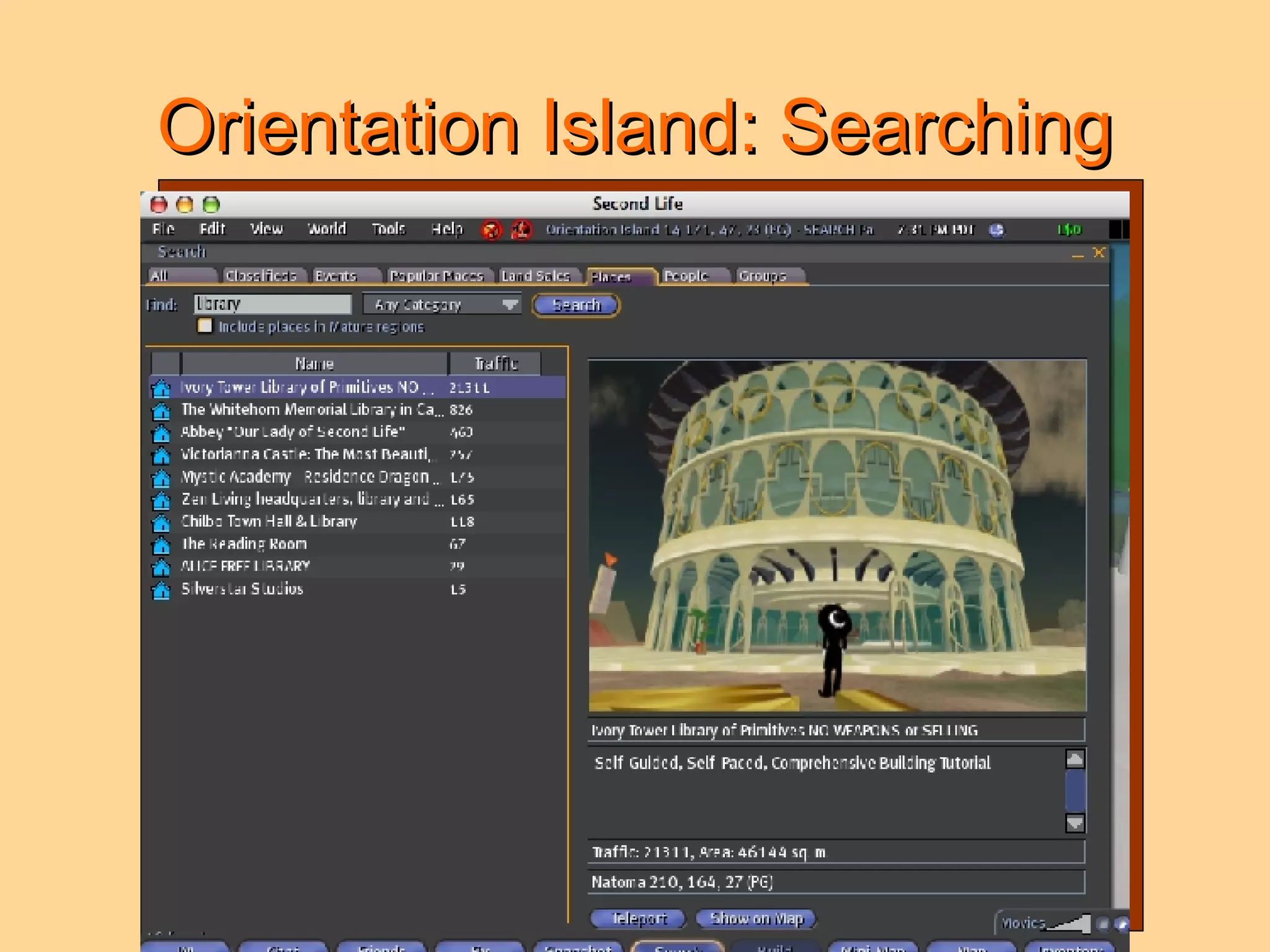
Orientation Island: Searching
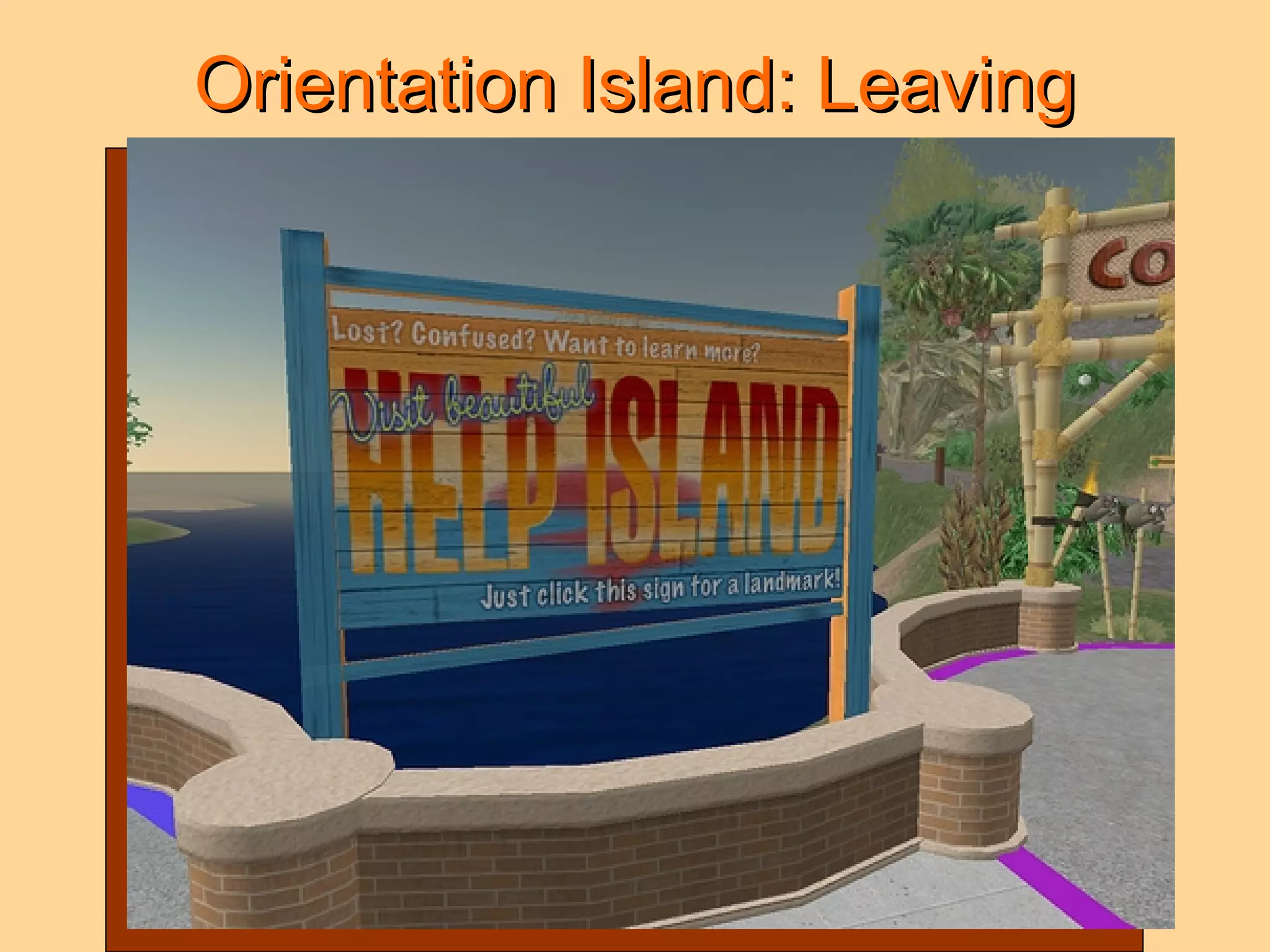
Orientation Island: Leaving
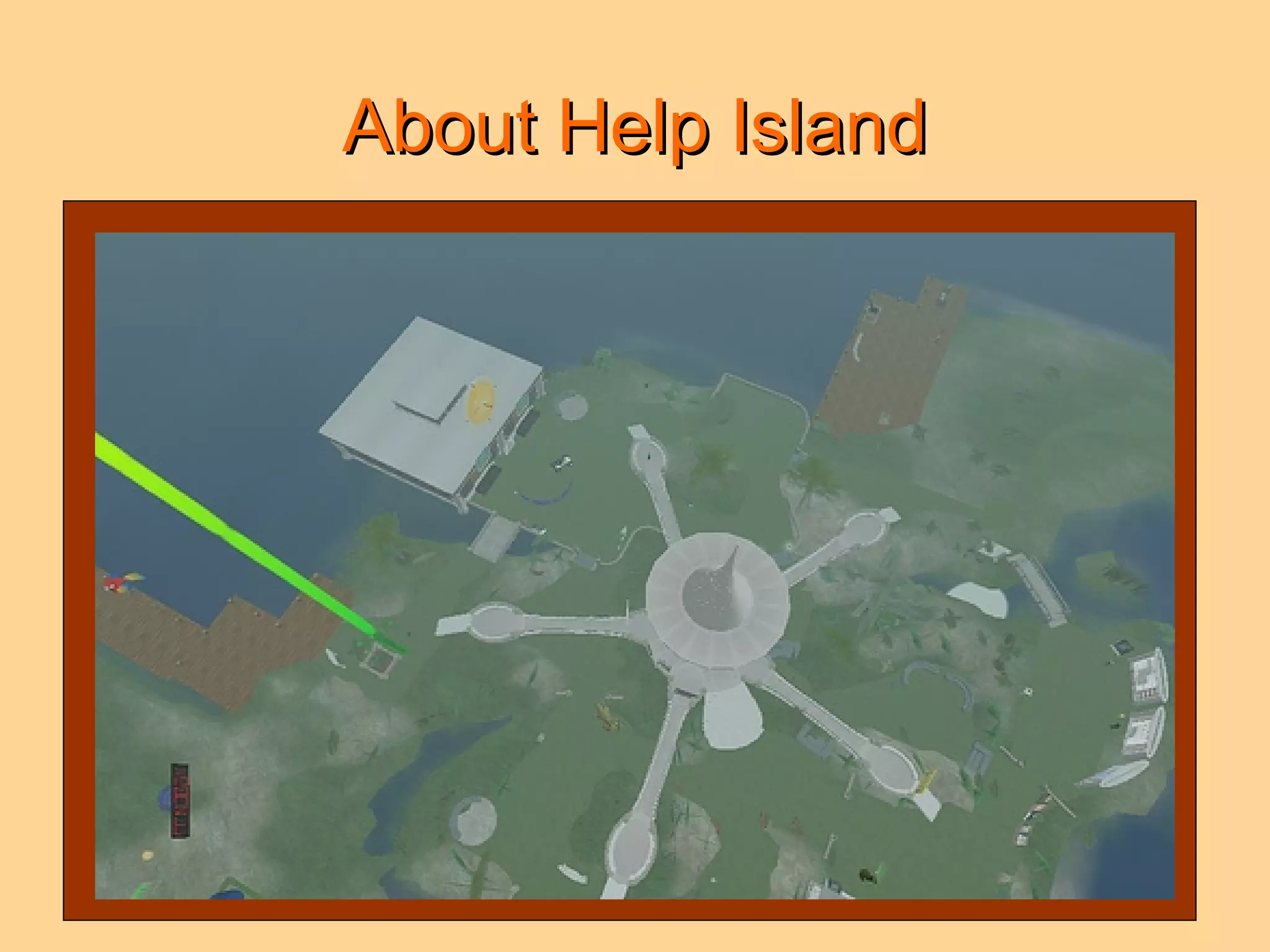
About Help Island
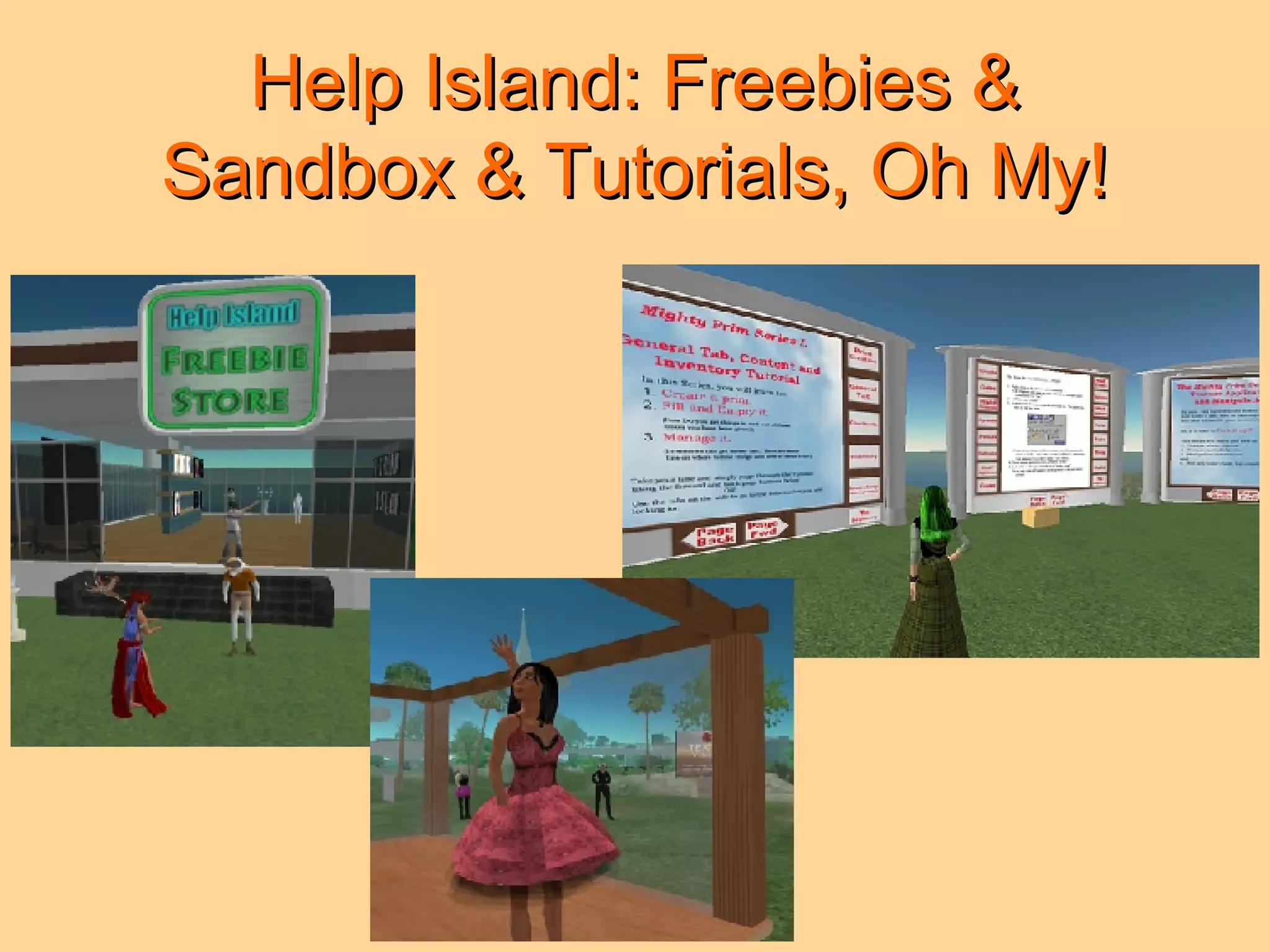
Help Island: Freebies & Sandbox & Tutorials, Oh My!
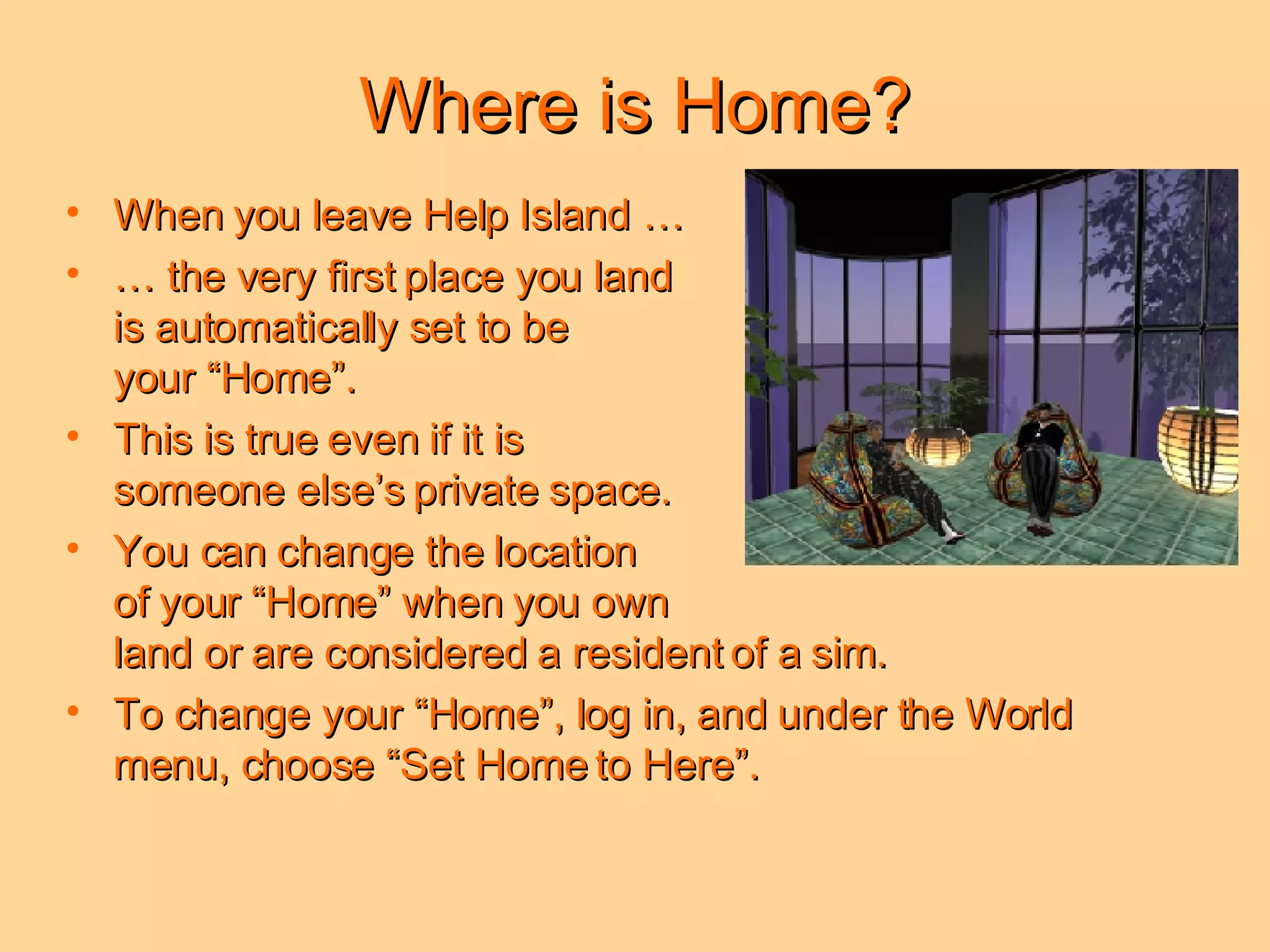
Where is Home? When you leave Help Island …  …  the very first place you land  is automatically set to be  your “Home”.  This is true even if it is  someone else’s private space. You can change the location  of your “Home” when you own  land or are considered a resident of a sim.  To change your “Home”, log in, and under the World menu, choose “Set Home to Here”.
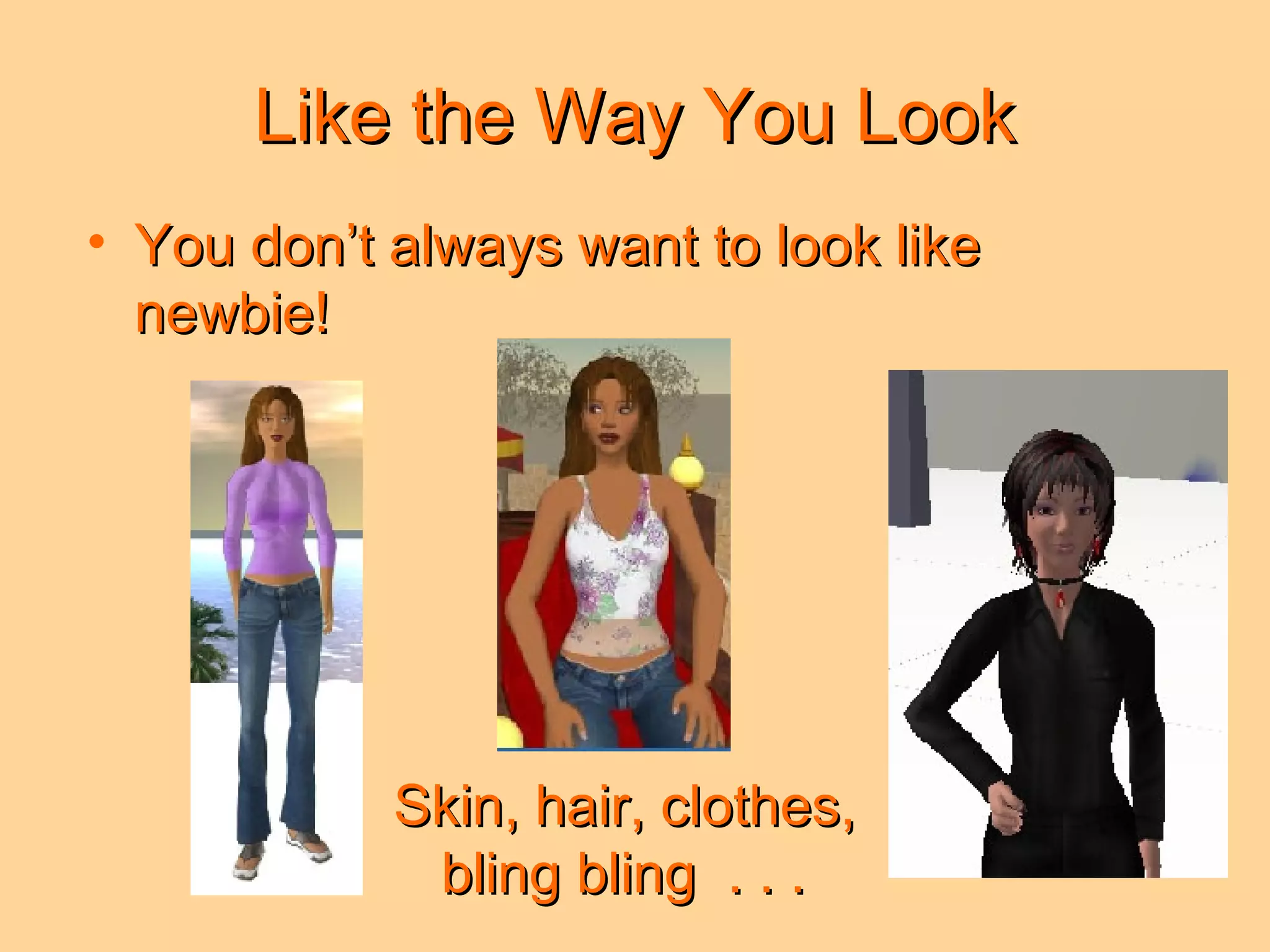
Like the Way You Look You don’t always want to look like newbie! Skin, hair, clothes, bling bling  . . .
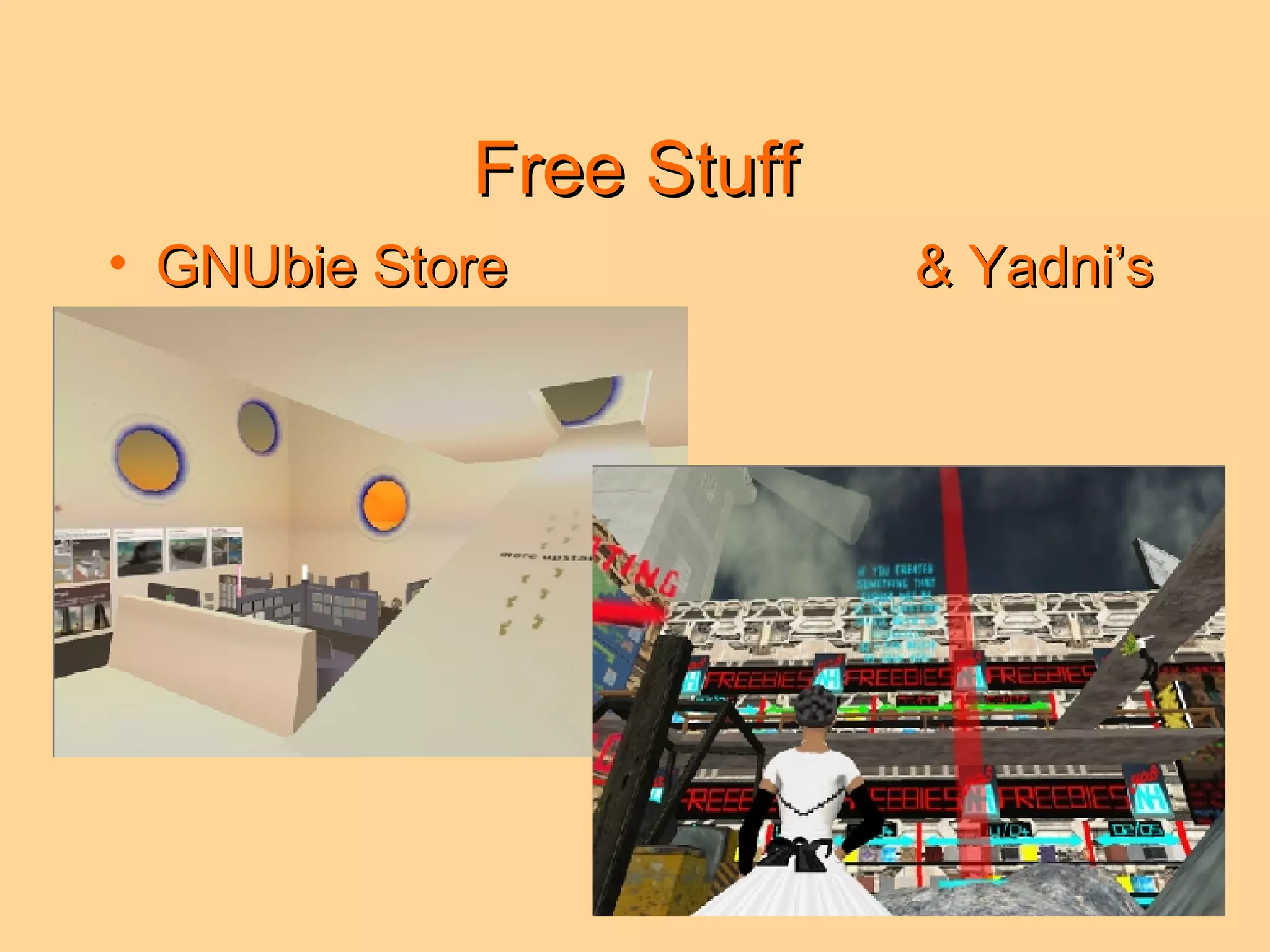
Free Stuff GNUbie Store  & Yadni’s
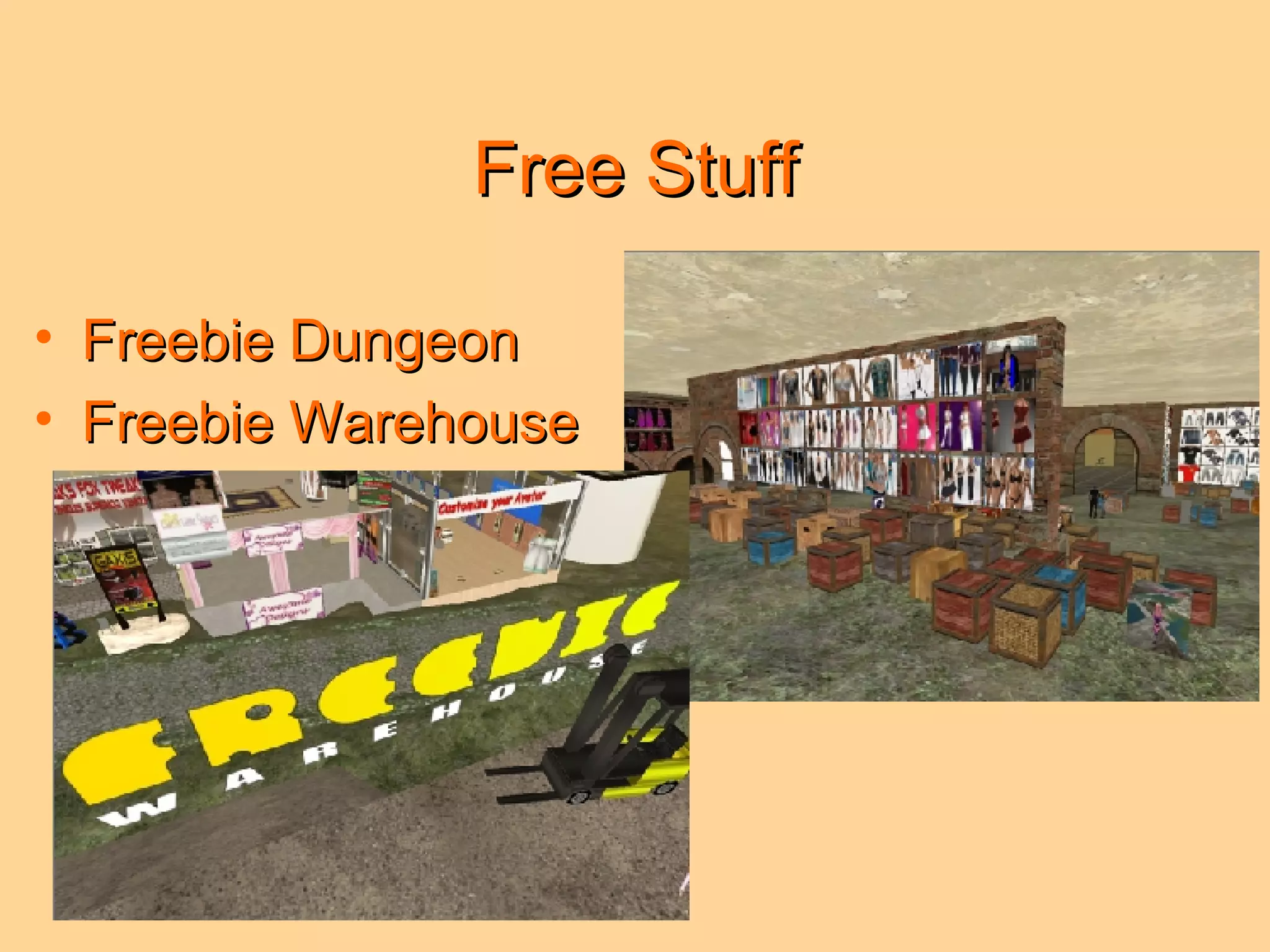
Free Stuff Freebie Dungeon Freebie Warehouse
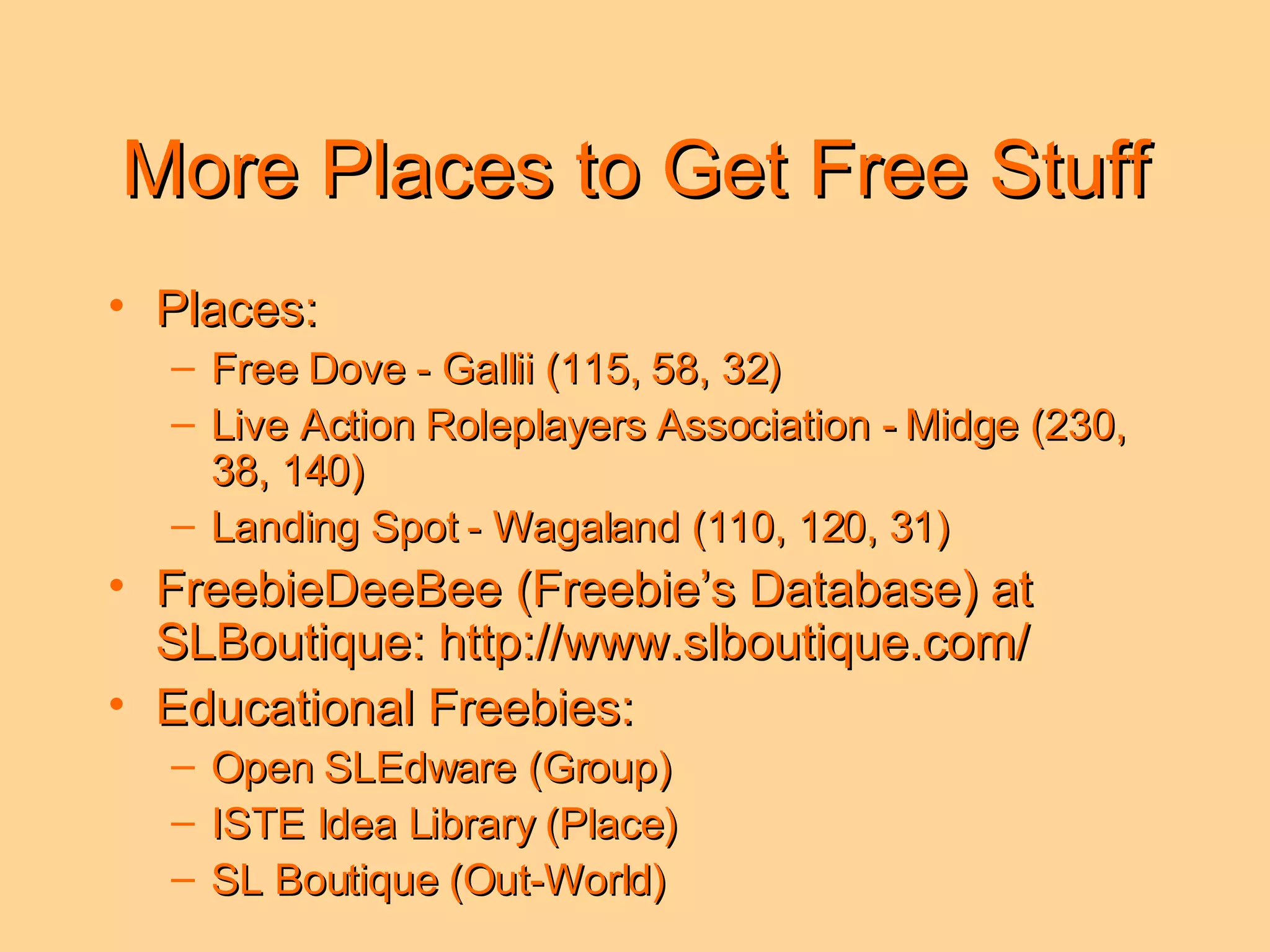
More Places to Get Free Stuff Places: Free Dove - Gallii (115, 58, 32) Live Action Roleplayers Association - Midge (230, 38, 140) Landing Spot - Wagaland (110, 120, 31) FreebieDeeBee (Freebie’s Database) at SLBoutique: http://www.slboutique.com/ Educational Freebies: Open SLEdware (Group) ISTE Idea Library (Place) SL Boutique (Out-World)
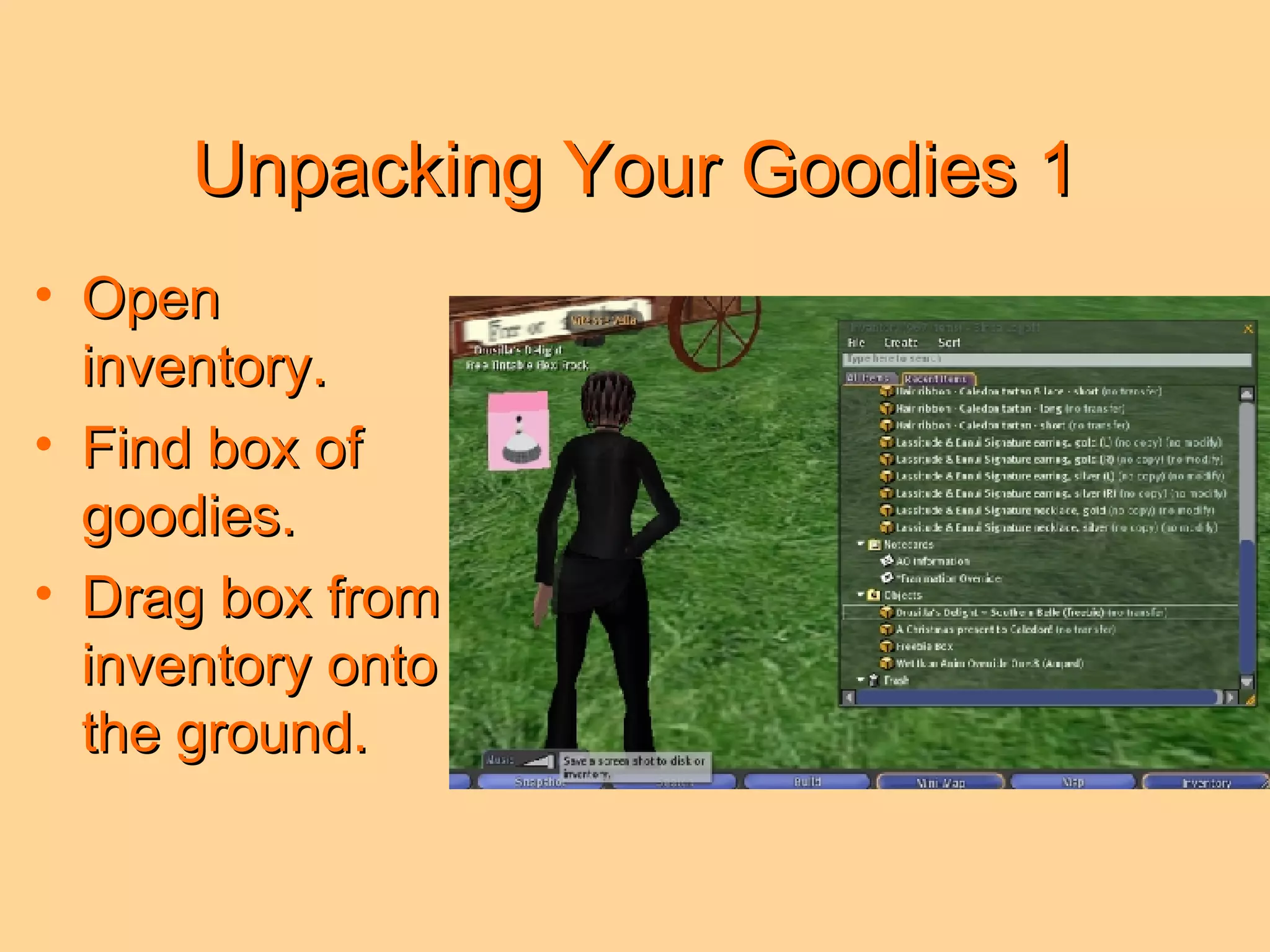
Unpacking Your Goodies 1 Open inventory. Find box of goodies. Drag box from inventory onto the ground.
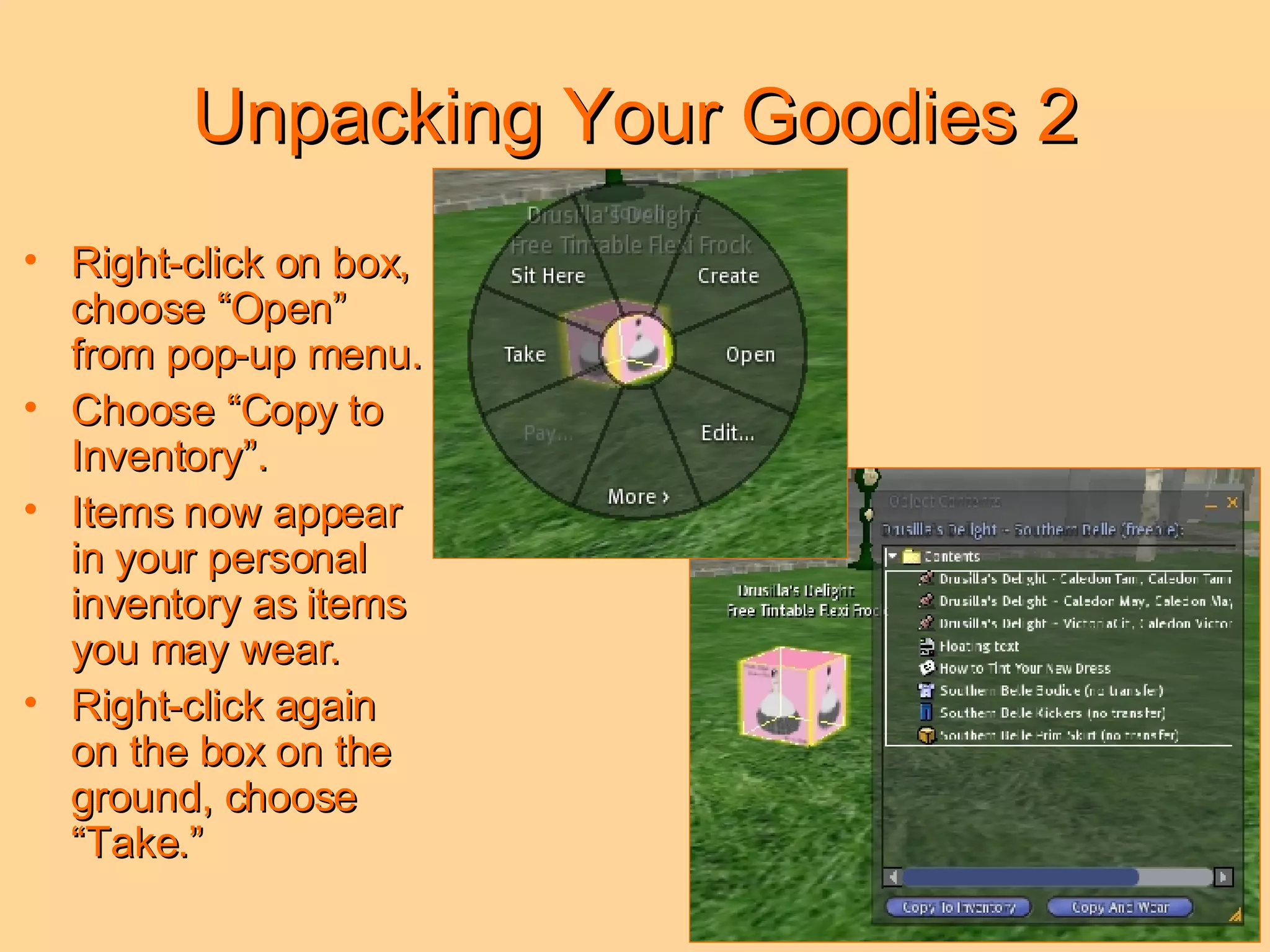
Unpacking Your Goodies 2 Right-click on box, choose “Open” from pop-up menu. Choose “Copy to Inventory”. Items now appear in your personal inventory as items you may wear. Right-click again on the box on the ground, choose “Take.”
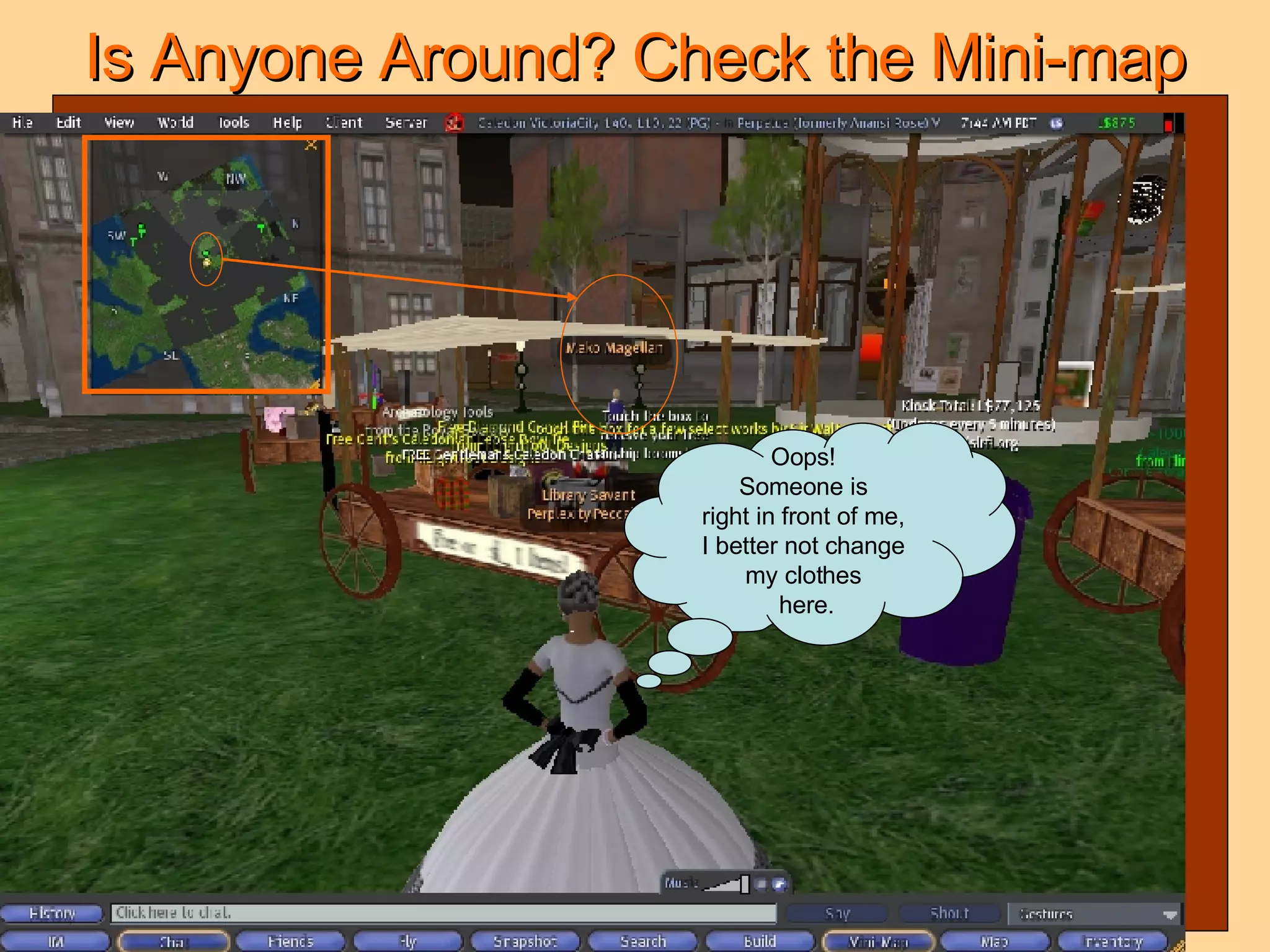
Is Anyone Around? Check the Mini-map Oops!  Someone is  right in front of me,  I better not change  my clothes  here.
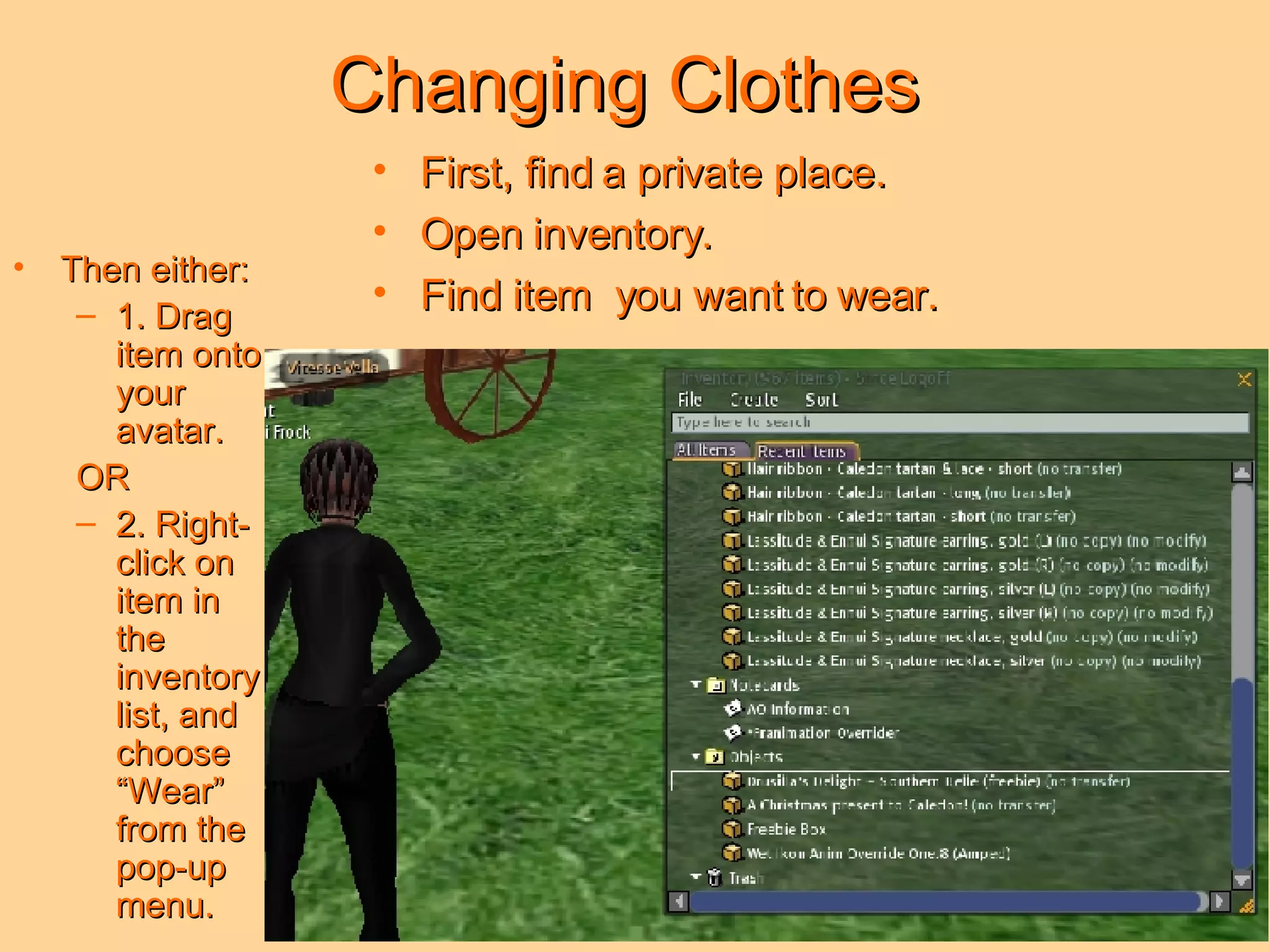
Changing Clothes First, find a private place. Open inventory. Find item  you want to wear. Then either: 1. Drag item onto your avatar.  OR 2. Right-click on item in the inventory list, and choose “Wear” from the pop-up menu.
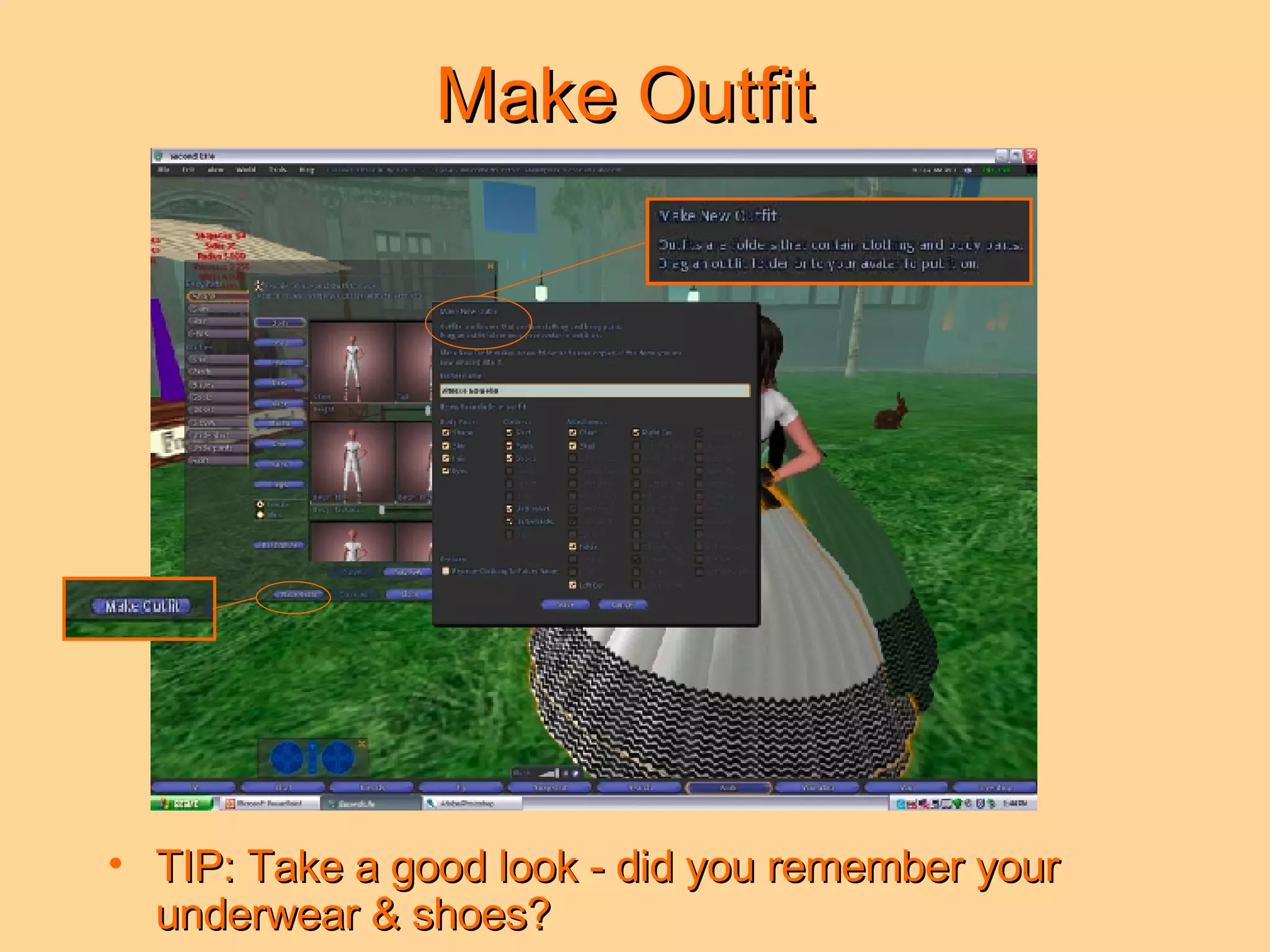
Make Outfit  TIP: Take a good look - did you remember your underwear & shoes?
All Finished - New Look
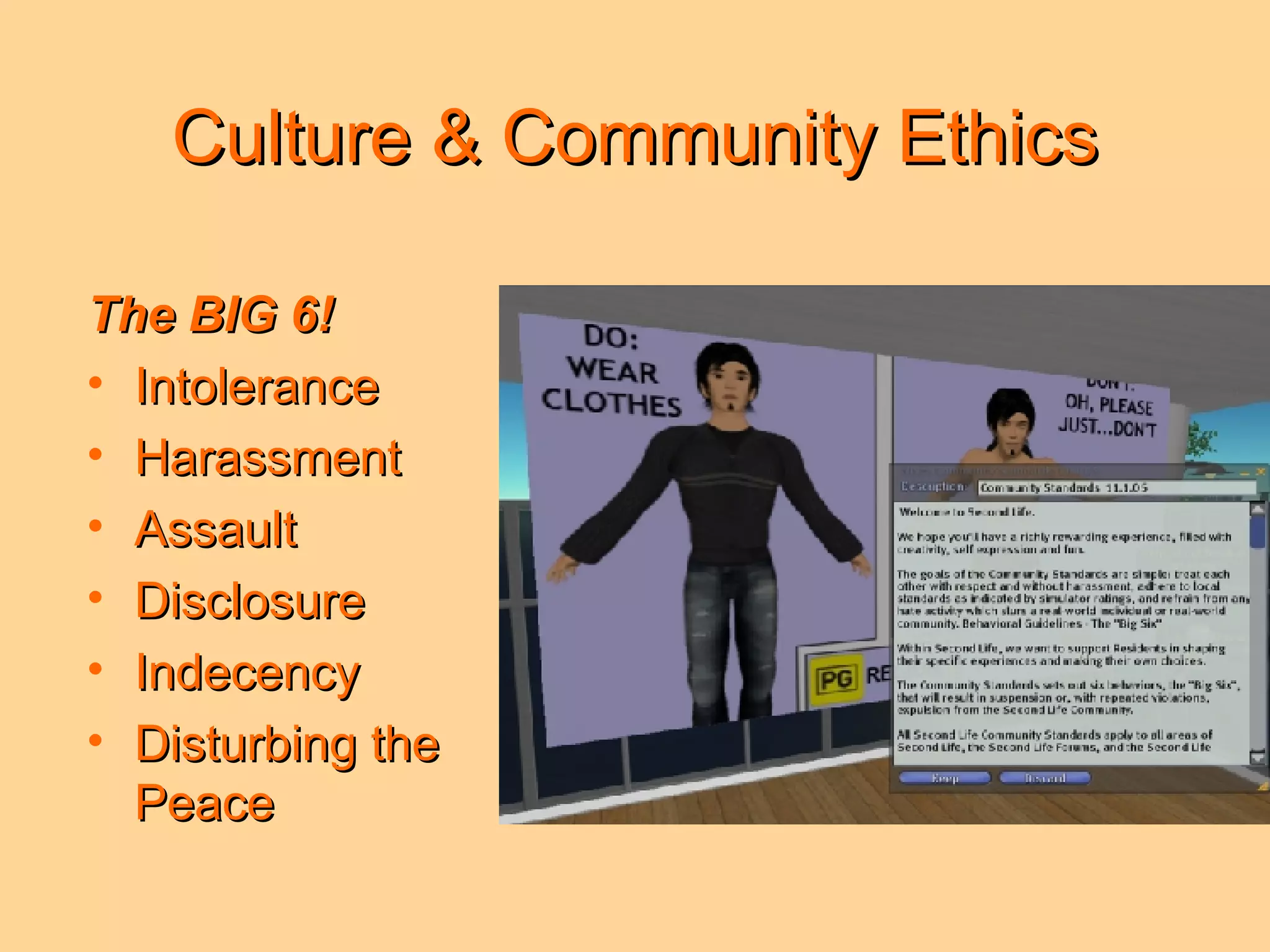
Culture & Community Ethics The BIG 6! Intolerance Harassment Assault Disclosure Indecency Disturbing the Peace
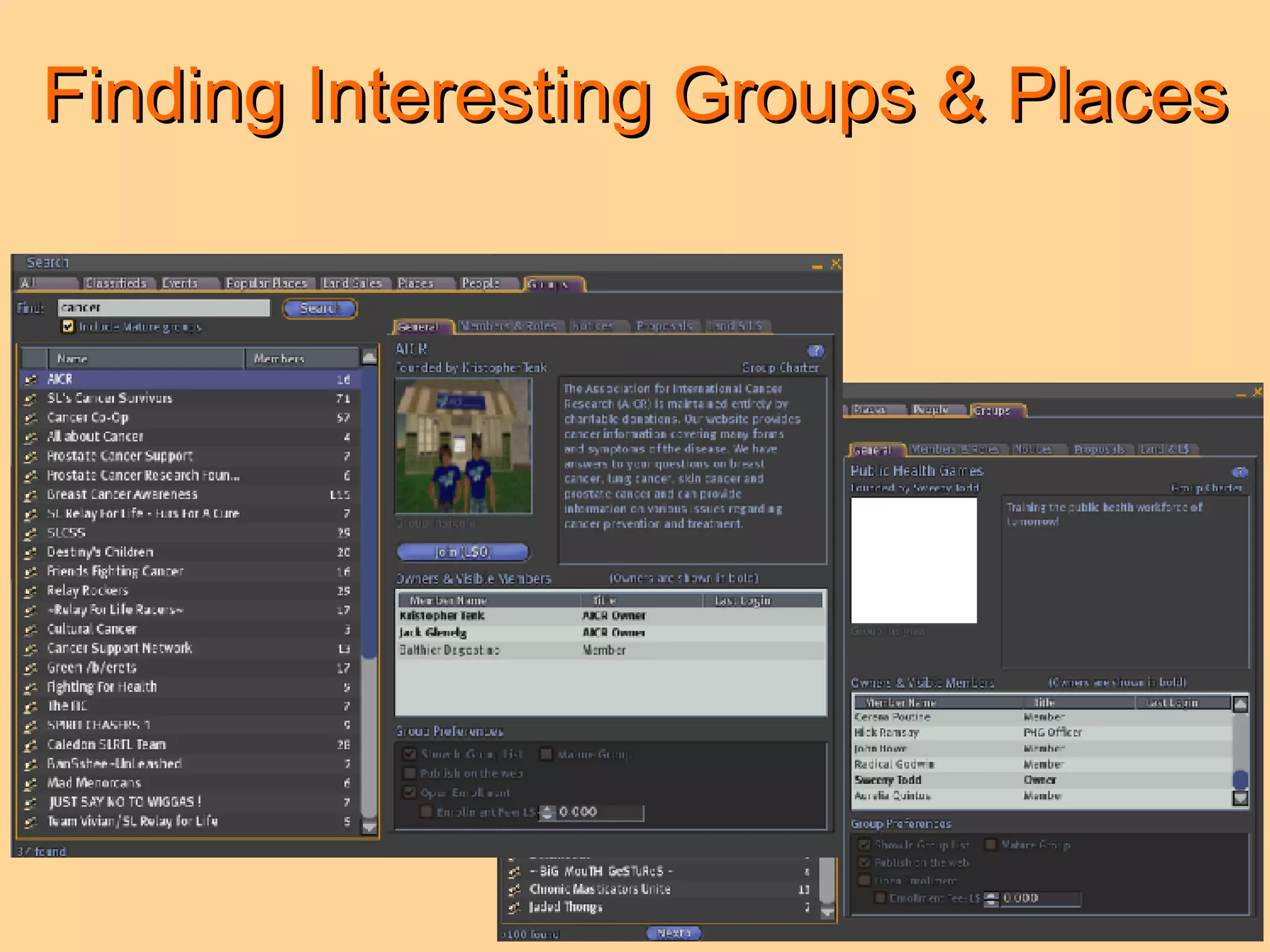
Finding Interesting Groups & Places
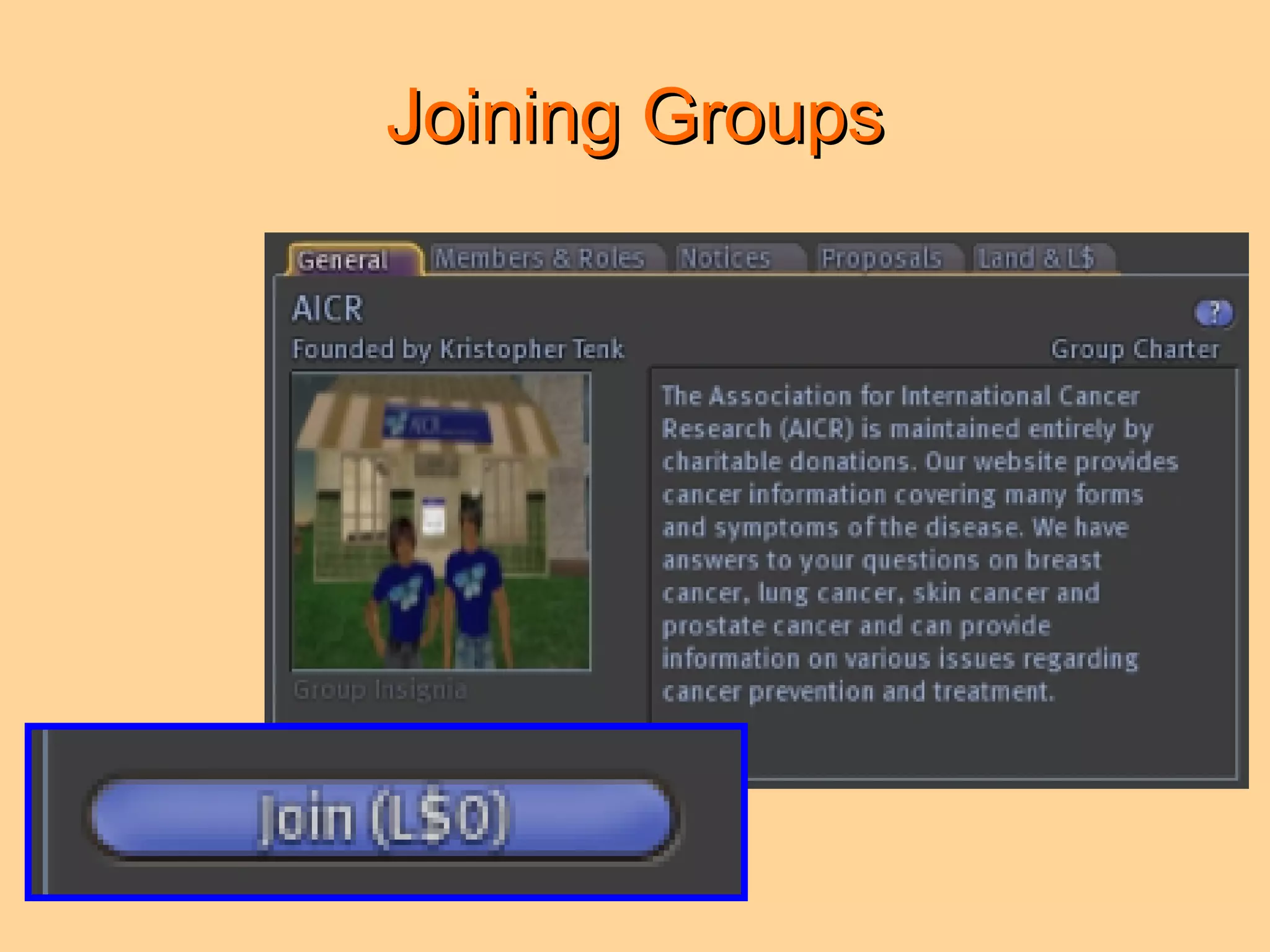
Joining Groups
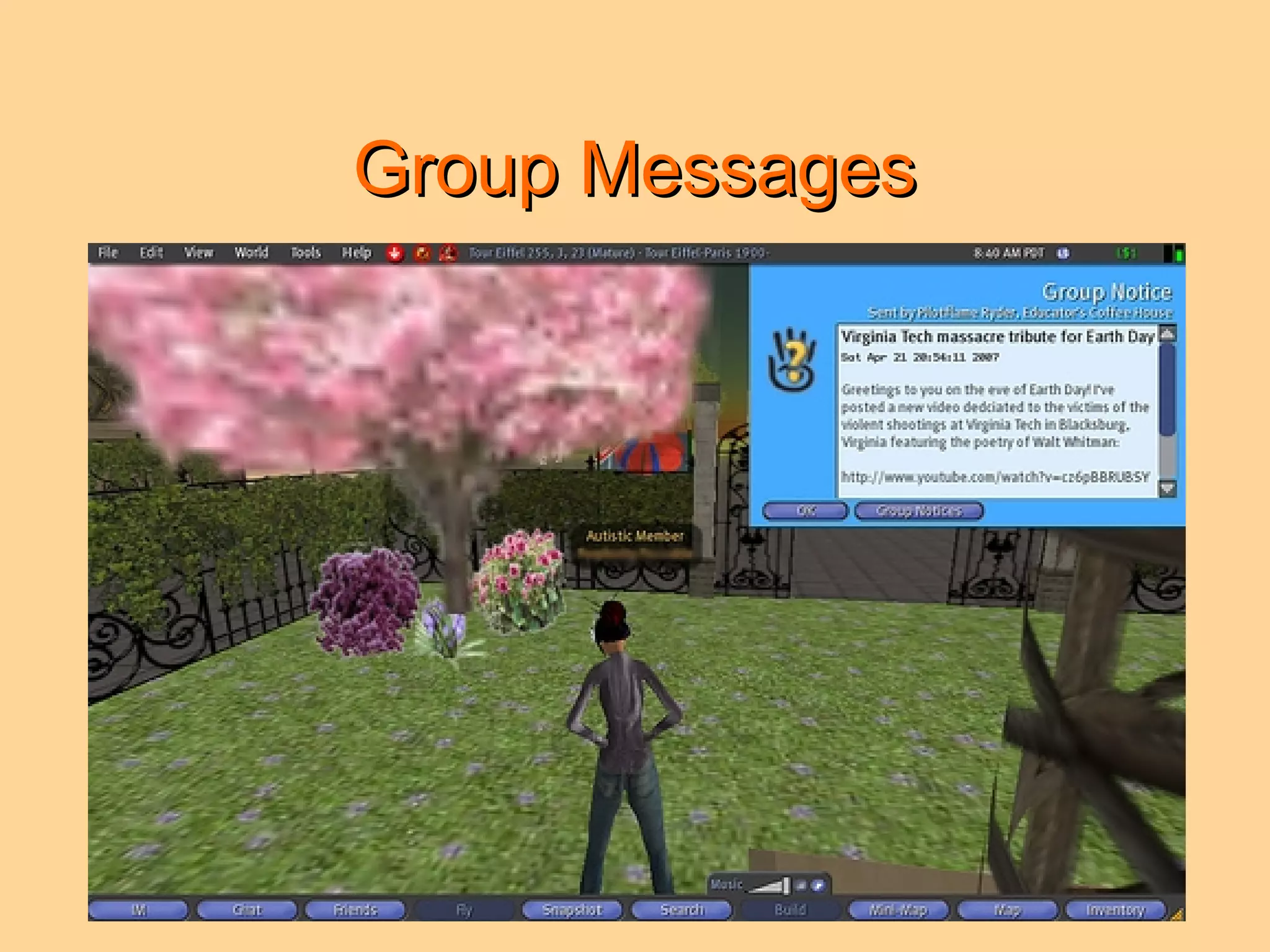
Group Messages
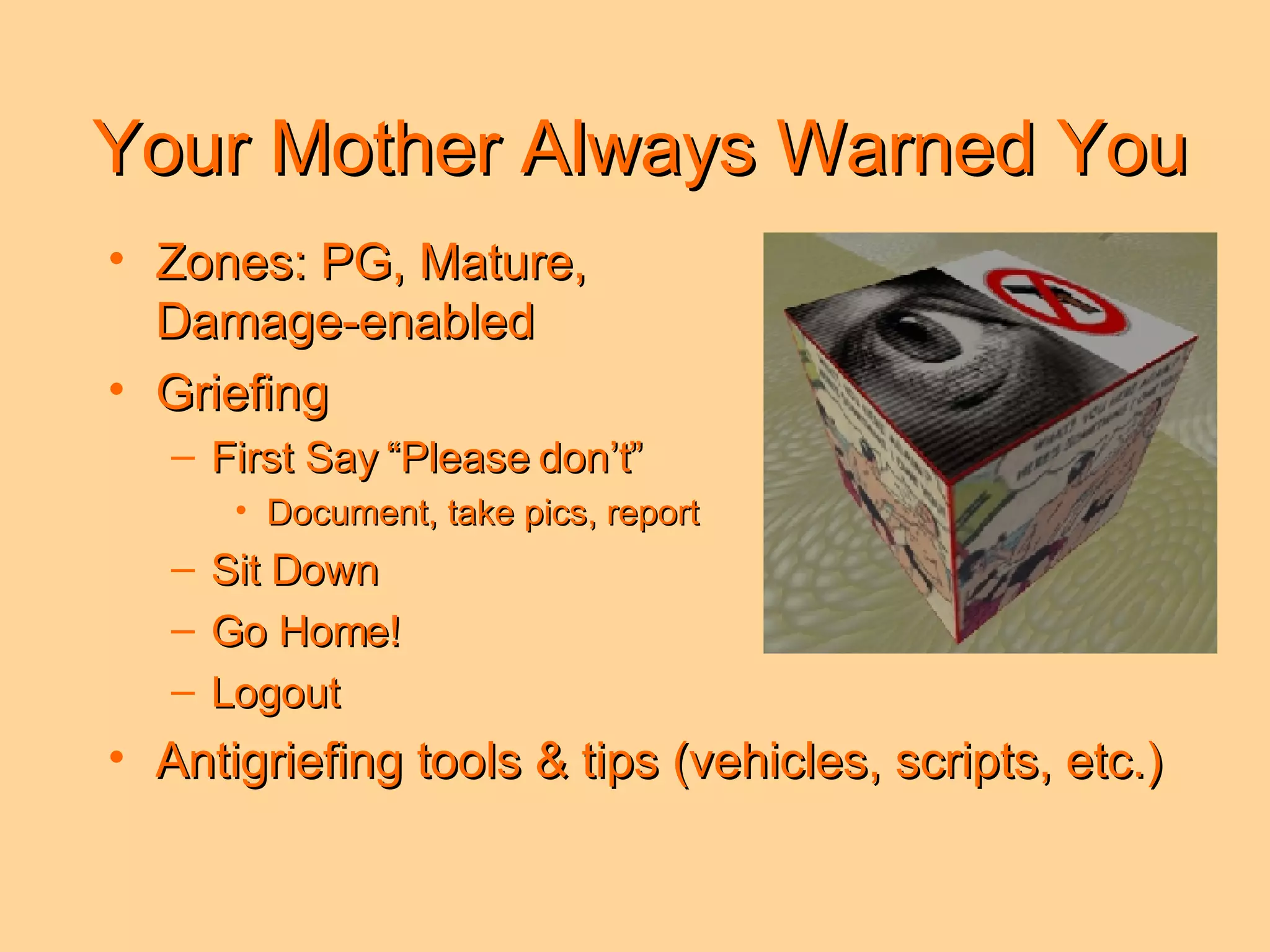
Your Mother Always Warned You Zones: PG, Mature,  Damage-enabled Griefing  First Say “Please don’t” Document, take pics, report Sit Down  Go Home! Logout Antigriefing tools & tips (vehicles, scripts, etc.)
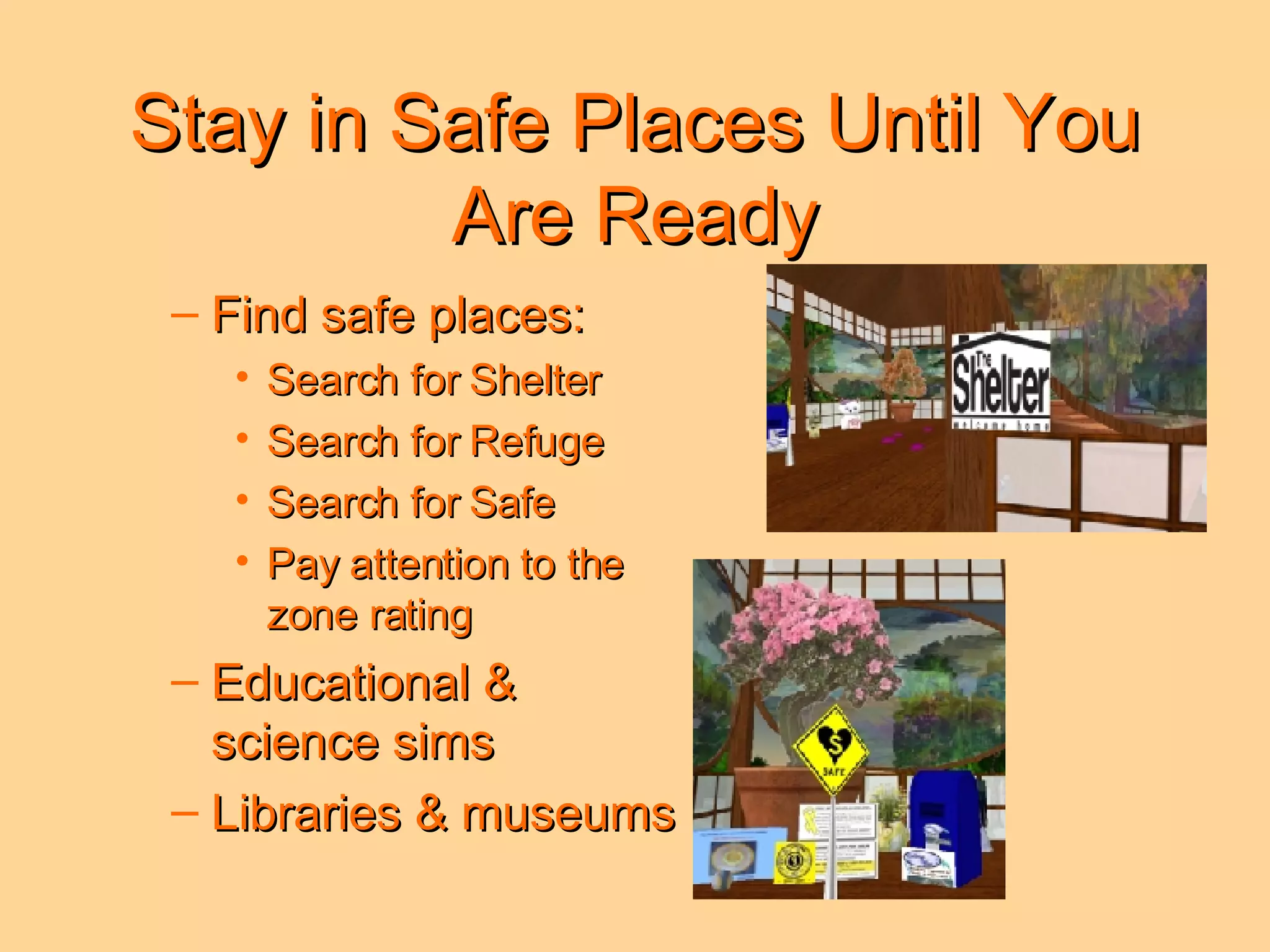
Stay in Safe Places Until You Are Ready Find safe places: Search for Shelter  Search for Refuge  Search for Safe Pay attention to the  zone rating Educational &  science sims  Libraries & museums
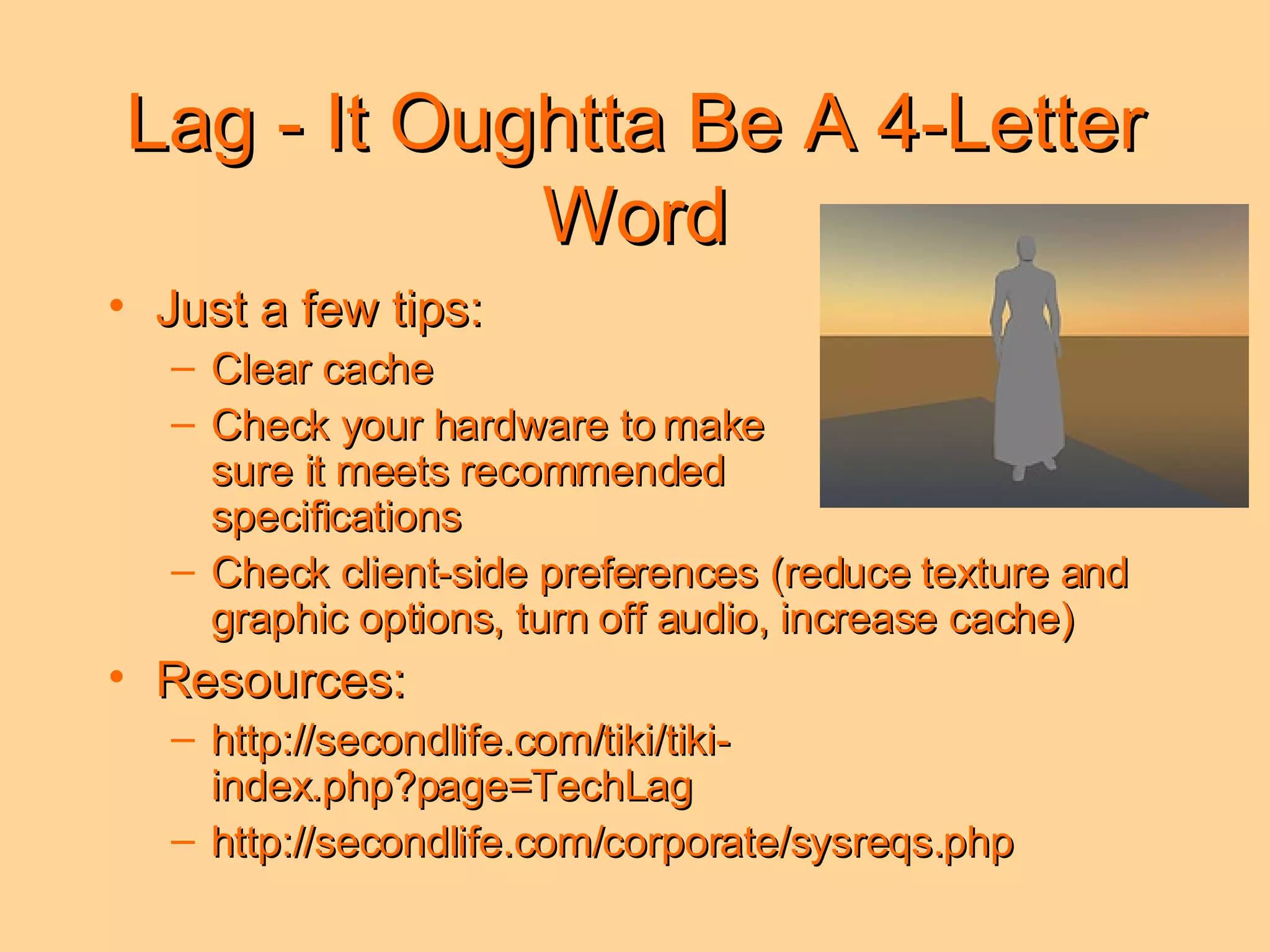
Lag - It Oughtta Be A 4-Letter Word Just a few tips: Clear cache Check your hardware to make  sure it meets recommended  specifications Check client-side preferences (reduce texture and graphic options, turn off audio, increase cache) Resources: http://secondlife.com/tiki/tiki-index.php?page=TechLag http://secondlife.com/corporate/sysreqs.php
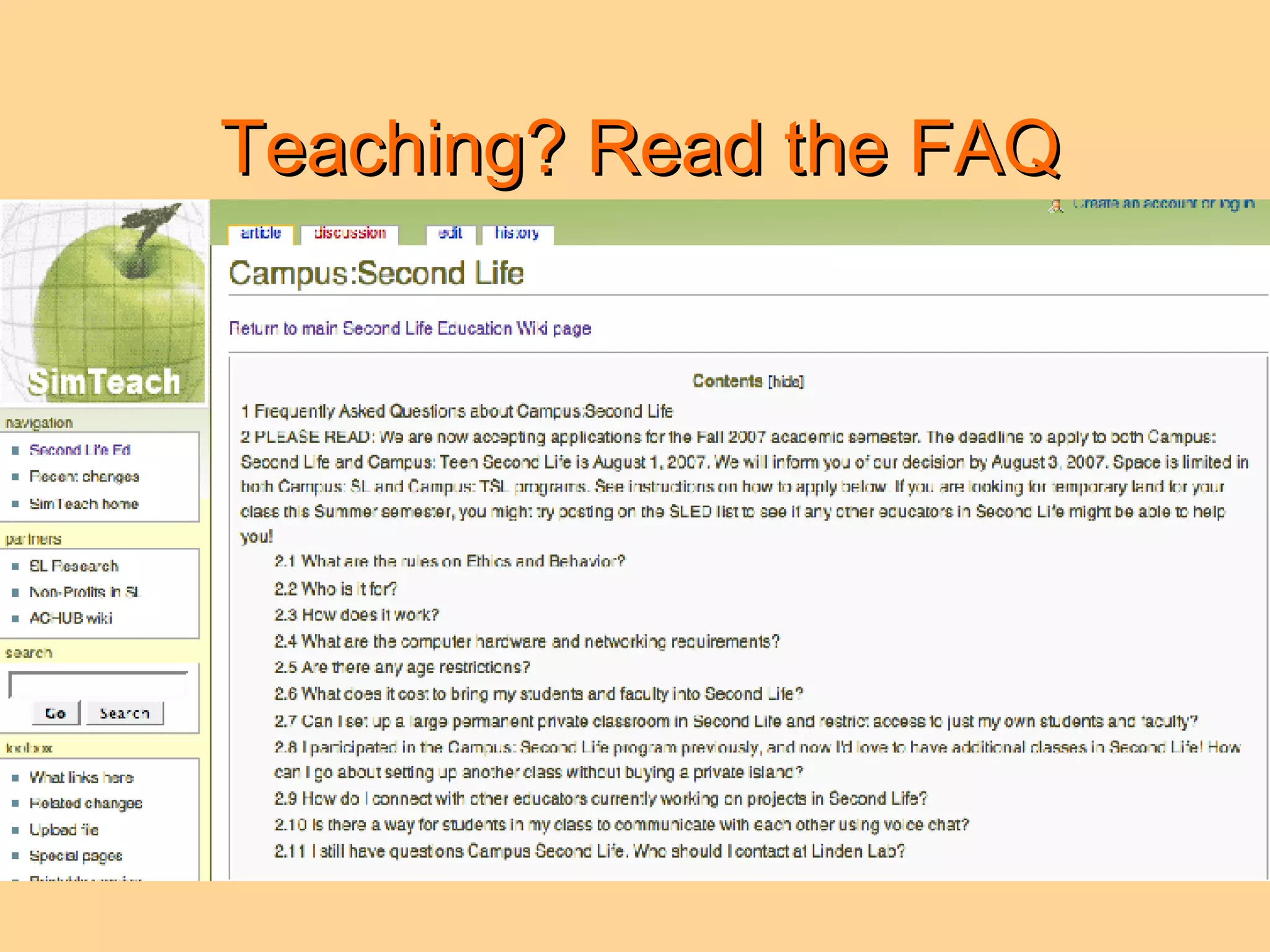
Teaching? Read the FAQ 2.1 What are the rules on ethics and behavior? 2.2 Who is it for? 2.3 How does it work? 2.4 What are the computer hardware and networking requirements? 2.5 Are there any age restrictions? 2.6 What does it cost to bring my students and faculty into Second Life? 2.7 Can I set up a large permanent private classroom in Second Life and restrict access to just my own students and faculty? 2.8 I participated in the Campus: Second Life program previously, and now I'd love to have additional classes in Second Life! How can I go about setting up another class without buying a private island? 2.9 How do I connect with other educators currently working on projects in Second Life? 2.10 Is there a way for students in my class to communicate with each other using voice chat?
Links for “Newbies” Second Life Newbies Tips 2007: http://www.slideshare.net/jokay/newbie-slides/ Hit the Ground Running in Second Life: http://www.slideshare.net/trottahe/hit-the-ground-running-in-second-life How to Leave Orientation Island: http://www.youtube.com/watch?v=y6wVRloSc4k Taking on a Second Life: http://www.youtube.com/watch?v=ygc95U4fT3Y
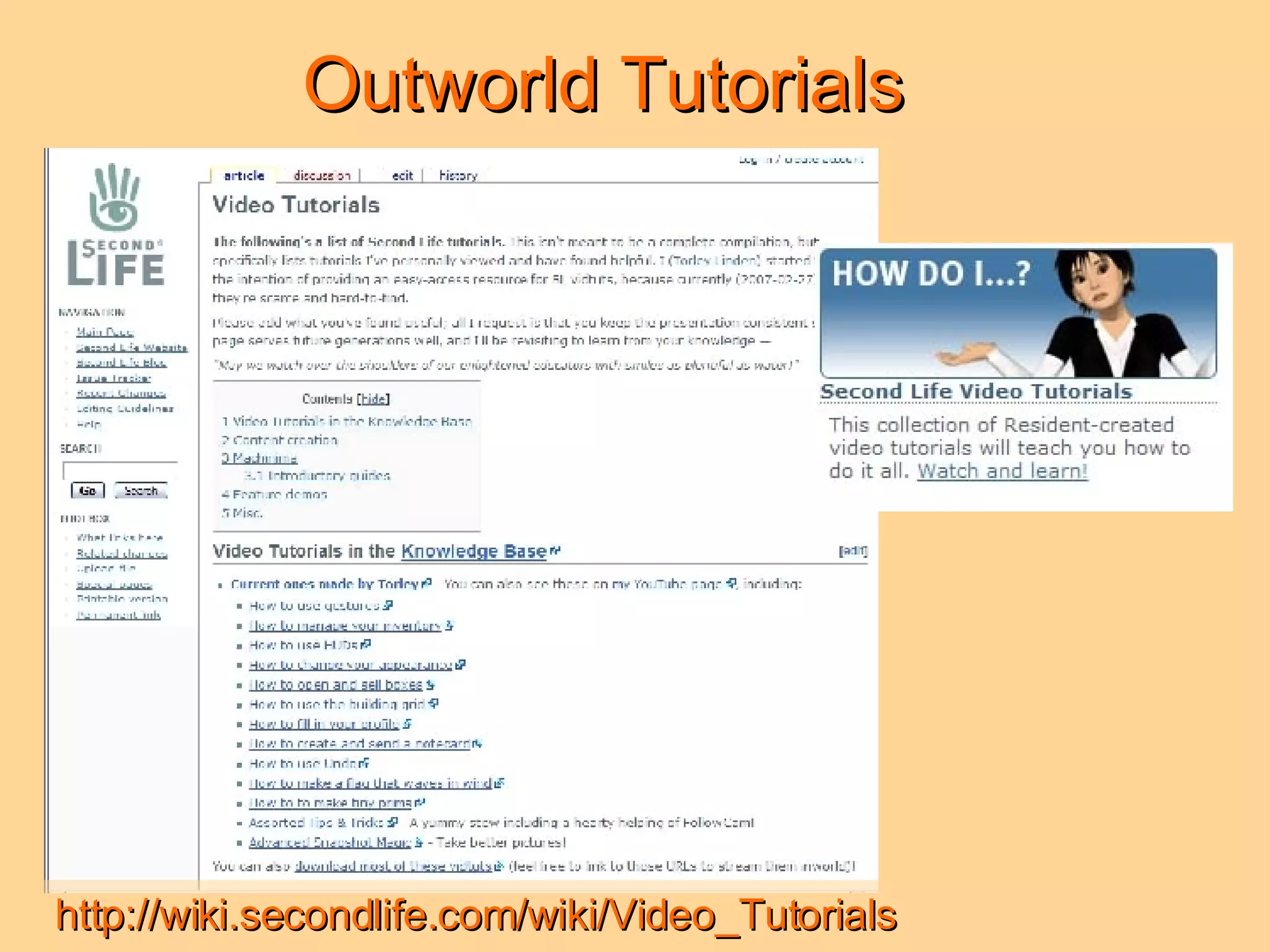
Outworld Tutorials http://wiki.secondlife.com/wiki/Video_Tutorials
Outworld Tutorials Curriculum, Technology & Education Reform (CTER) (UIUC): Second Life Tutorials: http://cterport.ed.uiuc.edu/technologies_folder/SL/ Robin Wood Second Life Tutorials: http://www.robinwood.com/Catalog/Technical/SL-Tuts/SLTutSet.html Second Life Wiki: Torley Linden’s List of Video Tutorials: https://wiki.secondlife.com/wiki/Video_Tutorials Also, try searching for specific skills in Second Life in Google Video and YouTube.
Inworld Tutorials & Learning Groups Places: Ivory Tower Library of Primitives, Natoma (207, 170, 25) Rockliffe University, Rockcliffe I (198, 87, 40) Second Life Library, Info Island (184, 105, 33) TeaZer Isle (218, 40, 300) Groups: Academy of Second Learning New Citizens Inc.
Most Important Tip! Find a Friend (or Several) Thanks from Lexi to my friends who answered questions, were generous with tips (functional & teaching), shared animations / clothes / landmarks / etc., and otherwise helped me learn about Second Life: Marisa Naheed Desideria Stockton Eloise Pasteur JJ Drinkwater Max Chatnoir Prijian Toland Shoshana Epsilon Cyndi Uriza Dreamingen Writer Eloise Pasteur Geoelder Clary Hodjazz Edman Jokay Wollangong  Lludmila Mirrikh Memetic Projects Ollie Kubrick Sinitta Shepherd Thumbs Beck Thursday Xu Zazen Manbi
Getting Started in Second Life Perplexity Peccable (Patricia F. Anderson)  [email_address] Vitesse Vella (Sharon K. Grayden)  [email_address] © 2007 Regents of the University of Michigan. All rights reserved.

Getting Started in Second Life

  • 1.
    Getting Started inSecond Life Patricia F. Anderson Sharon K. Grayden © 2007 Regents of the University of Michigan. All rights reserved.
  • 2.
    Naming Your AvatarYou select from a list of last names SL provides You choose your first name Names are case-sensitive Do not use numbers or punctuation in your name Think about how you will be nicknamed, and what your initials will be Privacy issues-your RL (real life) name vs your SL (second life) name
  • 3.
    About Orientation IslandFirst place you land Where you learn the basics Plan to spend some time here
  • 4.
  • 5.
  • 6.
  • 7.
    Orientation Island: CommunicatingChatting History Instant Message Gestures Voice / First Look
  • 8.
    Orientation Island: Communicating:Instant Message & Chat IM: For private or remote conversations Chat: For public conversations
  • 9.
  • 10.
    Orientation Island: CommunicationVoice is coming Not as easy to capture transcripts Captures tonal subtleties and interpretation
  • 11.
    Orientation Island: Walking,flying, driving Practice makes perfect
  • 12.
  • 13.
  • 14.
  • 15.
  • 16.
    Help Island: Freebies& Sandbox & Tutorials, Oh My!
  • 17.
    Where is Home?When you leave Help Island … … the very first place you land is automatically set to be your “Home”. This is true even if it is someone else’s private space. You can change the location of your “Home” when you own land or are considered a resident of a sim. To change your “Home”, log in, and under the World menu, choose “Set Home to Here”.
  • 18.
    Like the WayYou Look You don’t always want to look like newbie! Skin, hair, clothes, bling bling . . .
  • 19.
    Free Stuff GNUbieStore & Yadni’s
  • 20.
    Free Stuff FreebieDungeon Freebie Warehouse
  • 21.
    More Places toGet Free Stuff Places: Free Dove - Gallii (115, 58, 32) Live Action Roleplayers Association - Midge (230, 38, 140) Landing Spot - Wagaland (110, 120, 31) FreebieDeeBee (Freebie’s Database) at SLBoutique: http://www.slboutique.com/ Educational Freebies: Open SLEdware (Group) ISTE Idea Library (Place) SL Boutique (Out-World)
  • 22.
    Unpacking Your Goodies1 Open inventory. Find box of goodies. Drag box from inventory onto the ground.
  • 23.
    Unpacking Your Goodies2 Right-click on box, choose “Open” from pop-up menu. Choose “Copy to Inventory”. Items now appear in your personal inventory as items you may wear. Right-click again on the box on the ground, choose “Take.”
  • 24.
    Is Anyone Around?Check the Mini-map Oops! Someone is right in front of me, I better not change my clothes here.
  • 25.
    Changing Clothes First,find a private place. Open inventory. Find item you want to wear. Then either: 1. Drag item onto your avatar. OR 2. Right-click on item in the inventory list, and choose “Wear” from the pop-up menu.
  • 26.
    Make Outfit TIP: Take a good look - did you remember your underwear & shoes?
  • 27.
  • 28.
    Culture & CommunityEthics The BIG 6! Intolerance Harassment Assault Disclosure Indecency Disturbing the Peace
  • 29.
  • 30.
  • 31.
  • 32.
    Your Mother AlwaysWarned You Zones: PG, Mature, Damage-enabled Griefing First Say “Please don’t” Document, take pics, report Sit Down Go Home! Logout Antigriefing tools & tips (vehicles, scripts, etc.)
  • 33.
    Stay in SafePlaces Until You Are Ready Find safe places: Search for Shelter Search for Refuge Search for Safe Pay attention to the zone rating Educational & science sims Libraries & museums
  • 34.
    Lag - ItOughtta Be A 4-Letter Word Just a few tips: Clear cache Check your hardware to make sure it meets recommended specifications Check client-side preferences (reduce texture and graphic options, turn off audio, increase cache) Resources: http://secondlife.com/tiki/tiki-index.php?page=TechLag http://secondlife.com/corporate/sysreqs.php
  • 35.
    Teaching? Read theFAQ 2.1 What are the rules on ethics and behavior? 2.2 Who is it for? 2.3 How does it work? 2.4 What are the computer hardware and networking requirements? 2.5 Are there any age restrictions? 2.6 What does it cost to bring my students and faculty into Second Life? 2.7 Can I set up a large permanent private classroom in Second Life and restrict access to just my own students and faculty? 2.8 I participated in the Campus: Second Life program previously, and now I'd love to have additional classes in Second Life! How can I go about setting up another class without buying a private island? 2.9 How do I connect with other educators currently working on projects in Second Life? 2.10 Is there a way for students in my class to communicate with each other using voice chat?
  • 36.
    Links for “Newbies”Second Life Newbies Tips 2007: http://www.slideshare.net/jokay/newbie-slides/ Hit the Ground Running in Second Life: http://www.slideshare.net/trottahe/hit-the-ground-running-in-second-life How to Leave Orientation Island: http://www.youtube.com/watch?v=y6wVRloSc4k Taking on a Second Life: http://www.youtube.com/watch?v=ygc95U4fT3Y
  • 37.
  • 38.
    Outworld Tutorials Curriculum,Technology & Education Reform (CTER) (UIUC): Second Life Tutorials: http://cterport.ed.uiuc.edu/technologies_folder/SL/ Robin Wood Second Life Tutorials: http://www.robinwood.com/Catalog/Technical/SL-Tuts/SLTutSet.html Second Life Wiki: Torley Linden’s List of Video Tutorials: https://wiki.secondlife.com/wiki/Video_Tutorials Also, try searching for specific skills in Second Life in Google Video and YouTube.
  • 39.
    Inworld Tutorials &Learning Groups Places: Ivory Tower Library of Primitives, Natoma (207, 170, 25) Rockliffe University, Rockcliffe I (198, 87, 40) Second Life Library, Info Island (184, 105, 33) TeaZer Isle (218, 40, 300) Groups: Academy of Second Learning New Citizens Inc.
  • 40.
    Most Important Tip!Find a Friend (or Several) Thanks from Lexi to my friends who answered questions, were generous with tips (functional & teaching), shared animations / clothes / landmarks / etc., and otherwise helped me learn about Second Life: Marisa Naheed Desideria Stockton Eloise Pasteur JJ Drinkwater Max Chatnoir Prijian Toland Shoshana Epsilon Cyndi Uriza Dreamingen Writer Eloise Pasteur Geoelder Clary Hodjazz Edman Jokay Wollangong Lludmila Mirrikh Memetic Projects Ollie Kubrick Sinitta Shepherd Thumbs Beck Thursday Xu Zazen Manbi
  • 41.
    Getting Started inSecond Life Perplexity Peccable (Patricia F. Anderson) [email_address] Vitesse Vella (Sharon K. Grayden) [email_address] © 2007 Regents of the University of Michigan. All rights reserved.