RESPONSIVE DESIGN

WORKFLOW  STEPHEN HAY . MOBILISM AMSTERDAM 20120511
SOME ASPECTS OF OUR WORK ARE DECIDEDLY


UNSEXY(AND WORKFLOW IS ONE OF THEM)
Technology is advancing constantly.
We’re starting to design for multiple platforms.
We’re learning & using new tech all the time.
Web design workflow generally remains unchanged.
Technology is advancing constantly.
We’re starting to design for multiple platforms.
We’re learning & using new tech all the time.
Web design workflow generally remains unchanged.


THIS IS *^%$#@! WEIRD.
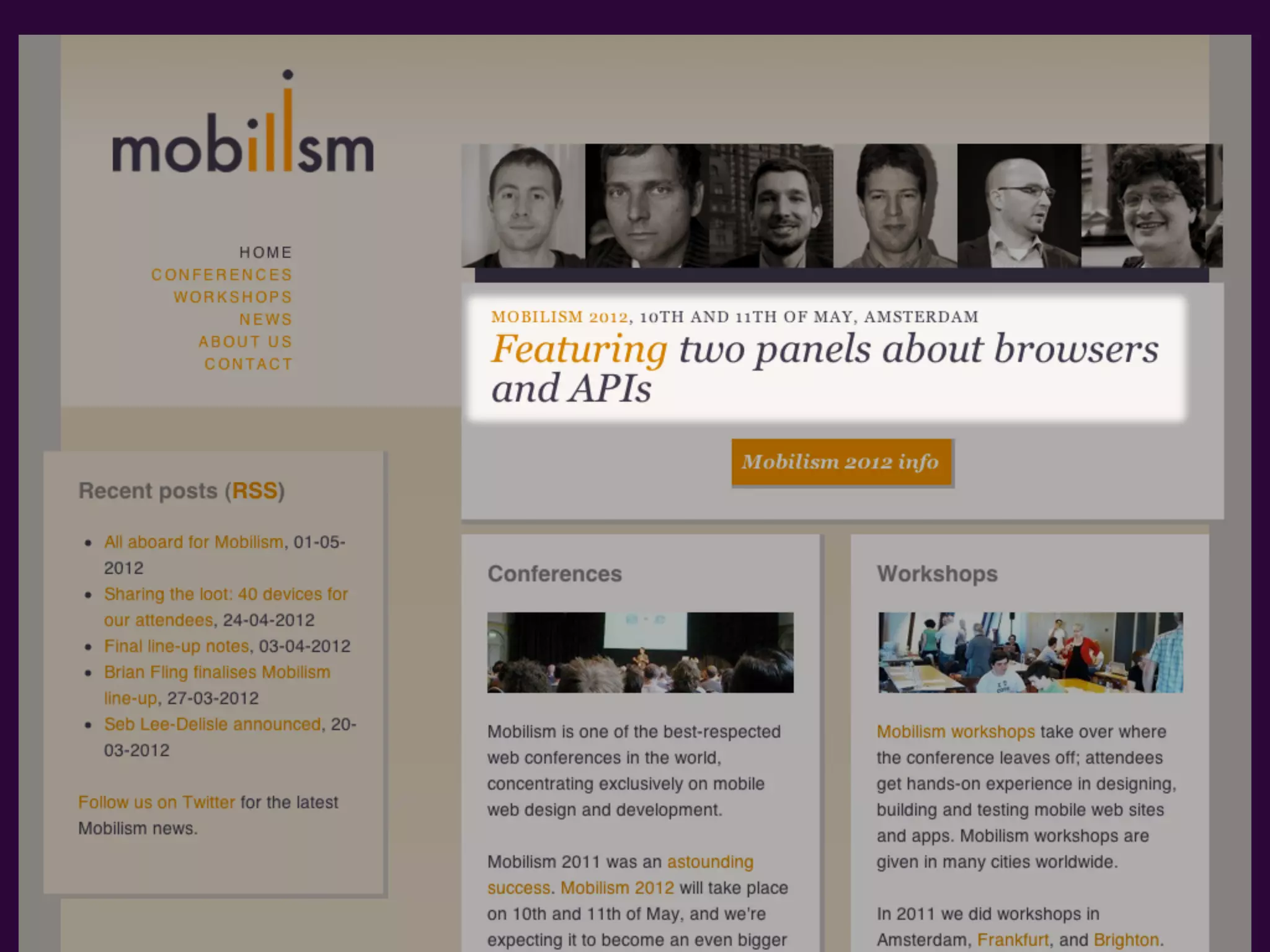
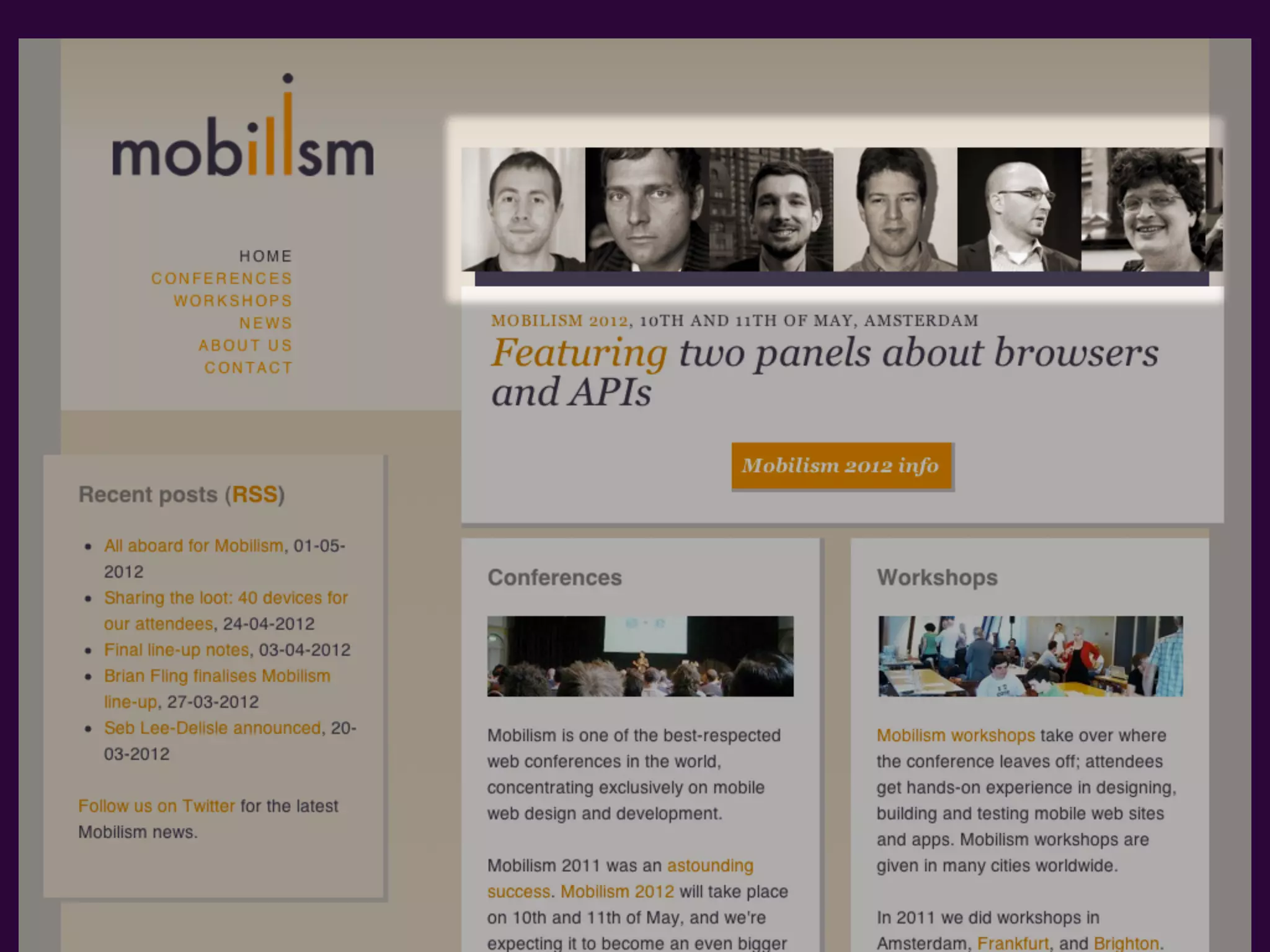
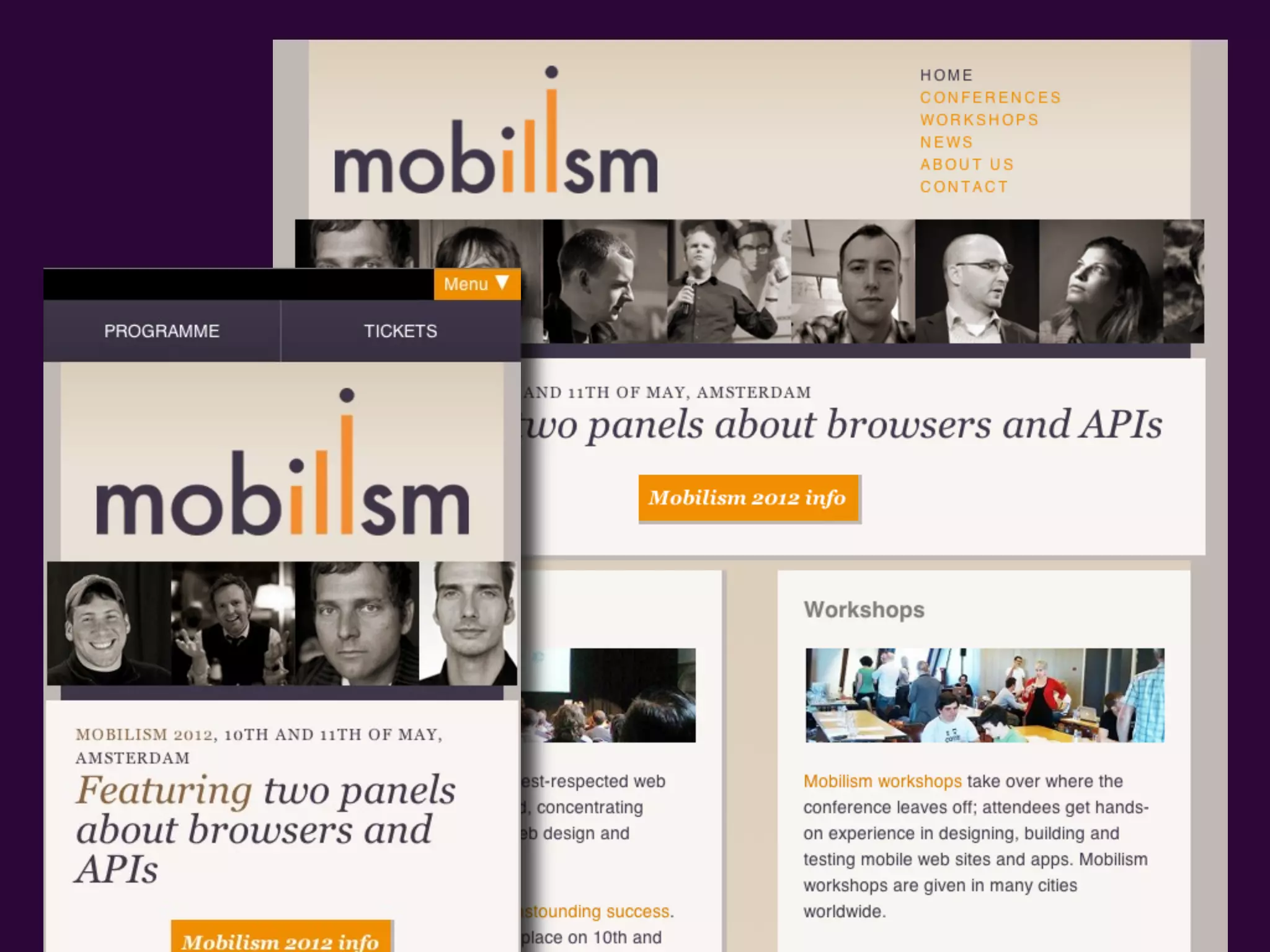
OUR CLIENT WANTS SOME CHANGES MADE.
The answer is to design from the bottom up,
which means
The answer is to design from the bottom up,
which means


FROM THE CONTENT OUT.
Content and form are lovers,


THEIR LOVE-CHILD IS DESIGN
MUCH DESIGN DECISIONMAKING IS BASED ON


TECH   THIS IS A BAD THING.
ANDY CLARKE
               ELLIOT JAY STOCKS
               PAUL BOAG
               RACHEL ANDREW
               LEA VEROU
               DAVID STOREY
               CHRIS HEILMANN
               AARRON WALTER
Absolutely     ARAL BALKAN
shameless,     BEN SCHWARZ
yet tasteful   DMITRY FADEYEV
book plug      MARC EDWARDS
               AND LITTLE OL’ ME
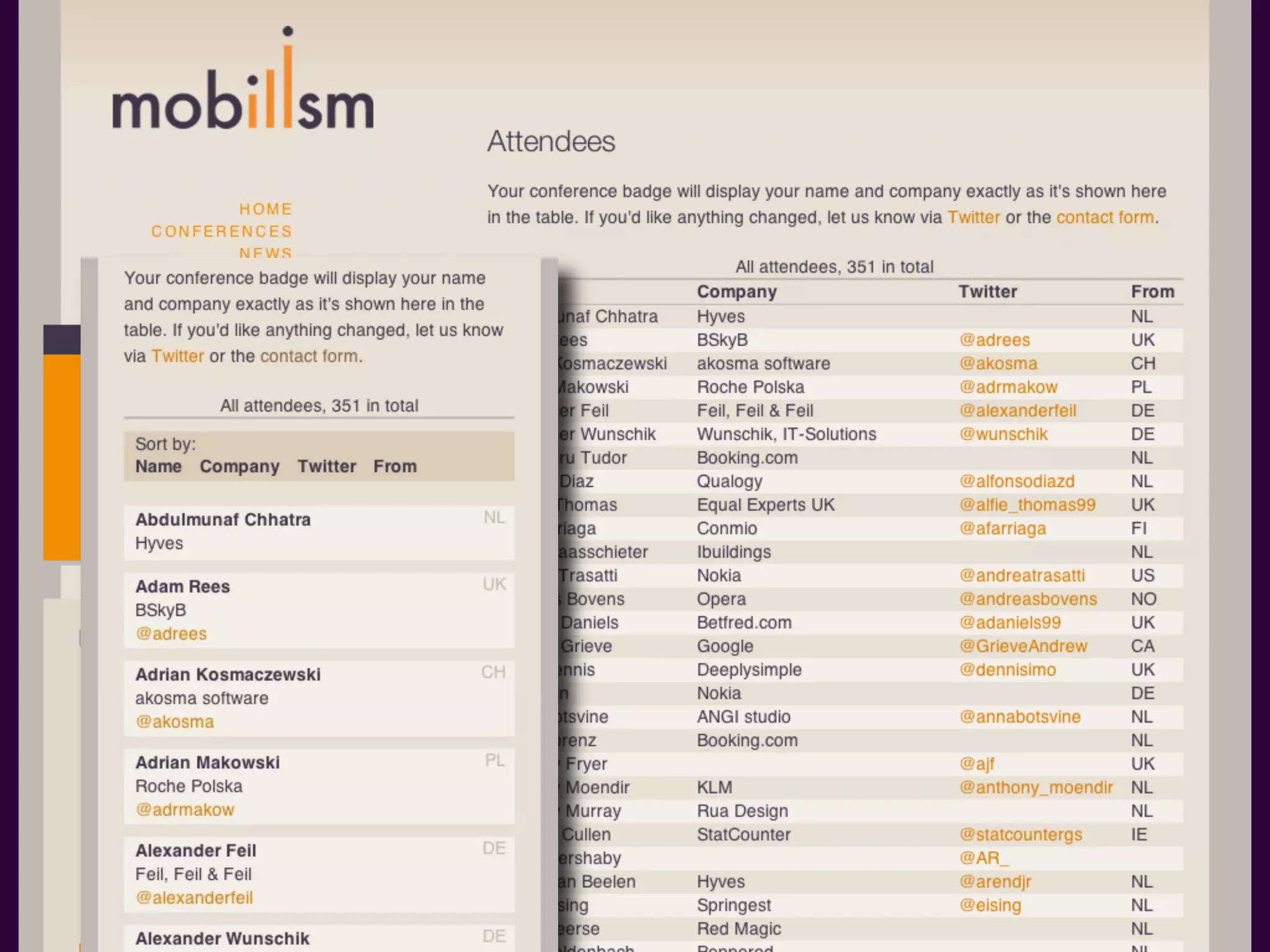
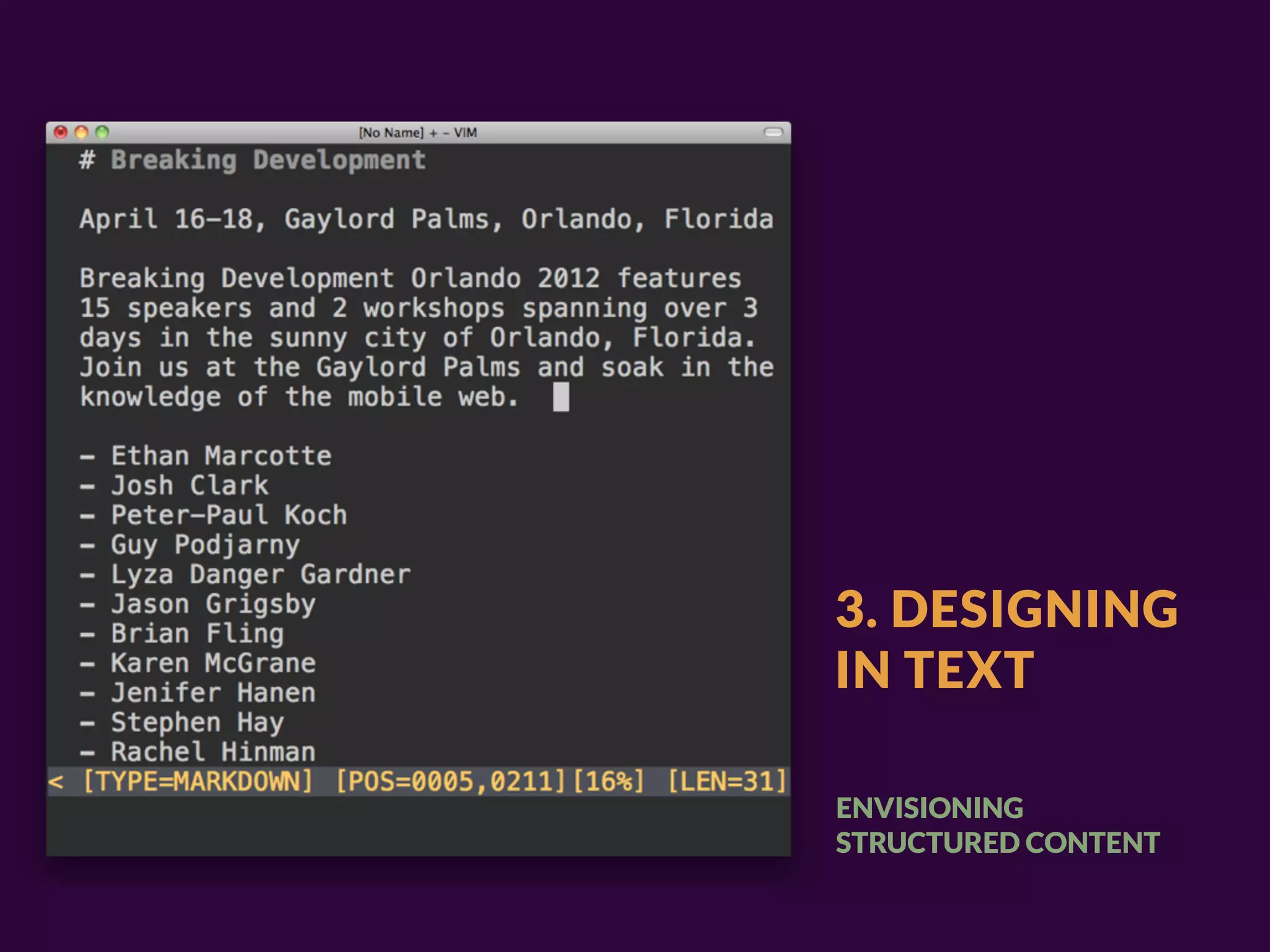
“One technique I've used for
 years is to 'design in text'… not
 necessarily describing
 everything in textual form[…]”

                                 — BRYAN RIEGER
“(which usually results in docs
 sounding oddly creepy, '–it puts
 the lotion on it's skin!')[…]”

                                  — BRYAN RIEGER
“essentially what is the message
 that needs to be communicated
 if I was ONLY able to provide
 the user with unstyled HTML?”

                               — BRYAN RIEGER
WE CURRENTLY HAVE A WORD FOR
EVERYTHING THAT IS NOT DESKTOP:
WE CURRENTLY HAVE A WORD FOR
EVERYTHING THAT IS NOT DESKTOP:


MOBILE
WE CURRENTLY HAVE A WORD FOR
EVERYTHING THAT IS NOT DESKTOP:


MOBILE
WE HAVE THE CONVENIENT TRINITY OF SMARTPHONES, TABLETS & DESKTOPS
WE CURRENTLY HAVE A WORD FOR
EVERYTHING THAT IS NOT DESKTOP:


MOBILE
WE HAVE THE CONVENIENT TRINITY OF SMARTPHONES, TABLETS & DESKTOPS
                                                        OR DO WE?
SMABLET
i SMABLET
WORKFLOW


NOW
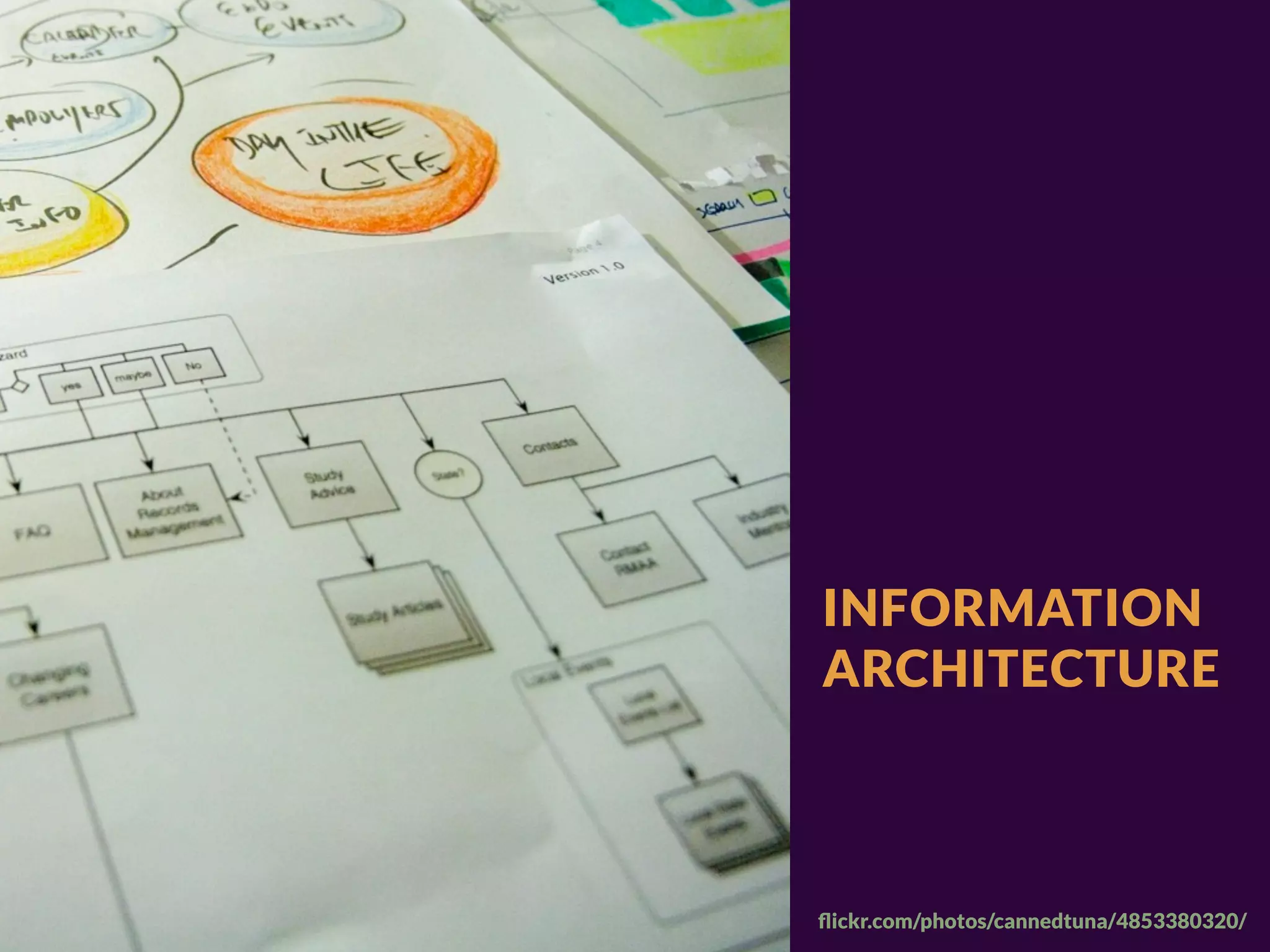
INFORMATION
ARCHITECTURE


flickr.com/photos/cannedtuna/4853380320/
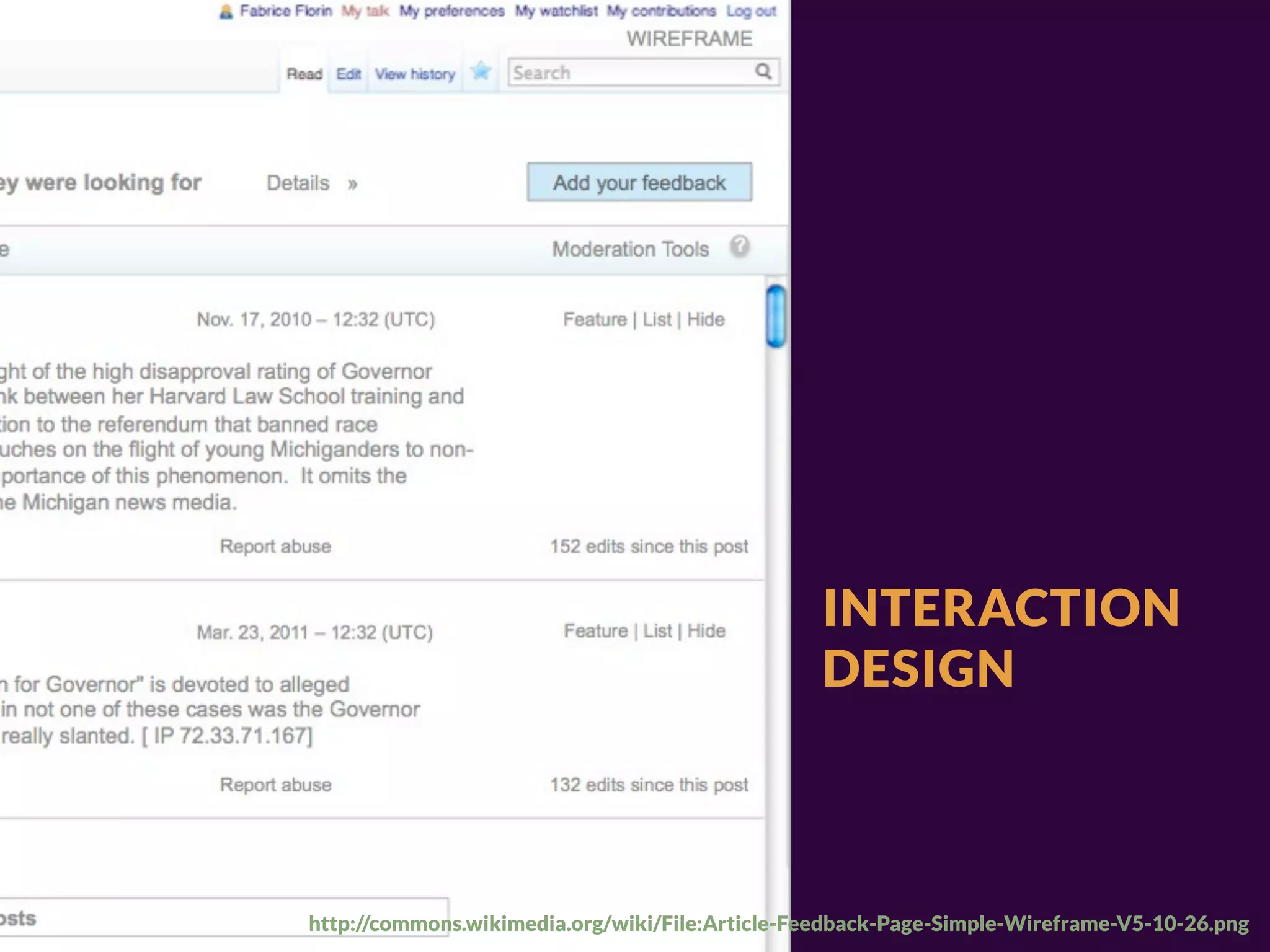
INTERACTION
                                                 DESIGN


http://commons.wikimedia.org/wiki/File:Article-Feedback-Page-Simple-Wireframe-V5-10-26.png
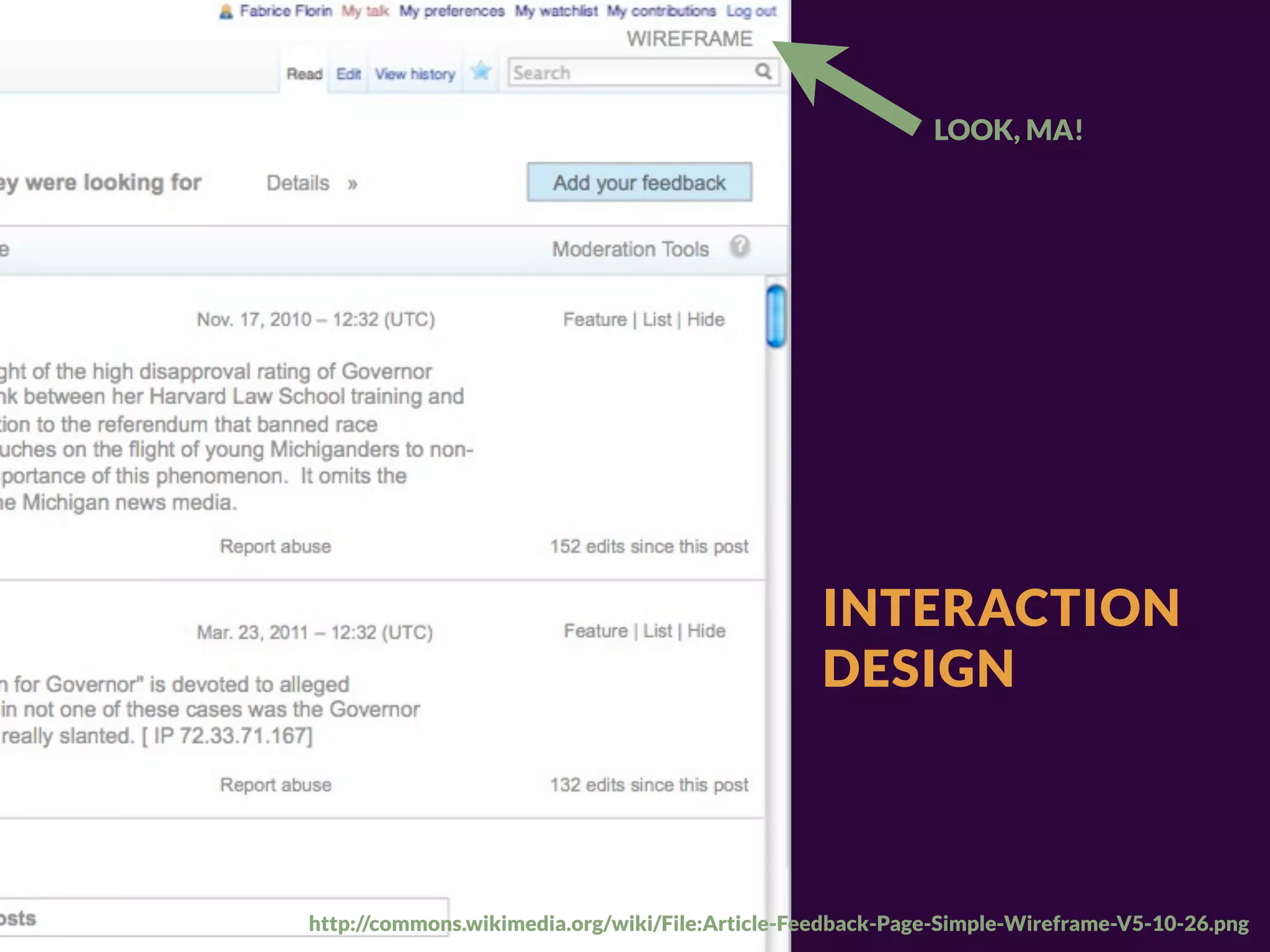
LOOK, MA!


                                                 INTERACTION
                                                 DESIGN


http://commons.wikimedia.org/wiki/File:Article-Feedback-Page-Simple-Wireframe-V5-10-26.png
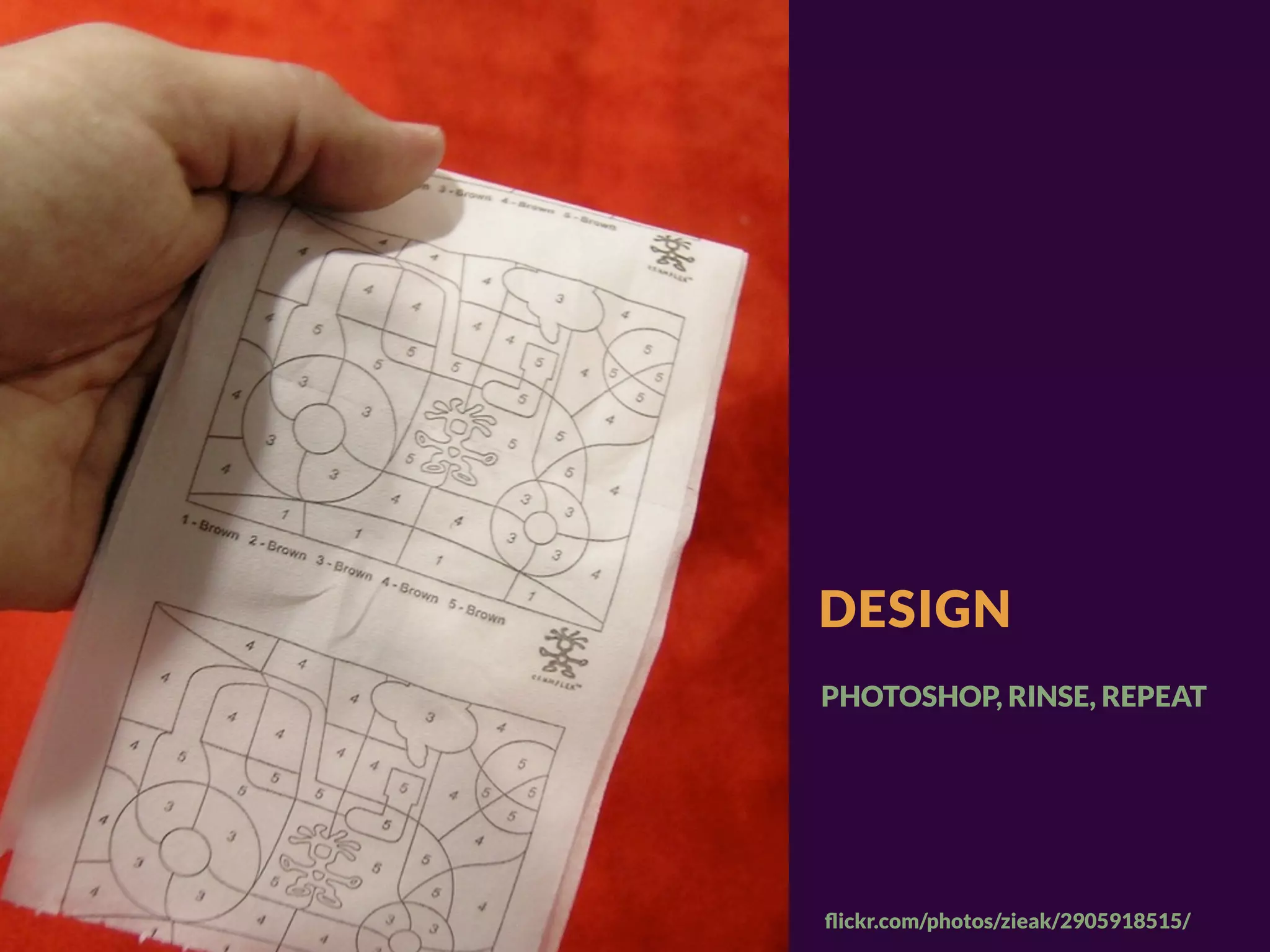
DESIGN


flickr.com/photos/zieak/2905918515/
DESIGN
PHOTOSHOP, RINSE, REPEAT


flickr.com/photos/zieak/2905918515/
DESIGN IS NOT


DECORATION
AND DECORATION IS NOT DESIGN
RESPONSIVE
       WORKFLOW
RESPONSIVE
WORKFLOW:
10 STEPS
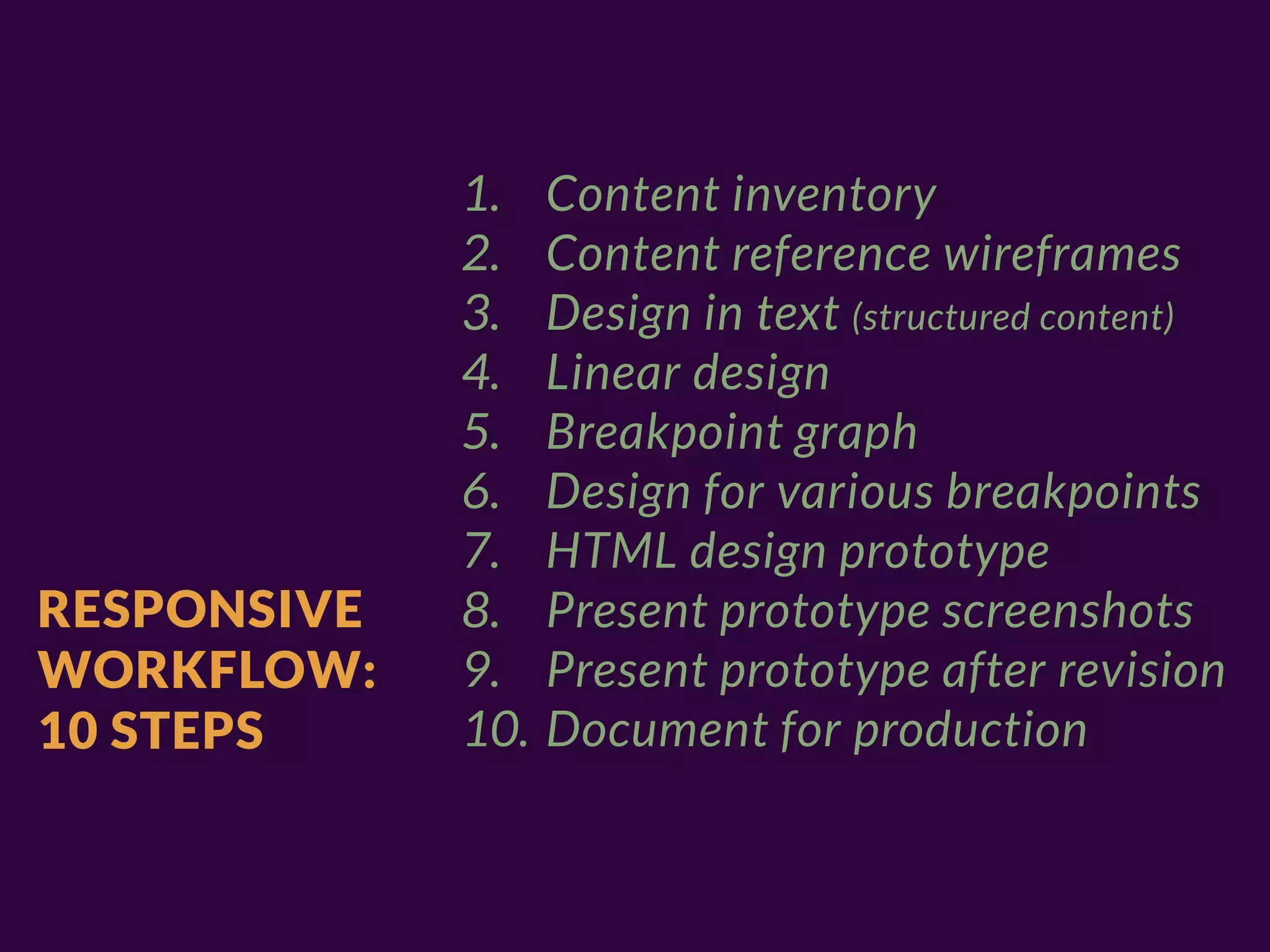
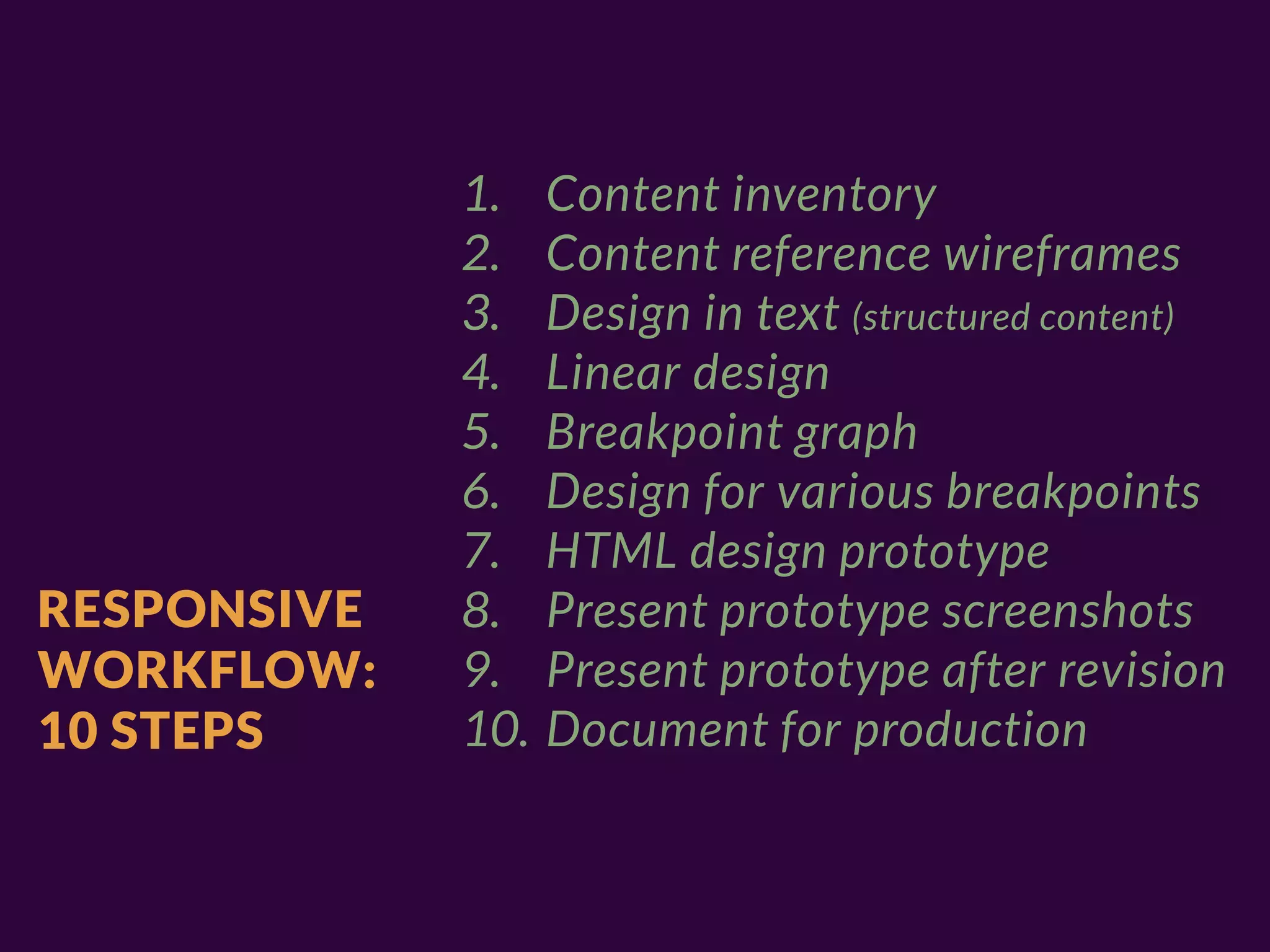
1.    Content inventory
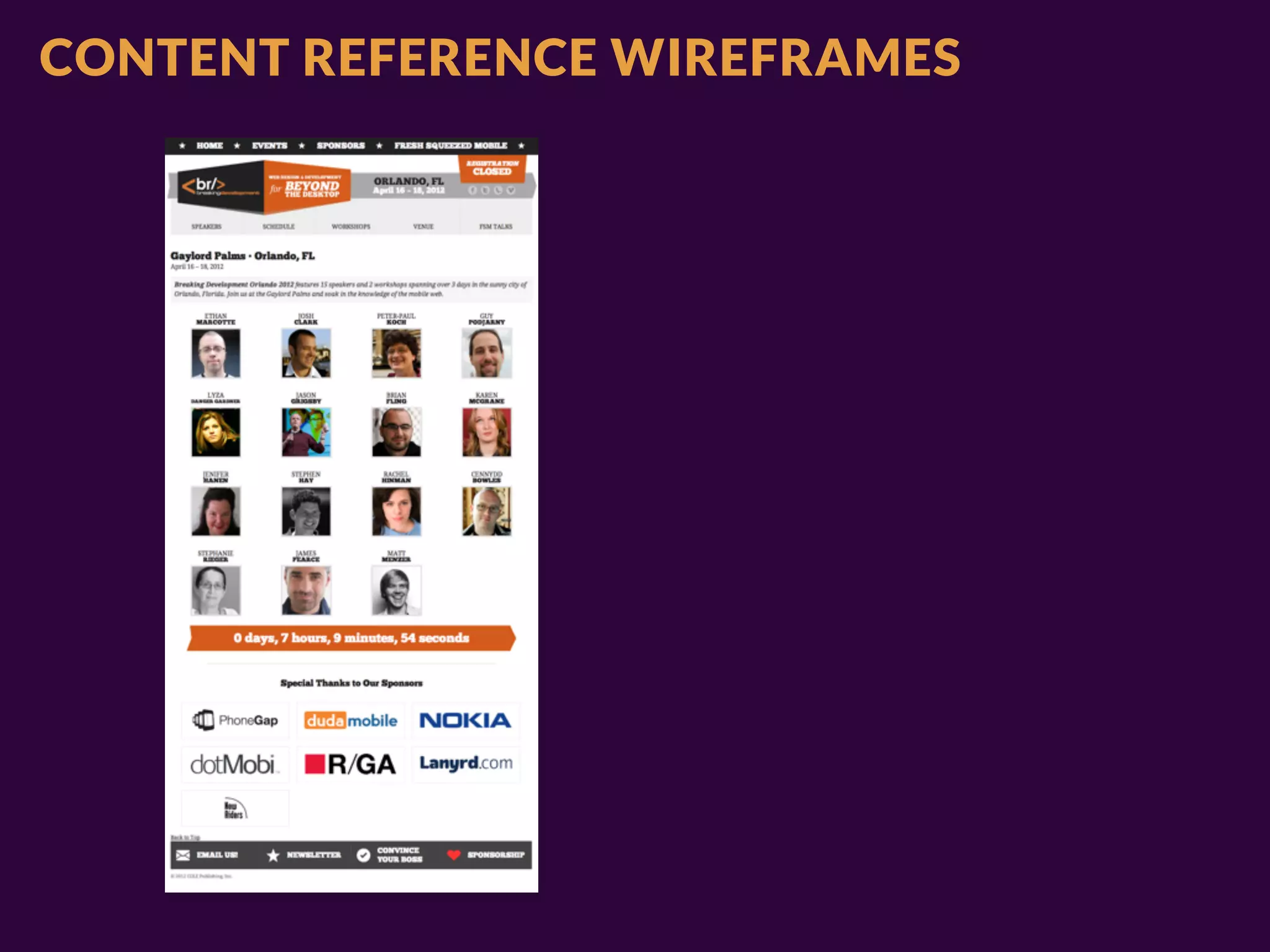
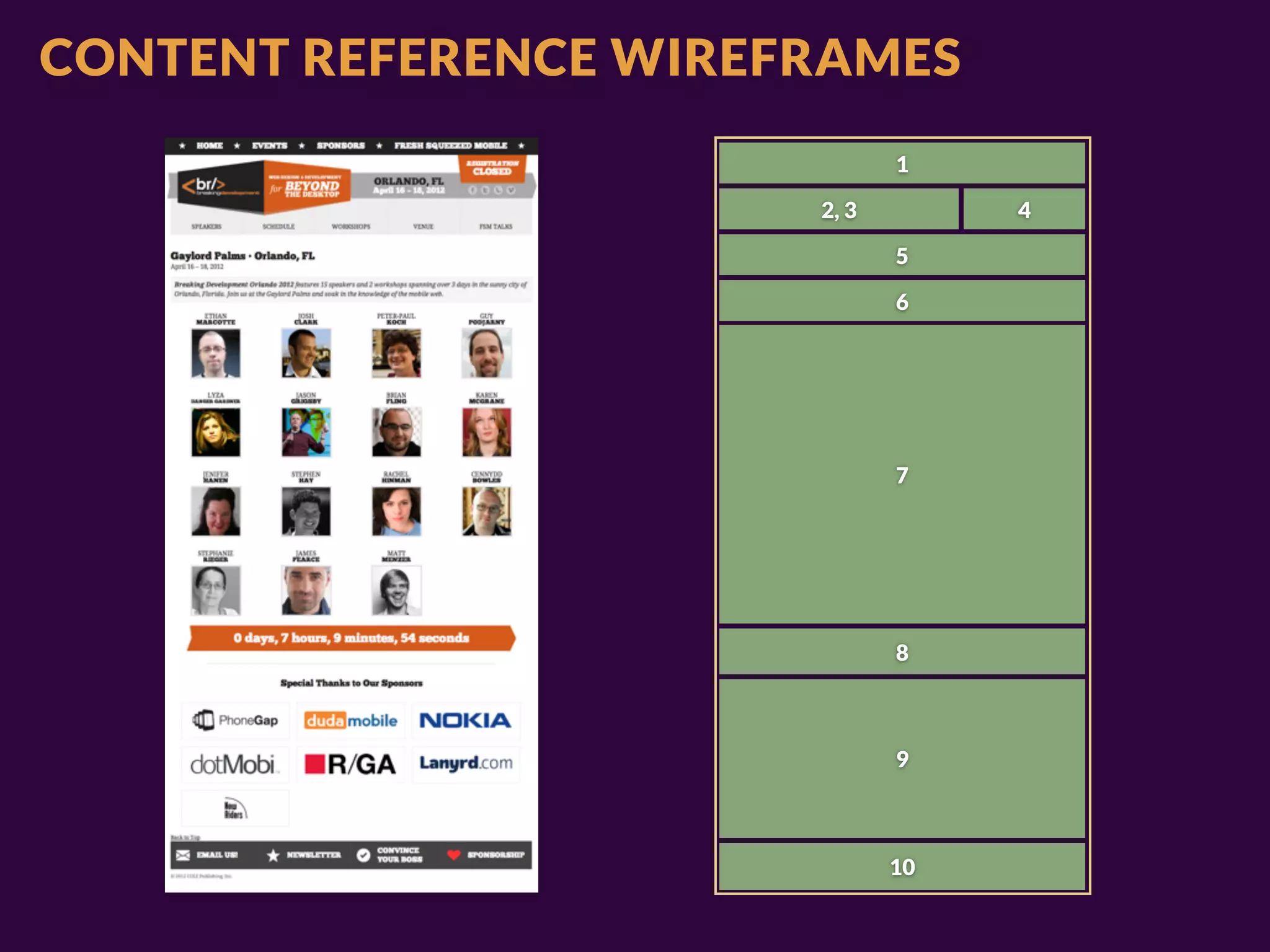
             2.    Content reference wireframes
             3.    Design in text (structured content)
             4.    Linear design
             5.    Breakpoint graph
             6.    Design for various breakpoints
             7.    HTML design prototype
RESPONSIVE   8.    Present prototype screenshots
WORKFLOW:    9.    Present prototype after revision
10 STEPS     10.   Document for production
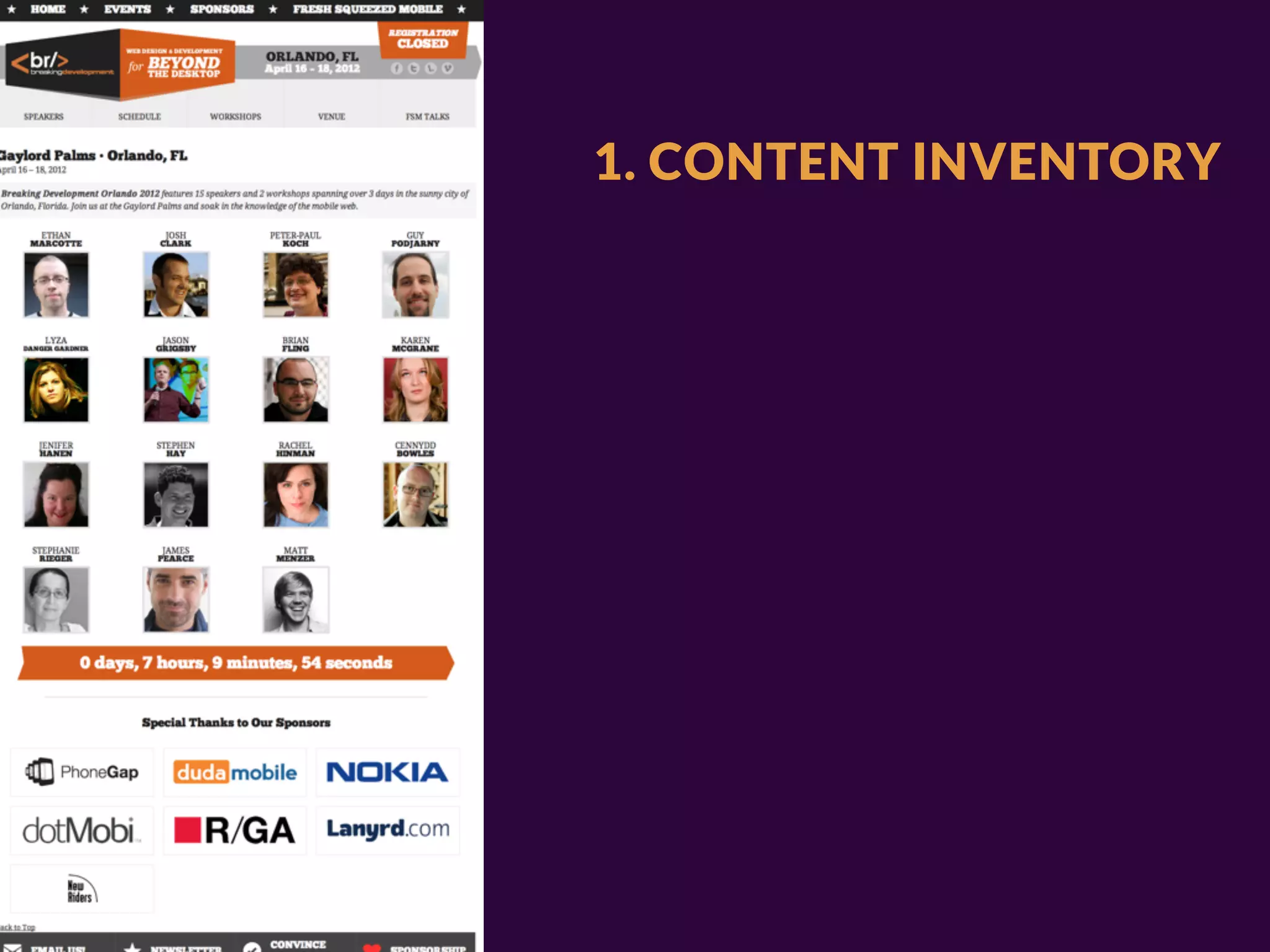
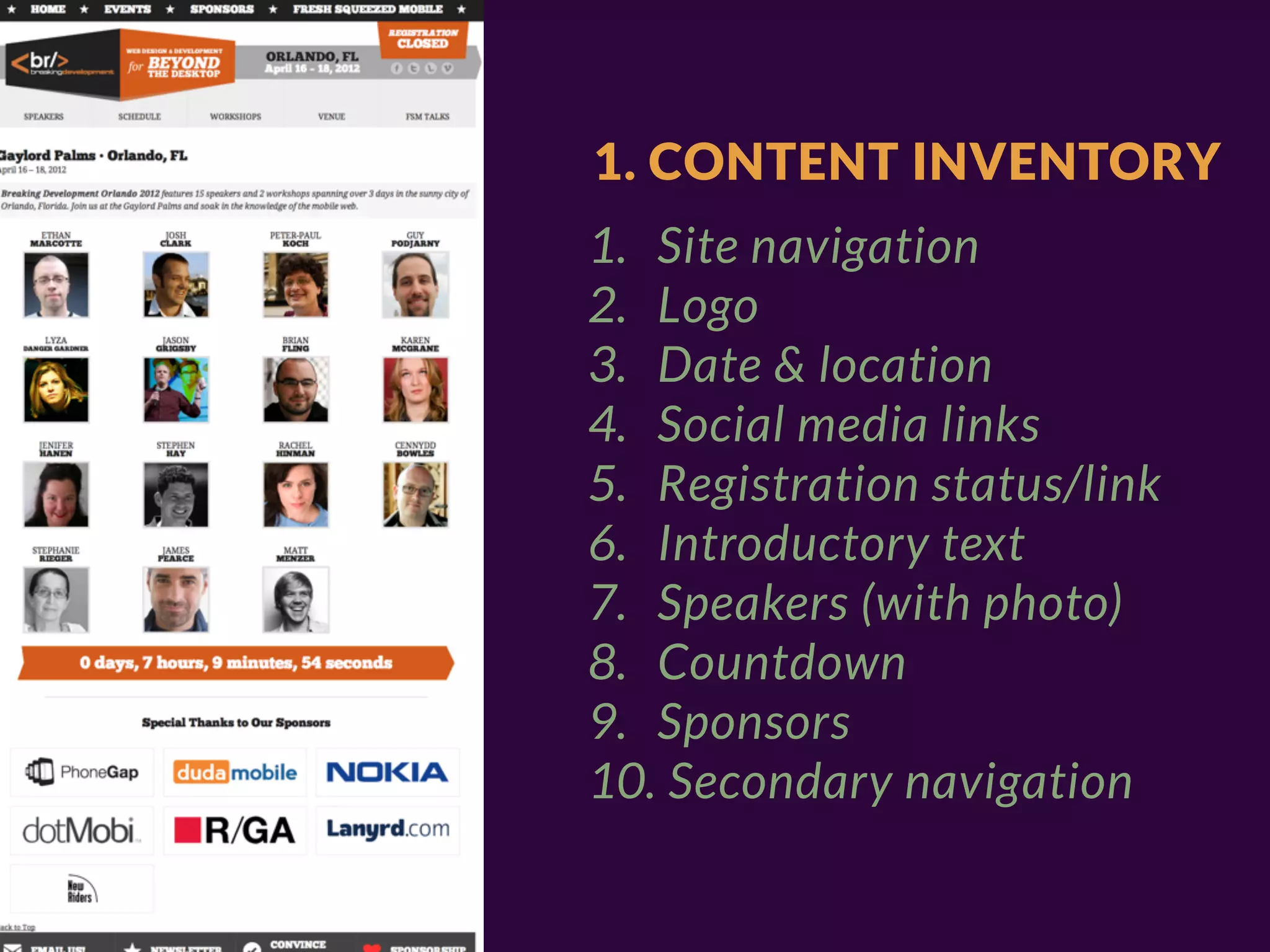
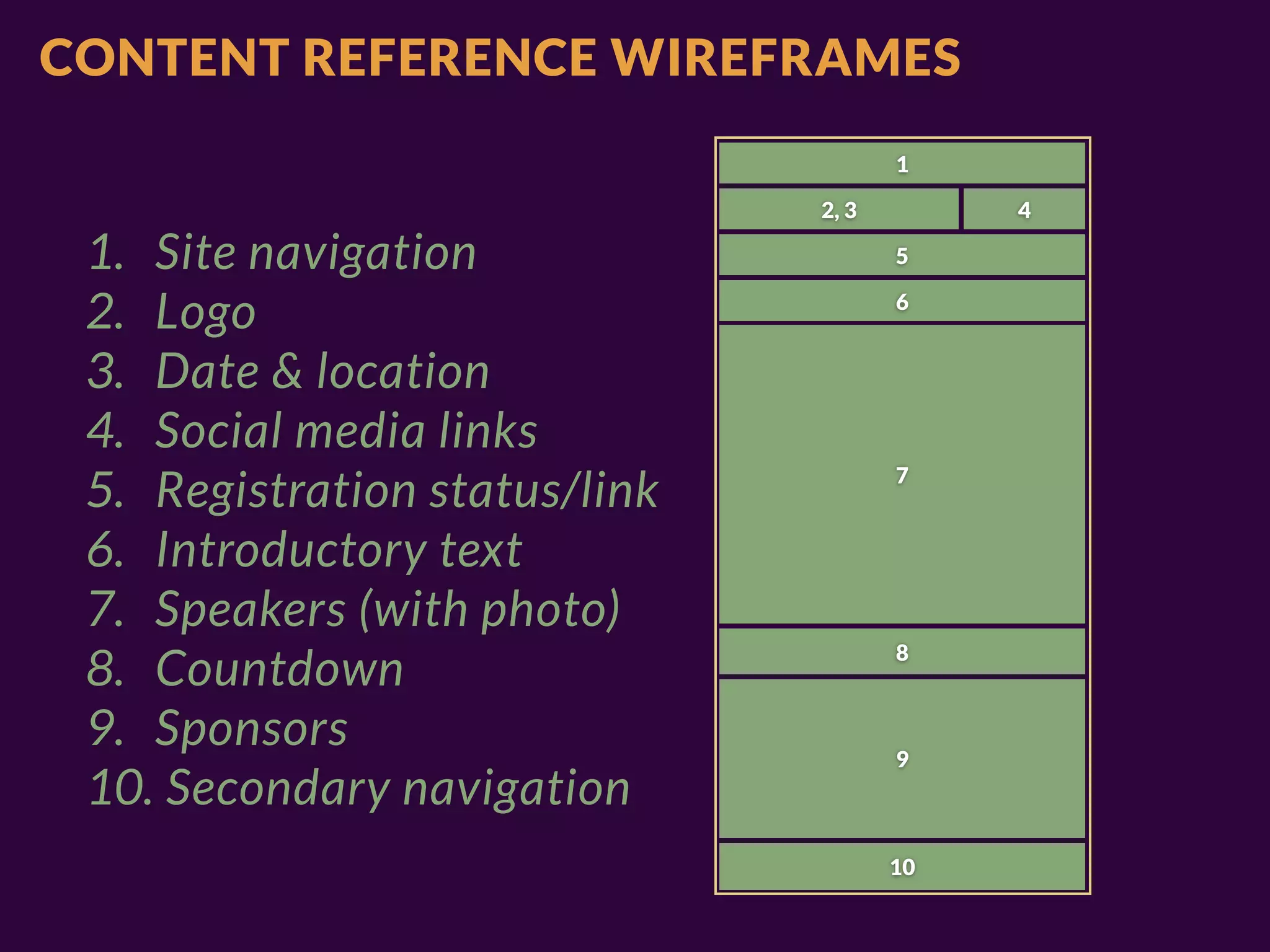
1. CONTENT INVENTORY
1. Site navigation
2. Logo
3. Date & location
4. Social media links
5. Registration status/link
6. Introductory text
7. Speakers (with photo)
8. Countdown
9. Sponsors
10. Secondary navigation
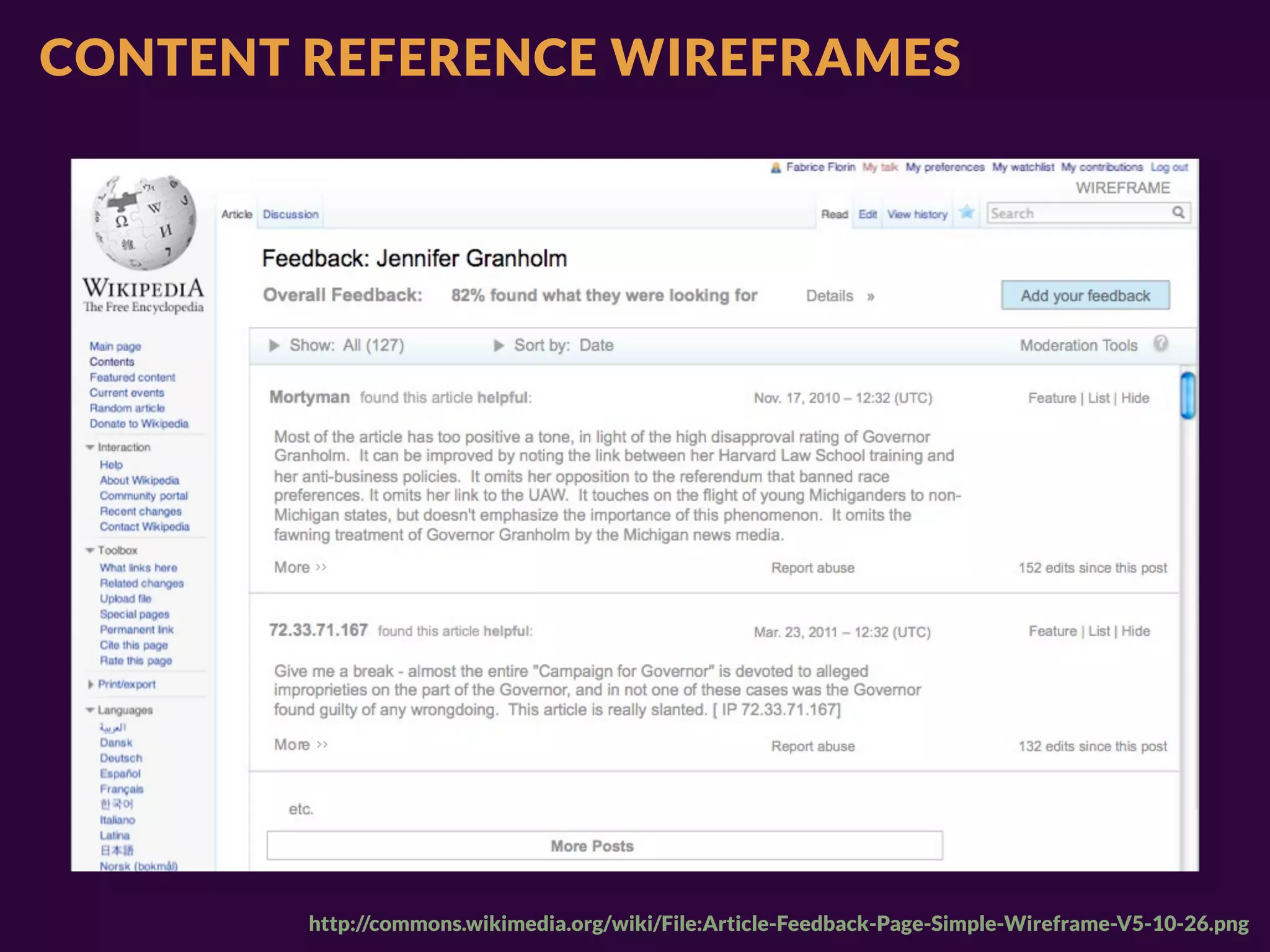
CONTENT REFERENCE WIREFRAMES


        http://commons.wikimedia.org/wiki/File:Article-Feedback-Page-Simple-Wireframe-V5-10-26.png
CONTENT REFERENCE WIREFRAMES
                              1

                       2, 3        4

                              5

                              6


                              7


                              8


                              9


                              10
CONTENT REFERENCE WIREFRAMES
                                      1

                               2, 3        4

 1. Site navigation                   5

 2. Logo                              6


 3. Date & location
 4. Social media links
 5. Registration status/link          7


 6. Introductory text
 7. Speakers (with photo)
 8. Countdown                         8


 9. Sponsors                          9
 10. Secondary navigation
                                      10
3. DESIGNING
IN TEXT

ENVISIONING
STRUCTURED CONTENT
3. DESIGNING
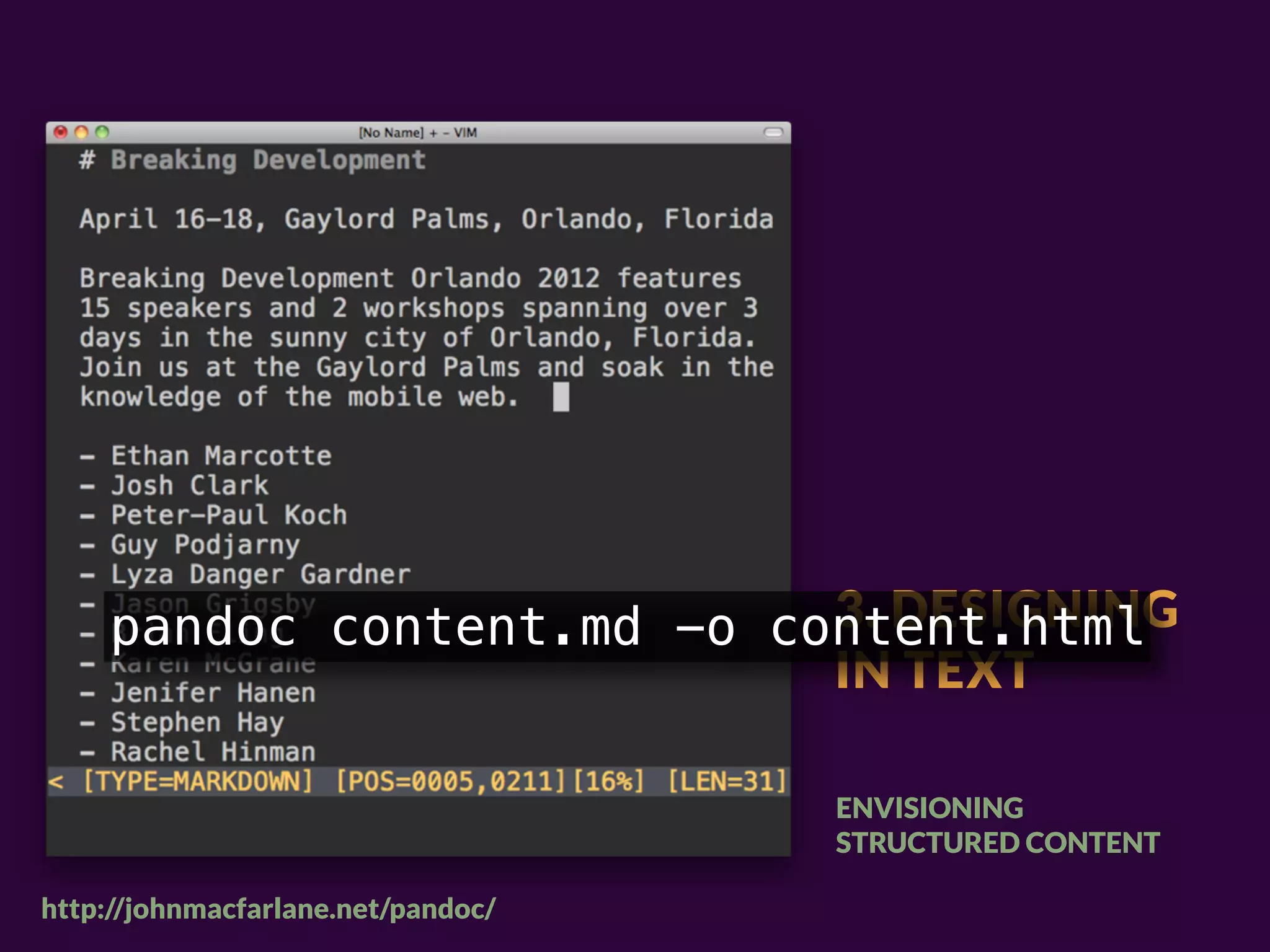
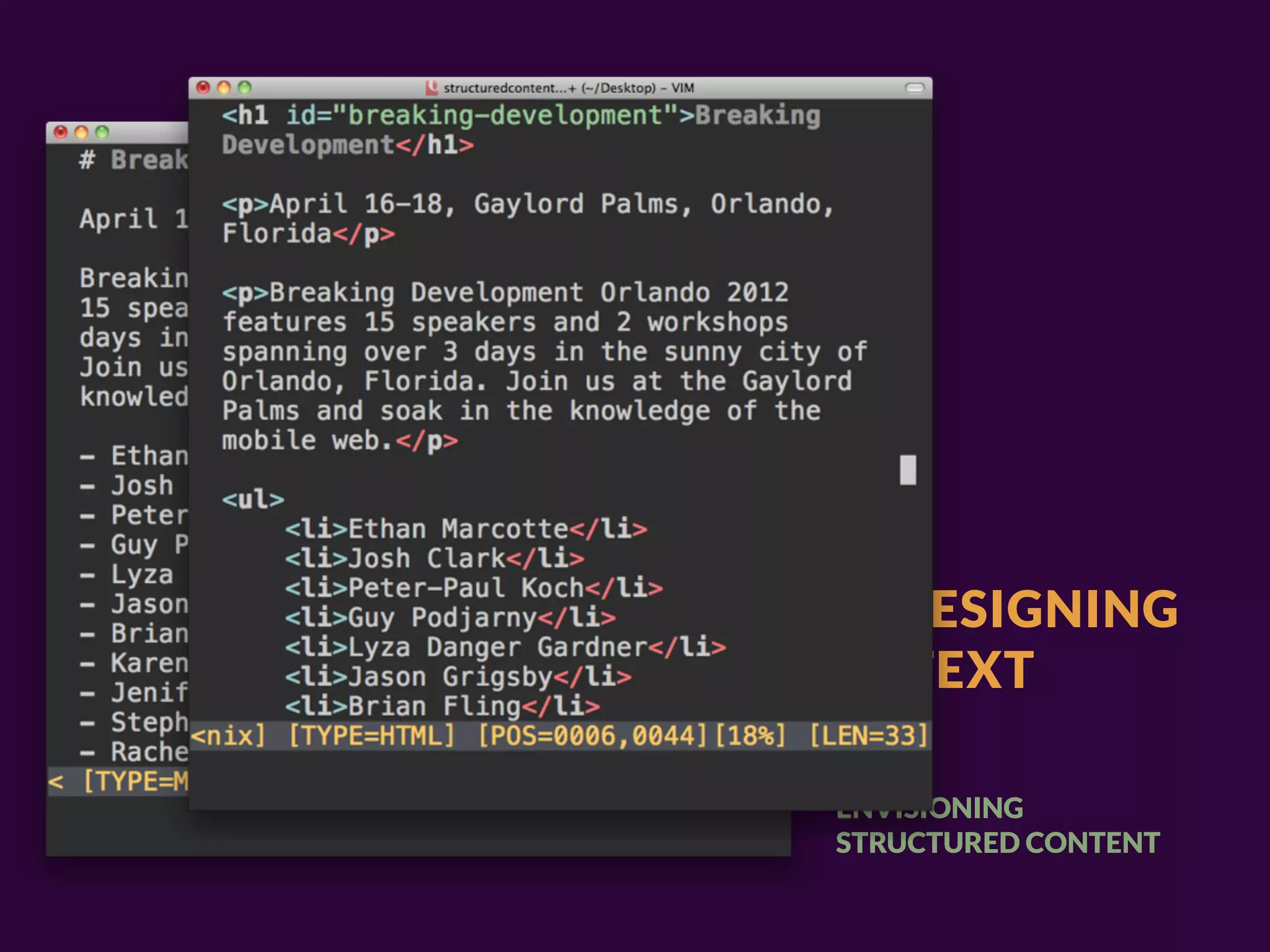
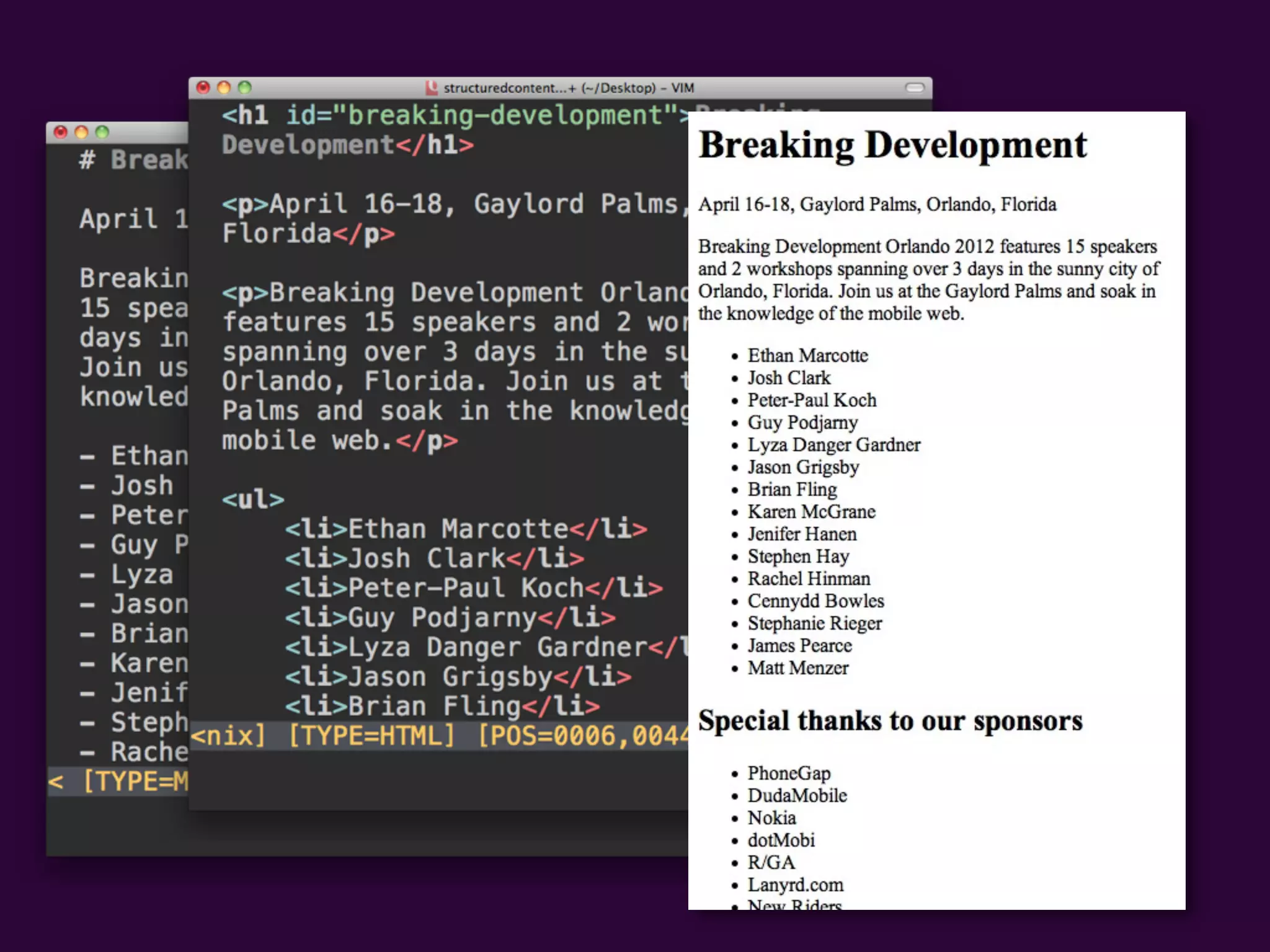
    pandoc content.md -o content.html
                           IN TEXT

                                    ENVISIONING
                                    STRUCTURED CONTENT

http://johnmacfarlane.net/pandoc/
3. DESIGNING
IN TEXT

ENVISIONING
STRUCTURED CONTENT
3. DESIGNING
IN TEXT

ENVISIONING
STRUCTURED CONTENT
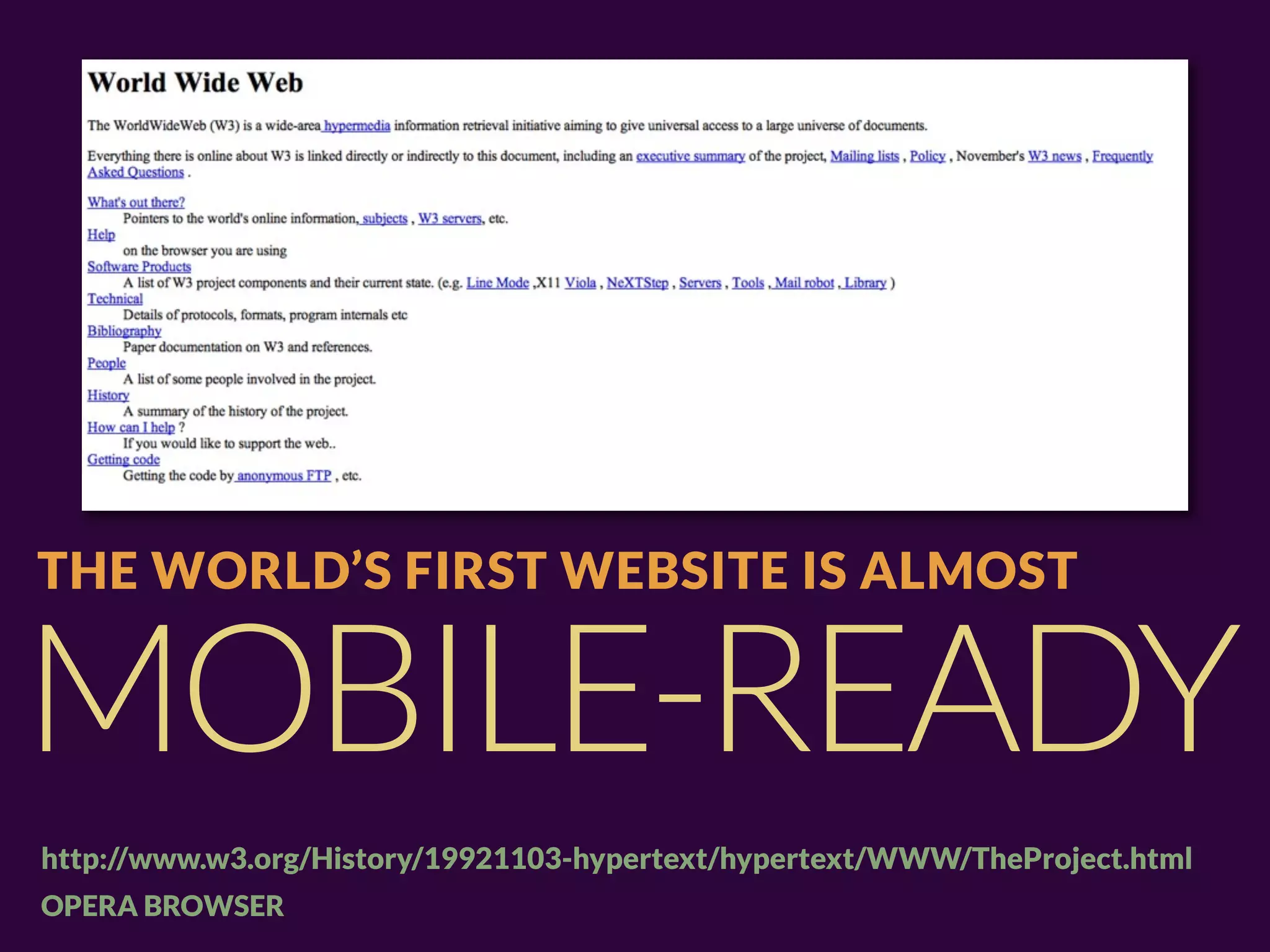
THE WORLD’S FIRST WEBSITE IS ALMOST


MOBILE-READY
http://www.w3.org/History/19921103-hypertext/hypertext/WWW/TheProject.html
OPERA BROWSER
OPERA MOBILE, SAMSUNG GALAXY TAB
The device landscape is constantly changing.
Capabilities are constantly changing.
Properly structured content is portable
to future platforms.
THE ZERO INTERFACE:


THINK, DONE.
ANY STEP WE ADD TO THAT HAS THE POTENTIAL TO RUIN EVERYTHING,
SO CHOOSE WISELY.
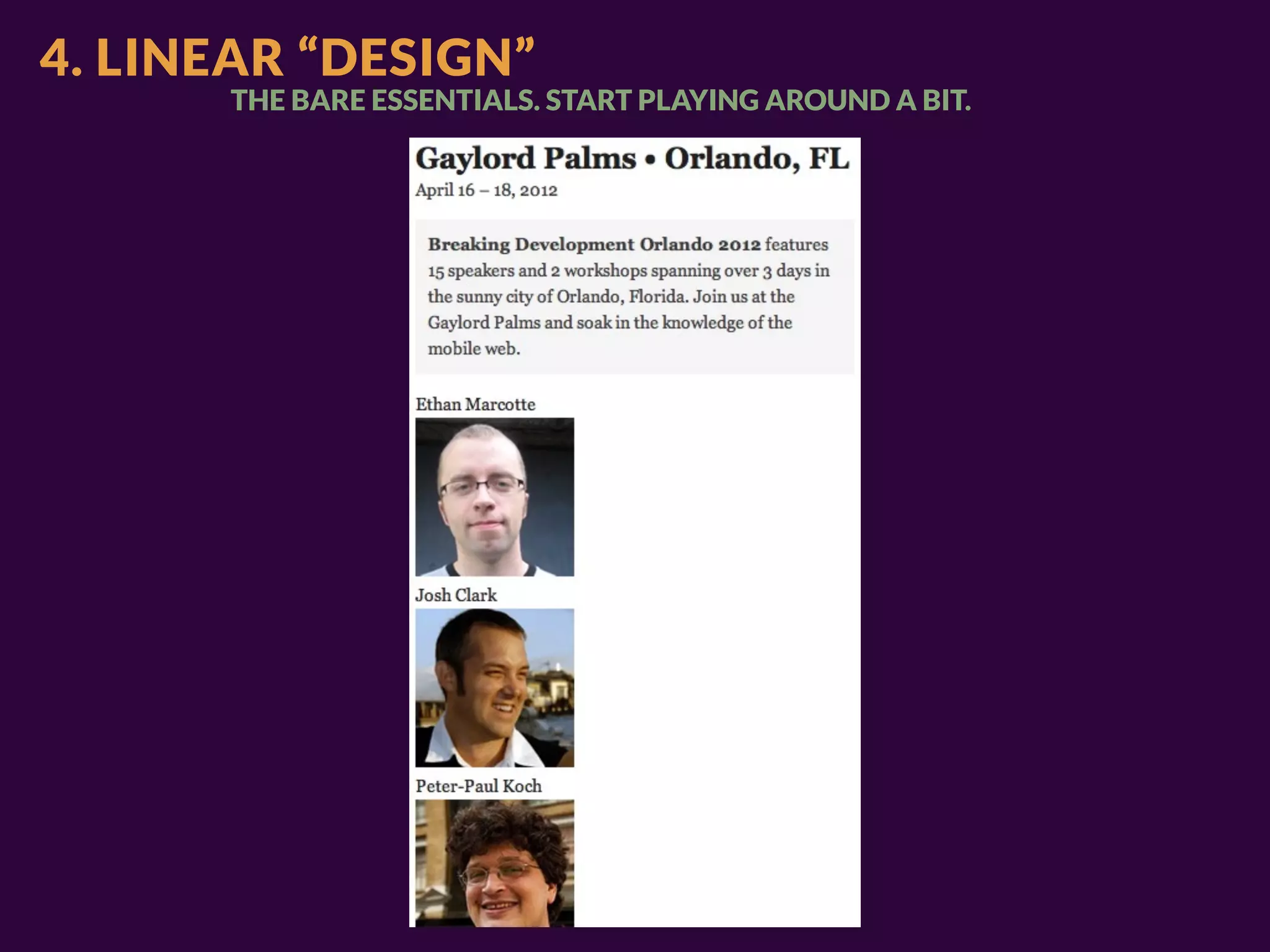
4. LINEAR “DESIGN”
      THE BARE ESSENTIALS. START PLAYING AROUND A BIT.
5. BREAKPOINT GRAPHS
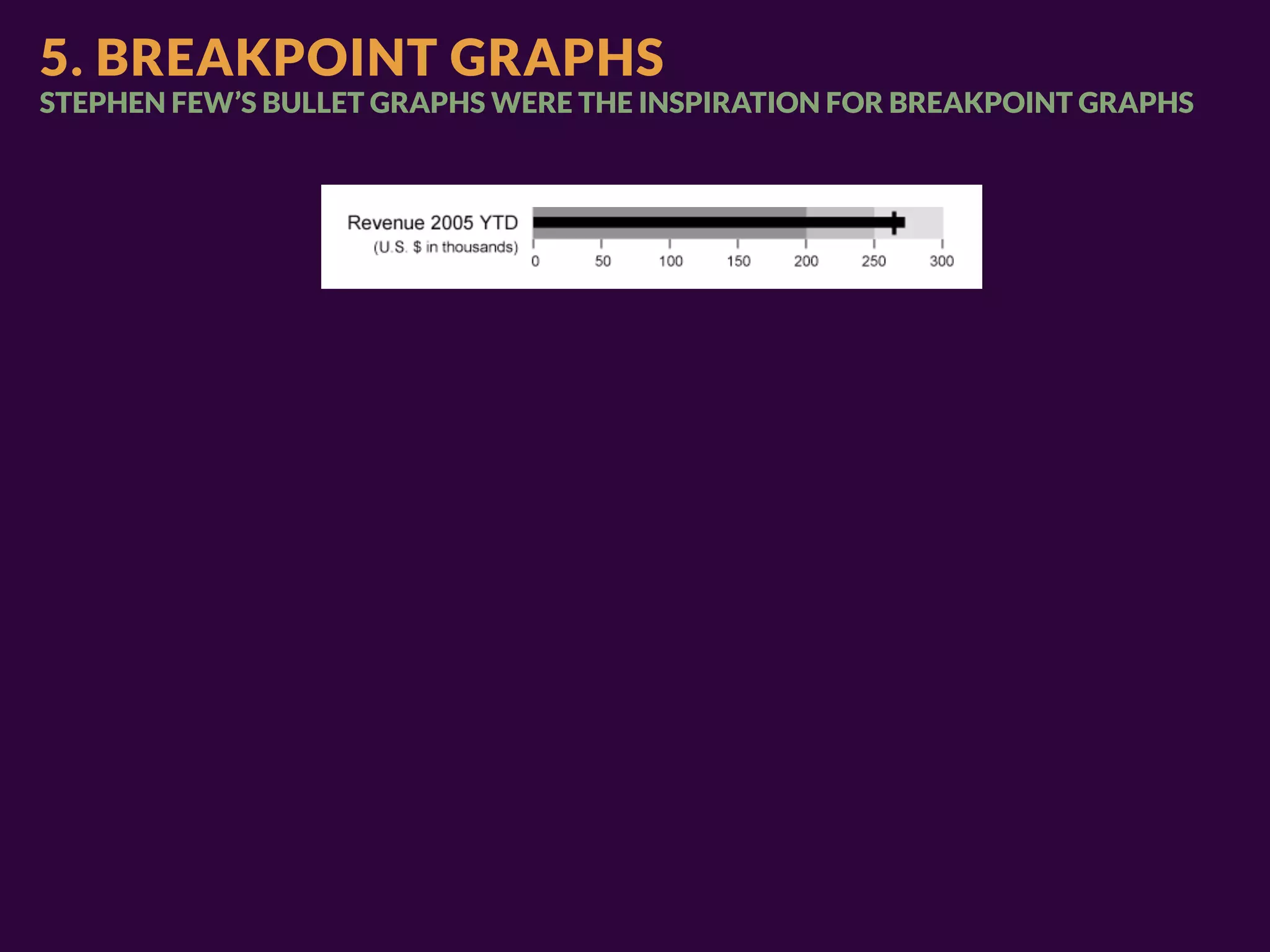
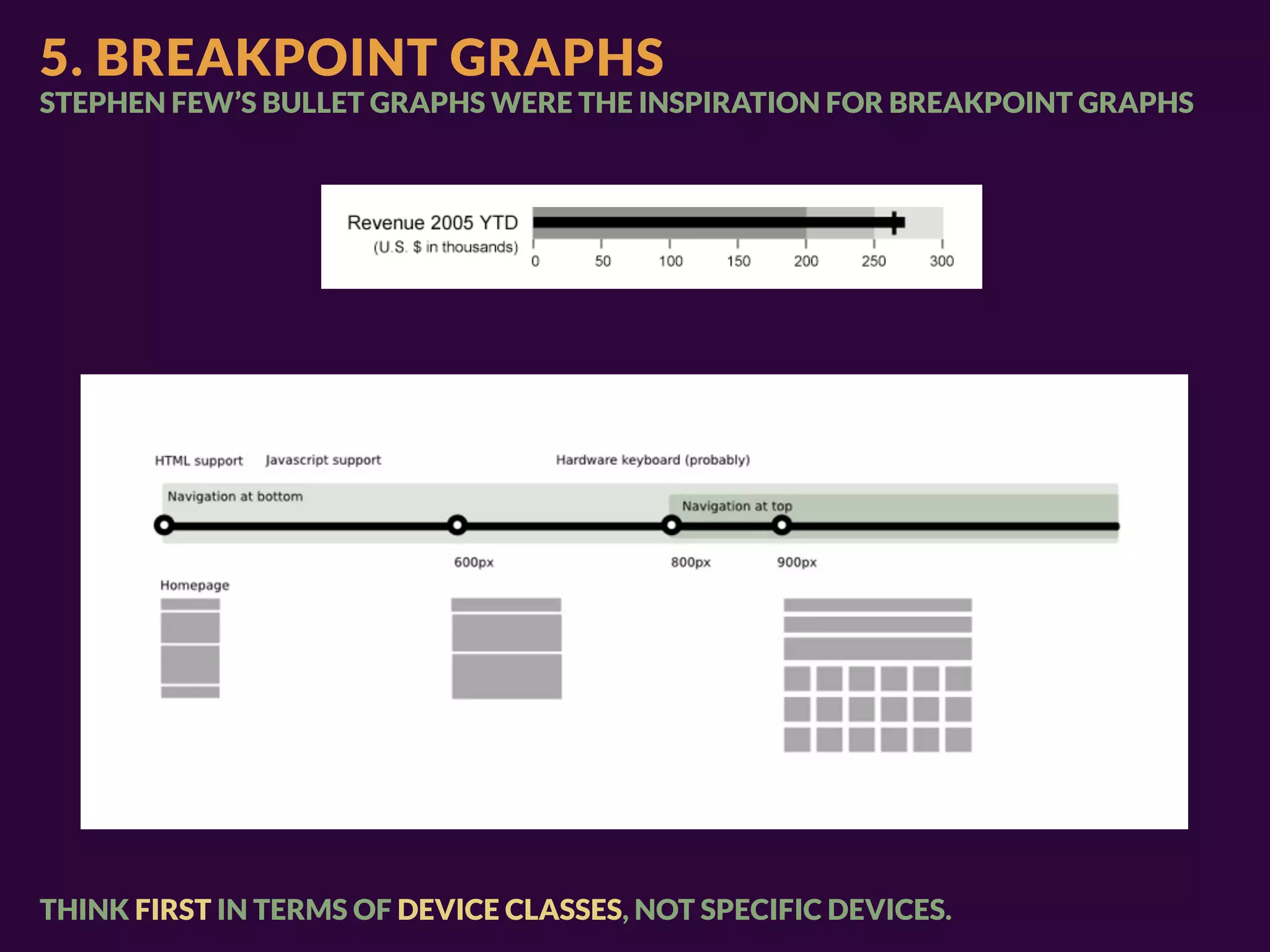
STEPHEN FEW’S BULLET GRAPHS WERE THE INSPIRATION FOR BREAKPOINT GRAPHS
5. BREAKPOINT GRAPHS
STEPHEN FEW’S BULLET GRAPHS WERE THE INSPIRATION FOR BREAKPOINT GRAPHS


THINK FIRST IN TERMS OF DEVICE CLASSES, NOT SPECIFIC DEVICES.
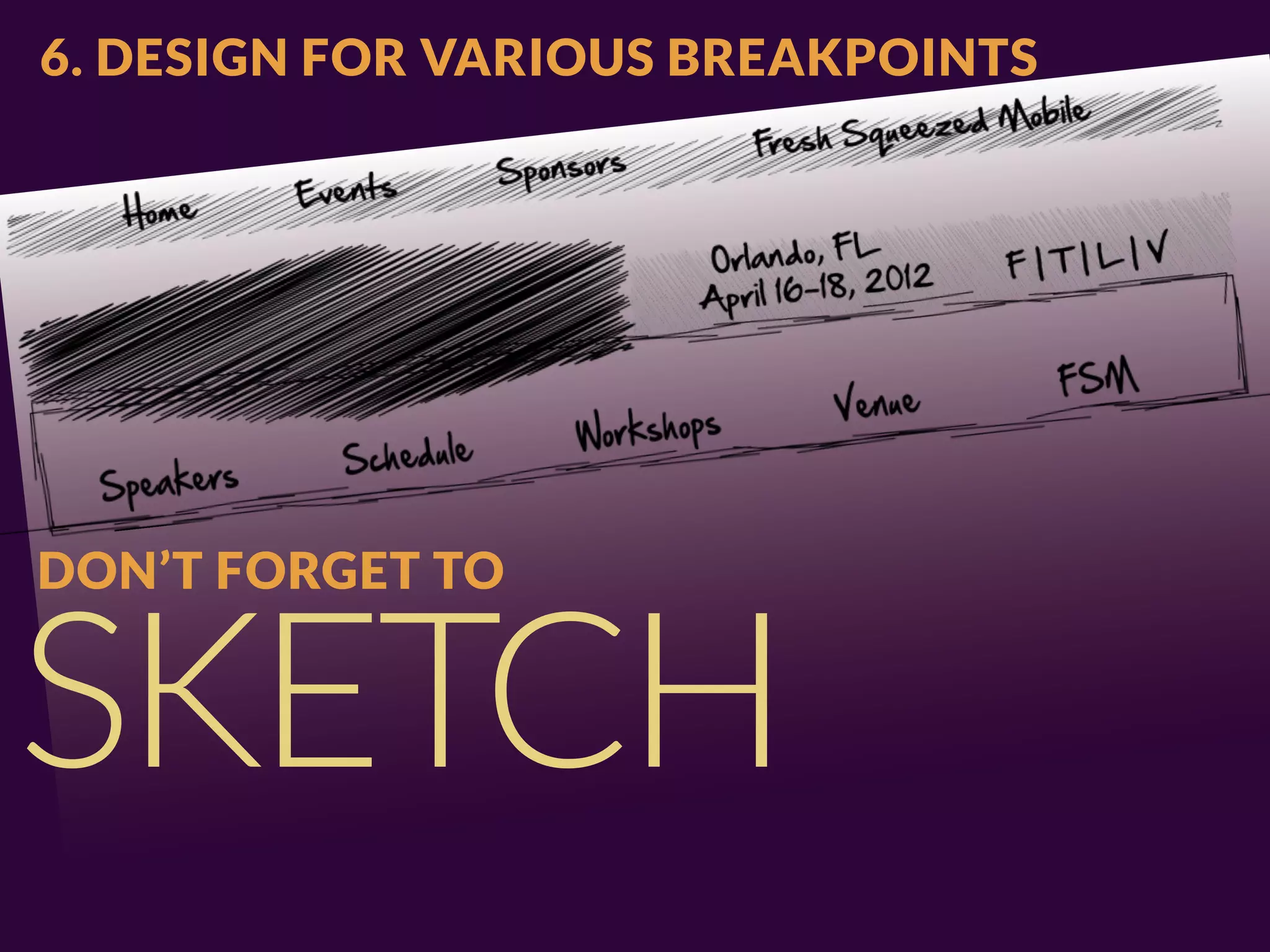
6. DESIGN FOR VARIOUS BREAKPOINTS


DON’T FORGET TO


SKETCH
7. IF WE’RE NOT DELIVERING DESIGNS IN


PHOTOSHOP,
WHAT DO WE DELIVER?
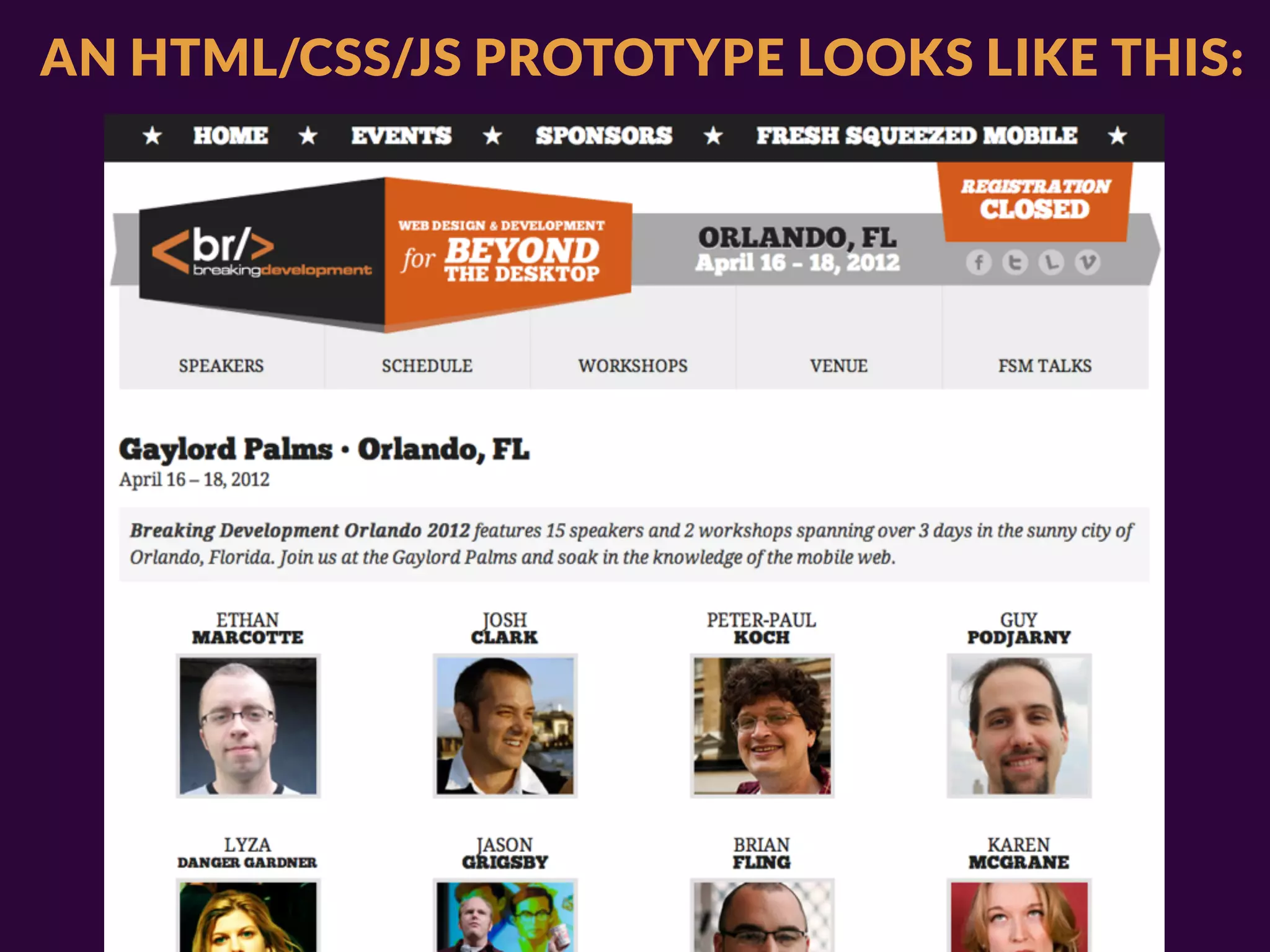
AN HTML/CSS/JS PROTOTYPE LOOKS LIKE THIS:
HOUSTON, WE HAVE A PROBLEM.
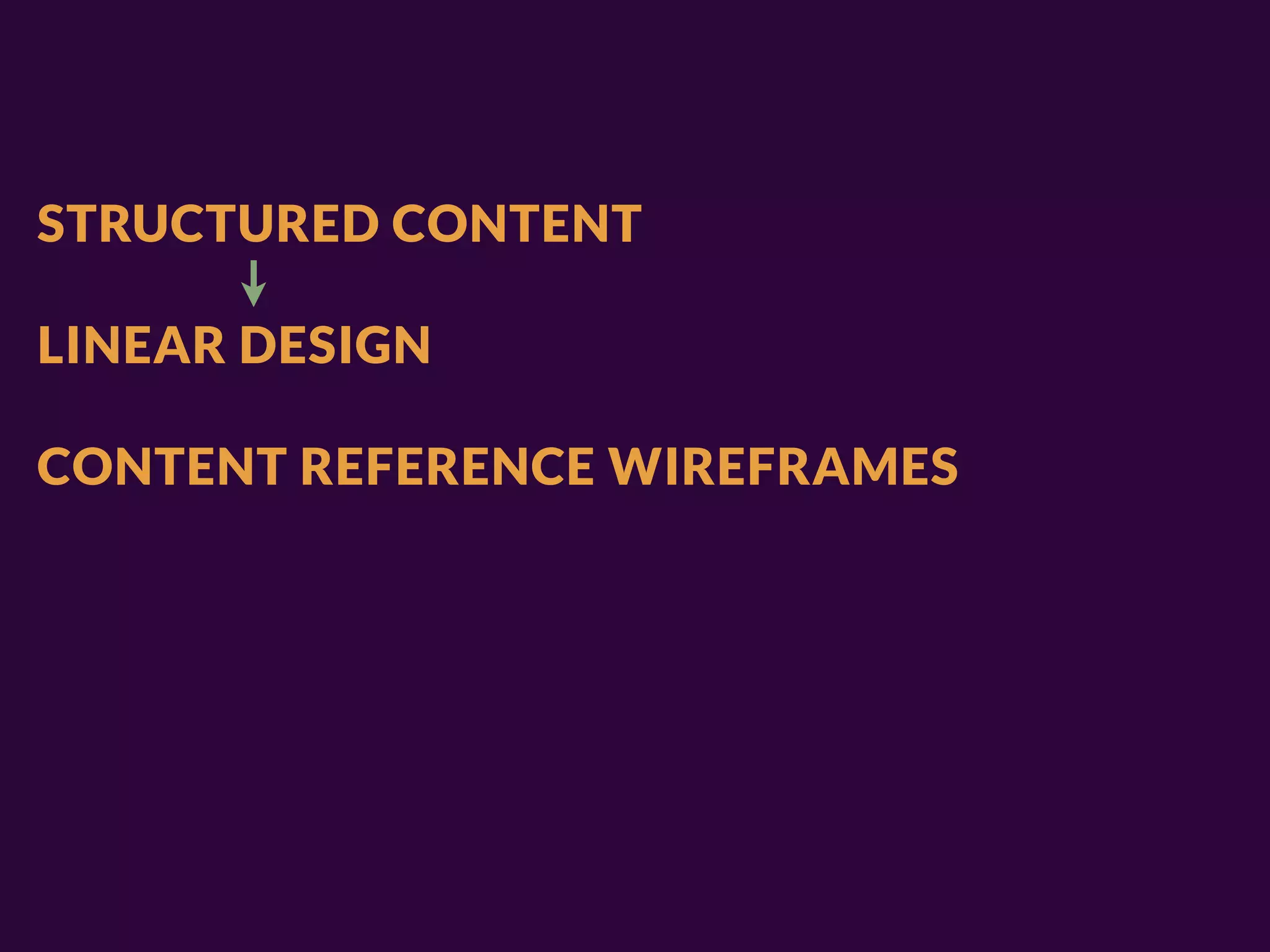
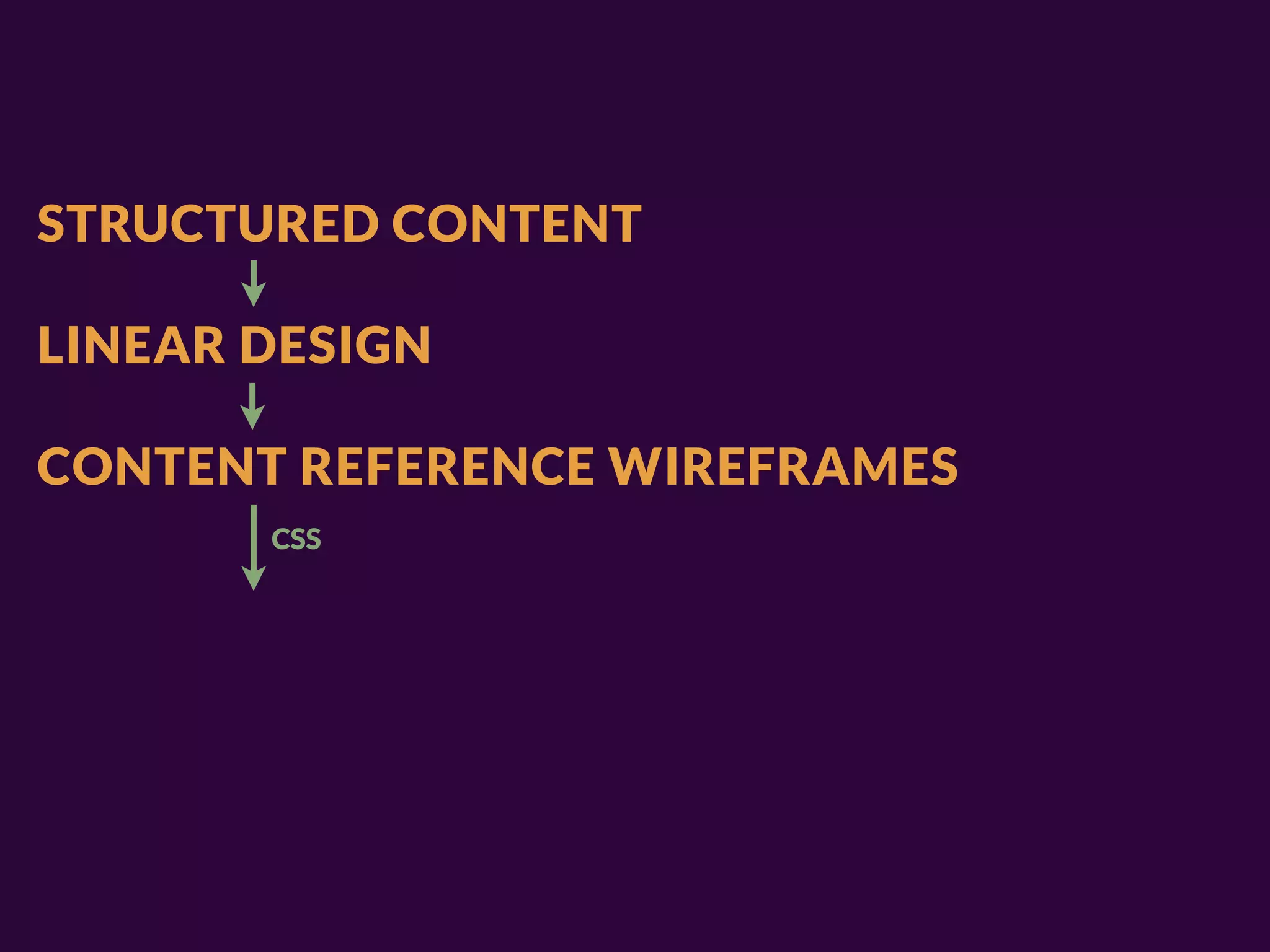
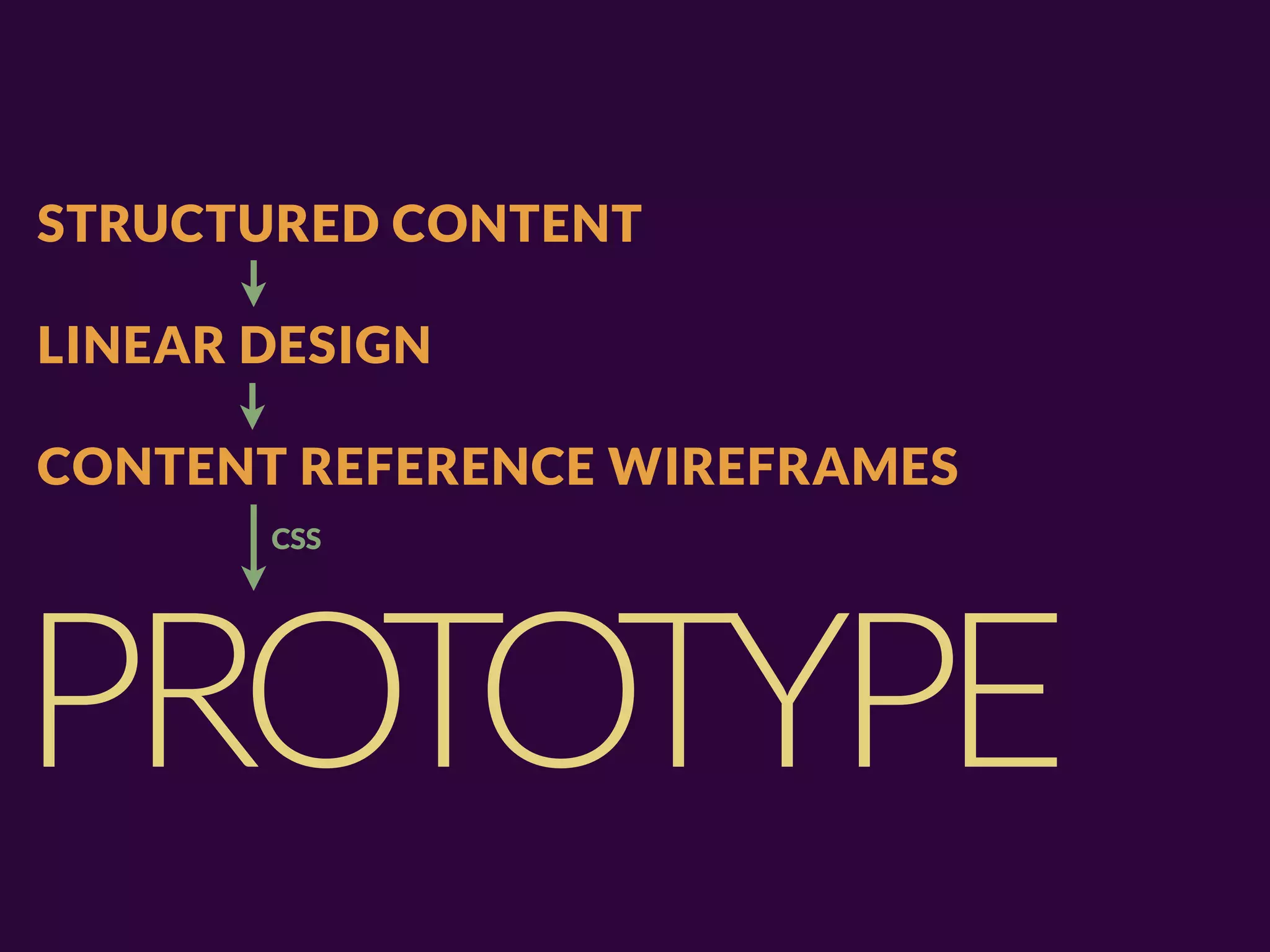
STRUCTURED CONTENT

LINEAR DESIGN

CONTENT REFERENCE WIREFRAMES
STRUCTURED CONTENT

LINEAR DESIGN

CONTENT REFERENCE WIREFRAMES
STRUCTURED CONTENT

LINEAR DESIGN

CONTENT REFERENCE WIREFRAMES
STRUCTURED CONTENT

LINEAR DESIGN

CONTENT REFERENCE WIREFRAMES
       CSS
STRUCTURED CONTENT

LINEAR DESIGN

CONTENT REFERENCE WIREFRAMES
       CSS


PROTOTYPE
VERSION CONTROL

PREPROCESSORS / HELPER SCRIPTS

FRAMEWORKS (BE CAREFUL, THOUGH)

HTML TEMPLATING, STATIC SITE GENERATORS

DEVELOPMENT APPROACHES (SMACSS, ETC.)
8 & 9. SOME PRESENTATION PSYCHOLOGY


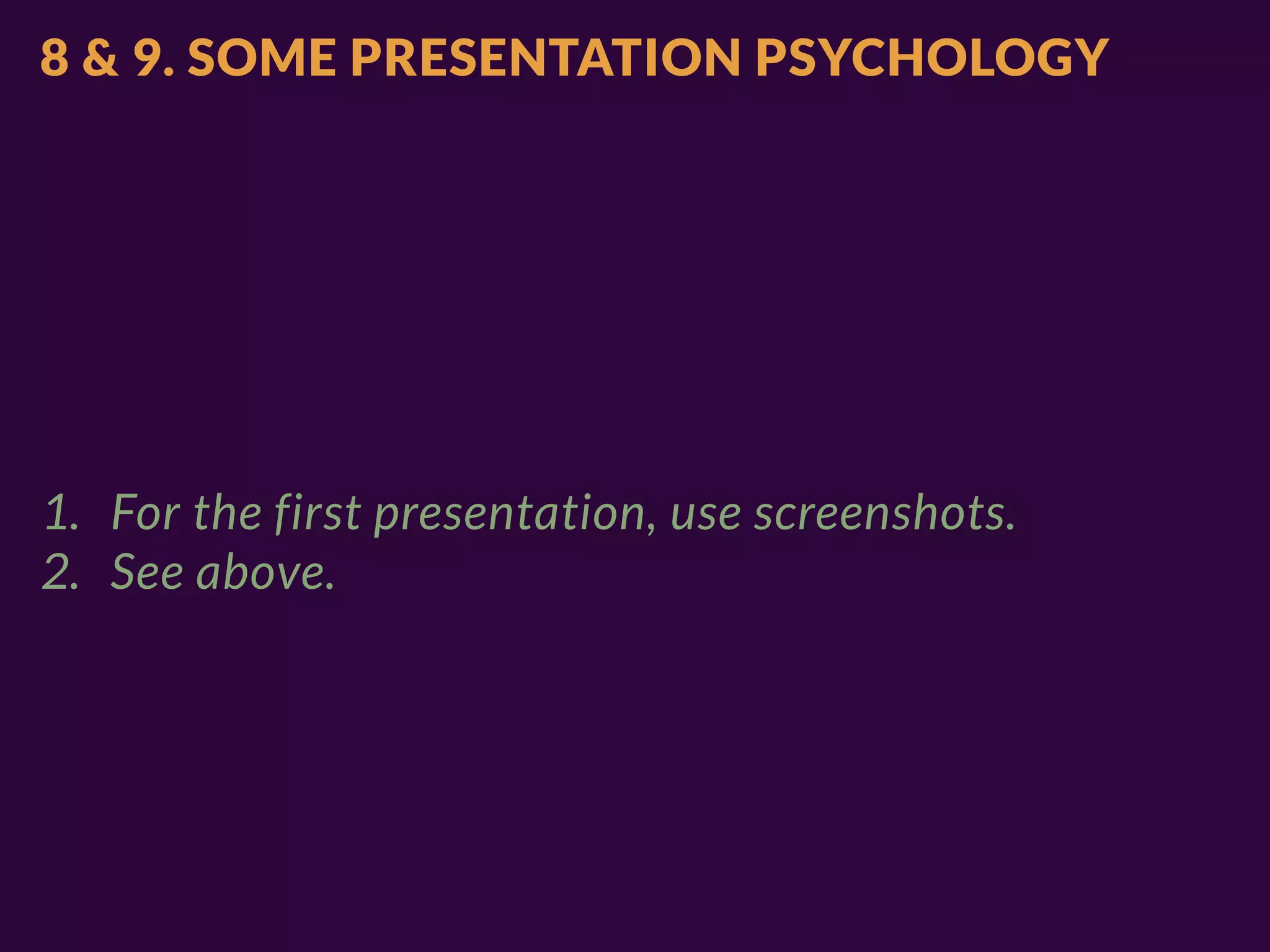
1. For the first presentation, use screenshots.
8 & 9. SOME PRESENTATION PSYCHOLOGY


1. For the first presentation, use screenshots.
2. See above.
10. AND WHAT DO WE GIVE TO THE


DEVELOPERS?
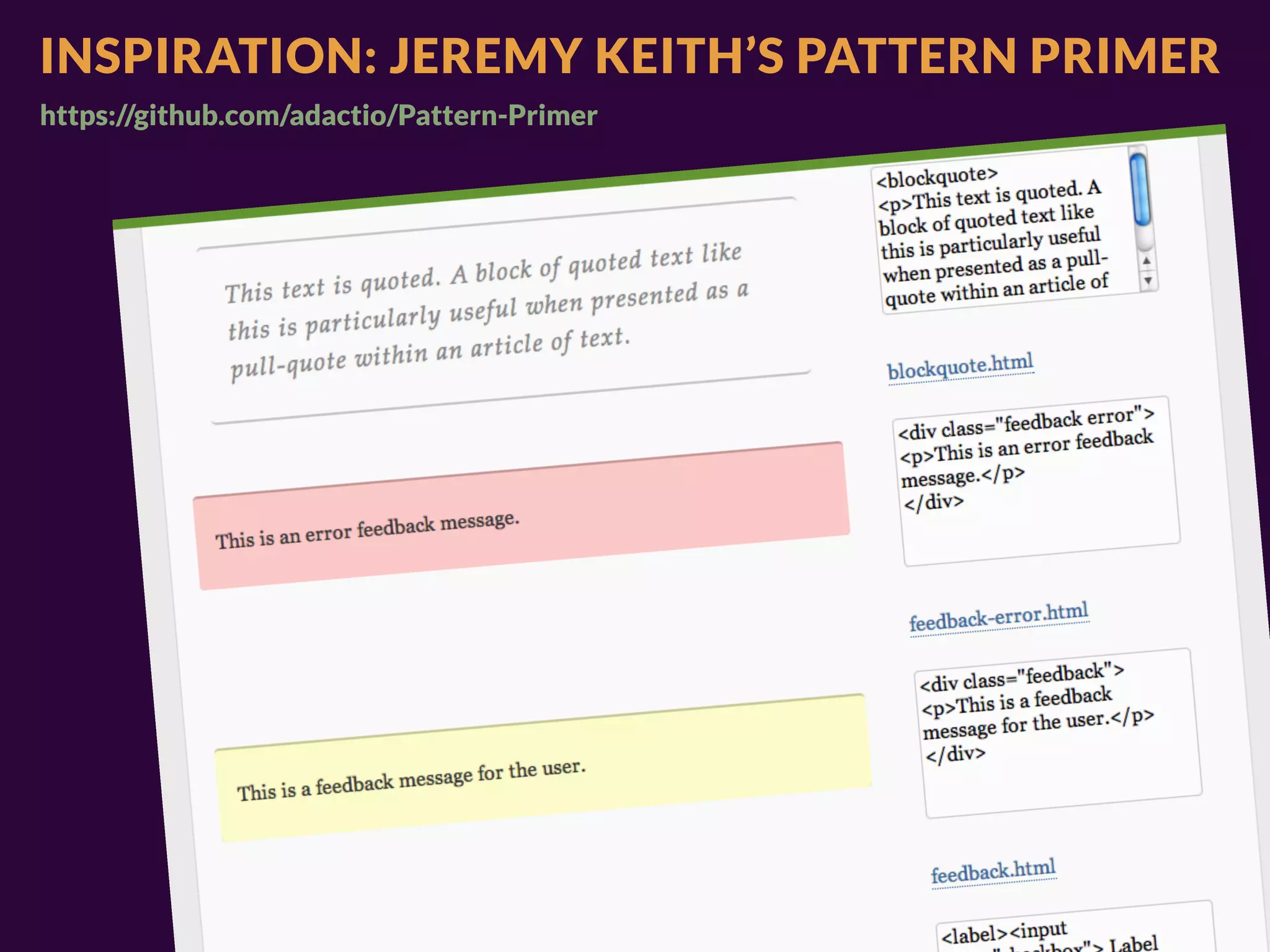
INSPIRATION: JEREMY KEITH’S PATTERN PRIMER
https://github.com/adactio/Pattern-Primer
INSPIRATION: JEREMY KEITH’S PATTERN PRIMER
https://github.com/adactio/Pattern-Primer
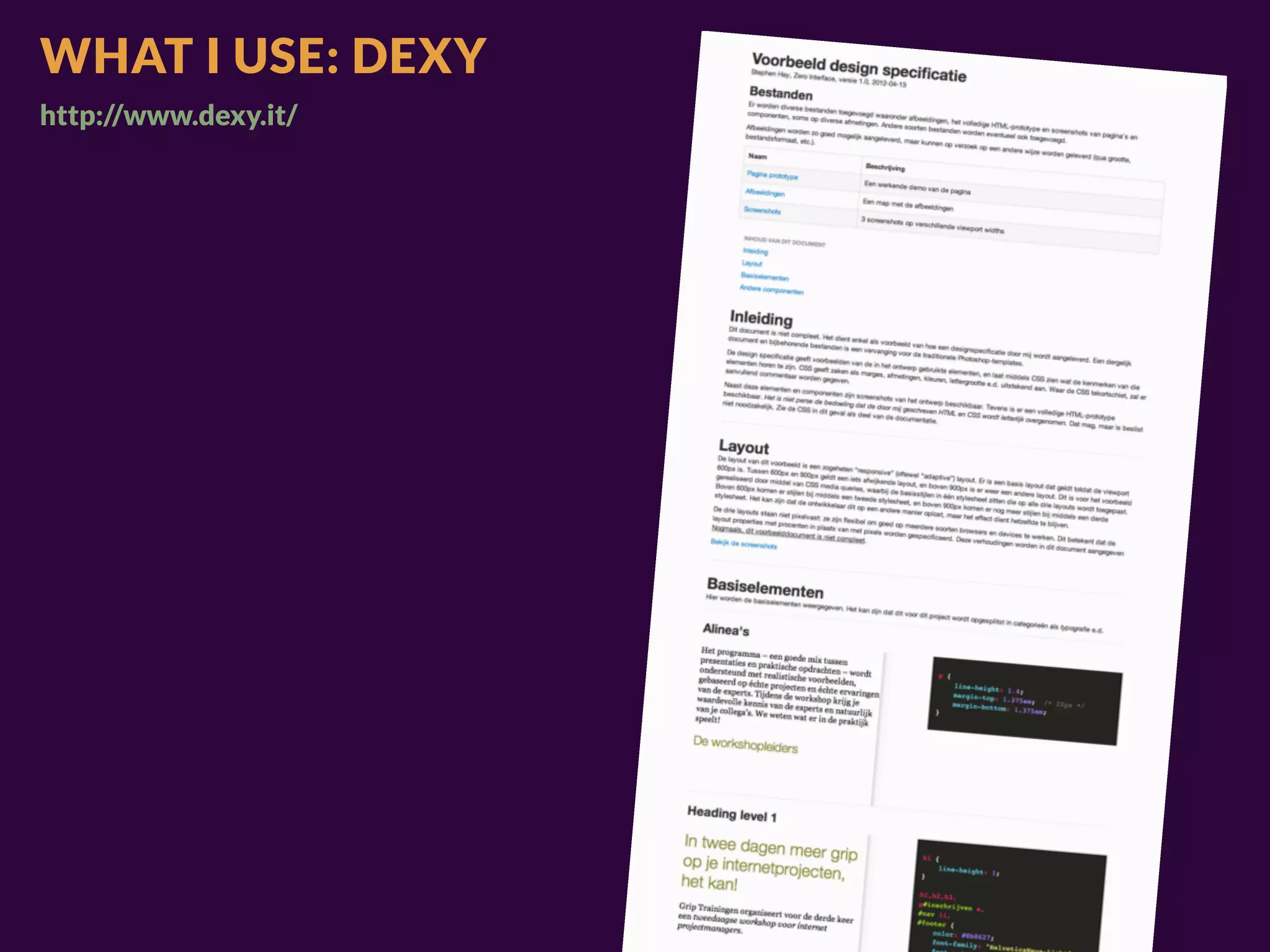
WHAT I USE: DEXY
http://www.dexy.it/
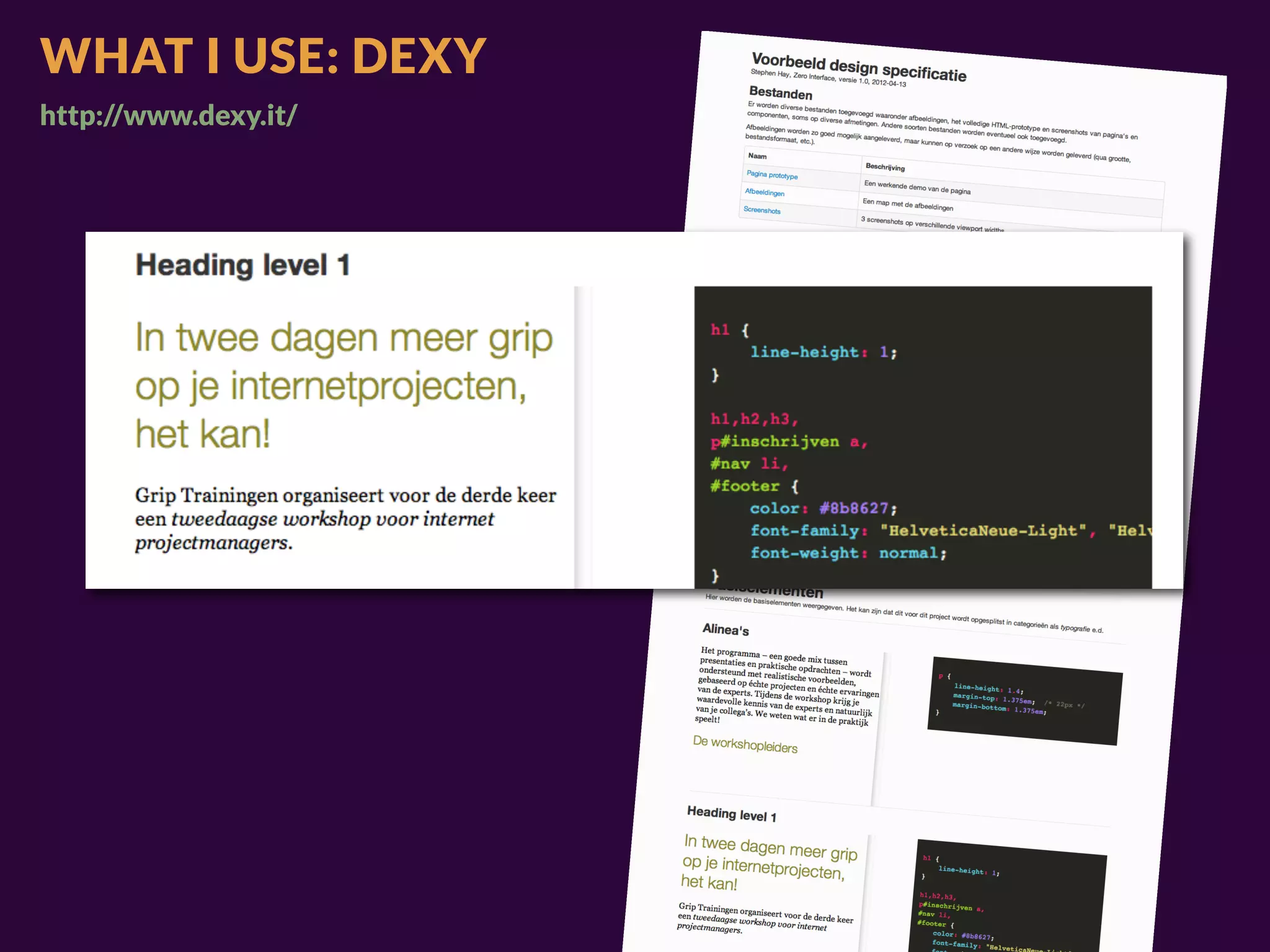
WHAT I USE: DEXY
http://www.dexy.it/
WHAT I USE: DEXY
http://www.dexy.it/
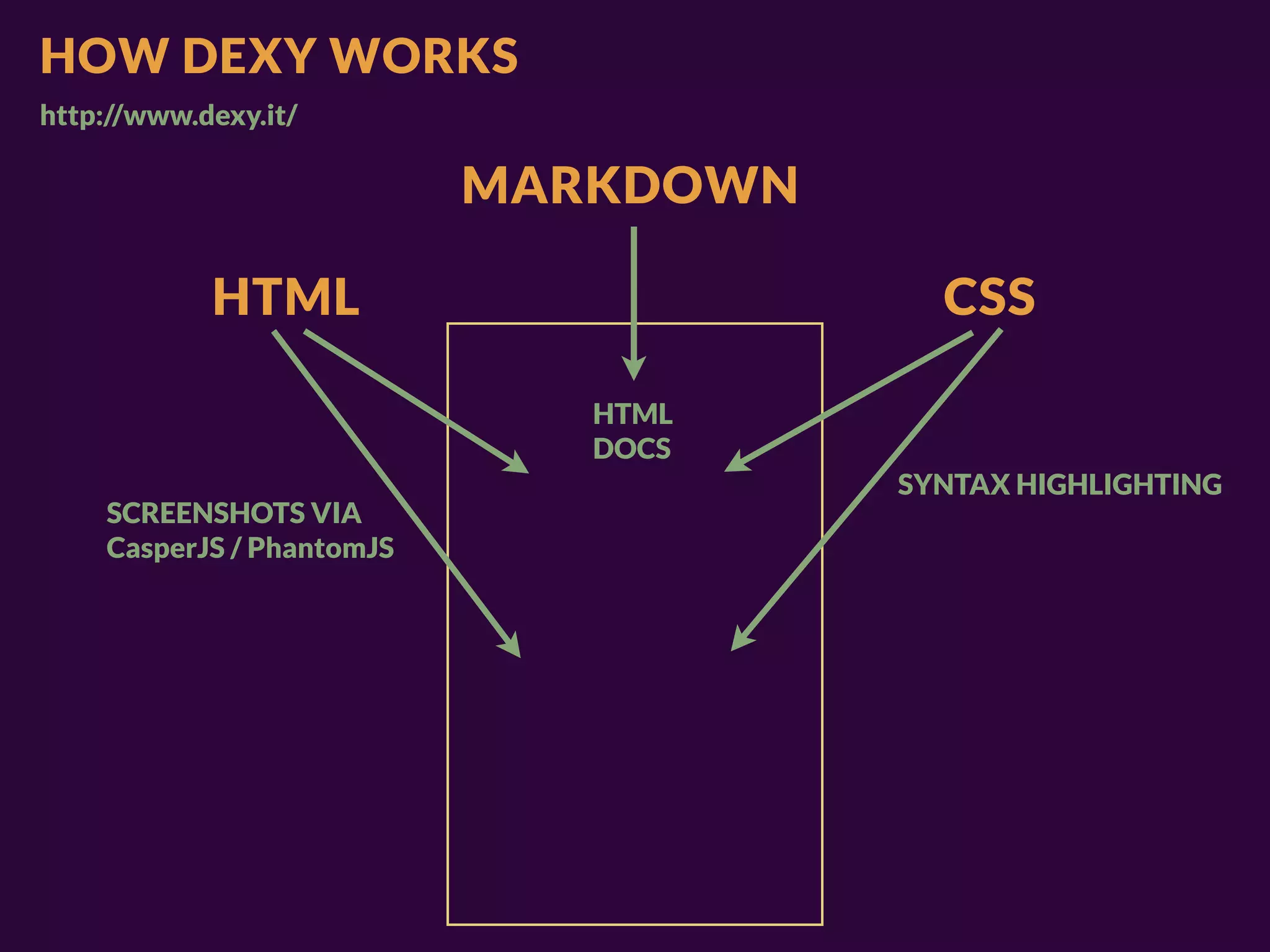
HOW DEXY WORKS
http://www.dexy.it/

                           MARKDOWN

            HTML                        CSS

                              HTML
                              DOCS
                                      SYNTAX HIGHLIGHTING
    SCREENSHOTS VIA
    CasperJS / PhantomJS
YOU’VE JUST CREATED A


STYLEGUIDE
AND THAT’S SO MUCH MORE USEFUL THAN A SIMPLE PHOTOSHOP FILE
1.    Content inventory
             2.    Content reference wireframes
             3.    Design in text (structured content)
             4.    Linear design
             5.    Breakpoint graph
             6.    Design for various breakpoints
             7.    HTML design prototype
RESPONSIVE   8.    Present prototype screenshots
WORKFLOW:    9.    Present prototype after revision
10 STEPS     10.   Document for production
KEEP ADAPTING.


KEEPLEARNING.
THX
@STEPHENHAY

THE-HAYSTACK.COM


SPECIAL THANKS TO BRYAN & STEPHANIE RIEGER and ANA NELSON

Responsive Design Workflow: Mobilism 2012