Getting Started with Office 365
Dan Usher
Who am I?
Dan Usher
Lead Associate
Booz Allen Hamilton
dan@spdan.com
http://www.sharepointdan.com
@binarybrewery
Who are you?
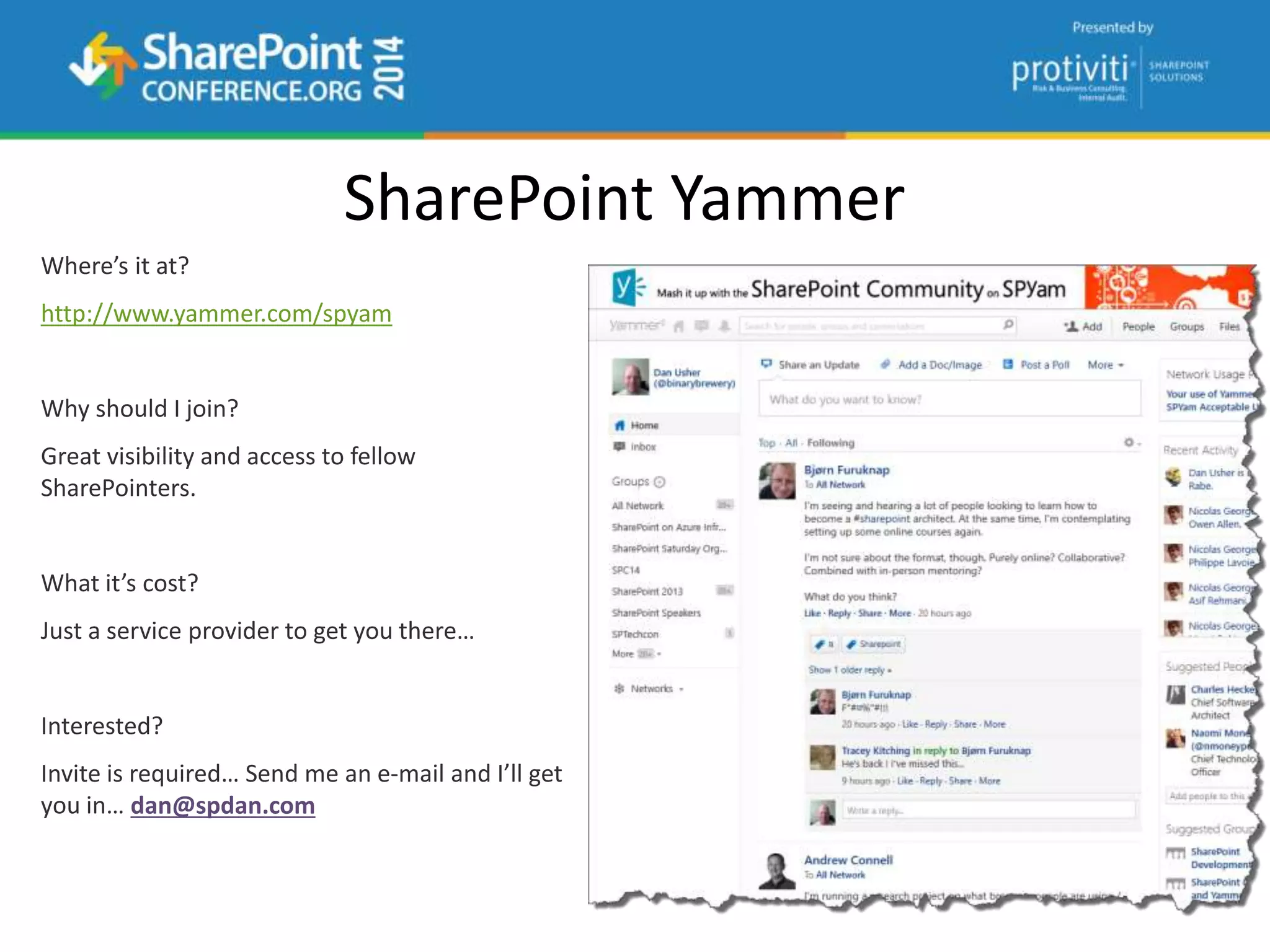
SharePoint Yammer
http://www.yammer.com/spyam
dan@spdan.com
Things to Cover
 Introduction
 What is Office 365?
 Will it stay online?
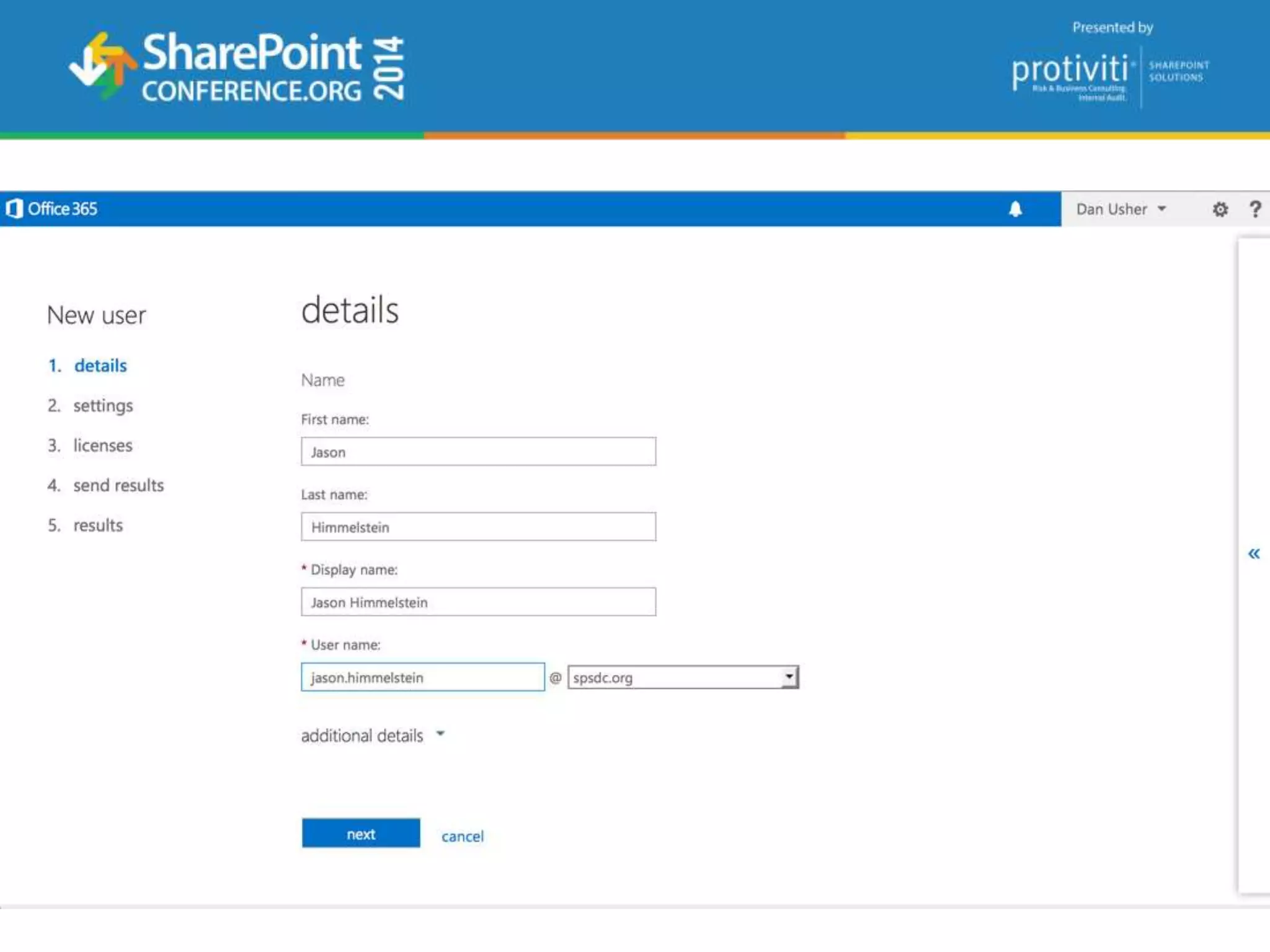
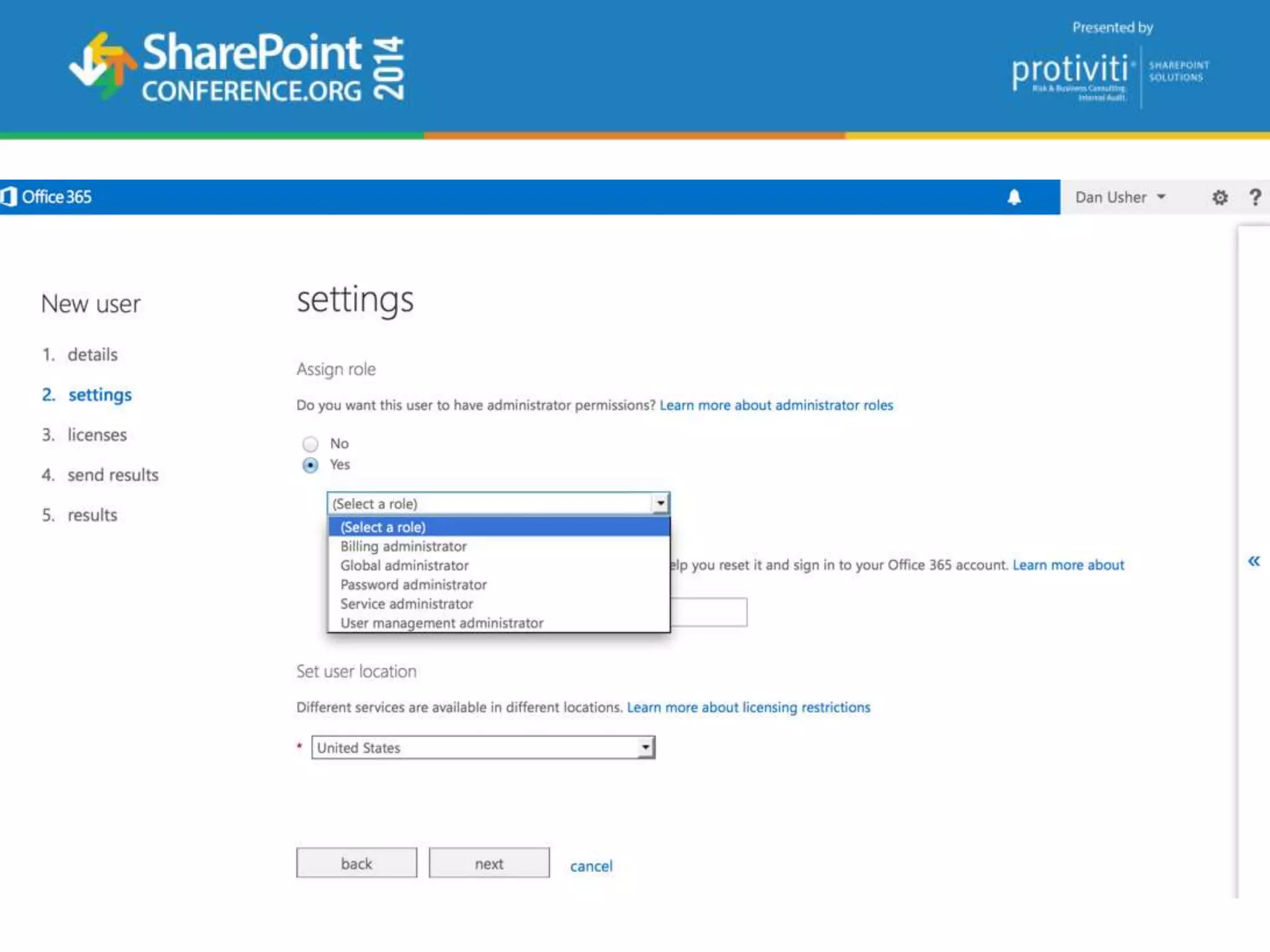
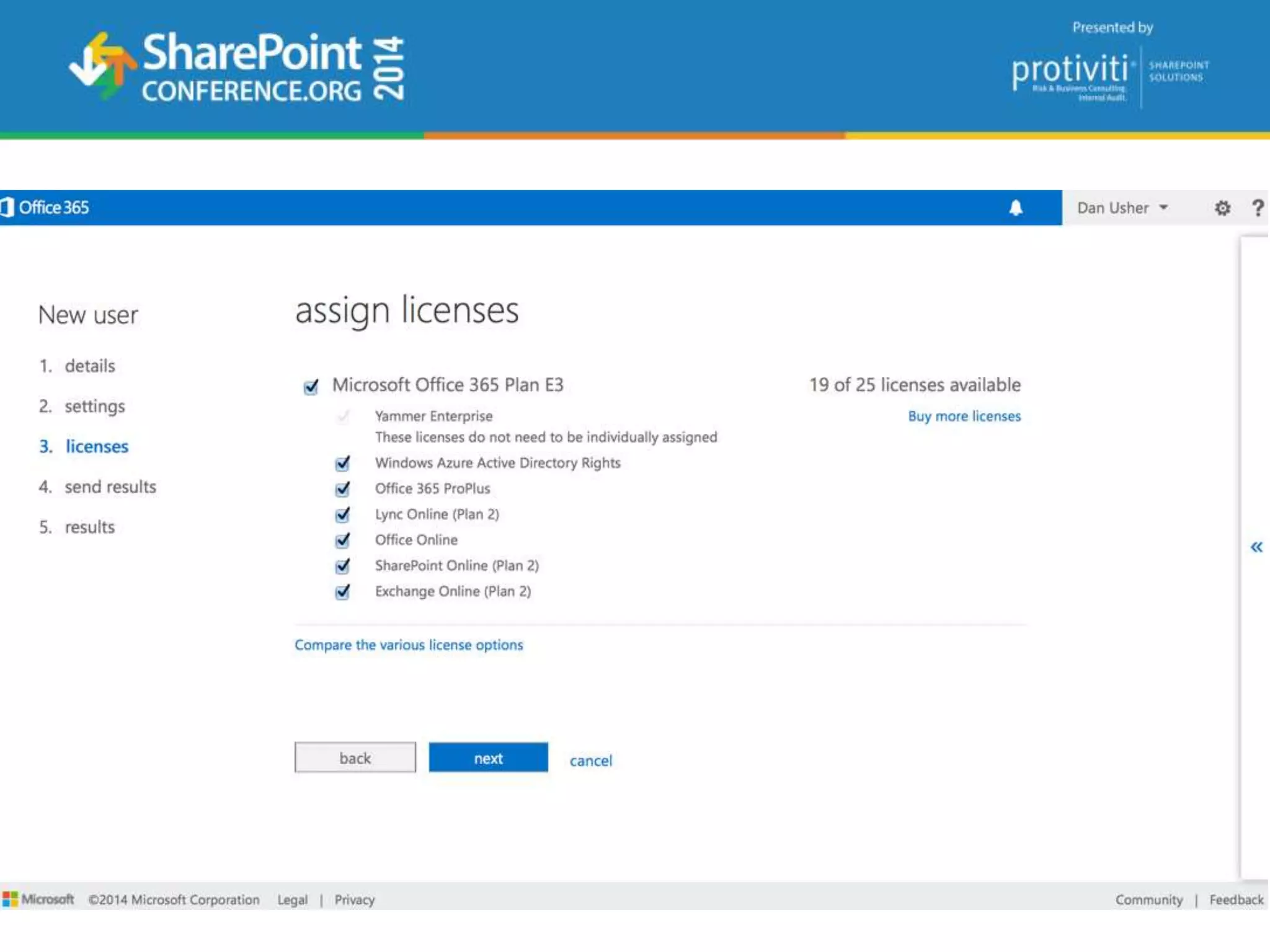
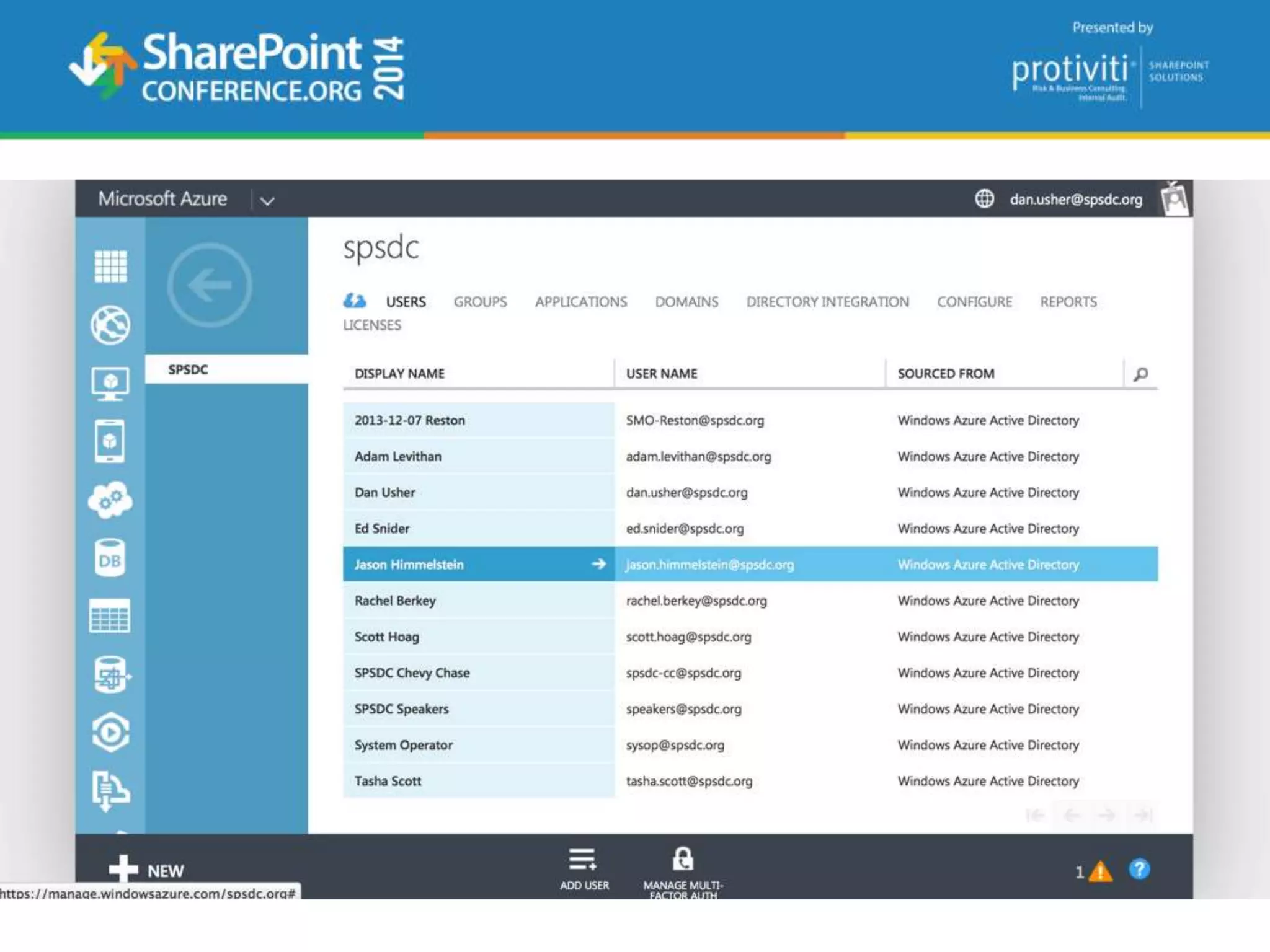
 How to setup Office 365…
 Identity and Authentication
 Which Office 365 Plan…
 What Office 365 provides
 How does Office 365 ProPlus differ from Office 2013?
 A few gotchas
 Sharing and Permissions
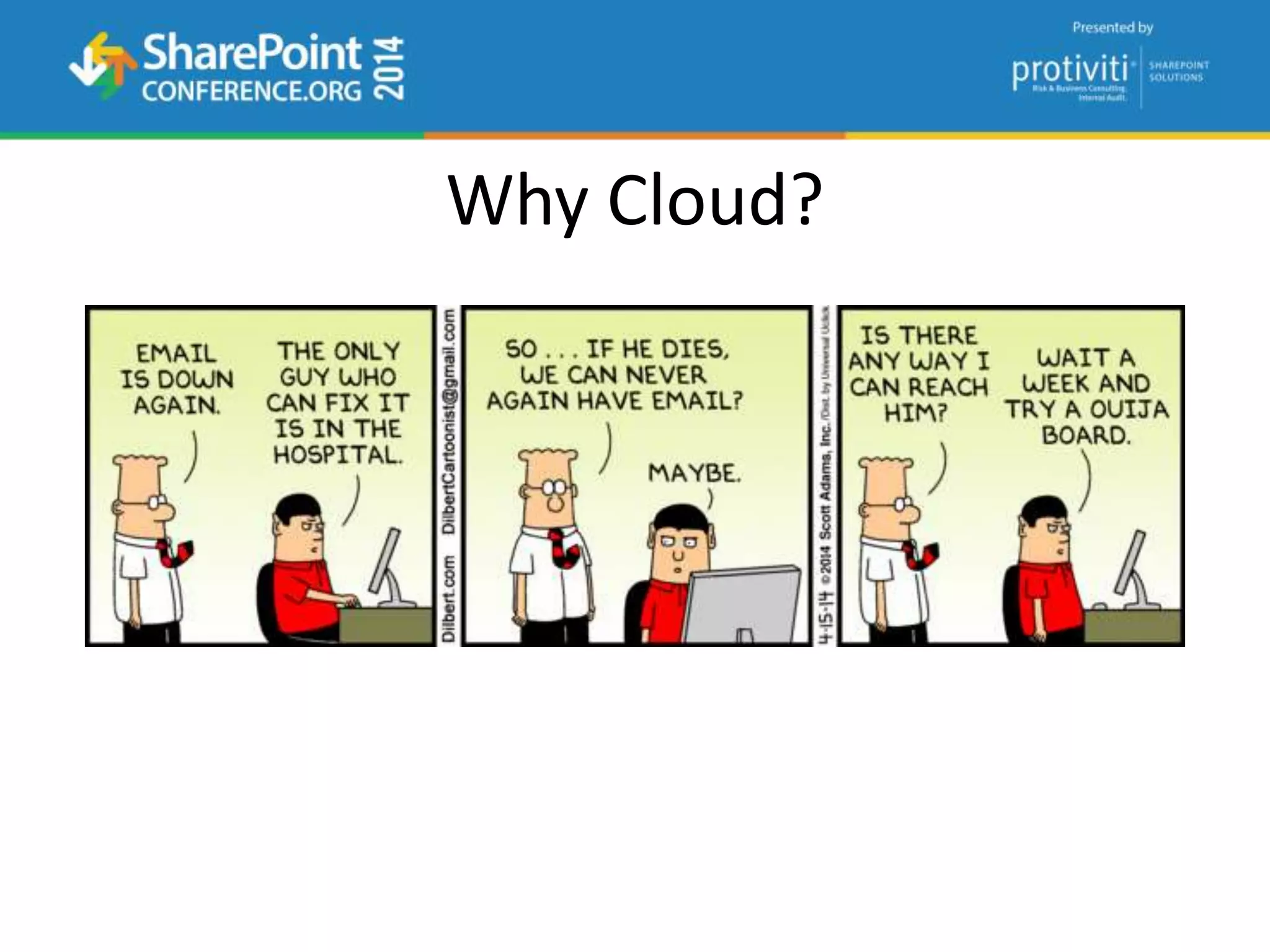
Why Cloud?
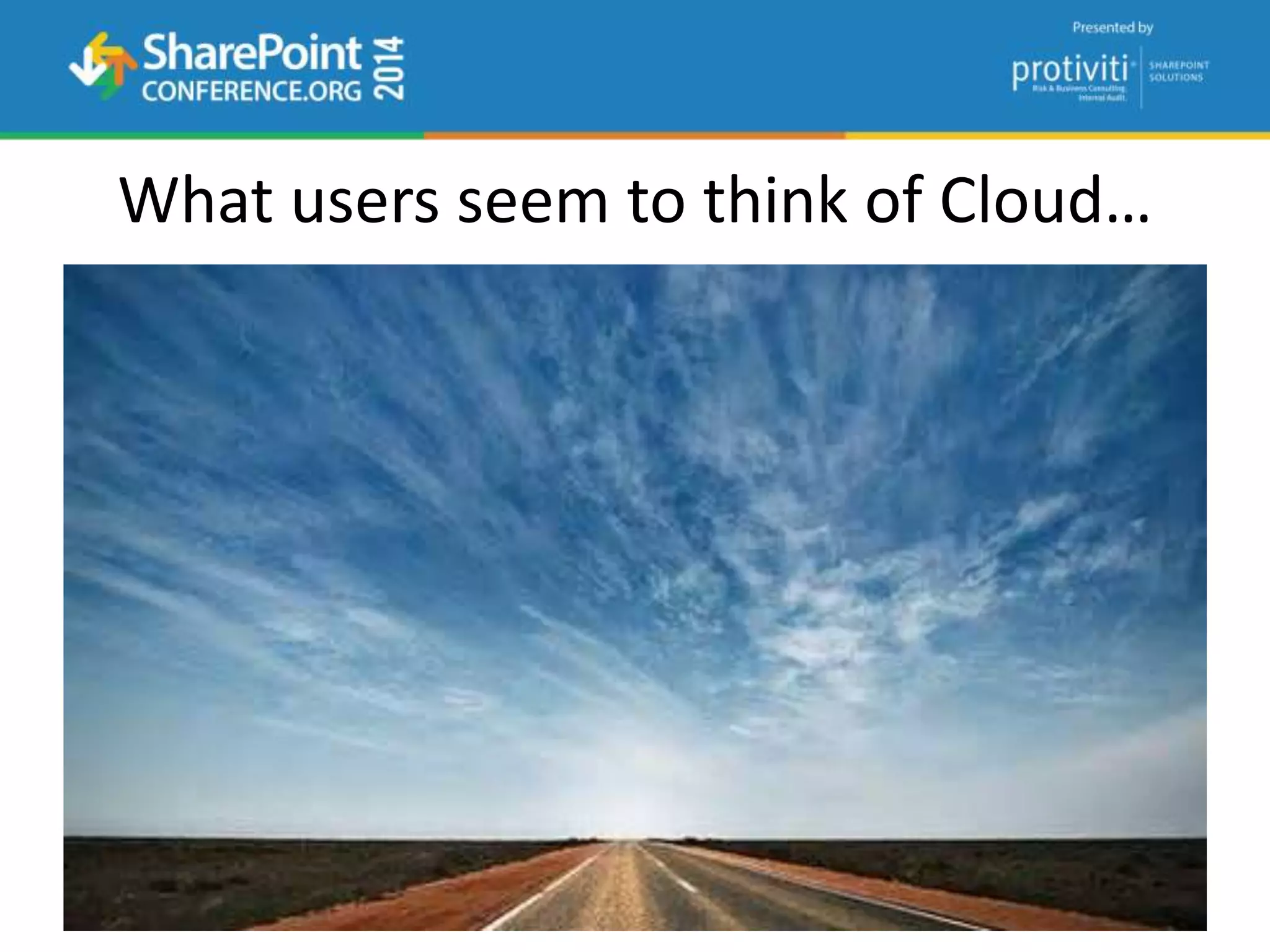
What users seem to think of Cloud…
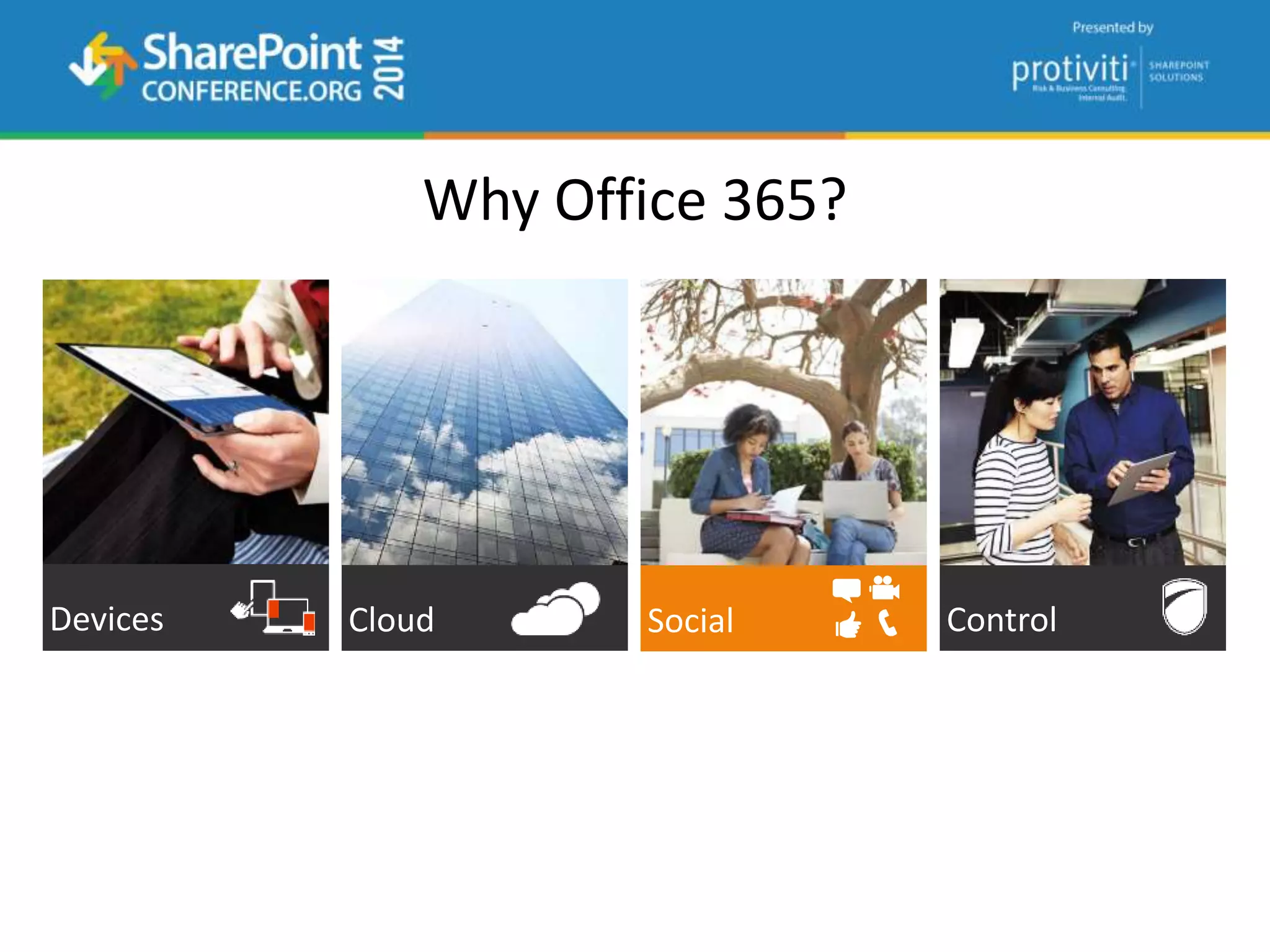
Why Office 365?
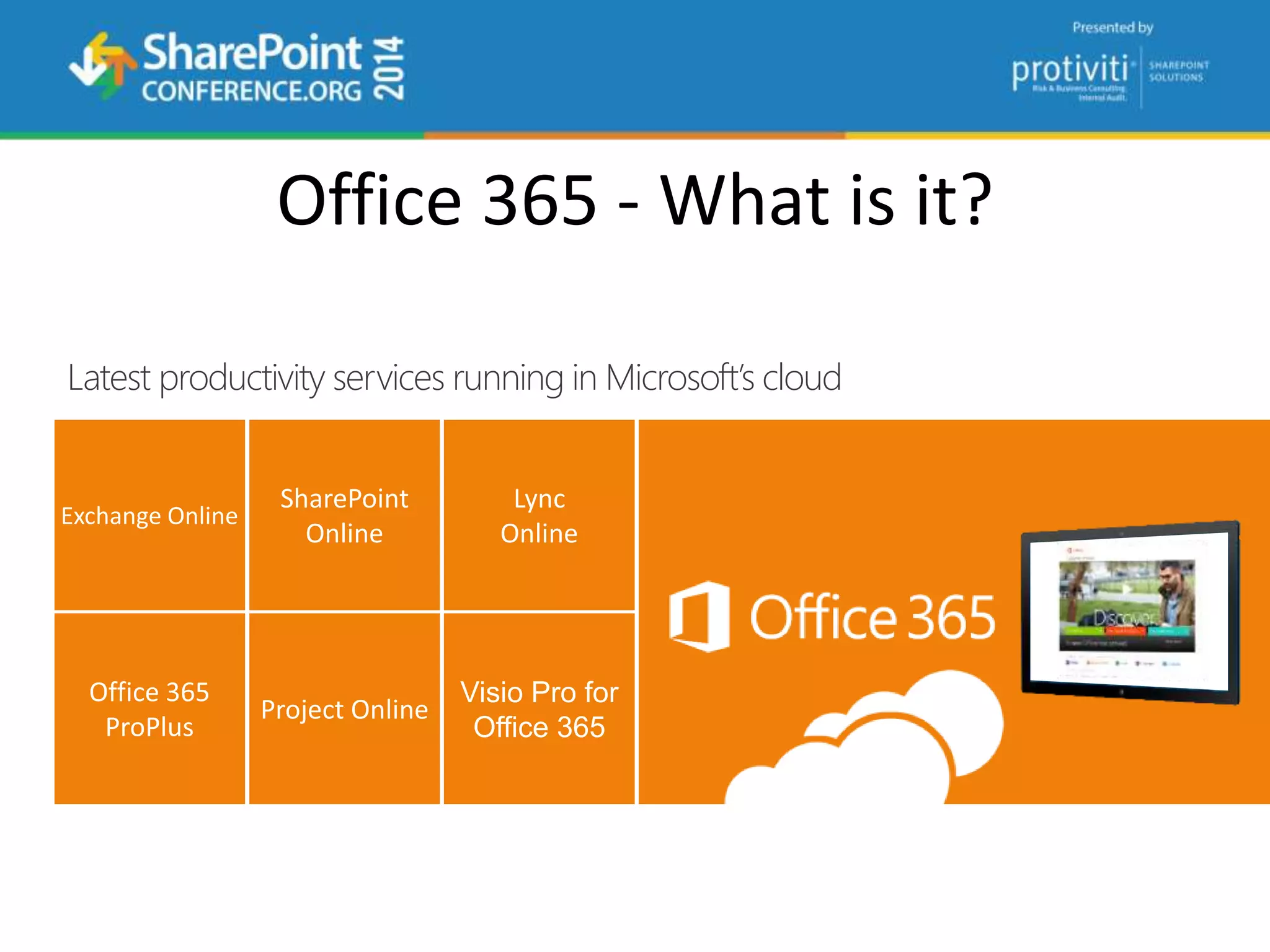
Office 365 - What is it?
Latest productivity services running in Microsoft’s cloud
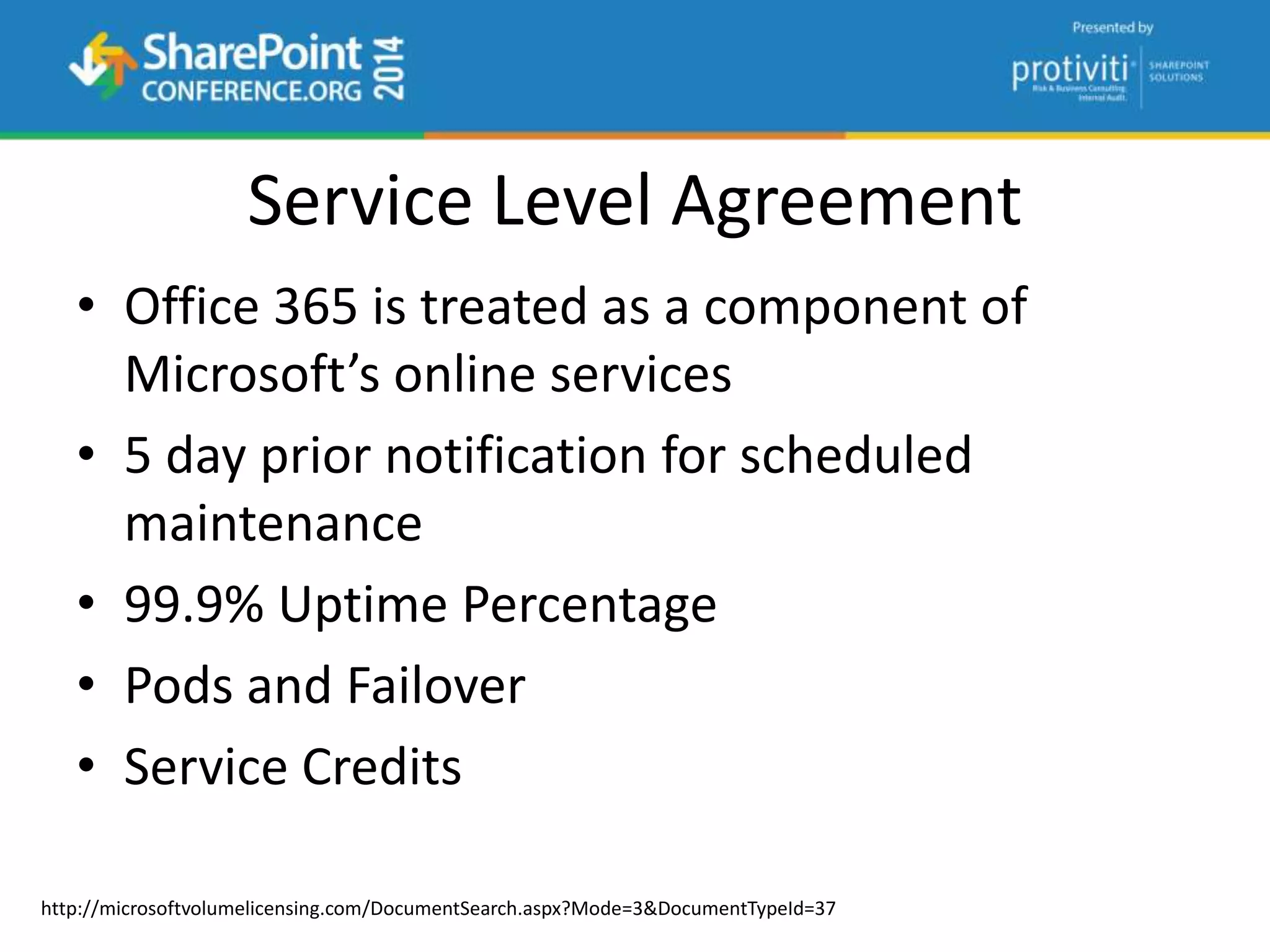
Service Level Agreement
• Office 365 is treated as a component of
Microsoft’s online services
• 5 day prior notification for scheduled
maintenance
• 99.9% Uptime Percentage
• Pods and Failover
• Service Credits
http://microsoftvolumelicensing.com/DocumentSearch.aspx?Mode=3&DocumentTypeId=37
What if there’s downtime?
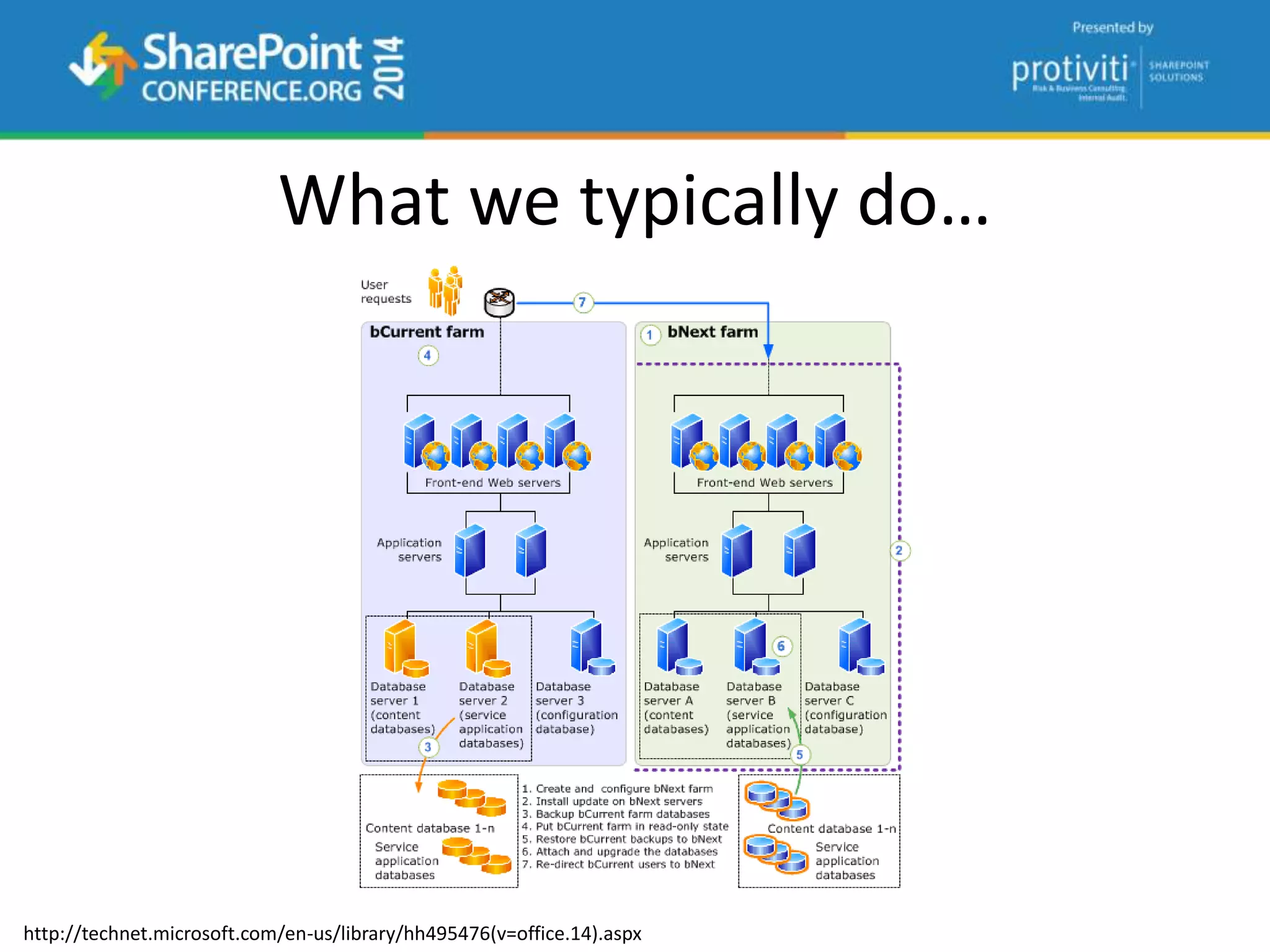
What we typically do…
http://technet.microsoft.com/en-us/library/hh495476(v=office.14).aspx
What is considered downtime?
“Any period of time when users are unable to
read or write any portion of a SharePoint site
collection for which they have appropriate
permissions.”
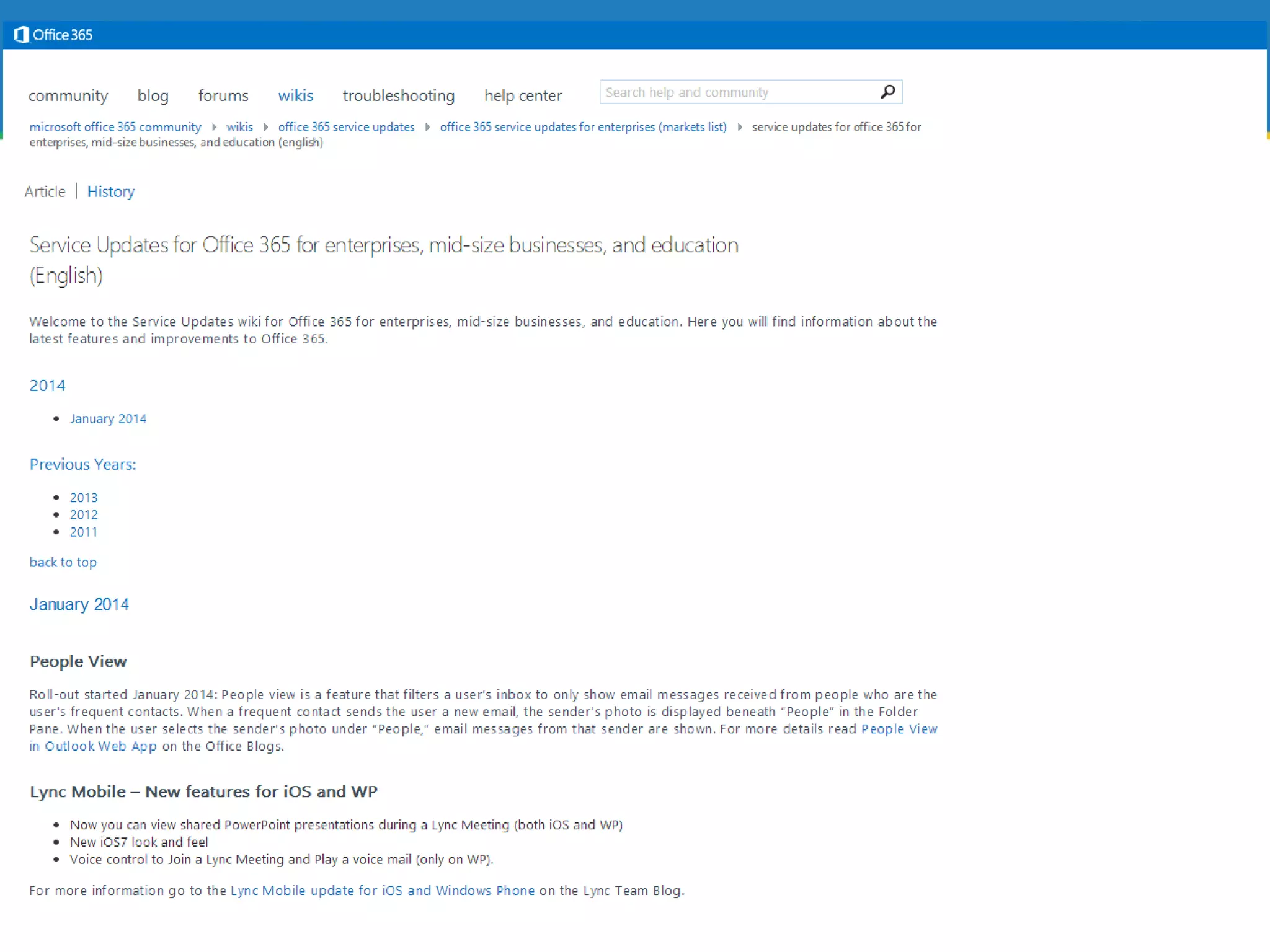
• http://go.spdan.com/o365serviceupdates
• http://go.spdan.com/o365serviceupdates-us
Service Updates
Setting up a Tenant
• What plan do I want?
• What will my Tenant Name be?
• Who will be my Tenant Administrator?
• How will users Authenticate?
What’s in a Name?
Where’s a tenant name show up?
User Logons
• John.Doe@tenant.onmicrosoft.com*
Email Addresses
• John.Doe@tenant.onmicrosoft.com*
Private Collaboration Sites
• https://tenant.sharepoint.com
http://go.spdan.com/o365e3demo
Authentication Options in The Cloud™
• Cloud Identity
• Directory and Password Synchronization
• Federation
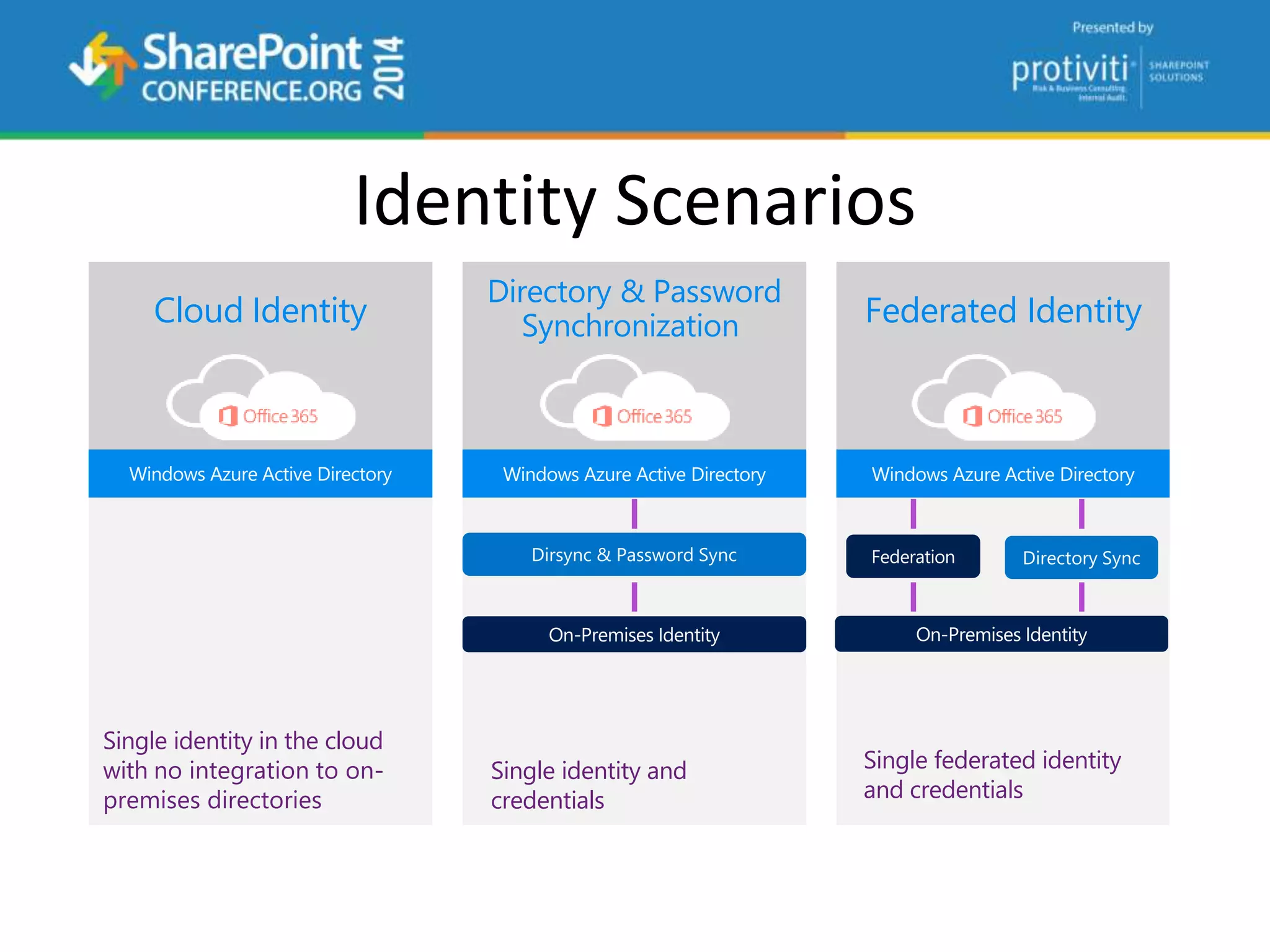
Identity Scenarios
Cloud Identity
Single identity in the cloud
with no integration to on-
premises directories
Directory & Password
Synchronization
Single identity and
credentials
Federated Identity
Single federated identity
and credentials
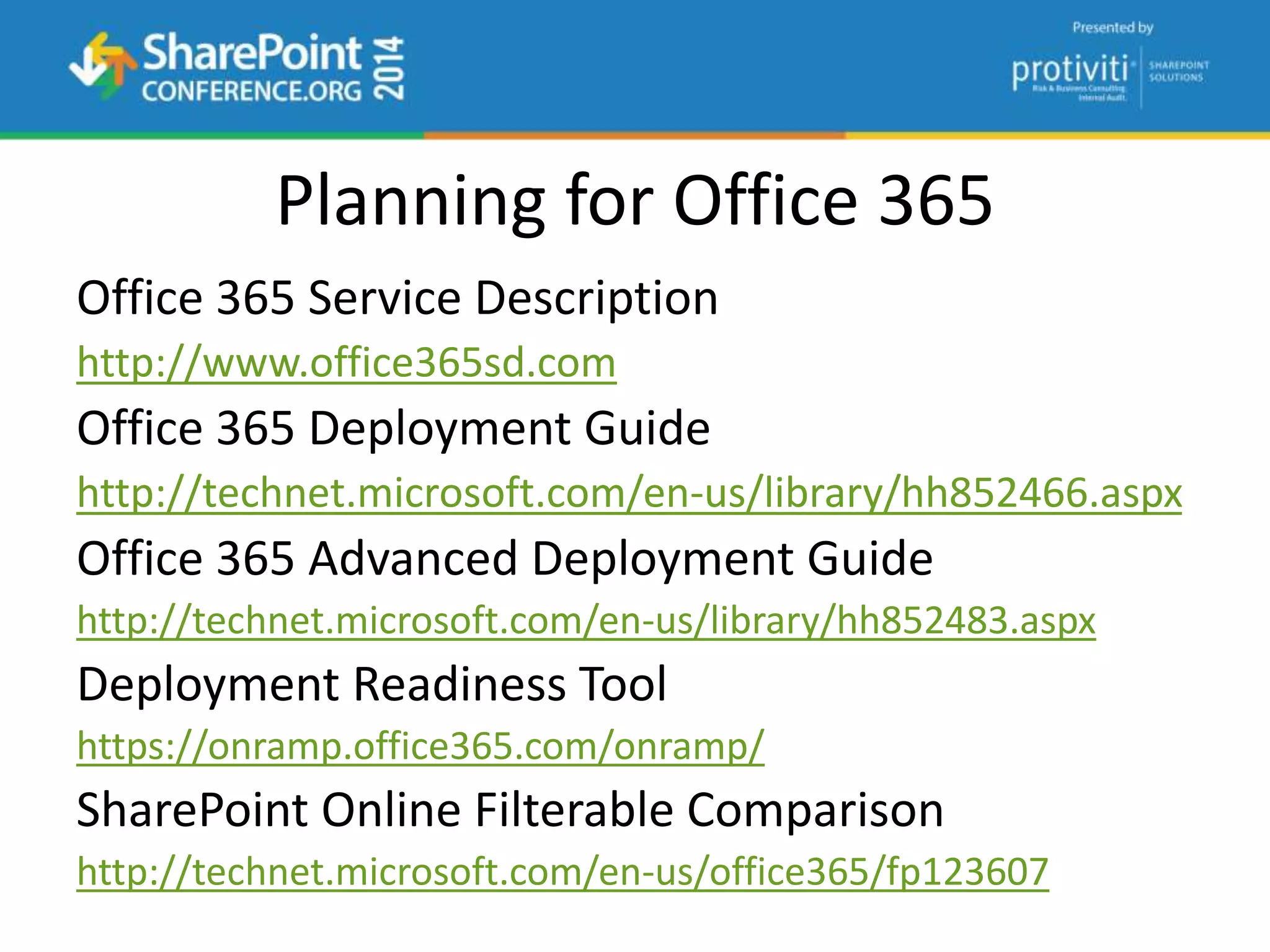
Planning for Office 365
Office 365 Service Description
http://www.office365sd.com
Office 365 Deployment Guide
http://technet.microsoft.com/en-us/library/hh852466.aspx
Office 365 Advanced Deployment Guide
http://technet.microsoft.com/en-us/library/hh852483.aspx
Deployment Readiness Tool
https://onramp.office365.com/onramp/
SharePoint Online Filterable Comparison
http://technet.microsoft.com/en-us/office365/fp123607
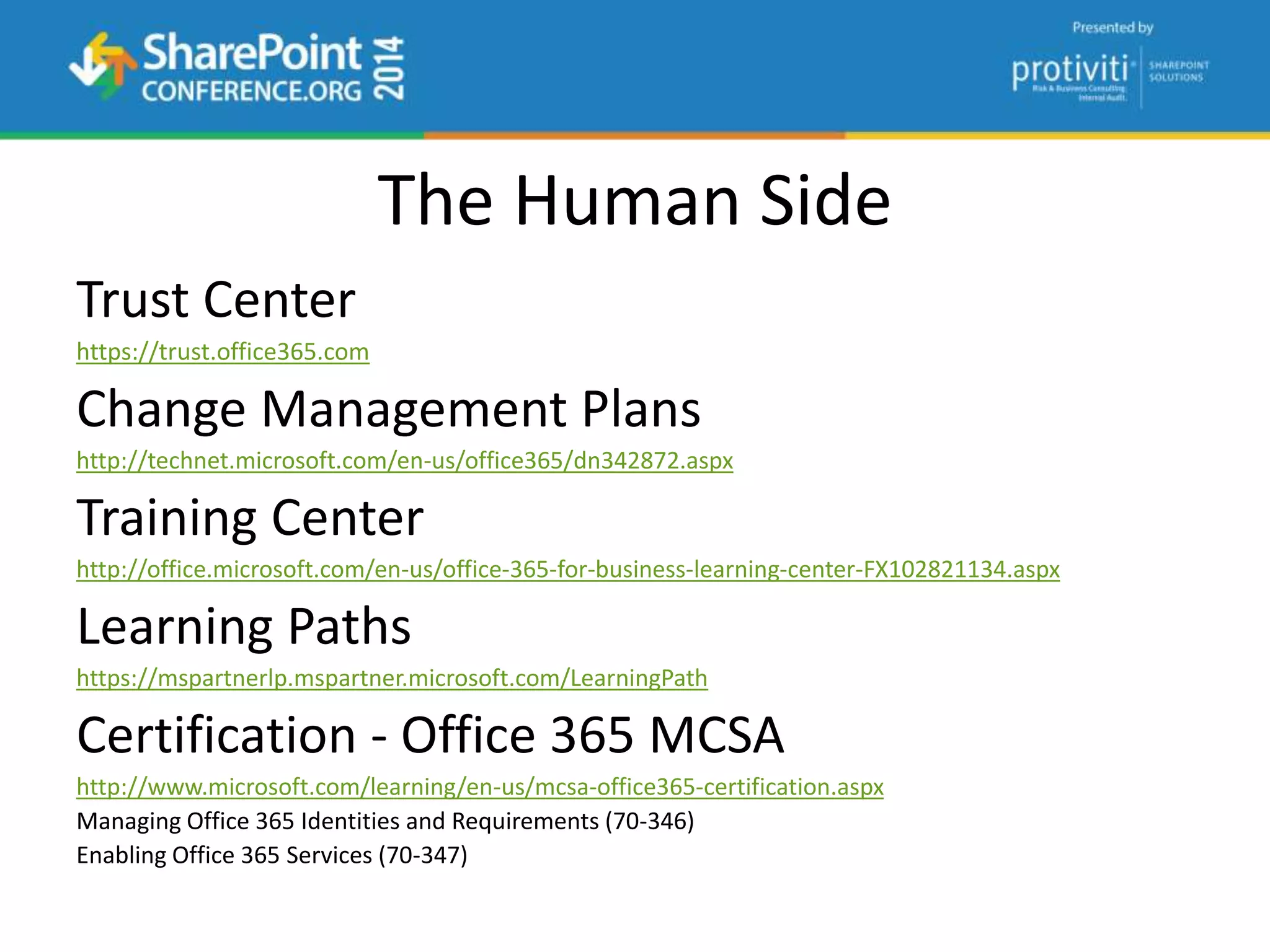
The Human Side
Trust Center
https://trust.office365.com
Change Management Plans
http://technet.microsoft.com/en-us/office365/dn342872.aspx
Training Center
http://office.microsoft.com/en-us/office-365-for-business-learning-center-FX102821134.aspx
Learning Paths
https://mspartnerlp.mspartner.microsoft.com/LearningPath
Certification - Office 365 MCSA
http://www.microsoft.com/learning/en-us/mcsa-office365-certification.aspx
Managing Office 365 Identities and Requirements (70-346)
Enabling Office 365 Services (70-347)
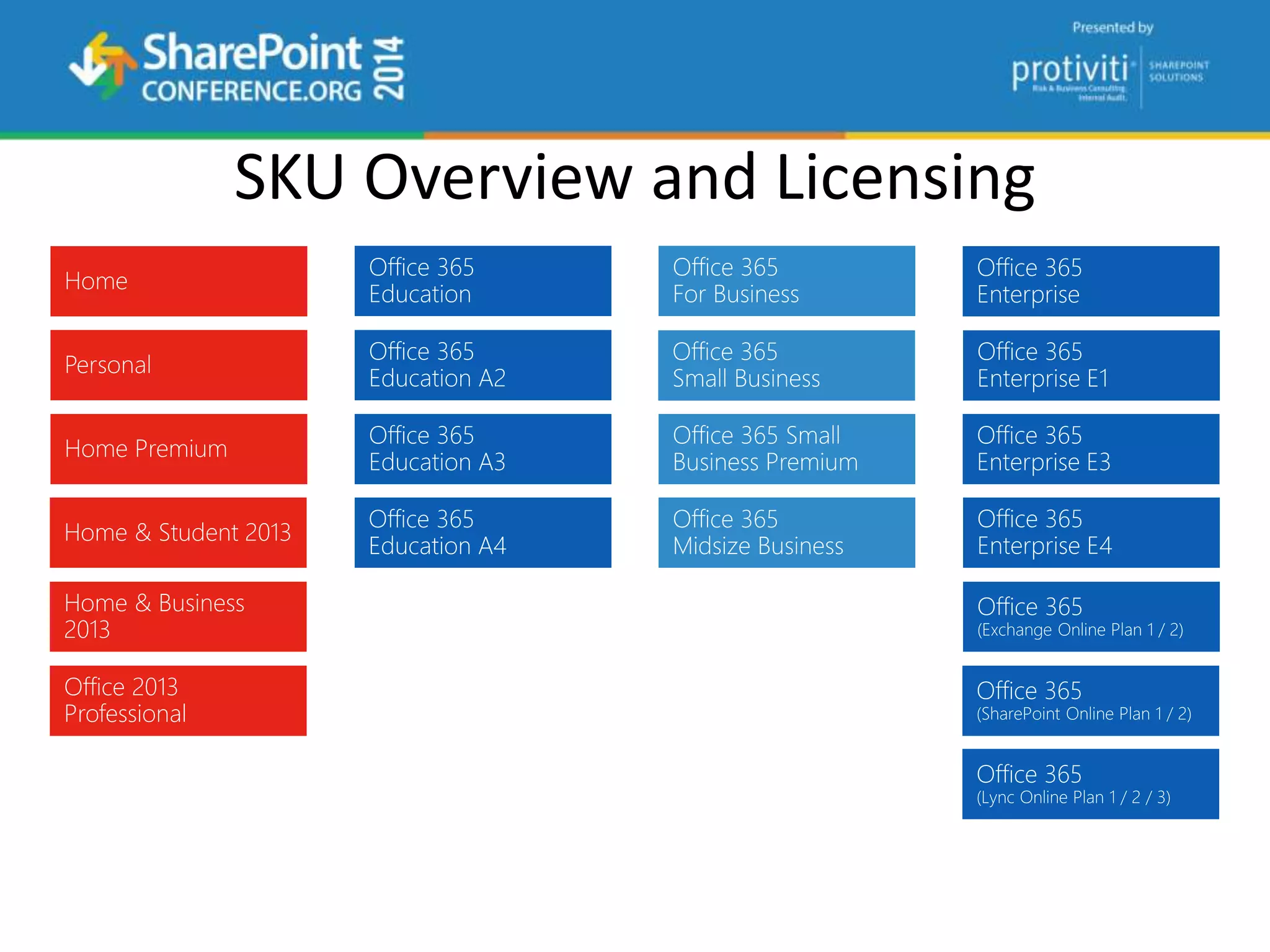
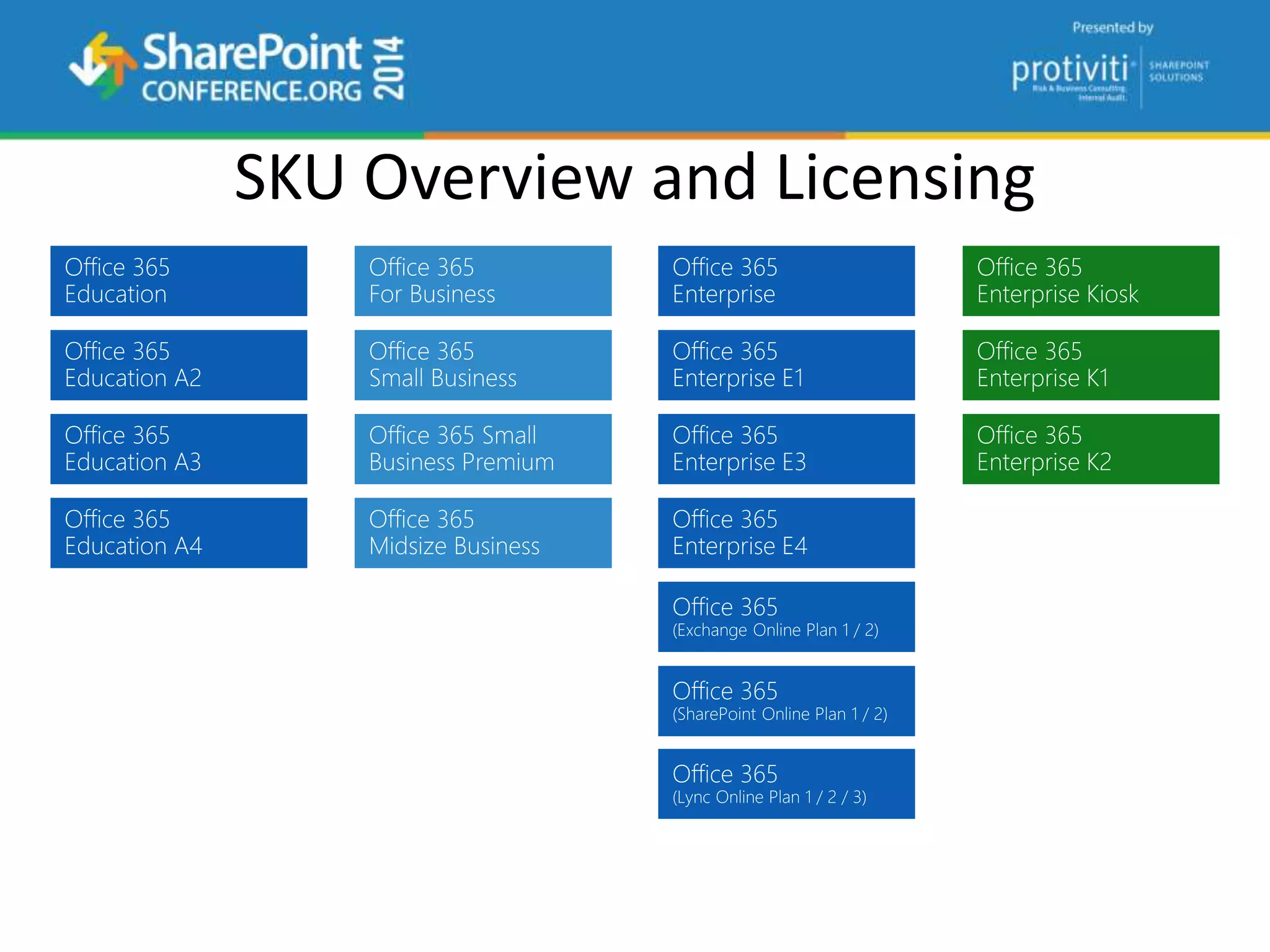
SKU Overview and Licensing
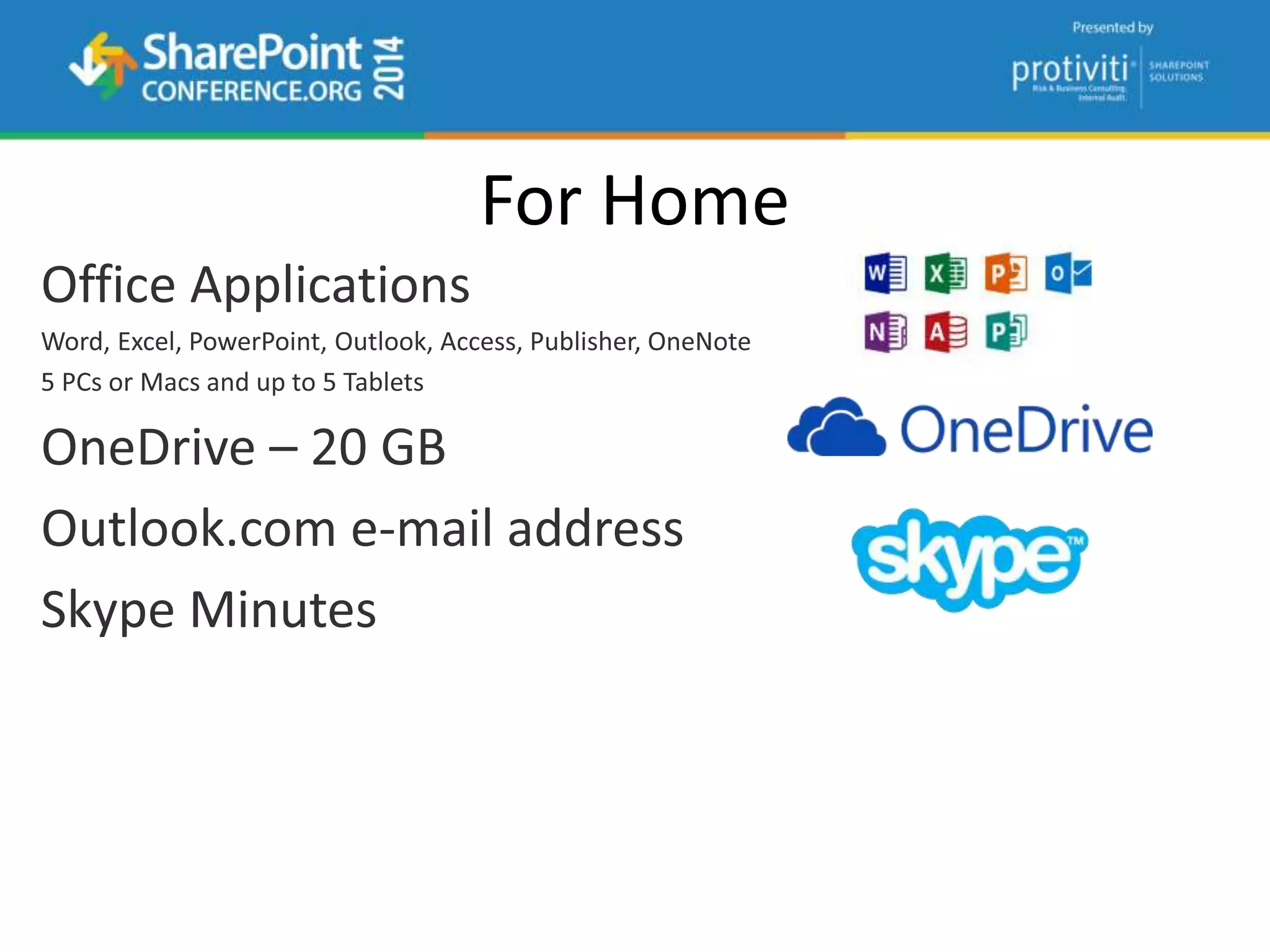
For Home
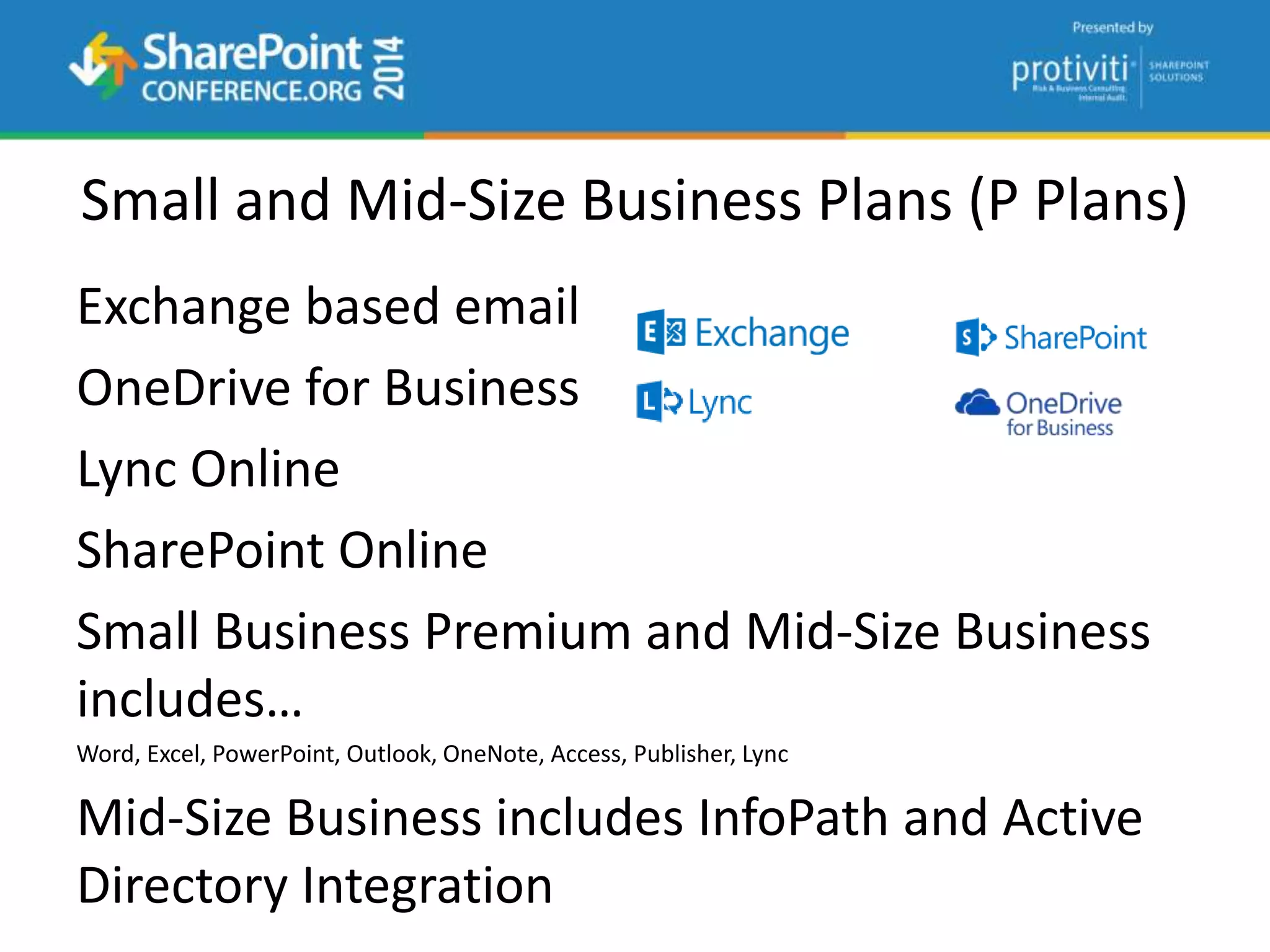
Small and Mid-Size Business Plans (P Plans)
Exchange based email
OneDrive for Business
Lync Online
SharePoint Online
Small Business Premium and Mid-Size Business
includes…
Word, Excel, PowerPoint, Outlook, OneNote, Access, Publisher, Lync
Mid-Size Business includes InfoPath and Active
Directory Integration
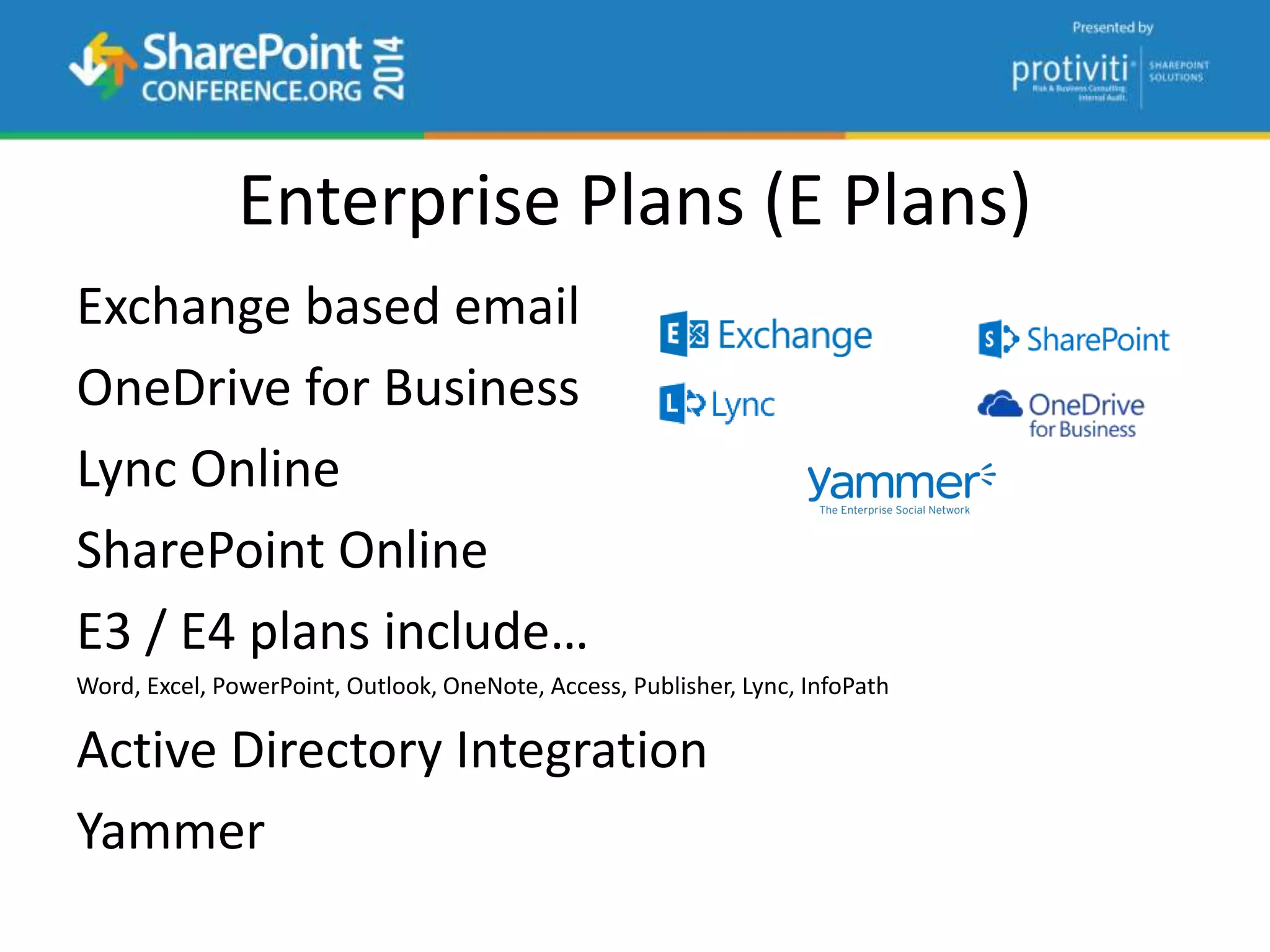
Enterprise Plans (E Plans)
Exchange based email
OneDrive for Business
Lync Online
SharePoint Online
E3 / E4 plans include…
Word, Excel, PowerPoint, Outlook, OneNote, Access, Publisher, Lync, InfoPath
Active Directory Integration
Yammer
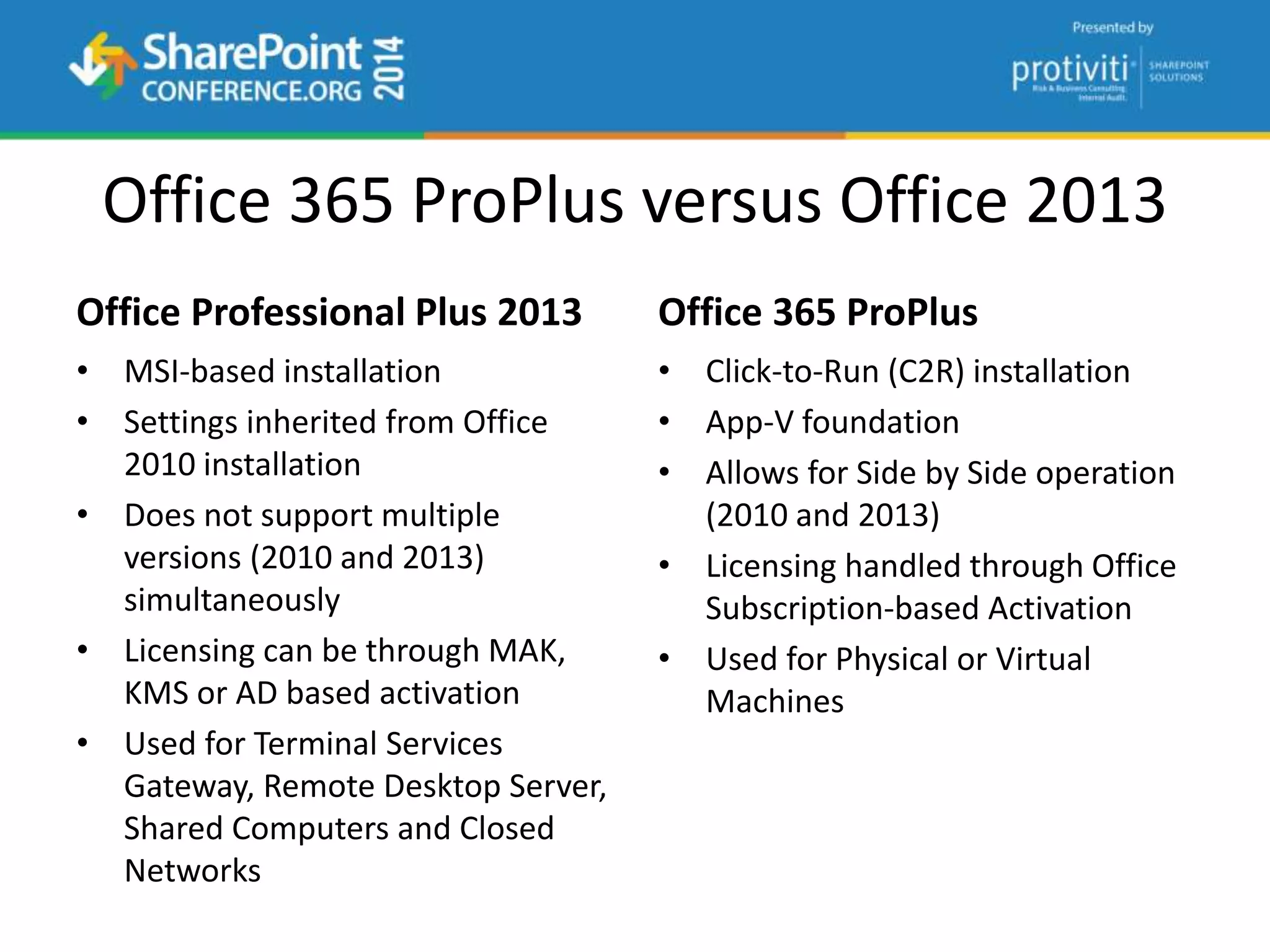
Office 365 ProPlus versus Office 2013
Office Professional Plus 2013
• MSI-based installation
• Settings inherited from Office
2010 installation
• Does not support multiple
versions (2010 and 2013)
simultaneously
• Licensing can be through MAK,
KMS or AD based activation
• Used for Terminal Services
Gateway, Remote Desktop Server,
Shared Computers and Closed
Networks
Office 365 ProPlus
• Click-to-Run (C2R) installation
• App-V foundation
• Allows for Side by Side operation
(2010 and 2013)
• Licensing handled through Office
Subscription-based Activation
• Used for Physical or Virtual
Machines
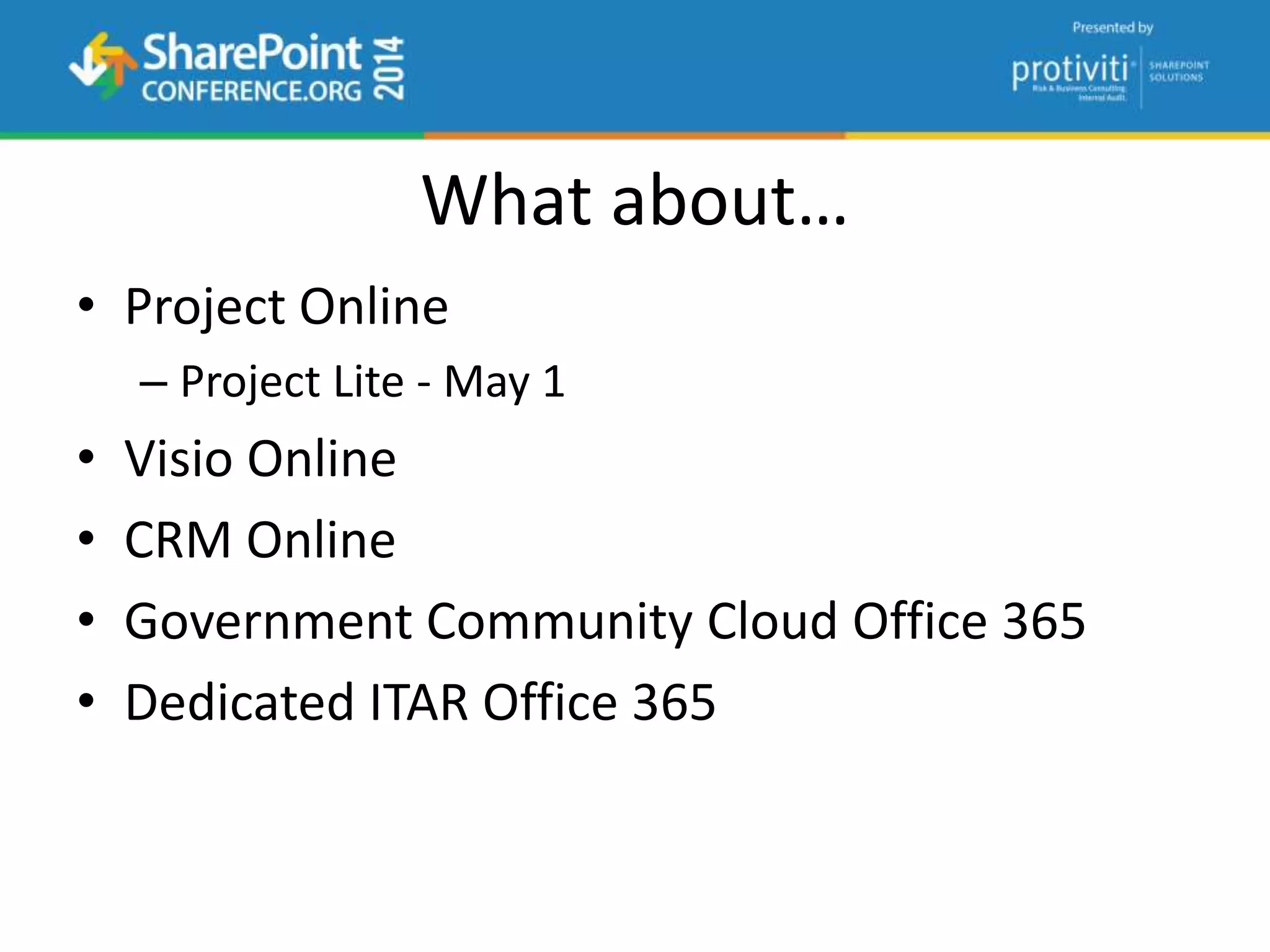
What about…
• Project Online
– Project Lite - May 1
• Visio Online
• CRM Online
• Government Community Cloud Office 365
• Dedicated ITAR Office 365
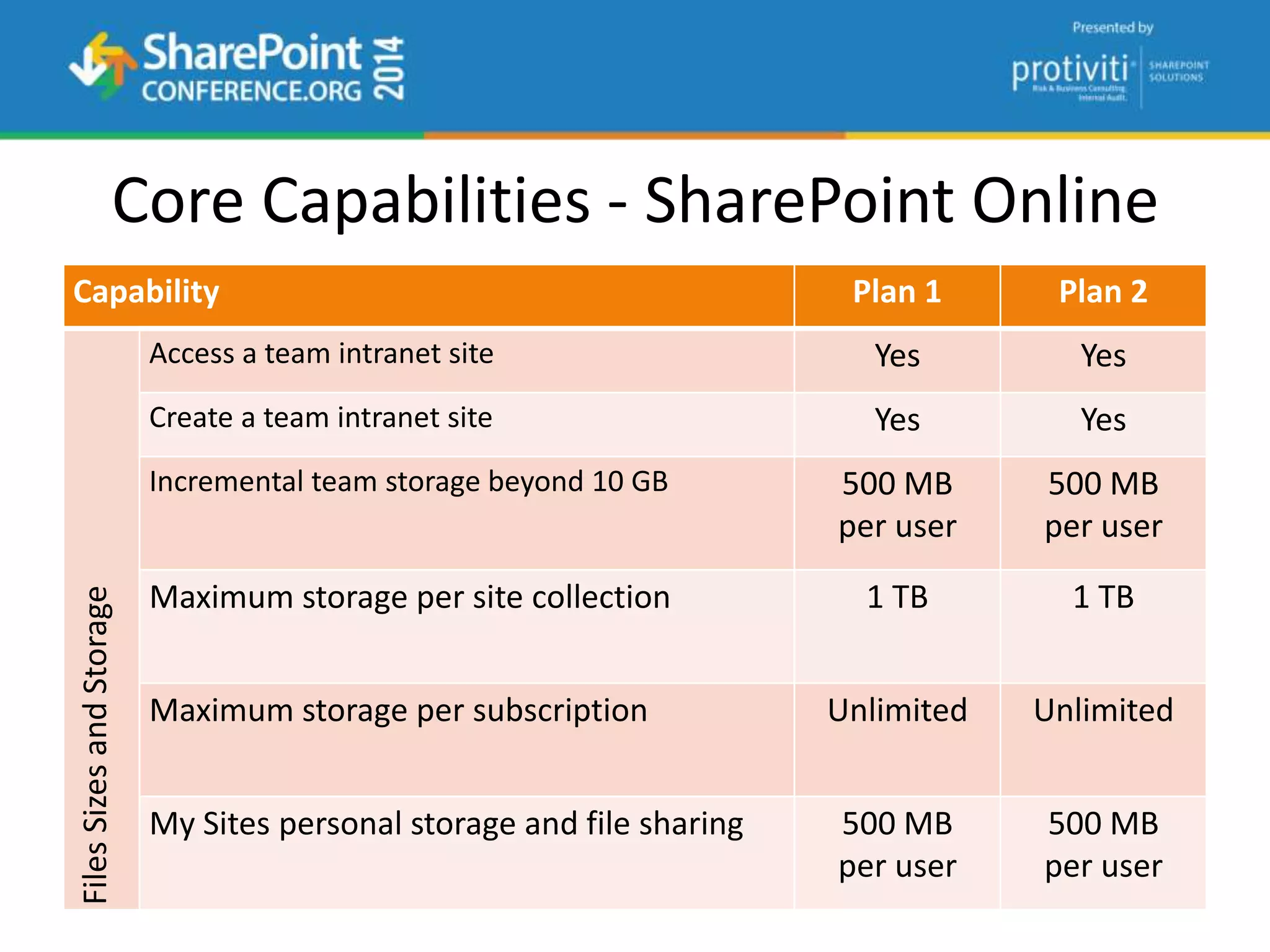
Core Capabilities - SharePoint Online
Capability Plan 1 Plan 2
FilesSizesandStorage
Access a team intranet site Yes Yes
Create a team intranet site Yes Yes
Incremental team storage beyond 10 GB 500 MB
per user
500 MB
per user
Maximum storage per site collection 1 TB 1 TB
Maximum storage per subscription Unlimited Unlimited
My Sites personal storage and file sharing 500 MB
per user
500 MB
per user
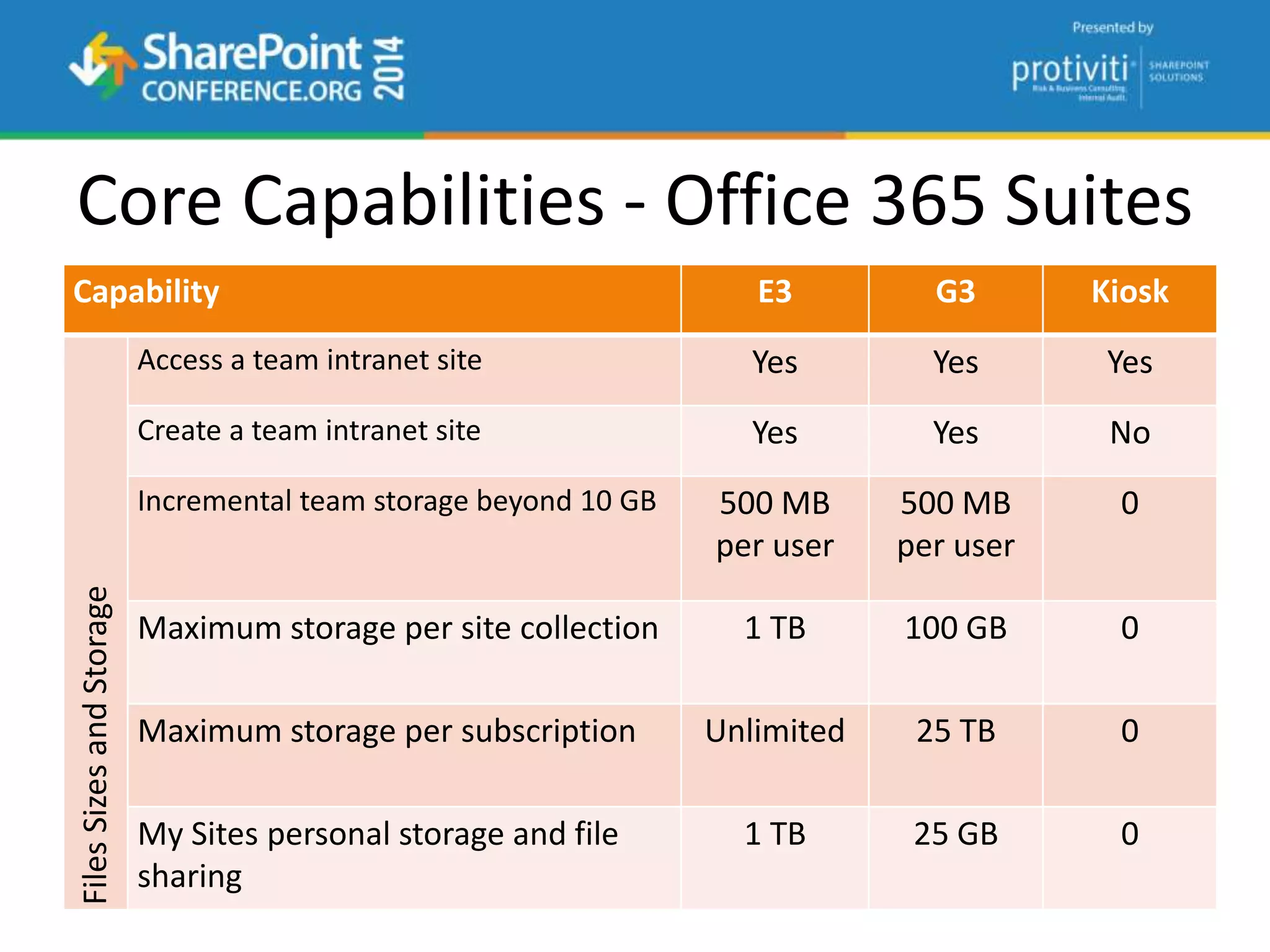
Core Capabilities - Office 365 Suites
Capability E3 G3 Kiosk
FilesSizesandStorage
Access a team intranet site Yes Yes Yes
Create a team intranet site Yes Yes No
Incremental team storage beyond 10 GB 500 MB
per user
500 MB
per user
0
Maximum storage per site collection 1 TB 100 GB 0
Maximum storage per subscription Unlimited 25 TB 0
My Sites personal storage and file
sharing
1 TB 25 GB 0
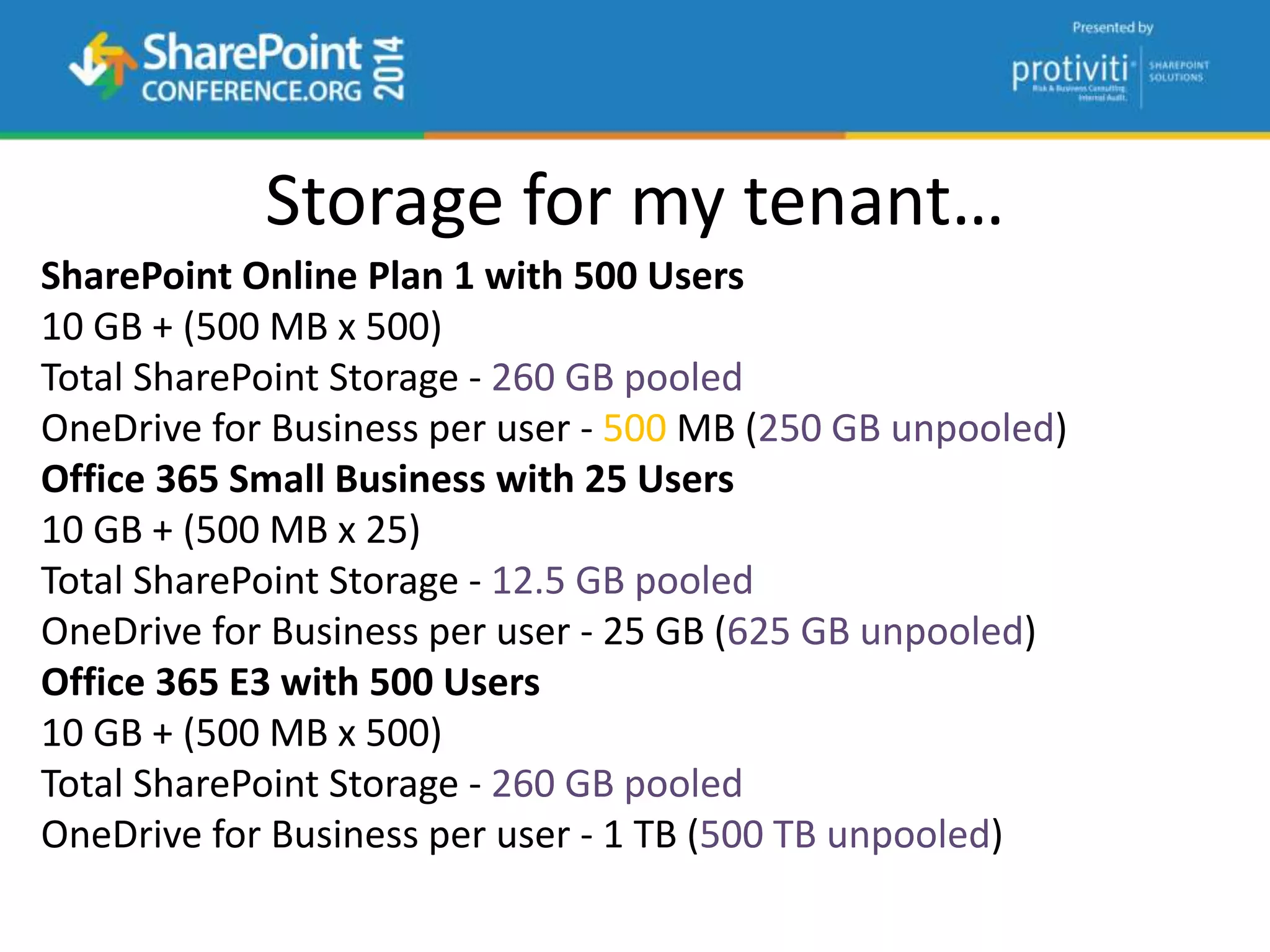
SharePoint Online Plan 1 with 500 Users
10 GB + (500 MB x 500)
Total SharePoint Storage - 260 GB pooled
OneDrive for Business per user - 500 MB (250 GB unpooled)
Office 365 Small Business with 25 Users
10 GB + (500 MB x 25)
Total SharePoint Storage - 12.5 GB pooled
OneDrive for Business per user - 25 GB (625 GB unpooled)
Office 365 E3 with 500 Users
10 GB + (500 MB x 500)
Total SharePoint Storage - 260 GB pooled
OneDrive for Business per user - 1 TB (500 TB unpooled)
Storage for my tenant…
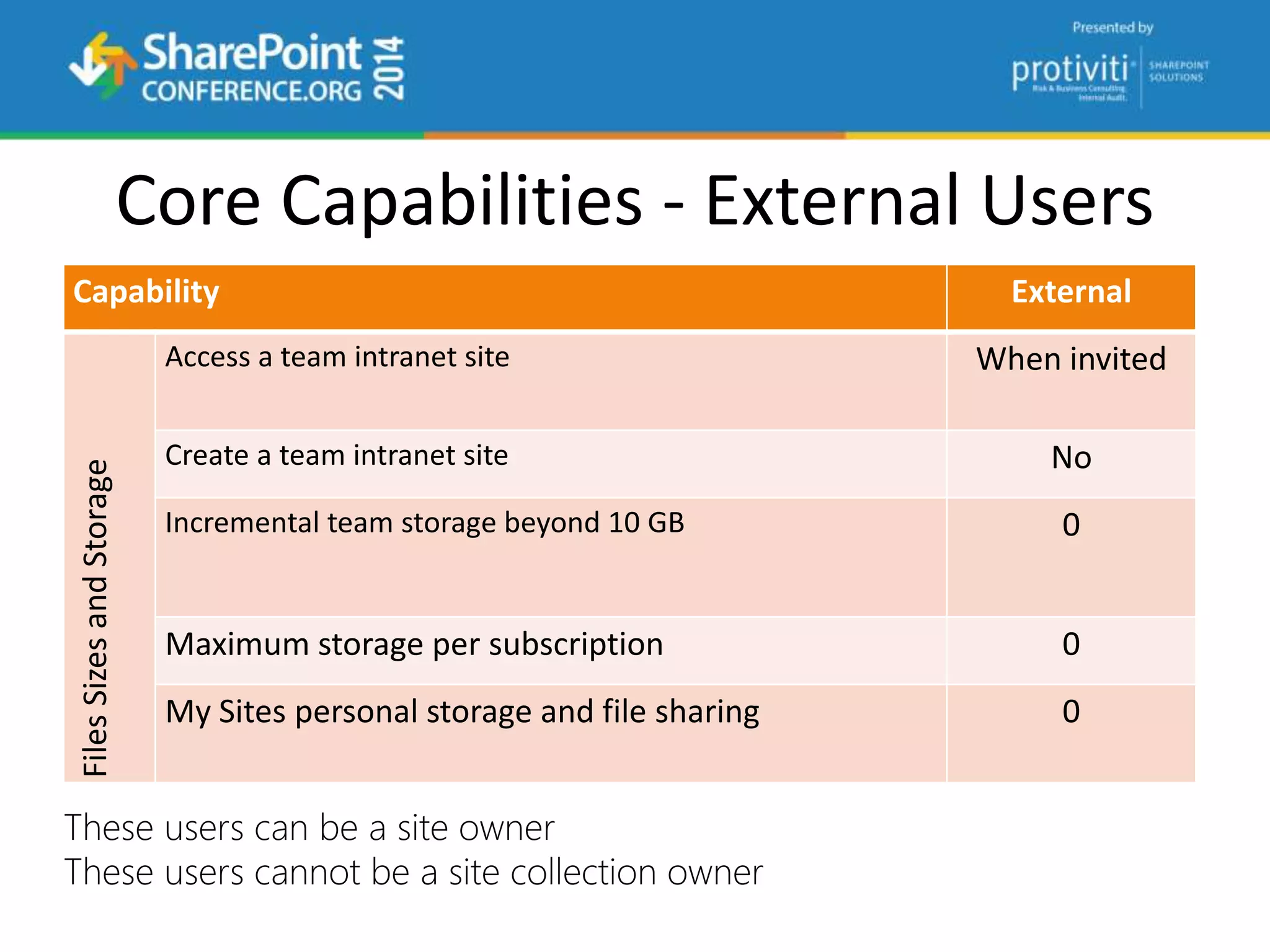
Core Capabilities - External Users
Capability External
FilesSizesandStorage
Access a team intranet site When invited
Create a team intranet site No
Incremental team storage beyond 10 GB 0
Maximum storage per subscription 0
My Sites personal storage and file sharing 0
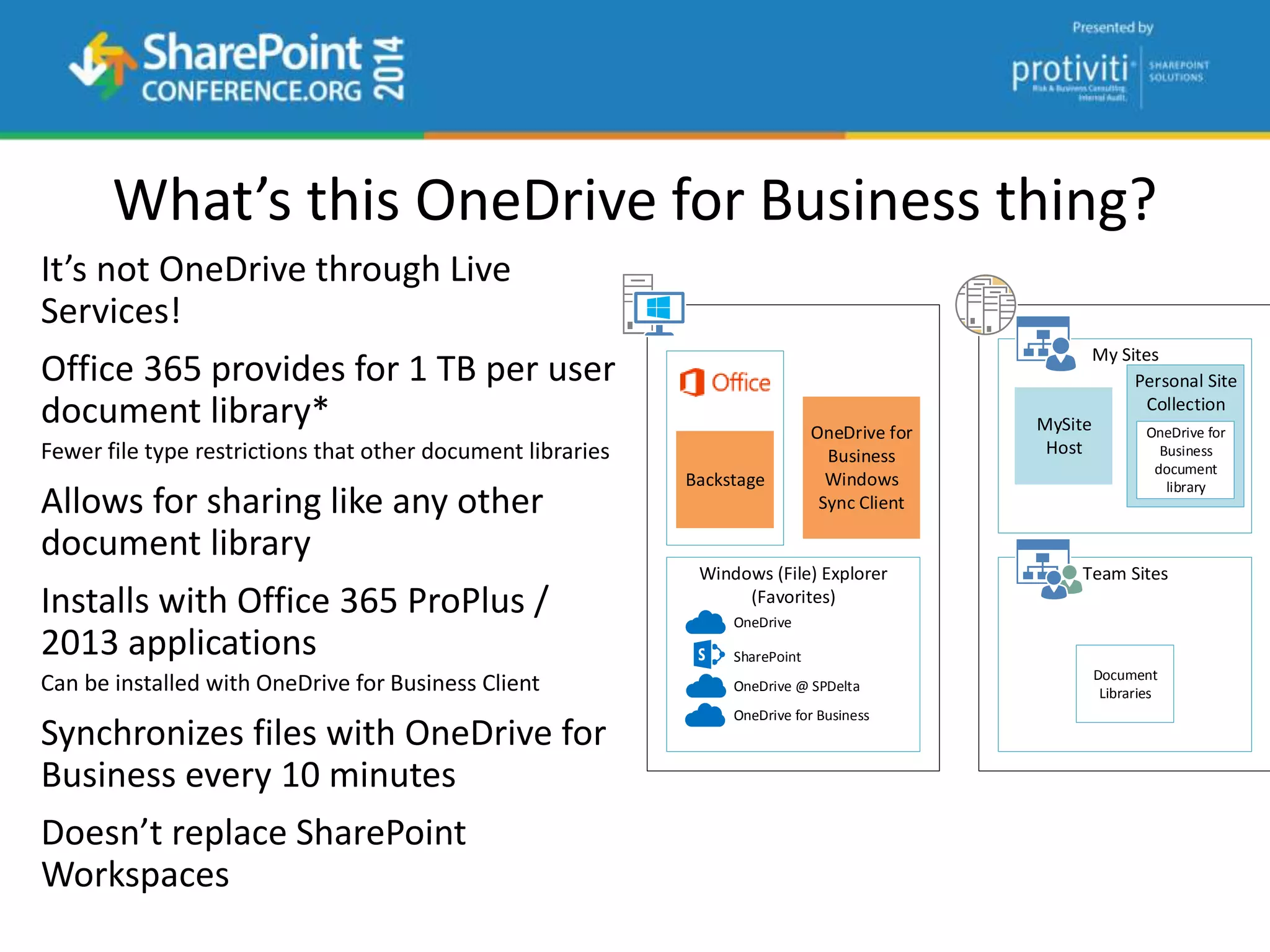
What’s this OneDrive for Business thing?
It’s not OneDrive through Live
Services!
Office 365 provides for 1 TB per user
document library*
Fewer file type restrictions that other document libraries
Allows for sharing like any other
document library
Installs with Office 365 ProPlus /
2013 applications
Can be installed with OneDrive for Business Client
Synchronizes files with OneDrive for
Business every 10 minutes
Doesn’t replace SharePoint
Workspaces
Backstage
OneDrive for
Business
Windows
Sync Client
Windows (File) Explorer
(Favorites)
OneDrive
SharePoint
OneDrive @ SPDelta
OneDrive for Business
My Sites
MySite
Host
Personal Site
Collection
OneDrive for
Business
document
library
Team Sites
Document
Libraries
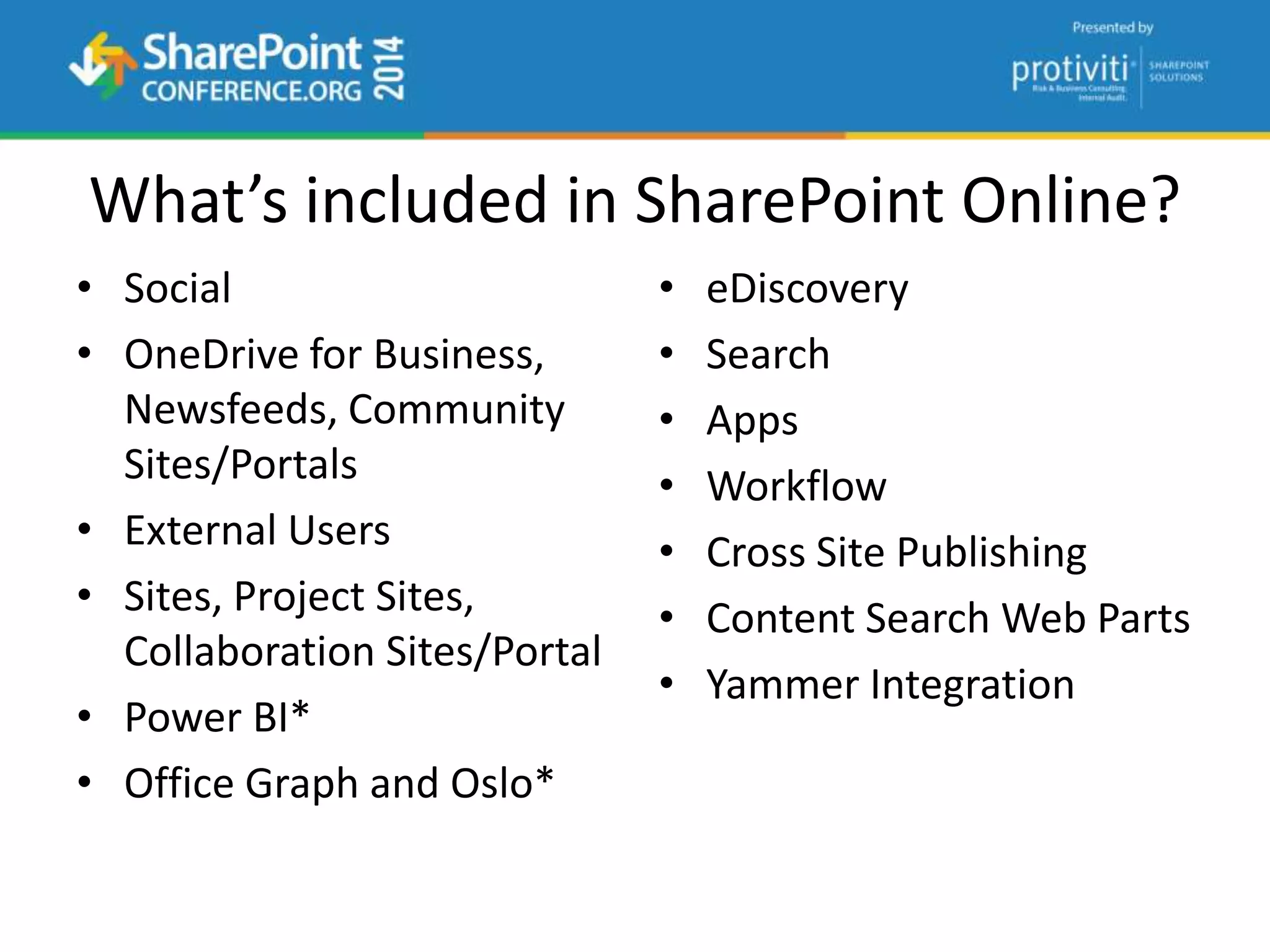
What’s included in SharePoint Online?
• Social
• OneDrive for Business,
Newsfeeds, Community
Sites/Portals
• External Users
• Sites, Project Sites,
Collaboration Sites/Portal
• Power BI*
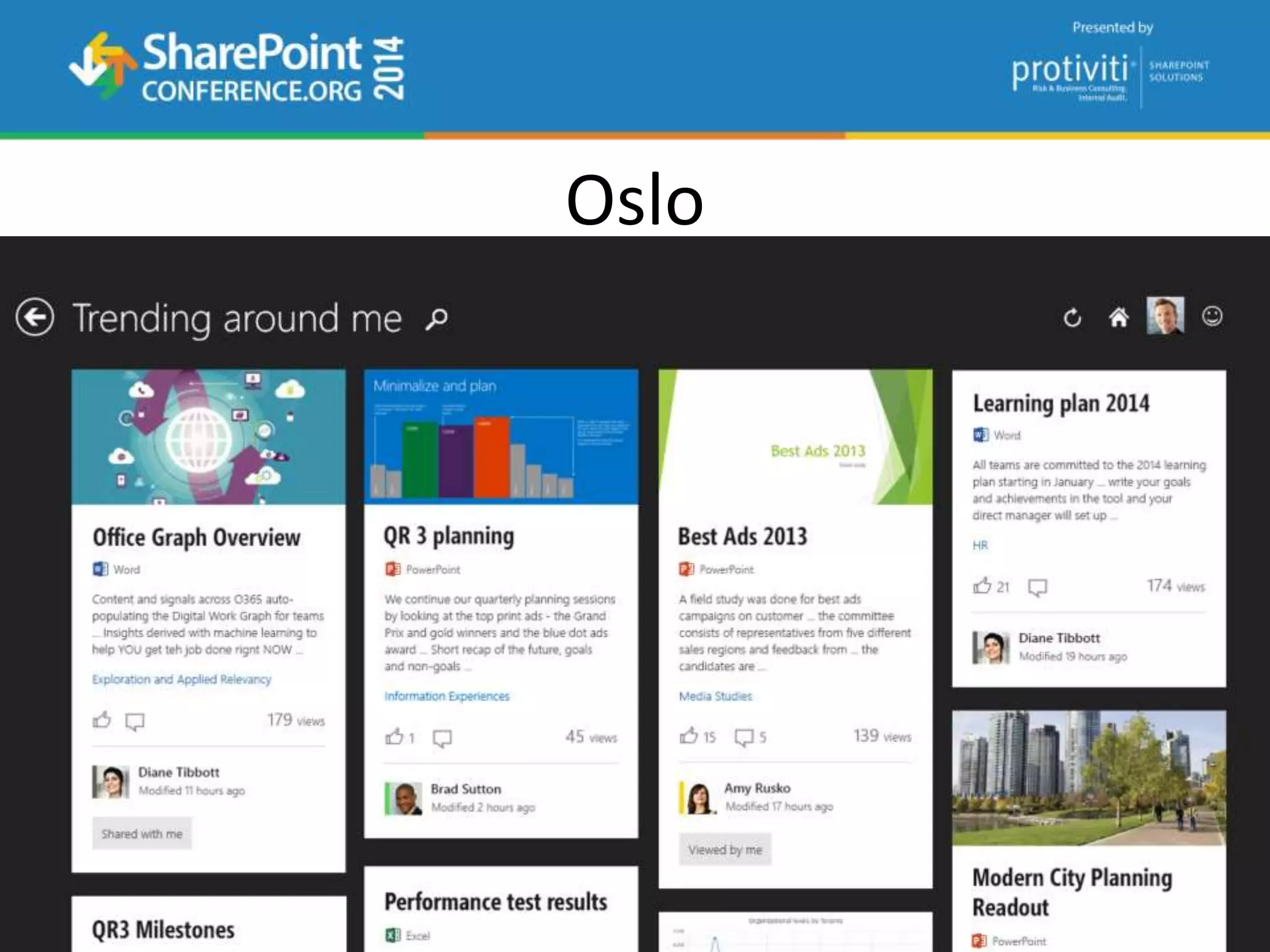
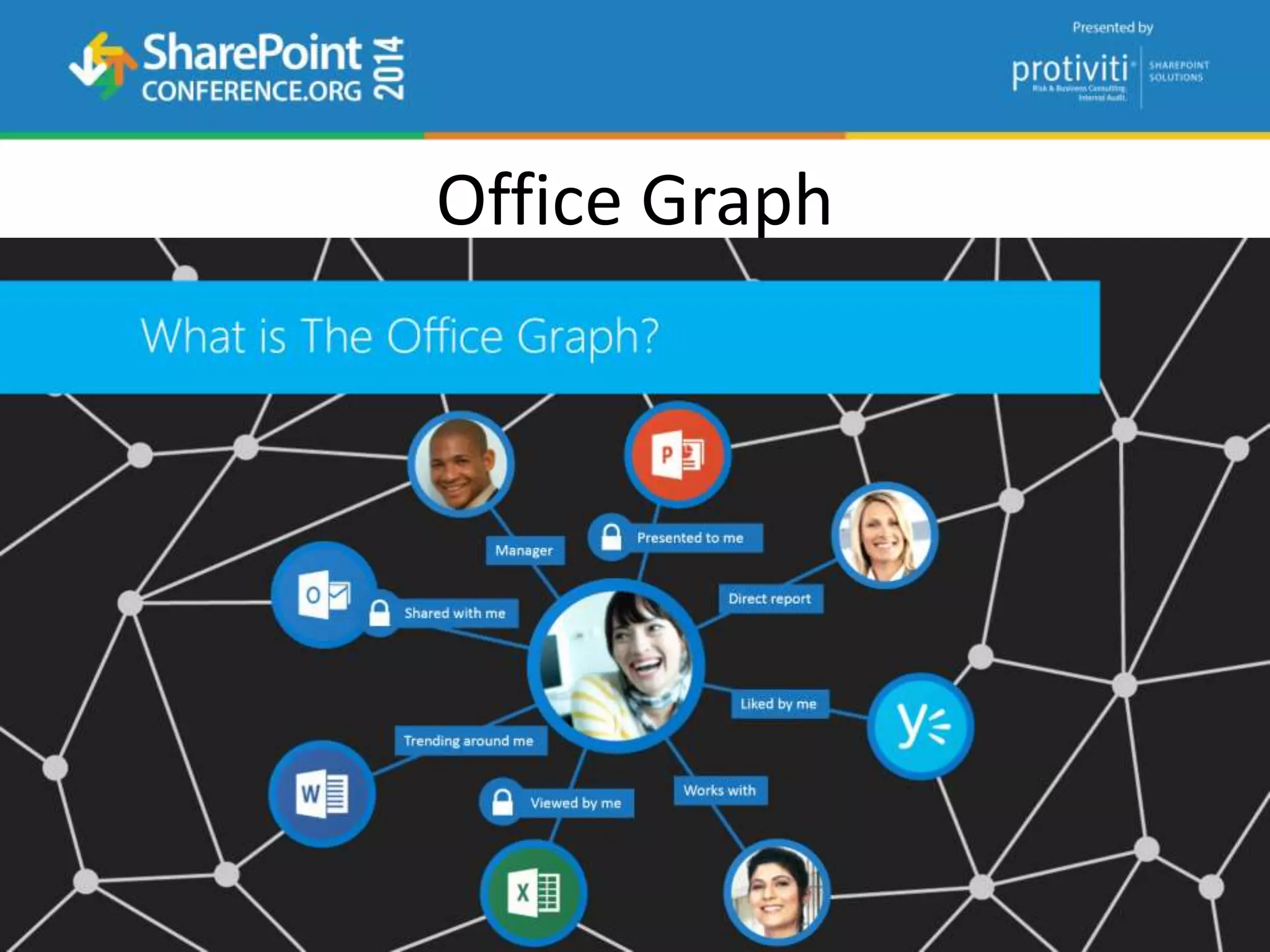
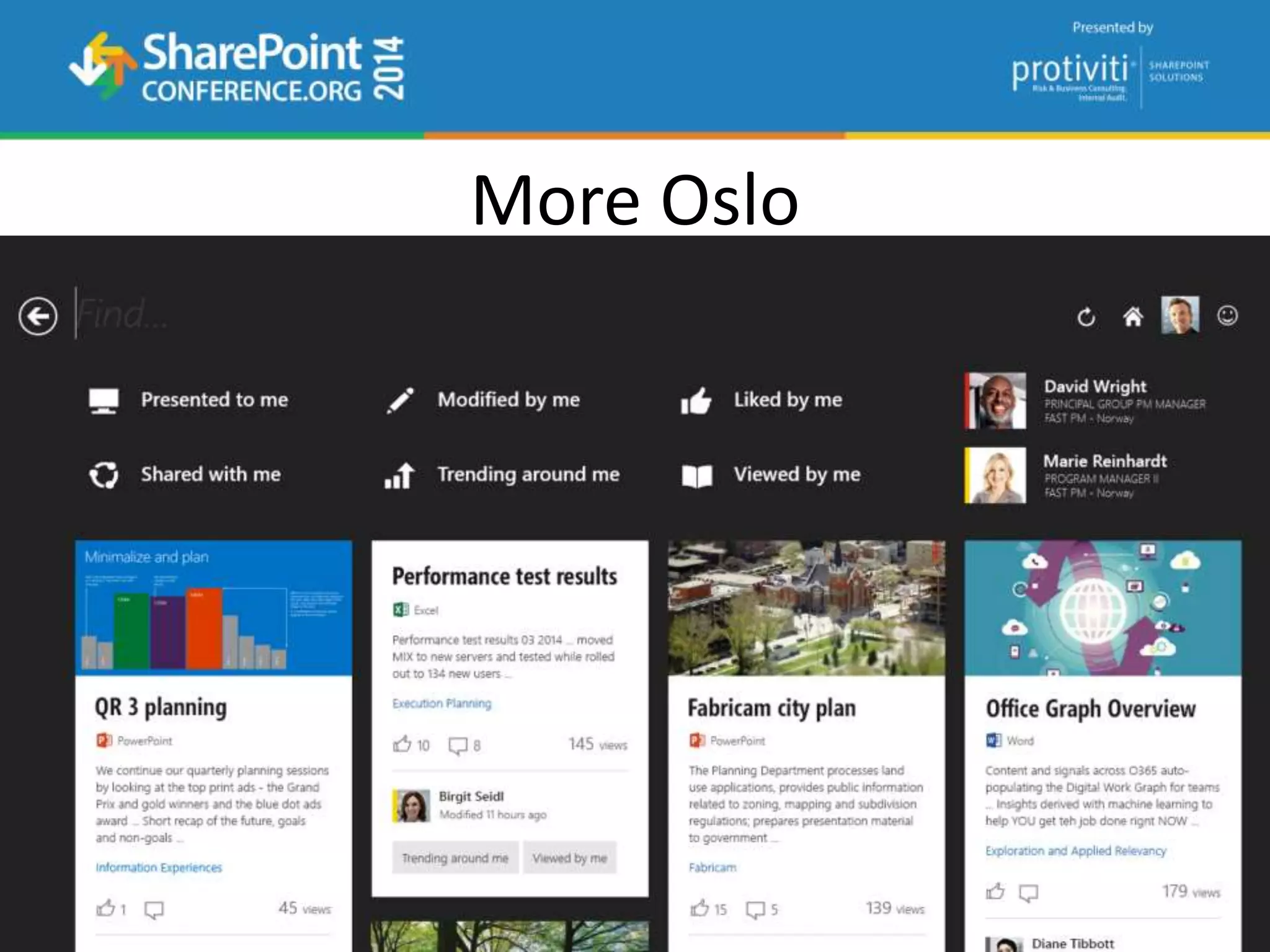
• Office Graph and Oslo*
• eDiscovery
• Search
• Apps
• Workflow
• Cross Site Publishing
• Content Search Web Parts
• Yammer Integration
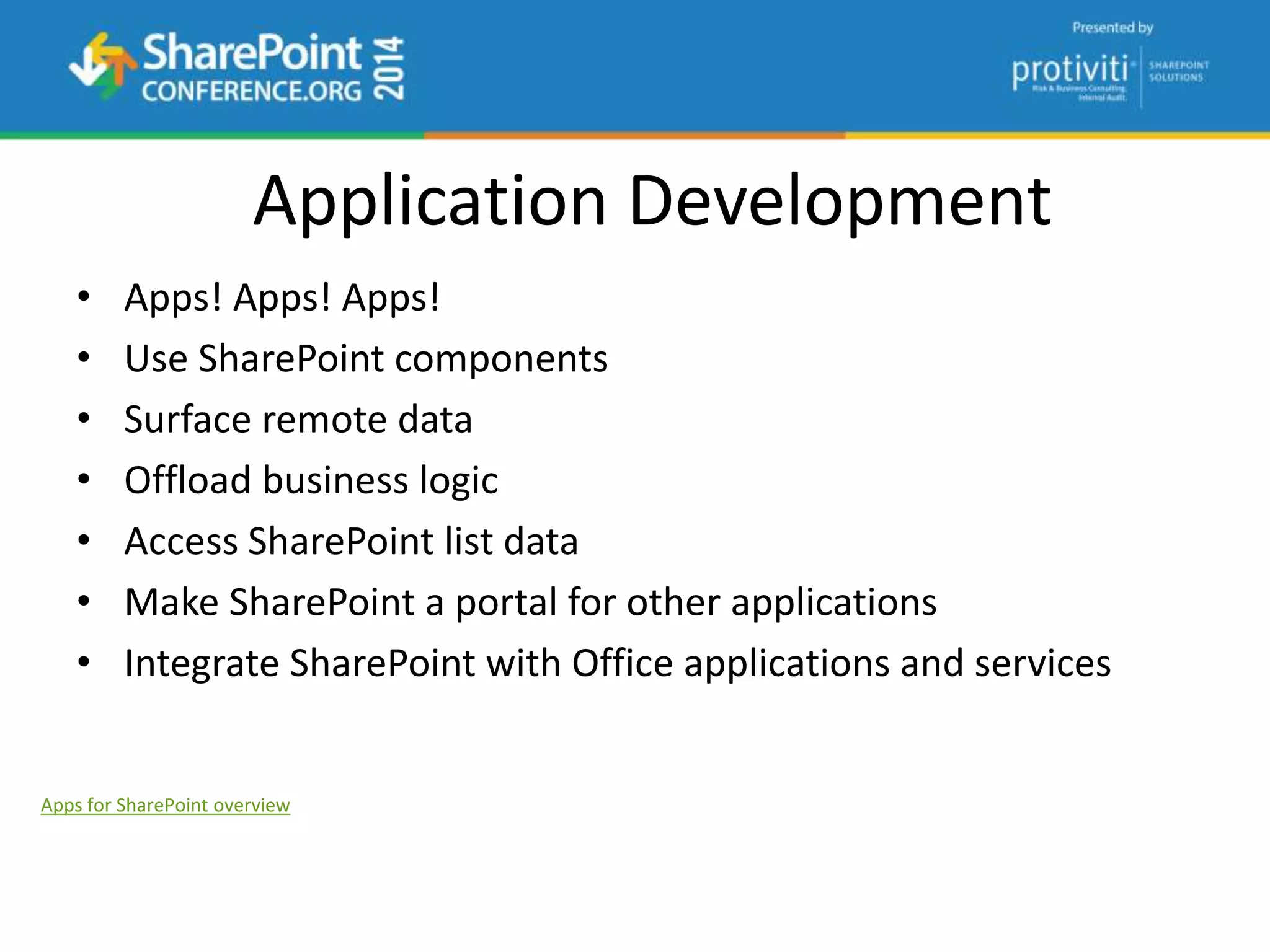
Application Development
• Apps! Apps! Apps!
• Use SharePoint components
• Surface remote data
• Offload business logic
• Access SharePoint list data
• Make SharePoint a portal for other applications
• Integrate SharePoint with Office applications and services
Apps for SharePoint overview
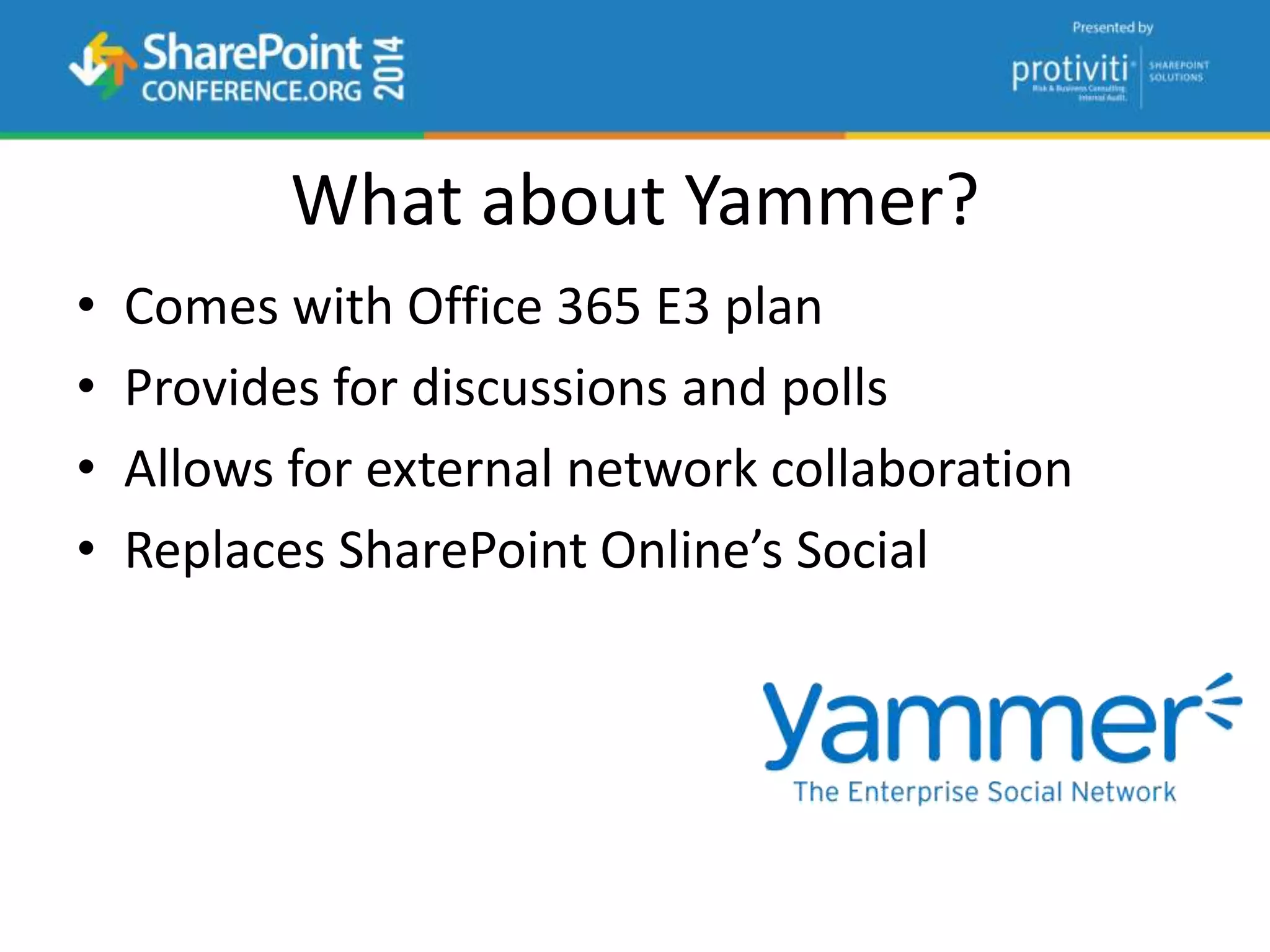
What about Yammer?
• Comes with Office 365 E3 plan
• Provides for discussions and polls
• Allows for external network collaboration
• Replaces SharePoint Online’s Social
Oslo
Office Graph
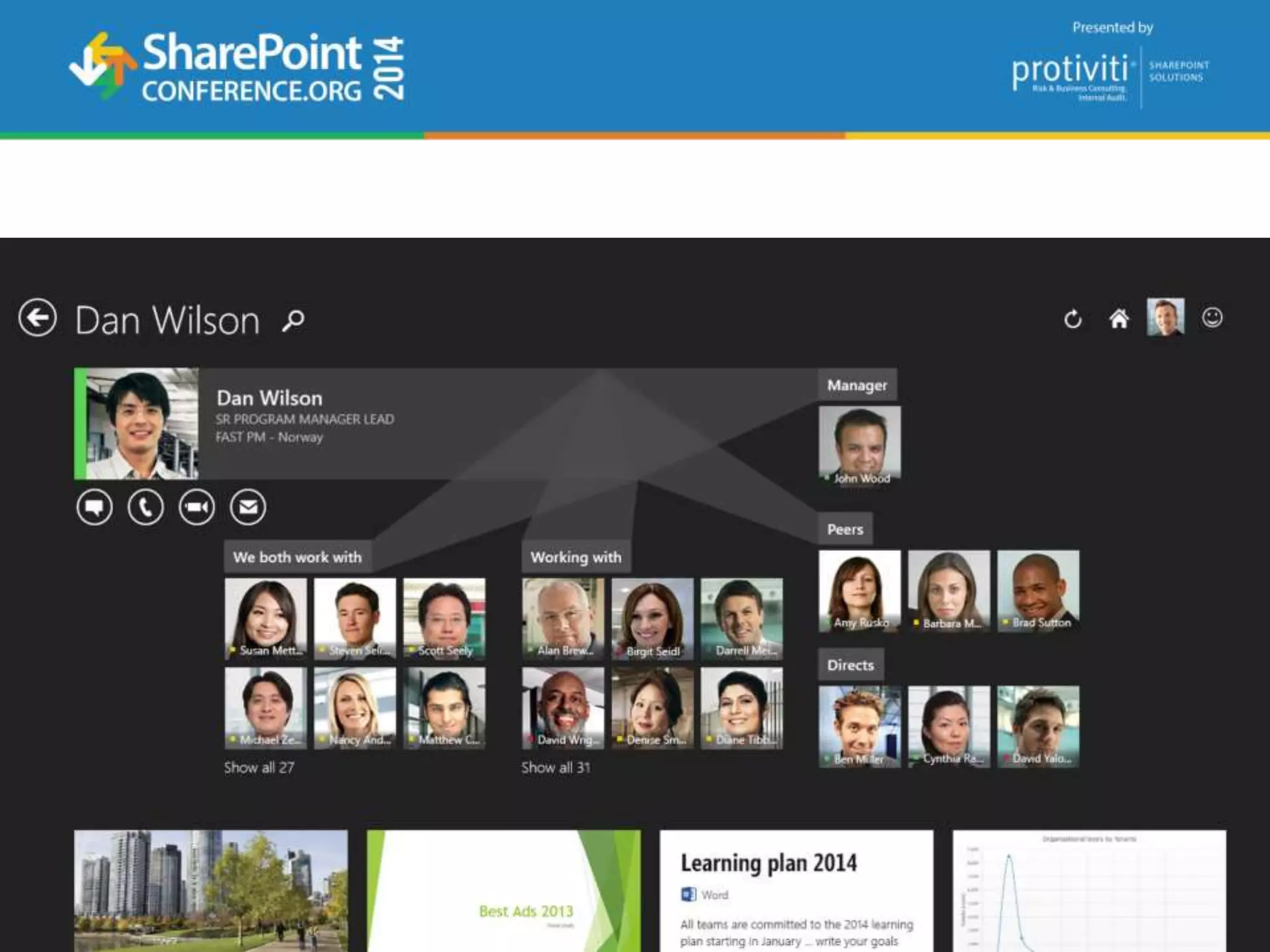
More Oslo
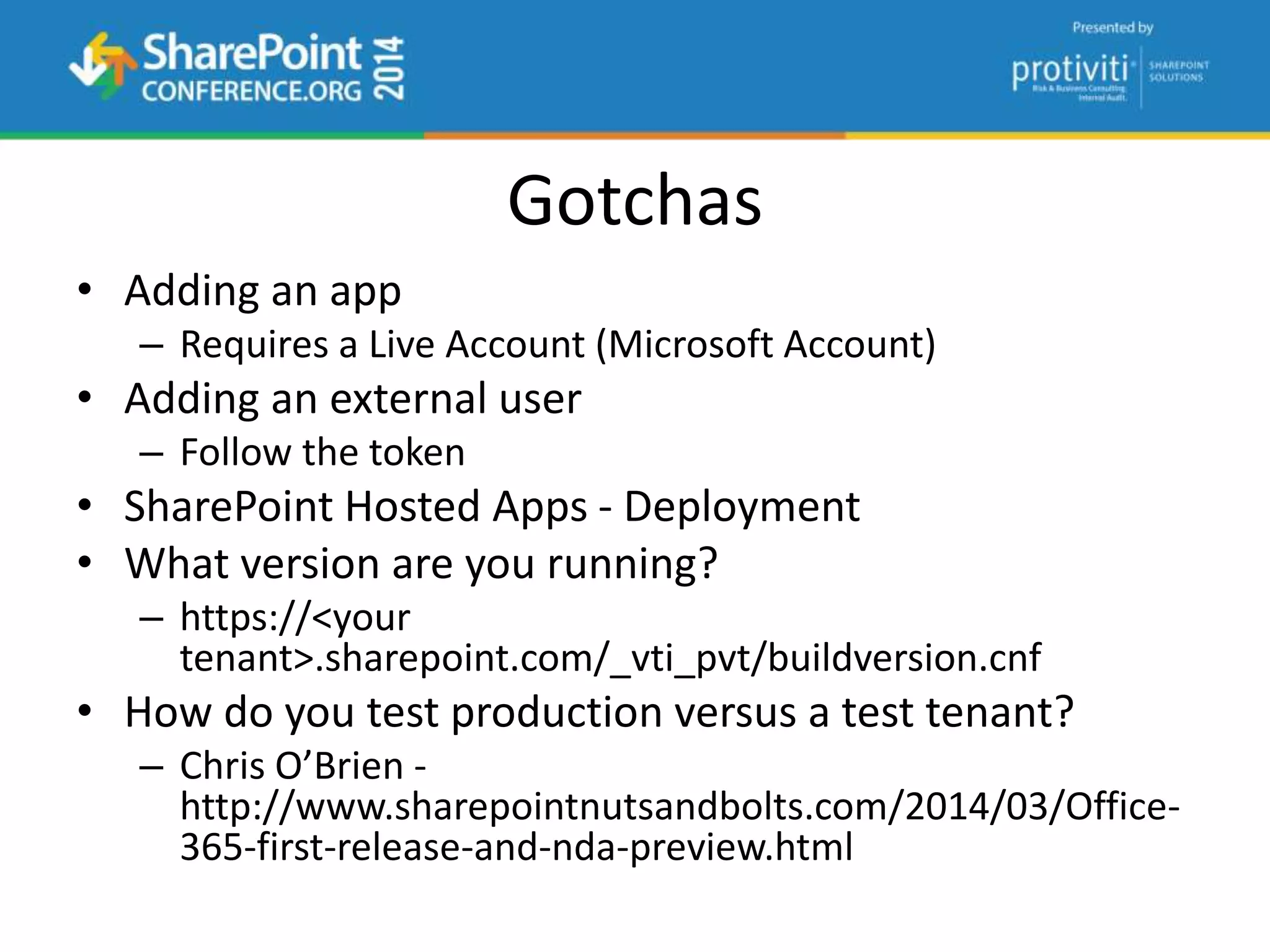
Gotchas
• Adding an app
– Requires a Live Account (Microsoft Account)
• Adding an external user
– Follow the token
• SharePoint Hosted Apps - Deployment
• What version are you running?
– https://<your
tenant>.sharepoint.com/_vti_pvt/buildversion.cnf
• How do you test production versus a test tenant?
– Chris O’Brien -
http://www.sharepointnutsandbolts.com/2014/03/Office-
365-first-release-and-nda-preview.html
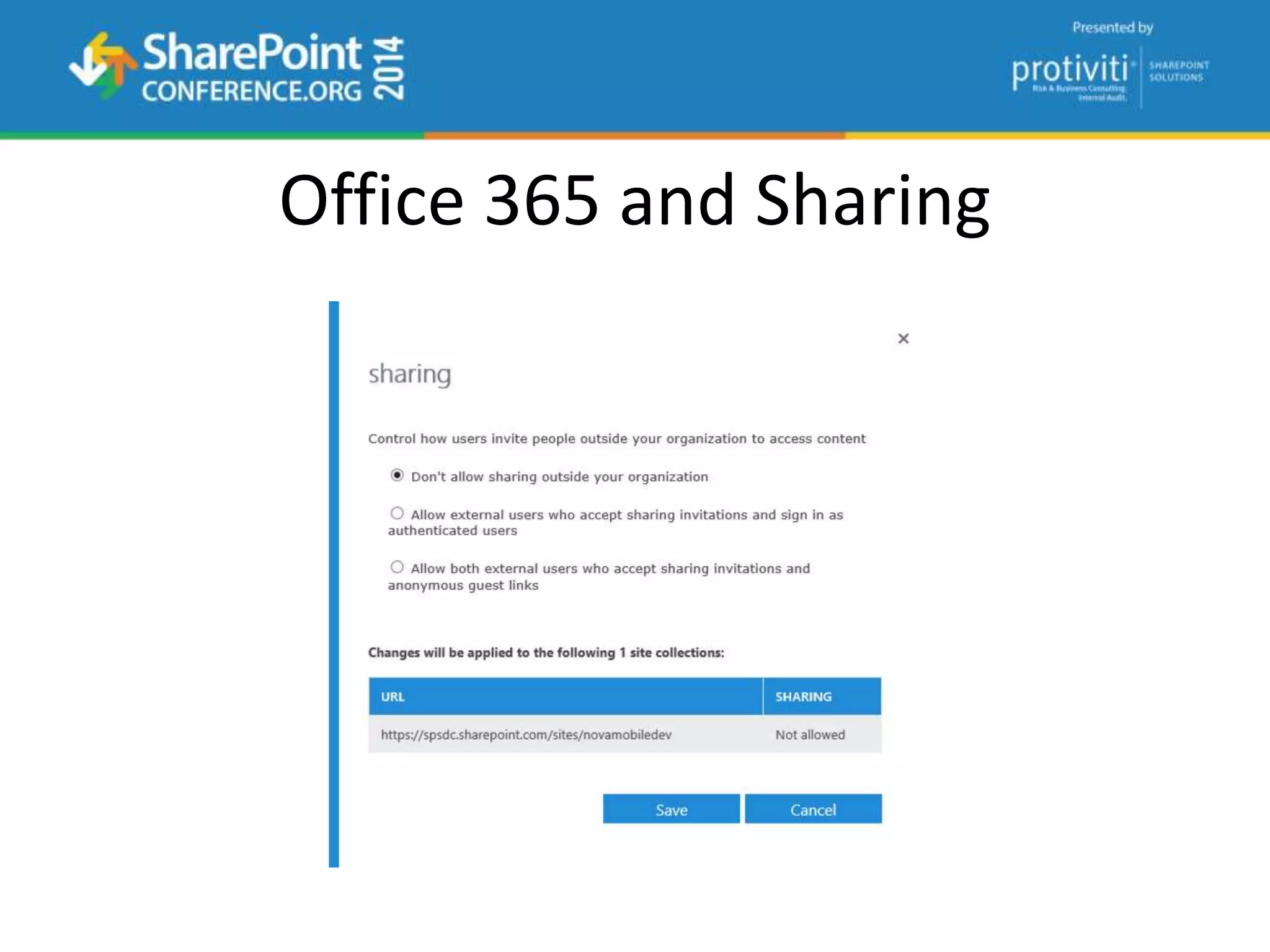
Office 365 and Sharing
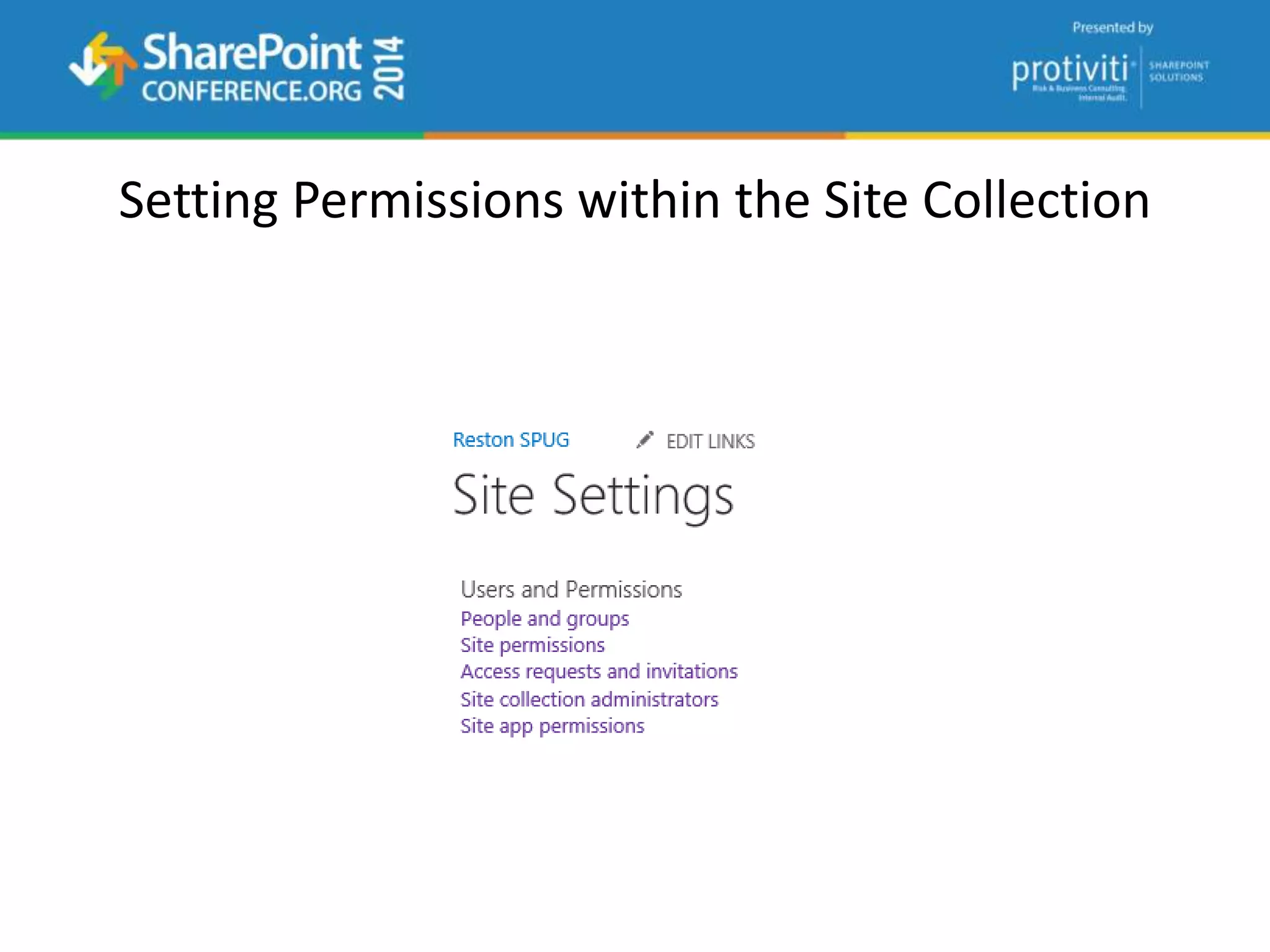
Setting Permissions within the Site Collection
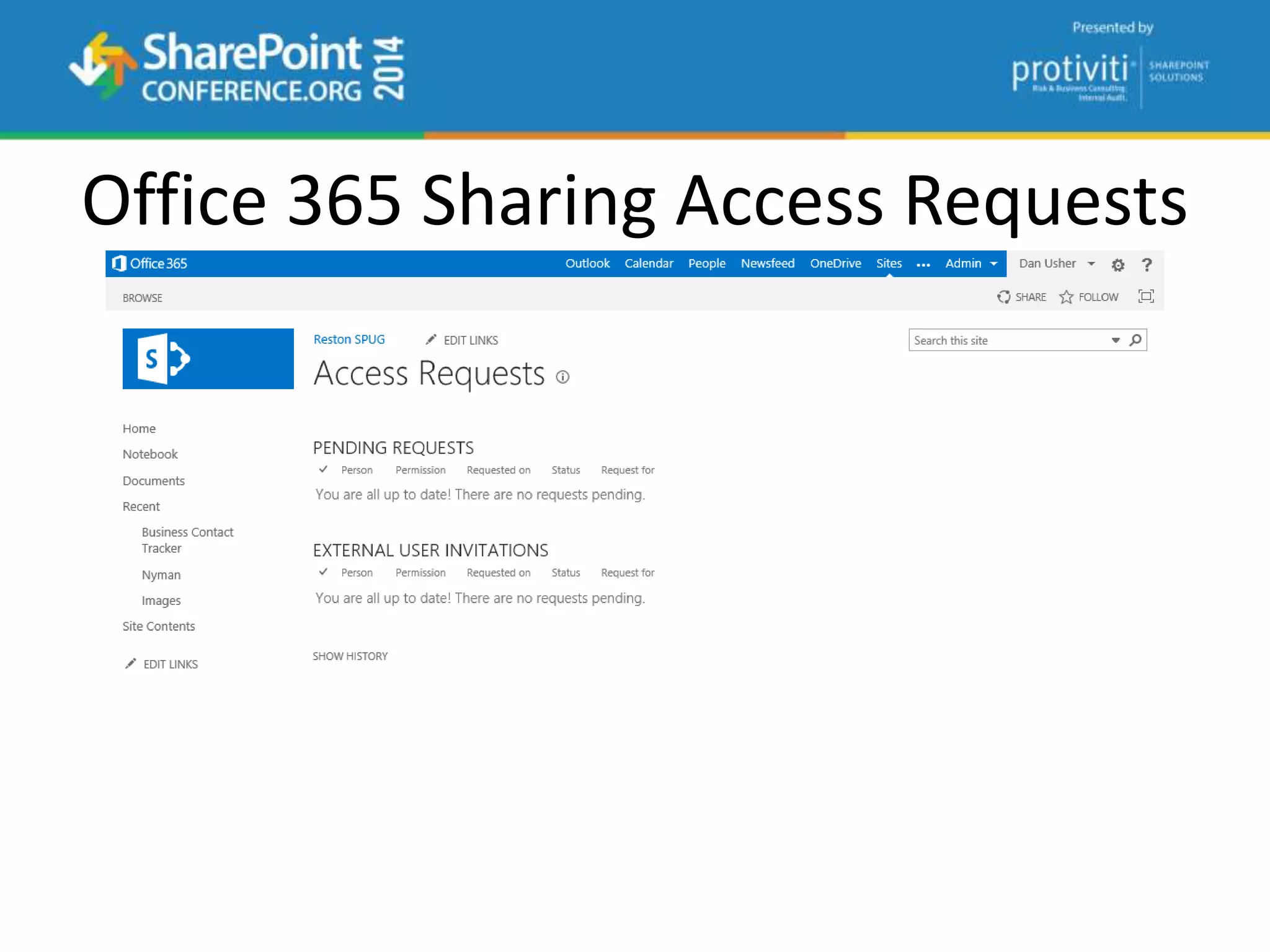
Office 365 Sharing Access Requests
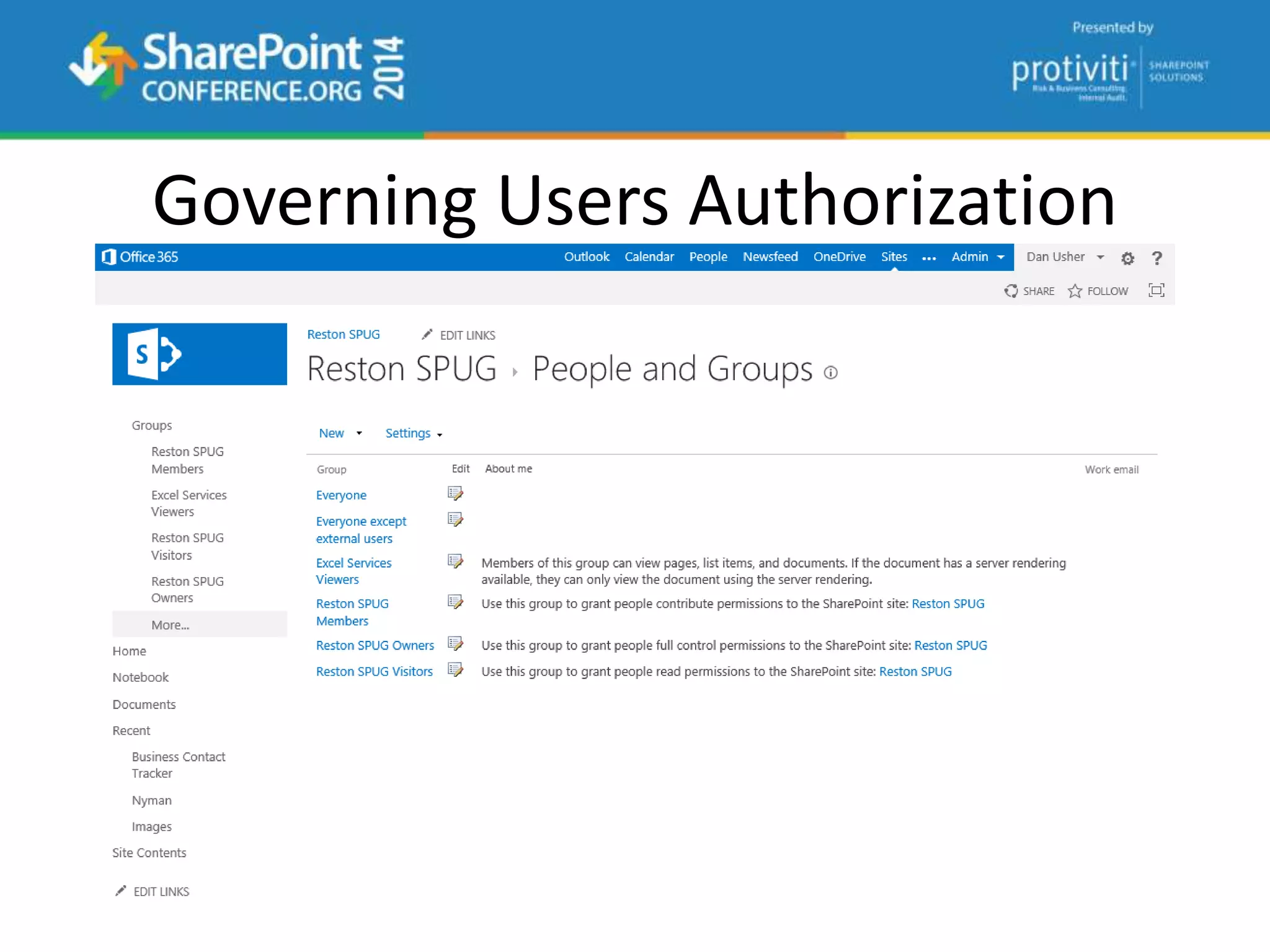
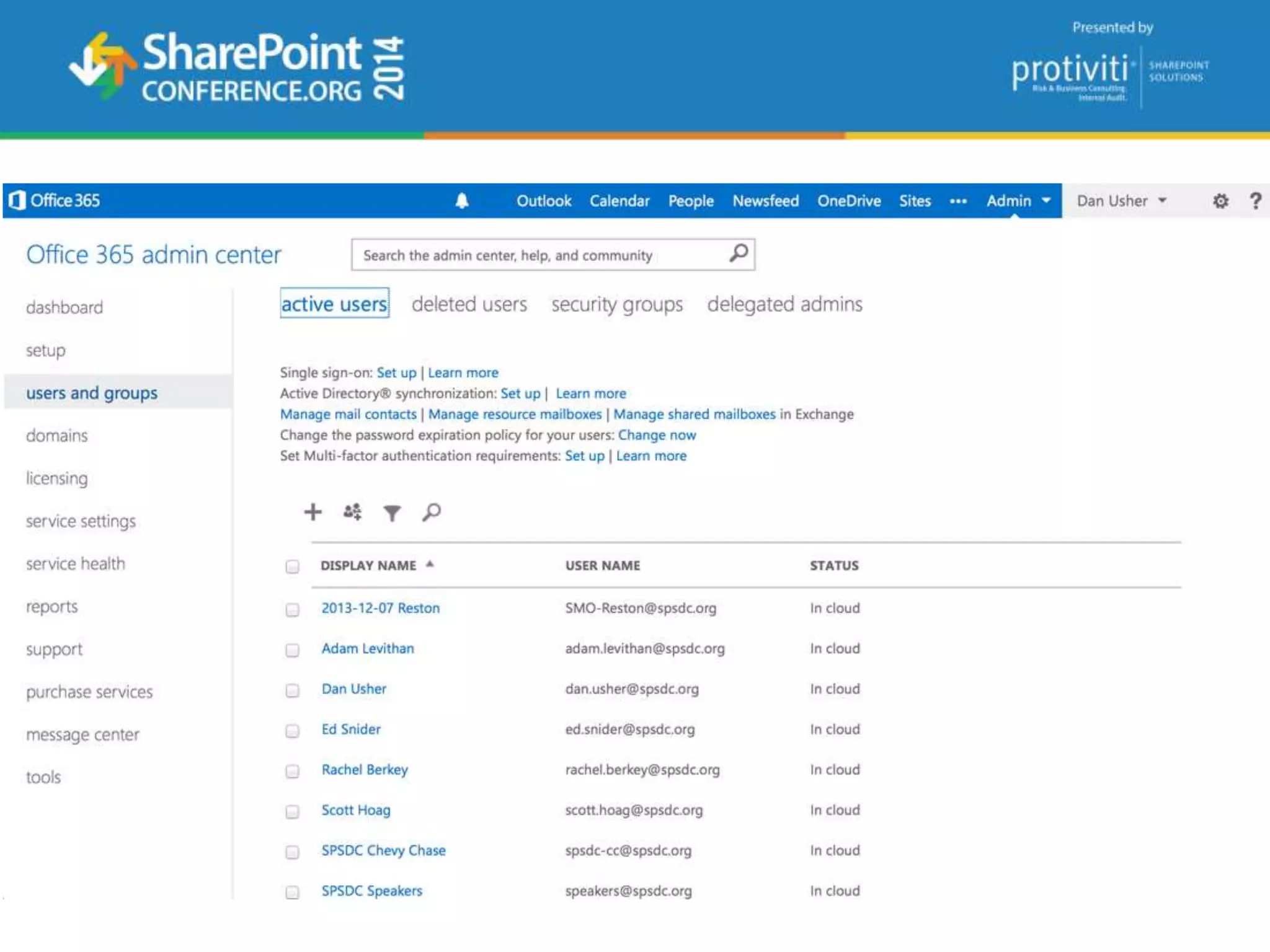
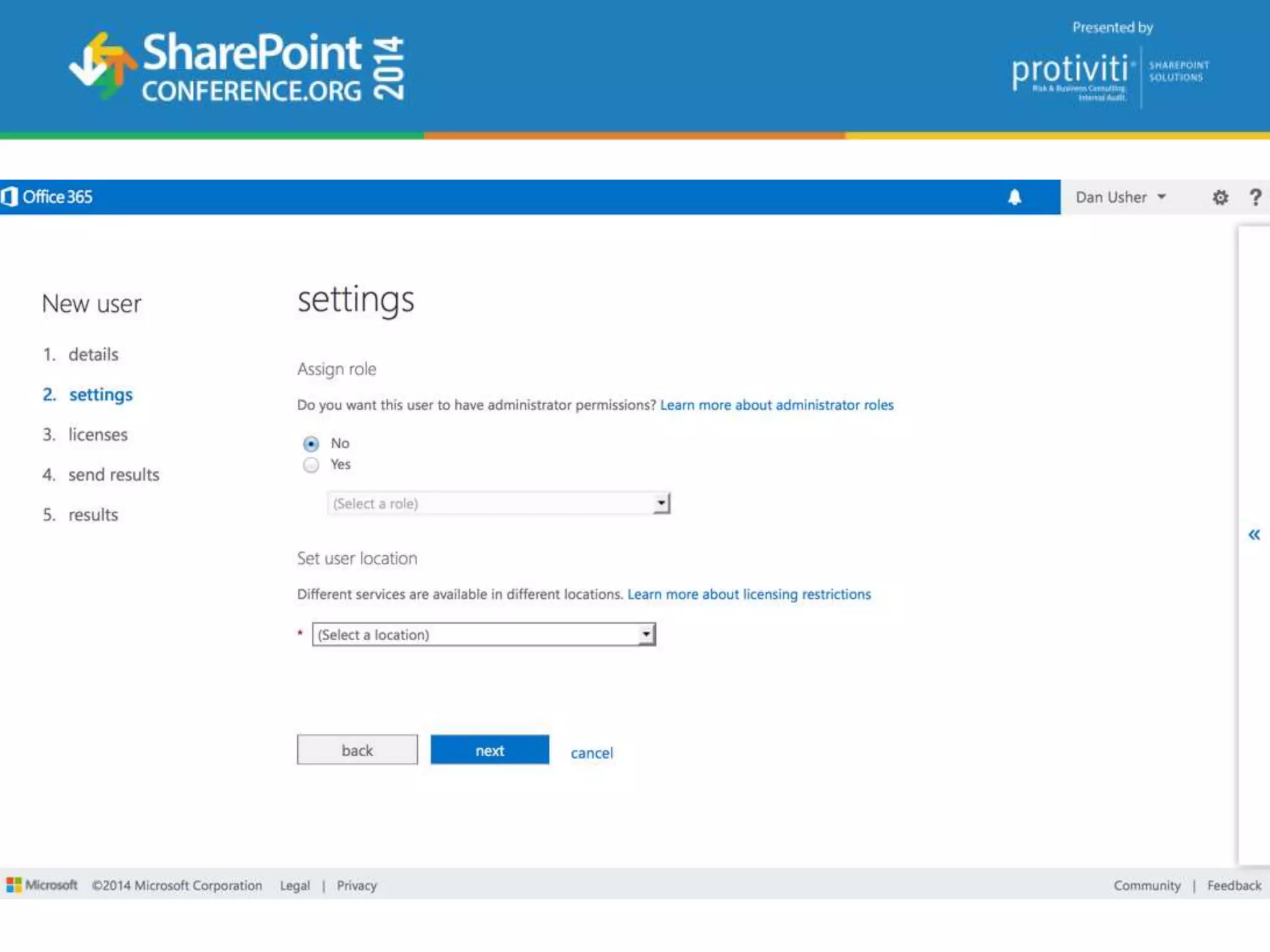
Governing Users Authorization
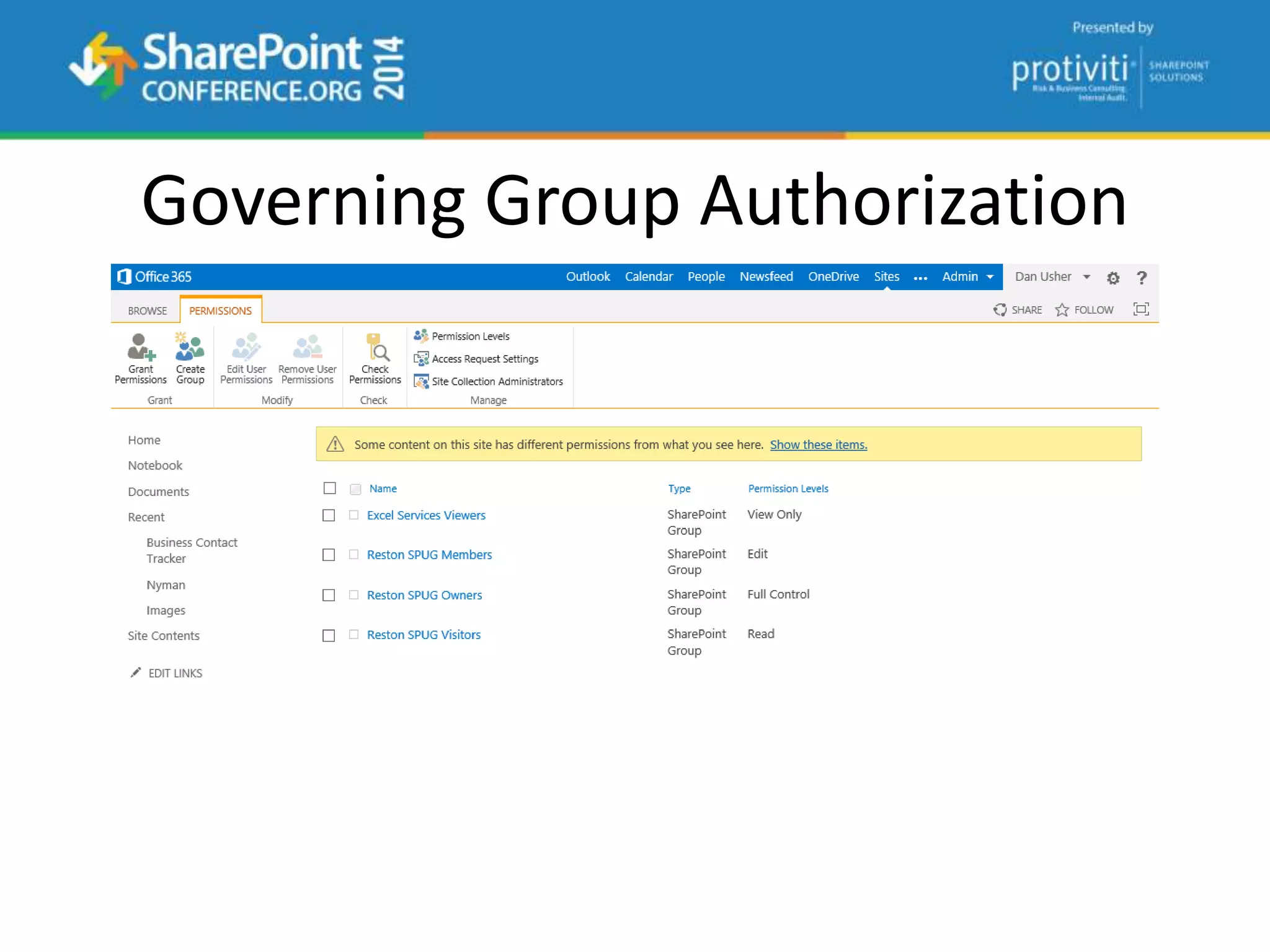
Governing Group Authorization
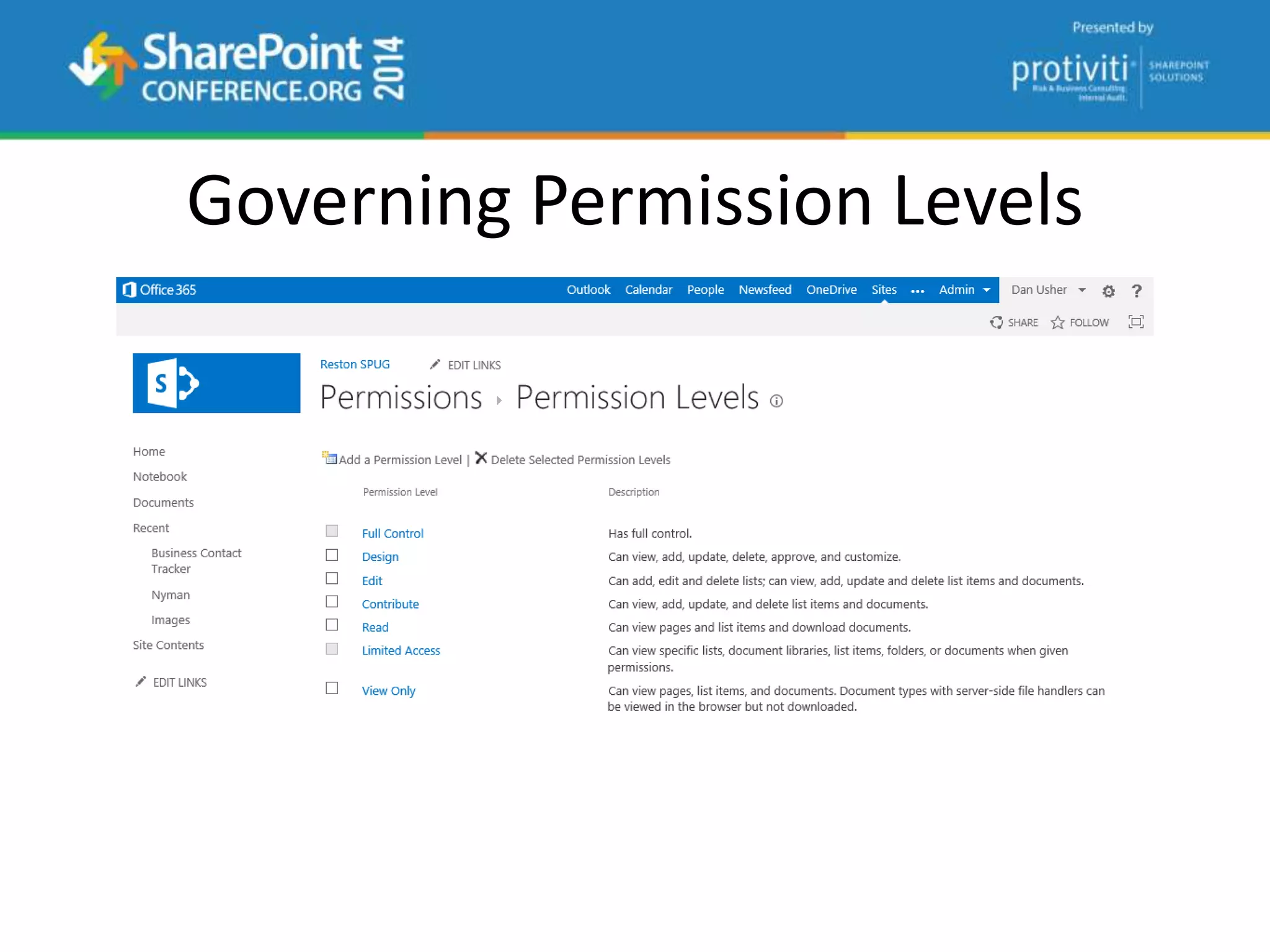
Governing Permission Levels
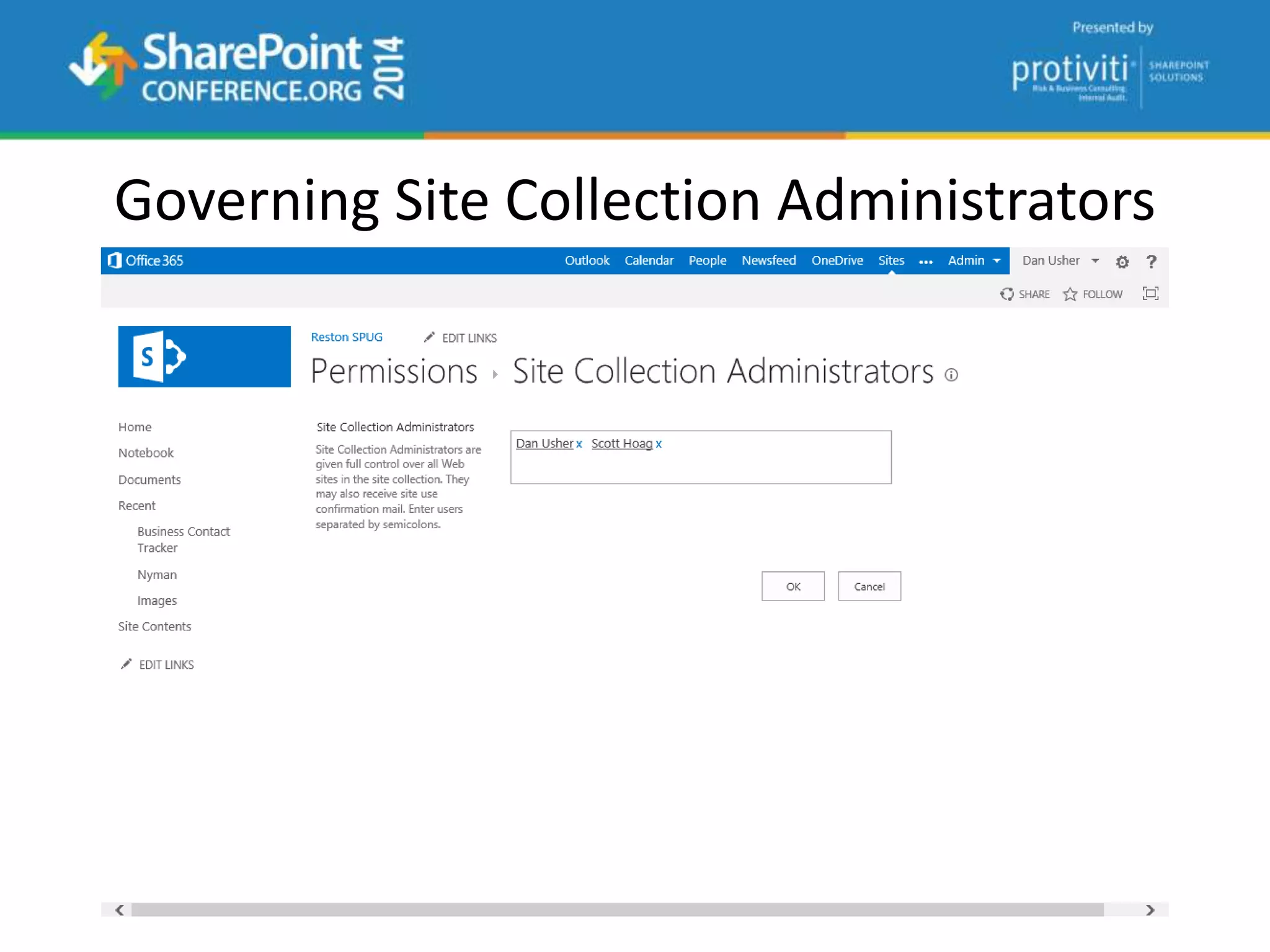
Governing Site Collection Administrators
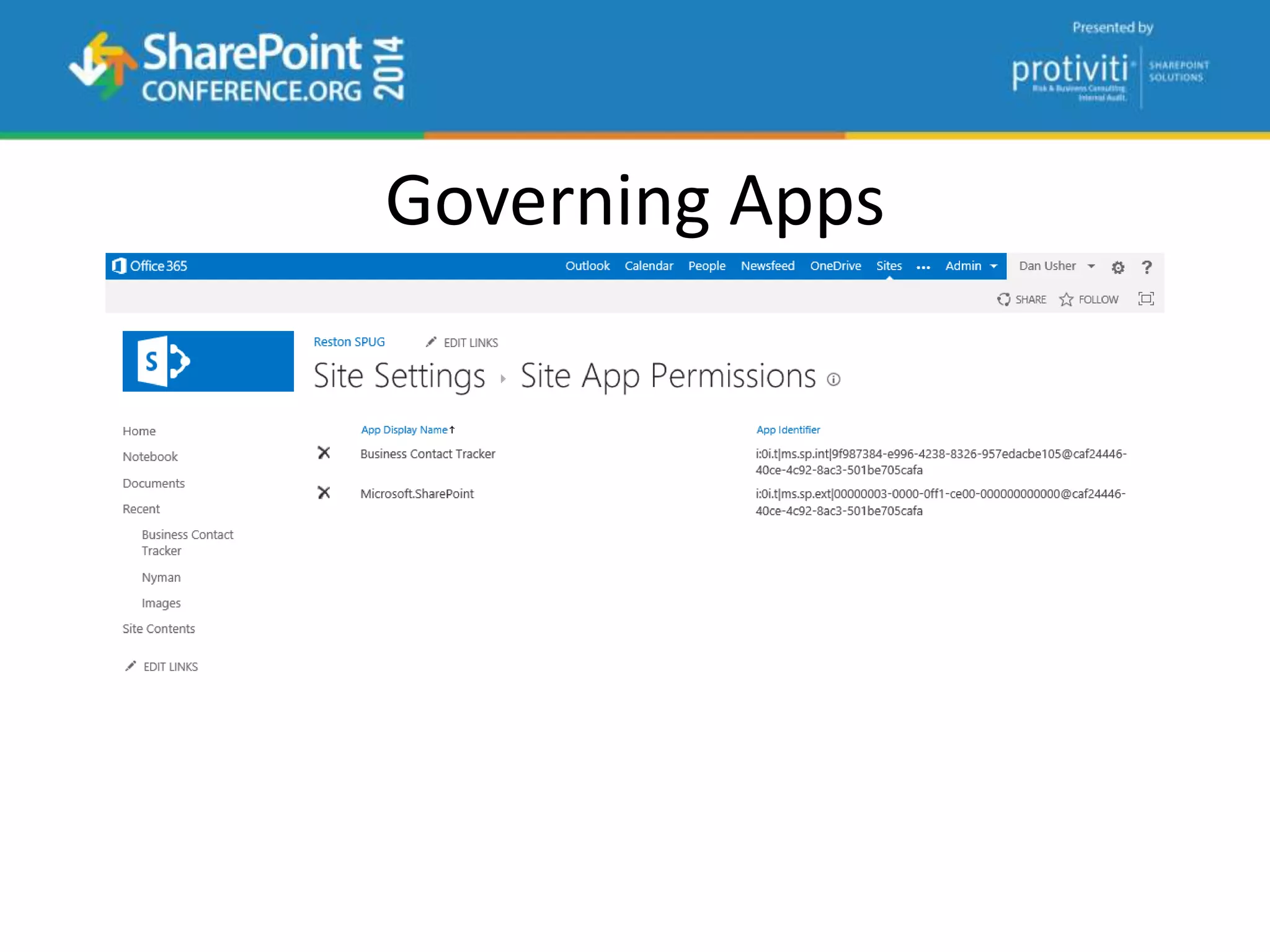
Governing Apps
questions
Catch up with ME…
Dan Usher
dan@spdan.com
@binarybrewery
www.sharepointdan.com

2014 05-19 - getting started with office 365.release

  • 1.
    Getting Started withOffice 365 Dan Usher
  • 2.
    Who am I? DanUsher Lead Associate Booz Allen Hamilton dan@spdan.com http://www.sharepointdan.com @binarybrewery
  • 3.
  • 4.
  • 6.
    Things to Cover Introduction  What is Office 365?  Will it stay online?  How to setup Office 365…  Identity and Authentication  Which Office 365 Plan…  What Office 365 provides  How does Office 365 ProPlus differ from Office 2013?  A few gotchas  Sharing and Permissions
  • 7.
  • 8.
    What users seemto think of Cloud…
  • 9.
  • 10.
    Office 365 -What is it? Latest productivity services running in Microsoft’s cloud
  • 11.
    Service Level Agreement •Office 365 is treated as a component of Microsoft’s online services • 5 day prior notification for scheduled maintenance • 99.9% Uptime Percentage • Pods and Failover • Service Credits http://microsoftvolumelicensing.com/DocumentSearch.aspx?Mode=3&DocumentTypeId=37
  • 12.
  • 13.
    What we typicallydo… http://technet.microsoft.com/en-us/library/hh495476(v=office.14).aspx
  • 14.
    What is considereddowntime? “Any period of time when users are unable to read or write any portion of a SharePoint site collection for which they have appropriate permissions.”
  • 15.
  • 16.
    Setting up aTenant • What plan do I want? • What will my Tenant Name be? • Who will be my Tenant Administrator? • How will users Authenticate?
  • 17.
    What’s in aName? Where’s a tenant name show up? User Logons • John.Doe@tenant.onmicrosoft.com* Email Addresses • John.Doe@tenant.onmicrosoft.com* Private Collaboration Sites • https://tenant.sharepoint.com
  • 18.
  • 19.
    Authentication Options inThe Cloud™ • Cloud Identity • Directory and Password Synchronization • Federation
  • 20.
    Identity Scenarios Cloud Identity Singleidentity in the cloud with no integration to on- premises directories Directory & Password Synchronization Single identity and credentials Federated Identity Single federated identity and credentials
  • 21.
    Planning for Office365 Office 365 Service Description http://www.office365sd.com Office 365 Deployment Guide http://technet.microsoft.com/en-us/library/hh852466.aspx Office 365 Advanced Deployment Guide http://technet.microsoft.com/en-us/library/hh852483.aspx Deployment Readiness Tool https://onramp.office365.com/onramp/ SharePoint Online Filterable Comparison http://technet.microsoft.com/en-us/office365/fp123607
  • 22.
    The Human Side TrustCenter https://trust.office365.com Change Management Plans http://technet.microsoft.com/en-us/office365/dn342872.aspx Training Center http://office.microsoft.com/en-us/office-365-for-business-learning-center-FX102821134.aspx Learning Paths https://mspartnerlp.mspartner.microsoft.com/LearningPath Certification - Office 365 MCSA http://www.microsoft.com/learning/en-us/mcsa-office365-certification.aspx Managing Office 365 Identities and Requirements (70-346) Enabling Office 365 Services (70-347)
  • 23.
  • 24.
  • 25.
  • 26.
    Small and Mid-SizeBusiness Plans (P Plans) Exchange based email OneDrive for Business Lync Online SharePoint Online Small Business Premium and Mid-Size Business includes… Word, Excel, PowerPoint, Outlook, OneNote, Access, Publisher, Lync Mid-Size Business includes InfoPath and Active Directory Integration
  • 27.
    Enterprise Plans (EPlans) Exchange based email OneDrive for Business Lync Online SharePoint Online E3 / E4 plans include… Word, Excel, PowerPoint, Outlook, OneNote, Access, Publisher, Lync, InfoPath Active Directory Integration Yammer
  • 28.
    Office 365 ProPlusversus Office 2013 Office Professional Plus 2013 • MSI-based installation • Settings inherited from Office 2010 installation • Does not support multiple versions (2010 and 2013) simultaneously • Licensing can be through MAK, KMS or AD based activation • Used for Terminal Services Gateway, Remote Desktop Server, Shared Computers and Closed Networks Office 365 ProPlus • Click-to-Run (C2R) installation • App-V foundation • Allows for Side by Side operation (2010 and 2013) • Licensing handled through Office Subscription-based Activation • Used for Physical or Virtual Machines
  • 30.
    What about… • ProjectOnline – Project Lite - May 1 • Visio Online • CRM Online • Government Community Cloud Office 365 • Dedicated ITAR Office 365
  • 32.
    Core Capabilities -SharePoint Online Capability Plan 1 Plan 2 FilesSizesandStorage Access a team intranet site Yes Yes Create a team intranet site Yes Yes Incremental team storage beyond 10 GB 500 MB per user 500 MB per user Maximum storage per site collection 1 TB 1 TB Maximum storage per subscription Unlimited Unlimited My Sites personal storage and file sharing 500 MB per user 500 MB per user
  • 33.
    Core Capabilities -Office 365 Suites Capability E3 G3 Kiosk FilesSizesandStorage Access a team intranet site Yes Yes Yes Create a team intranet site Yes Yes No Incremental team storage beyond 10 GB 500 MB per user 500 MB per user 0 Maximum storage per site collection 1 TB 100 GB 0 Maximum storage per subscription Unlimited 25 TB 0 My Sites personal storage and file sharing 1 TB 25 GB 0
  • 34.
    SharePoint Online Plan1 with 500 Users 10 GB + (500 MB x 500) Total SharePoint Storage - 260 GB pooled OneDrive for Business per user - 500 MB (250 GB unpooled) Office 365 Small Business with 25 Users 10 GB + (500 MB x 25) Total SharePoint Storage - 12.5 GB pooled OneDrive for Business per user - 25 GB (625 GB unpooled) Office 365 E3 with 500 Users 10 GB + (500 MB x 500) Total SharePoint Storage - 260 GB pooled OneDrive for Business per user - 1 TB (500 TB unpooled) Storage for my tenant…
  • 35.
    Core Capabilities -External Users Capability External FilesSizesandStorage Access a team intranet site When invited Create a team intranet site No Incremental team storage beyond 10 GB 0 Maximum storage per subscription 0 My Sites personal storage and file sharing 0
  • 47.
    What’s this OneDrivefor Business thing? It’s not OneDrive through Live Services! Office 365 provides for 1 TB per user document library* Fewer file type restrictions that other document libraries Allows for sharing like any other document library Installs with Office 365 ProPlus / 2013 applications Can be installed with OneDrive for Business Client Synchronizes files with OneDrive for Business every 10 minutes Doesn’t replace SharePoint Workspaces Backstage OneDrive for Business Windows Sync Client Windows (File) Explorer (Favorites) OneDrive SharePoint OneDrive @ SPDelta OneDrive for Business My Sites MySite Host Personal Site Collection OneDrive for Business document library Team Sites Document Libraries
  • 49.
    What’s included inSharePoint Online? • Social • OneDrive for Business, Newsfeeds, Community Sites/Portals • External Users • Sites, Project Sites, Collaboration Sites/Portal • Power BI* • Office Graph and Oslo* • eDiscovery • Search • Apps • Workflow • Cross Site Publishing • Content Search Web Parts • Yammer Integration
  • 50.
    Application Development • Apps!Apps! Apps! • Use SharePoint components • Surface remote data • Offload business logic • Access SharePoint list data • Make SharePoint a portal for other applications • Integrate SharePoint with Office applications and services Apps for SharePoint overview
  • 51.
    What about Yammer? •Comes with Office 365 E3 plan • Provides for discussions and polls • Allows for external network collaboration • Replaces SharePoint Online’s Social
  • 52.
  • 53.
  • 55.
  • 56.
    Gotchas • Adding anapp – Requires a Live Account (Microsoft Account) • Adding an external user – Follow the token • SharePoint Hosted Apps - Deployment • What version are you running? – https://<your tenant>.sharepoint.com/_vti_pvt/buildversion.cnf • How do you test production versus a test tenant? – Chris O’Brien - http://www.sharepointnutsandbolts.com/2014/03/Office- 365-first-release-and-nda-preview.html
  • 58.
  • 59.
    Setting Permissions withinthe Site Collection
  • 60.
    Office 365 SharingAccess Requests
  • 61.
  • 62.
  • 63.
  • 64.
  • 65.
  • 66.
  • 67.
    Catch up withME… Dan Usher dan@spdan.com @binarybrewery www.sharepointdan.com