Download as PDF, PPTX



![sdk <command> [candidate] [version]
General Usage](https://image.slidesharecdn.com/sdkman-190331153525/75/SDKMAN-9-2048.jpg)
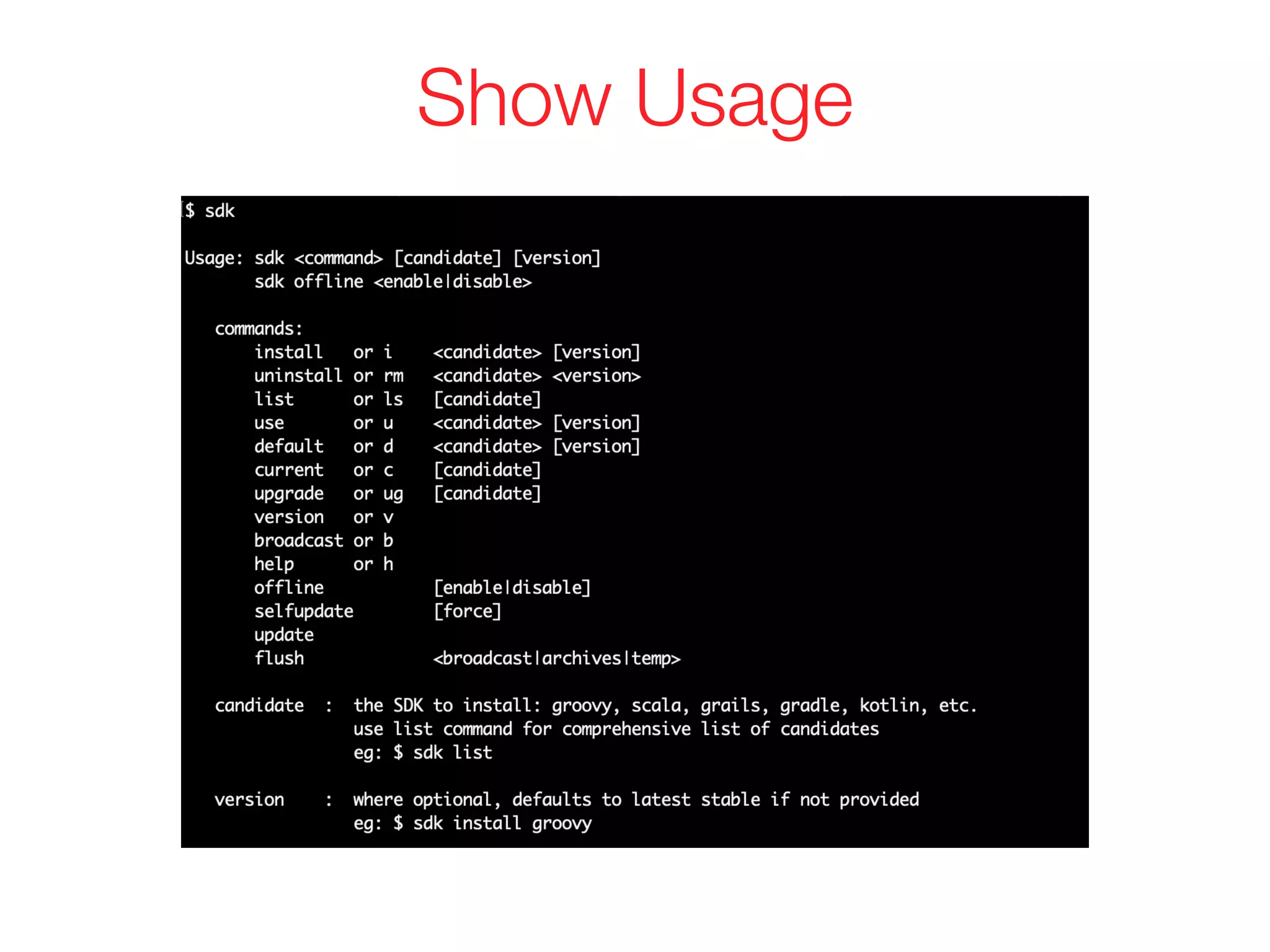
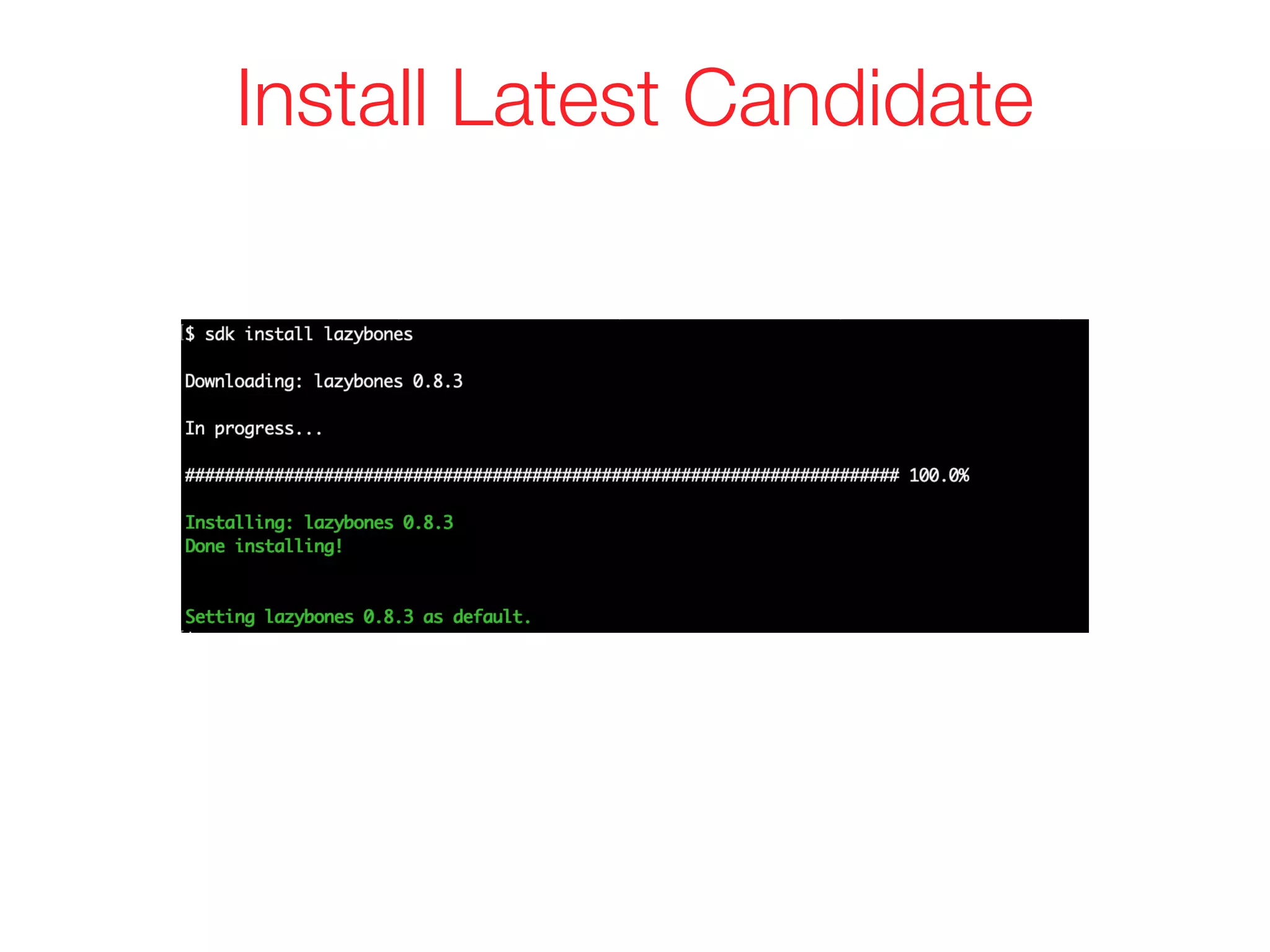
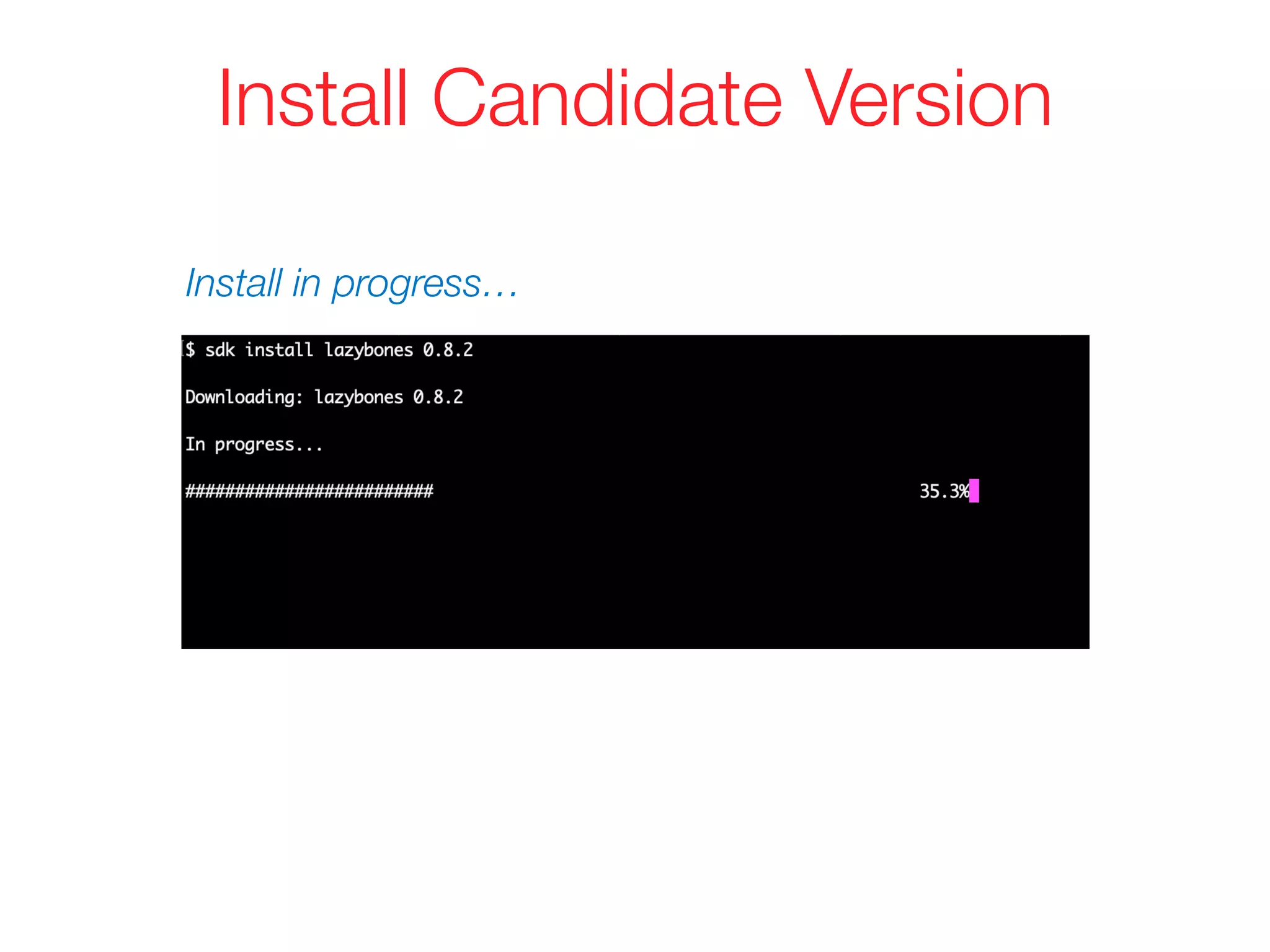
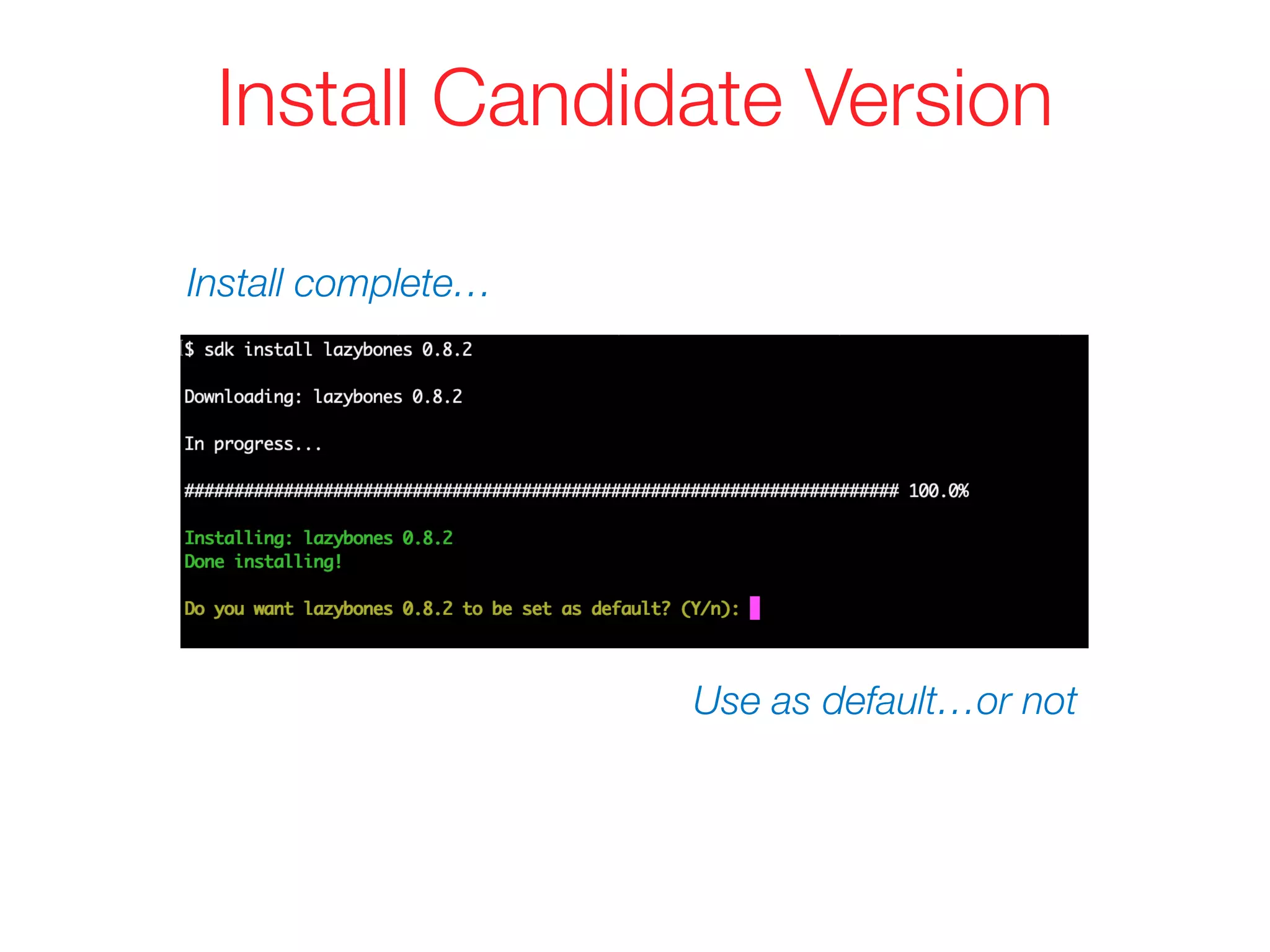
![sdk offline <enable|disable>
Misc. Usage
sdk flush <broadcast|archives|temp>
sdk selfupdate [force]
sdk update](https://image.slidesharecdn.com/sdkman-190331153525/75/SDKMAN-20-2048.jpg)
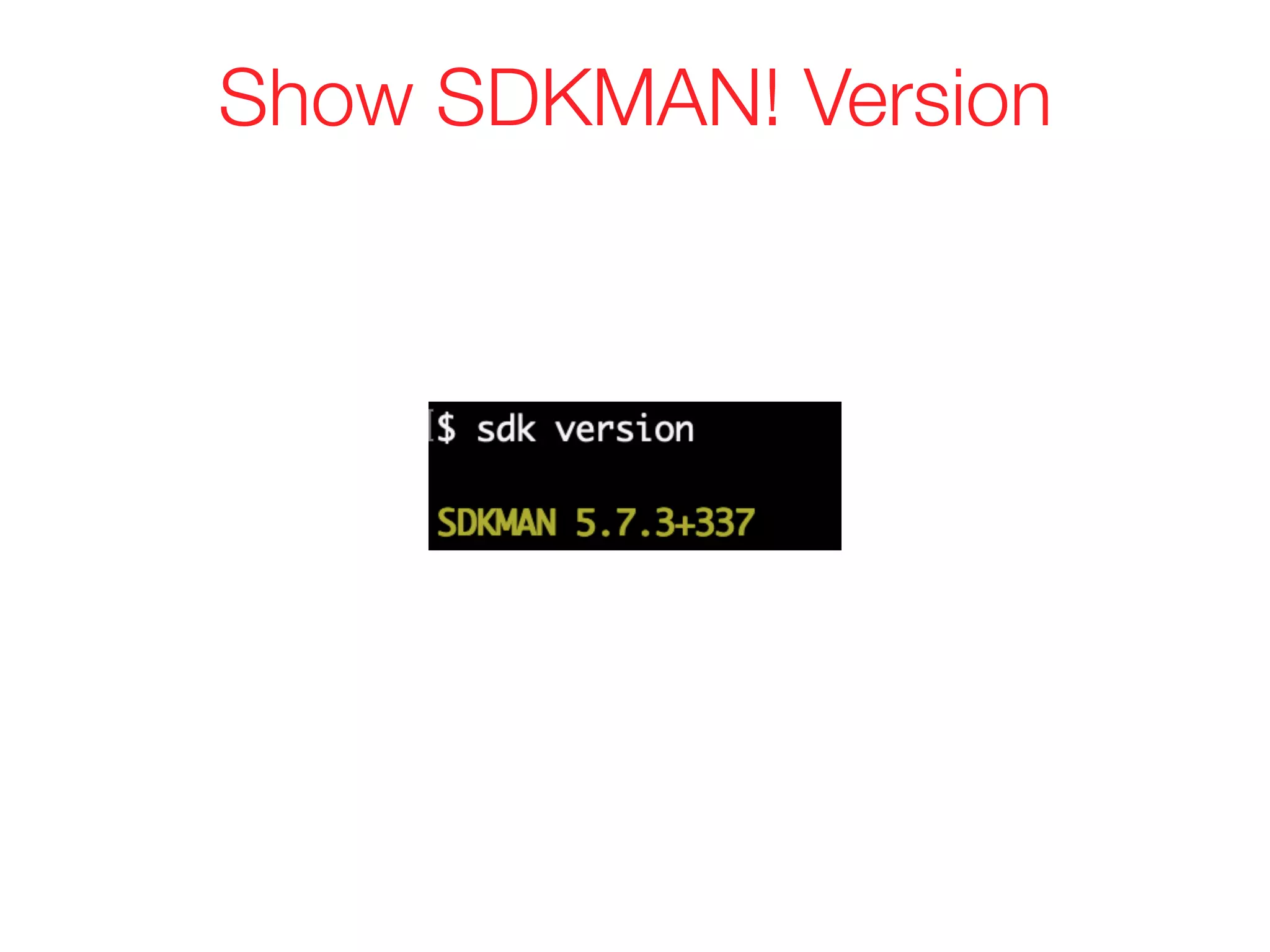
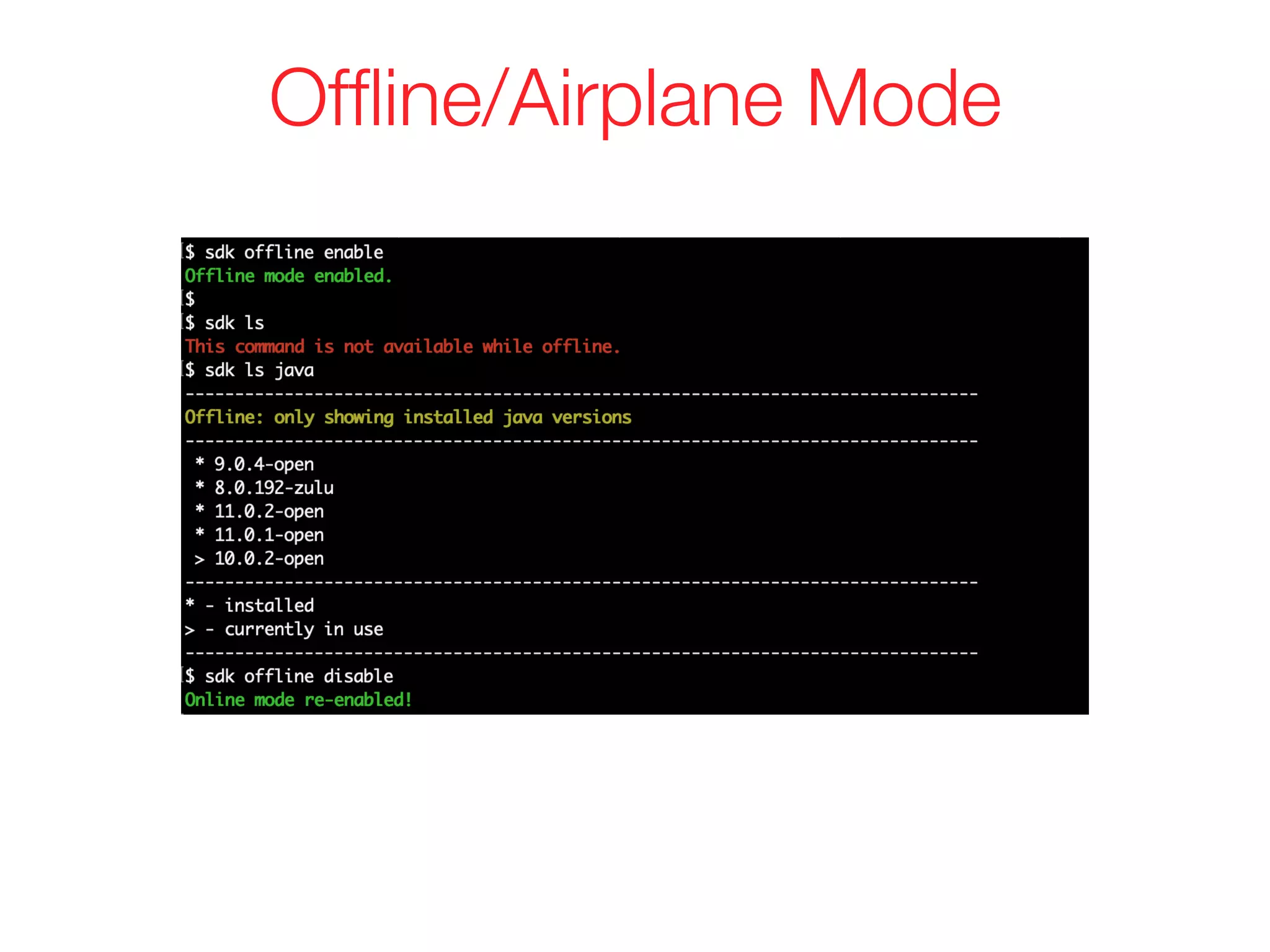
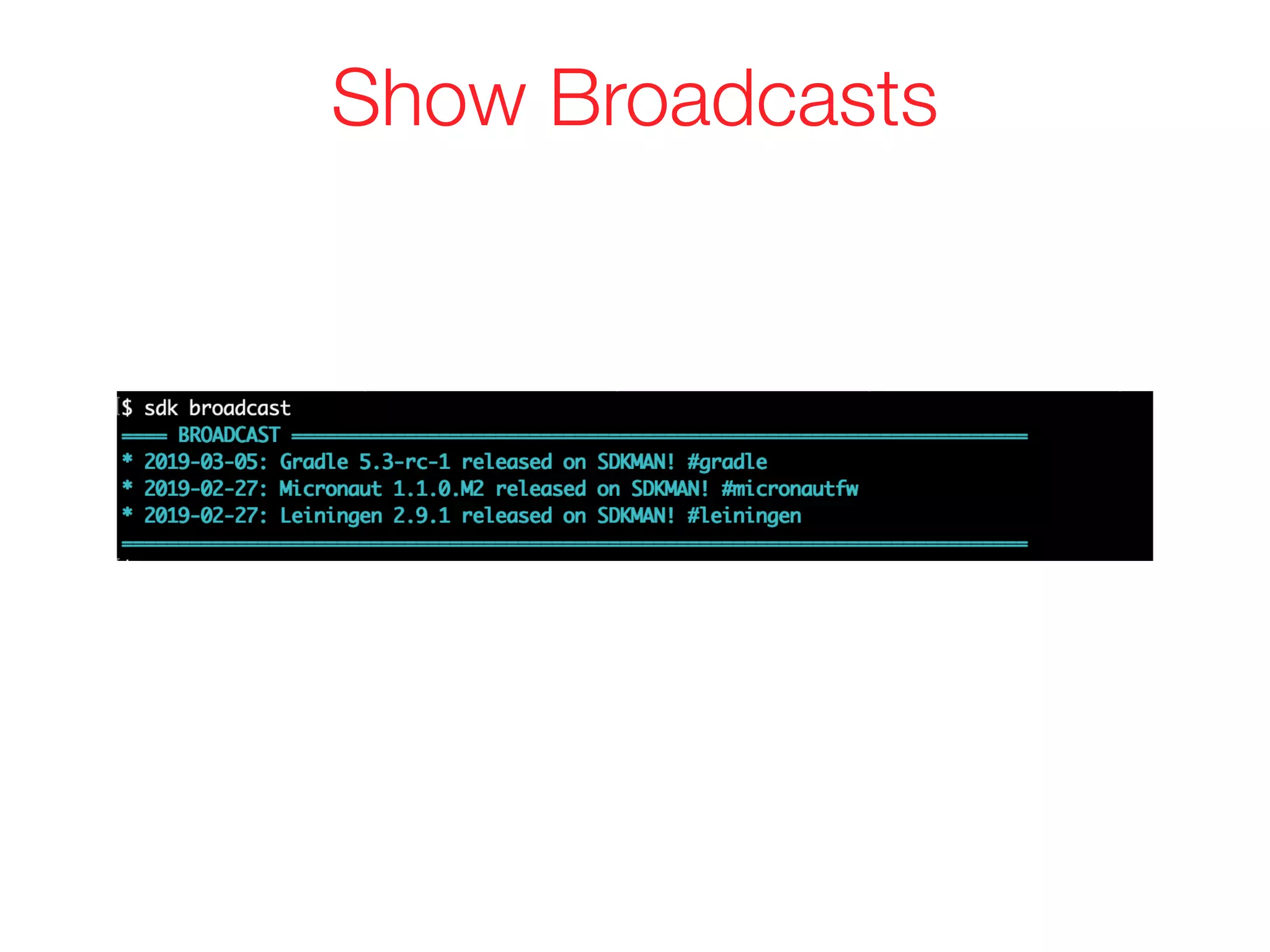
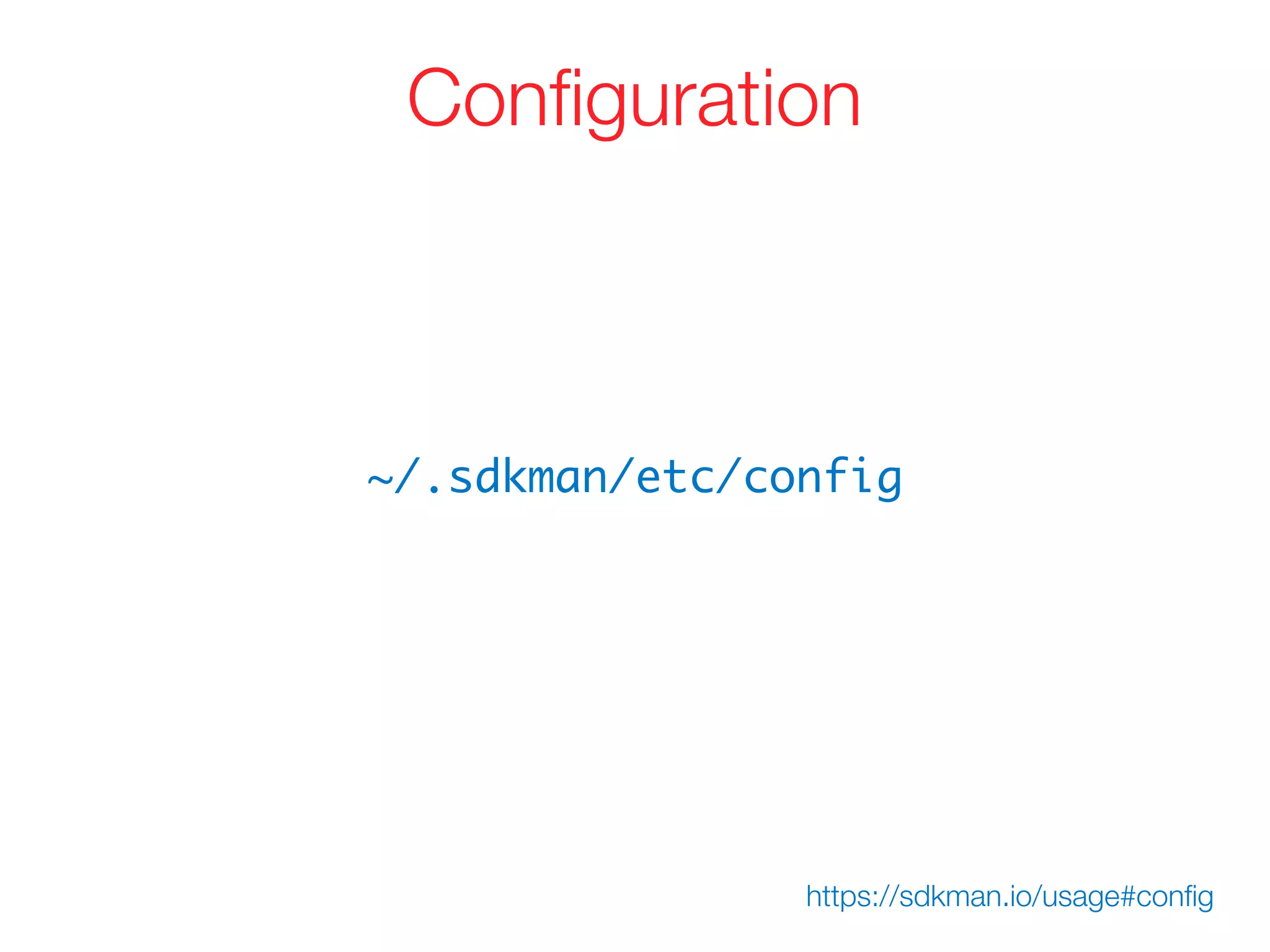
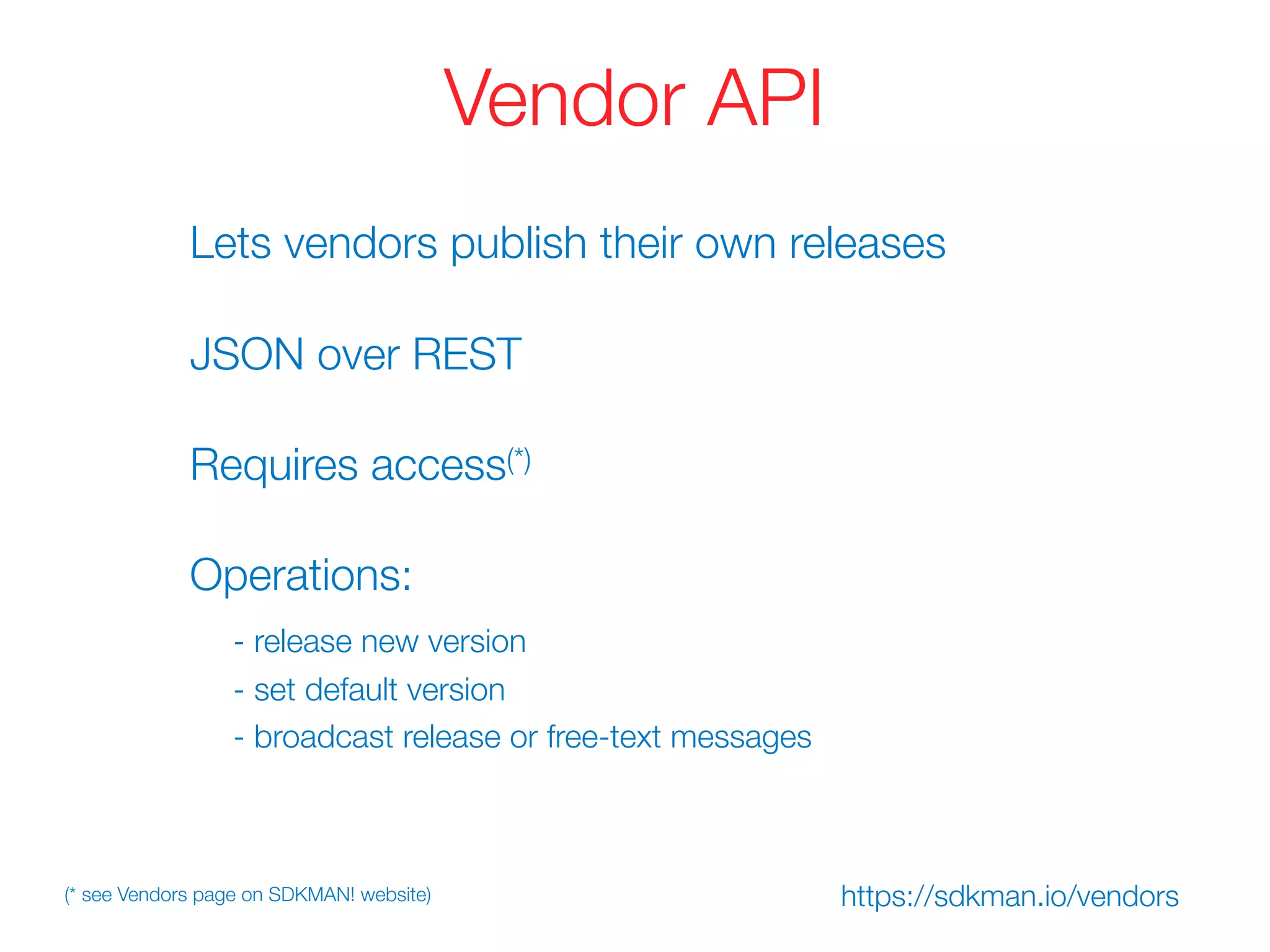
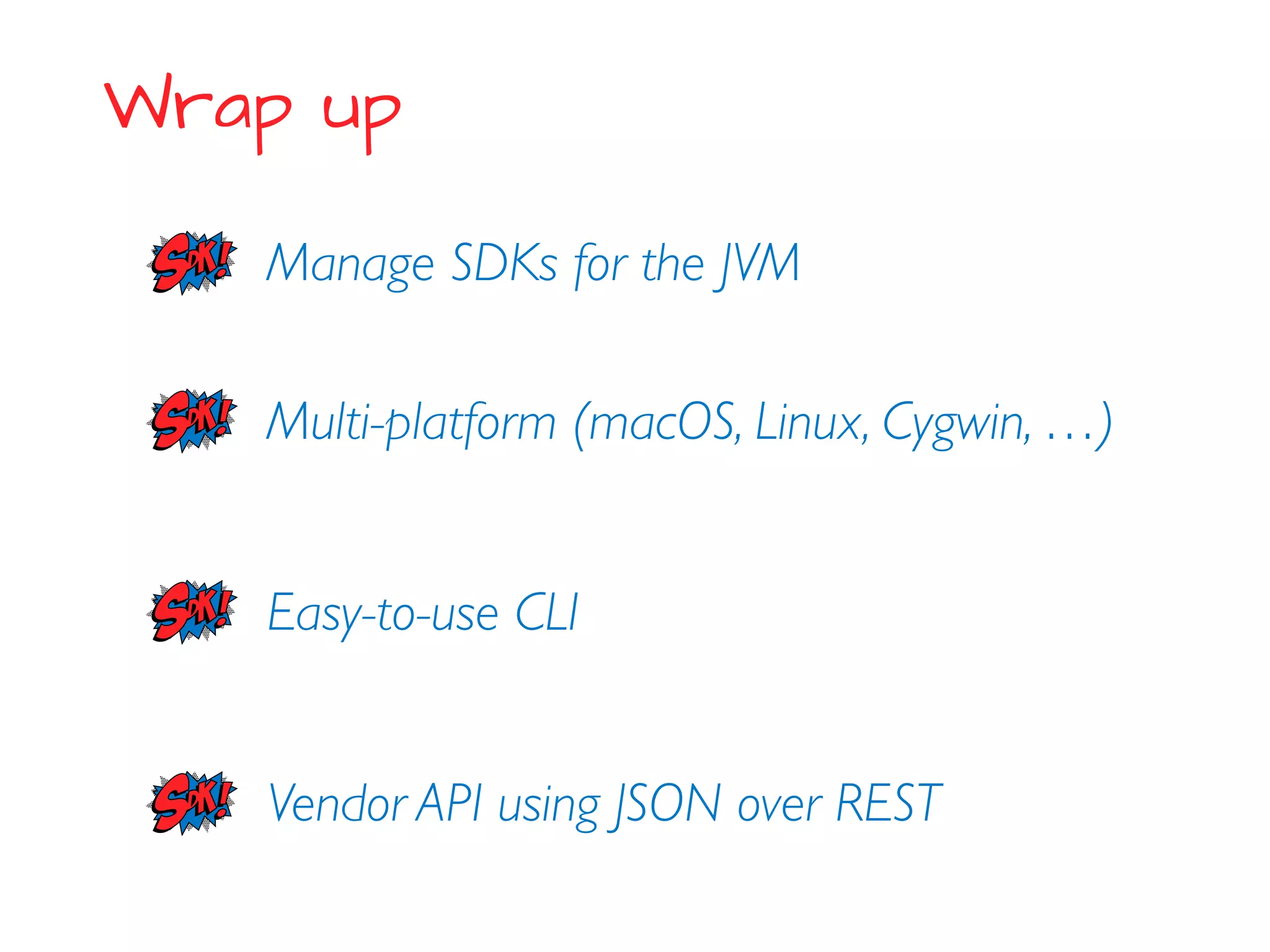
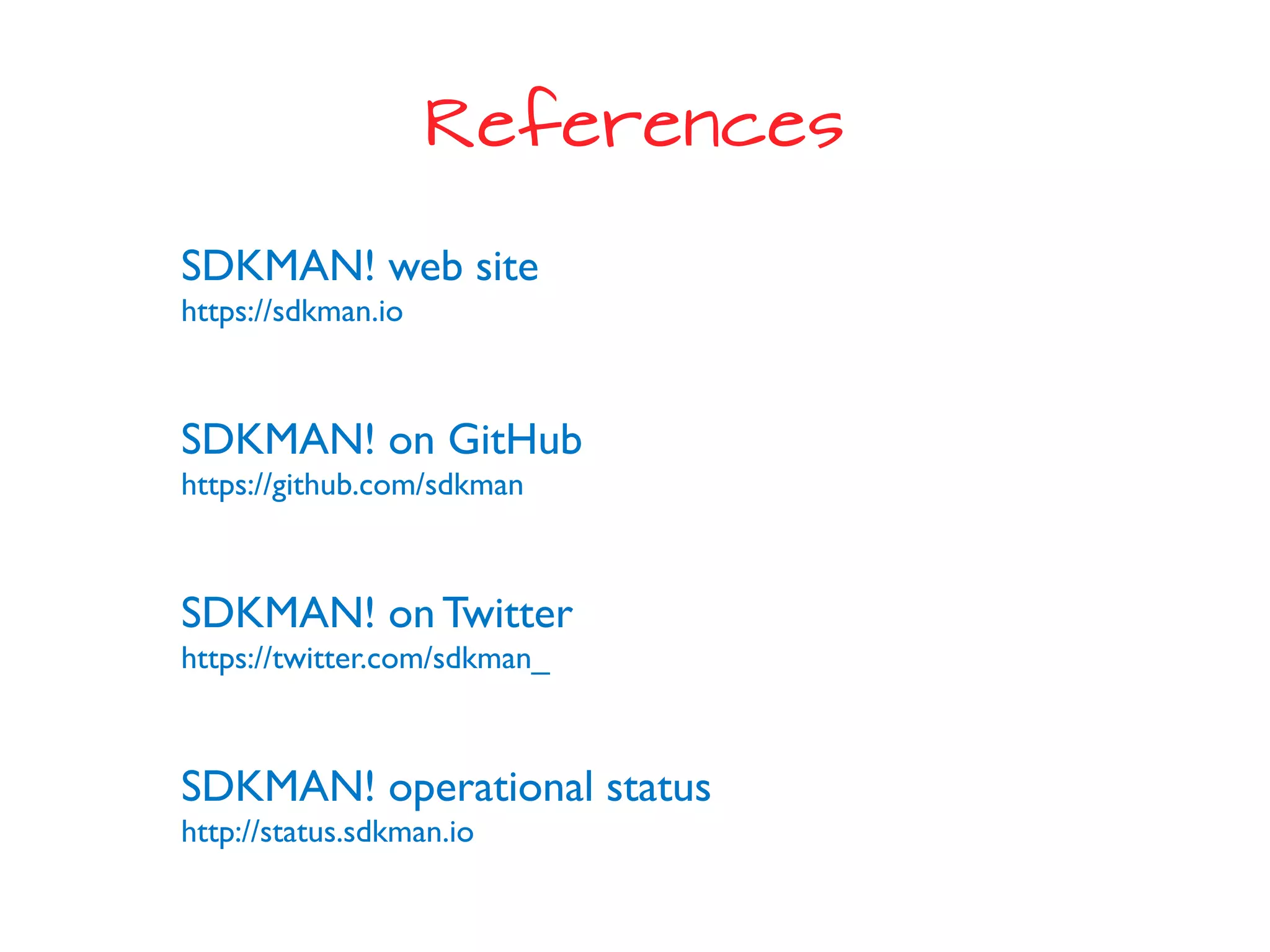


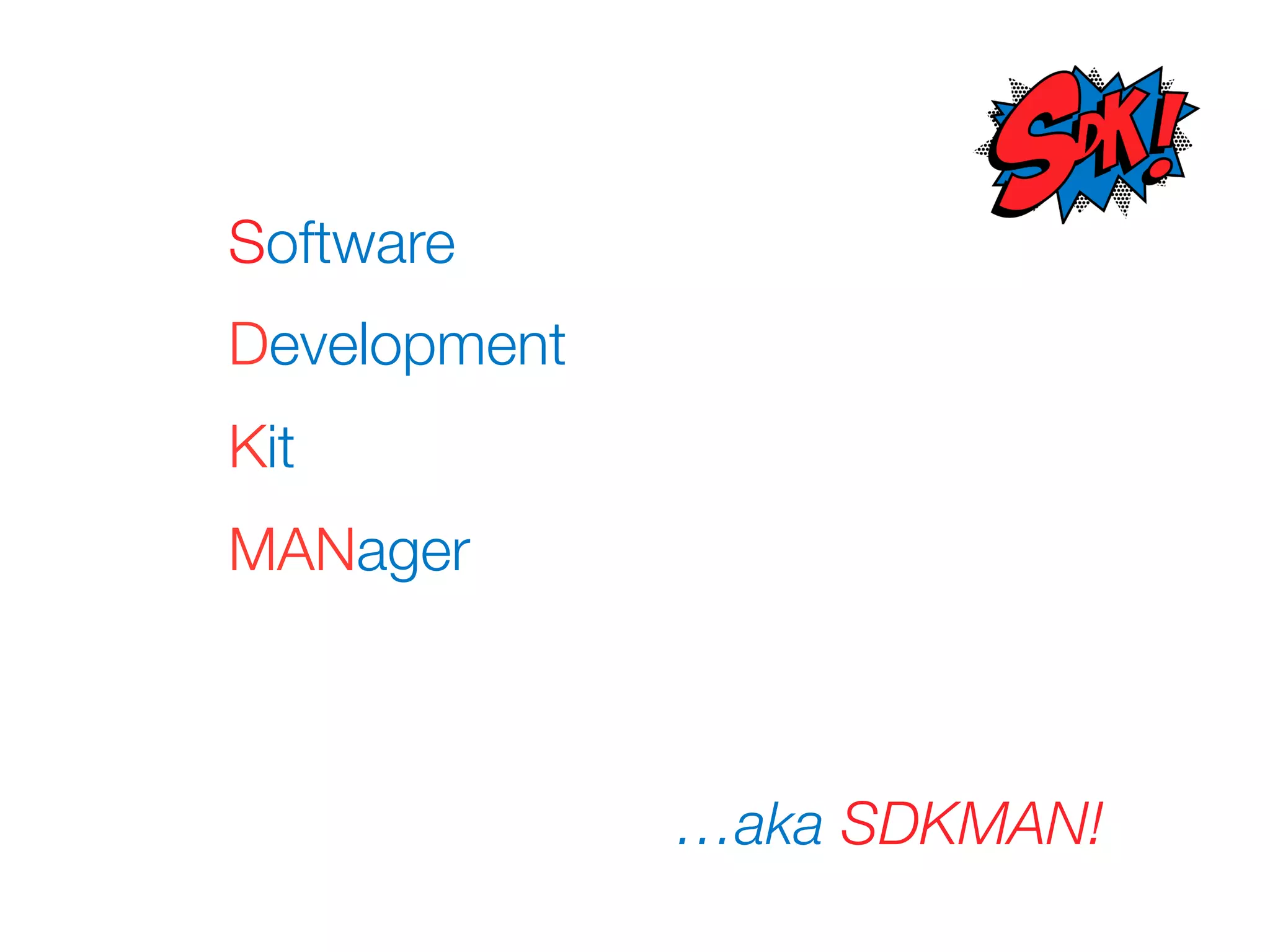
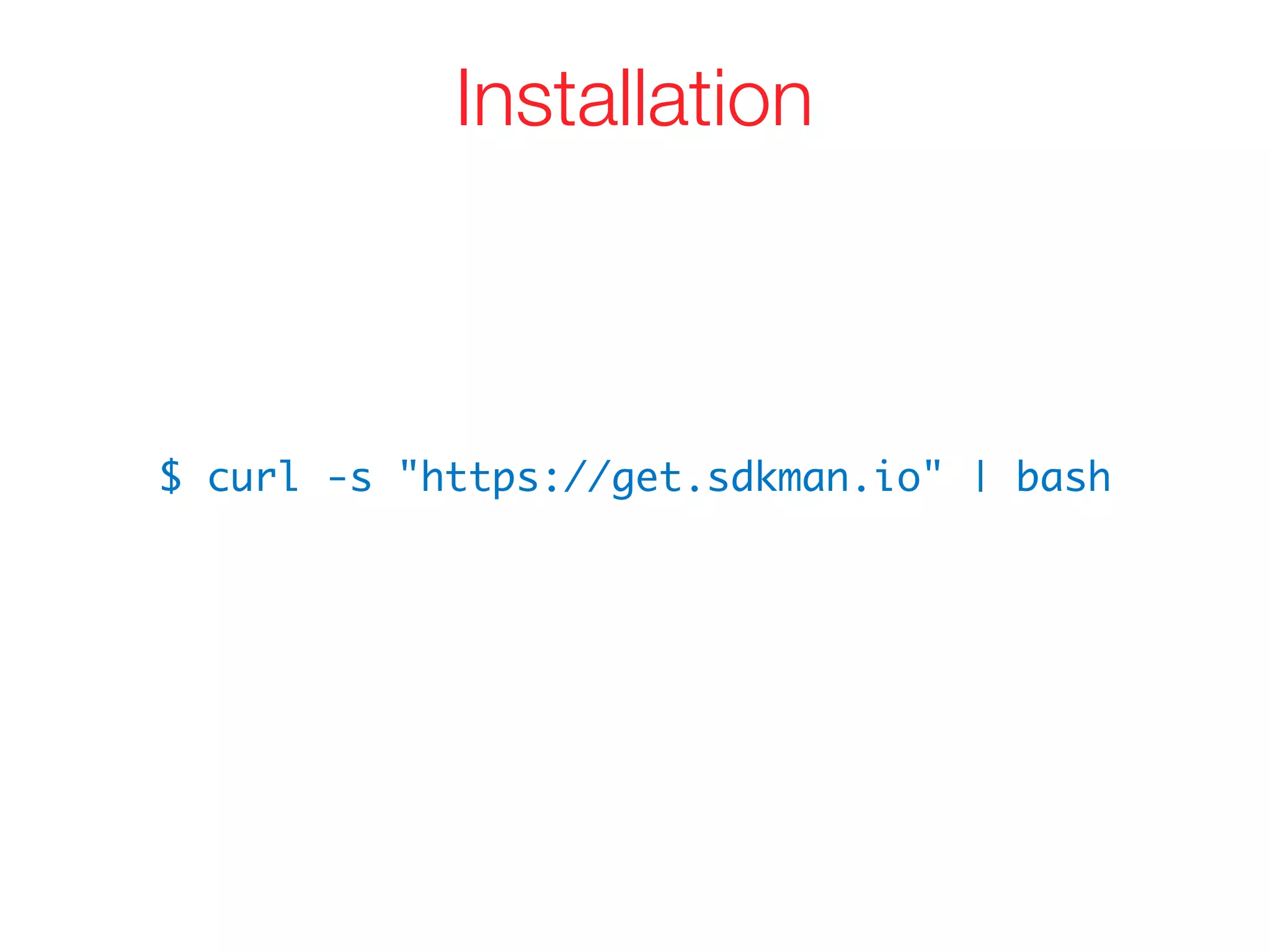
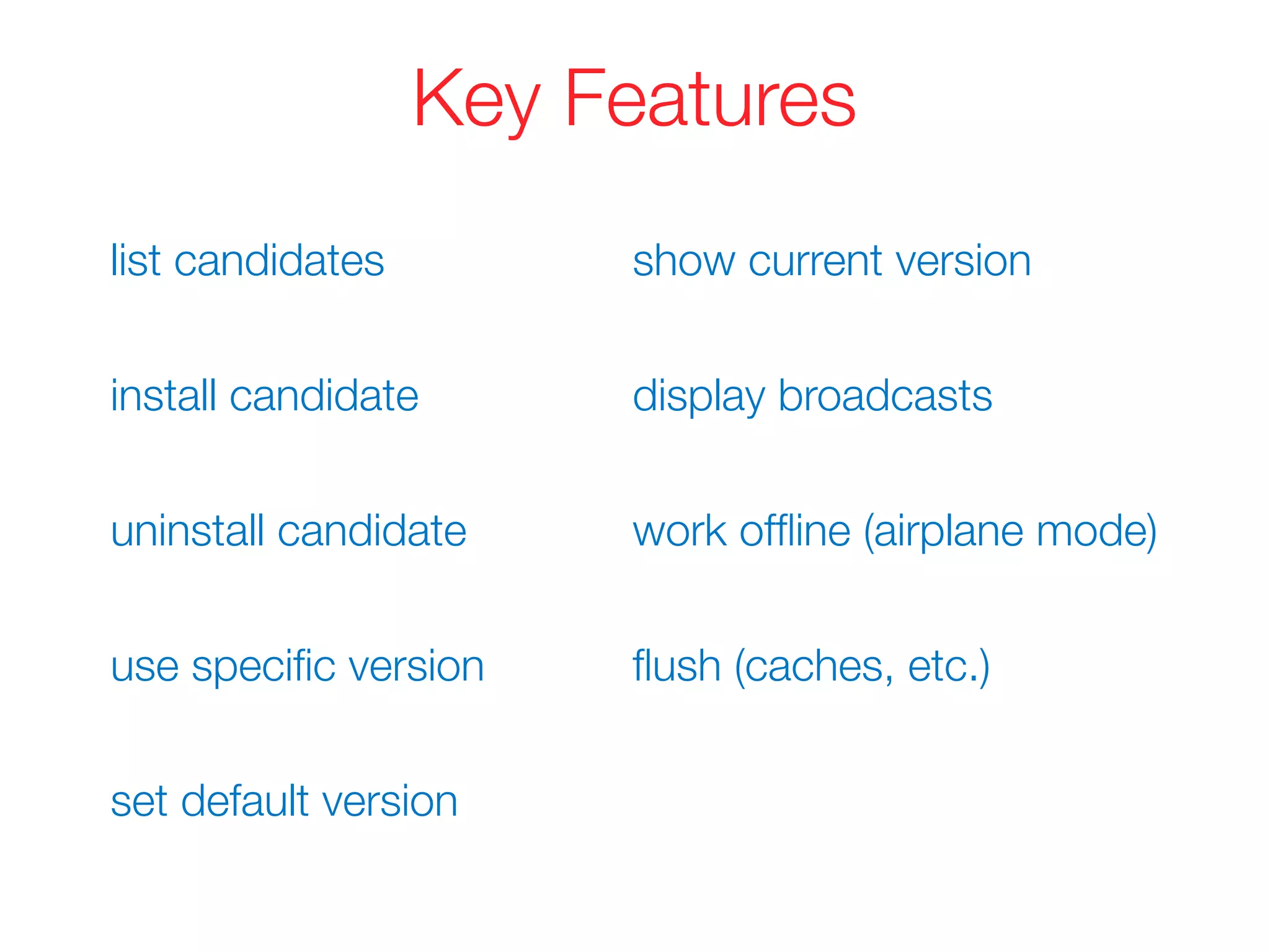
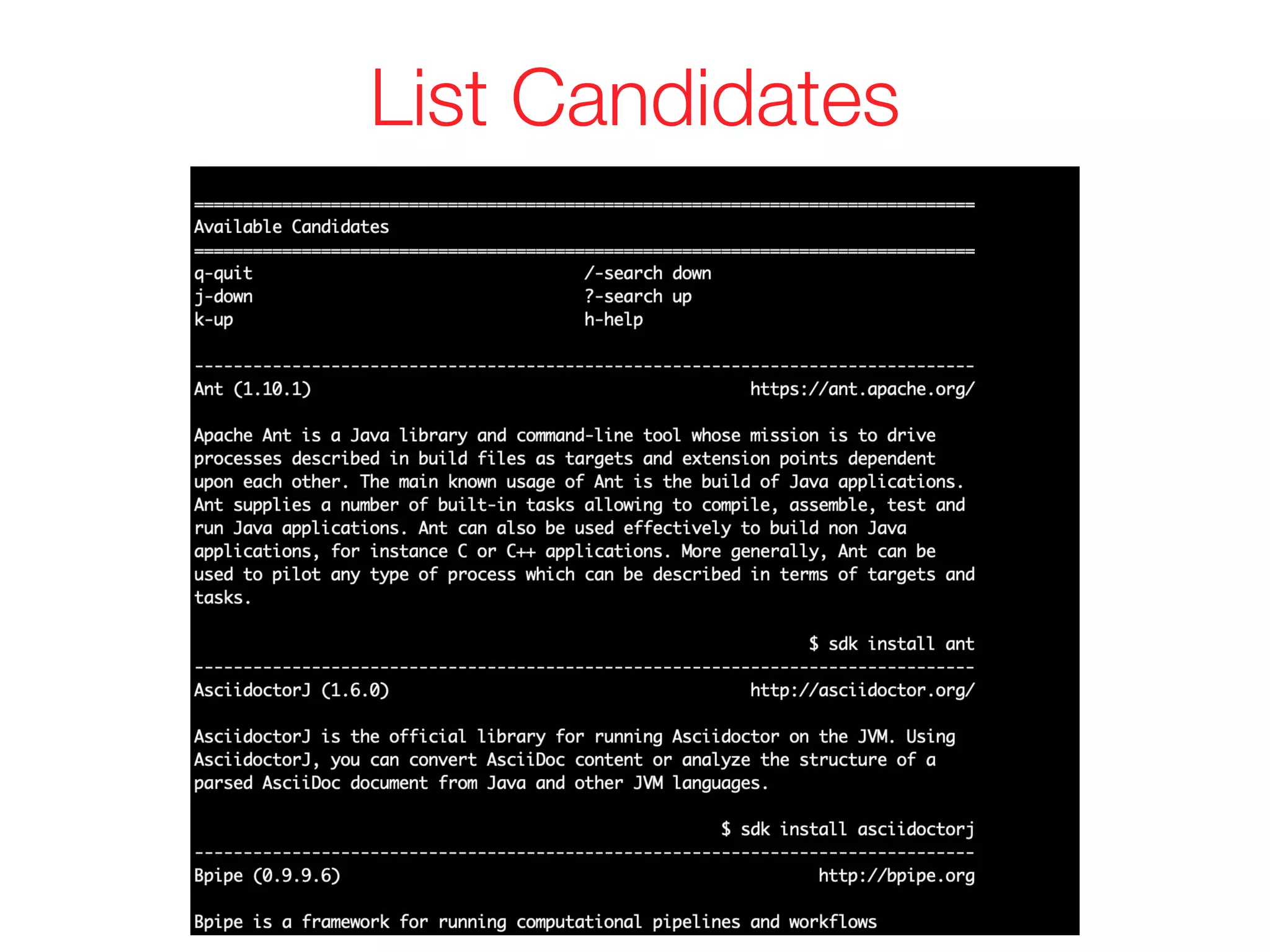
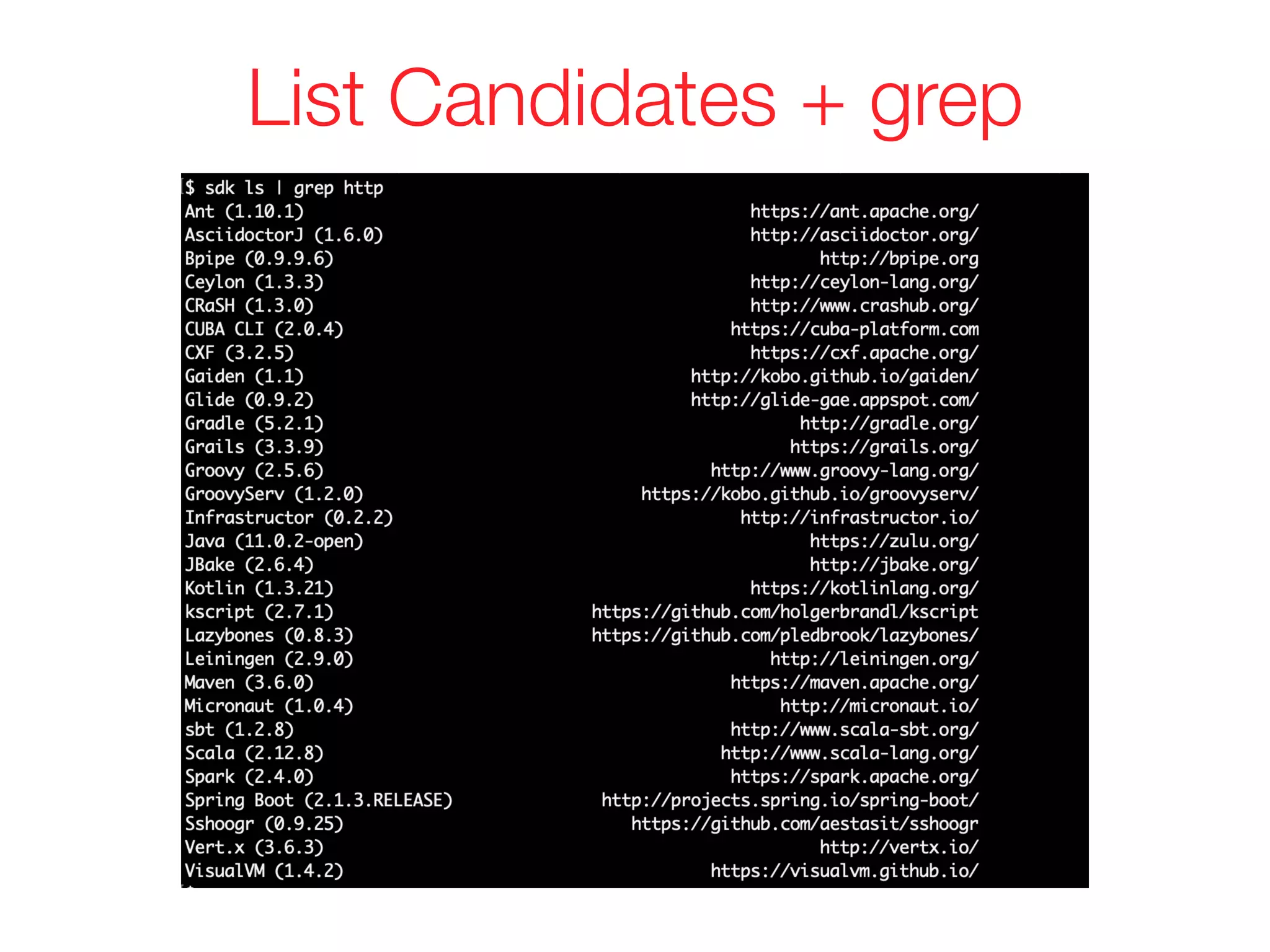
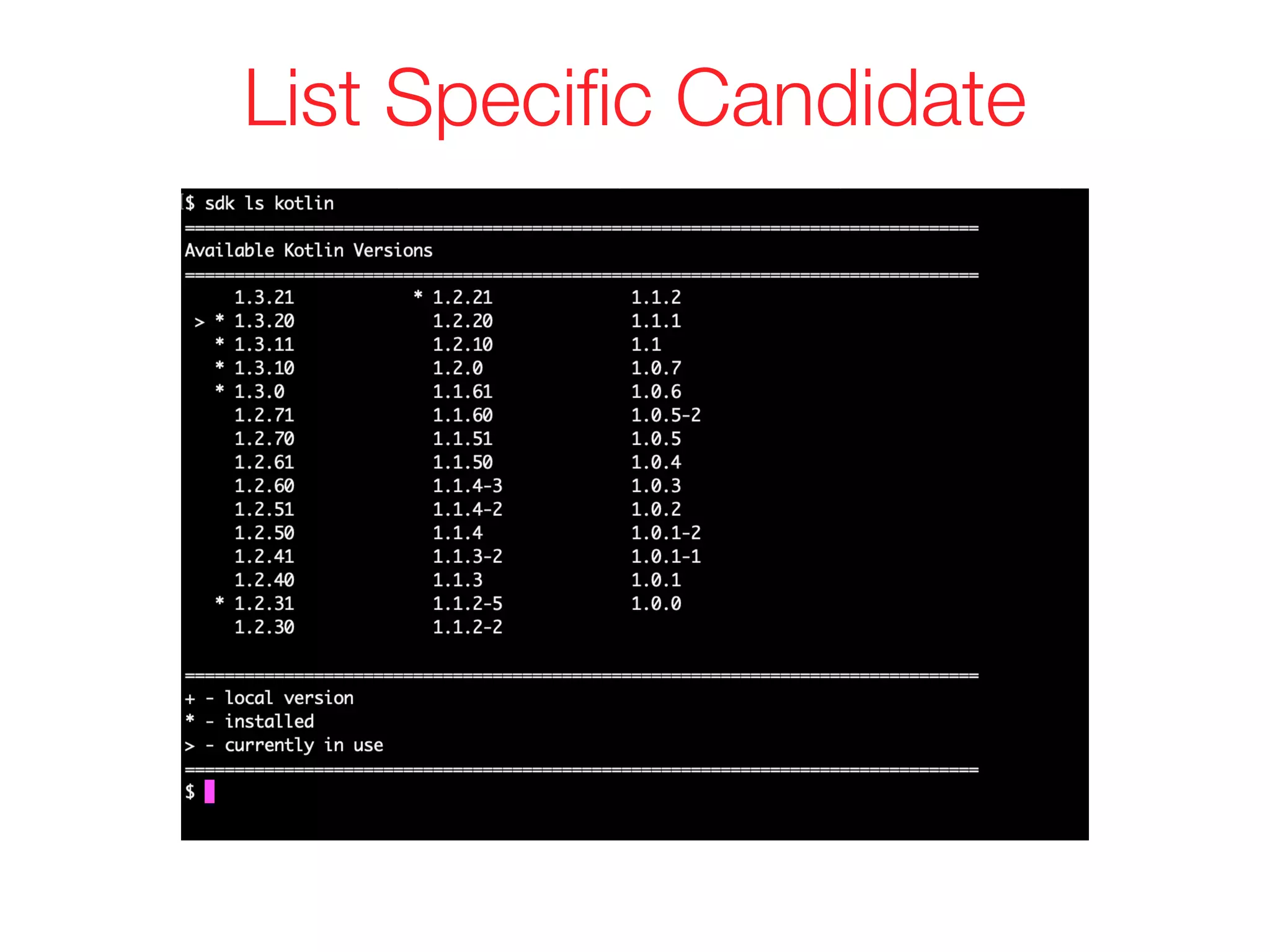
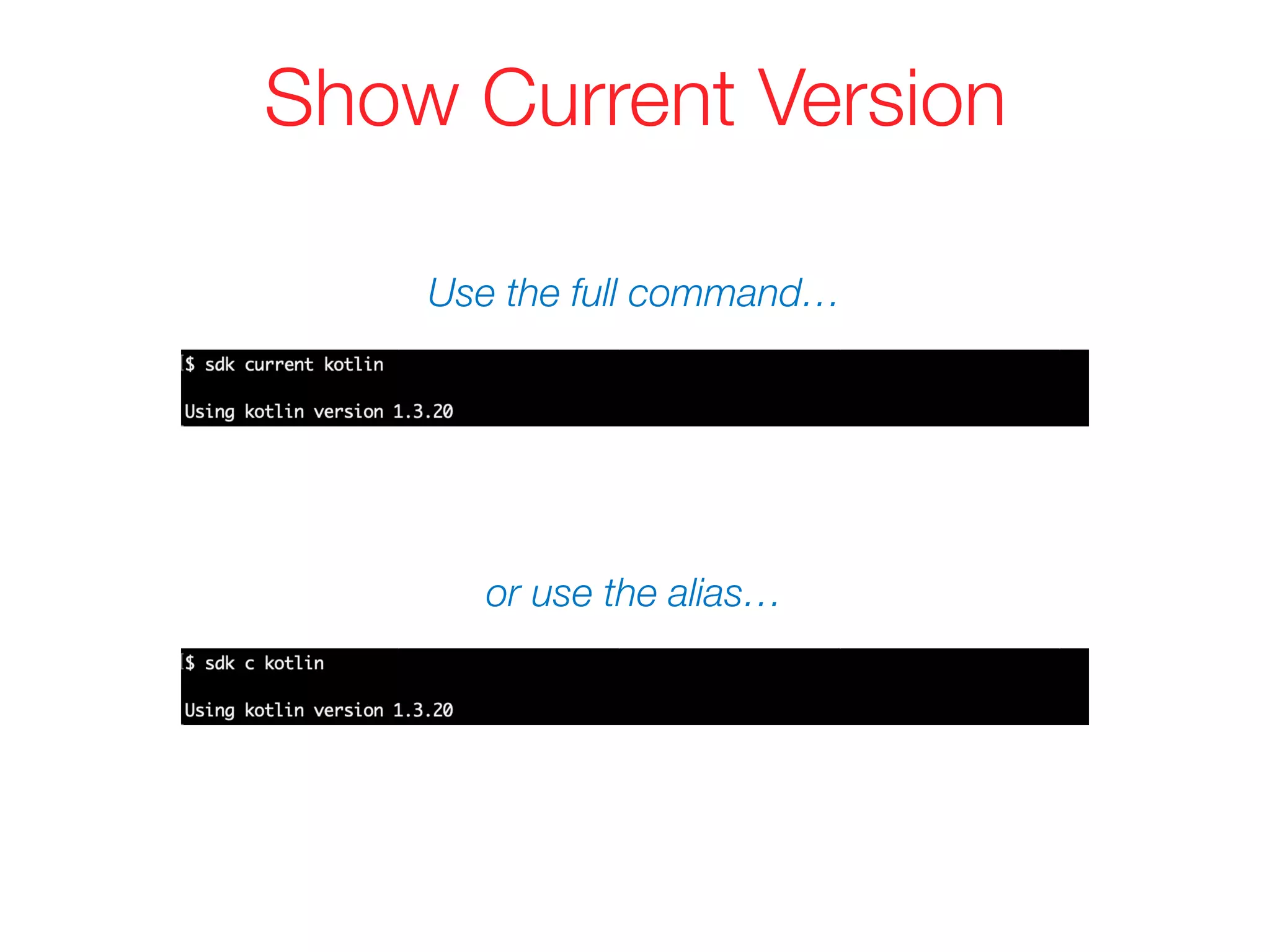
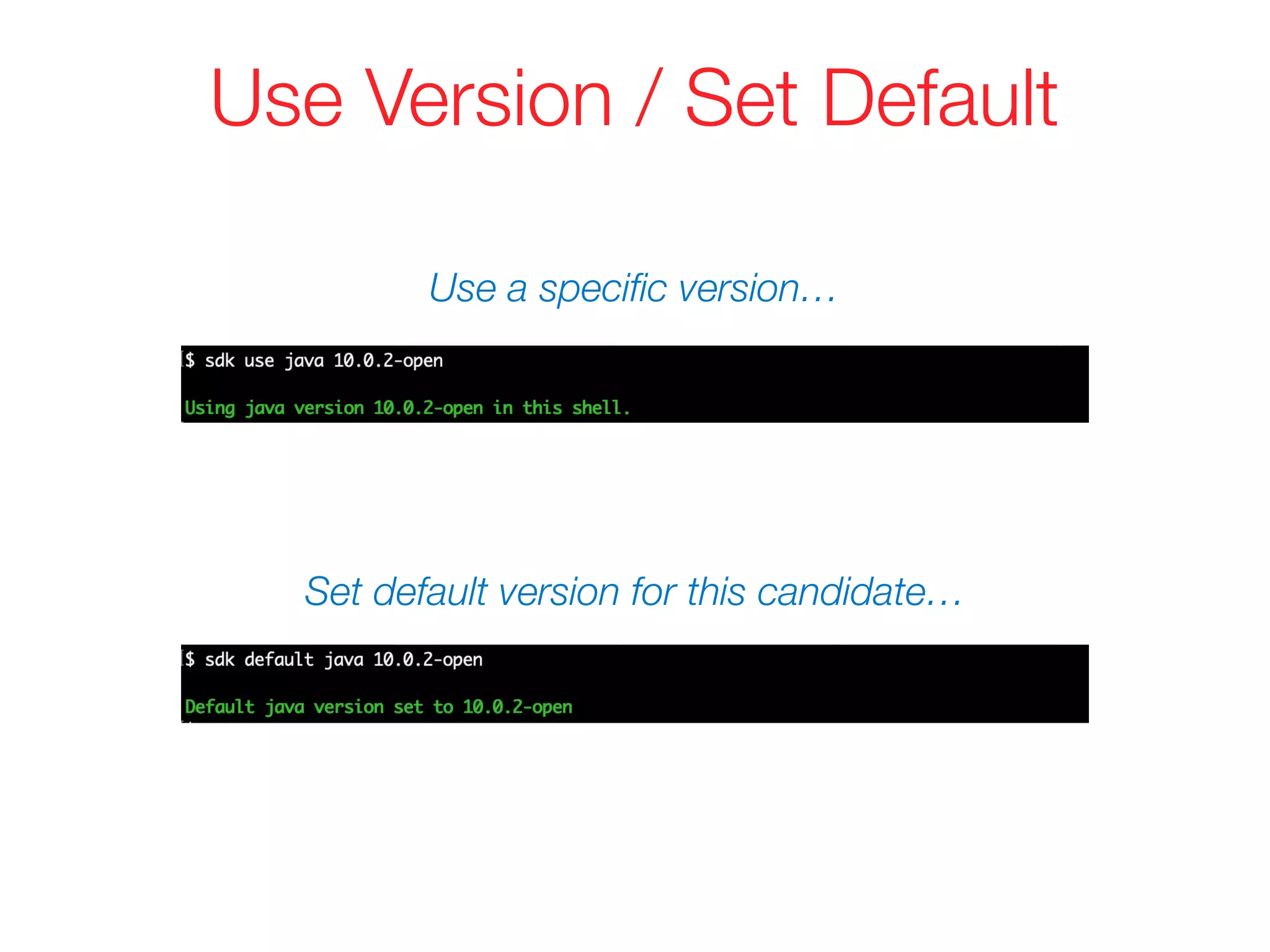
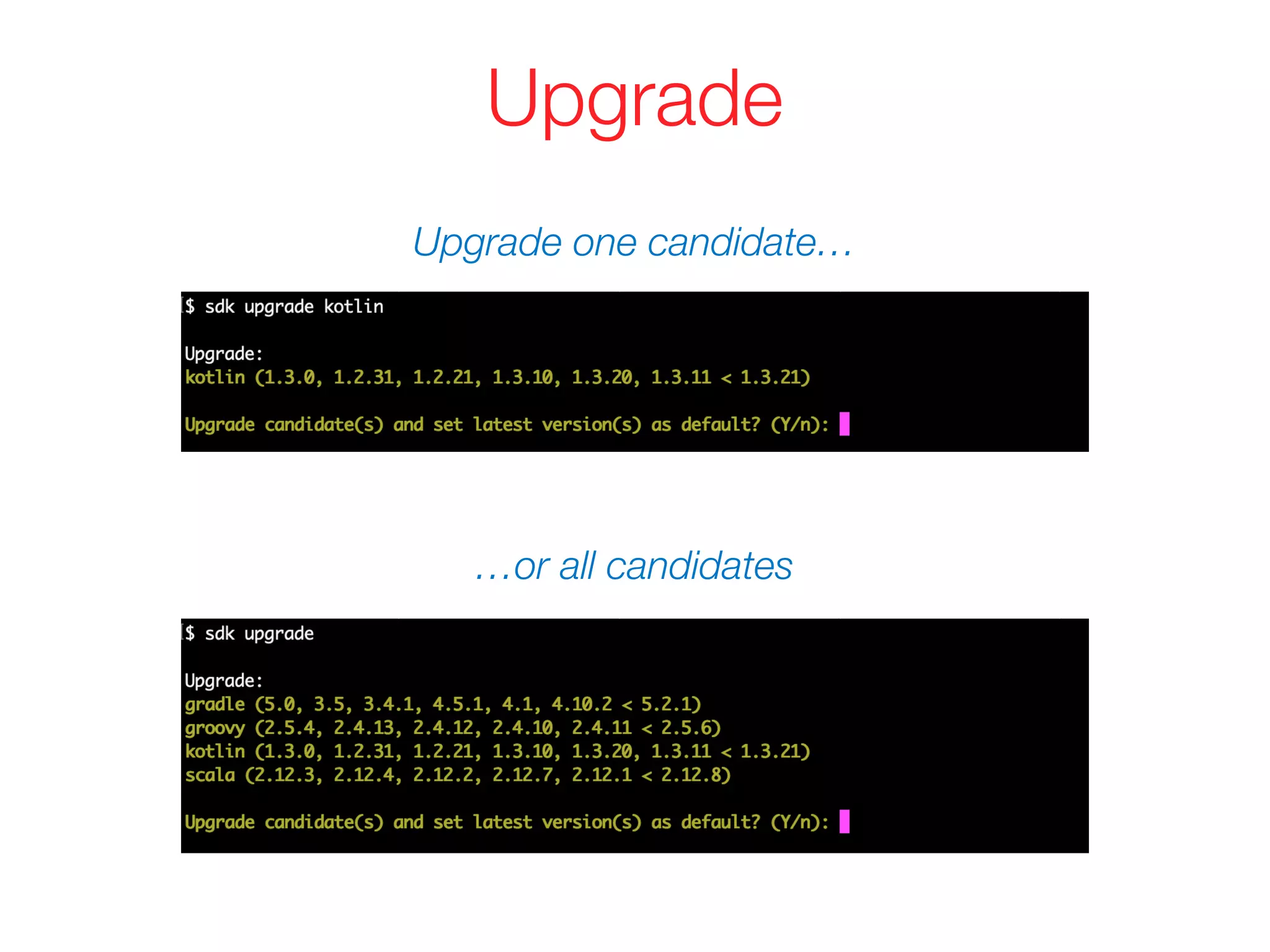
The document provides an overview of SDKMAN!, a tool for managing software development kits (SDKs), including features for installing, switching, and managing different SDK versions. It outlines installation instructions, usage commands, and functionality such as offline mode and vendor API for publishing releases. SDKMAN! is designed for ease of use across multiple platforms and includes resources for further information.


![Vibe Coding vs. Spec-Driven Development [Free Meetup]](https://cdn.slidesharecdn.com/ss_thumbnails/vibecodingvsspecdrivendevelopment-251209105622-43f455e7-thumbnail.jpg?width=640&height=640&fit=bounds)


