Sascha Möllering | zanox AG 
Cloud Architecture
About me 
Sascha Möllering 
sascha.moellering@zanox.com 
Lead Engineer / DevOps Hipster 
zanox AG 
http://www.der-maschinenstuermer.de/ 
@sascha242
About me 
Java Magazin 11.14 
Architektur im Kontext der Cloud: Patterns und 
Best Practices 
AWS Virtual Cloud Summit 
Continuous delivery in AWS using Docker 
http://aws-summit.de/ 
Entwickler Spezial: Docker 
Über den Wolken: Ein Erfahrungsbericht zum 
Docker-Einsatz in der Amazon Cloud
Agenda 
• AWS Overview 
• Creating a cloud service 
• Real World example 
• Cloud deployment 
• Q&A
How can we scale?
How can we scale?
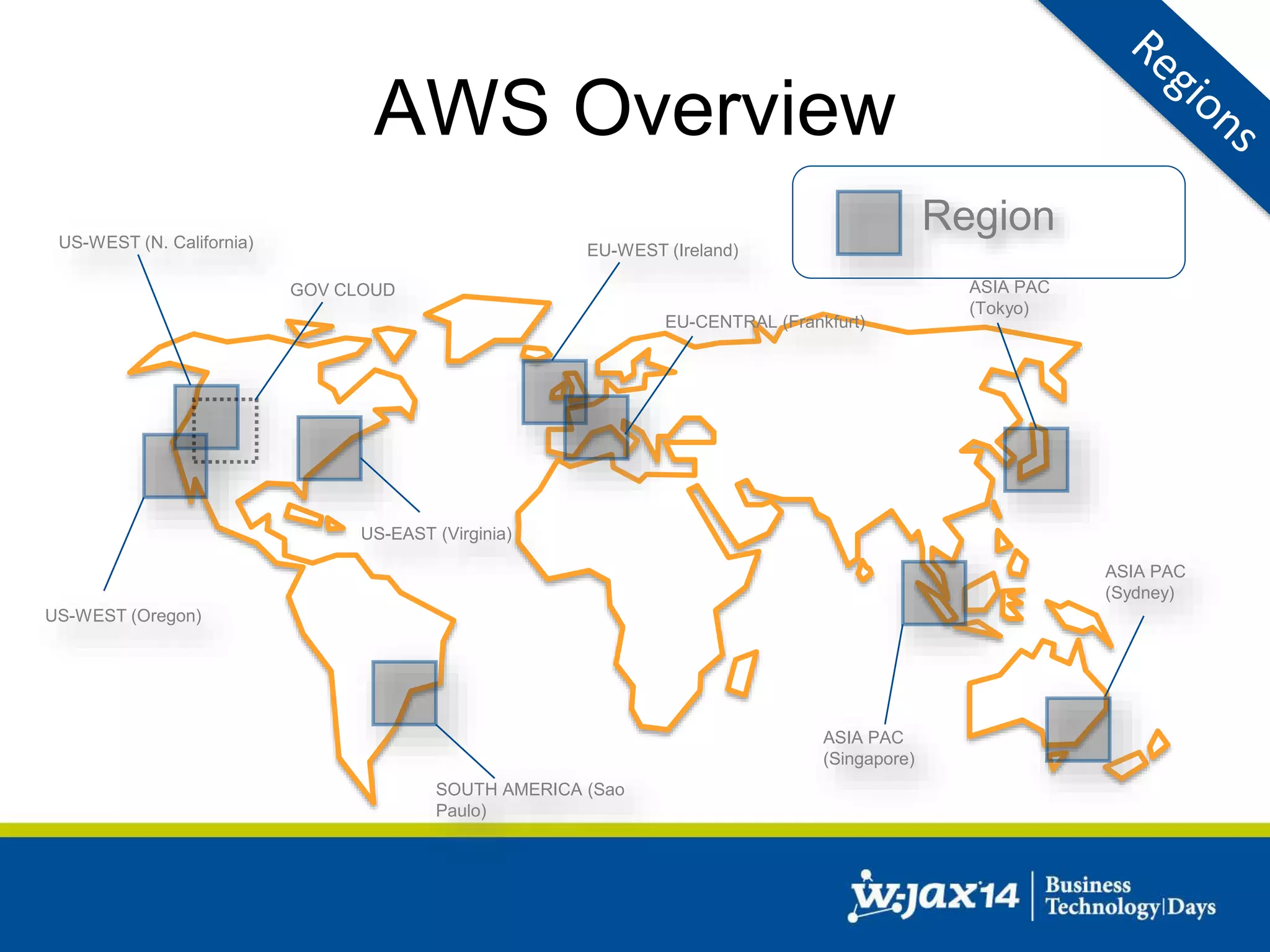
AWS Overview 
Region 
US-WEST (N. California) EU-WEST (Ireland) 
ASIA PAC 
(Tokyo) 
ASIA PAC 
(Singapore) 
US-WEST (Oregon) 
US-EAST (Virginia) 
SOUTH AMERICA (Sao 
Paulo) 
GOV CLOUD 
ASIA PAC 
(Sydney) 
EU-CENTRAL (Frankfurt)
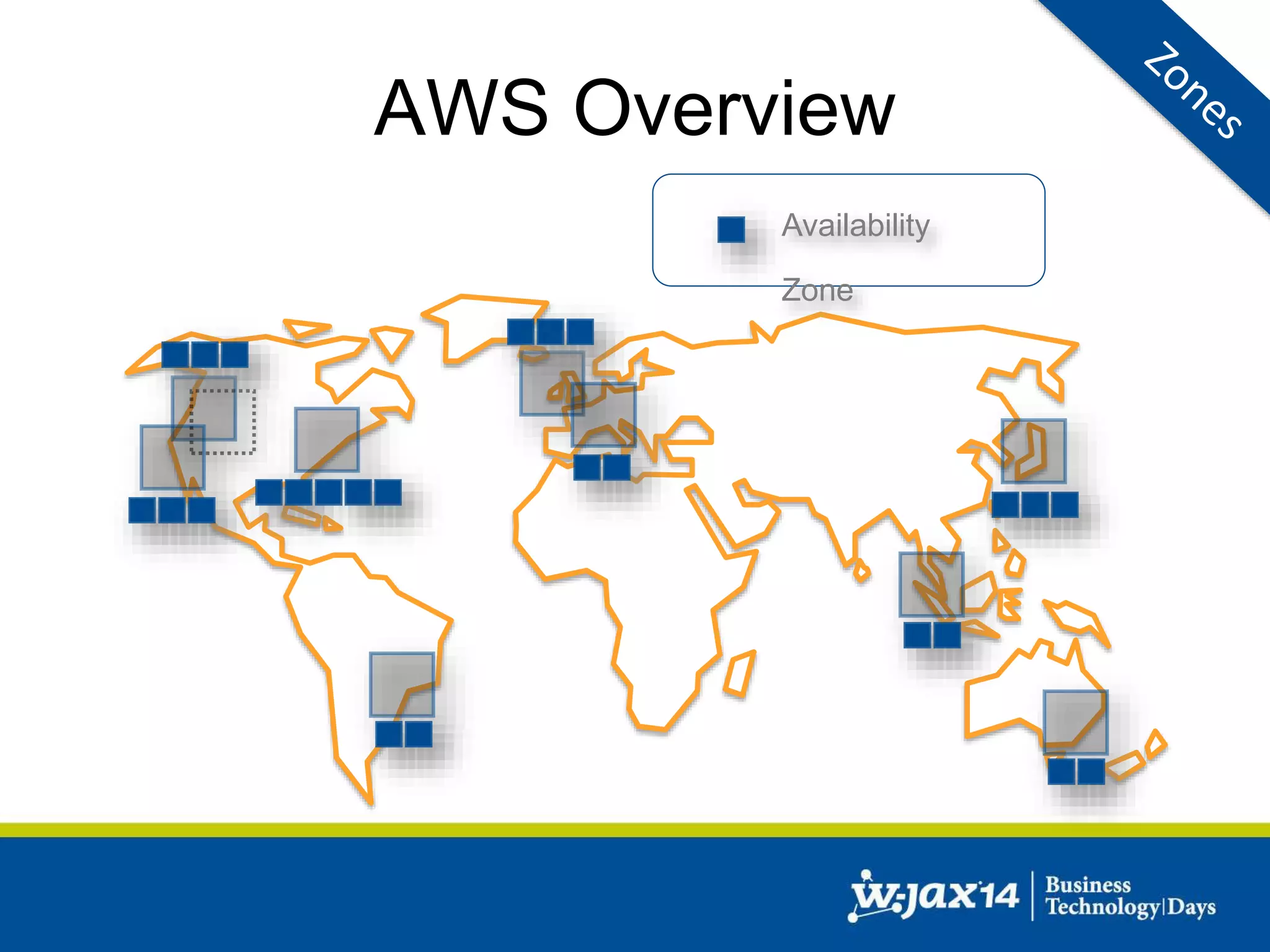
AWS Overview 
Availability 
Zone
AWS Overview 
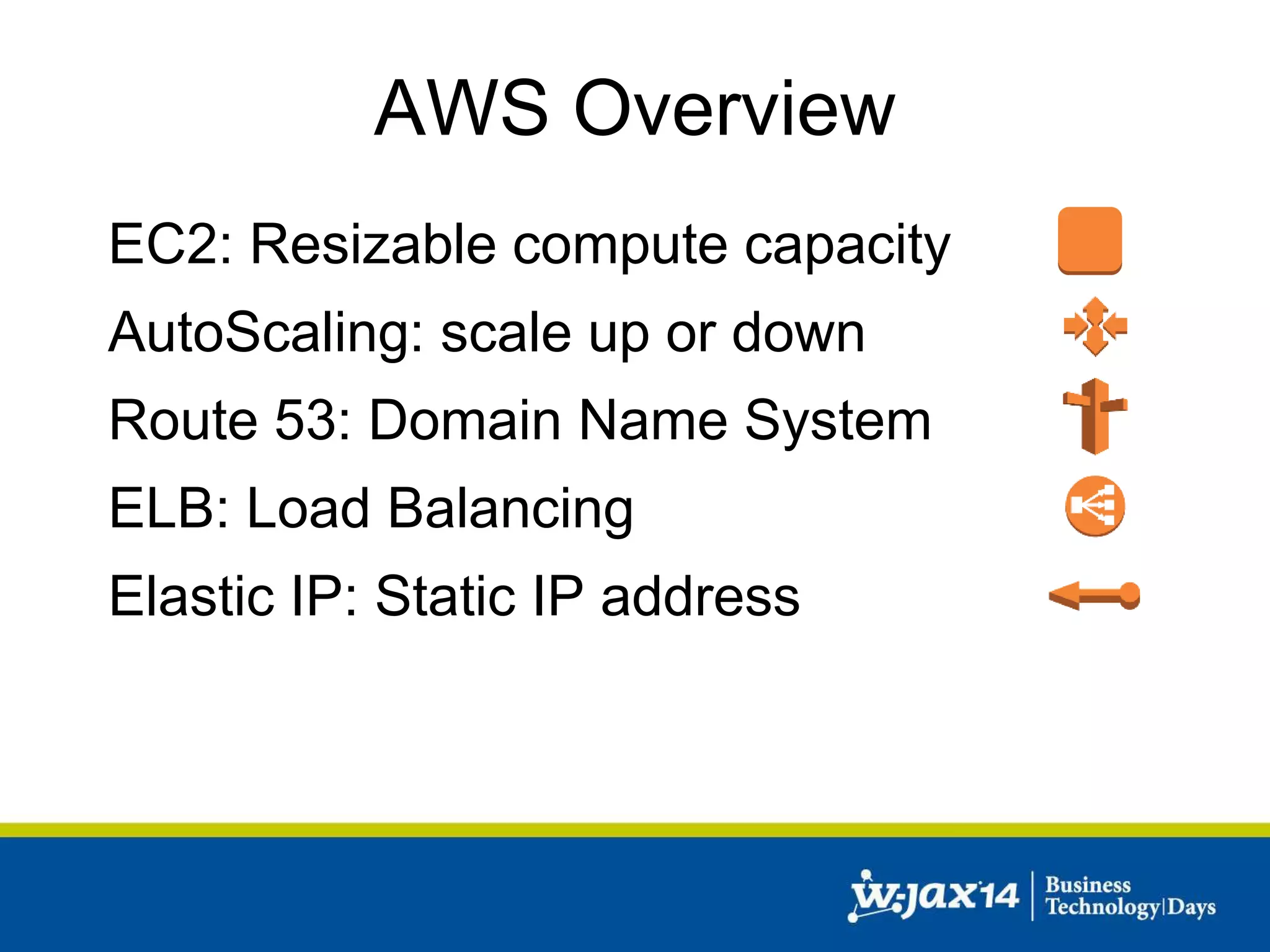
EC2: Resizable compute capacity 
AutoScaling: scale up or down 
Route 53: Domain Name System 
ELB: Load Balancing 
Elastic IP: Static IP address
AWS Overview 
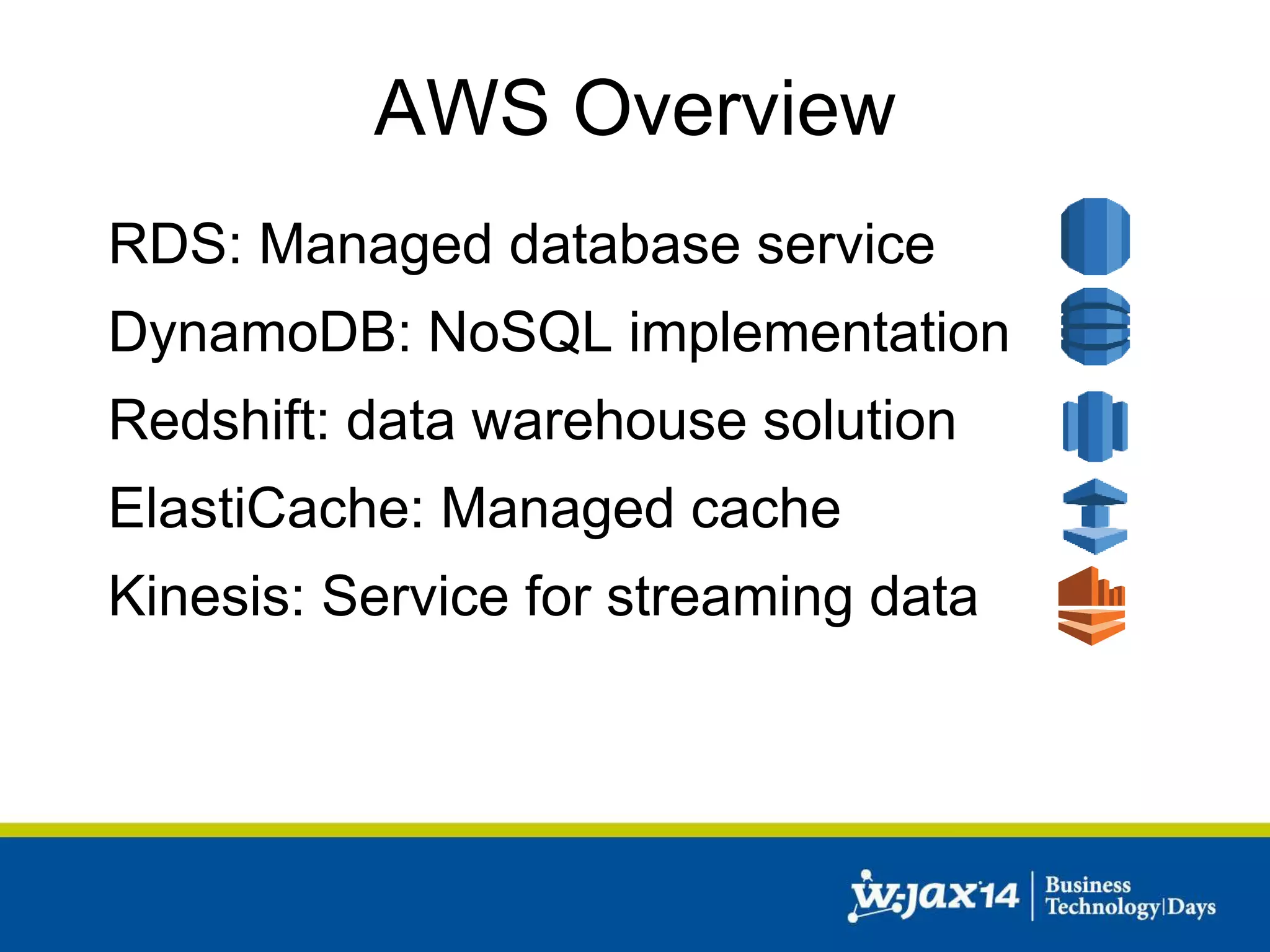
RDS: Managed database service 
DynamoDB: NoSQL implementation 
Redshift: data warehouse solution 
ElastiCache: Managed cache 
Kinesis: Service for streaming data
AWS Overview 
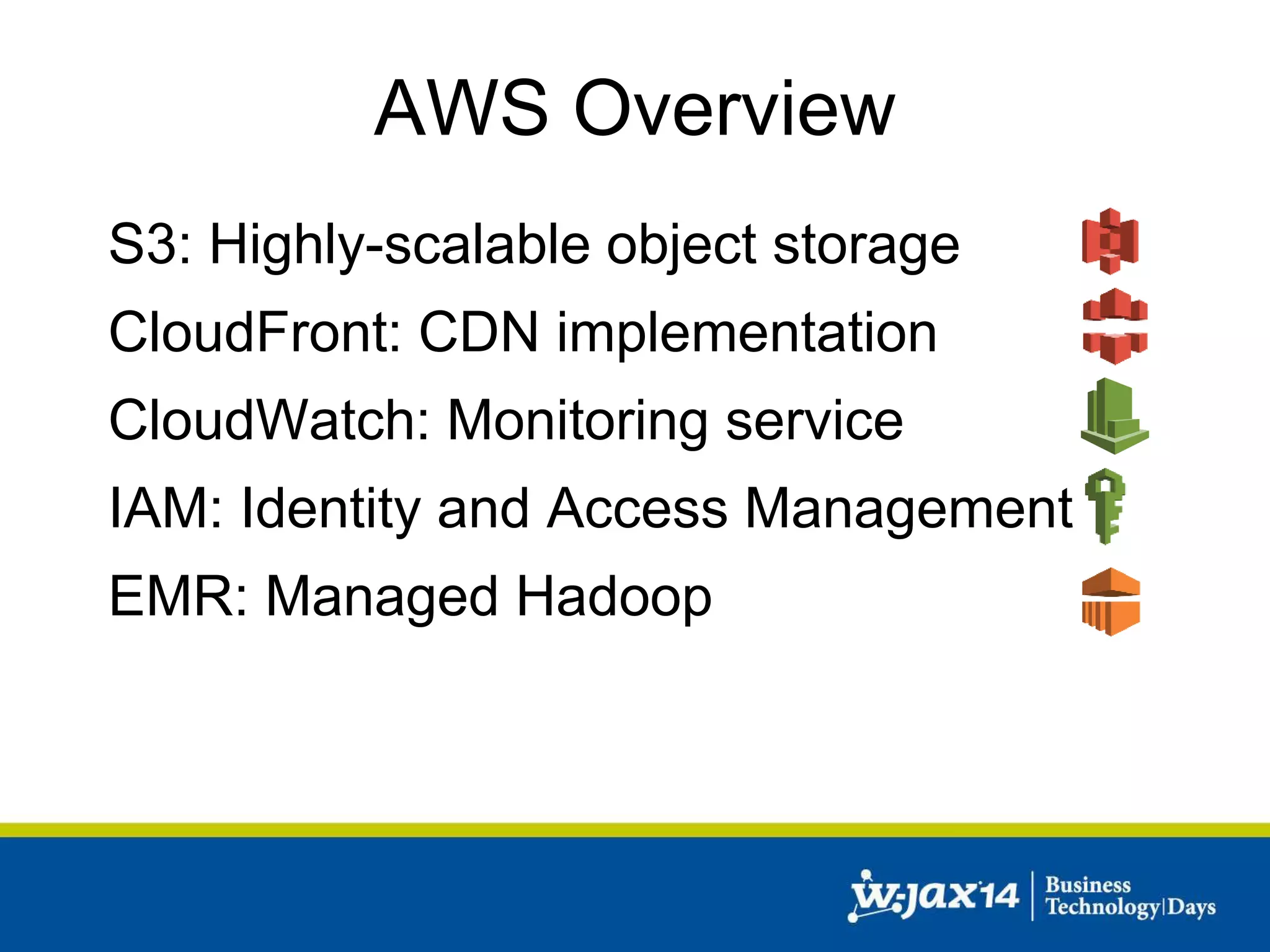
S3: Highly-scalable object storage 
CloudFront: CDN implementation 
CloudWatch: Monitoring service 
IAM: Identity and Access Management 
EMR: Managed Hadoop
Starting point 
• How can we leverage the Cloud? 
• Our application: 
– Simple Java based web application 
– One application 
– One database 
– Runs in our own DC
Creating a cloud service 
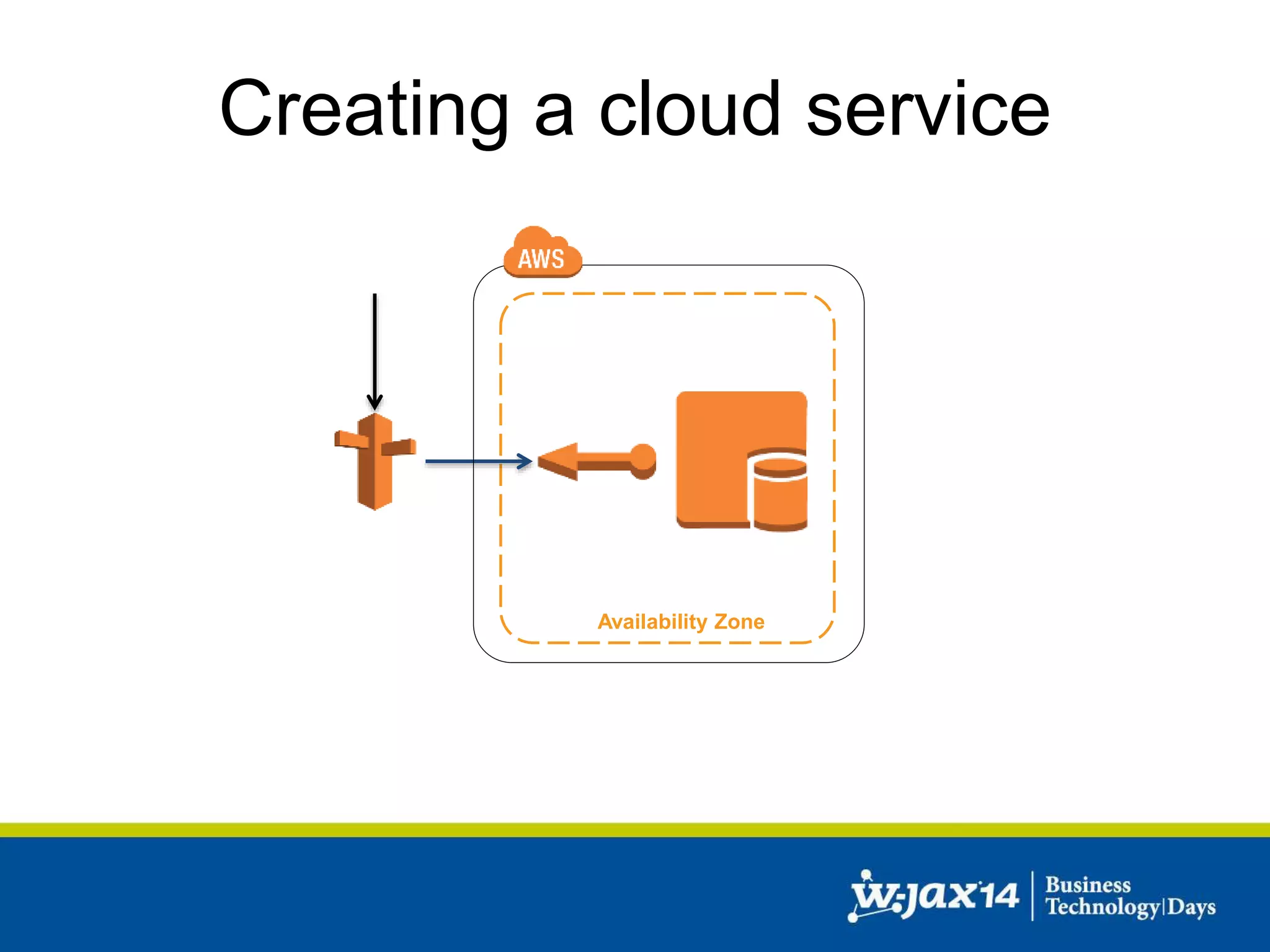
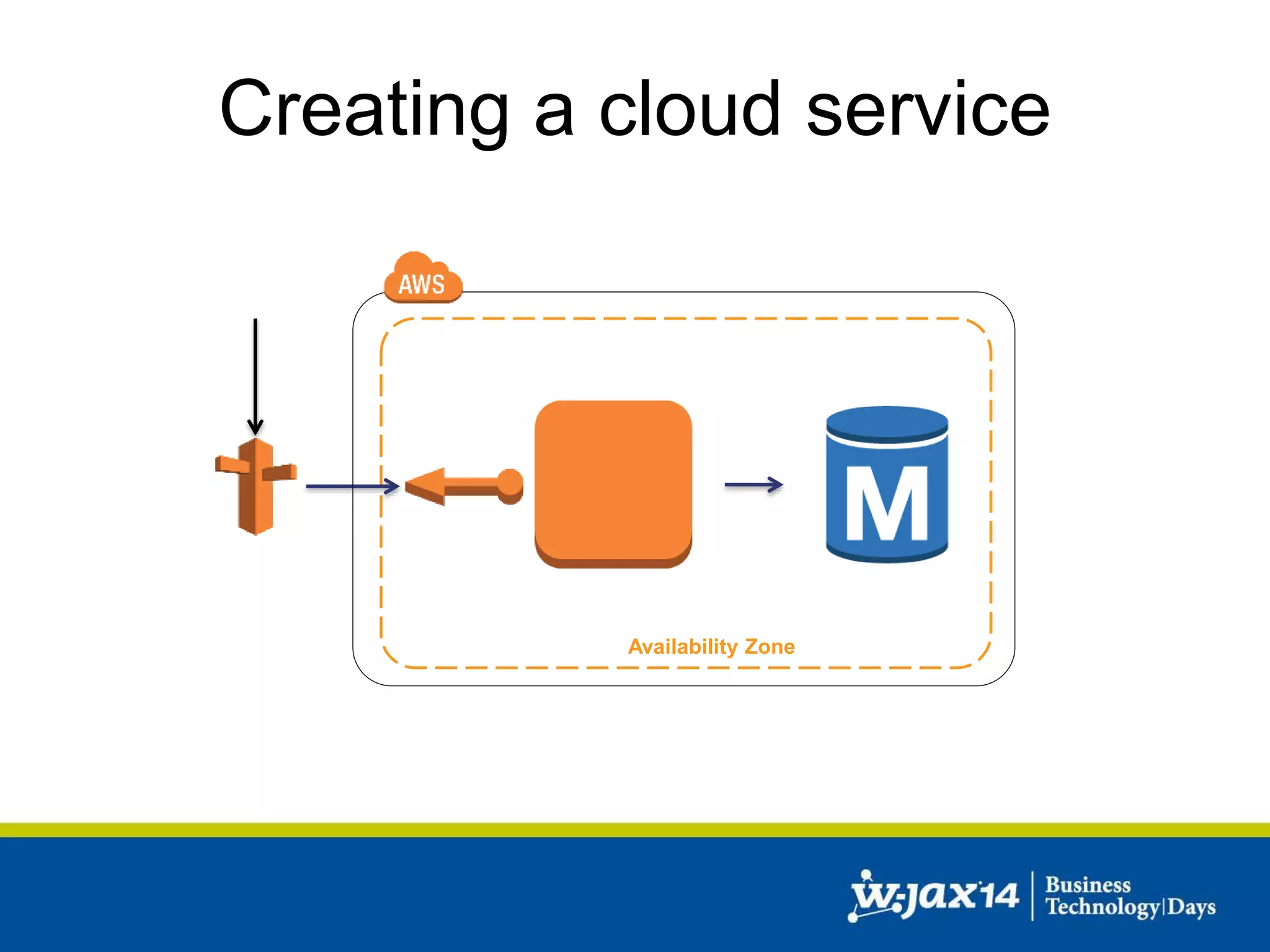
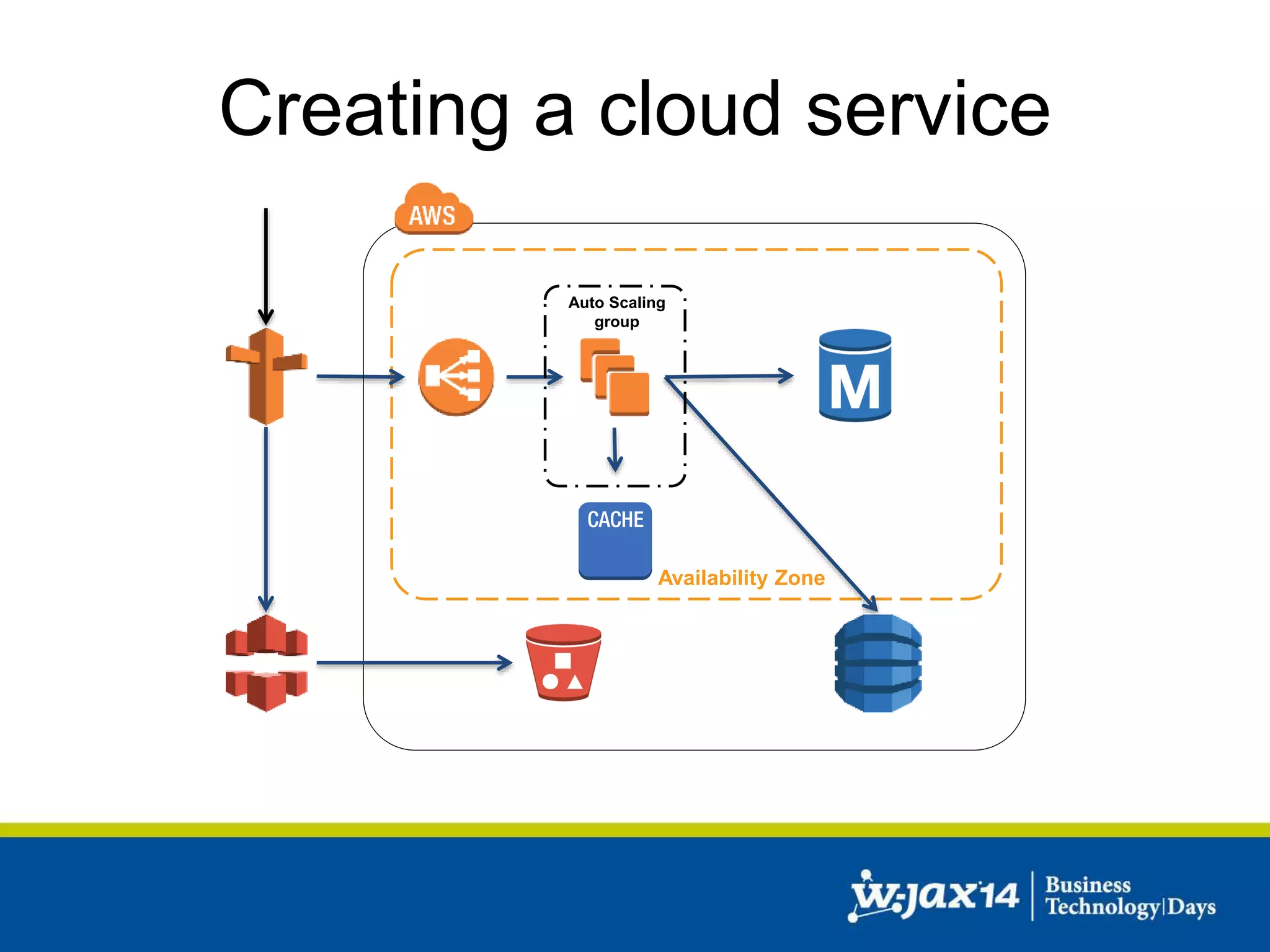
• Initial setup: 
– Route53 for DNS 
– One Elastic IP (static IPs for the Cloud) 
– One EC2 instance 
• Web Application 
• Database 
– One AZ
Creating a cloud service 
Availability Zone
Creating a cloud service 
• Simple approach to scale: 
– More RAM 
– More CPU power 
– More IOPS 
– Different EC2 instance type 
• Approach will hit a barrier
Creating a cloud service 
• Problems: 
– No failover 
– No redundancy 
– Database and application on one instance 
– Does not scale very well
Creating a cloud service 
• Separate Web Application from DB 
– One EC2 instance for the Web Application 
– One EC2 instance for the DB 
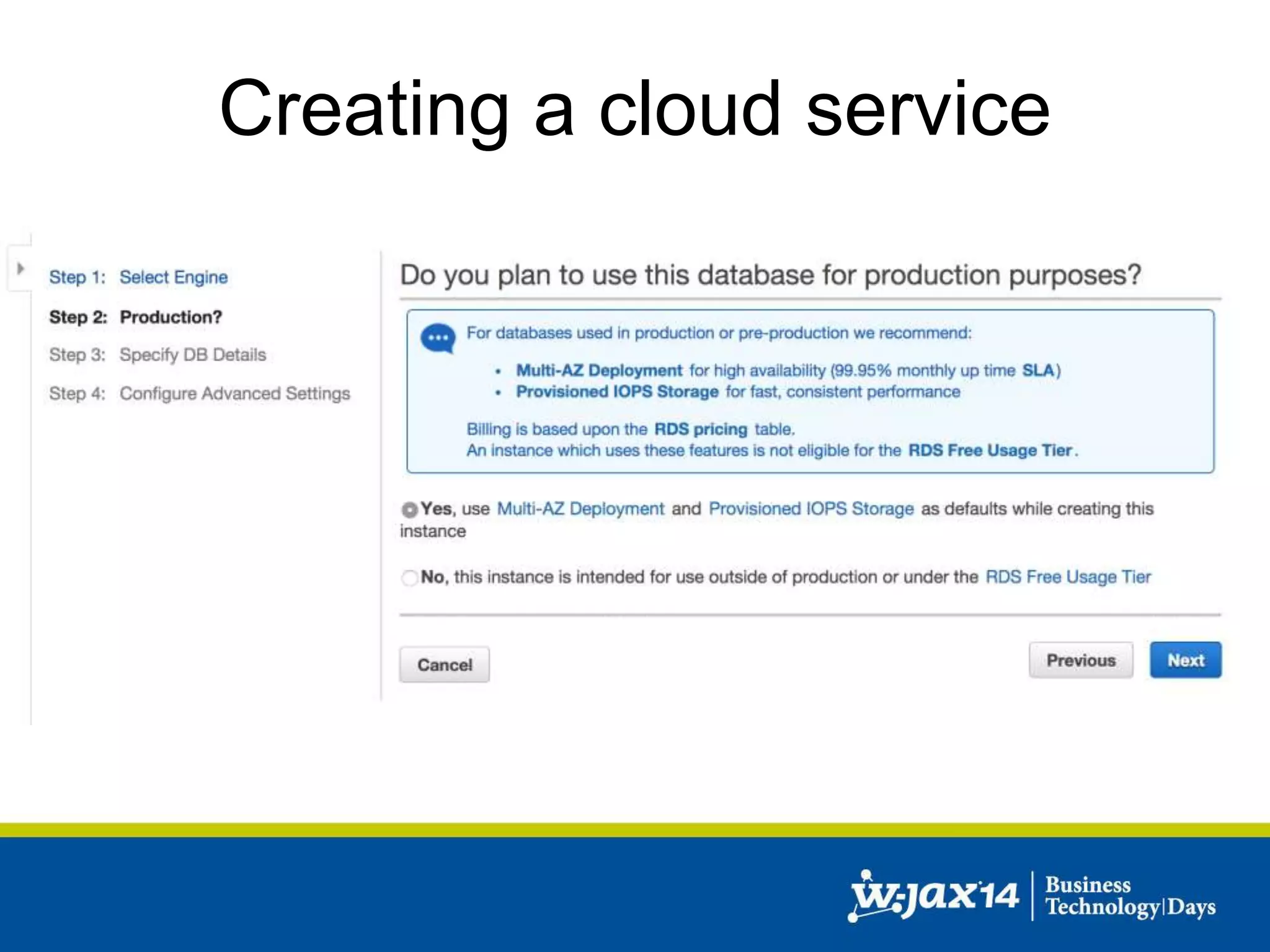
– Or: Managed DB service (RDS) 
• One AZ
Creating a cloud service 
Availability Zone 
Database
Creating a cloud service 
• Problems: 
– No failover 
– No redundancy 
– Does still not scale very well
Creating a cloud service 
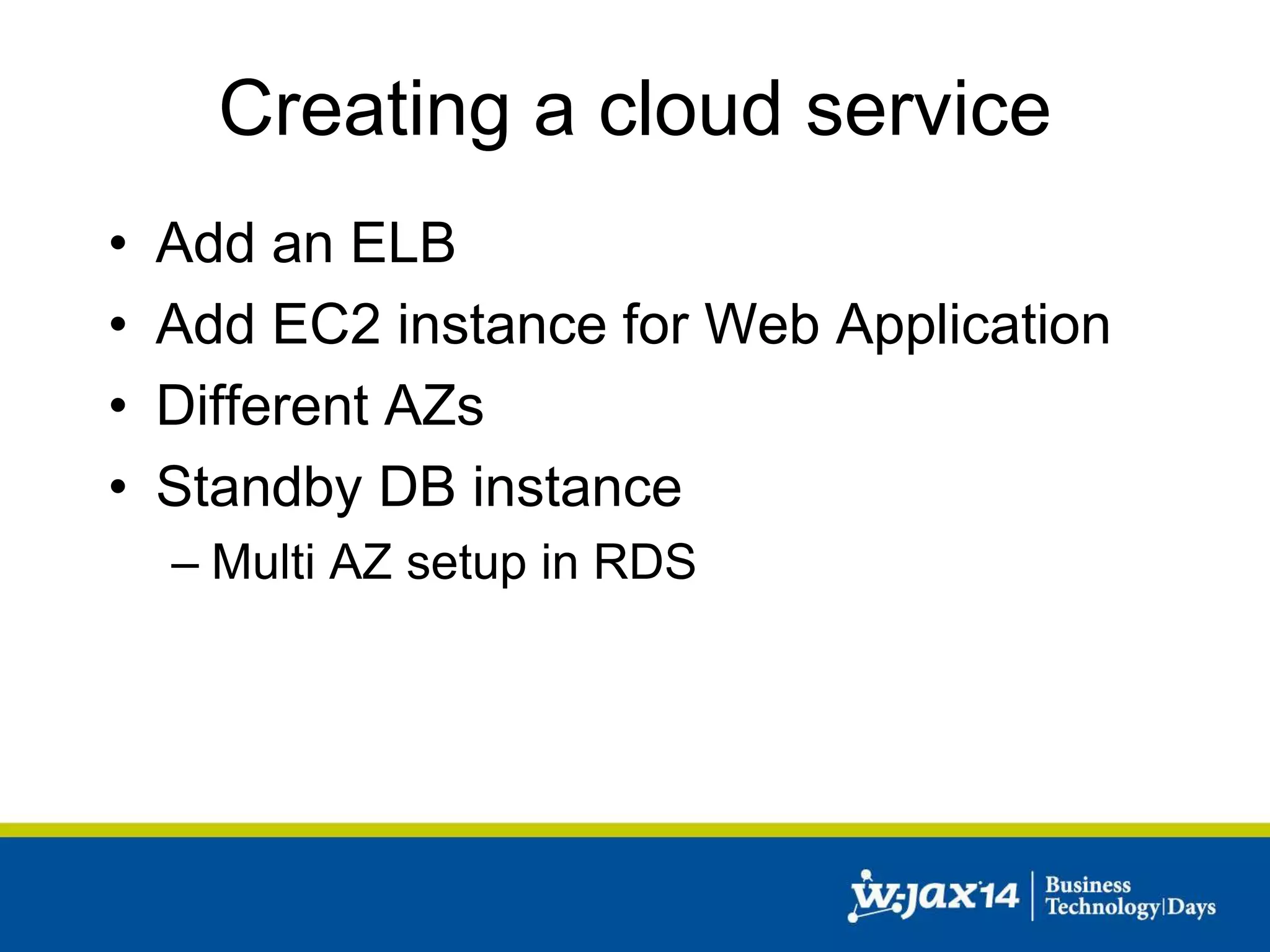
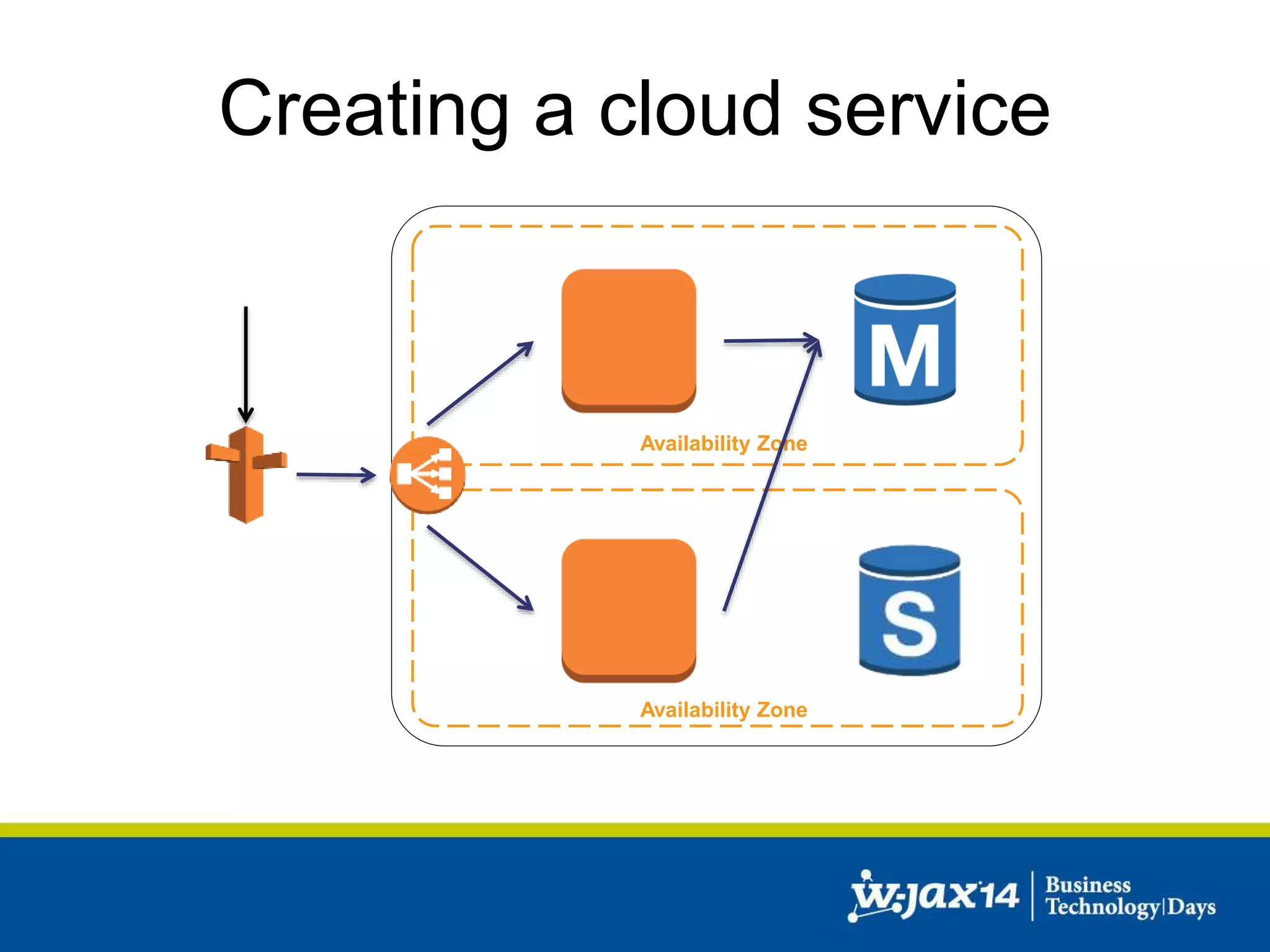
• Add an ELB 
• Add EC2 instance for Web Application 
• Different AZs 
• Standby DB instance 
– Multi AZ setup in RDS
Creating a cloud service
Creating a cloud service 
Availability Zone 
Database 
Availability Zone 
Database
Creating a cloud service 
• Problems: 
– Still limited scaling capabilities 
– If one EC2 instance crashes, 50% less 
capability
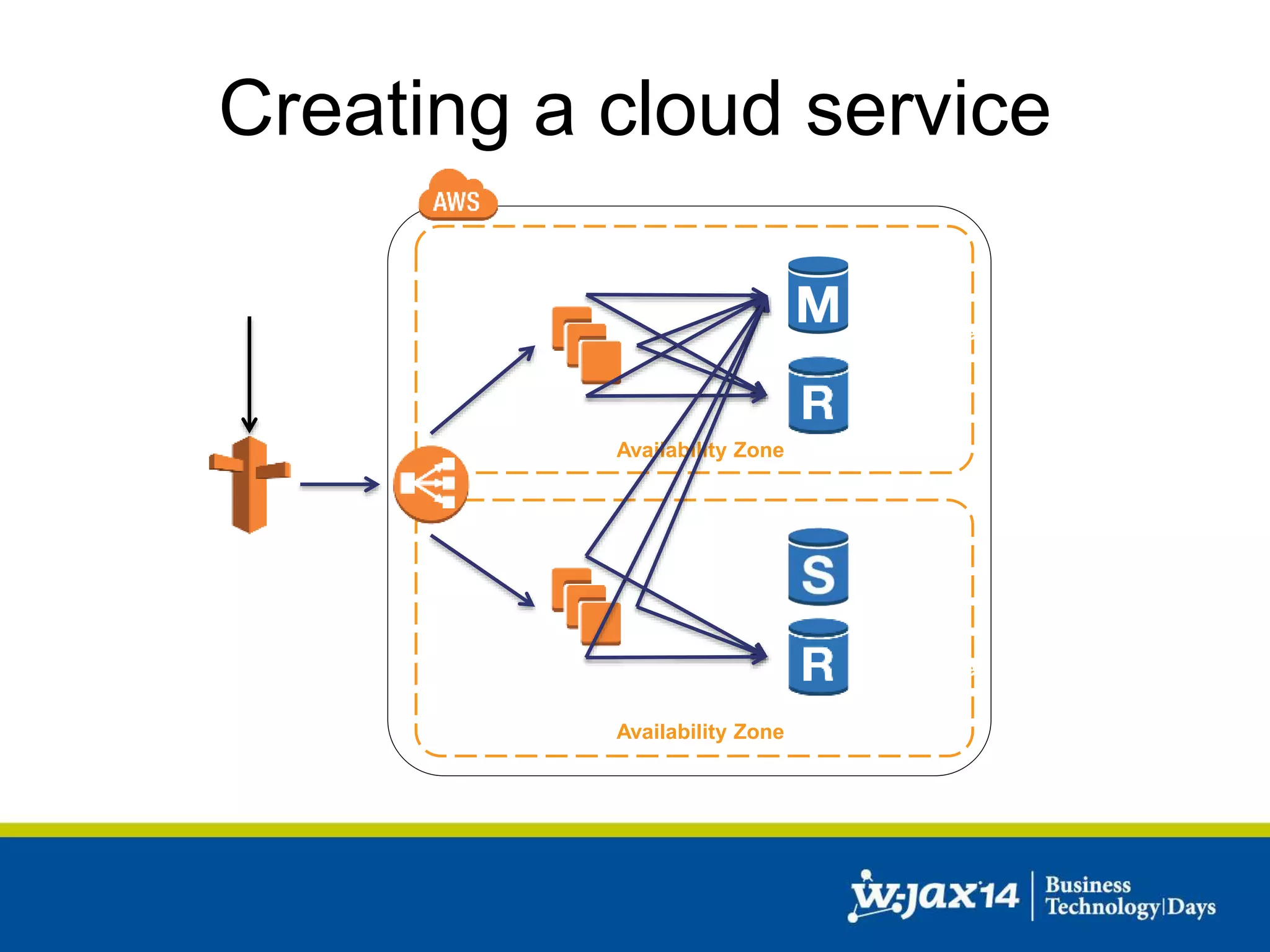
Creating a cloud service 
• Add additional EC2 instances 
• Add read replicas in RDS
Creating a cloud service 
Availability Zone 
Database 
Availability Zone 
Database
Creating a cloud service 
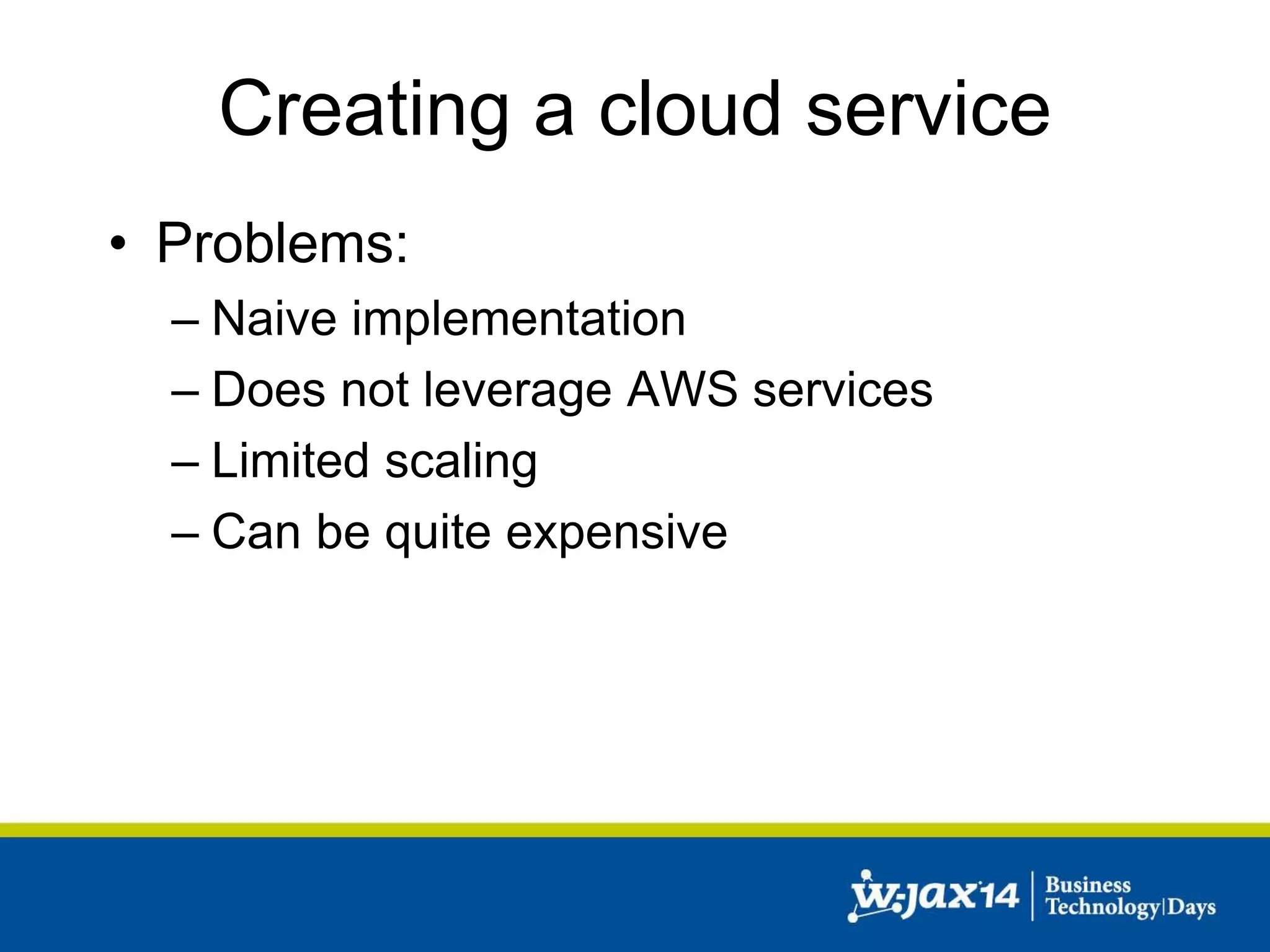
• Problems: 
– Naive implementation 
– Does not leverage AWS services 
– Limited scaling 
– Can be quite expensive
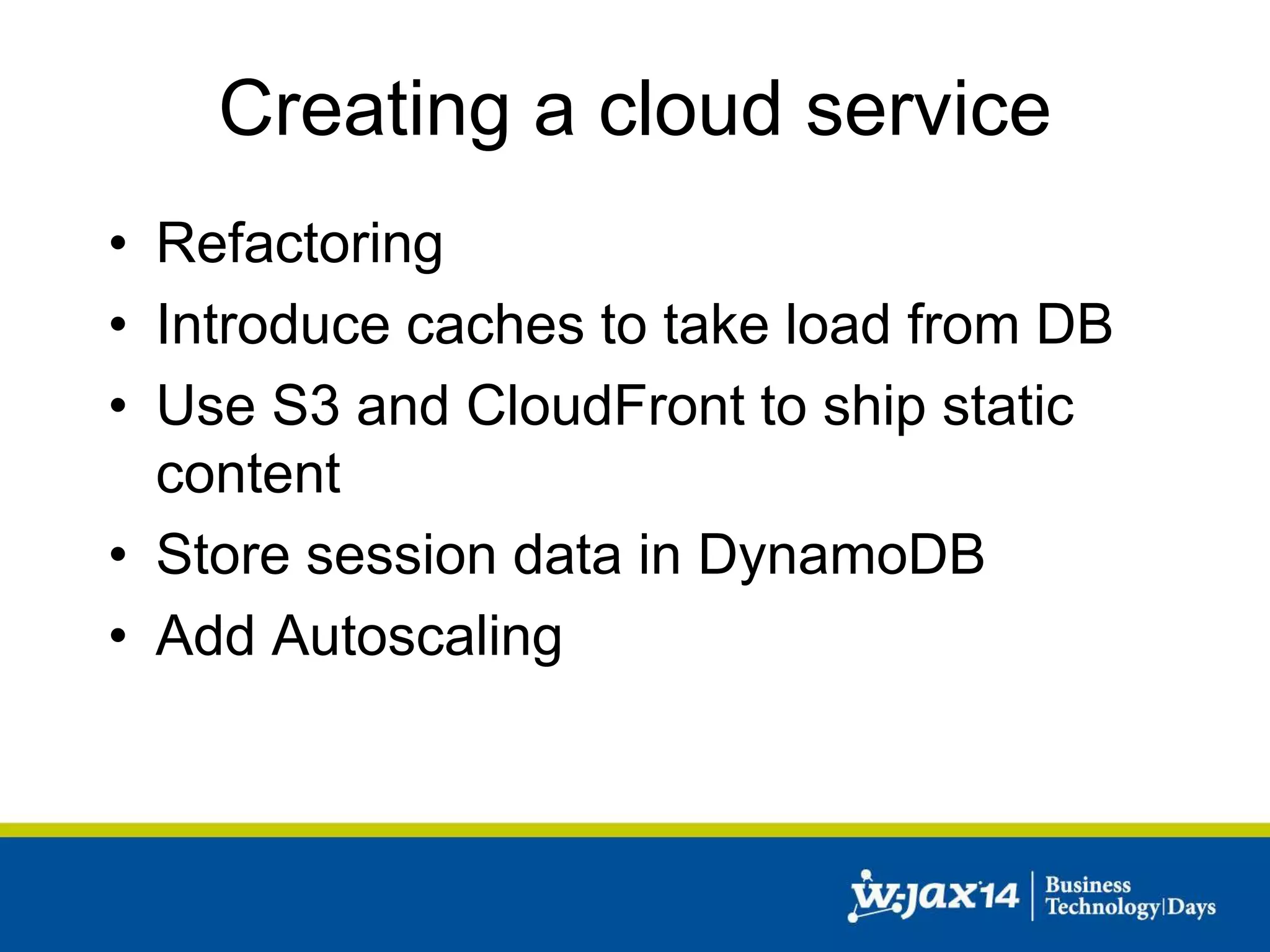
Creating a cloud service 
• Refactoring 
• Introduce caches to take load from DB 
• Use S3 and CloudFront to ship static 
content 
• Store session data in DynamoDB 
• Add Autoscaling
Creating a cloud service 
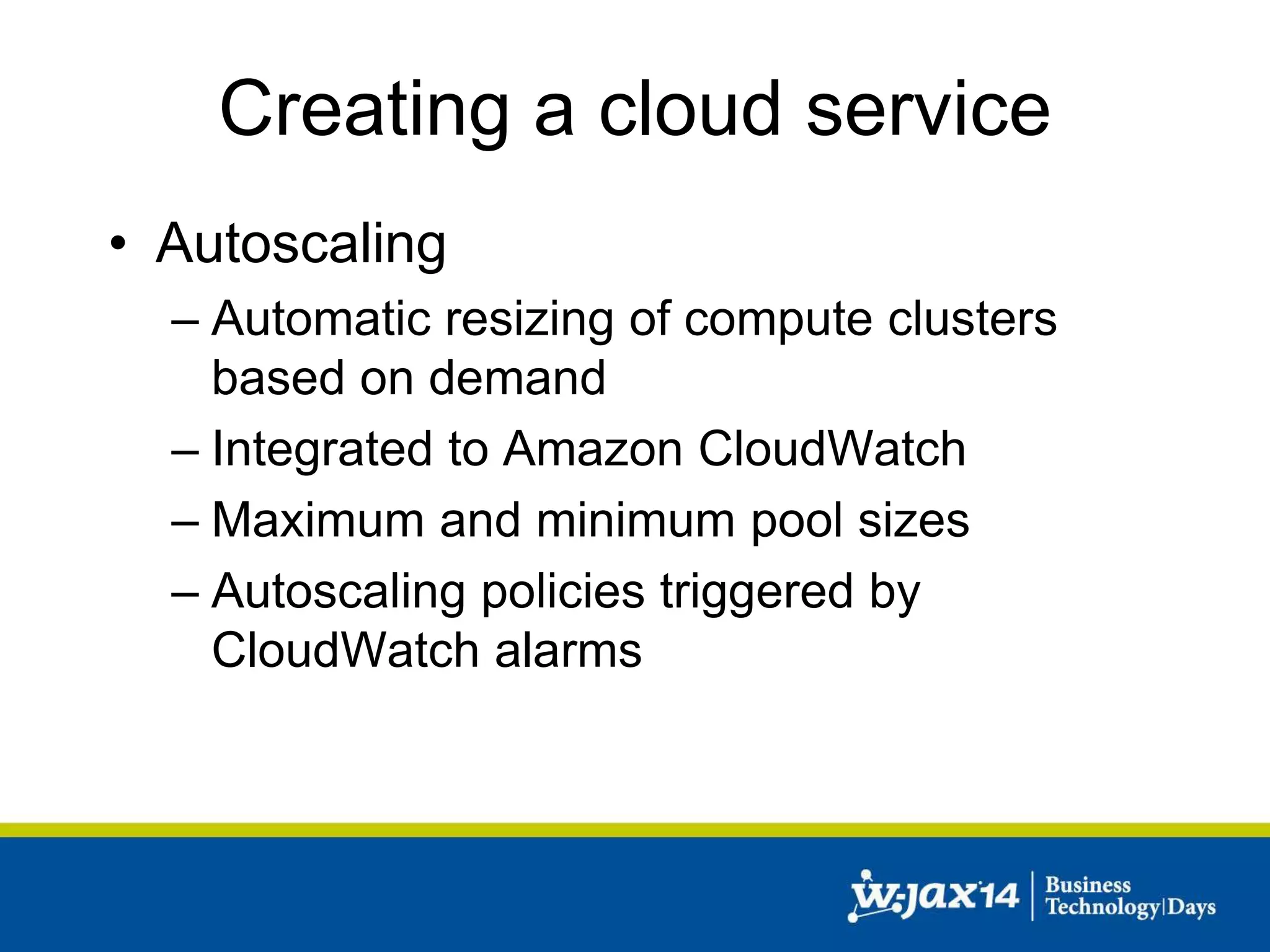
• Autoscaling 
– Automatic resizing of compute clusters 
based on demand 
– Integrated to Amazon CloudWatch 
– Maximum and minimum pool sizes 
– Autoscaling policies triggered by 
CloudWatch alarms
Creating a cloud service 
Auto Scaling 
Availability Zone 
group
Creating a cloud service 
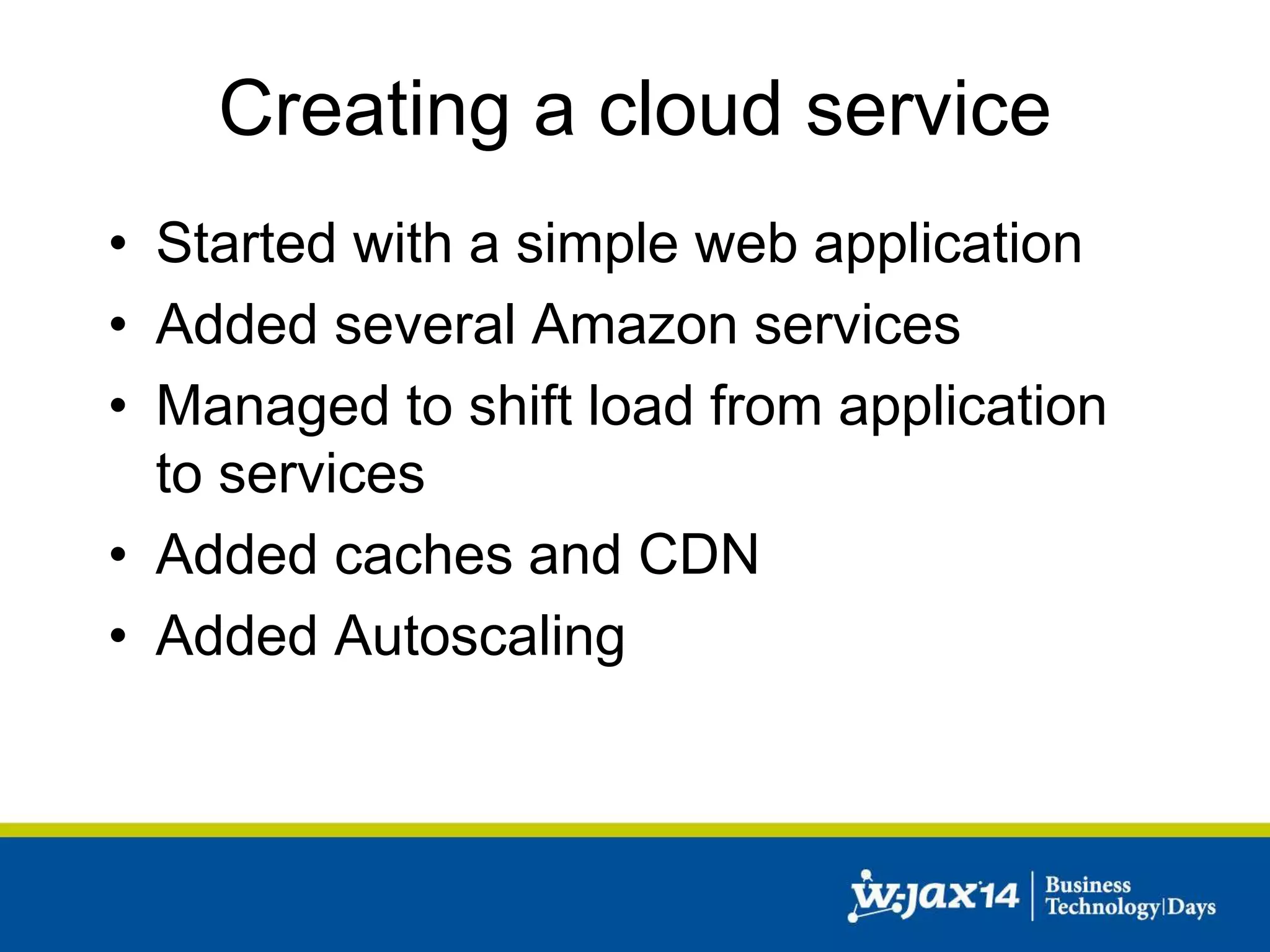
• Started with a simple web application 
• Added several Amazon services 
• Managed to shift load from application 
to services 
• Added caches and CDN 
• Added Autoscaling
Creating a cloud service 
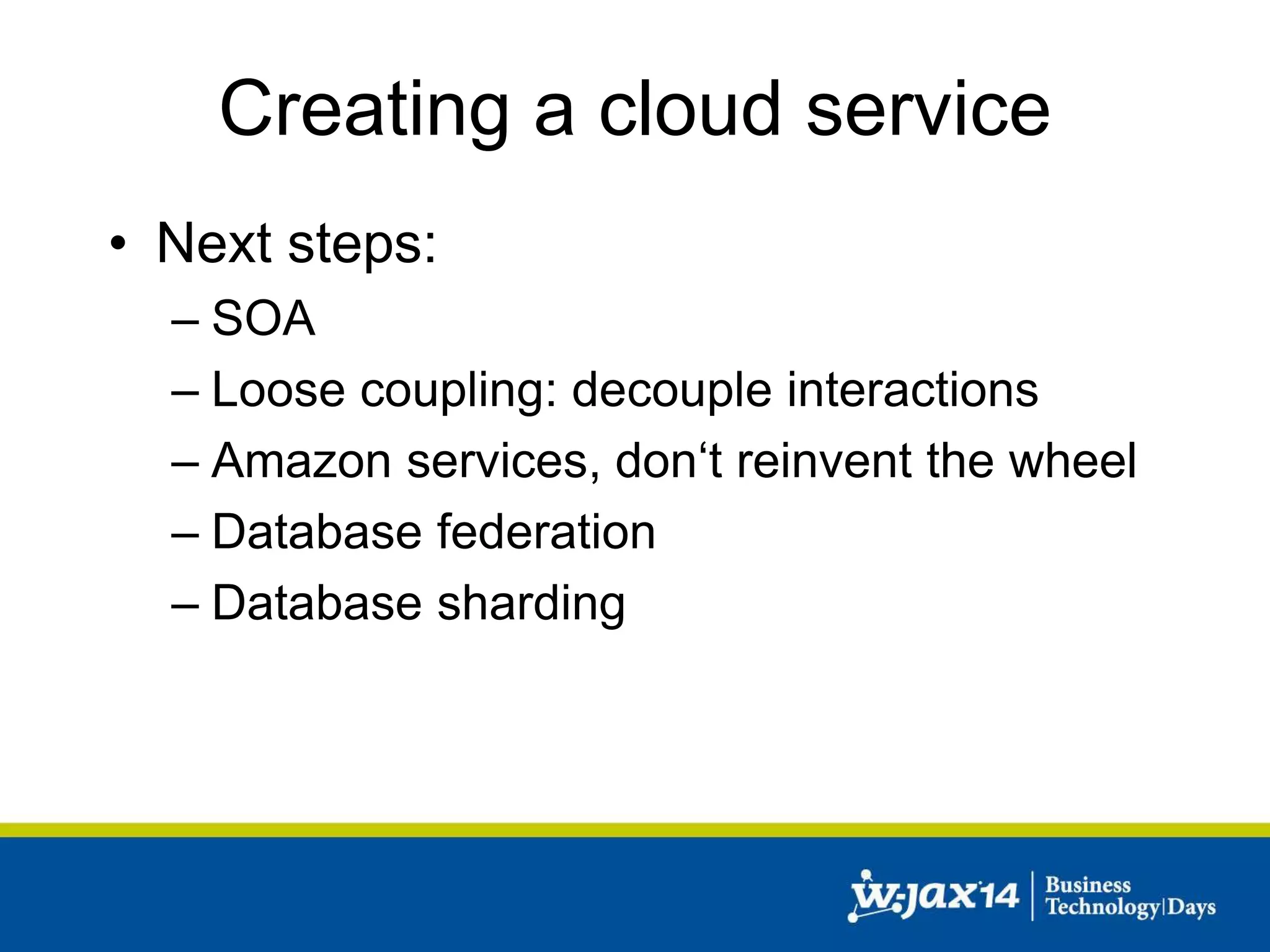
• Next steps: 
– SOA 
– Loose coupling: decouple interactions 
– Amazon services, don‘t reinvent the wheel 
– Database federation 
– Database sharding
Real world example 
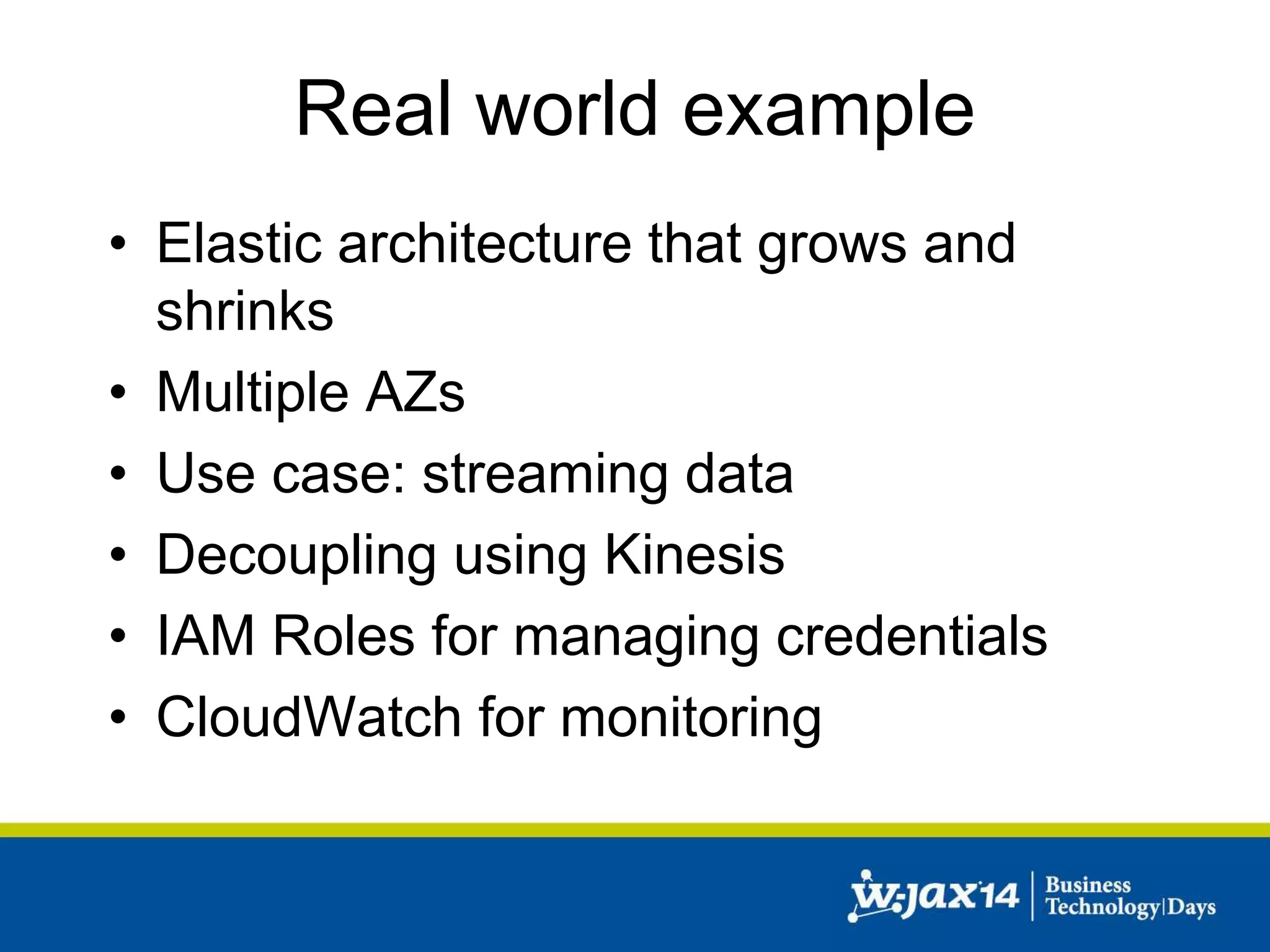
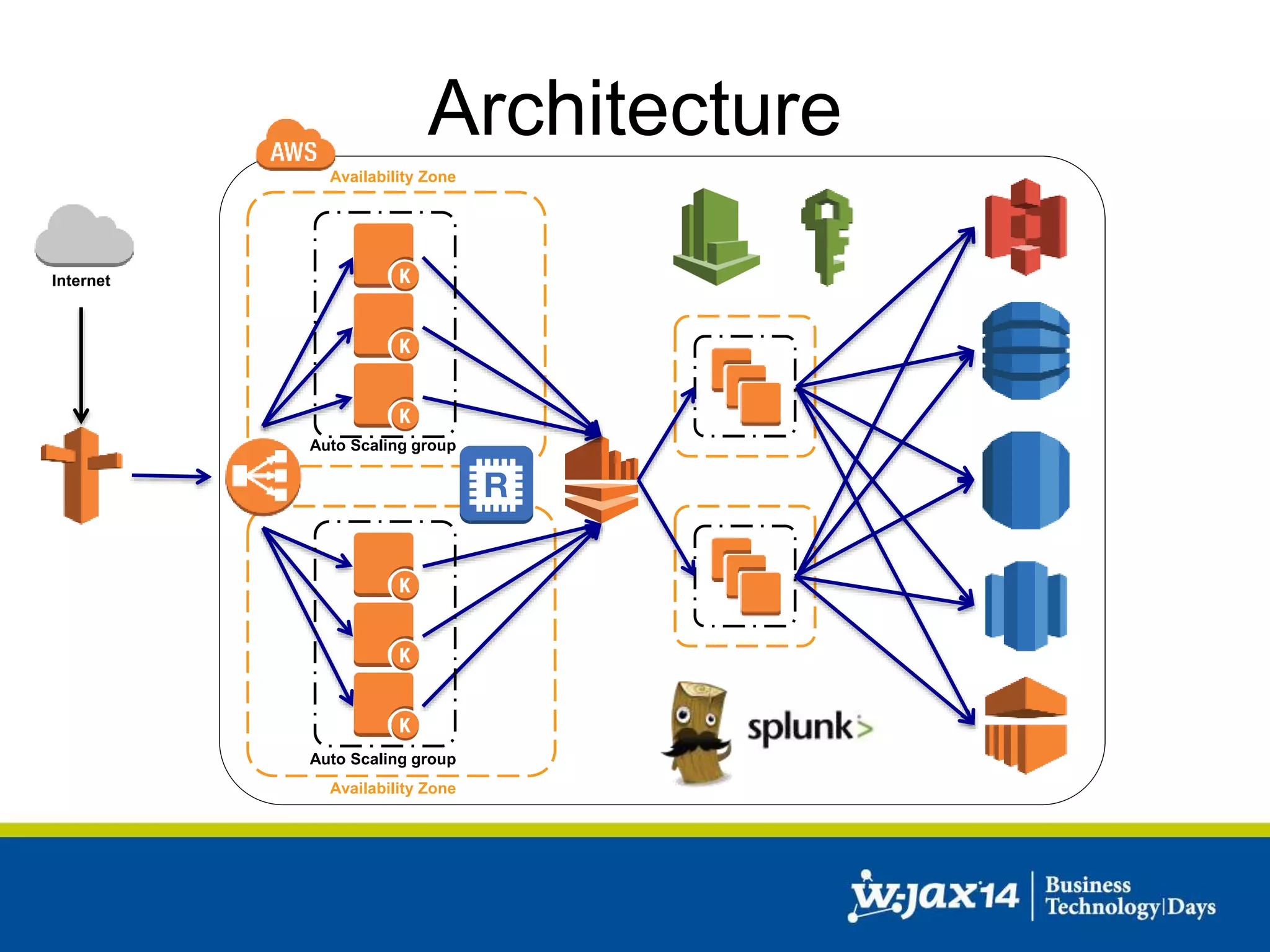
• Elastic architecture that grows and 
shrinks 
• Multiple AZs 
• Use case: streaming data 
• Decoupling using Kinesis 
• IAM Roles for managing credentials 
• CloudWatch for monitoring
Internet 
Architecture 
Availability Zone 
Auto Scaling group 
Auto Scaling group 
Availability Zone
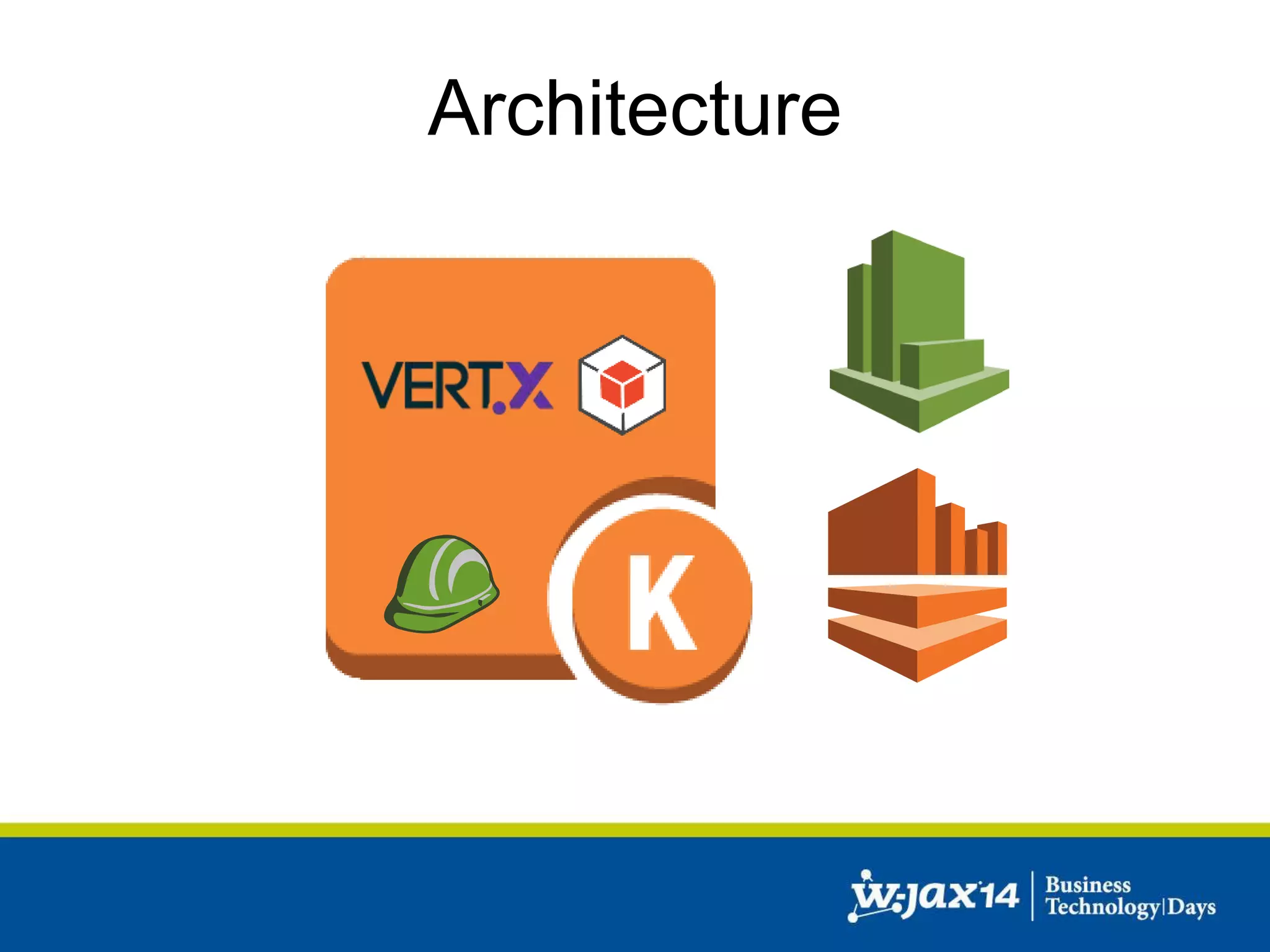
Architecture
Vert.x 
“Vert.x is a lightweight, high performance application 
platform for the JVM that's designed for modern 
mobile, web, and enterprise applications.”
Architecture 
• Main framework Vert.x 
• mod-kinesis (Kinesis-Adapter for Vert.x) 
• AWS Java SDK 
• IAM roles for Amazon EC2 instances 
• Coda Hale metrics and CloudWatch reporter 
• Jedis (Redis client for Java) 
• …
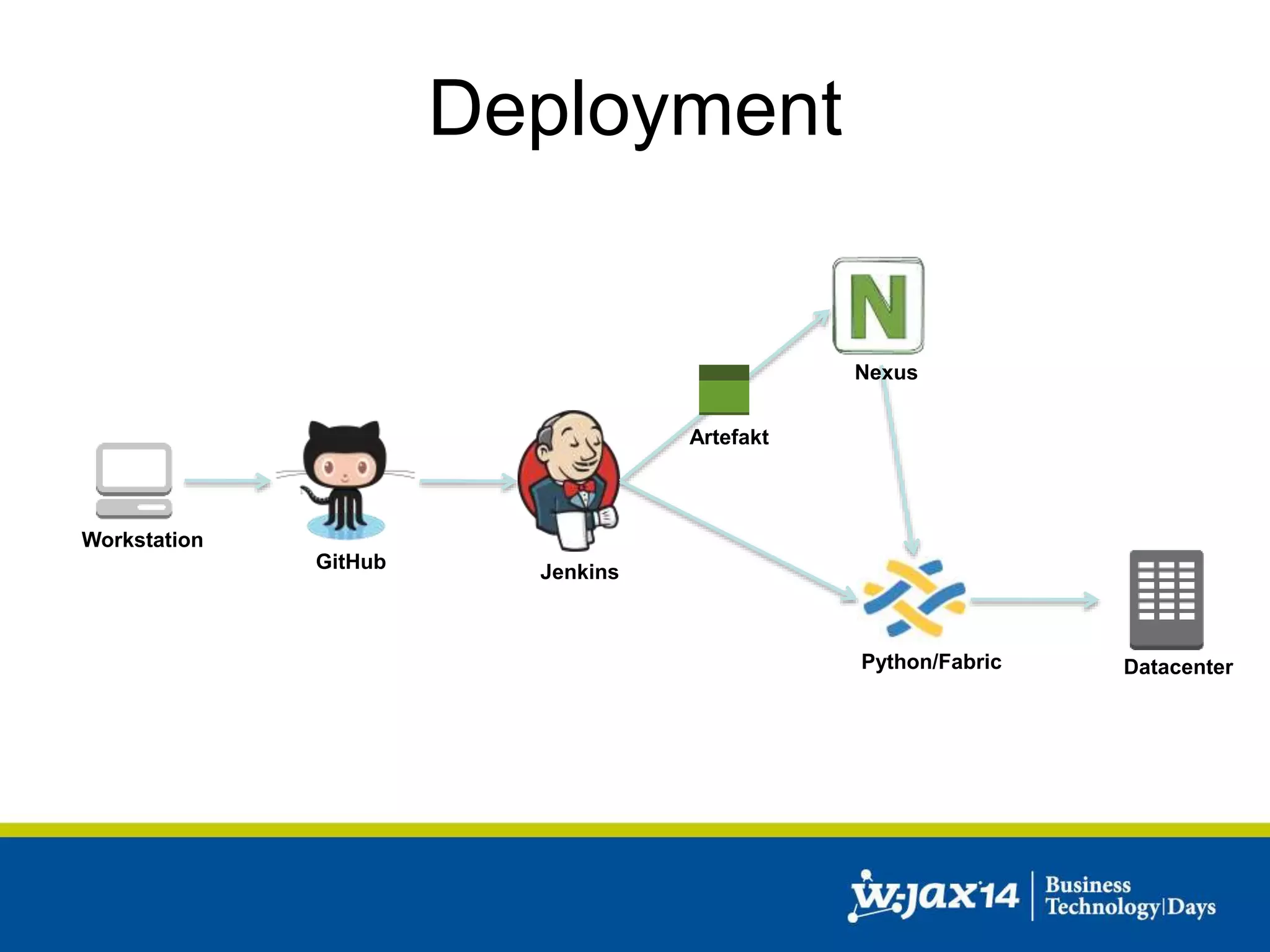
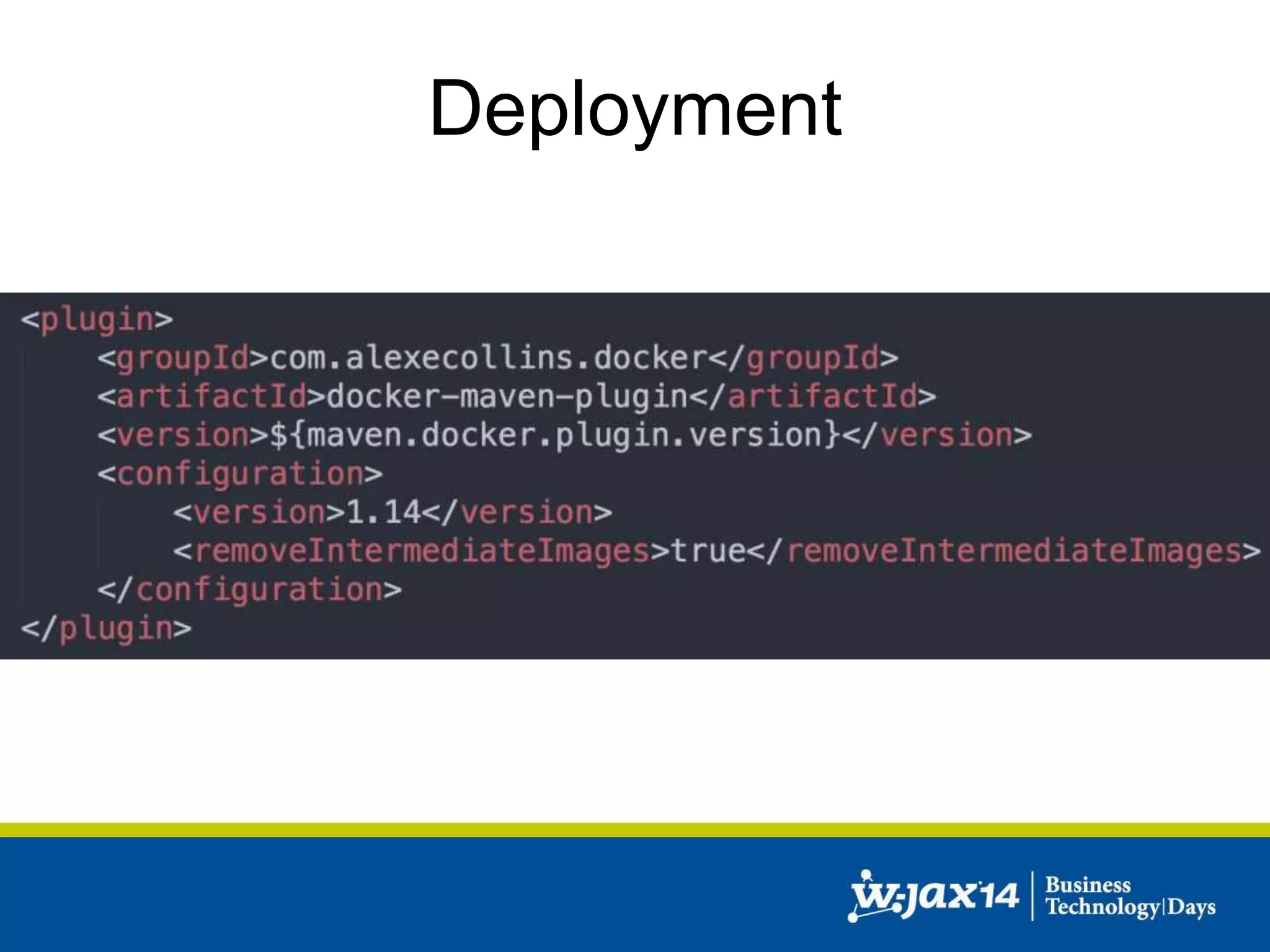
Deployment 
Workstation 
GitHub 
Jenkins 
Nexus 
Python/Fabric 
Datacenter 
Artefakt
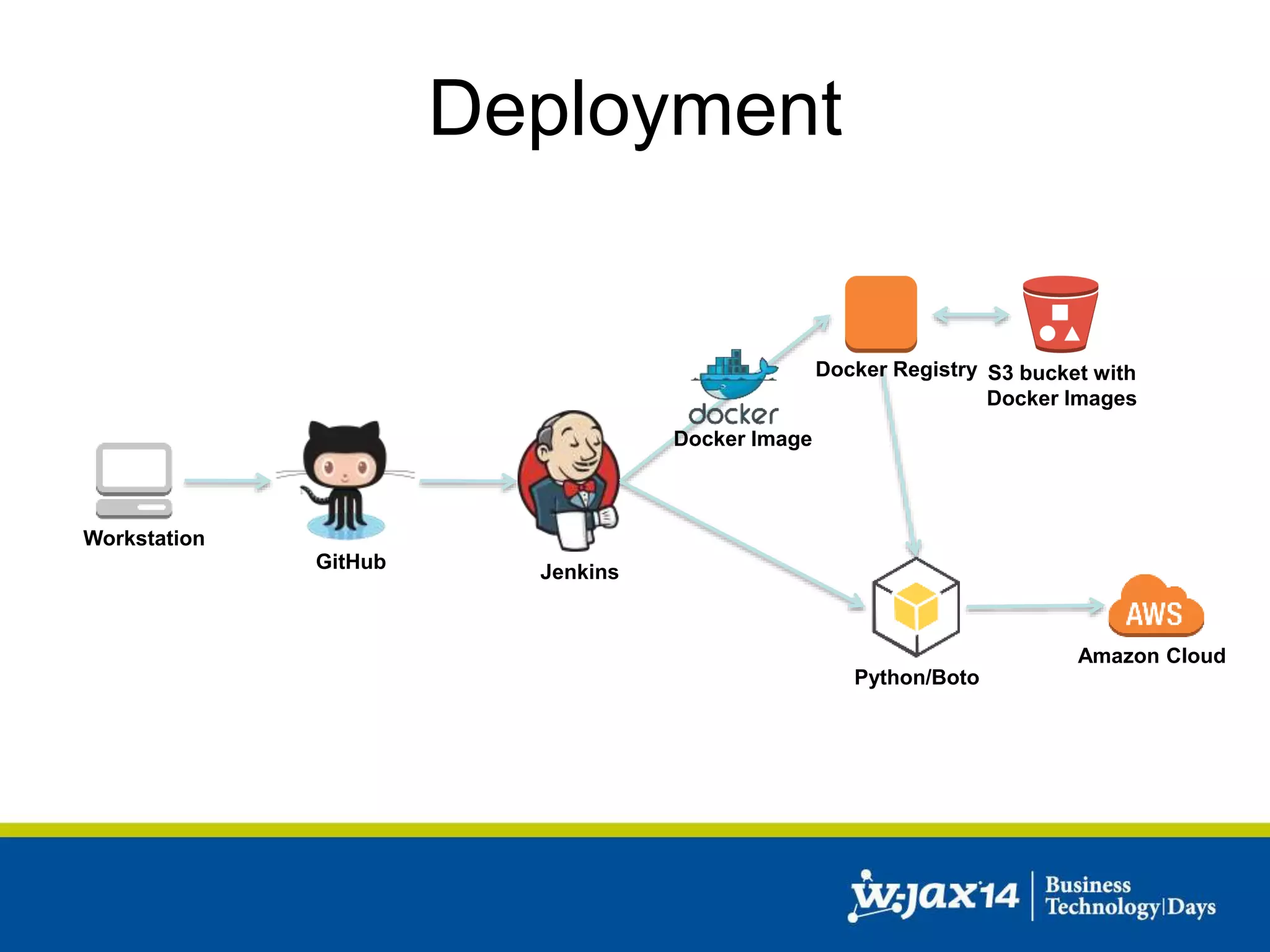
Deployment 
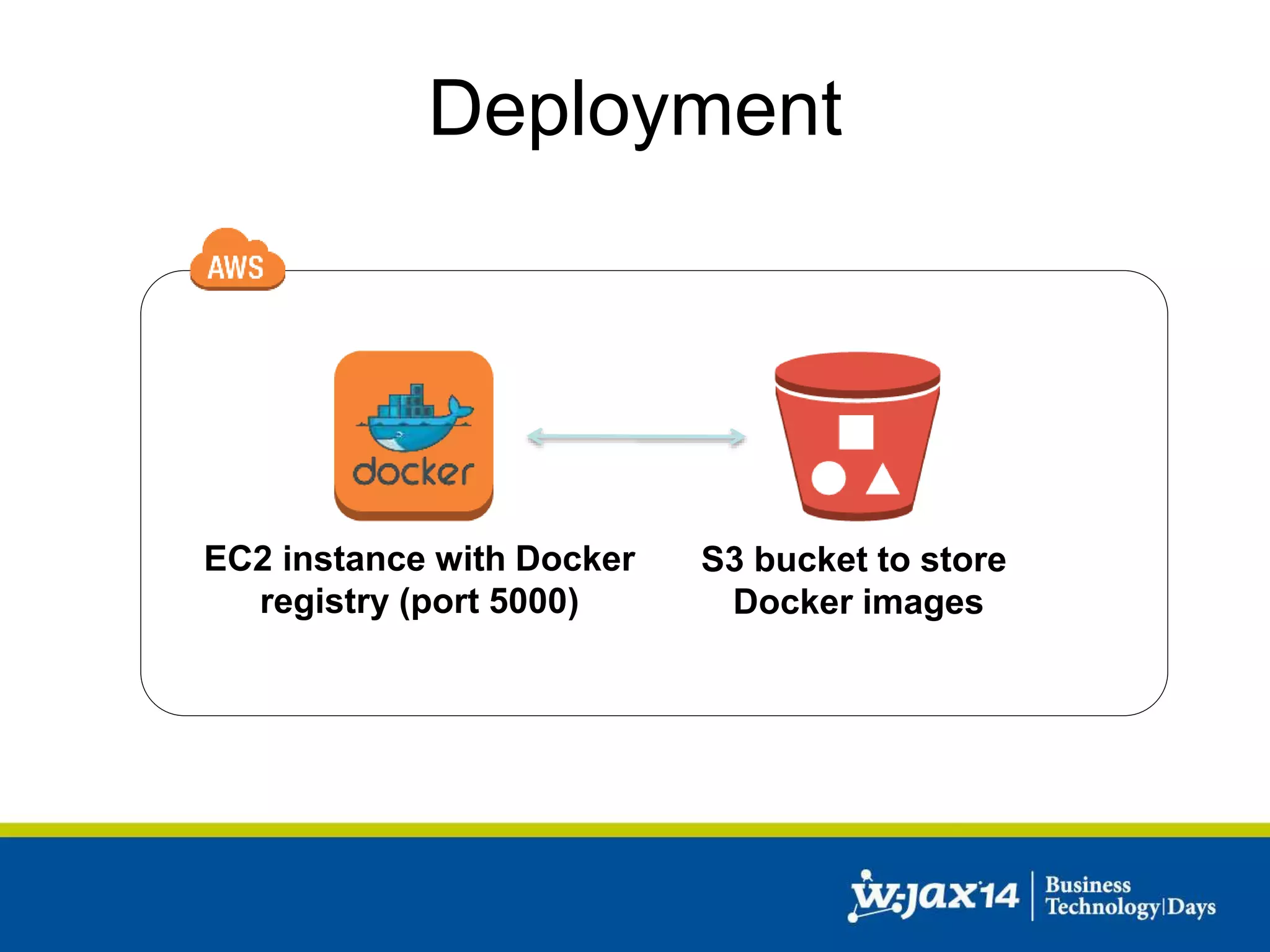
EC2 instance with Docker 
registry (port 5000) 
S3 bucket to store 
Docker images
Deployment 
Amazon Cloud 
Workstation 
GitHub 
Jenkins 
Python/Boto 
Docker Image 
Docker Registry S3 bucket with 
Docker Images
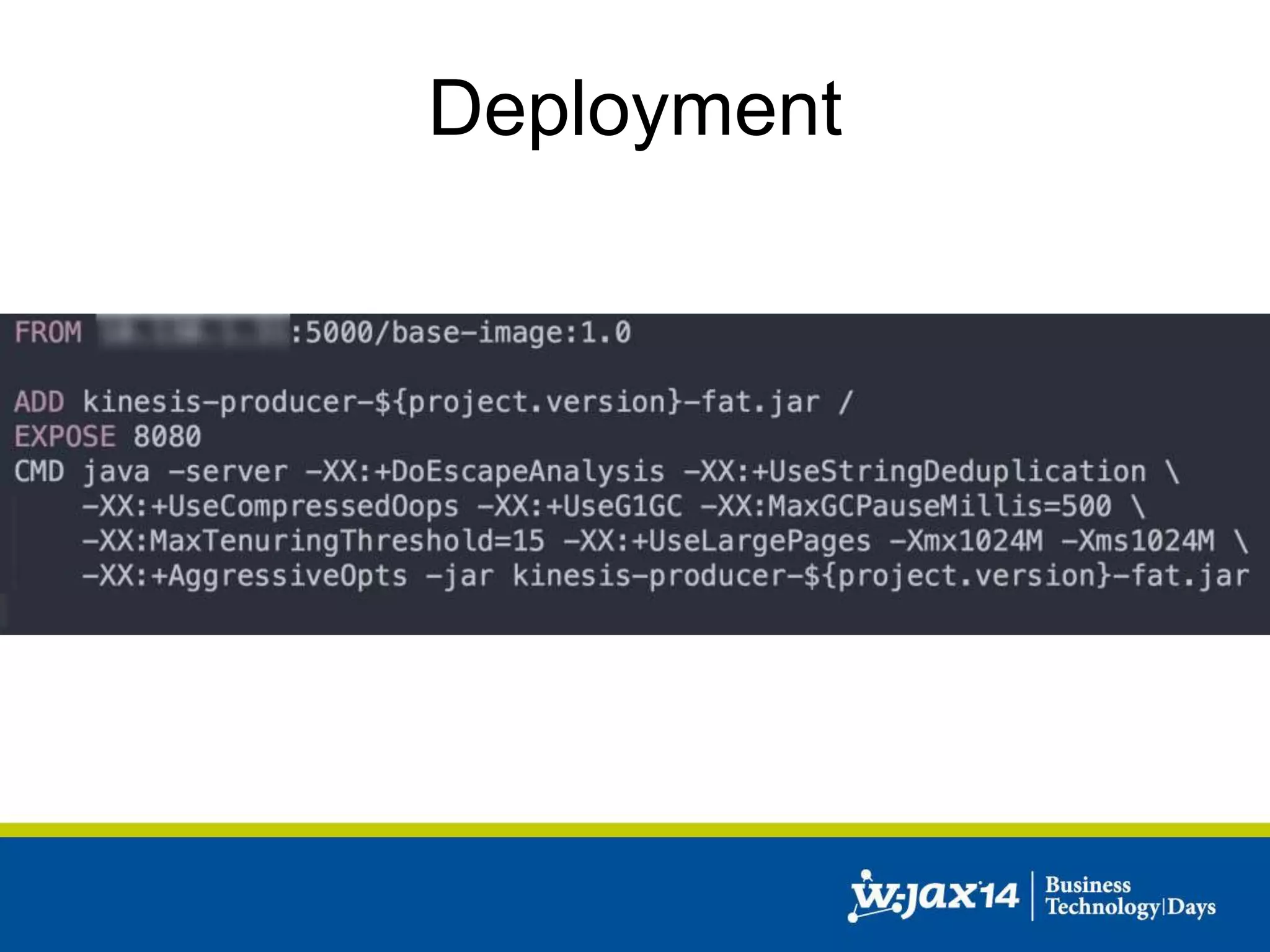
Deployment
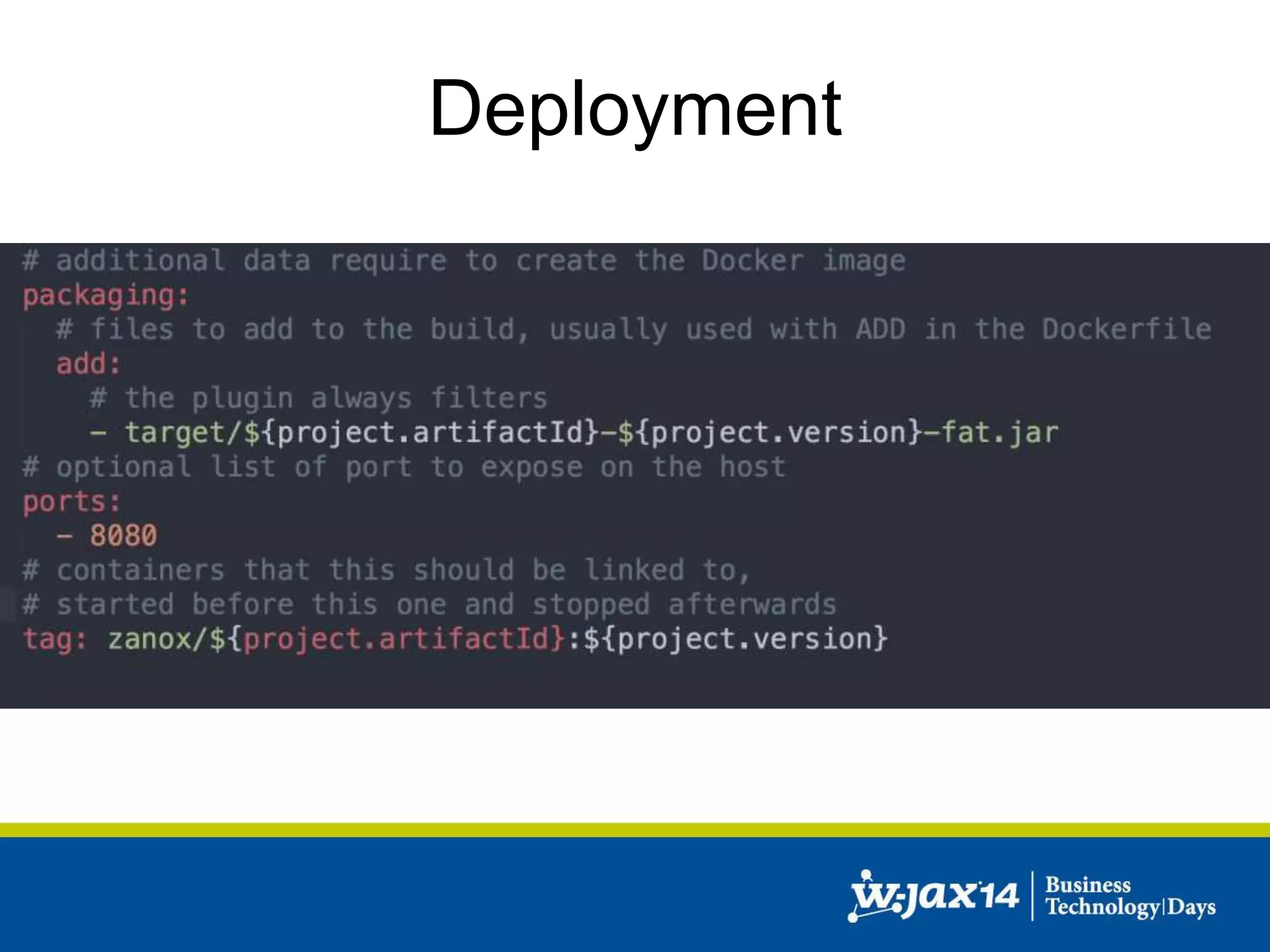
Deployment
Deployment
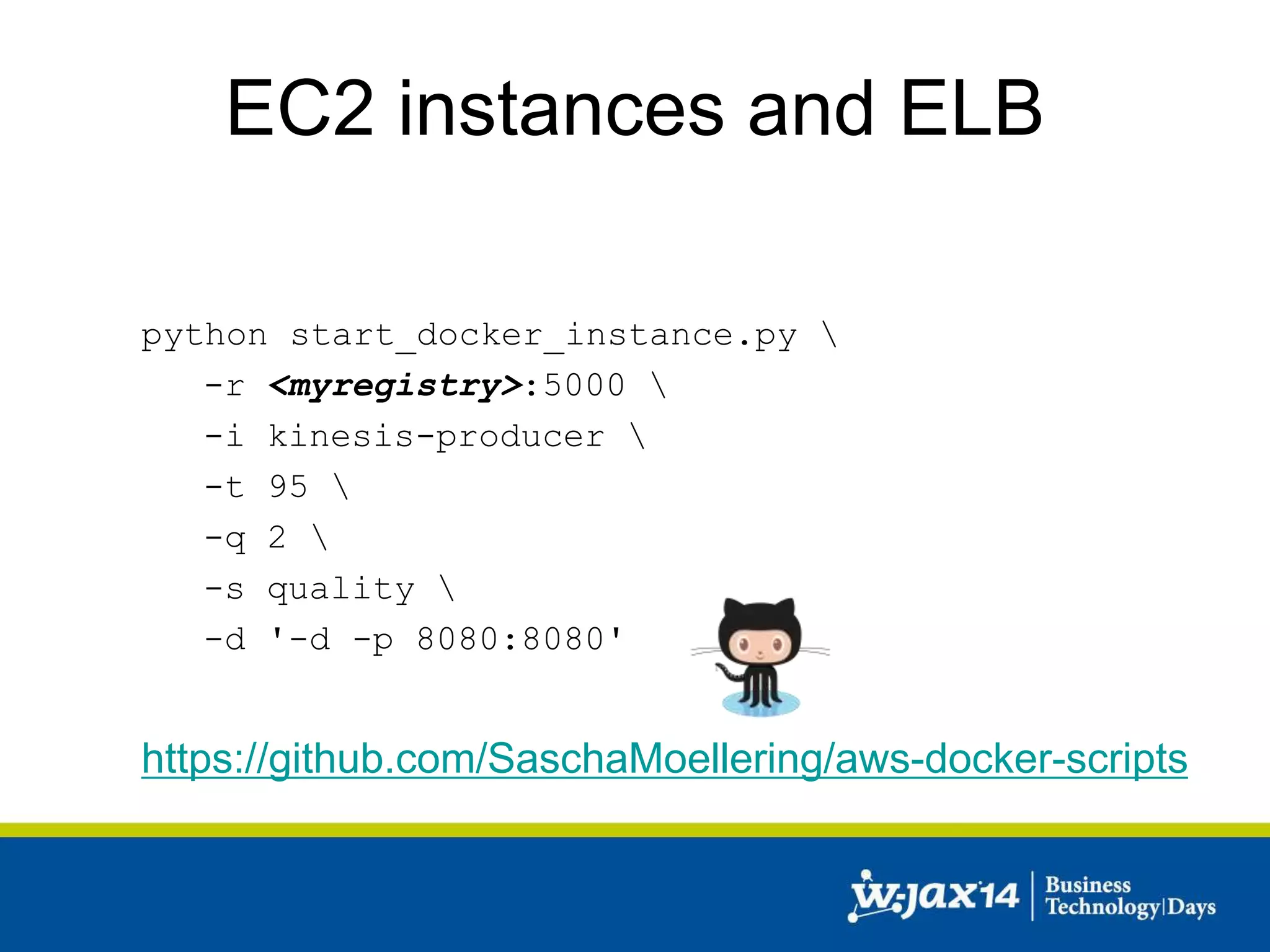
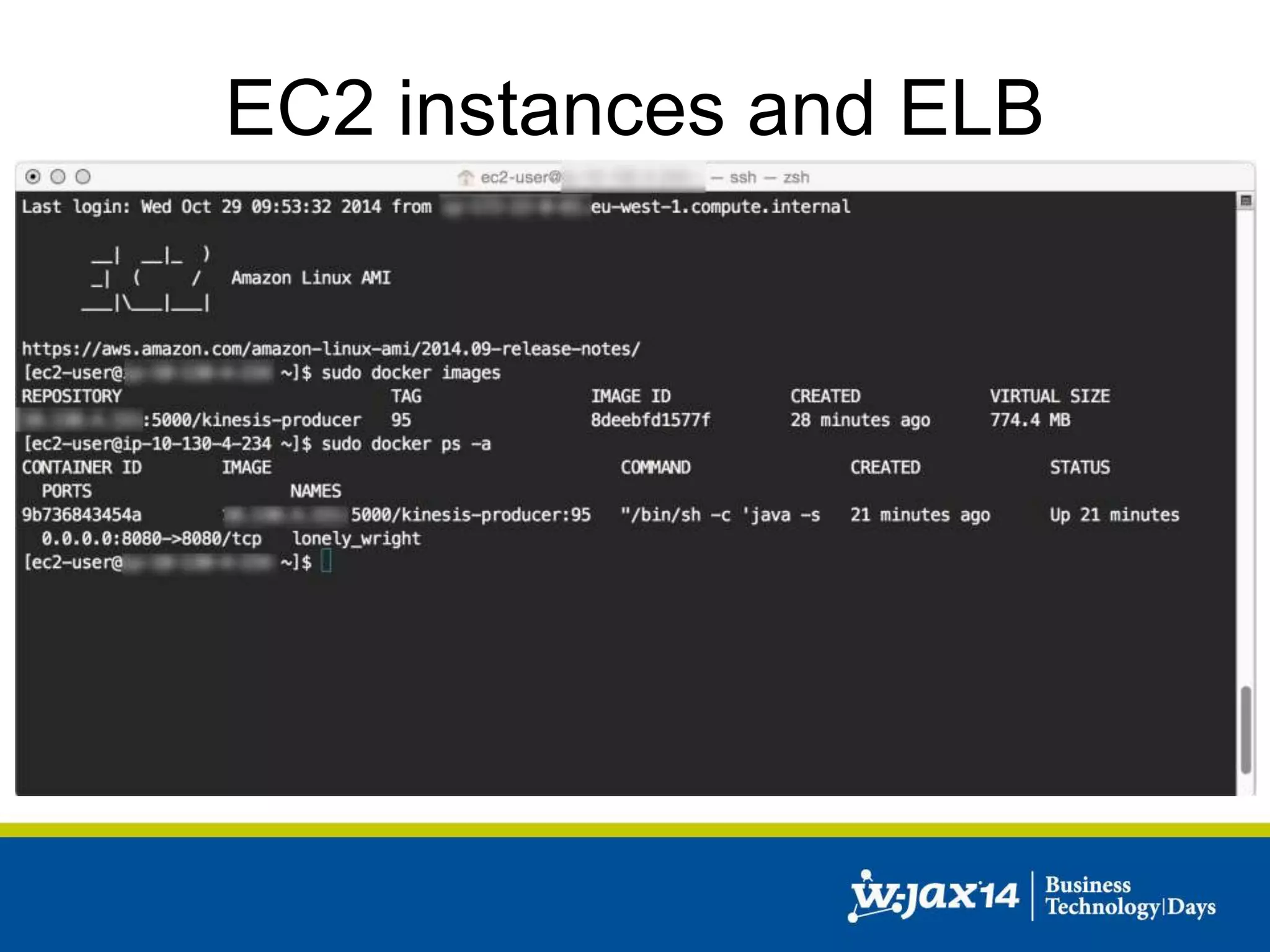
EC2 instances and ELB 
python start_docker_instance.py  
-r <myregistry>:5000  
-i kinesis-producer  
-t 95  
-q 2  
-s quality  
-d '-d -p 8080:8080' 
https://github.com/SaschaMoellering/aws-docker-scripts
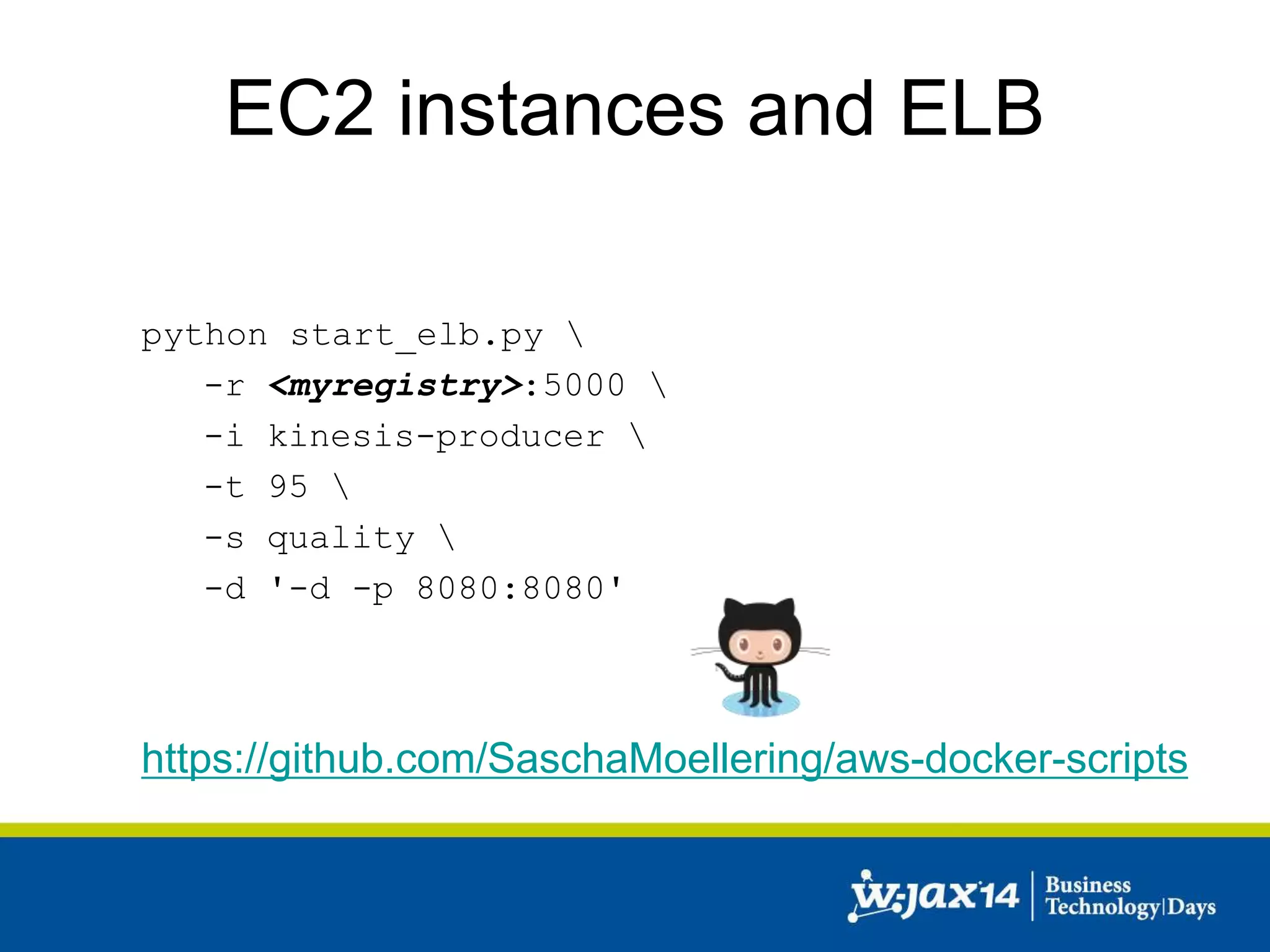
EC2 instances and ELB 
python start_elb.py  
-r <myregistry>:5000  
-i kinesis-producer  
-t 95  
-s quality  
-d '-d -p 8080:8080' 
https://github.com/SaschaMoellering/aws-docker-scripts
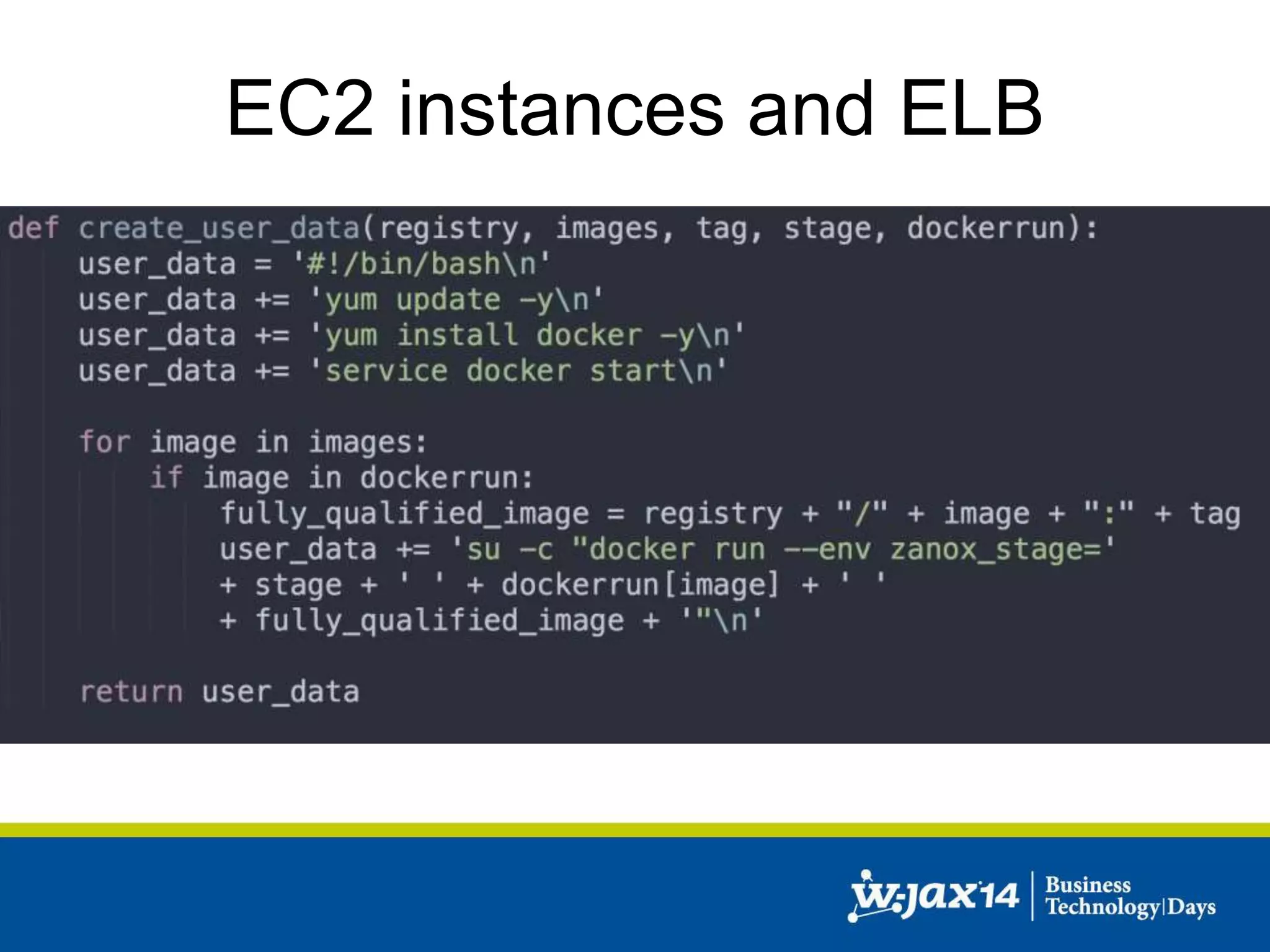
EC2 instances and ELB
Cloud Architecture: Patterns and Best Practices

Cloud Architecture: Patterns and Best Practices

  • 1.
    Sascha Möllering |zanox AG Cloud Architecture
  • 2.
    About me SaschaMöllering sascha.moellering@zanox.com Lead Engineer / DevOps Hipster zanox AG http://www.der-maschinenstuermer.de/ @sascha242
  • 3.
    About me JavaMagazin 11.14 Architektur im Kontext der Cloud: Patterns und Best Practices AWS Virtual Cloud Summit Continuous delivery in AWS using Docker http://aws-summit.de/ Entwickler Spezial: Docker Über den Wolken: Ein Erfahrungsbericht zum Docker-Einsatz in der Amazon Cloud
  • 4.
    Agenda • AWSOverview • Creating a cloud service • Real World example • Cloud deployment • Q&A
  • 5.
    How can wescale?
  • 6.
    How can wescale?
  • 7.
    AWS Overview Region US-WEST (N. California) EU-WEST (Ireland) ASIA PAC (Tokyo) ASIA PAC (Singapore) US-WEST (Oregon) US-EAST (Virginia) SOUTH AMERICA (Sao Paulo) GOV CLOUD ASIA PAC (Sydney) EU-CENTRAL (Frankfurt)
  • 8.
  • 9.
    AWS Overview EC2:Resizable compute capacity AutoScaling: scale up or down Route 53: Domain Name System ELB: Load Balancing Elastic IP: Static IP address
  • 10.
    AWS Overview RDS:Managed database service DynamoDB: NoSQL implementation Redshift: data warehouse solution ElastiCache: Managed cache Kinesis: Service for streaming data
  • 11.
    AWS Overview S3:Highly-scalable object storage CloudFront: CDN implementation CloudWatch: Monitoring service IAM: Identity and Access Management EMR: Managed Hadoop
  • 12.
    Starting point •How can we leverage the Cloud? • Our application: – Simple Java based web application – One application – One database – Runs in our own DC
  • 13.
    Creating a cloudservice • Initial setup: – Route53 for DNS – One Elastic IP (static IPs for the Cloud) – One EC2 instance • Web Application • Database – One AZ
  • 14.
    Creating a cloudservice Availability Zone
  • 15.
    Creating a cloudservice • Simple approach to scale: – More RAM – More CPU power – More IOPS – Different EC2 instance type • Approach will hit a barrier
  • 16.
    Creating a cloudservice • Problems: – No failover – No redundancy – Database and application on one instance – Does not scale very well
  • 17.
    Creating a cloudservice • Separate Web Application from DB – One EC2 instance for the Web Application – One EC2 instance for the DB – Or: Managed DB service (RDS) • One AZ
  • 18.
    Creating a cloudservice Availability Zone Database
  • 19.
    Creating a cloudservice • Problems: – No failover – No redundancy – Does still not scale very well
  • 20.
    Creating a cloudservice • Add an ELB • Add EC2 instance for Web Application • Different AZs • Standby DB instance – Multi AZ setup in RDS
  • 21.
  • 22.
    Creating a cloudservice Availability Zone Database Availability Zone Database
  • 23.
    Creating a cloudservice • Problems: – Still limited scaling capabilities – If one EC2 instance crashes, 50% less capability
  • 24.
    Creating a cloudservice • Add additional EC2 instances • Add read replicas in RDS
  • 25.
    Creating a cloudservice Availability Zone Database Availability Zone Database
  • 26.
    Creating a cloudservice • Problems: – Naive implementation – Does not leverage AWS services – Limited scaling – Can be quite expensive
  • 27.
    Creating a cloudservice • Refactoring • Introduce caches to take load from DB • Use S3 and CloudFront to ship static content • Store session data in DynamoDB • Add Autoscaling
  • 28.
    Creating a cloudservice • Autoscaling – Automatic resizing of compute clusters based on demand – Integrated to Amazon CloudWatch – Maximum and minimum pool sizes – Autoscaling policies triggered by CloudWatch alarms
  • 29.
    Creating a cloudservice Auto Scaling Availability Zone group
  • 30.
    Creating a cloudservice • Started with a simple web application • Added several Amazon services • Managed to shift load from application to services • Added caches and CDN • Added Autoscaling
  • 31.
    Creating a cloudservice • Next steps: – SOA – Loose coupling: decouple interactions – Amazon services, don‘t reinvent the wheel – Database federation – Database sharding
  • 32.
    Real world example • Elastic architecture that grows and shrinks • Multiple AZs • Use case: streaming data • Decoupling using Kinesis • IAM Roles for managing credentials • CloudWatch for monitoring
  • 33.
    Internet Architecture AvailabilityZone Auto Scaling group Auto Scaling group Availability Zone
  • 34.
  • 35.
    Vert.x “Vert.x isa lightweight, high performance application platform for the JVM that's designed for modern mobile, web, and enterprise applications.”
  • 36.
    Architecture • Mainframework Vert.x • mod-kinesis (Kinesis-Adapter for Vert.x) • AWS Java SDK • IAM roles for Amazon EC2 instances • Coda Hale metrics and CloudWatch reporter • Jedis (Redis client for Java) • …
  • 37.
    Deployment Workstation GitHub Jenkins Nexus Python/Fabric Datacenter Artefakt
  • 39.
    Deployment EC2 instancewith Docker registry (port 5000) S3 bucket to store Docker images
  • 40.
    Deployment Amazon Cloud Workstation GitHub Jenkins Python/Boto Docker Image Docker Registry S3 bucket with Docker Images
  • 41.
  • 42.
  • 43.
  • 44.
    EC2 instances andELB python start_docker_instance.py -r <myregistry>:5000 -i kinesis-producer -t 95 -q 2 -s quality -d '-d -p 8080:8080' https://github.com/SaschaMoellering/aws-docker-scripts
  • 45.
    EC2 instances andELB python start_elb.py -r <myregistry>:5000 -i kinesis-producer -t 95 -s quality -d '-d -p 8080:8080' https://github.com/SaschaMoellering/aws-docker-scripts
  • 46.
  • 47.

Editor's Notes

  • #6 Frage: wie können wir Skalieren? AWS als Basis Zeige heute: Patterns und Best Practices in der Cloud anhand von AWS Beispielapplikation in Java, die skaliert werden soll
  • #8 9 bzw. 10 verschiedene Regionen Region: separierte geographische Bereiche Neu: EU-Central in Frankfurt
  • #9 Regions werden in Availability Zones unterteilt Jede AZ is isoliert, aber durch Leitungen mit niedriger Latenz verbunden A group of AZ is a Region A group of Datacenter is an AZ
  • #15 Elastic IP addresses are static IP addresses designed for dynamic cloud computing. An Elastic IP address is associated with your account, not a particular instance, and you control that address until you choose to explicitly release it Im Fehlerfall (EC2-Instanz ist down) kann die EIP umgemappt werden
  • #19 RDS: fully managed database service Supports: MySQL, Oracle, Microsoft SQL Server, PostgreSQL automatically patches the database software and backs up your database
  • #21 - Multi AZ: Multi-AZ deployment option you can run mission critical workloads with high availability and built-in automated fail-over from your primary database to a synchronously replicated secondary database
  • #22 - Multi AZ: Multi-AZ deployment option you can run mission critical workloads with high availability and built-in automated fail-over from your primary database to a synchronously replicated secondary database
  • #29 - Minimum poolsizes is great if you have crashing EC2 instances,
  • #32 Alle Bestandteile der Applikation in Services auslagern, die unabhängig voneinander skaliert werden können Loose Kopplung der Komponenten über Messaging Systeme
  • #34 S3 DynamoDB RDS RedShift EMR
  • #41  ----- Meeting Notes (26/10/14 22:22) ----- Fabric -> Boto
  • #42  ----- Meeting Notes (26/10/14 22:22) ----- Fat JAR
  • #47 User-data script for ec2 - ein Mal bei initialen Setup der ec2-Instanz ausgeführt - Aktualisiert die Pakete - Installiert Docker - Startet Docker Service - Starten der Docker Instanzen mit den passenden Parametern