Electronic lab notebooks and data repositories
Complementary responses to the scientific data problem
ACS Dallas session on
Research data and electronic lab notebooks
17 March 2014
Rory Macneil, with thanks to Sunny Yang, Robin Rice,
George Hamilton and Gary Ferguson
What we’re going to cover
• The scientific data problem
• ELNs and data repositories: Complementary
approaches to solving the problem
• 1 + 1 = 3? An example of ELN-repository integration:
• RSpace and Edinburgh DataShare
• Looking ahead
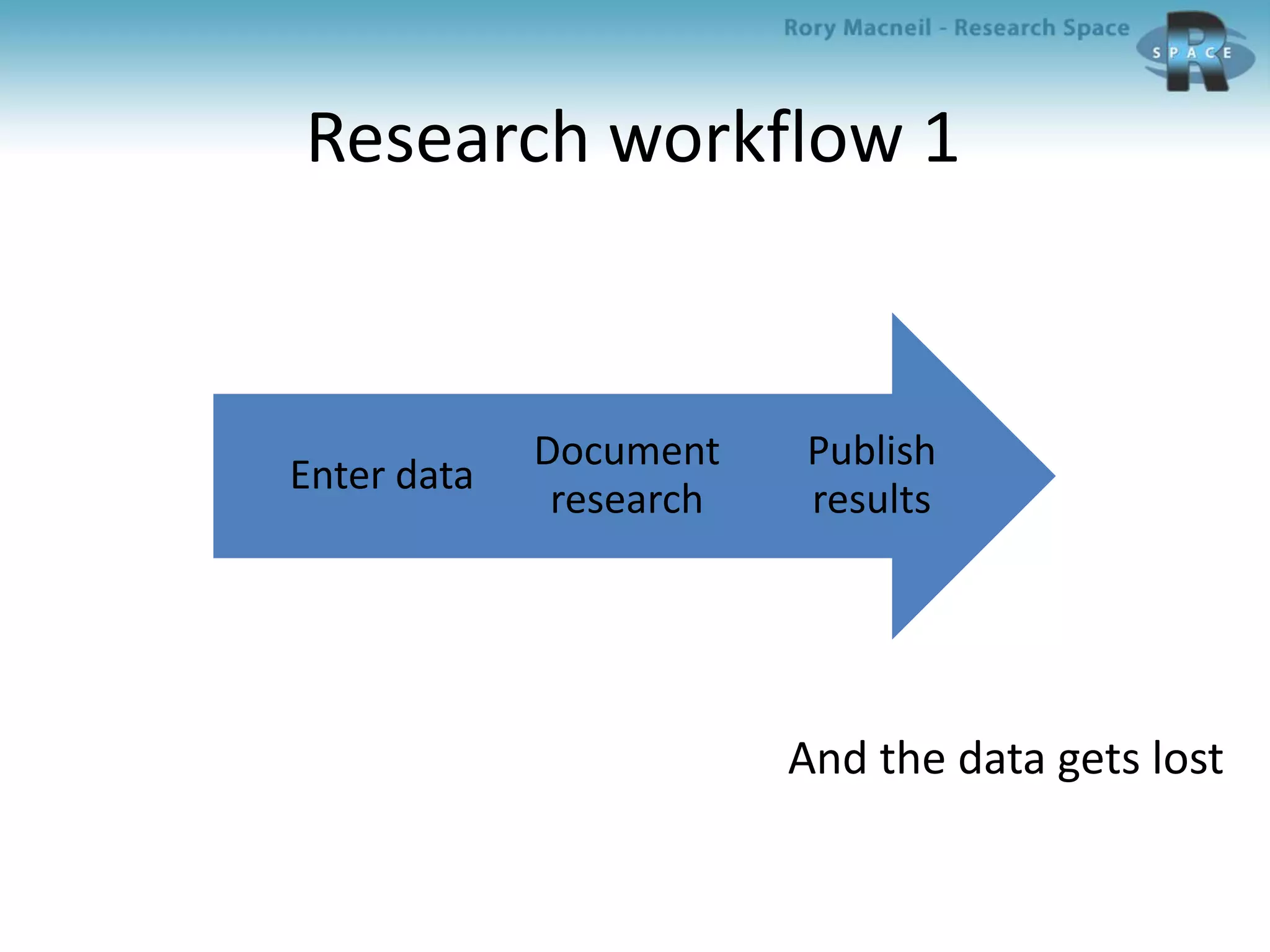
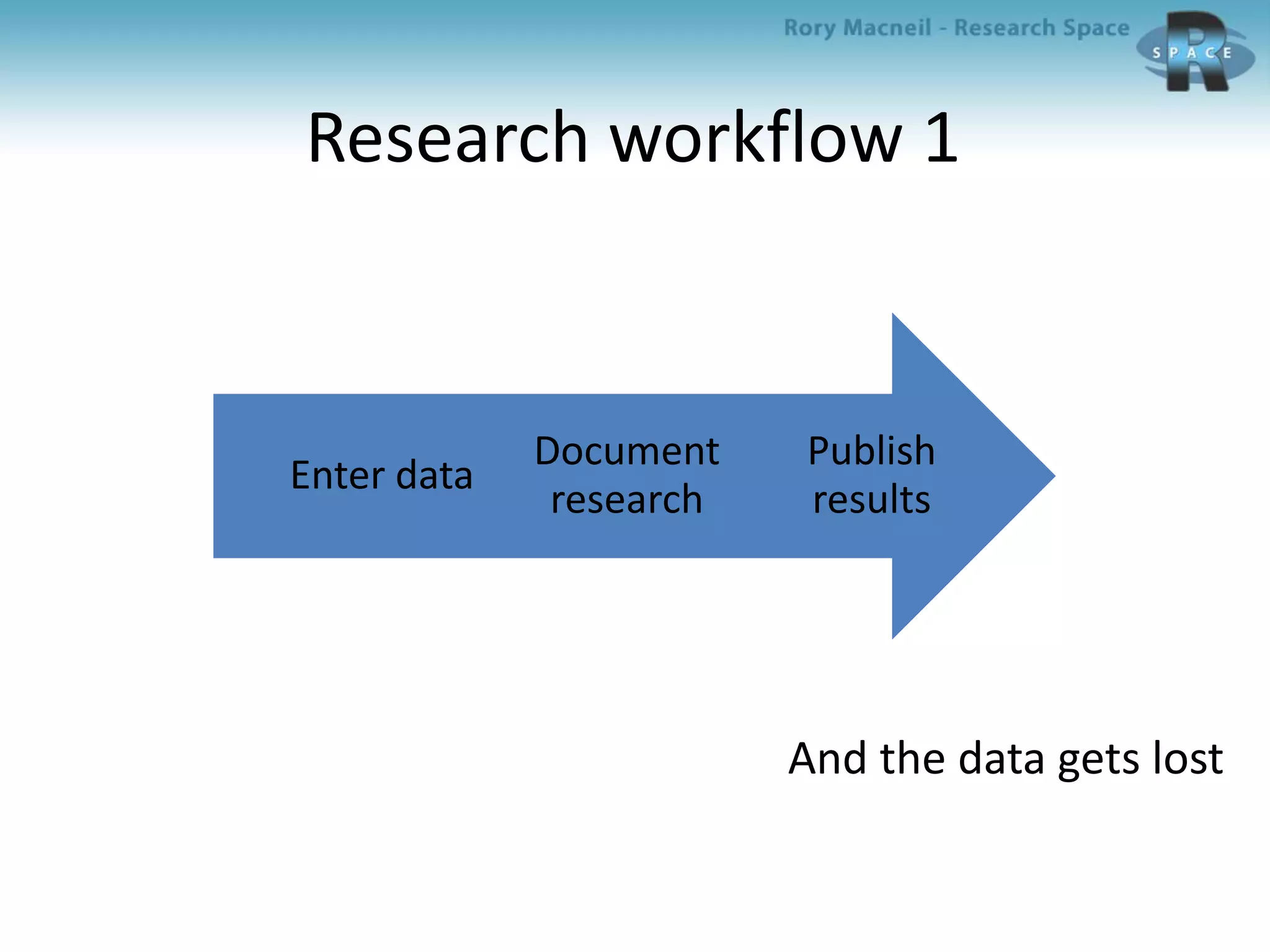
Research workflow 1
And the data gets lost
Publish
results
Document
research
Enter data
The scientific data problem:
How to capture data and make it
available for scrutiny and reuse?
• Ease of data entry drives uptake, but adding
structure to data enhances value
• Different types of data, different fields of
research, different styles of documentation
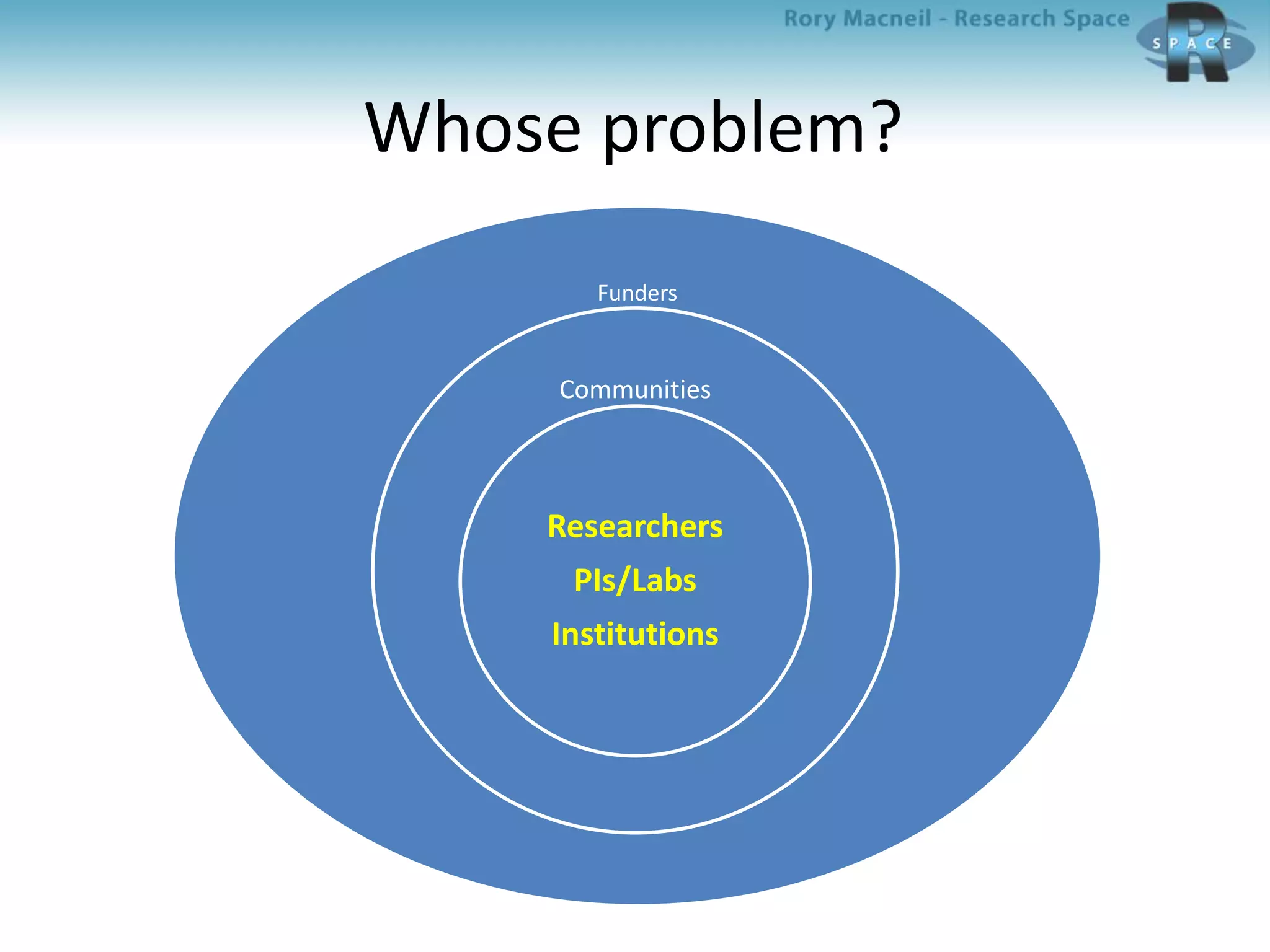
Whose problem?
Funders
Communities
Researchers
PIs/Labs
Institutions
The scientific problem rephrased:
How to add structure to data?
– Who decides the parameters?
• Researcher
• PI
• System (ELN/Repository)
• Community (Dial-a-Molecule, Henry Rzepa et al)
– Who adds it and how?
• Researcher
• Curator
• Machine
– When is it added?
• Pre-documentation (in system)
• During documentation (in ELN)
• Post-documentation (in Repository)
– How much scope for variation?
How do ELNs and data repositories
deal with this problem?
What is an electronic lab notebook?
Software that enables researchers to manage
and present research data
ELNs: The first generation
1990s origins for Big Pharma
• Windows based
• For pcs
• Domain and project specific
• Complex
• Required lots of training
• Very expensive
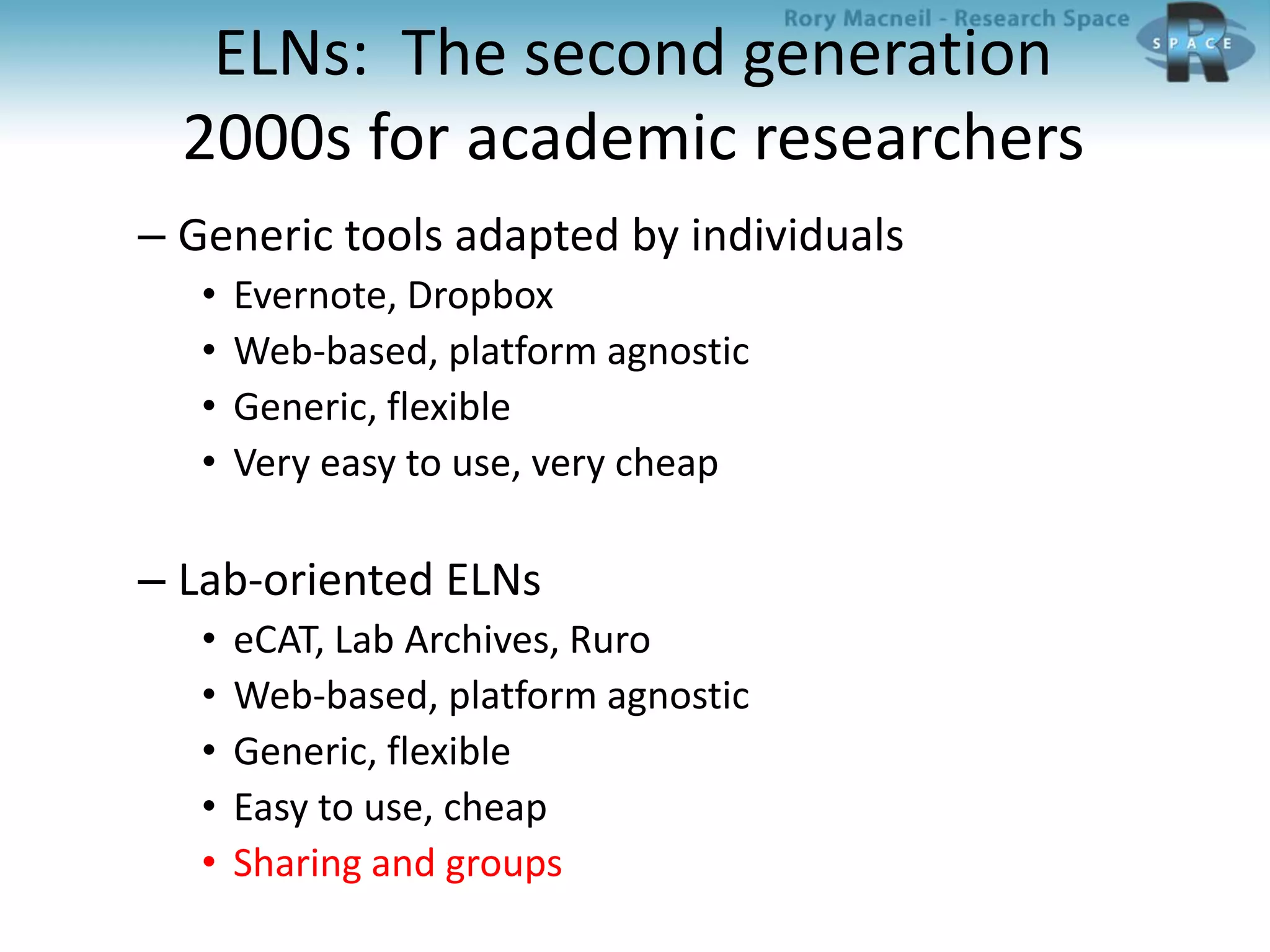
ELNs: The second generation
2000s for academic researchers
– Generic tools adapted by individuals
• Evernote, Dropbox
• Web-based, platform agnostic
• Generic, flexible
• Very easy to use, very cheap
– Lab-oriented ELNs
• eCAT, Lab Archives, Ruro
• Web-based, platform agnostic
• Generic, flexible
• Easy to use, cheap
• Sharing and groups
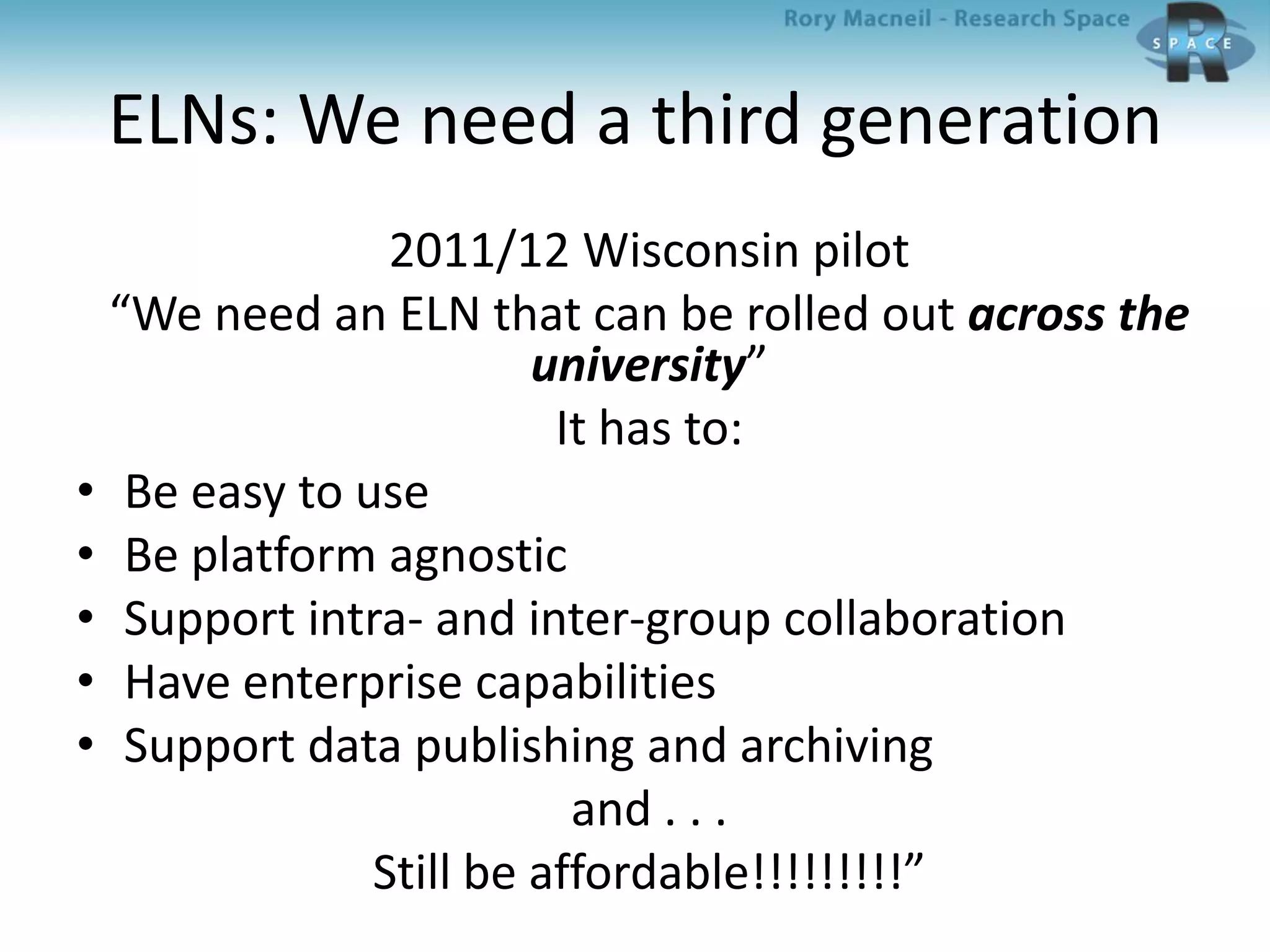
ELNs: We need a third generation
2011/12 Wisconsin pilot
“We need an ELN that can be rolled out across the
university”
It has to:
• Be easy to use
• Be platform agnostic
• Support intra- and inter-group collaboration
• Have enterprise capabilities
• Support data publishing and archiving
and . . .
Still be affordable!!!!!!!!!”
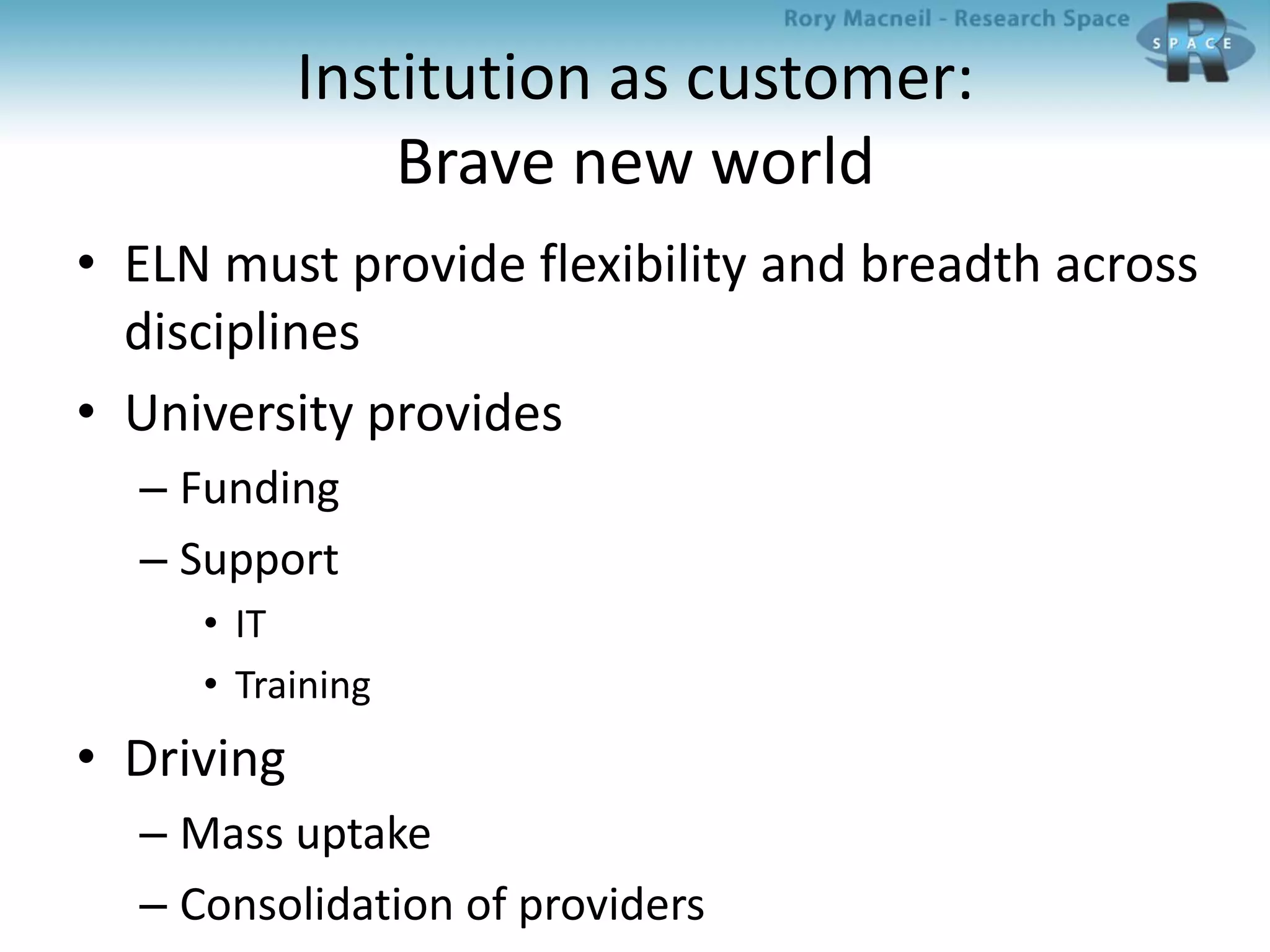
Institution as customer:
Brave new world
• ELN must provide flexibility and breadth across
disciplines
• University provides
– Funding
– Support
• IT
• Training
• Driving
– Mass uptake
– Consolidation of providers
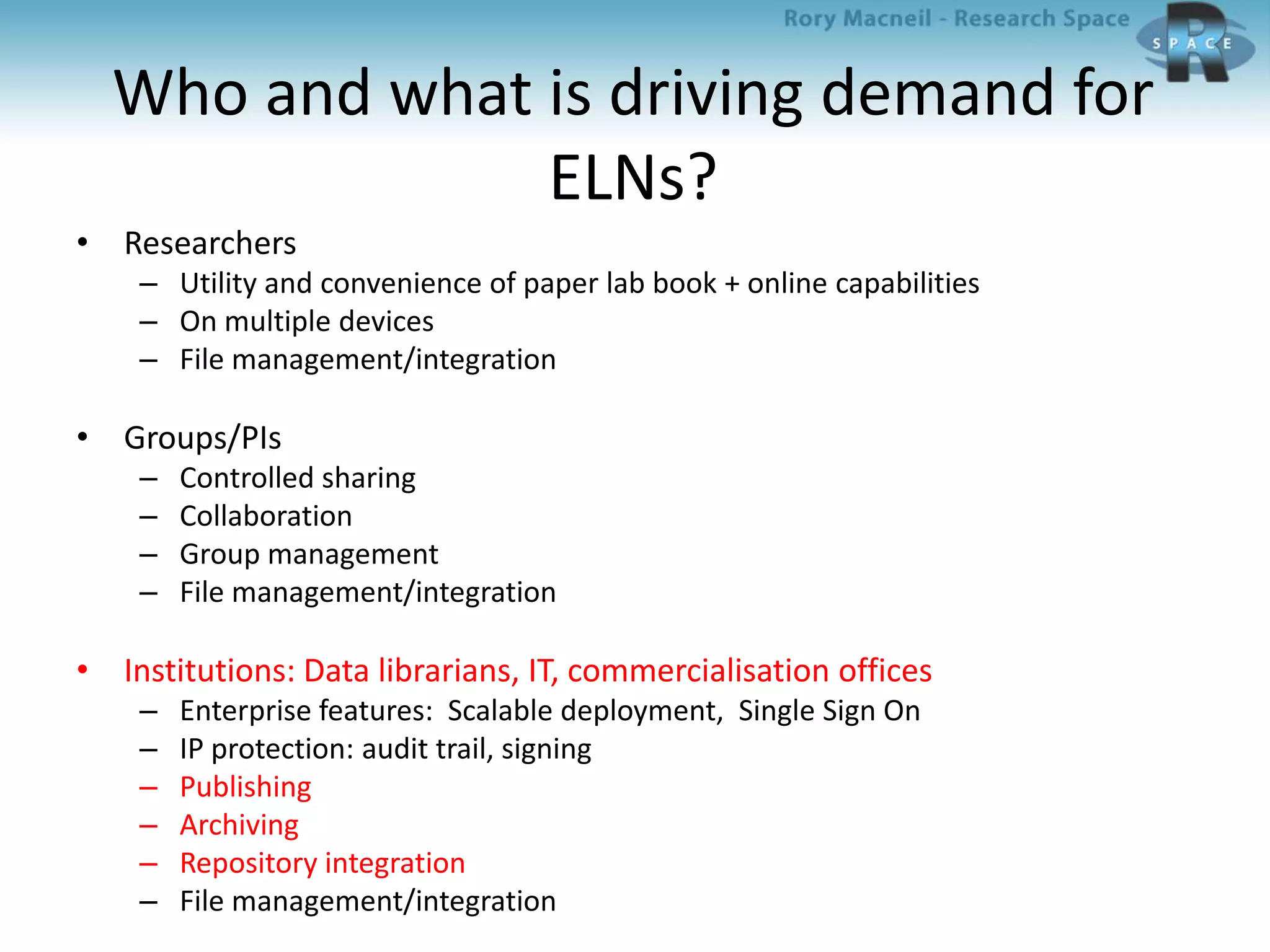
Who and what is driving demand for
ELNs?
• Researchers
– Utility and convenience of paper lab book + online capabilities
– On multiple devices
– File management/integration
• Groups/PIs
– Controlled sharing
– Collaboration
– Group management
– File management/integration
• Institutions: Data librarians, IT, commercialisation offices
– Enterprise features: Scalable deployment, Single Sign On
– IP protection: audit trail, signing
– Publishing
– Archiving
– Repository integration
– File management/integration
Data repositories
An information repository is an easy way to deploy a
secondary tier of data storage that can comprise
multiple, networked data storage technologies running
on diverse operating systems, where data that no
longer needs to be in primary storage is protected,
classified according to captured metadata, processed,
de-duplicated, and then purged, automatically, based
on data service level objectives and requirements.
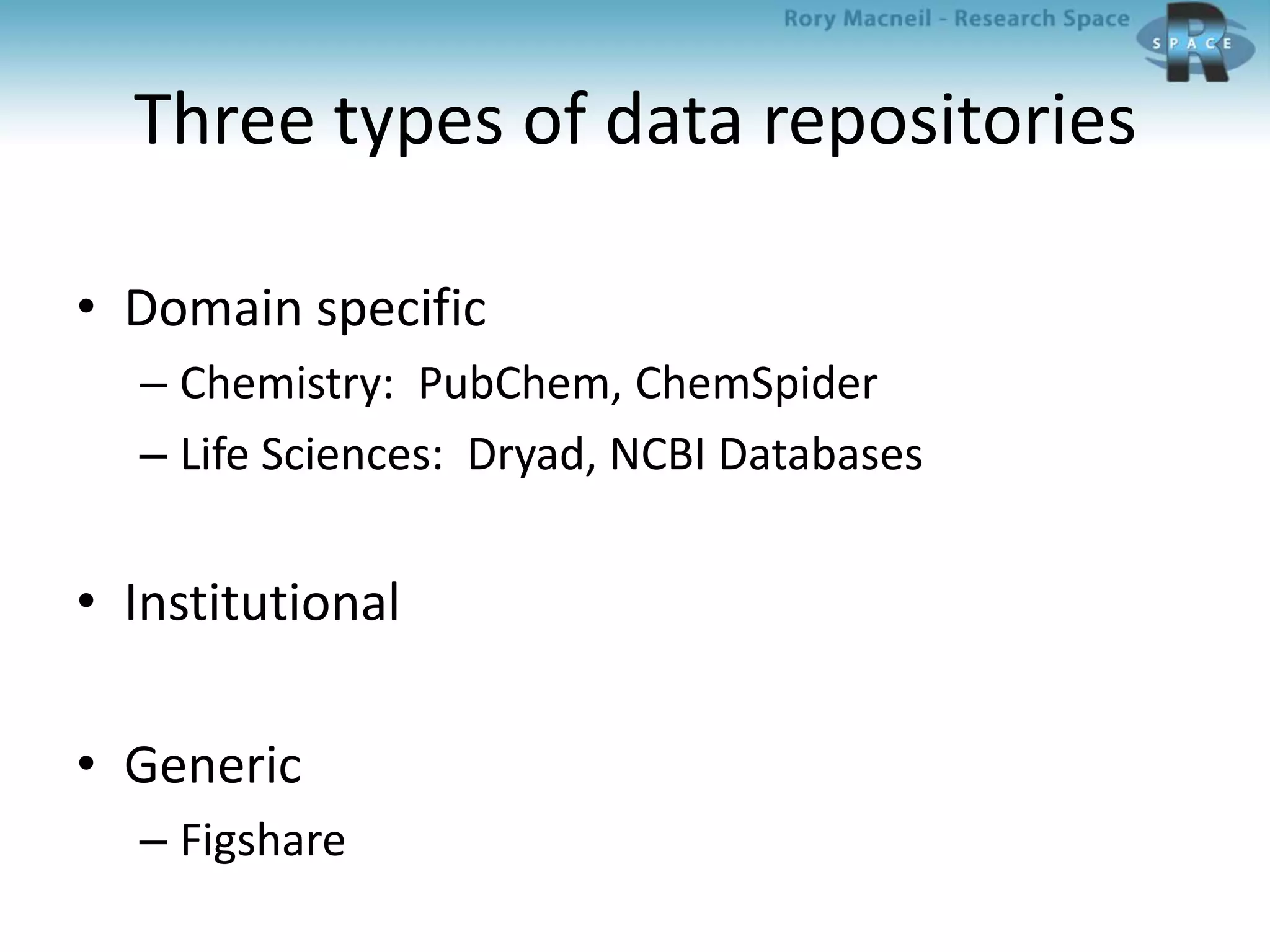
Three types of data repositories
• Domain specific
– Chemistry: PubChem, ChemSpider
– Life Sciences: Dryad, NCBI Databases
• Institutional
• Generic
– Figshare
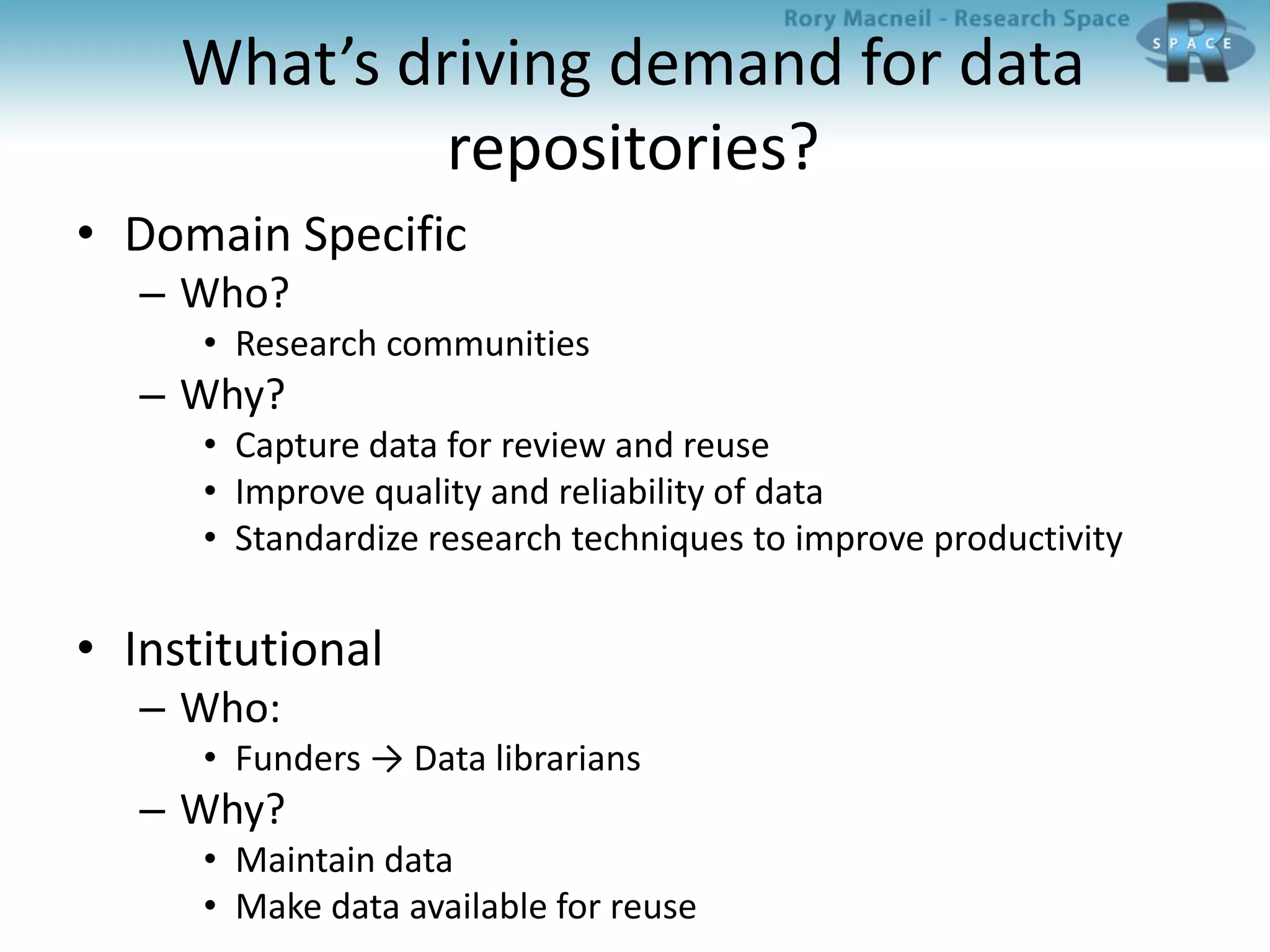
What’s driving demand for data
repositories?
• Domain Specific
– Who?
• Research communities
– Why?
• Capture data for review and reuse
• Improve quality and reliability of data
• Standardize research techniques to improve productivity
• Institutional
– Who:
• Funders → Data librarians
– Why?
• Maintain data
• Make data available for reuse
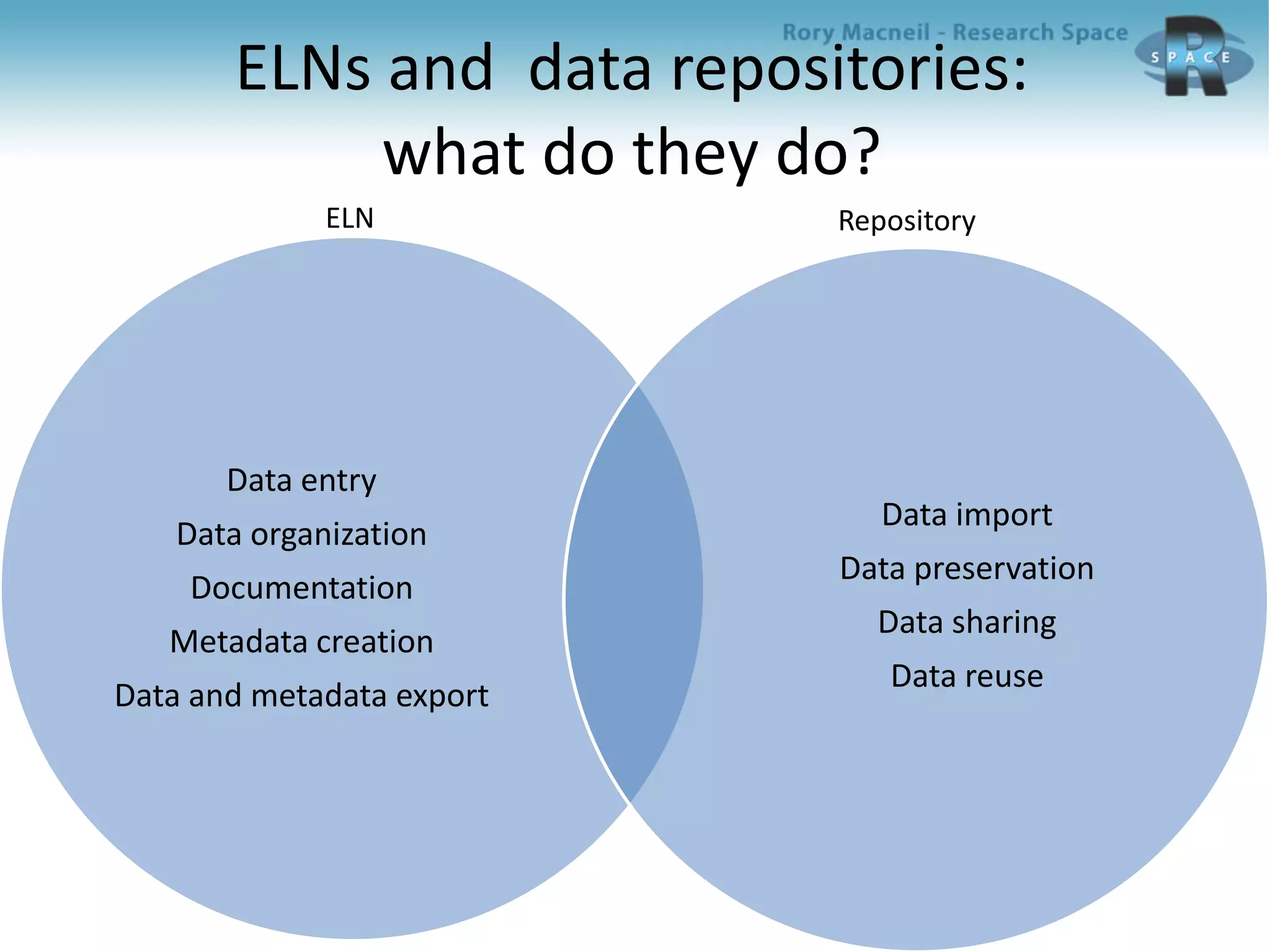
ELNs and data repositories:
what do they do?
Data entry
Data organization
Documentation
Metadata creation
Data and metadata export
Data import
Data preservation
Data sharing
Data reuse
ELN Repository
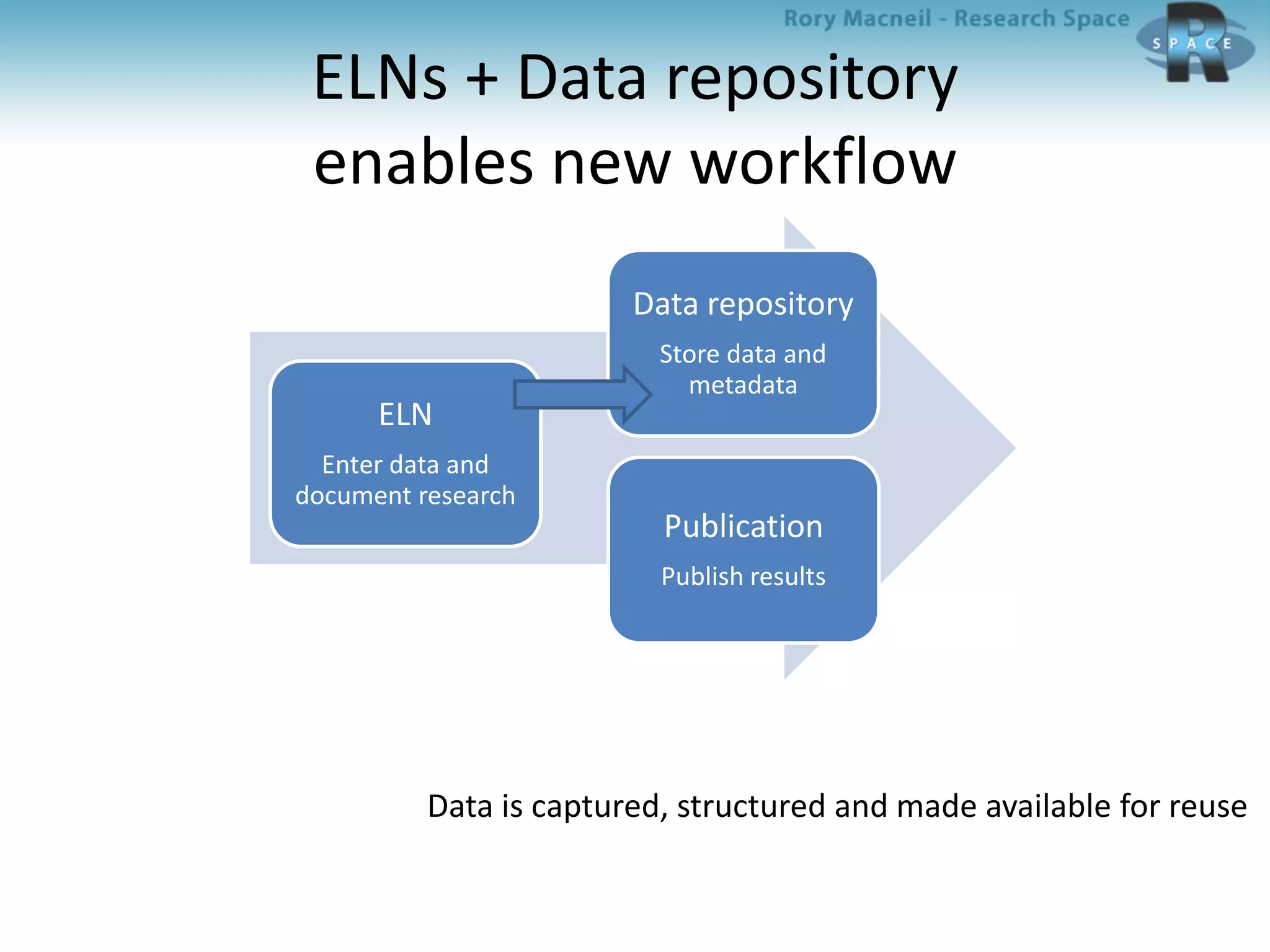
ELNs + Data repository
enables new workflow
ELN
Enter data and
document research
Data repository
Store data and
metadata
Publication
Publish results
Data is captured, structured and made available for reuse
Research workflow 1
And the data gets lost
Publish
results
Document
research
Enter data
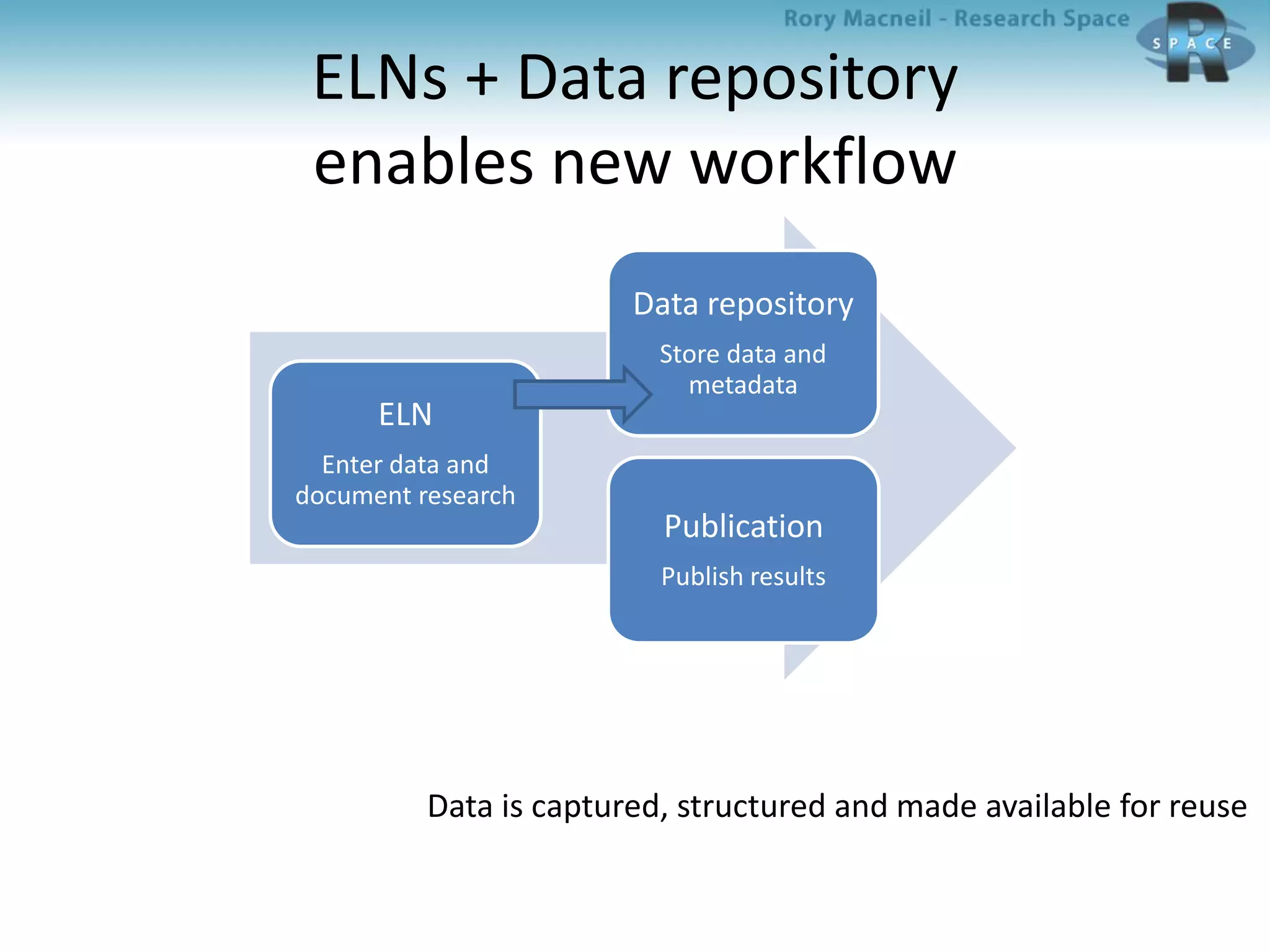
ELNs + Data repository
enables new workflow
ELN
Enter data and
document research
Data repository
Store data and
metadata
Publication
Publish results
Data is captured, structured and made available for reuse
An example of integration:
RSpace and Edinburgh DataShare
RSpace
• Conceived in response to Wisconsin RFP and
trial
• Developed with Wisconsin by Research Space
2012 - 2013
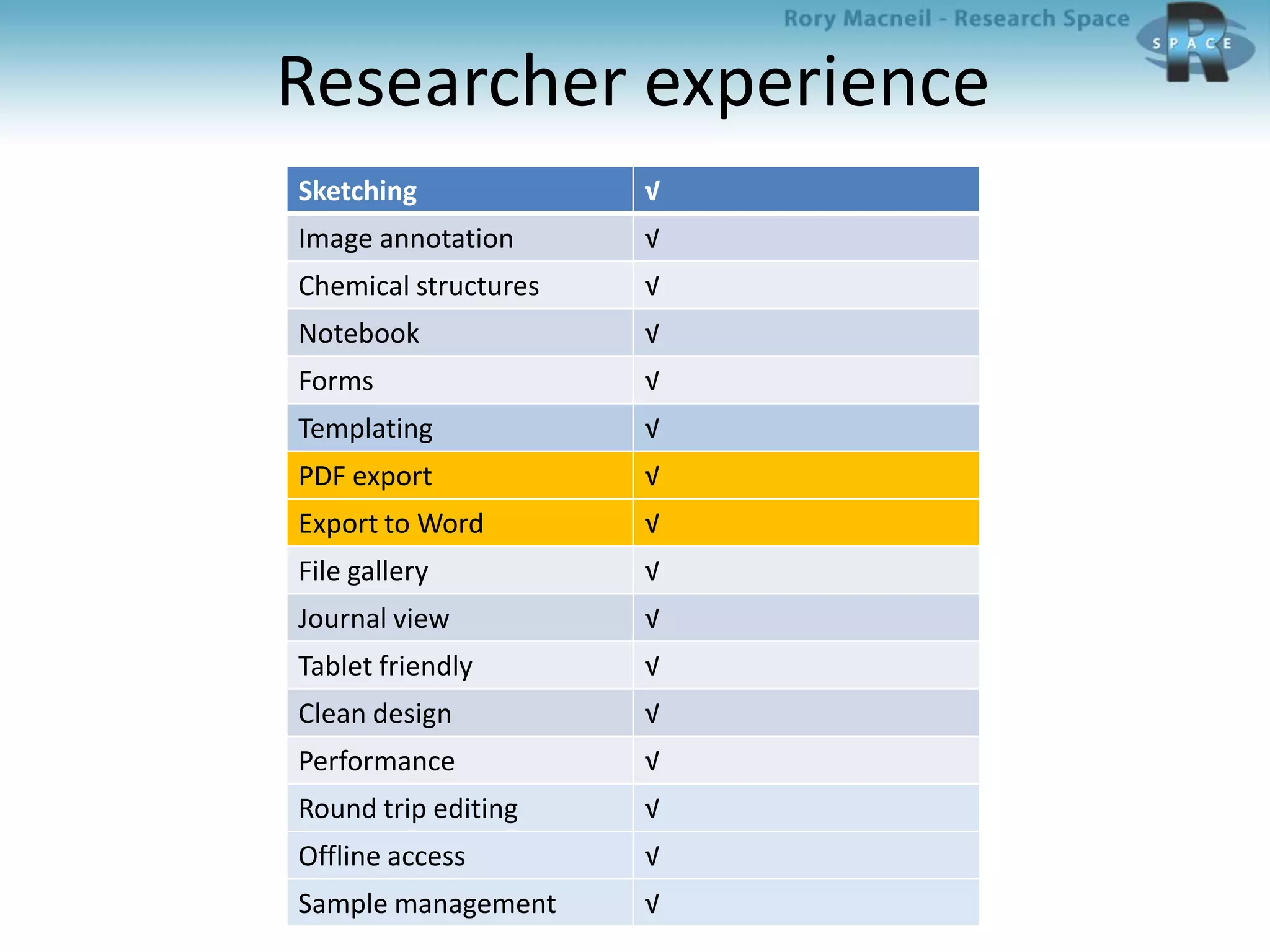
Researcher experience
Sketching √
Image annotation √
Chemical structures √
Notebook √
Forms √
Templating √
PDF export √
Export to Word √
File gallery √
Journal view √
Tablet friendly √
Clean design √
Performance √
Round trip editing √
Offline access √
Sample management √
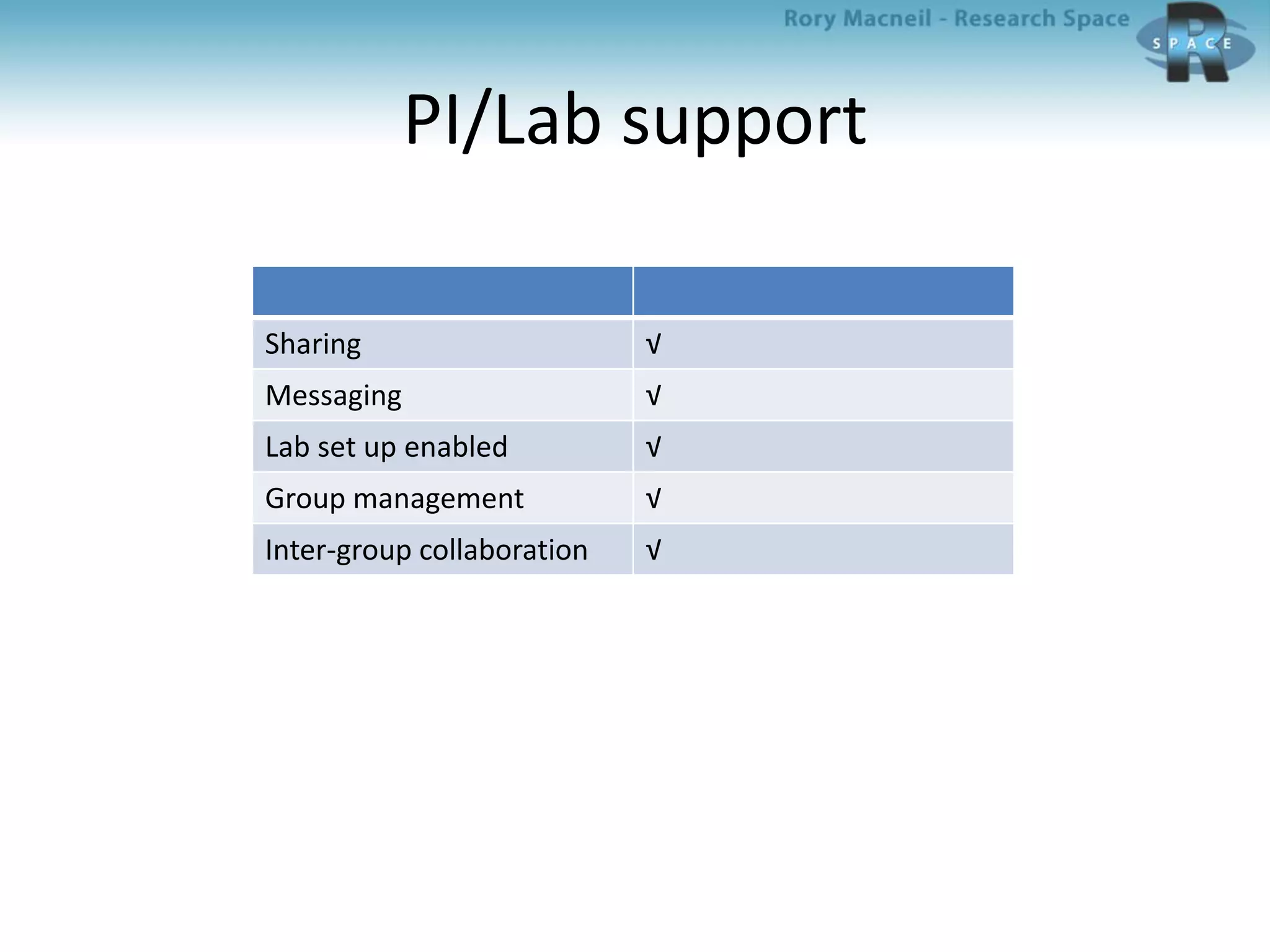
PI/Lab support
Sharing √
Messaging √
Lab set up enabled √
Group management √
Inter-group collaboration √
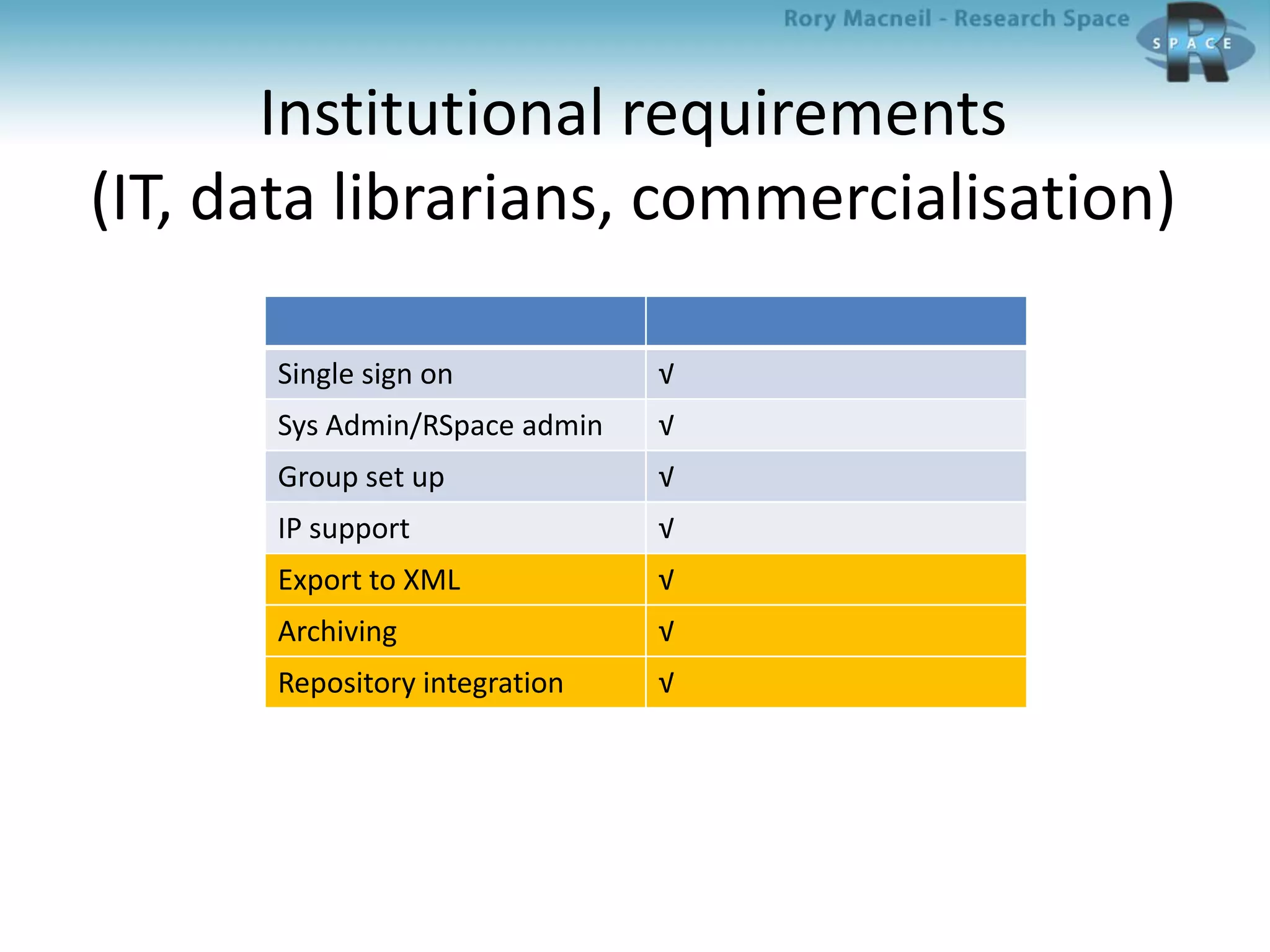
Institutional requirements
(IT, data librarians, commercialisation)
Single sign on √
Sys Admin/RSpace admin √
Group set up √
IP support √
Export to XML √
Archiving √
Repository integration √
RSpace design advantages
• Easy data entry
• Easy and flexible data structuring
• Multiple ways of getting data out (and back in)
– Export PDF
– Export Zip (XML)
– Re-import, preserving structure
– Archive (with metadata)
• Inter – institutional support
• Re-import, preserving structure
What is Edinburgh DataShare?
Edinburgh DataShare is a free-at-point-of-
use data repository service which allows
University researchers to upload, share, and
license their data resources for online
discovery and re-use by others.
Whence Edinburgh DataShare?
• The service was built as an output of the
DISC-UK DataShare project, which
explored pathways for academics to share
their research data over the Internet at the
Universities of Edinburgh, Oxford and
Southampton (2007-2009, Jisc
Repositories and Preservation
Programme).
Why Edinburgh Datashare?
“7. Research data management plans must
ensure that research data are available for
access and re-use where appropriate and
under appropriate safeguards.”
Edinburgh Datashare and
University RDM policy
“9. Research data of future historical
interest, and all research data that represent
records of the University, including data that
substantiate research findings, will be
offered and assessed for deposit and
retention in an appropriate national or
international data service or domain
repository, or a University repository.”
Edinburgh Datashare and
University RDM policy
“10. Exclusive rights to reuse or publish
research data should not be handed over to
commercial publishers or agents without
retaining the rights to make the data openly
available for re-use, unless this is a
condition of funding.”
Does DSpace work for data?
• Communities, collections, data items, files
• Metadata subset from DCMI “dcterms”
vocabulary, RDF-compliant – aids
discovery
• Persistent identifier (handle) assigned
• Suggested citation provided; viewable
download statistics
• Single-sign on with EASE
• Embargo option – delayed publication
Quality controls
– New users can register with EASE login but
are given permission to add to a collection
– Data Library staff or collection administrator
approves each item before publication
– Dataset / data item must include
documentation as well as data files
– Metadata field to point to related publication
(“is referenced by”)
RSpace – Edinburgh Datashare
integration: Overview
• Background
• People
– Edinburgh: Robin Rice, George Hamilton
– Research Space: Sunny Yang, Gary Ferguson
• Process
– Understanding DataShare (DSpace + SWORD + Datashare)
– Backend integration
– METS (metadata encoding transaction standard)
development
– Interface decisions
RSpace – Edinburgh Datashare
integration: Backend platform
– Edinburgh DataShare has three interfaces/APIs
• Web-UI
• Python
• SWORD (simple Java based web-service which supports
repository deposits)
– RSpace uses the SWORD Interface
– The SWORD server accepts a file for deposition if a
METS description file is provided
Four part METS implementation in
RSpace – Datashare integration
• RSpace uses the standard METS header
• DMD -- field definitions are based on Dublin Core
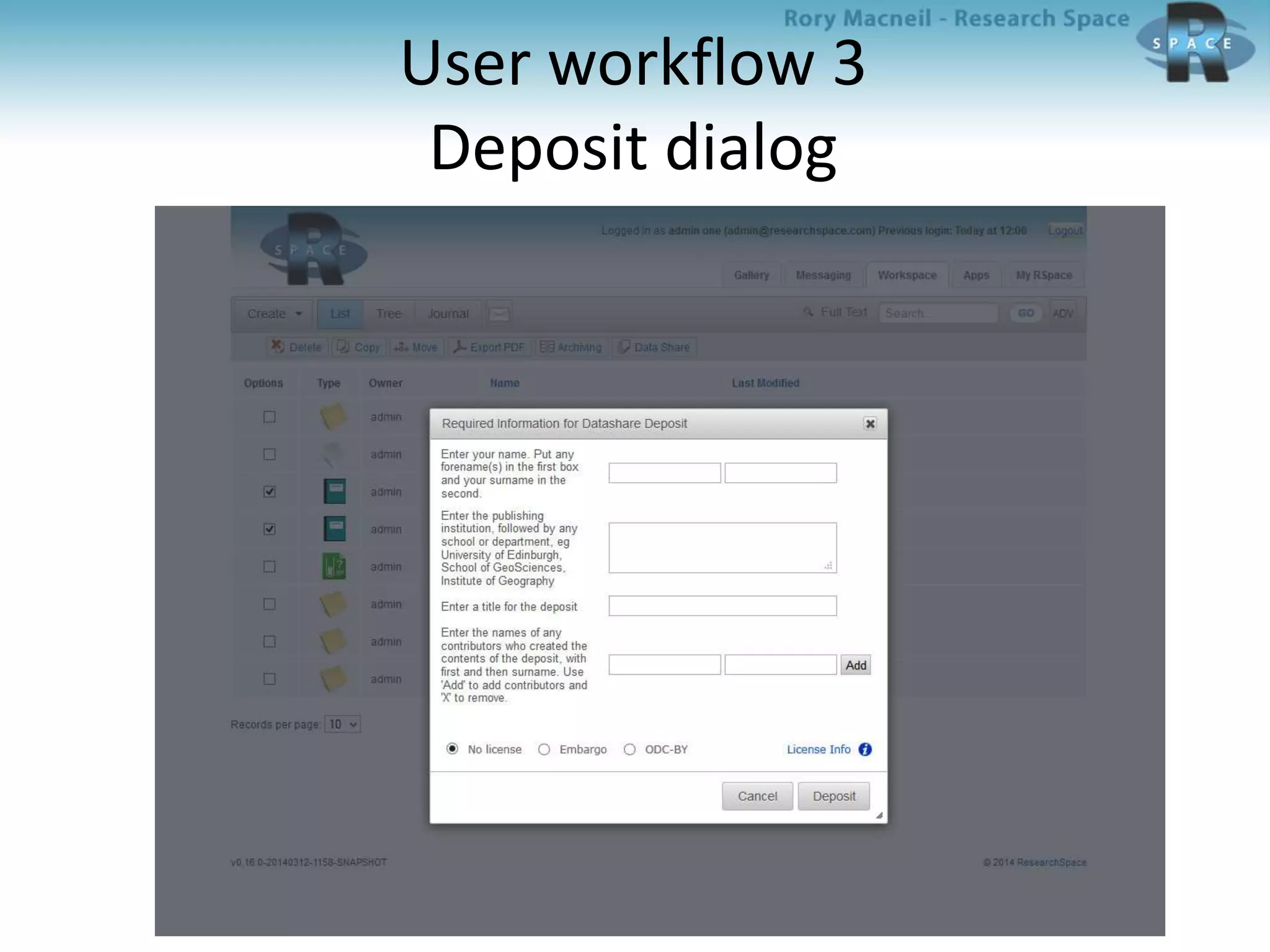
– Four required fields in Edinburgh DataShare -- contributor,
publisher, title, and data creator -- must be completed as part
of the deposit through RSpace
– Additional optional fields can be filled in later by DataShare
administrator:
• FUNDER, SPATIAL_COVERAGE, TIME_PERIOD, DATA_CREATOR,
AVAILABLE_DATE, DESCRIPTION_ABSTRACT, DESCRIPTION_TOC, LANGUAGE,
RELATION_VERSION_OF, RELATION_REFERENCED_BY, SUPERCEDES, RIGHT,
SOURCE, SUBJECT_KEYWORDS, SUBJECT_CLASSIFICATION, ALTERNATIVE_TITLE
• All zipped files and their mime-types (e.g. application/pdf,
text/html) are included
• A structure map describes the full structure and
relationships between the above three elements
RSpace – Edinburgh Datashare
integration: Workflow
• Front end trigger
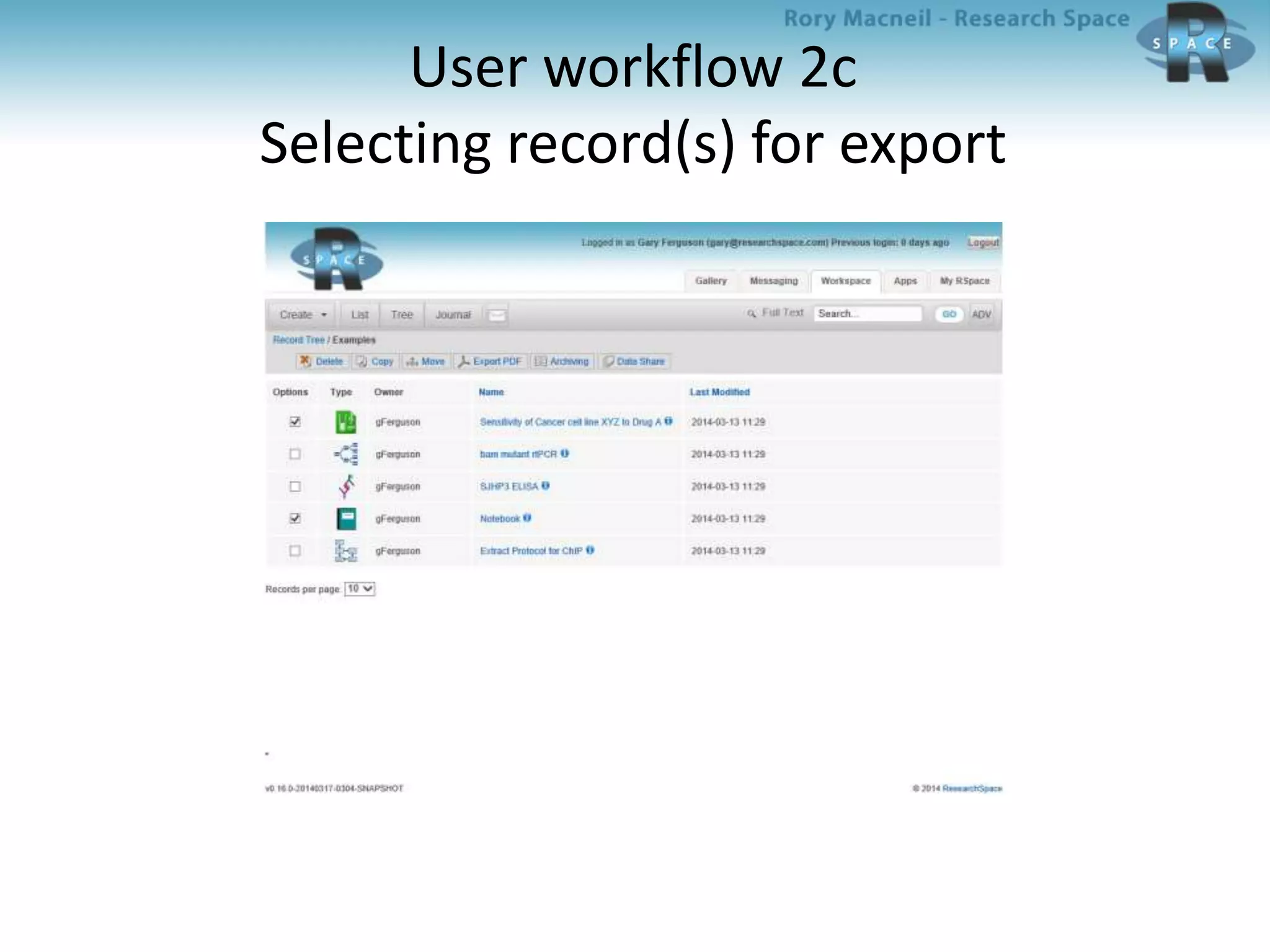
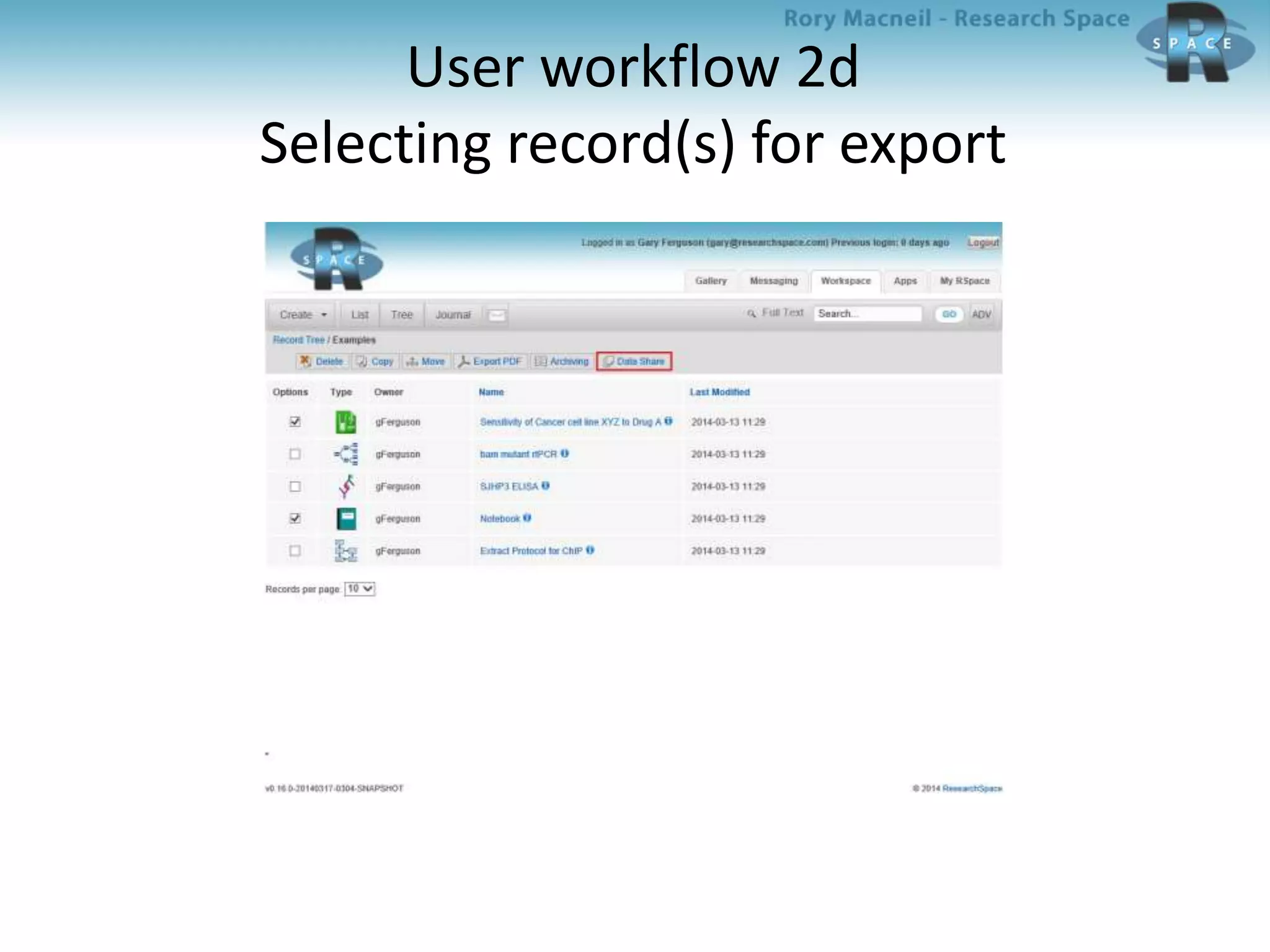
– An RSpace user selects files/folders/notebooks to be deposited from
RSpace, and starts the deposit process
• Backend to support the user workflow
– RSpace extracts the associated data and resources from its database
and file-store
– These are turned into xml files
– METS is used to describe the zip file and each selected file
– The xml, resource, and METS files are zipped into a zip file for
archiving
– The DSpace SWORD client deposits the zip file to DataShare after an
authentication and validation procedure
– File deposited in Collection associated with Depositor
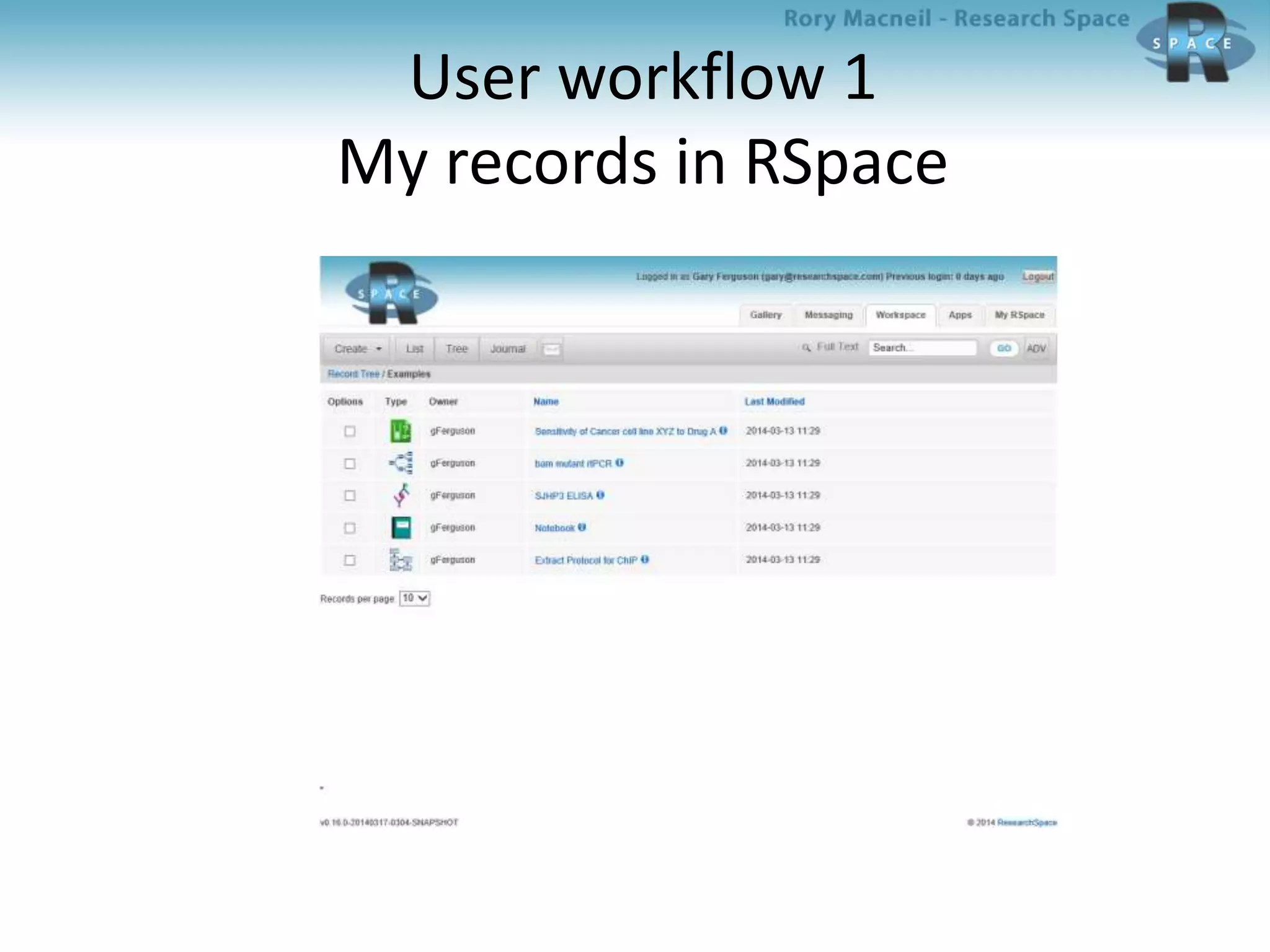
User workflow 1
My records in RSpace
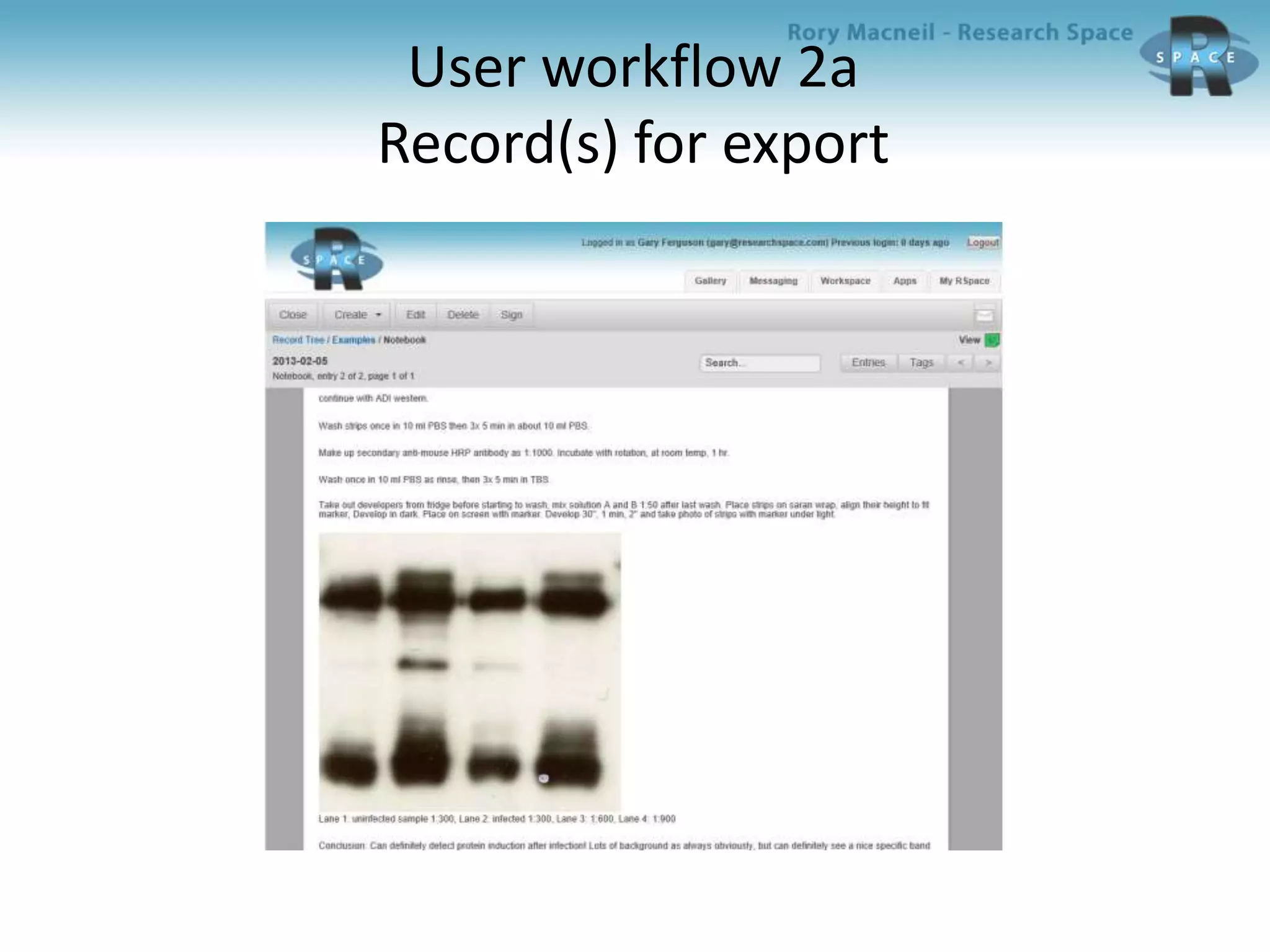
User workflow 2a
Record(s) for export
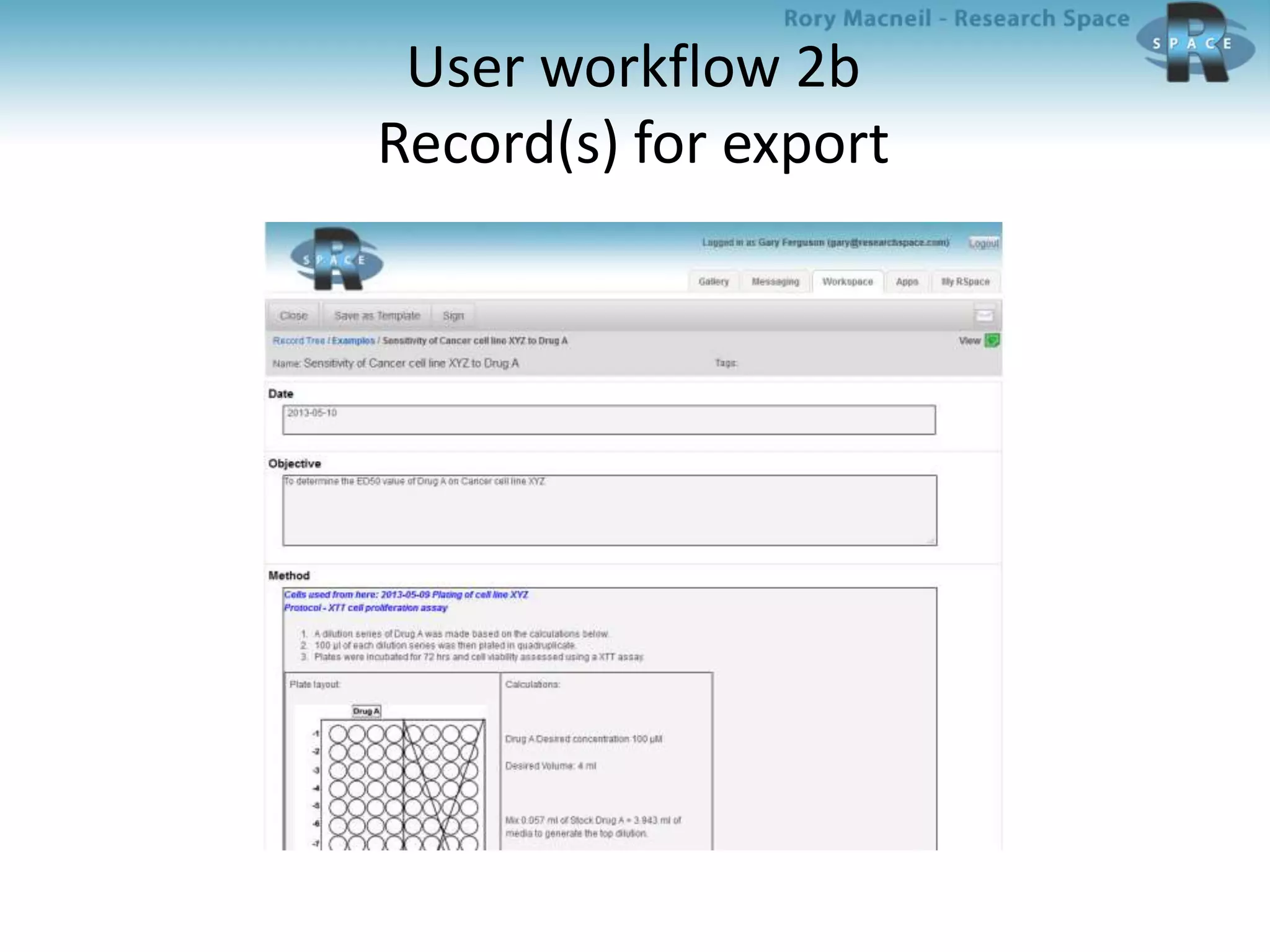
User workflow 2b
Record(s) for export
User workflow 2c
Selecting record(s) for export
User workflow 2d
Selecting record(s) for export
User workflow 3
Deposit dialog
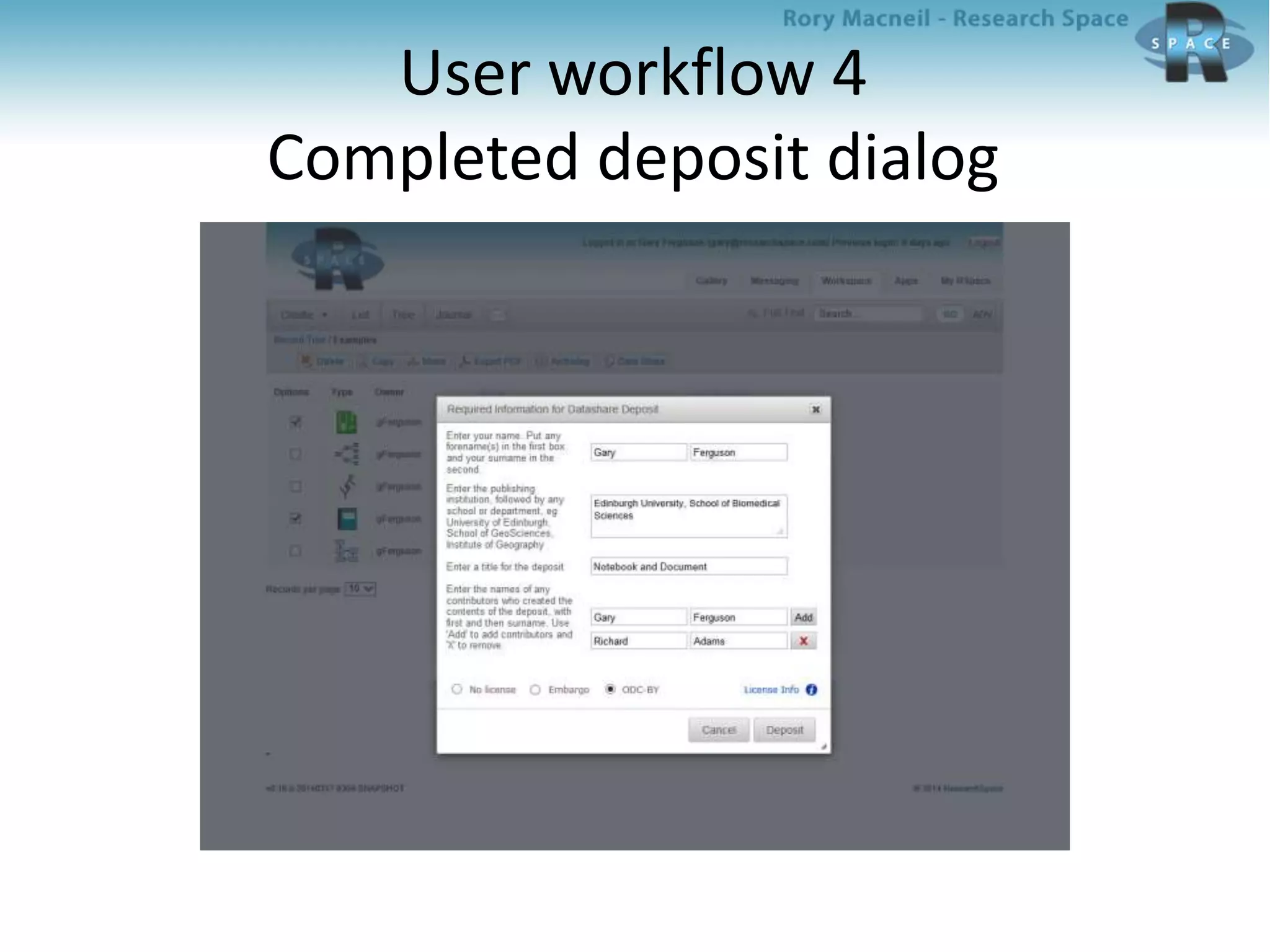
User workflow 4
Completed deposit dialog
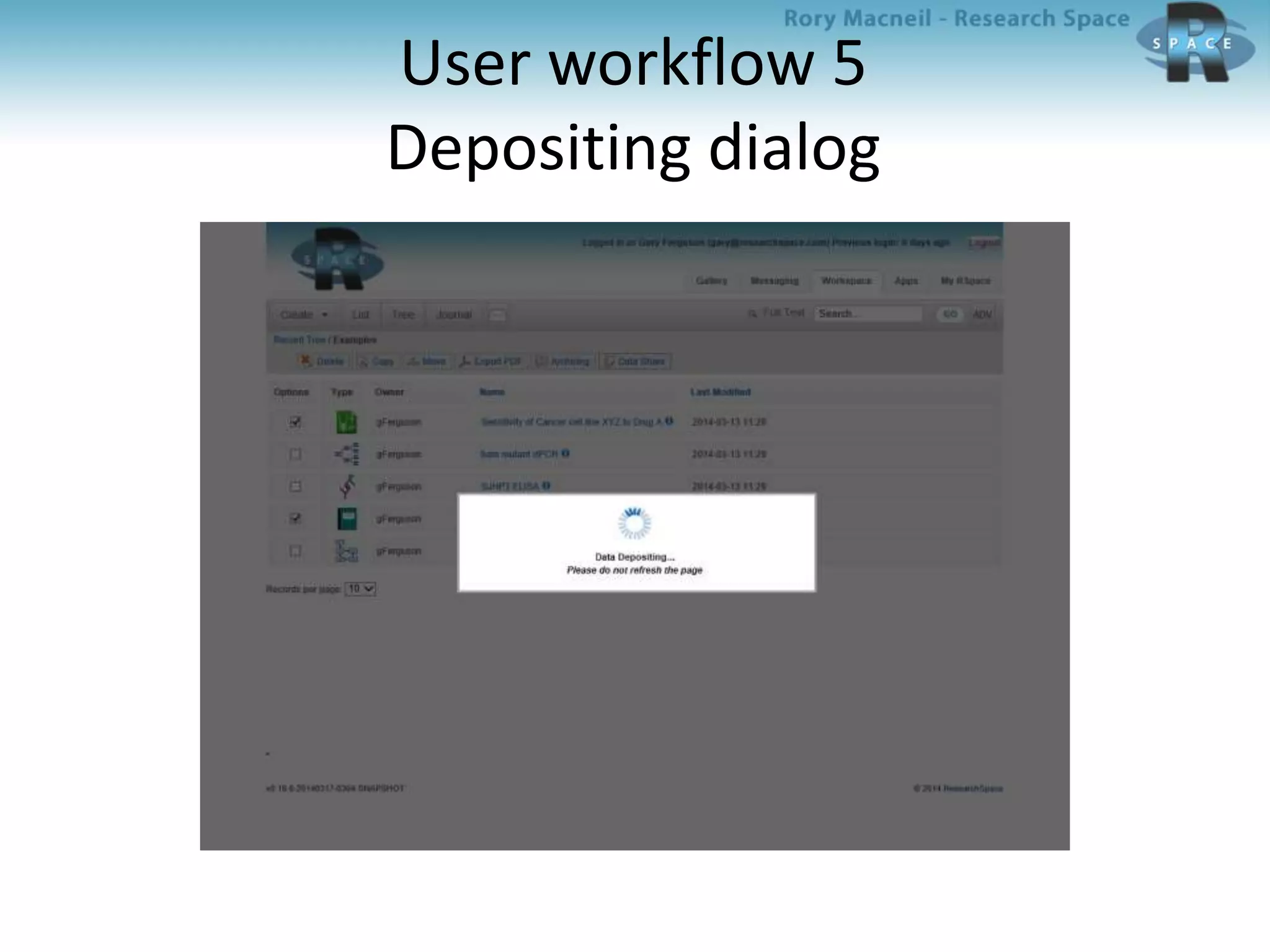
User workflow 5
Depositing dialog
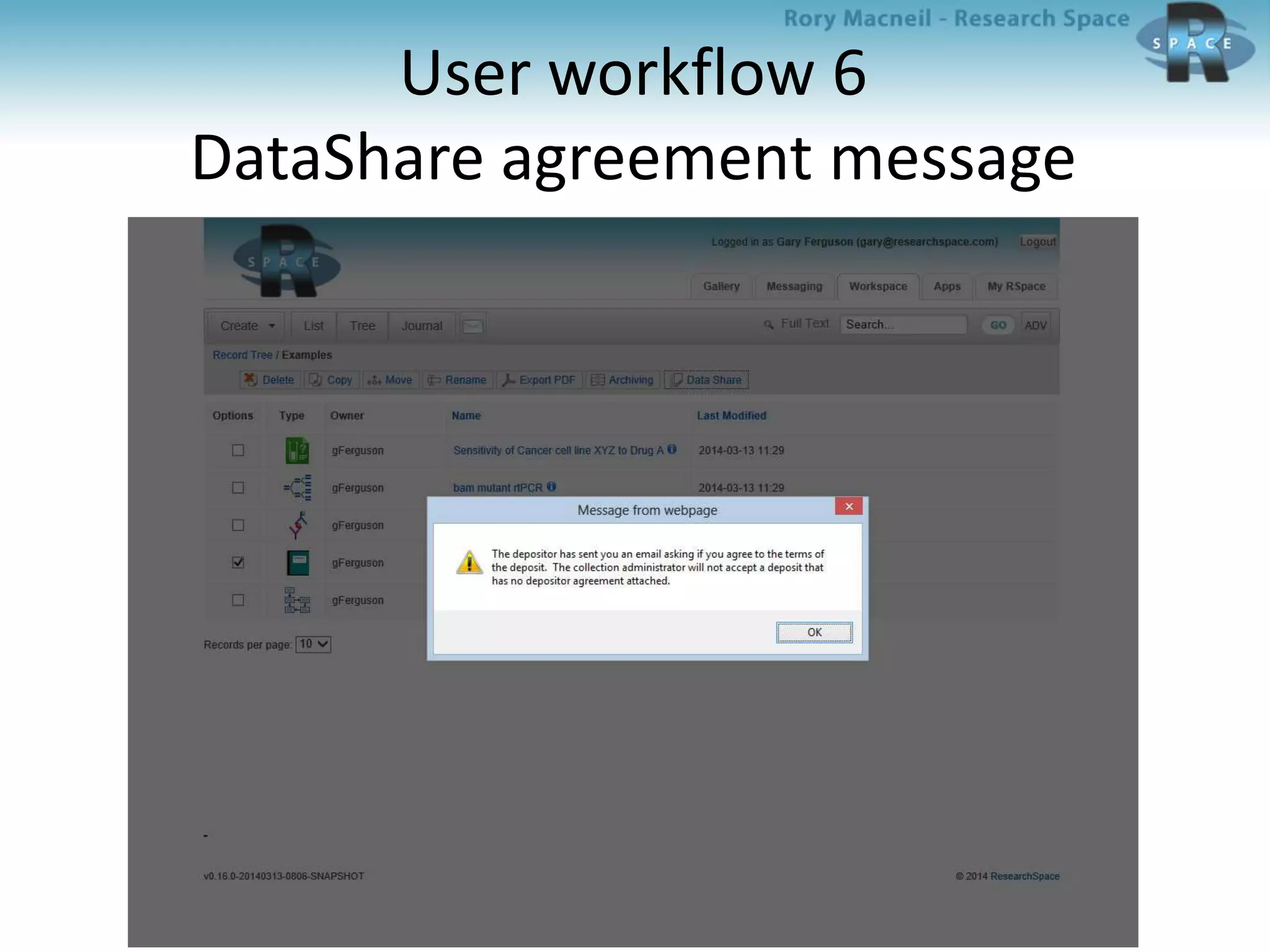
User workflow 6
DataShare agreement message
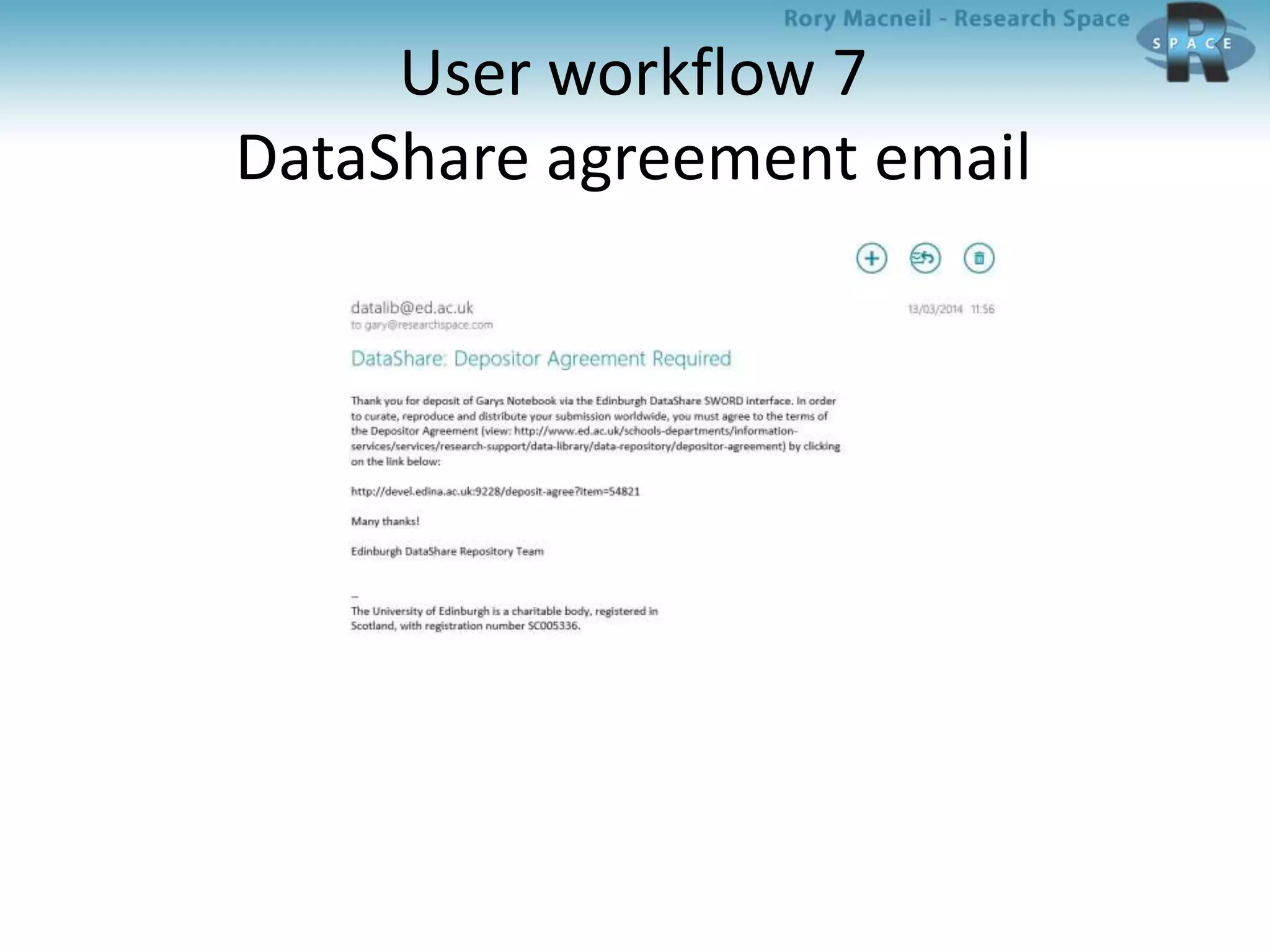
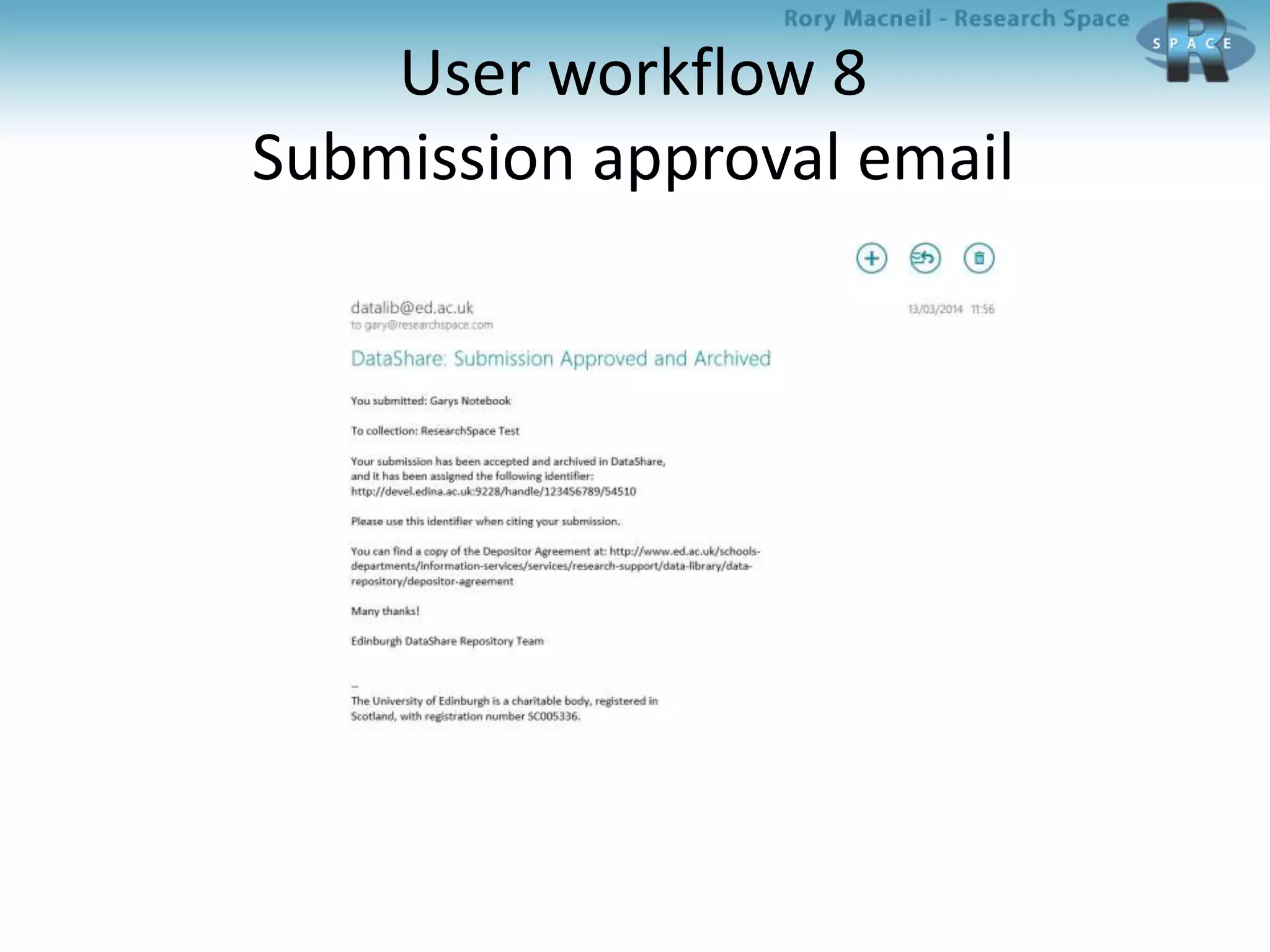
User workflow 7
DataShare agreement email
User workflow 8
Submission approval email
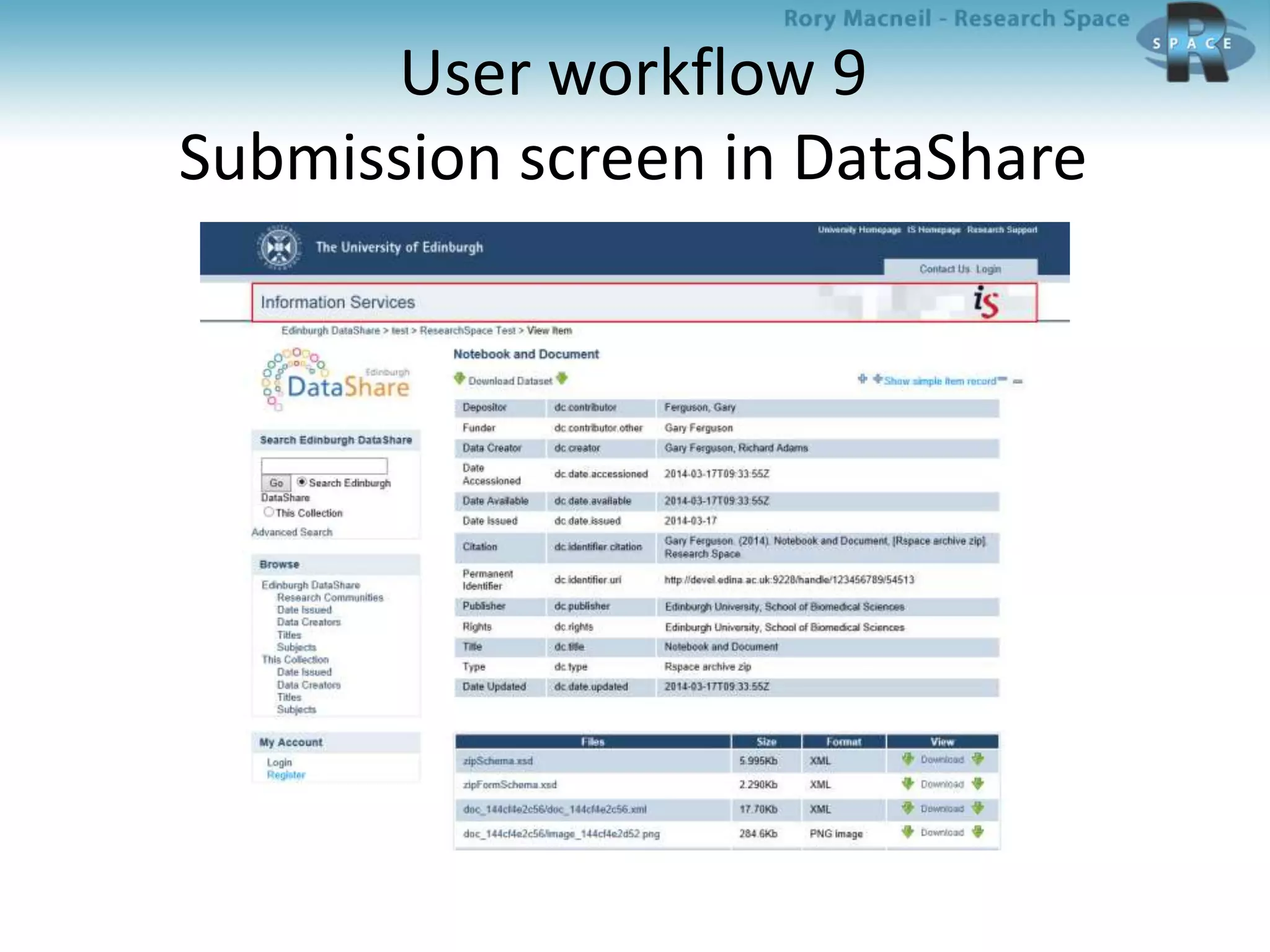
User workflow 9
Submission screen in DataShare
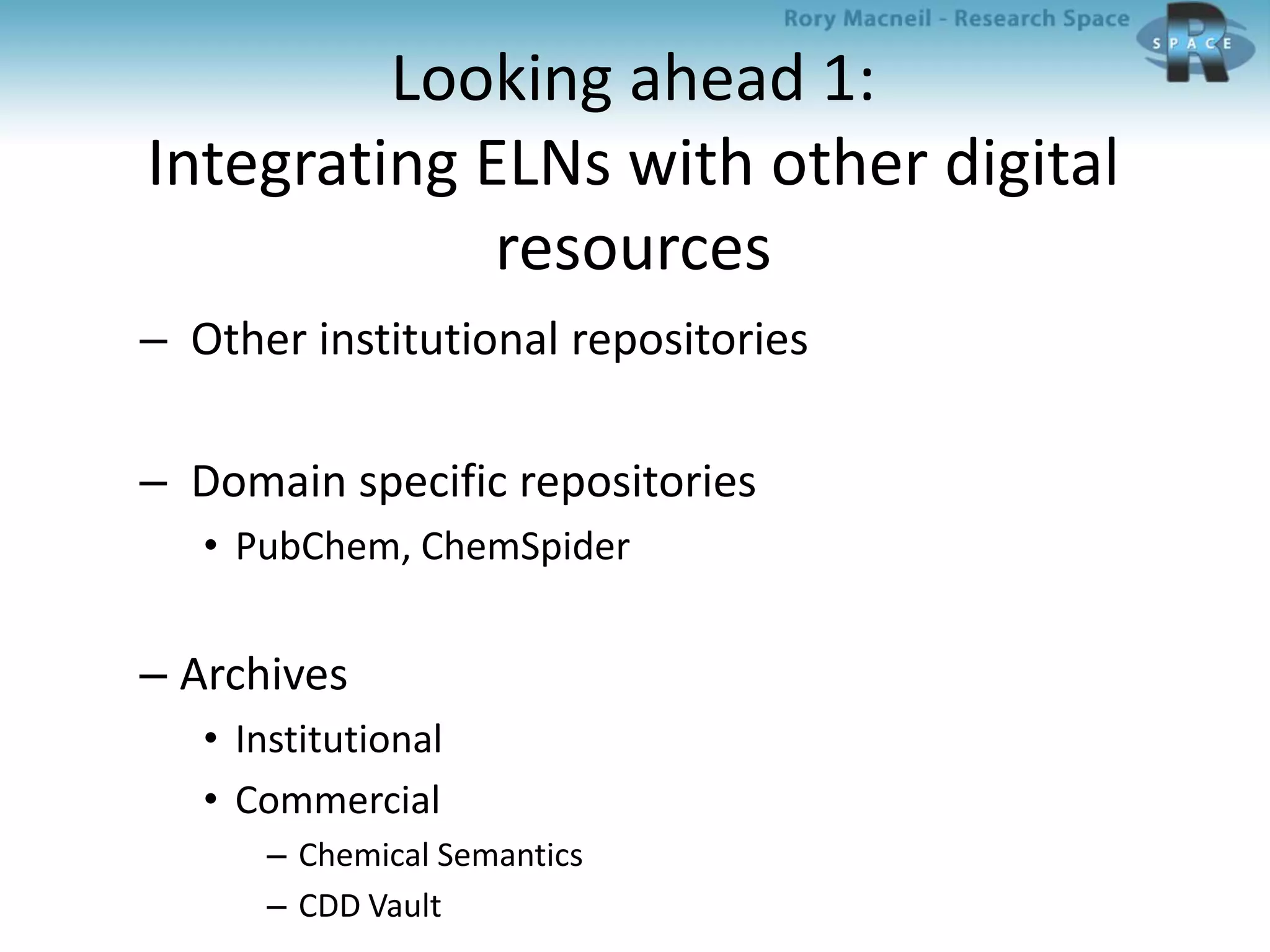
Looking ahead 1:
Integrating ELNs with other digital
resources
– Other institutional repositories
– Domain specific repositories
• PubChem, ChemSpider
– Archives
• Institutional
• Commercial
– Chemical Semantics
– CDD Vault
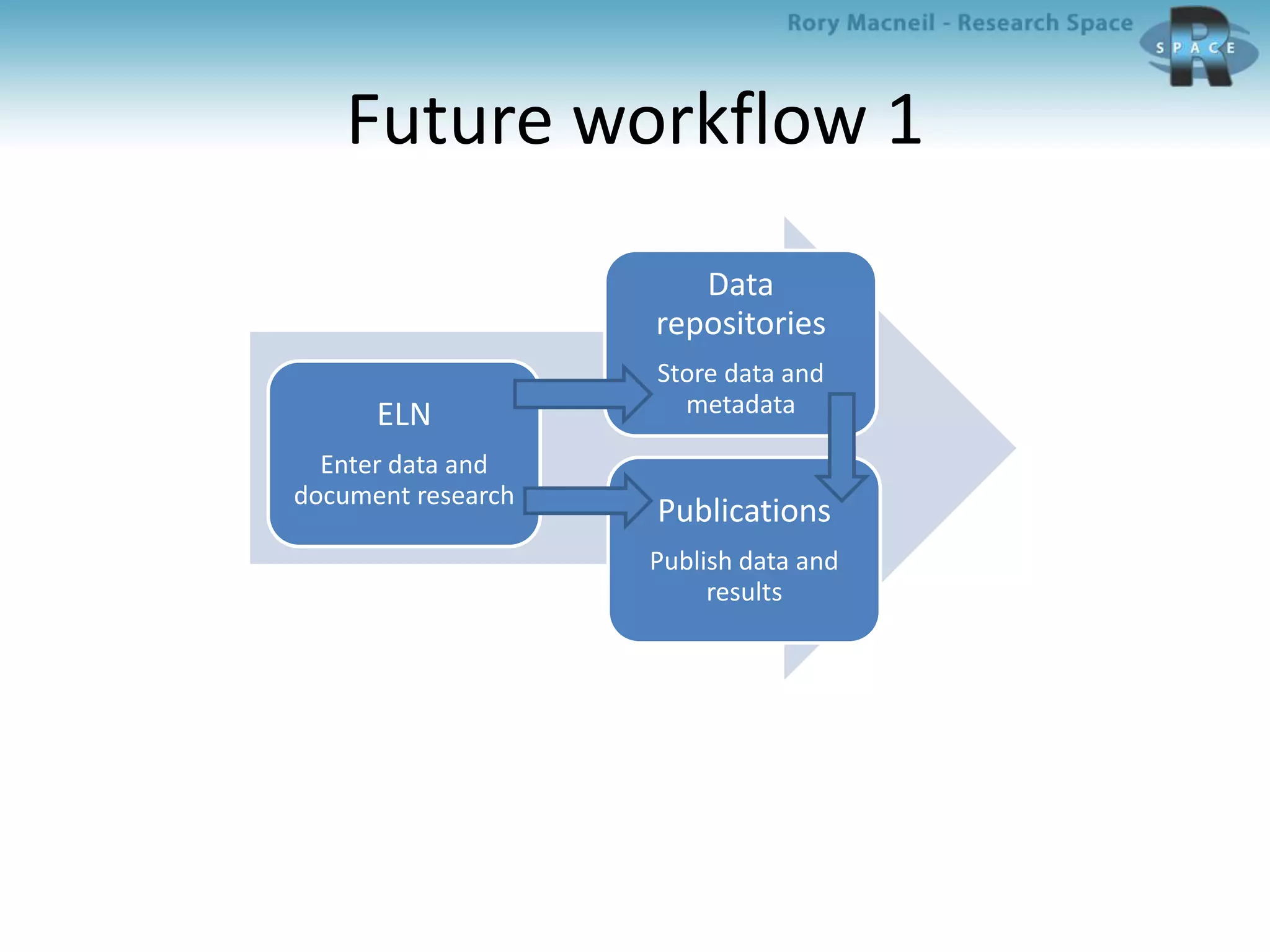
Future workflow 1
ELN
Enter data and
document research
Data
repositories
Store data and
metadata
Publications
Publish data and
results
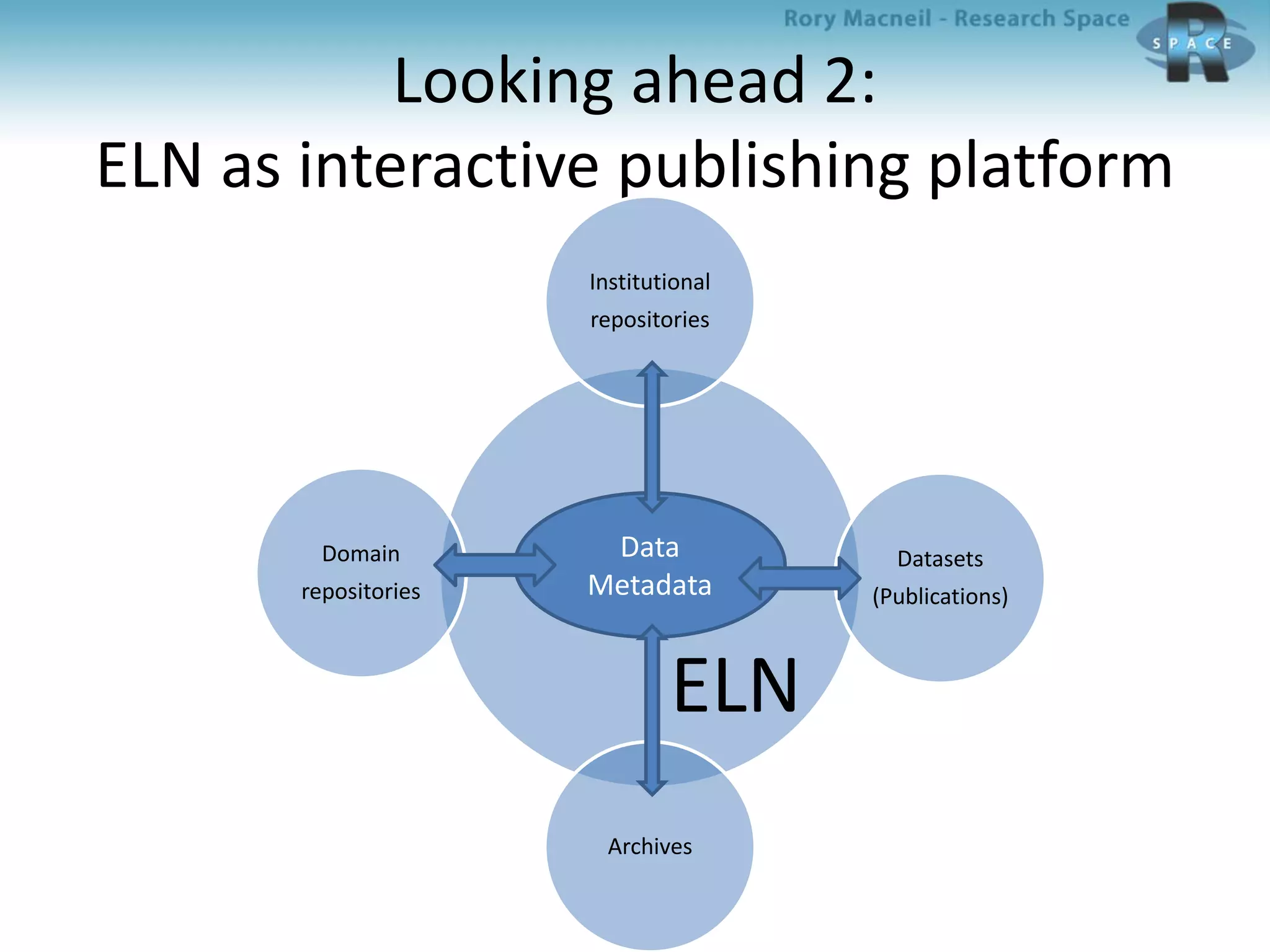
Looking ahead 2:
ELN as interactive publishing platform
Institutional
repositories
Datasets
(Publications)
Archives
Domain
repositories
ELN
Data
Metadata
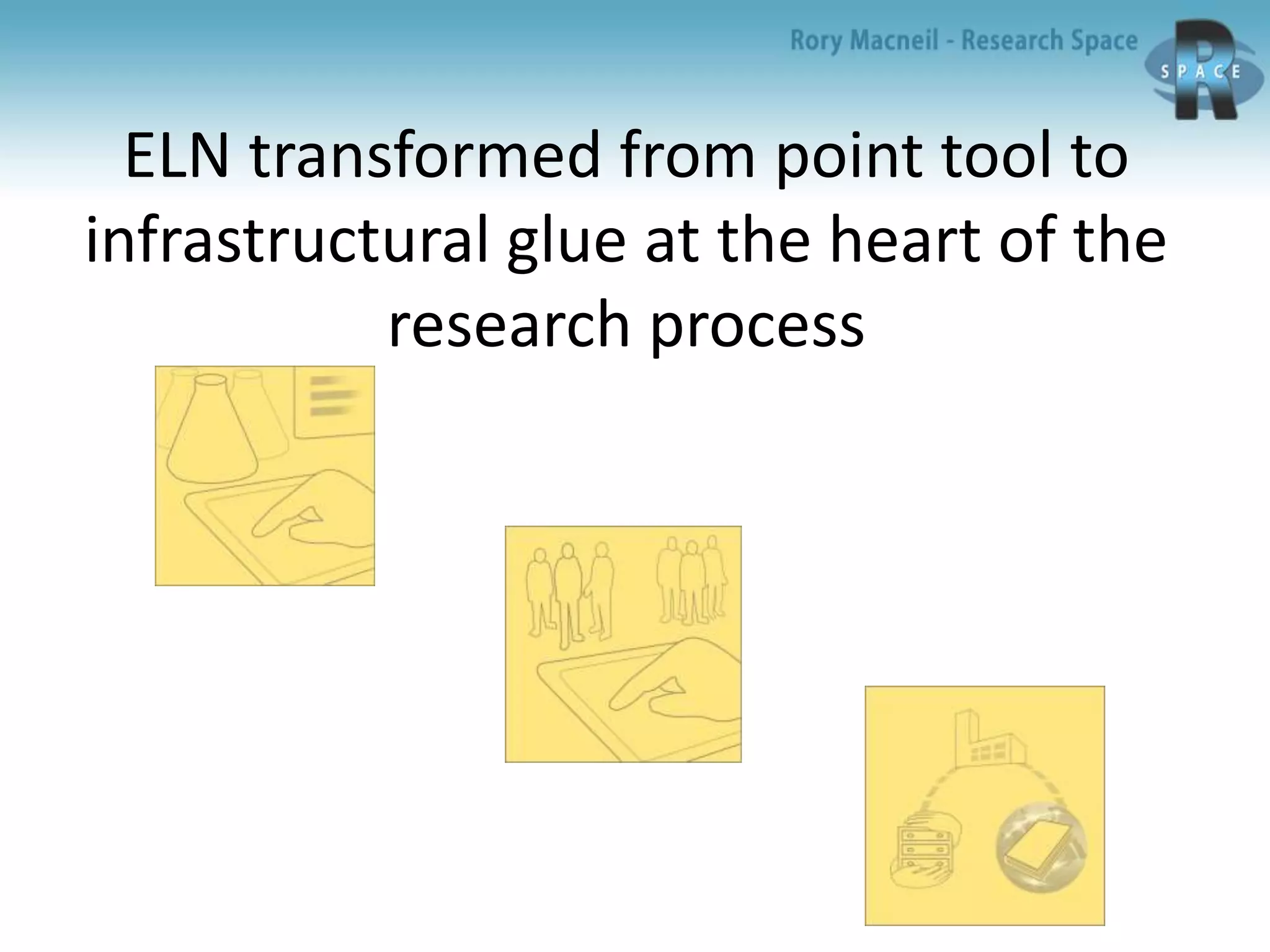
ELN transformed from point tool to
infrastructural glue at the heart of the
research process
ELN also becomes the backbone of
data management at the University
Integration with
– Data storage
– Data repository
– Data archive
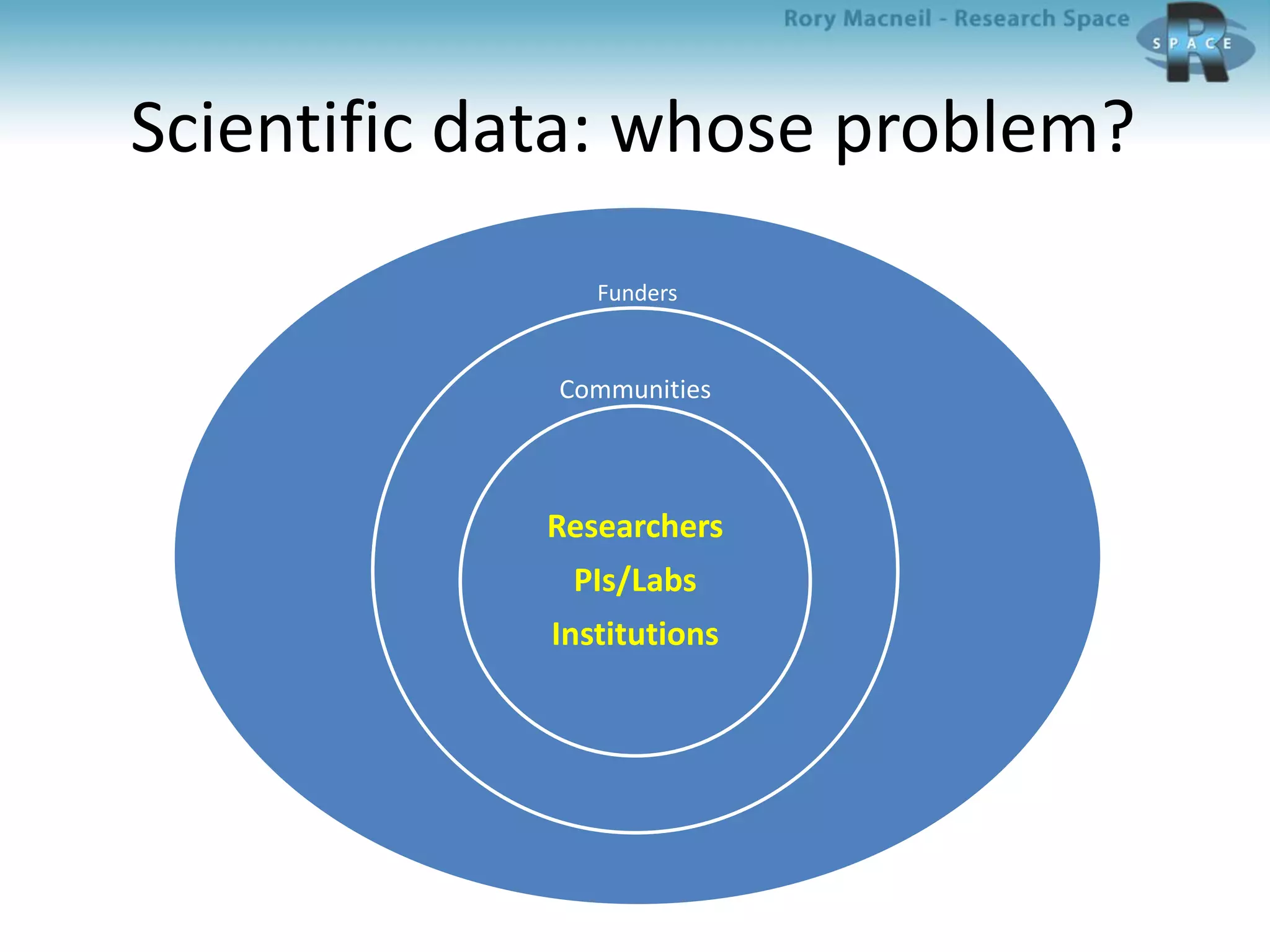
Scientific data: whose problem?
Funders
Communities
Researchers
PIs/Labs
Institutions
Which model(s) will win?
Those that best satisfy the core requirements of
the key constituencies
• Easy data entry and usability
– Researchers, Labs/PIs
• Easy integration with write up/publication
– Researchers, Labs/PIs
• Enhanced collaboration and better management of data and research
– PIs/labs, Institutions
• Comprehensive and easy data capture and availability for reuse
– Institutions/Communities
• Flexibility to support different workflows and outputs
– Researchers, Labs/PIs, Communities
• And by the way, as Wisconsin said:
It has to be
affordable!
Thank you
Rory Macneil
rmacneil@researchspace.com

Integrating an electronic lab notebook with a data repository; American Chemical Society March 2014

  • 1.
    Electronic lab notebooksand data repositories Complementary responses to the scientific data problem ACS Dallas session on Research data and electronic lab notebooks 17 March 2014 Rory Macneil, with thanks to Sunny Yang, Robin Rice, George Hamilton and Gary Ferguson
  • 2.
    What we’re goingto cover • The scientific data problem • ELNs and data repositories: Complementary approaches to solving the problem • 1 + 1 = 3? An example of ELN-repository integration: • RSpace and Edinburgh DataShare • Looking ahead
  • 3.
    Research workflow 1 Andthe data gets lost Publish results Document research Enter data
  • 4.
    The scientific dataproblem: How to capture data and make it available for scrutiny and reuse? • Ease of data entry drives uptake, but adding structure to data enhances value • Different types of data, different fields of research, different styles of documentation
  • 5.
  • 6.
    The scientific problemrephrased: How to add structure to data? – Who decides the parameters? • Researcher • PI • System (ELN/Repository) • Community (Dial-a-Molecule, Henry Rzepa et al) – Who adds it and how? • Researcher • Curator • Machine – When is it added? • Pre-documentation (in system) • During documentation (in ELN) • Post-documentation (in Repository) – How much scope for variation?
  • 7.
    How do ELNsand data repositories deal with this problem?
  • 8.
    What is anelectronic lab notebook? Software that enables researchers to manage and present research data
  • 9.
    ELNs: The firstgeneration 1990s origins for Big Pharma • Windows based • For pcs • Domain and project specific • Complex • Required lots of training • Very expensive
  • 10.
    ELNs: The secondgeneration 2000s for academic researchers – Generic tools adapted by individuals • Evernote, Dropbox • Web-based, platform agnostic • Generic, flexible • Very easy to use, very cheap – Lab-oriented ELNs • eCAT, Lab Archives, Ruro • Web-based, platform agnostic • Generic, flexible • Easy to use, cheap • Sharing and groups
  • 11.
    ELNs: We needa third generation 2011/12 Wisconsin pilot “We need an ELN that can be rolled out across the university” It has to: • Be easy to use • Be platform agnostic • Support intra- and inter-group collaboration • Have enterprise capabilities • Support data publishing and archiving and . . . Still be affordable!!!!!!!!!”
  • 12.
    Institution as customer: Bravenew world • ELN must provide flexibility and breadth across disciplines • University provides – Funding – Support • IT • Training • Driving – Mass uptake – Consolidation of providers
  • 13.
    Who and whatis driving demand for ELNs? • Researchers – Utility and convenience of paper lab book + online capabilities – On multiple devices – File management/integration • Groups/PIs – Controlled sharing – Collaboration – Group management – File management/integration • Institutions: Data librarians, IT, commercialisation offices – Enterprise features: Scalable deployment, Single Sign On – IP protection: audit trail, signing – Publishing – Archiving – Repository integration – File management/integration
  • 14.
    Data repositories An informationrepository is an easy way to deploy a secondary tier of data storage that can comprise multiple, networked data storage technologies running on diverse operating systems, where data that no longer needs to be in primary storage is protected, classified according to captured metadata, processed, de-duplicated, and then purged, automatically, based on data service level objectives and requirements.
  • 15.
    Three types ofdata repositories • Domain specific – Chemistry: PubChem, ChemSpider – Life Sciences: Dryad, NCBI Databases • Institutional • Generic – Figshare
  • 16.
    What’s driving demandfor data repositories? • Domain Specific – Who? • Research communities – Why? • Capture data for review and reuse • Improve quality and reliability of data • Standardize research techniques to improve productivity • Institutional – Who: • Funders → Data librarians – Why? • Maintain data • Make data available for reuse
  • 17.
    ELNs and datarepositories: what do they do? Data entry Data organization Documentation Metadata creation Data and metadata export Data import Data preservation Data sharing Data reuse ELN Repository
  • 18.
    ELNs + Datarepository enables new workflow ELN Enter data and document research Data repository Store data and metadata Publication Publish results Data is captured, structured and made available for reuse
  • 19.
    Research workflow 1 Andthe data gets lost Publish results Document research Enter data
  • 20.
    ELNs + Datarepository enables new workflow ELN Enter data and document research Data repository Store data and metadata Publication Publish results Data is captured, structured and made available for reuse
  • 21.
    An example ofintegration: RSpace and Edinburgh DataShare
  • 22.
    RSpace • Conceived inresponse to Wisconsin RFP and trial • Developed with Wisconsin by Research Space 2012 - 2013
  • 23.
    Researcher experience Sketching √ Imageannotation √ Chemical structures √ Notebook √ Forms √ Templating √ PDF export √ Export to Word √ File gallery √ Journal view √ Tablet friendly √ Clean design √ Performance √ Round trip editing √ Offline access √ Sample management √
  • 24.
    PI/Lab support Sharing √ Messaging√ Lab set up enabled √ Group management √ Inter-group collaboration √
  • 25.
    Institutional requirements (IT, datalibrarians, commercialisation) Single sign on √ Sys Admin/RSpace admin √ Group set up √ IP support √ Export to XML √ Archiving √ Repository integration √
  • 26.
    RSpace design advantages •Easy data entry • Easy and flexible data structuring • Multiple ways of getting data out (and back in) – Export PDF – Export Zip (XML) – Re-import, preserving structure – Archive (with metadata) • Inter – institutional support • Re-import, preserving structure
  • 27.
    What is EdinburghDataShare? Edinburgh DataShare is a free-at-point-of- use data repository service which allows University researchers to upload, share, and license their data resources for online discovery and re-use by others.
  • 28.
    Whence Edinburgh DataShare? •The service was built as an output of the DISC-UK DataShare project, which explored pathways for academics to share their research data over the Internet at the Universities of Edinburgh, Oxford and Southampton (2007-2009, Jisc Repositories and Preservation Programme).
  • 29.
    Why Edinburgh Datashare? “7.Research data management plans must ensure that research data are available for access and re-use where appropriate and under appropriate safeguards.”
  • 30.
    Edinburgh Datashare and UniversityRDM policy “9. Research data of future historical interest, and all research data that represent records of the University, including data that substantiate research findings, will be offered and assessed for deposit and retention in an appropriate national or international data service or domain repository, or a University repository.”
  • 31.
    Edinburgh Datashare and UniversityRDM policy “10. Exclusive rights to reuse or publish research data should not be handed over to commercial publishers or agents without retaining the rights to make the data openly available for re-use, unless this is a condition of funding.”
  • 32.
    Does DSpace workfor data? • Communities, collections, data items, files • Metadata subset from DCMI “dcterms” vocabulary, RDF-compliant – aids discovery • Persistent identifier (handle) assigned • Suggested citation provided; viewable download statistics • Single-sign on with EASE • Embargo option – delayed publication
  • 33.
    Quality controls – Newusers can register with EASE login but are given permission to add to a collection – Data Library staff or collection administrator approves each item before publication – Dataset / data item must include documentation as well as data files – Metadata field to point to related publication (“is referenced by”)
  • 34.
    RSpace – EdinburghDatashare integration: Overview • Background • People – Edinburgh: Robin Rice, George Hamilton – Research Space: Sunny Yang, Gary Ferguson • Process – Understanding DataShare (DSpace + SWORD + Datashare) – Backend integration – METS (metadata encoding transaction standard) development – Interface decisions
  • 35.
    RSpace – EdinburghDatashare integration: Backend platform – Edinburgh DataShare has three interfaces/APIs • Web-UI • Python • SWORD (simple Java based web-service which supports repository deposits) – RSpace uses the SWORD Interface – The SWORD server accepts a file for deposition if a METS description file is provided
  • 36.
    Four part METSimplementation in RSpace – Datashare integration • RSpace uses the standard METS header • DMD -- field definitions are based on Dublin Core – Four required fields in Edinburgh DataShare -- contributor, publisher, title, and data creator -- must be completed as part of the deposit through RSpace – Additional optional fields can be filled in later by DataShare administrator: • FUNDER, SPATIAL_COVERAGE, TIME_PERIOD, DATA_CREATOR, AVAILABLE_DATE, DESCRIPTION_ABSTRACT, DESCRIPTION_TOC, LANGUAGE, RELATION_VERSION_OF, RELATION_REFERENCED_BY, SUPERCEDES, RIGHT, SOURCE, SUBJECT_KEYWORDS, SUBJECT_CLASSIFICATION, ALTERNATIVE_TITLE • All zipped files and their mime-types (e.g. application/pdf, text/html) are included • A structure map describes the full structure and relationships between the above three elements
  • 37.
    RSpace – EdinburghDatashare integration: Workflow • Front end trigger – An RSpace user selects files/folders/notebooks to be deposited from RSpace, and starts the deposit process • Backend to support the user workflow – RSpace extracts the associated data and resources from its database and file-store – These are turned into xml files – METS is used to describe the zip file and each selected file – The xml, resource, and METS files are zipped into a zip file for archiving – The DSpace SWORD client deposits the zip file to DataShare after an authentication and validation procedure – File deposited in Collection associated with Depositor
  • 38.
    User workflow 1 Myrecords in RSpace
  • 39.
  • 40.
  • 41.
    User workflow 2c Selectingrecord(s) for export
  • 42.
    User workflow 2d Selectingrecord(s) for export
  • 43.
  • 44.
  • 45.
  • 46.
    User workflow 6 DataShareagreement message
  • 47.
  • 48.
  • 49.
    User workflow 9 Submissionscreen in DataShare
  • 50.
    Looking ahead 1: IntegratingELNs with other digital resources – Other institutional repositories – Domain specific repositories • PubChem, ChemSpider – Archives • Institutional • Commercial – Chemical Semantics – CDD Vault
  • 51.
    Future workflow 1 ELN Enterdata and document research Data repositories Store data and metadata Publications Publish data and results
  • 52.
    Looking ahead 2: ELNas interactive publishing platform Institutional repositories Datasets (Publications) Archives Domain repositories ELN Data Metadata
  • 53.
    ELN transformed frompoint tool to infrastructural glue at the heart of the research process
  • 54.
    ELN also becomesthe backbone of data management at the University Integration with – Data storage – Data repository – Data archive
  • 55.
    Scientific data: whoseproblem? Funders Communities Researchers PIs/Labs Institutions
  • 56.
    Which model(s) willwin? Those that best satisfy the core requirements of the key constituencies • Easy data entry and usability – Researchers, Labs/PIs • Easy integration with write up/publication – Researchers, Labs/PIs • Enhanced collaboration and better management of data and research – PIs/labs, Institutions • Comprehensive and easy data capture and availability for reuse – Institutions/Communities • Flexibility to support different workflows and outputs – Researchers, Labs/PIs, Communities • And by the way, as Wisconsin said: It has to be affordable!
  • 57.