













@nabayanroy #LavaCon
Preparing for Augmented
Reality
Moving from 2D to 3D
Documentation
Nabayan
Roy
@nabayanroy #LavaCon
About the Speaker
Hello, I am Nabayan and I am not a on
.
I am on a journey with my , my
I am a ; an .
And today I want to share one such
& .
I hope you will like it
@nabayanroy #LavaCon
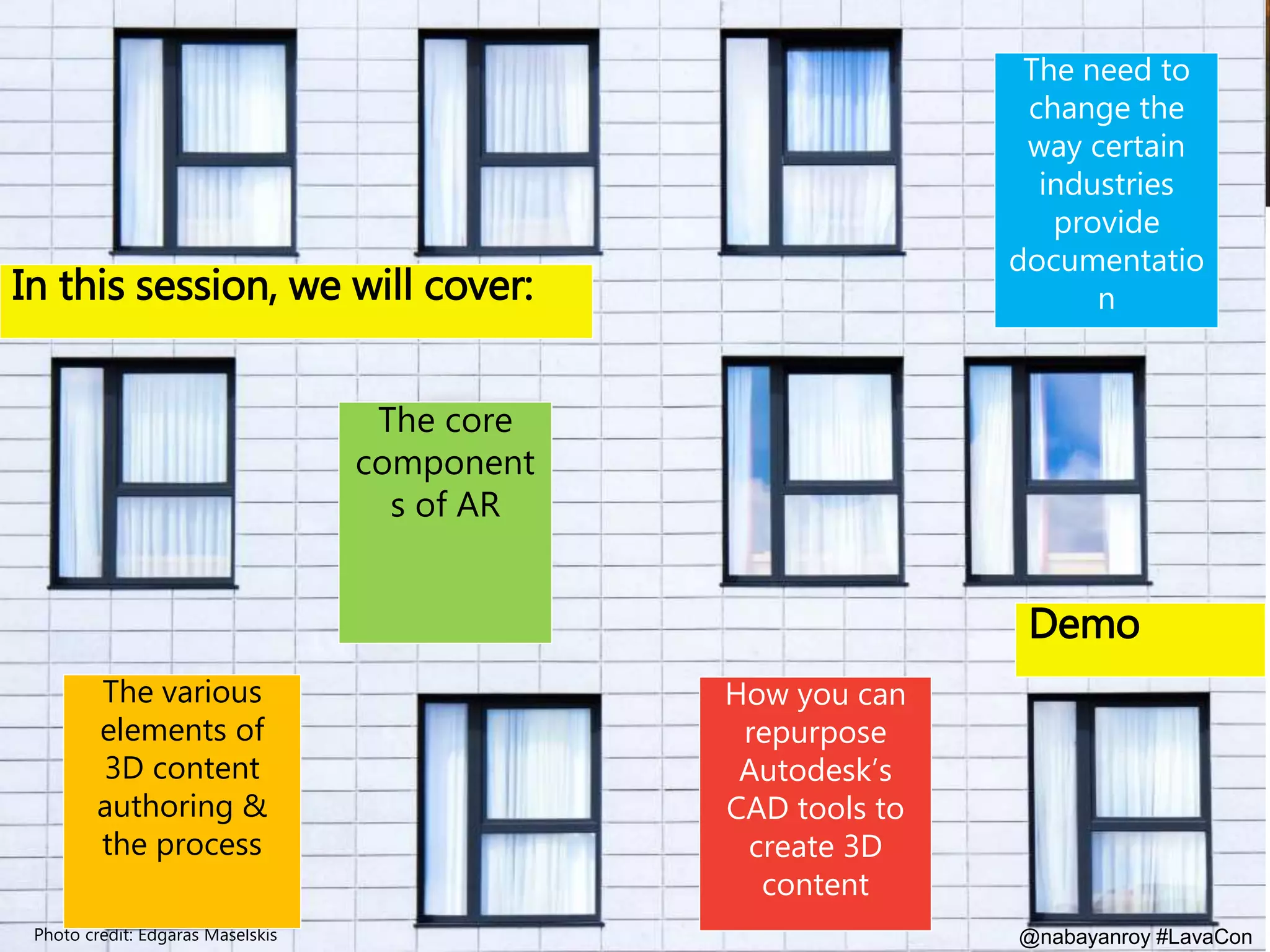
In this session, we will cover:
Photo credit: Edgaras Maselskis
The core
component
s of AR
The need to
change the
way certain
industries
provide
documentatio
n
The various
elements of
3D content
authoring &
the process
How you can
repurpose
Autodesk’s
CAD tools to
create 3D
content
Demo
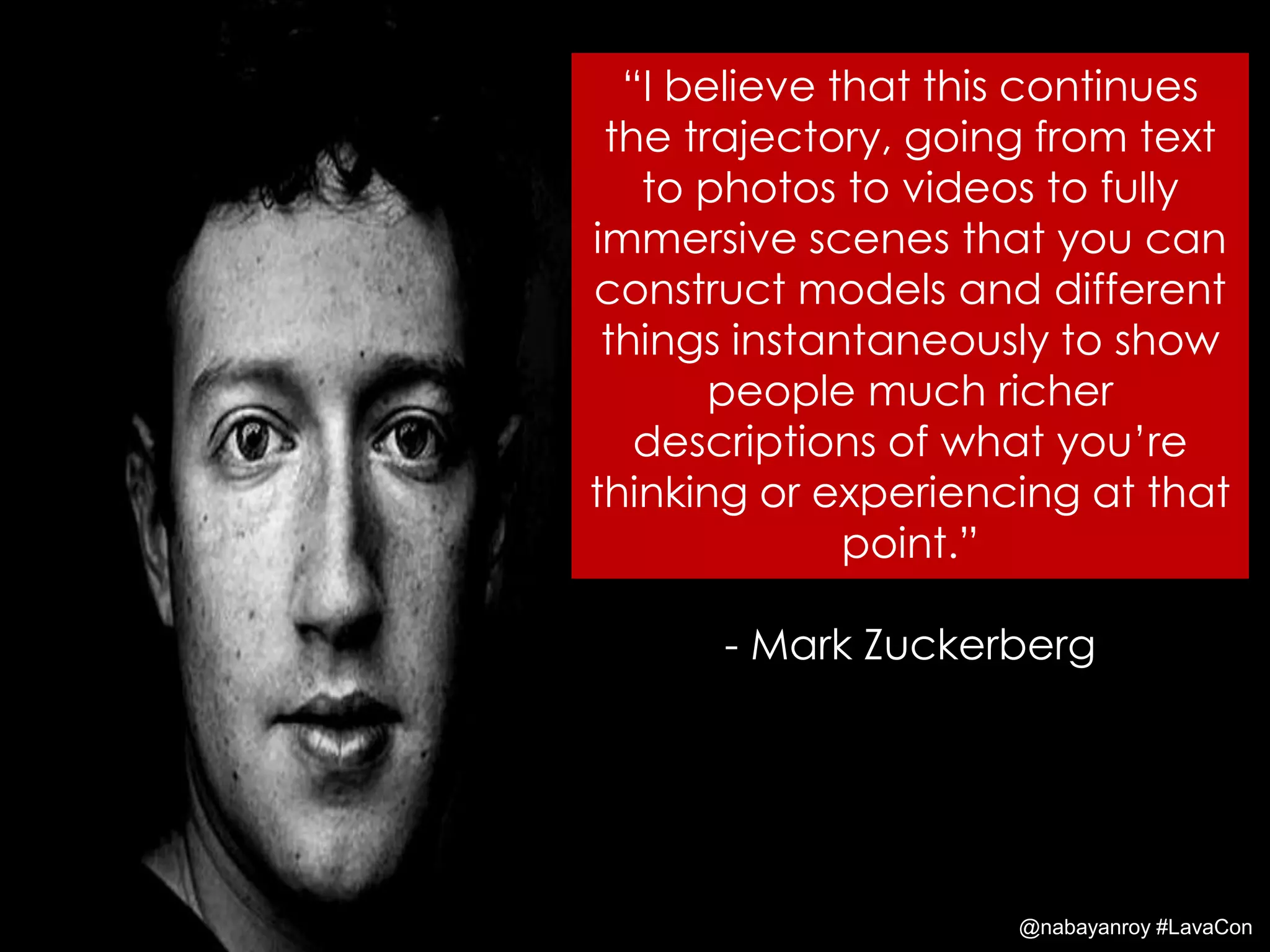
“I believe that this continues
the trajectory, going from text
to photos to videos to fully
immersive scenes that you can
construct models and different
things instantaneously to show
people much richer
descriptions of what you’re
thinking or experiencing at that
point.”
- Mark Zuckerberg
@nabayanroy #LavaCon
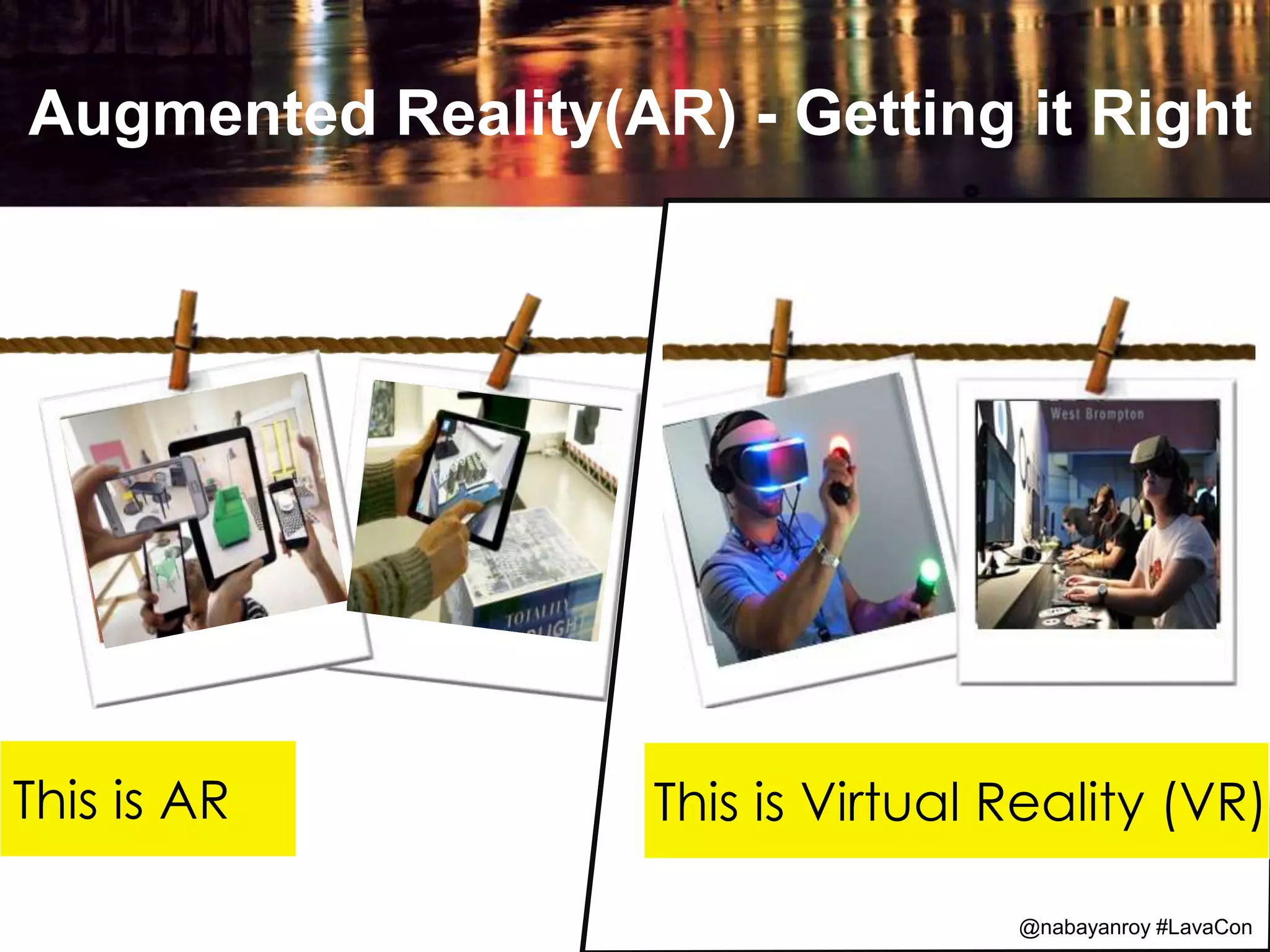
Augmented Reality(AR) - Getting it Right
@Speaker Hashtag @LavaCon
This is AR This is Virtual Reality (VR)
@nabayanroy #LavaCon
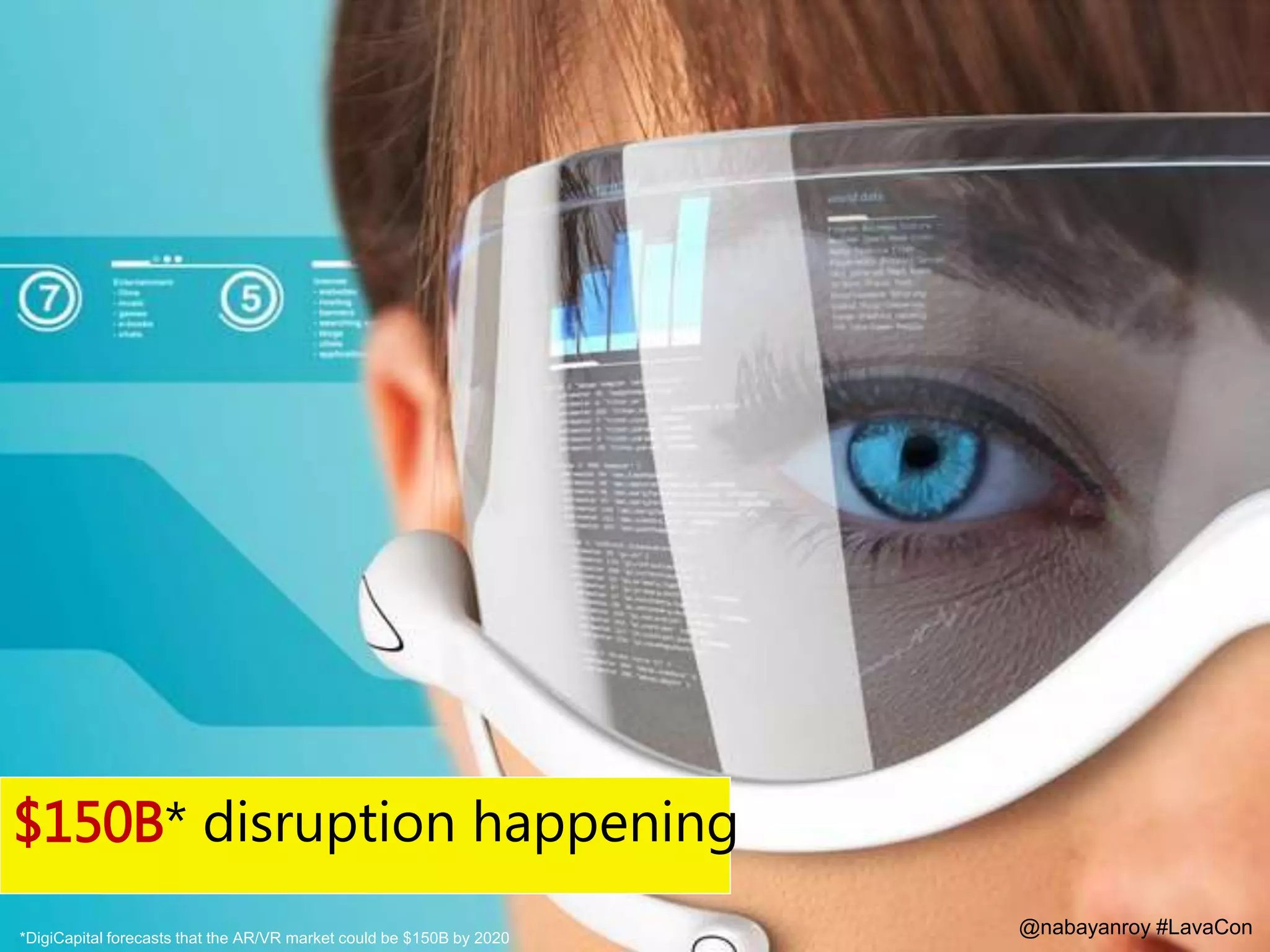
$150B* disruption happening
*DigiCapital forecasts that the AR/VR market could be $150B by 2020
@nabayanroy #LavaCon
No discourse; just a refresher on Augmented
Reality
@nabayanroy #LavaCon
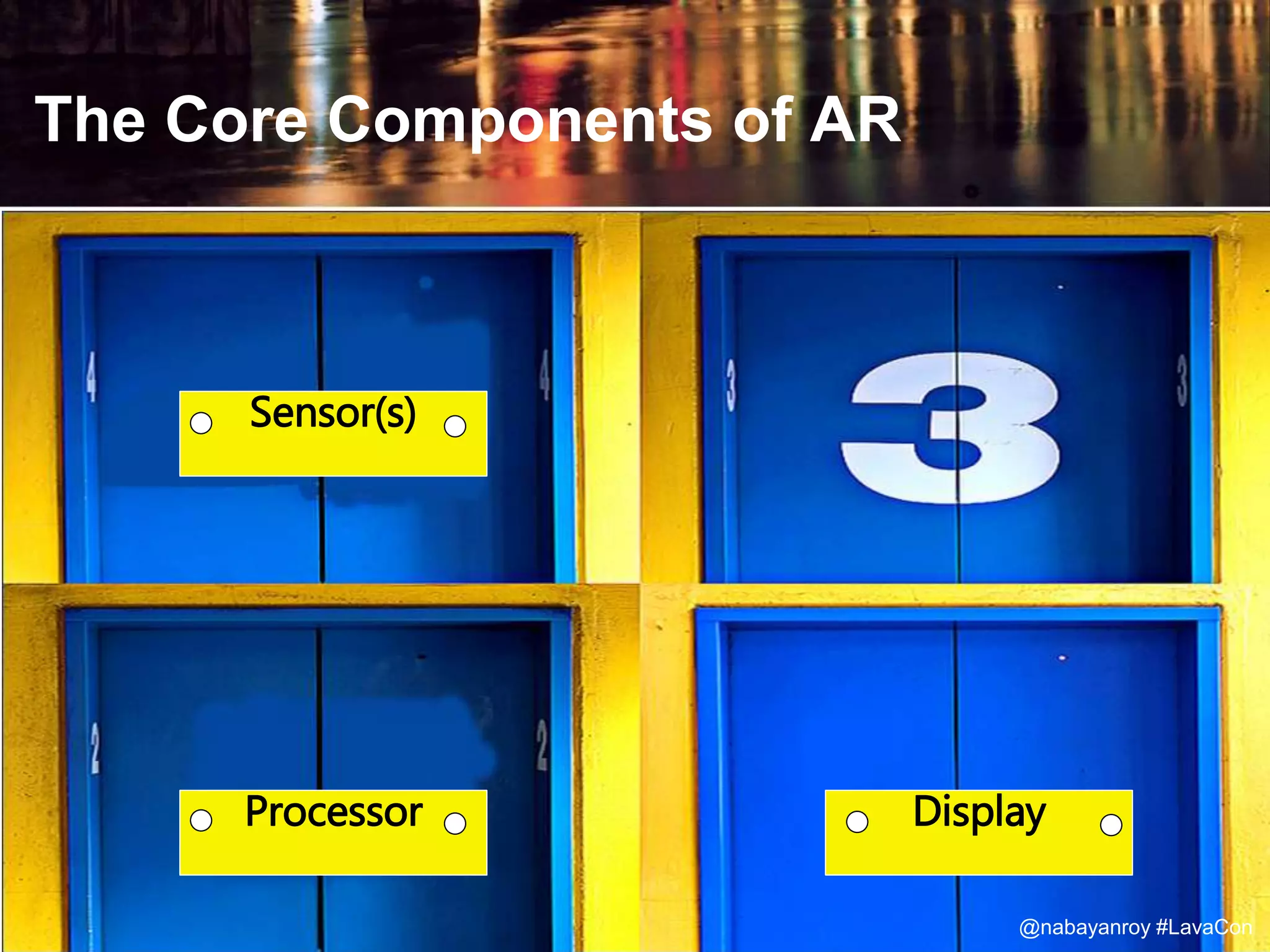
The Core Components of AR
Sensor(s)
Processor Display
@nabayanroy #LavaCon
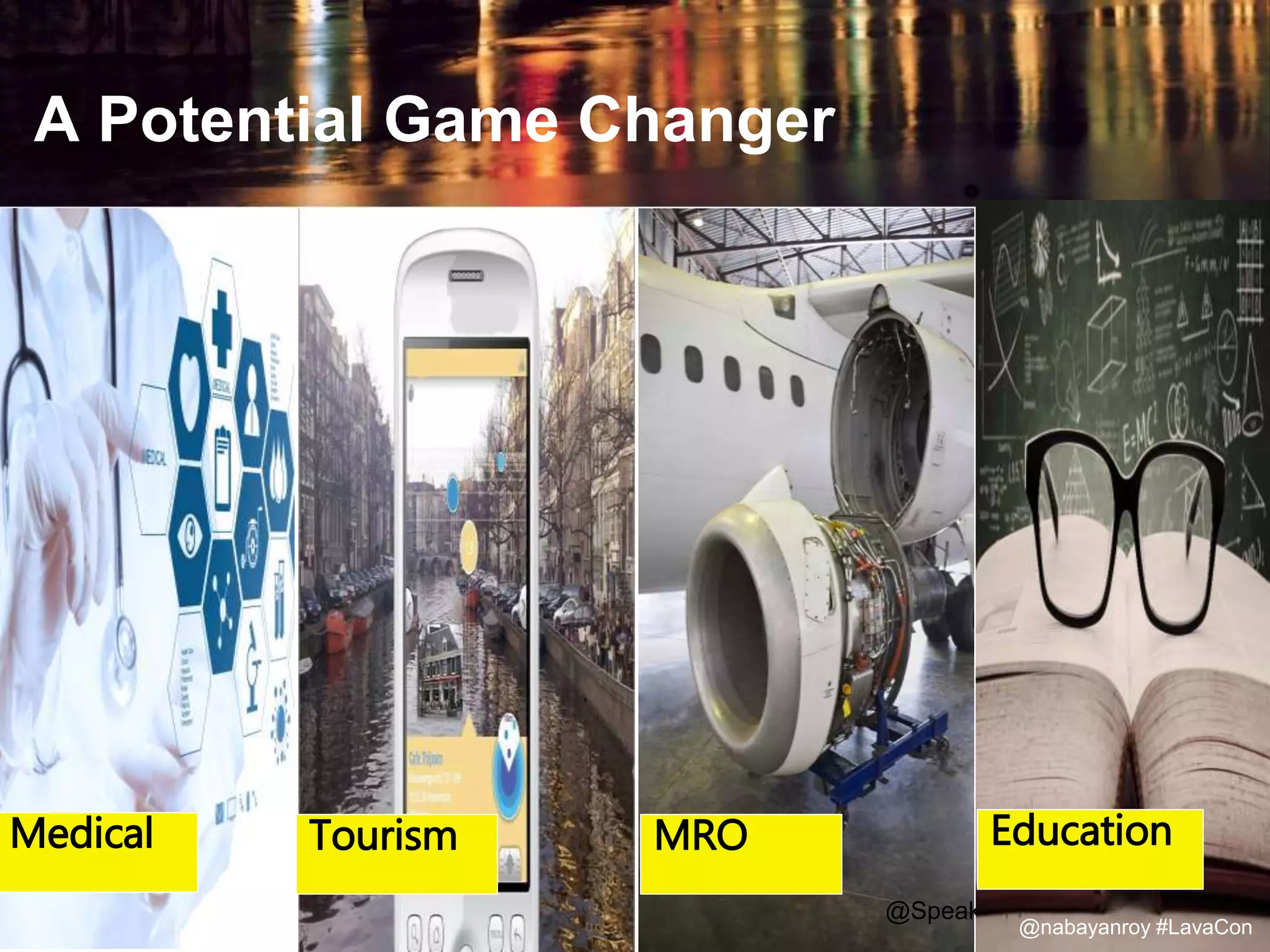
A Potential Game Changer
@Speaker Hashtag @LavaCon
Medical Tourism MRO Education
@nabayanroy #LavaCon
Maintenance, Repair and Overhaul
@nabayanroy #LavaCon
@Speaker Hashtag @LavaCon@nabayanroy #LavaCon
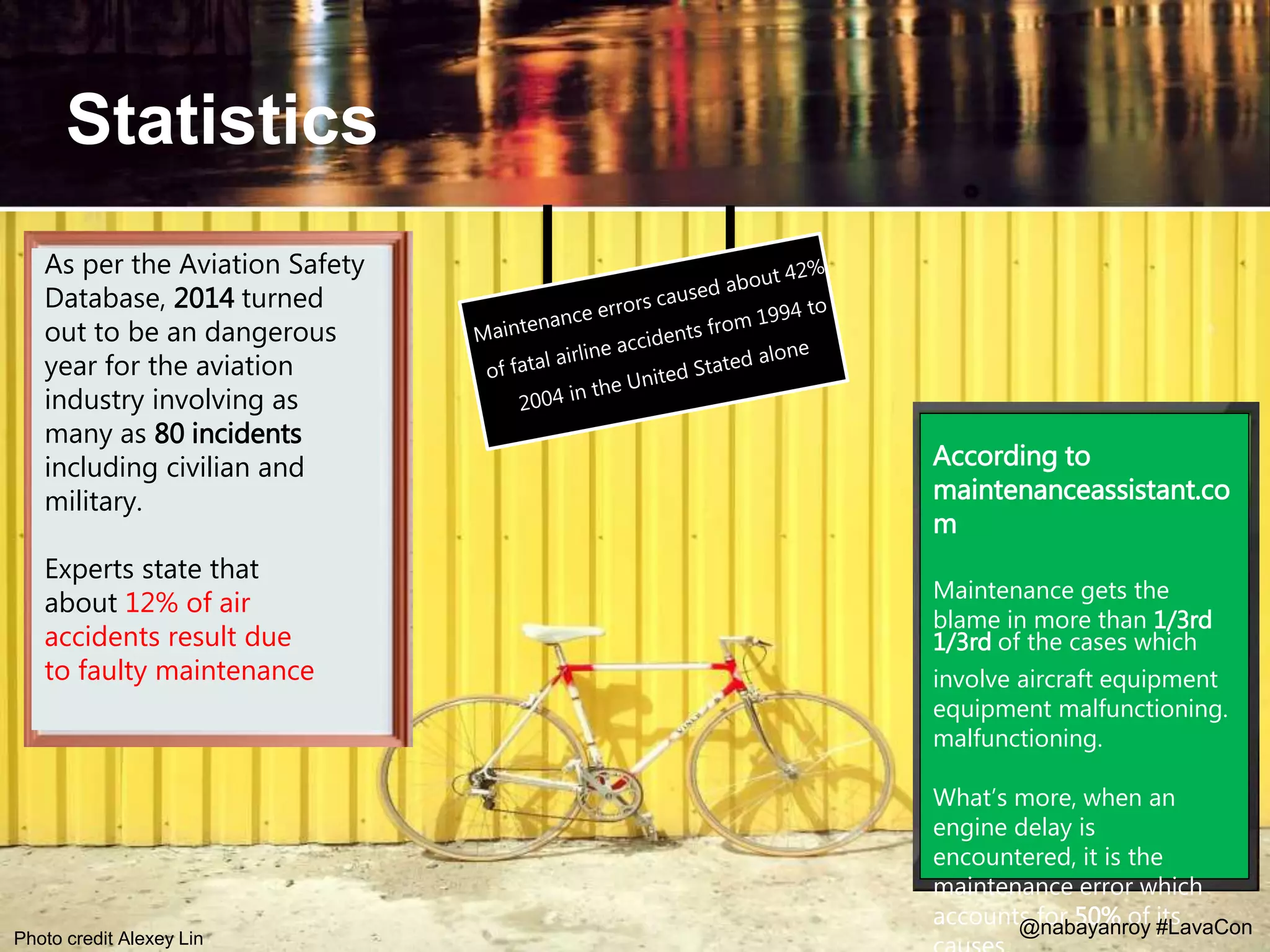
Statistics
@Speaker Hashtag @LavaCon
According to
maintenanceassistant.co
m
Maintenance gets the
blame in more than 1/3rd
1/3rd of the cases which
involve aircraft equipment
equipment malfunctioning.
malfunctioning.
What’s more, when an
engine delay is
encountered, it is the
maintenance error which
accounts for 50% of its
As per the Aviation Safety
Database, 2014 turned
out to be an dangerous
year for the aviation
industry involving as
many as 80 incidents
including civilian and
military.
Experts state that
about 12% of air
accidents result due
to faulty maintenance
@nabayanroy #LavaConPhoto credit Alexey Lin
Incremental
releases, multiple
scrums
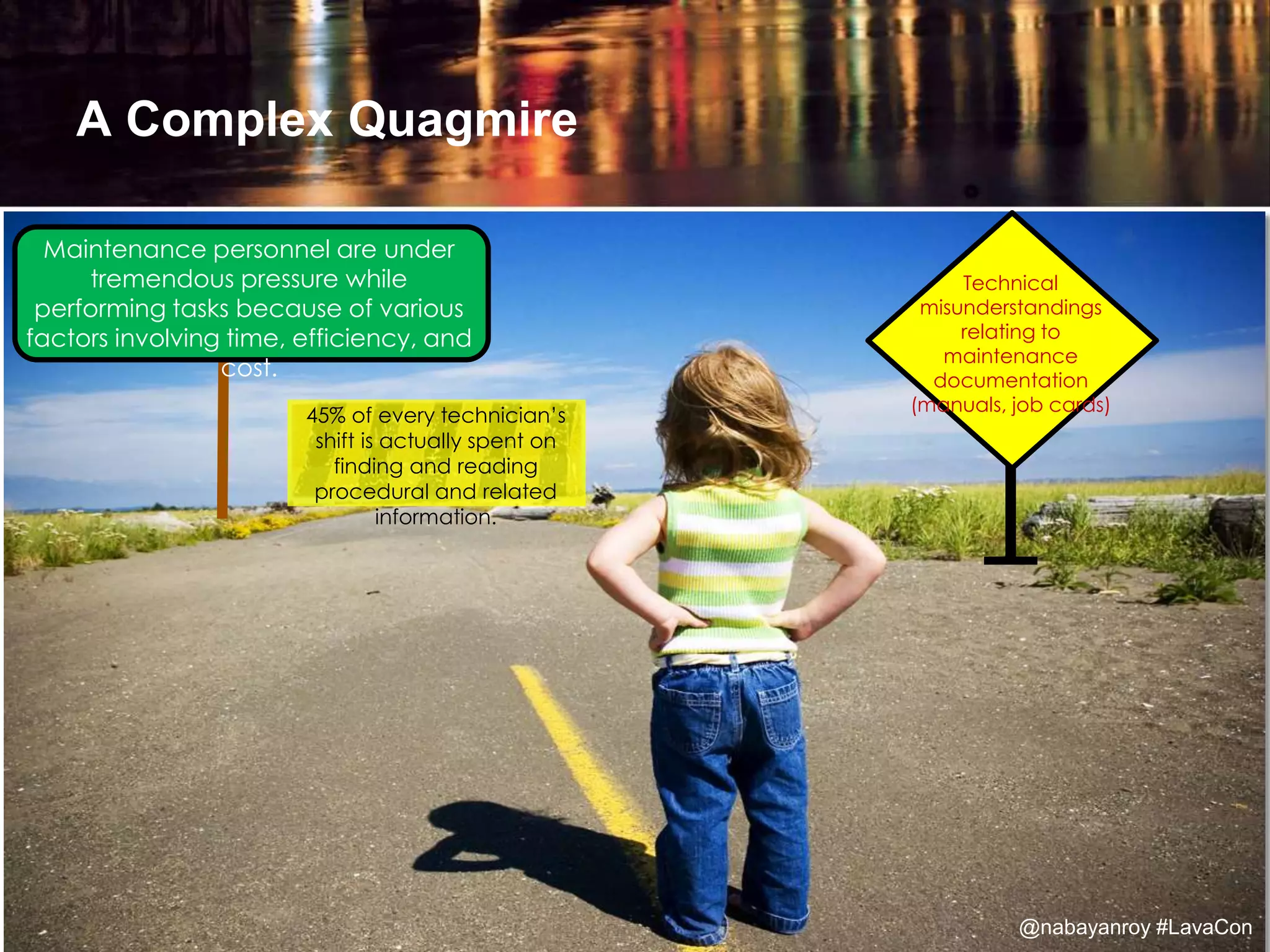
Maintenance personnel are under
tremendous pressure while
performing tasks because of various
factors involving time, efficiency, and
cost.
Technical
misunderstandings
relating to
maintenance
documentation
(manuals, job cards)
A Complex Quagmire
45% of every technician’s
shift is actually spent on
finding and reading
procedural and related
information.
@nabayanroy #LavaCon
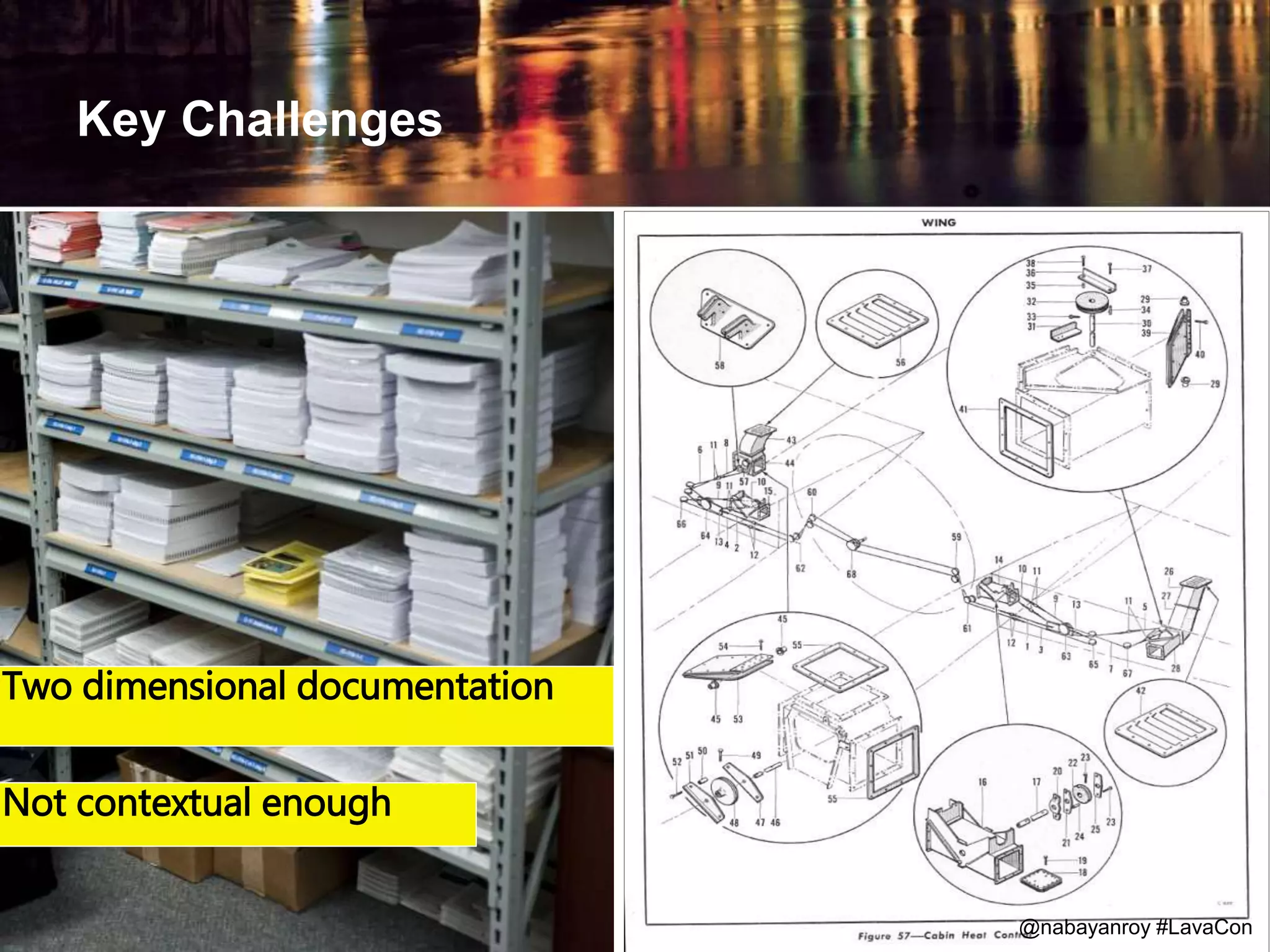
Key Challenges
Two dimensional documentation
Not contextual enough
@nabayanroy #LavaCon
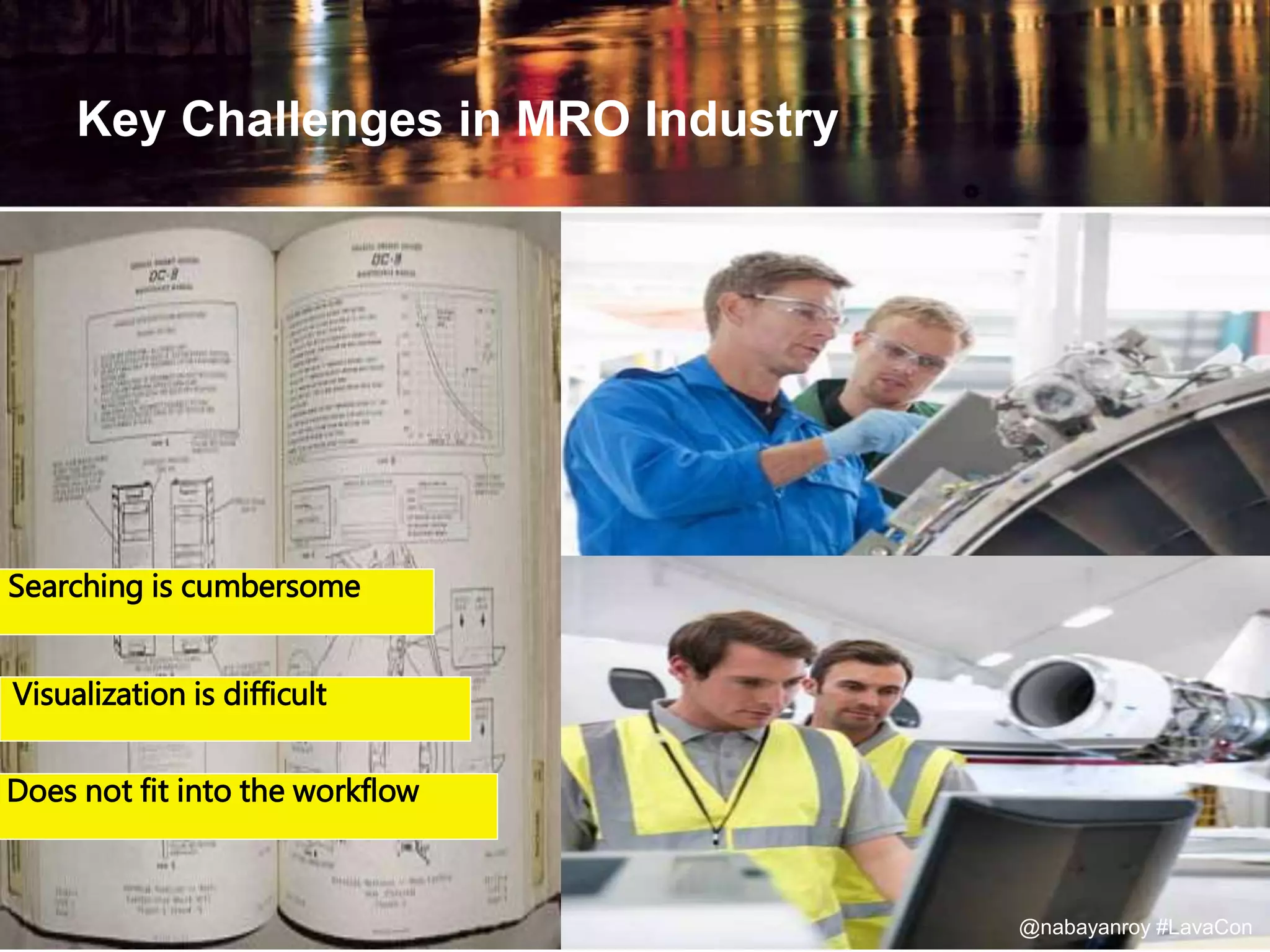
Key Challenges in MRO Industry
Searching is cumbersome
Visualization is difficult
Does not fit into the workflow
@nabayanroy #LavaCon
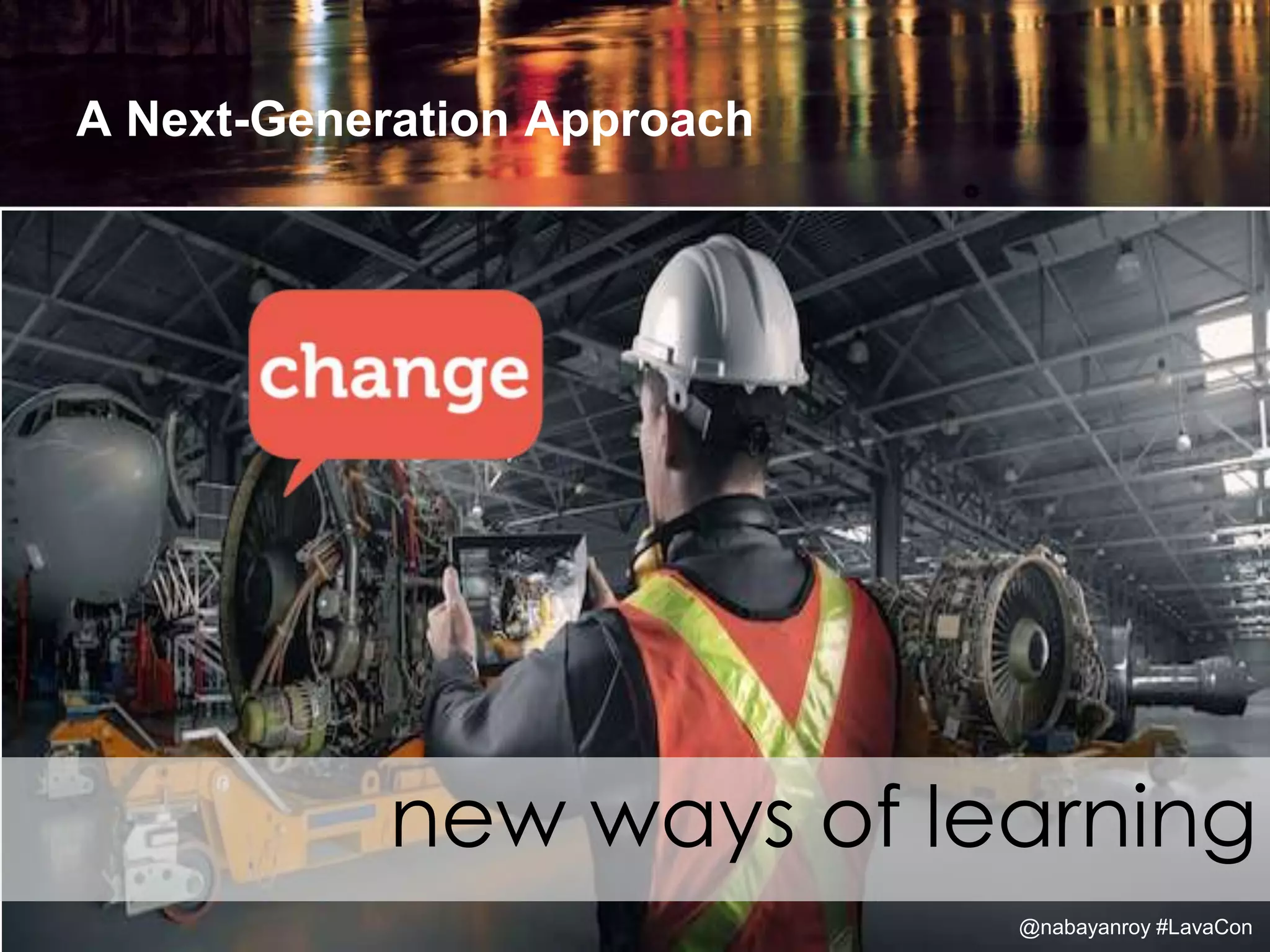
A Next-Generation Approach
new ways of learning
@nabayanroy #LavaCon
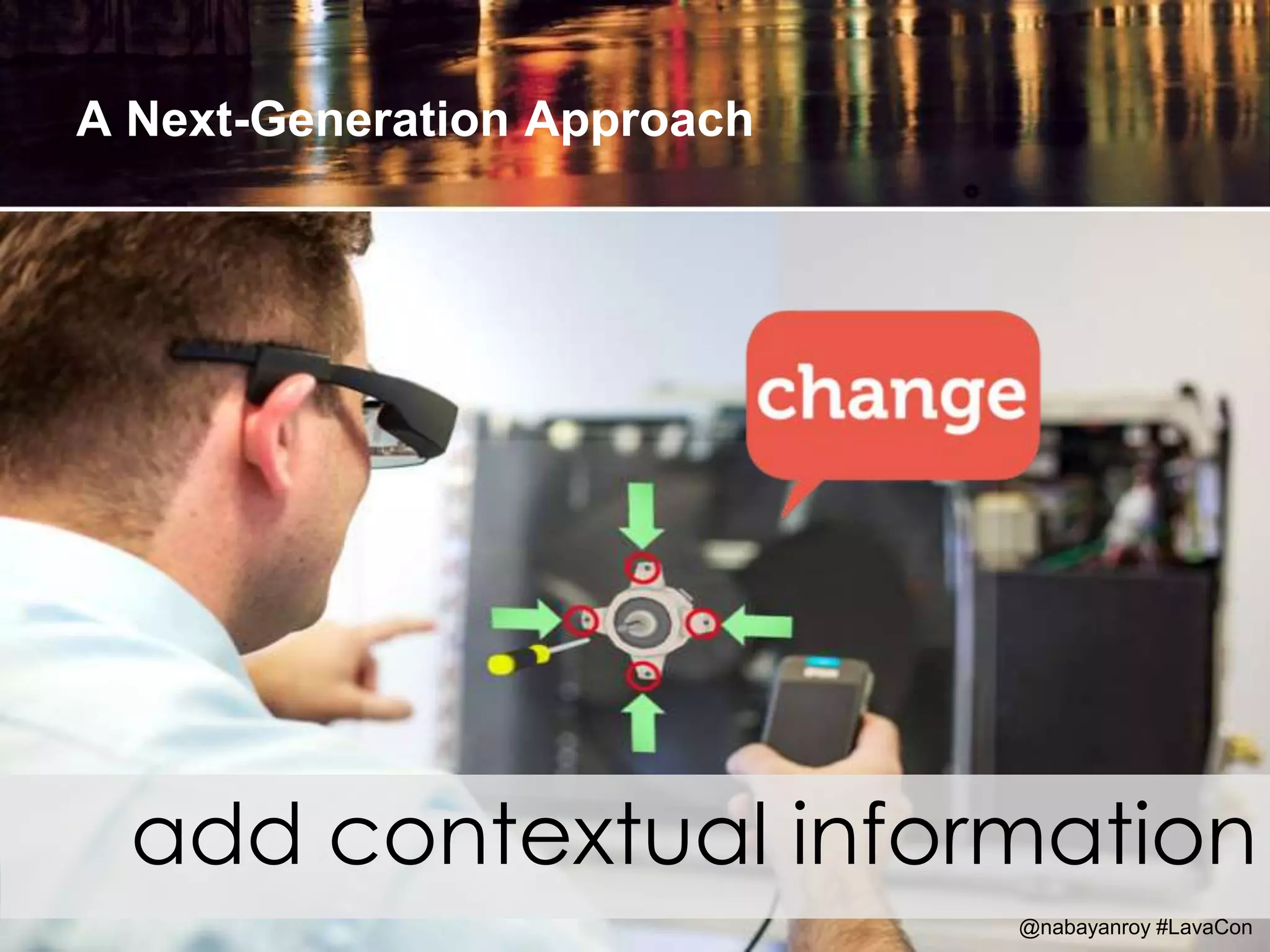
A Next-Generation Approach
add contextual information
@nabayanroy #LavaCon
A Next-Generation Approach
growth in mobile computing
@nabayanroy #LavaCon
Why Should Content Developers be Interested in
AR?
because
@Speaker Hashtag @LavaCon
Without compelling content, augmented
reality becomes nothing more than a
technological novelty
@nabayanroy #LavaCon
Step
But how to create content for AR?
@nabayanroy #LavaCon
The hero in my story
@nabayanroy #LavaCon
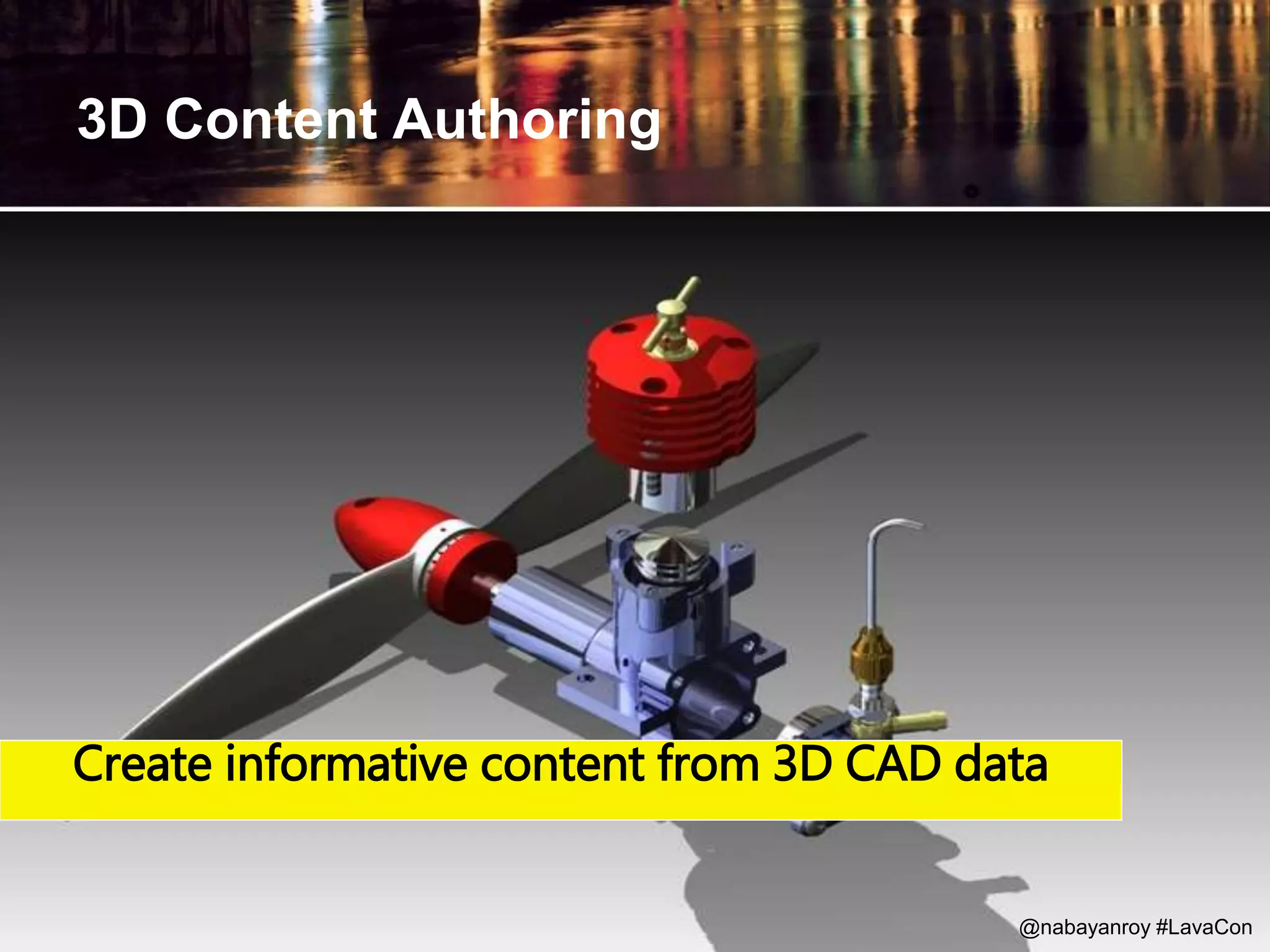
3D Content Authoring
Create informative content from 3D CAD data
@nabayanroy #LavaCon
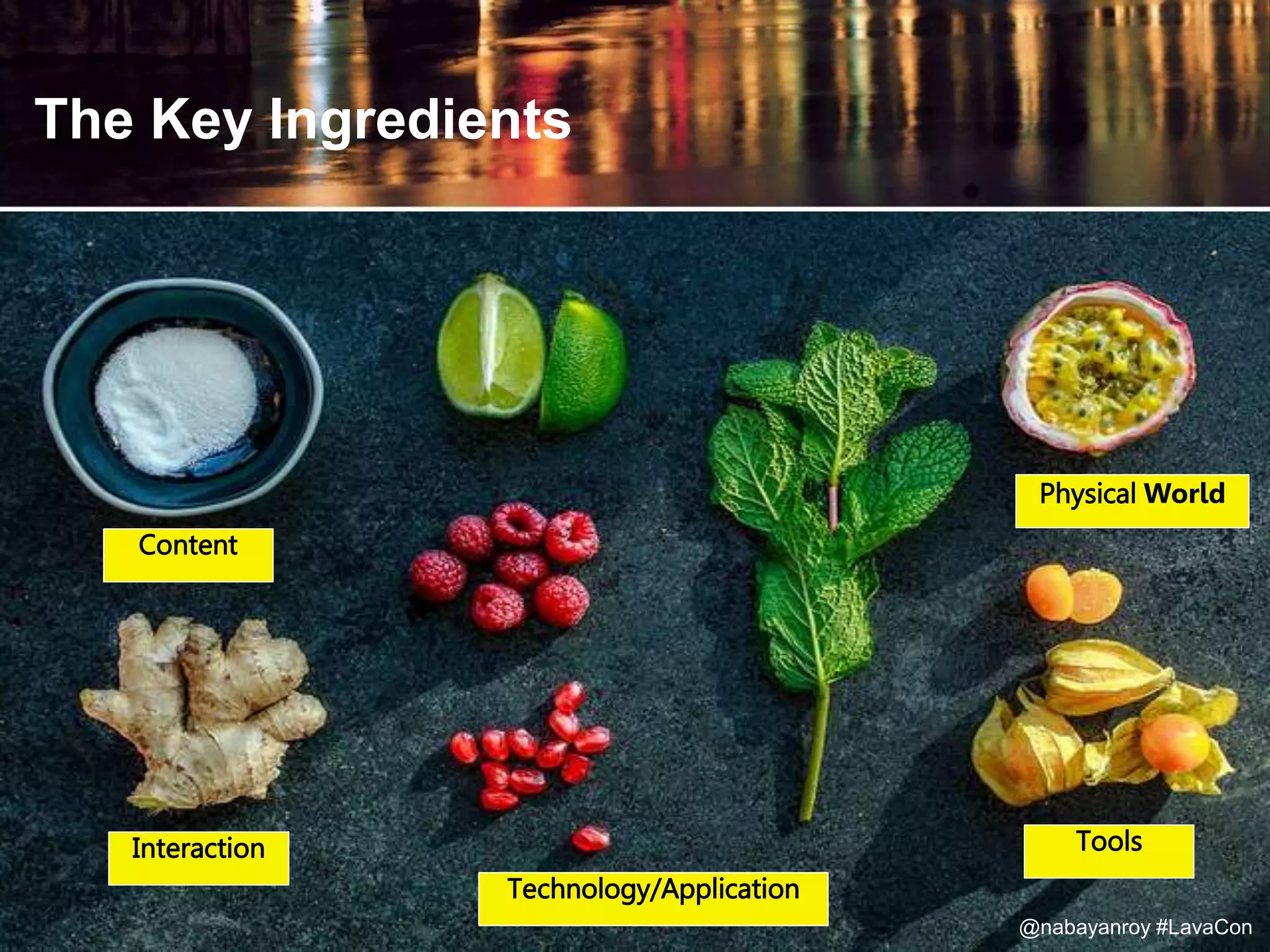
The Key Ingredients
Content
Interaction
Technology/Application
Physical World
@nabayanroy #LavaCon
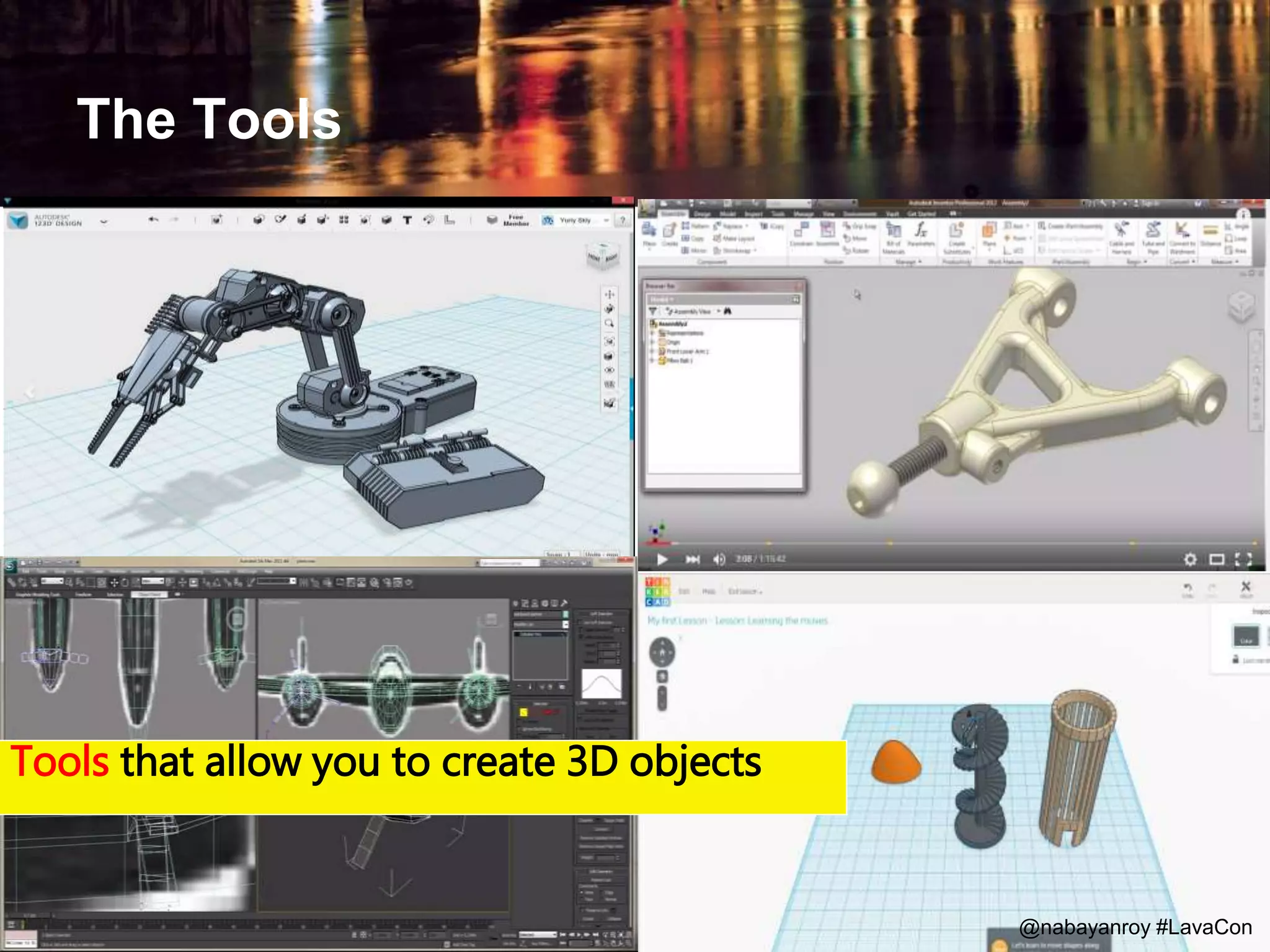
Tools
The Tools
Tools that allow you to create 3D objects
@nabayanroy #LavaCon
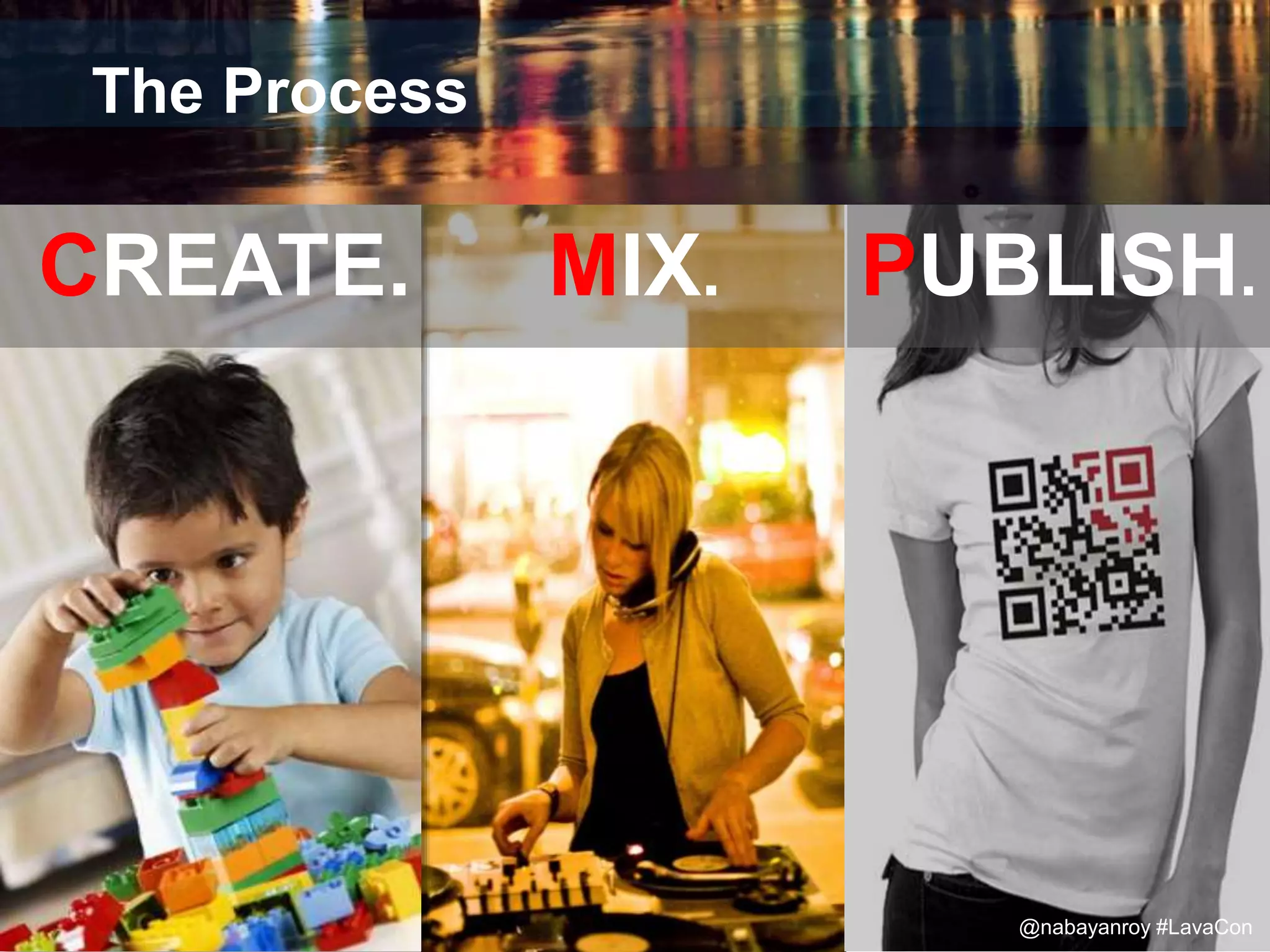
The Process
CREATE. MIX. PUBLISH.
@nabayanroy #LavaCon
Step 1
create
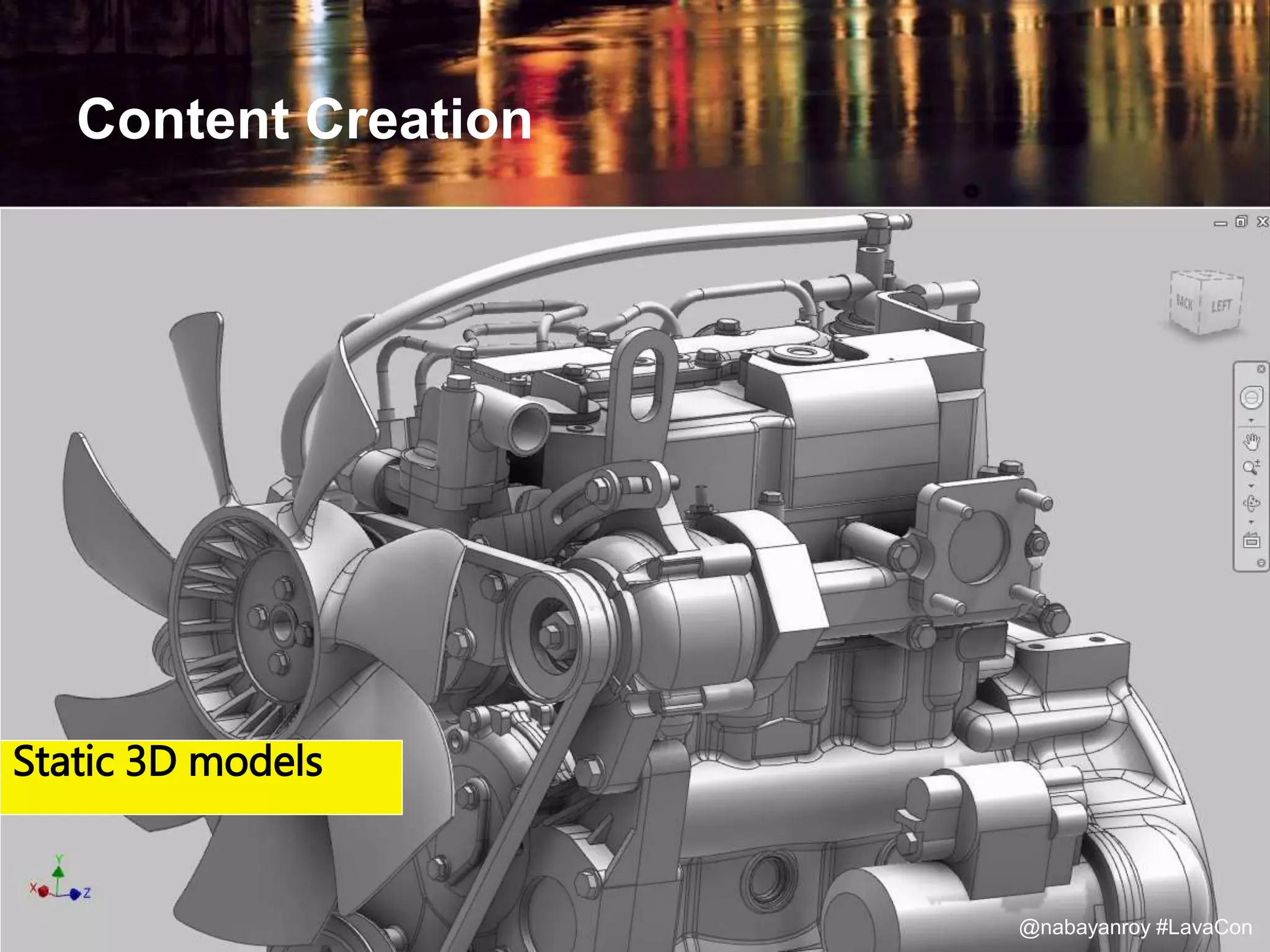
Content Creation
Static 3D models
@nabayanroy #LavaCon
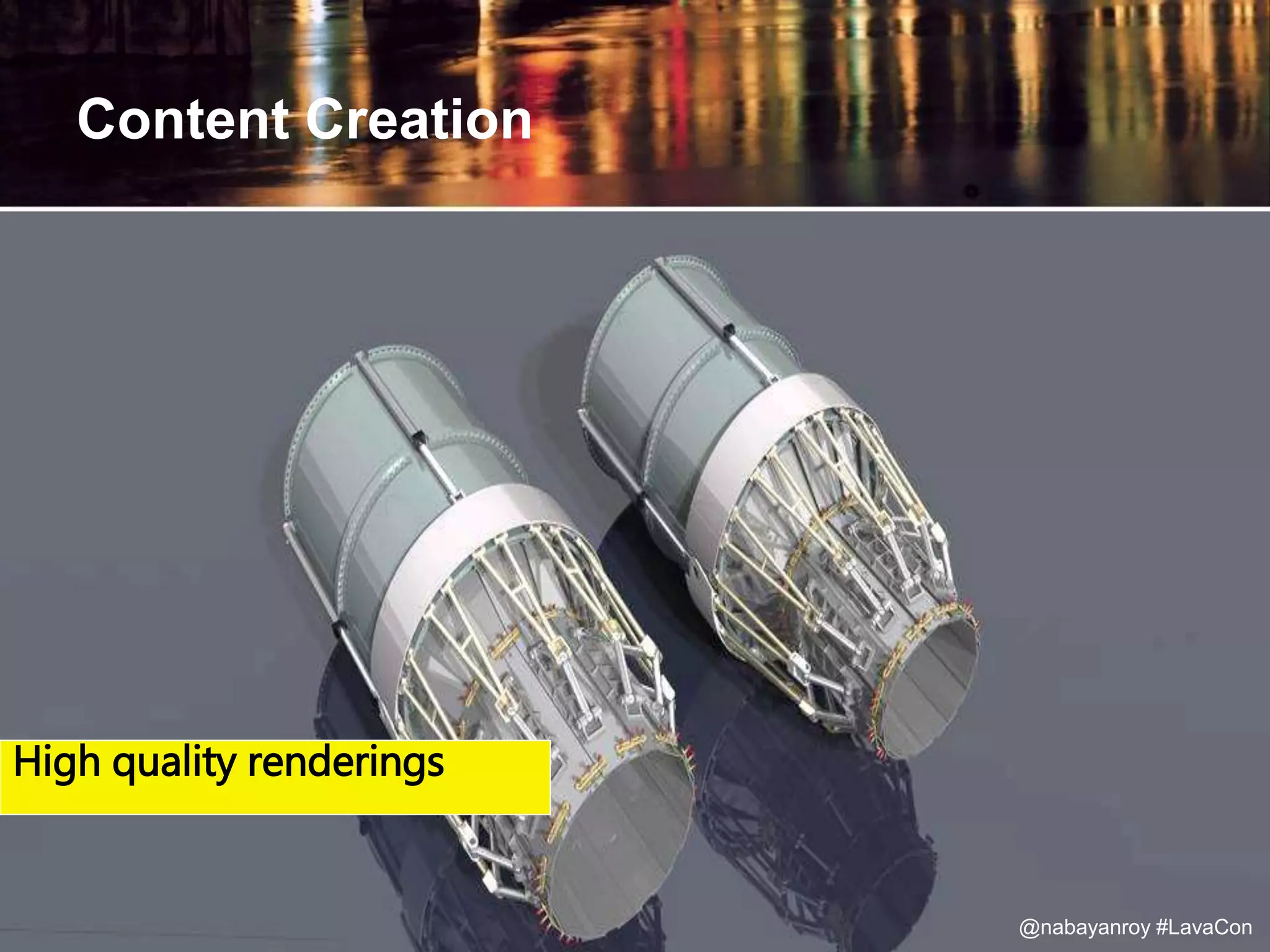
Content Creation
Static 3D modelsHigh quality renderings
@nabayanroy #LavaCon
Step 2
mix
Add Layers
@nabayanroy #LavaCon
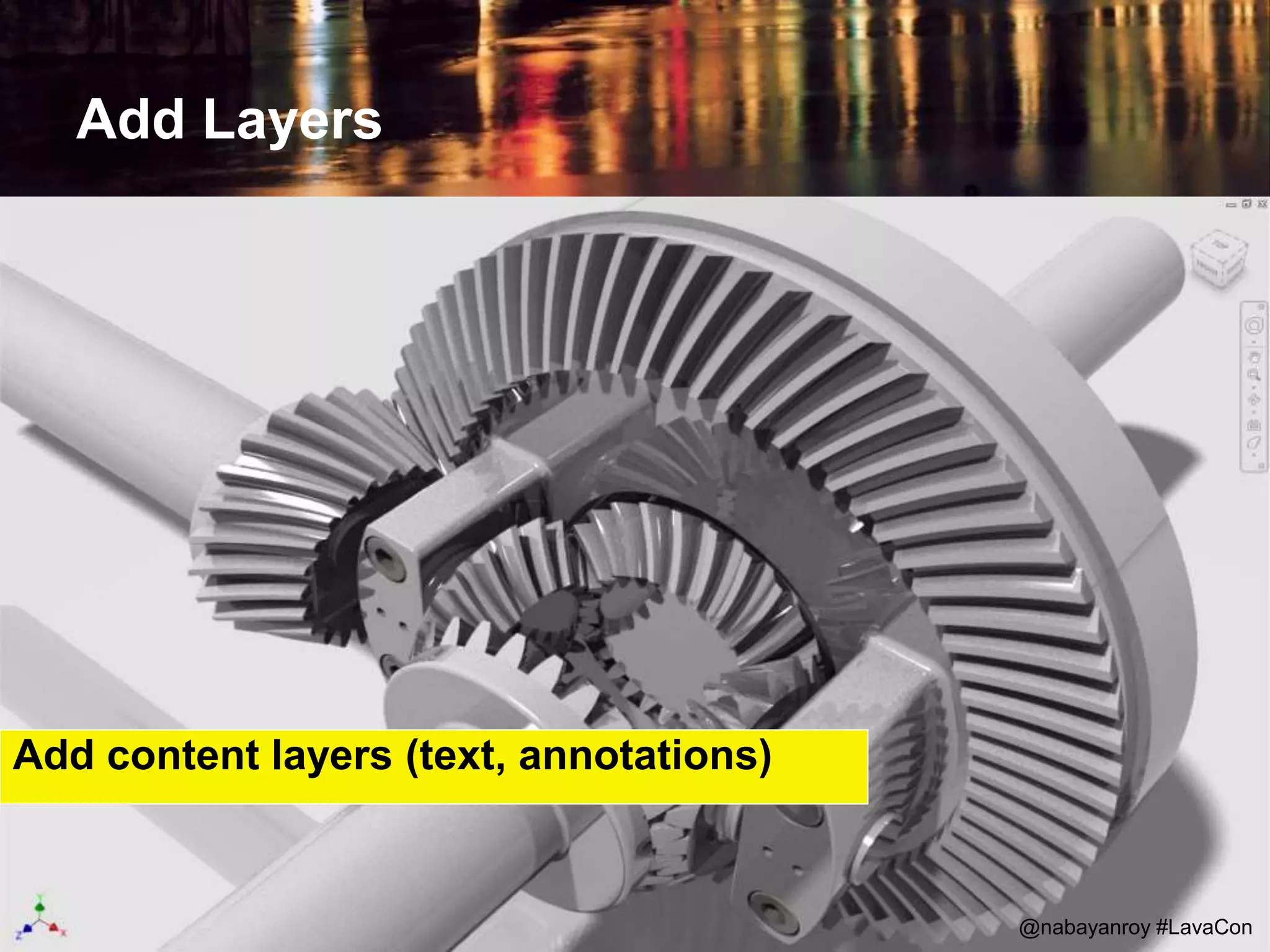
Add content layers (text, annotations)
Add Layers
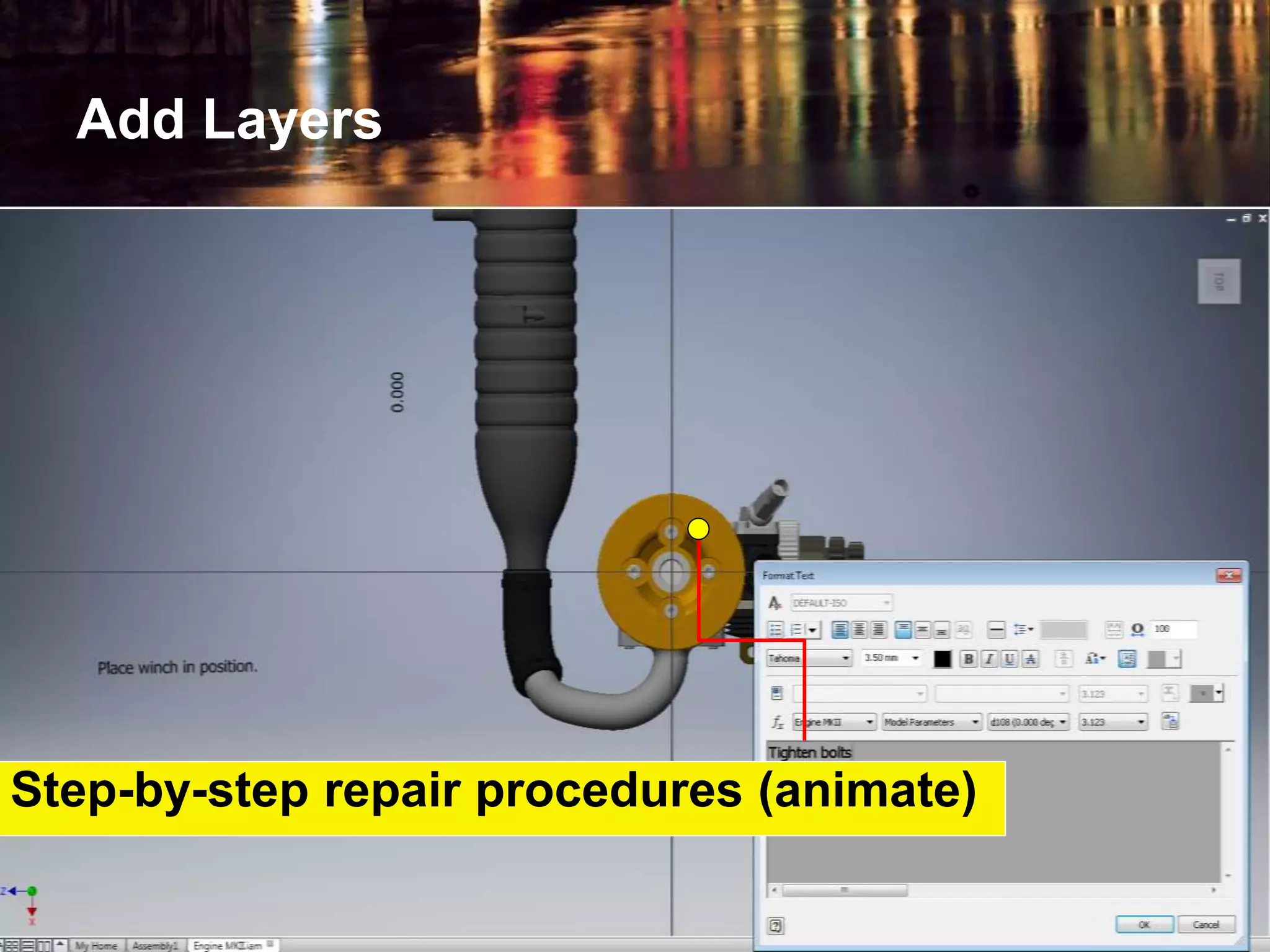
Step-by-step repair procedures (animate)
Add Layers
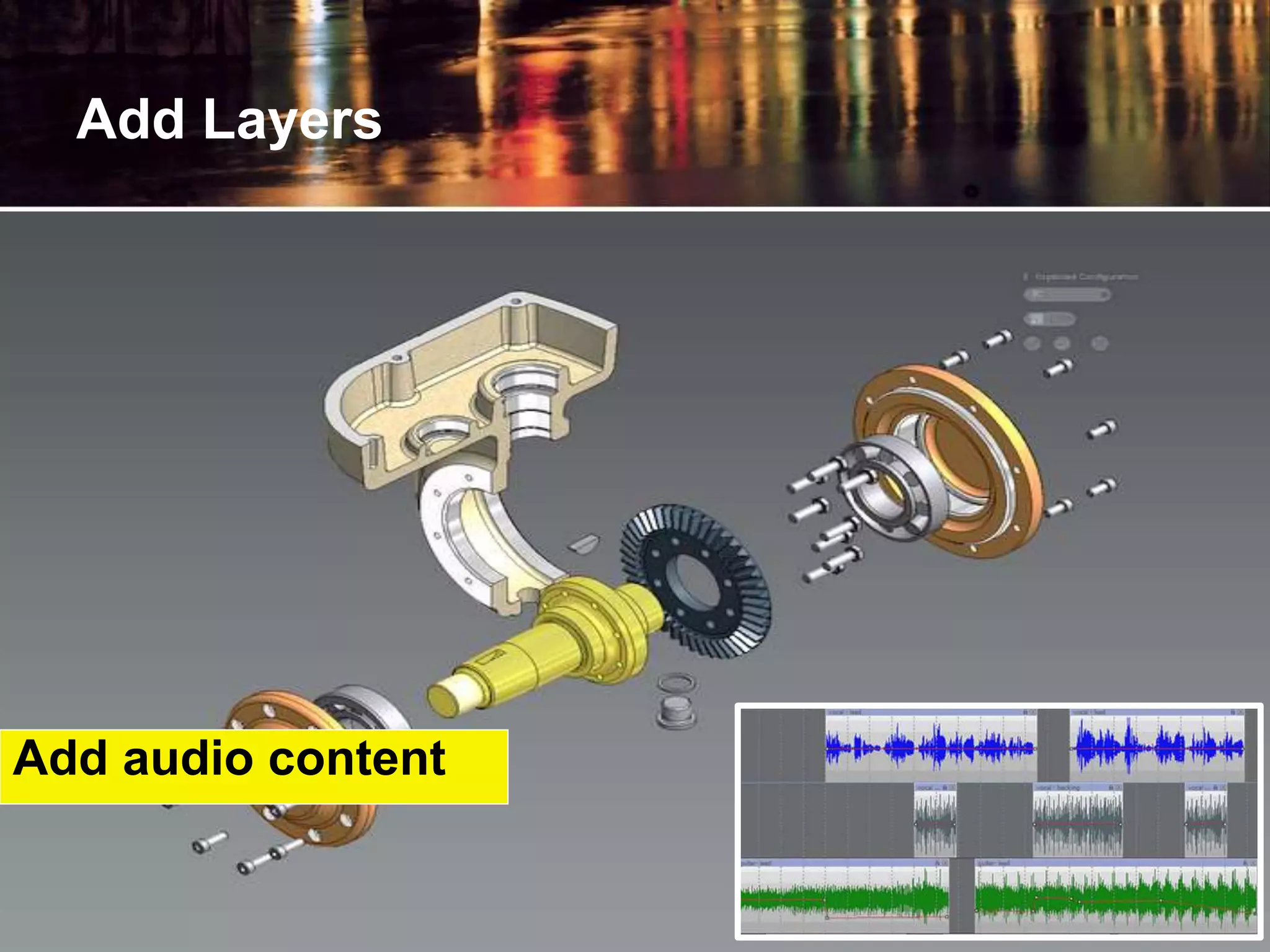
Add audio content
Step 3
publish
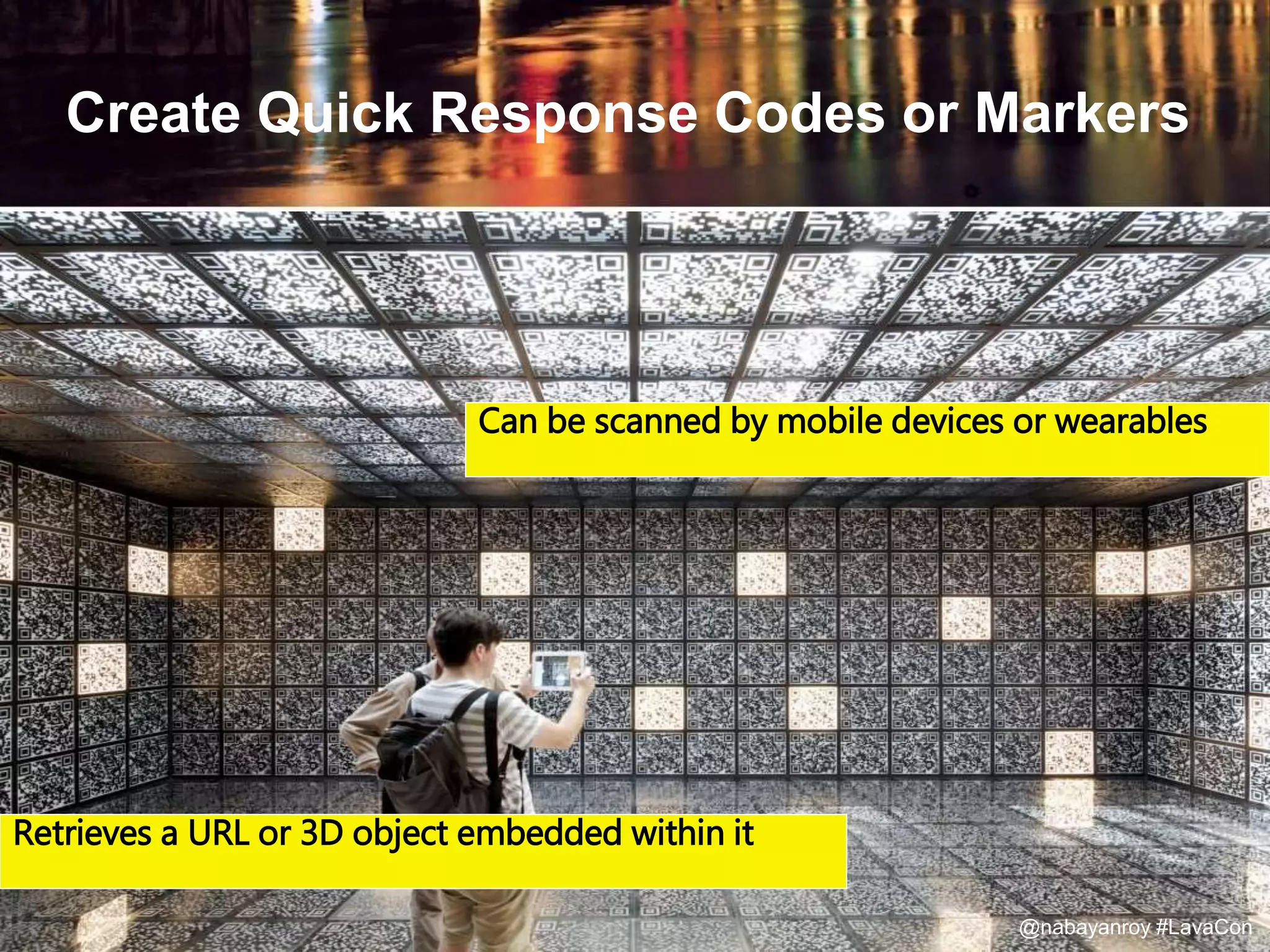
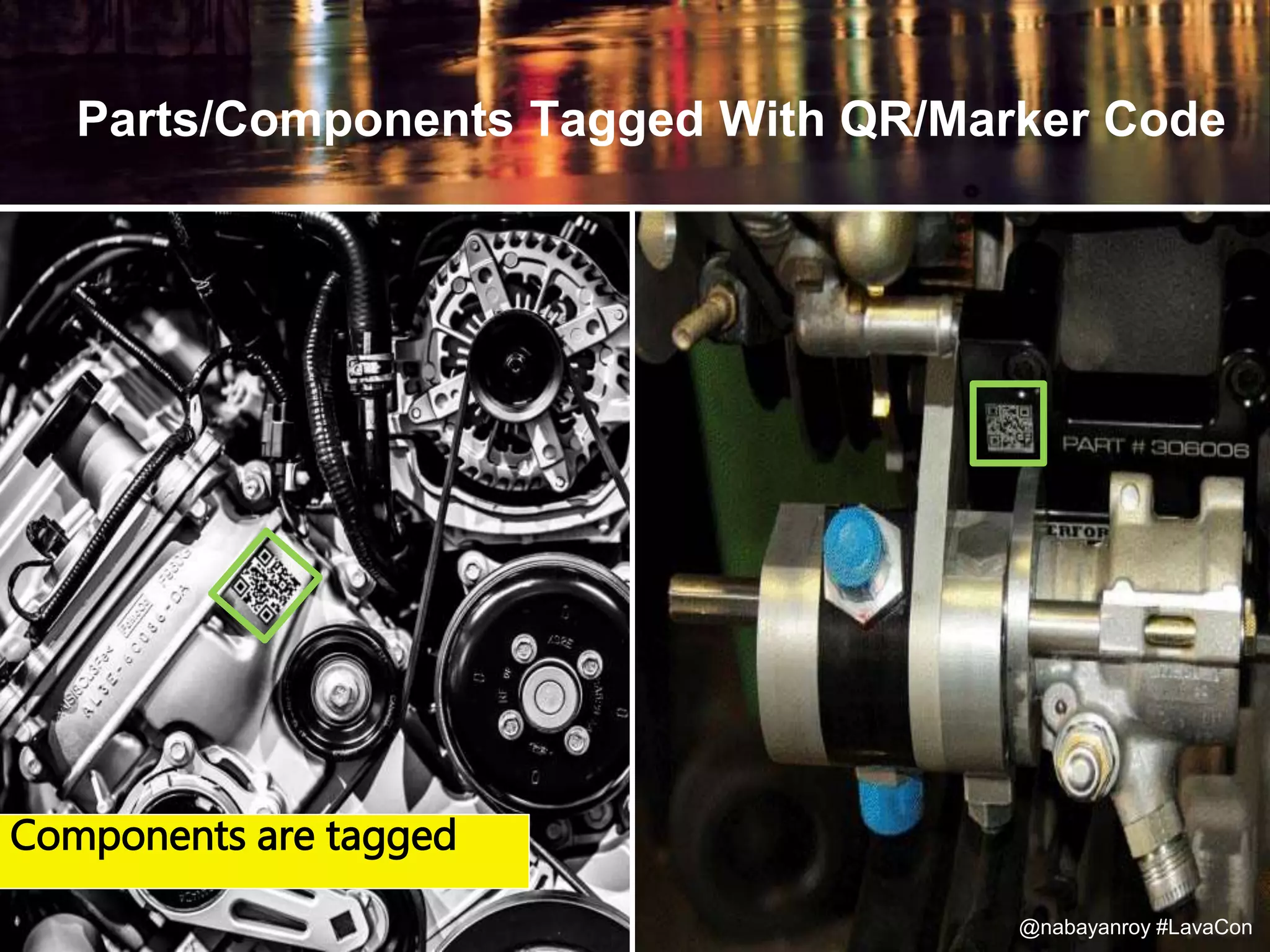
Create Quick Response Codes or Markers
Can be scanned by mobile devices or wearables
Retrieves a URL or 3D object embedded within it
@nabayanroy #LavaCon
Parts/Components Tagged With QR/Marker Code
Components are tagged
@nabayanroy #LavaCon
Augmented Reality Software/Application
Allows you to place 3D models in your environment
@nabayanroy #LavaCon
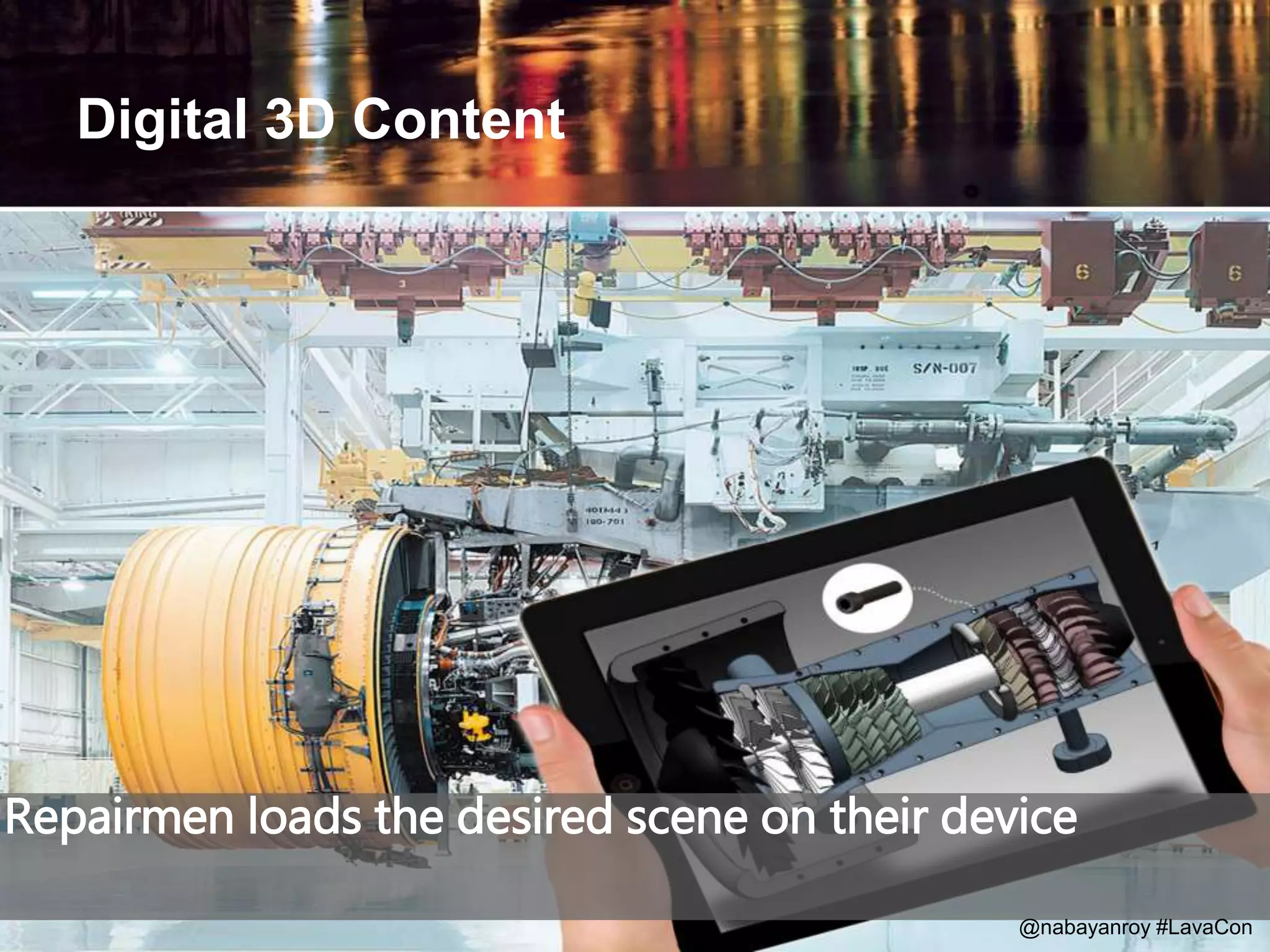
Repairmen loads the desired scene on their device
Digital 3D Content
@nabayanroy #LavaCon
@nabayanroy #LavaCon@nabayanroy #LavaCon
Showtime
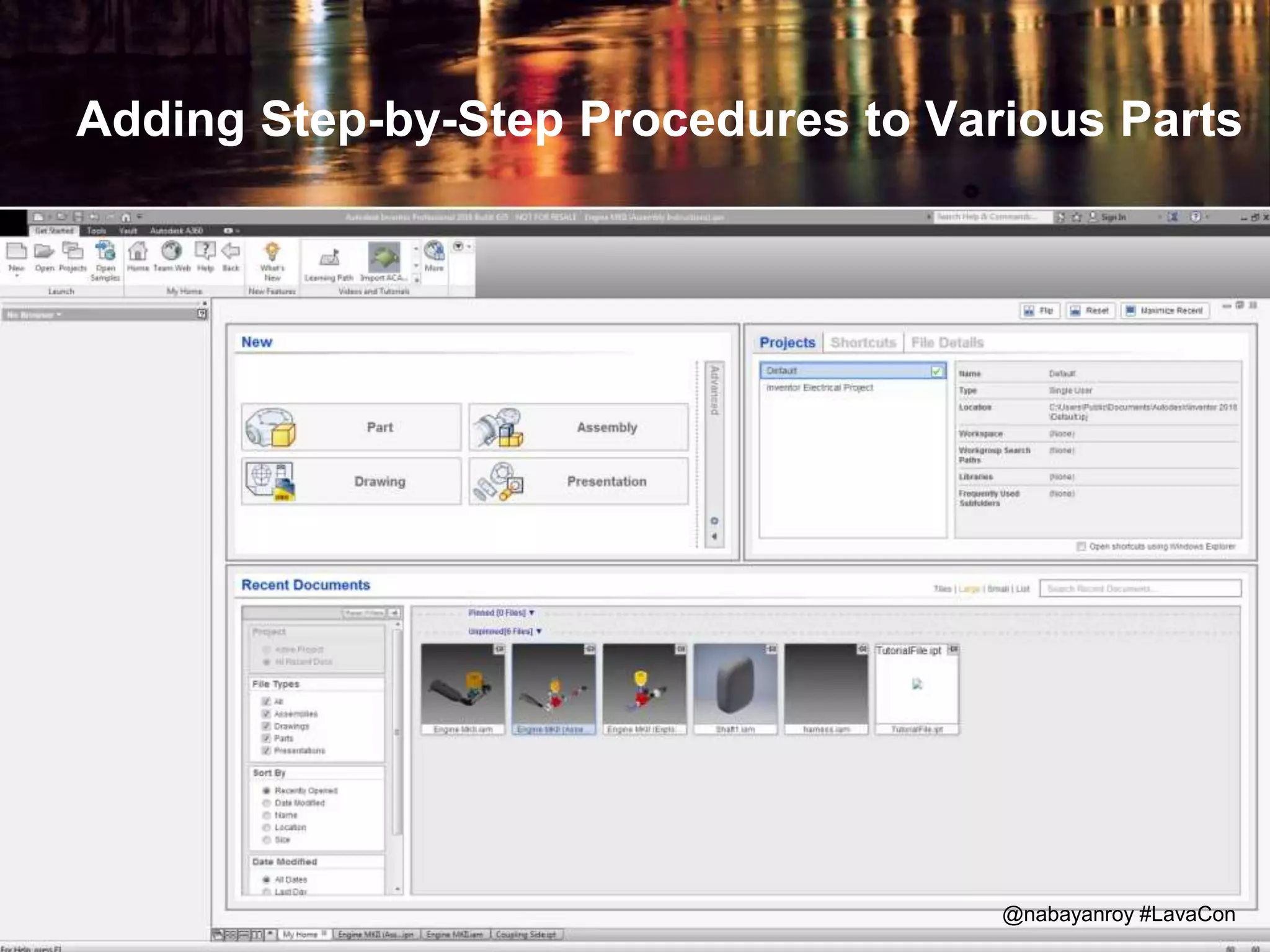
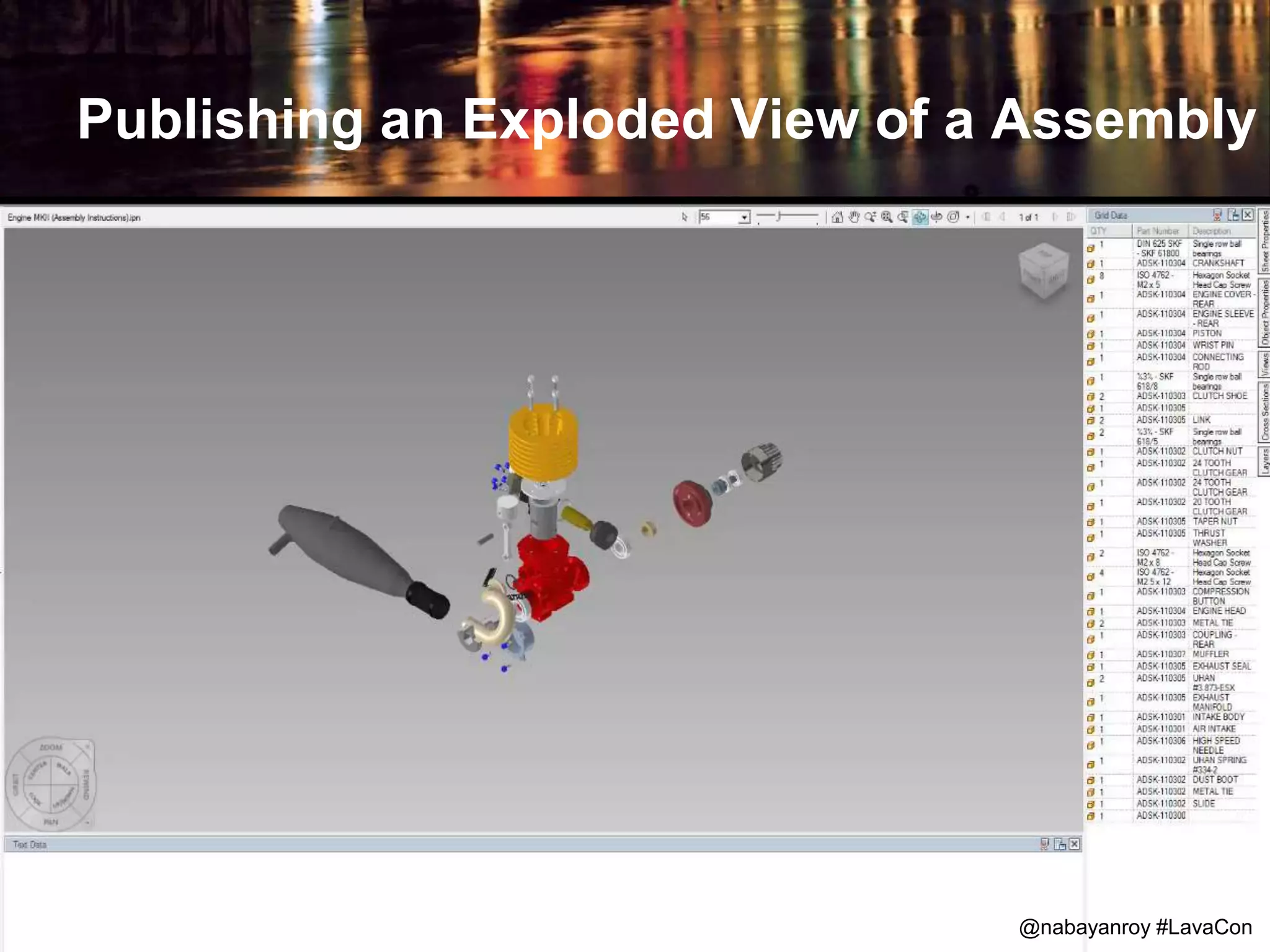
Adding Step-by-Step Procedures to Various Parts
@nabayanroy #LavaCon
Publishing an Exploded View of a Assembly
@nabayanroy #LavaCon
Augmented Experience
@nabayanroy #LavaCon
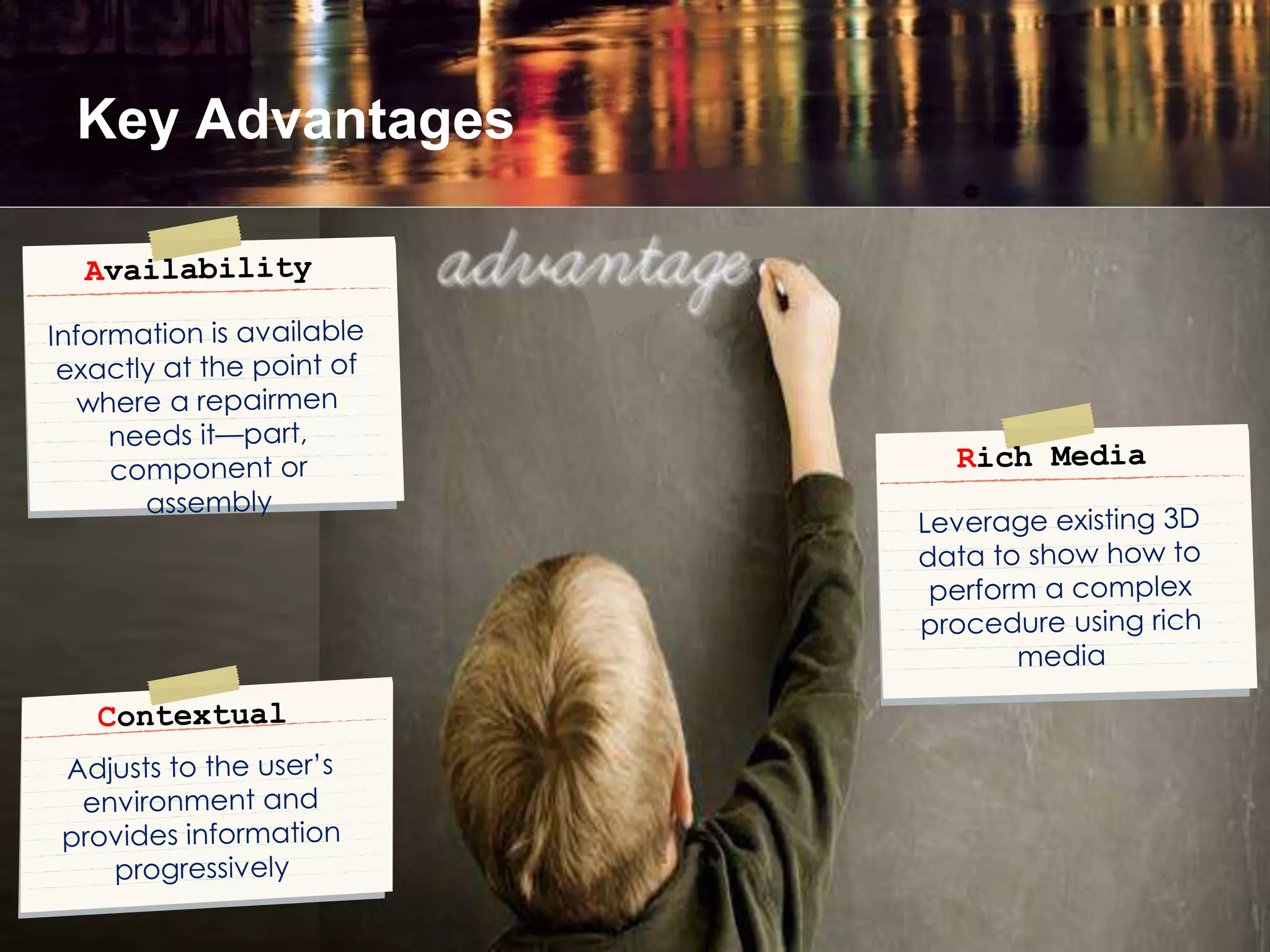
Key Advantages
@nabayanroy #LavaCon
Future Trends
Photo credit: Eutah Mizushima
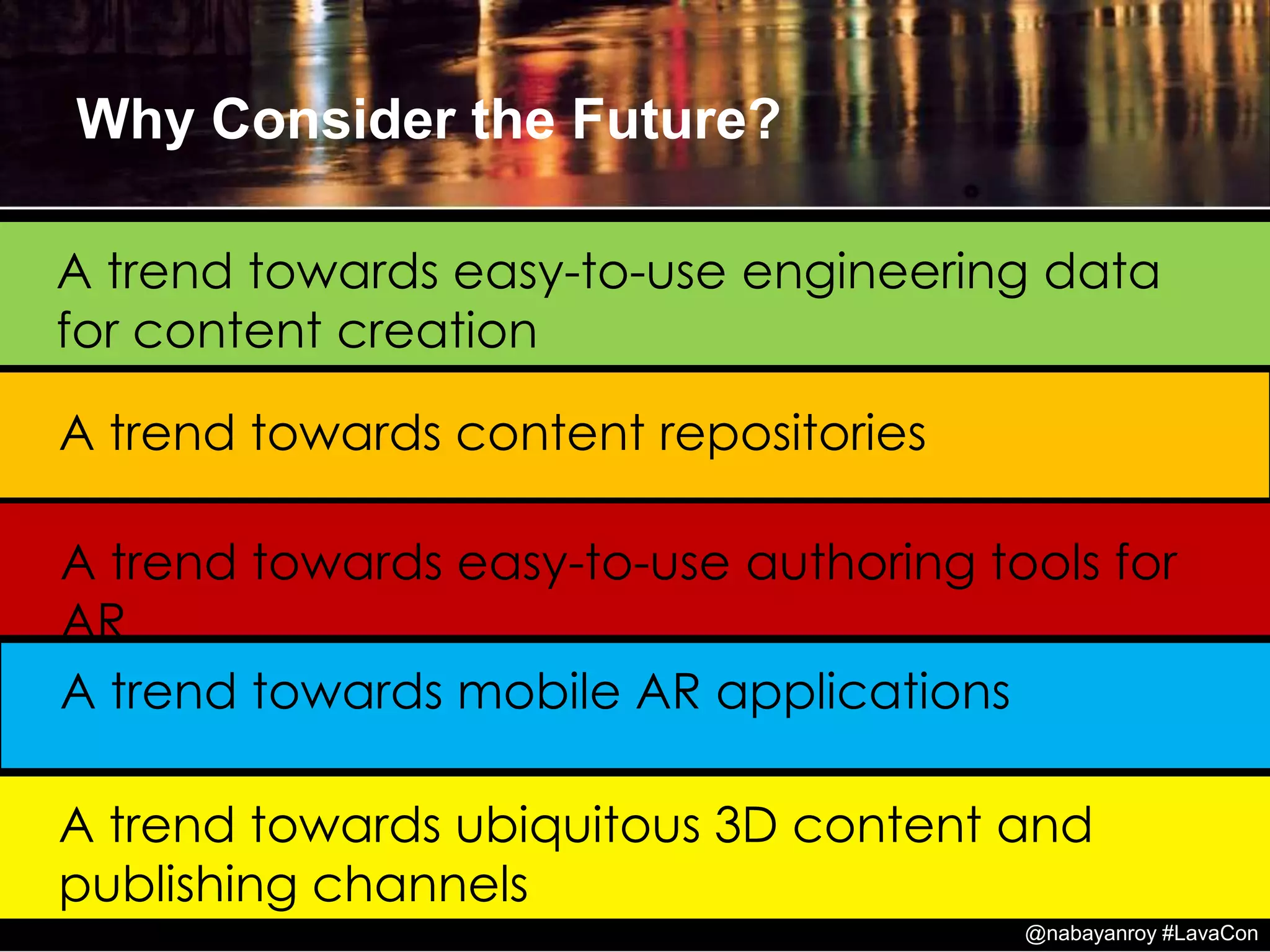
A trend towards mobile AR applications
A trend towards content repositories
A trend towards easy-to-use authoring tools for
AR
Why Consider the Future?
A trend towards easy-to-use engineering data
for content creation
A trend towards ubiquitous 3D content and
publishing channels
@nabayanroy #LavaCon
References and Credits
• Understanding Augmented Reality by Alan B. Craig
• Augmented Reality: Principles and Practice by Dieter
Schmalstieg; Tobias Hollerer
• Teaching and Learning in 3D Immersive Worlds by Robert
Sanders; Amy Cheney
• 3D models created using Autodesk Inventor, 123D Design,
Tinkercad, 3ds Max
• Autodesk Design Review
• Augmented Reality App: Augment
• Kean Walmsley and Vrok project
• Augmented Reality Stirling Engine By Sebastian Kerner
• BuildAR Viewer
@nabayanroy #LavaCon
Examples
questions...
@nabayanroy #LavaCon

Preparing for Augmented Reality: Moving from 2D to 3D Documentation

Editor's Notes

  • #8 Augmented Reality (AR) technology is a kind of human-computer interaction that superimposes the natural visual perception of a human user with computer-generated information (e.g. 3D models, annotation, and texts). AR presents this information in a context-sensitive way to the user. They are integrated into the environment by geometrical and photometrical registration and are manipulable in real-time.
  • #9 The most common features of AR are: combines real and virtual, • Interactive in real time • Registered in 3D
  • #10 The three core components include: 1. Sensor(s) to determine the state of the physical world where the application is deployed. Three primary categories of sensors are used in AR systems: 1. Sensors used for tracking 2. Sensors for gathering environmental information 3. Sensors for gathering user input 2. A processor to evaluate the sensor data, to implement the “laws of nature” and other rules of the virtual world, and to generate the signals required to drive the display 3. A display suitable for creating the impression that the virtual world and the real world are coexistent and to impinge on the participant’s senses such that he or she senses the combination physical world and virtual world
  • #19 A Next-Generation Approach to Solving MRO Problems
  • #28 The tool should be capable of mechanical design, product simulation, tooling creation, and design communication. Create illustration sets from 3D CAD files. Simple creation of various Augmented Reality scenarios Standardized processing of CAD data and 3D models No time-consuming manual adaptations to CAD data
  • #31 Create or Import your 3D CAD data. Visual content for AR applications can be categorized as three basic types: ■ Three-dimensional (3D) objects ■ Two-dimensional (2D) images (including text) ■ Visual elements that vary with time (animation, video clips, etc.)
  • #32 Create or Import your 3D CAD data. The AR content developer has all of these options available as well. The content of any media, including AR, is directly informed by the goal of the creator. If the goal is to communicate factual information or physical attributes, then the content developer must choose representations to support that goal.
  • #34 Interactive 3D view or virtual reality view of the procedure can be delivered. Add instructions and explanations as text develop exploded views , animations, and other stylized views of an assembly. Annotations attached to CAD data (e.g. callouts, tools)
  • #35 Text content, attributes, and properties are set and edited in the Format Text dialog box. Use the Format Text dialog box to: Add or edit notes in drawings or text in sketches. Specify text attributes for title blocks, borders, datum identifiers, and sketch symbols. Add or edit text for dimensions, view labels, hole notes, hole tags, and chamfer notes. Insert model parameter references in text. When property values change, text that contains the property updates with the new values. Insert iProperty text property references in text. When the text property values change, text containing the text property updates with the new values. Available for all drawing text.
  • #36 Develop exploded views, animations, and other views. Scene Graphs Another concept important to the issue of 3D content is the idea of scene graphs. A scene graph is a data structure that provides information about the relationship between different graphical entities. For example, it provides information about the spatial relationship between entities as well as other relationships, such as the impact that moving one object has on moving another object. So if our virtual vase has virtual flowers in it, when I move the vase, the flowers move too. The scene graph is expressed exactly as it sounds. It is a graph in which objects (or parts of objects) are nodes in the graph, and the relationships are expressed by the edges in the graph. OpenSceneGraph (OSG) (http://www.openscenegraph.org/projects/osg) is a free, open source implementation of scene graph functionality that uses C++ and OpenGL. This allows the content creator to worry more about their content and less about low-level details of the graphics involved with the content. The OSG library has plug-ins that allow it to read from different common file formats. This allows you to build the scene graph from multiple sources and also to use the scene graph in different applications.
  • #38 Find product specific information: • Scan QR code • Visual Search • Textual Search Information is found quickly and presented clearly To build an Augmented Reality system based on a fiduciary marker, you will need the following: Marker or a pattern it two versions: printed as seen in Figure 1, and .patt file store in your computer. Camera (connected to the computer) Computer with running AR software Output device: Computer monitor, projector or AR glasses. Fiducial markers can be placed in an environment where they are stand alone or in conjunction with other types of real-world entities. In this scene, the markers are placed on a white cube as well as on a colorful background scene that contributes to the AR application. There is also a physical model of a dinosaur skeleton that is part of the content of this AR application
  • #39 Find information for fault finding, MRO and operation through visual search. By pointing the camera of a mobile device at a specific location, the user can see the desired 3D illustration, text or animation; receiving the desired information.
  • #40 allow to place life-size 3D models in your environment with or without the use of trackers.
  • #41 Real time content at the point of action/performance increases technical dispatch and punctuality. The user can load the desired scene directly on his mobile by pointing his AR app on the part in the aircraft. You can use in-house app or any commercial app to load the AR content on your device. Normally, a repairmen would tediously browse through the 2D manuals and compare the images in the manual with the actual parts and components. It was cumbersome and in-efficient. Now with 3D content, images and animation shows repairmen, which tools and work steps are required.