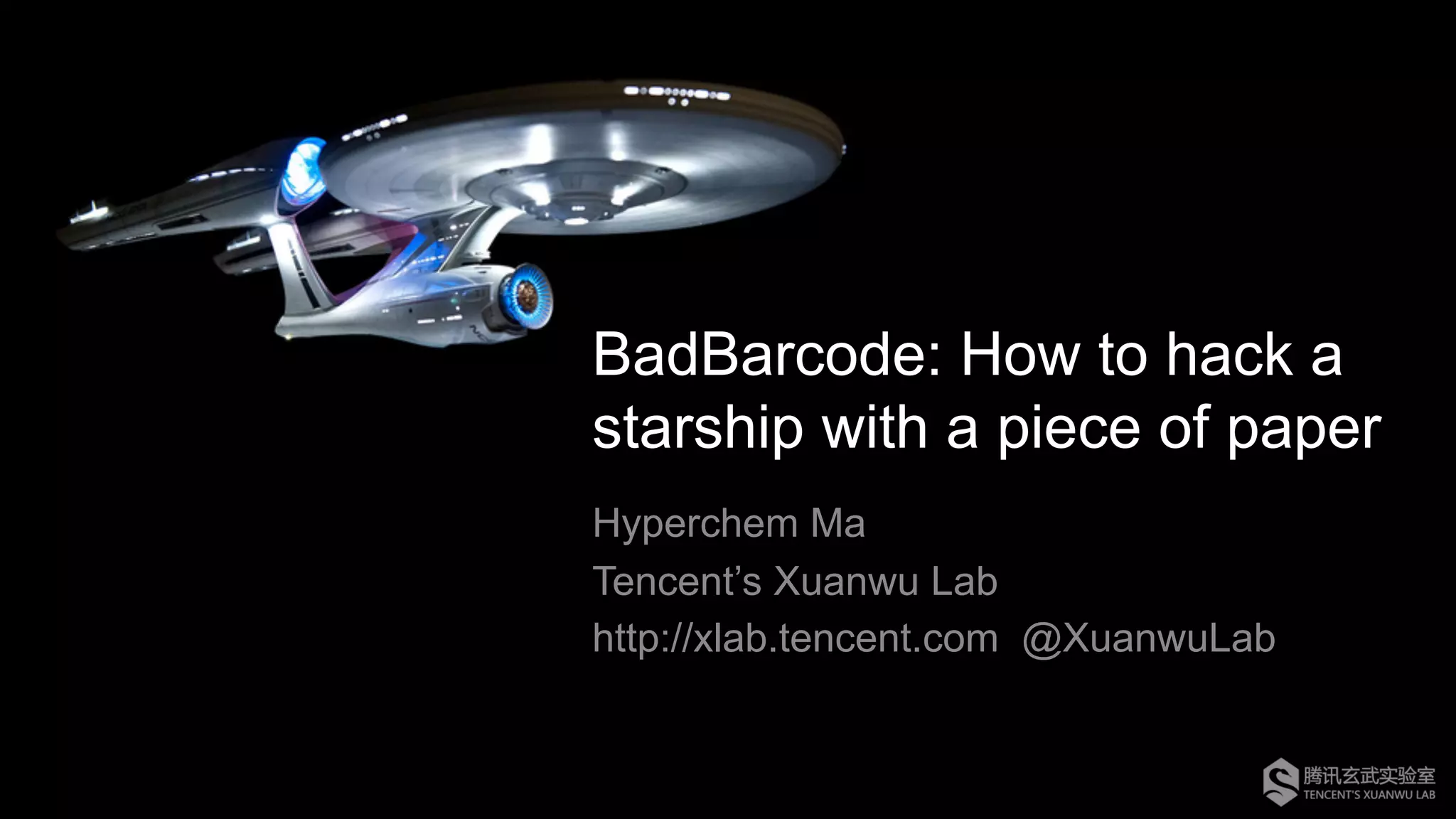
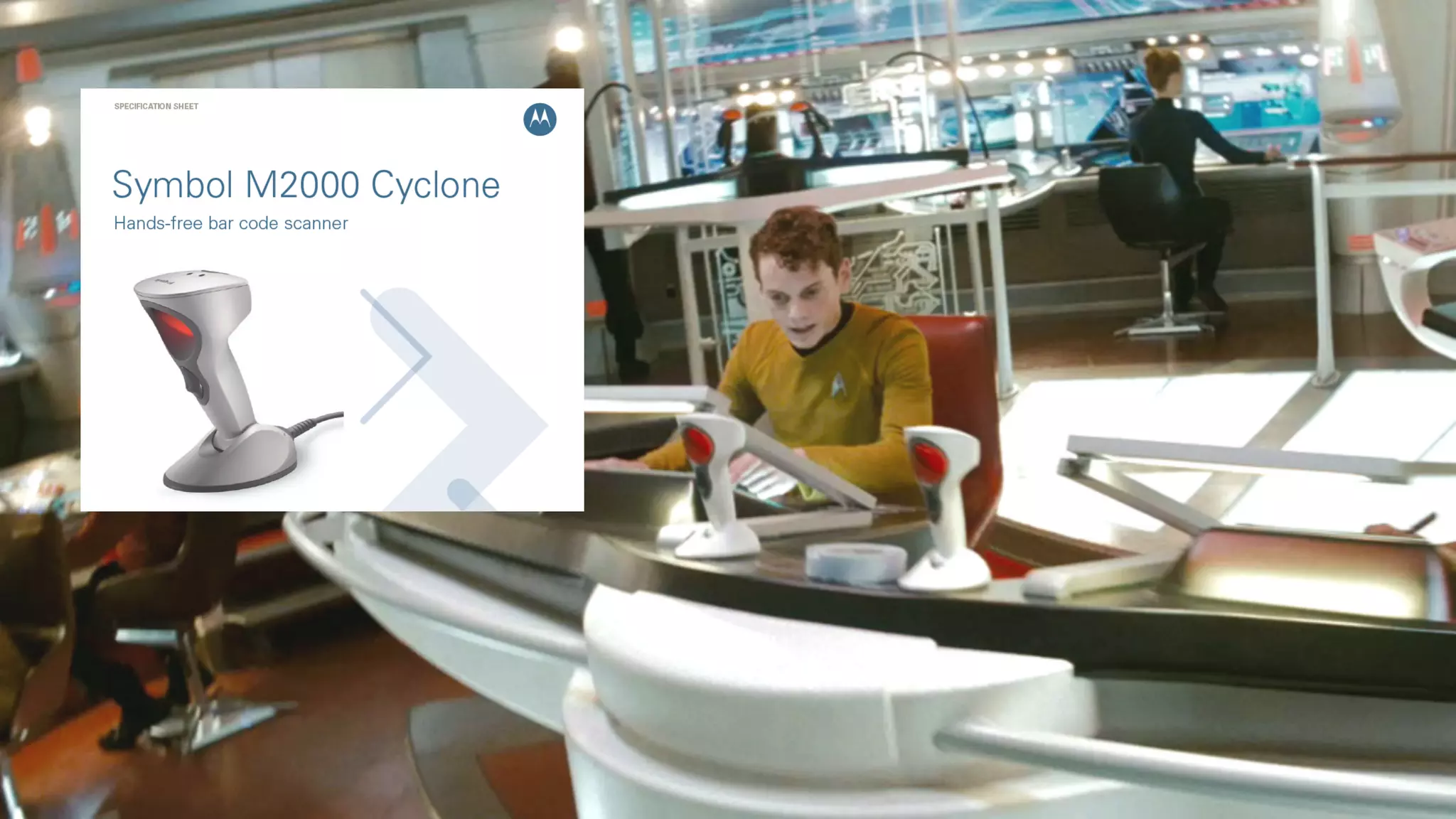
BadBarcode: How to hack a
starship with a piece of paper
Hyperchem Ma
Tencent’s Xuanwu Lab
http://xlab.tencent.com @XuanwuLab
Who am I ?
Security Researcher @
– Embedded Device Security
– Firmware Reverse-Engineering
– Big Fan of IoT
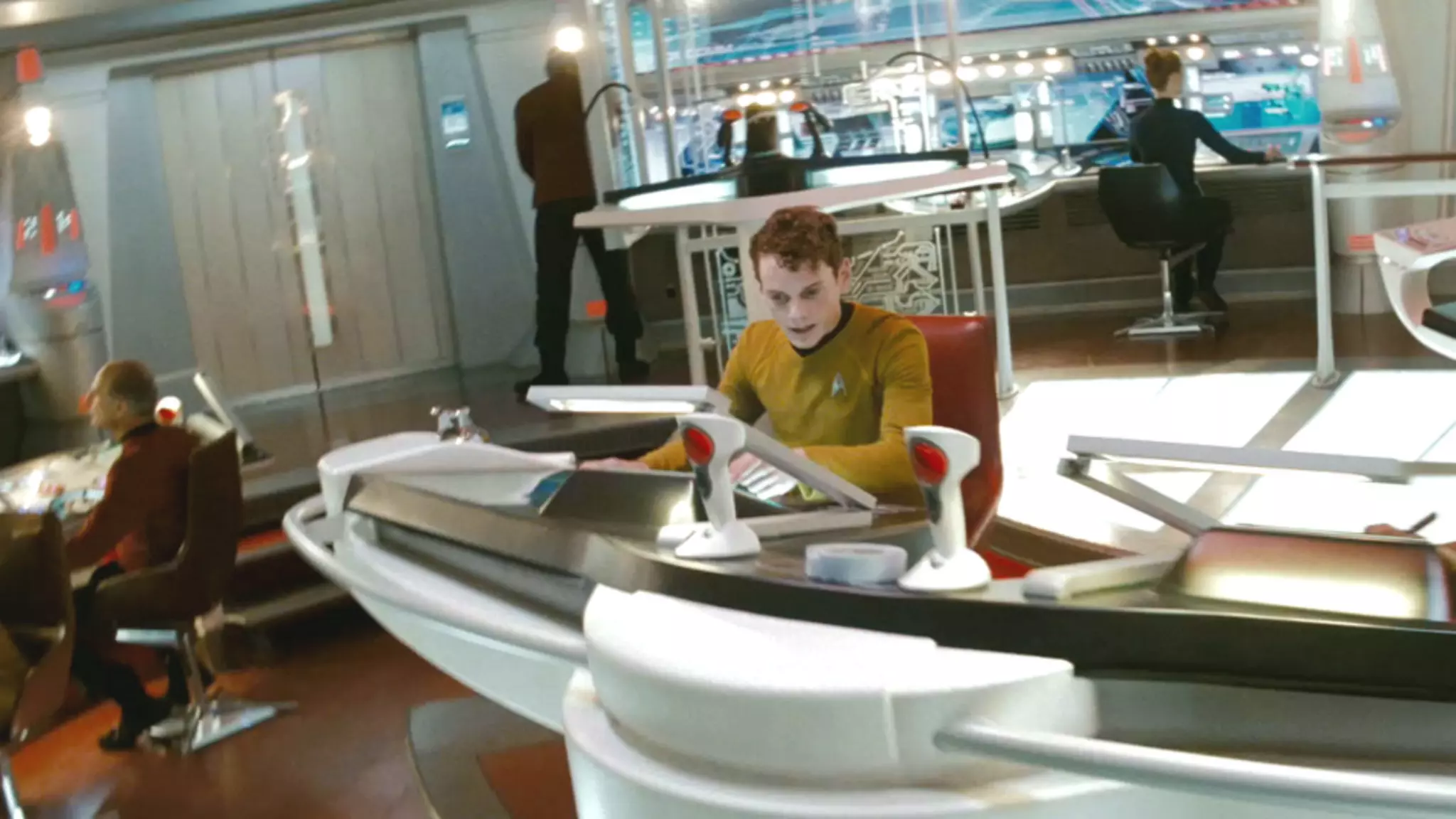
Wait, hack a starship?
4
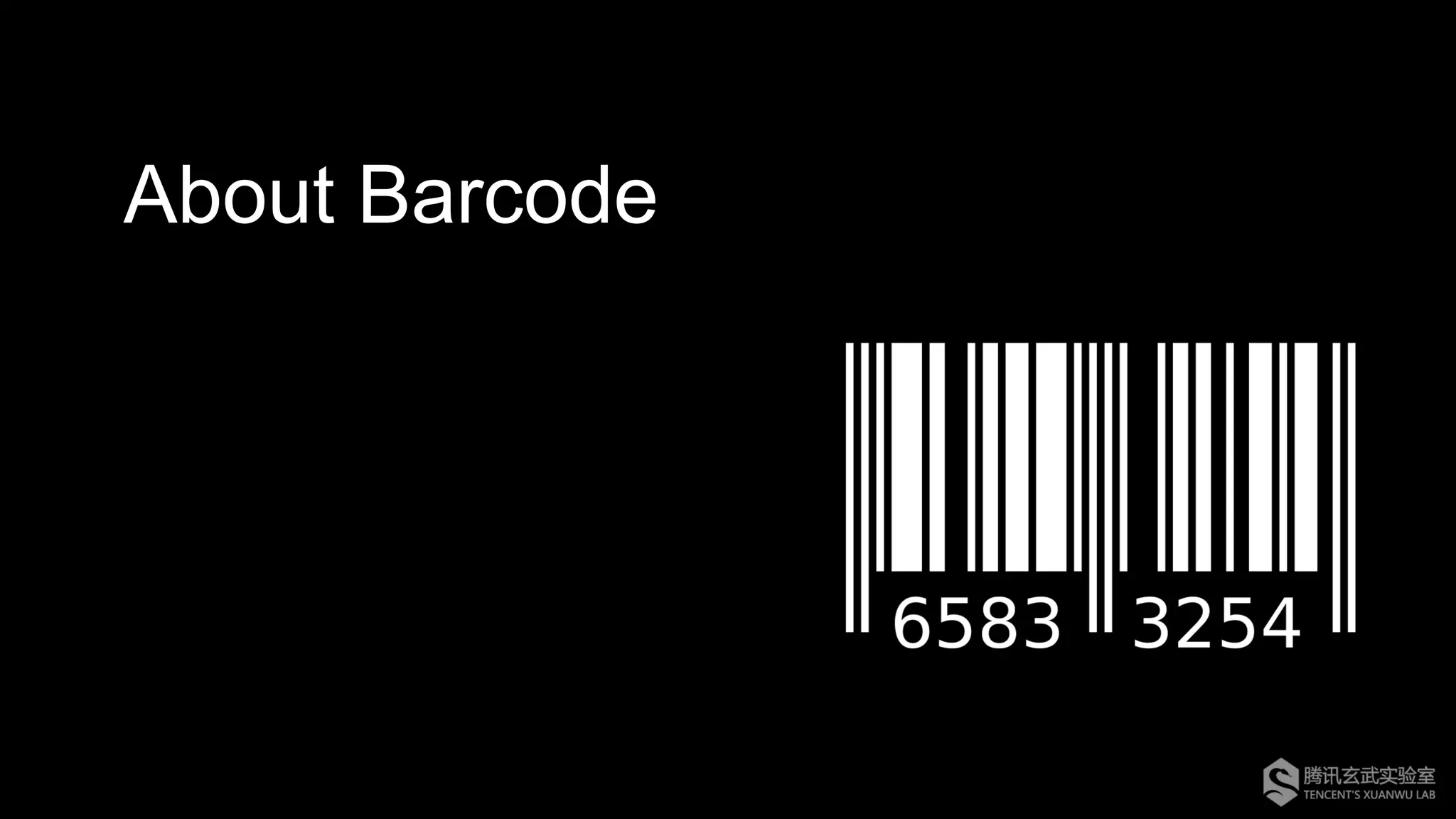
About Barcode
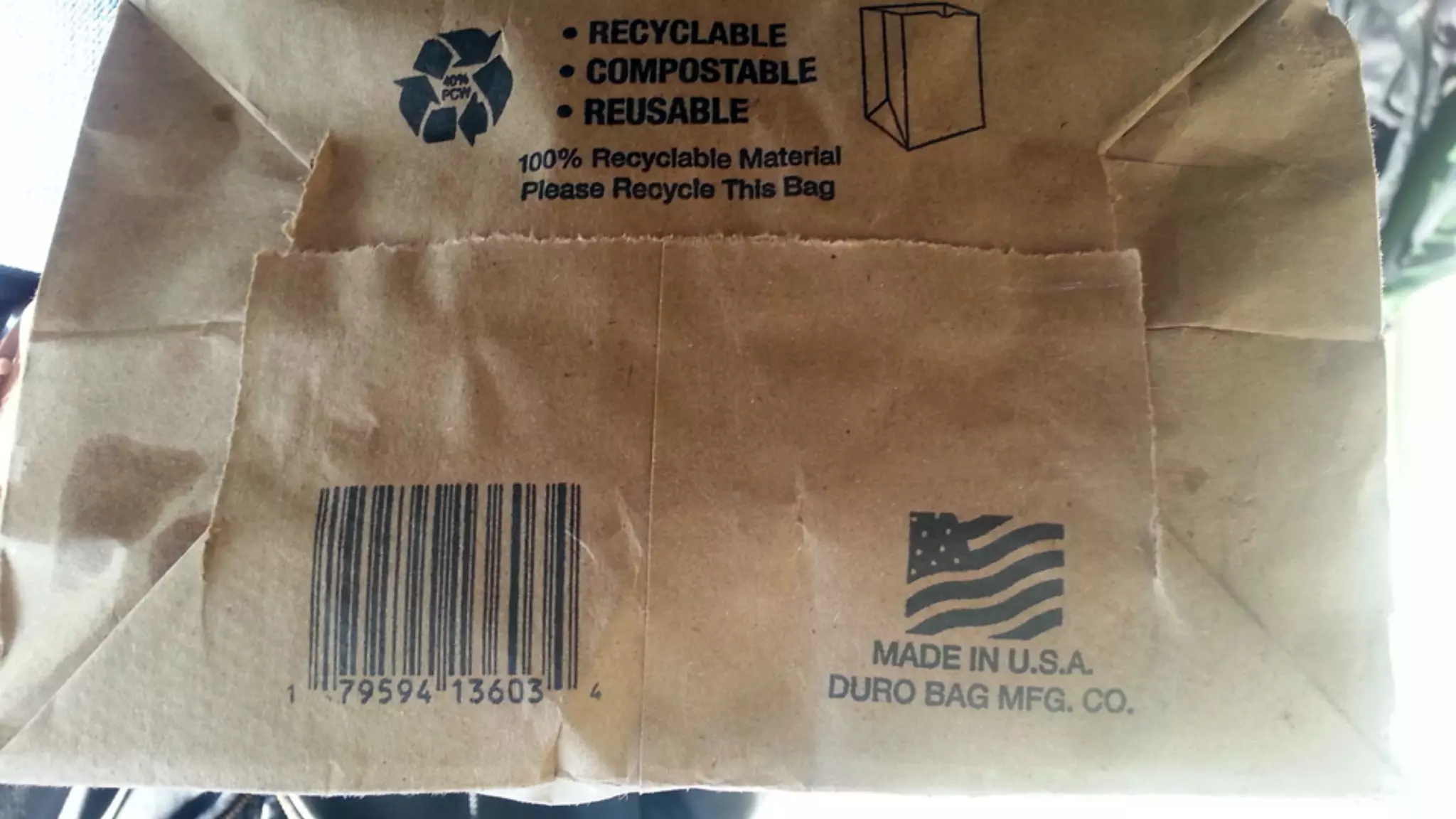
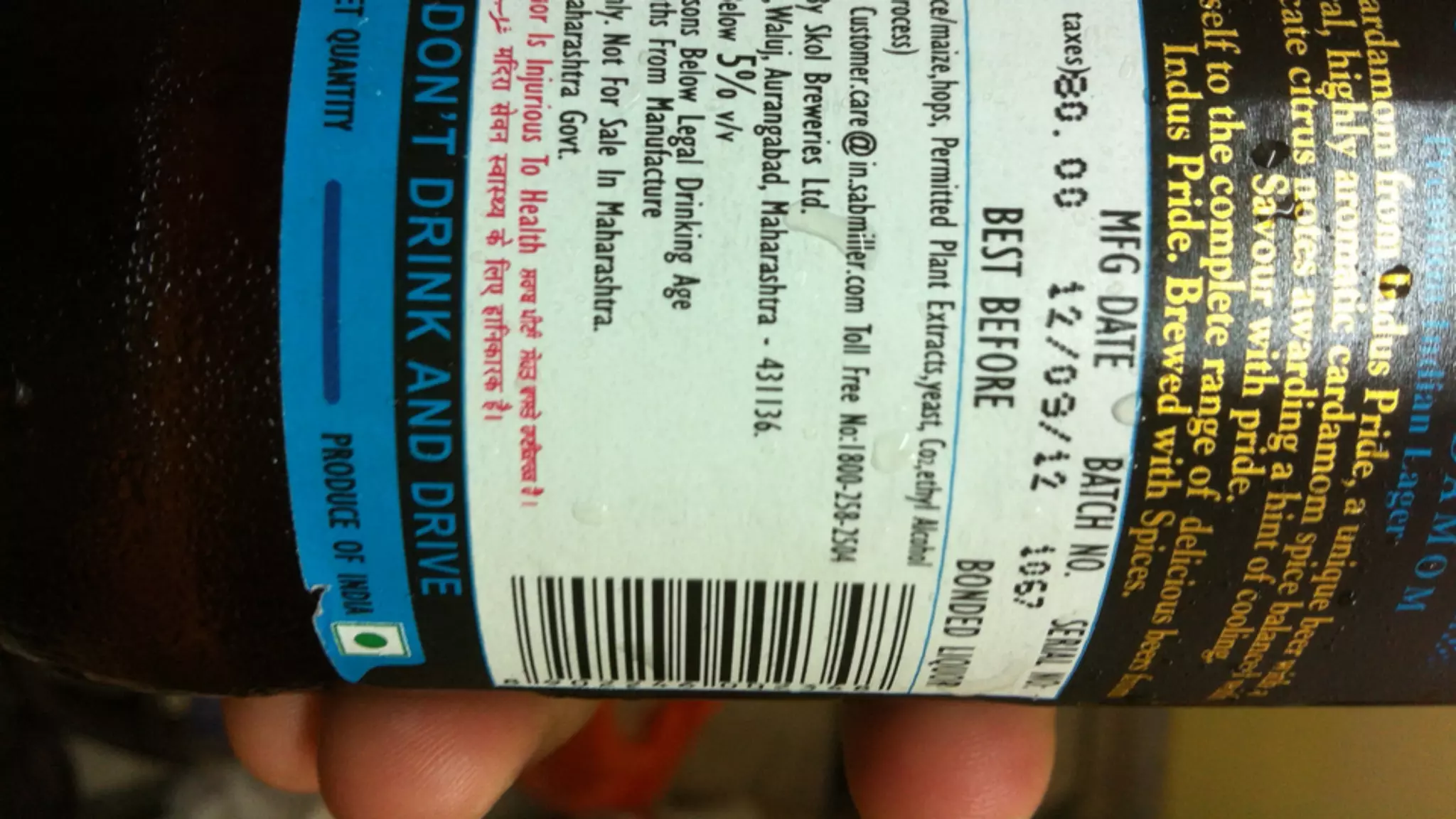
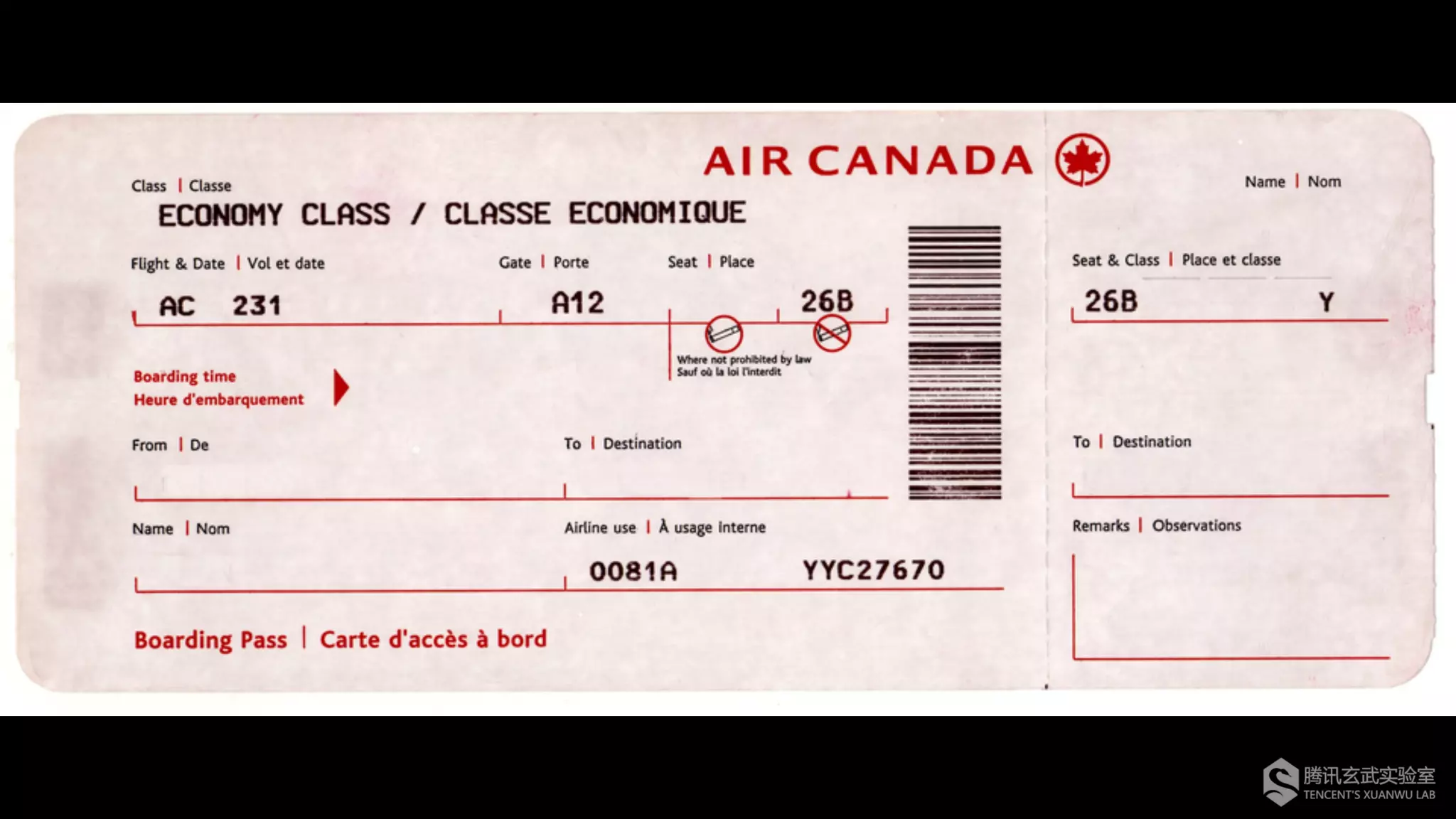
Though often be ignored, barcode is
the most ancient technology of IoT.
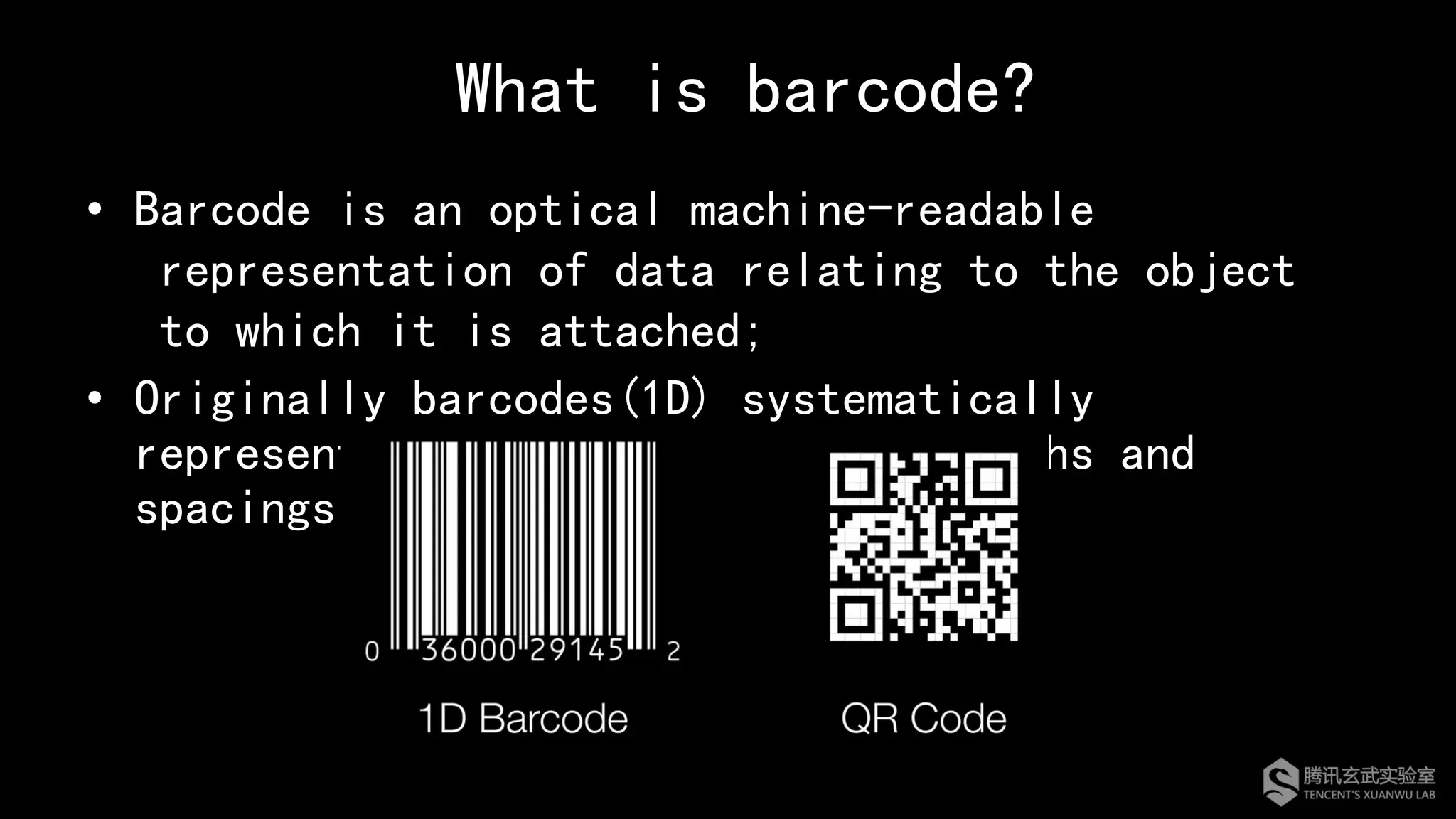
What is barcode?
•  Barcode is an optical machine-readable
representation of data relating to the object
to which it is attached;
•  Originally barcodes(1D) systematically
represented data by varying the widths and
spacings of parallel lines.
Barcode Symbology
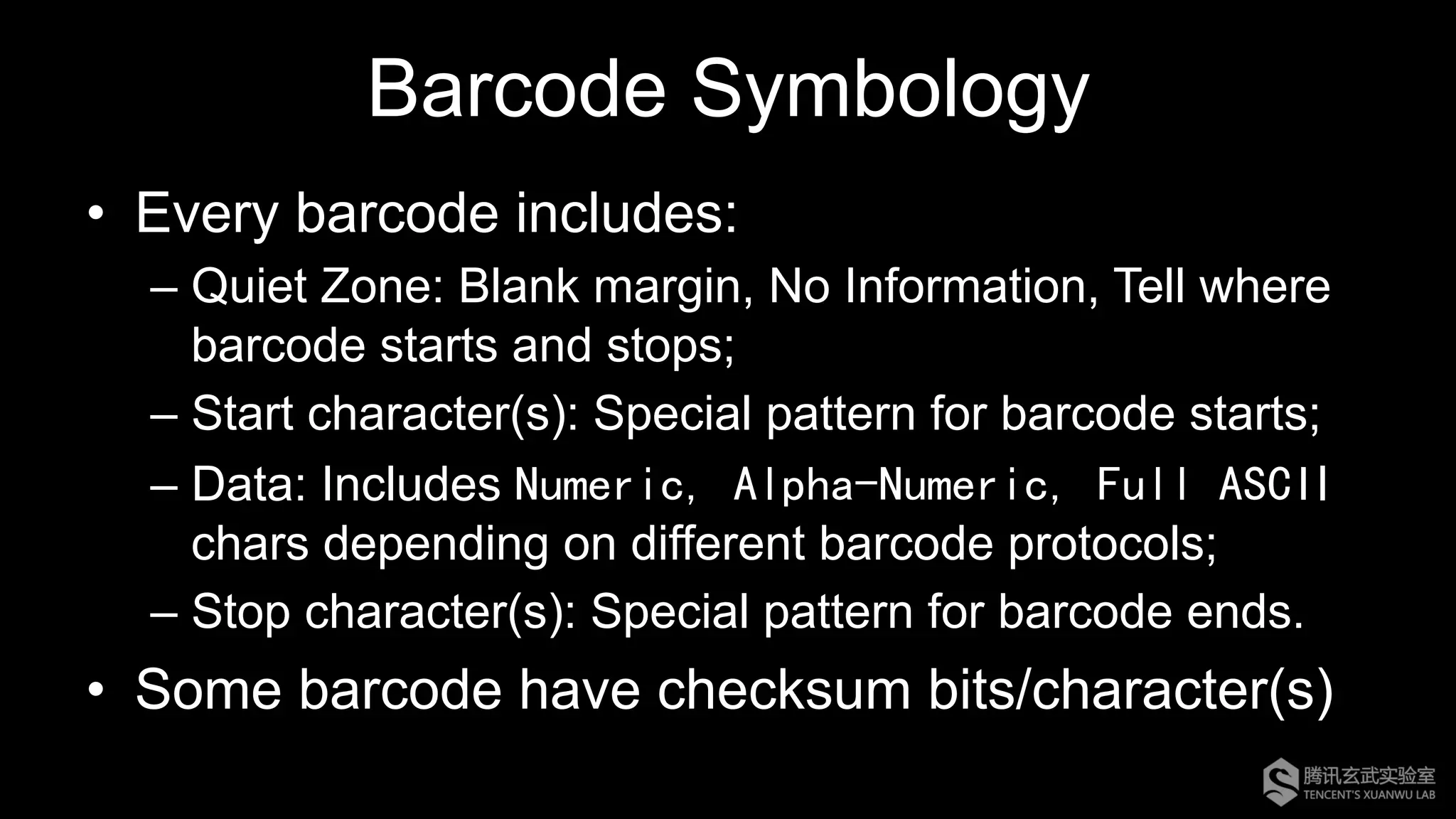
•  Every barcode includes:
– Quiet Zone: Blank margin, No Information, Tell where
barcode starts and stops;
– Start character(s): Special pattern for barcode starts;
– Data: Includes Numeric, Alpha-Numeric, Full ASCII
chars depending on different barcode protocols;
– Stop character(s): Special pattern for barcode ends.
•  Some barcode have checksum bits/character(s)
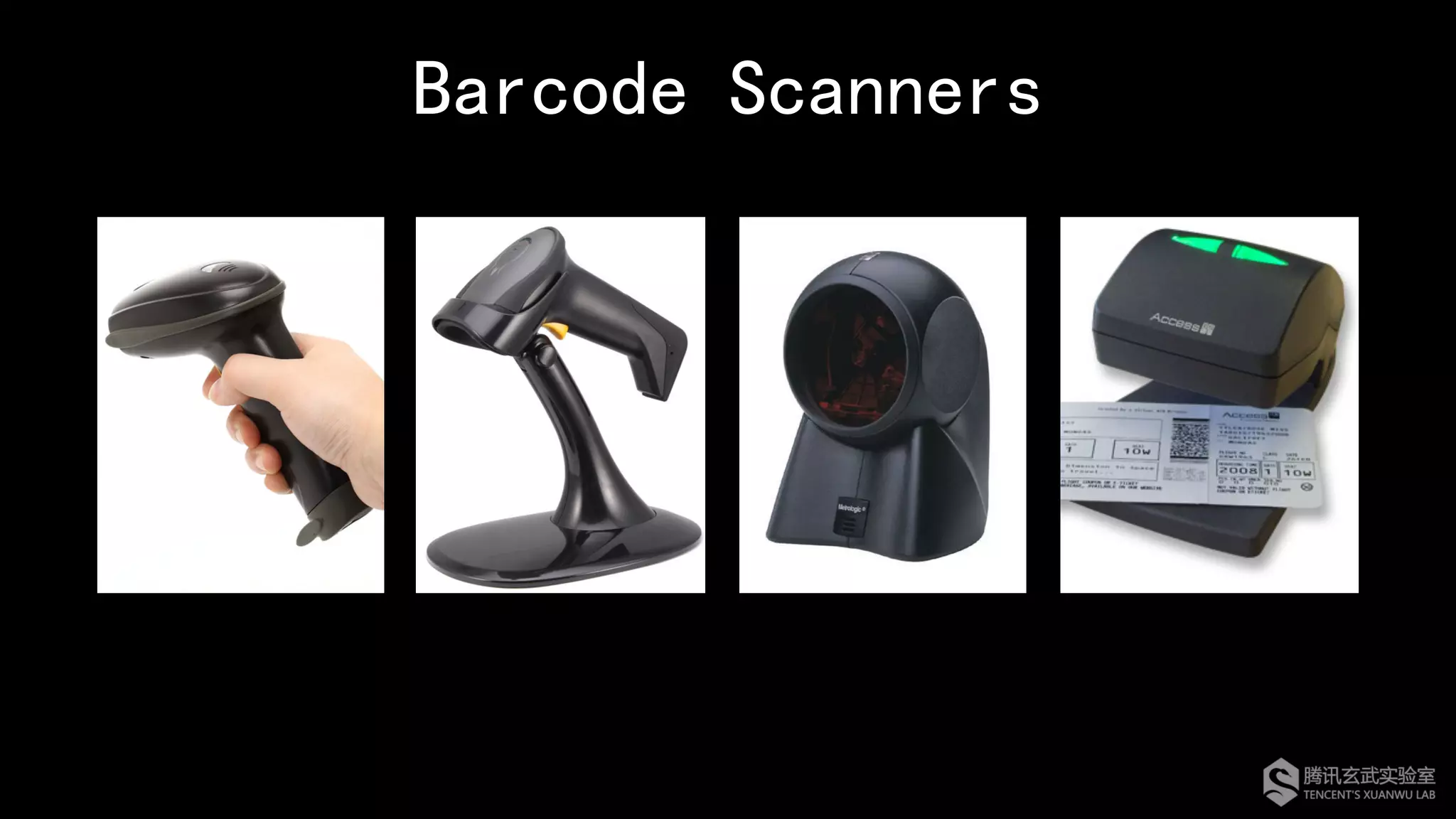
Barcode Scanners
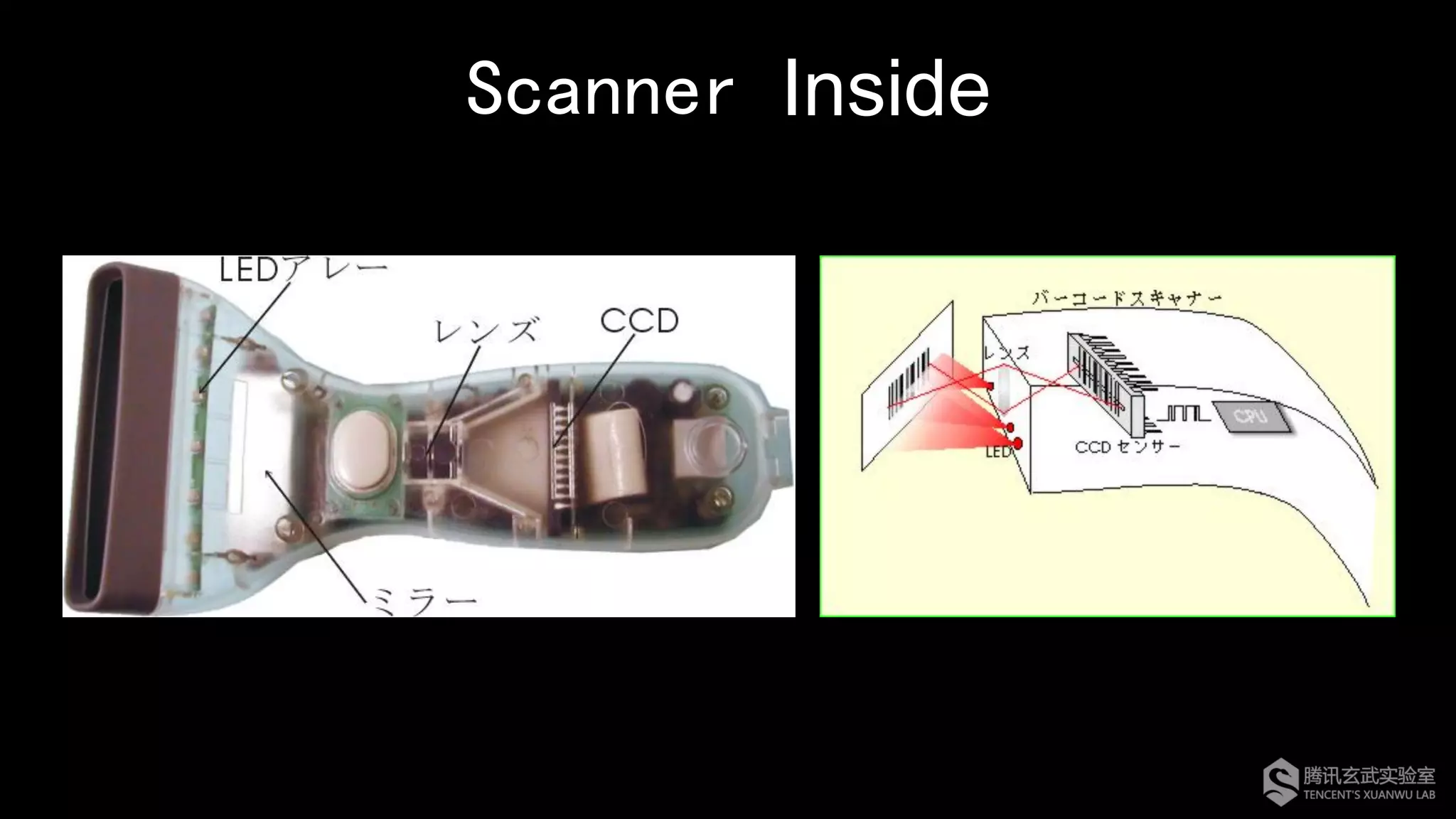
Scanner Inside
How Barcode Scanner Work
Capturing Decoding Transferring
RS232
PS/2
USB HID
…
Code 39
Code 128
QR Code
…
LED
Laser
CCD
CMOS
…
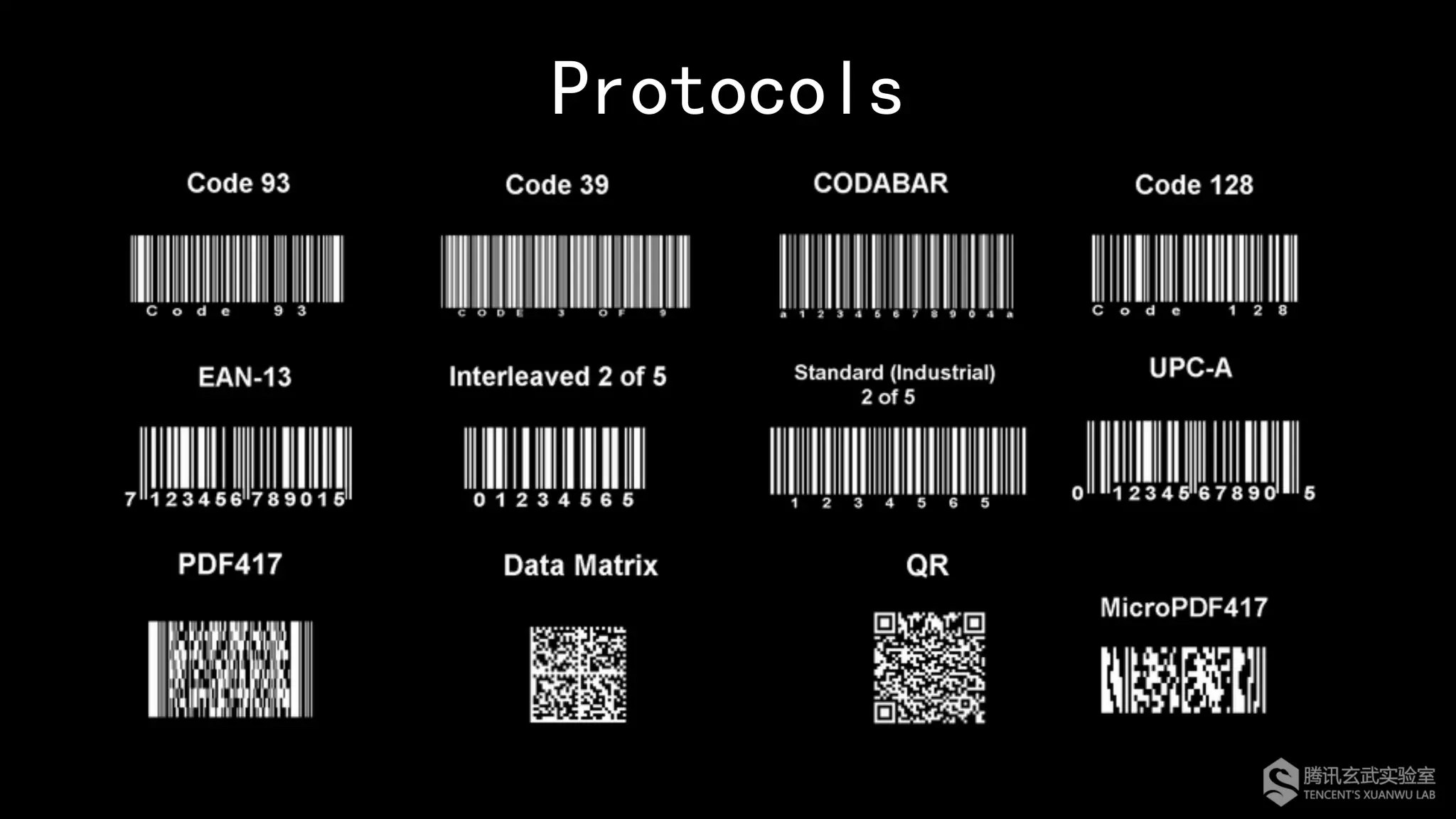
Protocols
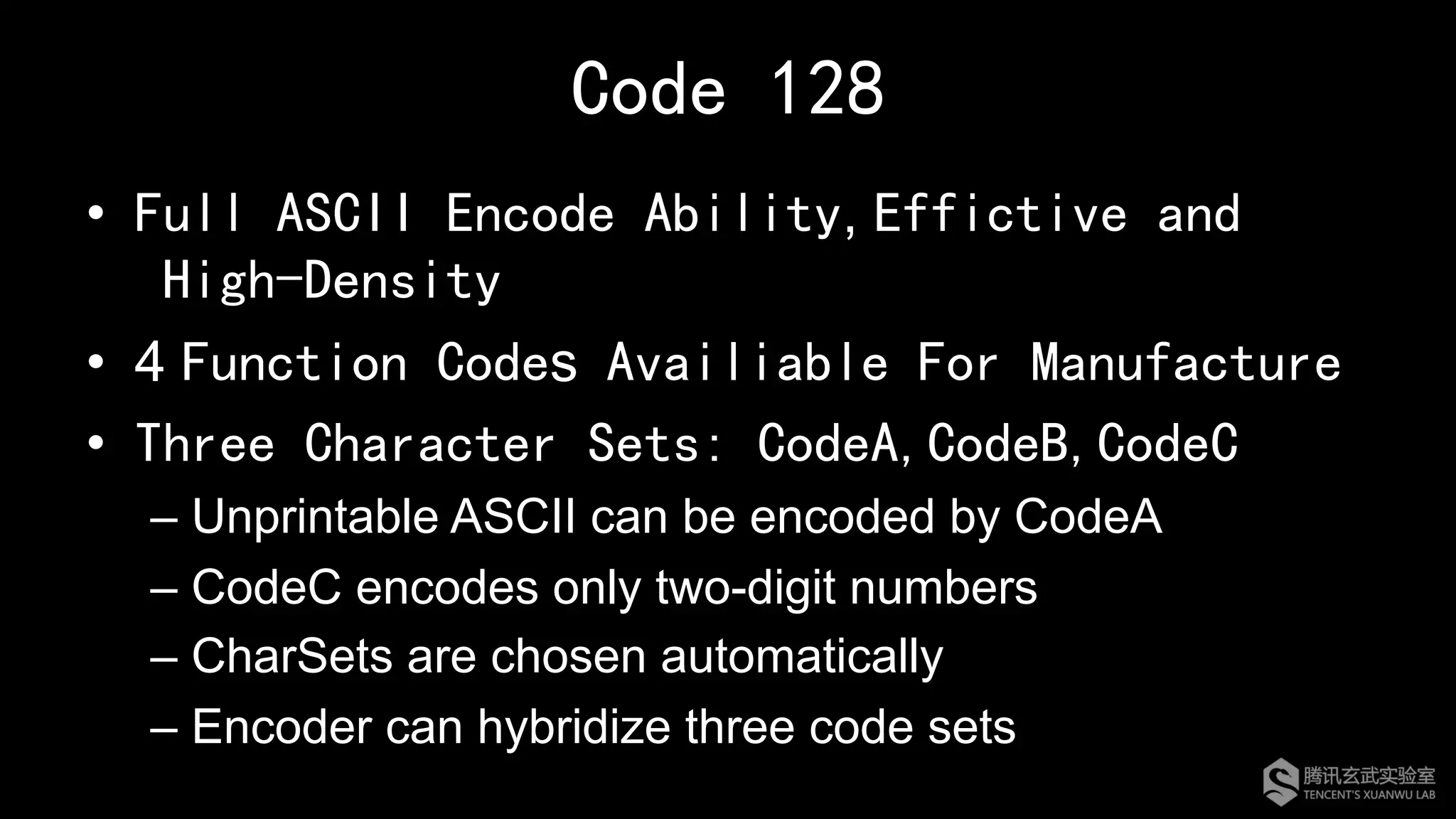
Code 128
•  Full ASCII Encode Ability, Effictive and
High-Density
•  4 Function Codes Availiable For Manufacture
•  Three Character Sets: CodeA,CodeB,CodeC
– Unprintable ASCII can be encoded by CodeA
– CodeC encodes only two-digit numbers
– CharSets are chosen automatically
– Encoder can hybridize three code sets
In addition to supporting standard protocols,
many manufacturers also typically implement
some of their unique features in scanners.
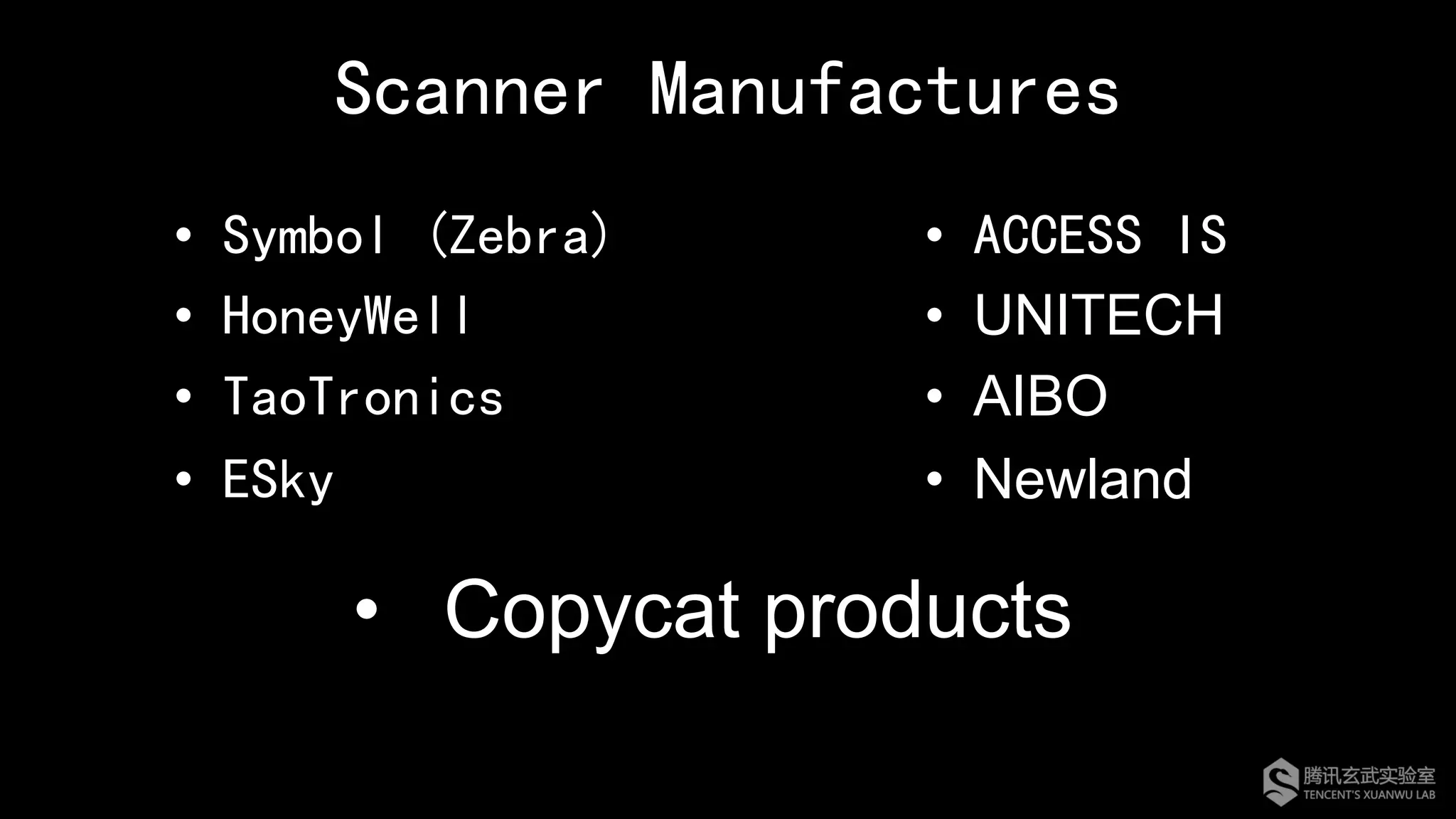
Scanner Manufactures
•  Symbol (Zebra)
•  HoneyWell
•  TaoTronics
•  ESky
•  ACCESS IS
•  UNITECH
•  AIBO
•  Newland
•  Copycat products
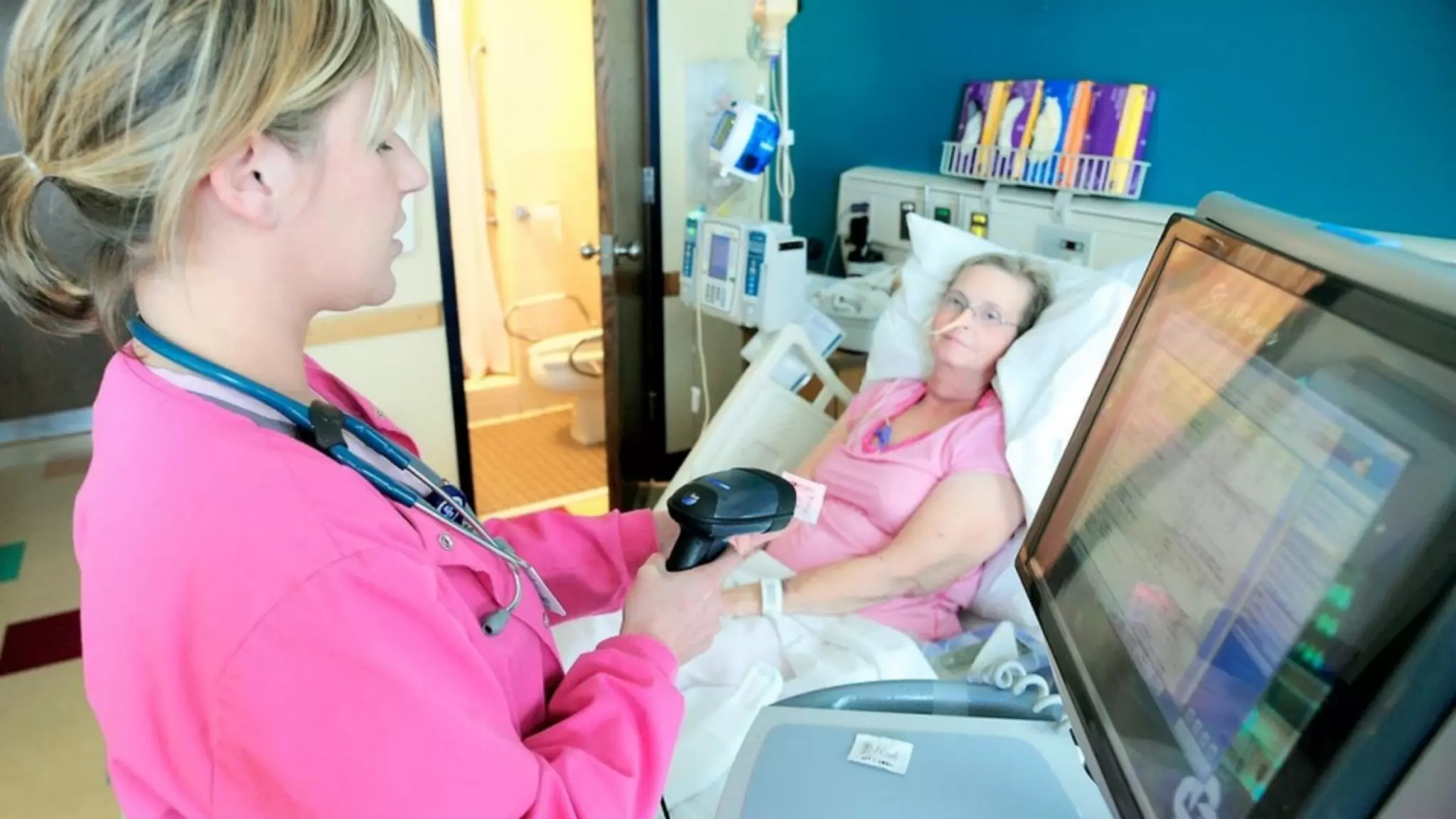
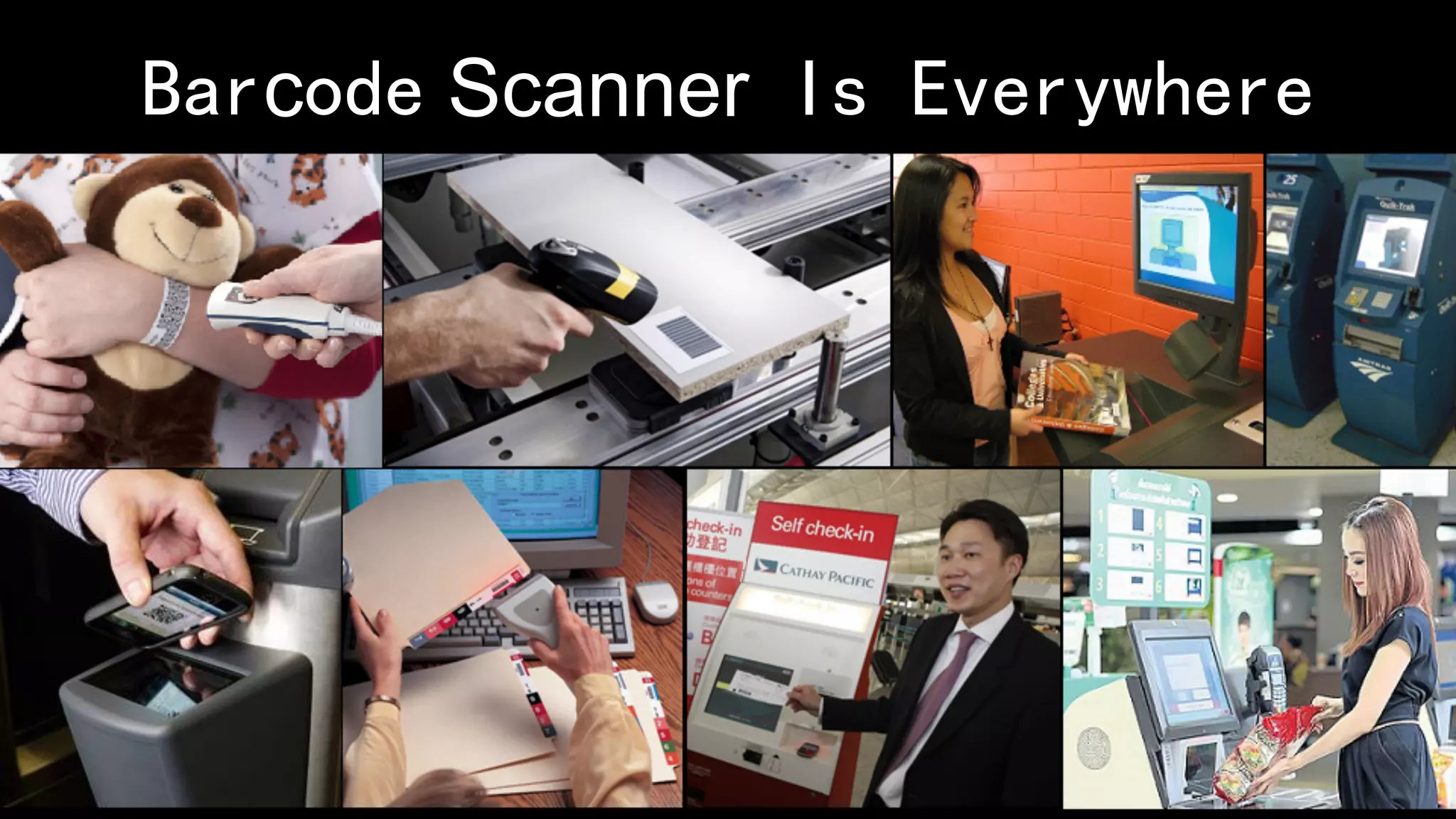
Barcode Scanner Is Everywhere
Previous Work on Barcodes Security
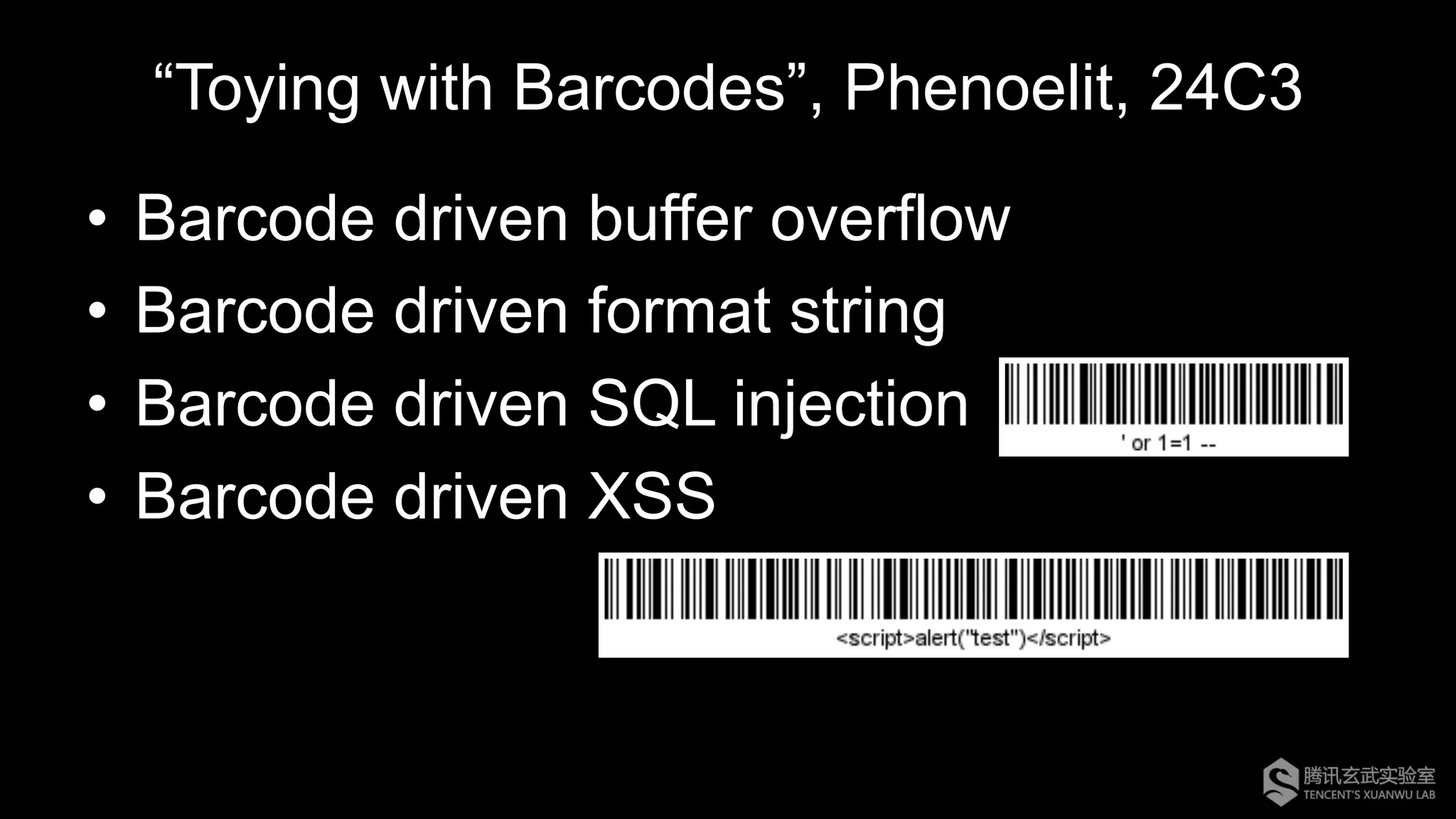
“Toying with Barcodes”, Phenoelit, 24C3
•  Barcode driven buffer overflow
•  Barcode driven format string
•  Barcode driven SQL injection
•  Barcode driven XSS
Other Scenarios
•  Predict and recreate barcodes
•  Duplicate barcodes
•  Phishing attacks by QR code
However, most of previous research
focused on the application that do not
properly process data from barcodes
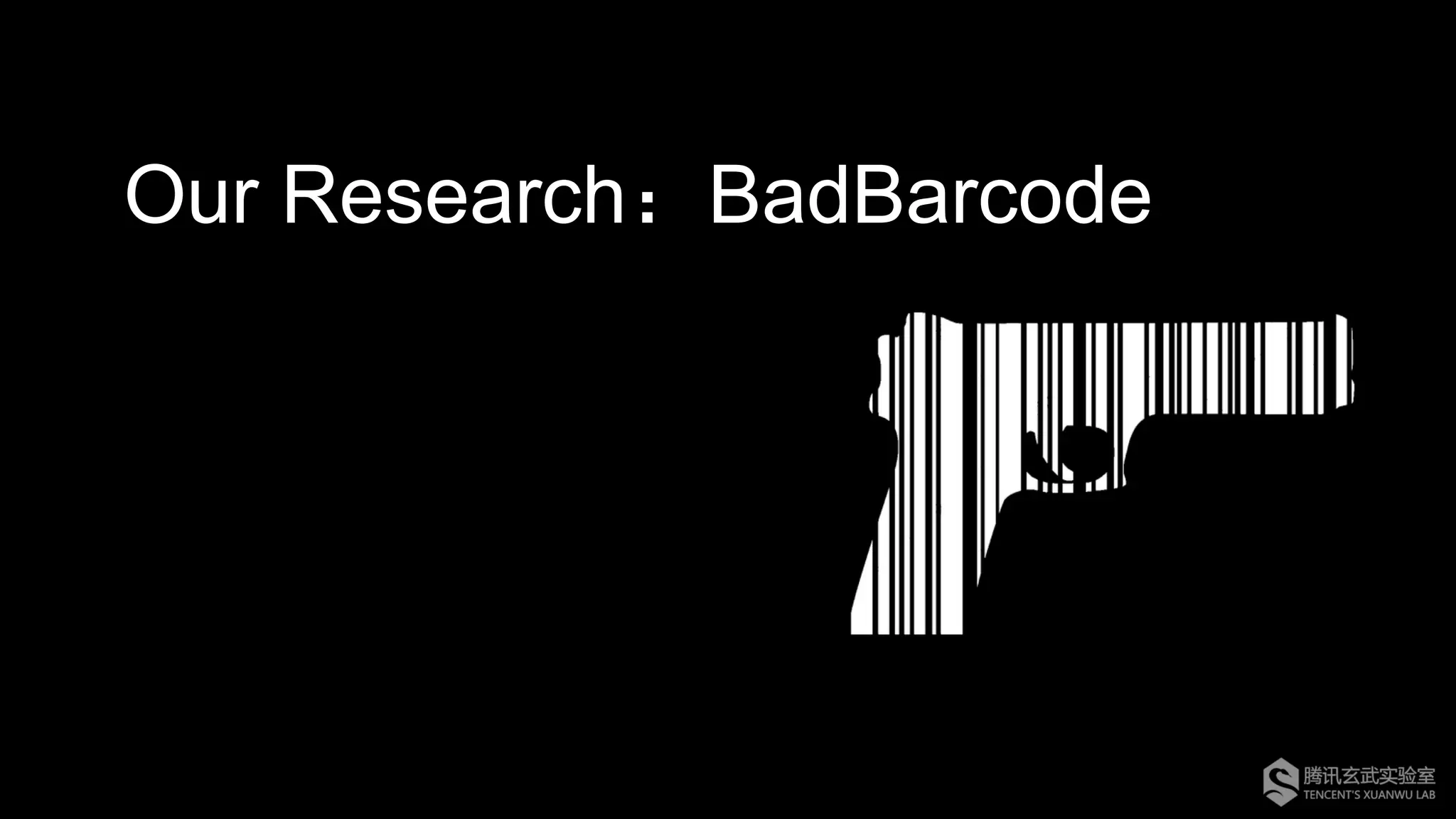
Our Research:BadBarcode
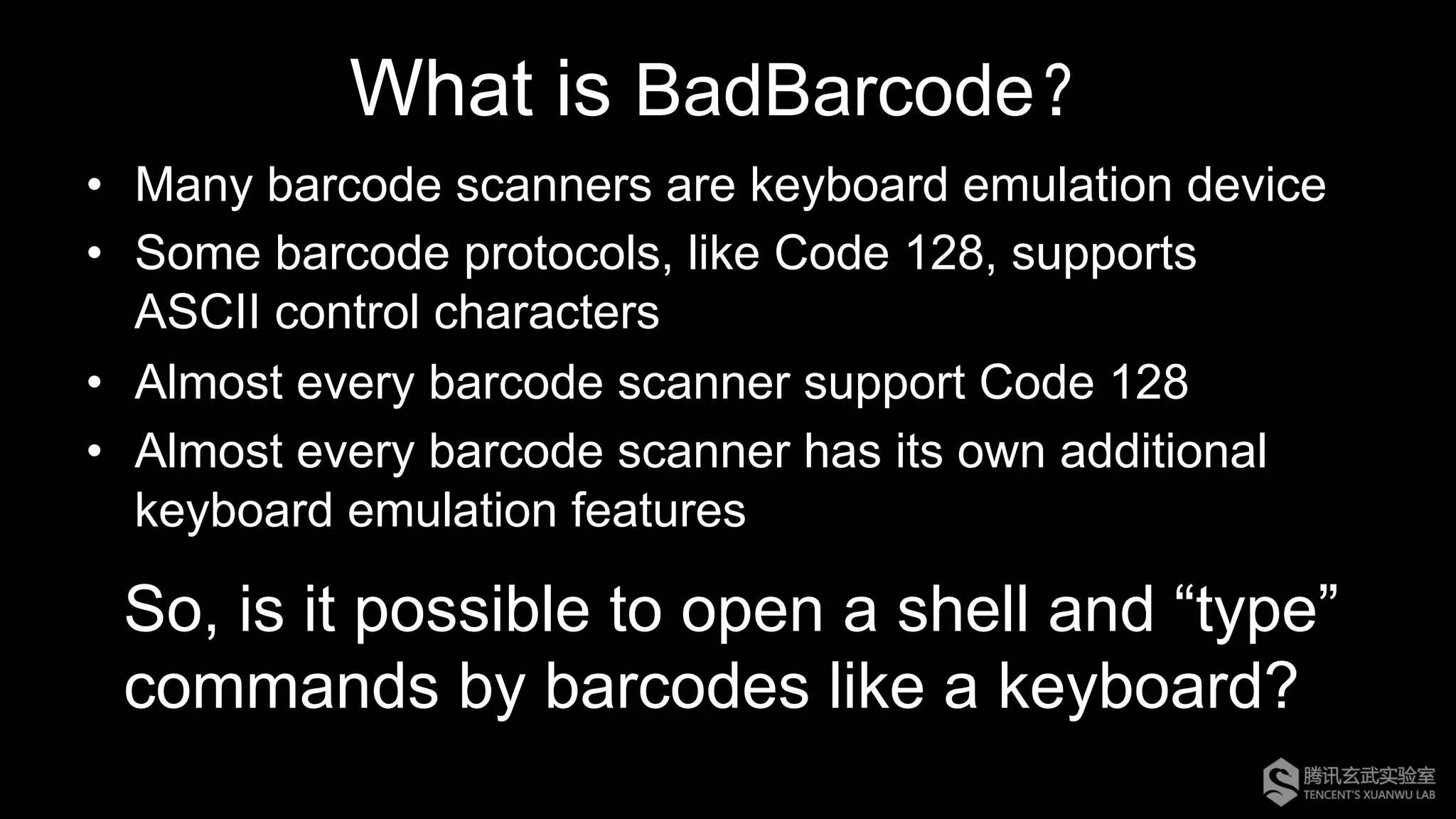
What is BadBarcode?
•  Many barcode scanners are keyboard emulation device
•  Some barcode protocols, like Code 128, supports
ASCII control characters
•  Almost every barcode scanner support Code 128
•  Almost every barcode scanner has its own additional
keyboard emulation features
So, is it possible to open a shell and “type”
commands by barcodes like a keyboard?
ASCII Table
Hex ASCII Scan code Hex ASCII Scan code Hex ASCII Scan code
00 NUL CTRL+2 0B VT CTRL+K 16 SYN CTRL+V
01 SOH CTRL+A 0C FF CTRL+L 17 TB CTRL+W
02 STX CTRL+B 0D CR CTRL+M 18 CAN CTRL+X
03 ETX CTRL+C 0E SO CTRL+N 19 EM CTRL+Y
04 EOT CTRL+D 0F SI CTRL+O 1A SUB CTRL+Z
05 ENQ CTRL+E 10 DLE CTRL+P 1B ESC CTRL+[
06 ACK CTRL+F 11 DC1 CTRL+Q 1C FS CTRL+
07 BEL CTRL+G 12 DC2 CTRL+R 1D GS CTRL+]
08 BS CTRL+H 13 DC3 CTRL+S 1E RS CTRL+6
09 HT CTRL+I 14 DC4 CTRL+T 1F US CTRL+-
0A LF CTRL+J 15 NAK CTRL+U 7F DEL *
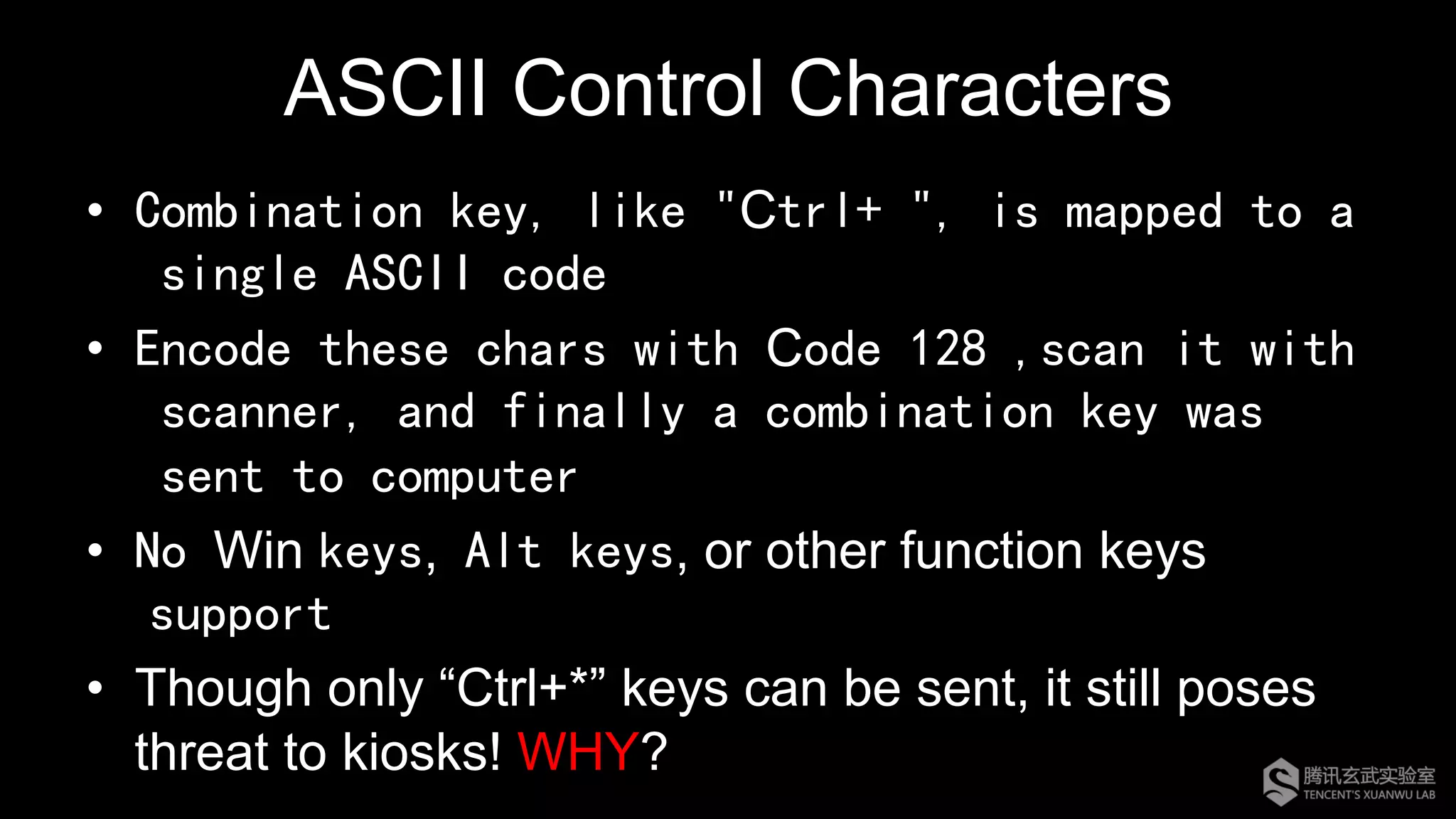
ASCII Control Characters
•  Combination key, like "Ctrl+ ", is mapped to a
single ASCII code
•  Encode these chars with Code 128 ,scan it with
scanner, and finally a combination key was
sent to computer
•  No Win keys, Alt keys, or other function keys
support
•  Though only “Ctrl+*” keys can be sent, it still poses
threat to kiosks! WHY?
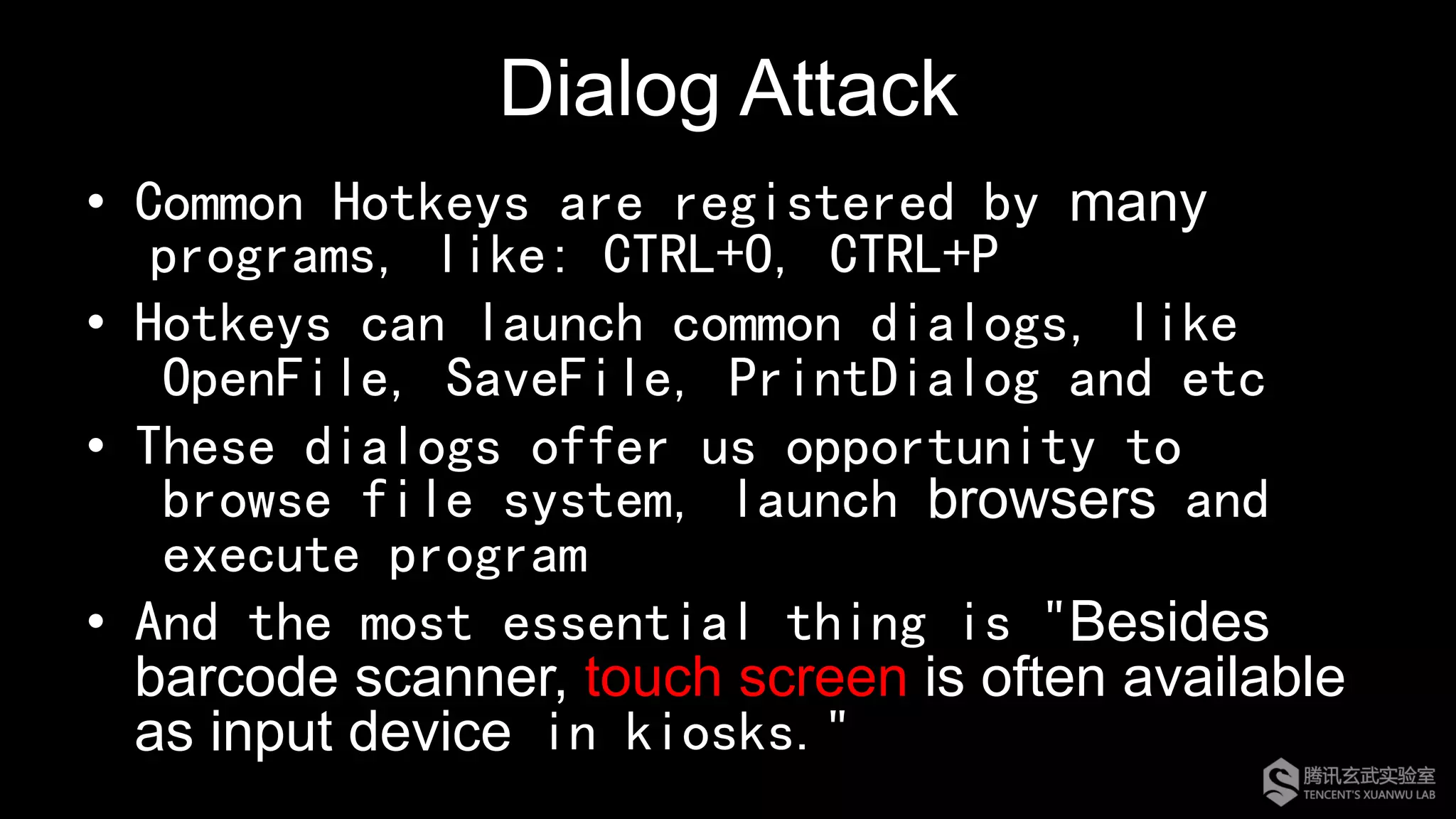
Dialog Attack
•  Common Hotkeys are registered by many
programs, like: CTRL+O, CTRL+P
•  Hotkeys can launch common dialogs, like
OpenFile, SaveFile, PrintDialog and etc
•  These dialogs offer us opportunity to
browse file system, launch browsers and
execute program
•  And the most essential thing is "Besides
barcode scanner, touch screen is often available
as input device in kiosks."
Demo 1: Dialog Attack
What about Win+R?
If there is no touch screen, is it
possible to make a blind attack?
ADF(Advanced Data Formatting)
•  Symbol Technologies Invent this
•  Scanned data can be edited to suit particular
requirements before transmitted to host device
•  Specified Key can be sent to computer
•  Set up ONLY by scanning barcodes!
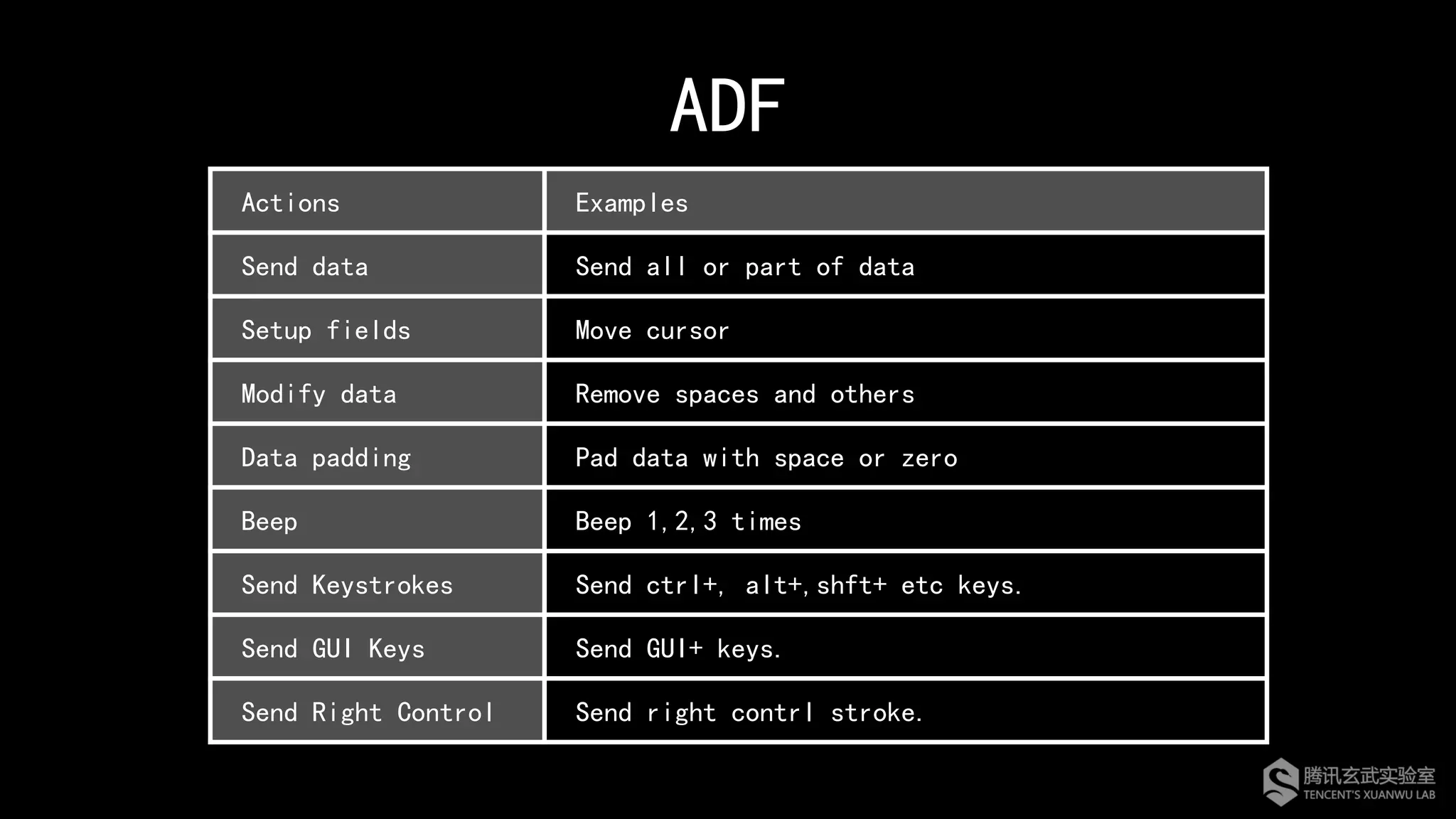
ADF
Actions Examples
Send data Send all or part of data
Setup fields Move cursor
Modify data Remove spaces and others
Data padding Pad data with space or zero
Beep Beep 1,2,3 times
Send Keystrokes Send ctrl+, alt+,shft+ etc keys.
Send GUI Keys Send GUI+ keys.
Send Right Control Send right contrl stroke.
Demo 2: ADF Attack
Unfortunately, not all scanners support
read barcodes from LCD/LED screen.
Can this attack be cooler ?
Can we do it automatically?
What about making an android APP?
Though scanners which read barcodes from
LCD/LED screen exist, many of them read
barcodes from materials which can absorb
and reflect light of certain wavelength.
However, LCD/LED screen display images
by modulating backlight rather absorbing
and reflecting lights, which means total black
for barcode scanners.
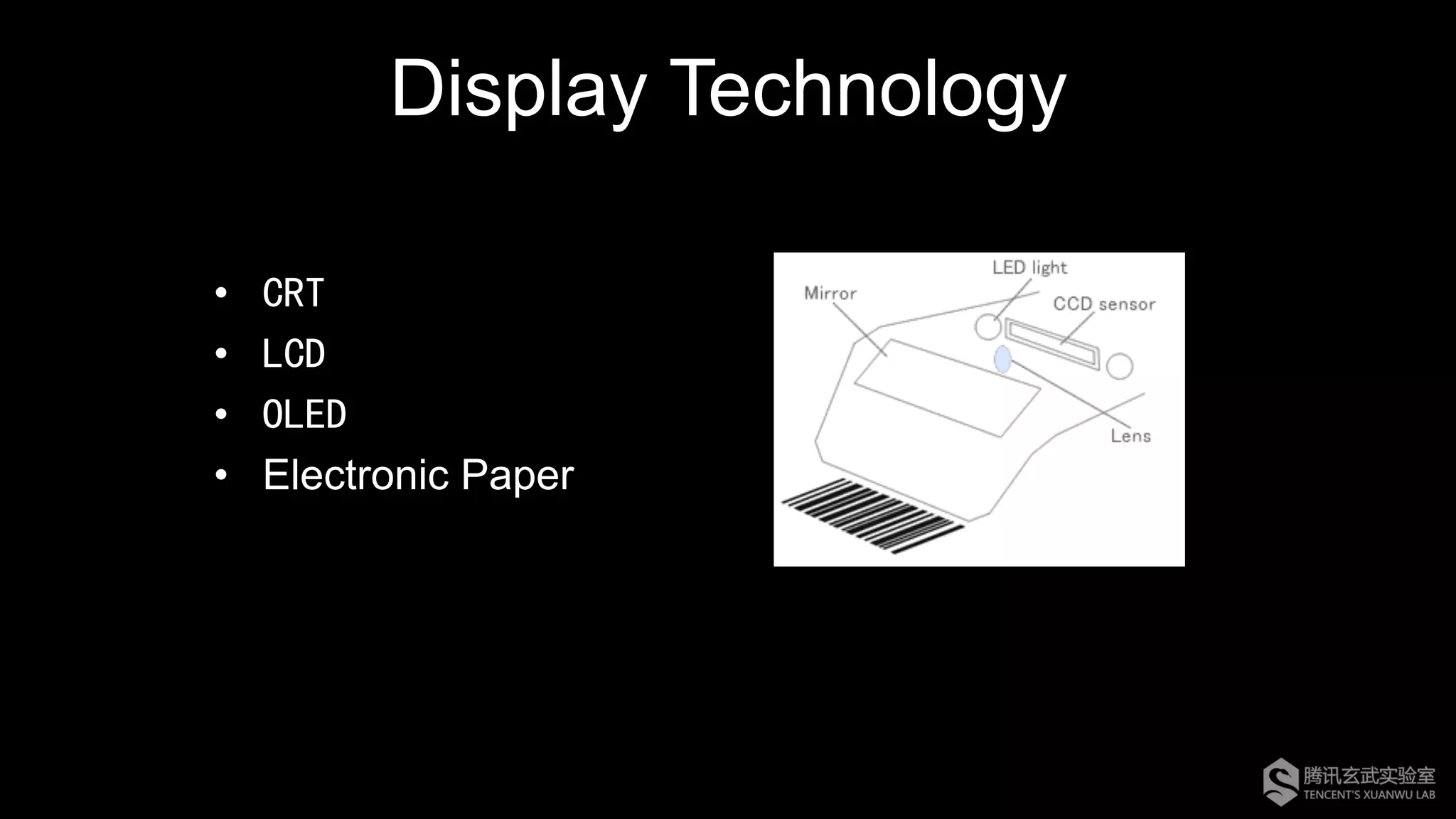
Display Technology
•  CRT
•  LCD
•  OLED
•  Electronic Paper
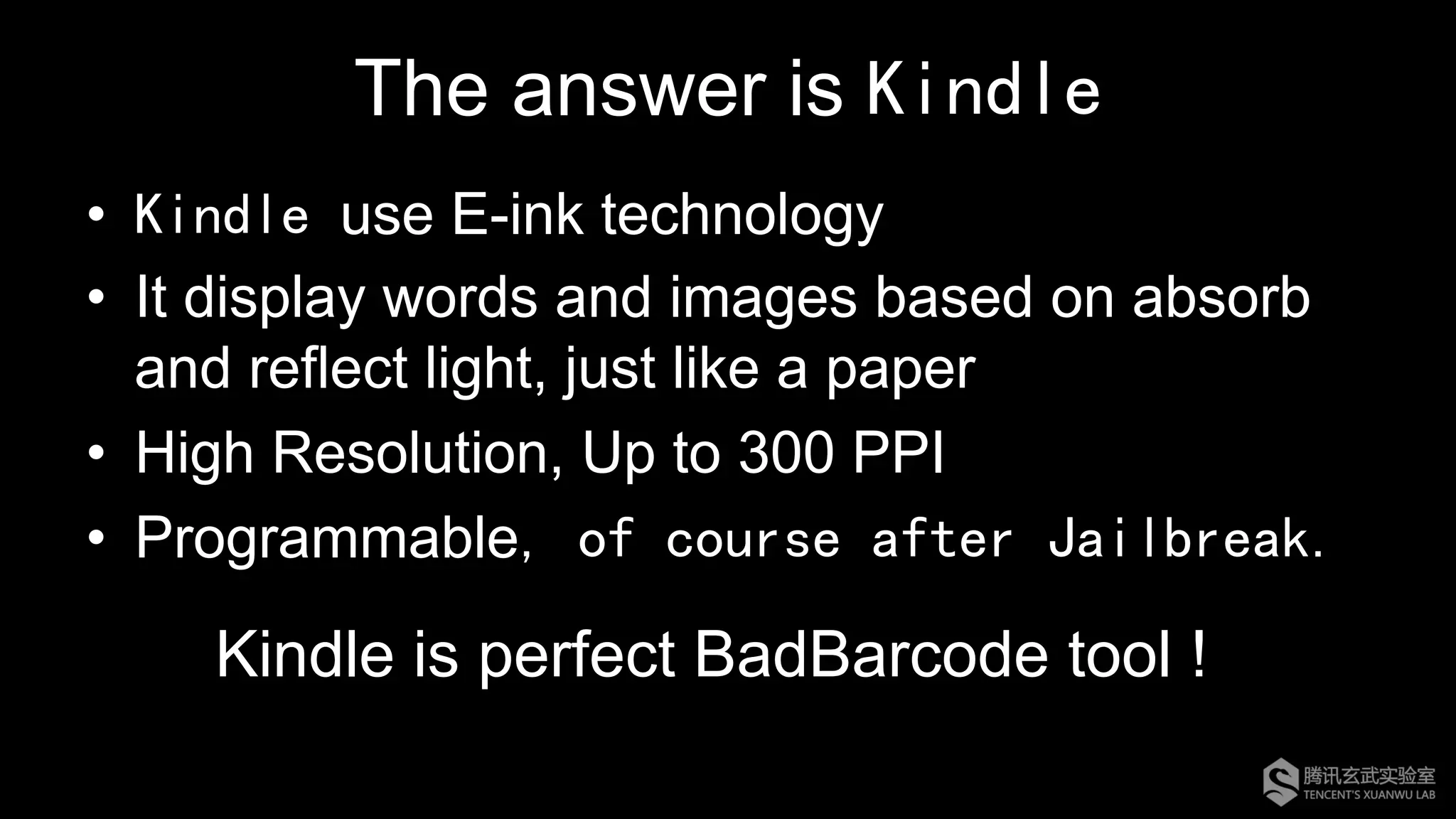
The answer is Kindle
•  Kindle use E-ink technology
•  It display words and images based on absorb
and reflect light, just like a paper
•  High Resolution, Up to 300 PPI
•  Programmable, of course after Jailbreak.
Kindle is perfect BadBarcode tool !
Demo 3: Fully-automated ADF Attack
Can we execute a command
by only one single barcode?
Yes, for some products, it is possible
But, the product in the next demo is widely
used in many really serious places, like
airports, so we would not disclose details
this time
Let’s just see the demo
Demo 4: A Piece of Paper Attack
Summary
BadBarcode is not a vulnerability of a certain product. It’s
even difficult to say that BadBarcode is the problem of
scanners or host systems.
So when we discovered BadBarcode, we even do not
know which manufacturer should be reported.
Although our demos is based on Windows, but in fact it
can attack any system as long as there is appropriate
hotkey.
Summary
•  BadBarcode is really a serious problem
•  Host system using keyboard emulation barcode scanner is
potentially vulnerable
•  Kiosks with touch screen and barcode scanner are easy to be
compromised
•  Barcode scanner that support ADF or some special keyboard
emulation features can be utilized to achieve automatic and
advanced attack
•  Other device via keyboard emulation connection might
suffer from the same problem
•  Keyboard Wedge RFID/NFC Reader ?
Security Suggestions
•  For barcode scanner manufactures
– Do NOT enable ADF or other additional features by
default
– Do NOT transmit ASCII control characters to host
device by default
•  For host system manufactures
– Do NOT use keyboard emulation barcode scanner as
far as possible
– Do NOT implement hotkeys in application, and
disable system hotkeys
Acknowledgement
•  My leader : tombkeeper
•  All team members in Xuanwu Lab
Q&A

Hyperchem Ma, badbarcode en_1109_nocomment-final

  • 1.
    BadBarcode: How tohack a starship with a piece of paper Hyperchem Ma Tencent’s Xuanwu Lab http://xlab.tencent.com @XuanwuLab
  • 2.
    Who am I? Security Researcher @ – Embedded Device Security – Firmware Reverse-Engineering – Big Fan of IoT
  • 3.
    Wait, hack astarship?
  • 4.
  • 7.
  • 8.
    Though often beignored, barcode is the most ancient technology of IoT.
  • 9.
    What is barcode? • Barcode is an optical machine-readable representation of data relating to the object to which it is attached; •  Originally barcodes(1D) systematically represented data by varying the widths and spacings of parallel lines.
  • 14.
    Barcode Symbology •  Everybarcode includes: – Quiet Zone: Blank margin, No Information, Tell where barcode starts and stops; – Start character(s): Special pattern for barcode starts; – Data: Includes Numeric, Alpha-Numeric, Full ASCII chars depending on different barcode protocols; – Stop character(s): Special pattern for barcode ends. •  Some barcode have checksum bits/character(s)
  • 15.
  • 16.
  • 17.
    How Barcode ScannerWork Capturing Decoding Transferring RS232 PS/2 USB HID … Code 39 Code 128 QR Code … LED Laser CCD CMOS …
  • 18.
  • 19.
    Code 128 •  FullASCII Encode Ability, Effictive and High-Density •  4 Function Codes Availiable For Manufacture •  Three Character Sets: CodeA,CodeB,CodeC – Unprintable ASCII can be encoded by CodeA – CodeC encodes only two-digit numbers – CharSets are chosen automatically – Encoder can hybridize three code sets
  • 20.
    In addition tosupporting standard protocols, many manufacturers also typically implement some of their unique features in scanners.
  • 21.
    Scanner Manufactures •  Symbol(Zebra) •  HoneyWell •  TaoTronics •  ESky •  ACCESS IS •  UNITECH •  AIBO •  Newland •  Copycat products
  • 22.
  • 24.
    Previous Work onBarcodes Security
  • 25.
    “Toying with Barcodes”,Phenoelit, 24C3 •  Barcode driven buffer overflow •  Barcode driven format string •  Barcode driven SQL injection •  Barcode driven XSS
  • 26.
    Other Scenarios •  Predictand recreate barcodes •  Duplicate barcodes •  Phishing attacks by QR code However, most of previous research focused on the application that do not properly process data from barcodes
  • 27.
  • 28.
    What is BadBarcode? • Many barcode scanners are keyboard emulation device •  Some barcode protocols, like Code 128, supports ASCII control characters •  Almost every barcode scanner support Code 128 •  Almost every barcode scanner has its own additional keyboard emulation features So, is it possible to open a shell and “type” commands by barcodes like a keyboard?
  • 29.
    ASCII Table Hex ASCIIScan code Hex ASCII Scan code Hex ASCII Scan code 00 NUL CTRL+2 0B VT CTRL+K 16 SYN CTRL+V 01 SOH CTRL+A 0C FF CTRL+L 17 TB CTRL+W 02 STX CTRL+B 0D CR CTRL+M 18 CAN CTRL+X 03 ETX CTRL+C 0E SO CTRL+N 19 EM CTRL+Y 04 EOT CTRL+D 0F SI CTRL+O 1A SUB CTRL+Z 05 ENQ CTRL+E 10 DLE CTRL+P 1B ESC CTRL+[ 06 ACK CTRL+F 11 DC1 CTRL+Q 1C FS CTRL+ 07 BEL CTRL+G 12 DC2 CTRL+R 1D GS CTRL+] 08 BS CTRL+H 13 DC3 CTRL+S 1E RS CTRL+6 09 HT CTRL+I 14 DC4 CTRL+T 1F US CTRL+- 0A LF CTRL+J 15 NAK CTRL+U 7F DEL *
  • 30.
    ASCII Control Characters • Combination key, like "Ctrl+ ", is mapped to a single ASCII code •  Encode these chars with Code 128 ,scan it with scanner, and finally a combination key was sent to computer •  No Win keys, Alt keys, or other function keys support •  Though only “Ctrl+*” keys can be sent, it still poses threat to kiosks! WHY?
  • 31.
    Dialog Attack •  CommonHotkeys are registered by many programs, like: CTRL+O, CTRL+P •  Hotkeys can launch common dialogs, like OpenFile, SaveFile, PrintDialog and etc •  These dialogs offer us opportunity to browse file system, launch browsers and execute program •  And the most essential thing is "Besides barcode scanner, touch screen is often available as input device in kiosks."
  • 32.
  • 33.
    What about Win+R? Ifthere is no touch screen, is it possible to make a blind attack?
  • 34.
    ADF(Advanced Data Formatting) • Symbol Technologies Invent this •  Scanned data can be edited to suit particular requirements before transmitted to host device •  Specified Key can be sent to computer •  Set up ONLY by scanning barcodes!
  • 35.
    ADF Actions Examples Send dataSend all or part of data Setup fields Move cursor Modify data Remove spaces and others Data padding Pad data with space or zero Beep Beep 1,2,3 times Send Keystrokes Send ctrl+, alt+,shft+ etc keys. Send GUI Keys Send GUI+ keys. Send Right Control Send right contrl stroke.
  • 36.
  • 37.
    Unfortunately, not allscanners support read barcodes from LCD/LED screen. Can this attack be cooler ? Can we do it automatically? What about making an android APP?
  • 38.
    Though scanners whichread barcodes from LCD/LED screen exist, many of them read barcodes from materials which can absorb and reflect light of certain wavelength. However, LCD/LED screen display images by modulating backlight rather absorbing and reflecting lights, which means total black for barcode scanners.
  • 39.
    Display Technology •  CRT • LCD •  OLED •  Electronic Paper
  • 40.
    The answer isKindle •  Kindle use E-ink technology •  It display words and images based on absorb and reflect light, just like a paper •  High Resolution, Up to 300 PPI •  Programmable, of course after Jailbreak. Kindle is perfect BadBarcode tool !
  • 41.
  • 42.
    Can we executea command by only one single barcode? Yes, for some products, it is possible
  • 43.
    But, the productin the next demo is widely used in many really serious places, like airports, so we would not disclose details this time Let’s just see the demo
  • 44.
    Demo 4: APiece of Paper Attack
  • 45.
    Summary BadBarcode is nota vulnerability of a certain product. It’s even difficult to say that BadBarcode is the problem of scanners or host systems. So when we discovered BadBarcode, we even do not know which manufacturer should be reported. Although our demos is based on Windows, but in fact it can attack any system as long as there is appropriate hotkey.
  • 46.
    Summary •  BadBarcode isreally a serious problem •  Host system using keyboard emulation barcode scanner is potentially vulnerable •  Kiosks with touch screen and barcode scanner are easy to be compromised •  Barcode scanner that support ADF or some special keyboard emulation features can be utilized to achieve automatic and advanced attack •  Other device via keyboard emulation connection might suffer from the same problem •  Keyboard Wedge RFID/NFC Reader ?
  • 47.
    Security Suggestions •  Forbarcode scanner manufactures – Do NOT enable ADF or other additional features by default – Do NOT transmit ASCII control characters to host device by default •  For host system manufactures – Do NOT use keyboard emulation barcode scanner as far as possible – Do NOT implement hotkeys in application, and disable system hotkeys
  • 48.
    Acknowledgement •  My leader: tombkeeper •  All team members in Xuanwu Lab
  • 49.